|
| Group |
Round |
C/R |
Comment |
Date |
Image |
| 71 |
Jun 21 |
Reply |
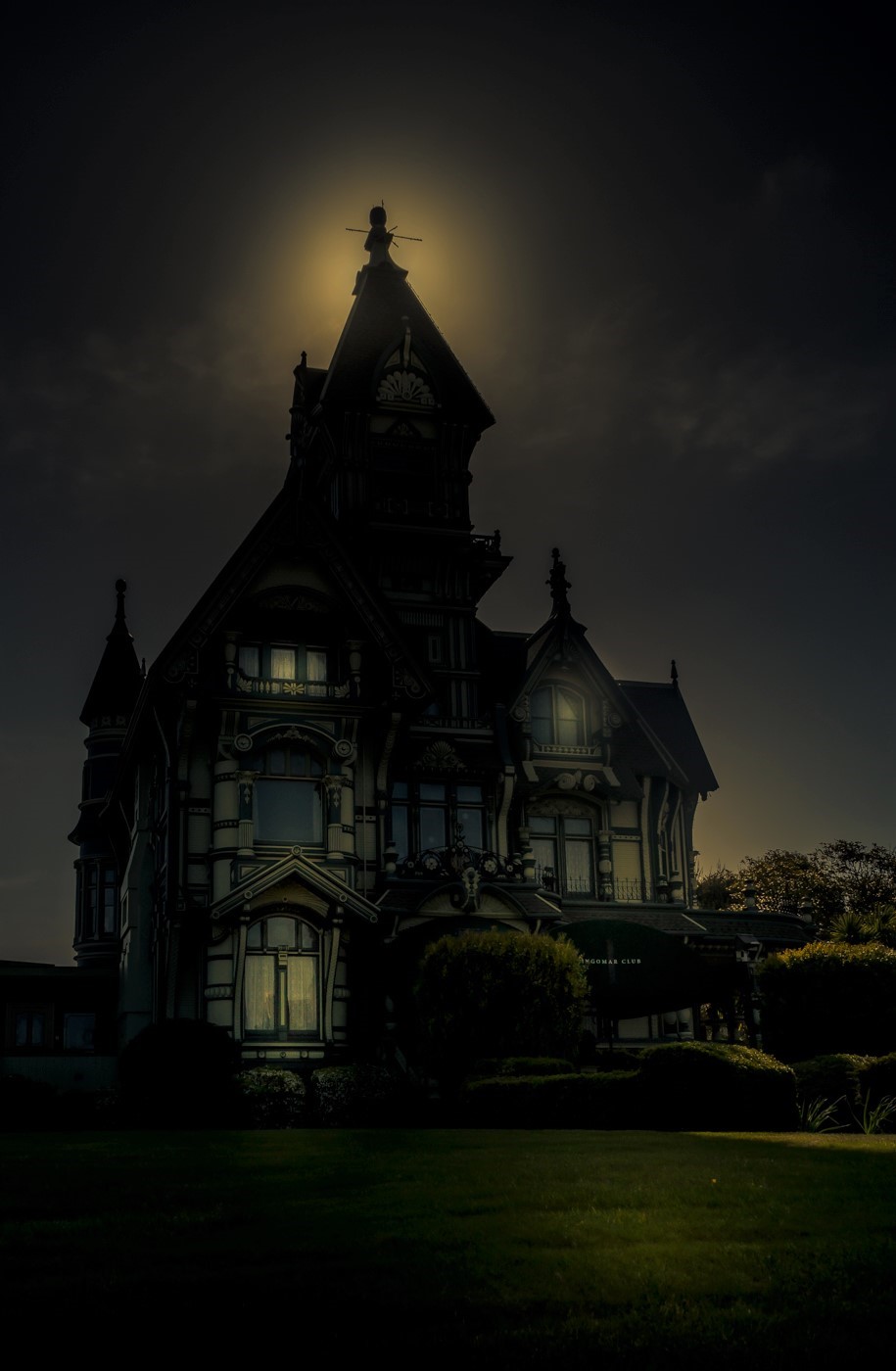
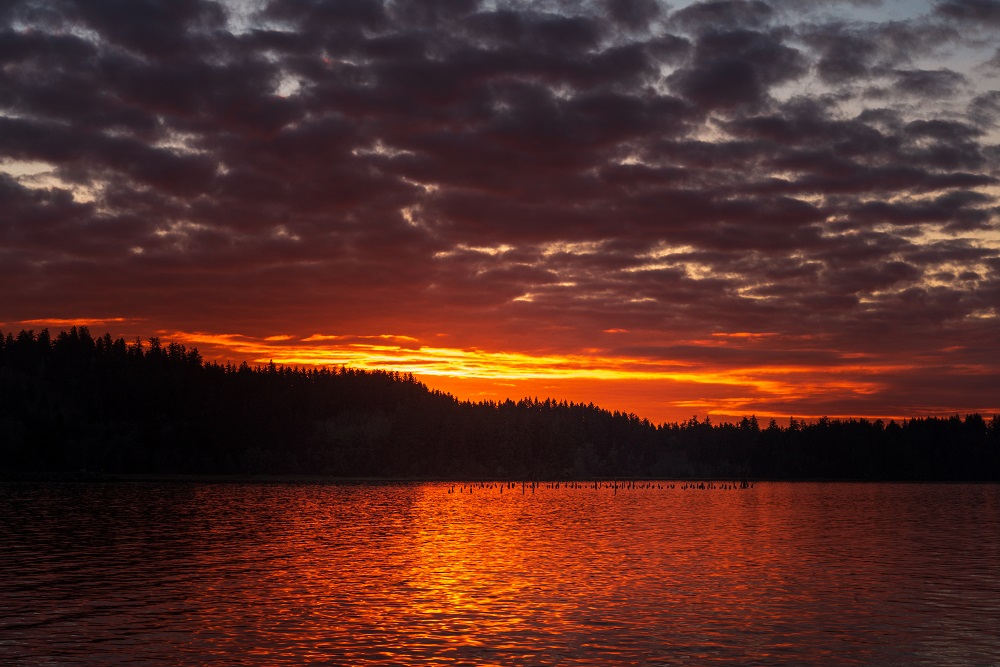
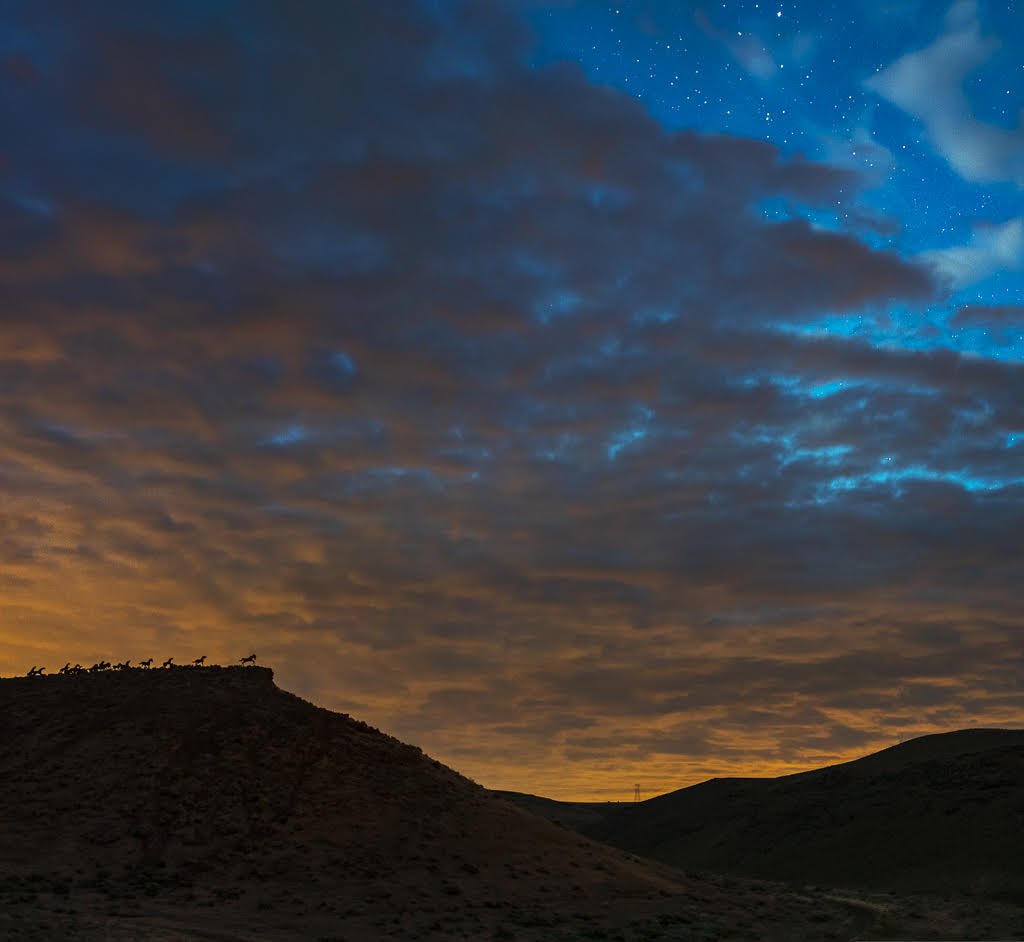
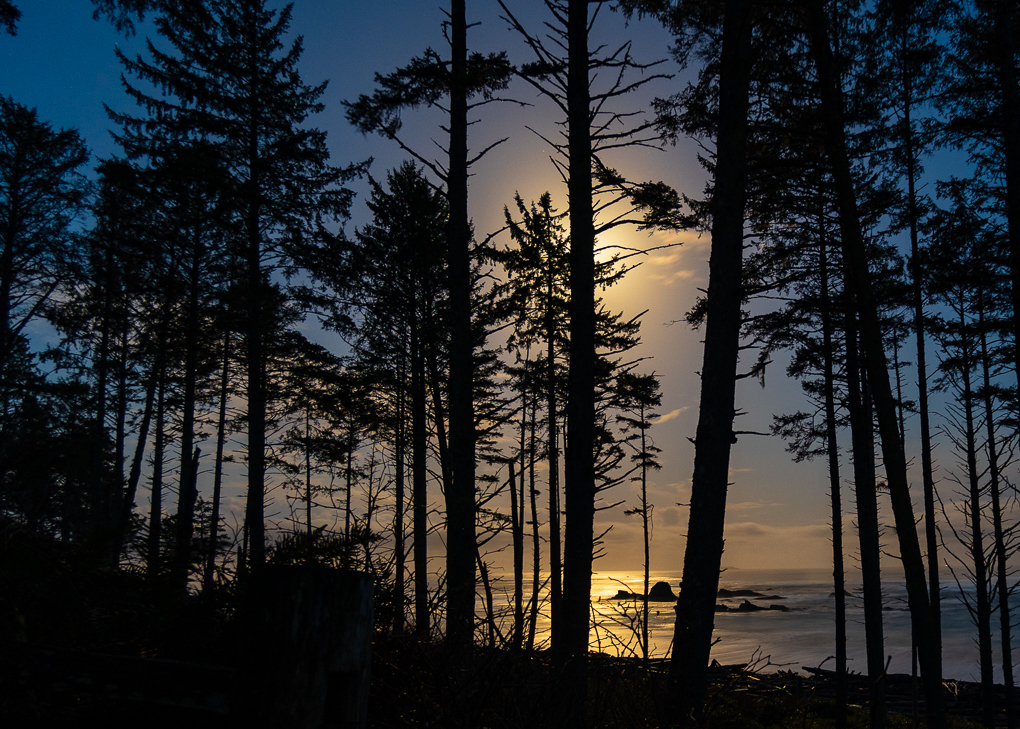
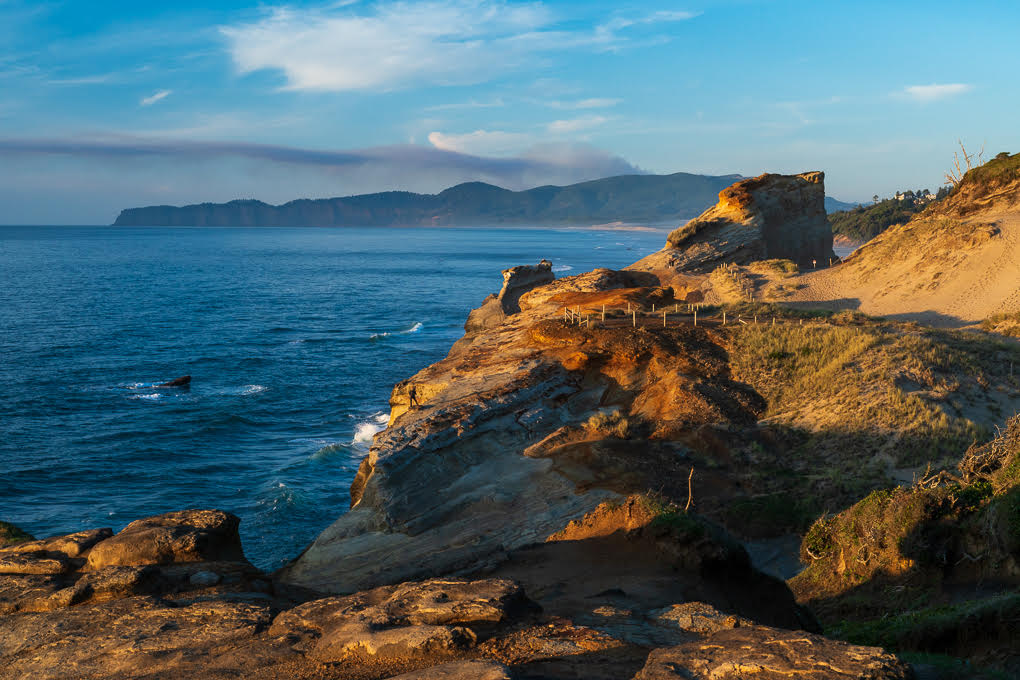
Since you're still learning Lightroom, I'll recommend going with -.10 on exposure and no more than -15 on highlights. Anything more tends to start looking gray. |
Jun 7th |
| 71 |
Jun 21 |
Comment |
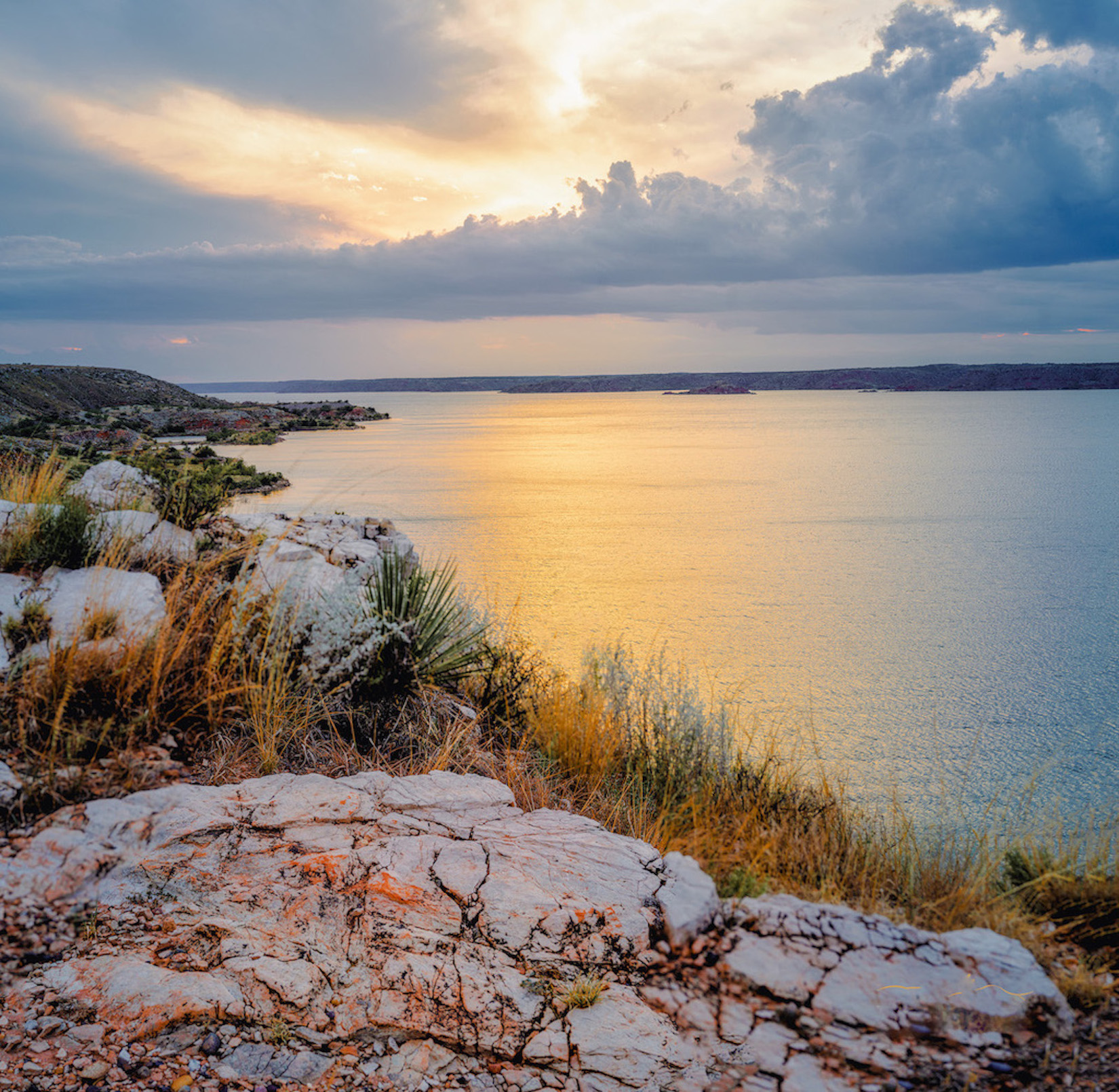
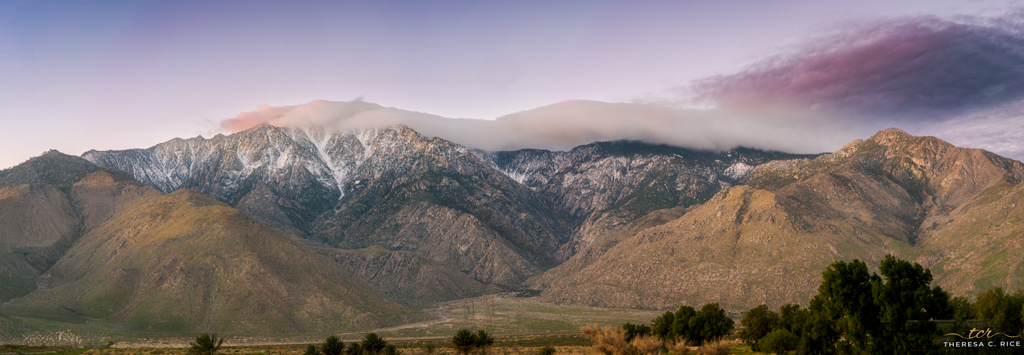
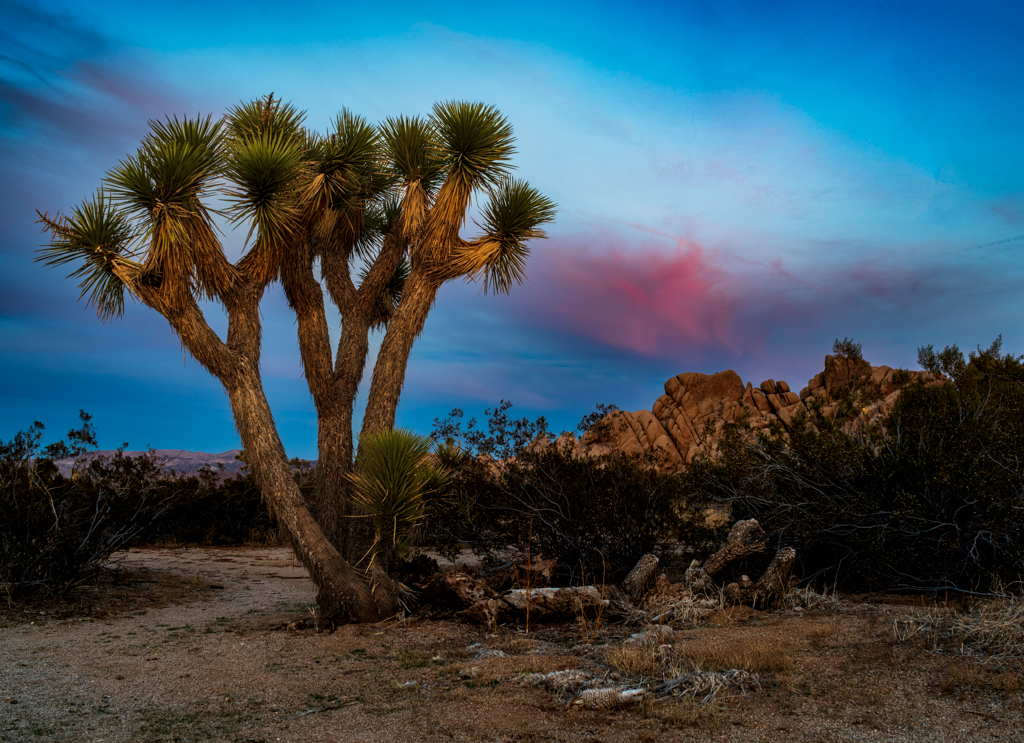
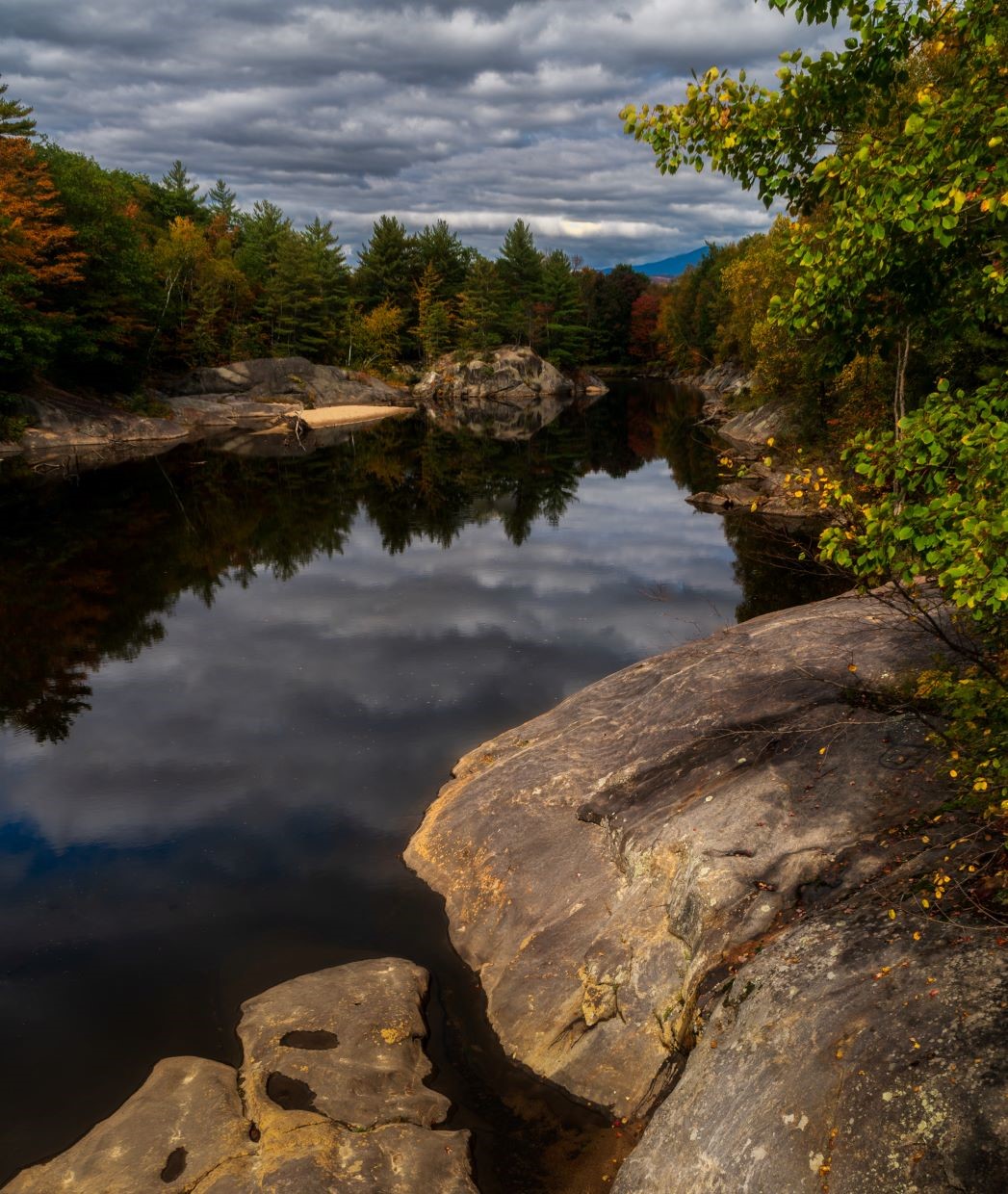
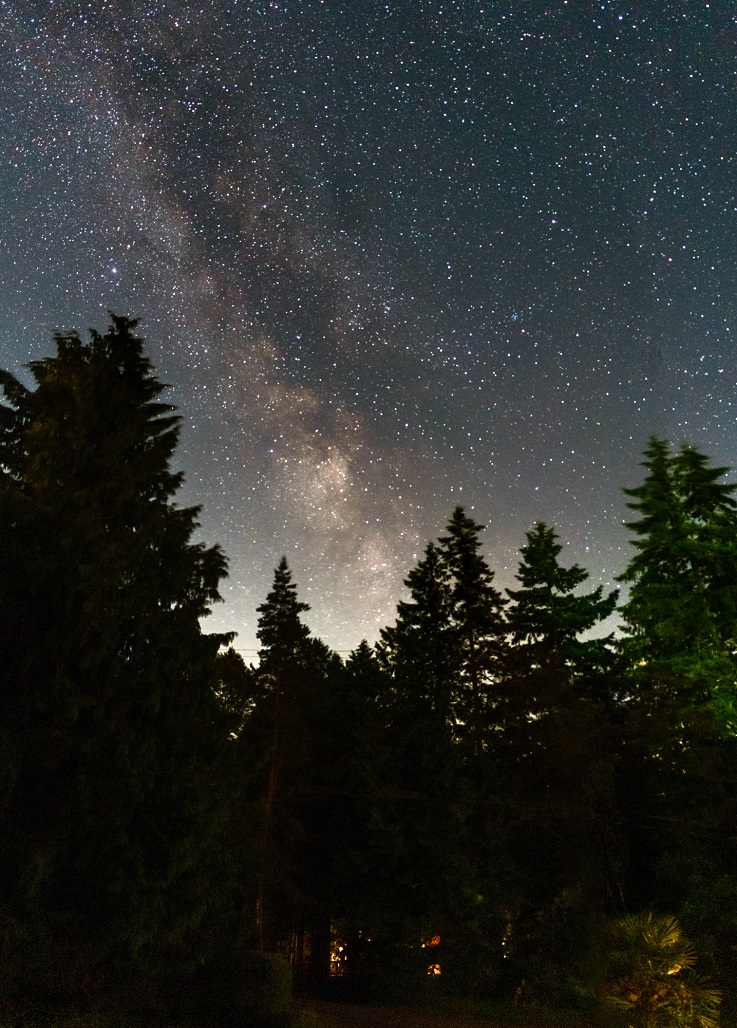
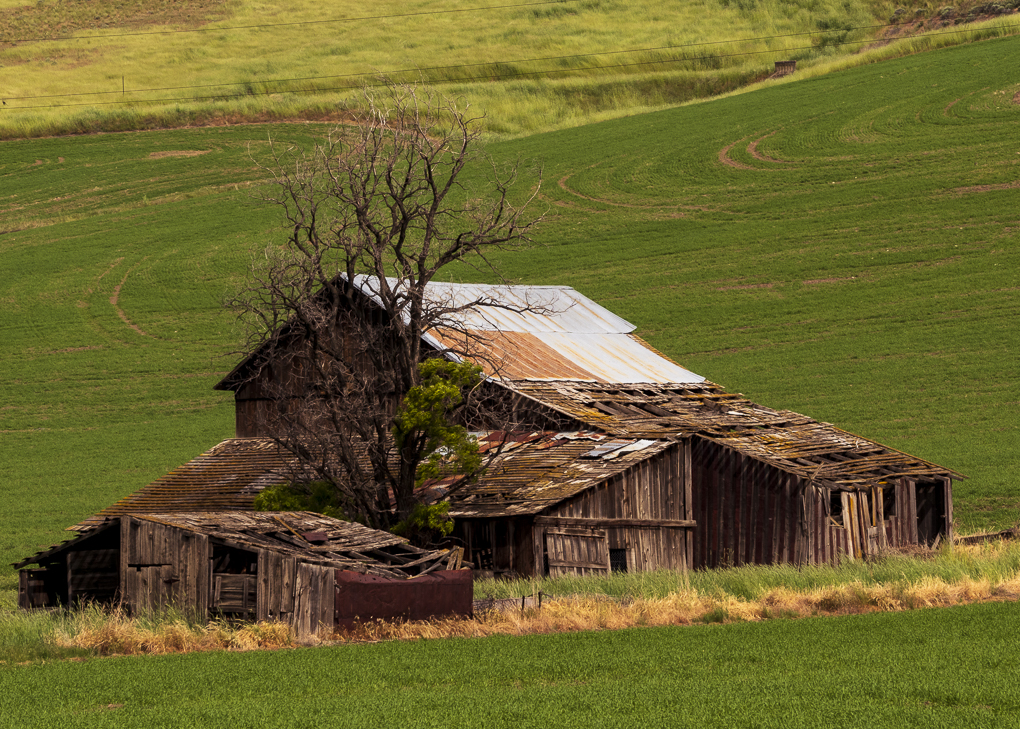
This is a lovely image, John, and I agree with all the positives that have already been stated.
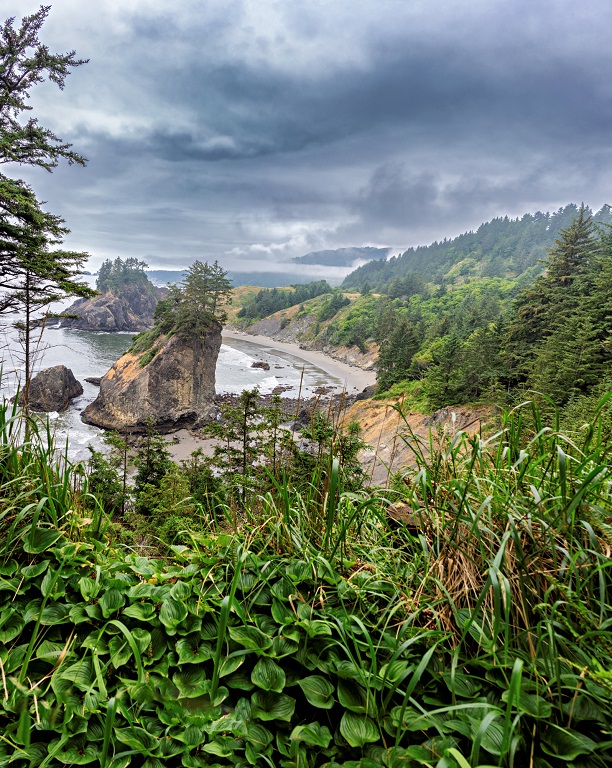
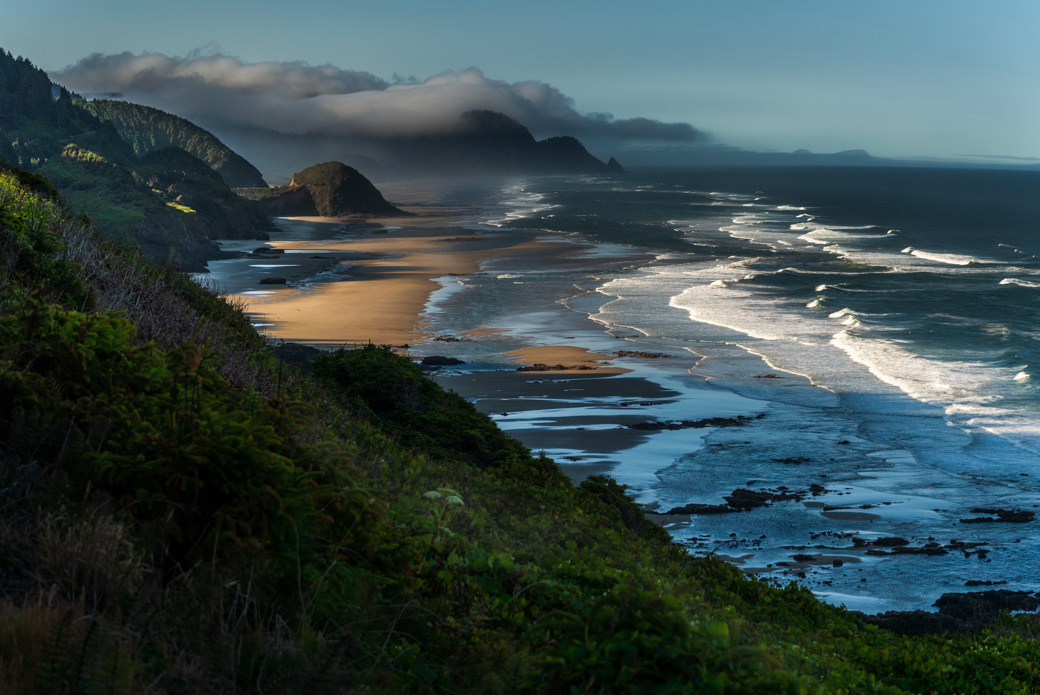
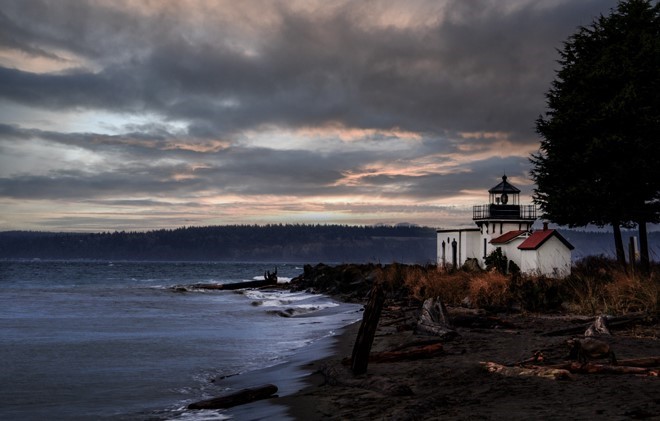
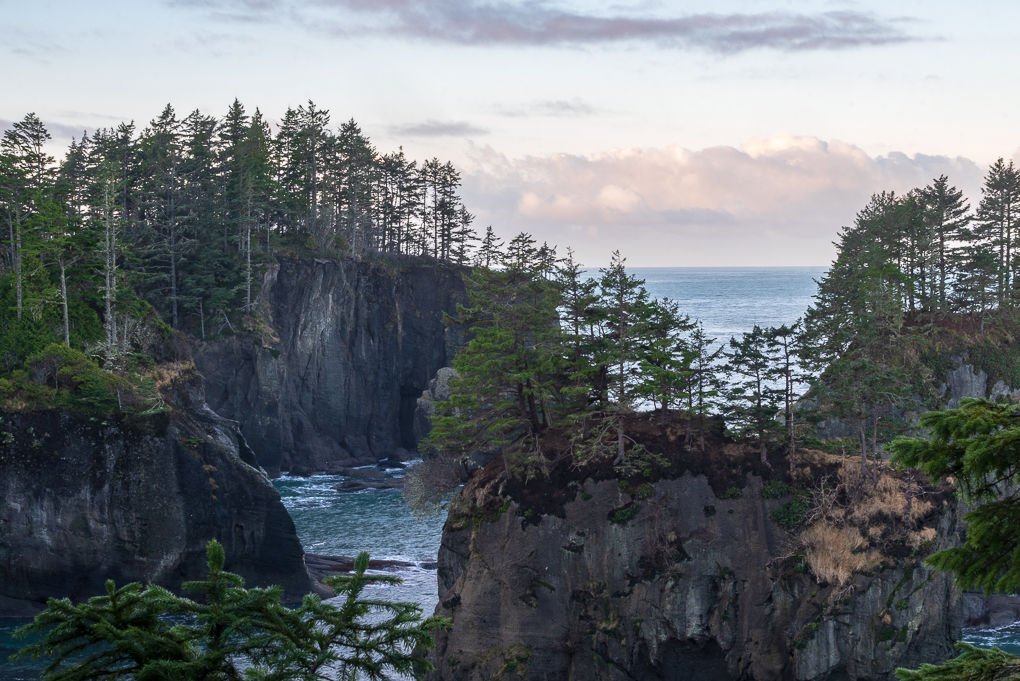
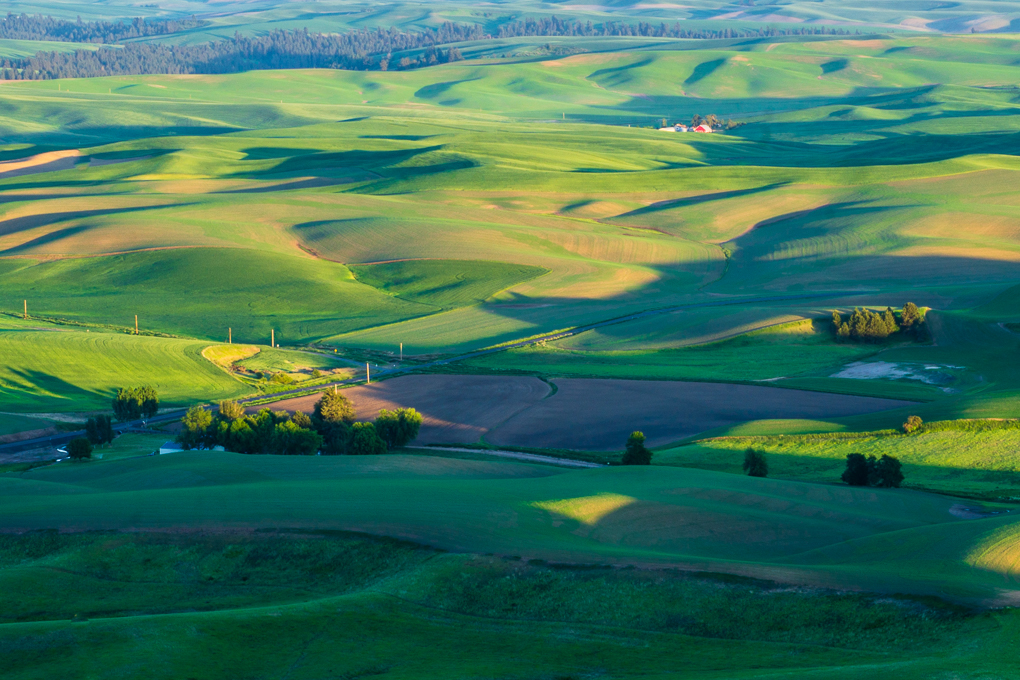
For me, the real show-stopper is the mid-ground where you get the layers of green and yellow. To emphasize that you might try cropping in a little from the left and just a bit of sky (I'd keep the lower part of the wispy clouds.). |
Jun 7th |
| 71 |
Jun 21 |
Comment |
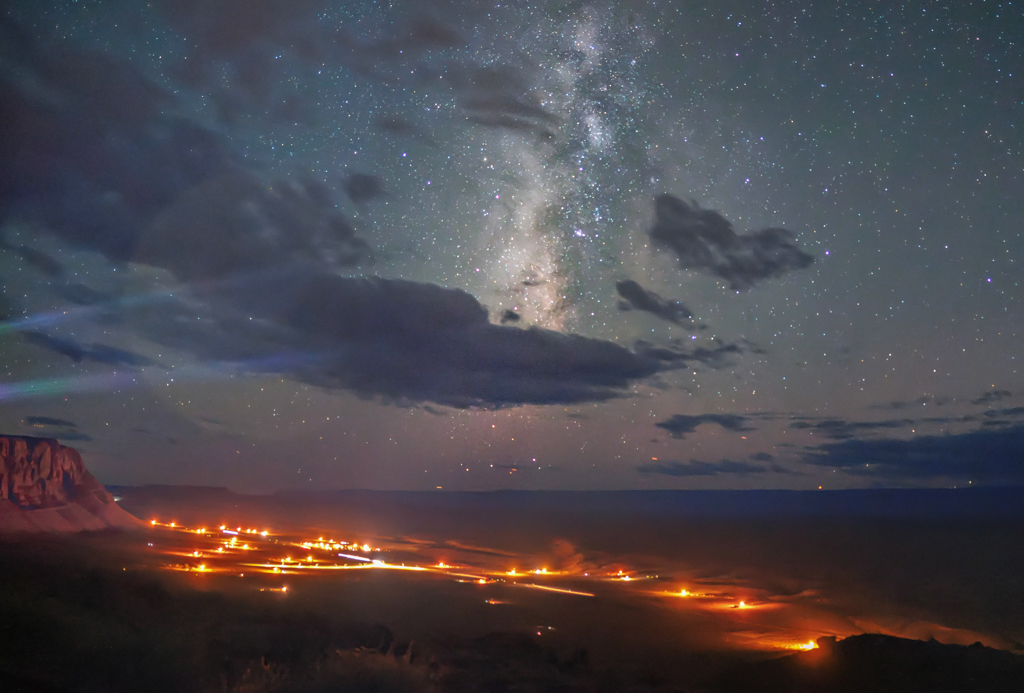
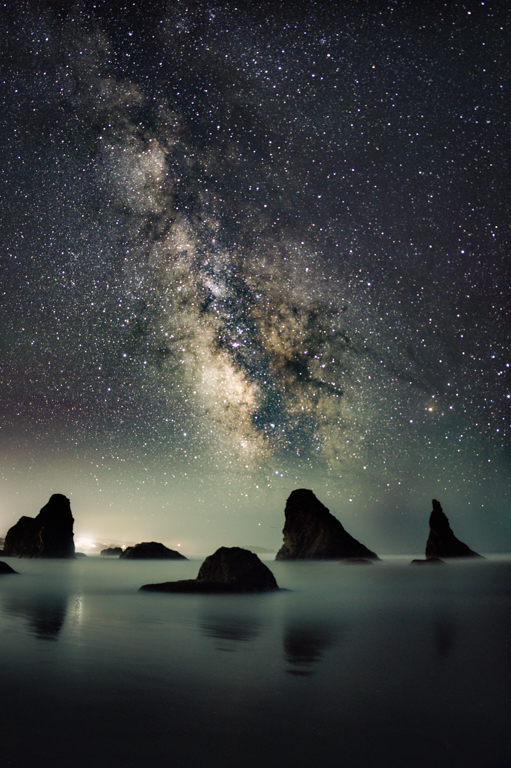
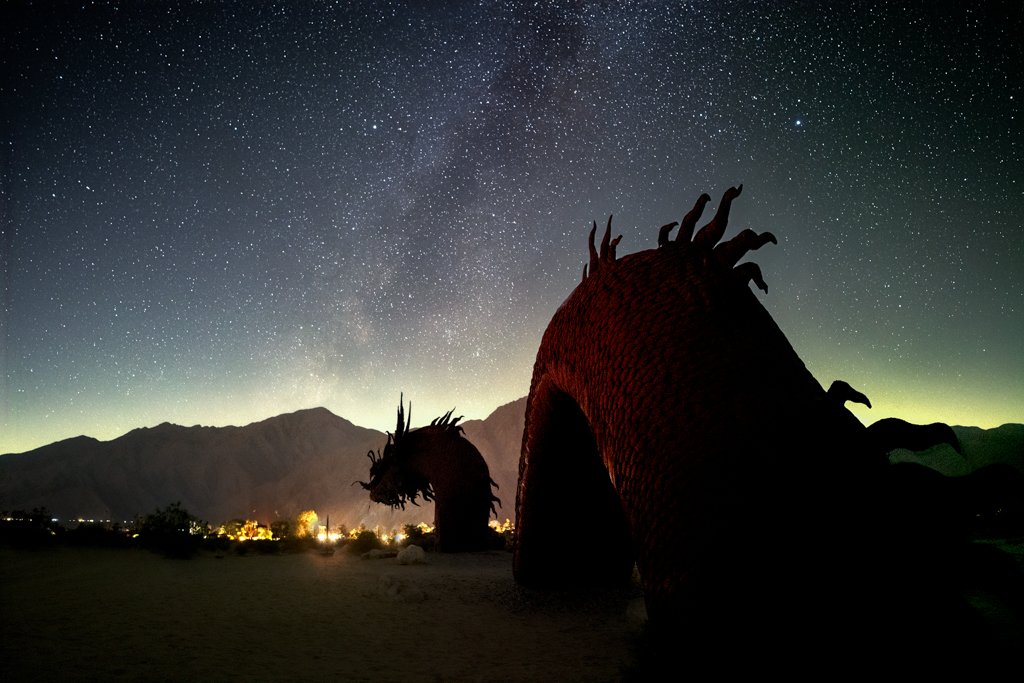
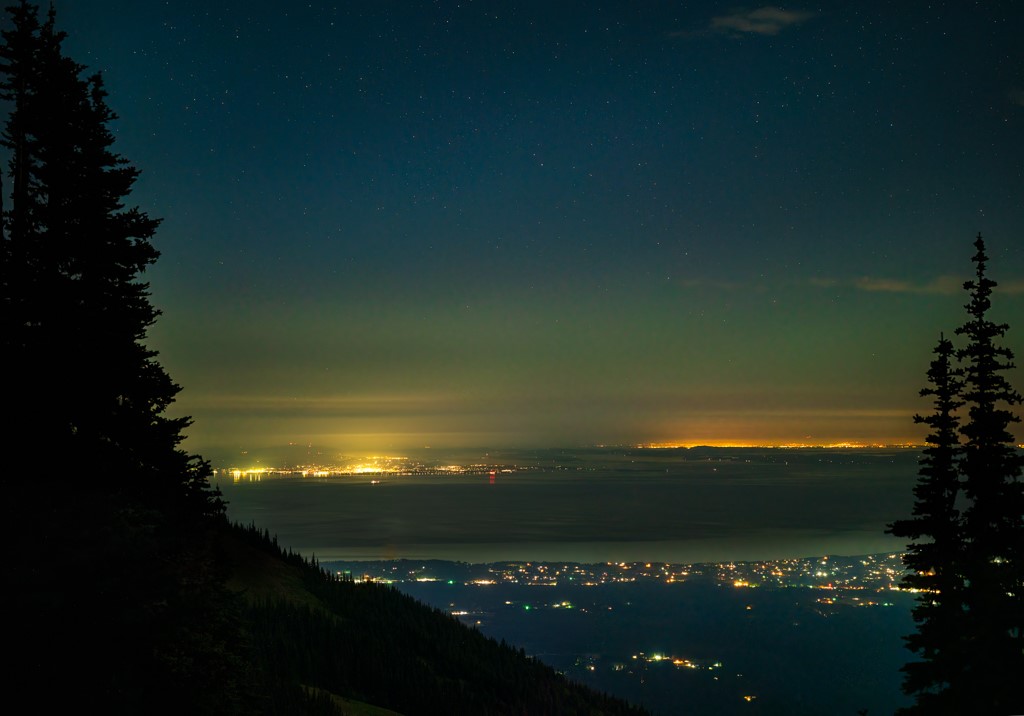
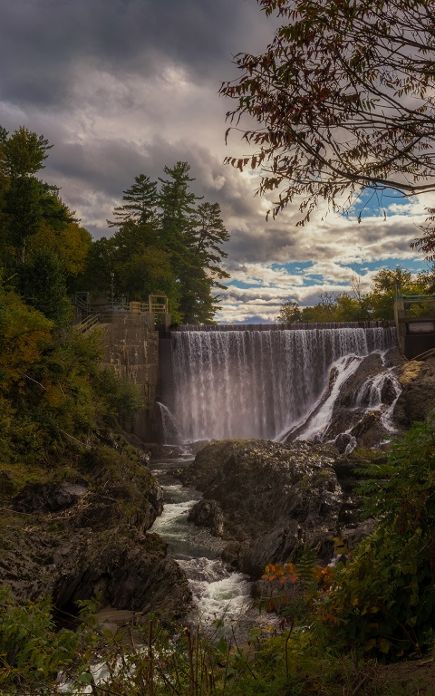
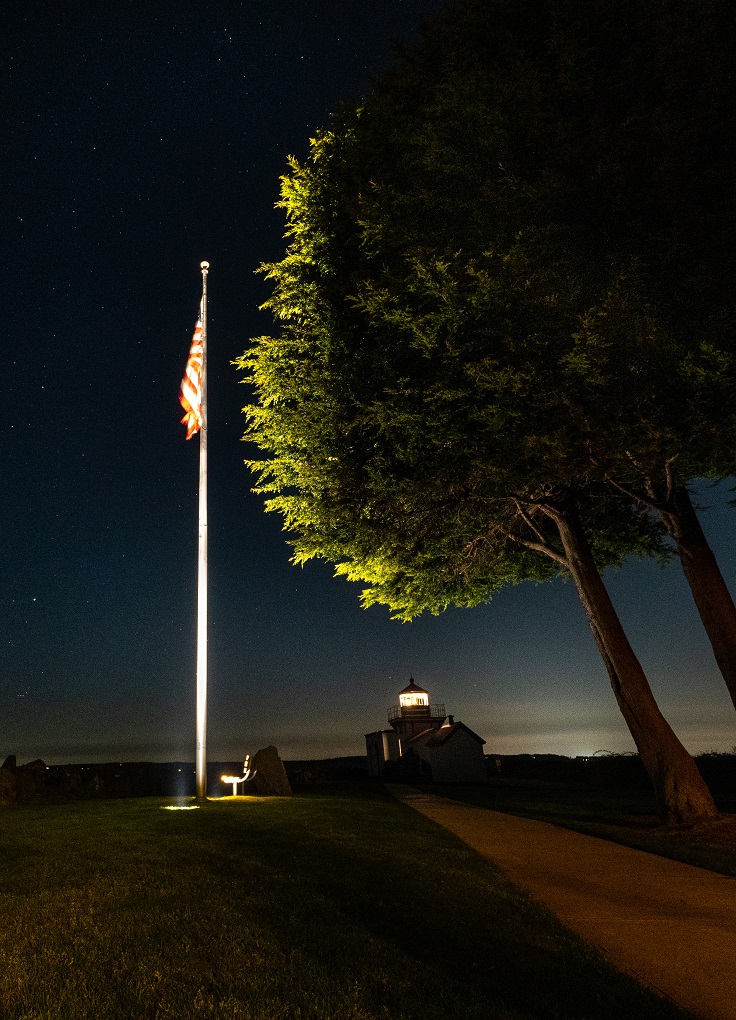
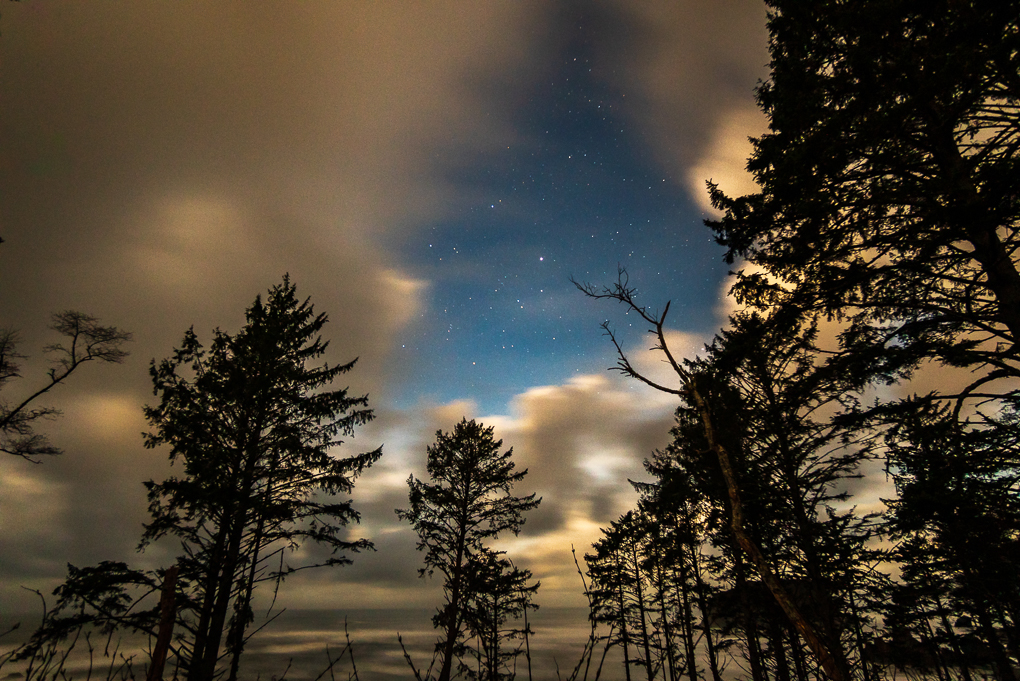
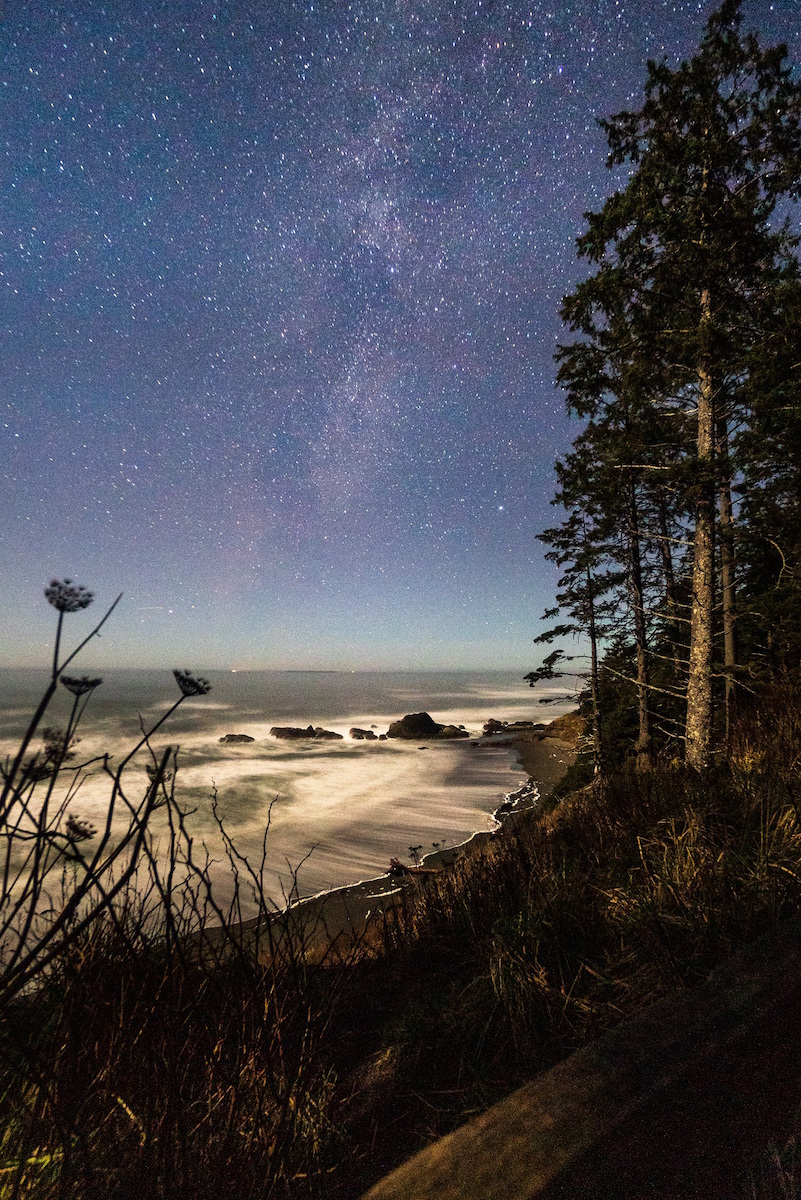
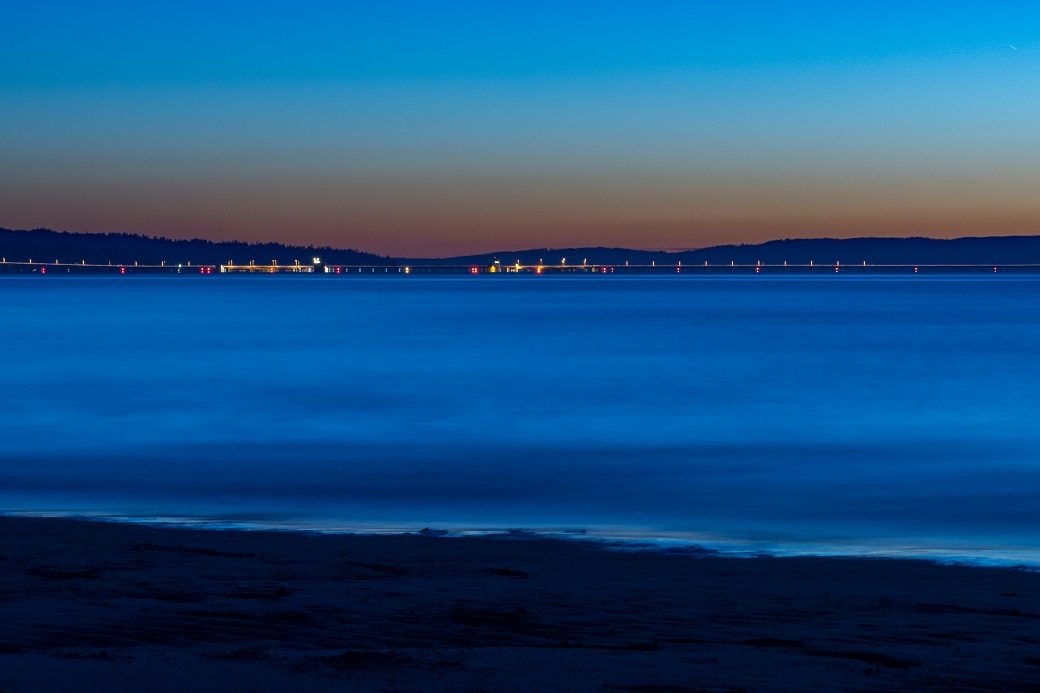
I like the trails of light too. It's a nice image.
Have you tried Topaz Sharpen AI on it? It generally does a pretty good job. |
Jun 7th |
| 71 |
Jun 21 |
Comment |
Welcome to the group! We're glad to have you join us.
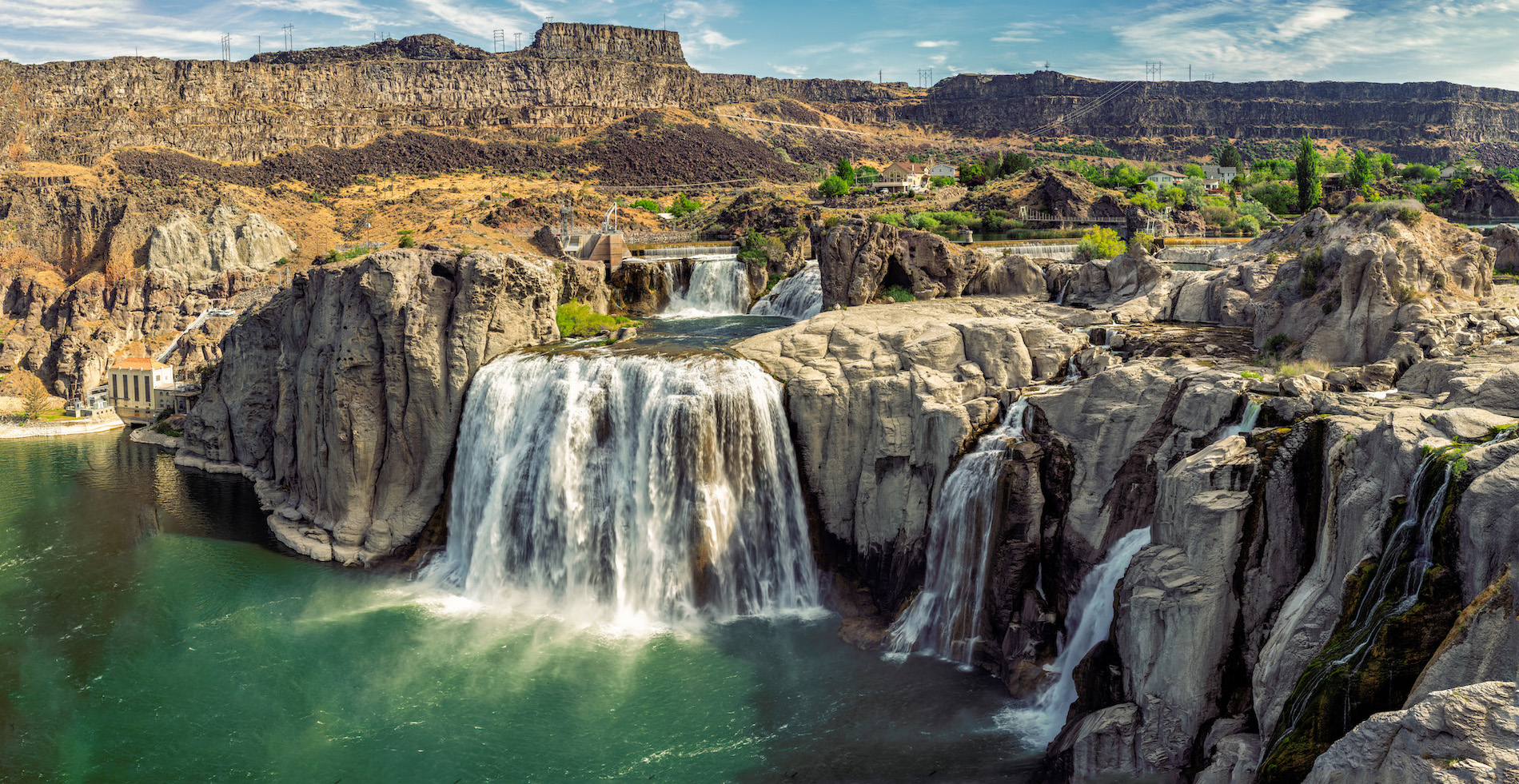
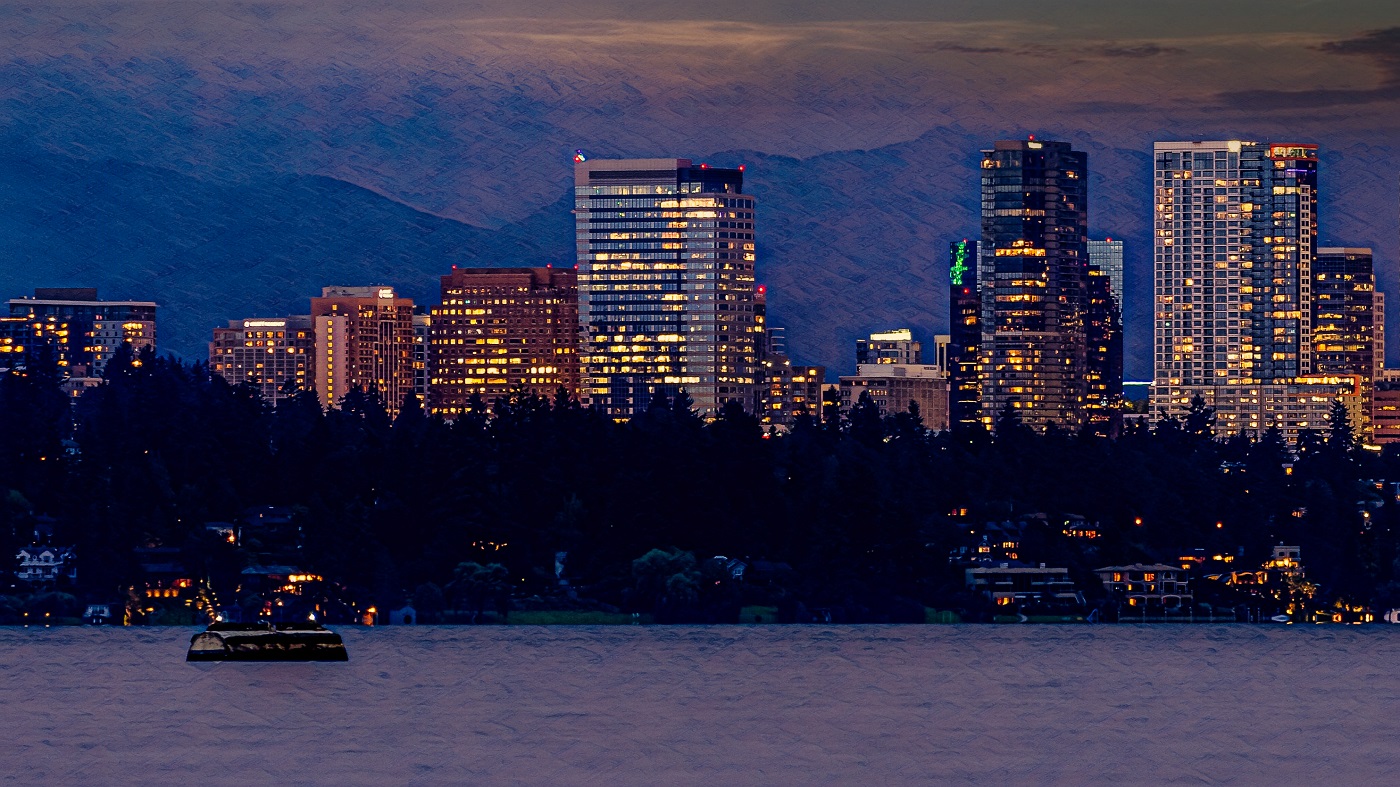
This is a lovely cityscape. There are two very minor tweaks that might be suggested - one is to remove the dust spot about a quarter of the way in from the right, slightly above the city and between two of the taller buildings on that side. The other is to use a brush to lower the exposure and the highlights behind the buildings on the left to make that part of the sky more similar to its reflection.
In future shots, you might try moving a little to the left or right to move the tallest building slightly off-center and/or you may want to try a lower ISO/longer exposure to smooth out the reflections in the water.
Nice start! |
Jun 7th |
| 71 |
Jun 21 |
Comment |
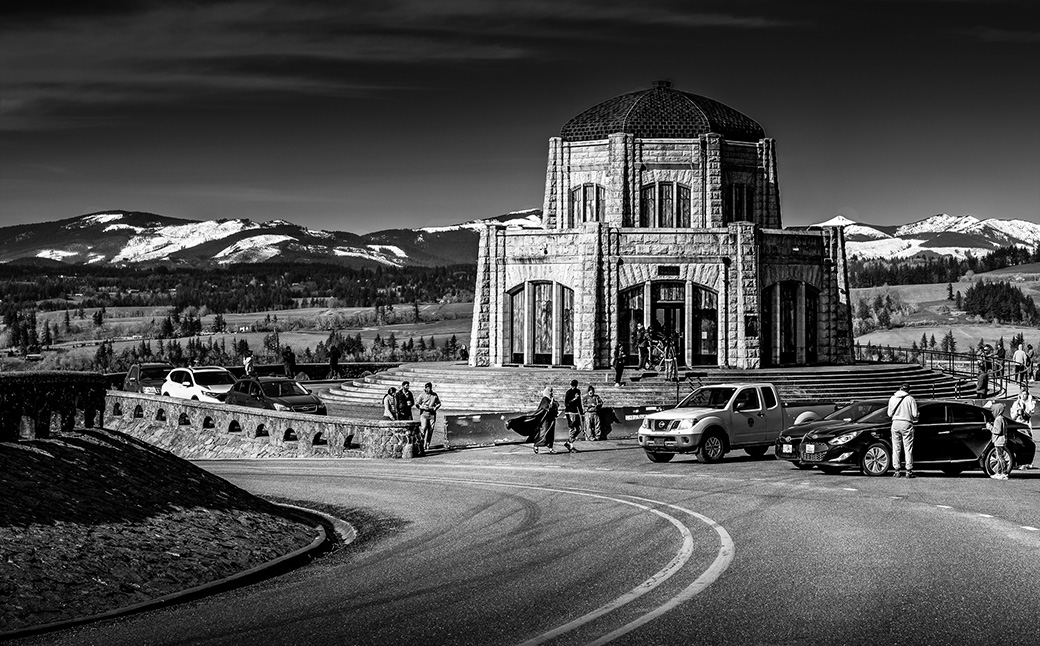
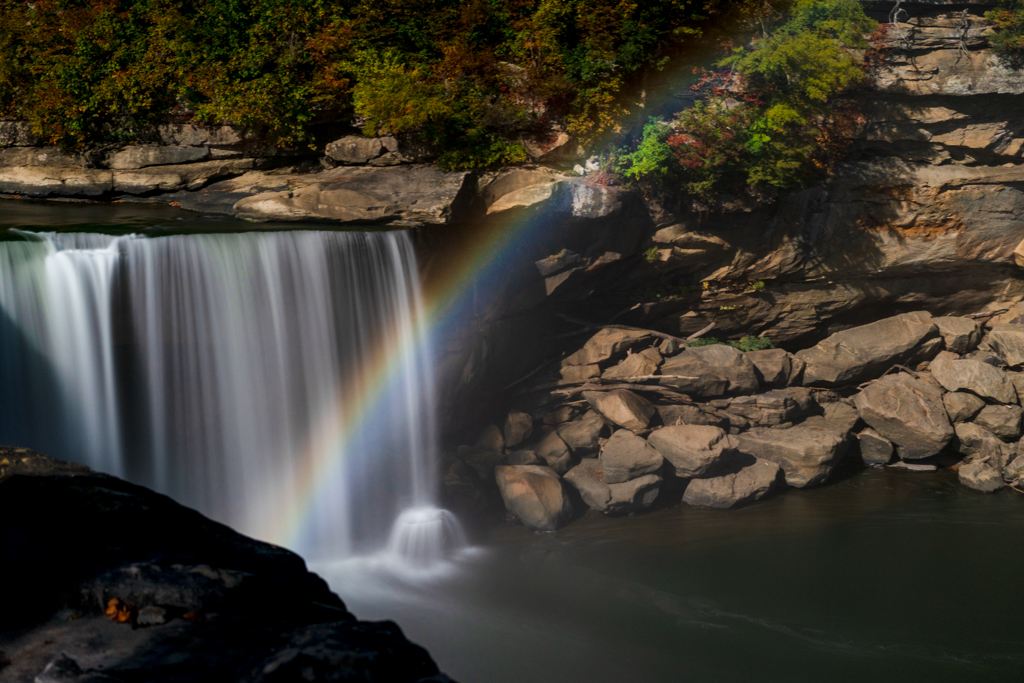
The crack and the patterns in the ice fascinate me and I would like to see them clarified.
I hope you don't mind that I took the image into LR where it was cropped and cleaned up just a bit. By cropping off most of the top, the focus is on the ice and the crack in the ice becomes the subject. You would need to clean up the weeds in front, clarify the patterns in the ice, and increase the contrast to emphasize the patterns.
Despite proposing a pretty major change, I like the image. |
Jun 7th |
 |
| 71 |
Jun 21 |
Reply |
Thanks, Mike. |
Jun 7th |
| 71 |
Jun 21 |
Reply |
Ah - sorry I misunderstood. I'll have to think about that next time. |
Jun 6th |
| 71 |
Jun 21 |
Reply |
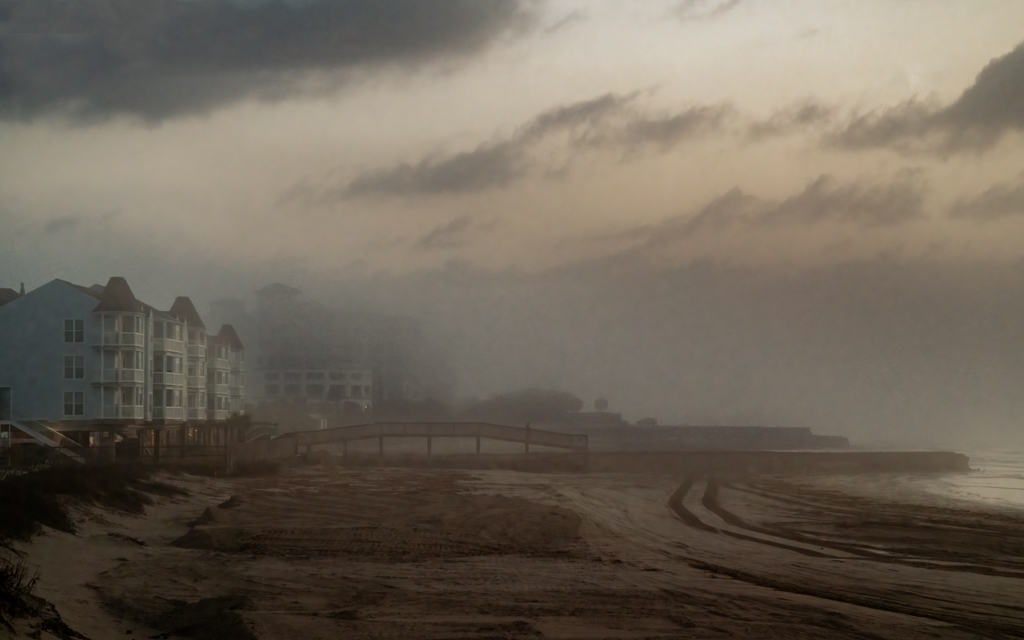
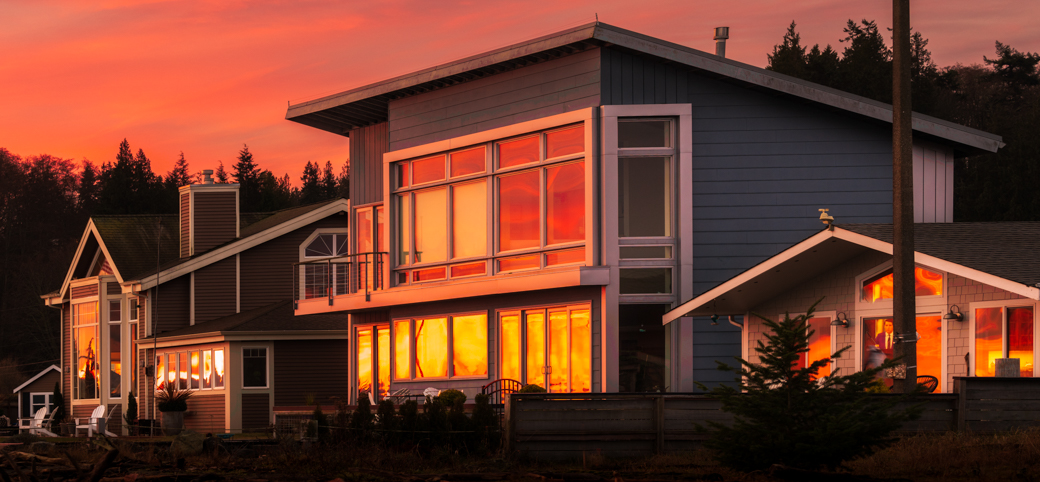
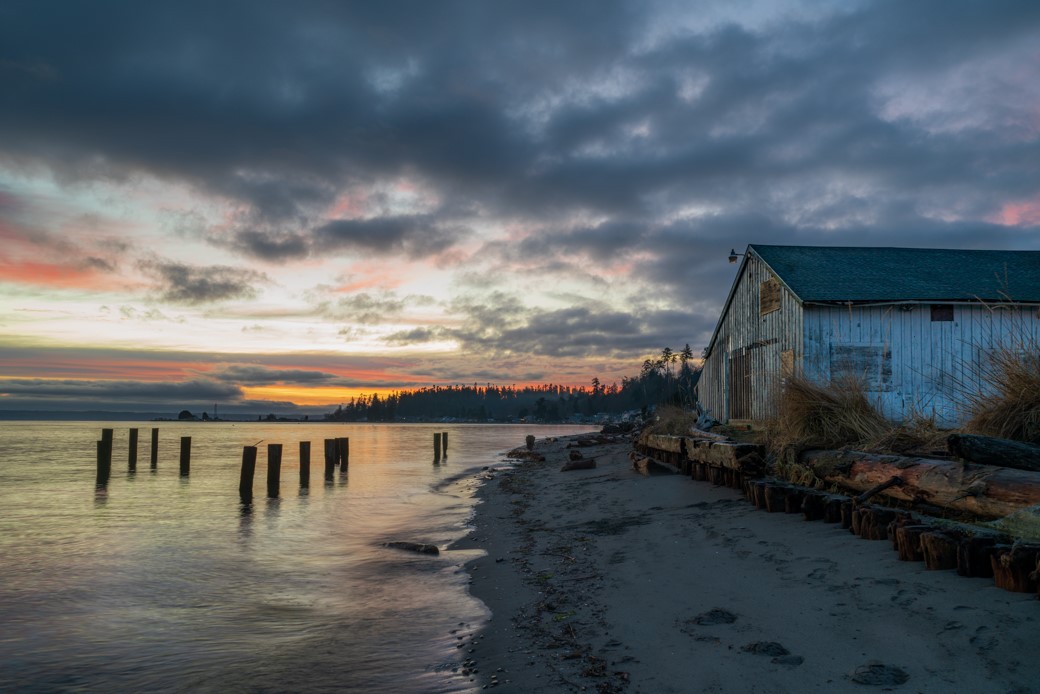
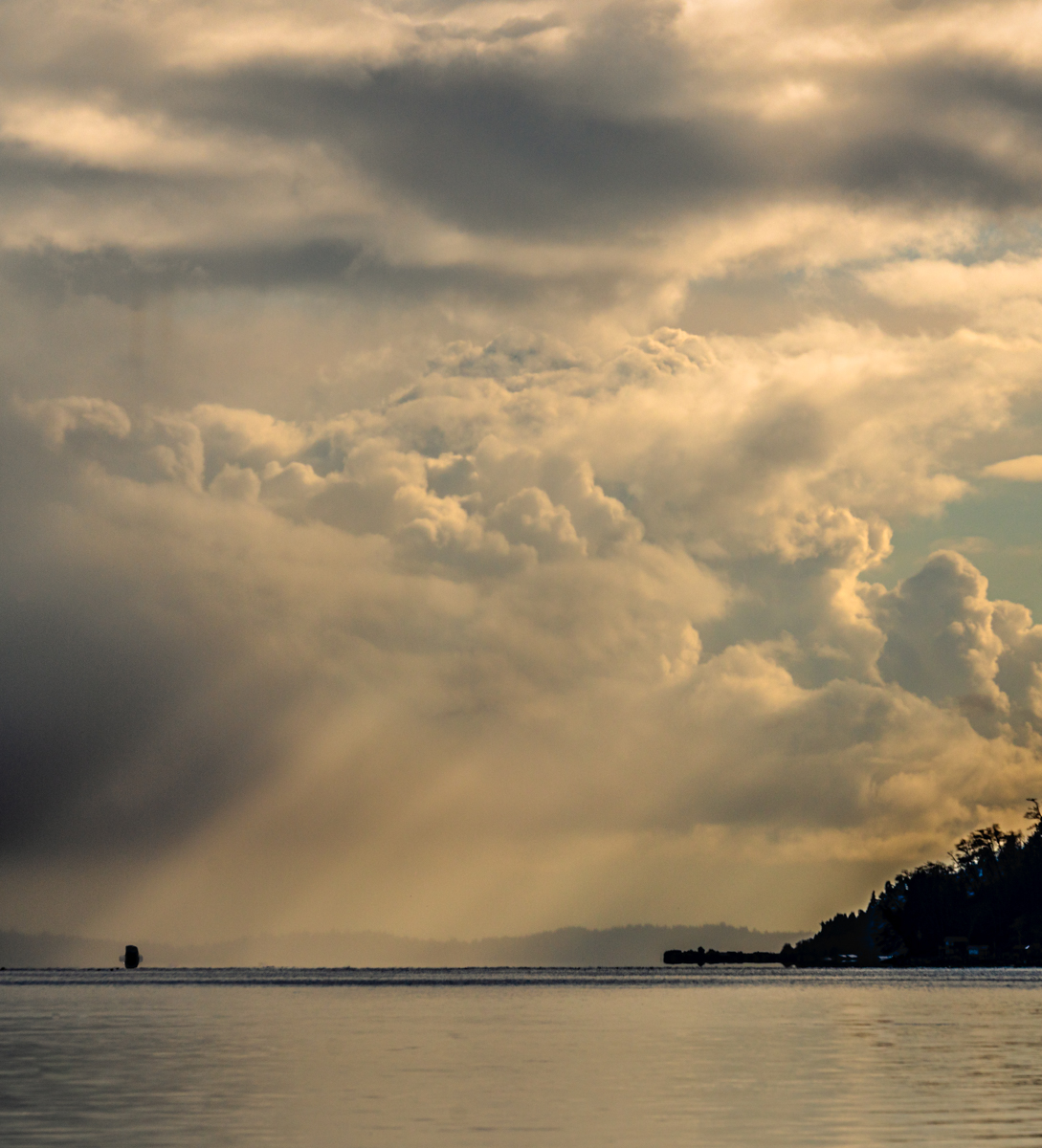
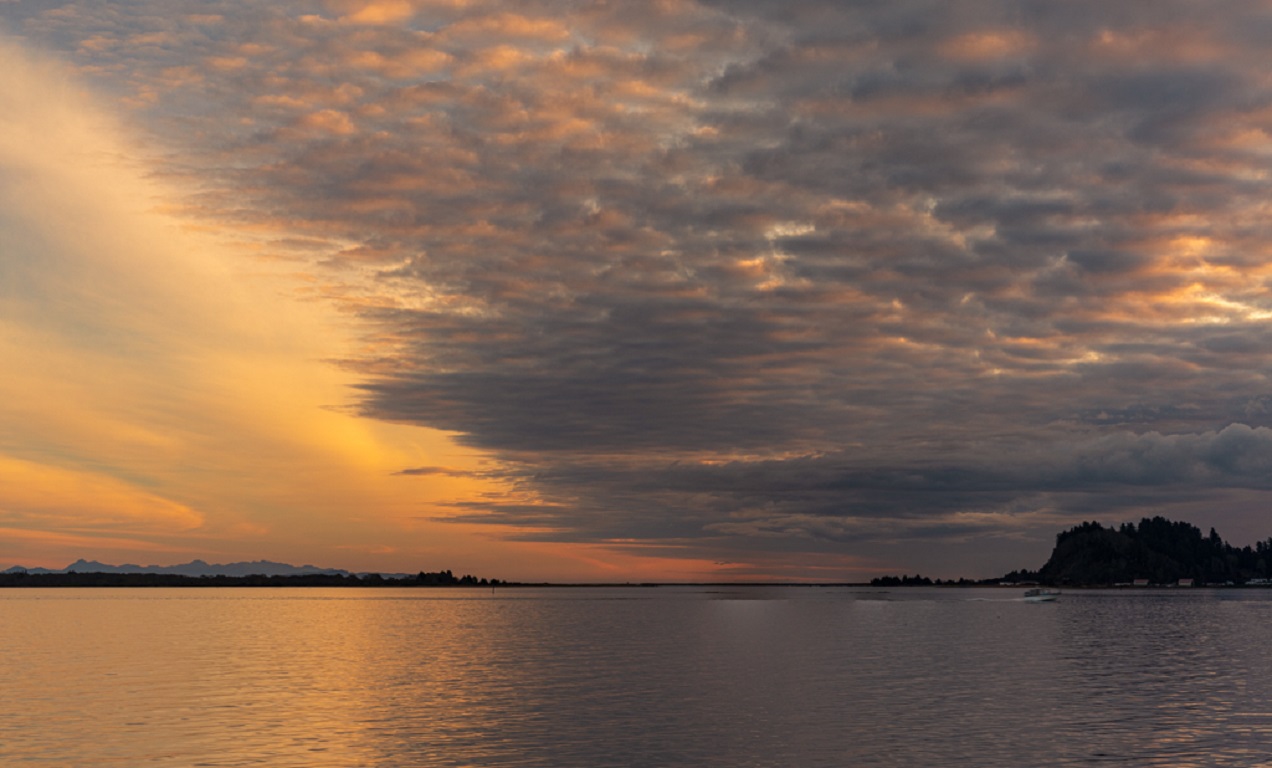
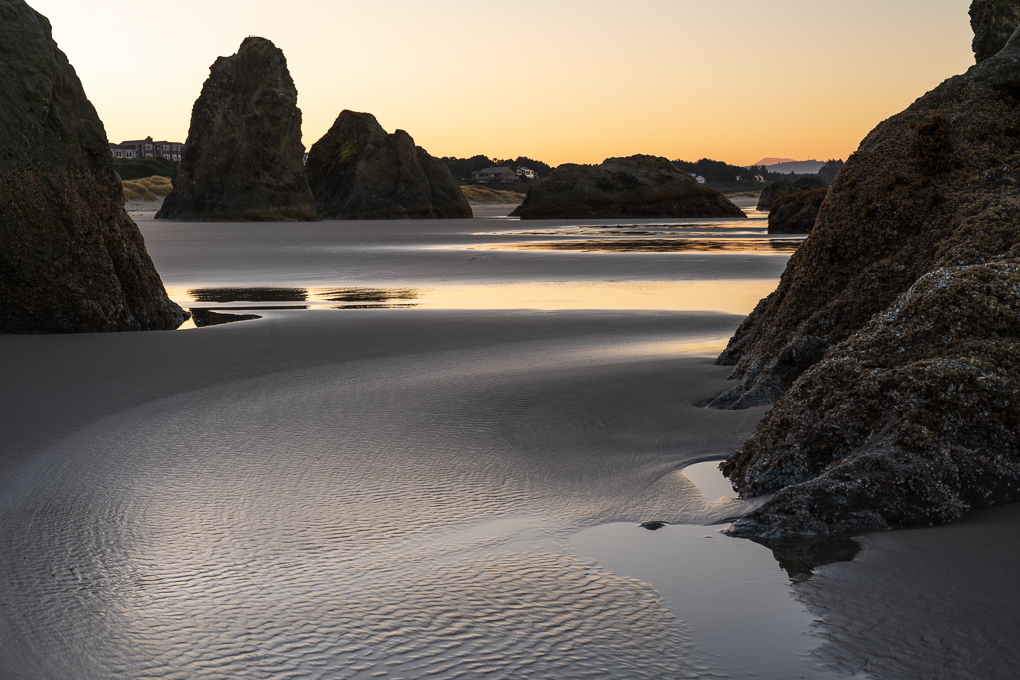
This image was taken shortly after sunset and I chose to leave the level of light about the way it looked. Thanks for your comment. |
Jun 5th |
| 71 |
Jun 21 |
Reply |
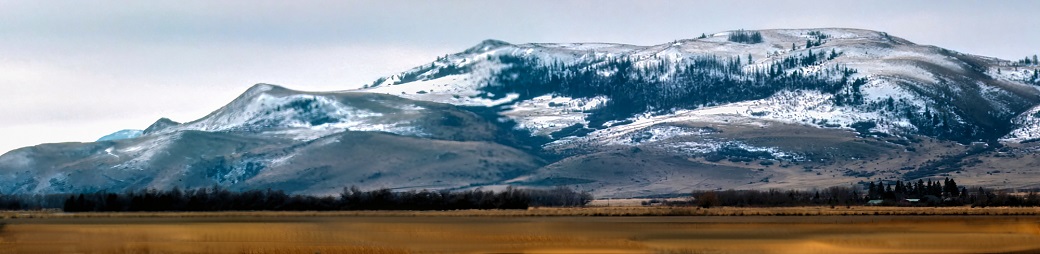
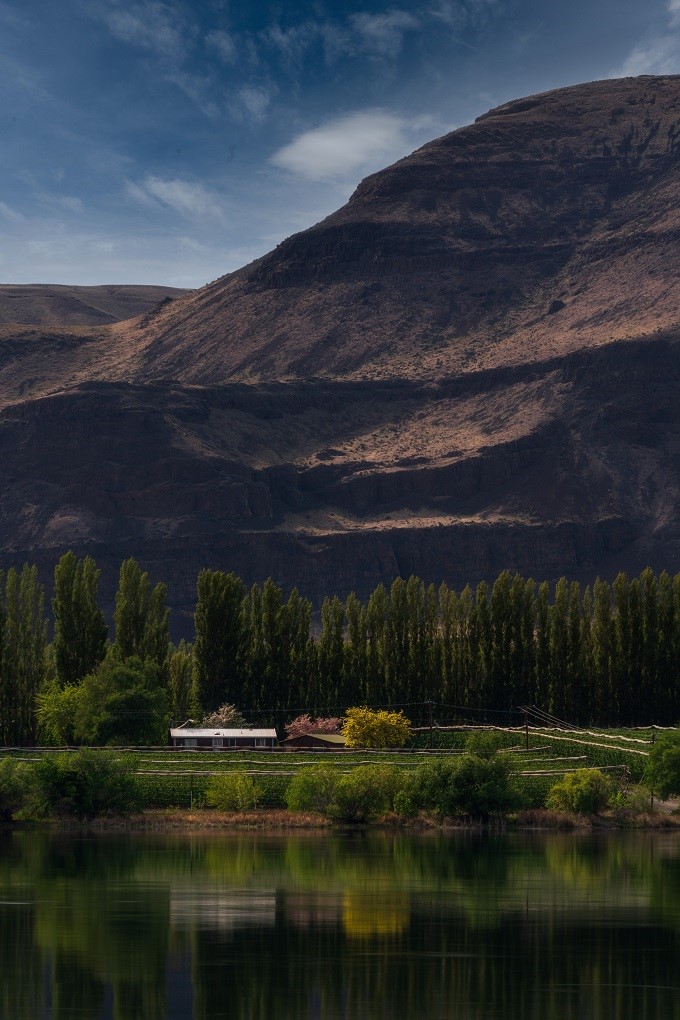
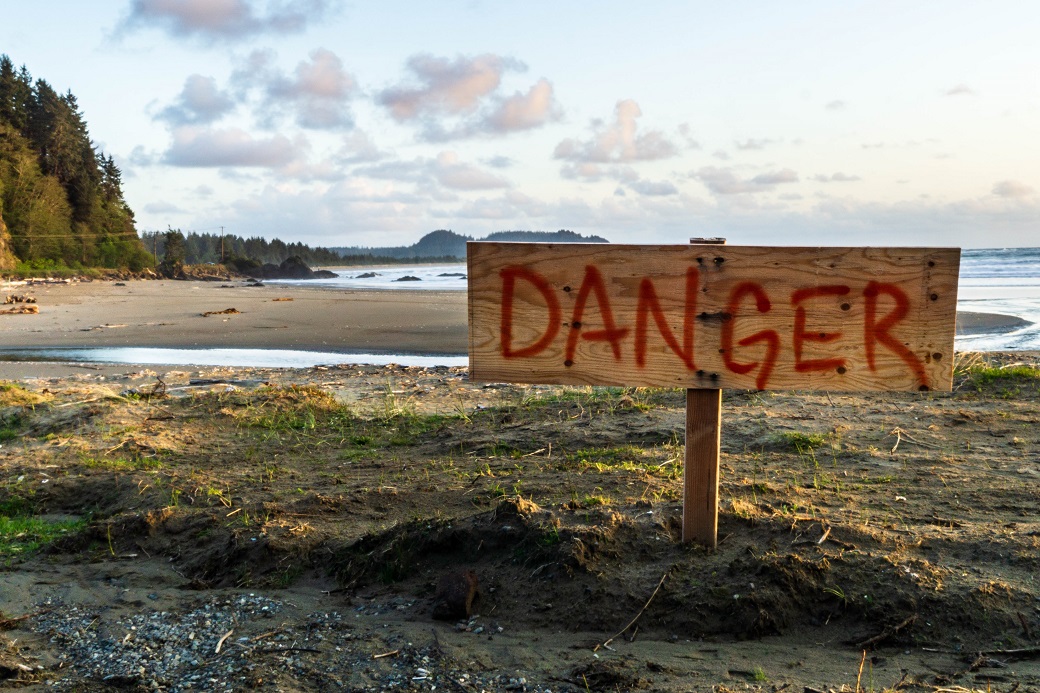
The foreground was cut out because it was flat out ugly (dead grass and debris), but I'll see if there is a way around that. Why would you crop from the right? Is it just not necessary or is there something over there that detracts?
I really appreciate your feedback. |
Jun 5th |
4 comments - 5 replies for Group 71
|
4 comments - 5 replies Total
|