|
| Group |
Round |
C/R |
Comment |
Date |
Image |
| 10 |
Jan 25 |
Reply |
I think you definitely improved it. I'm curious, what was the assignment? No doubt nighttime photography, but was there something more specific? It's always a challenge ! |
Jan 17th |
| 10 |
Jan 25 |
Reply |
Yes, I know what you mean !!
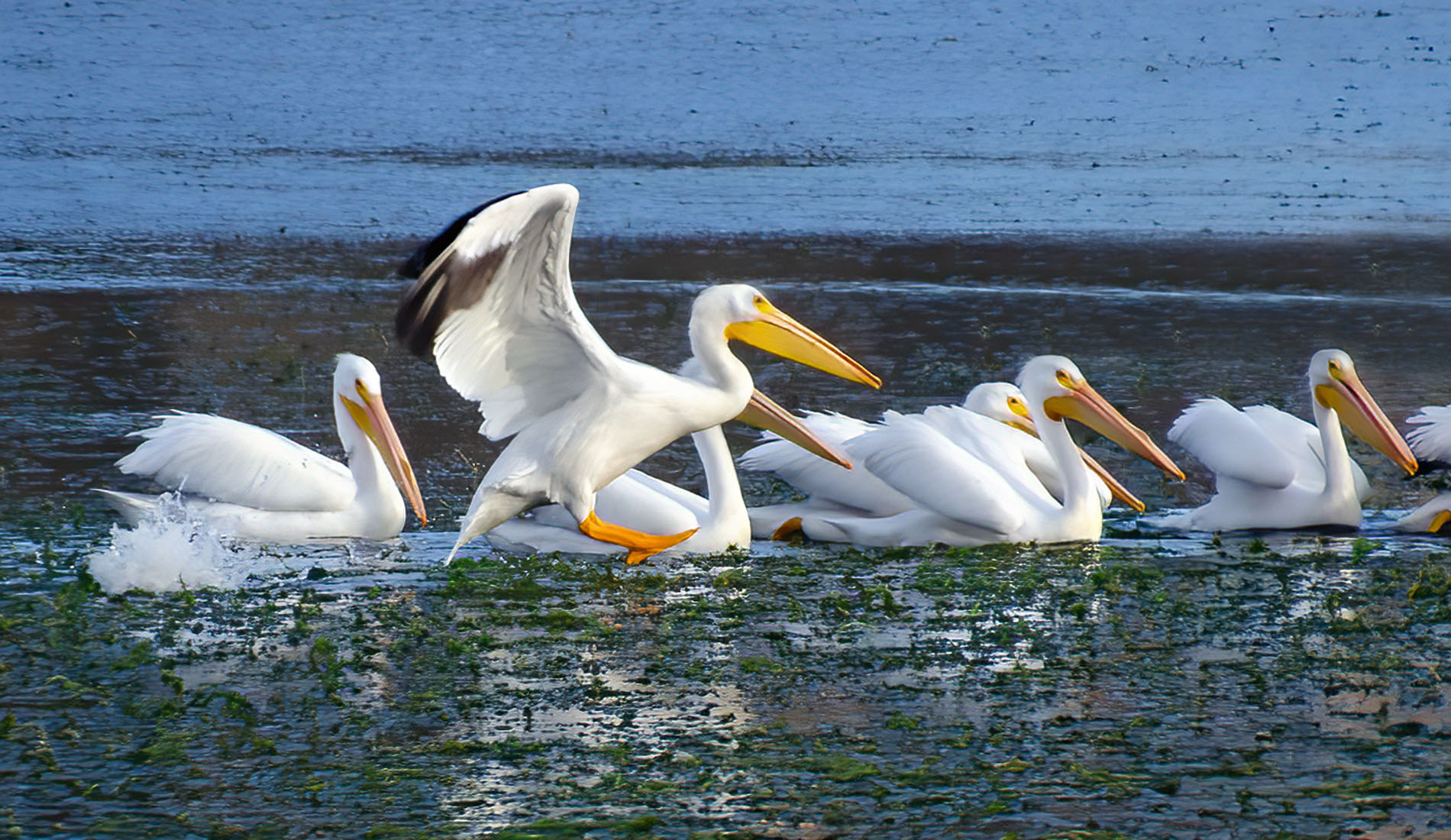
Send me the bird, I'll see if I can do it for you.
I love playing around with other peoples' images !!
D |
Jan 15th |
| 10 |
Jan 25 |
Reply |
Thank you Meredith!
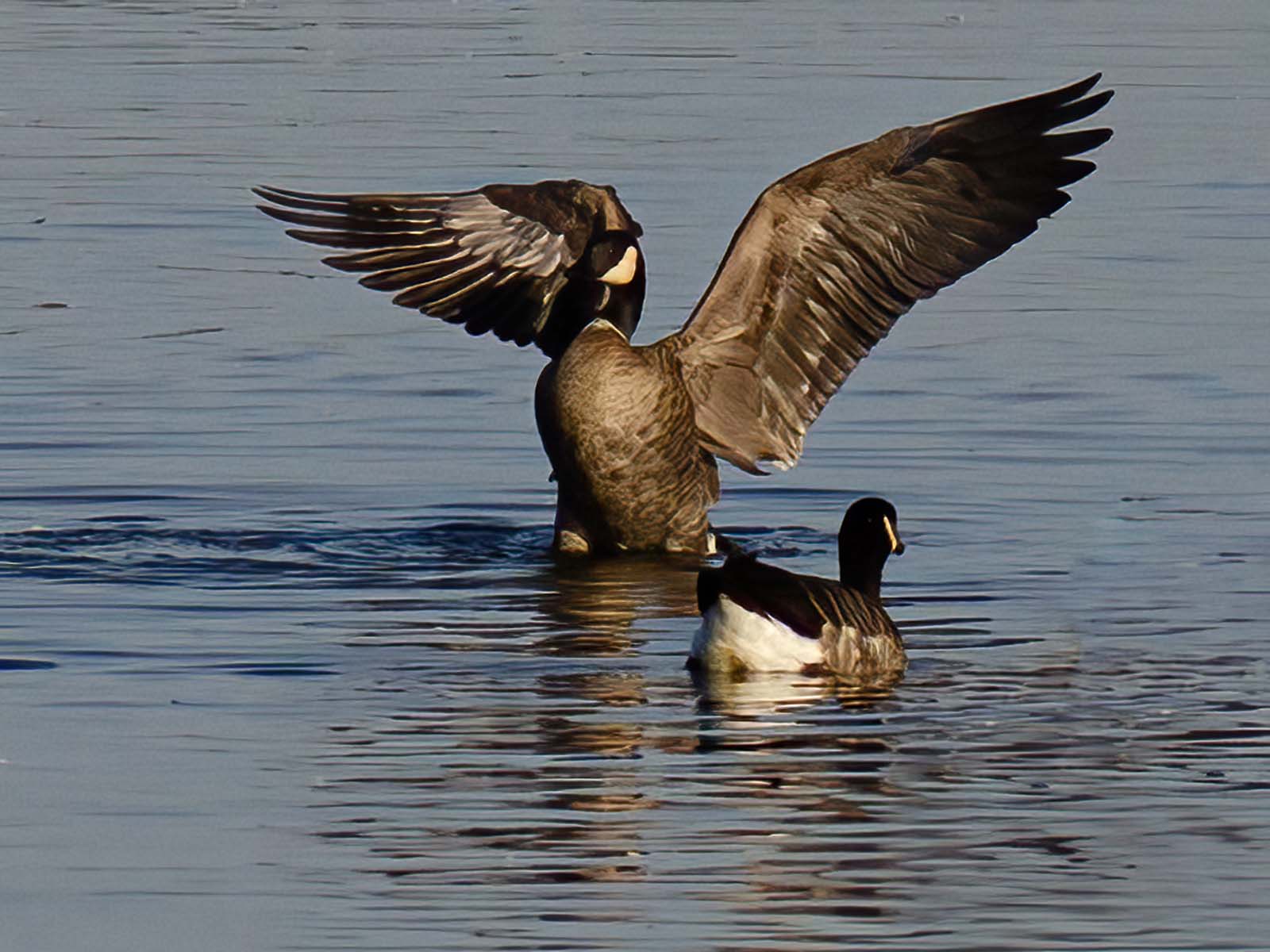
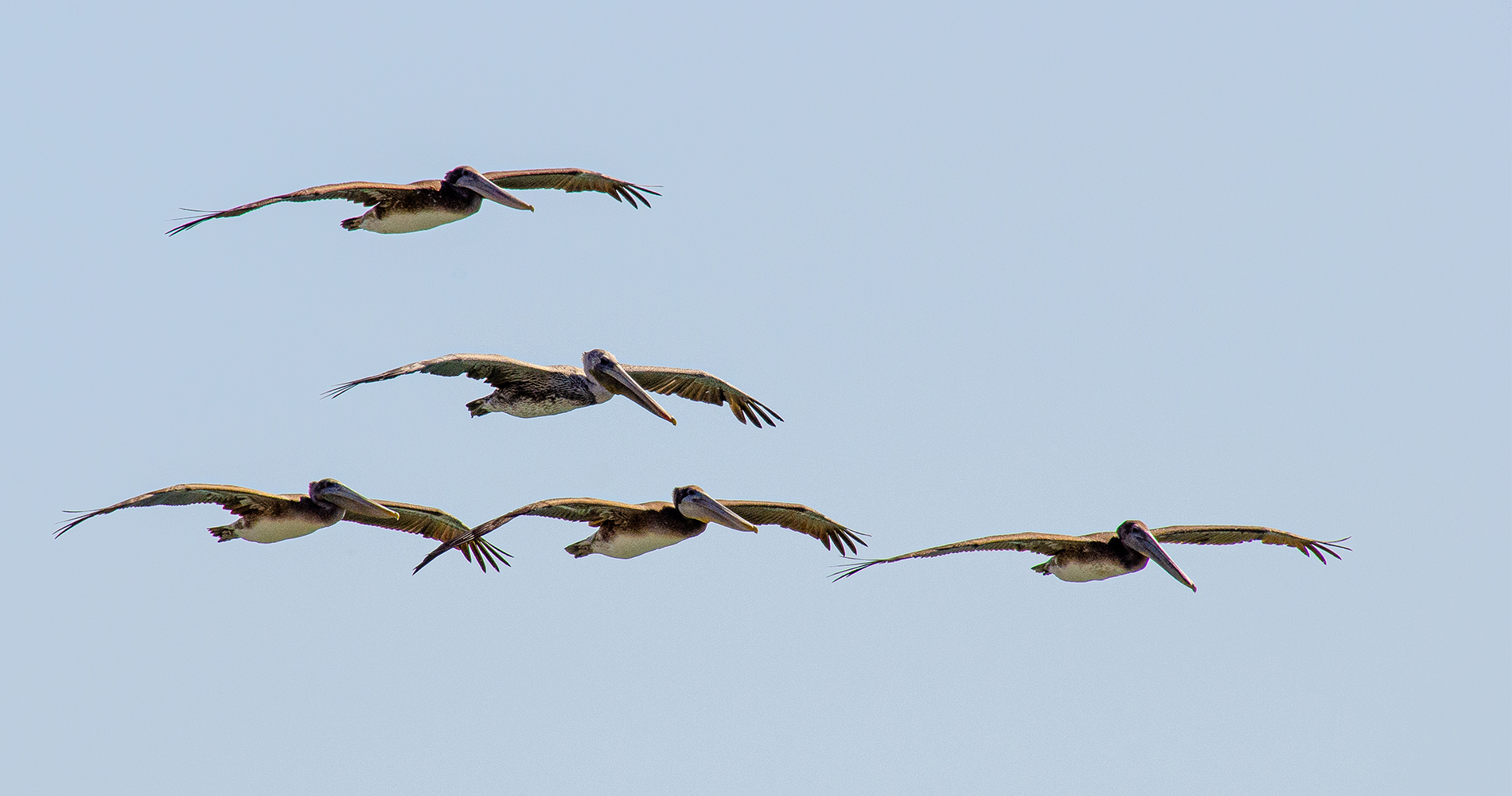
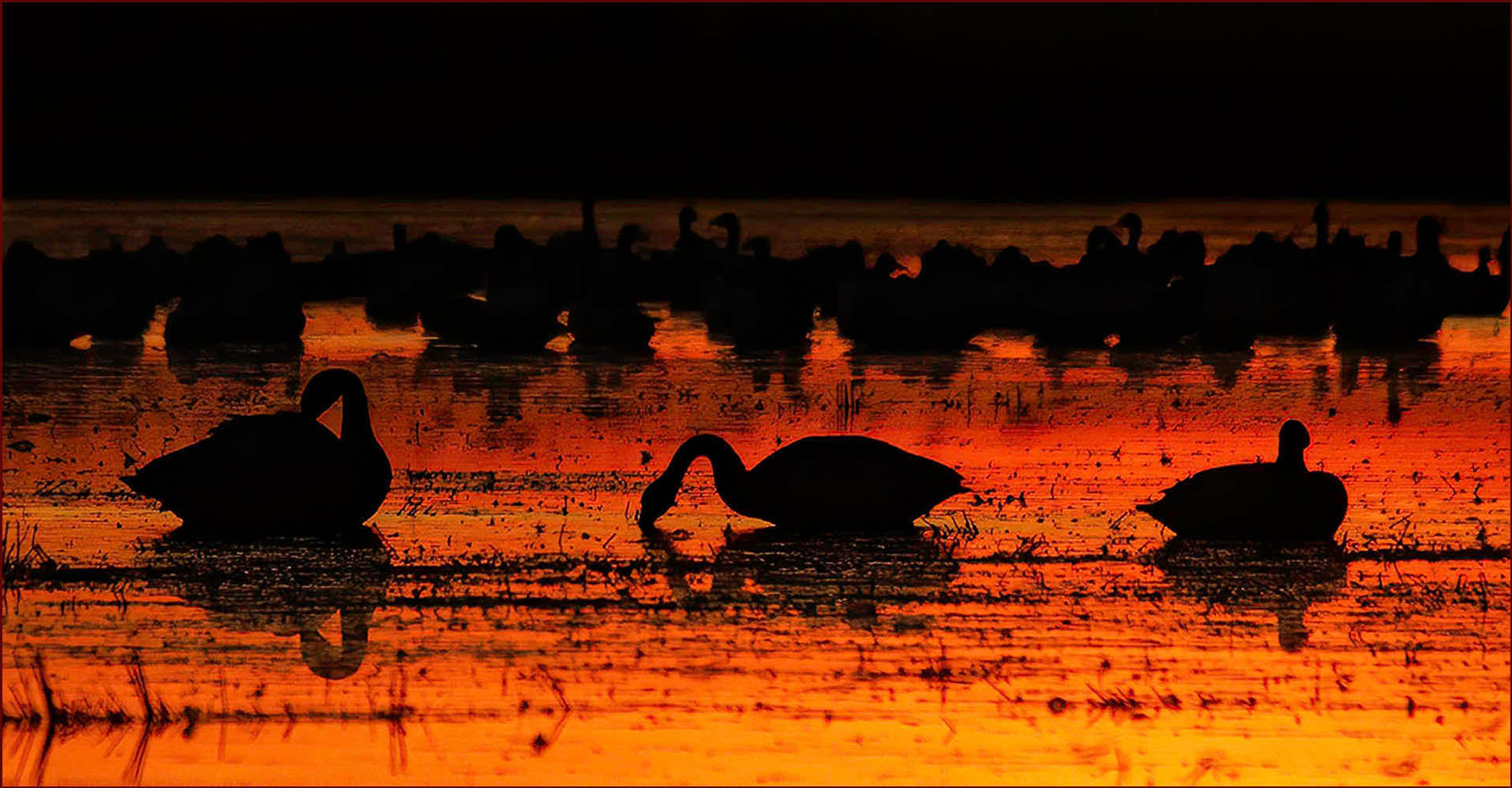
I did what the first gentleman suggested and deleted the birds that were at the edges -- I think that helped.
Isn't this fun, I love editing images !
|
Jan 15th |
| 10 |
Jan 25 |
Reply |
Thanks, Peter ! |
Jan 15th |
| 10 |
Jan 25 |
Comment |
Hi Peter, I do agree with Meredith. The moon seems too far from the tree, so it's almost like two separate images. The moon is overexposed. Sadly I can't tell where your image starts and ends because it's black and so is the screen so something that would show the edges of the image would help. The tree is ghostly, but the moon too bright -- yes, do play around with it in PS and see what you can do.
Just for fun I played around with your picture, hope that's OK. Here's what I came up with. |
Jan 15th |
 |
| 10 |
Jan 25 |
Comment |
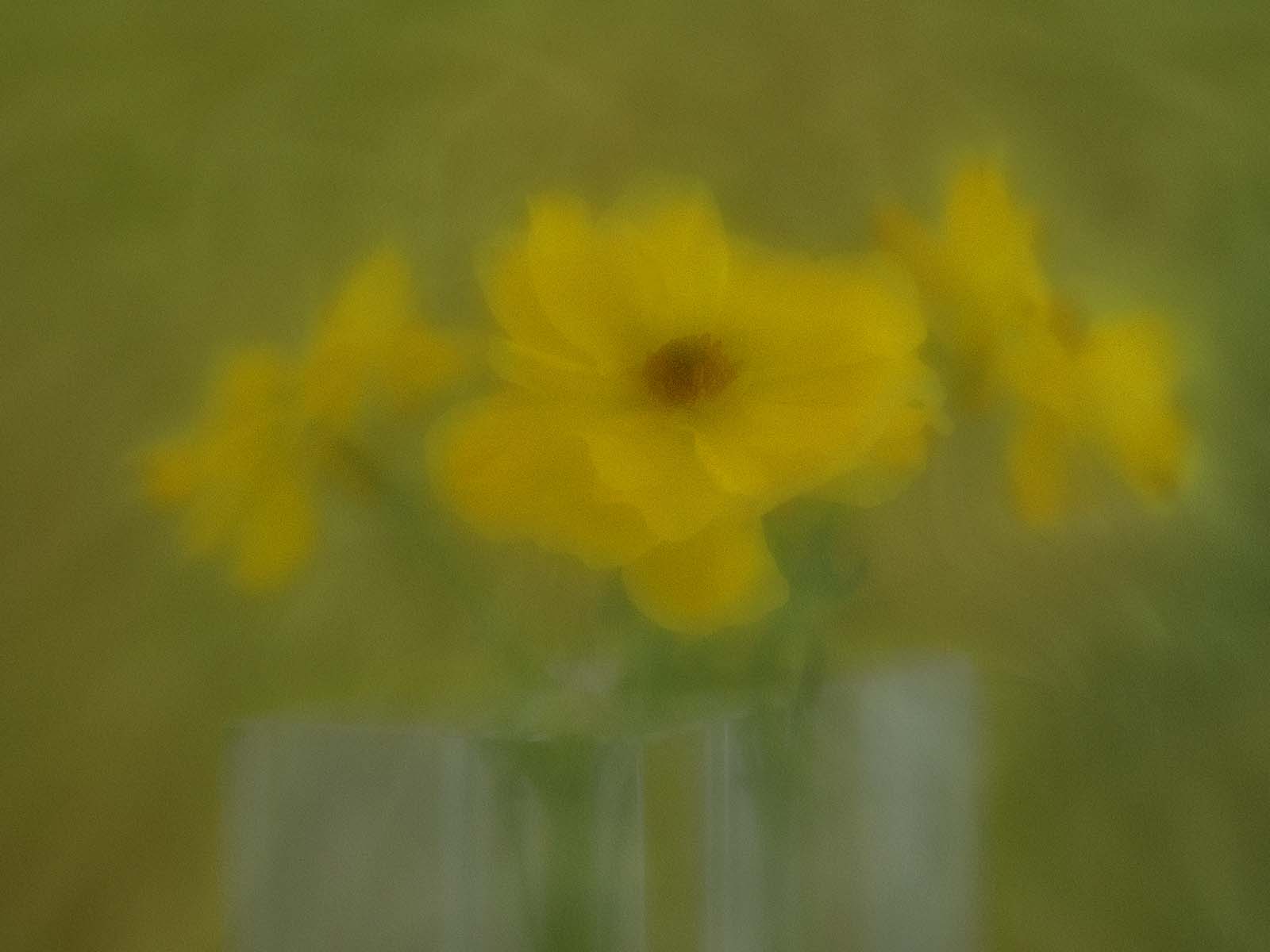
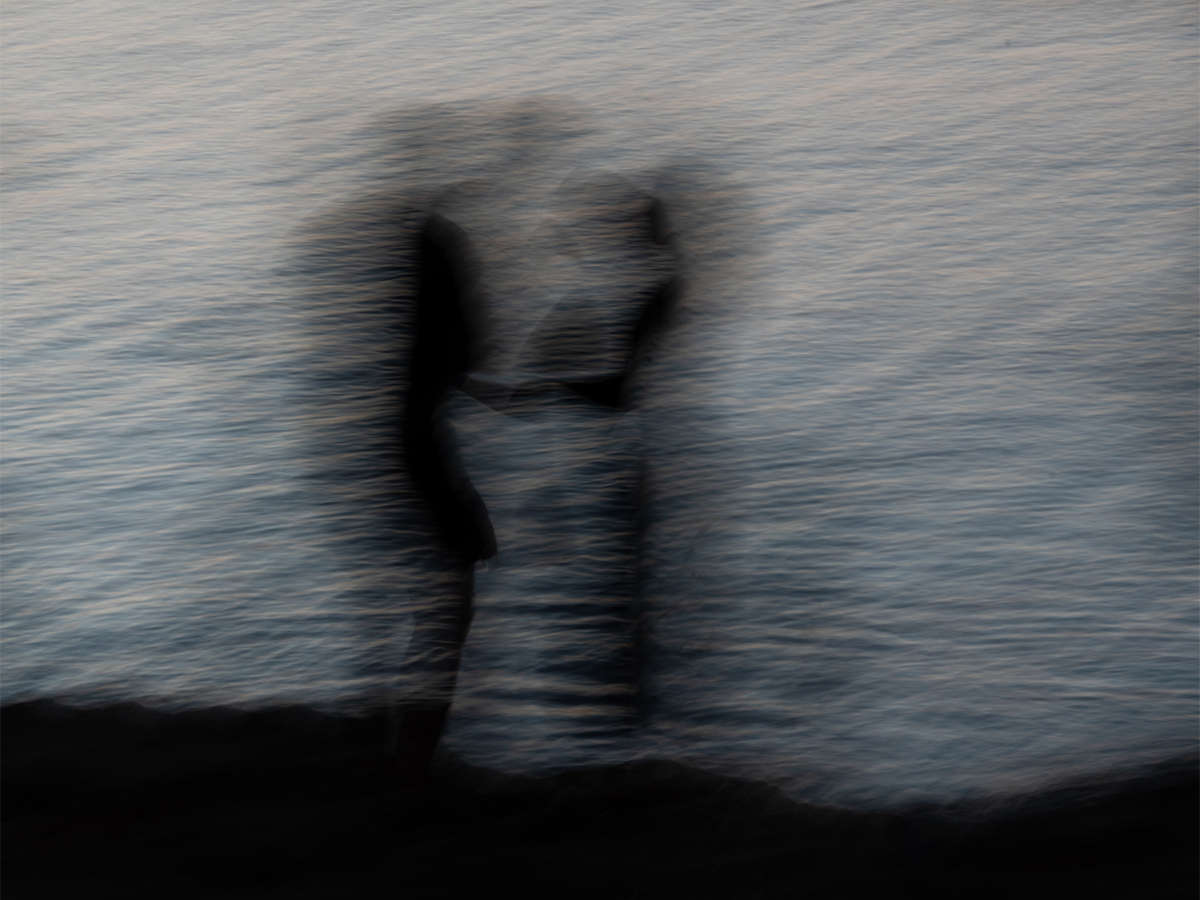
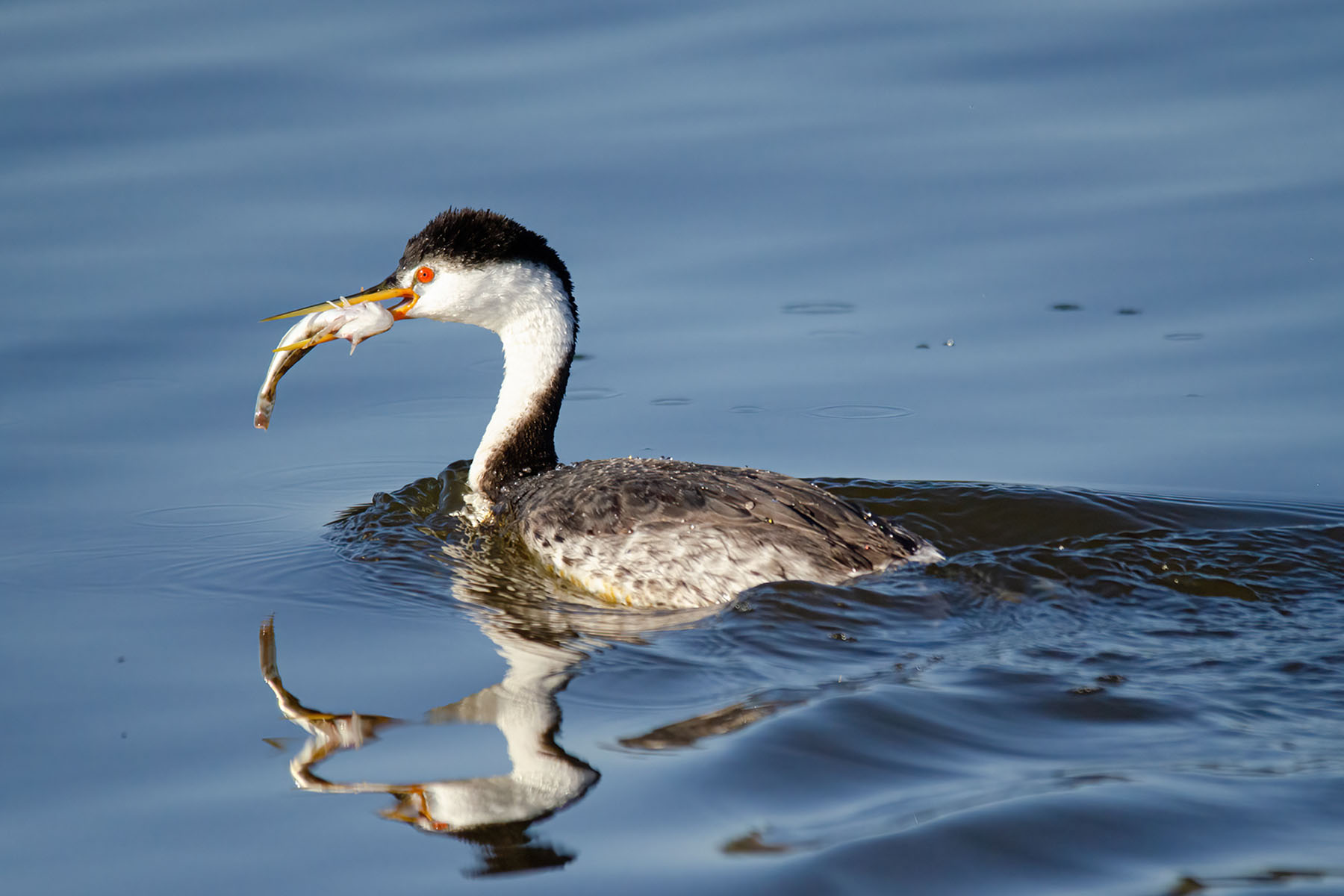
This is lovely, Meredith. The colors are soft and muted and your filters made a blurry water scene - gentle and inviting. There's only one thing I would want here -- if you could have taken another shot of that bird, in focus, and placed it right where the blurred one is. I think that would complete it for me -- because your rocks are in focus, the water is moving, but the bird is blurred -- I would like to see the bird in focus. So now all you have to do is go back to that same location, same time of day, find the bird, photograph him, and put him in the picture -- no, not going to happen !! |
Jan 15th |
| 10 |
Jan 25 |
Comment |
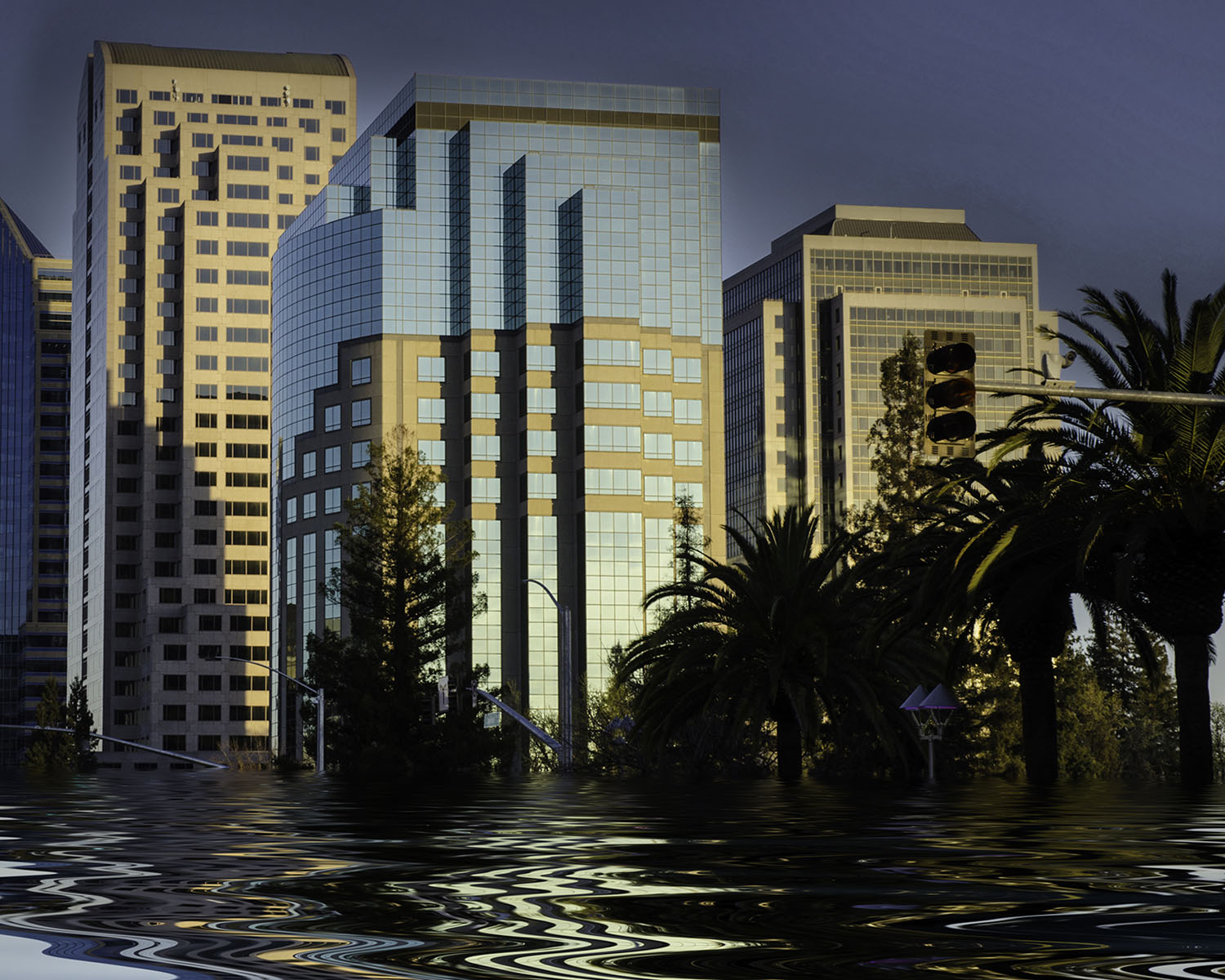
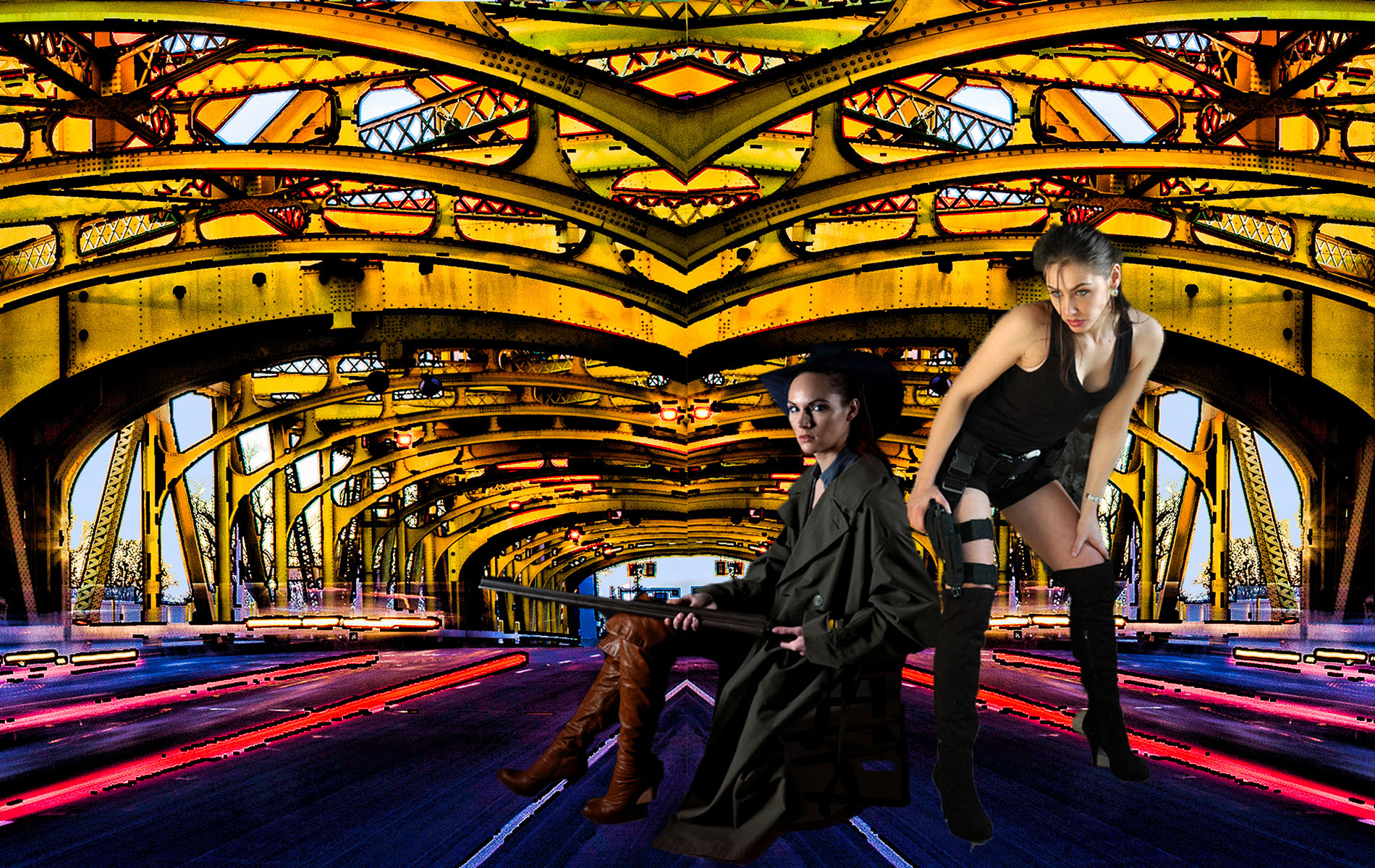
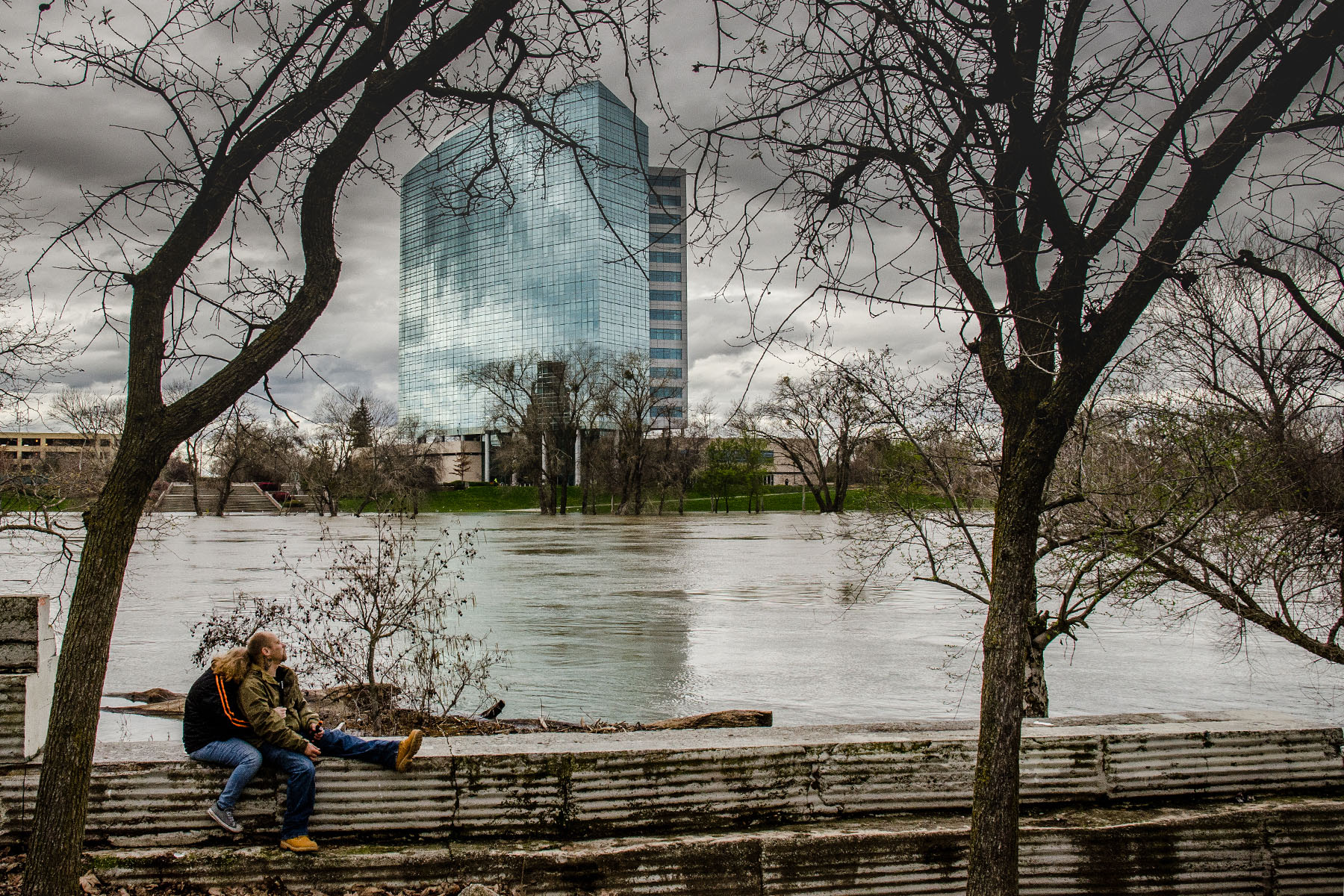
Hi Rich, I agree with Meredith's comments. Do you use Photoshop? There's so much you could do with your images that would make them nicer to look at.
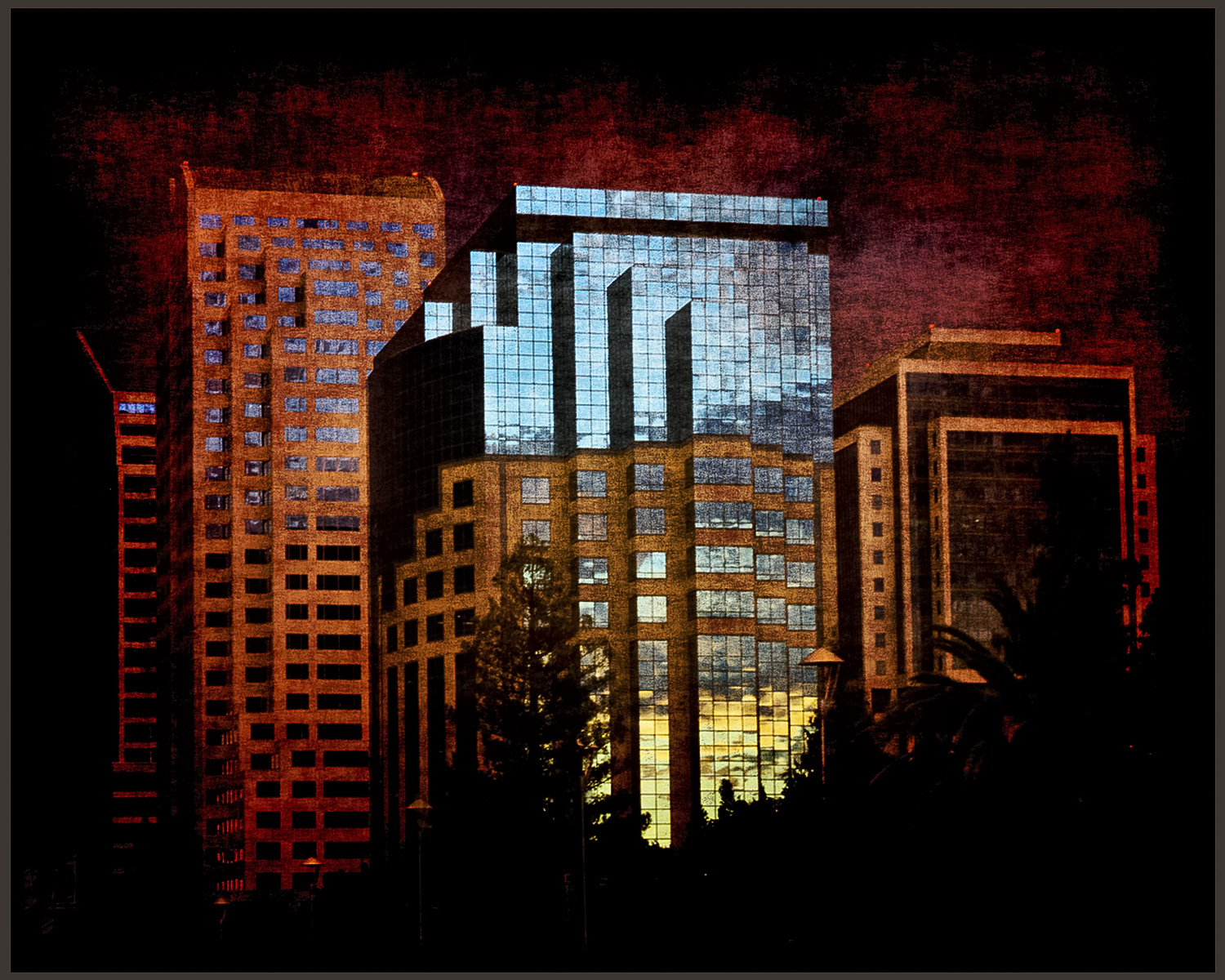
I took your image into Photoshop, cropped, eliminated distractions, increased contrast, and I think it makes it a stronger image. I also put in a sky replacement.
So do you want your images to be "documentary" in nature or do you want to show the beauty of a cityscape? There are lots of tutorials on youtube.com on how to do this. I guess that's something you would need to decide for yourself. |
Jan 15th |
 |
| 10 |
Jan 25 |
Comment |
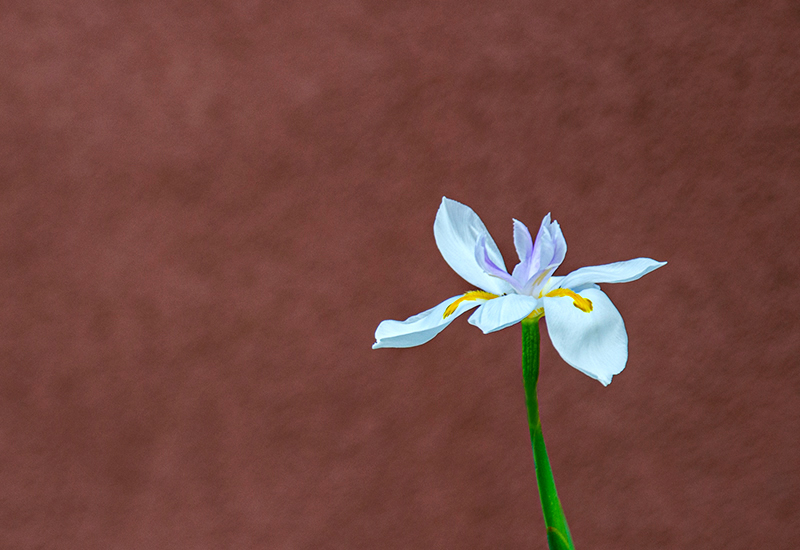
HI Mark,
I envy your proximity to Longwood Gardens. This is a lovely picture that really makes me want to go there.
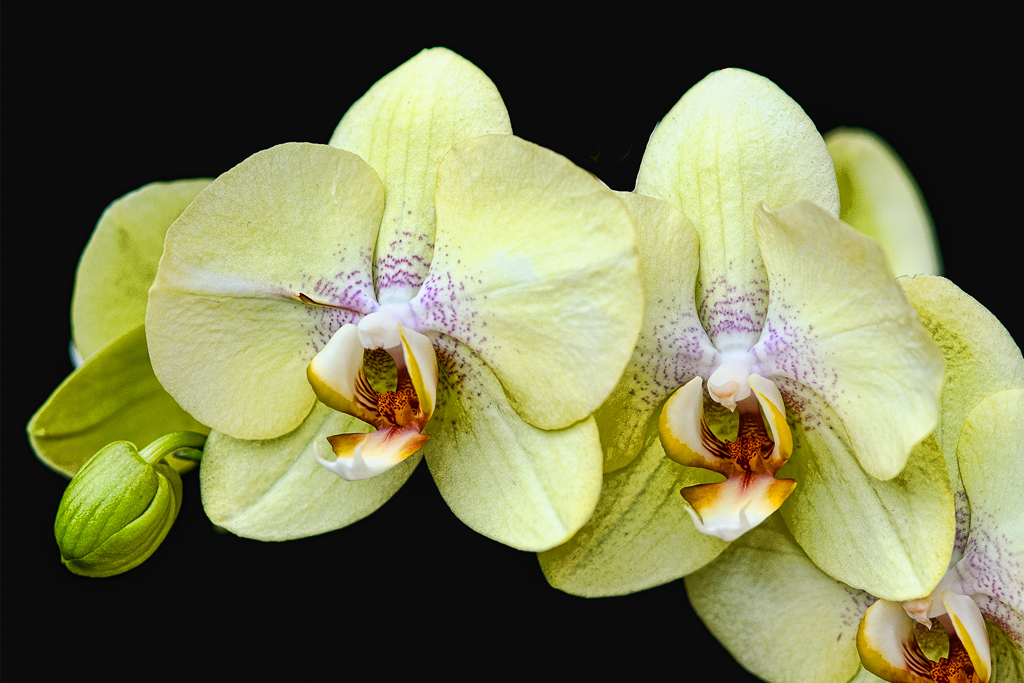
I wondered if it would look a bit better if you eliminated some of the light posts that are at bottom background, so I did a quick edit in Photoshop; does it make a nicer image? Other than that, lovely. |
Jan 15th |
 |
| 10 |
Jan 25 |
Comment |
Yes, lovely as always. You've really got the techniques down well. Such a nice thing to do when it's cold where you live.
Keep it up ! |
Jan 15th |
| 10 |
Jan 25 |
Reply |
No, I appreciate your suggestion, and I went in to my image and used the bandaid to delete the birds that were at the edges of the picture. Thank you so much!
|
Jan 13th |
| 10 |
Jan 25 |
Reply |
Thank you, I do think that makes a difference.
How did you do that?
Donna |
Jan 13th |
5 comments - 6 replies for Group 10
|
5 comments - 6 replies Total
|