Activity for User 871 - Donna Sturla - dsturla@hotmail.com

avatar
Avatar

Close this Tab when done


544 Comments / 341 Replies Posted

  = Current Round   = Previous Round
Group Round C/R Comment Date Image
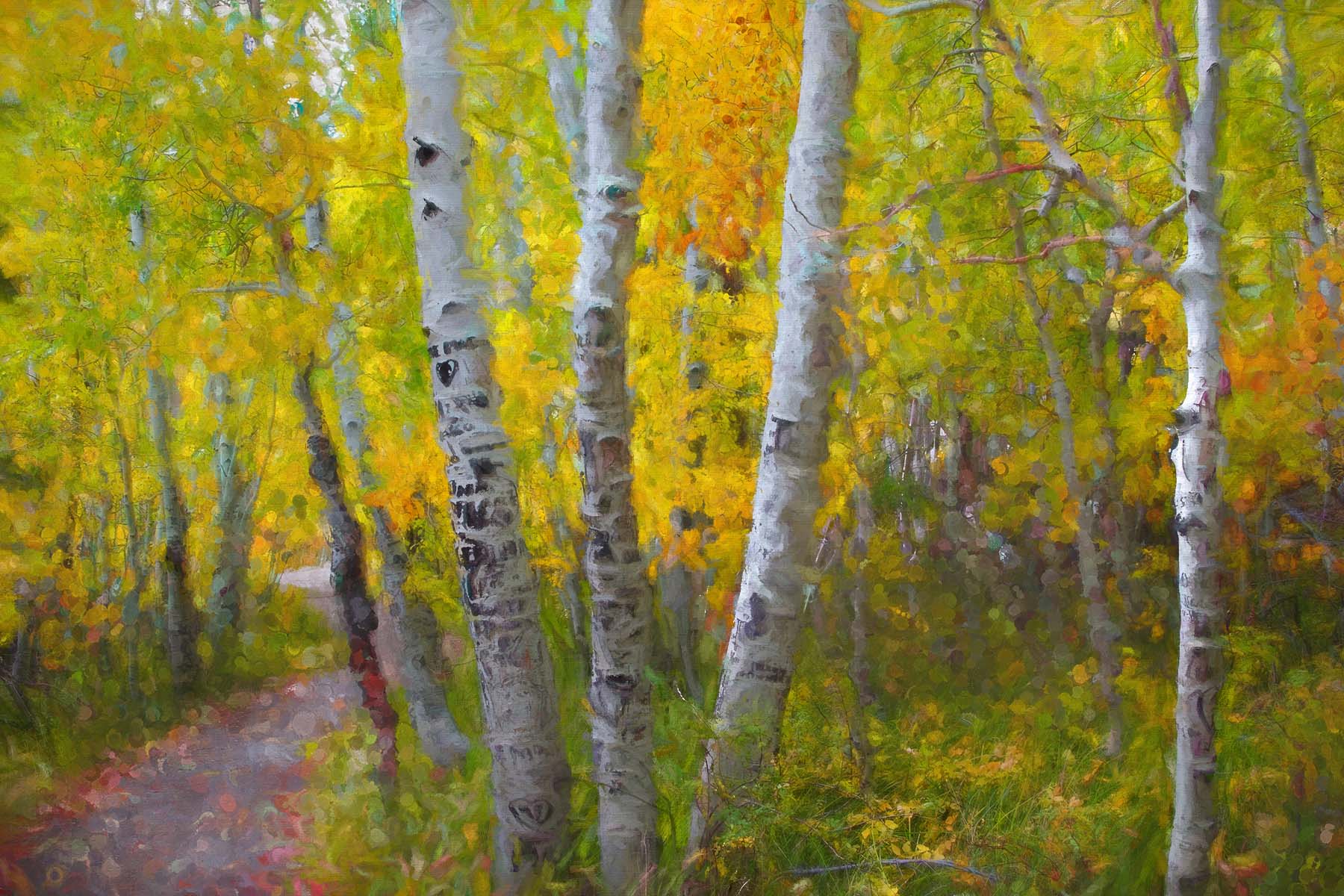
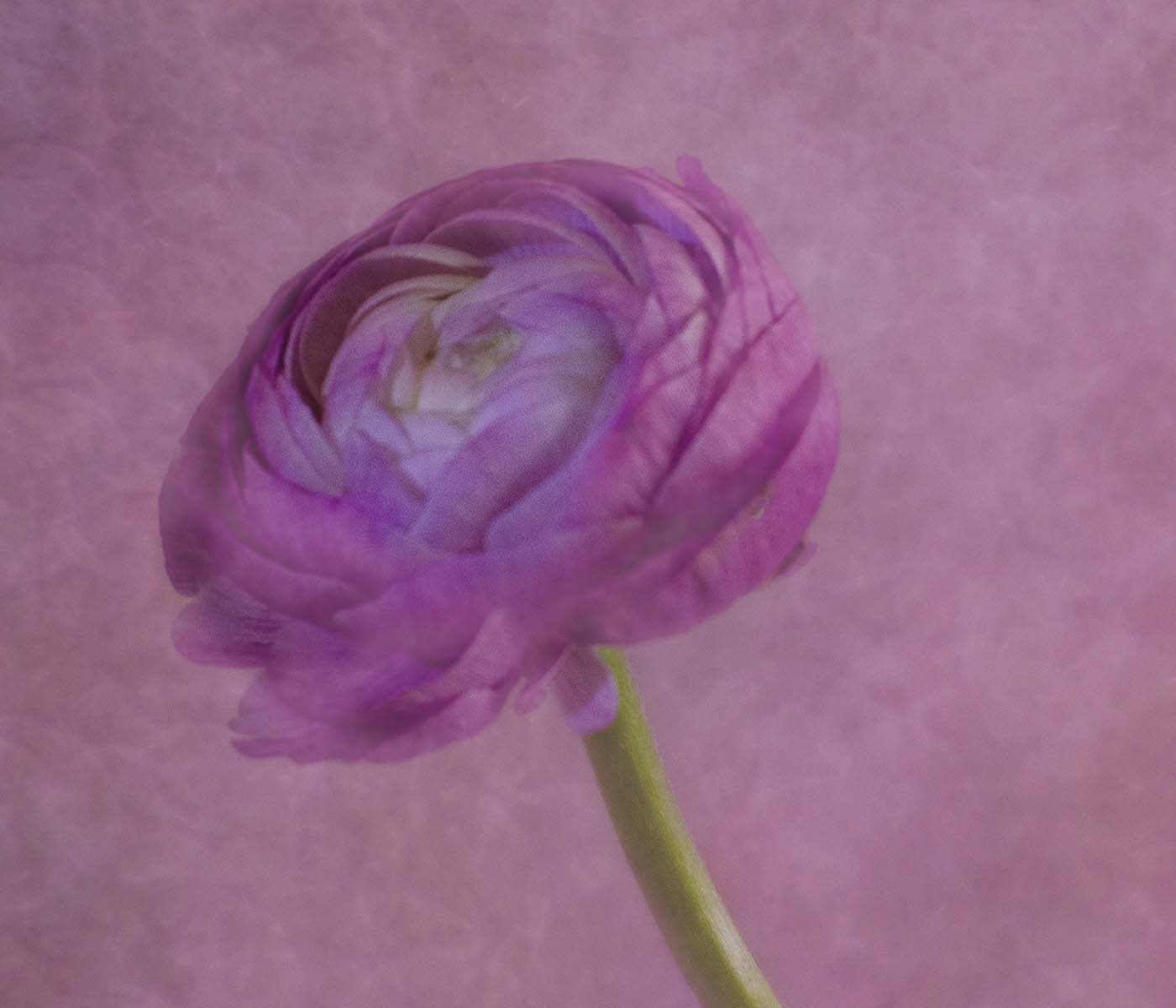
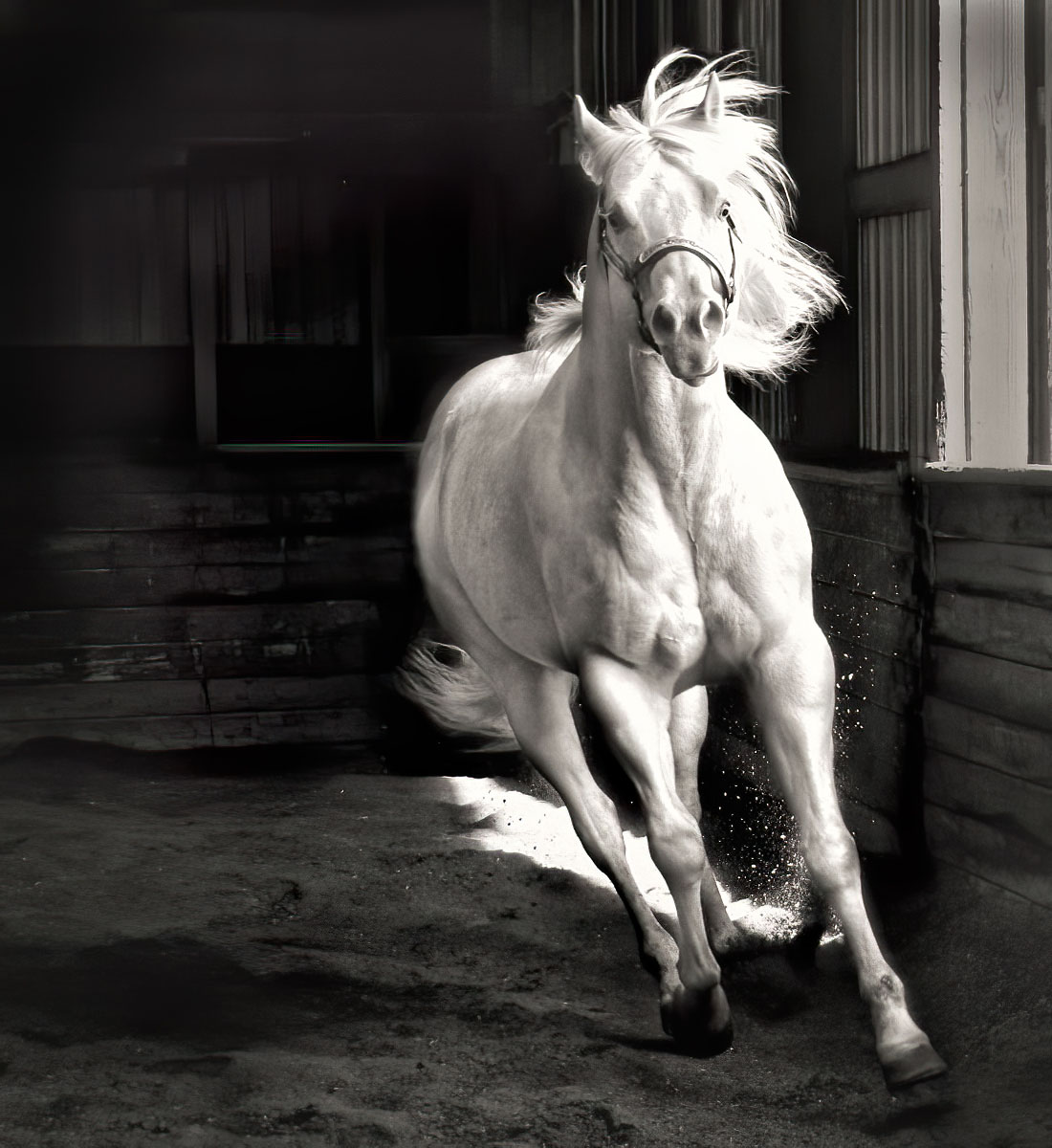
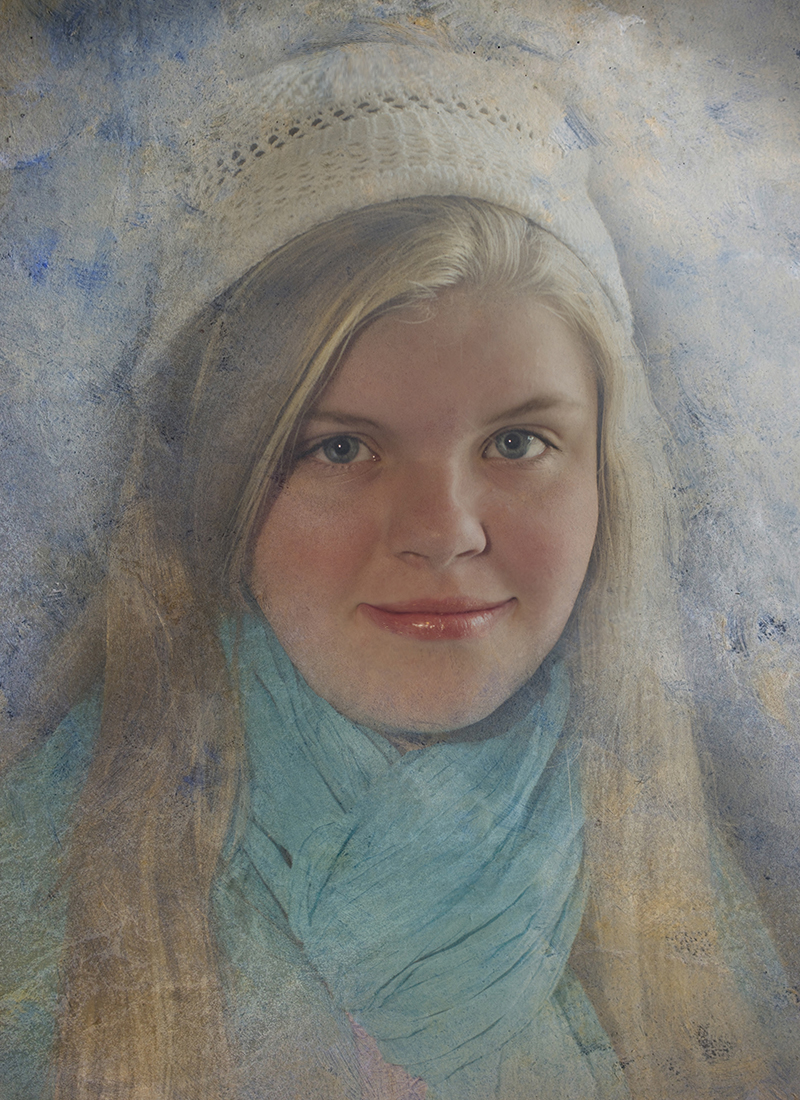
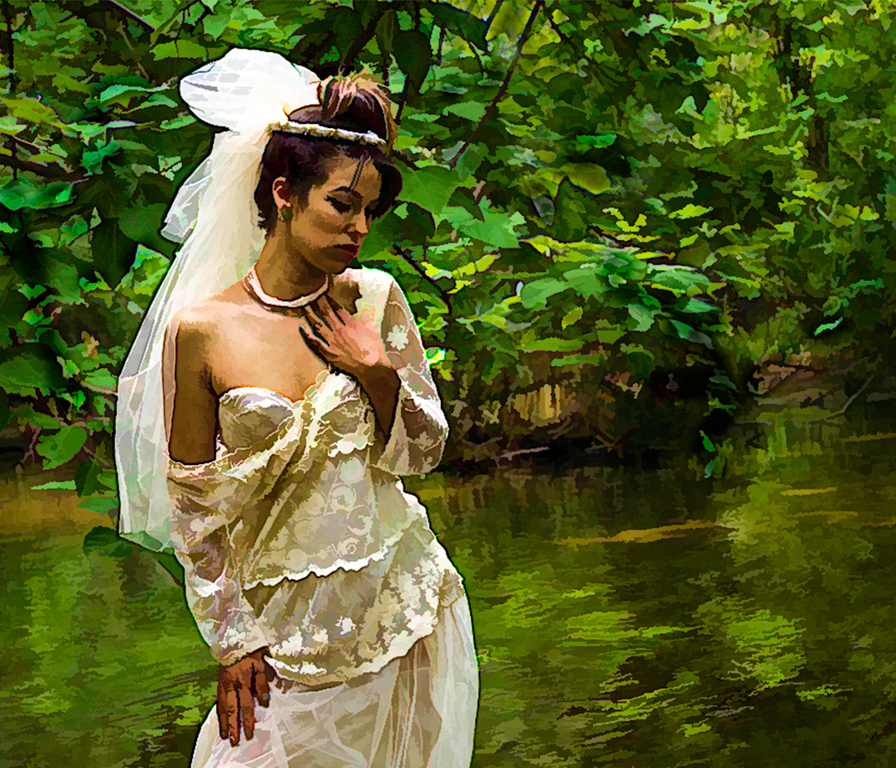
10 Apr 20 Reply Yes, I usually increase by at least 200% but just missed the chin. I actually liked the effect the way it was, but everyone has their own likes and dislikes. It's fun experimenting with the textures, and I've been trying to create my own, using fabric (clothing), grasses, tree trunks, etc. Harder than it sounds ! Thank you for your feedback ! Apr 24th
10 Apr 20 Reply There was texture overlay and evidently I didn't completely remove it in that area. Diana pointed it out also. You guys have good eyesight !! Thanks, I fixed it on my original. Apr 20th
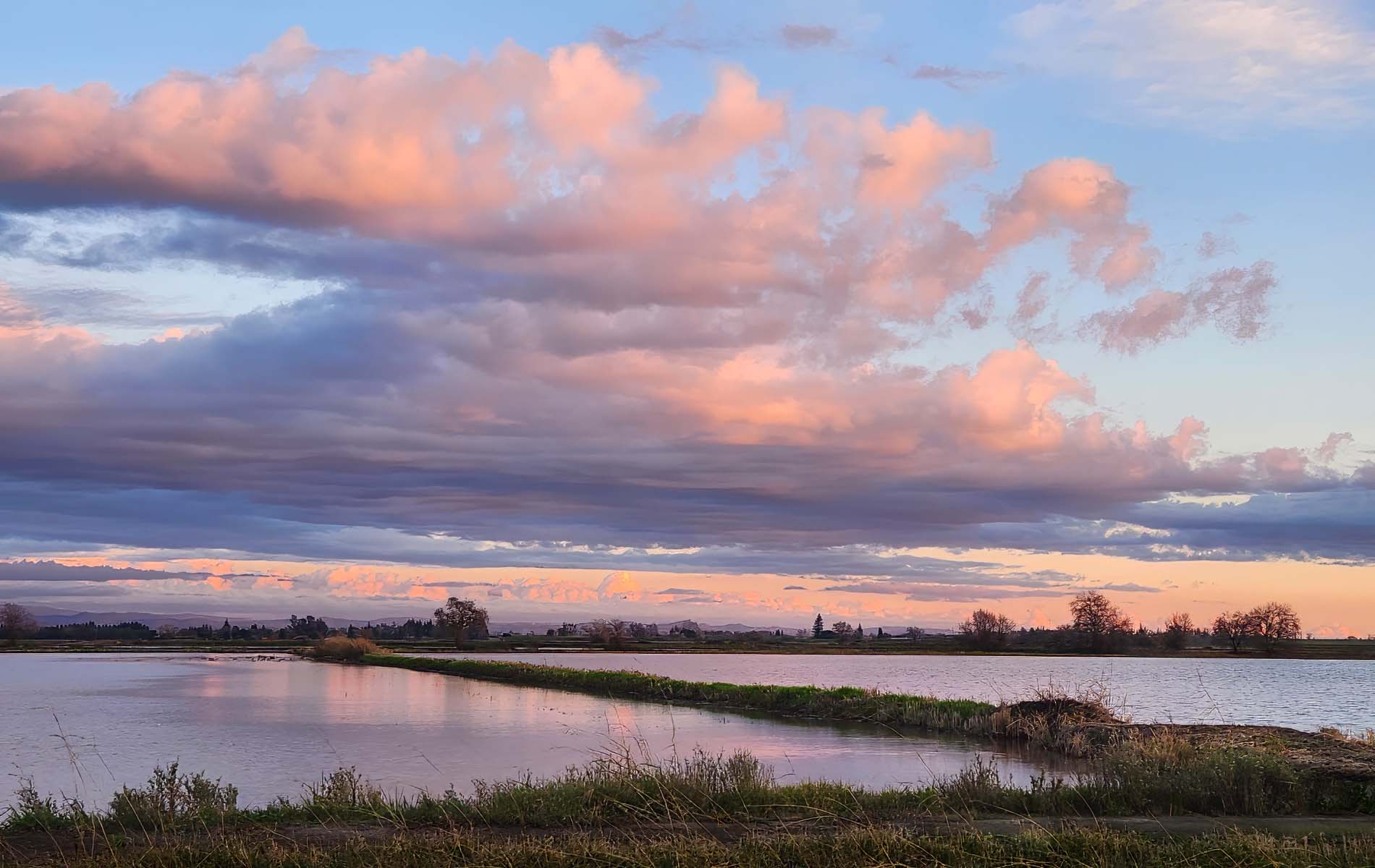
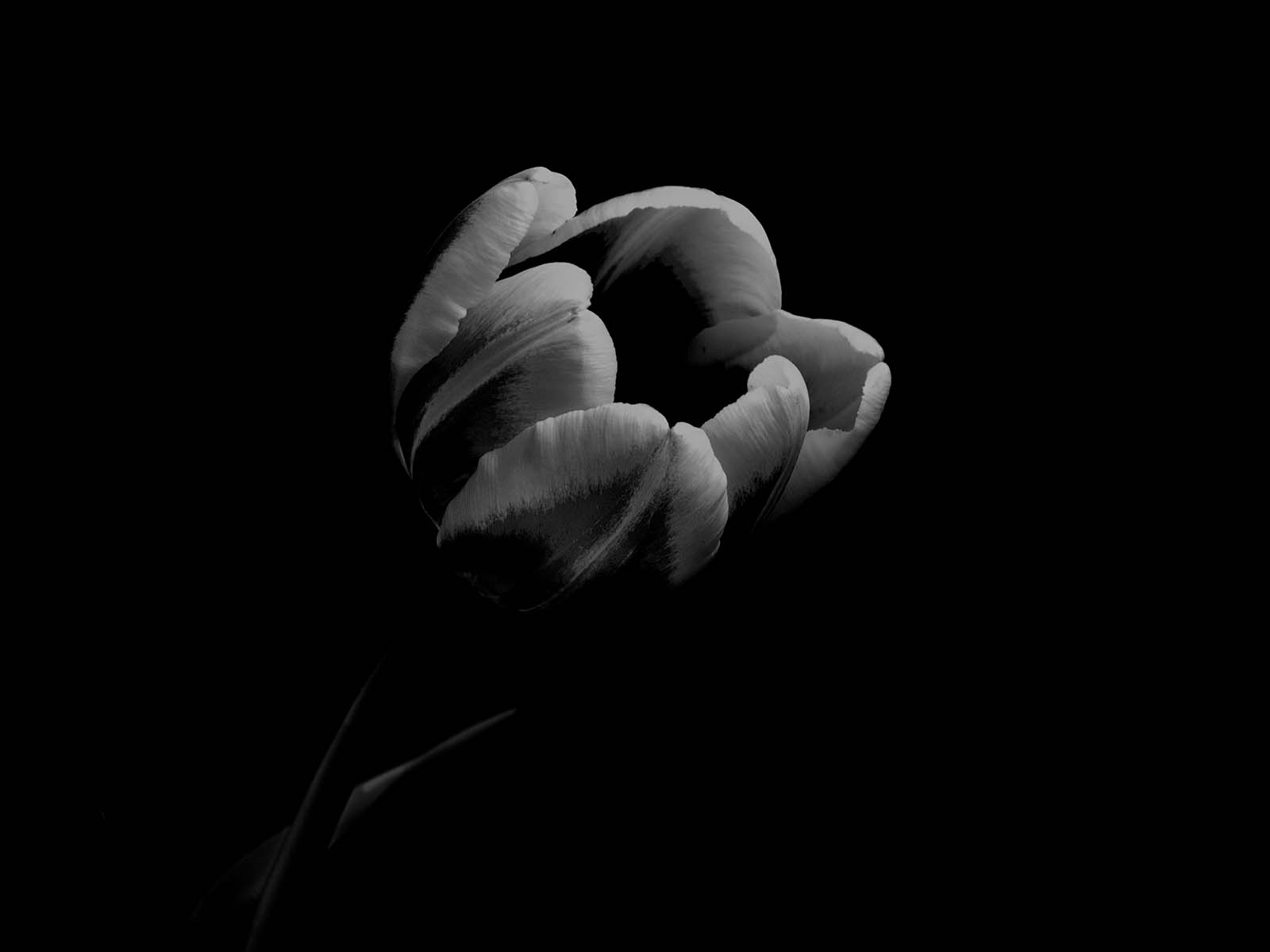
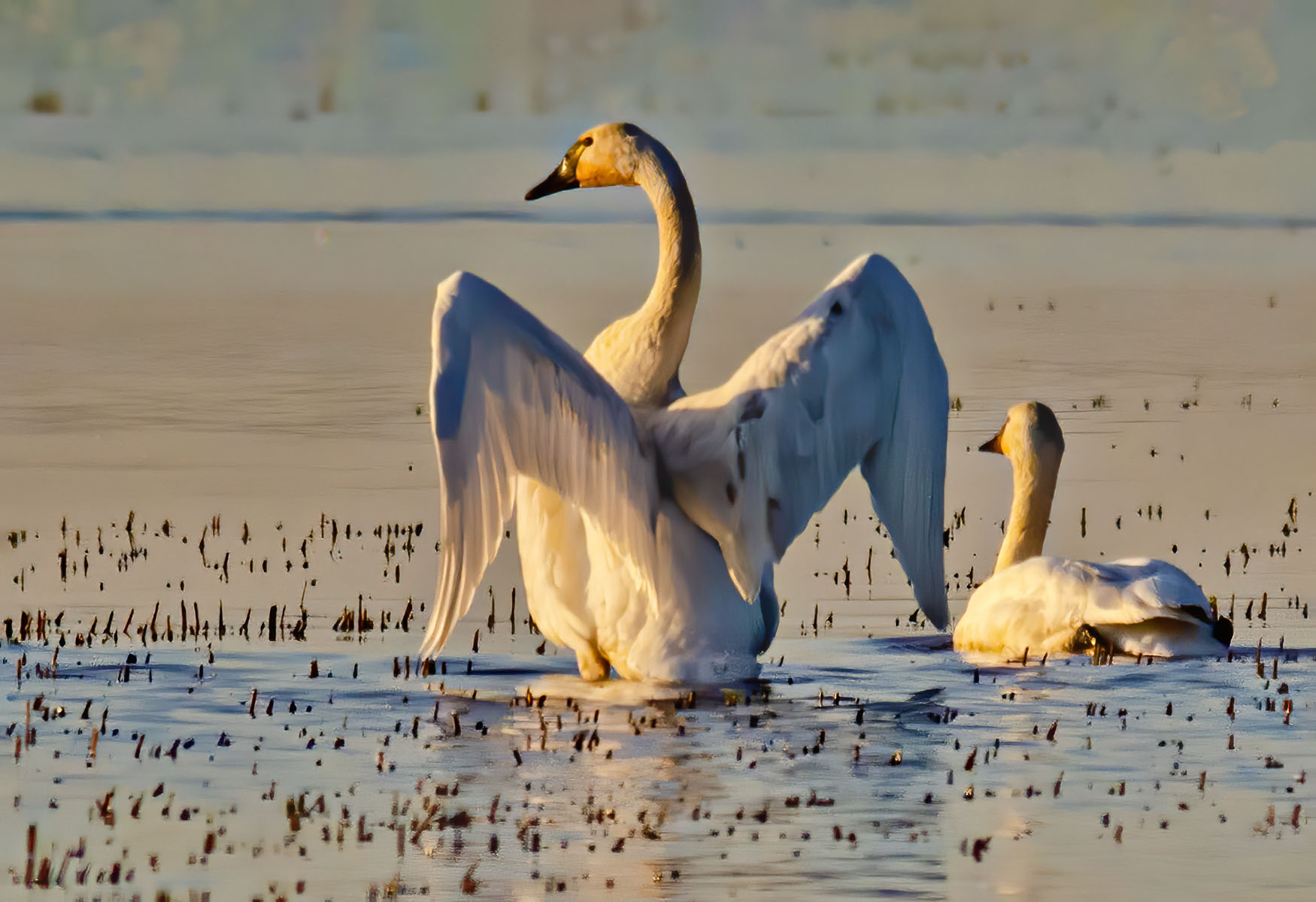
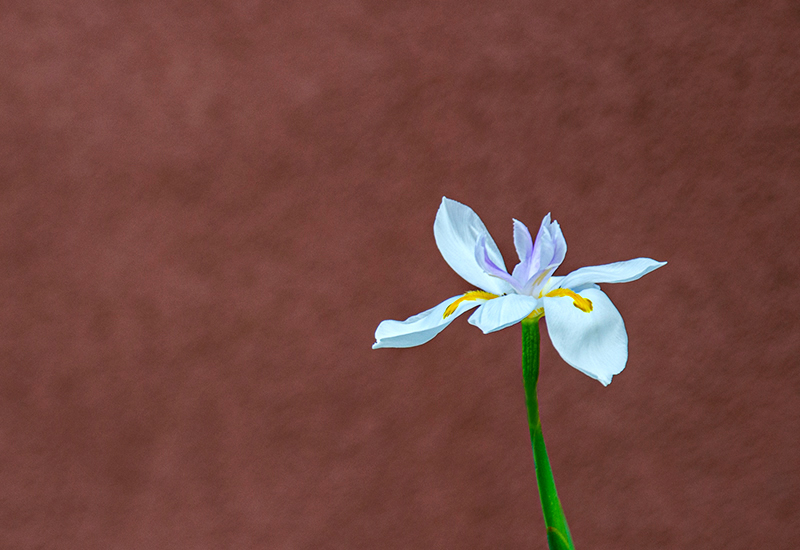
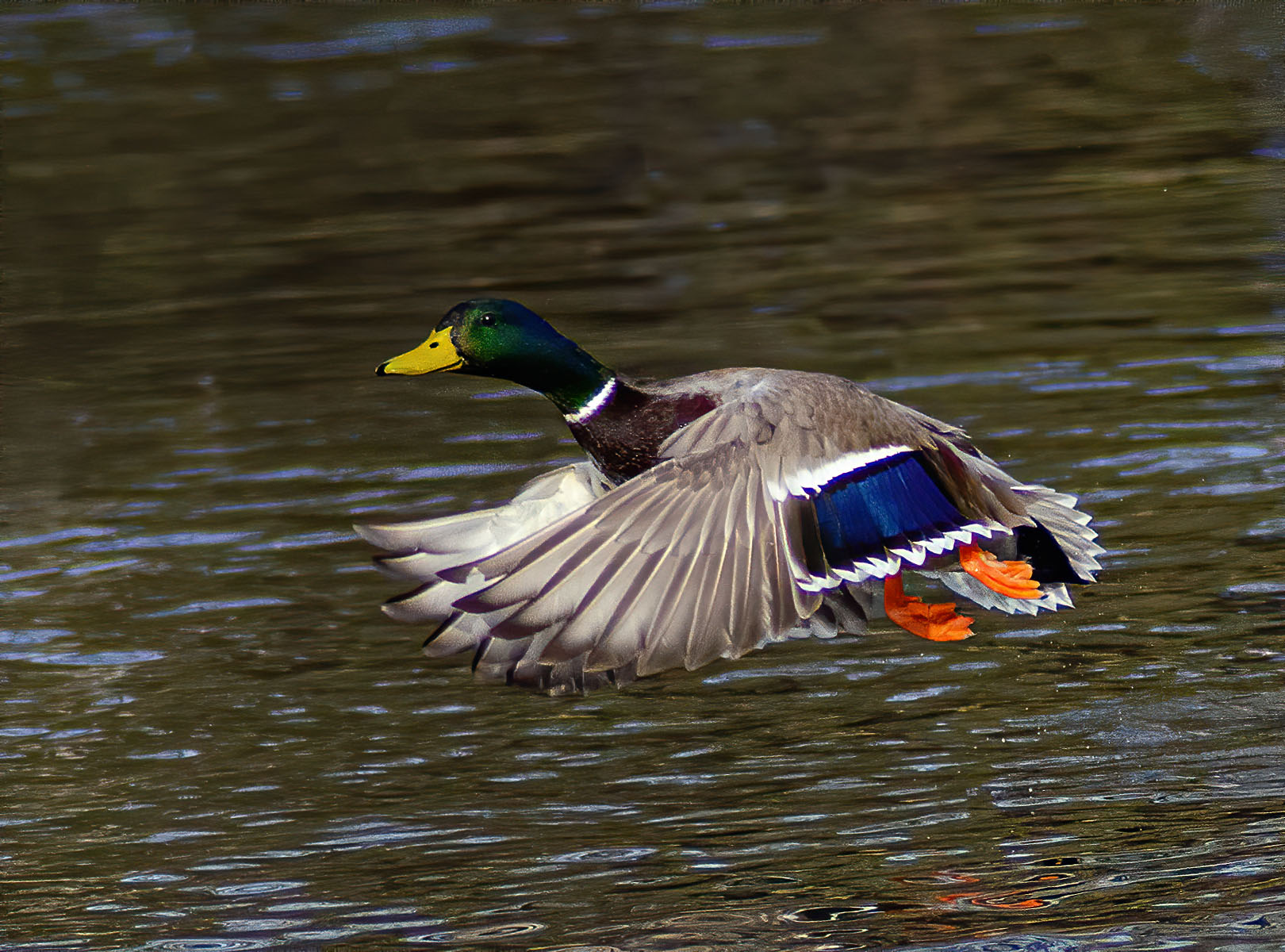
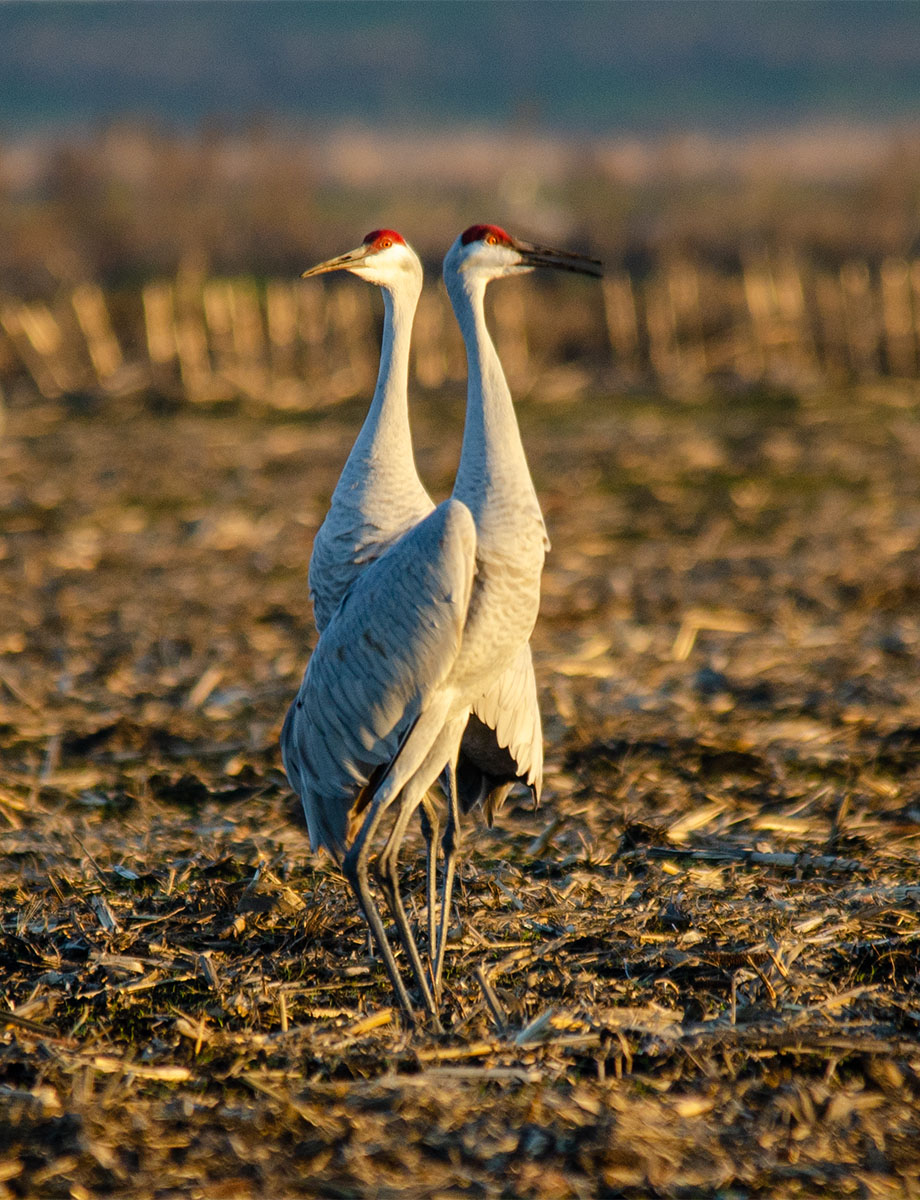
10 Apr 20 Comment Great capture ! The only thing I would suggest is brightening the exposure a bit and you might then need to add contrast. I just think the lighting is a bit low. I like that the background is soft and not very distracting.

And, Welcome !
Apr 12th
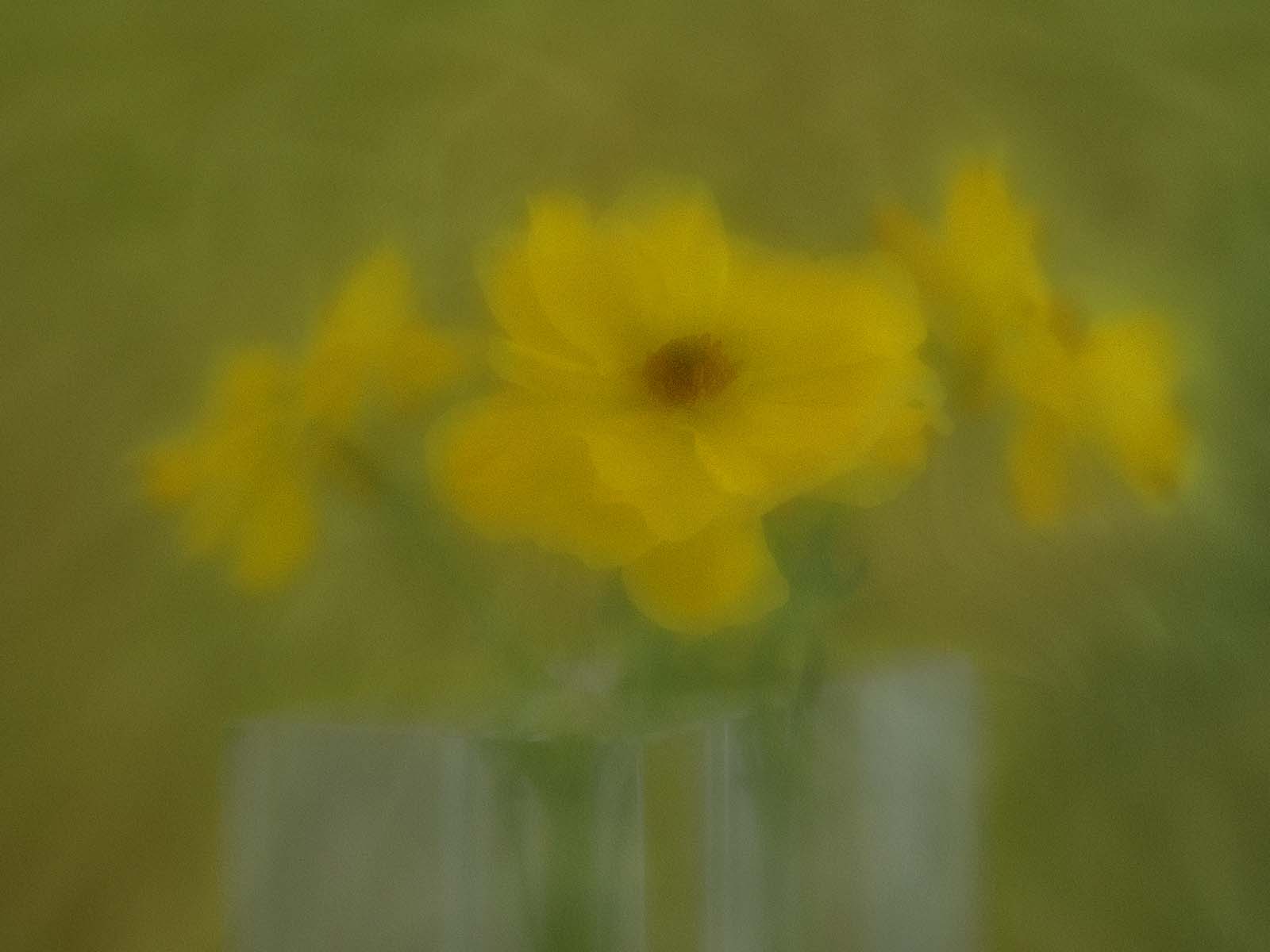
10 Apr 20 Comment Ha, that's a cool idea ! I also thought it was one of those lens balls. I'll have to try this also. Nicely done ! Apr 12th
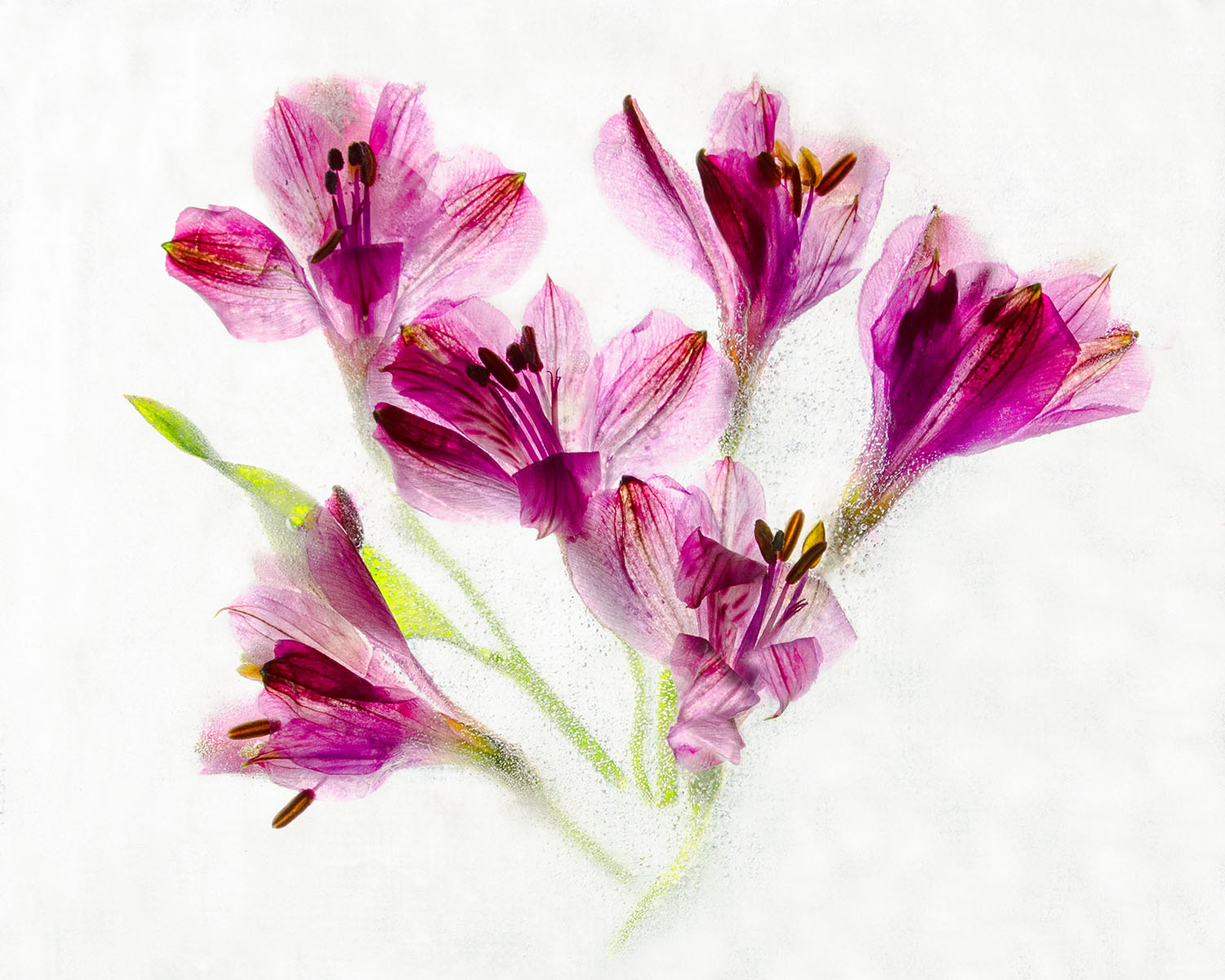
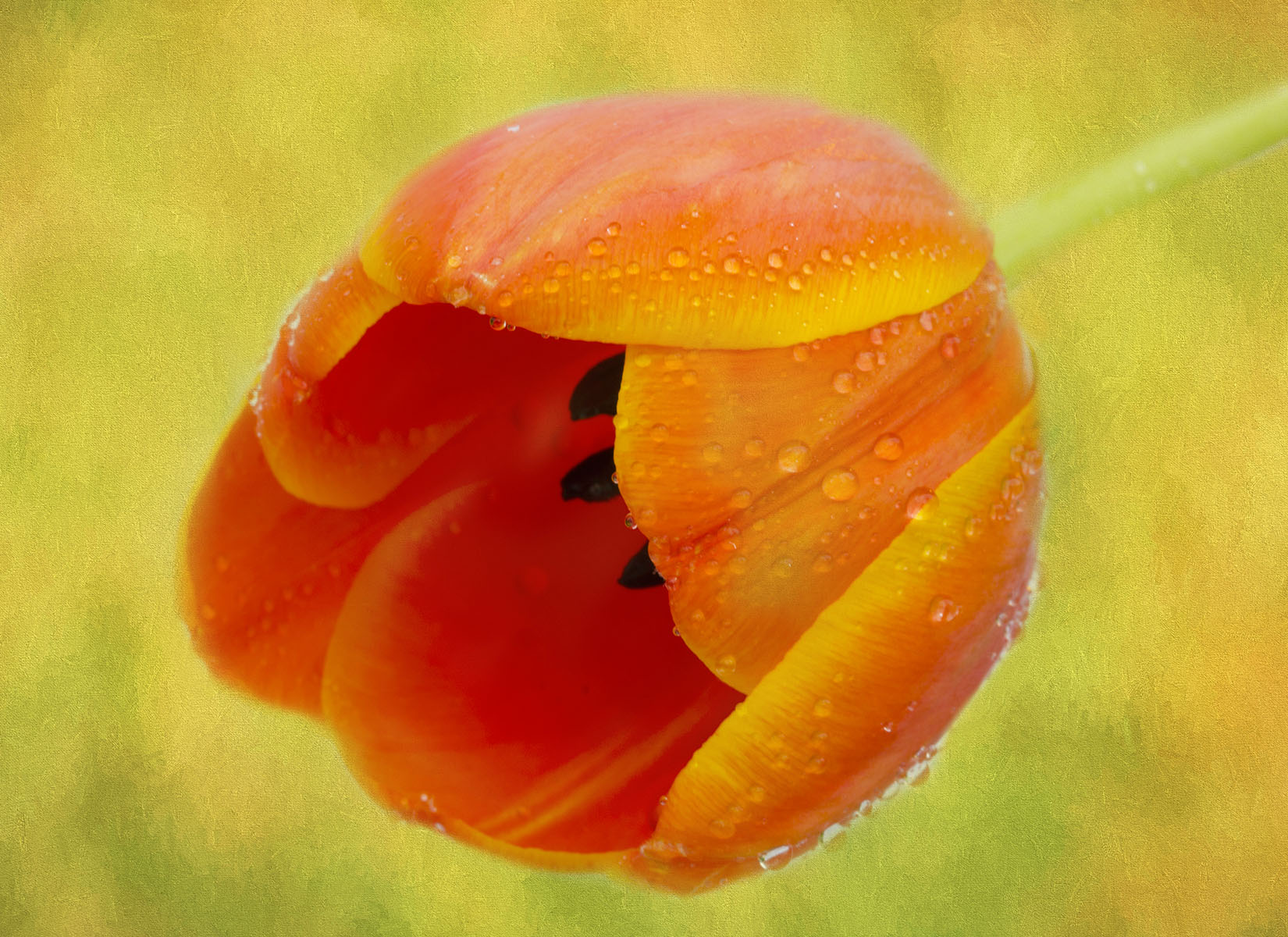
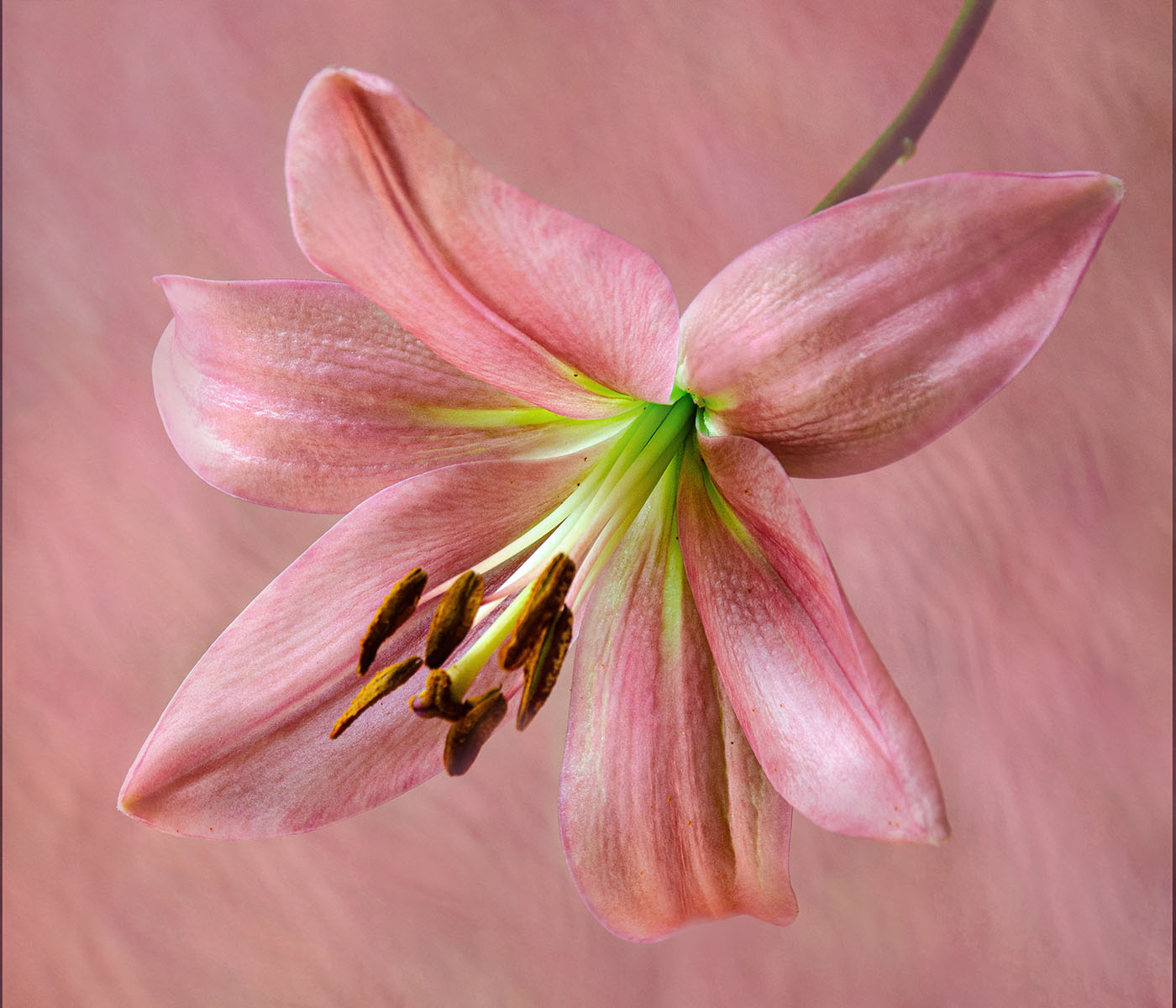
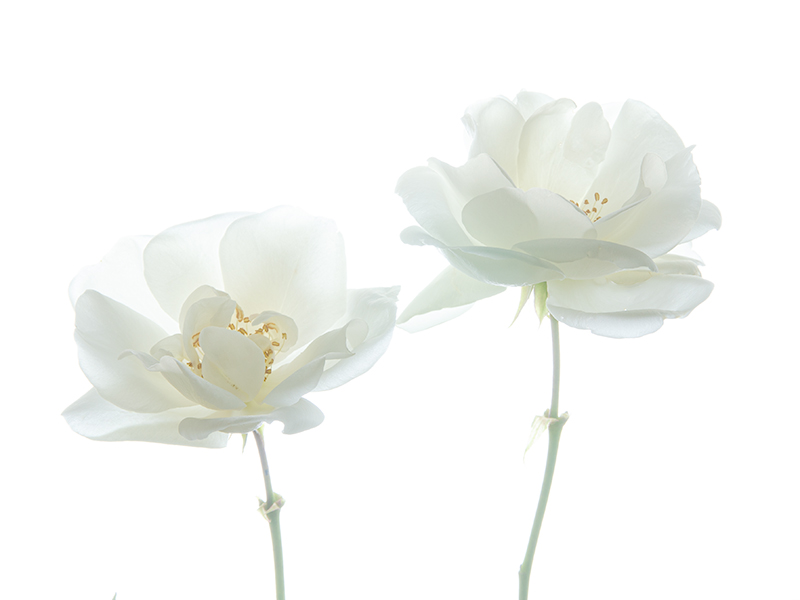
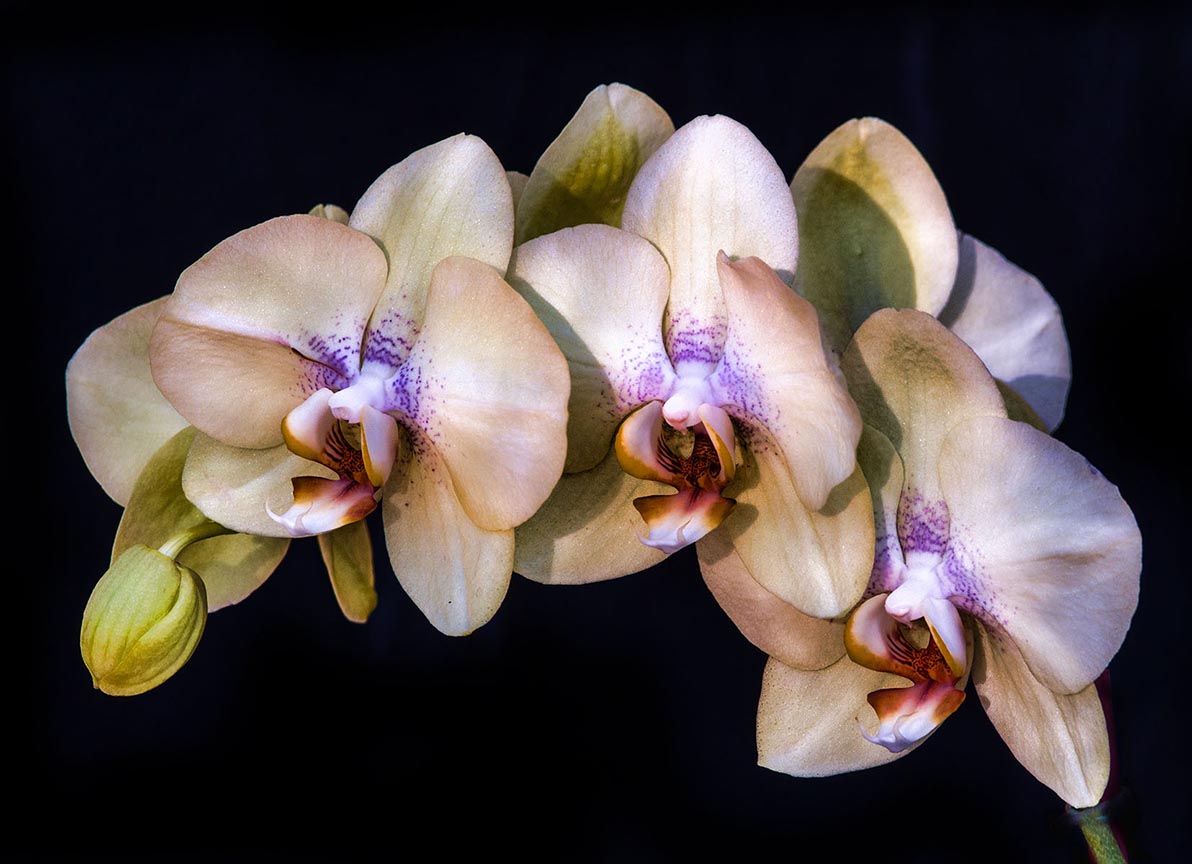
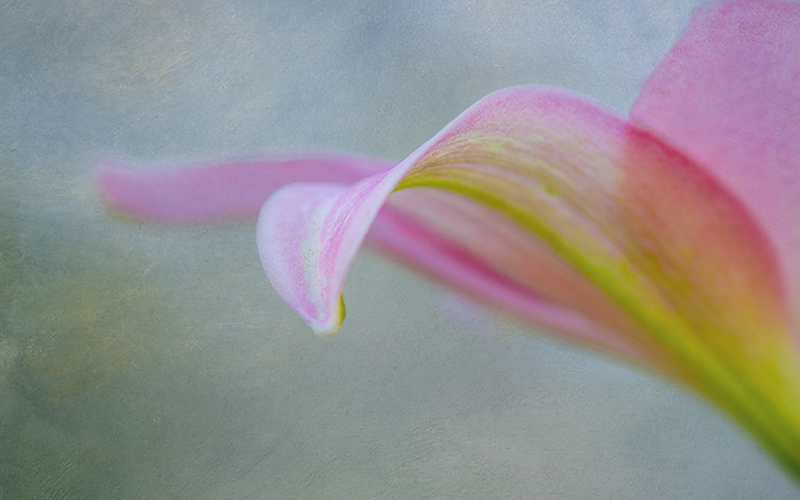
10 Apr 20 Comment Yes, I LOVE this image. The way the flowers spread across the canvas is great, and the color of your texture is perfect. You could try taking off a small amount of the stem at bottom, see how you like it. But I think it's Gorgeous ! Apr 12th
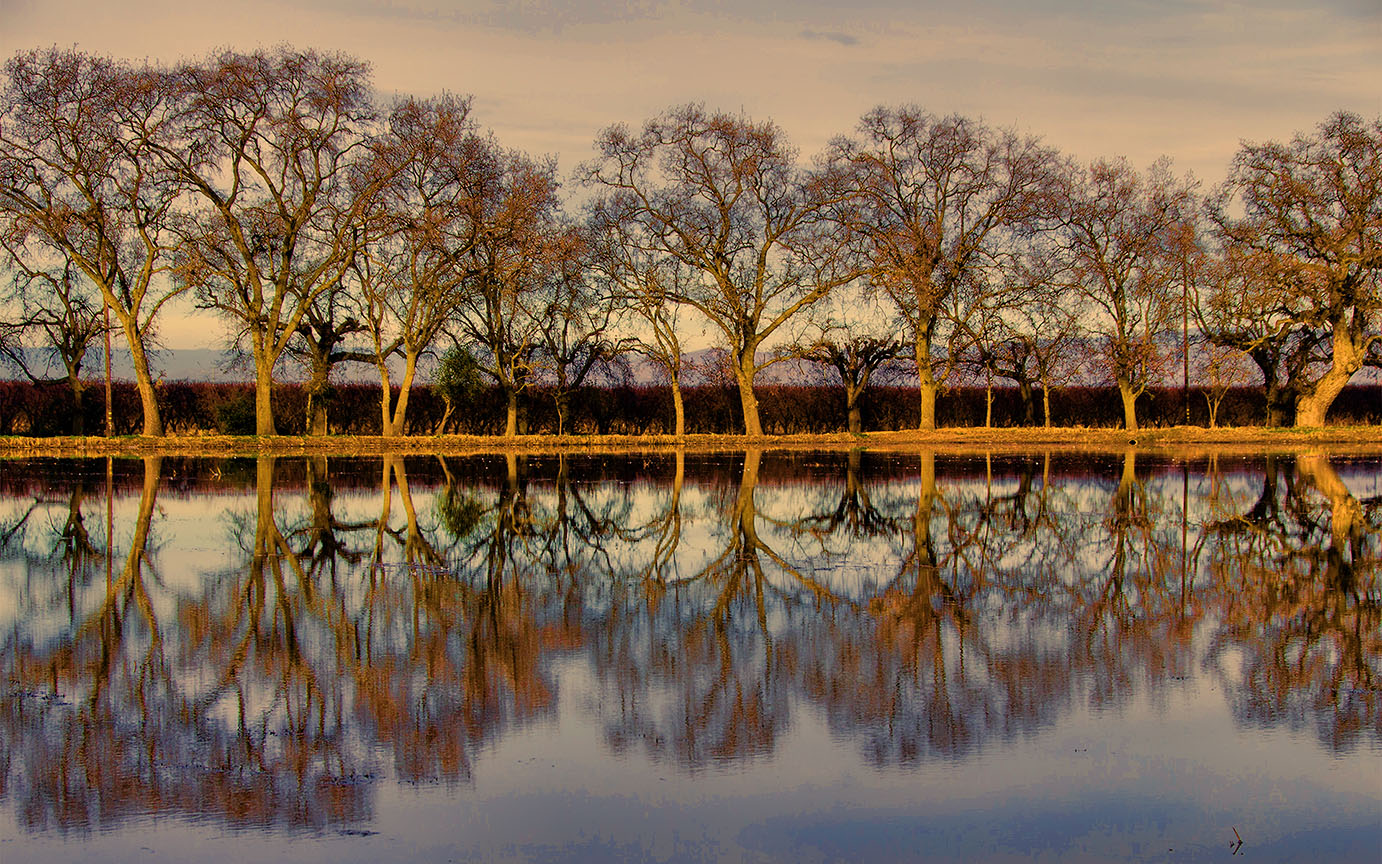
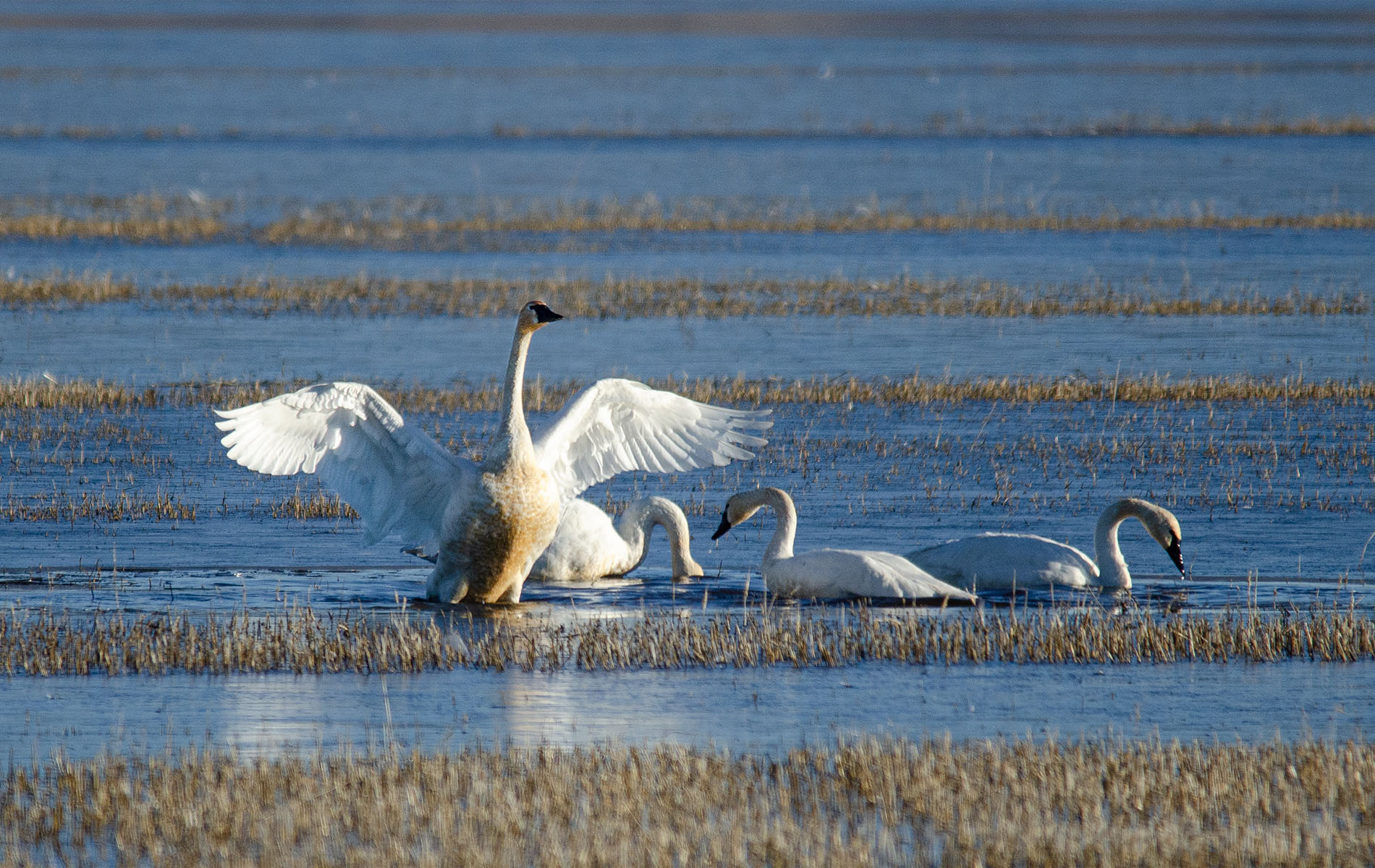
10 Apr 20 Comment Yes, I think it's a really nice image also , and could use a little pop - I would have used Topaz Adjust, but everyone has their favorites. Also, I keep thinking the focus is a bit soft - so I think using Topaz Sharpen would have helped. Or a tripod, if you didn't use one. Nicely done. Apr 12th
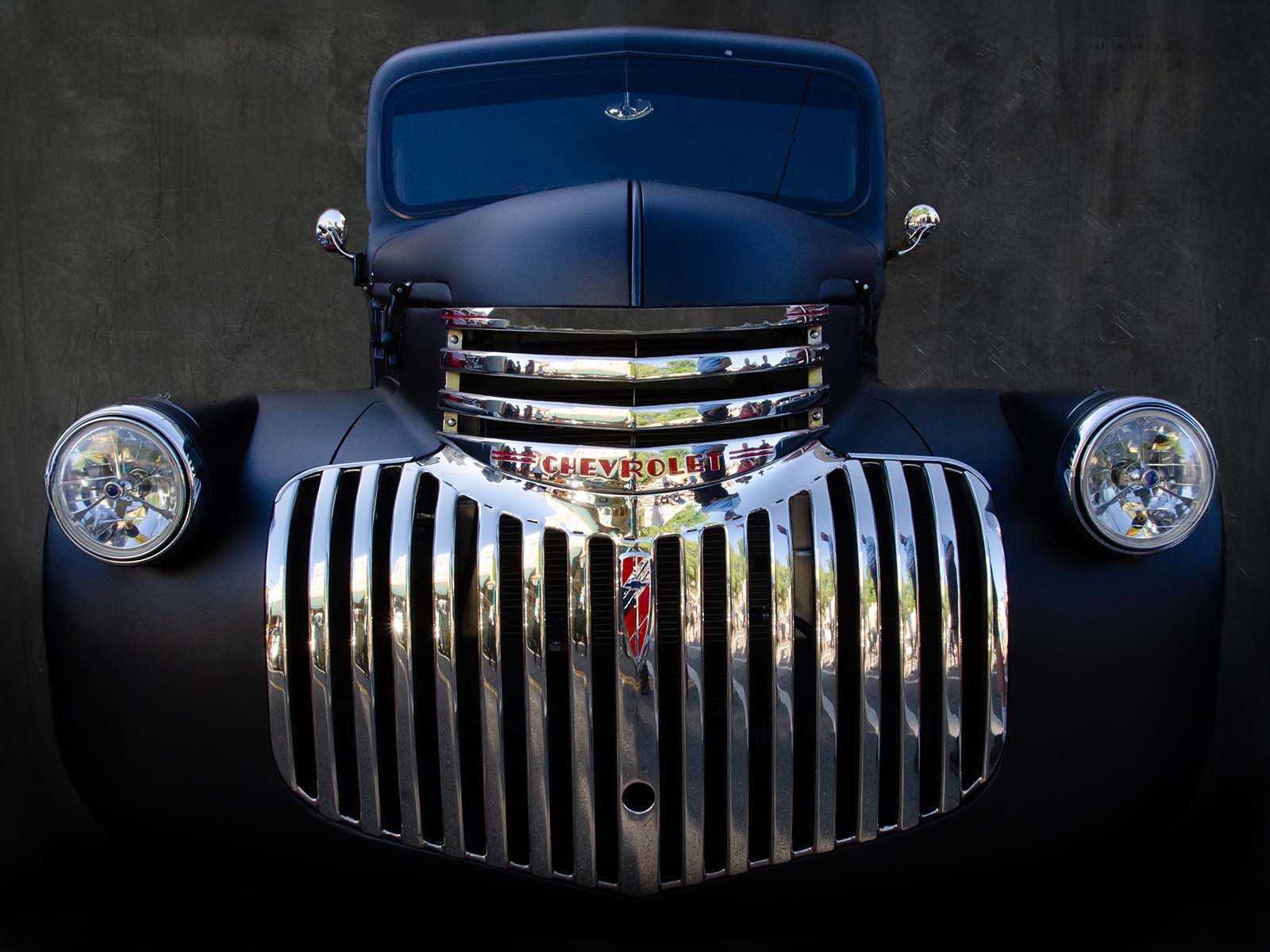
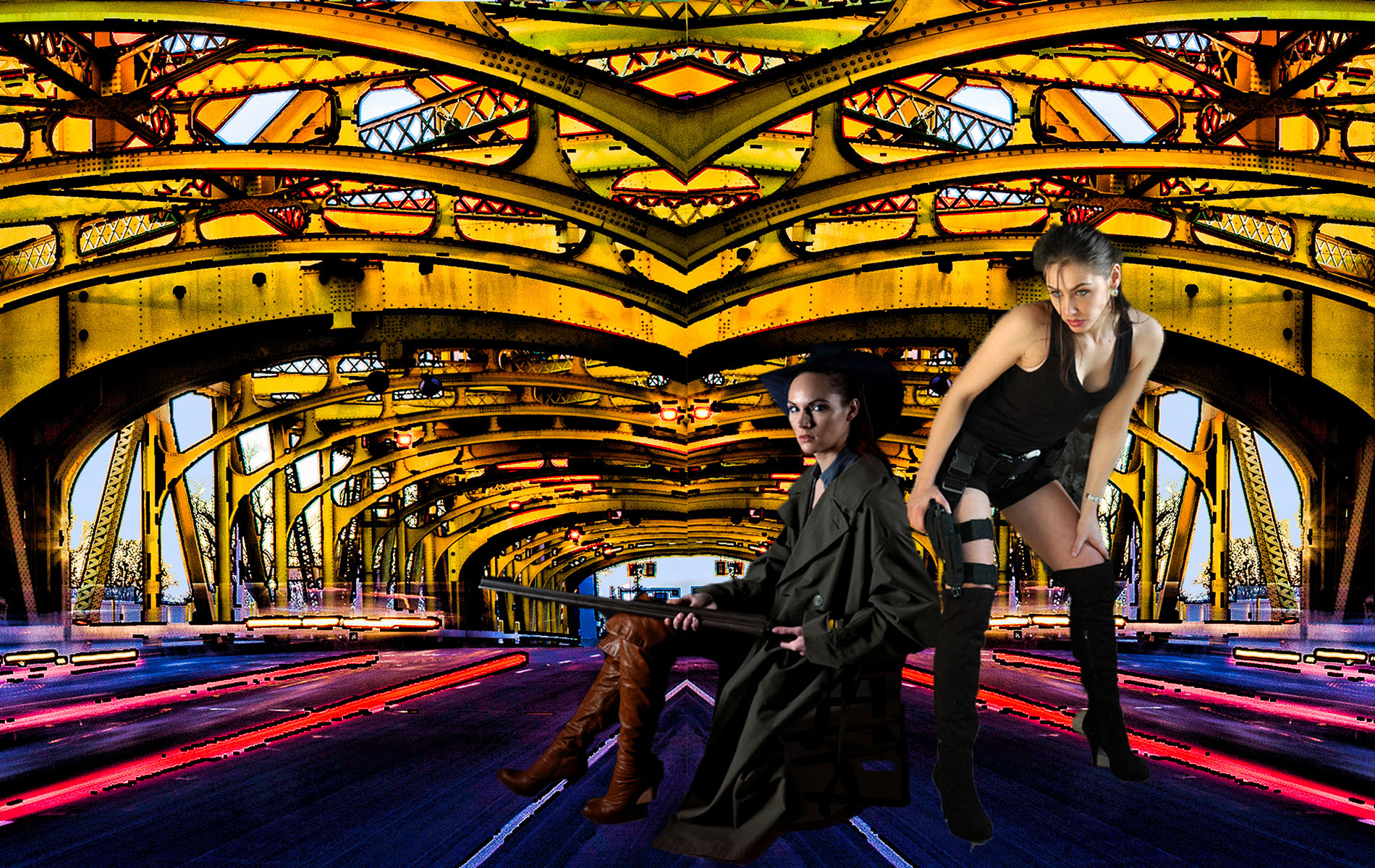
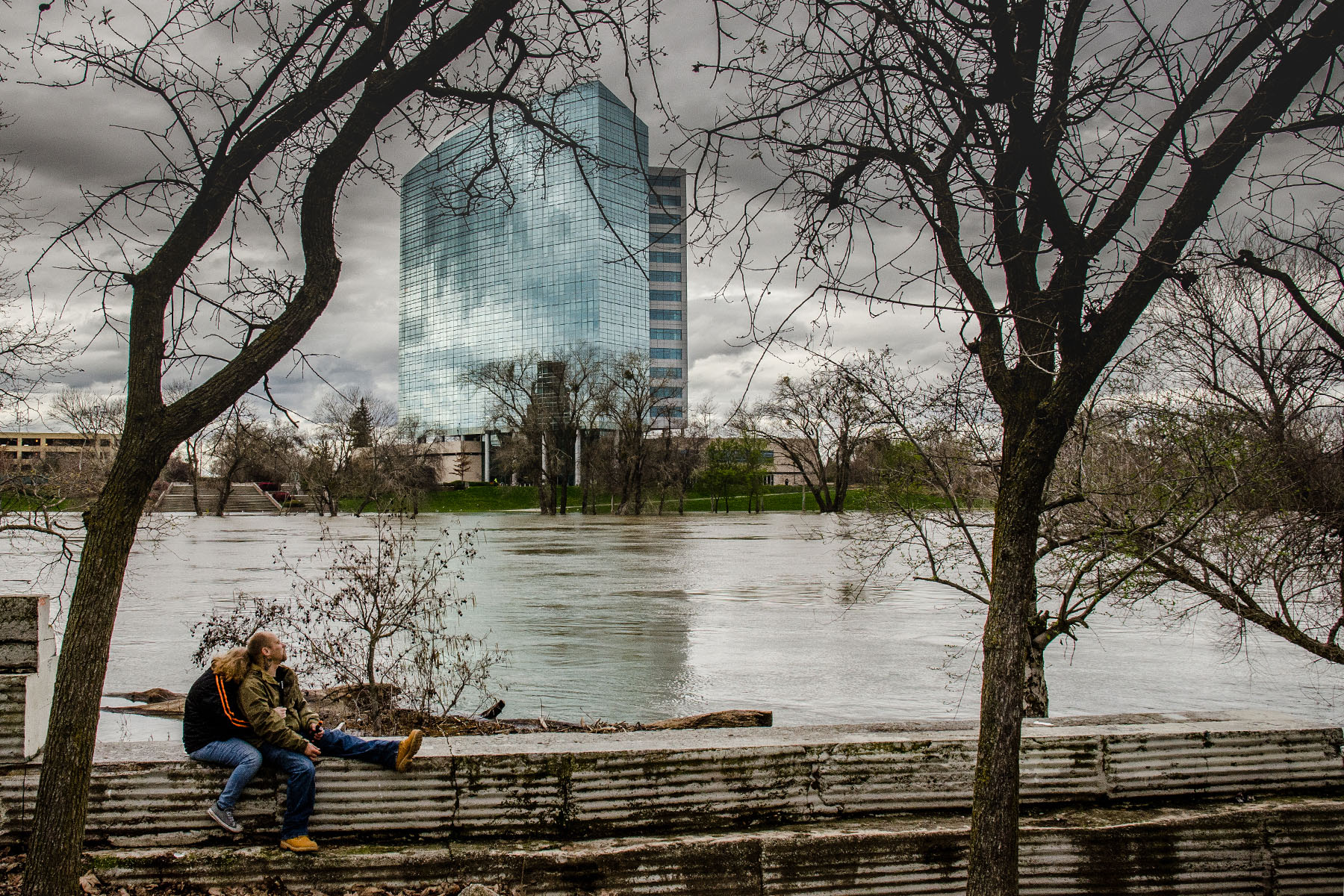
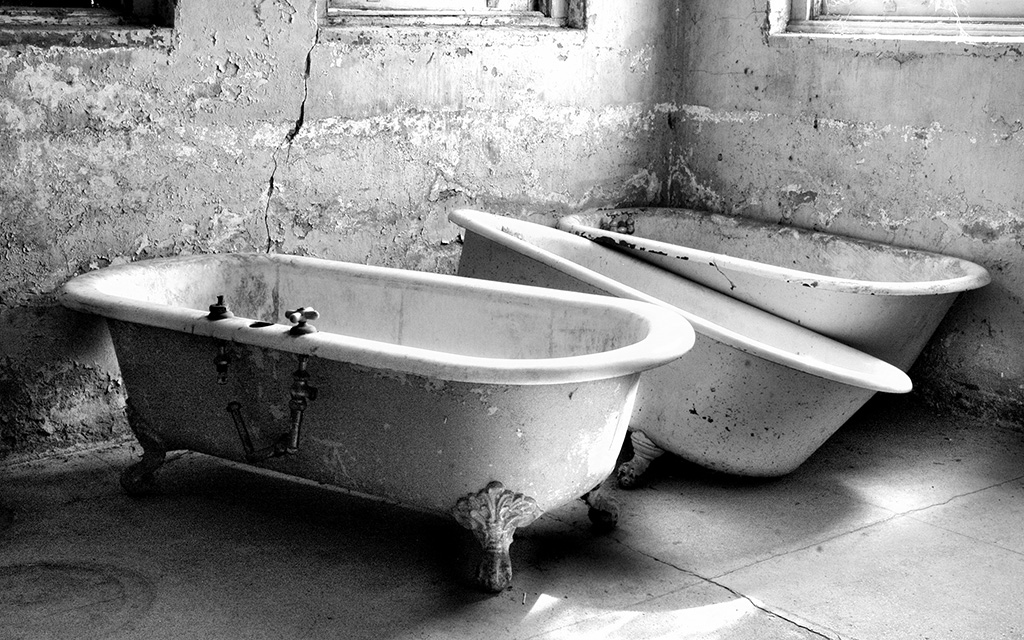
10 Apr 20 Comment Mark, I just love this ! The idea of trying this fascinates me, can you tell us what kind of building you used for the background (deserted, office, home, etc.)?
The only change I would make is to straighten the horizon a bit, yes this is picky, but I would straighten and maybe crop a bit off the top. But I LOVE this !
Thanks for showing it to us !
Apr 12th
10 Apr 20 Reply Ha ! I didn't notice that. Thank you. I need to start magnifying to 200% and going over them with a fine-toothed comb. Actually, though, I didn't intend to totally remove all texture, but I did correct this. See attached. Apr 12th
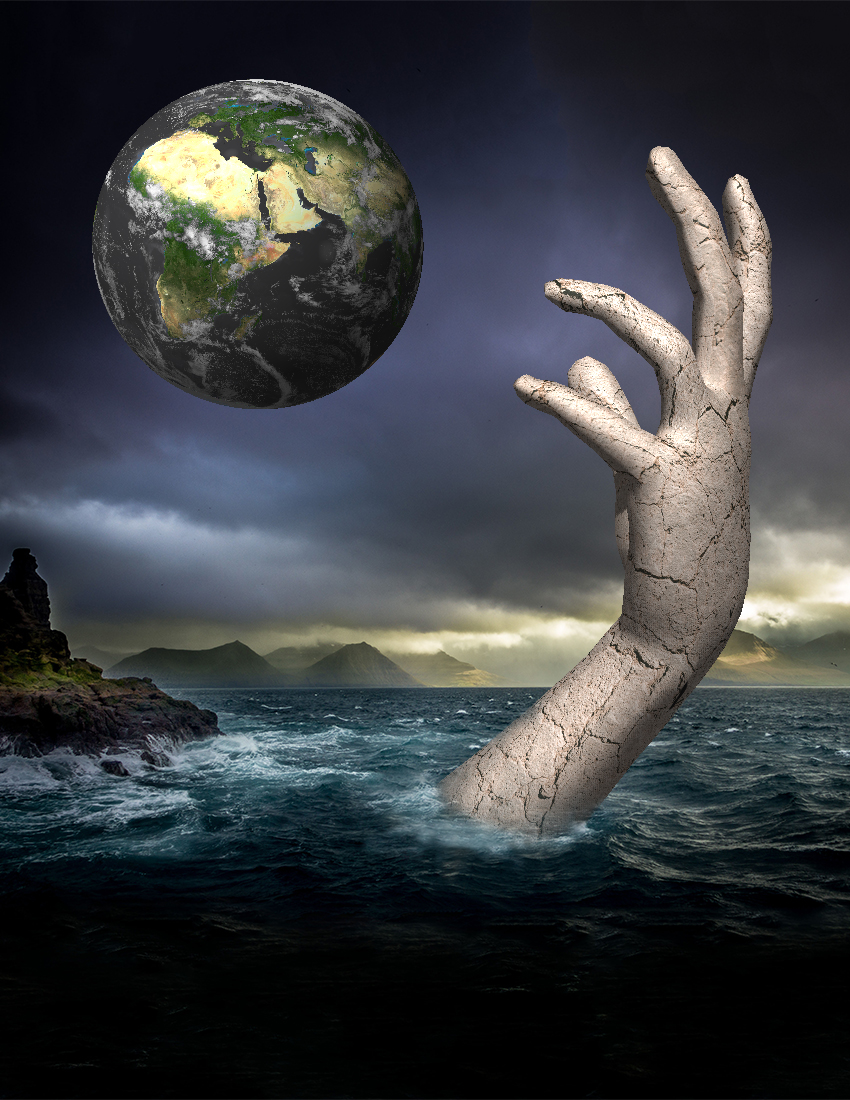
10 Apr 20 Comment David's information did not get posted when I copied and pasted, so here is his information about the picture:

Camera :- Sigma sd Quattro

Lens :- 30mm f1.4

Speed :- 1/10

Aperture :- f1.8

ISO 200


How I did it :- Firstly hold the lens filter together take a shot & take another shot separately with the background of the picture. Montage the sharp image & the filter together to create this effect.


Apr 7th

6 comments - 3 replies for Group 10


6 comments - 3 replies Total


96 Images Posted

  = Current Round   = Previous Round
Group 10

Apr 26

Mar 26

Feb 26

Jan 26

Dec 25

Nov 25

Oct 25

Sep 25

Aug 25

Jul 25

Jun 25

May 25

Apr 25

Mar 25

Feb 25

Jan 25

Dec 24

Nov 24

Oct 24

Sep 24

Aug 24

Jul 24

Jun 24

May 24

Apr 24

Mar 24

Feb 24

Jan 24

Dec 23

Nov 23

Oct 23

Sep 23

Aug 23

Jul 23

Jun 23

May 23

Apr 23

Mar 23

Feb 23

Jan 23

Dec 22

Nov 22

Oct 22

Sep 22

Aug 22

Jul 22

Jun 22

May 22

Apr 22

Mar 22

Feb 22

Jan 22

Dec 21

Nov 21

Oct 21

Sep 21

Aug 21

Jun 21

May 21

Apr 21

Mar 21

Feb 21

Jan 21

Dec 20

Nov 20

Oct 20

Sep 20

Aug 20

Jul 20

Jun 20

May 20

Apr 20

Mar 20

Feb 20

Jan 20

Dec 19

Nov 19

Oct 19

Sep 19

May 19

Apr 19

Mar 19

Feb 19

Jan 19

Dec 18

Nov 18

Oct 18

Sep 18

Aug 18

Jul 18

Jun 18

May 18

Apr 18

Mar 18

Feb 18

Dec 17

Close this Tab when done