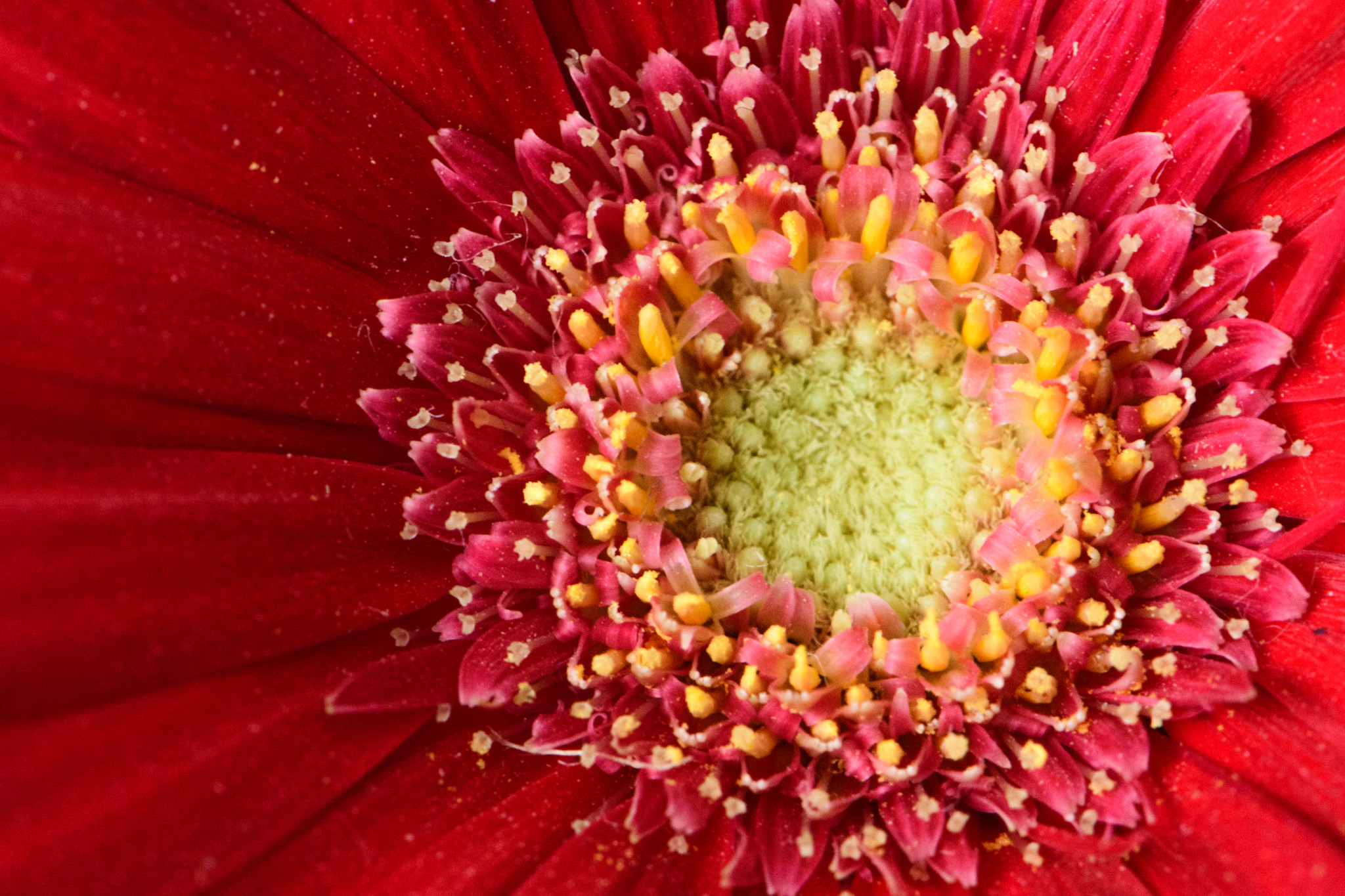
|
| Group |
Round |
C/R |
Comment |
Date |
Image |
| 3 |
Feb 23 |
Reply |
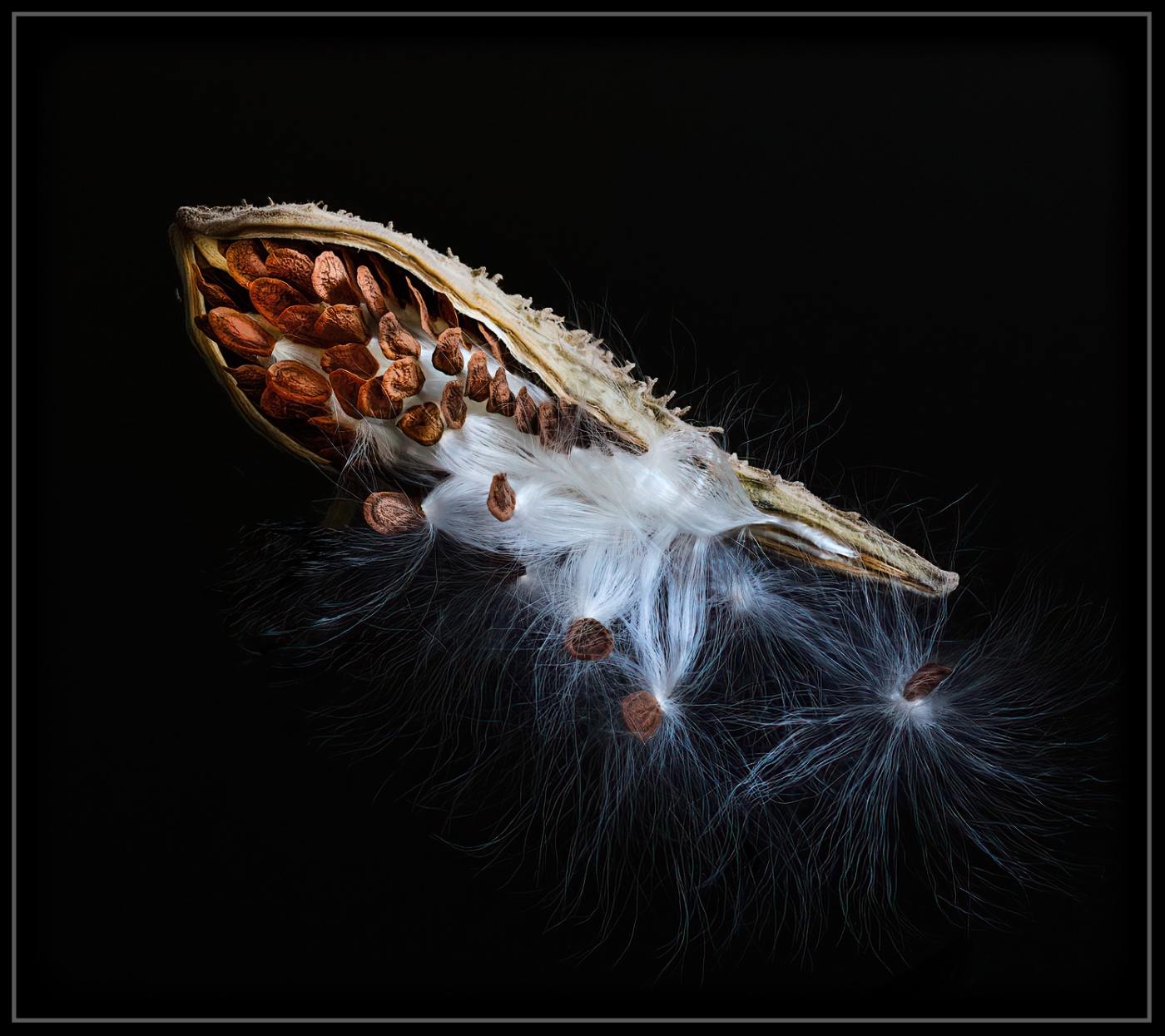
Your crop is very interesting, Ruth, and I like how it uses a left-to-right angle. My version was in reverse. Because the stem was on the pod when I first captured the photo, I felt I had to angle the image right to left. I suppose I could also try to stand the pod up (it was lying on a table when I took the photo) and see what that looks like.
Your comment was very helpful; thanks!
Cheers,
lt |
Feb 21st |
| 3 |
Feb 23 |
Comment |
Hello Kieu-Hanh,
This is a lovely photograph of this church. I especially like the vanishing point that leads the viewer to the altar; this gives the image depth. The image has good balance, and the colors look natural. The reflections from the stained glass on the right side of the ceiling add little bursts of color interest.
I have no suggestions to improve your photo; you did a lovely job. If you would ever like to use a polarizing filter for your iPhone, Sandmarc does make them. They call them "Drama Polarizer Filter - iPhone." Polarizing filters help prevent glare on reflective surfaces like the tile floor.
Thanks for sharing,
lt |
Feb 13th |
| 3 |
Feb 23 |
Comment |
I love this photo; I have never seen a dog surf before!
Your composition is well done, and the dog is positioned in a good spot, looking toward the viewer. The photo size is only 720 x 436, so I couldn't tell if it was sharp because it is really small.
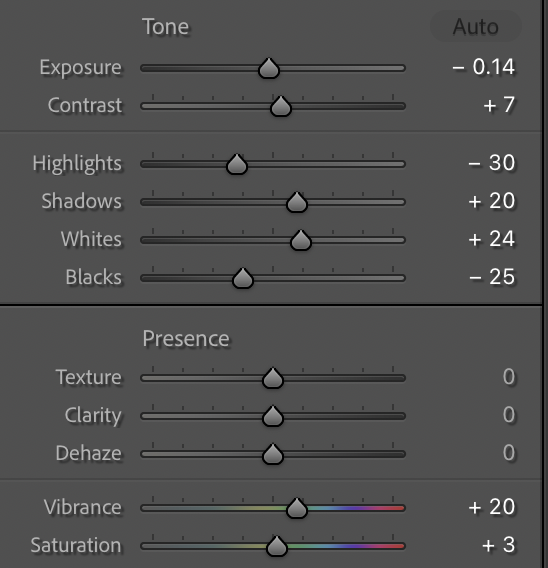
I did make some adjustments in Lightroom on the exposure. Here is a copy of the LR settings I used. It bumped up the colors' saturation and balanced the highlights and shadows a bit.
I can't get over the life jacket! I love it!!
Best regards,
lt |
Feb 13th |
 |
| 3 |
Feb 23 |
Reply |
Hi Joan,
I found this seed pod late last year by the side of a dirt road. I was surprised it hadn't blown away. There was a grouping of them, so I stuck them in a vase in my studio. One can never have too many macro subjects to fall back on in the winter.
Yes, I agree; focus stacking is a great tool. Do you use Helicon focus much?
Best regards,
lt |
Feb 13th |
| 3 |
Feb 23 |
Reply |
Hi Mary Ann,
I am glad you like this milkweed! Do you have these plants in California? I am not a naturalist, but I hear Monarch Butterflies like these plants. This spring, we will throw some seeds in the woodland area on our property to see if we can get more plants to grow. We had little rain last year, so I am sure that is why I didn't see many. They are beautiful. |
Feb 13th |
| 3 |
Feb 23 |
Reply |
Hello Ruth,
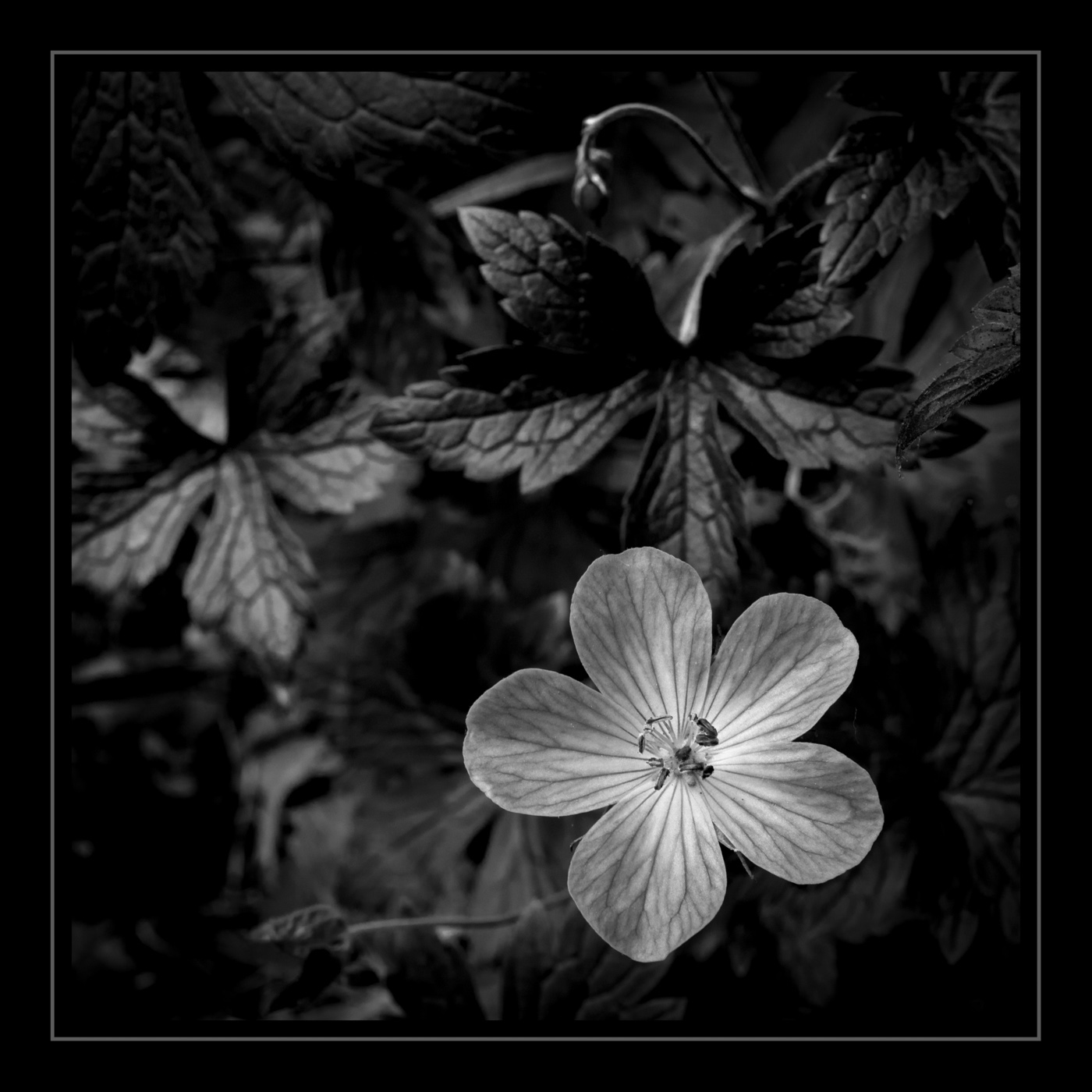
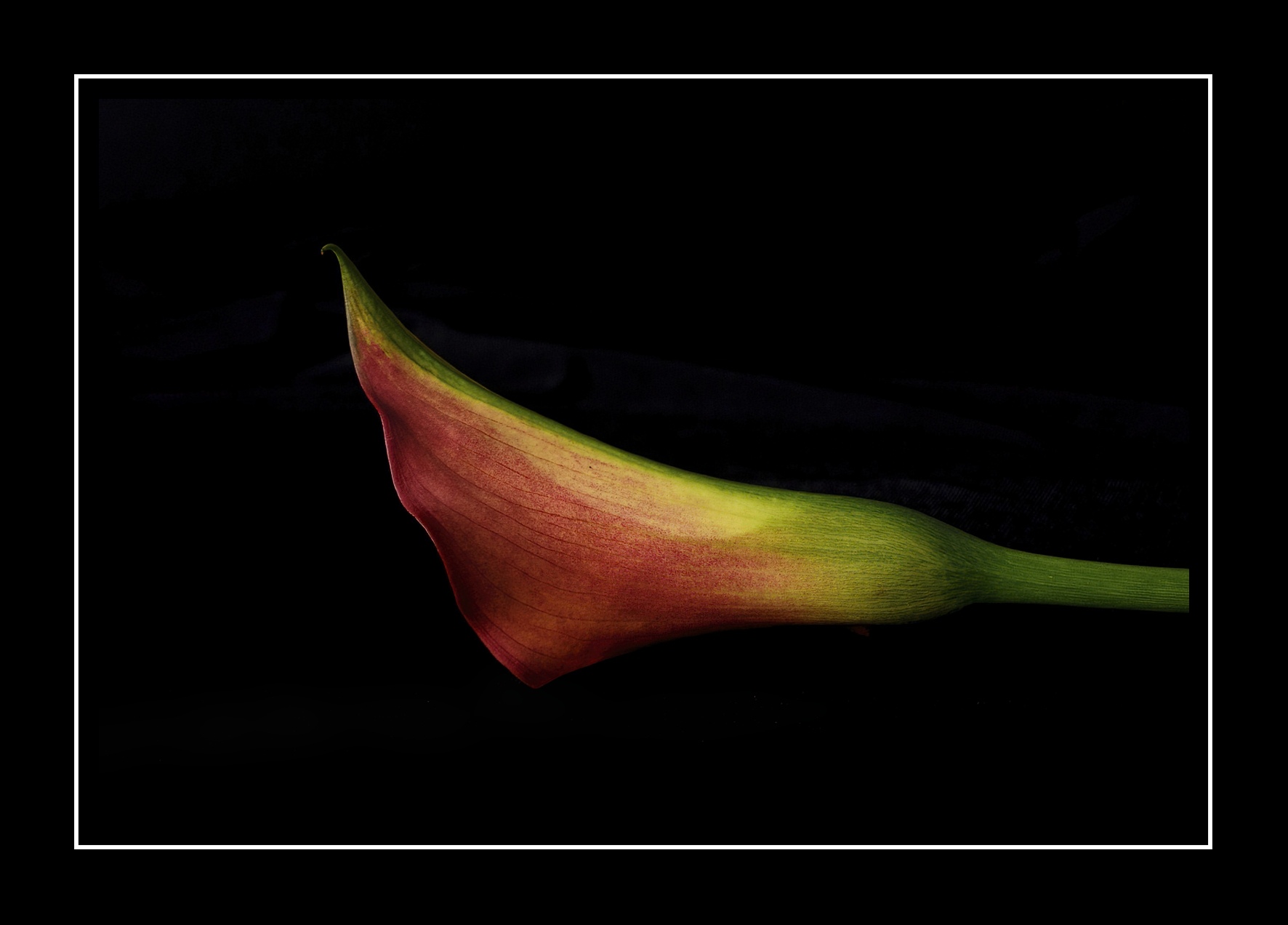
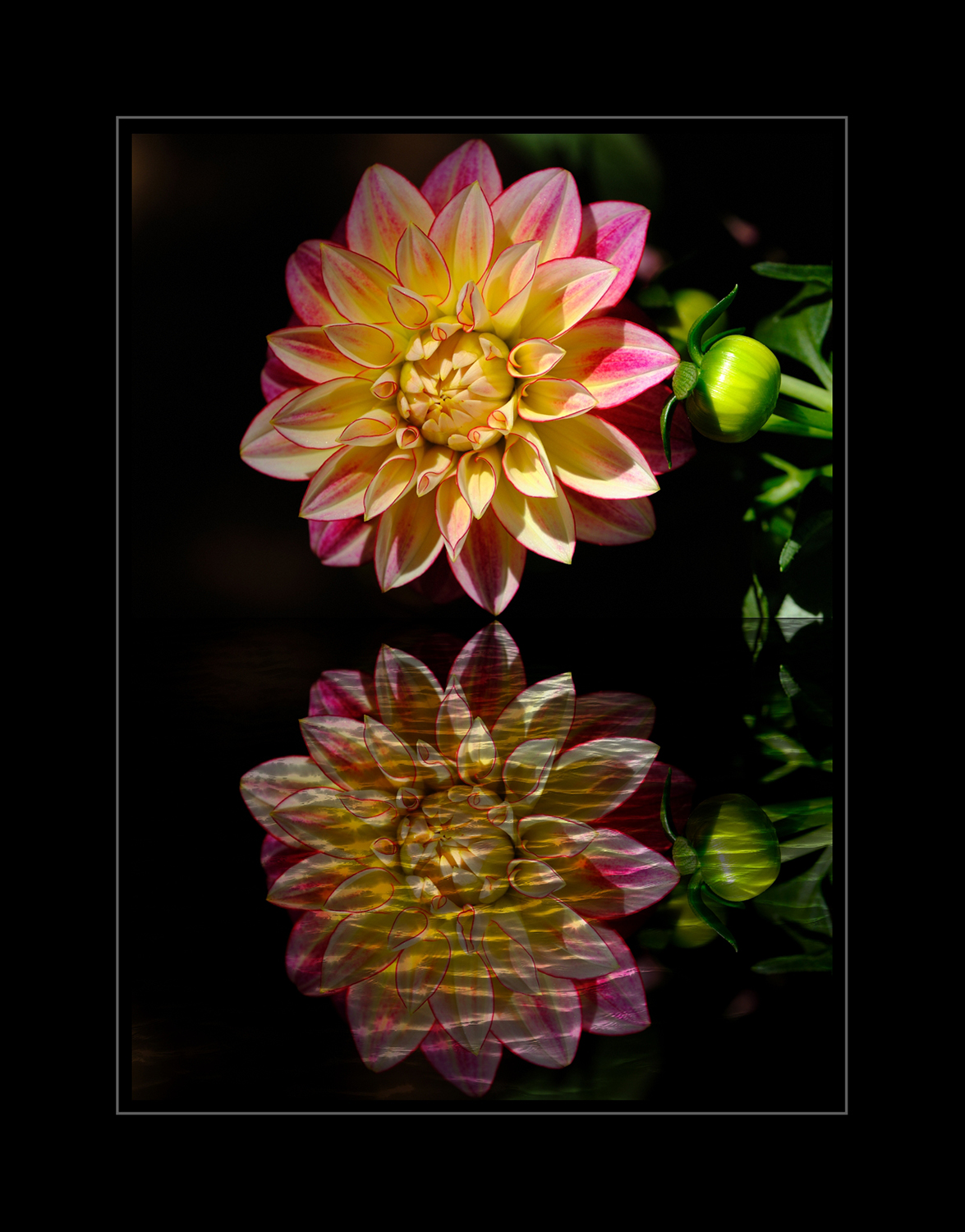
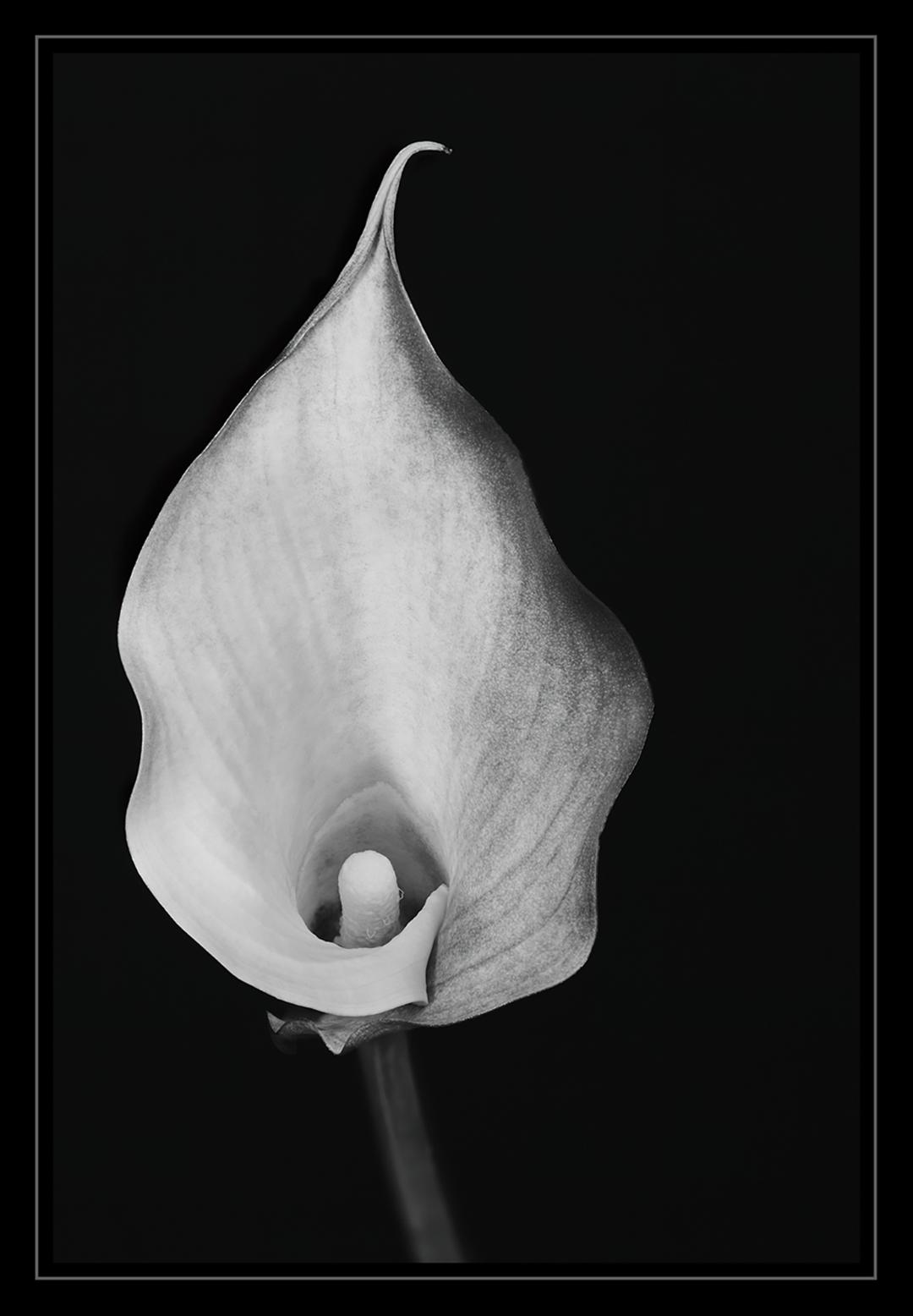
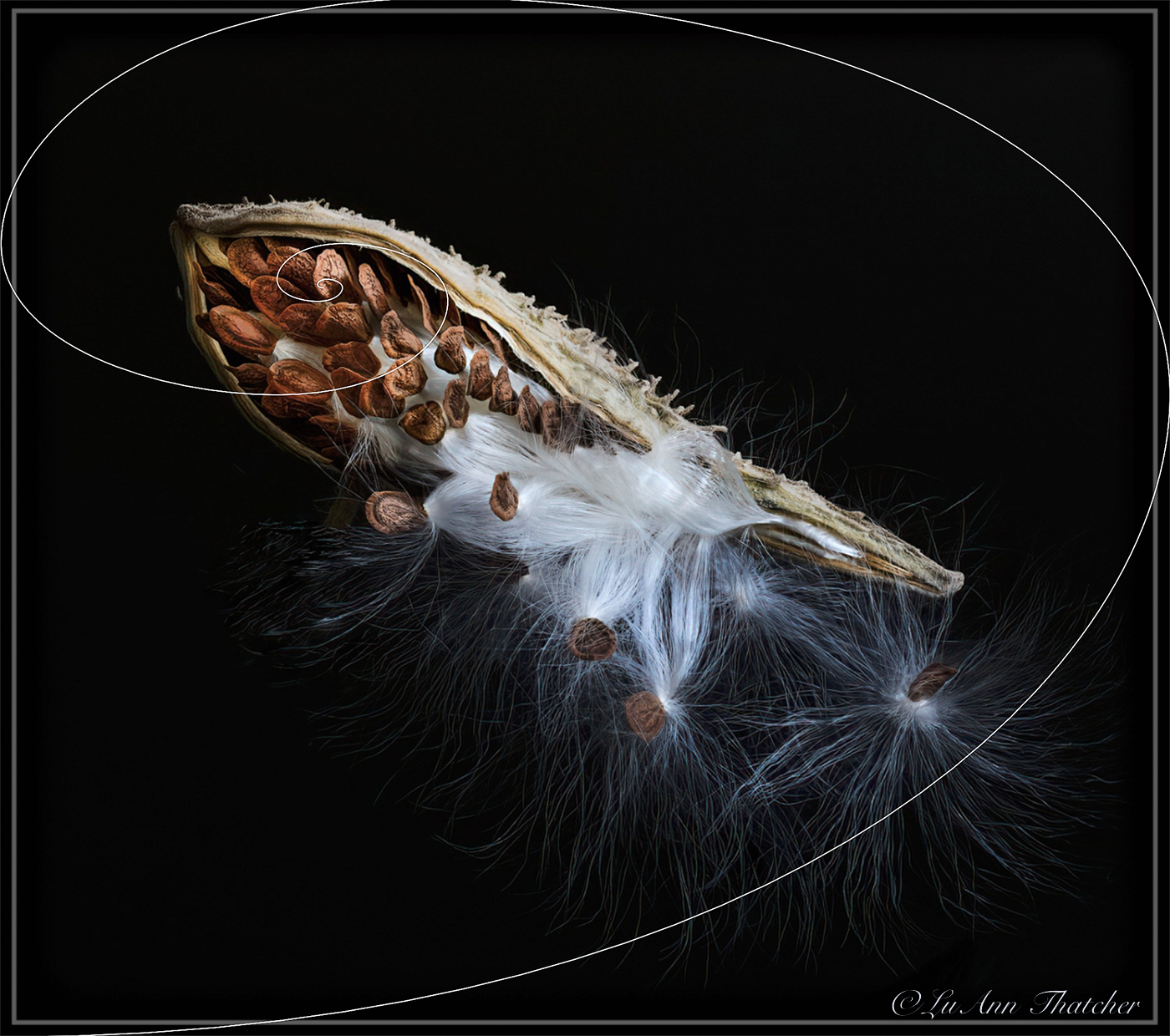
Here is a sample of how I originally cropped the photo using the golden spiral. I made several attempts at cropping because of the black background, which led me to use a grey pencil border, so it was easier to see the edges of the frame on this group website.
What crop overlay do you use when editing?
Thanks,
lt |
Feb 13th |
 |
| 3 |
Feb 23 |
Reply |
Thanks, Kieu-Hanh, I am glad you like this macro!
Have a nice day,
lt |
Feb 13th |
| 3 |
Feb 23 |
Comment |
Hello Ruth,
When you first submitted this image, you told me a family bought the property and made it into a home. I still can't believe they live on the side of a mountain! What a breathtaking view to wake up to each morning.
I agree with the lady's comments; the exposure is bright. But I think you can recover the bright sky with sky replacement in PS (that I show in my sample edit). With your RAW file, you should be able to correct the overall exposure to bring the levels into more of the mid-tone range. I tried to adjust the exposure as best I could with this small file.
You live in a great neighborhood in Colorado to see and photograph such amazing locations; thanks for sharing!
lt |
Feb 11th |
 |
| 3 |
Feb 23 |
Comment |
Hello Mary Ann,
Your hummingbird is one of my favorite birds. I look forward to spring when they come back to our bird feeders. In my opinion, you have cropped the photo to give the viewer a hint of where you found him, and the rest of the dark background compliments the bird nicely.
The only edit I suggest is to lower the brightness on the bright cream-colored area under the bird's feet. In the future, I recommend using exposure compensation to avoid overexposed highlights in the white areas. Did you use aperture priority or manual? I am just getting used to using aperture priority myself with great results.
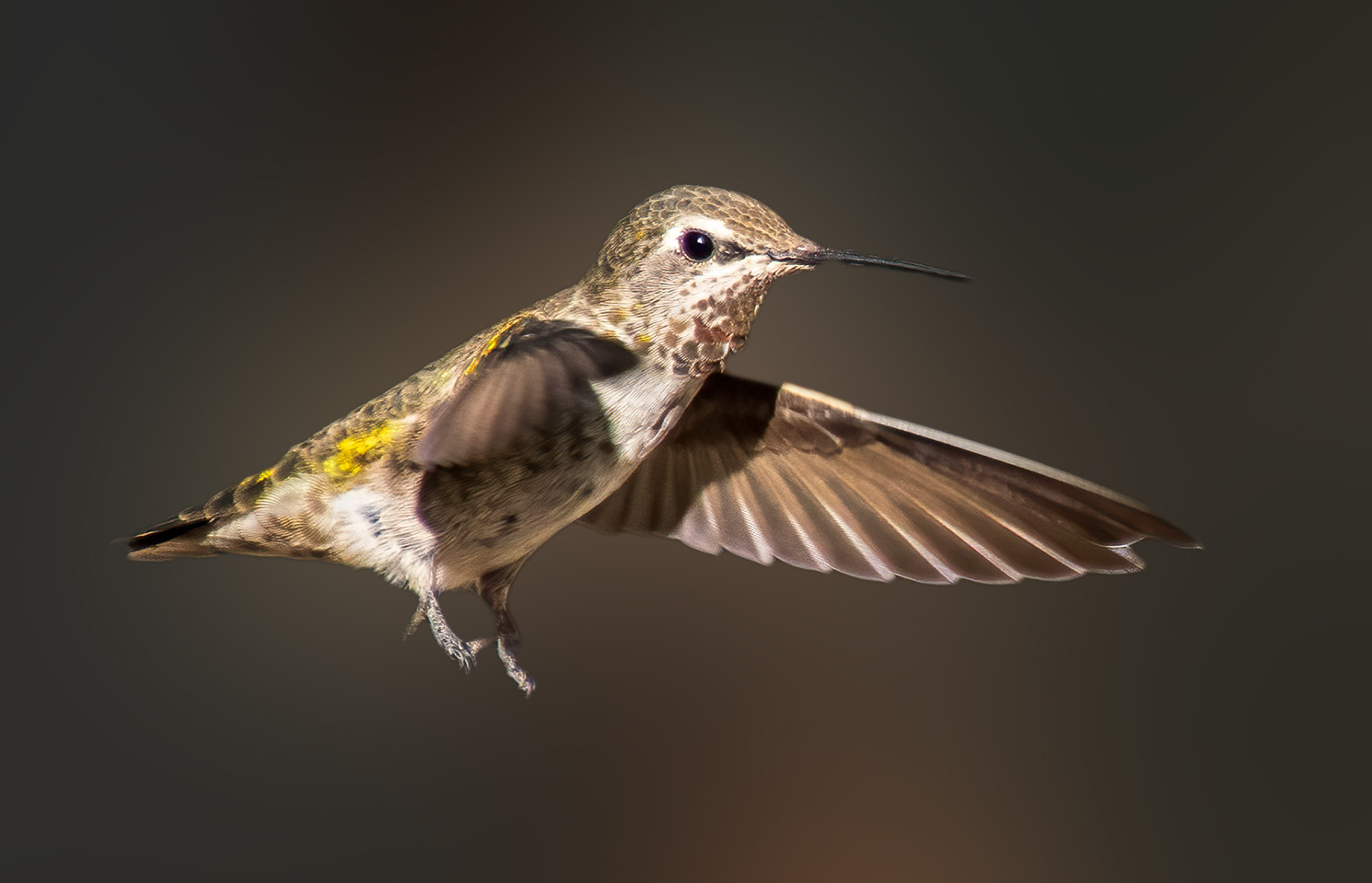
My photo sample is another idea to blur the background and have the bird hovering in flight as if he is hoovering, posing for a photo! My edit was done in PS.
Best regards,
lt
|
Feb 11th |
 |
| 3 |
Feb 23 |
Reply |
Hi Ruth,
Glad you like the photo! The background is a polyester black 4-way stretch fabric with a piece of black plexiglass on top to reflect the milkweed. I took 30 focus bracketed shots on my Sony camera and then stacked them in Helicon Focus software, merging them into one photo. This is necessary when you do macro photography, as the DOF plane doesn't have the whole image in sharp focus within one photo; you have to take multiple photos to get the whole image in focus by stacking them. I believe you have a Sony so you should also be able to do this with your camera. I have a rail but do not use it with focus bracketing in my camera.
Let me know if you have more questions.
lt |
Feb 5th |
| 3 |
Feb 23 |
Reply |
I am glad you like my edit. I share your hesitation about color. Getting it right to display on screen can be challenging. I often get it right on my screen, and when I post it, it looks faded. Everyone's screens are different, and some people don't calibrate their monitors, so we can only do our best.
Take care and be safe,
LuAnn |
Feb 1st |
| 3 |
Feb 23 |
Comment |
Hello Michael,
You had a good eye to catch this terrific stop for jerky; I love the character of this old building! It is a one-of-a-kind original-the red pops, and the yellow door begs for entry. The owner knew how to attract photographers with their excellent use of color.
I like your crop; it allows me to see a glimpse of the stuff piled up on the left and the partial tree on the right; this all contributes to the location's story without being a distraction.
My only suggestion to help improve your photo is to work with brightening the colors. In Lightroom, I moved the tone curve to the left to move the histogram further right. I raised the saturation of the red and yellow hues to give them a little more punch.
Take care,
lt |
Feb 1st |
 |
5 comments - 7 replies for Group 3
|
| 62 |
Feb 23 |
Comment |
Hello Emil,
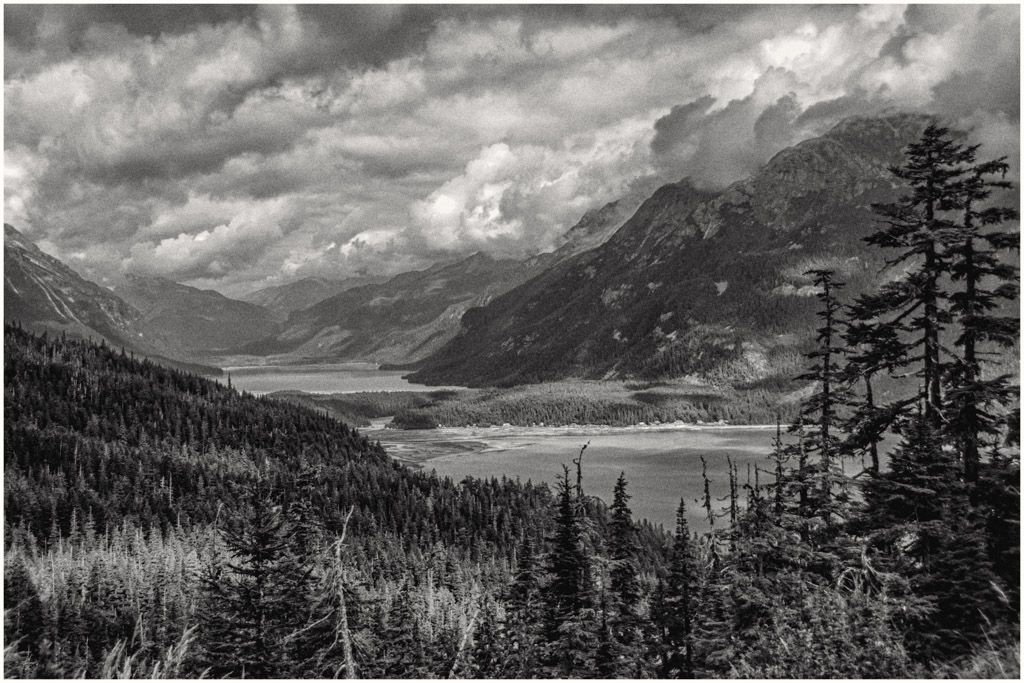
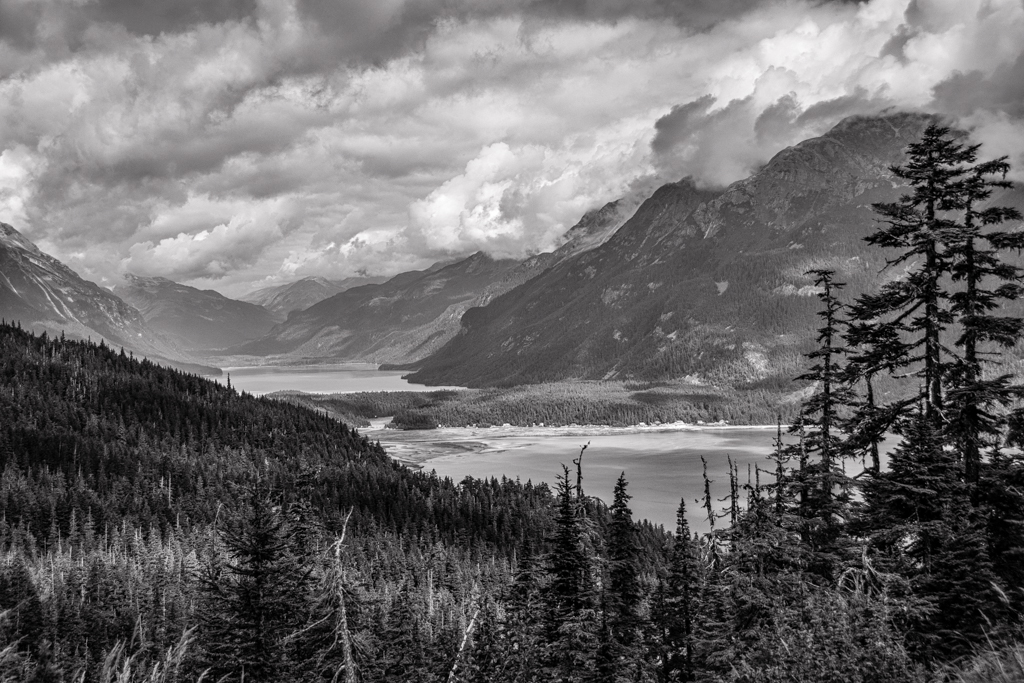
This image is a new look for you, going darker with your edits. I like the scene, and the tonality improves the original image. The low-level clouds hovering over the mountain tops adds interest and helps the viewer understand the mountain peak is at a significant elevation.
Well done!
lt |
Feb 20th |
| 62 |
Feb 23 |
Reply |
Your edit is quite nice, Emil. The Gibbon's eyes are darker and he does stand out in the frame. Quite a nice balance of tones.
Thanks!
lt |
Feb 6th |
| 62 |
Feb 23 |
Reply |
I have never tried the pinch filter either but will check them both out, thanks Oliver! |
Feb 6th |
| 62 |
Feb 23 |
Comment |
I really enjoy looking at your photograph of the iceberg, Bunny. What an amazing trip you had with memories that will last forever. I do not do well on rough water in a boat so a trip like this would not work for me. I look forward to seeing more photos from your trip in the future.
Thanks for sharing!
lt |
Feb 6th |
| 62 |
Feb 23 |
Reply |
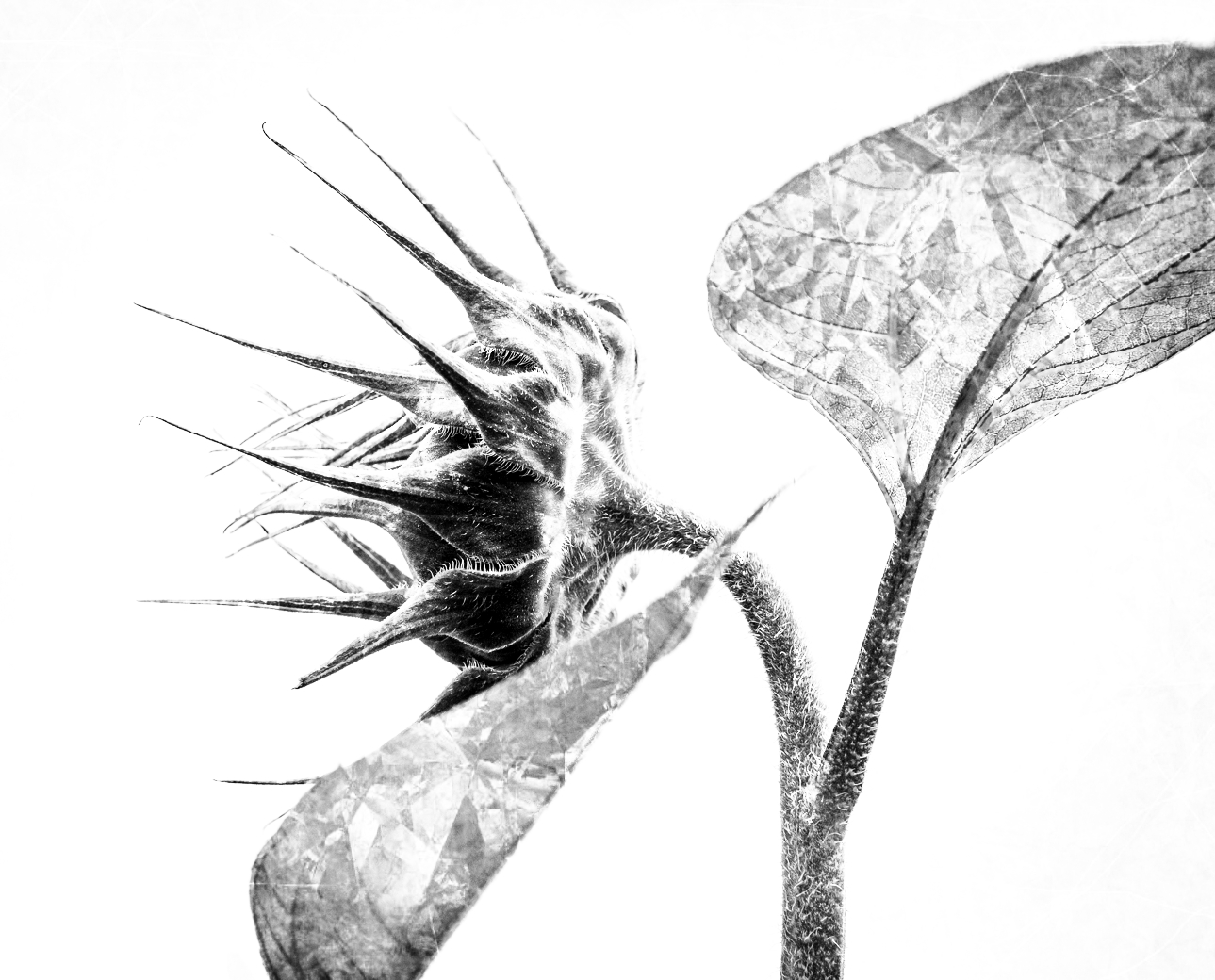
I did notice you made the seed head smaller, and I love it! Aren't you amazed, Oliver, at all the variations Bob has with this simple flower?
Oliver, did you notice your edit is actually a color photo too? Blue sky and brown leaves? |
Feb 6th |
| 62 |
Feb 23 |
Reply |
Oh no, Bob, I was sensitive. We had an extreme vortex too! I had to act quickly before my figures froze!!
lt |
Feb 6th |
| 62 |
Feb 23 |
Reply |
Hello Bob,
I did break the rule and did not submit a B&W edit, but that is because you have an excellent subject with a minimalistic idea in this photo that can take many directions; black and white as well as color. Usually, a photo will lean one way or the other, but there are many variations in this single photo.
I had gotten so used to seeing your leading-edge creativity lately that when your description said "no special editing," I had to jump in, hoping to spark your creativity again, which we all love and are inspired by through your work.
Best regards,
LuAnn |
Feb 6th |
 |
| 62 |
Feb 23 |
Reply |
Very nice, Oliver; I love the color/tone you chose!
lt |
Feb 4th |
| 62 |
Feb 23 |
Reply |
Awesome, I'm glad you like it, Mark!
I don't use vignettes enough, but they are a great way to emphasize a subject.
Have a great day,
lt |
Feb 4th |
| 62 |
Feb 23 |
Comment |
Hello Bob,
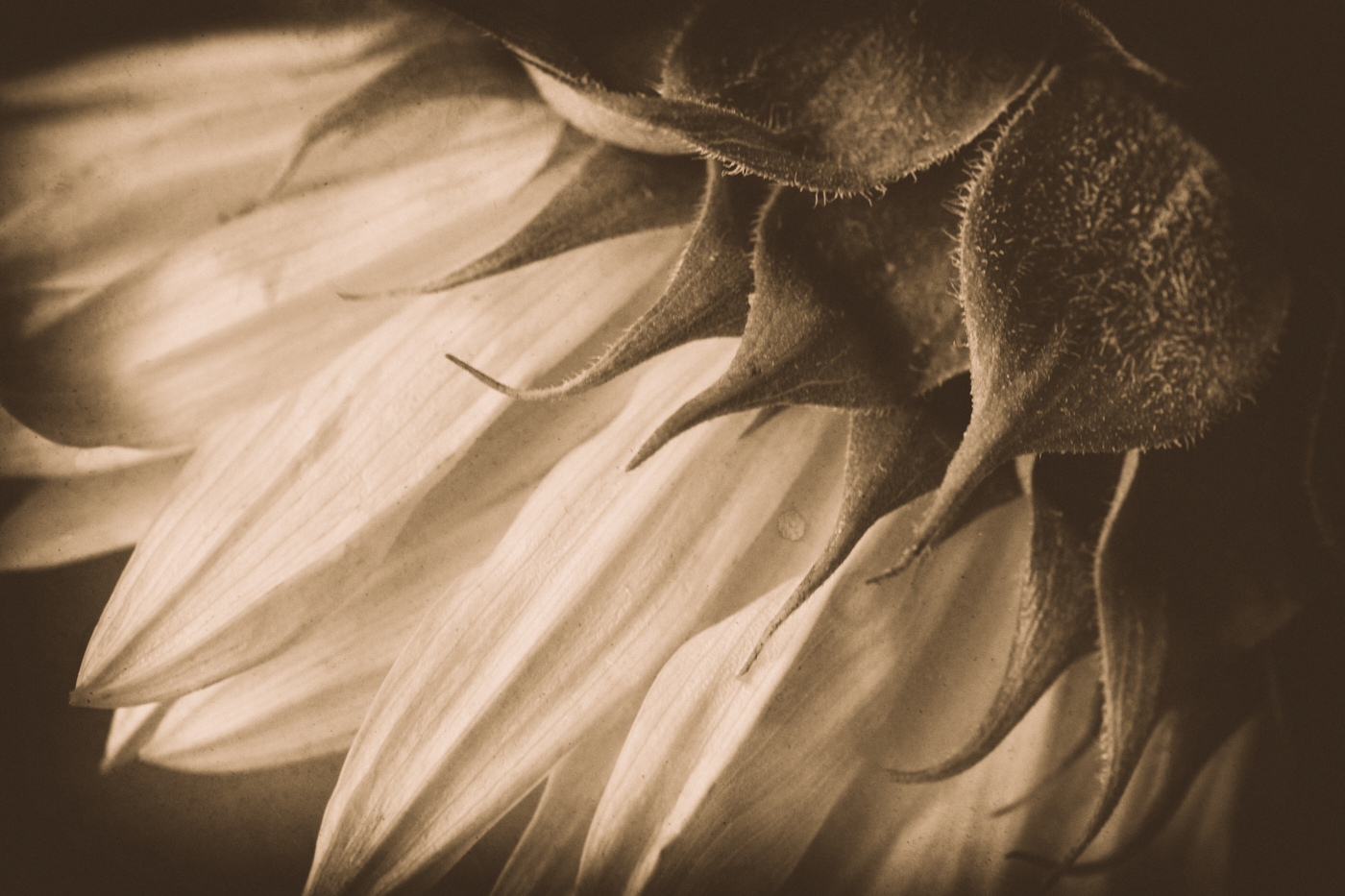
Your sunflower is an excellent specimen with many possibilities for creative fun. I am sure you submitted this image to tempt your friends here in group 62 to see what we could do with Bob's sunflower.
I took your challenge and I hope you like it! |
Feb 4th |
 |
| 62 |
Feb 23 |
Comment |
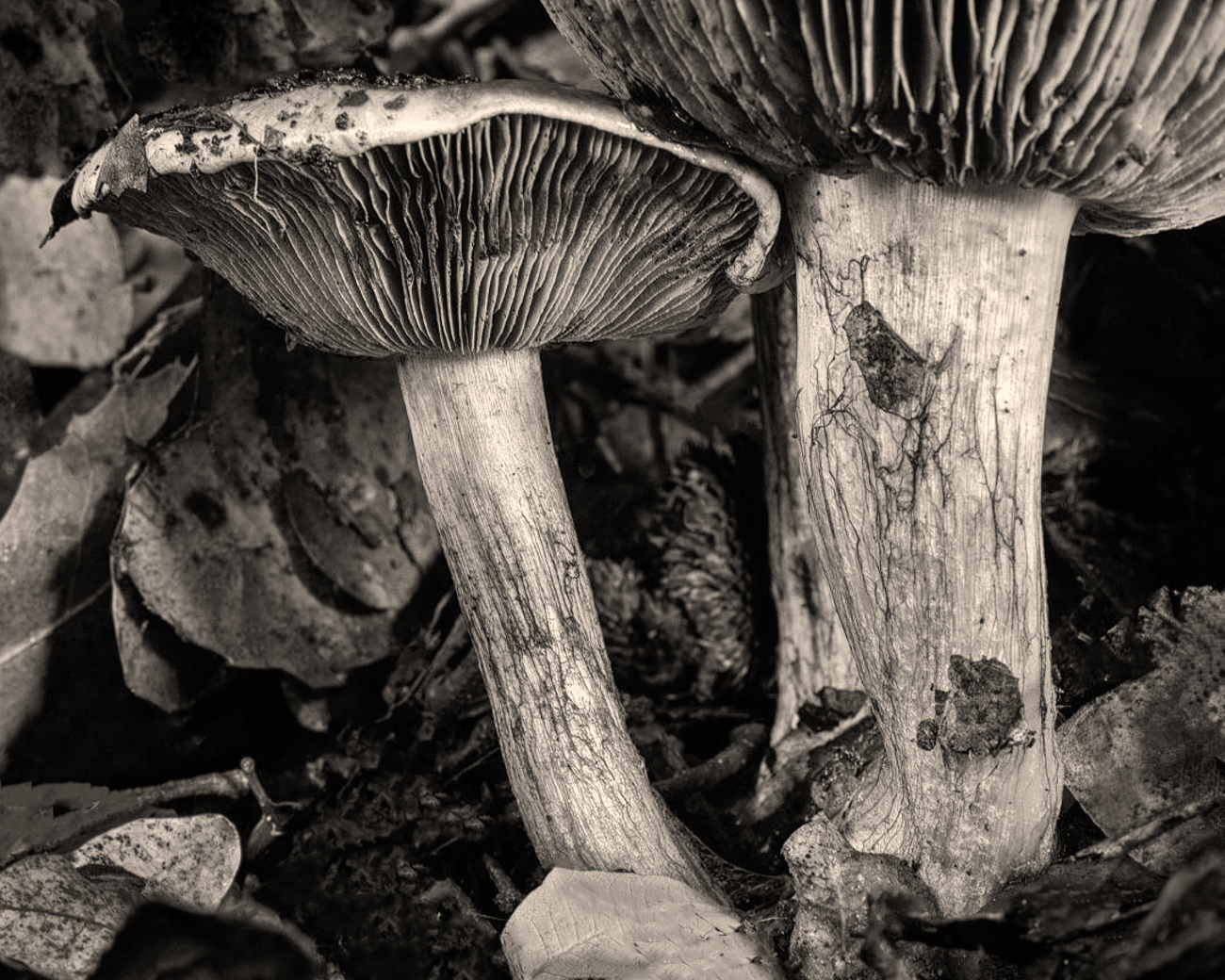
Hello Israel,
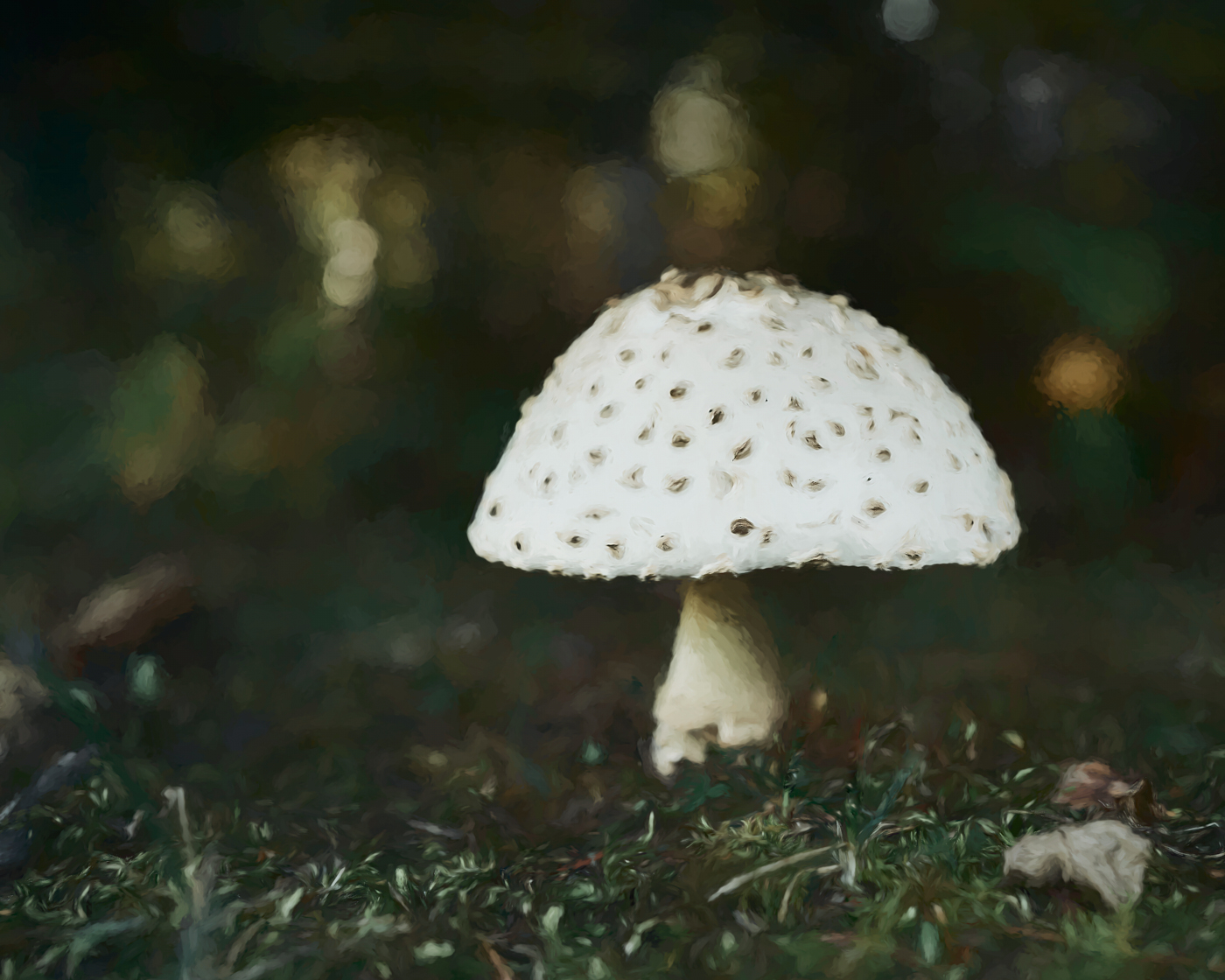
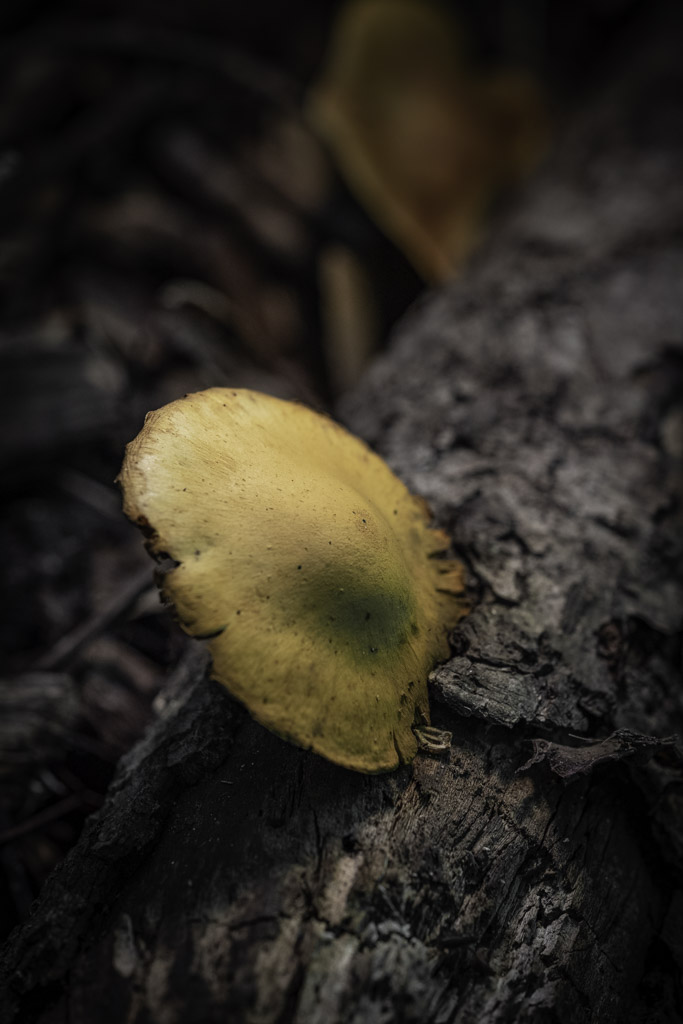
You captured my favorite subject, mushrooms; I love how you captured large specimens with thick stems. I agree with Oliver, your crop makes the image more unique. I also love the original photo; perhaps it is the yellow leaf in the foreground that draws me into the image.
In my edit I tried a preset in Nik Viveza a warm brown tone. I also cleaned up some of the stems and spots on the leaves beneath the subjects.
It is hard to improve on an already great photo!
Take care,
lt |
Feb 4th |
 |
| 62 |
Feb 23 |
Comment |
Hello Mark,
I love street photography. Being in Cuba is an excellent opportunity to find unique street scenes. I love the bars to the liquor store; I have never seen that before in the US.
I have a third idea for putting emphasis on the shop keeper. I like the two men in the scene they add to the story. You said in your description you wanted to draw the viewer to the shop keeper. So in my edit, I used vignettes to emphasize the light. The intensity of vignettes is personal preference so my suggestion is to play with them to your liking.
Thanks for sharing a great image!
lt |
Feb 4th |
 |
| 62 |
Feb 23 |
Reply |
Hello Oliver,
It was an invite to any photographer in the area to attend; nothing special about me. They have been doing photo outings; lately, I guess, to encourage business. They have different sales reps for different camera makers in attendance, and they loan out lenses in hopes people try them and buy them.
Thanks for the tips on editing the bright areas!
Cheers,
lt |
Feb 4th |
| 62 |
Feb 23 |
Comment |
You captured the decisive moment, Oliver, a photo that will go down in her childhood memories book. I agree with Emil; you have a good eye for portraiture and capturing those special moments. The light is right, and it highlights her hair and skin well.
The only thing you could do in the future is to have her eyes on the camera. Maybe you could get a lollipop or toy on a spring and put it on the end of your lens and have her smile for the camera!
Have a great day!
lt |
Feb 4th |
6 comments - 8 replies for Group 62
|
11 comments - 15 replies Total
|