|
| Group |
Round |
C/R |
Comment |
Date |
Image |
| 3 |
Jul 22 |
Reply |
You're very welcome.
LT |
Jul 27th |
| 3 |
Jul 22 |
Reply |
You're very welcome.
LT |
Jul 27th |
| 3 |
Jul 22 |
Comment |
Your image is beautiful, Ruth, and I love the story!
You have a good depth of field with f/11. The viewer's eye is taken deep into the photo by the footprints. Monochrome was the best choice for this image; the subject is timeless, and a neutral viewer could put themselves in the scene and tell their own story.
My only suggestion is in Lightroom; the sky is clipping with over-exposed highlights. Easy fix, though. I used a linear gradient filter and dropped the highlights in the sky, which also brought back some of the detail in the clouds.
I had originally used the tone curve and dropped the whites down, but I like the effect done with the gradient filter better. Keeping the foreground and footprints brighter than the clouds gives a nice balance and keeps the attention on the prints.
Lastly, I am not bothered by the toe print in the foreground. It acts as a starting point, and I feel myself walking into the prints taking off from that point. So I would consider keeping it.
Thanks for sharing a great image!
LT |
Jul 22nd |
| 3 |
Jul 22 |
Comment |
Your image is beautiful, Ruth, and I love the story!
You have a good depth of field with f/11. The viewer's eye is taken deep into the photo by the footprints. Monochrome was the best choice for this image; the subject is timeless, and a neutral viewer could put themselves in the scene and tell their own story.
My only suggestion is in Lightroom; the sky is clipping with over-exposed highlights. Easy fix, though. I used a linear gradient filter and dropped the highlights in the sky, which also brought back some of the detail in the clouds.
I had originally used the tone curve and dropped the whites down, but I like the effect done with the gradient filter better. Keeping the foreground and footprints brighter than the clouds gives a nice balance and keeps the attention on the prints.
Thanks for sharing a great image!
LT |
Jul 22nd |
| 3 |
Jul 22 |
Reply |
I spent some time checking this app out on my Apple phone. Camera + app saves the photos in the photo folder of your iPhone by default. If you go to your camera, select a photo, and click the 'I' button for information on the bottom of the screen, it brings up the information about the image. It will say "saved from Camera+" if that was where you edited the photo.
In the phone's camera app, once you have the photo selected from the file, click the 'Send To' button (square with an up arrow) in the lower left corner, and the iPhone app will send a copy to the 'Camera+' editing app.
You can also create albums via your iPhone camera app's 'Send To' button at the bottom of the window.
The Camera+ app also has a 'Send To' button, and you can create File Folders to save the photo to your iCloud Drive or on your iPhone.
I hope this answers your question.
LT
|
Jul 22nd |
| 3 |
Jul 22 |
Reply |
Which cellphone do you have? Does the camera app have a rainbow-colored lens with black background and a little "+" sign in the upper right corner? I have this app if it is the same. I can check out macro shooting and let you know.
LT
|
Jul 15th |
| 3 |
Jul 22 |
Reply |
You're welcome.
LT |
Jul 14th |
| 3 |
Jul 22 |
Reply |
Thank you for your reply.
Have a nice weekend, Kieu-Hanh
LT |
Jul 14th |
| 3 |
Jul 22 |
Reply |
Hi Mary Ann,
I used to be drawn to having a sharp focus on all of my photography. But I used to question, how does one compete when everyone shoots that same style? So I am trying to show how I see the world and to present my work from a more creative viewpoint, and I have never had so much fun as I am having now! I guess I simply love a change!
Currently, I am trying to work on putting emotional impact in my photography and see where it takes me. Check out my image in group 62 and tell me what you think?
Have a wonderful day, my friend,
LT |
Jul 7th |
| 3 |
Jul 22 |
Comment |
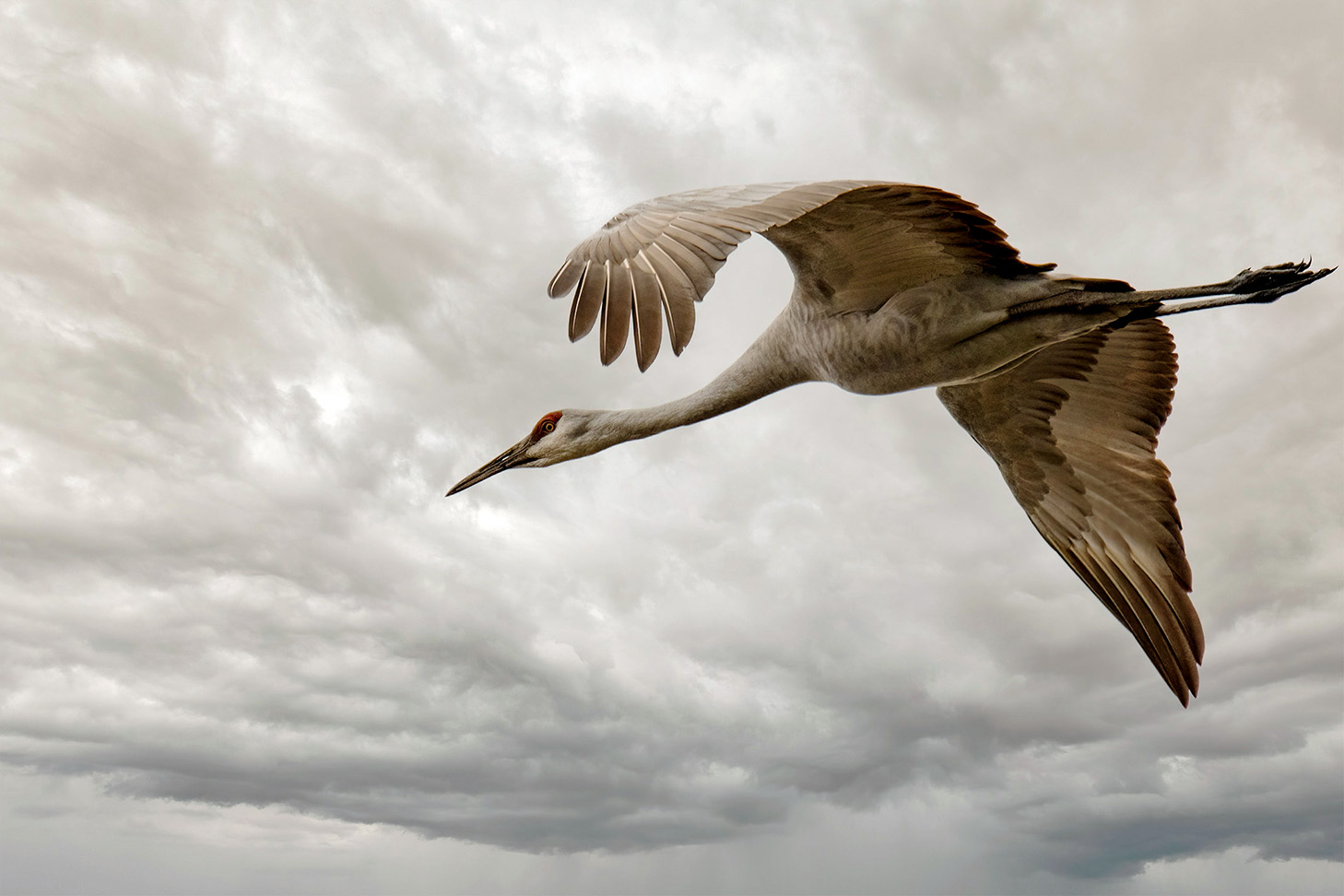
Wonderful editing on your Sandhill Crane, Mary Ann! I think you framed the bird well, and I agree the attention to detail is great.
My edit was done in Nik Color Efex Pro 5 and all I did was add a clarity bump.
Keep up the good work!
LT |
Jul 6th |
 |
| 3 |
Jul 22 |
Reply |
I second Topaz DeNoise AI. I have used it for a while and frequently use it on every image.
If interested, watch The Joy of Editing on YouTube by Dave Kelly. He reviews all Topaz products, shows you how to use them, and goes through the setting options in his videos. Highly recommend Dave.
LT |
Jul 6th |
| 3 |
Jul 22 |
Reply |
I learned about the Darken blend mode in my flower painting course. Excellent tool!
That was a very interesting story about the marsh and saltwater areas. Humans always think they have great ideas; then, they return to the old way of doing things. Who would have thought the old way made sense. Glad the birds came back.
Cheers!
LT |
Jul 6th |
| 3 |
Jul 22 |
Reply |
Thank you, Kieu-Hanh, for your thoughts and comments! I am glad you like my photo.
Have you tried to take macro photos with your cellphone? Do you have lenses you can clip onto your cellphone?
LT |
Jul 6th |
| 3 |
Jul 22 |
Reply |
Hi John,
Excellent question. I think APSC vs. full-frame depends on the type of photographer you are. I have a full-frame Leica Q2, and the Fuji XT4 and X100V are cropped sensors. The Leica is a point-and-shoot style similar to the X100V. I use the XT4 with an assortment of lenses but mostly a macro right now. Right now, I use my Fuji cameras more than the Leica.
I like to print, and I love the Fujifilm colors I get out of my Fuji cameras. The biggest I print is 17 x 22," and I do not sell my prints now. The Leica is 47 megapixels, and Fuji is 26 megapixels. I can print for exhibits just fine with my cropped sensor cameras.
They say a full-frame sensor lets in more light, giving you better image quality. But I wouldn't trade my Fuji cameras for any other brand. They fit my hand (this is important), they are lightweight, and Fuji's lenses are exceptionally high-quality glass. They also make lenses for NASA.
So tell me, why did you switch to Nikon?
I used to have Nikon cameras (D7000 and D500) but switched to Fuji several years ago, and for me, and what I shoot, I wouldn't go back.
LuAnn |
Jul 6th |
| 3 |
Jul 22 |
Reply |
Thank you, Ruth, I always enjoy reading your comments!
LuAnn |
Jul 6th |
| 3 |
Jul 22 |
Reply |
Thanks for your thoughts, John!
Photography is such an amazing hobby. We are all free to explore and create images that please ourselves first and then our audience second. I find it exciting to see what someone else comes up with for a creative photo idea each month. I learn something from everyone whose image I view. It's like going to a museum of modern art; some photographs we view as inspiration, and others not. Both are ok-some people like Picasso, and some like Van Gogh or Claude Monte.
Have a great day,
LuAnn |
Jul 6th |
| 3 |
Jul 22 |
Reply |
Thanks, Michael, for your comments!
I know most people like things in sharp focus, but I have to have variety as a creative photographer, and soft focus seems to fit the bill for me.
I have a Lensbaby Obscura that I have never used. It is like three lenses in one. A pinhole, pinhole sieve, and a zone plate. Someday I hope to figure this lens out. I am not sure what a good subject would be for this lens.
In group 62 this month, I have a black and white photo processed in a pinhole style. Check it out if you are surfing groups and have a minute.
Best regards,
LuAnn |
Jul 6th |
| 3 |
Jul 22 |
Reply |
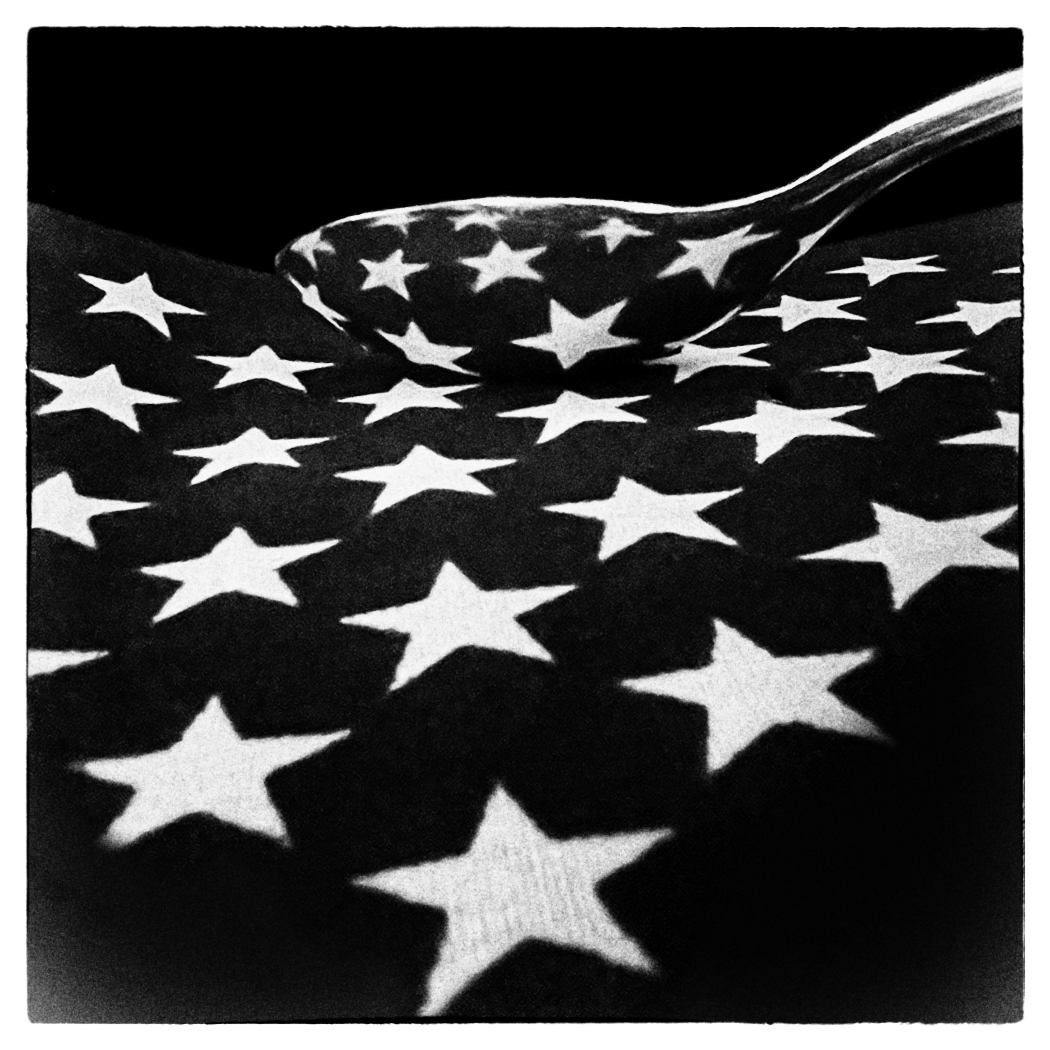
For me, I interpret the back of the spoon as saying, reflecting the stars. A knife could be saying simply, reflections.
Just a thought,
LT |
Jul 6th |
| 3 |
Jul 22 |
Reply |
Hello Kieu-Hanh,
The reason I left the border bigger is for two reasons. One, our group's background is black, so the white border defines the edges of the frame. Secondly, the star with one single point on the left side of the frame's edge near the bottom had a bright distracting star point, so I made the border a little bigger to eliminate the point; you can see it in your original photo.
You brought up some excellent points about cellphone photography I would not have been aware of otherwise. Memory on your phone is a big deal; pointing this out helps me understand why you only submit one image. Cellphone photography is a whole other world I have not investigated.
Years ago, when I worked full time, I worked with systems analysts like yourself, so I know your job is very intense. So not wanting to dive into more software for a photography hobby makes a lot of sense.
What apps on your photo do you use to edit photos? Do you use Snapseed or Darkroom? It was nice chatting with you. We should do this again sometime.
Have a great day,
LT |
Jul 6th |
| 3 |
Jul 22 |
Reply |
Thanks for the comment, John! Glad you like it.
I do not have that Fuji lens, but I do not think you could get this result without using Lensbaby. They are designed for this purpose, soft focus. I have a Tony Sweet soft-focus lens that would get a similar look. Tony is a fantastic photographer from a southern state, I believe.
This lens is strictly manual no autofocus, so that can be challenging. I have learned that if you stay at f/4, you have more focus. Then when comfortable then, try wider apertures as you learn about the lens.
The Exif data did say f/1, but I can't guarantee that was accurate f/stop. It may have been a default value for a manual lens. Lensbaby does not talk to Fuji cameras. I have to put the lens name in manually too. I am just learning, but I also like this photo's results.
Best regards,
LuAnn |
Jul 5th |
| 3 |
Jul 22 |
Comment |
I really like your photo this month, Kieu-Hanh, and it sparked me to try something fun. You are very creative with your cellphone photography and this shot might inspire others to try photography more with a cellphone.
My edit is simple. I used Nik Silver Efex Pro and tried a push process preset, added a white frame and white vignette. The push process seemed to darken the blacks and give the image a richer look. It is probably not your style but maybe you will like it.
A larger image would be better. This one is only 1050 px and only 480k. You can typically increase file size on a mostly black image more than a color image and still remain within the group guidelines. A copy that is 1400px I am sure would have been better.
LT |
Jul 5th |
 |
| 3 |
Jul 22 |
Reply |
John, send me the photo if you can't get the size down and I will see if I can help. You are using Luminar to resize, correct?
LT |
Jul 5th |
| 3 |
Jul 22 |
Comment |
Hello John,
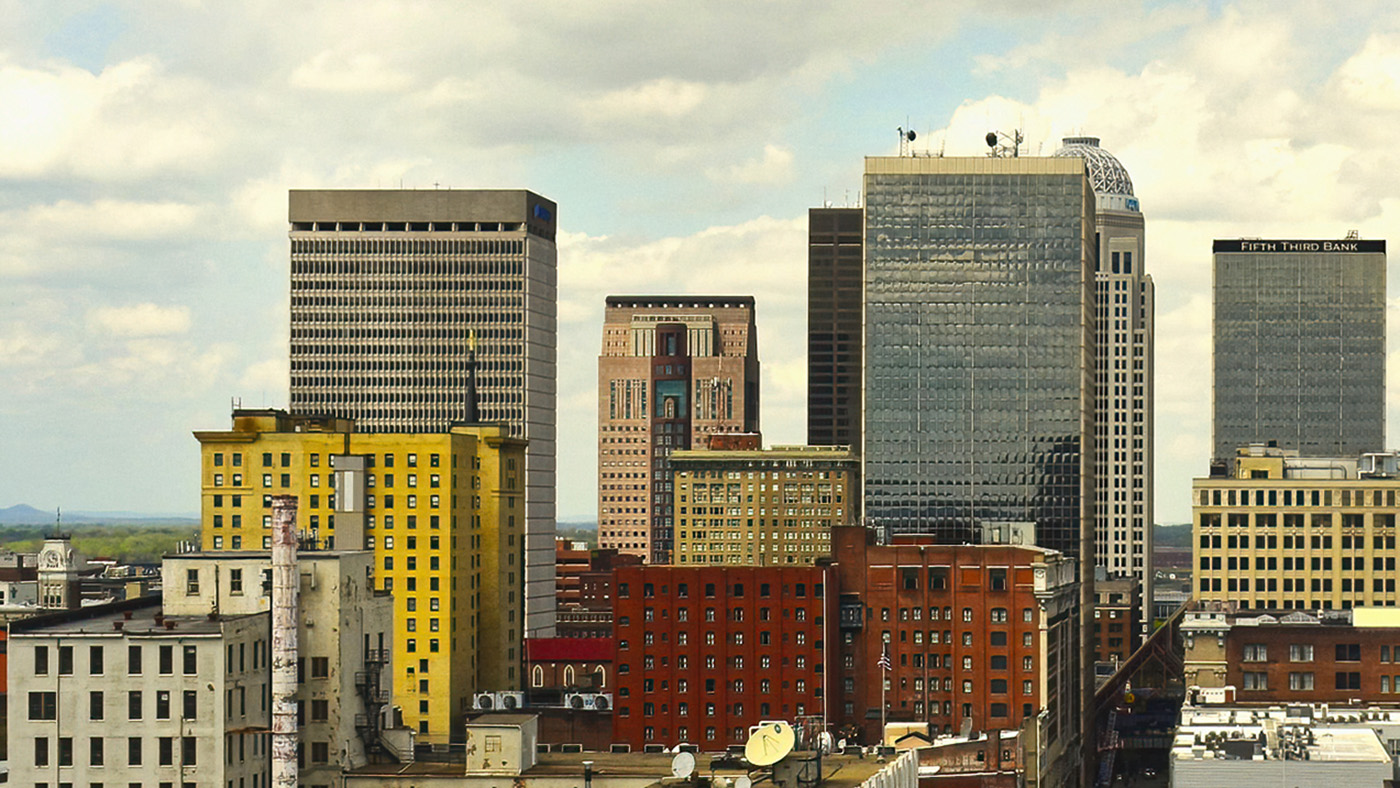
You did a nice job capturing this cityscape of downtown Louisville. I like the crop because it focuses on the buildings and has a sliver view of the street with cars coming and going; this shows the city has life. I also like the angle you photographed the buildings. Seeing the buildings' sides gives them dimension and adds depth to the overall photo. The colors are rich and of the tone of an aging city; red brick, wear and tear on the white building in front, etc.
You said you struggled with straightening the buildings. I used the Transform tool in Lightroom to do this; does this correct what you saw? They were not off by much. I also selected the Lens Correction feature in Lightroom (I am sure Luminar has this feature, too), which helped as well; just a slight adjustment. You might consider recovering the over-exposed clouds above the tall building on the right of the Fifth Third Bank. This shouldn't be too hard, as the clouds in the original photo have a nice texture. When editing in the future, keep an eye on the highlights; sometimes, you will have to tweek them after moving other sliders. Lastly, I ran the photo through Topaz DeNoise AI and sharpened it with the standard selection.
I hope this was helpful.
LT |
Jul 4th |
 |
| 3 |
Jul 22 |
Reply |
John, feel free to send me a copy and I can swap out the original I have up that is not correct. This is no problem for me to do for you.
LT |
Jul 3rd |
| 3 |
Jul 22 |
Comment |
Hello Michael,
Your Tree Swallow photograph is adorable. I did look them up online, and with the coloring, this appears to be a male. The females are duller with more brown in their upper parts, and the juveniles are all brown above.
I love how you captured him dancing before your lens; a bird in flight or moving seems to add to the impact of an image versus one that is stationary. His head and eye are in sharp focus. I like the wood piece on the left because it adds some context; though nature clubs may say it shows the hand-of-man, this might be something to consider or check into.
My suggestion for editing depends on whether you are entering a nature competition or just an open class. If you could smooth out the background, that would be the only change I would make. This can be done with a brush in photoshop by painting with an adjoining color on the white areas, so they don't stand out as much I think that would help. I would use the clone stamp tool and sample, sample, sample from surrounding areas to eliminate the white or bright pixels. The brightness seems to draw the eye to it. I could see the bird popping even more. If you'd like me to do a sample, let me know.
Your work is better each month you submit something; well done!
LuAnn |
Jul 3rd |
6 comments - 19 replies for Group 3
|
| 50 |
Jul 22 |
Comment |
Isn't it great to know you have a willing and waiting model in your household, Mary Ann? Benito is a great subject! I agree with Cindy above on a tighter crop; a bit of brightness makes this photo pop.
LT |
Jul 30th |
| 50 |
Jul 22 |
Comment |
Isn't it great to know you have a willing and waiting model in your household, Mary Ann? Benito is a great subject! I agree with Cindy above on a tighter crop; a bit of brightness makes this photo pop.
LT |
Jul 29th |
2 comments - 0 replies for Group 50
|
| 62 |
Jul 22 |
Reply |
Your edit gives me yet another option with this photo; thanks, Mary Ann!
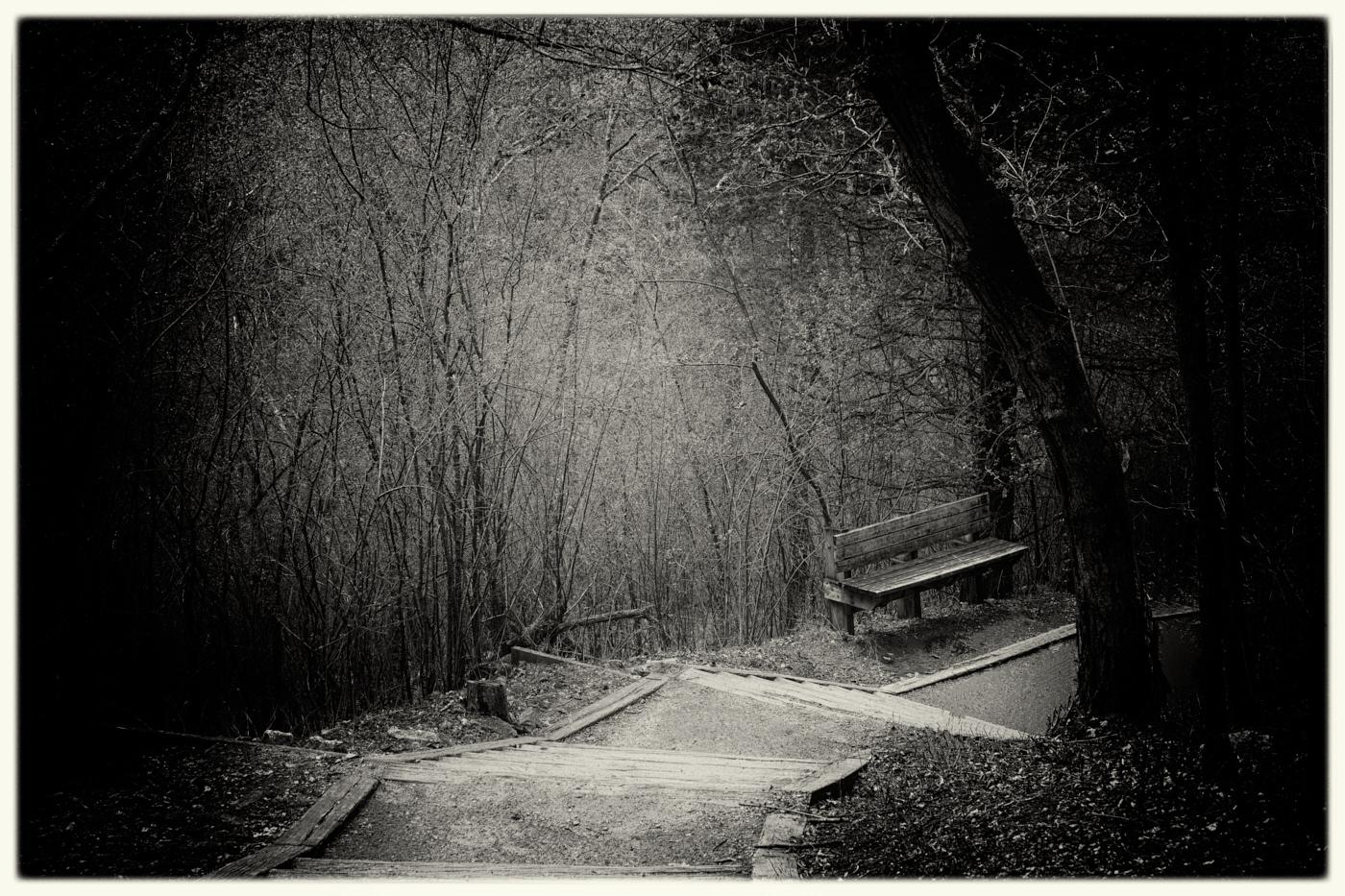
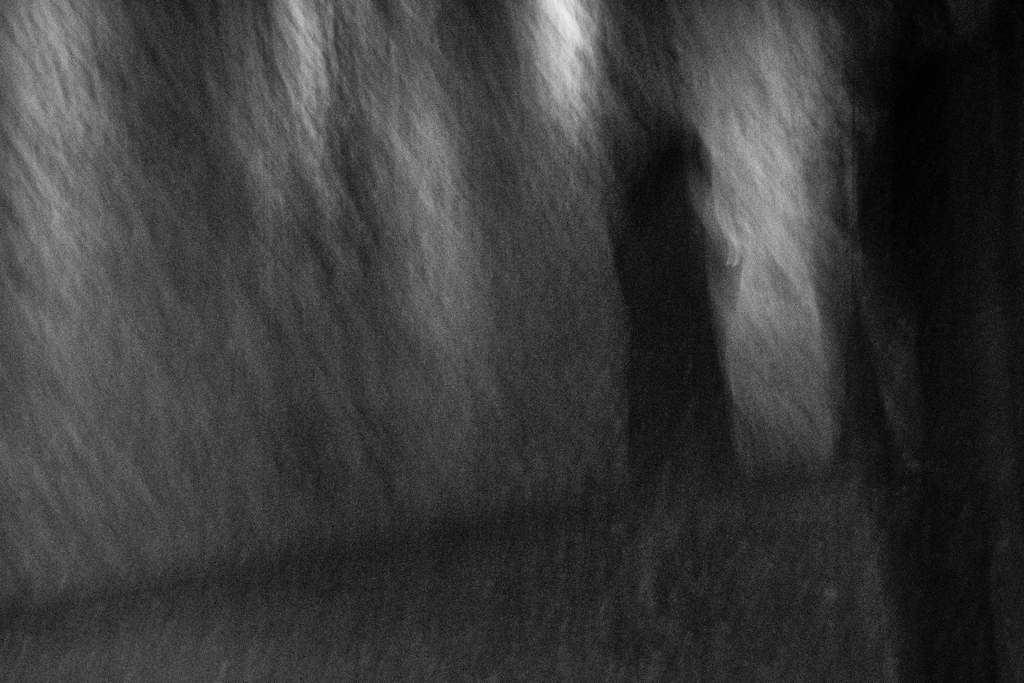
My personal preference and intent for this photograph was to create a dark and moody photograph. The other reason was that I used a pinhole camera preset with a darker, almost black vignette to the edges and bright white light in the center. It is an old-fashioned style of photography most photographers don't use anymore, but it catches my eye for whatever reason (unique and different). But I like your edit and explanation; it makes perfect sense. Thank you for your efforts!
LT
LT |
Jul 22nd |
| 62 |
Jul 22 |
Reply |
Thank you for your suggestion, Emil, I like what you have suggested.
LT |
Jul 22nd |
| 62 |
Jul 22 |
Comment |
Hello Israel,
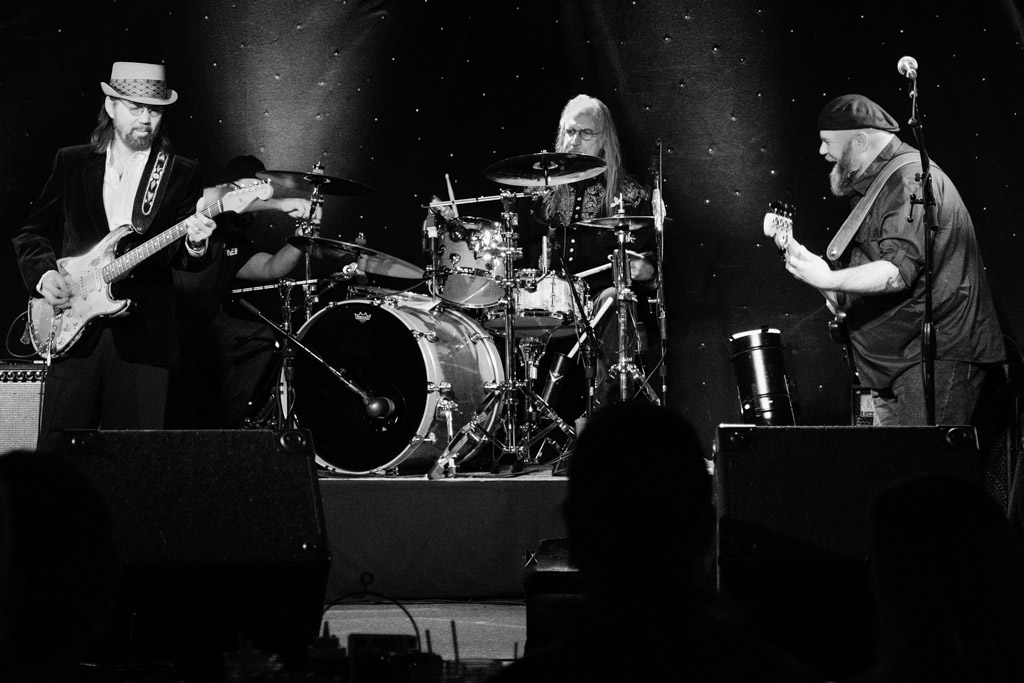
You have had a great opportunity to work with this photographer who takes you to these wonderful learning opportunities - bravo!
I like Oliver's crop suggestion because it removes the overhead sound acoustics that don't seem to contribute to the photograph. I like how you have captured an active stage where people are performing, but the scene is organized, and the focus is sharp, the depth of field is good, and the low light adds to the mood.
The only thing that catches my eye when I first view the image is the light on the people's faces in the foreground; it feels out of place or added. If you look at the bottom of the frame, there is no light to say it is reflecting up to their faces. Perhaps you could add soft light in this area to show where the light is coming from would help.
Thanks for sharing a great image!!
LT |
Jul 22nd |
| 62 |
Jul 22 |
Reply |
You are very welcome, Bob; I am glad you liked it!
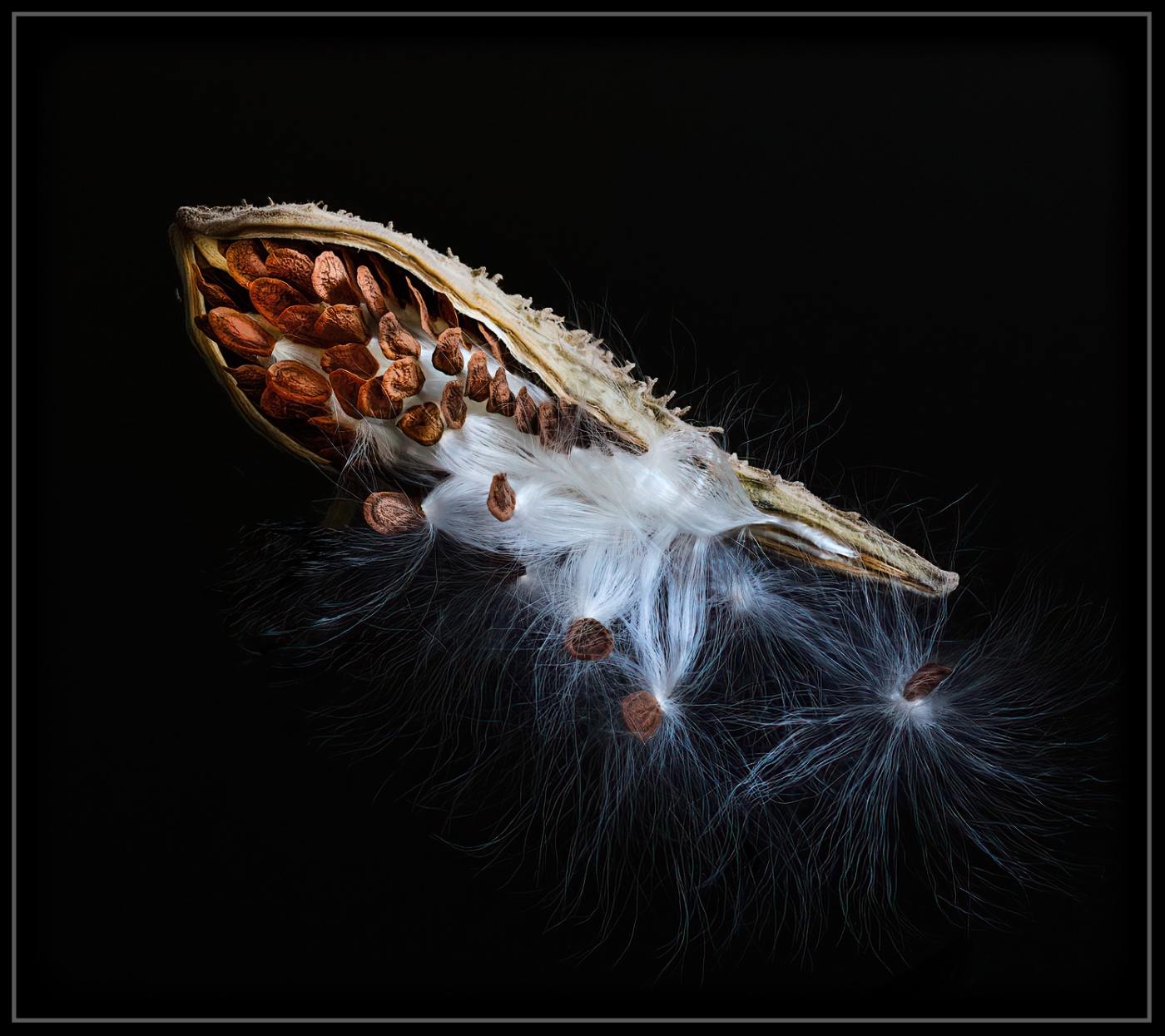
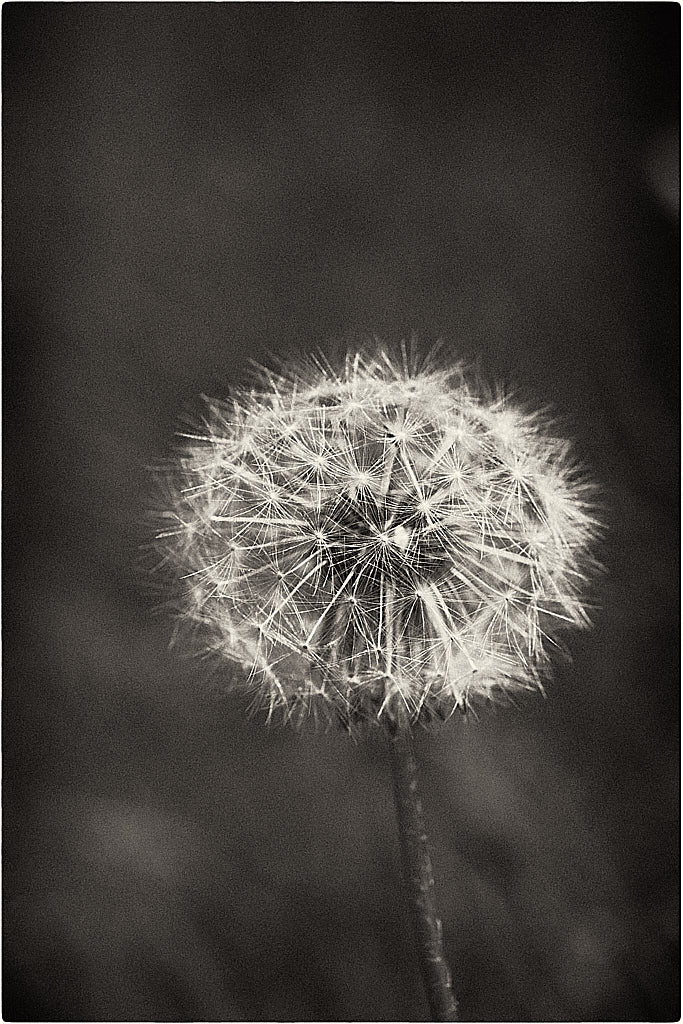
There are times with specific images that grain can be a perfect choice. I like using grain because I am drawn to new and different things in an image. I agree with you that with a smooth pod, the grain makes it pop as if it has texture; it makes me want to stop and ponder this little pod; it holds my attention. I even like the loose fragment at the bottom of the pod that, to me, brings beauty to the subject through imperfection, like wabi-sabi.
LT |
Jul 22nd |
| 62 |
Jul 22 |
Comment |
Hi Bob,
I am late to reply, not because your image is flat, but because I have taken a photography flower painting class, which takes up most of my free time. I will probably be lucky to finish it by Christmas <LOL>!
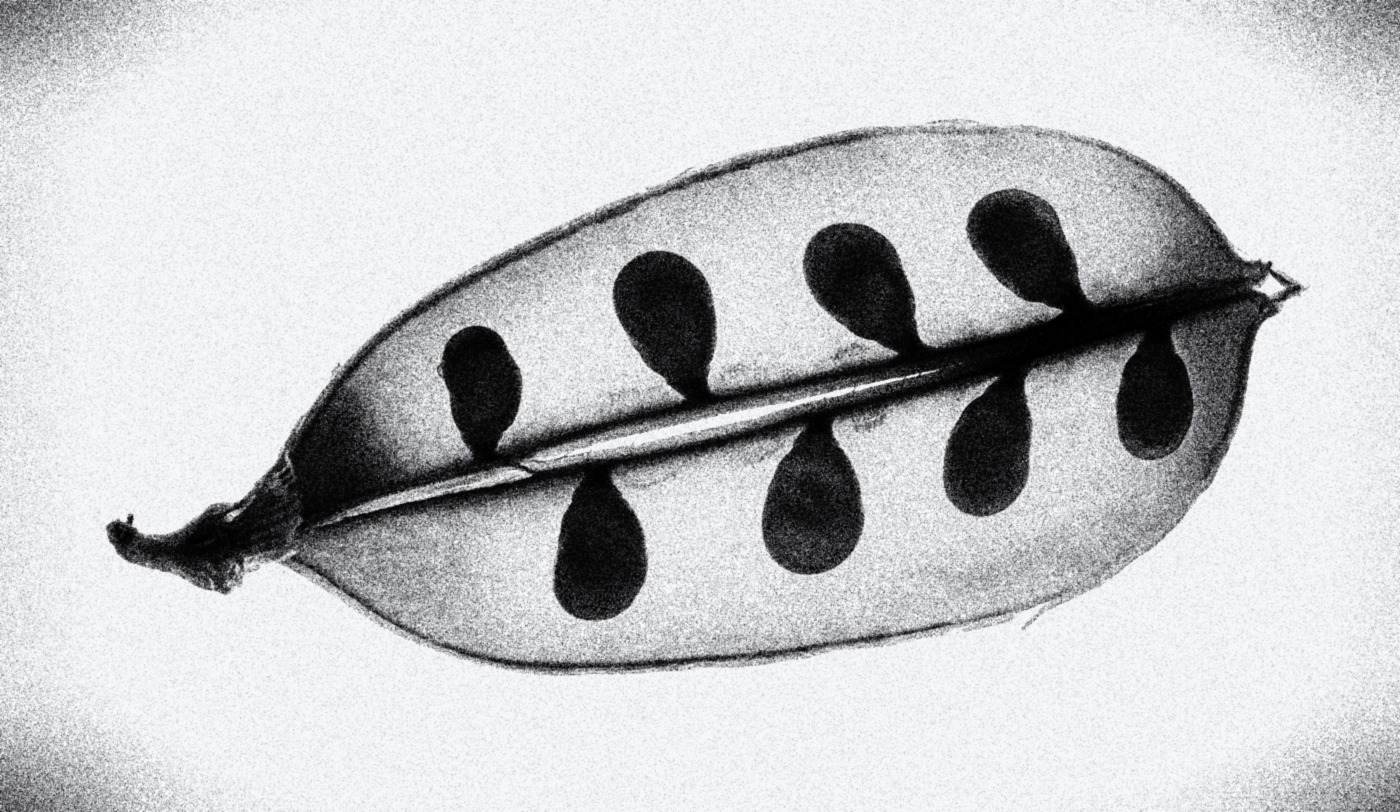
I like your pea pod minimalist photo. I think it is unusual, has character, and gives me something to ponder as I look at it.
I do suggest looking at this edit in full screen. The little thumbnail doesn't do justice to the vignette, but it looks lovely on full screen when you can view the full effect of the grain.
My edit is just a film noir preset in Silver Efex Pro 3. I always see photographs sharp, and in focus, so I like to put some variety in the mix and use grain for a change. I also used the tone curve to cap the whites below 255. I took off the border, but if they are done in moderation, borders can contribute to a photograph.
Curious what you think,
Have a good day, my friend,
LT |
Jul 14th |
 |
| 62 |
Jul 22 |
Reply |
Great idea, Oliver!!
|
Jul 14th |
| 62 |
Jul 22 |
Comment |
Congratulations on getting this gig, Nick; what a fantastic group! I also checked out your video link, impressive work!!
Being a photographer for a rock band client such as this makes it hard for me to offer a critique by camera club standards. It is a matter of throwing the rules out the window and producing for your client what they ask for, so I have nothing to add. Marius obviously liked your work the first time around, so to get a repeat session is a huge compliment to you and your work - Bravo!
Keep up the great work, and thanks for sharing another of your many talents!
Best regards,
LT |
Jul 14th |
| 62 |
Jul 22 |
Comment |
Hello Emil,
Wonderful capture, great mood, light control, and sky. Good effort removing the house on the left; I bet that took some time.
My only suggestion would be to throw some dirt on the two white plastic chairs with vertical backs; their luminosity values are higher than the white of the house (chairs coming in at 90-97 luminosity in LR, and the house is coming in at 86 luminosity). If you could remove the chairs, that would be an idea; they are clashing with the vintage era of the house.
LT |
Jul 14th |
| 62 |
Jul 22 |
Comment |
Hello Oliver,
Your image this month is intriguing and arouses my curiosity. The first thing I notice is the interestingly smooth texture on the hand, along with the soft focus showing a gentle knife action. I agree the light is good and draws the eye to the subject.
Poor little clam, all gone.
Curious, were you shooting in a priority mode? My only recommendation would be to add a vignette to trim the image on the borders and reduce the luminosity values. I also suggest lowering the luminosity levels on the bright areas of the hand, maybe with TK8.
Isn't it amazing where we can find photographs and such creative subjects?
Best regards,
LuAnn |
Jul 14th |
| 62 |
Jul 22 |
Reply |
Hi Bob,
Thanks for your comments! When I initially thought about possible titles for this photo, my first idea was "Why ..." but then I changed it. I don't care for the title "Contemplation; I don't like the word." So I find it interesting you thought the exact word I did initially. I should have gone with my gut feeling.
Yes, you are the Wow guy, and I love moody photography, but I am not moody by nature; actually, quite the opposite. I used to find Brooke Shaden's photography interesting because I found her very creative. She was the star in all of her photos. Check her out sometime.
Now I have to find another mood shot for next month!
Have a great week, my friend,
LuAnn |
Jul 2nd |
| 62 |
Jul 22 |
Reply |
Thanks for sharing your idea, Oliver!
My inspiration comes from the world I live in and experience every day. Thanks for pointing out how you see the image, from frightening to highlighting its beauty and closeness. That tells me a neutral viewer will see something different, which is good. I like the look of the old-fashioned cameras, the pinhole especially. I love antiques, so maybe this is where I get the interest.
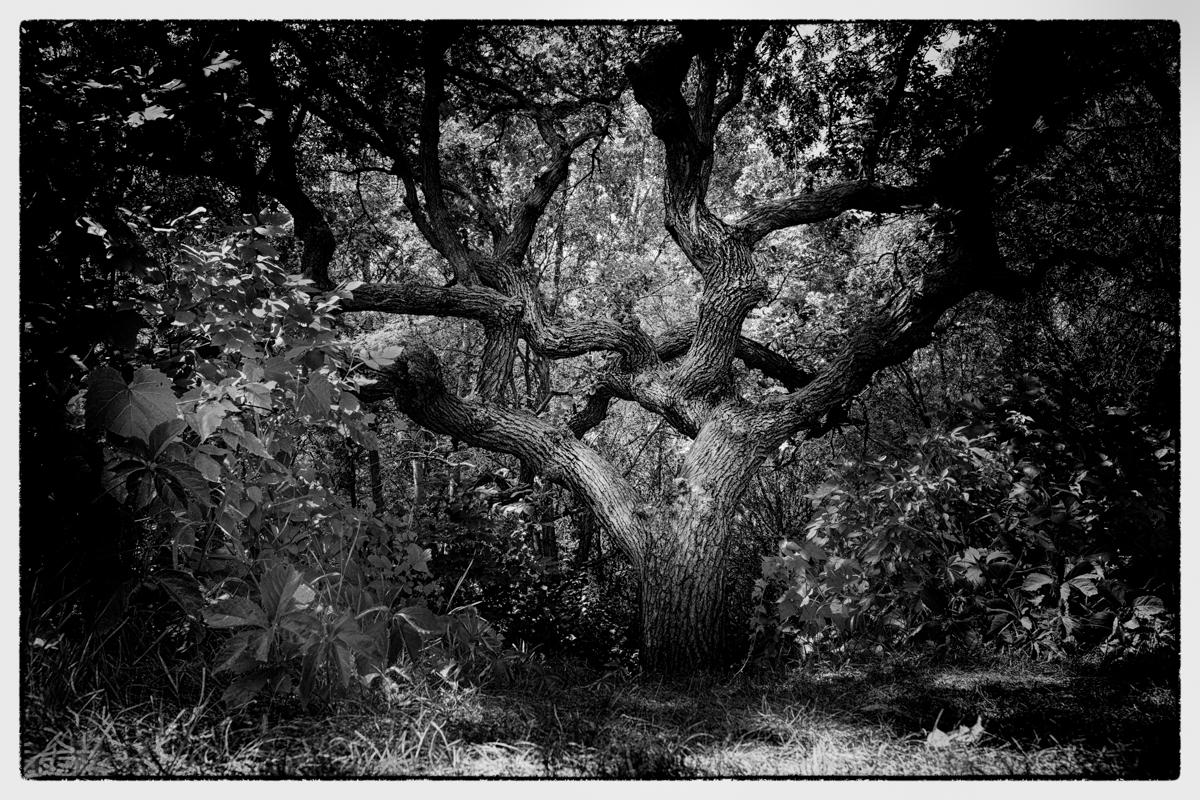
I am delighted you like this photo. Your edit is cool as well. Dark and moody, lost in the woods. What evil lurks behind those trees. I can't help but think that after watching all the British crime dramas my husband and I watch every night. Funny!
Have a great week!
LuAnn |
Jul 1st |
5 comments - 6 replies for Group 62
|
13 comments - 25 replies Total
|