|
| Group |
Round |
C/R |
Comment |
Date |
Image |
| 3 |
Jan 22 |
Reply |
I did receive a response from the webmaster for this group. This was his reply:
"There has been absolutely no changes to the website that would affect their display. Any change you have noticed is likely due to an update in your browser."
Hope this clarifies your question.
LuAnn |
Jan 31st |
| 3 |
Jan 22 |
Reply |
Michael,
Your image is huge 5050 x 3500 pixels. Can you replace it with a smaller one? I can't view it as it is.
Thanks,
LuAnn |
Jan 31st |
| 3 |
Jan 22 |
Reply |
Where did you see submitting higher resolution images?
LT |
Jan 30th |
| 3 |
Jan 22 |
Reply |
Thanks for the idea, Kieu-Hanh. |
Jan 30th |
| 3 |
Jan 22 |
Reply |
Thank you, Michael, for your kind words; I appreciate it. |
Jan 30th |
| 3 |
Jan 22 |
Reply |
Thanks, Mary Ann, for your comment! |
Jan 30th |
| 3 |
Jan 22 |
Comment |
It might be a hummingbird clearwing moth.
I like the bright colors of the lantana plant and the soft bokeh in the background. I agree with the other comments that the image is not in focus. A faster shutter speed would help. The composition is nice with the moth off-center.
One thing to note before clicking the shutter is to watch for bright objects on the edge of the frame; they can distract viewers because they draw the eye out of the photo.
LT |
Jan 25th |
| 3 |
Jan 22 |
Reply |
Hi Mary Ann,
My favorite people to learn about Photoshop are PHLEARN, Jesús Ramirez (Adobe Creative Cloud), and Dave Kelly (The Joy of Editing). If you do a google search on youtube for Photoshop Brush Tool the first two people will show up. It's a place to start as everyone learns differently.
Hope this helps.
LT |
Jan 25th |
| 3 |
Jan 22 |
Reply |
When I look at the deer's eye, it seems soft to me. I appreciate your caution with sharpening. I would suggest selective sharpening on the eye only. What do you think? |
Jan 24th |
| 3 |
Jan 22 |
Reply |
I like the original image better. The new crop is a great idea, but it takes away valuable negative space this image needs. |
Jan 24th |
| 3 |
Jan 22 |
Comment |
Hello Michael,
What a fantastic trip you had and what great memories you will have forever!
I have read and understood the point of view of the others in the group. In my opinion, we sometimes have to let go of the rules and embrace what is before us as we see it. I like your image as a documentary-style photograph. I consider what is in the background as valuable to this image's story. The raging water and light do everything to draw my eye away from the subject. But the pose of the penguin says, to me, "come back and look at me."
Well done, Micheal, I love it!!
LT |
Jan 24th |
| 3 |
Jan 22 |
Reply |
Lisa likes to show her work in travel categories for competitions, Michael. In this category, posing people for a shoot is not allowed. This rule is for PSA-only sanctioned competitions. If you go to PSA's main website (www.psa-photo.org), then go to Division - travel, you will find the definition for their competitions.
Everything we learn about composition and photography is just guidelines for PSA only. If you were to enter a competition of PPA (Professional Photographers of America), they would have their own rules, which can differ from what you have learned for PSA.
I hope this answers your question.
LT |
Jan 11th |
| 3 |
Jan 22 |
Reply |
Hello Ruth,
Thank you for your comments!
I typically use a border when I do black and white photography or think a viewer may find it challenging to identify the boundaries of an image. In this color image, I did not believe it was necessary. The biggest fault of borders I have found is they tend to draw the eye away from the subject, especially if the line is white. In competitions, they are not recommended, and I have heard judges will deduct points for borders, so I use them sparingly.
I have a question for you about this image.
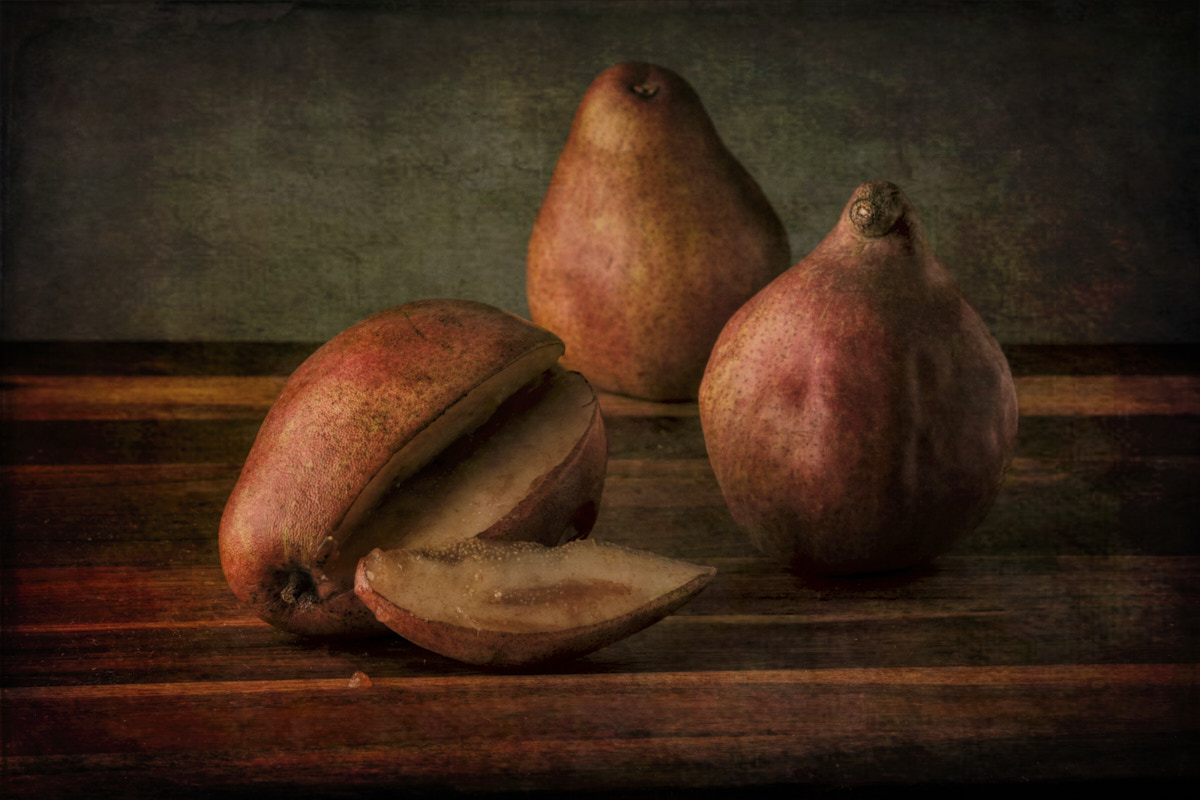
Do you think the color tone of the travertine stone the apples are sitting on is the right color? Is it too warm? Is it distracting? The stone does have a pattern/texture; do you think it is too busy?
The impressions textures I use are from Topaz Studio 2. I occasionally use Lightroom, but mainly Capture 1 Pro; LR does not support FujiFilm camera profiles, and Capture 1 has a written agreement with Fuji to share color profiles.
I also have a photo in group 62 for black and white this month. If you have time, check it out and let me know what you think; it is very different.
Best regards,
LuAnn
|
Jan 10th |
| 3 |
Jan 22 |
Comment |
I love street photography, and when I first started photographing people on the street, I felt the same as you noted. When in foreign countries, they recommend knowing the rules of street photography. Outside of that, practice, practice, practice photographing people. Some people ask; first, others just shoot. I know Valerie Jardin has excellent videos on street photography and offers good tips and tricks on her youtube channel.
The man in your photo seems like he didn't mind being in your photograph. You included characteristic features of Russia (signage); even his clothing says Russia, so I think this would fit in a travel photo category.
It doesn't sound like you asked him to pose for a photograph because that wouldn't be allowed. If he fell into a pose for you that would be different. Not all judges are forgiving, so I just put it out there for you.
Lastly, I suggest lowering the brightness; the overall image feels too bright and he seems to be squinting-easy fix for you.
Best regards,
LuAnn
|
Jan 4th |
| 3 |
Jan 22 |
Comment |
Wow, nice nature photo, Ruth! You captured the deer in good focus with a catch-light in his eye, and the antlers on his head are a plus! I like the green and yellow oak leaves on the right; they fill the space nicely with added content. The woodland area shows no hand of man, and you have an excellent background showing the animal is in the protected edge of the woodland.
If you enter this in a competition, the only point I would address is that the crop is too tight; his tail is too close to the left side of the frame. Also, would you consider adding a little sharpening to finish the photo? |
Jan 4th |
| 3 |
Jan 22 |
Comment |
Hello Mary Ann,
I see you wanted some help with this edit. I think the colors are very eye-catching and the water droplets are amazing how they, in some areas, travel upside-down along each strand of this plant.
I think all you have to do is make some additional edits with the patch tool in PS. You could also even out the background by painting some of the green over the pink tones in the background making it appear more seamless. Experiment with lowering the flow of the brush to 15%. This will help the eye from wondering what was back there; this is a personal preference choice so you decide.
If you need more help on doing this I can refer you to some great videos on the technique.
Best regards,
LuAnn |
Jan 3rd |
 |
5 comments - 11 replies for Group 3
|
| 38 |
Jan 22 |
Comment |
Hey Kurtis, Happy New Year!
I love this photo you created as well! It is a minimal scene, and the subject is clearly the tree, and there are no distractions. The branches are dark and against the lightness in the sky so they stand out well as a silhouette. You said it had just stopped snowing, and though I can't see evidence of snow, it doesn't matter to me. You have captured emotional impact in your photograph, which is a crucial element. You also have uniqueness and creativity. Your camera setting gave you excellent sharpness on the rocks as well.
The only thing that stands out for me is the bush on the right. Would you consider opening the shadows on it a little? I say this because it is a space that is very dark.
I have a photo in group 62 this month. If you have time, check it out. I'd be interested in your opinion.
Best regards,
LuAnn |
Jan 5th |
1 comment - 0 replies for Group 38
|
| 62 |
Jan 22 |
Reply |
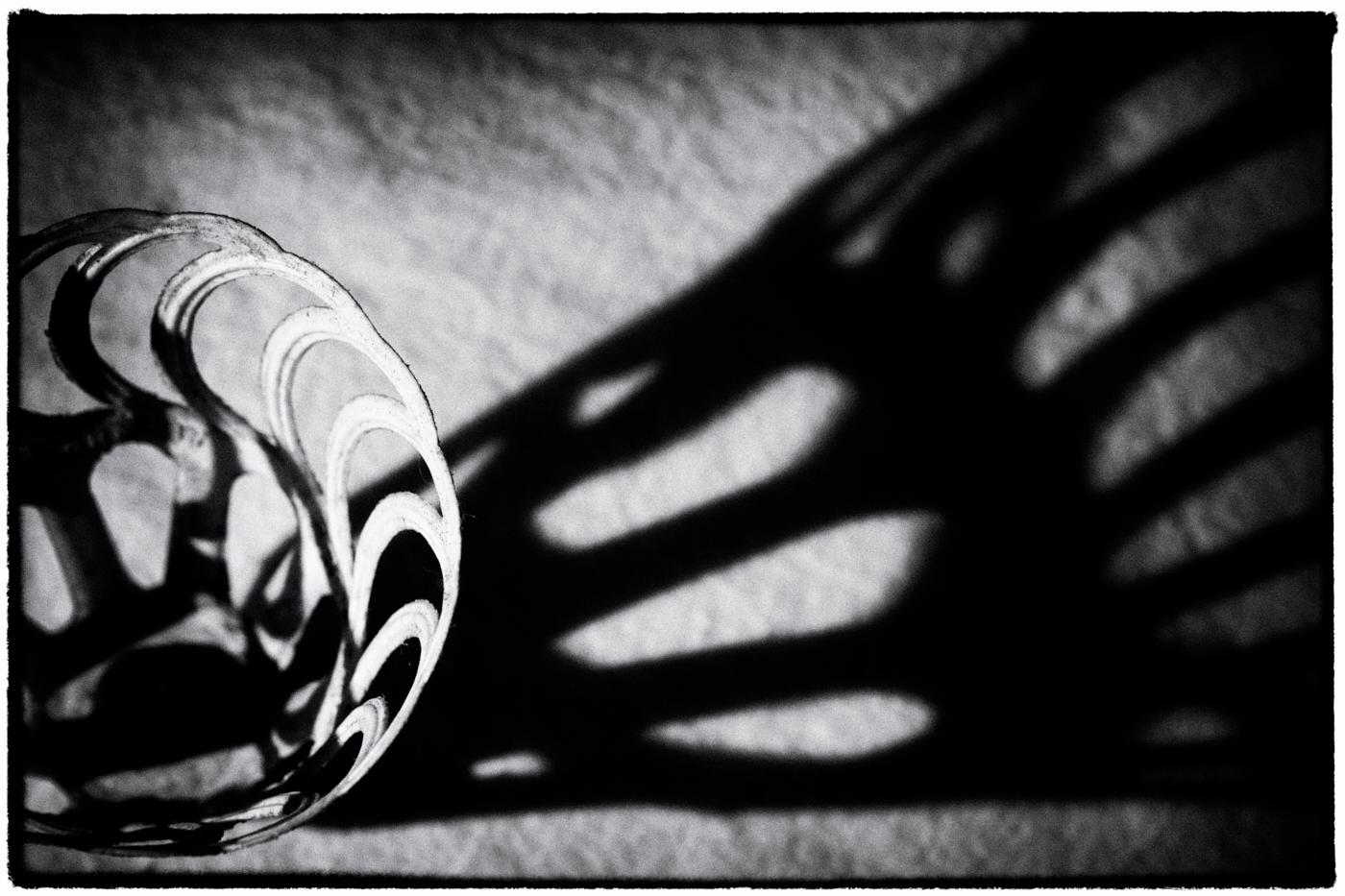
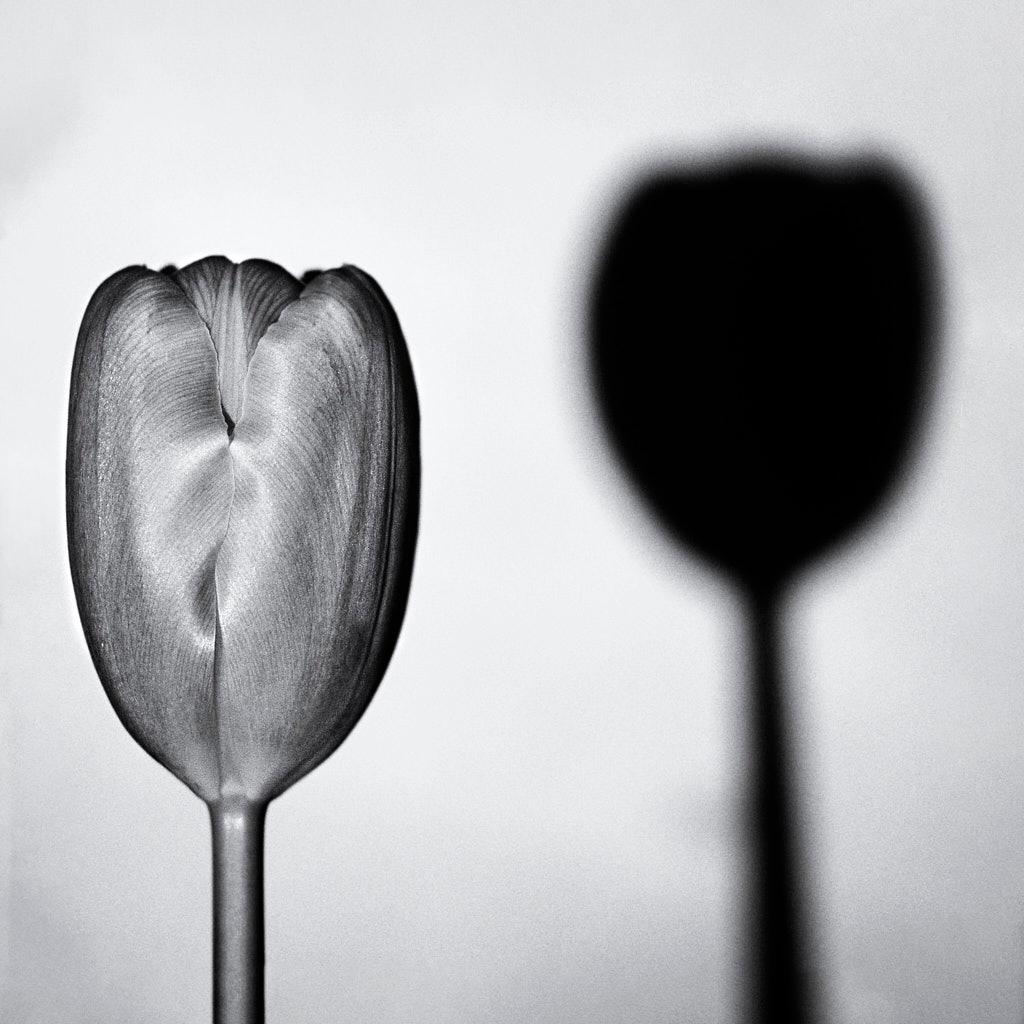
I like your idea of adding a shadow. Next month my photo is more about shadows; this month was about earth and wind elements.
How did you create the shadow?
LT |
Jan 30th |
| 62 |
Jan 22 |
Comment |
Beautiful image, Israel.
The only item I have to comment on was the background. The man in black against a black background cancels each other out; depth and dimension are lost because of the overlapping dark colors. So brightening the background would help.
You are lucky to live in such a historically rich country.
Best regards,
LuAnn |
Jan 25th |
| 62 |
Jan 22 |
Reply |
Bob,
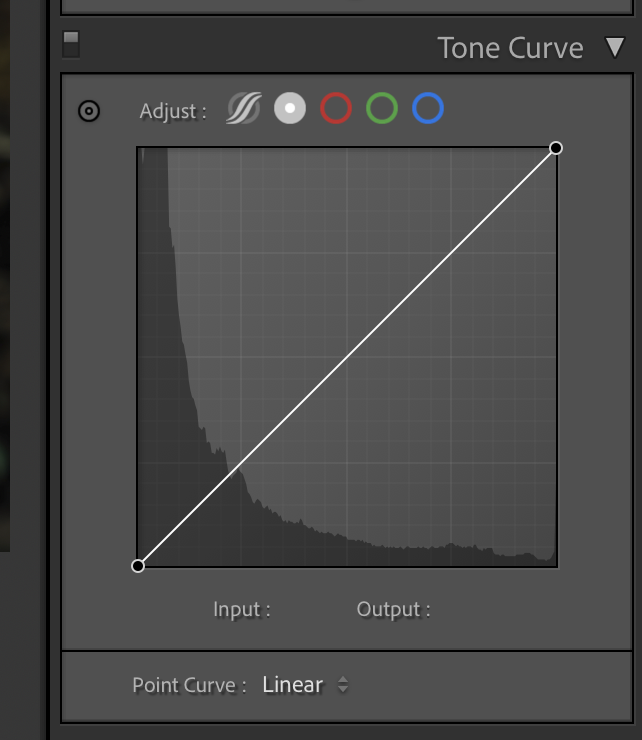
Under the Tone Curve see the option: Point Curve: Linear there is a drop-down window if you click the up/down arrow next to Linear. This is where you will find medium and strong contrast. |
Jan 25th |
 |
| 62 |
Jan 22 |
Reply |
The second image is a little further away and helps put things in context. They were what 3,000 feet up; pretty tiny at that height.
LT |
Jan 25th |
| 62 |
Jan 22 |
Reply |
The second image is a little further away and helps put things in context. They were what 3,000 feet up; pretty tiny at that height.
LT |
Jan 25th |
| 62 |
Jan 22 |
Reply |
You're very welcome!
LT |
Jan 17th |
| 62 |
Jan 22 |
Reply |
I have to share an idea with you for a photo opportunity that is a bit unusual. Here is a link to my website where I have a couple of California travel photos. The one in the link is of a man climbing El Capitan. I used a Tamron 150-600mm lens at 600mm. Without this lens, and people saying there were climbers on the mountain, I would have never seen this man from the ground. A climber simply has no fear.
https://www.luannthatcherphotography.com/Travel-Photos/California-Travel-Photos/ |
Jan 15th |
| 62 |
Jan 22 |
Comment |
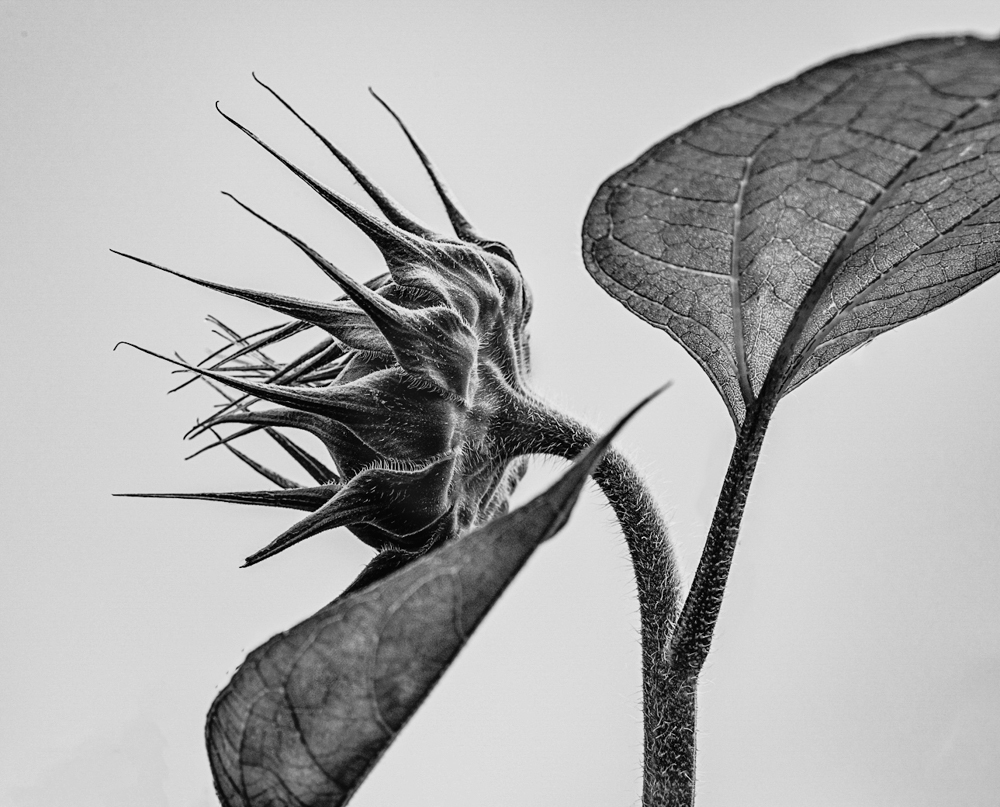
I love your photo, Bob, this is amazing! Very creative and a side of you that's new to see. Your symmetry is spot on, there are lots of lines to help the eye navigate through the image, and the histogram shows a broad tonal range for black and white.
I had to try my hand at an idea for you. I edited the photo in LR with these adjustments.
Highlights +37, shadows -16, whites +24, clarity +48, dehaze +18. In the Tone Curve, I selected Strong Contrast.
My editing style typically leans toward darker tones so that is a major difference.
Keep up the great work; I look forward to seeing what you come up with for next month!
LuAnn
|
Jan 14th |
 |
| 62 |
Jan 22 |
Comment |
Hi Leah,
Love your wall image! You received some great suggestions so here is my idea for an edit.
I first made the photo bigger in Gigapixel AI by Topaz. Then I sharpened it to try and improve the focus. Then I used Nik Analog Efex Pro 2 and selected Wet Plate 4. Adjustments in Basic panel: -51, -5, 27. Photo Plate was Concrete #3, Film type B&W Neutral #4.
In the end, I think I see more texture and clarity. Curious what you think?
LuAnn
|
Jan 14th |
 |
| 62 |
Jan 22 |
Comment |
Hi Bunny,
I love your image this month! I have one exactly like it (I think we stood in the same spot) that I took years ago when I was in California. The only difference is that mine was in color, I had a bad crop, and I had a deer in the stream.
The challenge I see with the photo is the ambient mid-day sunlight is very bright. What do you think?
It is hard for me to adjust luminance on a jPeg but suffice it to say that is my suggestion. I like Bob's idea of darkening down the tones in the sky. The trees could use some contrast to give the image some depth.
You are lucky you live close to Yosemite and Half Dome; this is a beautiful park.
Best regards,
LuAnn |
Jan 10th |
 |
| 62 |
Jan 22 |
Reply |
Hey Bob, how's it going?
Thanks for your kind words!
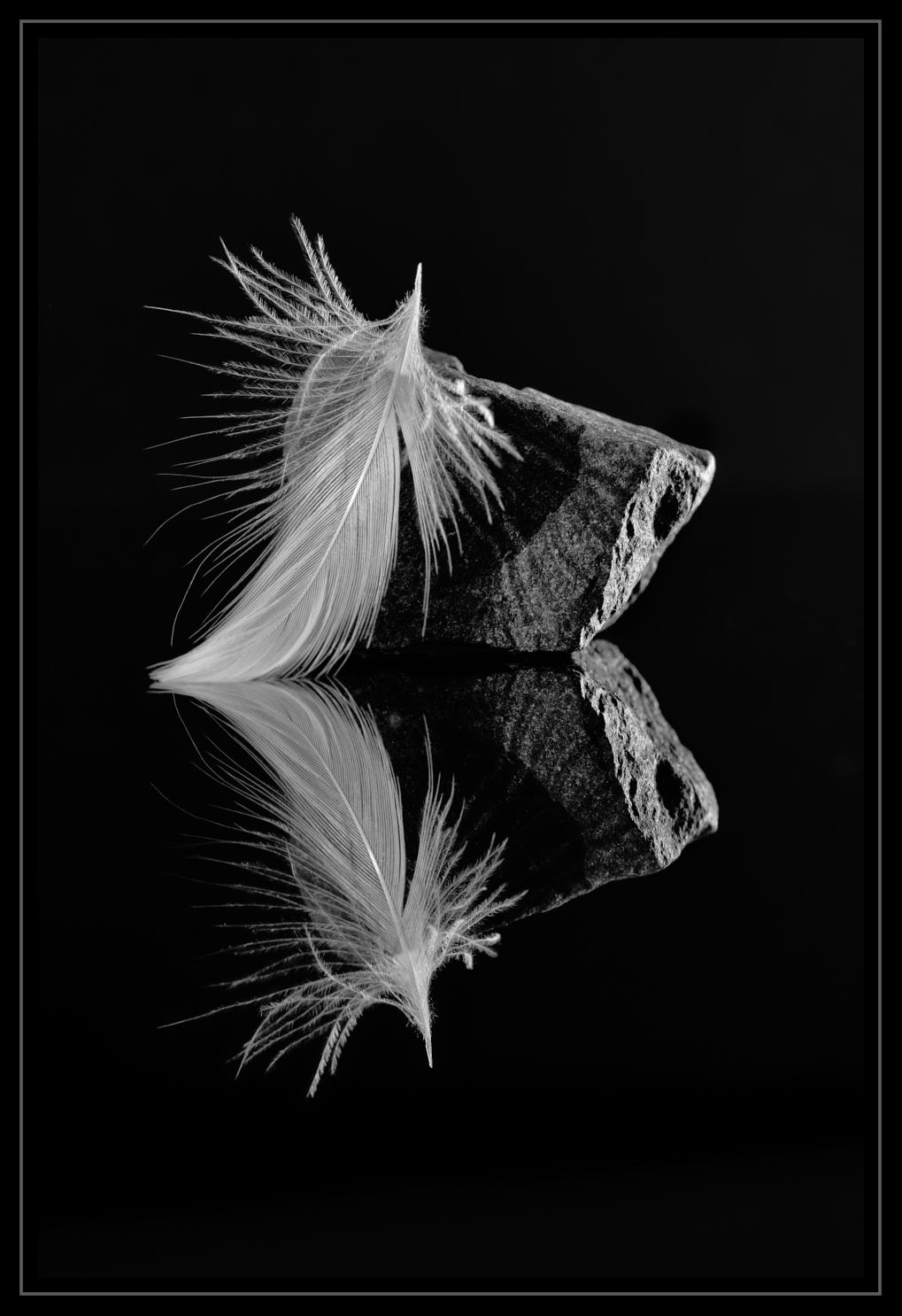
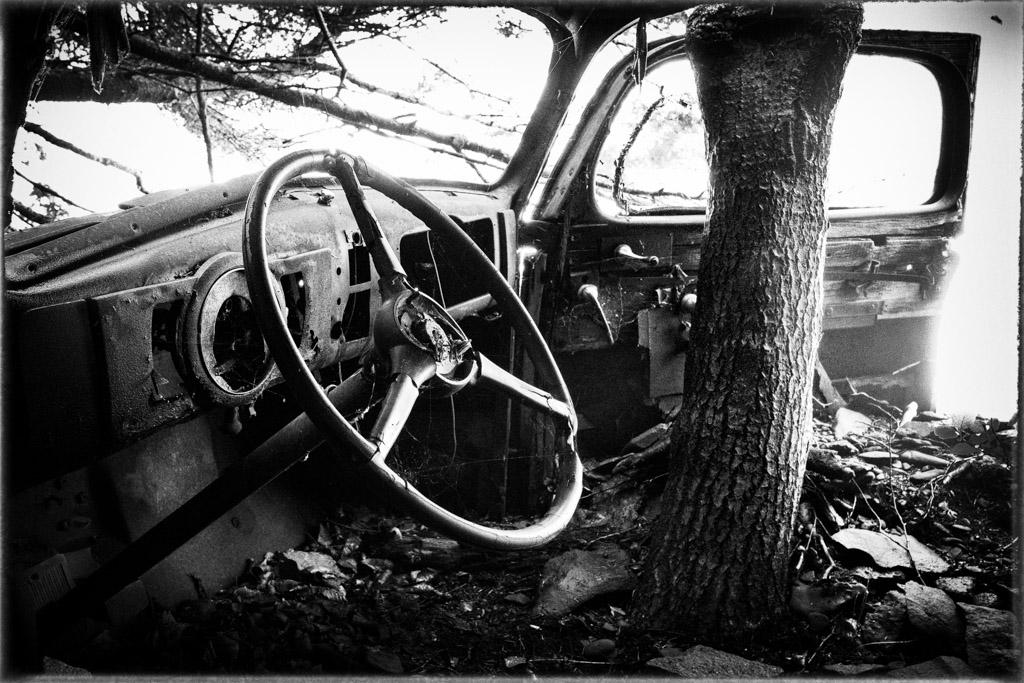
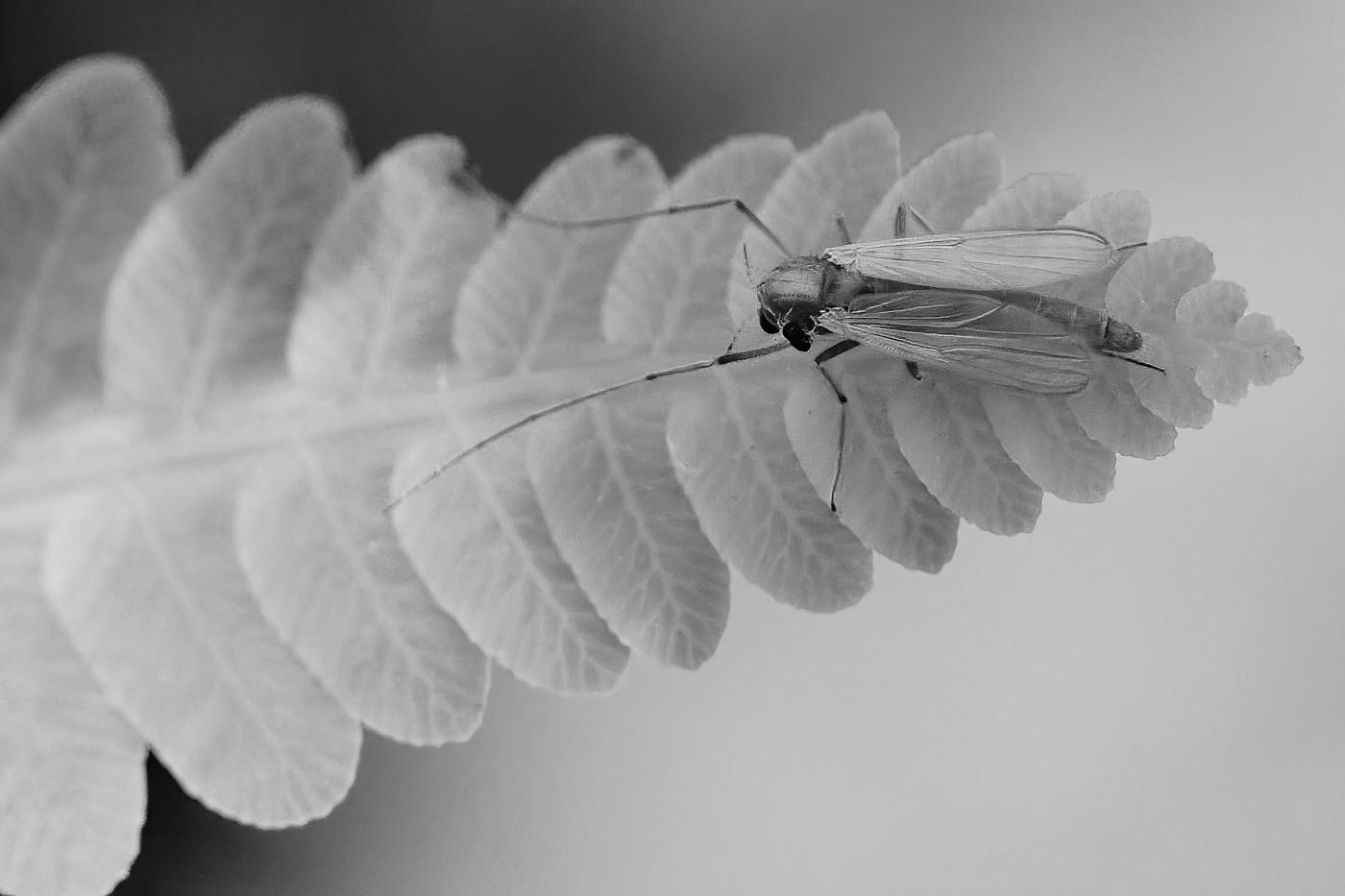
I am having fun doing the feather and rock series. My husband critiqued my photo and kept pushing me to insist on it looking natural. So I ended up videotaping a feather falling to track its movement. It doesn't fall vertical it falls horizontally. What a great idea!
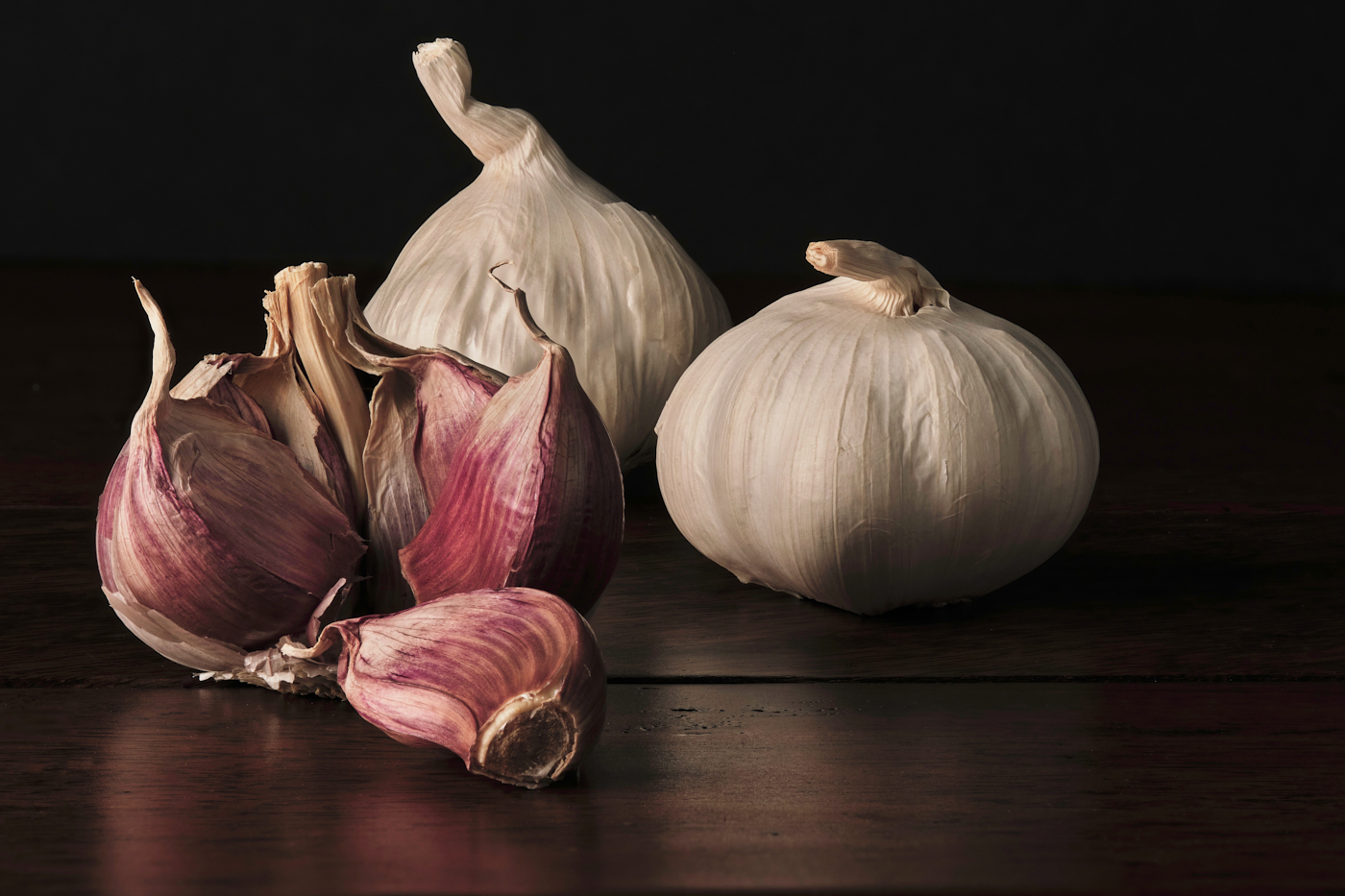
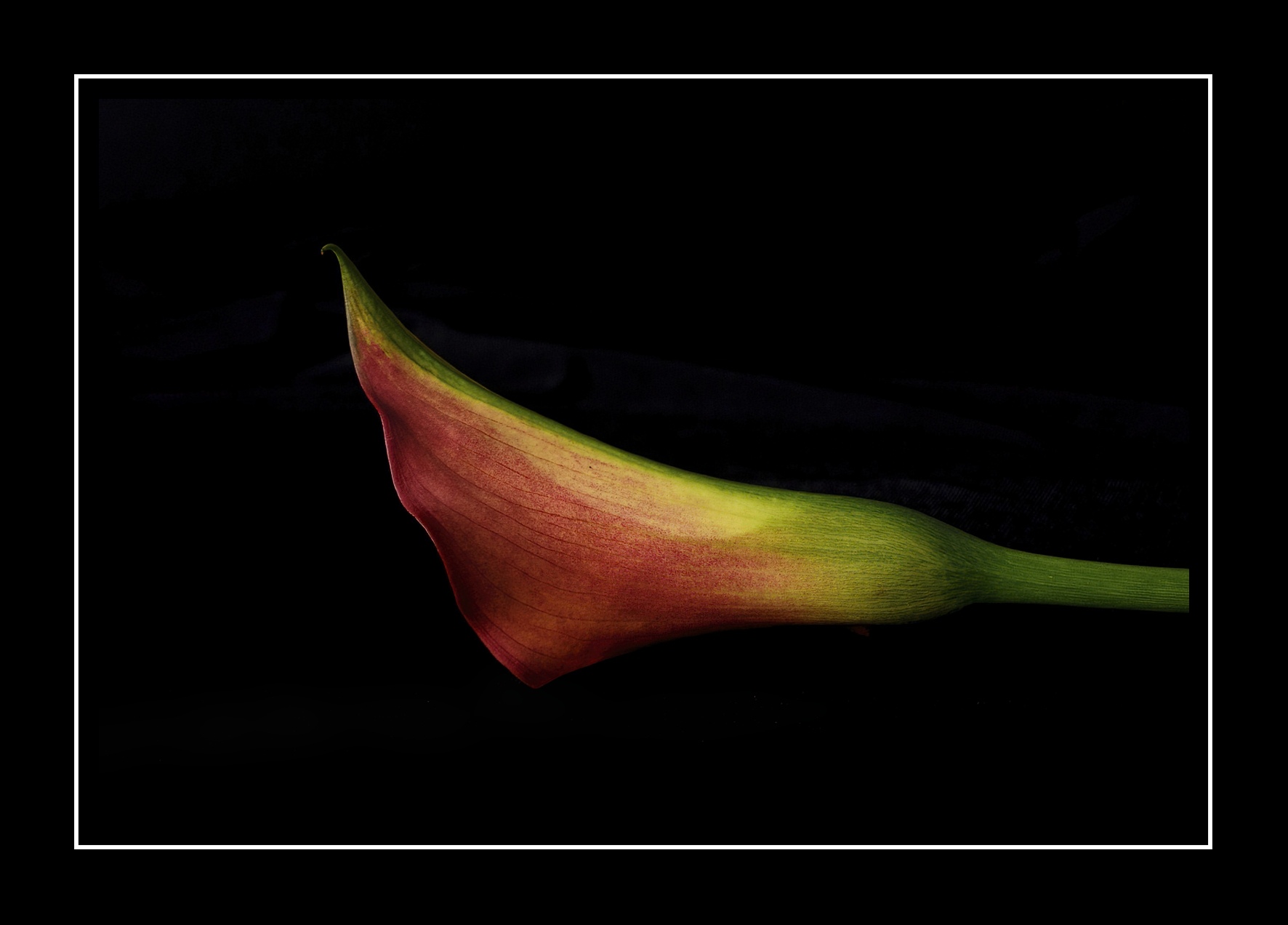
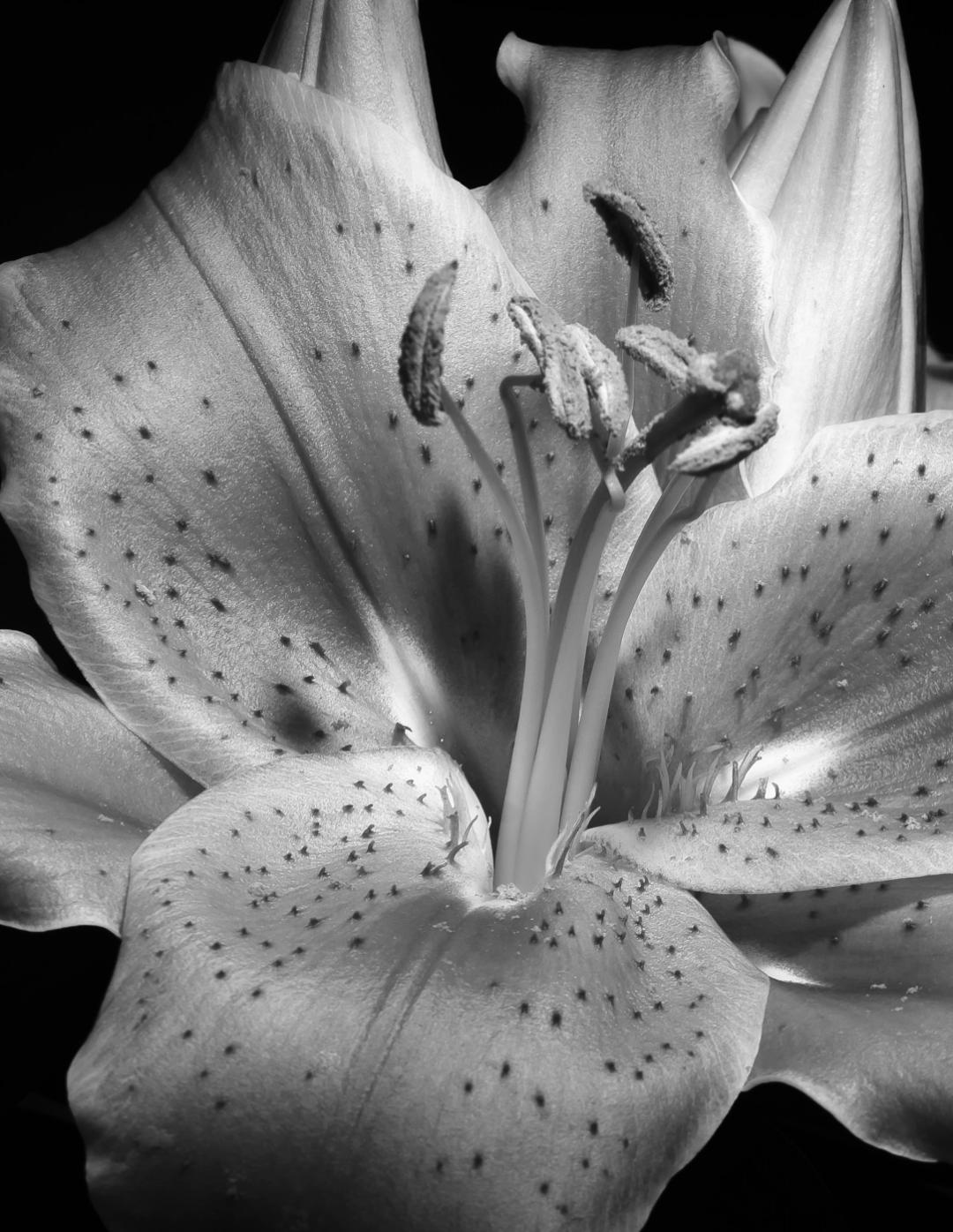
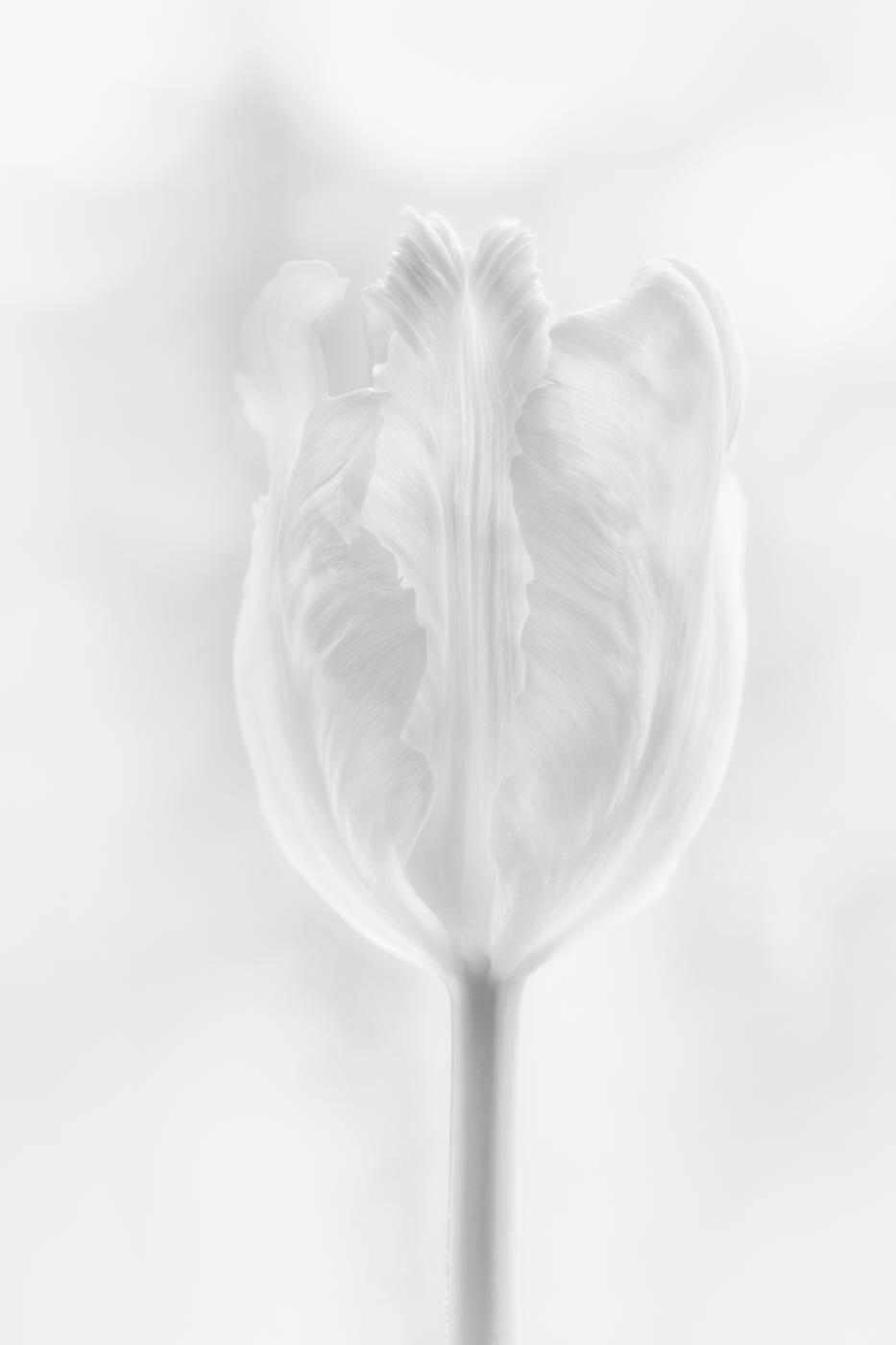
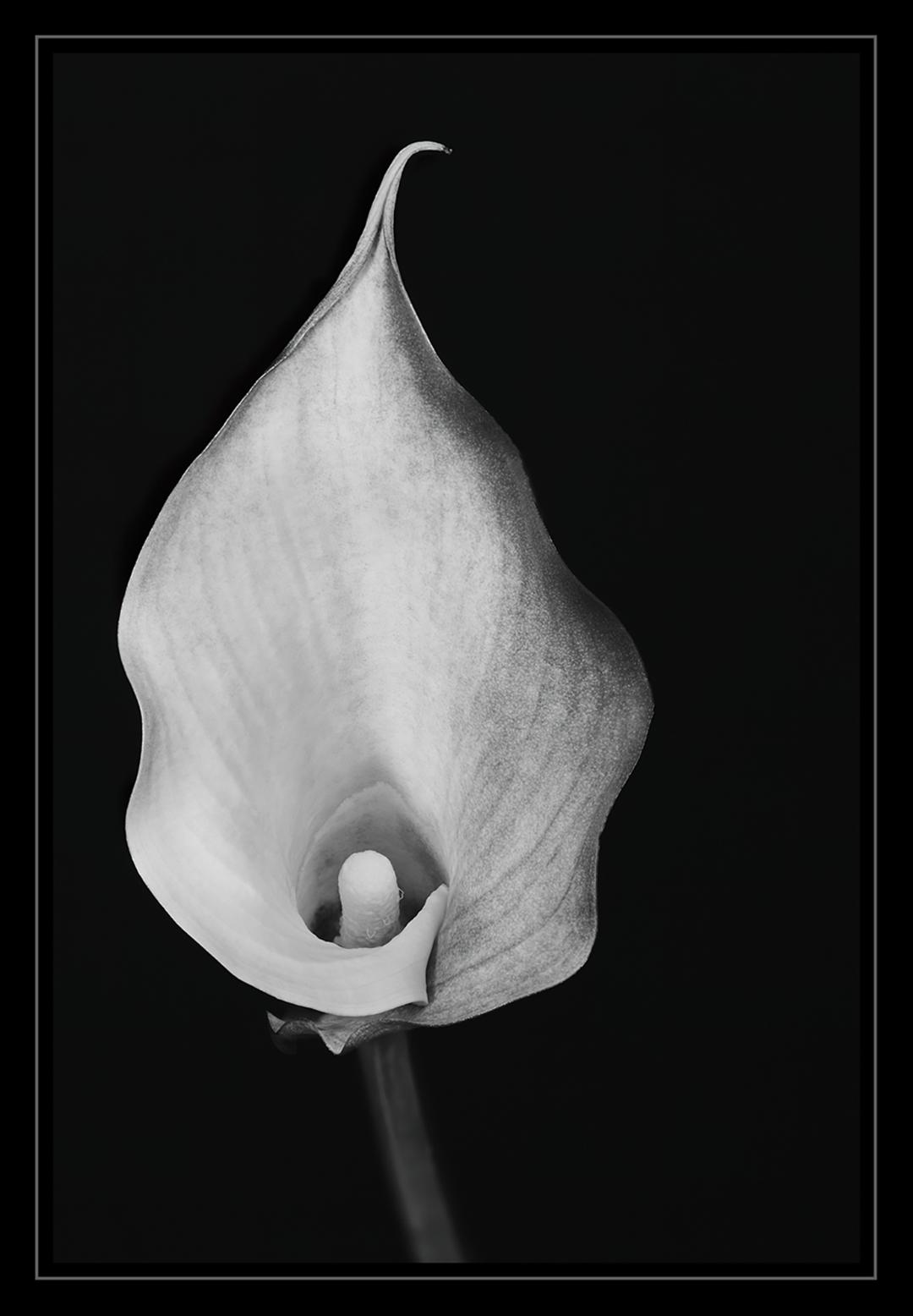
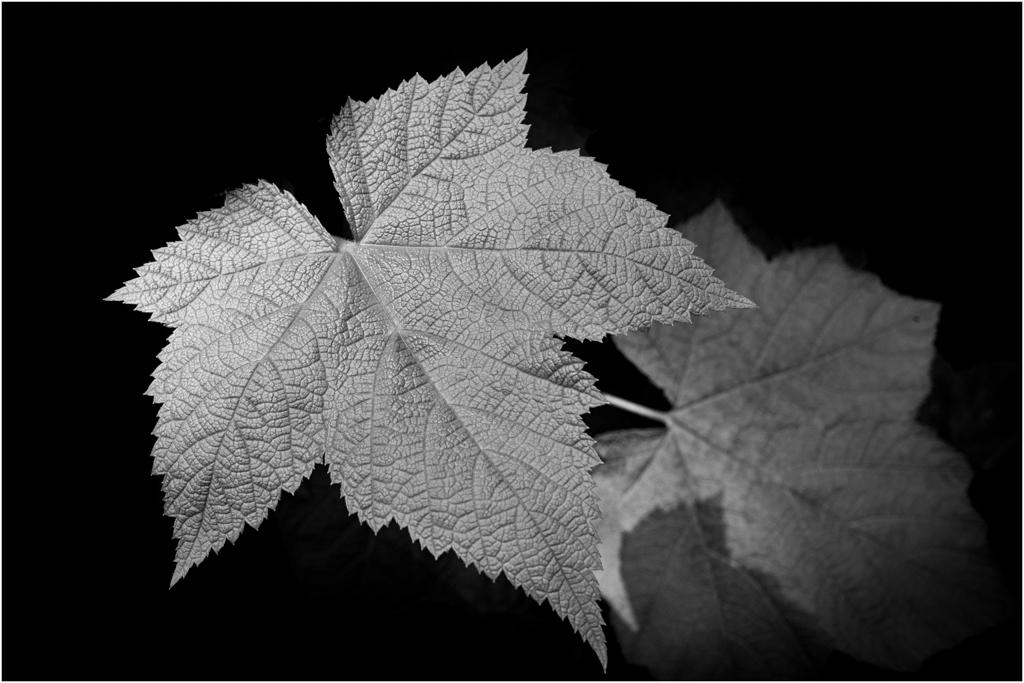
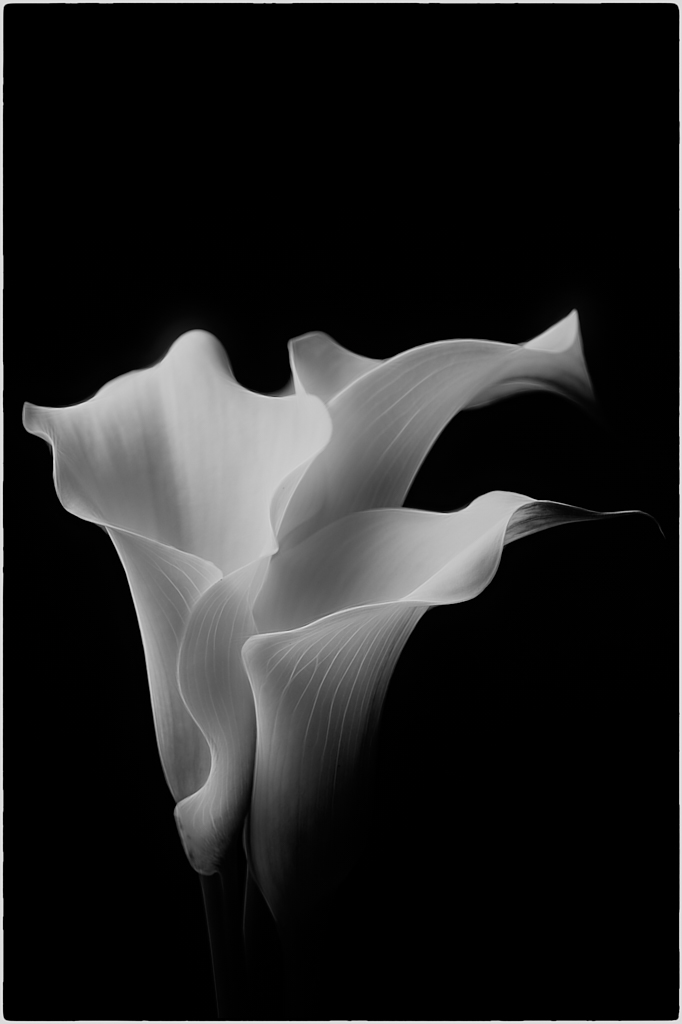
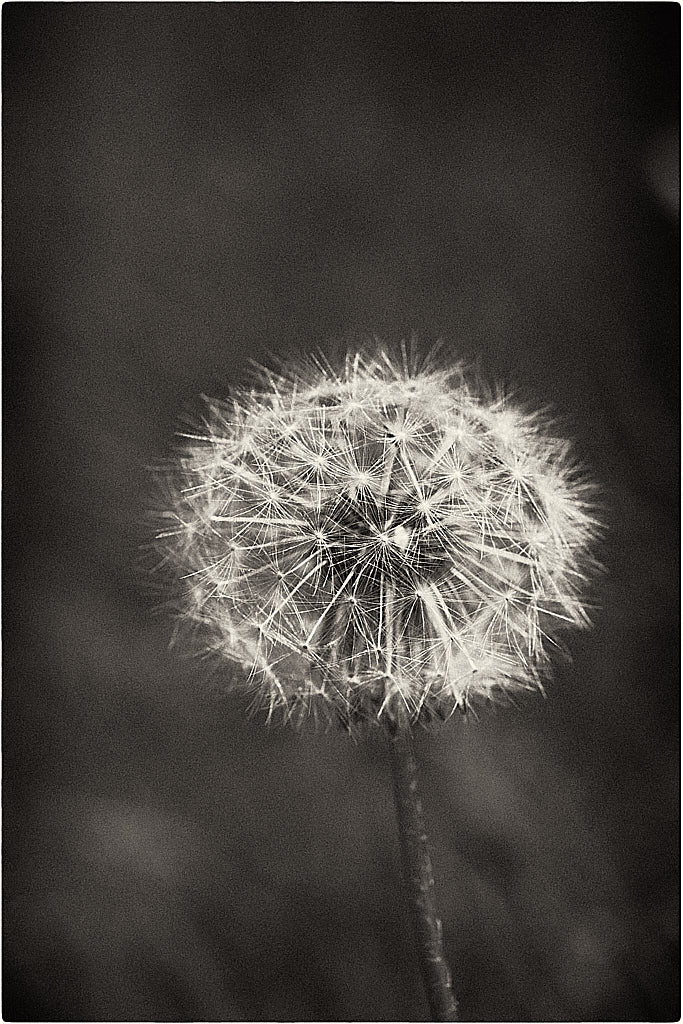
I have long searched for a genre I liked for quite some time. Landscape work is fine, but I don't have the opportunities most people have to do it, and I don't travel much; I also live in a rural community. I love macro work and have been using my macro lens steady for quite some time now. I would guess a year or so; I can't remember when I used a telephoto lens last. I stumbled upon Judy Holland Hancock's YouTube videos where she does black and white minimalist photos of calla lilies, and I was hooked on this exciting new genre!
Best regards,
LuAnn |
Jan 4th |
| 62 |
Jan 22 |
Reply |
Hi Bunny,
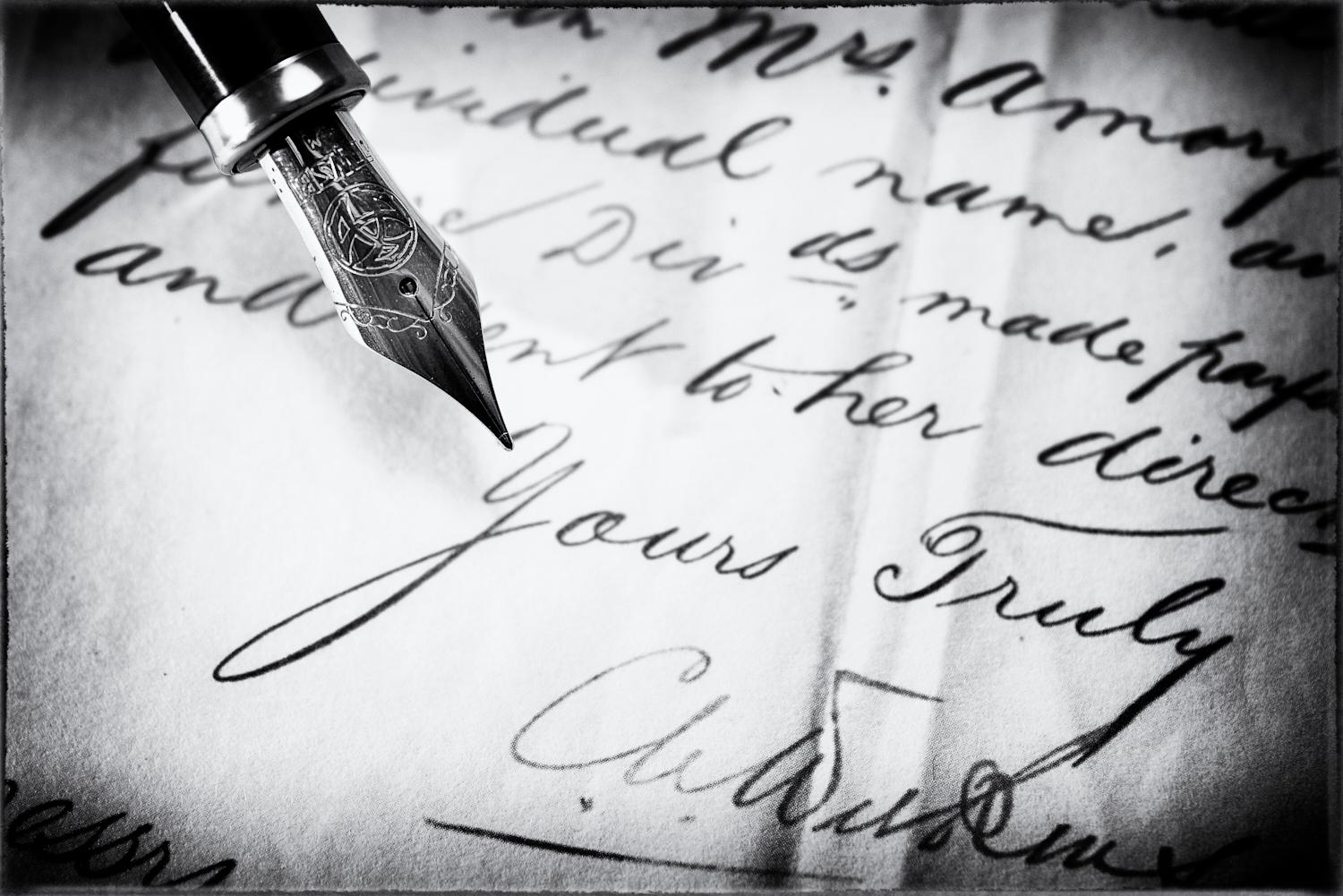
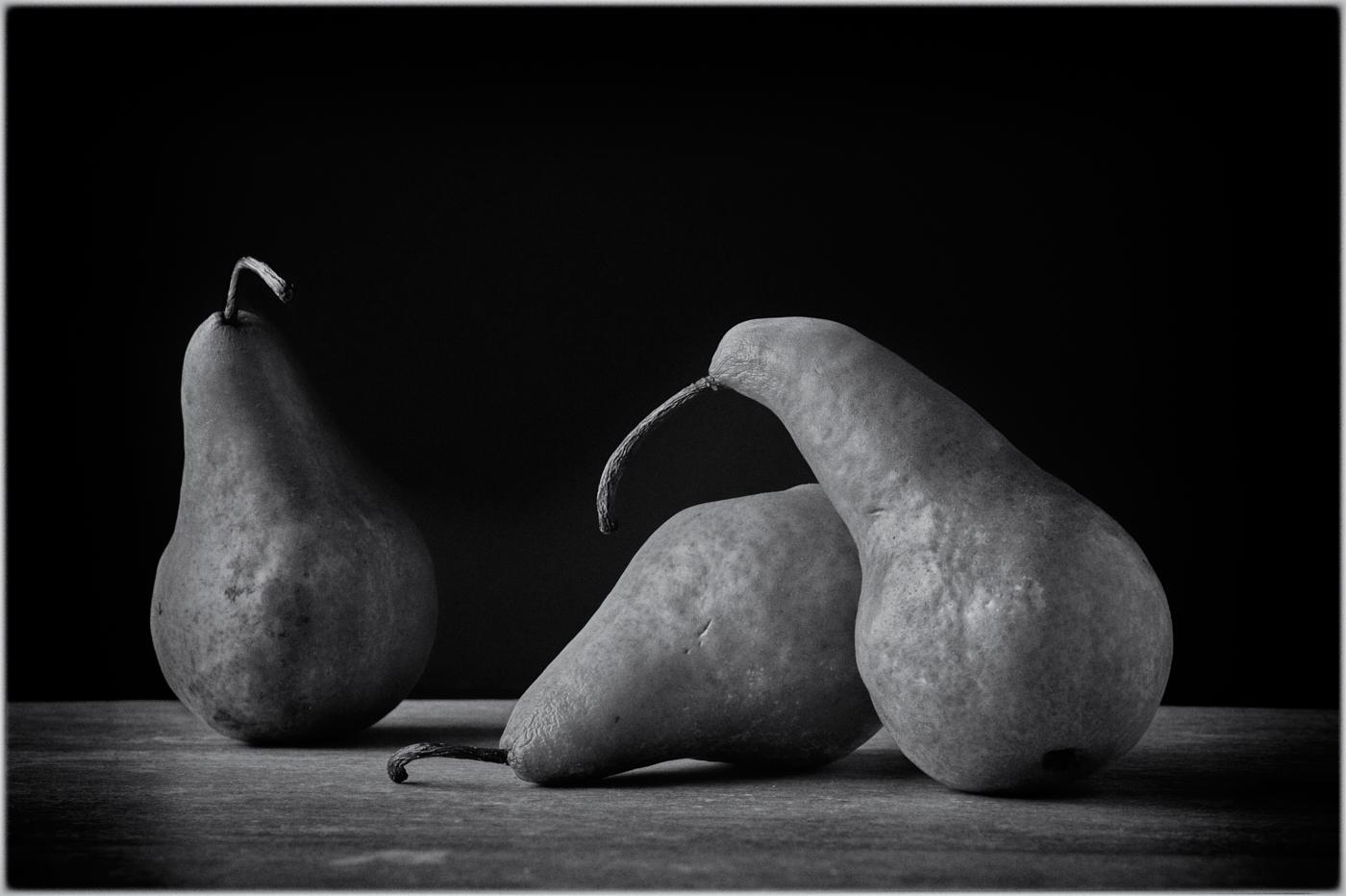
Thanks for your kind words! I have found that doing minimalist photography helps me understand composition and lighting better. I like what you said, "it's minimalist and open to interpretation by the viewer." I never really understood this concept till I started putting this series of black and white photos together.
Hey, I also found a video to learn how to do frequency edits in photoshop! I remember you talking about it and how you like the results, so I am giving it a try. I took a PSA photoshop class not too long ago, which helped me give this crazy PS app another try.
Thanks for the helpful advice! |
Jan 4th |
| 62 |
Jan 22 |
Reply |
Your reply was quick. I just edited what I wrote.
|
Jan 4th |
| 62 |
Jan 22 |
Comment |
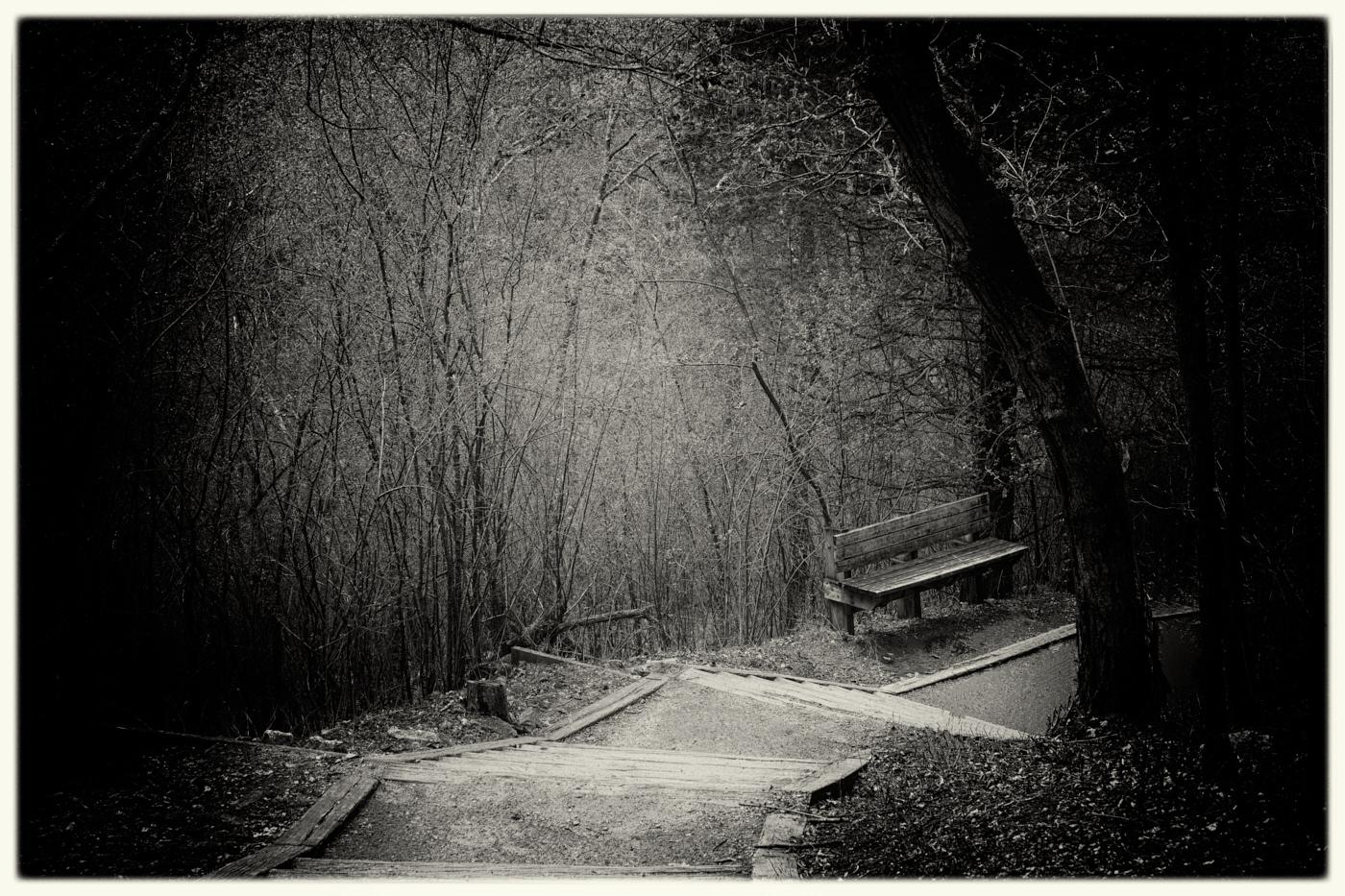
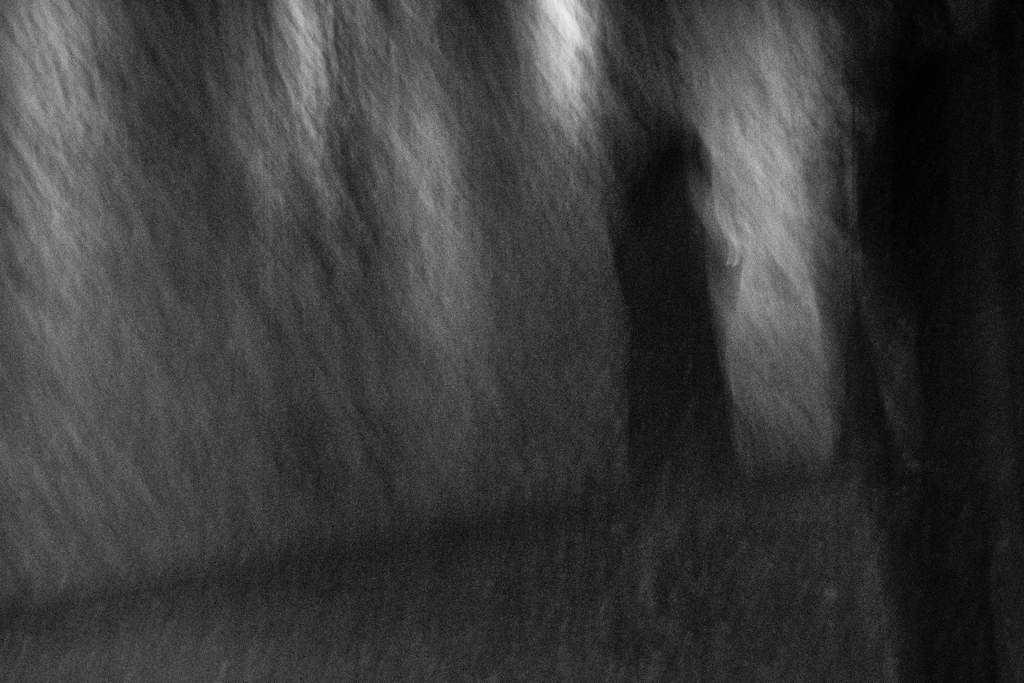
I like the mystery you captured in this photo, Emil, a single man quickly walking along the trail. I also think you did a great job reconstructing the man's foot. I tried to work on the original photo but couldn't come close to repairing the foot as you did.
The one thing that stands out for me in this image is the bright sky. So, I brought the photo into Nik Analog Efex 2 and came up with this edit. I did not change any of the settings, but I really like how it darkened the tree trunks and the sky. Lastly, I like how the preset blurred the edges of the frame to make the blurred man and the center of the image create a mysterious photograph. If there were sharpness in the photo, I believe, you would not have the mystery. The mystery is what captured my eye.
Curious what you think? Do you ever use Analog Efex 2 in Nik software? |
Jan 4th |
 |
| 62 |
Jan 22 |
Reply |
I like what you captured in this image, Oliver. With this tight crop, you have eliminated distractions and narrowed the scene down, so the viewer can easily see the subject and what he is doing.
I like Emil's suggested edit; it makes sense to follow the light with my eye and then notice where the shadows will be; I have to remember this tip! Putting more shade on the right side of his face is the right choice. I would add to include his nose on the right side; it appears too bright as well. Easy fix; I love it!
|
Jan 3rd |
| 62 |
Jan 22 |
Reply |
Thanks, Oliver, for your thoughts and comments!
Yes, I agree with you about Emil's suggested light edits; good suggestions.
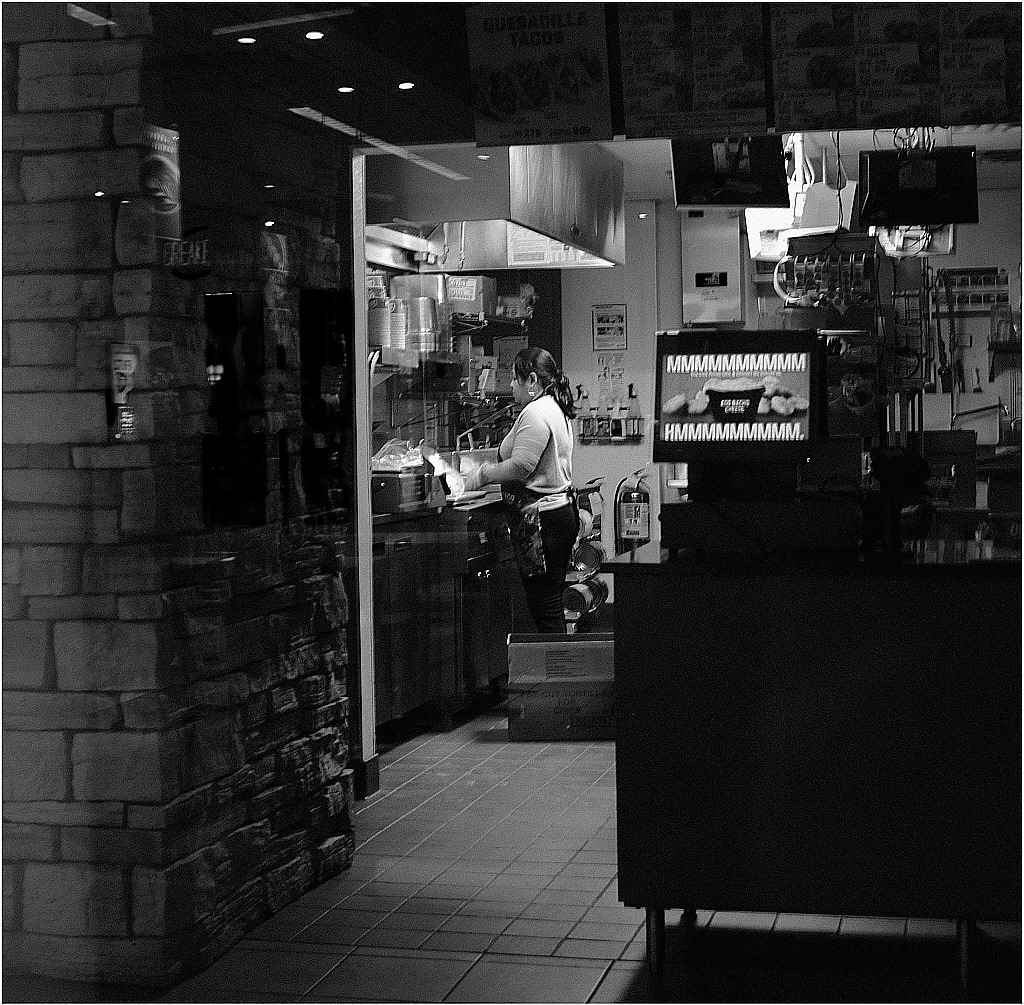
I may have found a place to play here with minimalist photography in a black and white format. This style is what I have easy access to, and I don't have to worry about going out in the cold!
Stay healthy, wealthy, and wise, my friend,
LuAnn |
Jan 3rd |
| 62 |
Jan 22 |
Reply |
Thank you for your comments, Emil!
I have to say, your work in fine art, black and white photography has inspired me. I notice how precise you are with your edits, and I have learned a great deal from what you submit; now, I am working on the light; this one is tough. I conclude that working with small tools like Lume Cubes and light painting flashlights helps me learn how to create shadows easier than with a large softbox. I have two more photos in this series, so I will add them as we go.
Have a great day, my friend!
LT |
Jan 3rd |
5 comments - 12 replies for Group 62
|
11 comments - 23 replies Total
|