|
| Group |
Round |
C/R |
Comment |
Date |
Image |
| 3 |
Jul 21 |
Reply |
Thank you, Kieu-Hanh, for your comment. I appreciate your thought on the natural background; I enjoy that style as well.
LT |
Jul 31st |
| 3 |
Jul 21 |
Reply |
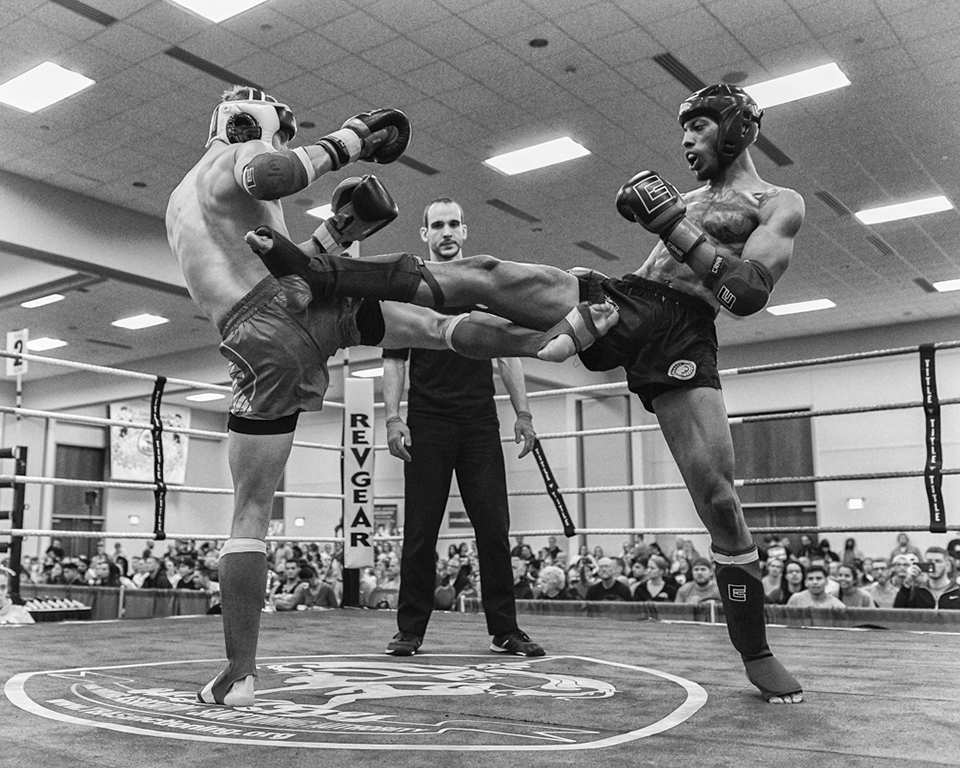
I appreciate hearing the technique you used for panning this shot. There are many variables to consider for action photography. I used to shoot Muay Thai events, but there it was, more stop-action ringside captures.
This has been a great discussion. I think everyone except Michael and Randy has given action a try at some point. Thanks for making this a good conversation for the group.
LT |
Jul 24th |
| 3 |
Jul 21 |
Reply |
Great photo, Mary Ann! I love the classic car and the pose of the driver; both are classics. I will have to check out your video link I like your technique. Again, this image in the shade helped make a nice image. Not every situation can provide shade, but it is something to consider when planning the event.
Great discussion!
LT |
Jul 24th |
| 3 |
Jul 21 |
Reply |
I like your shot also, Ruth. The runner in the middle is clearly in focus and the two on either side have a nice soft motion blur. Nicely done. You have a good point about finding some shade from the bright sun really makes a noticeable difference.
LT |
Jul 24th |
| 3 |
Jul 21 |
Reply |
That is a fantastic photo example of panning, Lisa! I love his expression; it shows emotion. I like the smoothness in the background (everything is level), and the exposure is spot-on.
Thanks for sharing so much with the group this month, Lisa! I know you are very busy, so I want to say I appreciate your contributions!!
Take care,
LuAnn |
Jul 24th |
| 3 |
Jul 21 |
Reply |
Great idea to discuss panning photography, Kieu-Hanh!
Panning techniques will vary from photographer to photographer. You don't have to take my word on how to pan. Below I have listed four experts, and they all are giving different advice on panning.
But please let the group know how you took your shot:
How do you control exposure if you don't use the exposure meter?
When handholding, what was your panning technique? I noticed you did not mention any details about this in the photo description.
From the articles noted below, I noticed these photographers used shutter speeds from 1/4 second to 1/200. The technique will be different for everyone and their situation.
Canon
https://www.canon.co.uk/get-inspired/tips-and-techniques/panning/
Canon Asia - Studio 9
https://snapshot.canon-asia.com/article/en/camera-settings-to-use-for-awesome-slow-shutter-shots
David Black - Nikon Ambassador - professional sports photographer
https://www.nikonusa.com/en/learn-and-explore/a/tips-and-techniques/10-tips-for-better-camera-panning.html
https://digital-photography-school.com/the-art-of-panning/
I am hopeful from this list of experts; you will find what will work for your unique panning style.
Best regards,
LT
|
Jul 23rd |
| 3 |
Jul 21 |
Comment |
Hi Ruth,
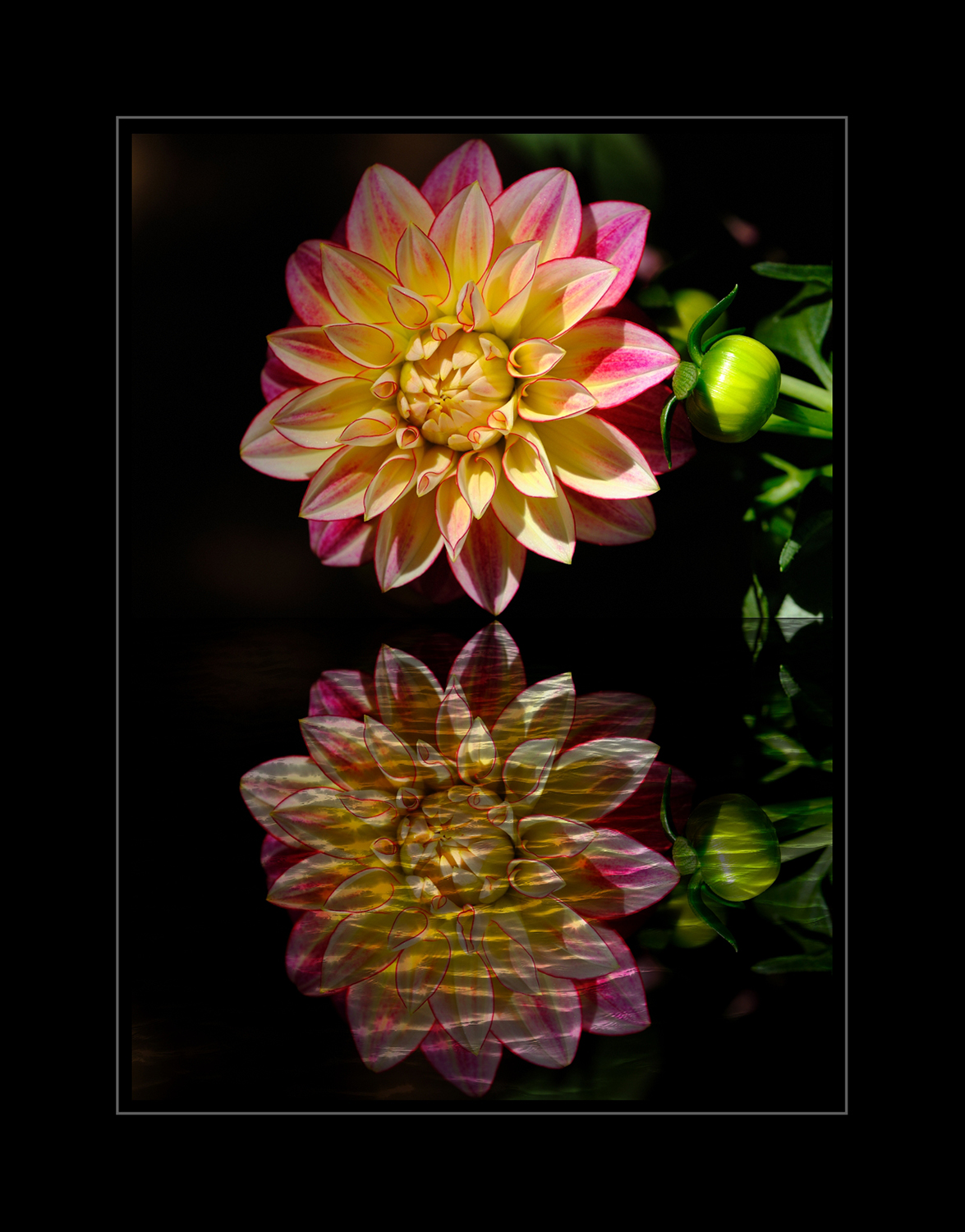
These columbine flowers sure are pretty, and the burnt trees do make an exciting and creative background.
For me, the background is too busy and is distracting from the fragile columbine flowers. The challenge I find is all the lines contrasted with the soft organic petals of the flower seem to clash for attention. The bright sky in the background is also pulling my eye away from the pretty flowers.
Lastly, the bud seems like it's falling into the frame from above; I don't see it attached to a stem-this bringing tension into the photo for me. The open flower also doesn't seem to be connected to a branch. I remembered last month; we had a visitor tell us about the correct way a columbine should hang, so now I have his comment stuck in my head.
I hope, somehow, this was helpful.
Best regards,
LuAnn
|
Jul 19th |
| 3 |
Jul 21 |
Comment |
What a fun event this must have been, Kieu-Hahn, to photograph a bike race.
I do agree with everyone the highlights are way overexposed. Even bringing them down makes the cyclist's arms look like plastic from the harsh light. I suspect you could have used a little faster shutter to compensate for the bright exposure.
One tip is to set your camera in full auto and see what settings the camera chooses for the light; then, you could fine-tune the settings for your event.
Second, do you use an exposure meter on your camera LCD screen? This meter is helpful to know when your exposure is too far to the right. Overexposed highlights can sometimes be unrecoverable. Learning about this problem ahead of time can give you a chance to fix it before the race. Sometimes if you can find a place with a bit of shade also helps.
Lastly, when panning, pre-focus the lens on an area where the racer will pass by. Choose a shutter speed of 1/200th of a second to begin with, and follow the subject in a smooth horizontal motion while pressing the shutter button. You can use a tripod for a clean pan or plant your feet firmly and twist from the waist only following the racer. This method will assure a sharp racer and nice blur background.
I hope this helps,
LT
|
Jul 19th |
| 3 |
Jul 21 |
Reply |
I am glad it was helpful, Randy!
LT |
Jul 16th |
| 3 |
Jul 21 |
Reply |
Hi Mary Ann,
The wall with the tapestry looks better, but the outside wall still has a tilt to the left. Your photo is a good practice run for shooting perspectives in the future. A wider shot seems to be what will help next time. Then you will have the elements in the photo that are important, like the window. Nathan talked about taking a variety of exposures and multiple shots, expecting some creativity would be needed to produce the desired effects.
I am glad you had an opportunity to put your new Photoshop skills to good use!
Best regards,
LuAnn |
Jul 14th |
| 3 |
Jul 21 |
Reply |
Glad it was helpful!
LT |
Jul 13th |
| 3 |
Jul 21 |
Reply |
Thanks, Lisa!
LT |
Jul 13th |
| 3 |
Jul 21 |
Comment |
Hi Mary Ann,
Love your photo; the stairway is very elegant and grand!
I agree with Michael that the tilt-shift lens would help a shot like this, but you don't need a tilt-shift to get the same effect I just found out. Since you are a new graduate of PSA's Photoshop course, I have a video that will walk you through the steps on how to fix this problem as long as you work from the raw file.
I just watched Nathan Cool Photo on YouTube; he's a Real Estate photographer. He claims you don't need a tilt-shift lens because edits can be done in Photoshop and Lightroom. I watched him quickly do a similar correction on a grand foyer, so maybe this will help you correct the angles in your photograph.
Let me know. I'd love to see what you can be done!
https://www.youtube.com/watch?v=epXjNDkmYdY
LT |
Jul 13th |
| 3 |
Jul 21 |
Comment |
Hi Lisa,
I agree with you these kids make this photo. I liked your crop, too; as Ruth said, it does remove the distractions.
My sample edit was quick. I took the original photo and edited more distractions out of it. I also adjusted the colors by brightening the red, blue, yellow, and white just a bit more.
Have a wonderful day, Lisa!
LT
|
Jul 13th |
 |
| 3 |
Jul 21 |
Comment |
Hi Randy,
Cute photo this month; who doesn't love a pink swan!
I see you had your camera settings in manual mode; this is good; it gives you lots of flexibility. With the sun as bright as it is, you probably could have used a lower ISO value. With the image as you have it, I suggest lowering the brightness a bit on just the swam if you can mask it out on the image. I also would reduce the highlights a bit as well.
In the future, I recommend using a polarizer filter to eliminate the glare off the surface of the water from the sun. A polarizing filter would produce more saturated colors in the overall scene.
The photo attached to this comment is the Sunny 16 rules of photography. It shows you four different types of sunlight and recommends starting points for camera settings when you shoot manually. In this photo, you could try a high aperture with lower ISO and shutter speed.
Let me know if you have any questions.
LT |
Jul 13th |
 |
| 3 |
Jul 21 |
Comment |
Ok, I took Lisa's suggestion and changed the color of the chairs in the background. What do you think of this edit, Lisa? Too bright, to saturated? Suggestions?
LT |
Jul 13th |
 |
| 3 |
Jul 21 |
Reply |
Hi Randy,
From what I see in Michael's image, he has taken a realistic photo of a boat at a dock and turned it into something more abstract. I believe this is what you are seeing; the lines are not natural (or realistic), but that is ok. Michael has created a unique photo with a view of something we have never seen before. Rules in composition are just guidelines, and it is ok to break them; that is what I believe Michael has done and accomplished.
I hope this helps.
LT |
Jul 13th |
| 3 |
Jul 21 |
Comment |
I like the geometry you now have that is more obvious to the viewer with this new crop. I see a triad of red, blue, and yellow colors that are a perfect combination on the color wheel. To me, the photo now becomes more abstract. It is not about the boat and having the elements in the photograph look realistic. This image, to me, shows creativity and originality, something we all strive for in photography. You took a common ordinary scene/subject and turned it into something new a viewer may never have seen before, something to encourage a judge to stop and take notice.
The only critique I can offer to enhance this image is to work with the saturation of the colors. Looking at the histogram, you have blacks and midtones but no highlights or whites. The final step is controlling the light and brightness of the image.
Best regards,
LuAnn
|
Jul 13th |
| 3 |
Jul 21 |
Reply |
It is amazing by a simple crop the whole image changes and you notice the finer details. Beautiful image, Michael, and I like the edit!
LT
|
Jul 13th |
| 3 |
Jul 21 |
Reply |
Hi Lisa,
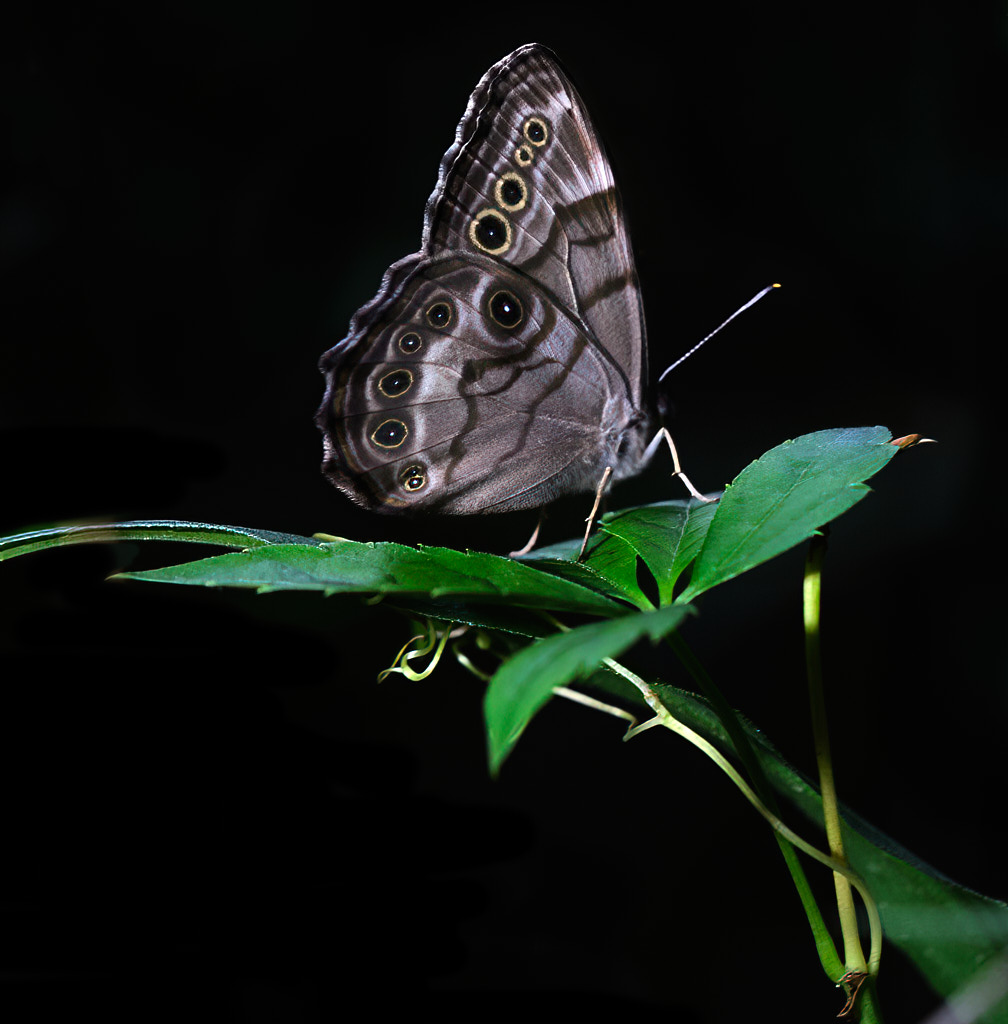
I am sure many people prefer a natural setting for butterflies; I happen to like black backgrounds. I learned this technique from a workshop I did with an editorial photographer. He had us lying in the ditch along a highway shooting flowers with black backgrounds. He told us not to limit ourselves, thinking we could only shoot insects with a macro lens. The sky is the limit to being creative so just think outside the box!
I like the idea of opening the background up a little, but the sun was bright behind the butterfly, which prompted the dramatic look.
If you want to know the definition of macro for a club topic, you need to get the definition from the club. Every club will have specifics they require for their monthly theme. The clubs I attend write their own definitions every year for their competitions. I have even seen international exhibitions that follow PSA categories, but they change the definitions to meet their needs.
PSA study groups define macro as "images in which the size of the subject on the negative or image sensor is life size or greater."
My macro lens is 80mm and a 1:1 macro. The butterfly you see in the photo is the actual size of this butterfly (1:1). You can photograph anything you want with a macro lens, from insects and flowers to landscapes, portraits, and more. Just be creative, that's all.
|
Jul 11th |
| 3 |
Jul 21 |
Reply |
Hello Randy,
Good to hear from you. Yes, there are many ways to finish an image. Michael did create another exciting version of this butterfly.
You, too, can capture a butterfly-like this little guy. I went out with intentions of finding something, and butterflies are all over now where I live. I planned my outing with the lens I wanted to use and chose the basic settings I needed based on the light; then, all I had to do was find something.
I wish we had more rain though.
Best regards,
LuAnn |
Jul 11th |
| 3 |
Jul 21 |
Reply |
Hi Ruth,
I find woodland photography to be a very challenging genre sometimes. But I am determined to persevere because this is what I have in abundance to shoot. To me, this is important enough to figure out.
I agree that dark backgrounds help simplify an image, especially when challenged with a chaotic woodland floor. I, too, agree with Michael's idea of removing that leaf on the left, and it is an easy fix.
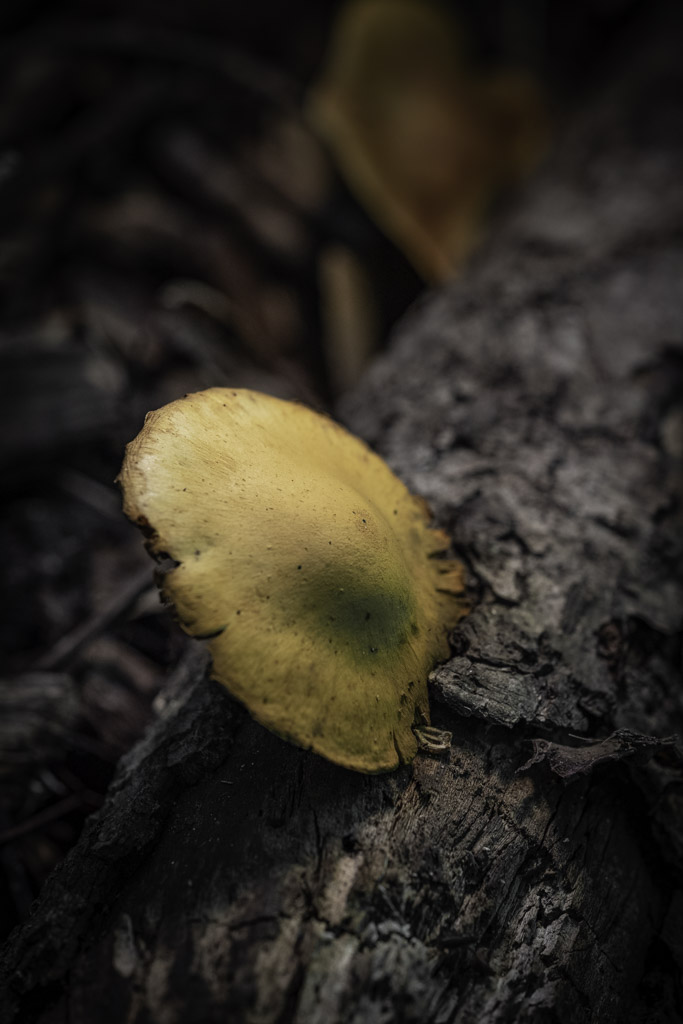
When it is possible, capturing the face and eye of an insect is preferred, but I believe the most attractive side to this butterfly (on this day and at that moment) was what was shown to me on this leaf; the wing. After all, that is what made me stop and take notice.
Sometimes shooting woodland photography, you take what you can get, unlike portraiture, where you have time to pose for the best side. On this day, it was impossible to capture the face in such a tight and constricting space. At the time, I did not think the butterflies head could compare to the beauty of its wing. I was in a very tight position holding my breath he would not flutter away.
I appreciate your feedback.
LT
|
Jul 8th |
| 3 |
Jul 21 |
Reply |
I like your three suggestions, Michael!
I agree. The yellow on the wing and the green foliage do work well together; very natural look. Yes, the remnant of the brown stem was a concern for me as well; I was curious if anyone would notice. And that brown tip on the right needed to go.
This dialogue has been a great discussion! I like your version; it finishes the photo very nicely.
LT |
Jul 8th |
| 3 |
Jul 21 |
Reply |
Thank you, Mary Ann, for your comment. You have an interesting idea to leave more of the shadow detail in the background rather than removing it all giving the image a completely black background. I will give this a try!
LT |
Jul 8th |
7 comments - 17 replies for Group 3
|
| 85 |
Jul 21 |
Comment |
Lisa, this is a fantastic photo! I enjoyed the video as well. I agree with Bob that you have great color and perspective. I also like that the pier is centered. I find it provides a beautiful view of the beach; this would all be lost if you used the rule of thirds.
Well done!
LuAnn |
Jul 31st |
1 comment - 0 replies for Group 85
|
| 99 |
Jul 21 |
Comment |
Hello Michael,
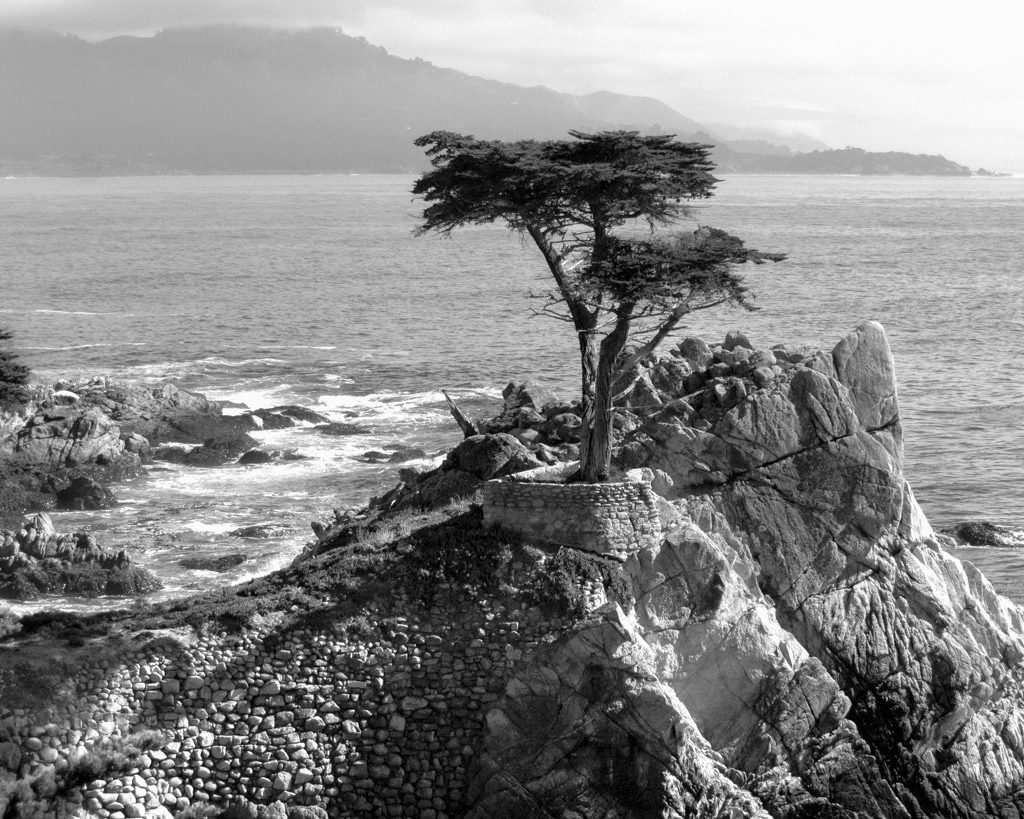
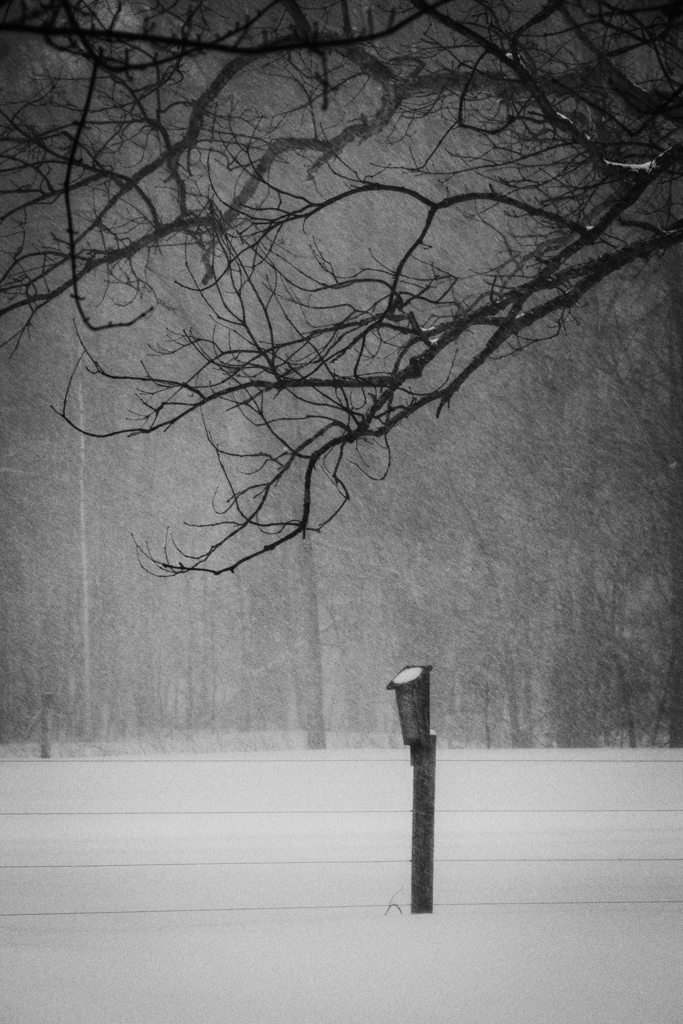
I like your image this month; the lone tree tells a great story. I also like the grain because it adds originality to the photo, something different than what we usually see; it makes me stop and take notice. Lastly, I find tension in the image from the right to left angle of view and that the tree is growing in a direction not usually seen, fighting against all odds.
I also like Gerard's edit in silhouette. I think a silhouette photograph can carry numerous possibilities for meaning.
Either way, this is a great image!
LT
|
Jul 23rd |
1 comment - 0 replies for Group 99
|
9 comments - 17 replies Total
|