|
| Group |
Round |
C/R |
Comment |
Date |
Image |
| 3 |
Jan 21 |
Comment |
Very cool image, Lisa, you got to love sightings on the fly! I like your image as it is. It is fun, it tells a neat story, and so typical of see construction signs!
Thanks for sharing!!
LT |
Jan 28th |
| 3 |
Jan 21 |
Comment |
Hi Mary Ann,
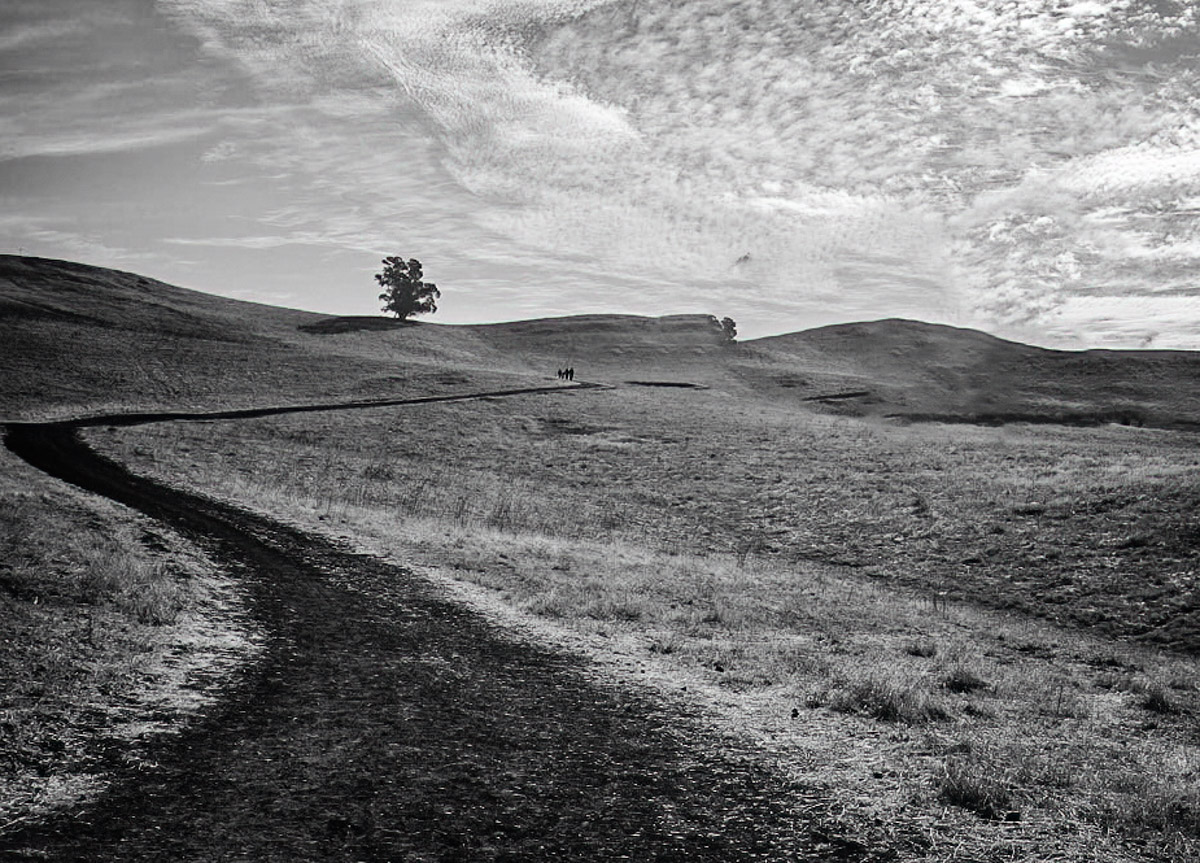
Fun image of the cowboys (maybe just walkers) on a hill; it would be cool if they would have been on horses and you captured that silhouette! The image has lots of details in the sky and the histogram has a broad range of tonal values so you should be able to make a fine black and white from the original file.
I think your idea for black and white with this image is excellent. Kieu-Hanh has an interesting idea of removing the clump of trees on the right and making the image a vertical. I tried it, but the wonderful driveway prevents this option from working. But, if you really liked that idea, you could crop (and unlock the aspect ratio paddle lock) and get the driveway to work. Or you could make the image a square crop.
My edit I did in Nik Silver Efex Pro 2. I selected a preset, then used the Ilford Delta 100 Pro film type and made other adjustments. I also quickly (not accurately) took out the tree clump; it can be done easily enough. I am not sure if it makes the image any better. Removing the trees now eliminates part of the balance of the image (the trees balance the road) from the right side. I see the image sparse of details so removing any elements seems counter intuitive.
I am curious what you think of this edit. It is not a master piece just an idea.
Best regards,
LT |
Jan 17th |
 |
| 3 |
Jan 21 |
Comment |
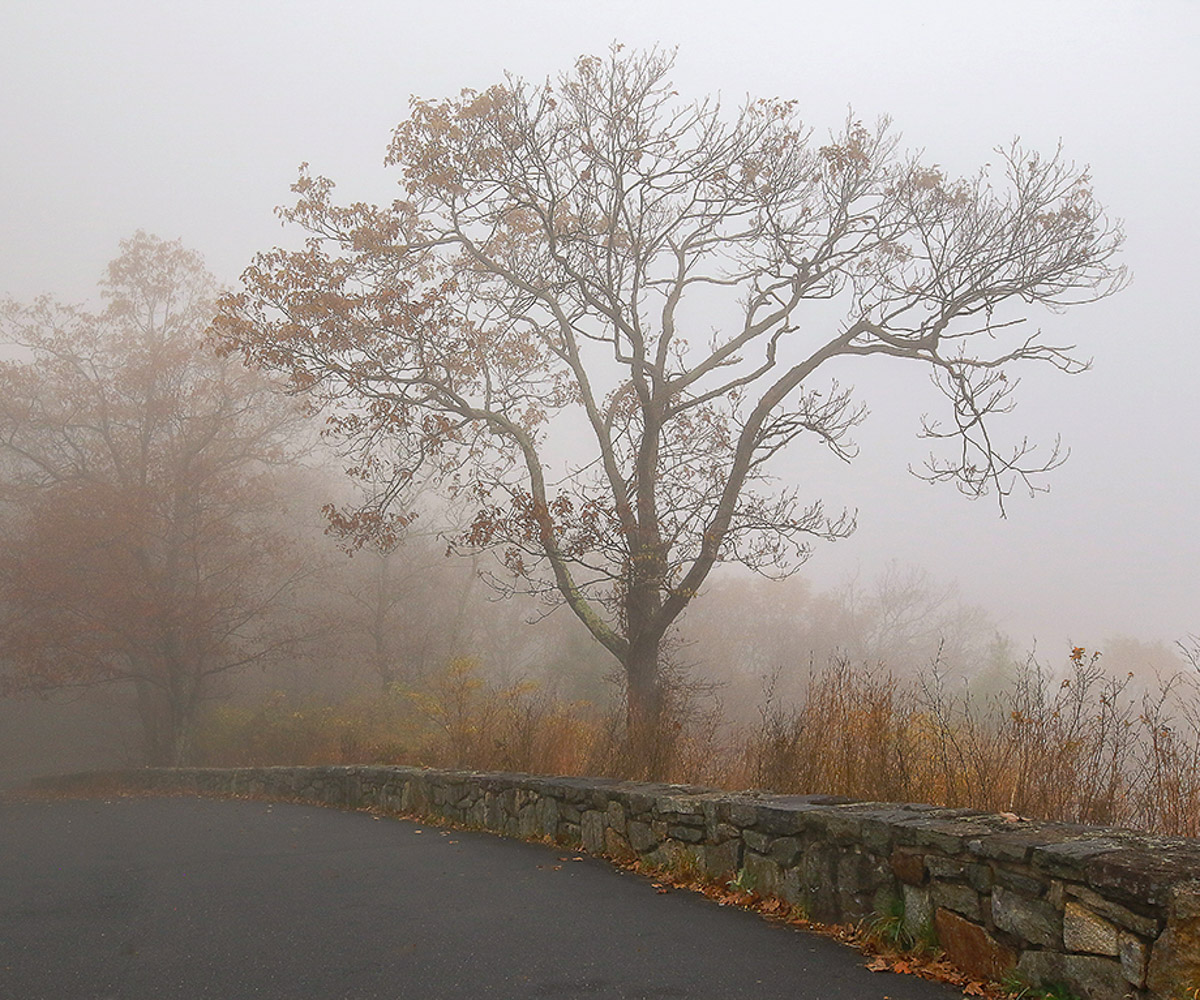
I agree with Michael, Kieu-Hanh, this is a very tranquil scene. I also agree with removing the road paint and maybe a new crop would be an easy fix to do that. In my edit I experimented with warming up the image; it currently has a cool cast to it.
Best regards,
LT |
Jan 17th |
 |
| 3 |
Jan 21 |
Comment |
Great image, Ruth; I love the colors! I like how the lights and leading lines lead the eye to the Christmas tree. There are lots of details in the lights to follow.
For me, the moon competes for attention and pulls my eye away away from the pretty scene. When I try to observe the lines of color, the bright moon keeps tugging at my eye to go look at it instead. The black negative space (without the moon) gives the image balance with all the light. In my humble opinion, I think the moon needs to be smaller even still and less bright.
Best wishes,
LT |
Jan 17th |
| 3 |
Jan 21 |
Comment |
Great image, Randy, a very joyful feeling comes from this Christmas scene. I especially like the antlers on the treadmill, and how the whole room glows in a warm ambiance!
Best wishes,
LT
|
Jan 17th |
| 3 |
Jan 21 |
Reply |
That is a lot of smoke to deal with; not easy to edit under those circumstances.
LT |
Jan 17th |
| 3 |
Jan 21 |
Reply |
Thanks, Ruth, for your comments. It is hard to control light in the summer especially when the time gets close to noon. Photographers used to say it isn't worth shooting between 10:00 and 2:00 because of the harsh light; I can see that especially in the summer.
LT |
Jan 17th |
| 3 |
Jan 21 |
Reply |
Thank you, Mary Ann, for your comments!
LT |
Jan 17th |
| 3 |
Jan 21 |
Comment |
Hi Michael,
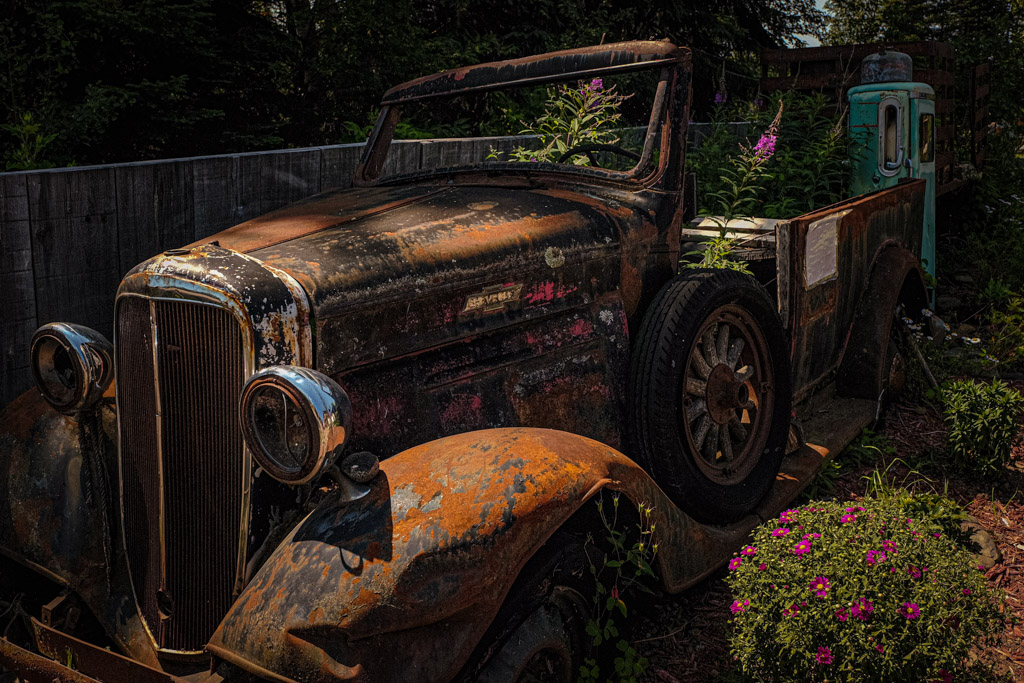
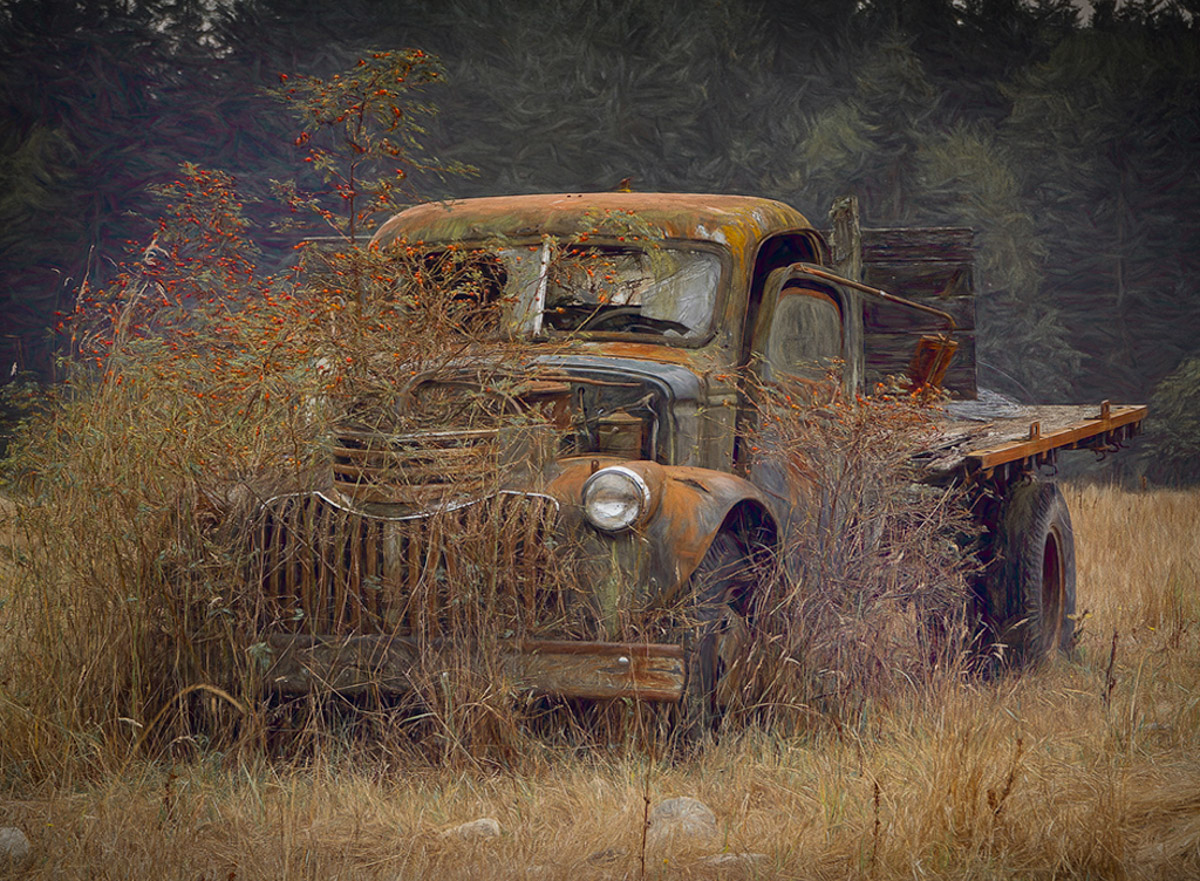
I like your rendition of this old flatbed truck. I like the story it is telling, hiding behind the tall grass and possible sapling. You captured the vehicle in a nice diagonal, leading the viewer's eye into the image. I love the texture effect on the tall pines in the background, complemented by the beige sun-dried grasses in front.
Do you remember if there was a purple tree in front of the pine trees in the back on the left side; that is an interesting pop of color. Or maybe this was an artistic choice. Have you considered adding a little more clarity? I ask because the details of the truck seen faded.
I have attached an edit for you to see. What I did in Lightroom included shadows -11, dehaze +30, on the Lens Corrections I used the Zeiss model ZX1 profile, and I changed vignetting -36. In the Transform section, I used the Guided tool and changed Aspect -36 and Scale 105.
It has been a while since I used Lightroom this was fun. Thanks for sharing this great image!!
What did the original image look like?
Best regards,
LuAnn |
Jan 6th |
 |
| 3 |
Jan 21 |
Reply |
Hi Michael,
Thanks for your comment on my truck! It is quite an attractive old beast. I am not one to do extensive edits, probably because I am a tad lazy. I don't find satisfaction in long drawn out editing at this stage of my life. I am, however, amazed at what those with patience can accomplish!
I saw this truck at a local restaurant up north, a relic from the logging days, I assume. The sun highlighted the front end, and it just captured my eye.
My edits, back then, were done in Lightroom. I adjusted exposure and contrast just a tiny bit. Then I lowered highlights, +97 on shadows, +18 whites, +72 blacks. In the Presence sections, I changed texture to +75, clarity to +25, dehaze +17, vibrance +45, and saturation +5.
HSL/Color I adjusted Luminance +18. I used Topaz DeNoise on the auto setting; this I do on every image.
In the Lens Corrections, I tried something different. I shot the photo with a Fuji XT2, but the lens I chose in the drop-down menu was for Zeiss ZX1; it wasn't the lens on my camera, but I liked how the profile changed the image.
Finally, I added a post-crop vignette -17. I did add some grain +5, size 25, roughness 50.
That was it. No subtle art filter this time. I do love Topaz for filter effects when they turn out to my liking.
I hope this answers your question!
Best regards,
LuAnn |
Jan 6th |
| 3 |
Jan 21 |
Reply |
Hello Kieu-Hanh,
Thanks for your interest in my photo. I did detail my edits in my reply to Michael just above your comment. This was a quick edit. I think the truck had enough character in itself that I didn't need to add much to it.
Best regards,
LuAnn |
Jan 6th |
6 comments - 5 replies for Group 3
|
| 62 |
Jan 21 |
Reply |
Israel,
A frame is fine just use a color from the image so as not to draw the eye away from the center. I love frames and use them whenever I can!
All my best,
LT |
Jan 29th |
| 62 |
Jan 21 |
Comment |
Hello Israel,
I love the story your image is telling about the bird's migration. I like Bunny's crop removing the reeds in the front; if there were more of them, they would add to the story. But, because there are so few, it does look better when they are removed.
There is one thing I did not see anyone else comment on. I am challenged with the split toning on this image. I originally thought I saw chromatic aberration. I see a strong magenta tone in the light areas of the sky and the water. The highlights on the border are also overexposed a bit.
If you prefer the split toning, may I recommend changing the white border to a matching tone within the image for balance? Then the viewer's eye is not drawn to the border instead of staying within the photograph.
I hope this is helpful.
Best regards,
LuAnn
|
Jan 29th |
| 62 |
Jan 21 |
Comment |
Beautiful work, Bob! I agree with Oliver; there is a nice Fibonacci spiral in that staircase, excellent work.
The black and white version is definitely better, as Bunny noted; the rich tones make the image. There are lots of rectangles and spiraling shapes to look at in this image. The grey tone gradation is wonderfully done; it brings to life the feel of a narrow circular space. The areas of light at the top add balance and draw the viewer's eye to the top. Light is the key element in this image for the viewer.
Best regards,
LuAnn
|
Jan 29th |
| 62 |
Jan 21 |
Comment |
Bunny, you created an amazing photograph. Larry would be proud of what you have done to commemorate his lifes story. You have done an excellent job with the composite; it looks natural. I like the natural details in his face and in the fur of his hood. Aside from the bright snow, I have no other critique to offer. Well done!
LT |
Jan 23rd |
| 62 |
Jan 21 |
Comment |
Nice image, Leah, and it is a fantastic black and white. I like Emil's edit and darkening the ceiling; it also took out the ceiling's spot from the lens.
I like Bunny's edits when she rotated the photo. I teach Image Evaluation class for PSA, and we do recommend flipping images to verify the main subject is still identifiable. Sometimes we are surprised at what can happen when you do this; it can make the image better. We recommend flipping all photos in the course. This image looks great flipped and it gives a viewer a moment to stop and pause to ponder what they are looking at. The bricks on the ceiling are very interesting now. And the walkway now the wall also works well. Great idea, Bunny!
LT
|
Jan 23rd |
| 62 |
Jan 21 |
Comment |
I really like your editing of this scene, Emil. I agree to get the viewer to look at the buildings adding light higher up on skyscraper does draw the eye. I also agree with darkening the street but maybe not quite so dark; especially at the lower edge of the frame.
I love the sky you have in the image. Changing the sky to have more clouds will only introduce more chaos. You have quieted the chaos on the street already so adding new clouds would only add the chaos to the sky. I know your style is more minimalistic so this definitely follows your style.
Very well done.
LT |
Jan 23rd |
| 62 |
Jan 21 |
Reply |
It was a compliment, Bob!
LT |
Jan 23rd |
| 62 |
Jan 21 |
Reply |
One of these days I will have to submit one of my images I made from a film camera I recently bought an Olympus OM 1. I have put it aside now for a while but I will have to take it out and shoot some film again. I have no idea why it fascinates me.
LT |
Jan 23rd |
| 62 |
Jan 21 |
Reply |
Thank you, Oliver, for your kind words.
LT |
Jan 23rd |
| 62 |
Jan 21 |
Reply |
You're funny, Bob. You have experienced B&W with grain, and now you are done with it; I understand where you are coming from. I have never experienced using much grain in my images, so I am attracted to it. Over time, we all get tired of things and need to move onto something new and different. You moved away from the old to the new, and I am moving away from the new to the old. Funny how this all plays out.
Have a great day, my friend.
LT |
Jan 7th |
| 62 |
Jan 21 |
Reply |
Thanks, Bunny!
|
Jan 7th |
| 62 |
Jan 21 |
Reply |
Why don't you like grain, Bob? |
Jan 7th |
| 62 |
Jan 21 |
Comment |
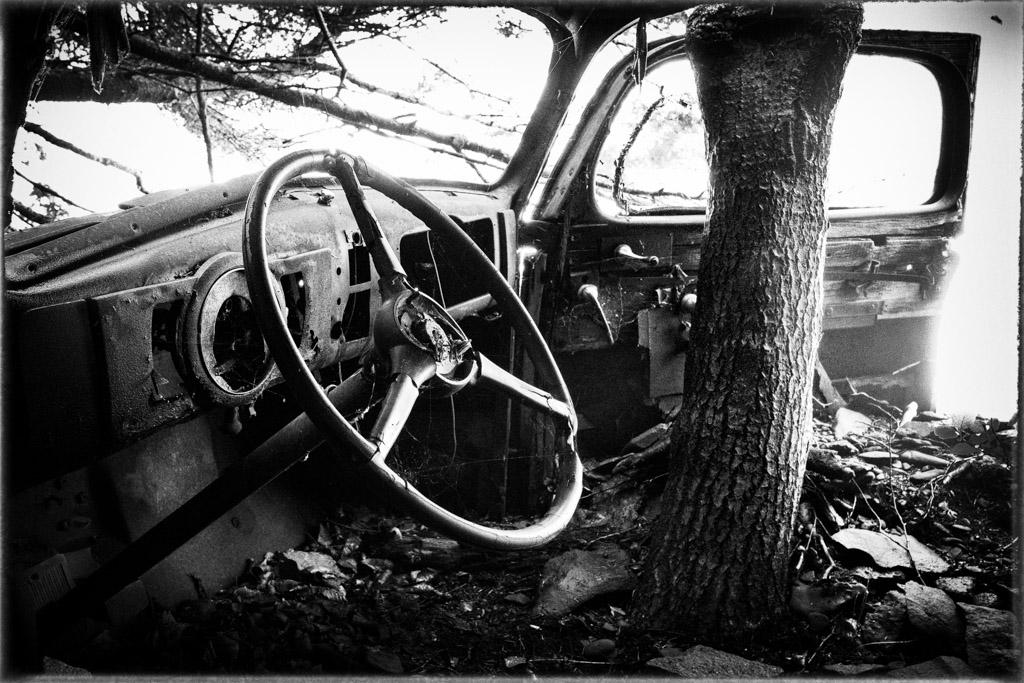
I like your edit as well, Oliver! It is fun to have an image that is so versatile. This is another one of those images; when I first looked at it in my editing software, I almost deleted it. It really does pay off to hang onto photos you don't think are quite right because software changes and advancements could one day make it into a better image.
I had originally thought the blown highlights ruined the photo. But now I see the light is not distracting but keeps the focus on the tree and car.
Thanks!
LT |
Jan 2nd |
| 62 |
Jan 21 |
Reply |
Hi Emil,
I like your edit and the Antique plate choice in Silver Efex. Great option!
LT |
Jan 2nd |
| 62 |
Jan 21 |
Comment |
Happy New Year, Oliver!!
When I first saw your photograph, I immediately thought I would enjoy a stroll down this alleyway. I'd love to take in the beautiful architecture and walk the vintage cobblestone road. The photo's light pulls my eye into the image with ease; the scene is peaceful, quiet, and inviting. The sky is most certainly what I refer to as a "Bob sky;" the wispy organic clouds juxtapose the man-made buildings' geometric shapes below.
I agree with you, Oliver; Artisan Pro is the perfect software for editing this image.
If I were to add or change anything, I would have a person on a bicycle in the back near the white pillars on the right.
We should consider doing a zoom meetup, where you show us how to get started using Artisan Pro :-).
Best regards,
LuAnn |
Jan 1st |
7 comments - 8 replies for Group 62
|
13 comments - 13 replies Total
|