|
| Group |
Round |
C/R |
Comment |
Date |
Image |
| 3 |
Apr 20 |
Reply |
Blurring the background is another great idea when editing in post, Kieu-Hanh. Can you do a quick edit and upload it so we can see what you come up with?
LuAnn |
Apr 28th |
| 3 |
Apr 20 |
Reply |
Hi Randy, Lightroom does not handle true Fuji color simulations. Fuji is known for its color for many years going back to the film days. I bought Fuji for the color it produces. Capture One Pro is a program similar to Lightroom. Fuji and Capture One have an official software agreement (Sept 2018) where they are collaborating to broaden and deepen Capture One software support of more Fujifilm cameras. Lightroom doesn't offer this support. I have Lightroom because I used to shoot Nikon but I process my Fuji files in Capture One exclusively.
LuAnn |
Apr 24th |
| 3 |
Apr 20 |
Reply |
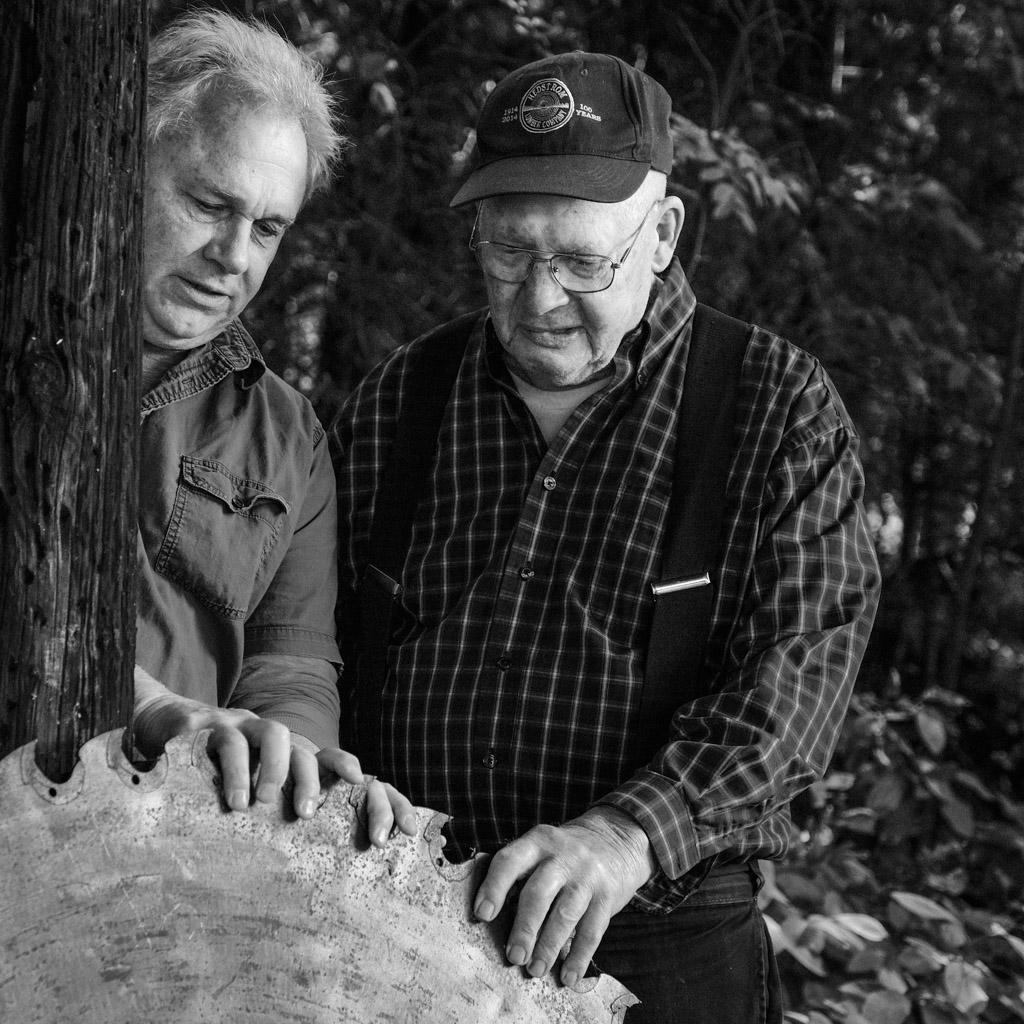
Thanks, Kieu-Hanh, for your comment. I guess I forgot to mention that this was an environmental portrait so that is why he wasn't moving. You have an excellent point about movement.
Best regards
LuAnn |
Apr 24th |
| 3 |
Apr 20 |
Comment |
Hello Randy,
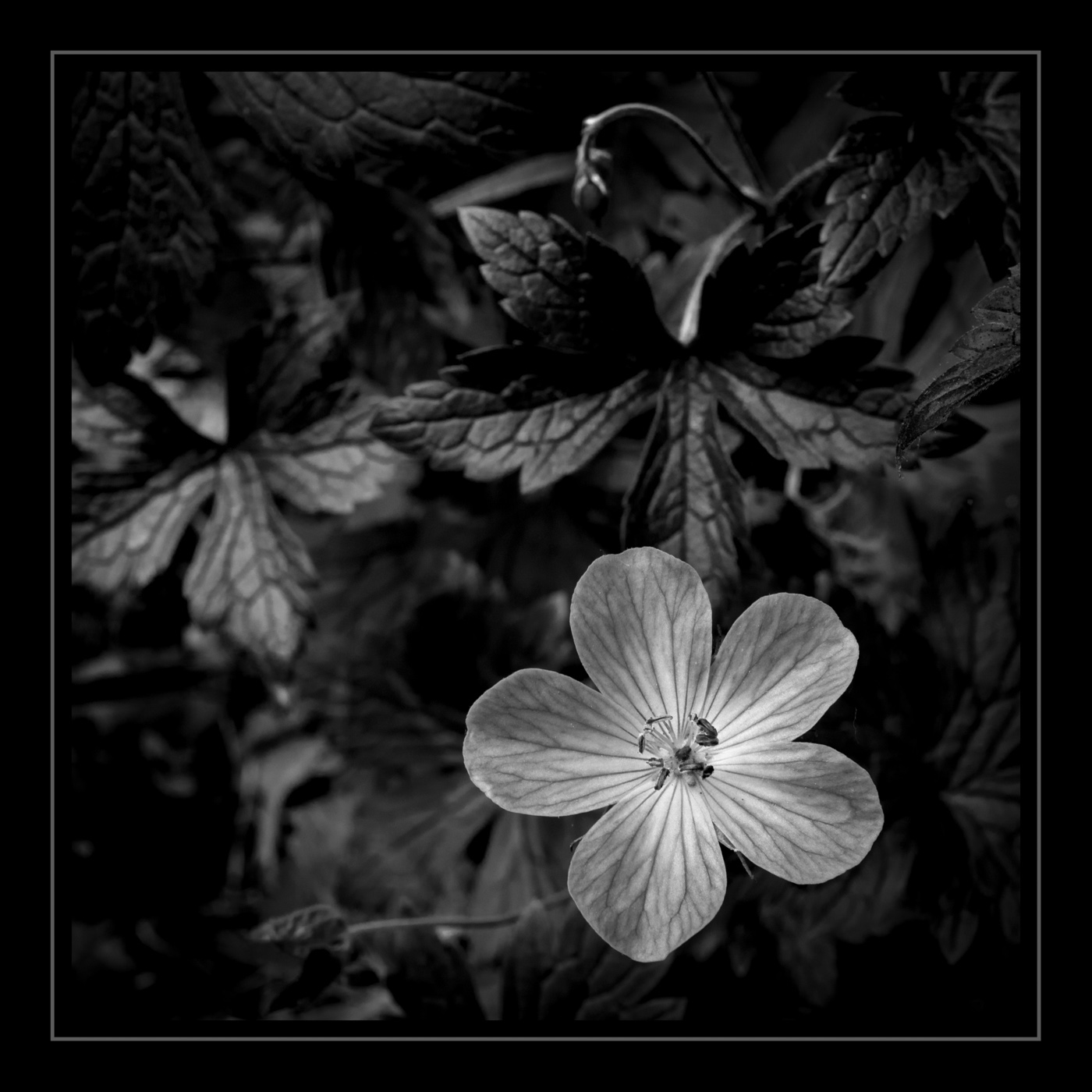
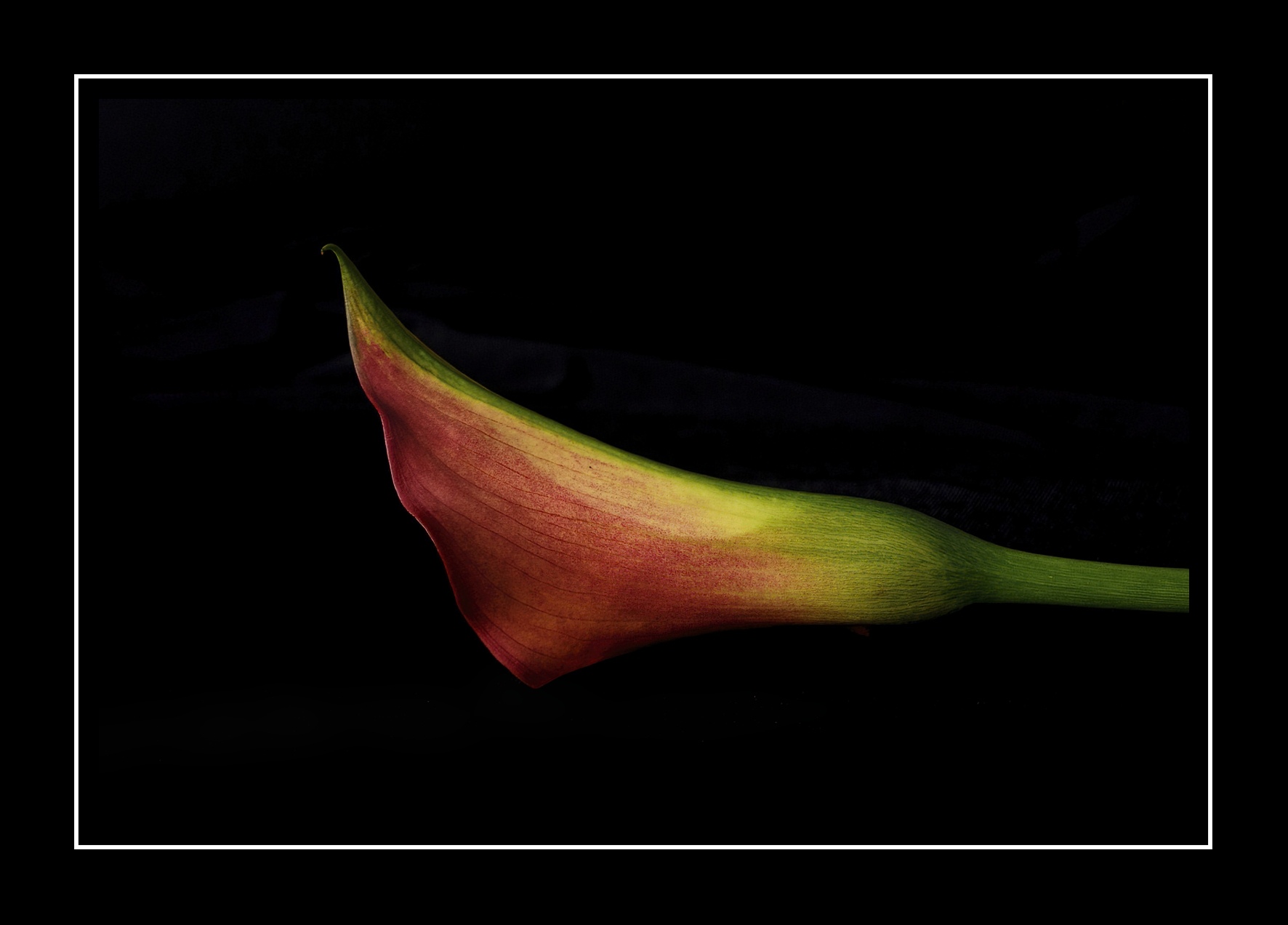
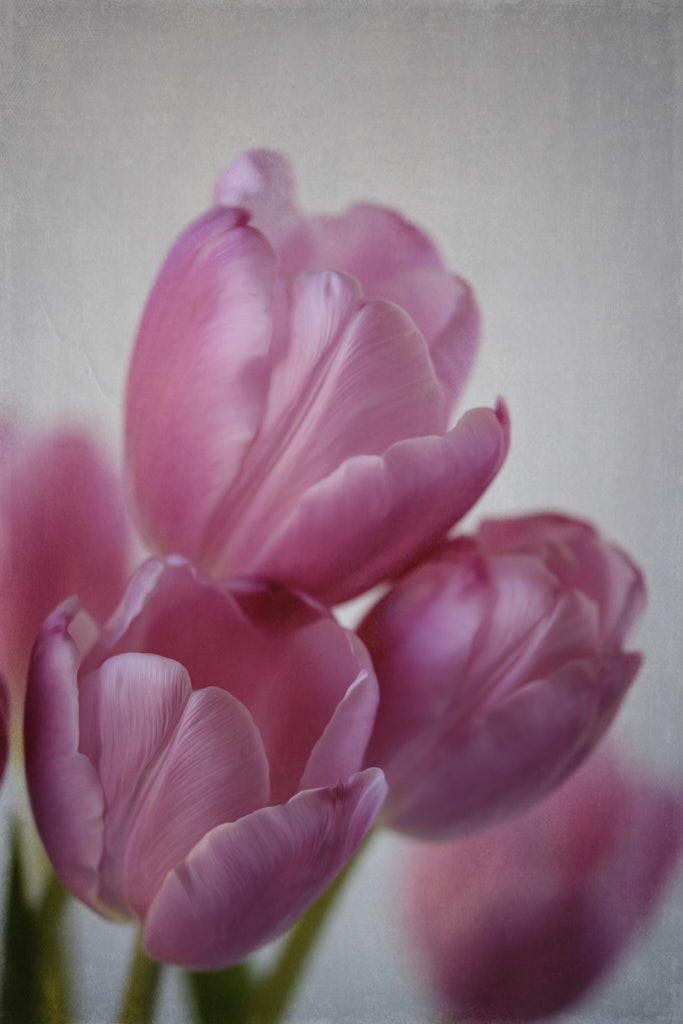
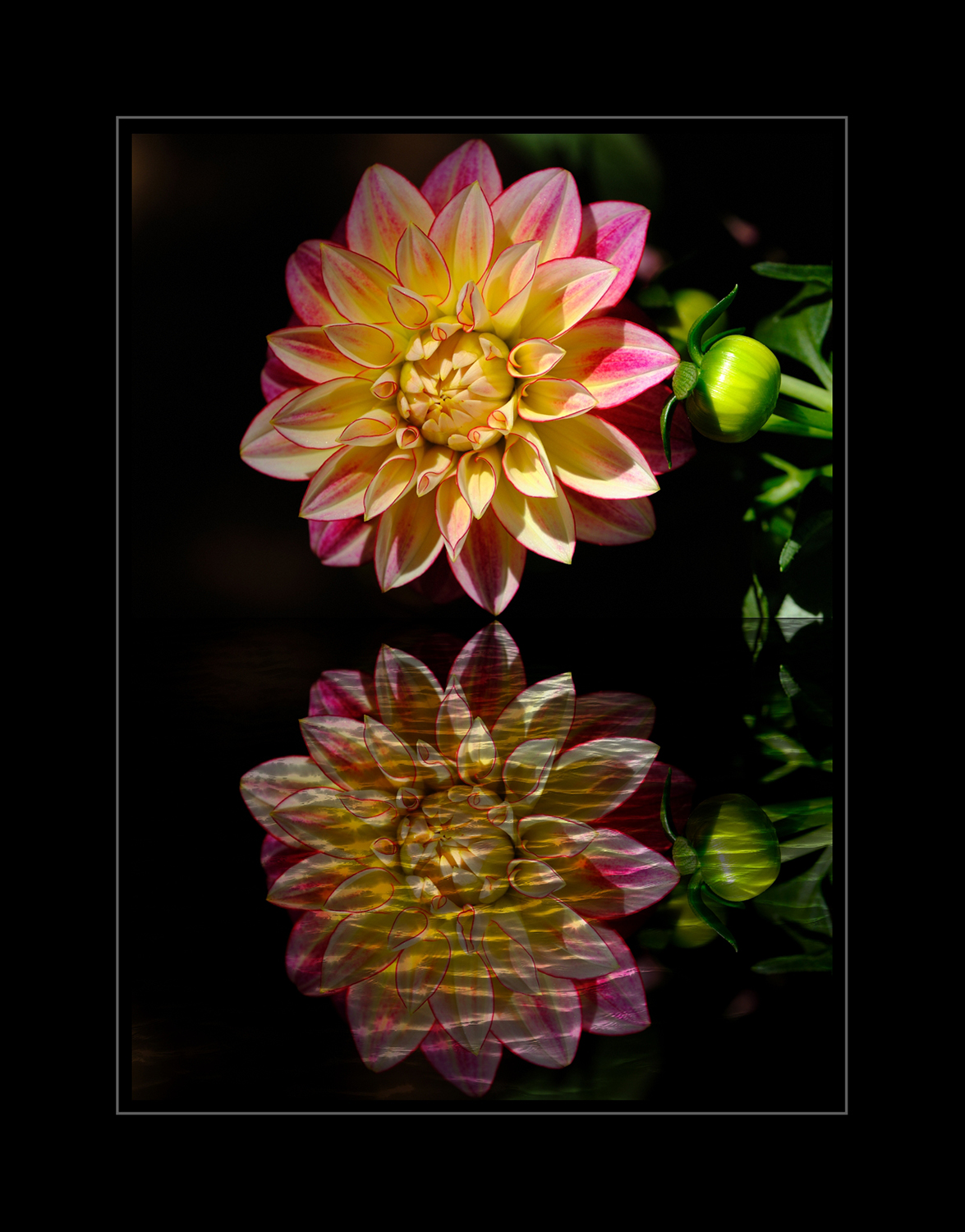
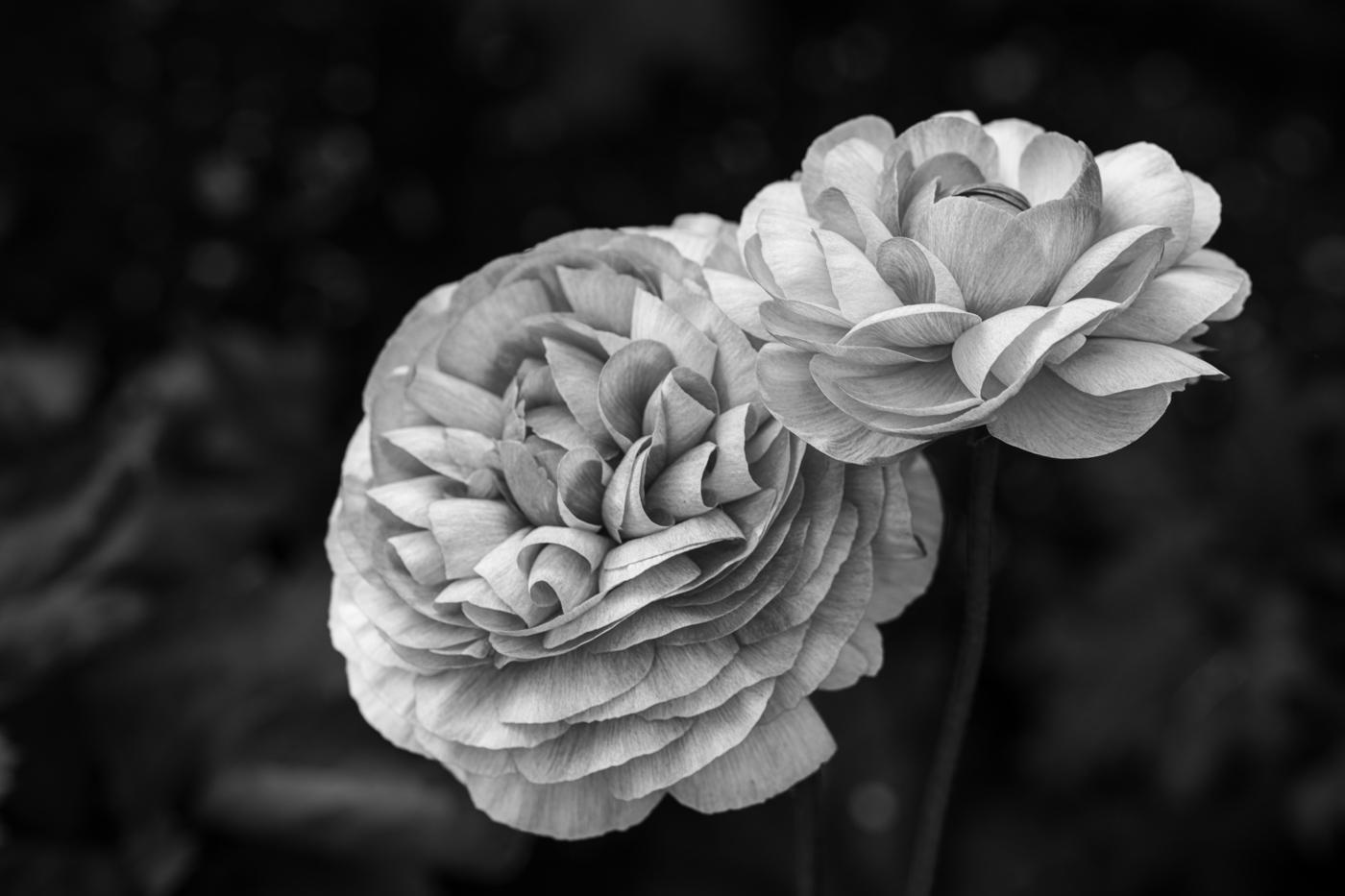
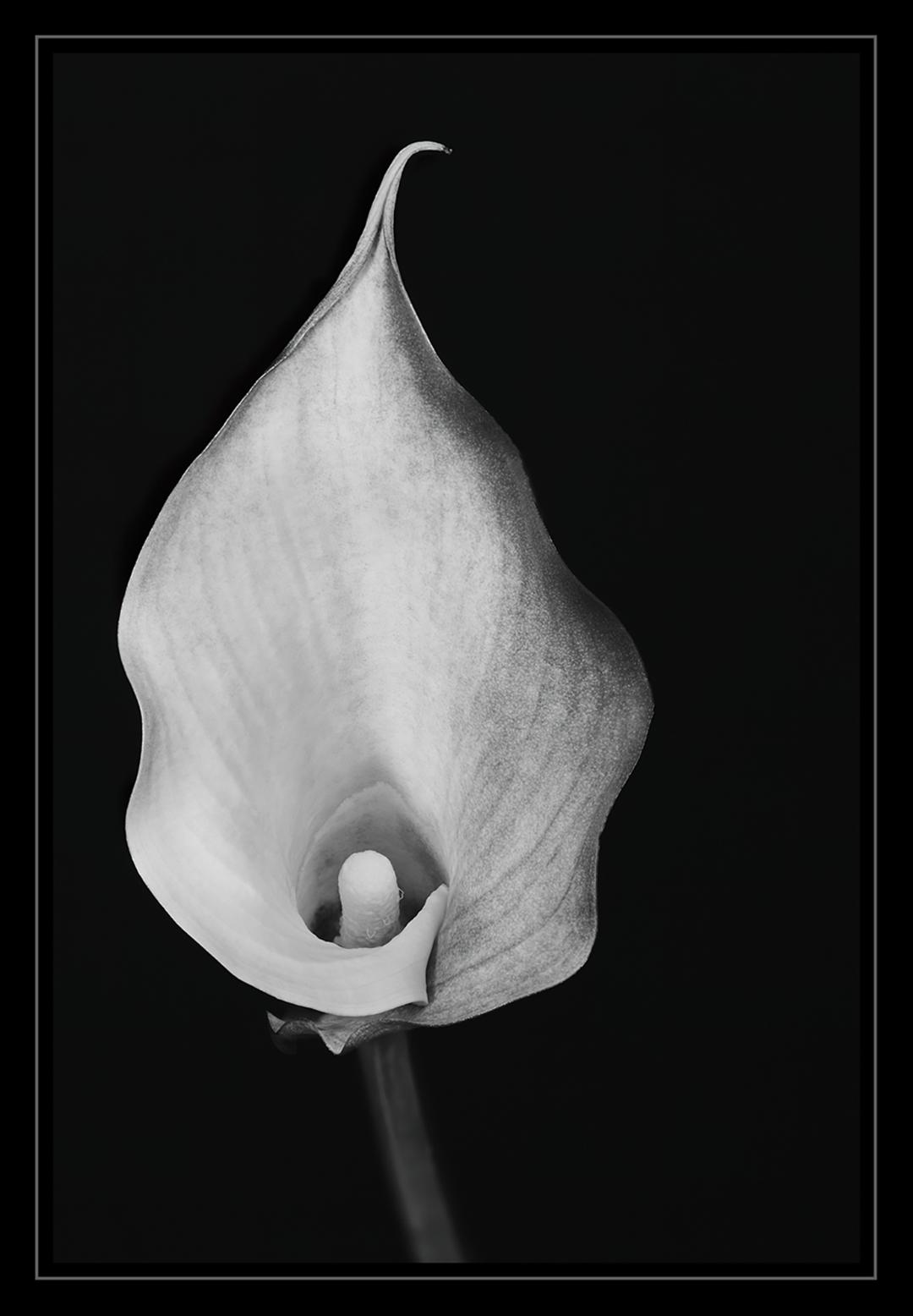
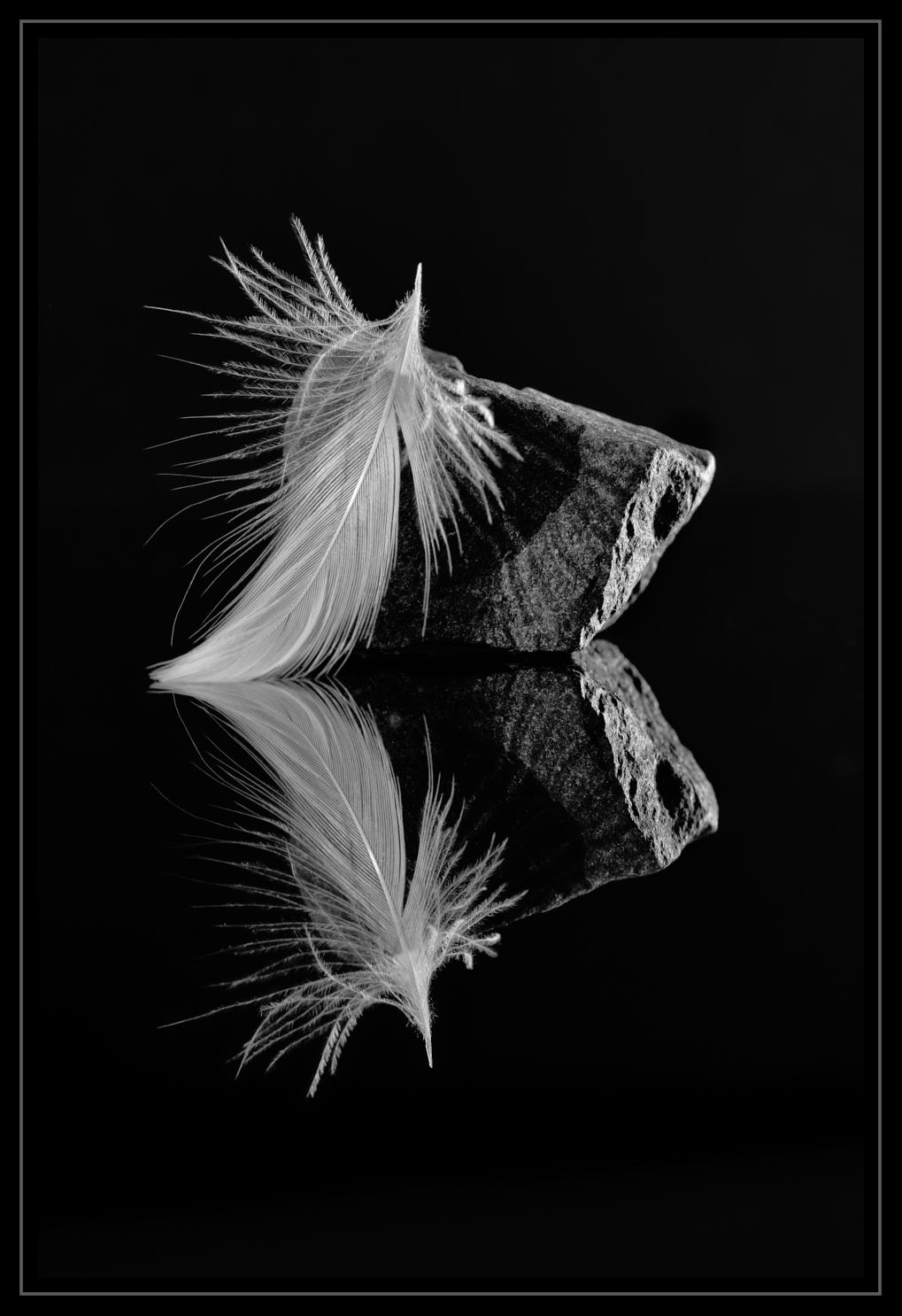
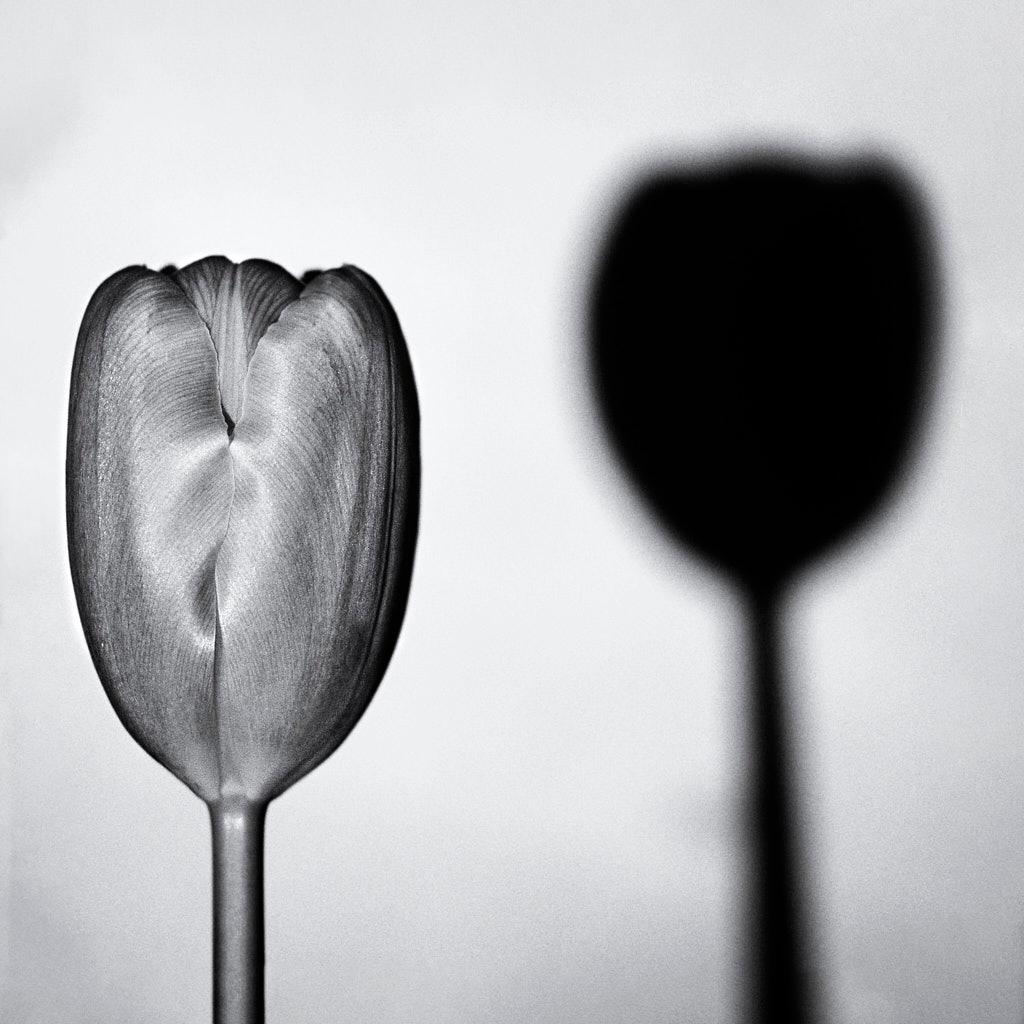
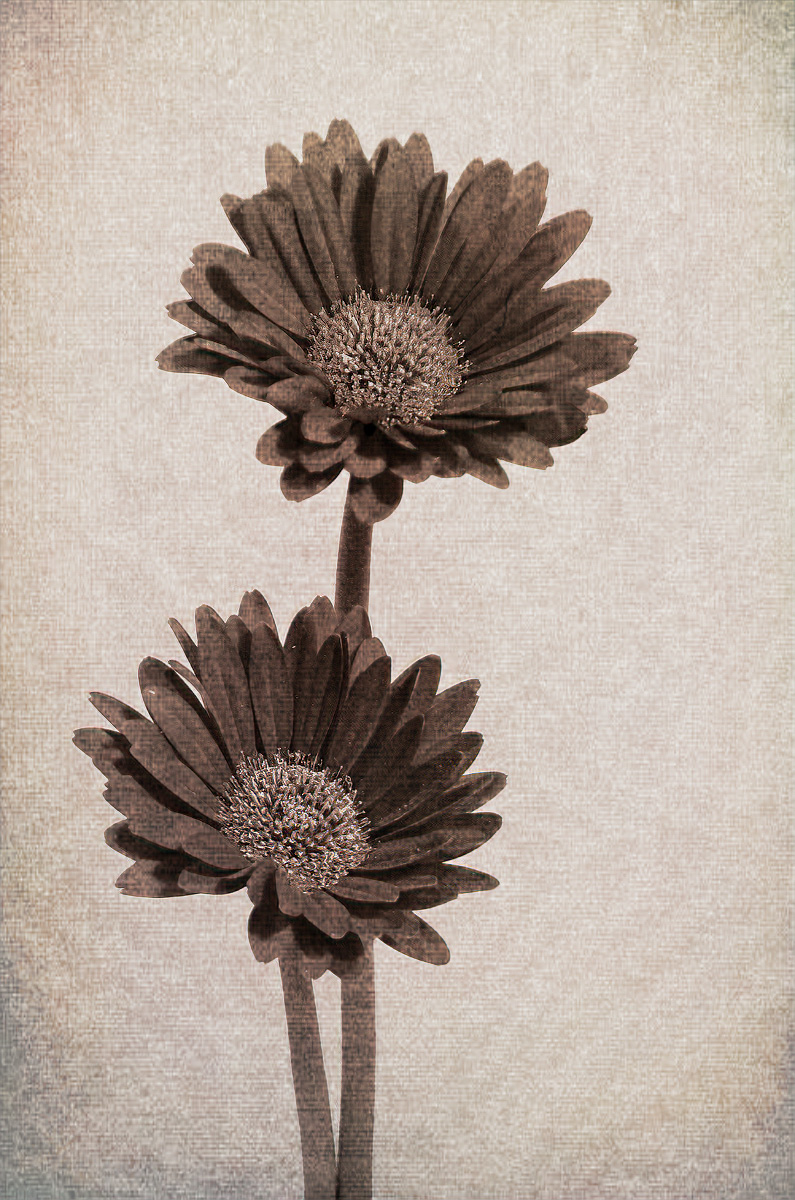
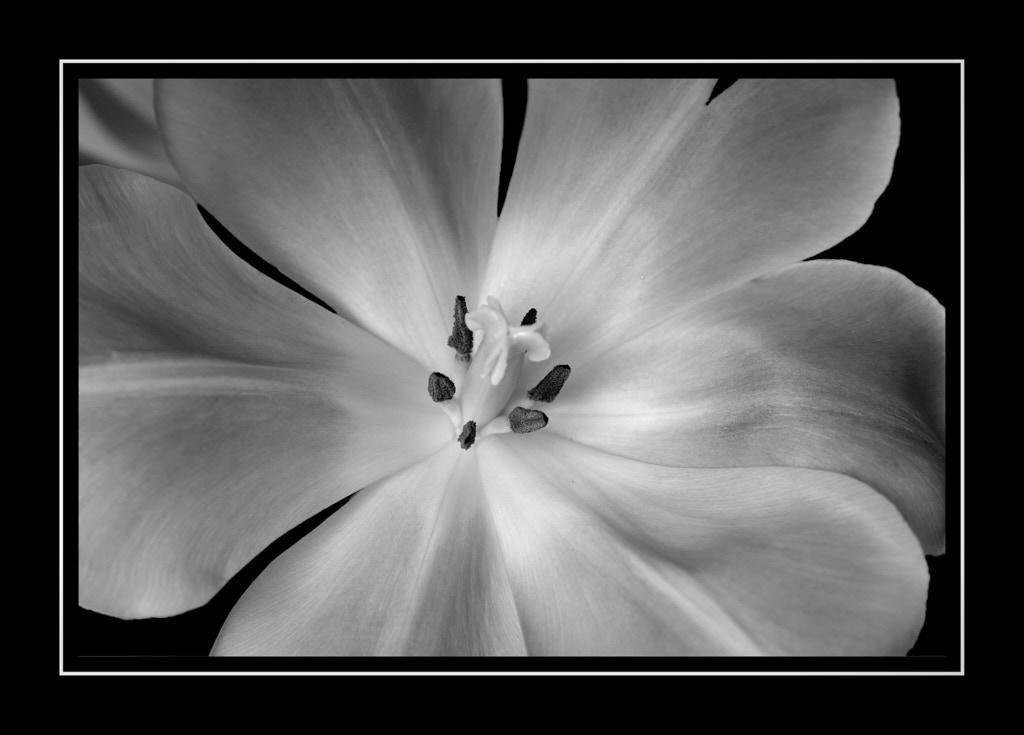
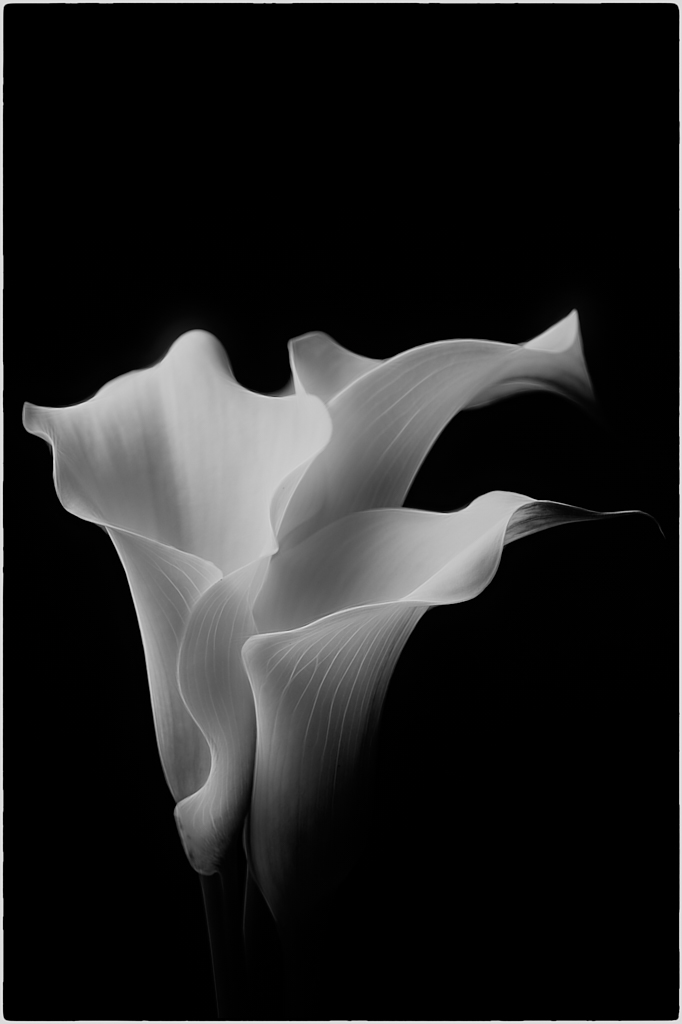
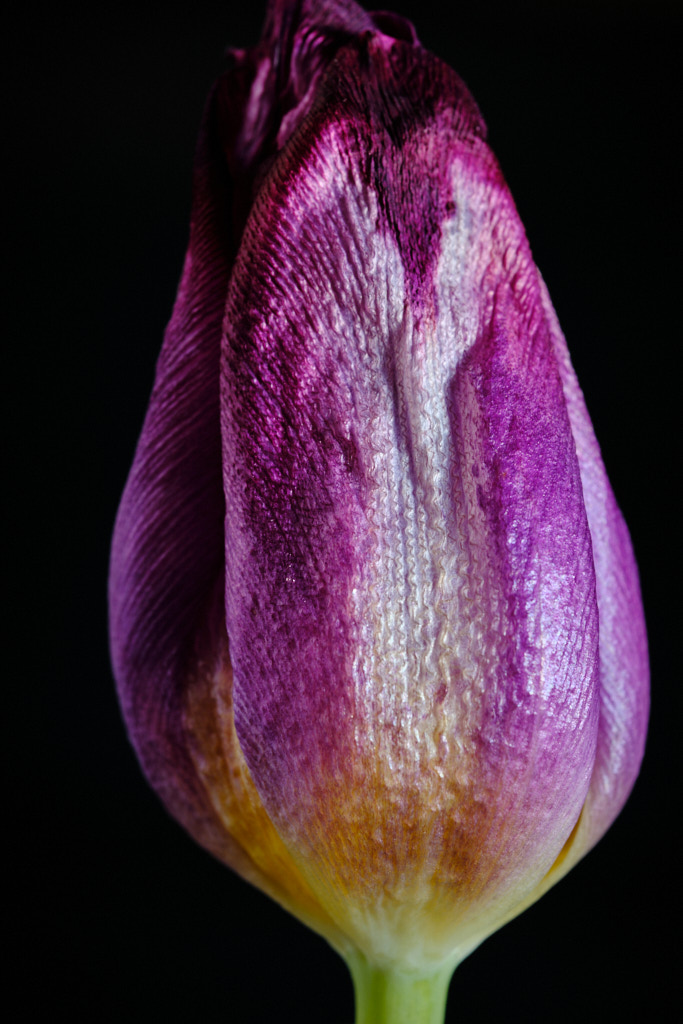
I did some research this morning to find a way to help you with an idea to eliminate the background clutter when you photograph flowers. This technique is something you can do at home with flowers from your garden. I learned this from a macro photographer who takes these supplies into the nature parks when he does his macro photography. These tools are easy to carry, and they are small in size.
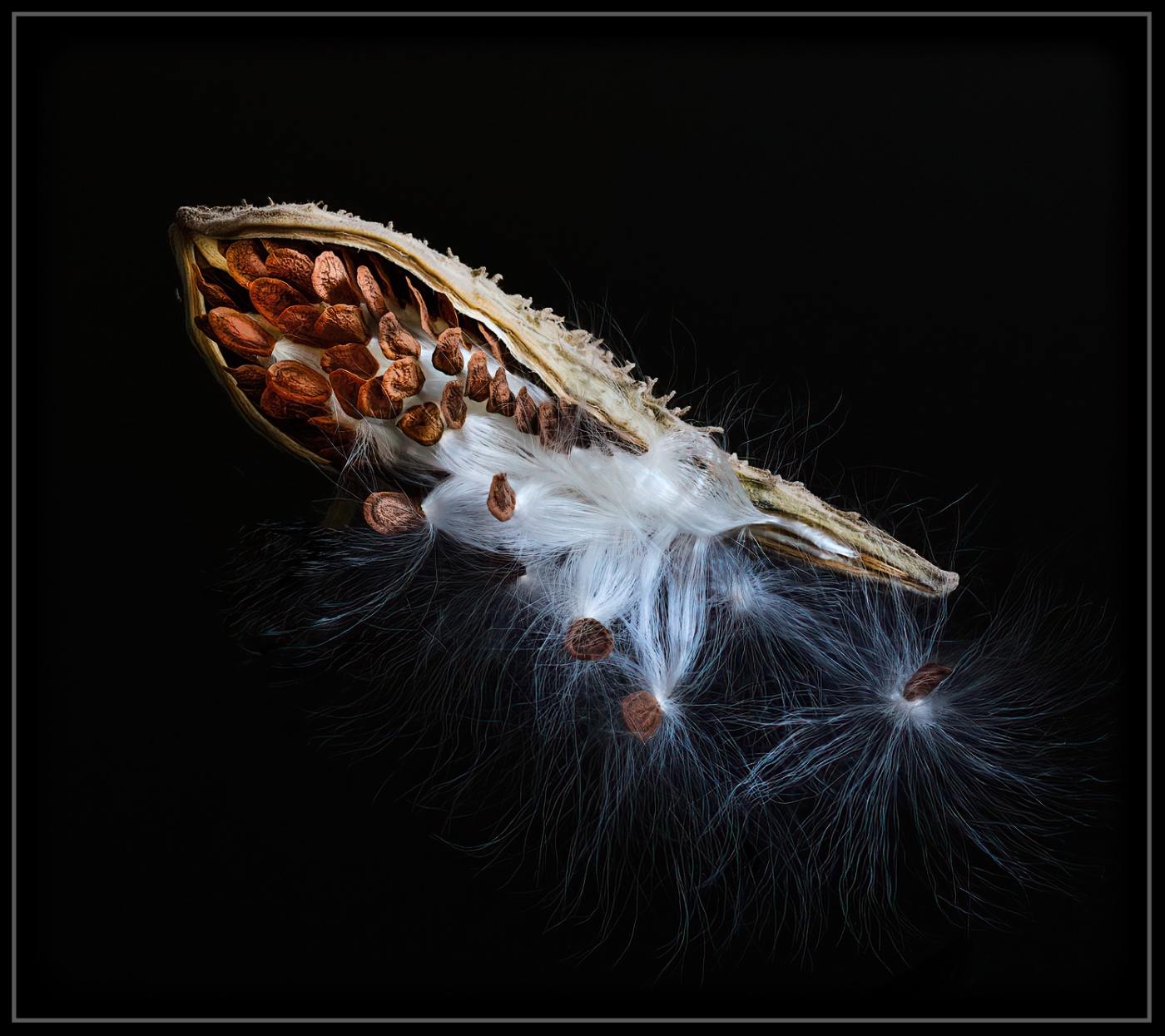
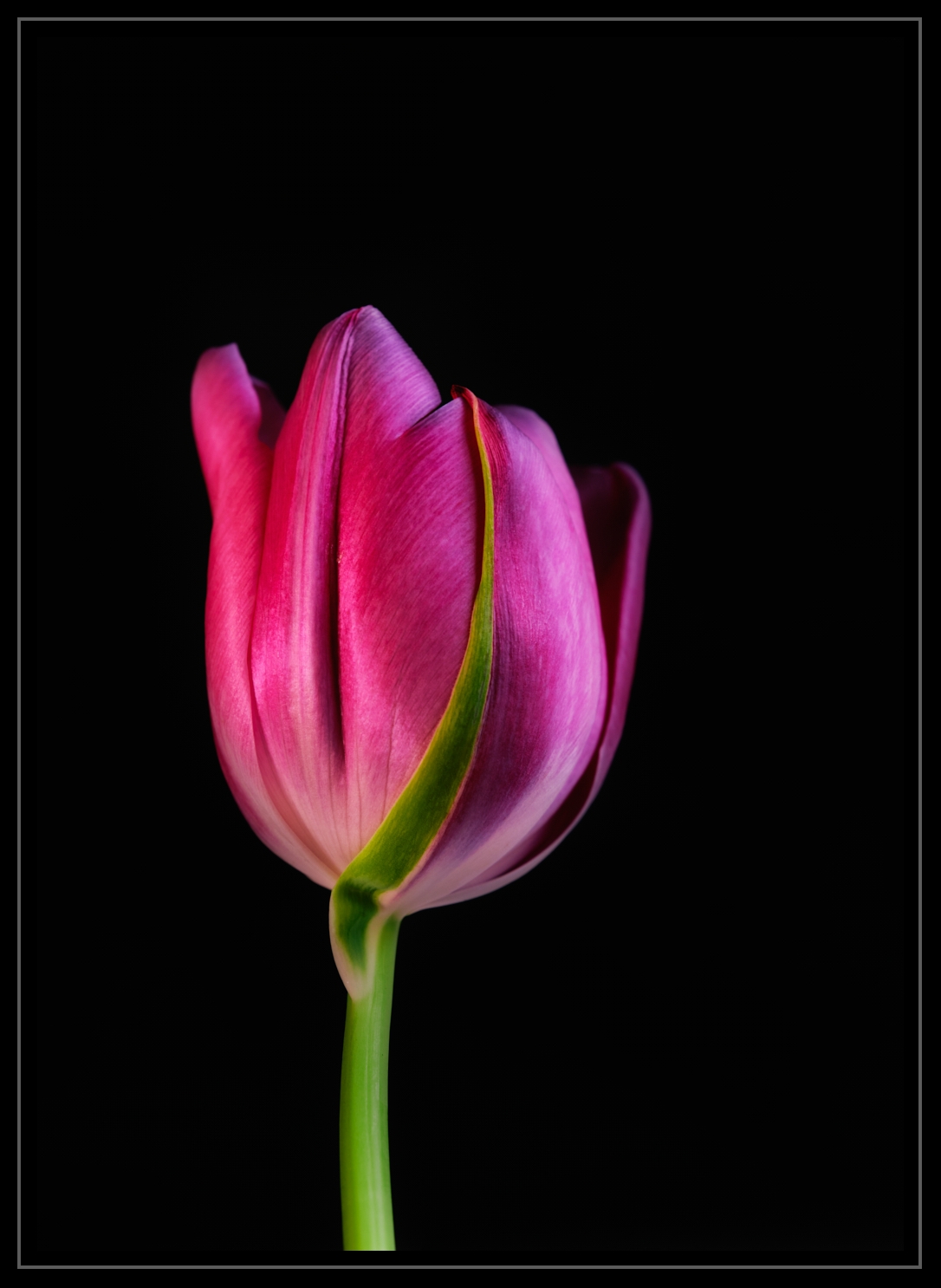
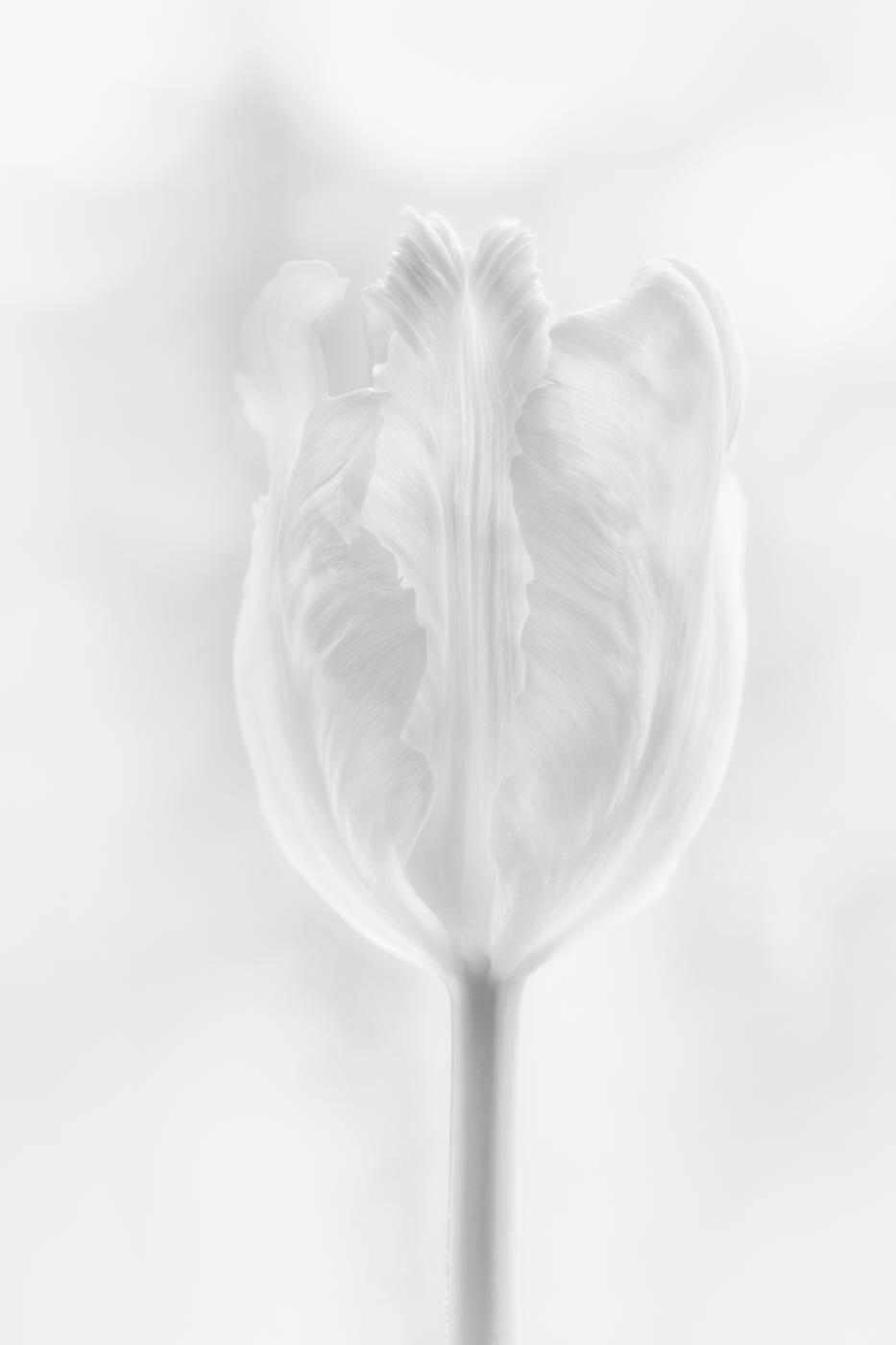
I took this image at 11:00 am in a shady area under the pine trees; at midday, always look for shade or bring something with to create shade from the harsh sun. The sun was already producing harsh light. My camera settings were: ISO 200, 1/250 shutter (flash sync speed because I used off-camera flash), and aperture F/11 (F/8-F/16 are other options to get the black background).
My camera gear is a Fuji, but camera make and model doesn't matter; this will work on any camera. I use an off-camera flash with a wireless trigger made to work with my camera. You don't even have to have an off-camera flash; you can use a flashlight or table lamp - if you work indoors. If you would like to buy a flash, check with your local camera store and look for a used model. When I first started, this worked for me. It helps to wrap a thin towel or tissue around the flashlight as it can produce harsh light.
My composition consisted of a white foam core board for a bounce card set to the left of the flower, a bottle with a tulip in it in the middle, and my flash pointed at the flower from the right side.
The editing was simple; I do not like to do a lot of editing on my images. For this image, I raised contrast by +9, brightness -3, saturation +1, I used daylight white balance, adjusted clarity a tiny bit, and added a vignette to help keep the blacks dark.
There are free videos on YouTube that you can watch to find out more details as to how to do this. I hope my example brings you some ideas to try in your safe setting; I know you are concerned about the virus as we all are.
I am looking forward to your image next month!
Best regards,
LuAnn |
Apr 24th |
 |
| 3 |
Apr 20 |
Reply |
Hi Randy, thanks for your comment.
I took You're advice and Oliver's and added more to front of frame. I agree that needed to be done.
Take care, my friend,
LuAnn |
Apr 23rd |
| 3 |
Apr 20 |
Reply |
Hurray, Fatih!! I am so glad you made it. We tried to be helpful to you in your absence. We all really enjoyed that you shared this image with the group. When you have time, let us know what you think. I know work is busy for you.
Best regards,
LuAnn |
Apr 21st |
| 3 |
Apr 20 |
Reply |
Great job with your edits, Ruth. You hit all the critical areas: light, shadows, and lines. Nice job.
Best regards,
LuAnn |
Apr 21st |
| 3 |
Apr 20 |
Reply |
About the camera settings. Kieu-Hanh's aperture was at f/18 probably to darken the scene, but her shutter speed was at 1/15 which was letting in tons of light blowing out the sky and water. She needed a faster shutter because of the midday sun. The ISO was perfect.
Your thoughts?
LuAnn |
Apr 21st |
| 3 |
Apr 20 |
Reply |
How about trying an ND (neutral density) filter they come in 1 to 10 stops and do a somewhat long exposure?
Did you know you can stack a polarizer and an ND filter on your lens at the same time? During the day it is always a great idea to carry a polarizer and ND filter with you especially if you like landscape photography. I have a 10 stop ND so then I don't have to carry multiples filters. I always carry a polarizer. You can adjust your polarizer so be sure to google how to use the brand you have.
2. You could look for a different point of view that would put you in the shade more.
3. Be sure to at least have a polarizer on camera when shooting water in these conditions.
4. Set your camera to auto and see what the camera suggests for exposure settings. Then if you prefer to shoot manual, use the auto settings as a starting point. Have you heard of the Sunny 16 rule? This rule is made for shooting during bright sunny days. Set your aperture at f/16, ISO at 100, shutter speed at 100. Once again there are lots of articles online about using and adjusting the Sunny 16 rule.
5. Watch your histogram. In mid-day, you should be safe to underexpose by a stop. When in doubt, take multiple exposures 2 underexposed and 1 at zero. Your camera should have an exposure meter that goes from -3 to 0 to +3 inside the live view window. Watch where the line is on this meter. More often than not the closer to zero it is (or -1 stop underexposed) the better your shots will be.
Sorry, I could go on and on but I will stop here. Kieu-Hanh we need to hear from you and what you think about our discussion. If you are a determined photographer like I am with a passion for photography, there is a way to get the job done!
Keep the dialog going everyone, what do you say!!
Cheers,
LuAnn
|
Apr 21st |
| 3 |
Apr 20 |
Reply |
Lisa, do you see anything that would help Kieu-Hanh? If the hot highlights are working against her leaving no option, what would you recommend she do to not have this happen again?
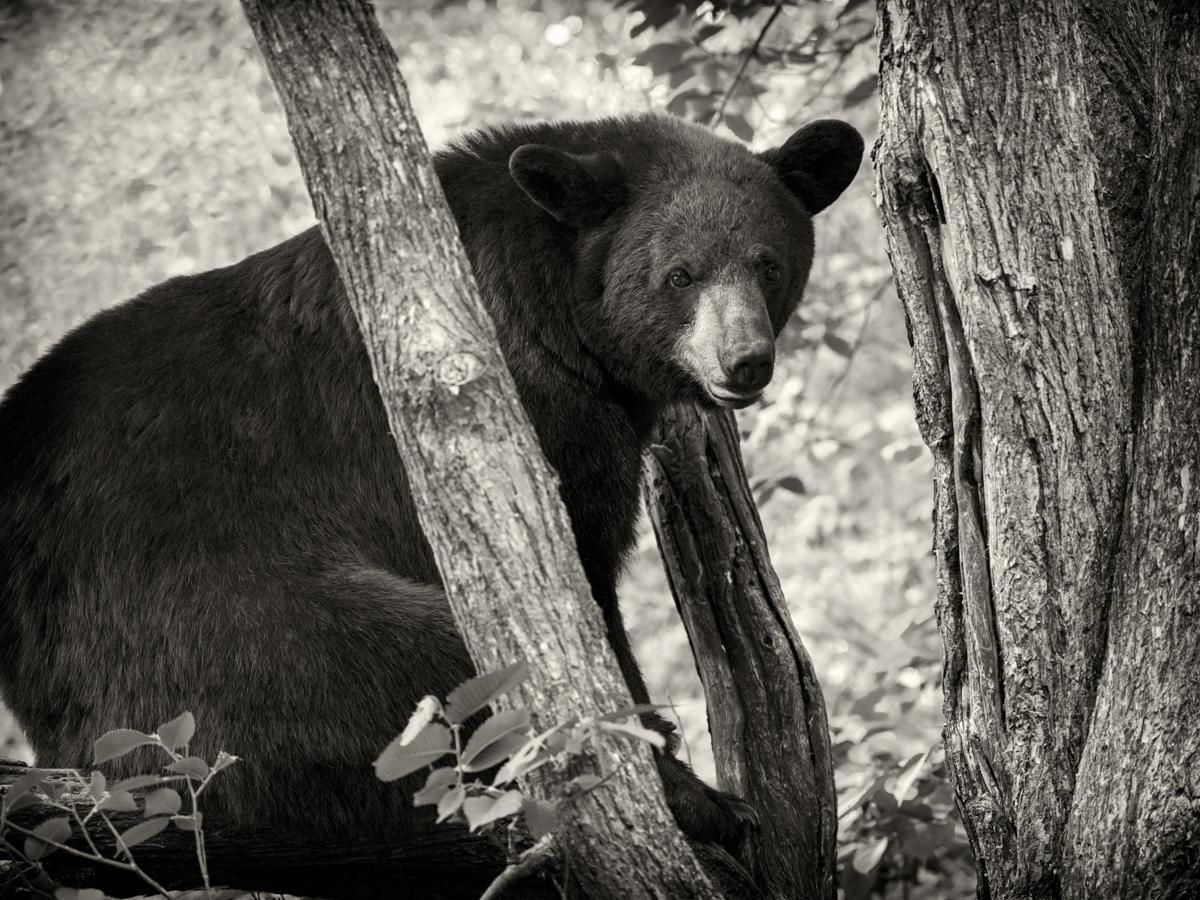
I have many photos that I have learned from in which my biggest handicap was aperture always too wide (f2.8). I was in Alaska and photographed bear to come home and my photos were not in focus.
Learn as we go is a good thing. Help in these study groups is what will help us going forward.
LuAnn |
Apr 20th |
| 3 |
Apr 20 |
Reply |
What would you suggest how to help Kieu-Hanh, Ruth? |
Apr 20th |
| 3 |
Apr 20 |
Reply |
Thanks, Ruth, for your comments. I think Lisa now has a lot to think about with her image. Sometimes it helps to talk the process out with others.
PS: One last point Lisa: if you can, display the image you submitted, the edit you made, and my edit. You should be able to double click each one and it will display on your monitor. Compare the details, color, angle of the crop, and the color of the man's face. I think this is very telling and helpful for you.
Best regards,
LuAnn |
Apr 20th |
| 3 |
Apr 20 |
Reply |
I have an opportunity just this morning to enter this in a competition. What a scary thought. I really need to get the bugs out of this image before I submit it. Stay tuned!! |
Apr 20th |
| 3 |
Apr 20 |
Reply |
Ruth,
Yes, I agree, the man does have a great expression - he's pondering something, and that is why he needed to be closer.
You're right about the red dress; it is an eye magnet for a viewer. It really anchors the image. Both of you ladies like the door frame, and when you said it captured San Juan I knew the whole doorway and frame needed to be included - this is what is so great about PSA's groups and these discussions. I think cropping on all 4 sides brings the couple closer to the viewer's eye and making them more prominent than the inanimate object (door) which is a win-win for Lisa.
Looking forward to your comments.
Best regards,
LuAnn |
Apr 17th |
| 3 |
Apr 20 |
Reply |
Hi Lisa,
I copied your original file to work from.
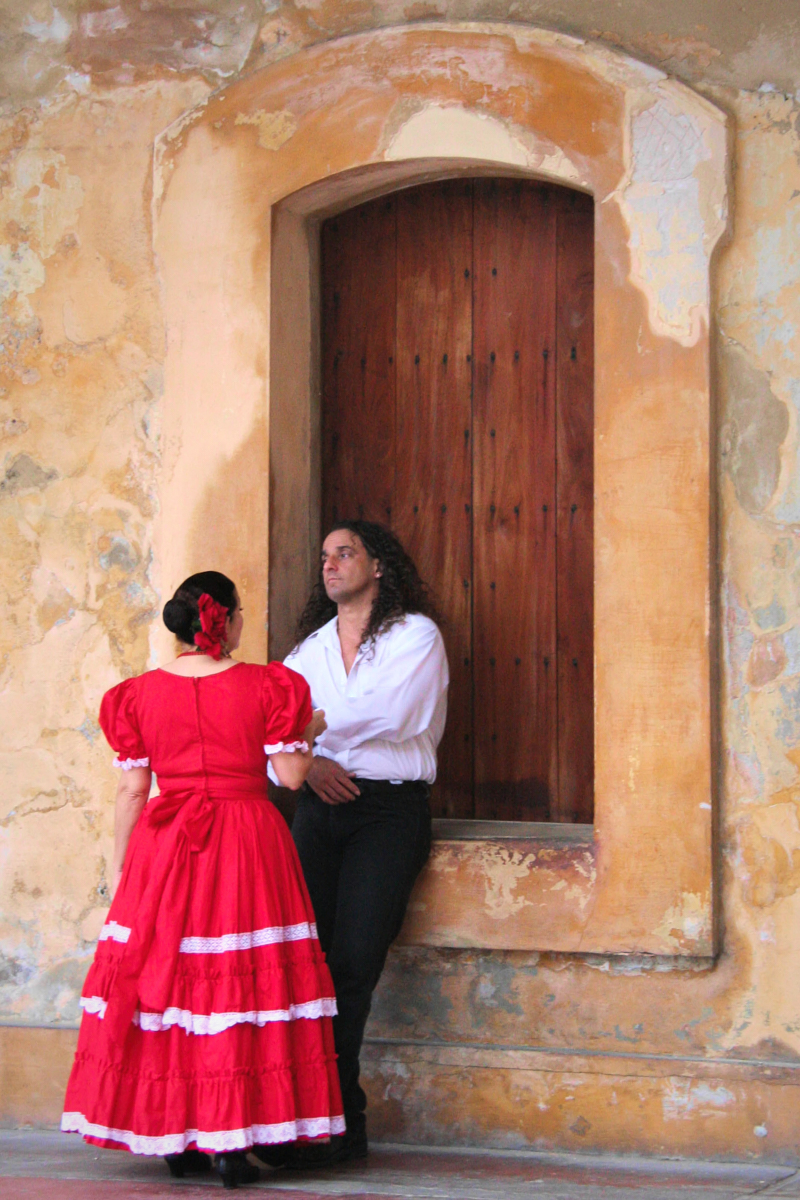
For this example, the first thing I did was to straighten the image using the right side of the door's frame as my guide. Then I cropped the image in Capture One Pro 20. I shoot Fuji, so I can't use Lightroom. The crop was taken on all 4 sides to retain the aspect ratio.
Then I used Topaz Studio and applied the Perfect Portrait adjustment. I chose this one because it offered a nice balance to portrait skin tones, which is crucial when you have people in an image. Since you use Lightroom, try these settings and see if it gets you close.
Among the adjustments made were:
Basic adjustments:
exposure +15, clarity -15, highlight +05, saturation +30, temp +05
Then tone curve: (make an 'S' curve) a tiny bit goes a long way here-adjustment of plus on the highlights and negative on the midtone area of the blacks. Easy as you go.
Lastly, a vignette was added with strength .60, size .85, and lowered the opacity of the vignette to .50 percent.
Let me know what you think. I left the full door frame because I think you preferred it. With this being a jpg and not RAW its better not to crop too much away.
I think your edit came out too golden. Try editing from a copy of the original jpg.
Best regards,
LuAnn |
Apr 17th |
 |
| 3 |
Apr 20 |
Comment |
Lisa, check your white balance number between images that's where I am thinking the blue cast is coming from-temperature is leaning to the cool side.
Also, if you are a Lightroom user, go to the box nearing the bottom of the adjustment panel and play with the highlight/shadow adjustment box-just the highlight slider down there would do. I am not at my computer so I can't remember the exact name of the adjustment tool. You can warm the highlights there.
Lisa, which editing software tools do you use? I'm just curious.
Best regards
LuAnn |
Apr 15th |
| 3 |
Apr 20 |
Reply |
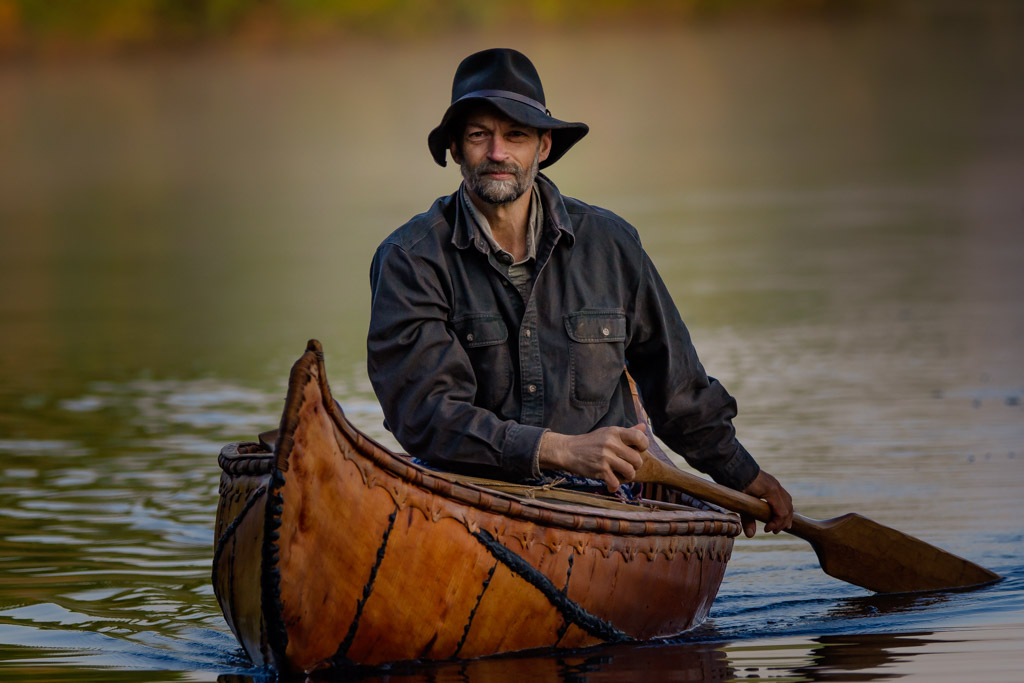
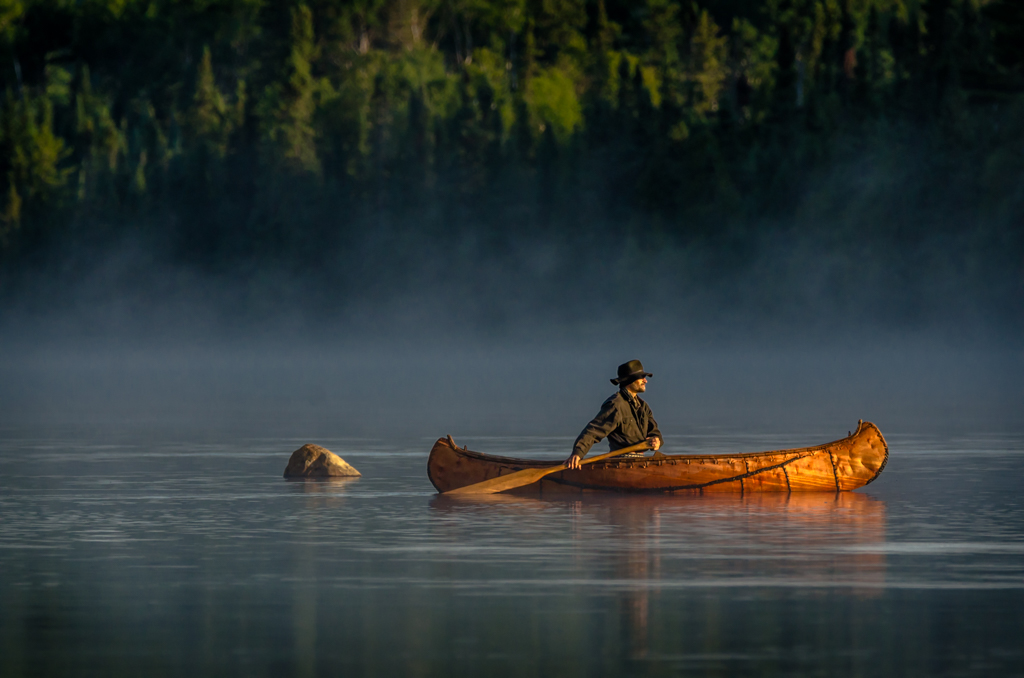
Thanks, Ruth, for your comments. What do you think about the edge of the water in the front of the canoe? Do you suppose more space is needed in the foreground?
Regards,
LuAnn |
Apr 14th |
| 3 |
Apr 20 |
Reply |
Ruth, could you share with me what tools in Photoshop you would use to create a similar dark and mysterious image? Have you used Photoshop long? I am relatively new to Photoshop, so I am very curious about what tools people use the most and why.
I have watched several people on YouTube doing Photoshop editing, like Brooke Shaden, just as one example. She has an interesting style, maybe a little out on a limb style actually, but right now, she is doing videos on how she edits her images; it's all fascinating to me.
|
Apr 14th |
| 3 |
Apr 20 |
Reply |
I agree, Oliver, I will go back and look at the background.
I have had several people look at this image but it's the comments and discussion you bring to the table that is really helpful. I was hoping someone would comment on that. Now I know, my suspicions have been confirmed.
Have a great day, Oliver!
LuAnn |
Apr 14th |
| 3 |
Apr 20 |
Comment |
I received an email from Fatih today so we have an updated description!
LuAnn |
Apr 14th |
| 3 |
Apr 20 |
Reply |
ATA, thank you for commenting on Fatih's image. I have a question for you. What do you think about the quantity and quality of the light? I think this is a wonderful image and think it is worth a discussion.
Best regards
LuAnn |
Apr 14th |
| 3 |
Apr 20 |
Reply |
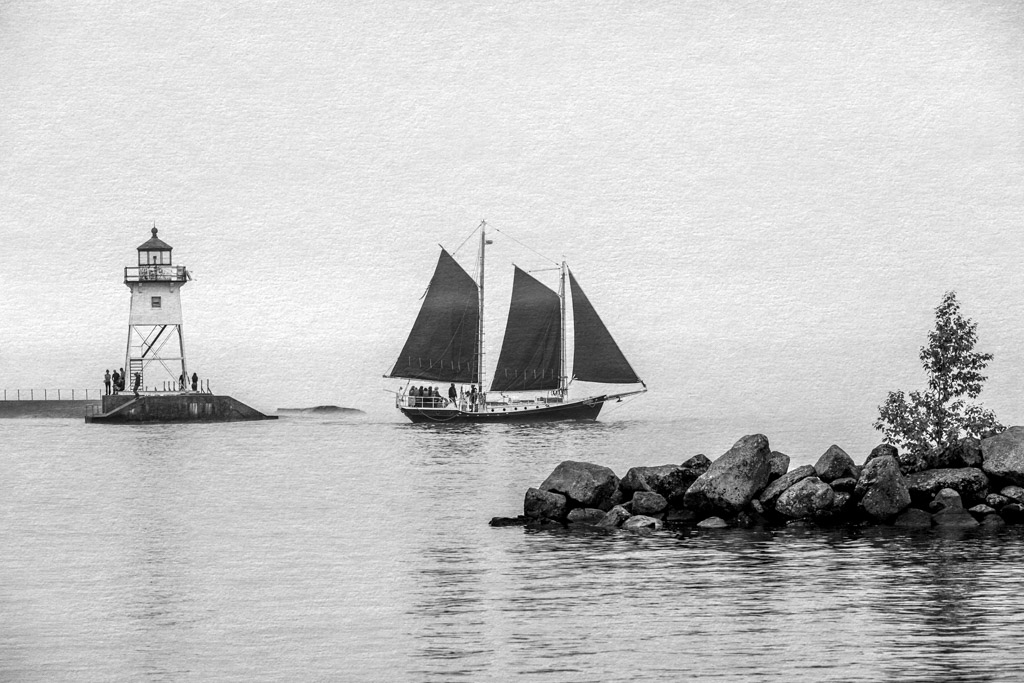
Thank you, Oliver, for your visit and your thoughts! I always look forward to your comments as they are always insightful and helpful.
I agree I need to add some more space to the front of the canoe. I will also consider your second point to crop on the left.
I think I may enter this image. I haven't done that in a while but it may be fun with this one.
Best regards,
LuAnn |
Apr 12th |
| 3 |
Apr 20 |
Comment |
I love this image, Fatih; it is a very striking image. I have many questions about your photo; I hope you can see our comments and reply soon we would love to hear your story about this photograph.
Stephen visited our group from group 32. He has informed us that this scene is of Turkish villagers. His comments are beneficial information.
I like the angle you photographed this image from the people being on the diagonal in the frame from the upper left corner to the lower right. The shadows in the room are bright enough so you don't have any harsh shadows. I can visibly see lots of details in the pots without the scene being too busy. Your primary subject is clear to identify as the man. The woman is a secondary subject based on the quantity of light hitting her.
My thoughts to help you enhance a wonderfully beautiful image is first to check your histogram. My eye is going to the bright light outside the doorway. Can you lower the highlights on just that outdoor light?
Secondly, the light on the man seems a tiny bit bright since he is in a dark room. I would recommend adjusting the brightness on the man to balance the light on the man to the room light, so it doesn't appear staged with lighting. I feel he is just a tiny bit bright.
I hope this helps, Fatih. If you need me to clarify anything I have suggested, please let me know.
Best regards,
LuAnn
|
Apr 10th |
| 3 |
Apr 20 |
Comment |
Hello Kieu-Hanh,
It is good to meet you here in Group 3!
I can see why you chose to take this photo. What a lovely scene in this ancient riverfront city in Toledo, Spain. Is that the great Tagus River? Beautiful country.
I believe you did well by not including too much of the sky. Without any details in the sky, it would not have added to the image. I like how you angled your shot of the river because it helps to draw my eye into the scene giving it depth and dimension.
I also notice a sense of scale. The size of the buildings progressively gets smaller as my eye moves through the photo. The earthy colors in the landscape add to the story that this is a fall time of year.
I did bring your image into my Lightroom software to see what I might offer to help enhance your photograph. Unfortunately, I hate to report this, but the highlights in the water are blown out, and I don't think they can be recovered.
I don't know if you cropped this image from a larger original or not, but if you did, you would have other cropping, options. Also, for next time, if you are shooting during this high noontime of day, try to use faster shutter speed. My guess is your shutter speed was too slow, so it was letting in too much light into your camera, and that was what blew out those highlight areas.
I hope this helps. If you have any questions, please let me know.
Best regards,
LuAnn Thatcher
|
Apr 9th |
| 3 |
Apr 20 |
Comment |
Hello Lisa,
I sense great intrigue in the couple in this photograph. I see a beautiful eye-catching, red dress and a fine-looking gentleman that is contributing excellently to this image and its story. I like the neutral background, which is a great compliment because it is free of distractions. For me, your quick shot is also well-composed.
Here are my ideas for things to consider that will enhance this image. The subject is clear, the man and woman. The problem that jumps out for me is their size in relationship to the doorway opening. When looking at these two elements, the door and archway are standing out as the subject more because it is more prominent in the frame. I measured the couple with a ruler, and together they measure approximately 5 cm X 10 cm, and the door with archway measures 8 cm X 14 cm.
I don't know where I heard this guideline, but I learned that the subject should take up (give or take) 70% of the image. So if I use that guideline, then it tells me the couple needs to be larger in the frame. I believe with the use of your original file; you could recrop to try this suggestion out. I don't feel it is necessary to have the whole archway in view; there are no details to be missed by cropping the top down. Actually, the white plaster is drawing my eye up in the frame.
The other item that is catching my eye is the overall image seems too bright, and there is no difference in tonal values, so it feels flat to me. I believe dodging and burning techniques will quickly correct this for you. Lastly, is there a blue color cast in your final image (look at the man's face)? Compare it to the original and see what you think; the original feels warmer.
I hope this helps. If I was not clear on anything, please let me know. Good luck with your image!
Best regards,
LuAnn |
Apr 9th |
| 3 |
Apr 20 |
Reply |
Thank you, Stephen, I will correct that.
LuAnn |
Apr 8th |
| 3 |
Apr 20 |
Comment |
Hi Ruth,
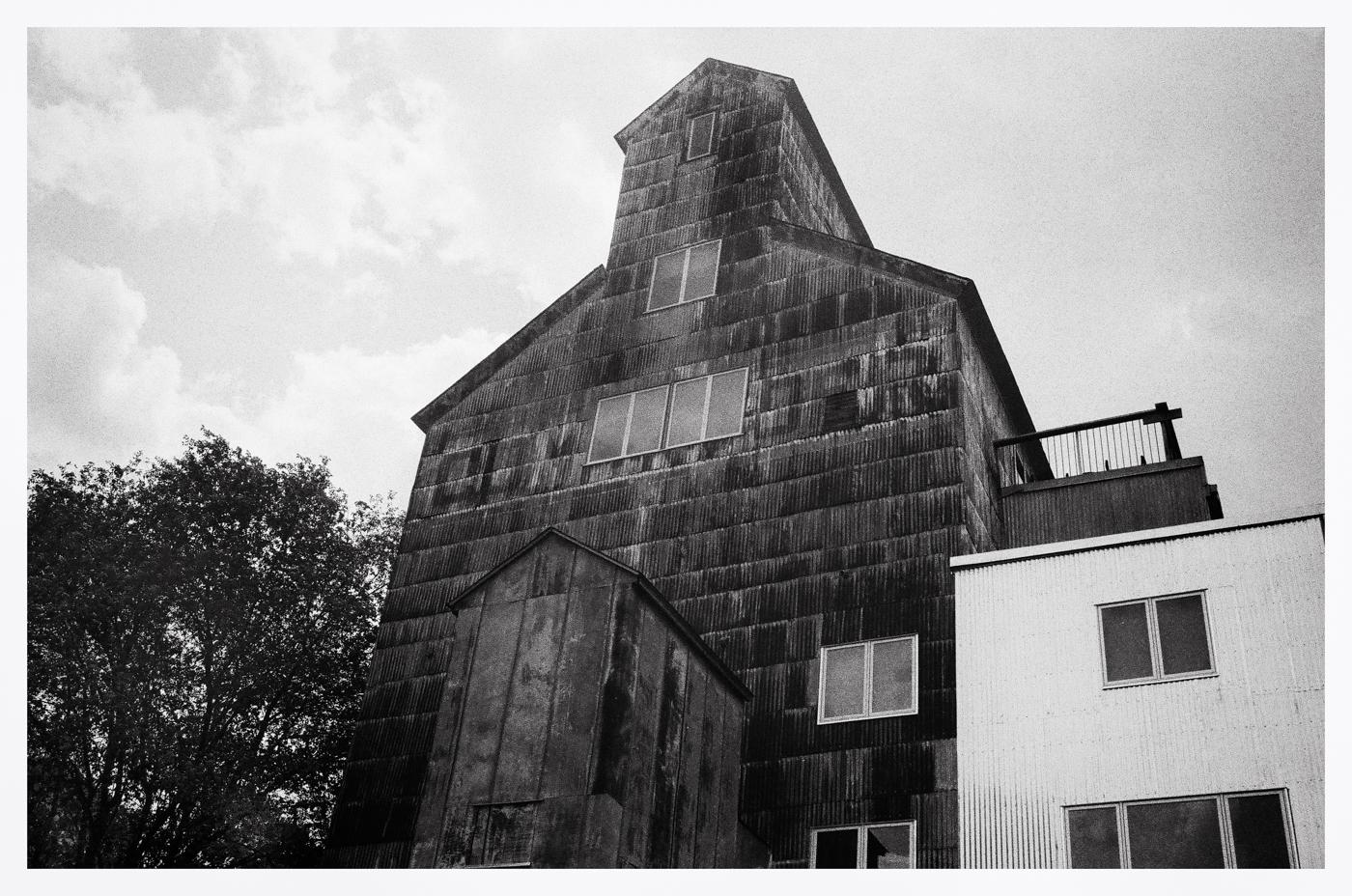
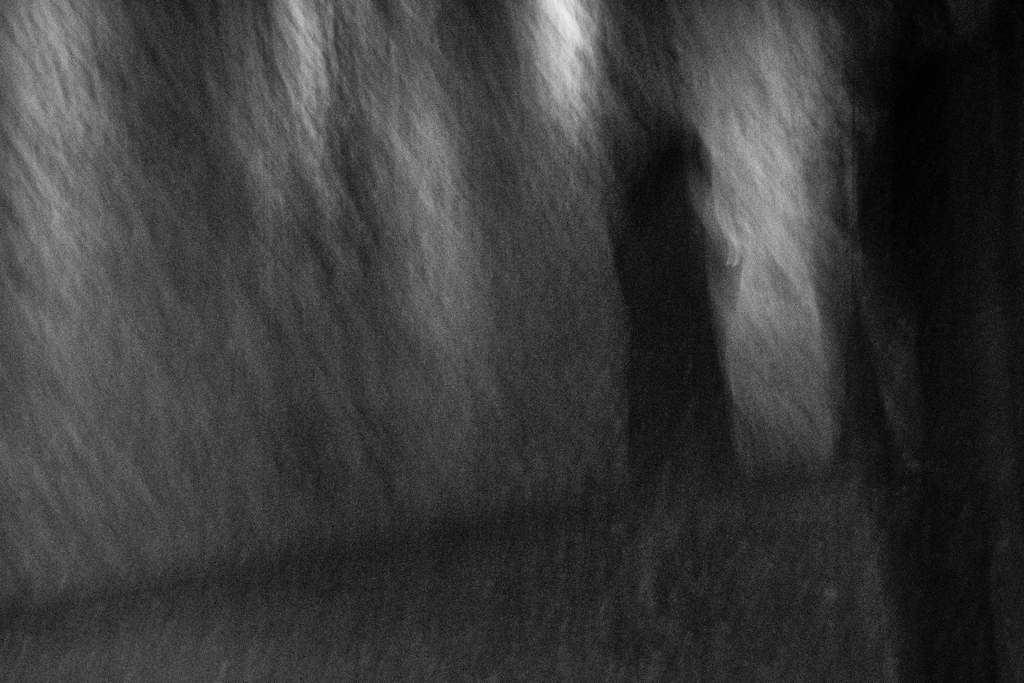
I love your street photography image you submitted! I think he is a classic man in the mist character traditional to street photography. The dark shadows, atmospheric perspective is all perfect.
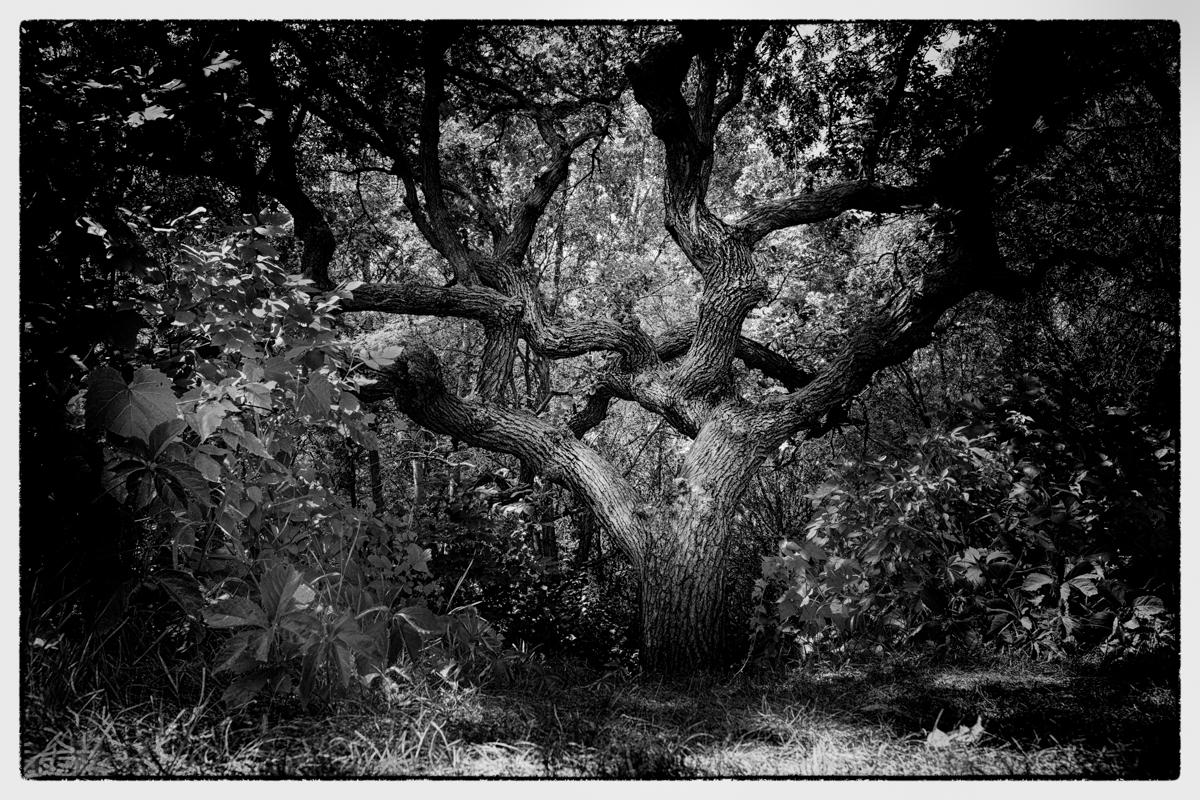
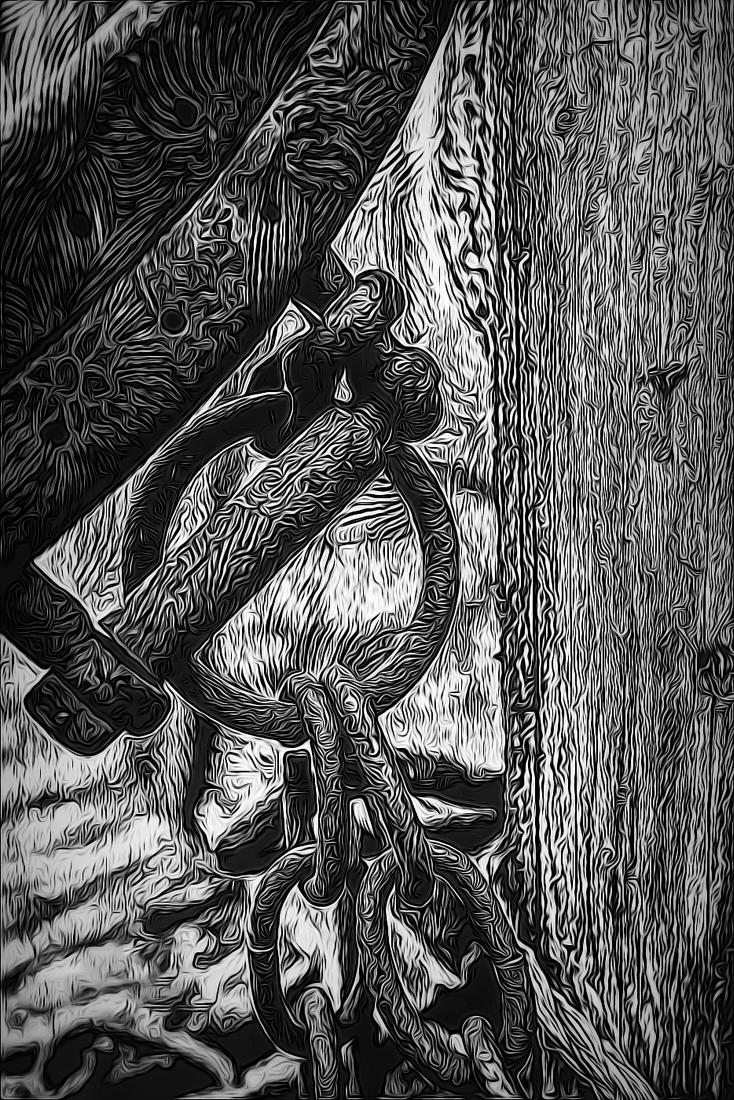
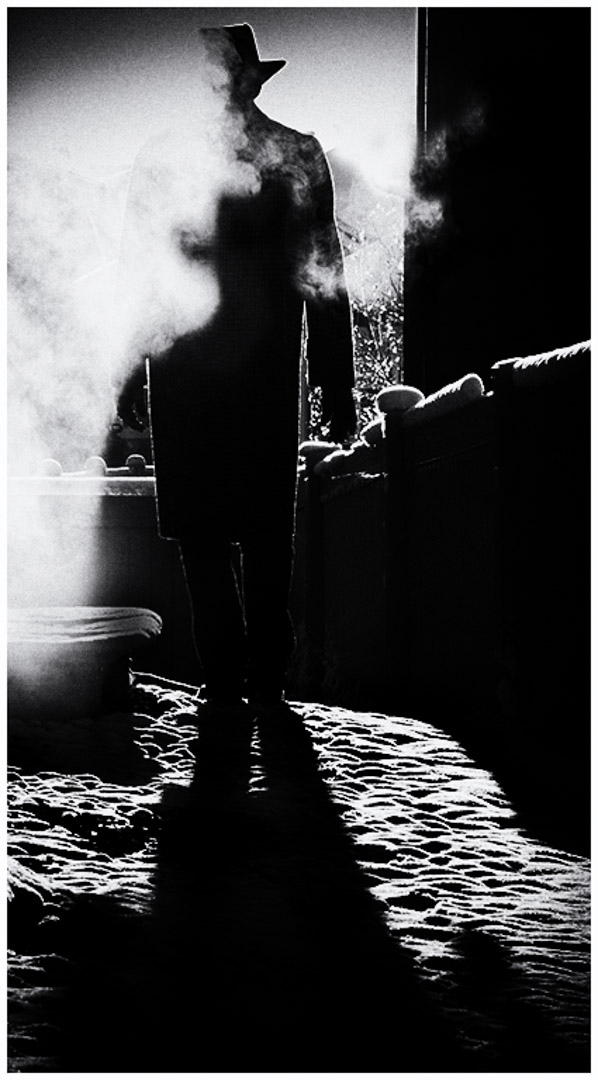
What I would like to see you do to this image is darken the shadows (this is where the mystery comes in), making his environment more obscure, so that it is not so clear that he is walking in a backyard of an urban residence.
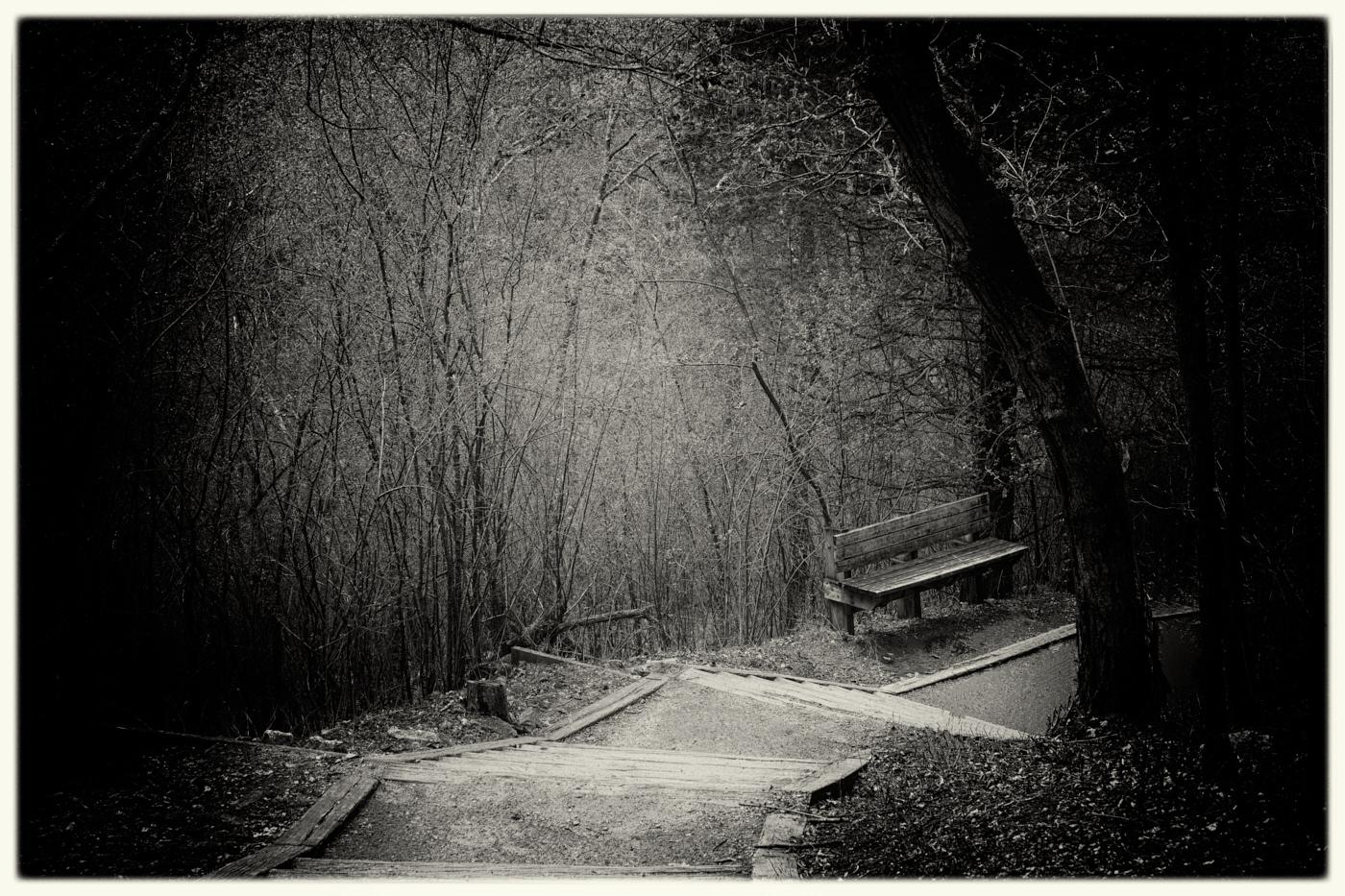
In my sample image, I edited your photo in Nik Silver Efex Pro 4. I used the Ilford Pan F Plus 50 film type, and I selected the 030 Film Noir 1 preset. This preset comes with film grain and a border. I like the use of a small border to frame some black and white images to add definition to the border area - it holds the eye in the image on darker photos.
If you use Nik software, give it a try. My photo is just a sample. In the end, for me adding these options enhances your street photography style.
I hope this helps.
Best regards,
LuAnn |
Apr 7th |
 |
| 3 |
Apr 20 |
Reply |
Thanks for the visit, Beverly, and comment!
Best regards,
LuAnn |
Apr 7th |
| 3 |
Apr 20 |
Comment |
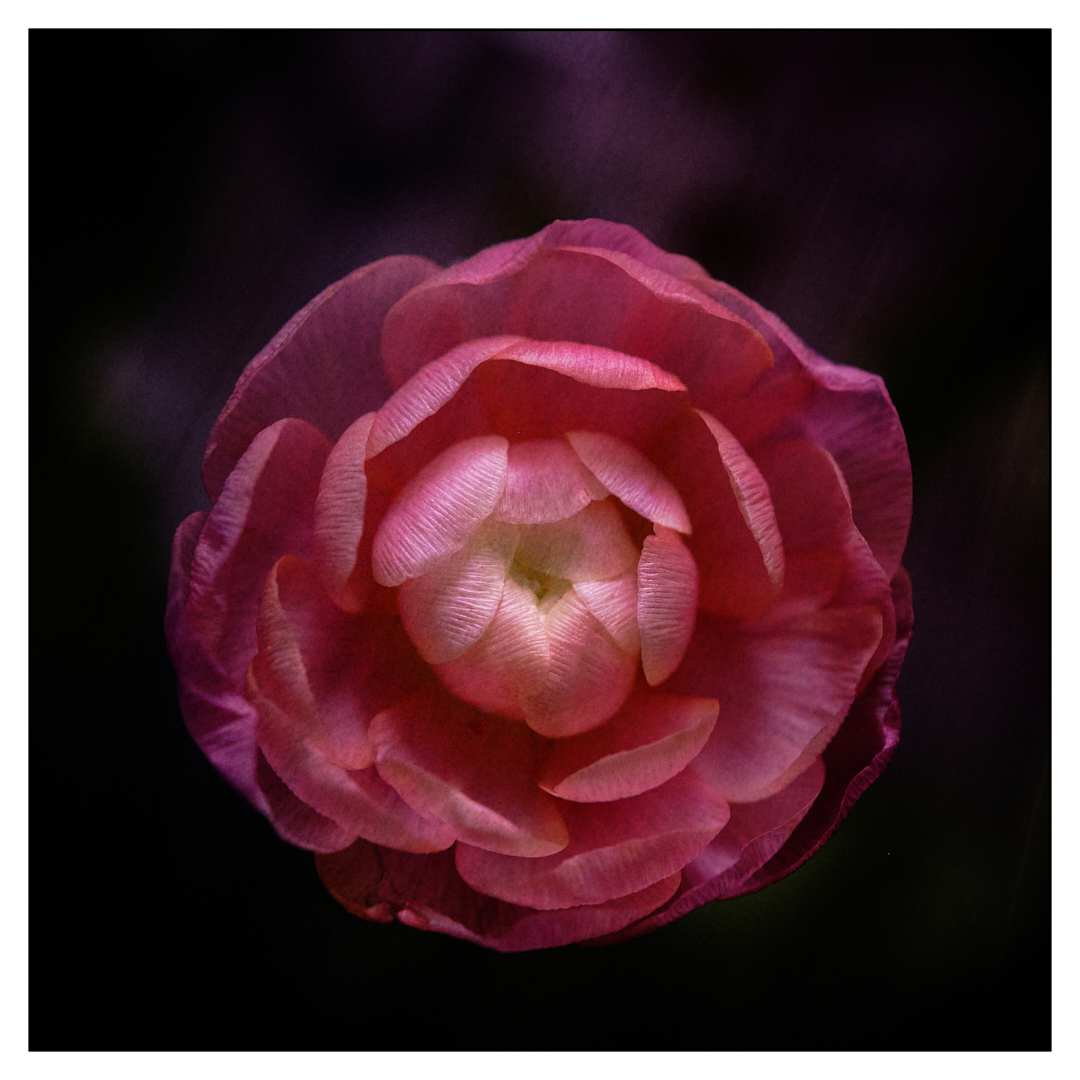
Hi Randy,
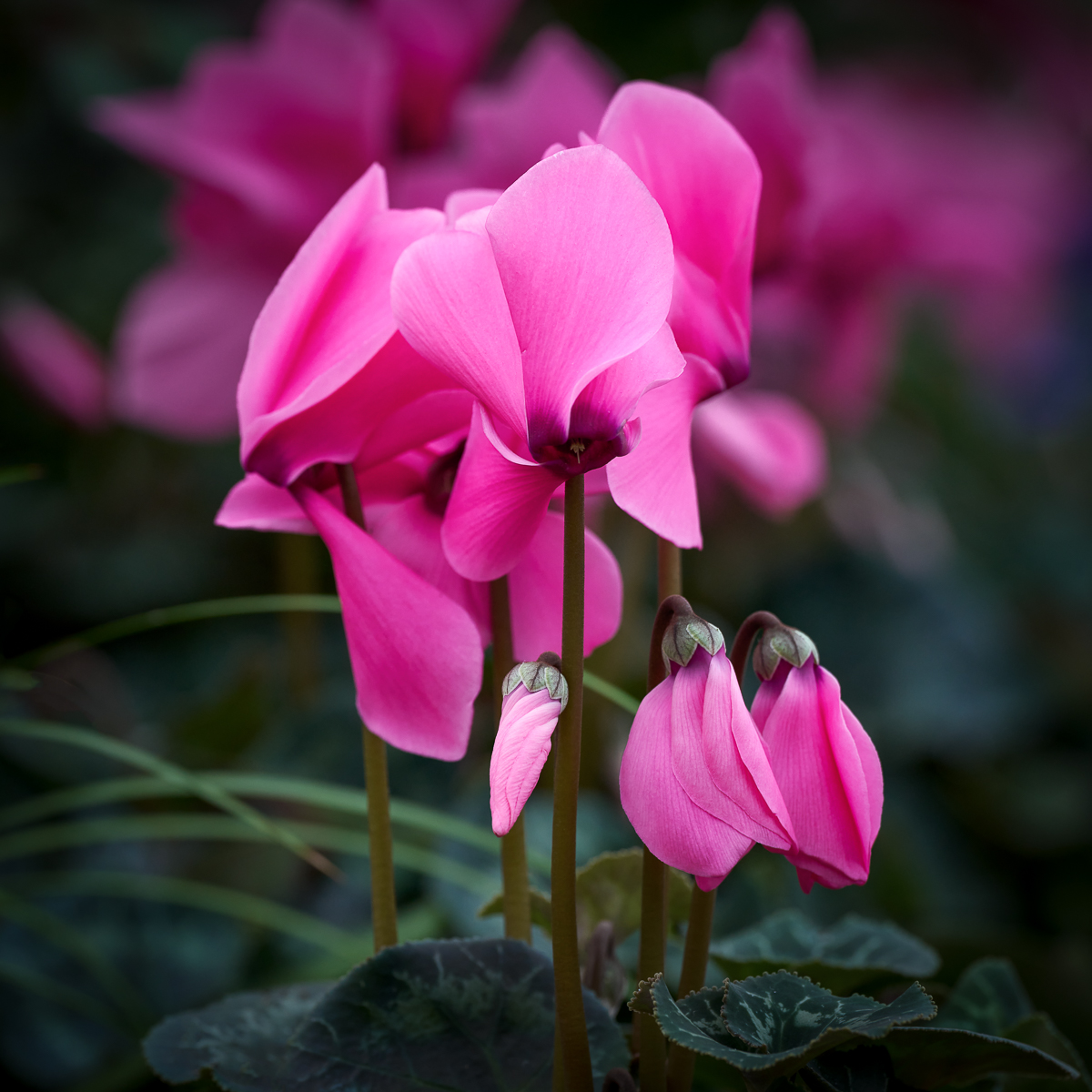
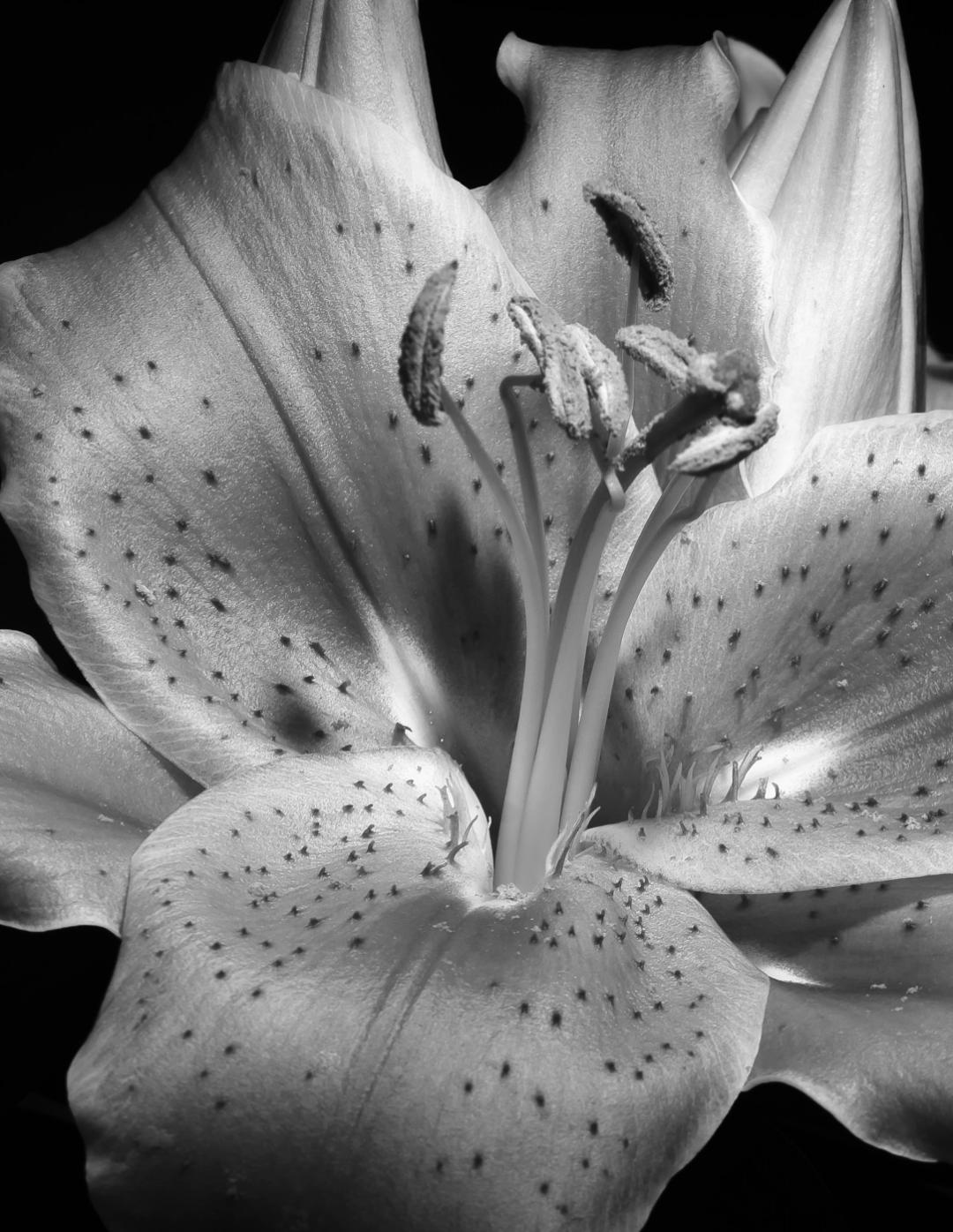
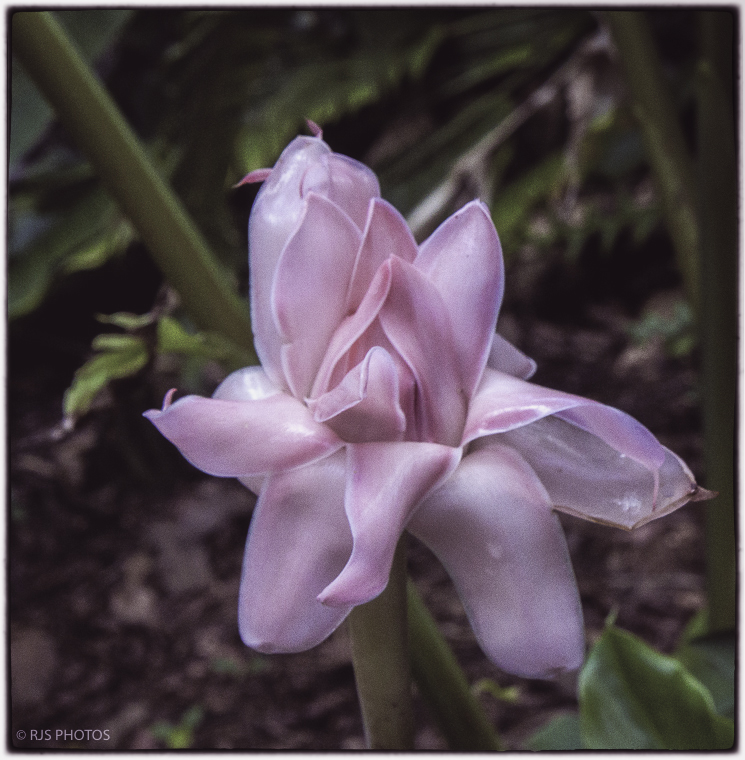
Lovely image of a pink flower. Is it possible, Randy, this is an Amaryllis? It's the thick stem that is throwing me off for it to be in the lily family. A lily stem is smaller, I think, but I am not a gardener, so someone let me know.
I love the challenge of helping you with some ideas on how to edit your beautiful bloomer. I love the soft pink color and how you placed the flower in the lower third of the frame.
I agree with Lisa to blur some of the backgrounds. For me, it's the chaos in the environment that is competing with this pretty little bloom.
In my example, I edited a copy in Nik Color Efex Pro 4 first to add a tiny black pin dot border, then a white border on edge; I like the feel it gives the image (but the tiny preview photo makes it hard to see). Then I did basic editing in Lightroom and Photoshop. I tried to make the background softer, but it wasn't working. Because I was working with a small Jpeg, I was limited as to how far I could take an edit.
Finally, in Photoshop, I used an adjustment layer called: Color Look Up - Soft Warming 3D Lut File. I have never used these before, but I like what they have to offer. I think what has emerged is an evenness to the tones that allow the pink bud to stand out clearly as the subject and the background to quietly recede but not to disappear.
I look forward to hearing your comments.
Best regards,
LuAnn
|
Apr 5th |
 |
| 3 |
Apr 20 |
Reply |
Thanks for visiting Group 3, Tom, and for your comments!
LuAnn |
Apr 4th |
| 3 |
Apr 20 |
Reply |
Thanks for your comments, Lisa!
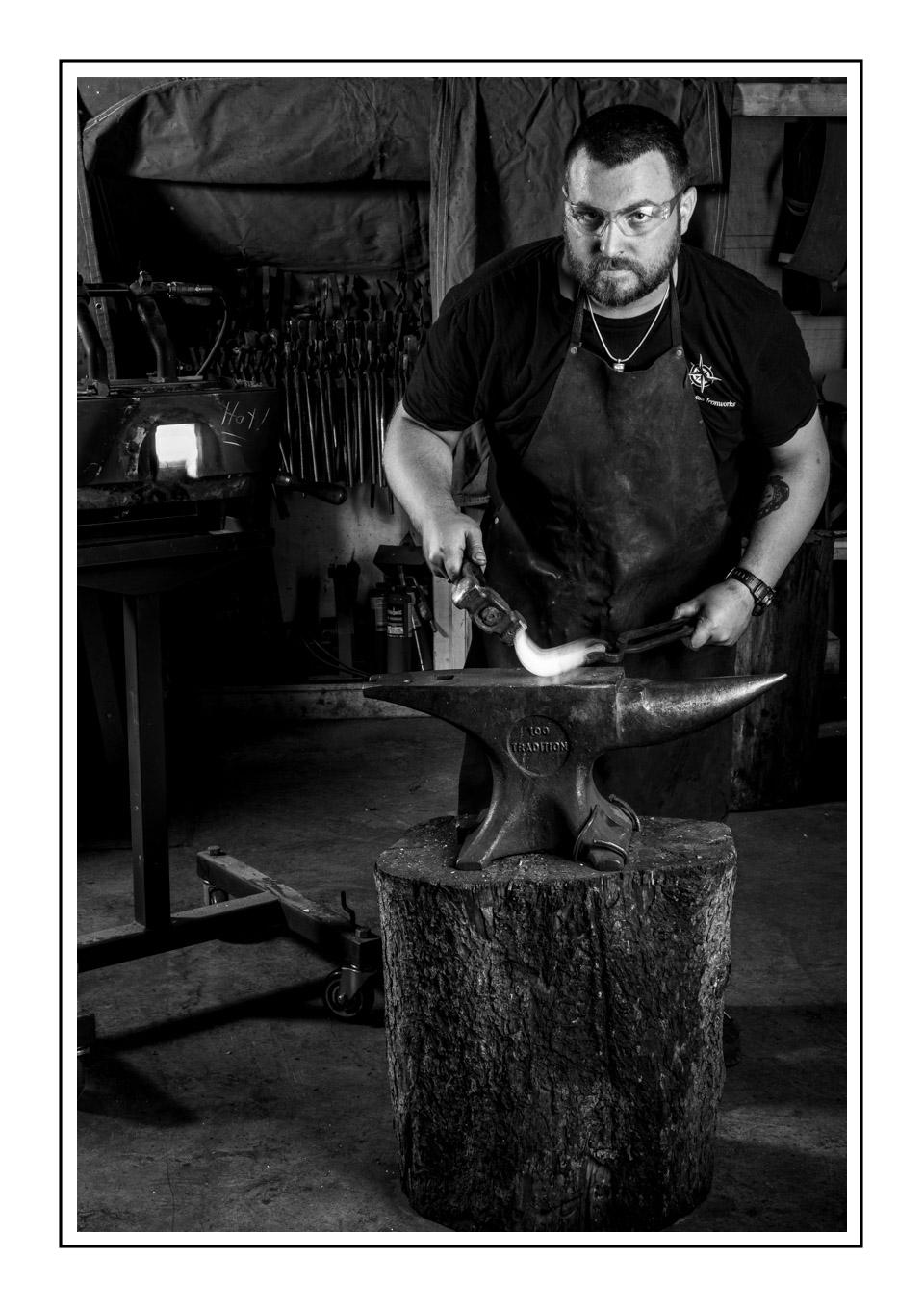
Back then when I took this image I only used Lightroom. I went back and checked my settings. I used 2 graduated filters in the upper right and left corners to direct the light. I also used 2 radial circles on his face and chin areas to direct the light and open shadows on his face. It was the setting light that I was trying to use the most.
LuAnn |
Apr 3rd |
8 comments - 23 replies for Group 3
|
| 62 |
Apr 20 |
Reply |
Israel, I will most definitely check your links out thanks for sharing.
You can find my macro work at:
Instagram: https://www.instagram.com/luann_thatcher_photography/
Facebook: https://www.facebook.com/luann.thatcher
Website: https://www.luannthatcherphotography.com
Talk to you soon,
LuAnn |
Apr 23rd |
| 62 |
Apr 20 |
Comment |
Hello, Israel, just thought I would stop by and see the added comments on your photo.
Do you post your macro images online or share them on social media? That is a great idea and I have been doing the same myself. My macro's though I have taken inside and I have been posting on Instagram and Facebook. I am anxious to get out. You have a great idea to go out early in the day when there are fewer people for obvious reasons.
I hope your macro work is turning out to your liking, and I wish you a wonderful spring!
LuAnn |
Apr 23rd |
| 62 |
Apr 20 |
Comment |
Bob, I hope you are well. You received excellent comments on this great image. What do you think?
I hope your spring where you are is as nice as mine. The warm temps here (50's) are calling me to take my camera outside. I wish you a wonderful spring, my friend!
LuAnn |
Apr 23rd |
| 62 |
Apr 20 |
Comment |
So, Gary, will you be going back to this scene this spring to see how it has changed since you captured this image last? Or maybe wait till summer?
I hope you are having a great spring. The sun is out here, my husband just took off in his shorts to bike with a friend, so I am thinking about taking my film camera out and seeing what I can find.
Have a wonderful spring, my friend.
LuAnn |
Apr 23rd |
| 62 |
Apr 20 |
Comment |
Hello, Oliver, I hope you're well.
I am curious what you think about what the gentlemen of the group have said of your image.
It has been a wonderful 2 days here in Minnesota. I walked a few miles yesterday on a new nature trail next to a river. Just looking for potential shots when the neighborhood greens up a bit. How about you? Are you scoping out something new to photograph?
Have a great spring!
LuAnn |
Apr 23rd |
| 62 |
Apr 20 |
Reply |
Thank you kindly,Gary! I appreciate all of your advise. I do have another shot of the Errant Voyageur canoe shot. I took 1500 images that day. It was 3 years ago and I'm just getting to those images LOL.
Stay safe, my friend.
LuAnn |
Apr 11th |
| 62 |
Apr 20 |
Reply |
Lovely photo, Israel! All this editing we talk about is very subjective. You have several options now. You ultimately have to choose what's catches your fancy and that is all good. Enjoy your beautiful image!!
Best regards
LuAnn |
Apr 11th |
| 62 |
Apr 20 |
Reply |
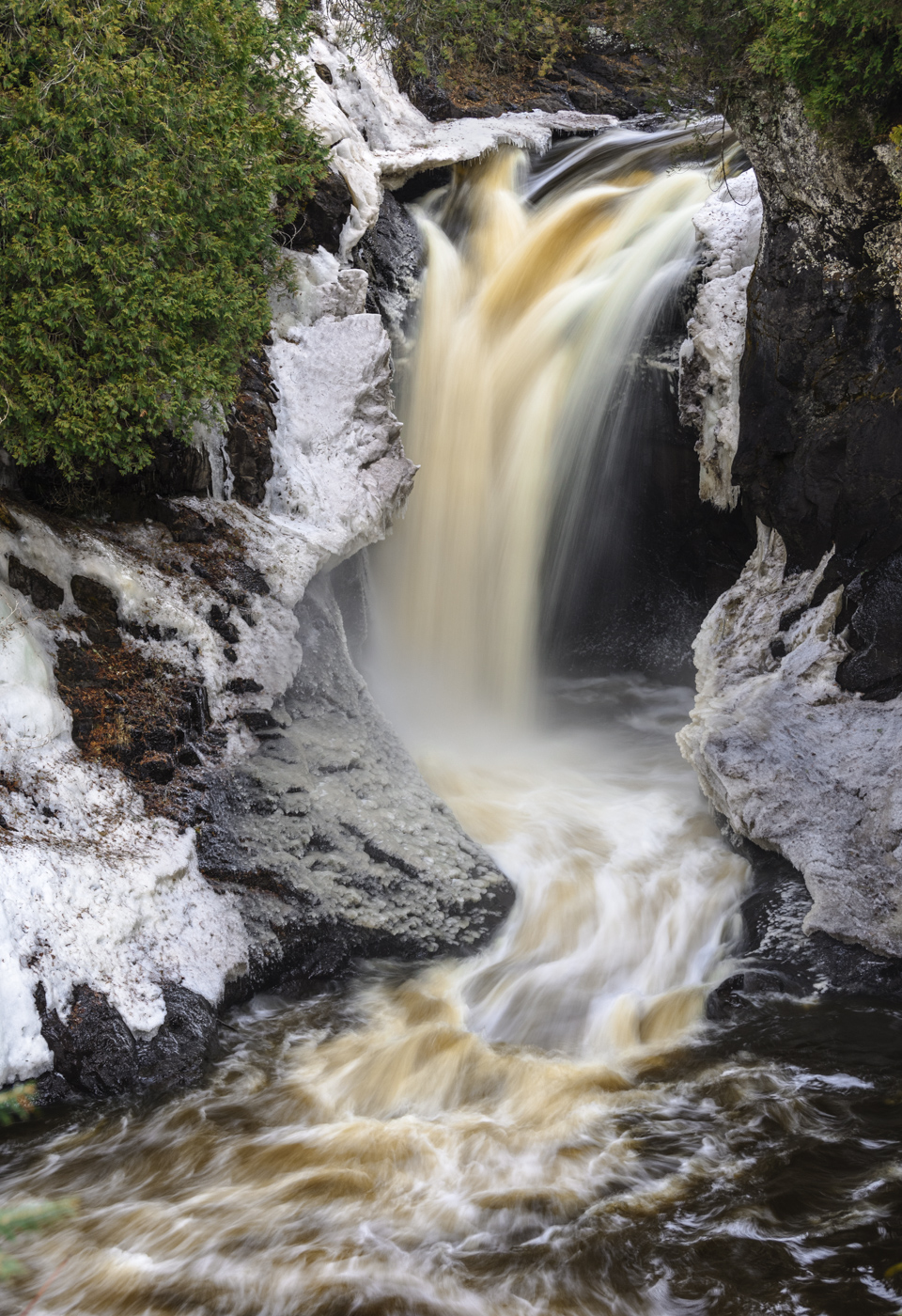
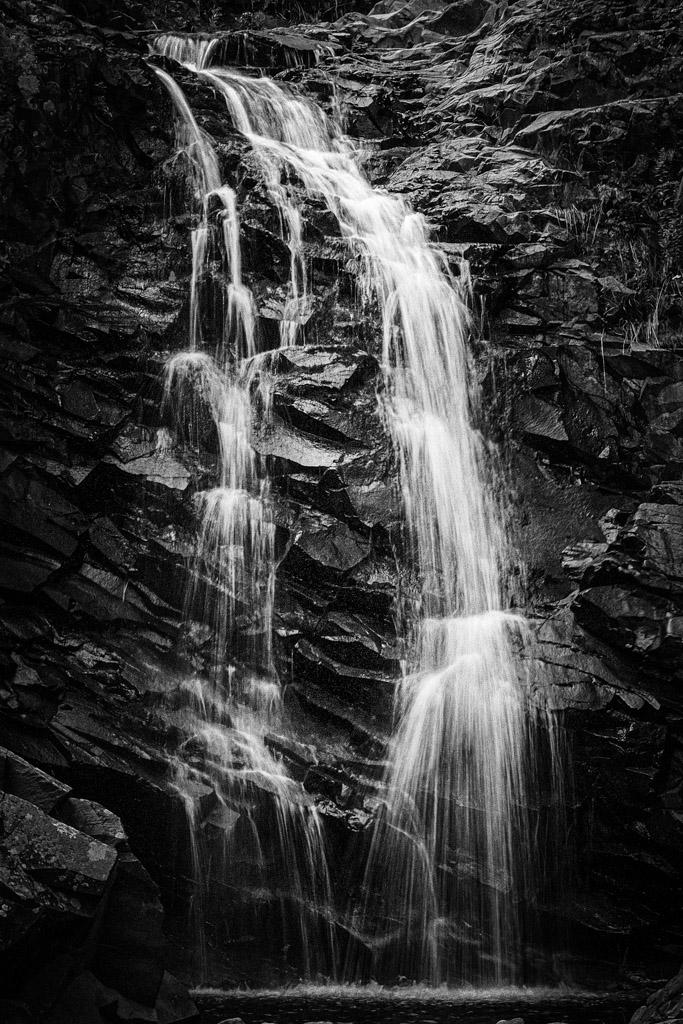
Thank you, Bob, for the helpful critique! I did go and change the bottom of the waterfall to add some light in Capture One Pro 20; that was a great idea.
I am not a waterfall photographer. I prefer, when its available, street photography. I do not live near water, so that is most of the problem -- access. But I like the things you pointed out in your critique, Bob. Your words have inspired me to look at waterfalls differently in the future.
I didn't shoot this image as a vertical because I didn't think of it. The group of photographers I was with was supposed to look at waterfalls differently. We were also supposed to use different shutter speed settings then for a traditional waterfall photo. The expectation was to come away with a shot that was different more of a macro style image with different shutter speeds.
I chose the dark shadows of the rock areas because it brings drama into an image. I think the dark shadows that are mostly in the bottom third of the frame also contribute to the story that this waterfall was in a remote, dark setting. If I brought up the shadows, that information would not be available to the viewer. Telling the story is a critical element in my photography.
I am so glad we got to have this sharing of ideas with regard to this image, Bob. Let's be sure to do this again, ok?
Best regards,
LuAnn
|
Apr 10th |
| 62 |
Apr 20 |
Reply |
Thanks, Gary. I wish you well too. Such tough times the world is living through.
LuAnn |
Apr 6th |
| 62 |
Apr 20 |
Comment |
Hello Israel,
Wow, this is a switch for you from environmental portraits to macro! You have done an excellent job, Israel, with this transition. I like the softness of your image because I believe a snail and softness go together for some reason. I also love the creaminess of the bokeh background.
My suggestion to enhance your image is to try a different crop. The very tip of the leaf is cut off, giving some viewers the opinion that there is not enough room on the top of the frame. With that said, have you considered a new crop and only including 3 of the top snails? Something to consider.
I hope I have been helpful.
Best regards,
LuAnn |
Apr 6th |
| 62 |
Apr 20 |
Comment |
Hello Bob,
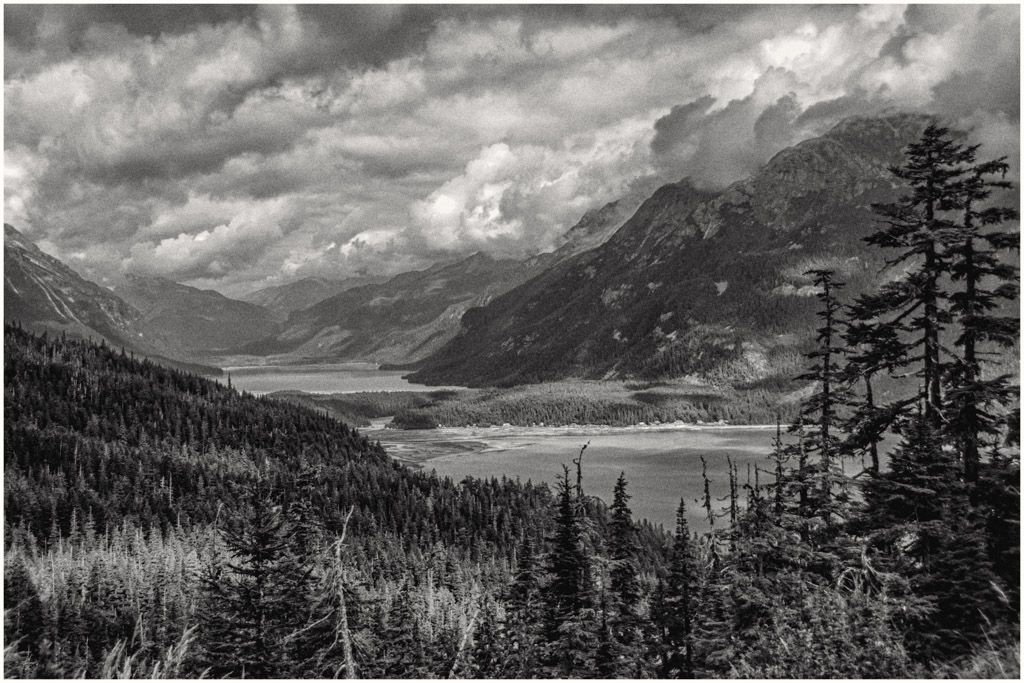
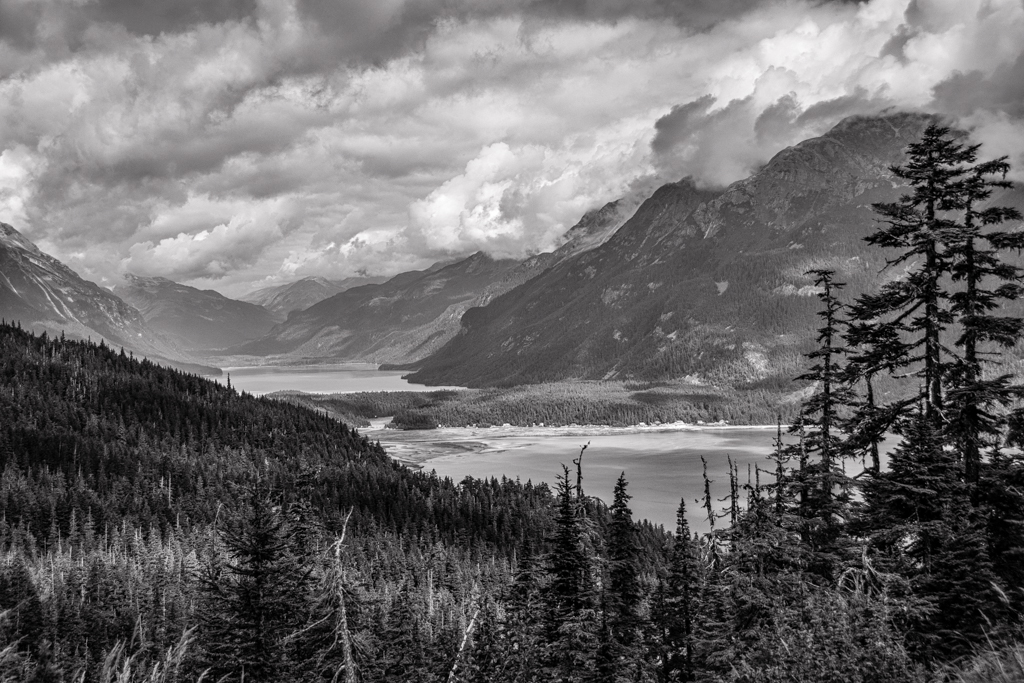
You have a very nice image in remembrance of Alaska's great wilderness here with very minimal elements. Minimal is what many photographers strive for when they capture a landscape but often times find it very difficult to do.
I like how you processed the image. You have a balance of light in the trees from those in the sun to those darker in color along with some shade. I also see a foreground, middle ground, and background so you have depth in the image. I also see some blowing snow at the peak level of the mountains, perhaps, and details in the snow on the slopes. I do like the composition and how the mountain peaks are in the center of the upper thirds of the frame.
A couple of suggestions include: to check your horizon line and make sure it is straight --for some reason I feel a little tipping down on the right. Lastly, make sure your vignette doesn't encroach on the mountain top too closely -- Ansel Adams, I believe, said a vignette should only be felt and not seen.
Bravo, my friend, job well done!
Best regards,
LuAnn |
Apr 6th |
| 62 |
Apr 20 |
Comment |
Hello Gary,
I agree with Oliver, a beautiful image!! I love the story, and I am glad you had your priorities in order :-) -- you made your mama proud (LOL).
Your subject is the whole image with just the right amount of elements to tell this story.
The only thing I would like to see you adjust is the balance between the brightness in the sky and the brightness on the flatbed. I would add a little more light to the flatbed and less in the cloud in the center. I say this because my eye wants to go right to that bright spot in the sky, and I believe it needs to be on the flatbed.
I hope this helps.
Best regards,
LuAnn |
Apr 6th |
| 62 |
Apr 20 |
Comment |
Hello Oliver, I hope you are doing well!
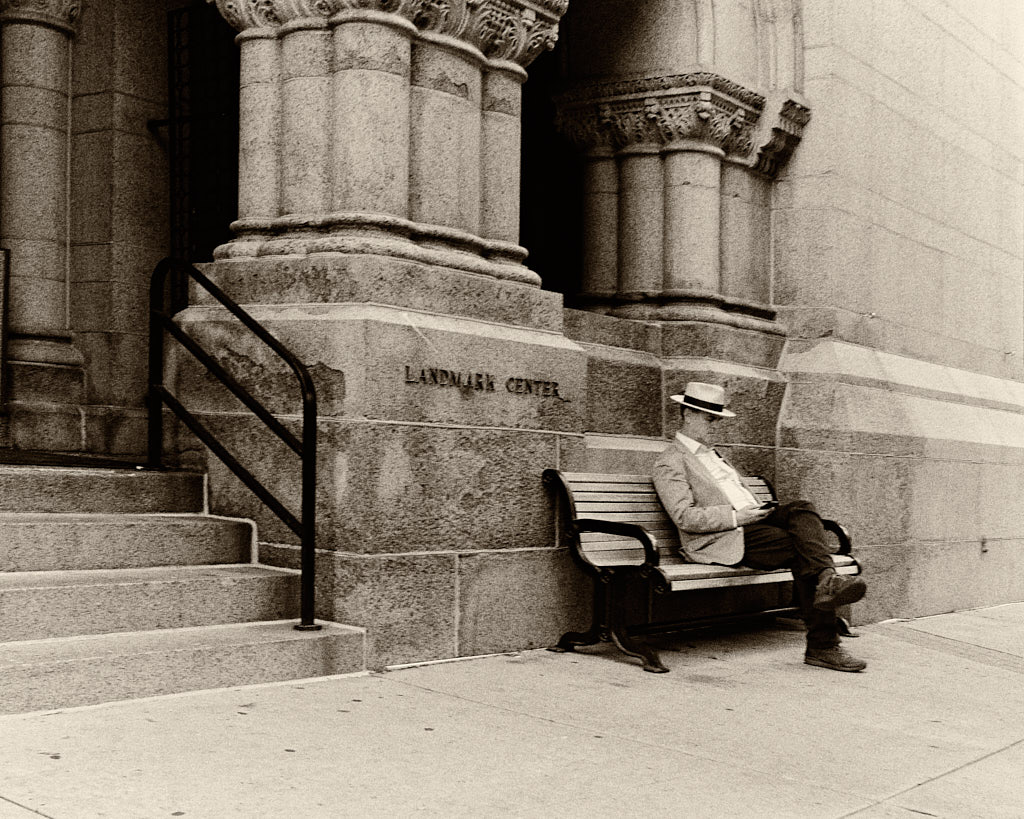
You have a classic winter scene in this image with snow and a park bench. I like how you placed the bench on the rule of thirds, and your subject is in the light. There is some foliage alongside and what feels like a path venturing off in the upper right corner. I sense a story of no one sitting on it-in anticipation for what should be, maybe, or hoping for spring to arrive soon.
My thoughts are with the angle of view and the sharpening. I see an uneven viewing angle on the top of the bench seat where my eye goes sort of into the foliage. I don't have a view of what one would see if sitting on the bench. The viewer may ask, is there a river in the distance? Or maybe a church? I don't know because it is not in the photo. How about looking down the other end of the bench, what would you have seen from that angle?
Next, I sense high sharpening of the overall image. I don't think strong sharpening in the midday sun is necessary because, to me, it leans towards unnatural snowflake texture. May I recommend taking your sharpening to where you like it then back off some.
I hope this was helpful to you.
Best regards,
LuAnn
|
Apr 6th |
| 62 |
Apr 20 |
Reply |
Excellent ideas, Oliver! I will make those updates.
Thank you,
LuAnn |
Apr 5th |
8 comments - 6 replies for Group 62
|
16 comments - 29 replies Total
|