|
| Group |
Round |
C/R |
Comment |
Date |
Image |
| 62 |
Feb 20 |
Reply |
Bob,
What version of Aurora are you using?
I would love to sit down with you and help you but unfortunately, we have to sit at our computers and chat.
I personally have not used Aurora software though I think many of these software programs are really close in what they offer. Perhaps our fearless leader, Oliver, has and can interject some thoughts.
Here is a link to a video I just pulled up using Aurora HDR 2018 with the tone curve and dodge and burn features. Perhaps this will help. Let me know.
Basically, when you use Nik software to add effects to your images just be careful you don't add too much effect at one time too fast. It is the "global" edits that can really get away from us when we use them.
So easy does it incrementally add the effect. Then step away from your computer giving your eyes a rest to see if the effect is too much or if the effect covers too much of the image when it should affect just a certain area. This really helps me.
https://www.youtube.com/watch?v=npu1XAf1MHQ
Best regards,
LuAnn |
Feb 15th |
| 62 |
Feb 20 |
Comment |
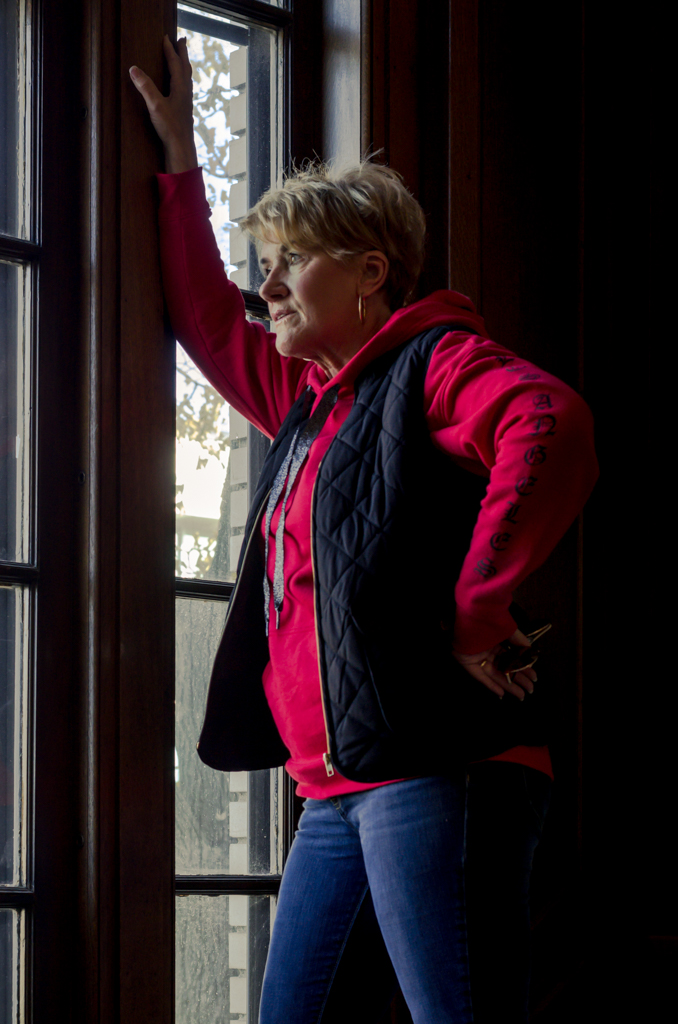
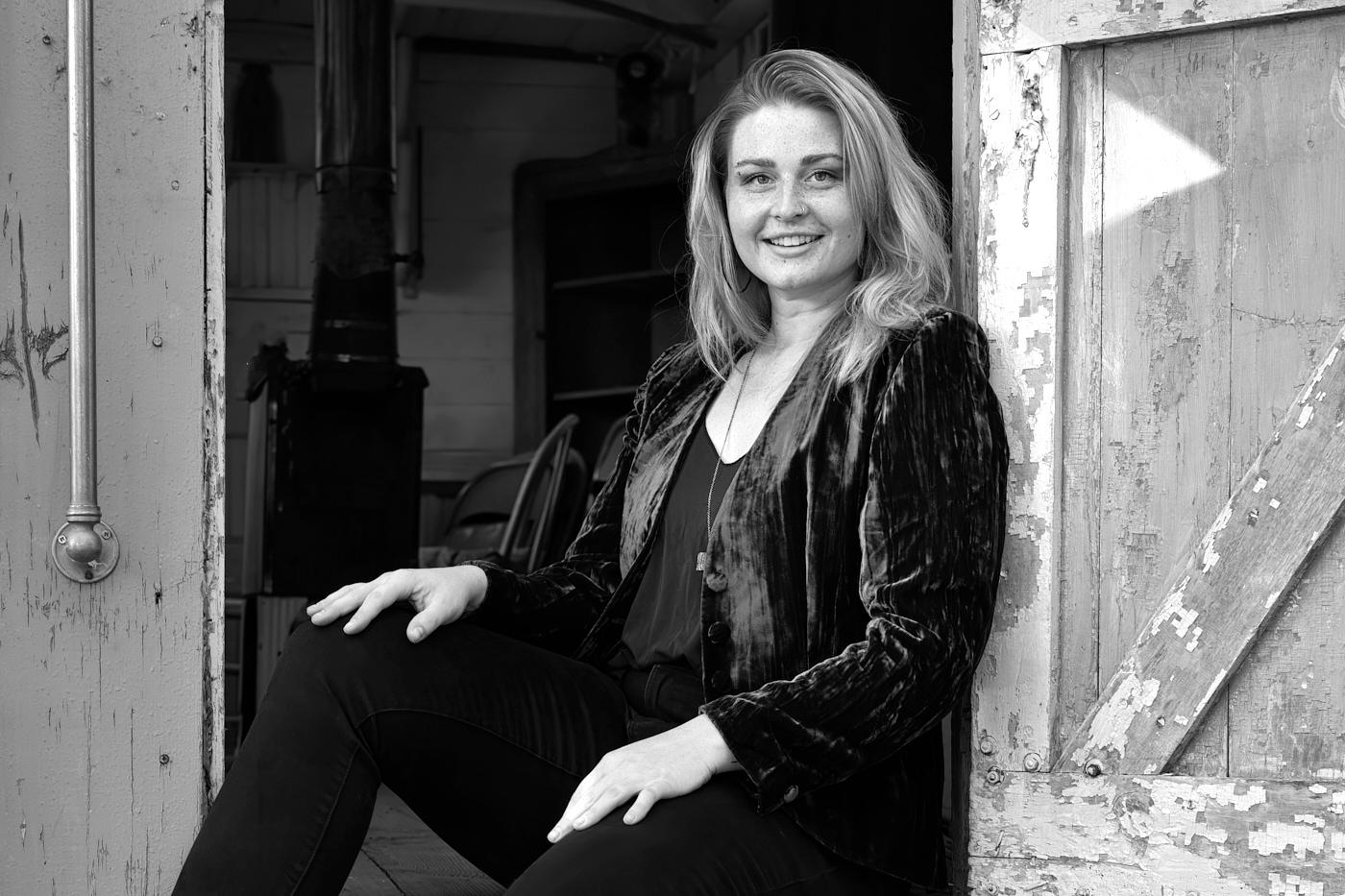
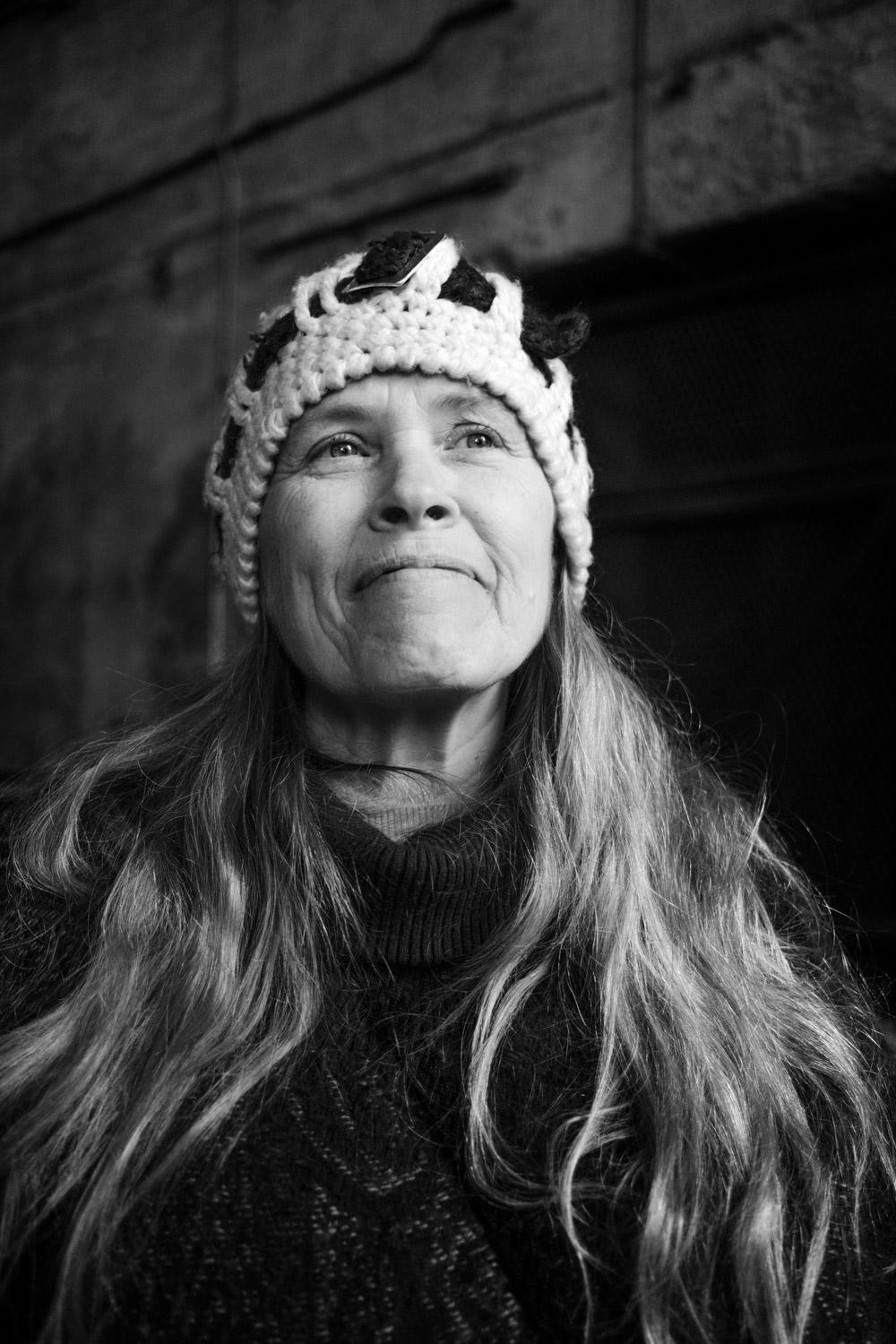
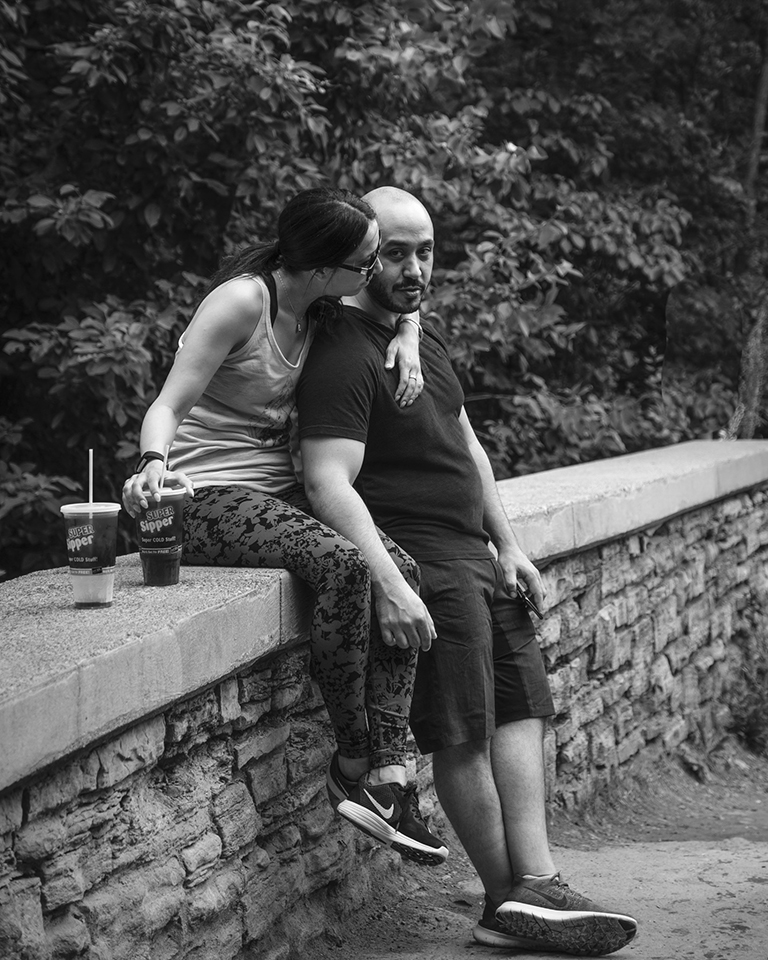
Beautiful lady, Israel, lovely portrait my friend.
I agree with Gary's suggestions. I also like the way and reason for his crop. The only thing I would add is a 2pt hairline border in LR of white around the frame to set the image off.
Nice work, Israel
Best regards,
LuAnn |
Feb 13th |
| 62 |
Feb 20 |
Comment |
Hello Bob,
What a lucky fellow to have taken this shot in Belgium; such a beautiful country.
There is a lot of detail in this image from cobblestones to architecture and you have captured it well with the narrow aperture of f/11. You mentioned the buggy came in quick behind you but I really don't mind that you see a little motion in its movement down the cobblestone road. I actually like to see a slight blur in the left rear wheel.
The only thing I really struggle with is the HDR effect it is just too much for me. I love historic cities and all the details one finds in them (cobblestone road, detail in the building on the right, etc.) but with this effect on the entire scene, I just find it is too much for my eyes to settle anywhere.
My first glance at the photo I initially look at the back of the buggy but then my eyes draw me to the brightness on the cobblestones, then to the brightness on the building on the right, and then zoom up to the bright spot on the building on the left, and then quickly to the clouds. With a beautiful scene like this, I want to be able to stop and ponder what I see and enjoy the scene but with this effect so heavy I am torn away in multiple directions. As a viewer, I don't see towns like this in the United States, especially where I live so I would like time to stop and ponder here for a while.
I suggest some dodging and burning would help your image. I would like to see more dimension in the details of the buildings. When I scroll up on my window and quickly look at the image I see a lot of brightness that could be shaped and formed into areas of rest for the eyes with some needed dodging. If I may suggest checking out Terry Redlin's images you might find inspiration and understand clearly what I am trying to say. Mold and shape the light for the viewer to have a specific path to navigate through your image. Another German artist I follow who does amazing work with dodging and burning in LR and B&W is Yuri Fine Art.com. Check out his YouTube videos and see him make amazing photos in just 10 minutes time.
I hope this helps, Bob.
Best regards,
LuAnn
|
Feb 13th |
| 62 |
Feb 20 |
Comment |
Hi Gary,
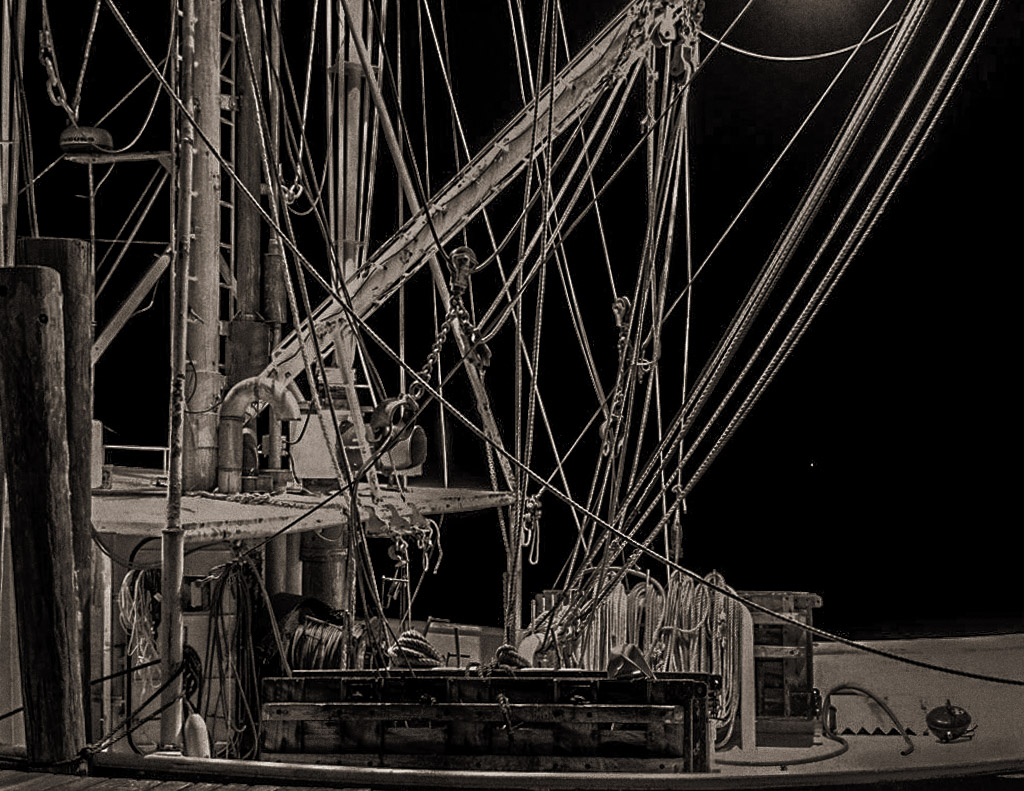
You are an inspiration for me to get going on taking film shots with my film camera. I think you picked yourself a fine project with this fishing boat.
It is apparent that there is a lot of detail in manning a fishing boat; all those cables are important to this fisherman. I like the point of view you chose by narrowing your focus directly at the heart of the matter. I also like that you have a light peaking ever so lightly in the upper part of the frame. I think in this image the entire scene is important as opposed to having a predominant subject and this is acceptable.
In my opinion, I think the only challenge is with balancing the light. I took the image into LR and did some basic adjustments (auto balance, highlight and shadow adjustment, and selected Zeiss camera in lens correction), then into Nik Silver Efex and applied a soft sepia because it was the one option that spoke to me knowing this was your image.
What I would suggest you try are some dodging and burning. Pick an area of the boat you want to emphasize; darken what you don't want to stand out and lighten an area you want or see having the most interest to you. Do this with the adjustment brush and do it with a very fine brush because the cables are so small.
In the end, you are the artist and the choice is yours what the subject area should be. In my quick image example, I darkened the posts and cables that appeared in shadow making them a little darker. Then I lightened the cables in a different area to give some emphasis to them. This is a very personal stylizing with lots of fun when you see dimension build in your image as you do this.
I hope this helps, Gary. Looking forward to your next image!
Best regards,
LuAnn
|
Feb 13th |
 |
| 62 |
Feb 20 |
Comment |
Hi Julie!
I love having a portrait photographer in our group, love your entries!
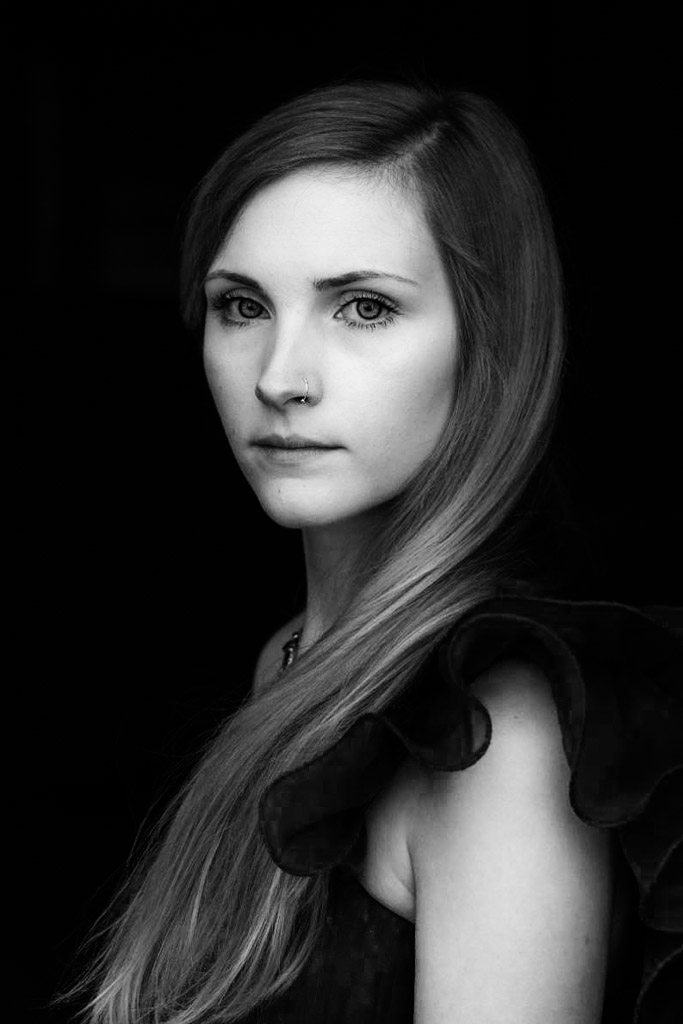
I like your models pose, you positioned her at a good angle. I see ample room on the left so Gemma looks comfortable in the frame. I like having her hair over her left shoulder because the highlights bring a nice tone to an overall dark image, along with giving my eye a path to her face. I also like the ruffle of her sleeve as it helps tell a story of elegance. I can't help but wonder when looking at Gemma if she is going to a ball or a very special and beautiful event.
The first thing I notice when I look at the image is her eyes but then my eye jumps to the brightness of her forehead which to me doesn't have those faint details I see in the original photo. In my opinion, I think the image is also too contrasty for a portrait of a beautiful woman.
So with that said, my suggestion is to work with the highlights and midtones to bring some depth and dimension to the image. You have a black background, her hair brings the midtone range to the image and then with the light on her face and arm you would have a third level of dimension.
If you notice in your image Gemma's face, arm and hair seem to be in the same tonal range. I believe adjusting these three areas will bring the needed dimensionality to this photograph.
I submitted a quick sample I hope shows what I am trying to describe. Notice that her right shoulder is darker because it is in the background. Her face is a little brighter than her arm, and her hair (with some dodging and burning) also appears at a different level of tonality. I believe the crop can go either way; my version shows more of her arm which I like. I think seeing a thin upper arm contributes to the story of a beautiful woman going to a ball in a beautiful dress.
I hope this is helpful.
Best regards,
LuAnn Thatcher
|
Feb 13th |
 |
| 62 |
Feb 20 |
Comment |
Thank you, everyone, for your very kind words!
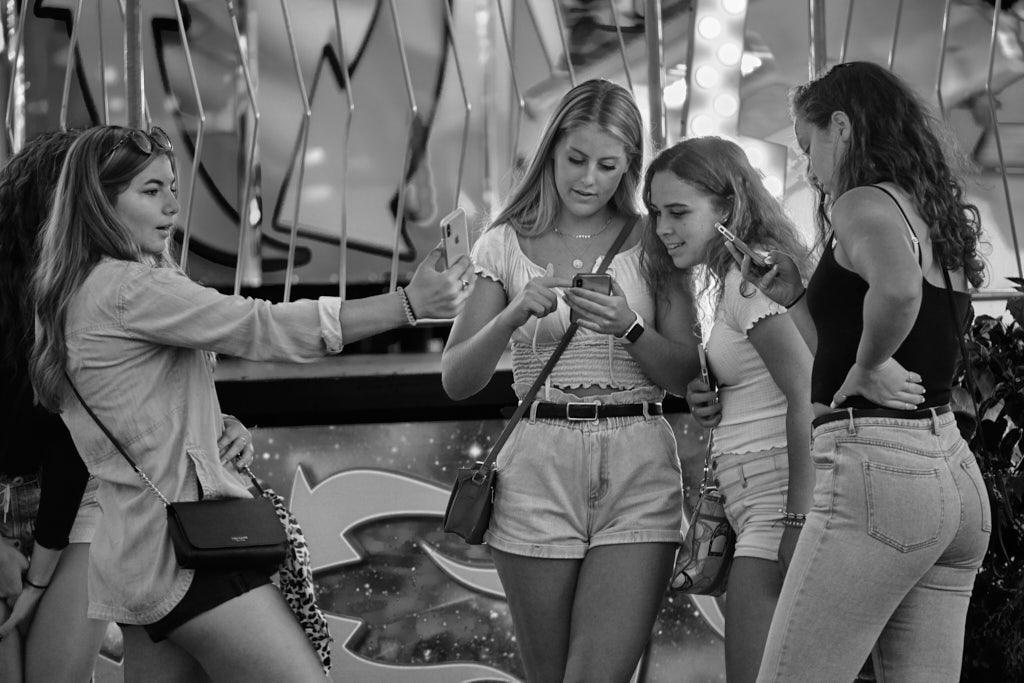
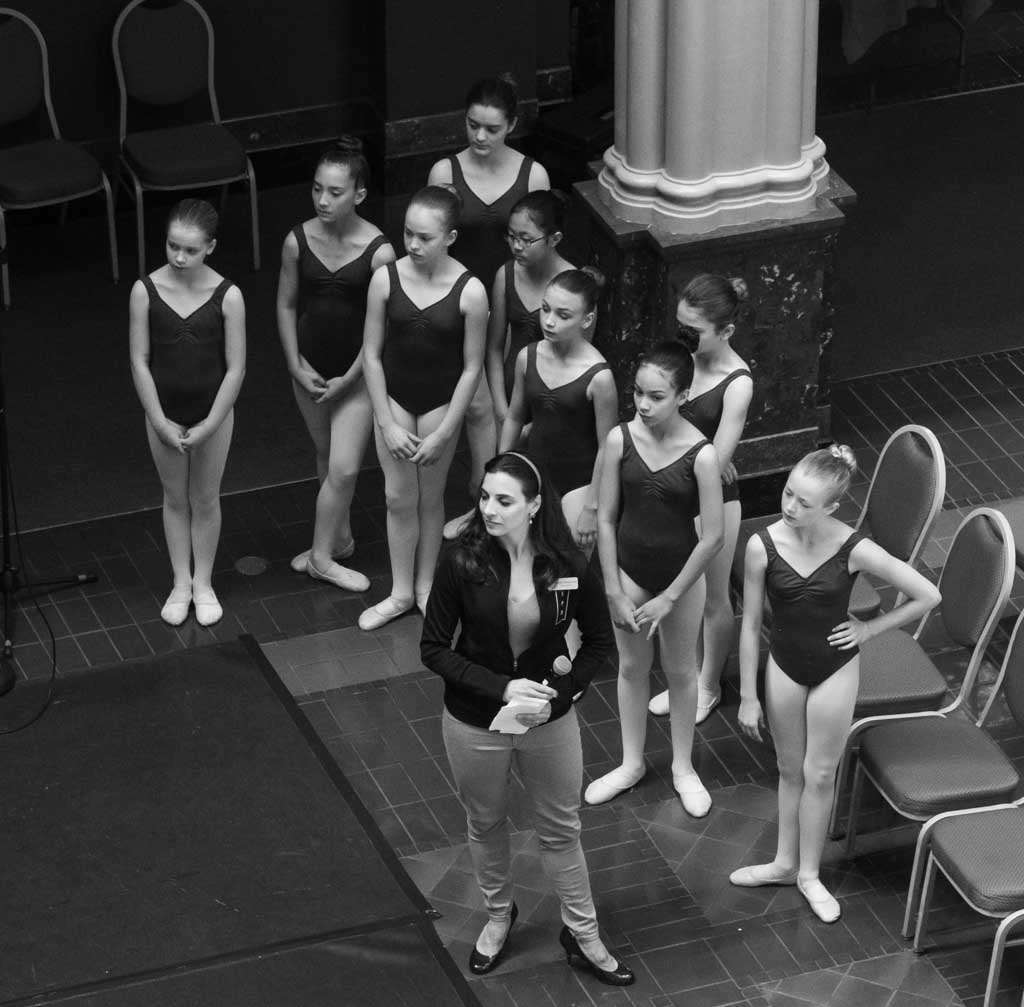
I had so much fun photographing the state fair last year I really have to go back again and do this more. It was an elusive moment capturing these young ladies. I had no idea at the time the photo would come out. But it was taken just before the sun went down which gave the image a good light to work with.
Best regards,
LuAnn |
Feb 13th |
| 62 |
Feb 20 |
Comment |
Hello Oliver!
This is an amazing image you have here my friend. A dynamic photograph with just the right amount of elements to tell this man's story. I find you have good technical qualities with sharp focus, good depth of field, and exposure. I see this composition holding my eye to study what I am viewing. I love the texture, and raindrops on the umbrellas. This man is enduring inclement weather and yet this is his home. For a stop and shoot photo, I don't know how you could have done any better. Bravo for the elusive moment when you can capture it with just a single shot.
I really enjoy finding photographs that are compelling. If I would have anything to offer to improve your image it would only be to work more on your border. I feel drawn away from the man because my eye is compelled to look deeply at that border. I don't think the border adds anything to the image that is why I suggest working on it. Maybe it is because the image appears sepia in tone but the border edging appears more black and white in tone (cooler) and I think my eye sees them competing with each other. A simple line could be an option.
Bravo, a job well done.
LuAnn
|
Feb 13th |
6 comments - 1 reply for Group 62
|
6 comments - 1 reply Total
|