|
| Group |
Round |
C/R |
Comment |
Date |
Image |
| 15 |
Nov 17 |
Comment |
Thank you Joan, I appreciate your thoughts! |
Nov 26th |
| 15 |
Nov 17 |
Comment |
Thanks you very much George for that helpful tip! I am brand new at this evaluating process with photography so I didn't know that was an option. I have only been in camera club for a few months and did not know that.
Kind regards,
LuAnn |
Nov 15th |
| 15 |
Nov 17 |
Reply |
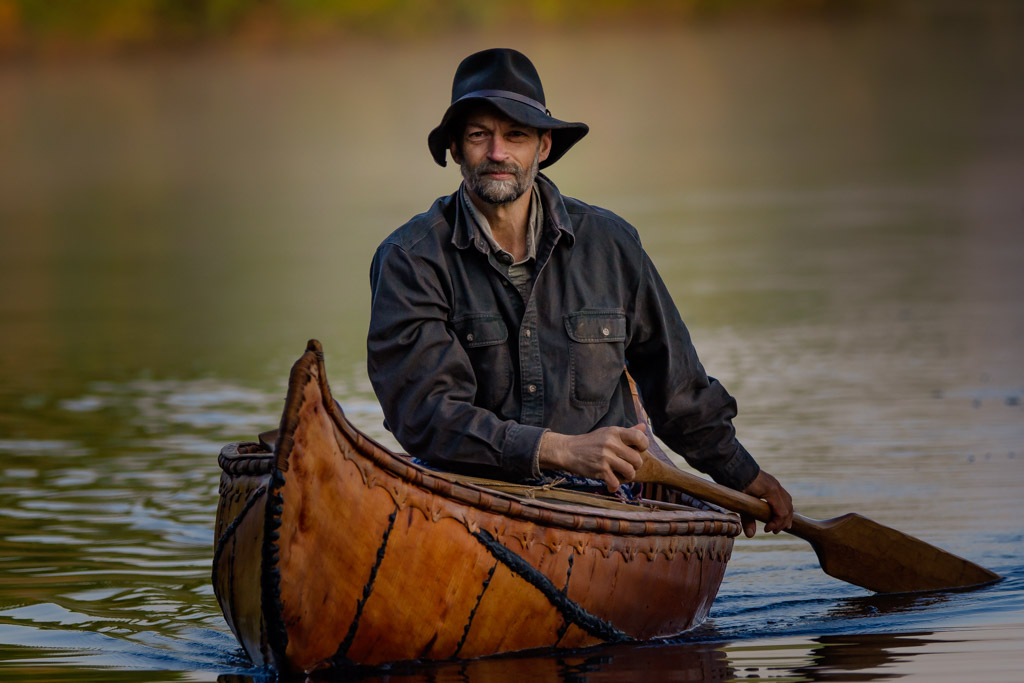
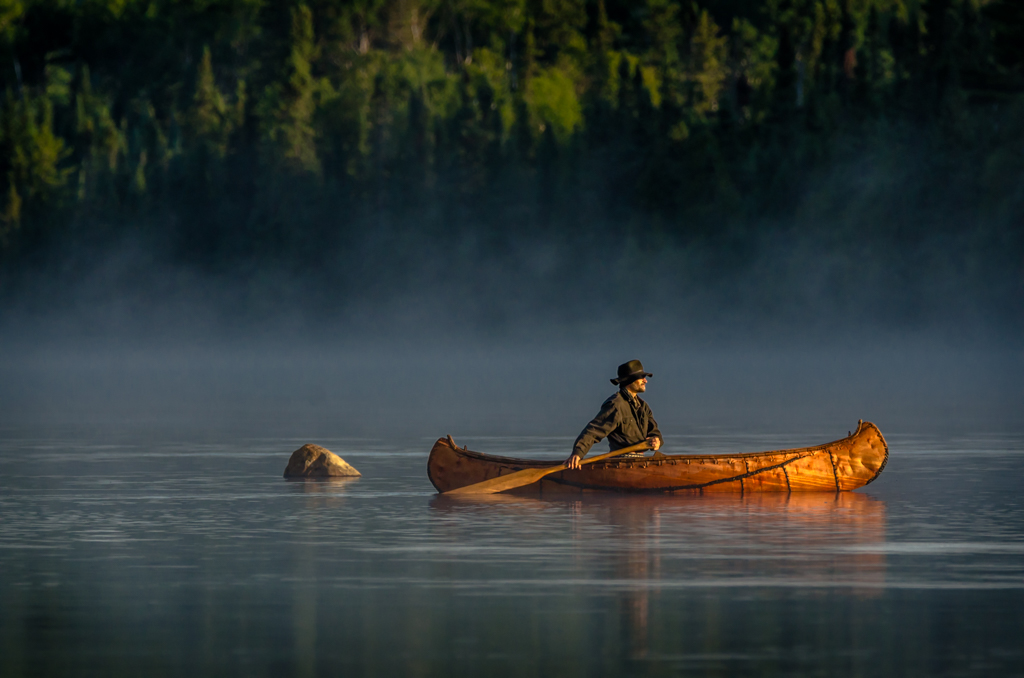
Thank you so much for your comment George I appreciate your thoughts. The idea of the the placement of the canoe was to show the path he traveled and that showed the paddle trail. Something a bit different and maybe too out of the norm for competition.
Thanks
LuAnn |
Nov 13th |
| 15 |
Nov 17 |
Comment |
Hi Rick,
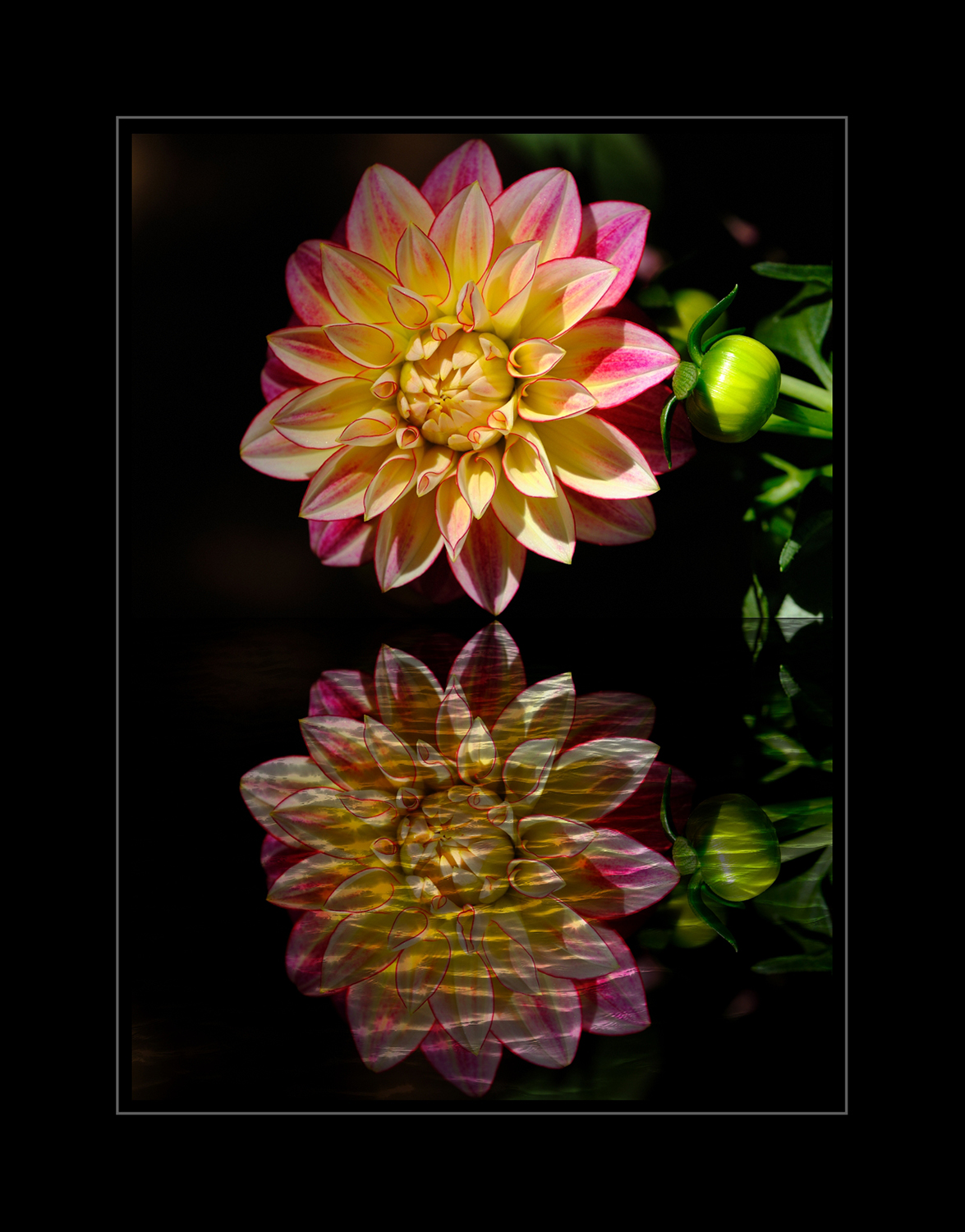
I have not done abstract art in photography but I have seen others work. First off I would not make the flower any brighter. It might be too bright now. I would suggest checking out the color palate you have (brown, baby blue and pinkish red for background against red/orange and yellow of the flower) on the color wheel. I am thinking if you tweaked some of the background colors to blend more with the color of the flower that it might help it be more complimentary and flow together. As an example, try a different color blue that would blend better with the red/orange and yellow of the flower. That baby blue seems to contrast with the flower. The other spiral color, red, appears to be coming off as pink. So an adjustment on that color to balance with the color of the flower would help.
Lastly, try to blend the edges of the flower so it fits better into the background. The black center of the flower is dark but you still have good detail there.
Great job this is very creative! |
Nov 8th |
| 15 |
Nov 17 |
Comment |
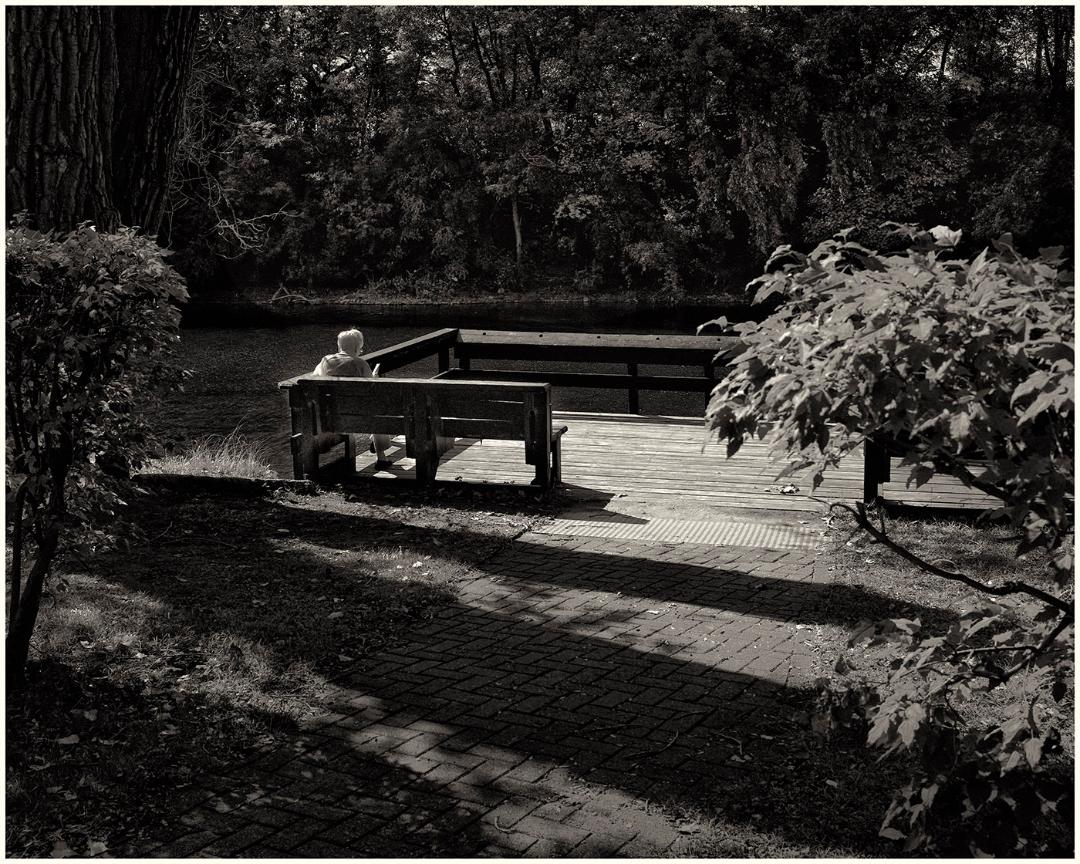
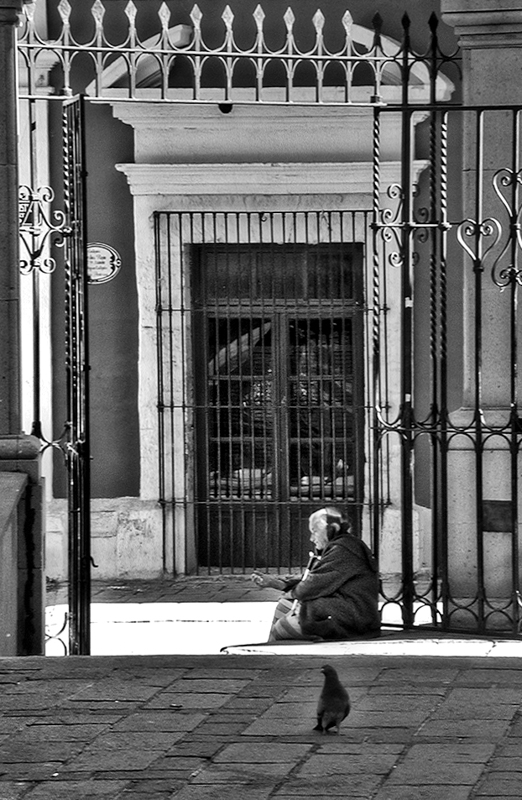
Oh my gosh, George, I am so very sorry to hear about your Vi.
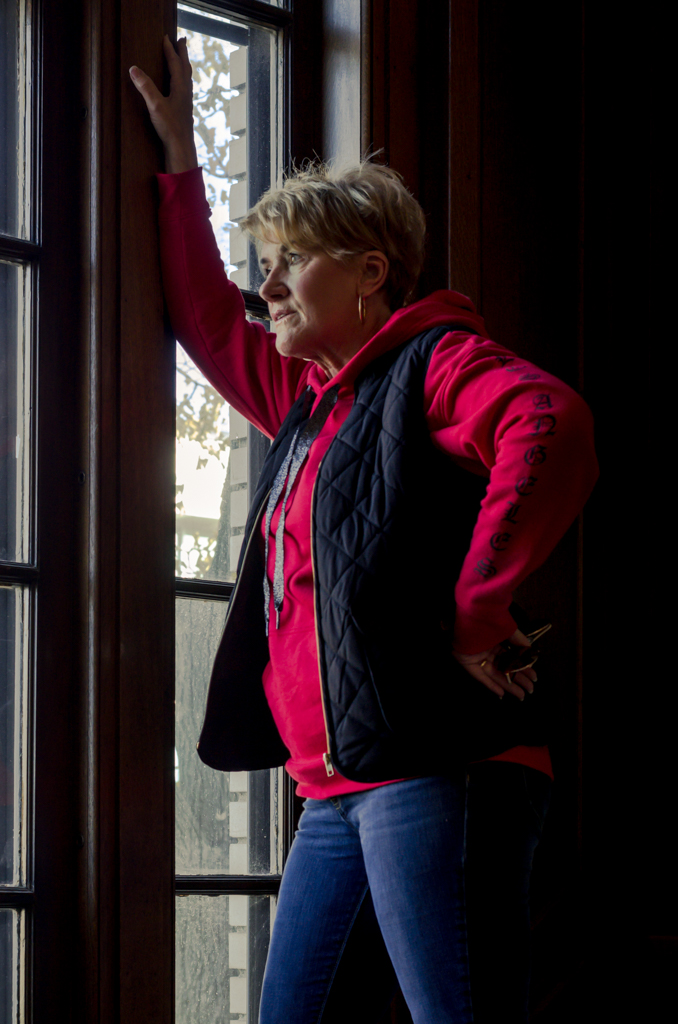
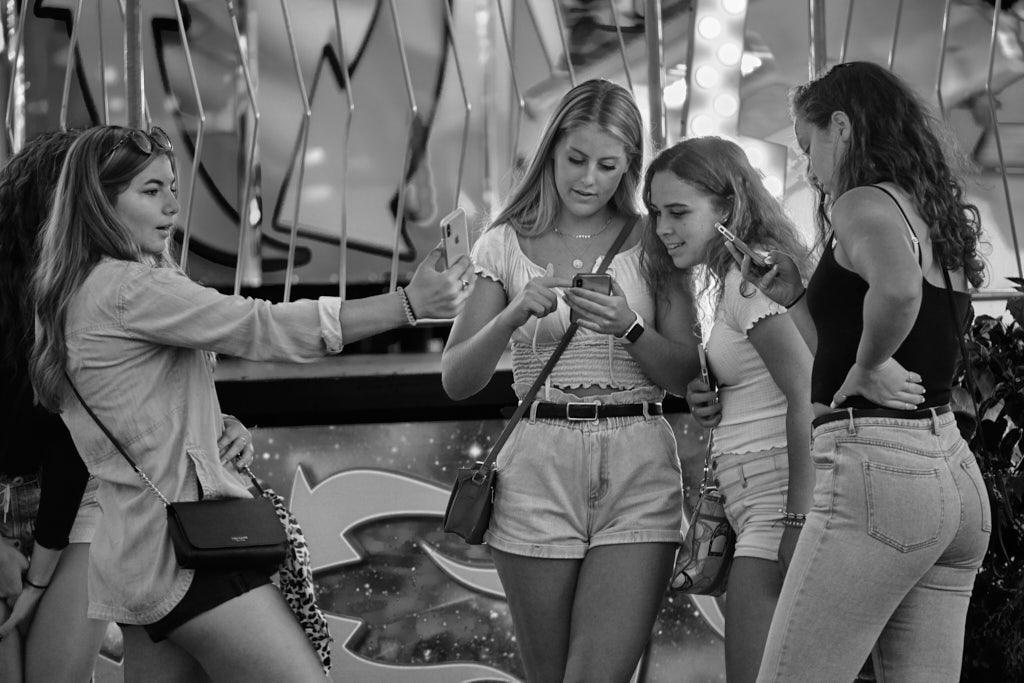
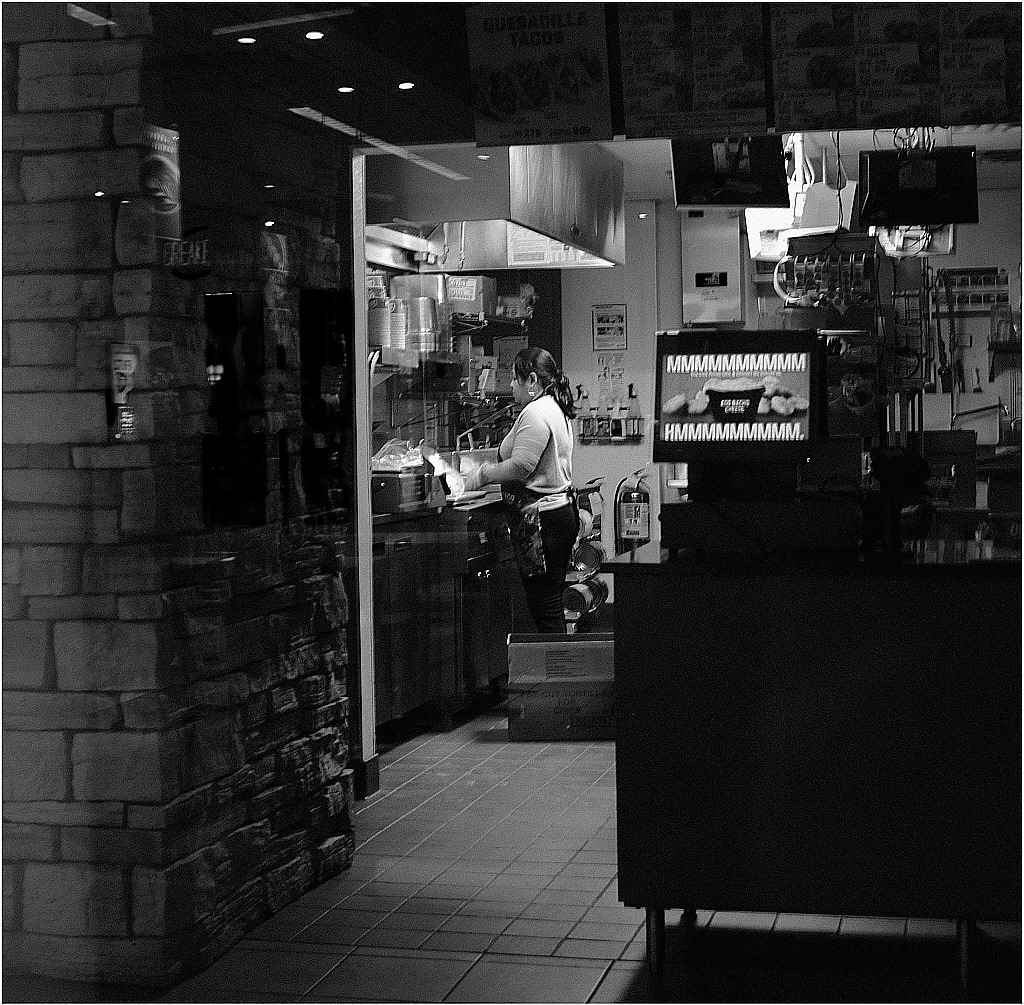
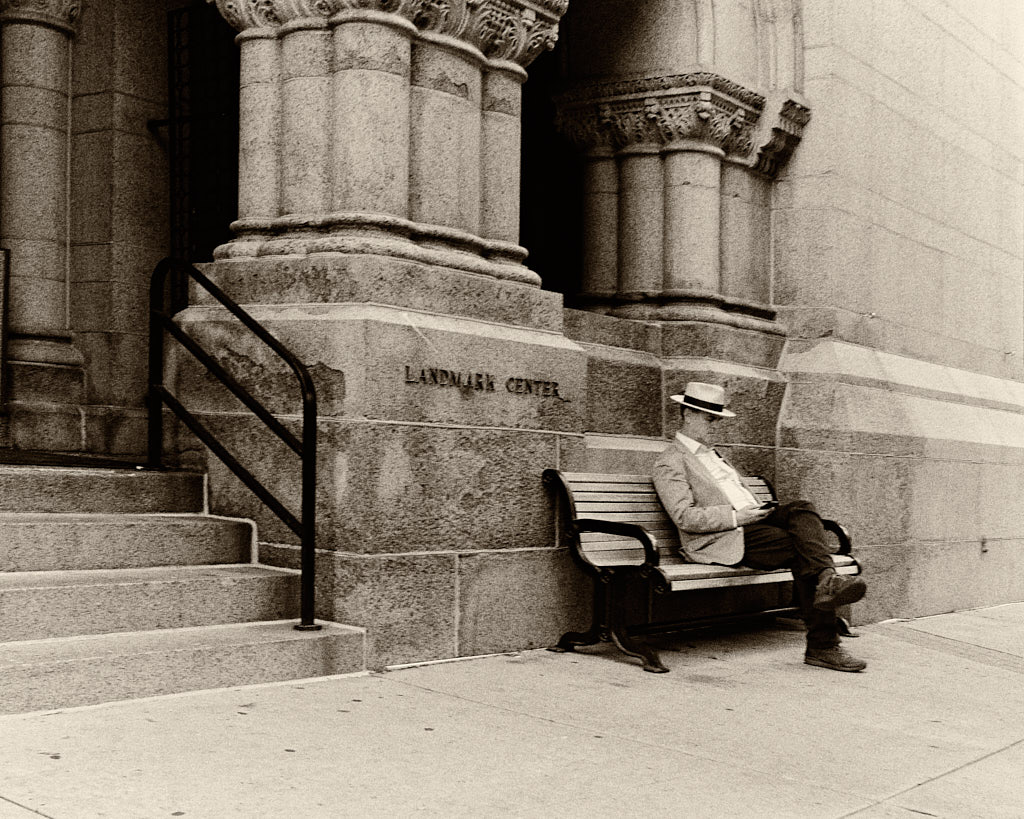
You have a very lovely photo. I wonder what this would look like in black and white? You said you cropped it, the only thing I would ask is if there was more to choose from for the left and right sides. In an effort to balance out the sizing of the two columns if there was more on the left would be nice. Or, here is a suggestion of the cropping idea and I also converted it to black and white just for fun. This cropping puts the lady on the bottom right intersection of the rule of thirds.
Have a blessed day my friend, kindest wishes to your wife.
LuAnn |
Nov 8th |
 |
| 15 |
Nov 17 |
Comment |
Beautiful umbrella's Carmen and bravo for you blending them into one pic! This gives me another idea to add to my bucket list of shots I want to try.
You have a very interesting subject and nice array of colors. Most all are pastel with the one red and one darker blue. I am not clear on which one is the primary subject, but I am guessing the red umbrella as it draws the viewer's eye the most. Do you have the option of positioning the different umbrella's on the photo in PS6? If so, you might want to try to organize the colors so they lead the eye to the strongest one. Right now the red is a tad bit off the edge of photo. You could try aligning them diagonally or horizontally. I have seen it done both ways. In doing that it just calms the chaos and then the eye can follow a path through the photo and know where it is going.
Also, the viewer's eye is drawn to the light. Where is the light on the umbrella's? Maybe balance out the lighting effect with some subtle dodging and burning. Currently the center of the photo is darker than the top, left edge and bottom which have the lighting effect.
Understanding color placement and lighting are two of the toughest things I am working on. It is also the topic the judges seem to talk about in salon's when they critique photography so I have taken notice of what they say.
Hope this helps. What a lucky person you were to see a Japanese festival! They are very beautiful.
Kindest regards,
LuAnn
|
Nov 8th |
| 15 |
Nov 17 |
Comment |
Excellent job Joan I think you about nailed the focus! That is so hard to do.
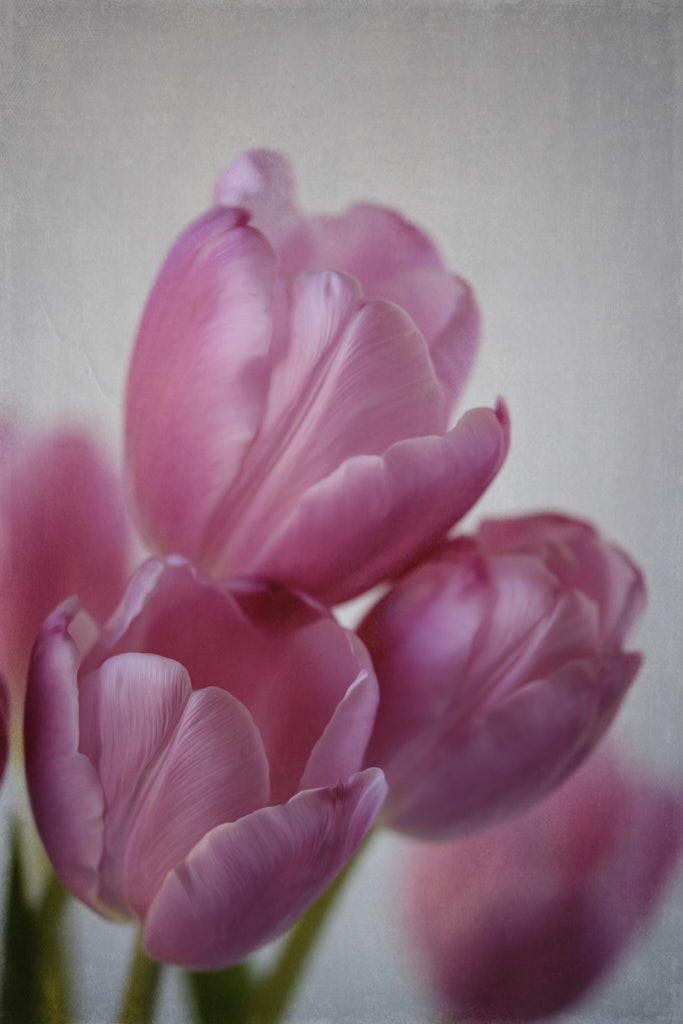
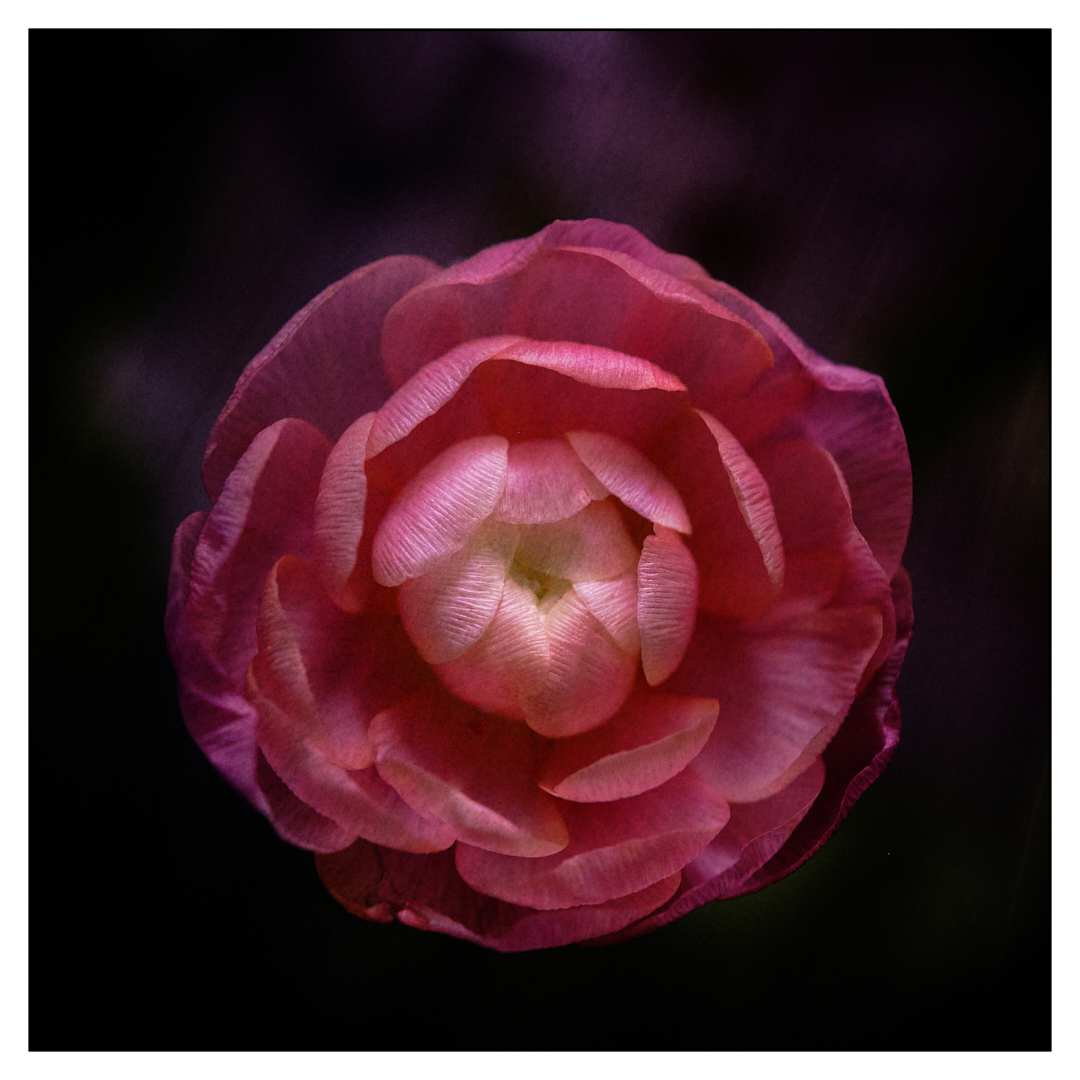
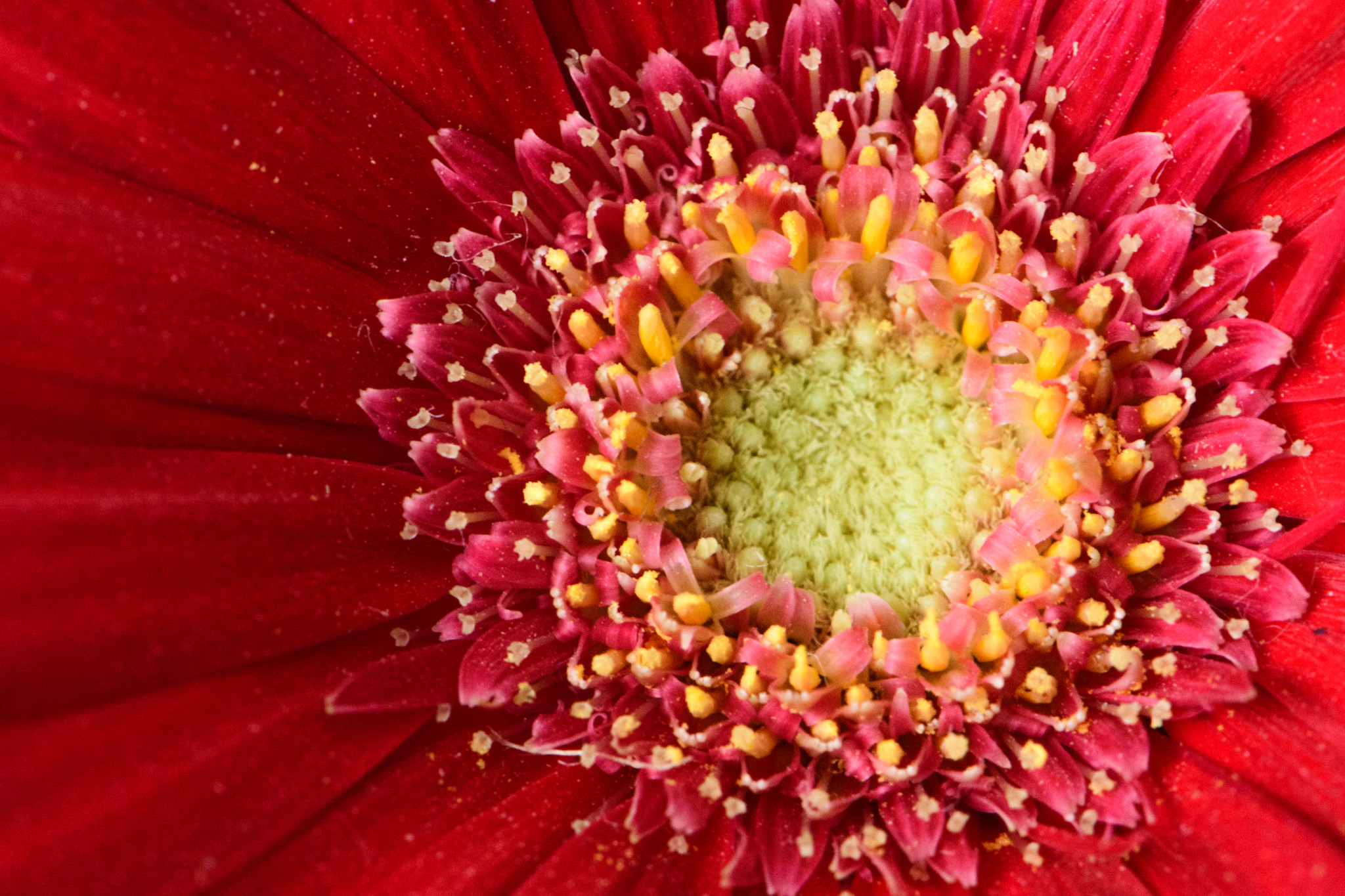
The flower is placed on the sinister diagonal (upper left corner down to lower right) and the stamen follow suit. You have a nice color balance with the grayed blue and pink then the pop of color with the orange stamen. Not sure about including the green leaf. It seems to stand out and grabs the eye and doesn't seem to have a purpose. There is a bit of shine on it so that may be why it is drawing my eye away from the subject, the stamen. If you want to keep it, maybe try toning down the highlight on the leaf and see what that does.
I will have to try Helicon Focus. I struggle with focus stacking. Maybe I am just not patient enough. Thanks for sharing this lovely photo!
Again, I am new at critiques and do not want to offend anyone. I have participated in several club salon sessions so I am just sharing what I have learned. I have a lot to learn in editing my own photos this I know,LOL!
Kind regards,
LuAnn |
Nov 8th |
| 15 |
Nov 17 |
Comment |
Hello Tianji! I am LuAnn and I am new to this group. I love Zion National Park very much. It is one of my favorite travel places in the desert southwest.
Last night I went to camera club and the judge evaluated maybe 60+ photos and what I learned from that salon viewing was very helpful to me even though I did not enter a photo. The biggest thing he had to say about all the photos was background, and lighting. Since his critiques are fresh in my mind this is what I would expect him to say viewing this photo. I say this with the kindest of considerations to you, the photographer.
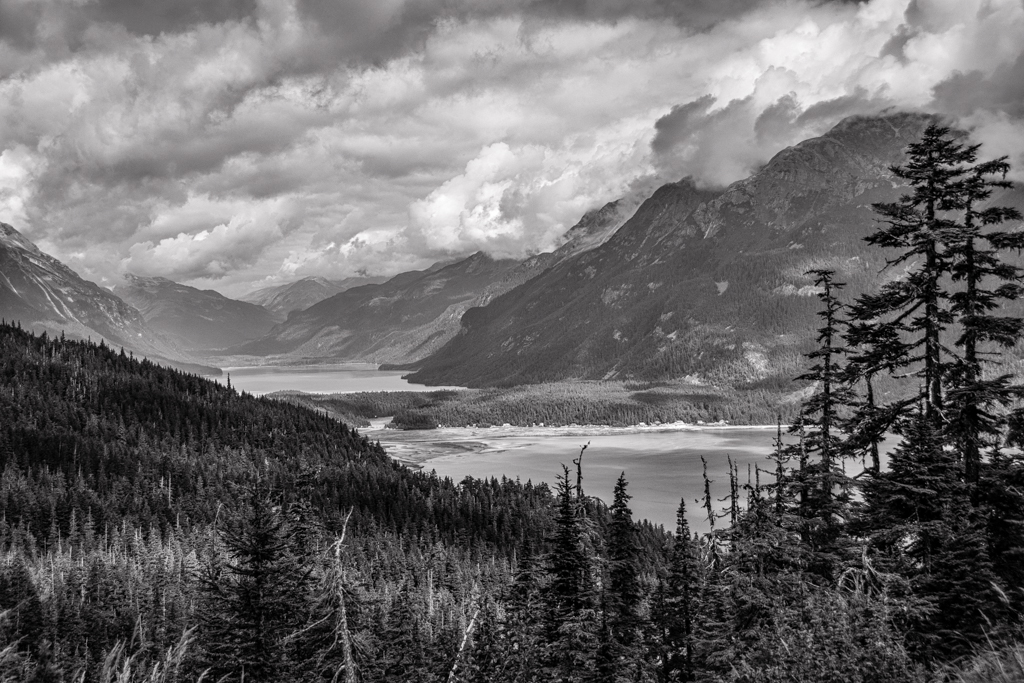
What is the subject? The light is bringing my eye to maybe 6 different places. Starting at the entryway, to the milky water coming over the rock in lower left, the glistening of the rock in foreground, the pool of water, and the two bright spots of the over hanging rocks on right hand side. Then my eye sees the beautiful and flowing leaves on the water. My eye keeps bouncing around and doesn't seem to find a place to settle. His suggestions, which I find very helpful, were to tone down the highlights on the objects that are not the subject. The brightest light should direct the eye to the subject and lesser light on secondary subjects should be more subtle. You can do this in post processing. In looking at your original photo that is what I see. The main subject which is the pool of water is being highlighted. Looks like the post processing software made too many highlights vivid. Simple fix!
What a beautiful scene wish I could walking into that photo!! Love it!
Update edit: Now that I go back to look at your original photo you could do some dodging and burning instead of the vivid color and that would look nice too. With dodging and burning you have all the control over what is brightened. Just an added thought.
Best wishes,
LuAnn Thatcher |
Nov 8th |
7 comments - 1 reply for Group 15
|
7 comments - 1 reply Total
|