|
| Group |
Round |
C/R |
Comment |
Date |
Image |
| 65 |
Jan 20 |
Comment |
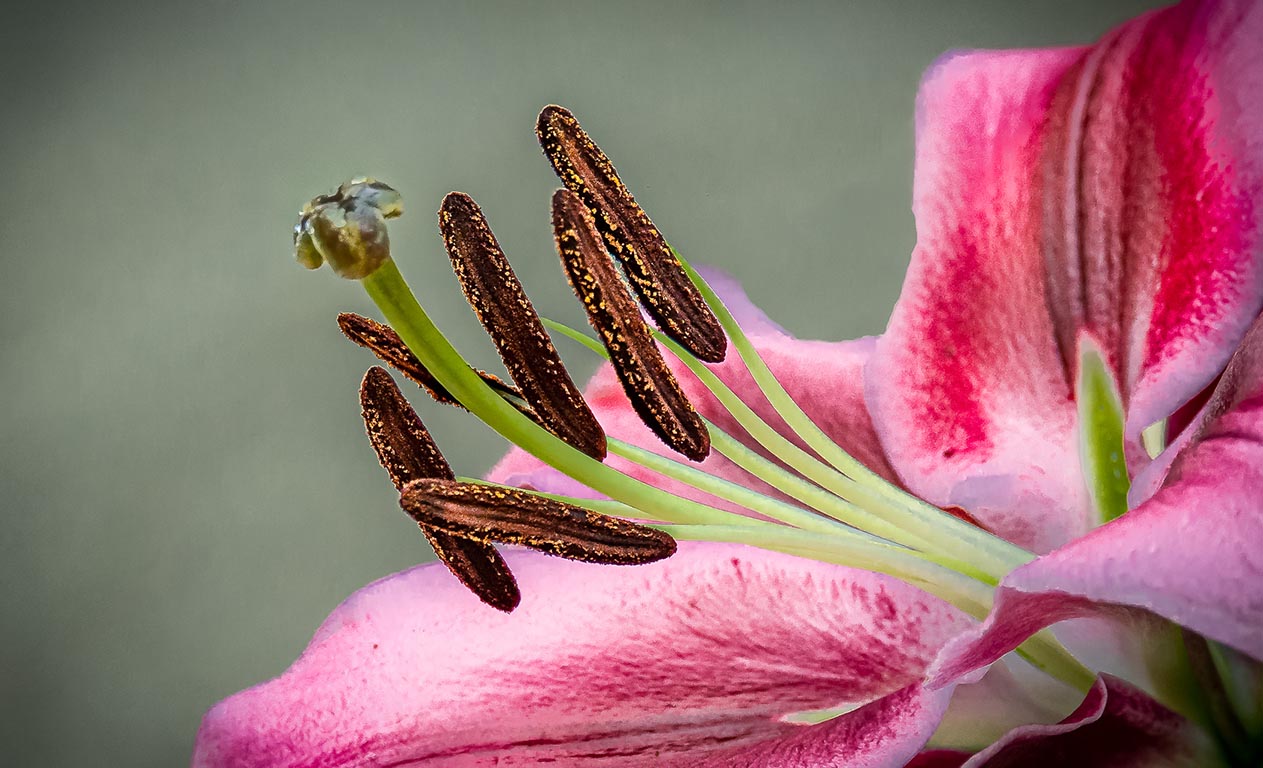
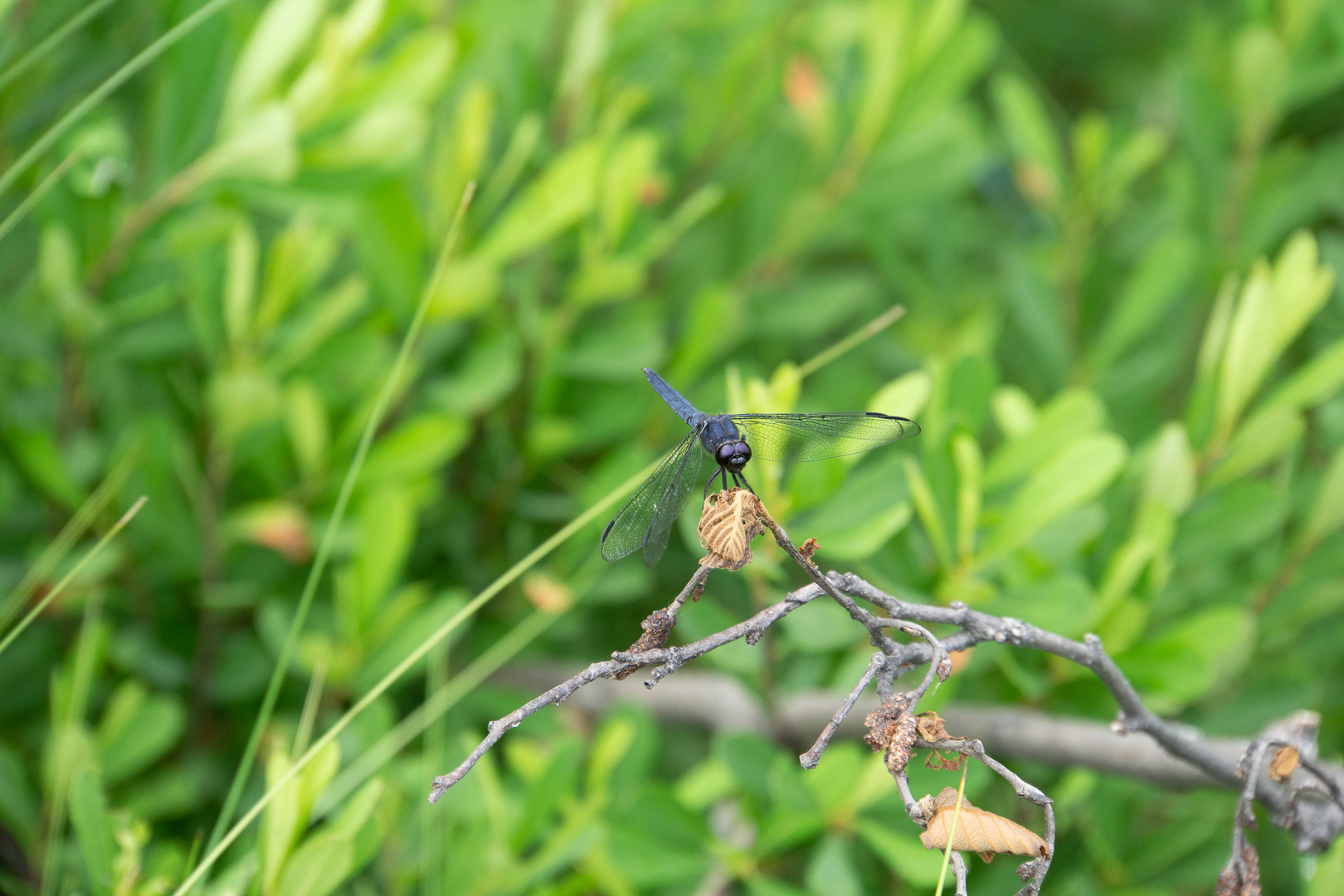
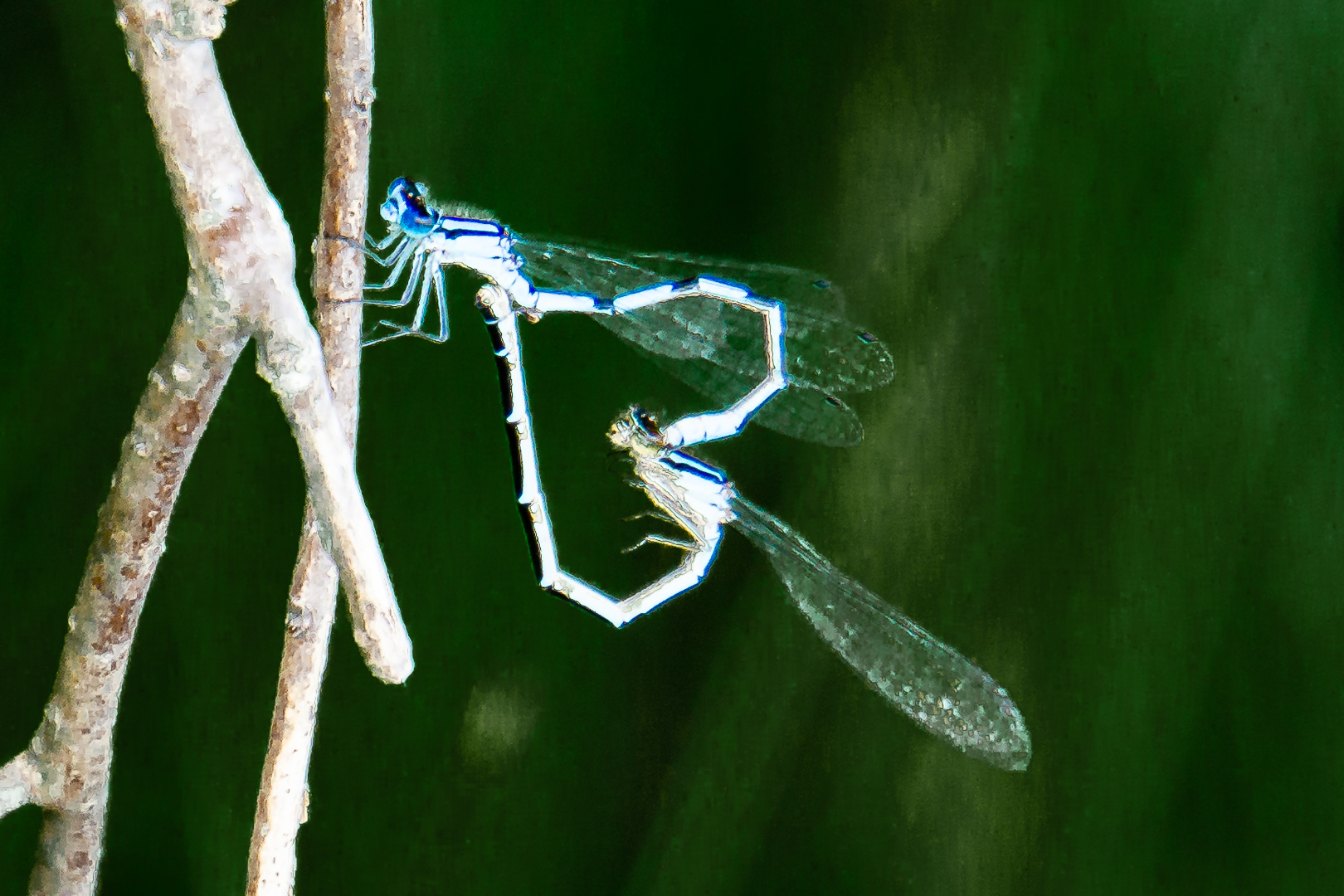
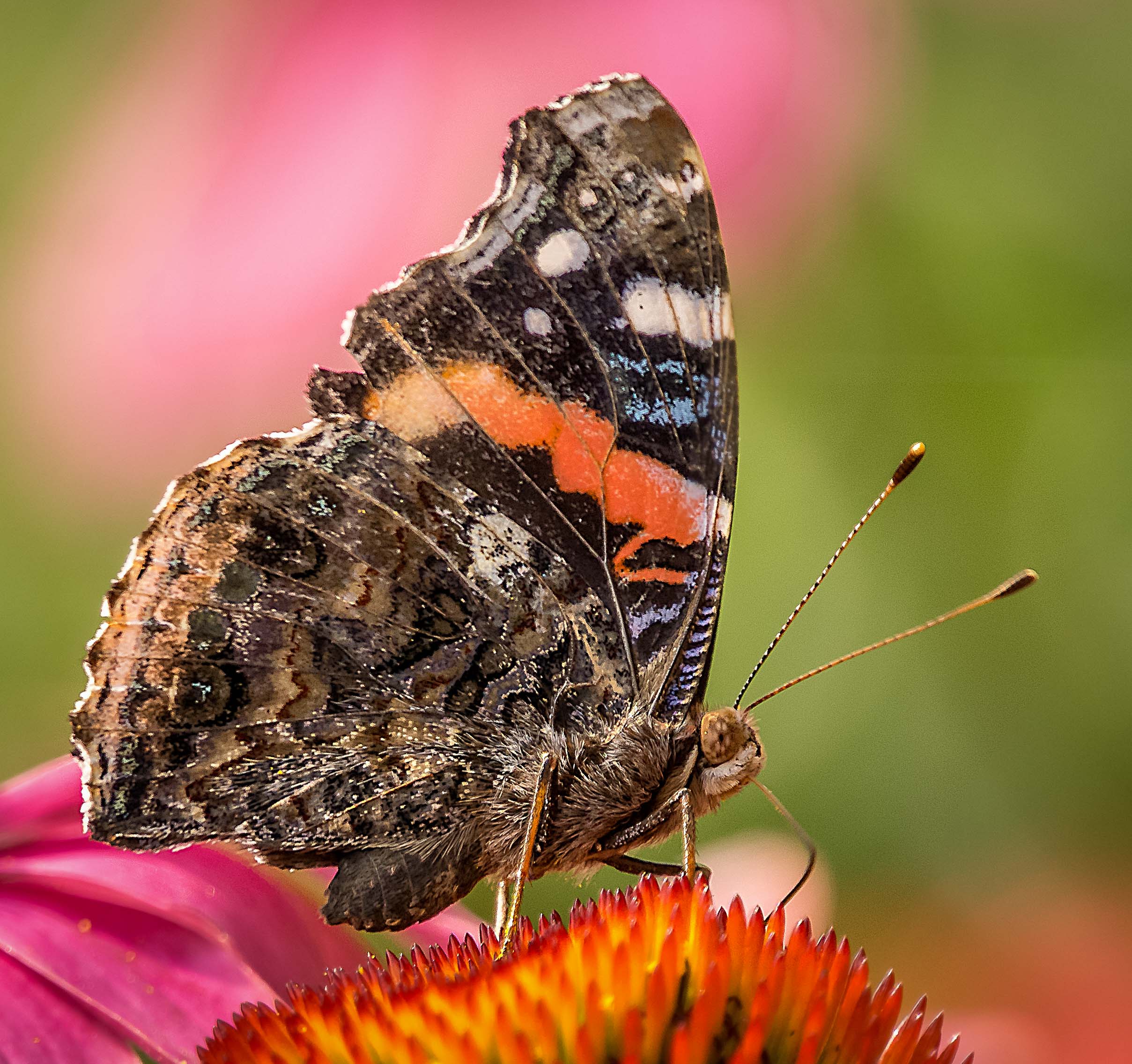
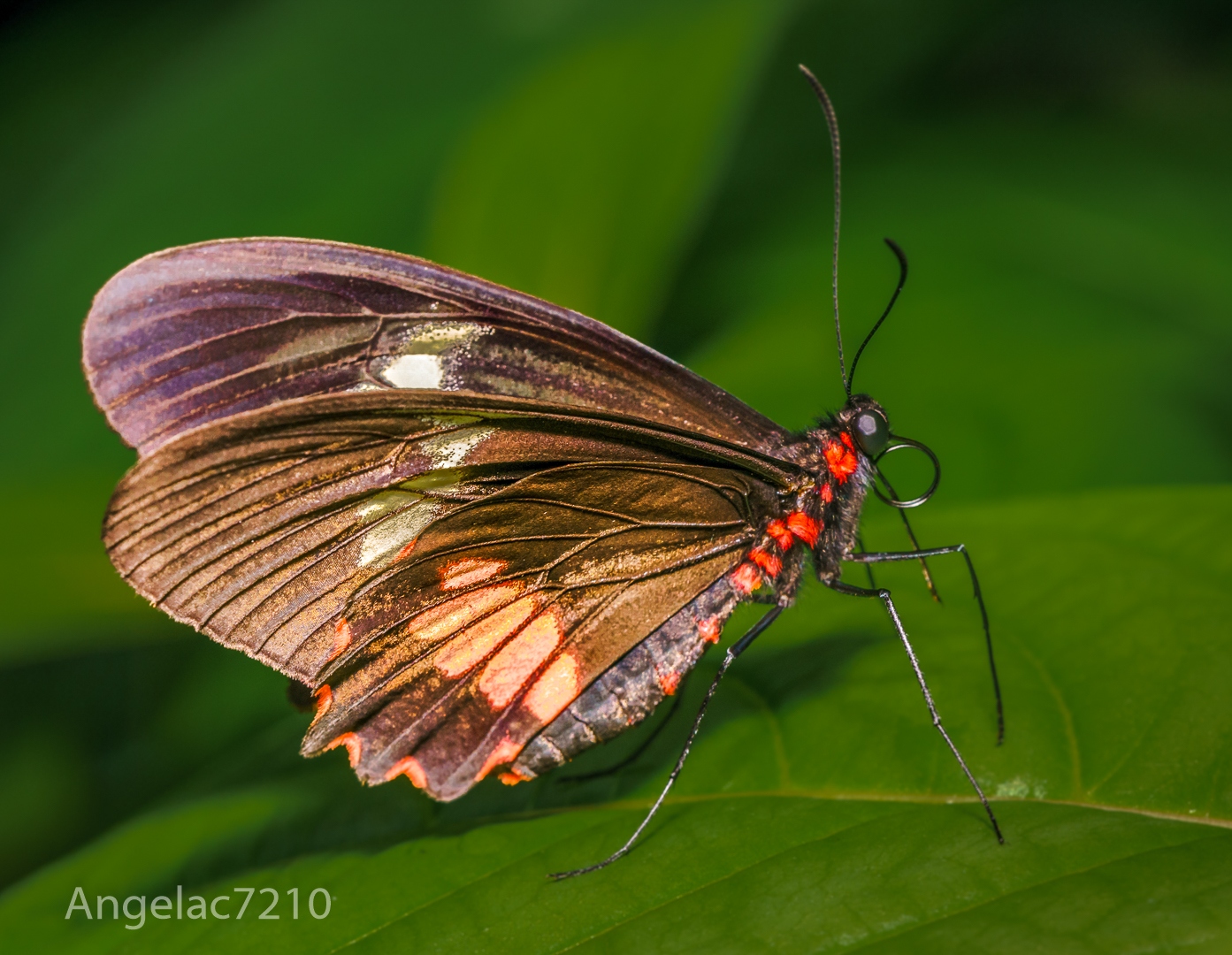
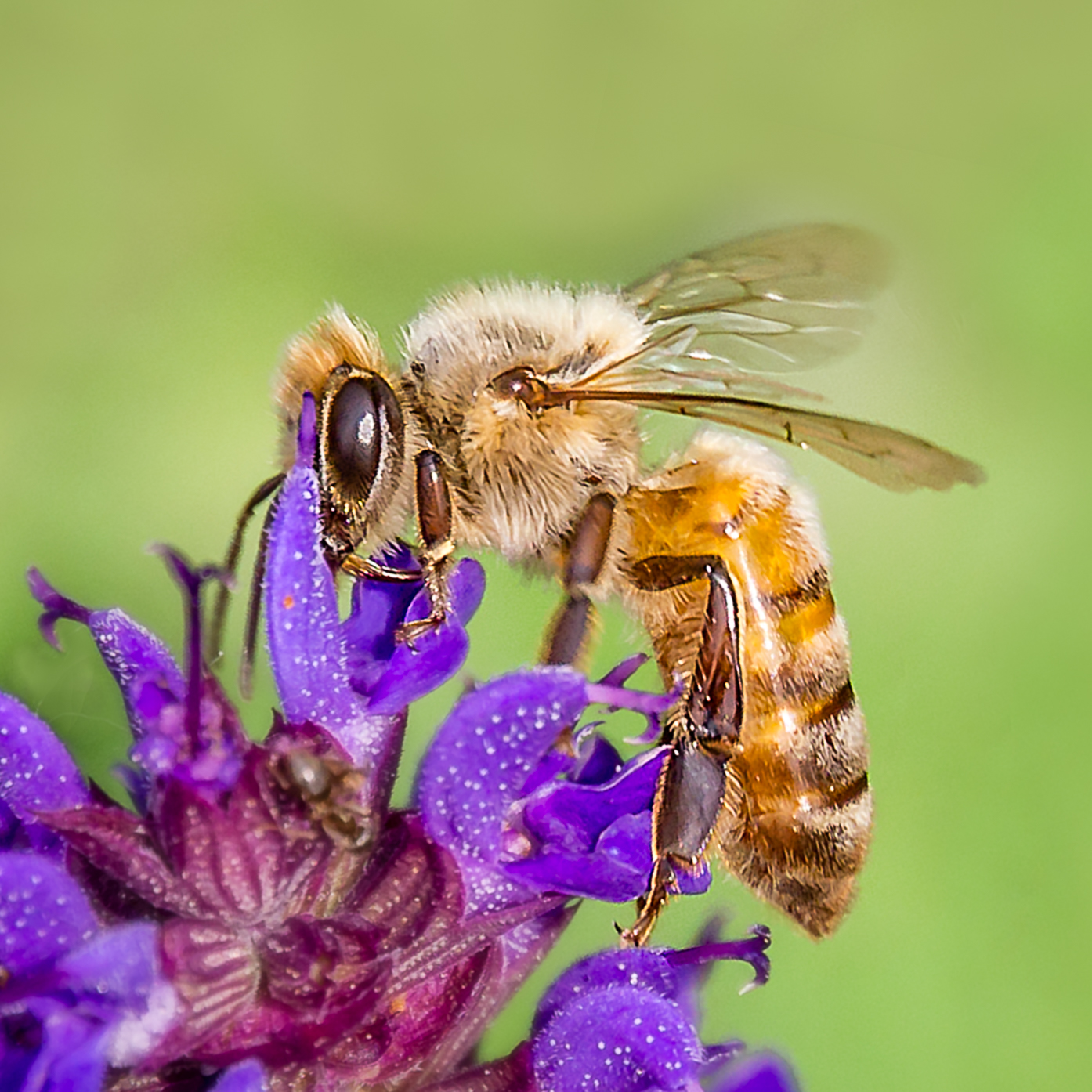
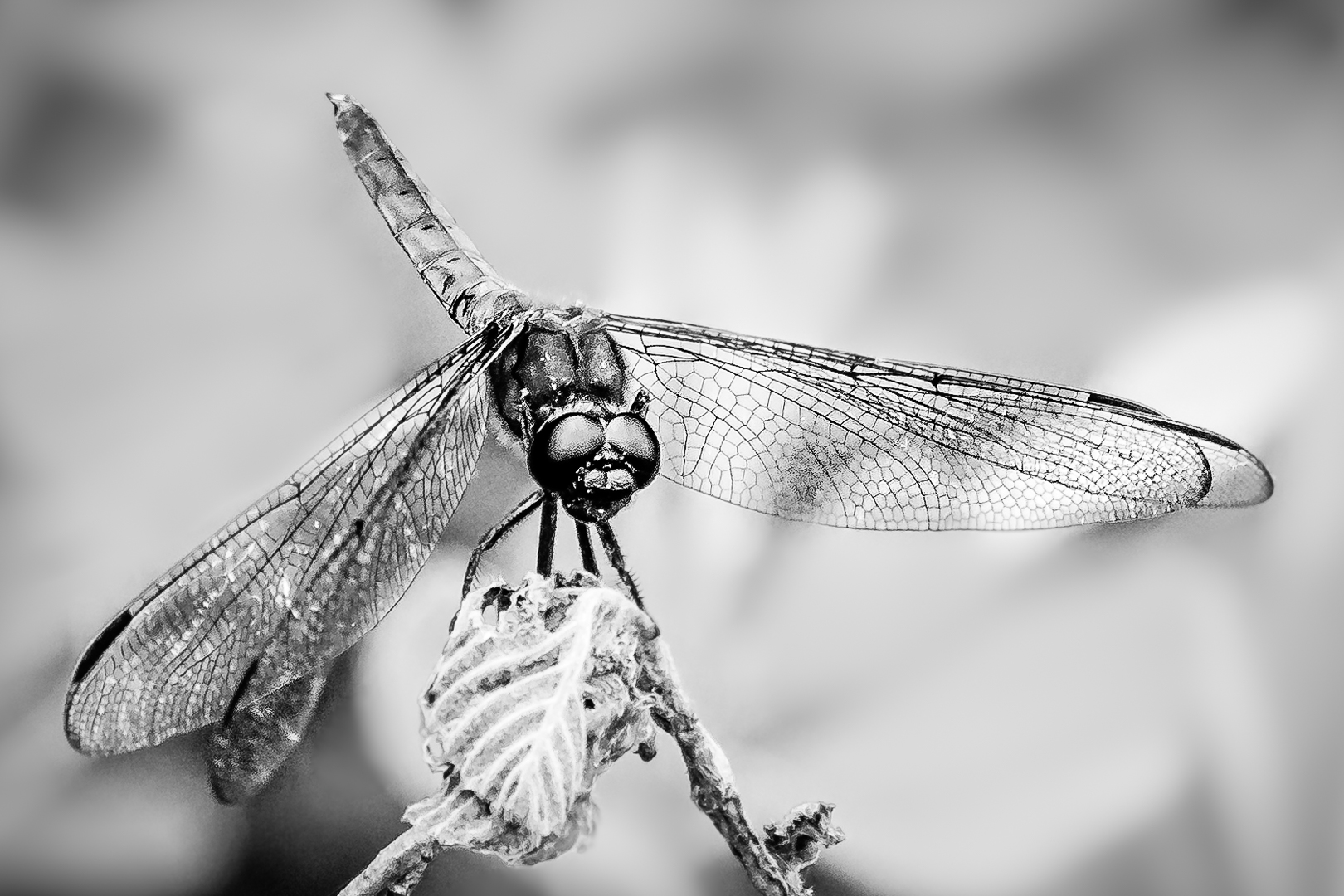
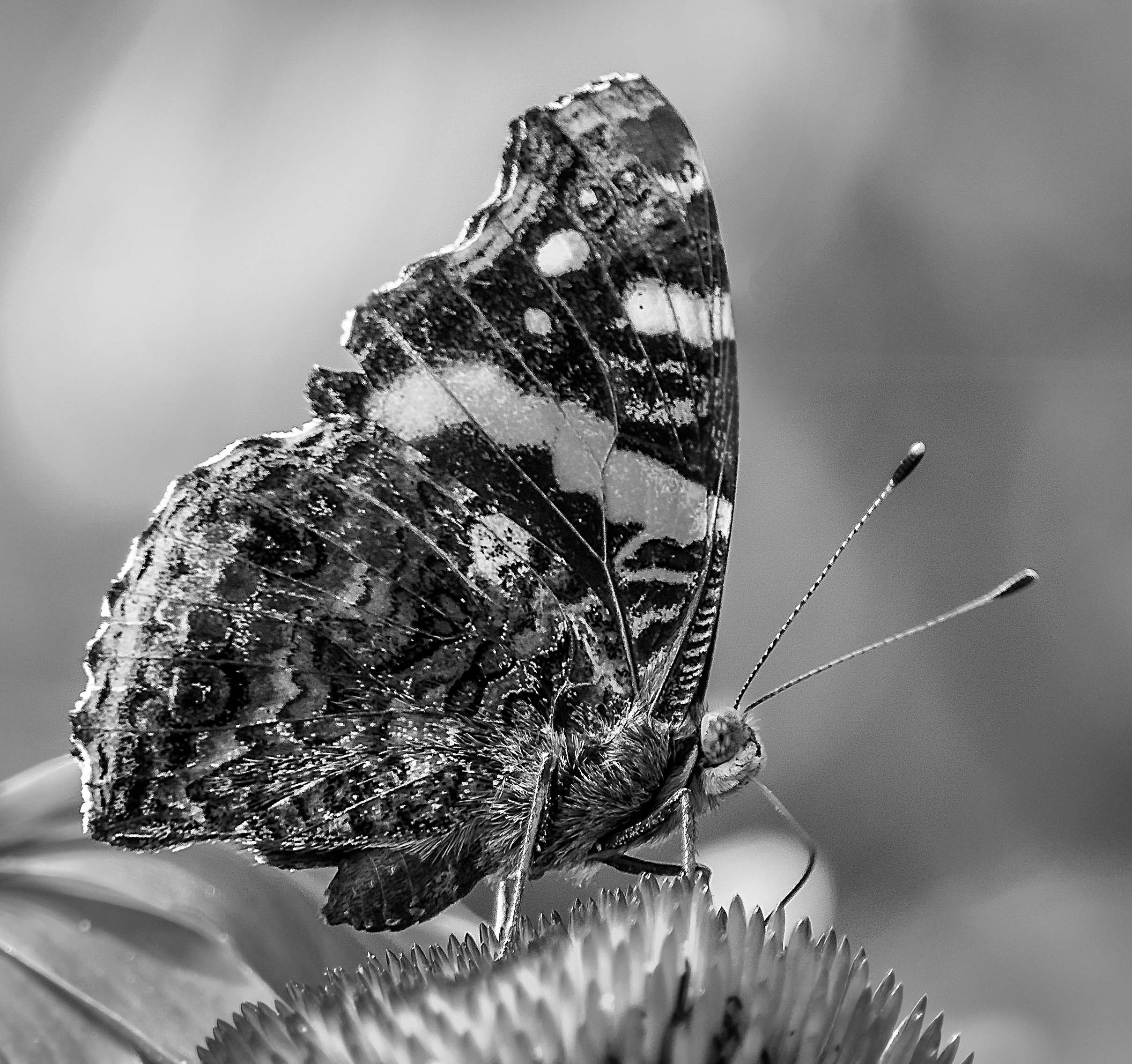
Very nice contrast between the subject with brown textures and smooth green background.
The eye is in good focus.
I used to do a lot of insect photography.
Usually I find that an aperture of at least 8 might give me a chance of getting the subject in focus but this one seems to be fine. |
Jan 31st |
| 65 |
Jan 20 |
Comment |
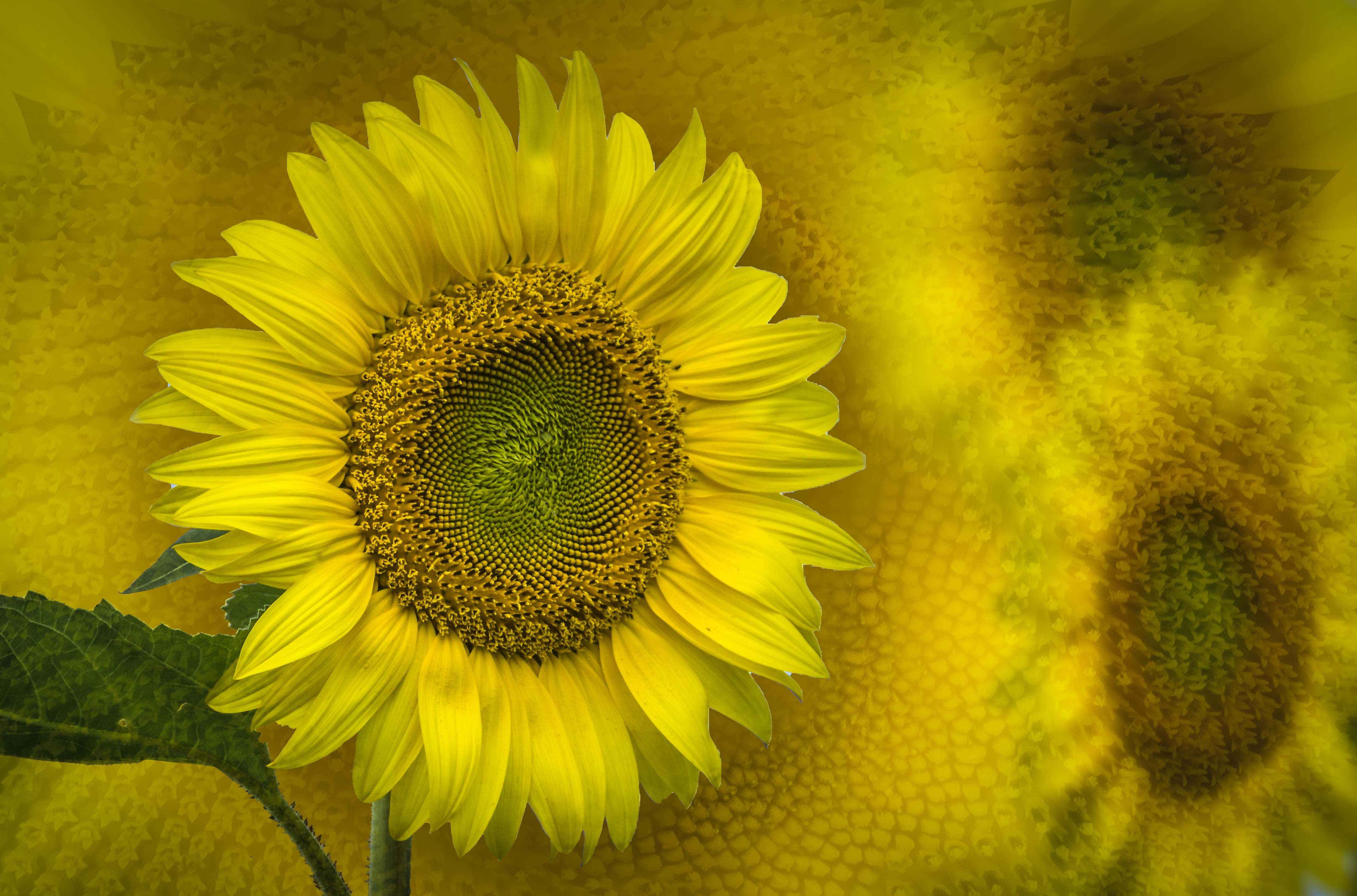
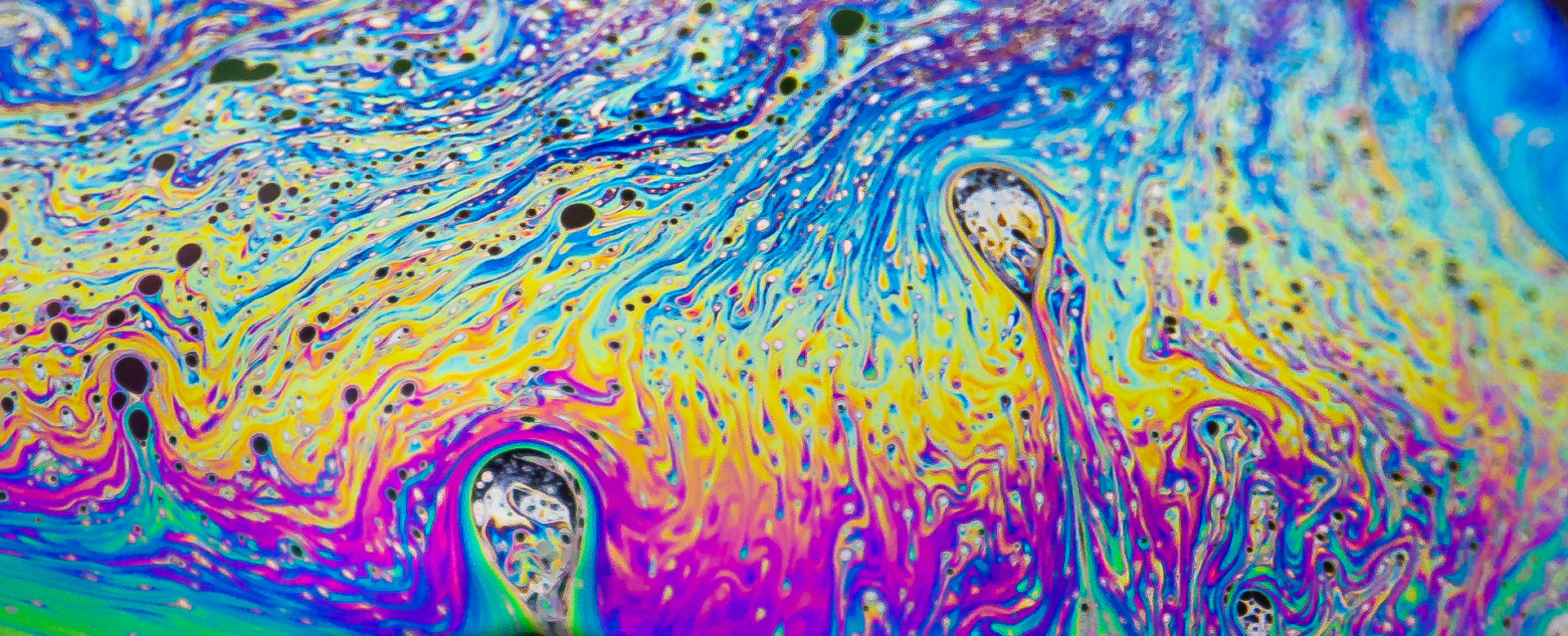
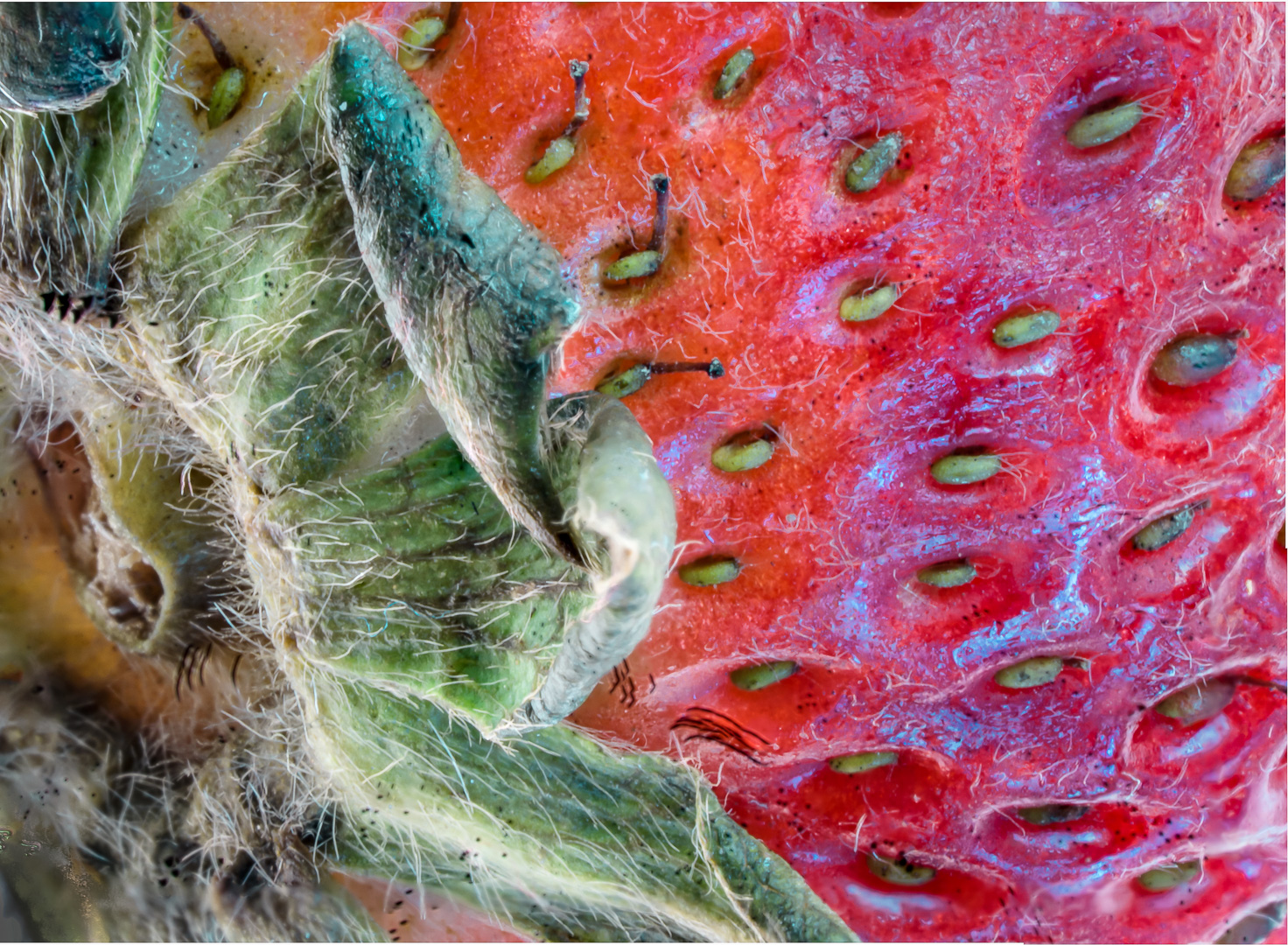
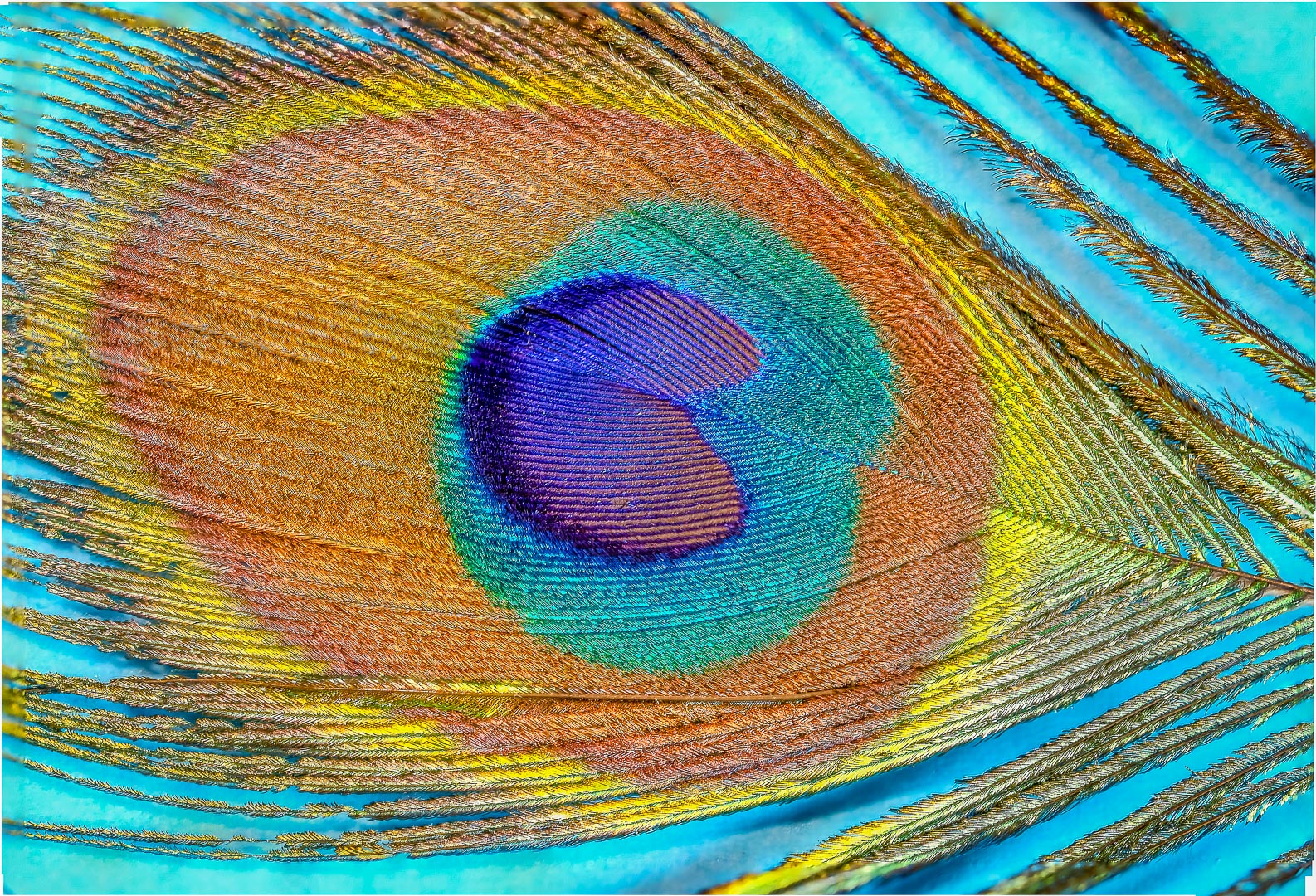
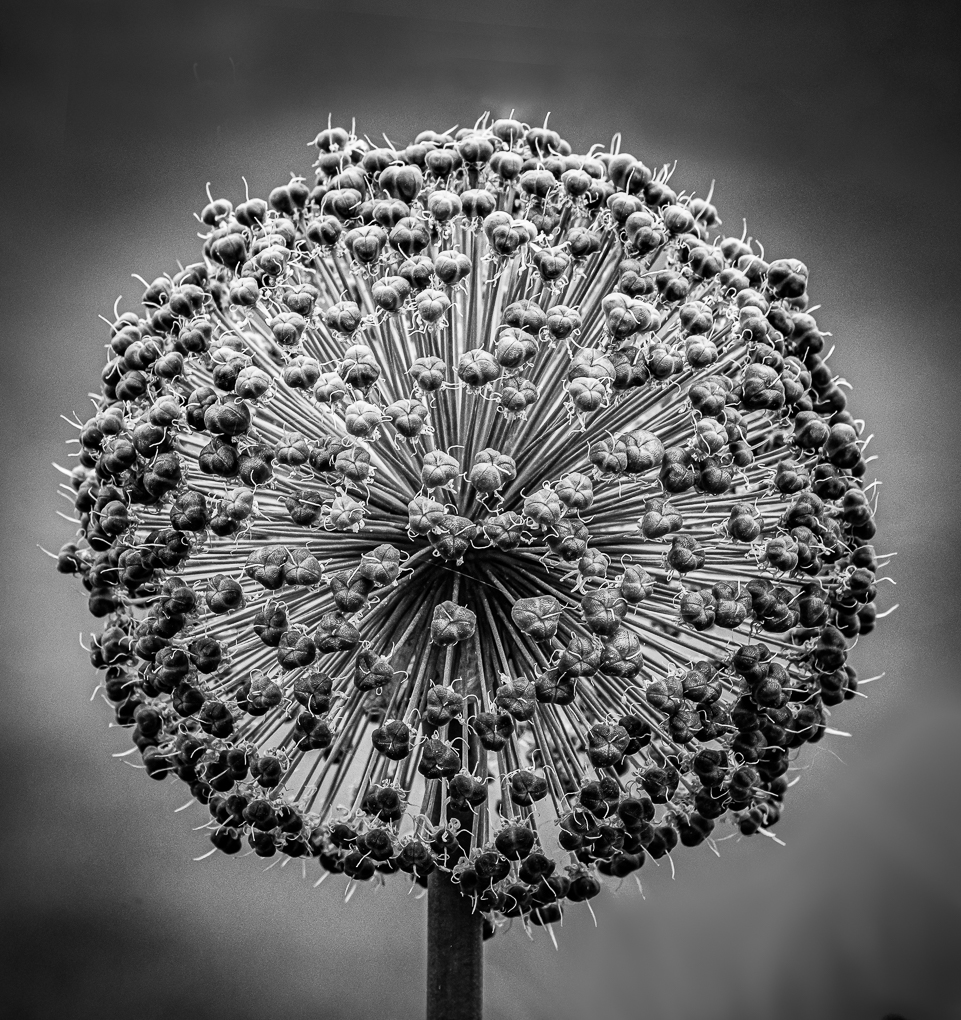
Great composition and texture.
The spiral really draw my eyes.
Love the soothing green. |
Jan 31st |
2 comments - 0 replies for Group 65
|
| 74 |
Jan 20 |
Comment |
What beautiful scenery ! ! ! As I said before, I am a sunny person and prefers to see the bright side of thing.
I like the original cropping because I think that the lovely bright sky is very important to scene...it broaden our horizon.
The darkness of the foreground is an artistic choice but I would leave it brighter to show more detail.
The developed module of Lightroom is actually the same as CamerRaw in PhotoShop.
The bright sky/dark foreground dilemma can be easily solve with (Gradulated filter ) in either LR ( Lightroom ) or ACR (Adobe Camera Raw ).
Do not be afraid of LR or ACR. They are the core of these editing system. I use them for at least 80 % of my workflow before going into PS to remove the garbage can or other work.
I used to set up editing group for LR, PS and PSE (PhotoShop Element) in my local camera club so I do use editing a lot.
There are lots of free Youtube educators that are excellent in helping . You do need to master the basic before you can tackle luminosity mask or the like.
As for aperture, the most frequent time I use f22 is in macro photography ( I also belong to a macro group ). The general golden aperture for landscape is f8 to f11...with focus at around 1/3 into the scene. A higher aperture number produce diffraction that soften the image. If the image is too bright at that aperture, increasing the speed will decrease exposure and prevent blown out highlight.
Love the composition and I really like the detail in the hill. I know that all of us had said a lot but they are only meant to tell you our point of view as a more experienced editor.
We all just want to help . If you like me to recommend some good youtube educator please do not hesitate .
Keep shooting and have fun ! ! !
|
Jan 14th |
| 74 |
Jan 20 |
Comment |
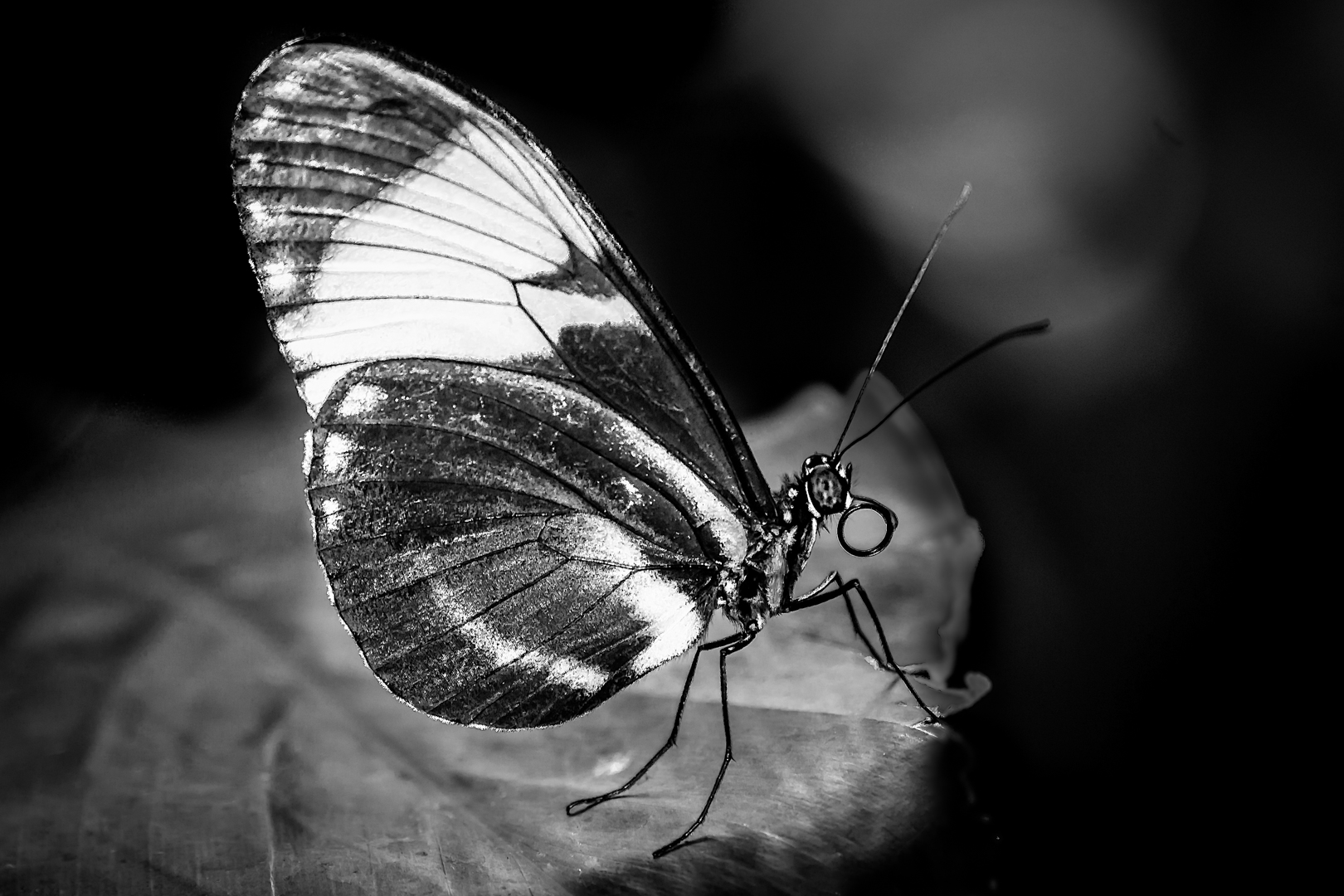
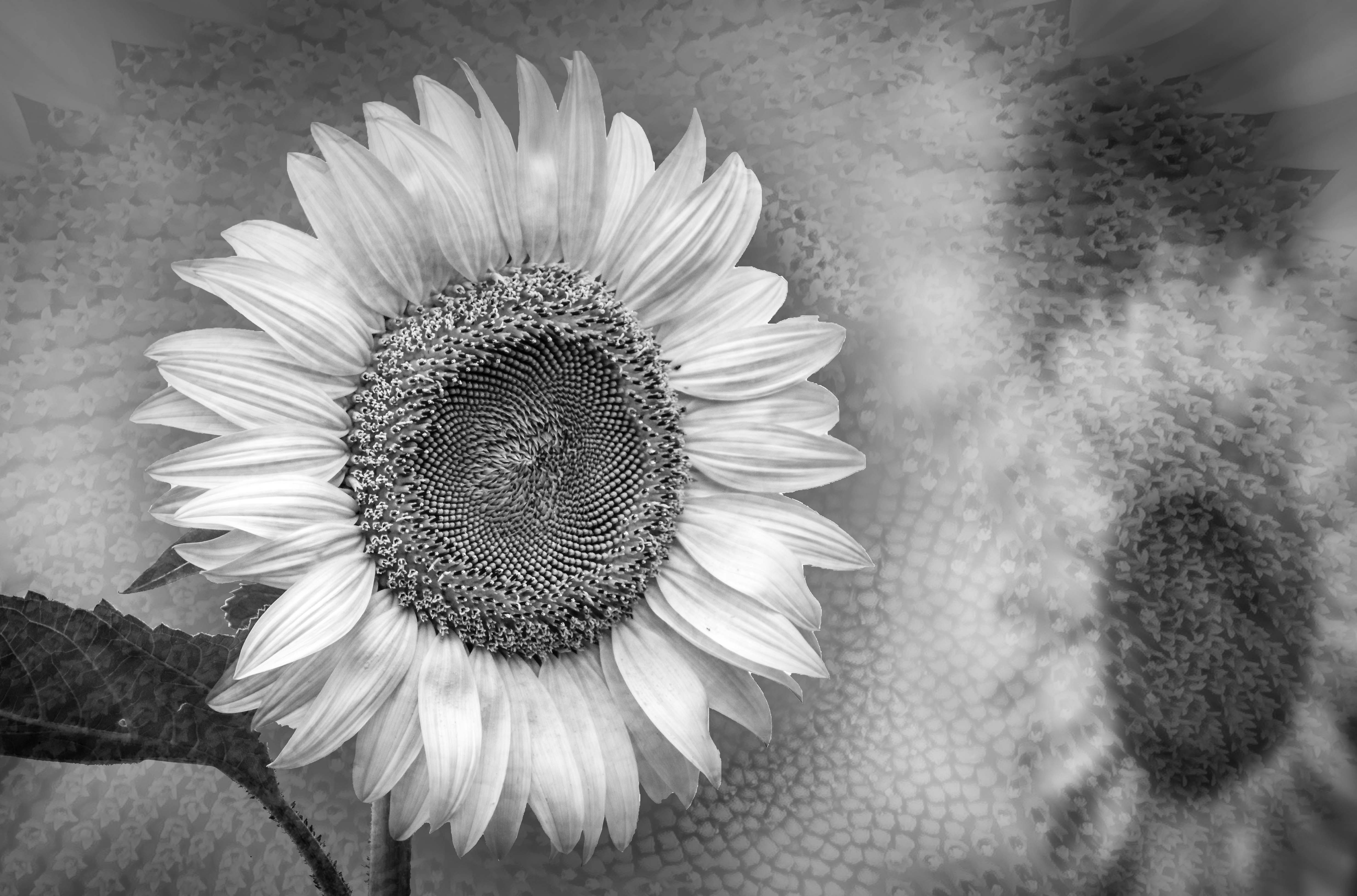
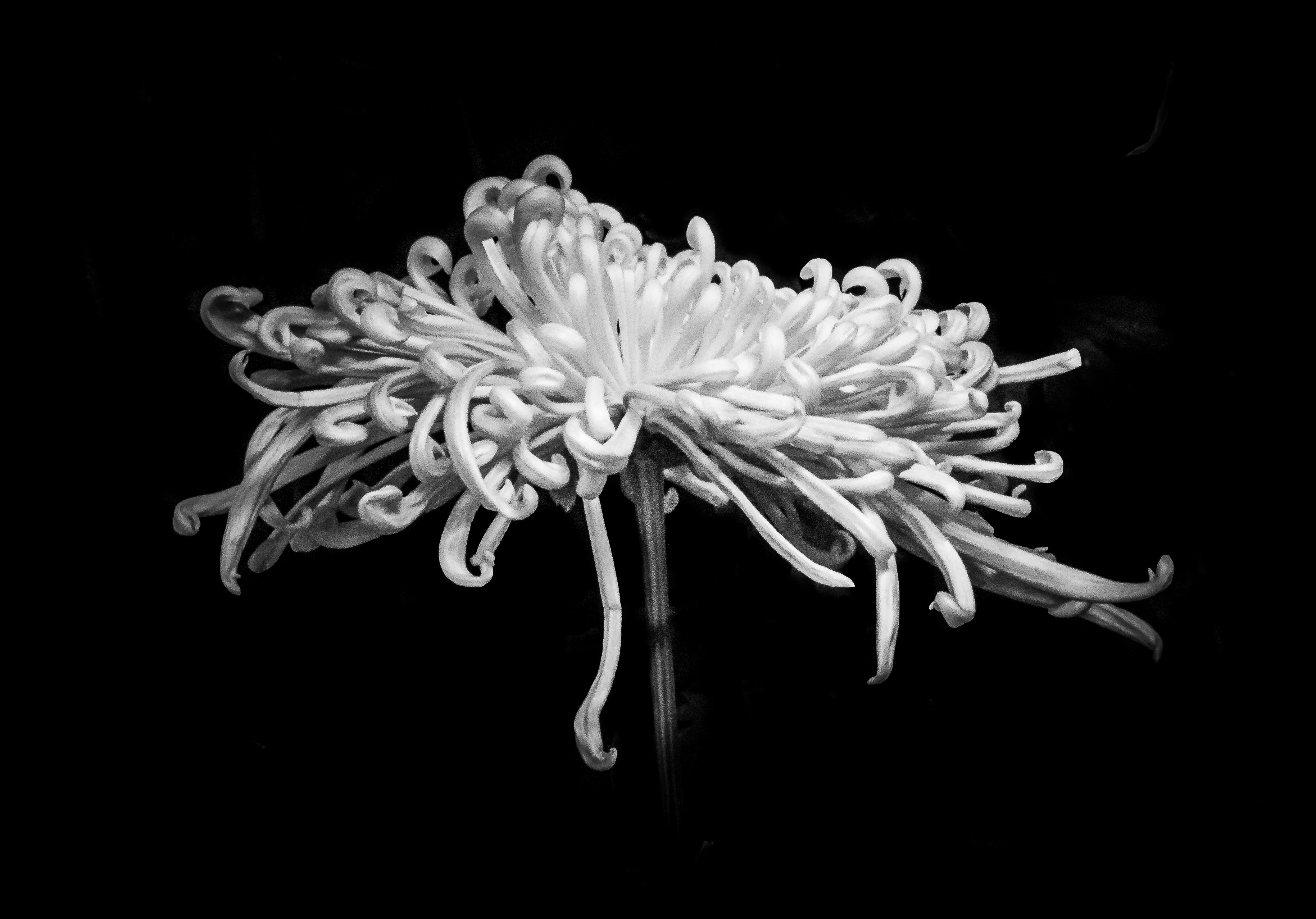
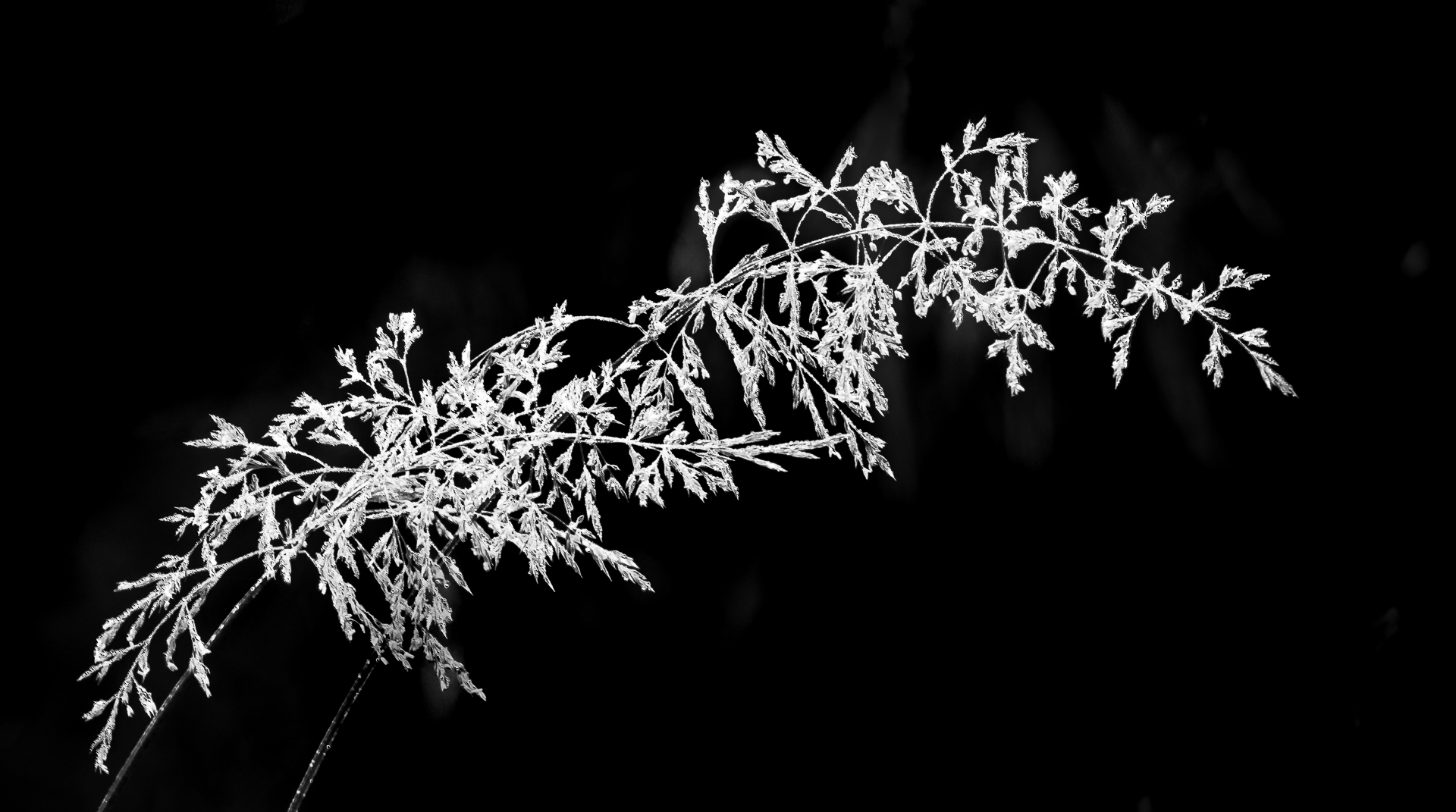
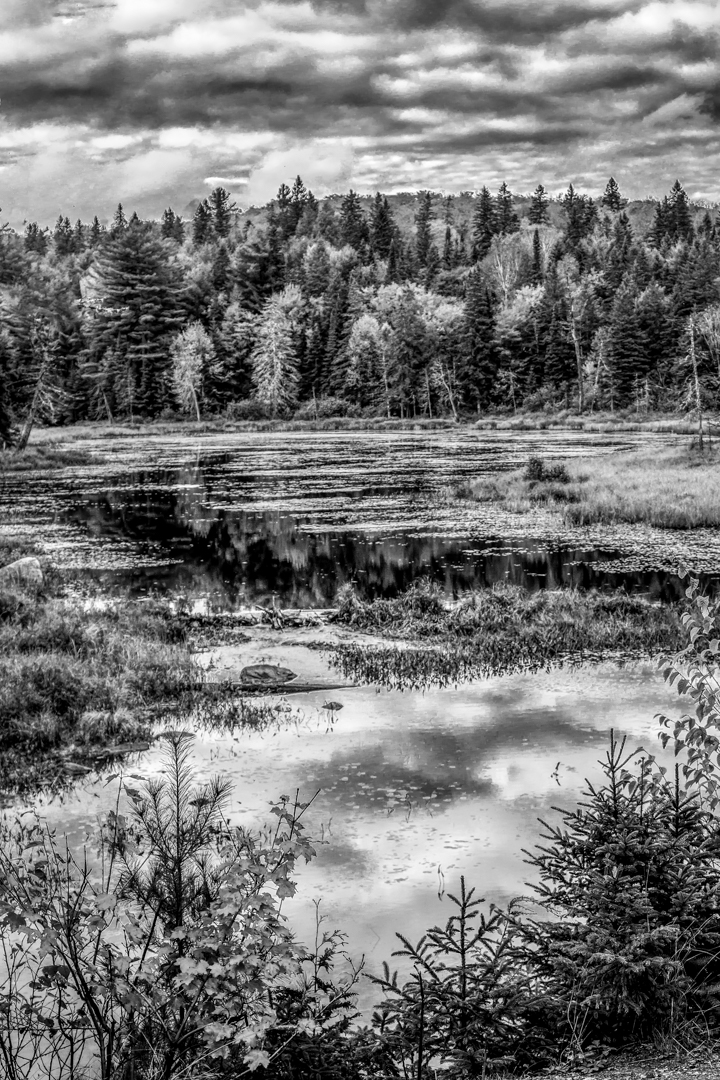
Great conversion.
Wonderful contrast and texture .
I am a sunny person and like the bright mood in the colored version but does appreciate all the fine detail and dark feeling of the monochrome version. |
Jan 14th |
| 74 |
Jan 20 |
Reply |
Thank you for the kind words.
This image was only processed in Lightroom.
In HSL, the brightness, concentration and hue can be adjusted before the black and white conversion . This give lots of control in the tone . Yellow usually show up bright in monochrome so if you want to tone part of it up or down it can be done via adjustment brush or radial filter. Do not forget that you can brush in color( at the bottom of the adjustment brush ).After that, I used adjustment brush to decrease brightness outside the subject.(decrease exposure ). Make sure that AutoMask is on ; and the crosshair of the brush does not cross the border of your subject and the other part.
I was lazy and did not go to PS, otherwise would had cloned in the stem easily.
The same result can be achieve in PhotoShop . Using quick selection the subject can be mask in easily. No need to make too accurate a mask if you want to send it back to LR to finish the final touch as described above. In the newest version of PS, under Quick Seclection there is a choice called ( Seclect Subject ). This does a fairly good job . If you want to refine the selection, create a mask and then refine the mask by painting on it directly. ( White reveal and black conceal ). One point worth noting is that you can create a straight line with a brush using 2 points . Click on the first spot, lift the cursor and move to the end of the intented straight line . Hold on shift before clicking on the destination . This yield seclection with perfect edges if the edges are supposed to be smooth. Most people do not like to use the pen tool but they usually give me the best result .The recent addition of ( Curvature pen tool ) make it much easier to use . |
Jan 14th |
2 comments - 1 reply for Group 74
|
4 comments - 1 reply Total
|