|
| Group |
Round |
C/R |
Comment |
Date |
Image |
| 65 |
Aug 19 |
Reply |
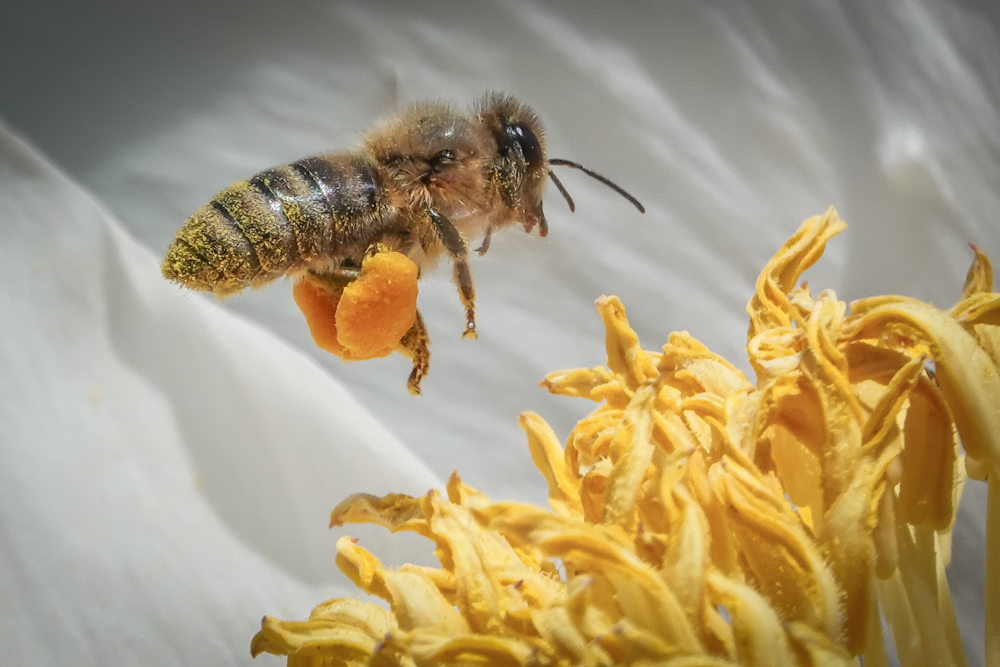
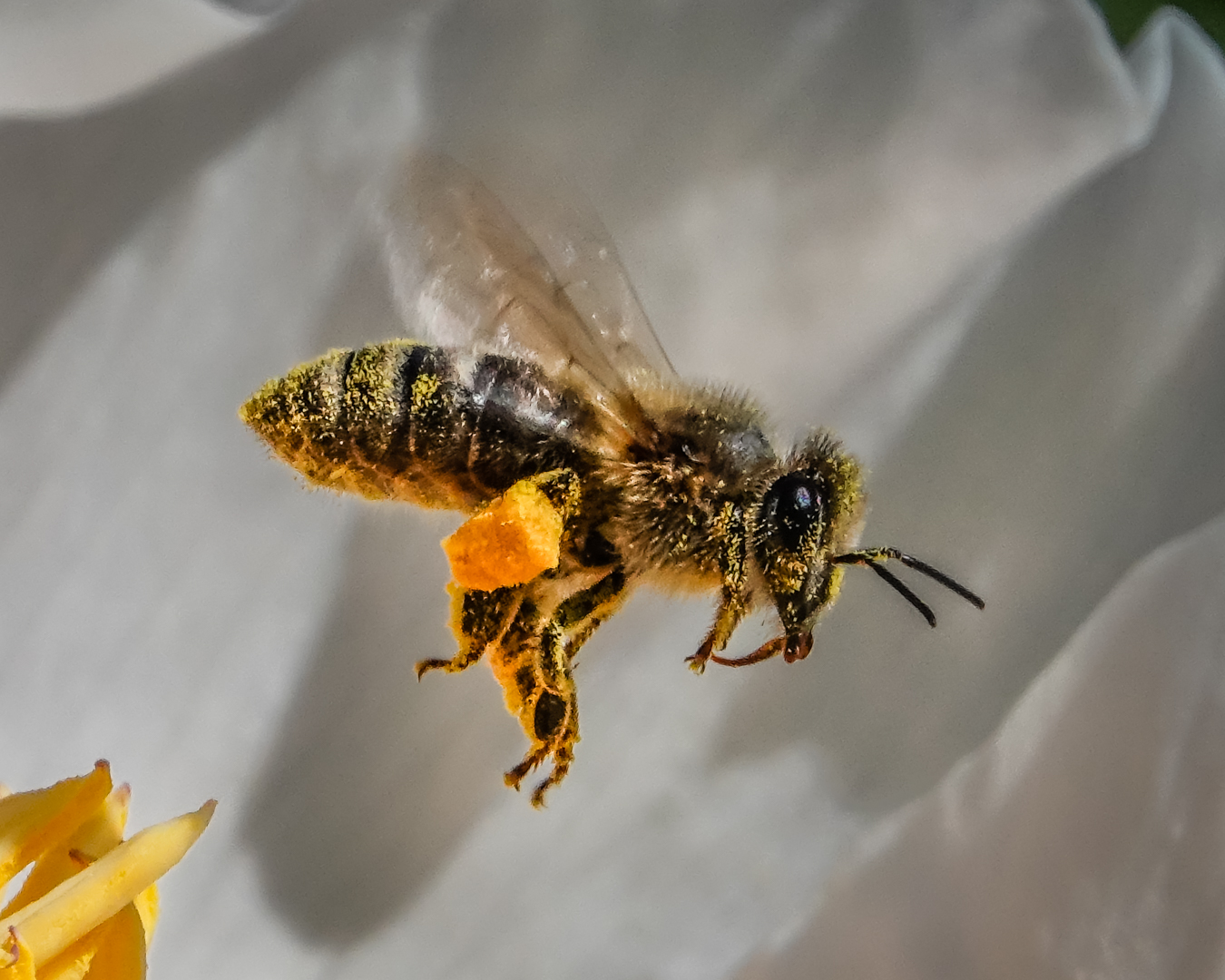
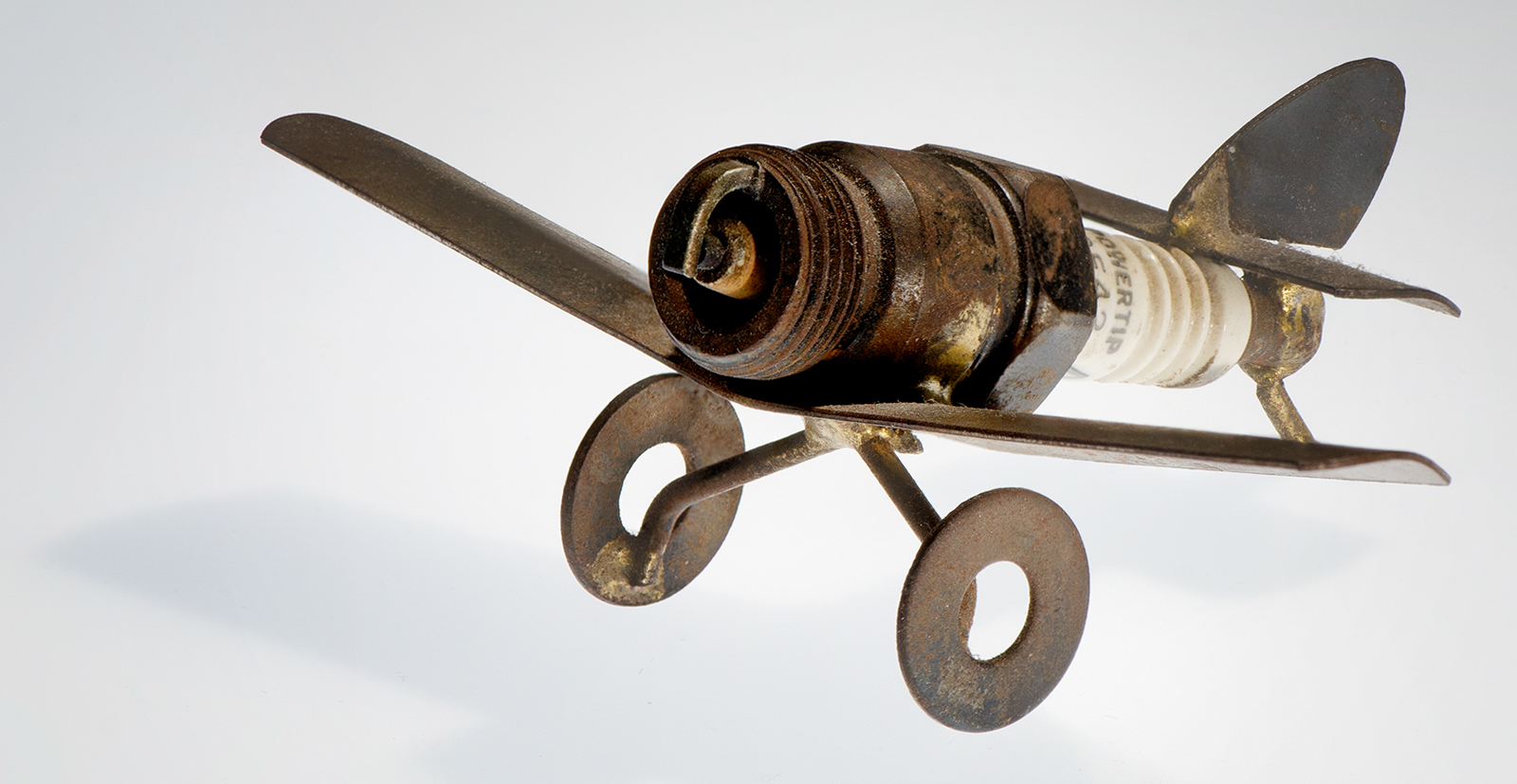
This is a better crop. |
Aug 28th |
 |
| 65 |
Aug 19 |
Reply |
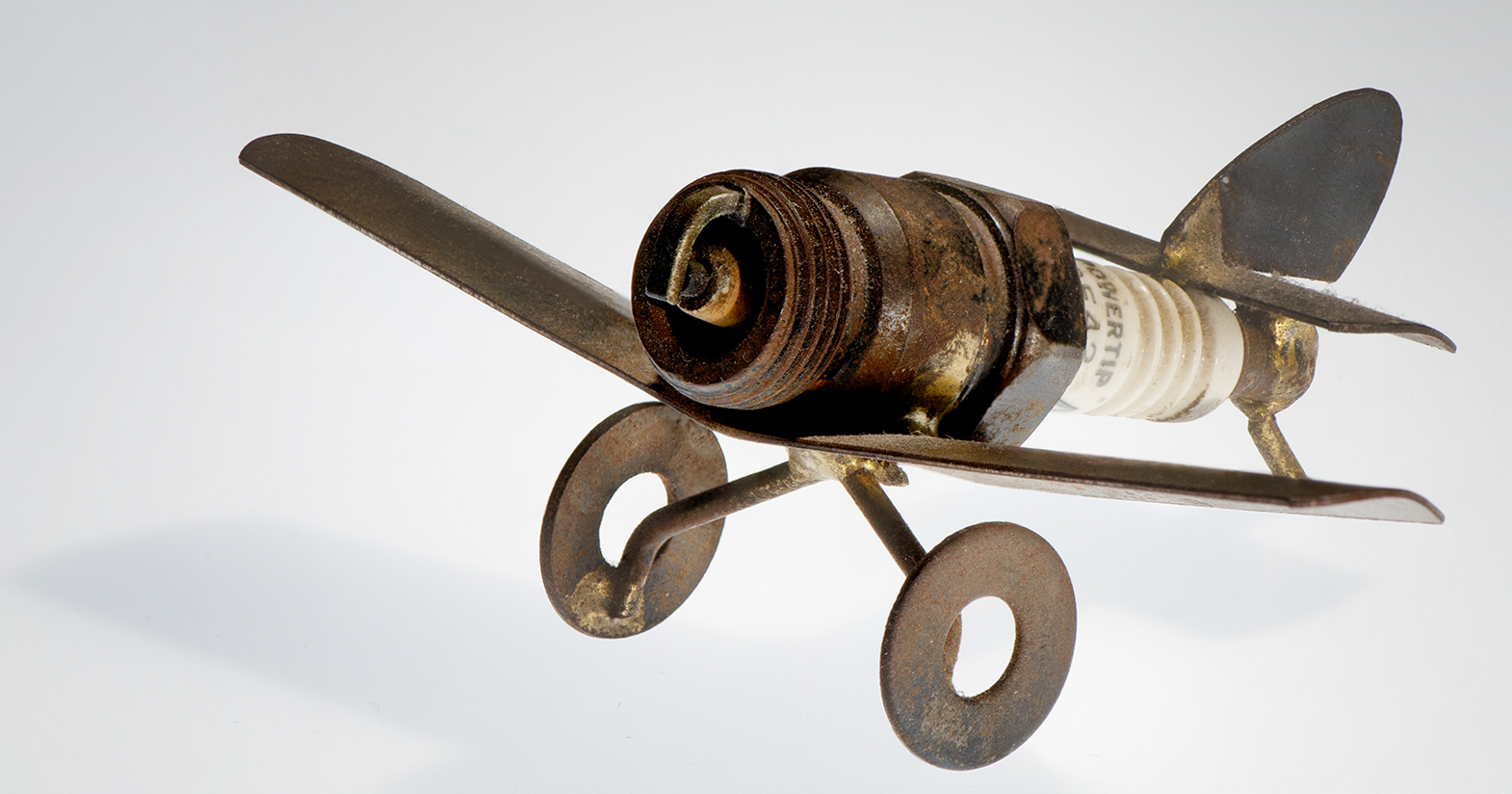
Hello, I did not make myself clear...What I meant was to allow at least the same room for the subject to move into but to crop the 3 remaining sides so that they leave the same margins to the other 3 sides. I am travelling right now so just improvised. Somehow the margins did not come out the same but the subject appears bigger and there is more room for it to move into...I just cropped the top and the right sides in a little bit. |
Aug 28th |
 |
| 65 |
Aug 19 |
Comment |
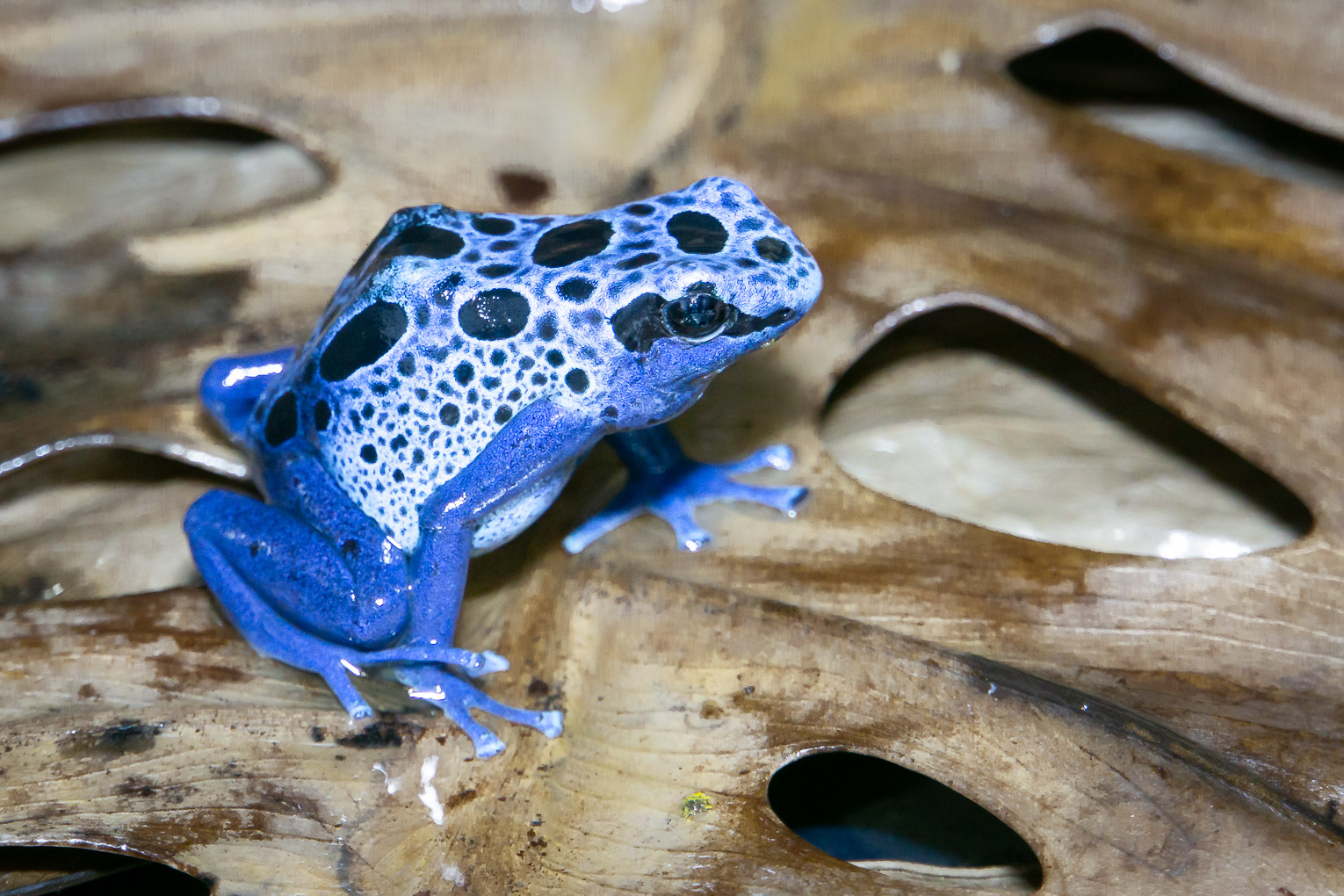
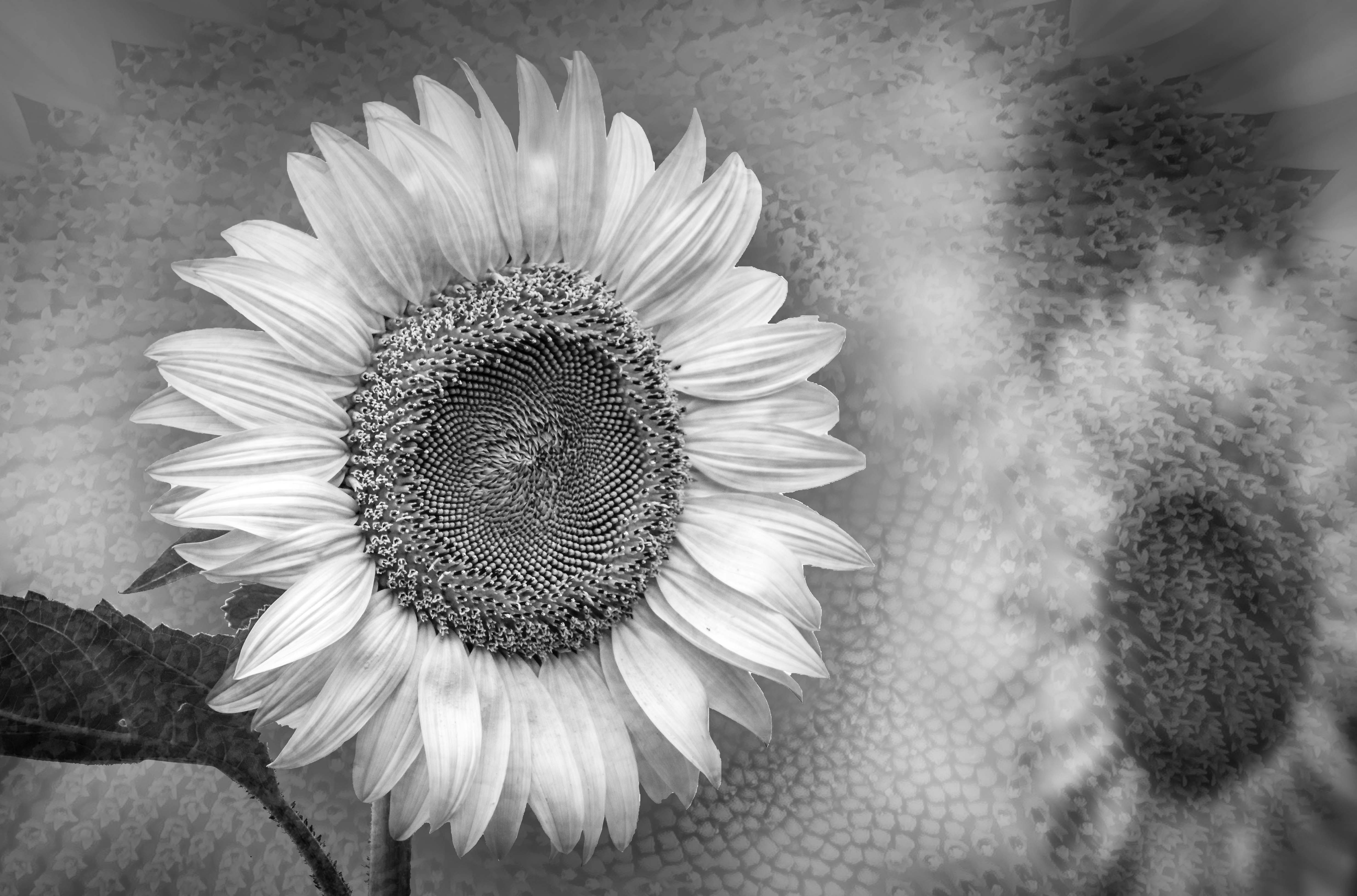
I agree with Janos about the white line.
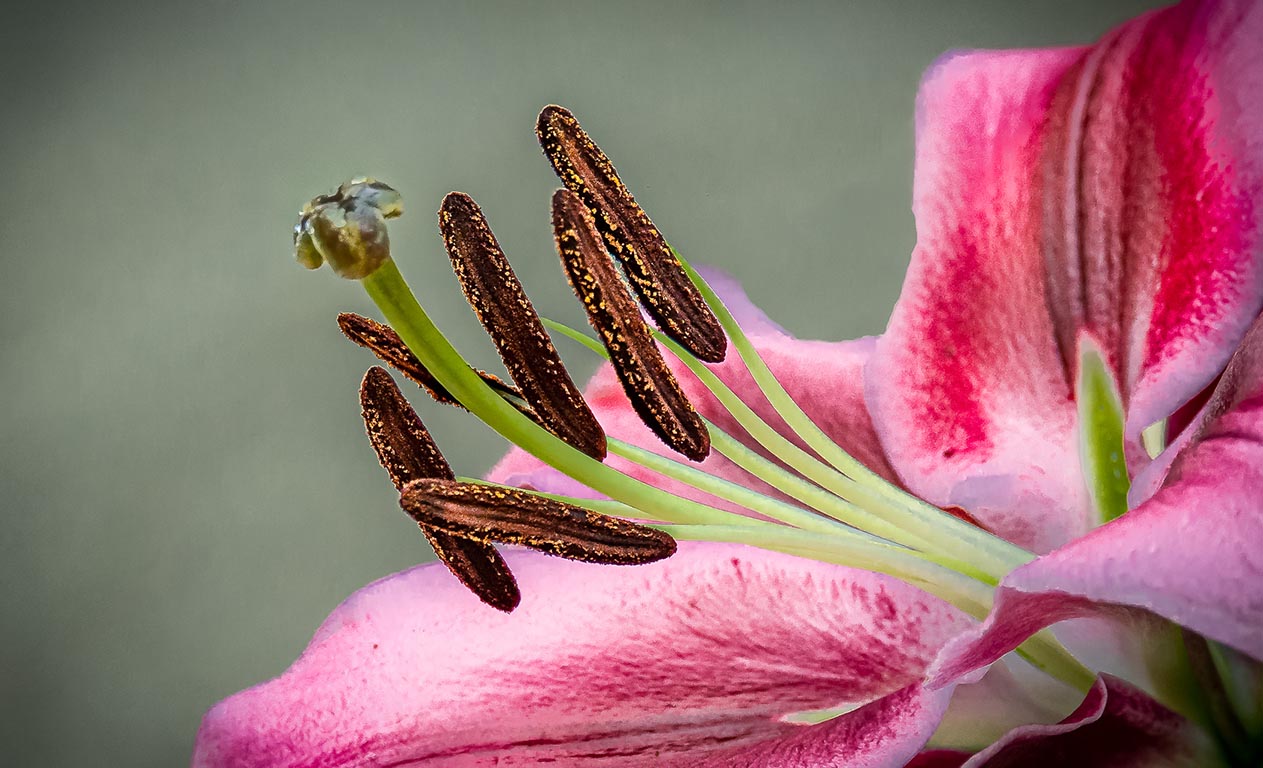
I enjoy the exposure and detail texture; brighter semi translucent petals contrasting with shaowy parts.
Great shot. |
Aug 27th |
| 65 |
Aug 19 |
Comment |
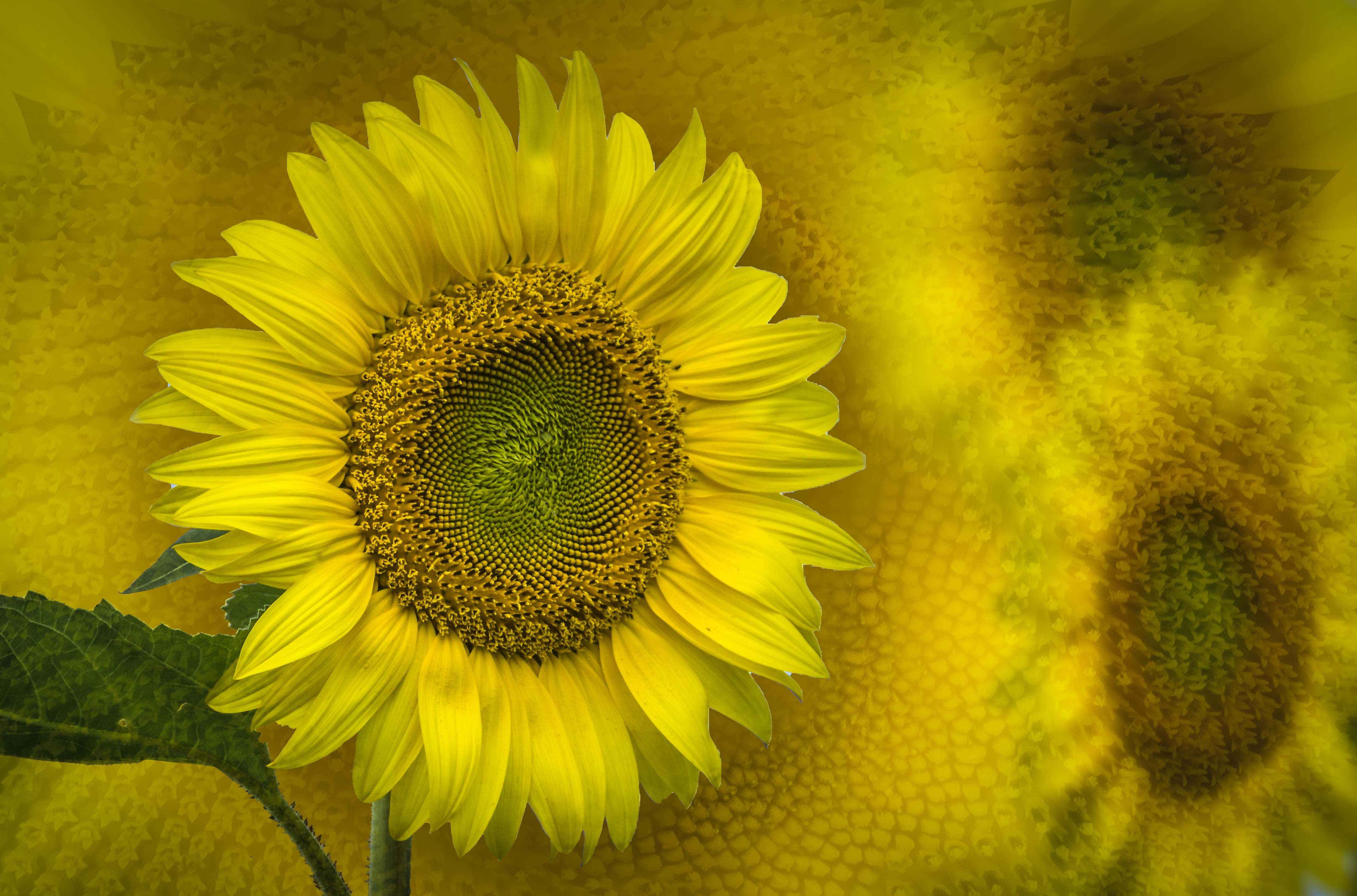
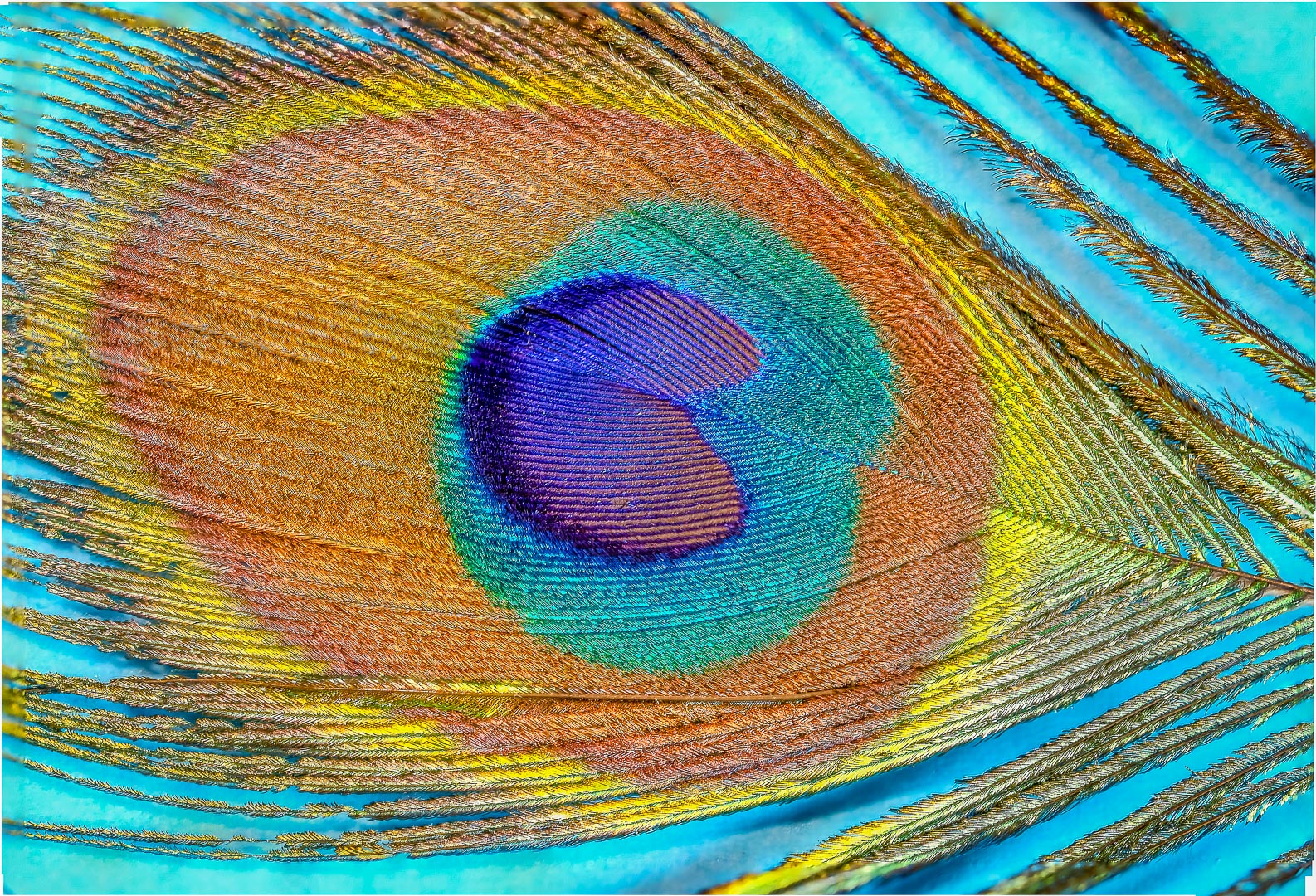
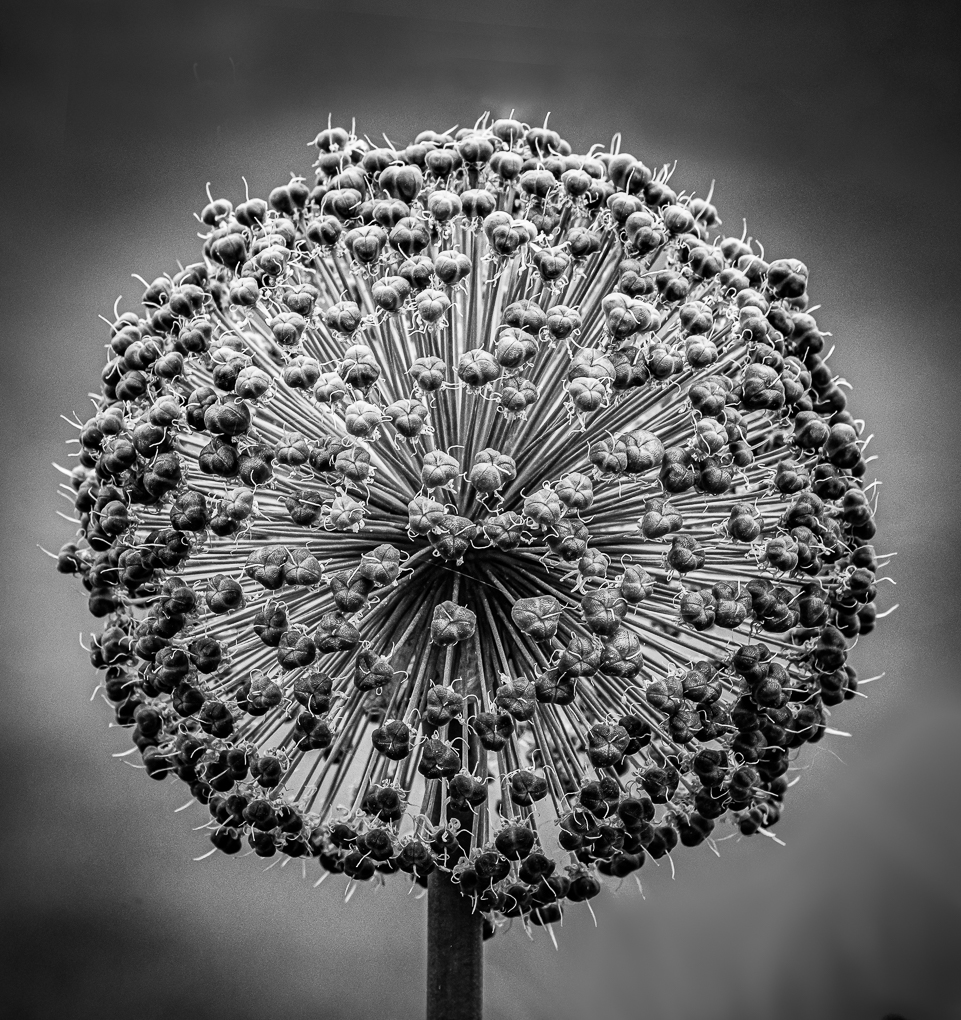
Love the color contrast between the two opposite colors yellow and blue .
The one blurry petal against multiple sharp petals create :
1, Blurry vs sharp
2. upward slant vs overall downward slant
3. no texture vs good texture with bright and shadow parts.
Only 2 elements, 2 colors ...great example of good, simple image ! ! ! |
Aug 27th |
| 65 |
Aug 19 |
Comment |
A very different view of a die.
The texture reminds me of a soft stuffed toy .
The color contrast among black, beige and red are very effective.
Thank you for sharing. |
Aug 27th |
| 65 |
Aug 19 |
Comment |
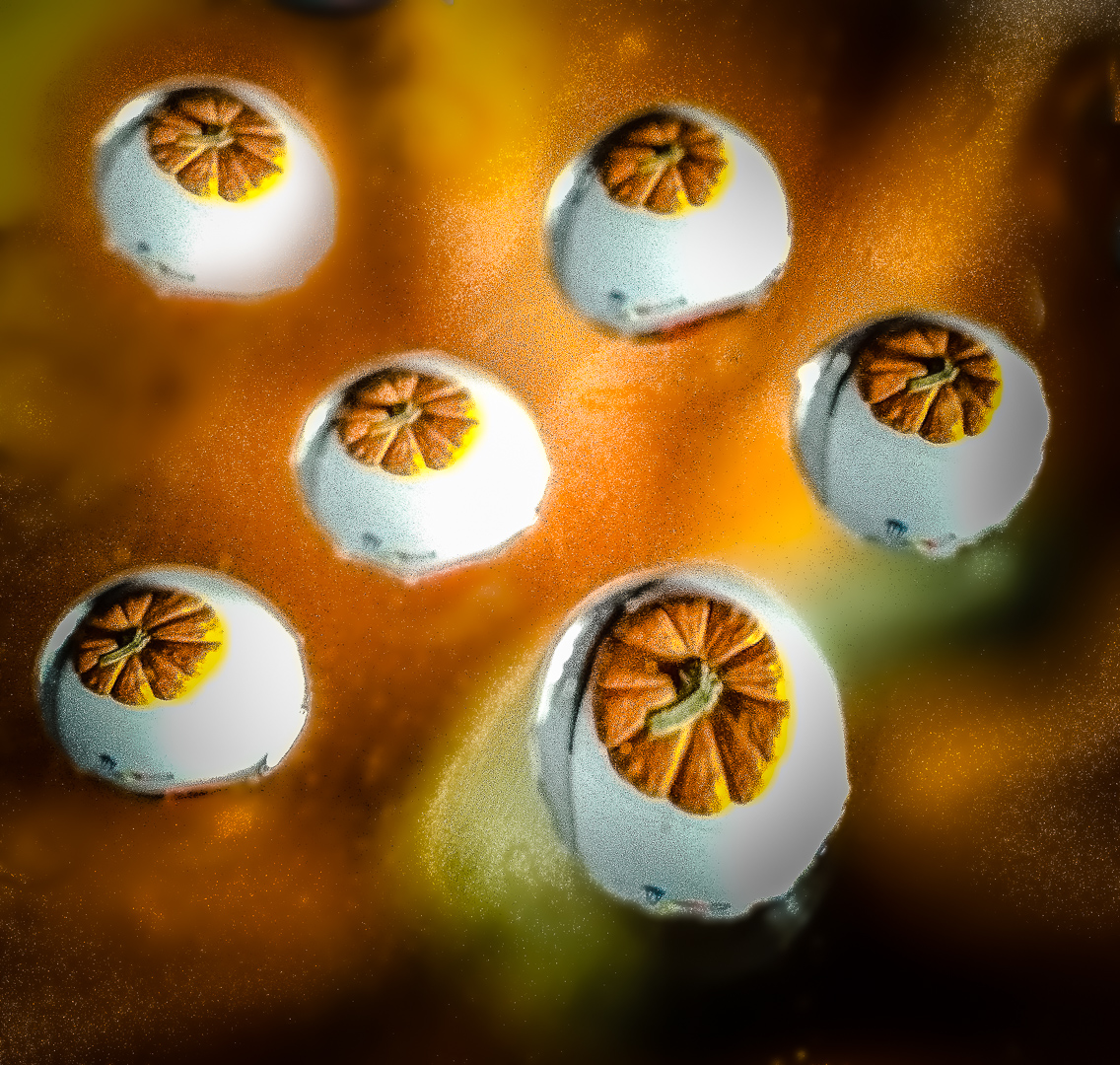
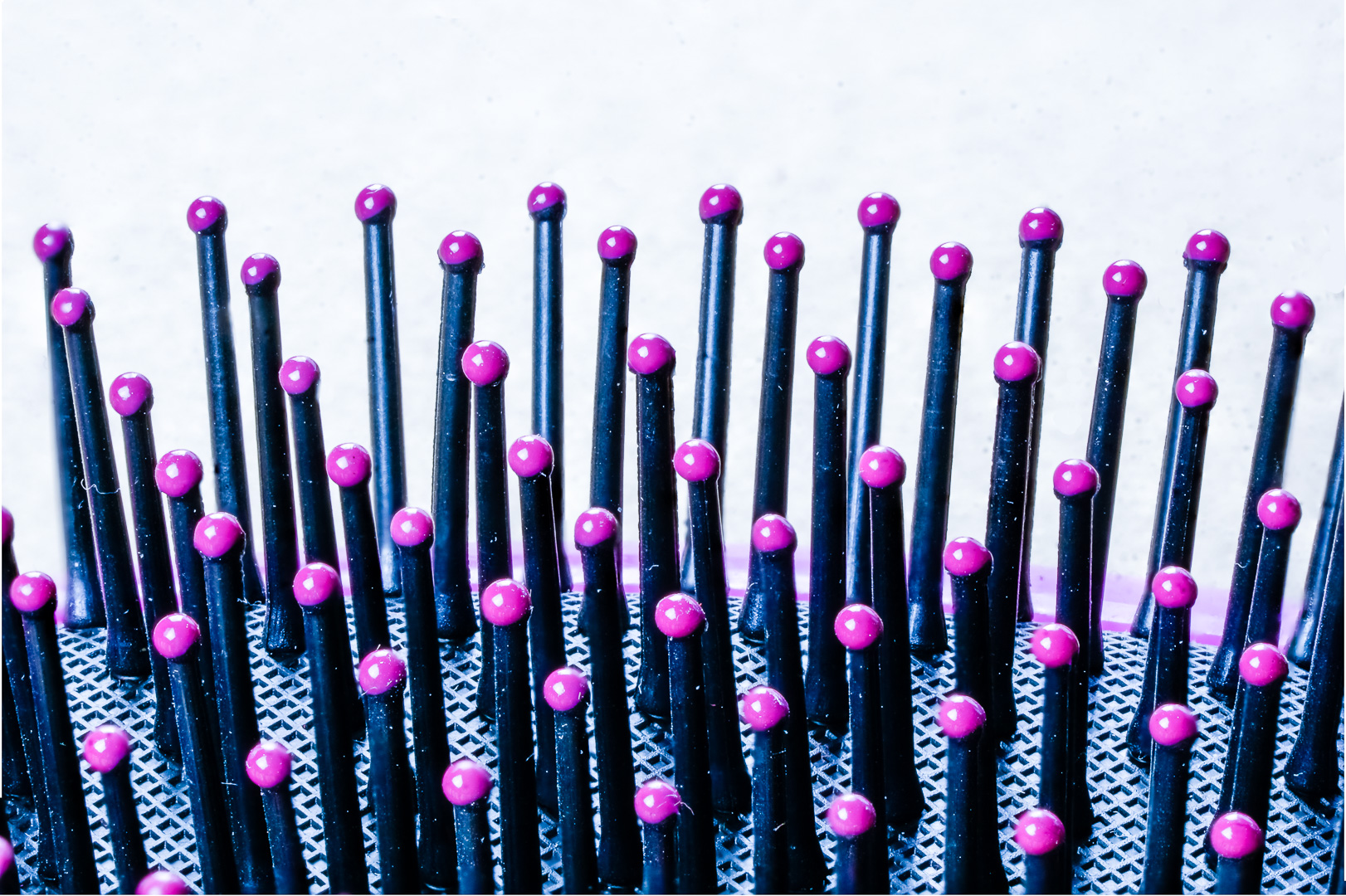
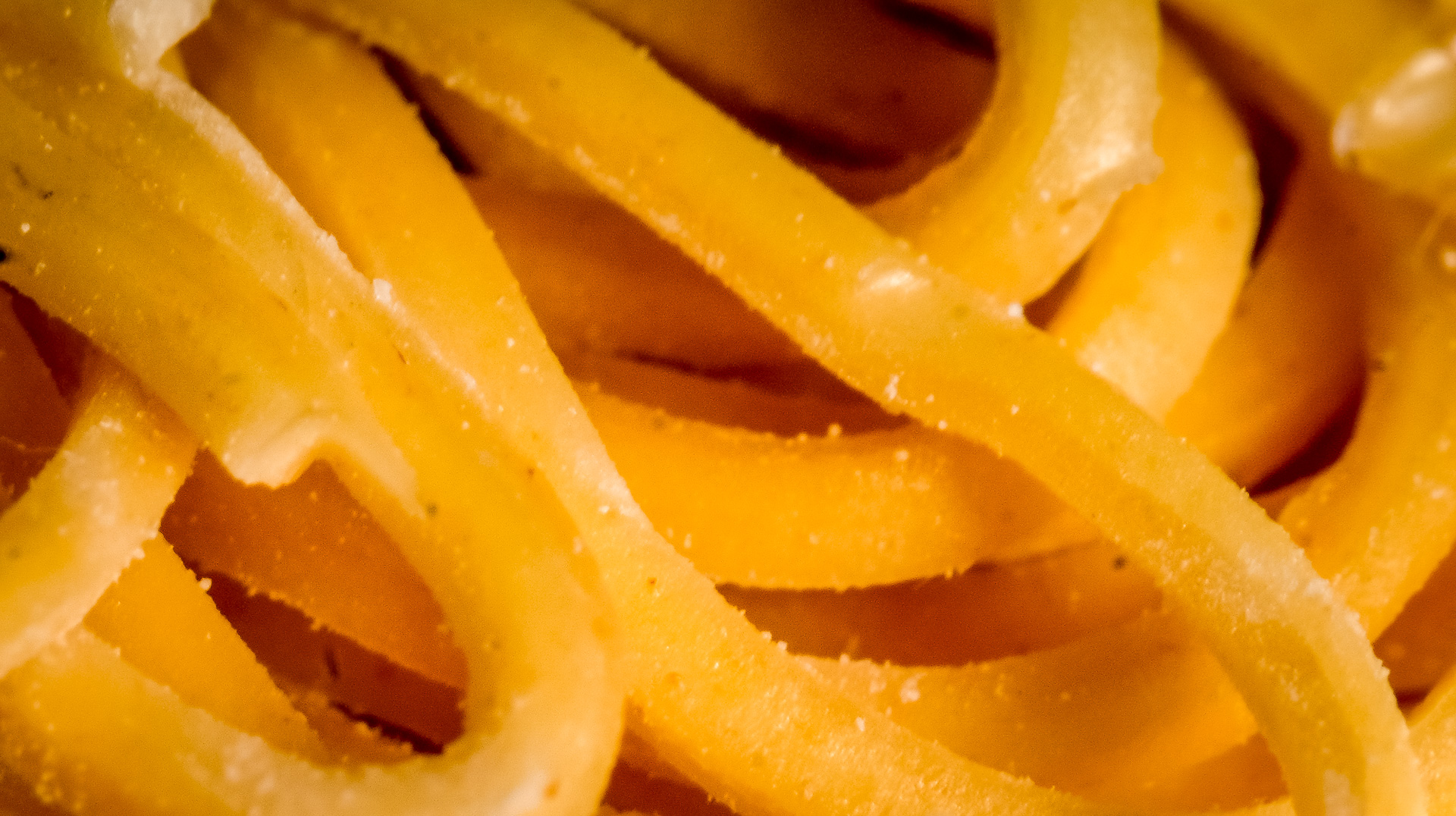
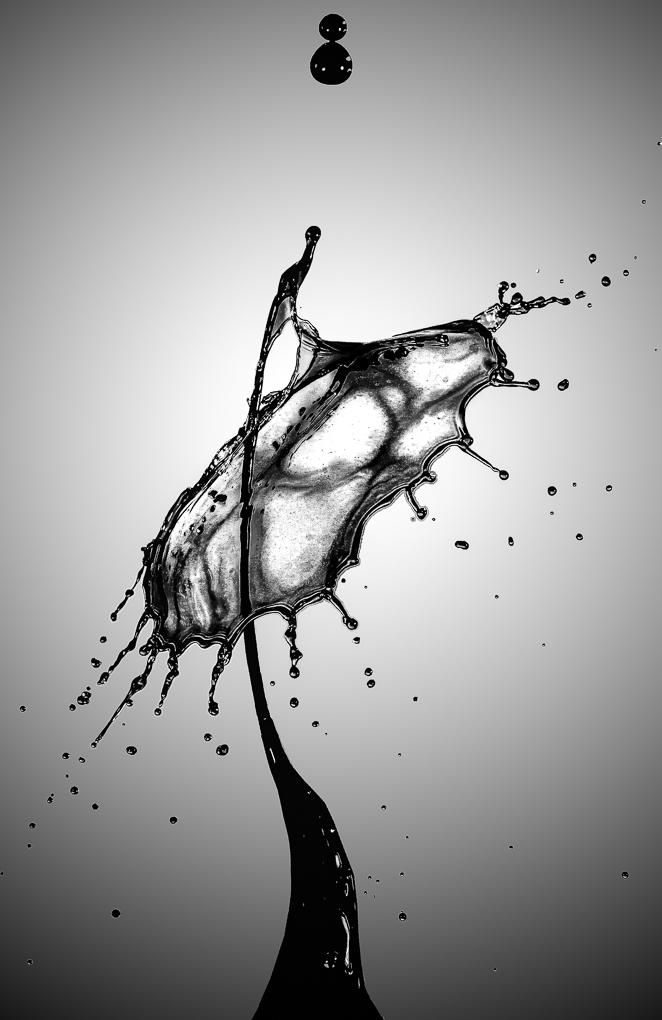
Great arts using home objects.
Love the texture.
I was told to leave more space to allow room for the subject to move into ( which is done here nicely) but allow about the same amount of space for the other sides...not sure whether it is correct or important. |
Aug 26th |
| 65 |
Aug 19 |
Comment |
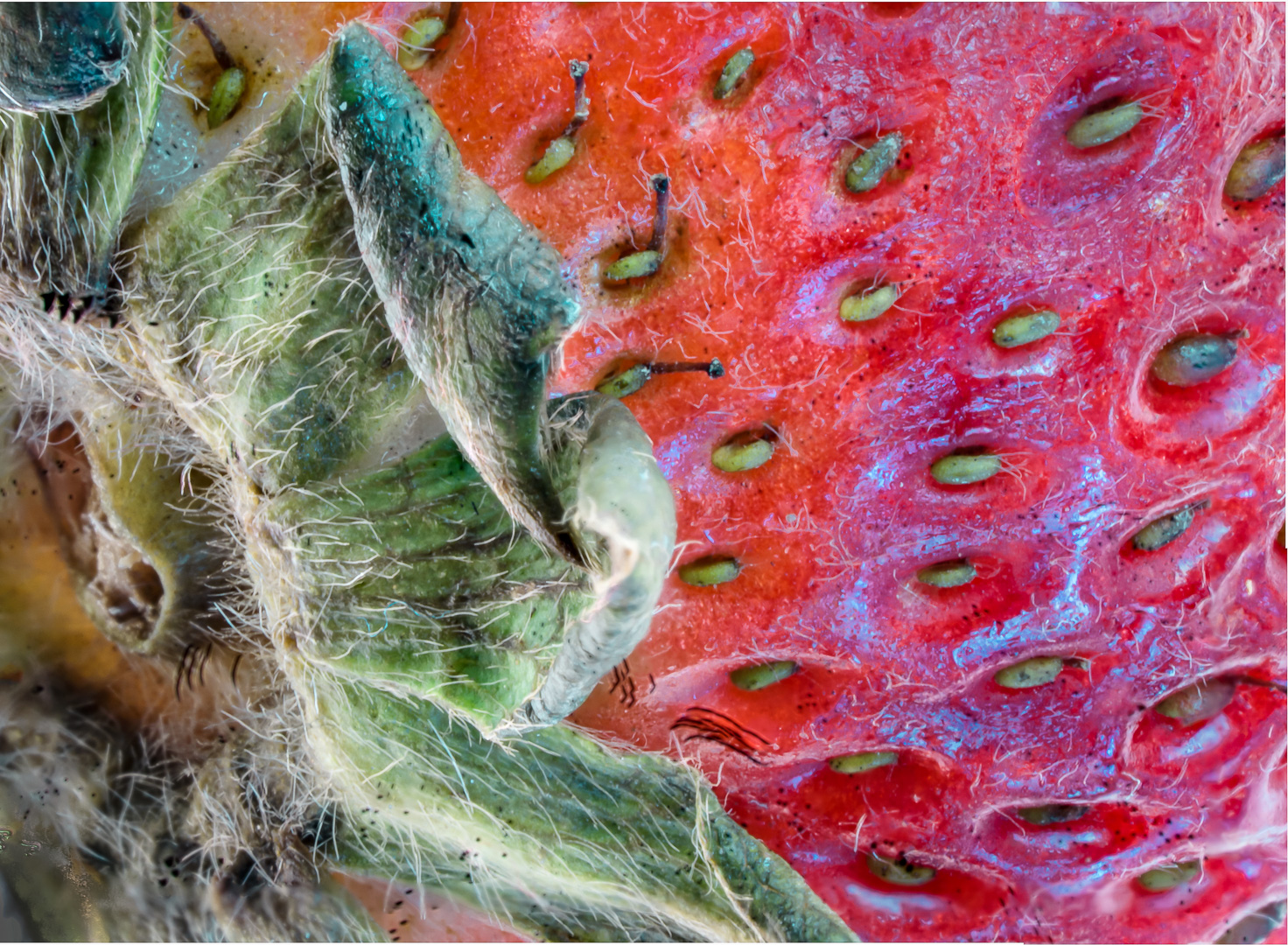
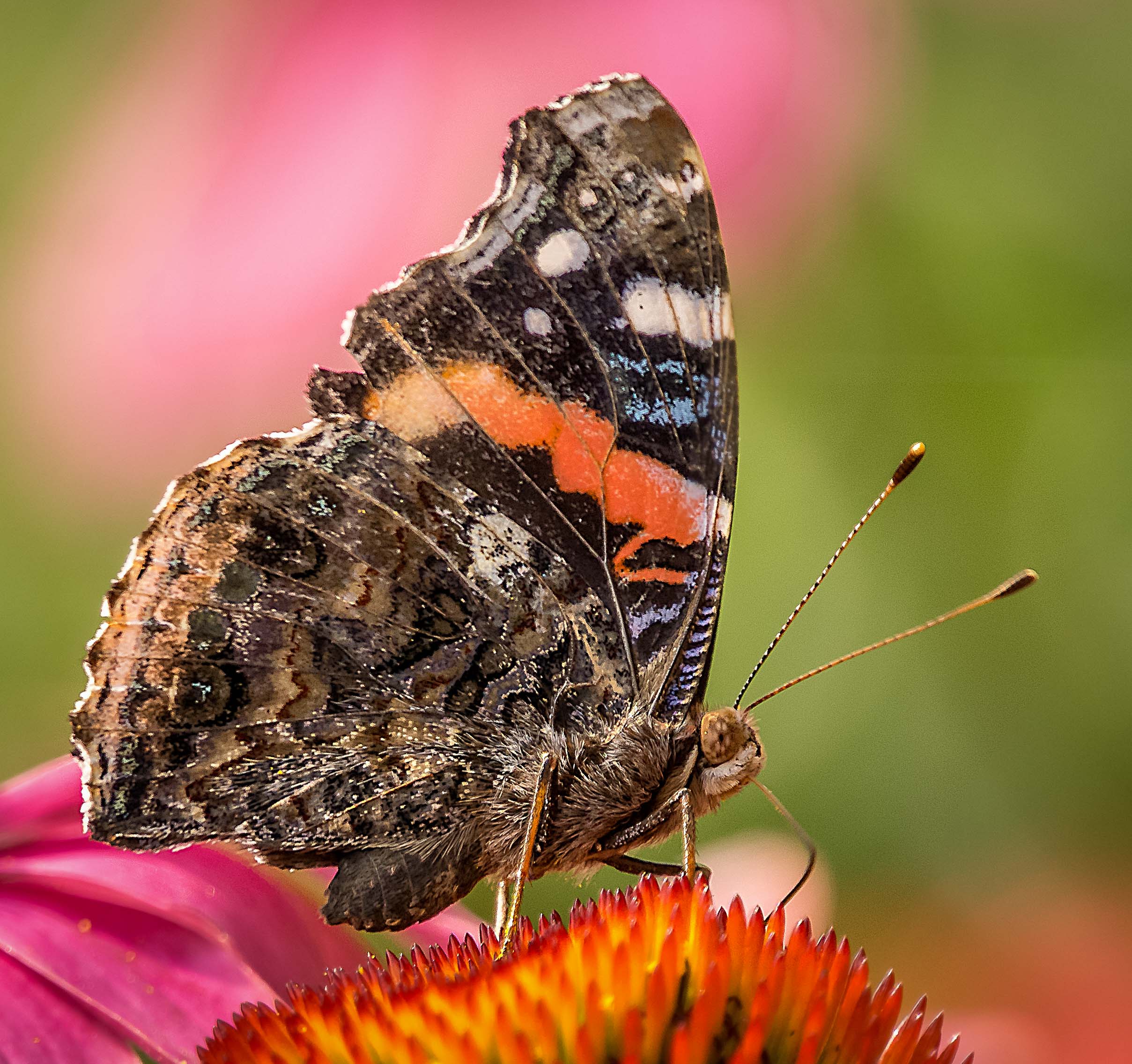
Great image. Very interesting subject and I think that you already did a very good job.
Thank you very much, Charles, for your tips in focus stacking.
To determine which layer will give you more areas in focus that is not in the final layer, you can look at each image in the original area or to look at them in the stack in PS.
To turn on a specific layer only in PS I use ( Alt and click on the eye ball of the layer )
Another suggestion is to crop the image to show the sharp areas only.
Thank you very much for sharing.
|
Aug 26th |
| 65 |
Aug 19 |
Comment |
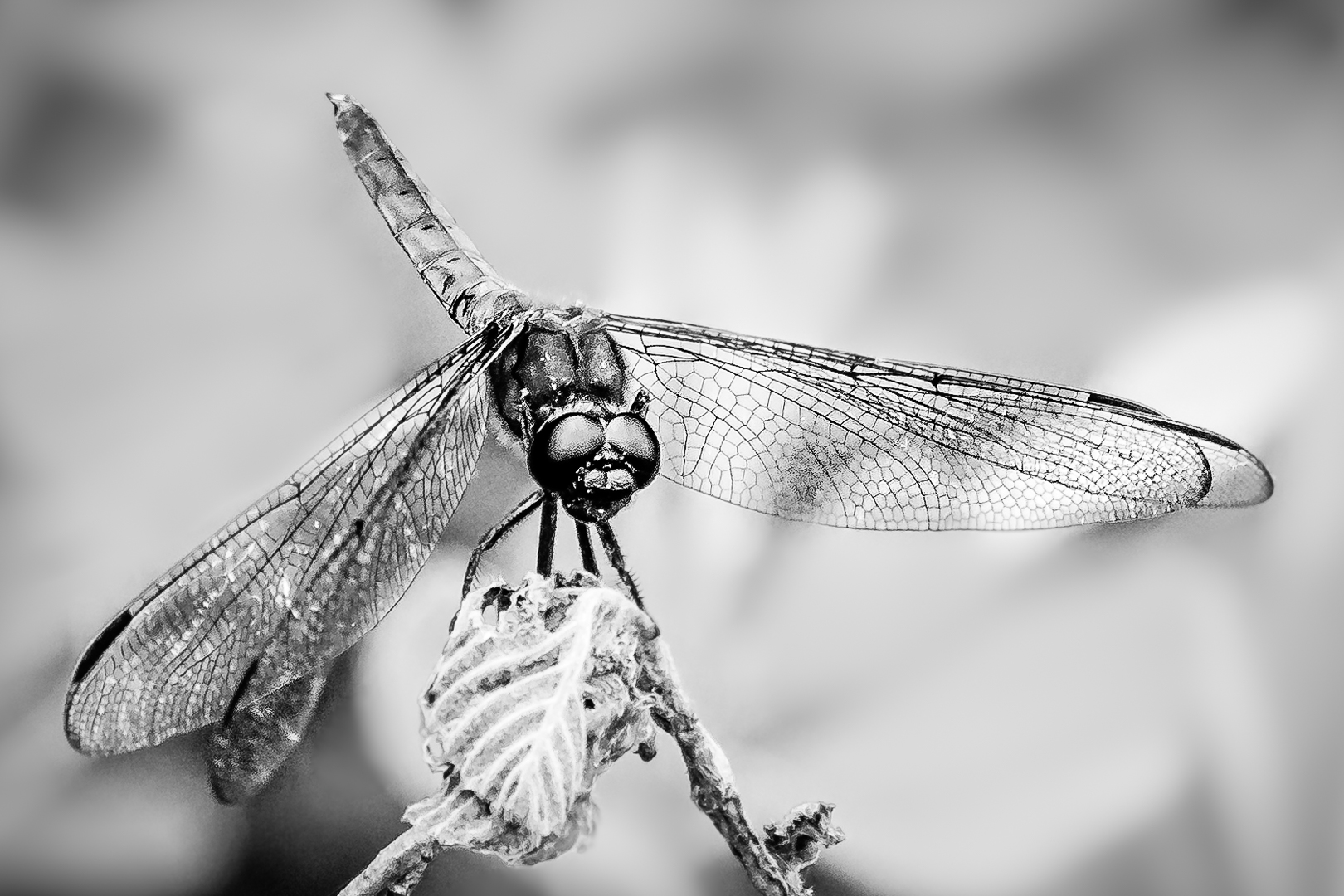
Thank you very much for all your comments.
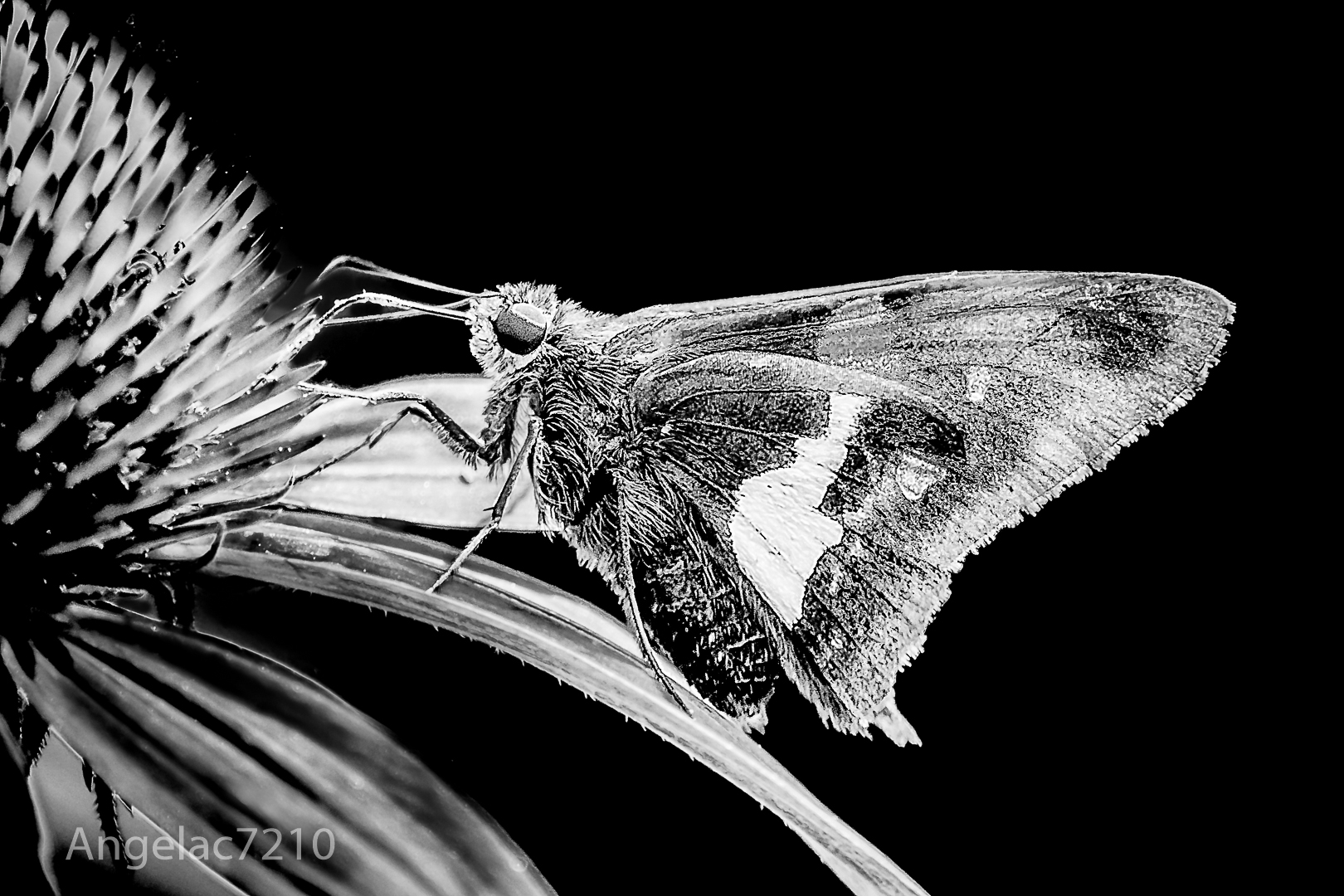
I enjoy insect photography because it is interactive on top of showing us sights that we do not usually see clearly.
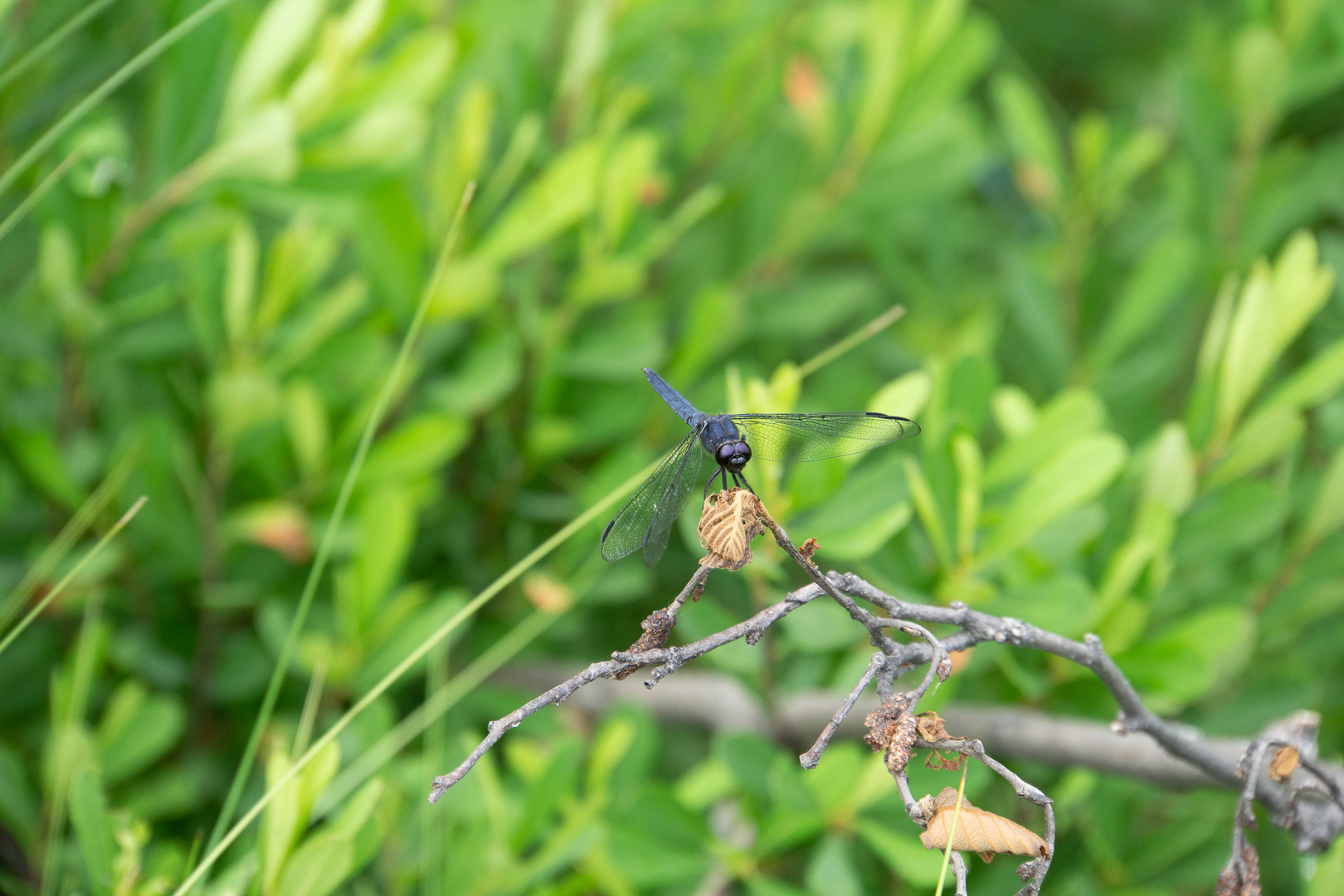
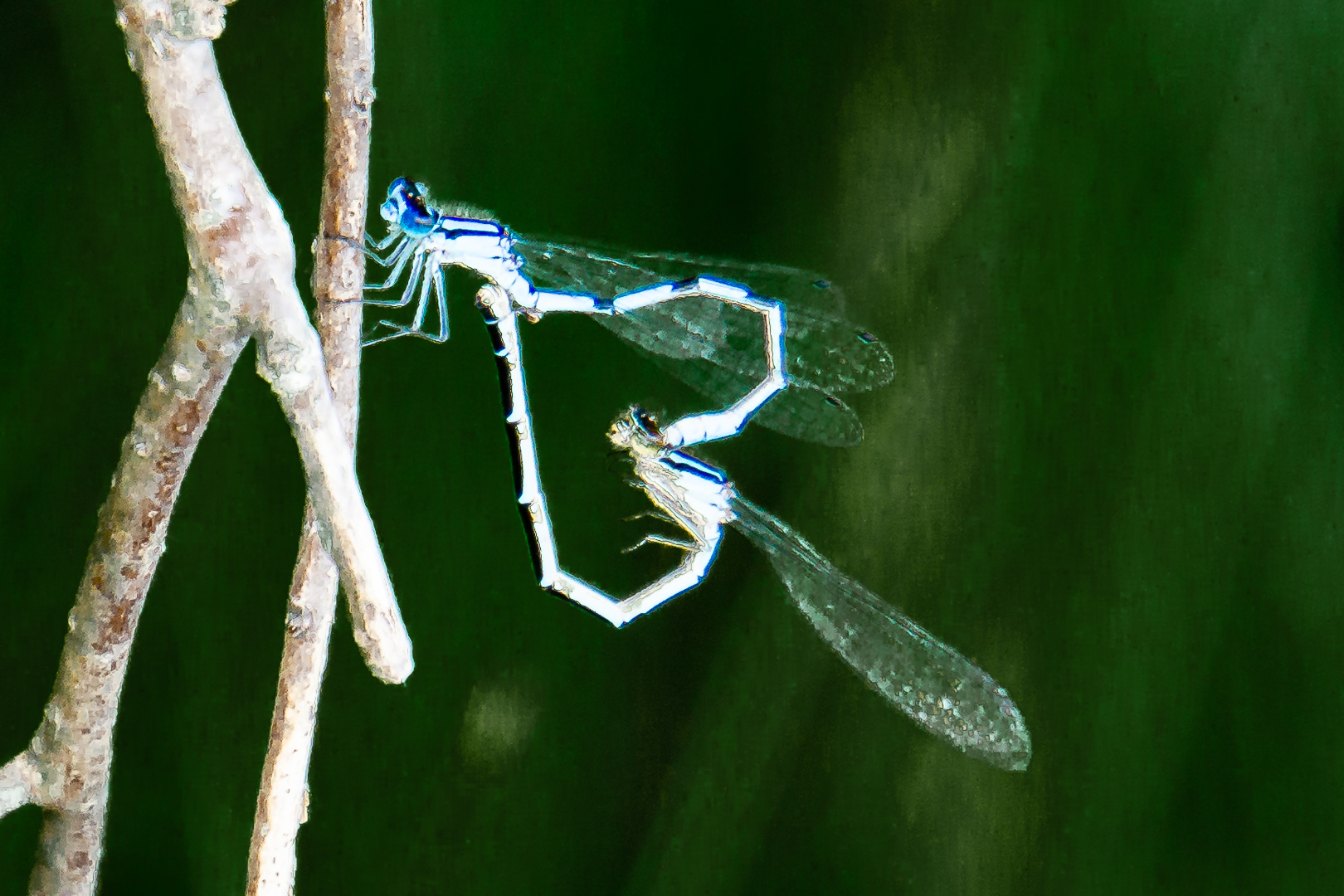
It is also a great challenge because the models do not pose to our order . I frequently laugh when I see comments that a flying subject is not 100 % in focus. Unless the subject is in exactly the same plane as the camera , the chance of getting the subject completely in focus is very very small, let alone one that you cannot pre-focus and anticipate its path . This one is slightly better but the 2 sets of wings might not be parallel to each other. I took lots of shots because it is very hard to see the final outcome until I can see the playback in camera . Damsel flies are at the minimum size that my camera can handle. At the same time , we cannot choose the background so a very large depth of field might make the background too cluttered. ( We can only make global editing in our Nature category for our competition within our club ).
Hope to find another camera that can focus closer quickly soon.
Thank you very much for your tips . |
Aug 26th |
6 comments - 2 replies for Group 65
|
| 74 |
Aug 19 |
Comment |
Wonderful ! ! ! I am in my early 60 and that make me the baby within my friends in our local camera club . We go shooting every Wednesday plus whenever we can. The more we exercise, the longer we can keep our good health. I also volunteer to help in our local Chinese Senior program. Being the lower edge of baby boomers, we really need to help each other and those more mature than us as much as possible. Like what I use as my closing wish in emails : Good health, good shooting and great fun to you all ! ! ! |
Aug 27th |
| 74 |
Aug 19 |
Comment |
Very interesting building. I see a face on first glance and that feeling intensify the more I look at it.
Yes, I like the sky to be a bit brighter too.
I think it will show a happier face . |
Aug 27th |
| 74 |
Aug 19 |
Comment |
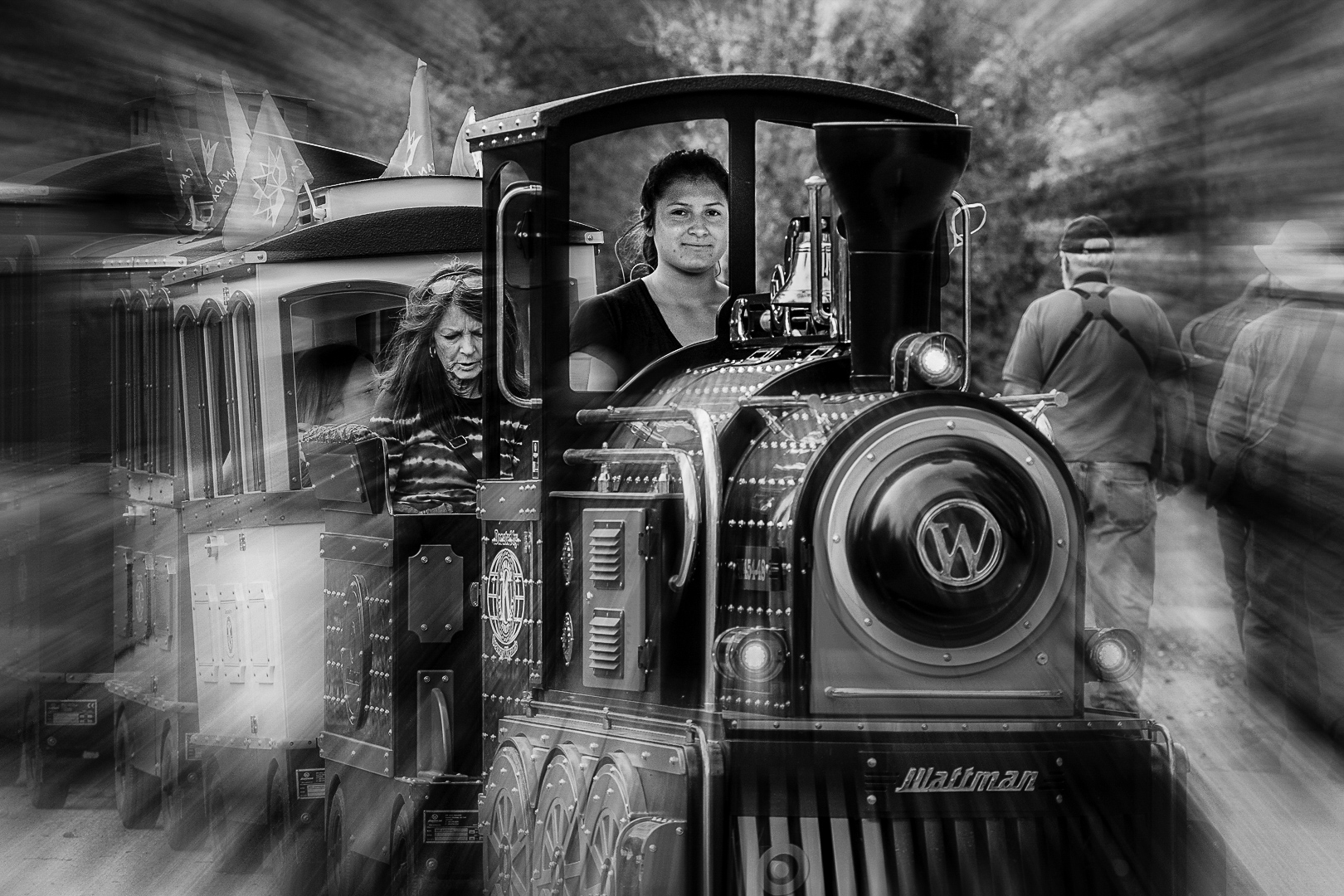
It is wonderful to see that seniors who need some help in mobility no longer are confined in their home. I think that the newer generation seniors are more comfortable with minor inconvenience and am willing to carry on what they used to do for much longer than generations before.
I agree with brightening the man but use a vignette so that there is a newer area of true black in the imagae |
Aug 27th |
| 74 |
Aug 19 |
Comment |
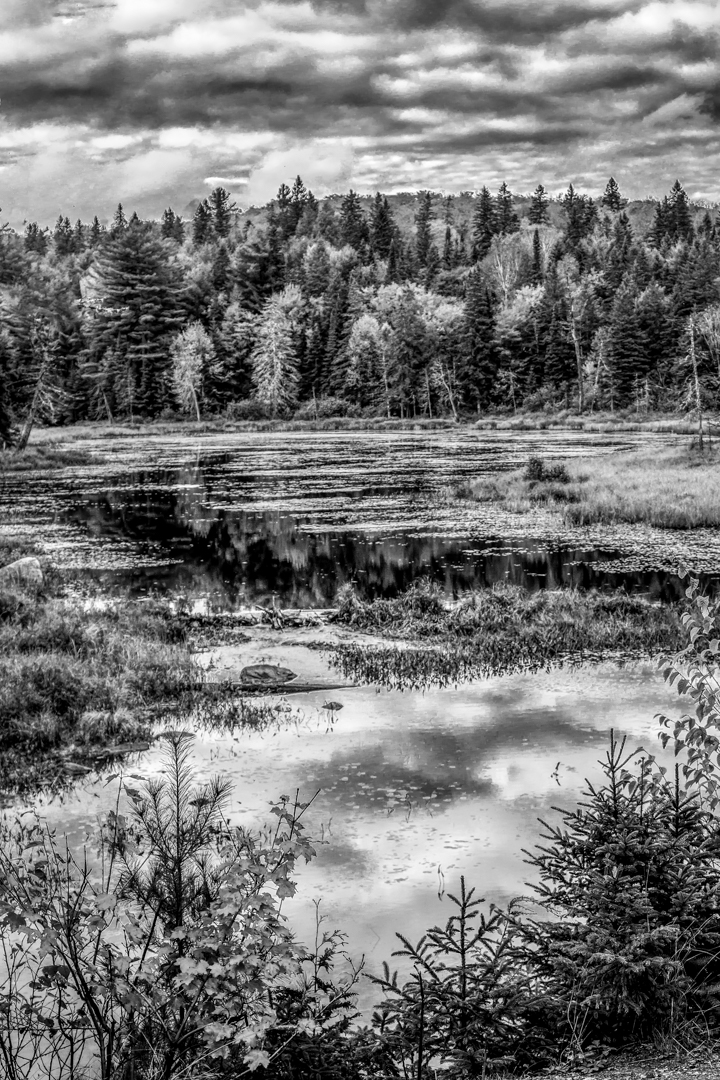
I saw that the bright colors in the monochrome image are actually mainly green and yellow.
This is a summary of how I feel that colors show up in monochrome :
Yellow...bright
red....dark
brown....highly adjustable.
Green and blue...can range from light to dark...I usually adjust green and blue before converting to monochrome.
One of my favorite method is to use masks to convert areas using hue saturation adjustments. |
Aug 26th |
| 74 |
Aug 19 |
Comment |
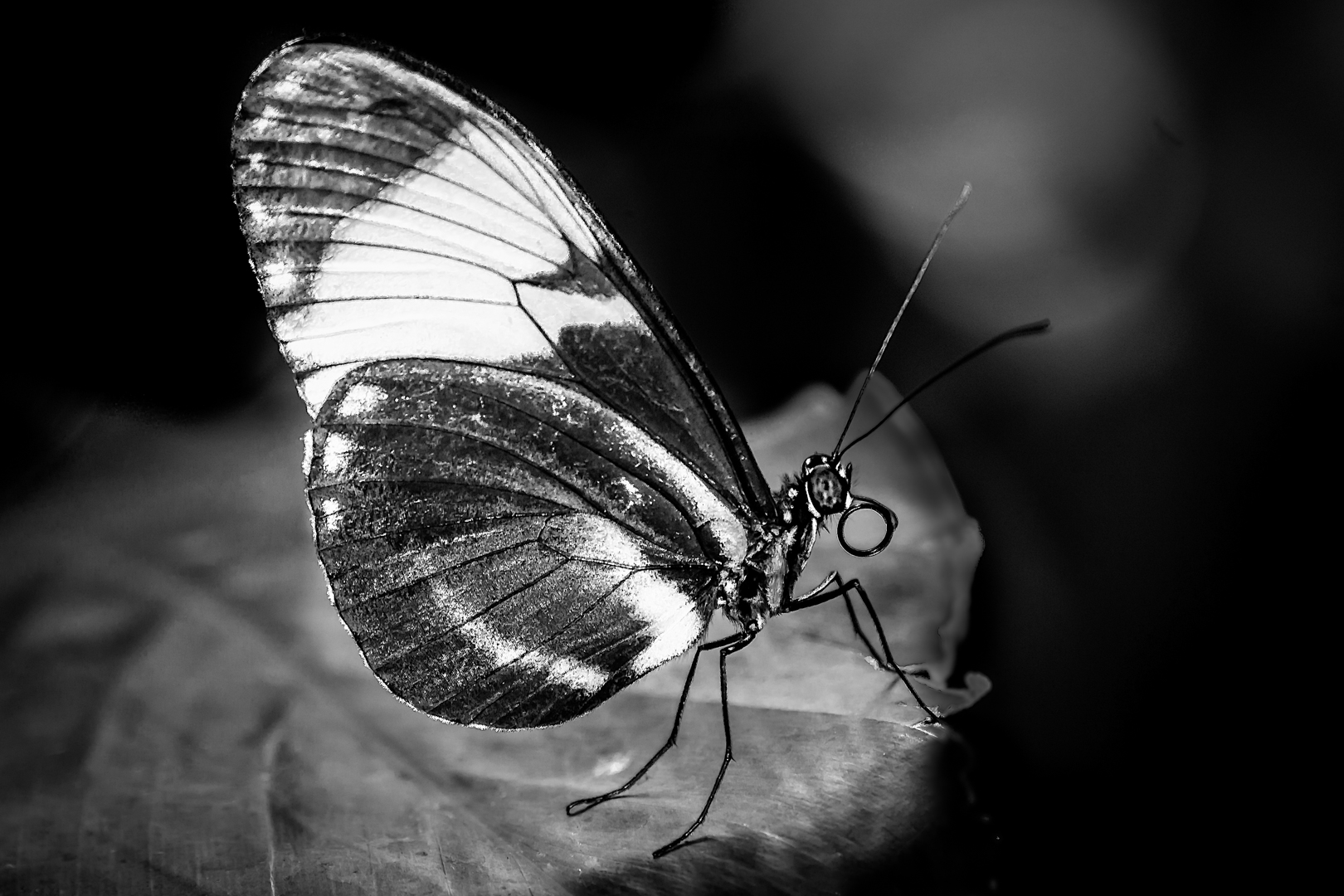
I agree that monochrome is a better choice here.
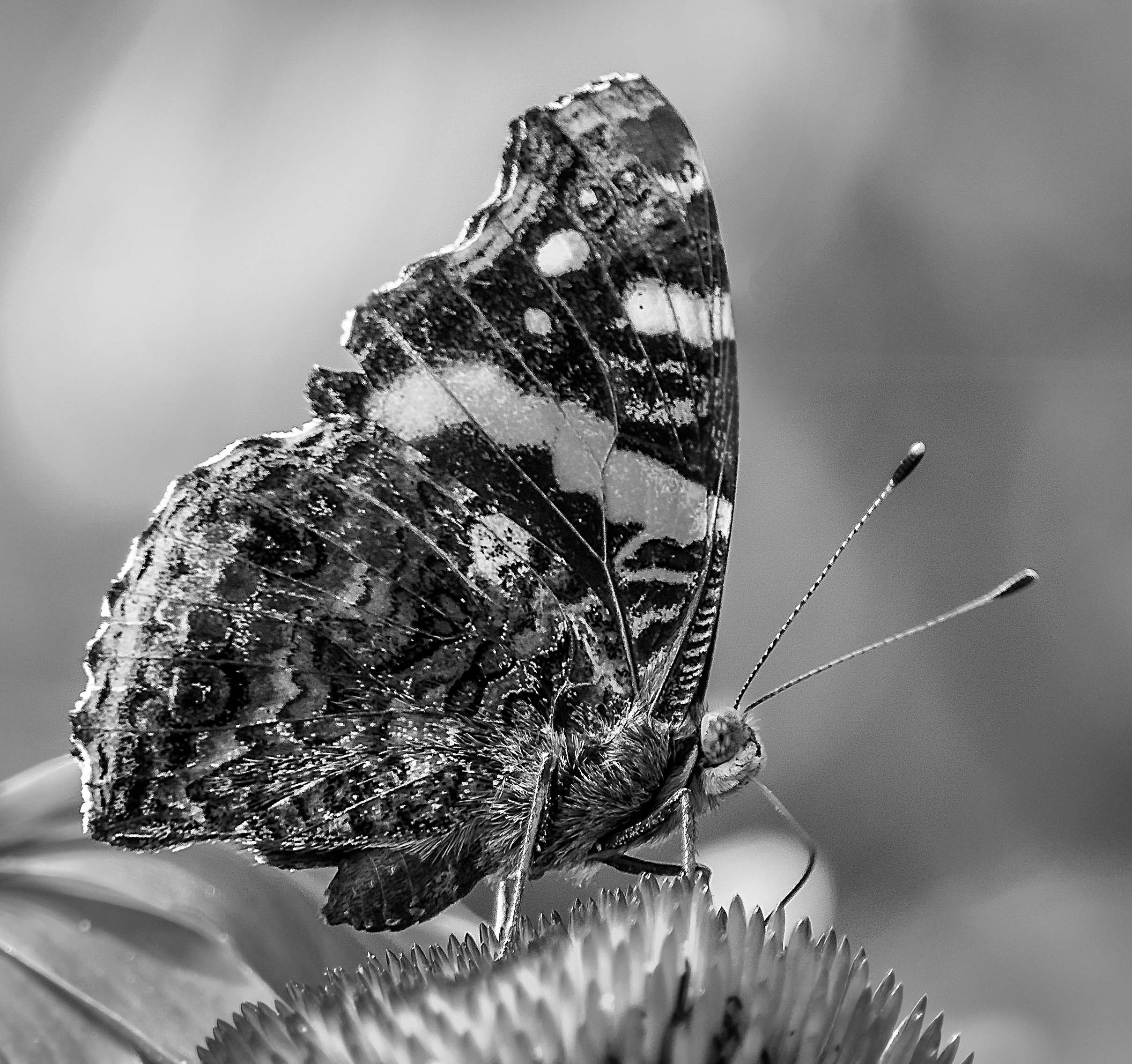
I also chase insects a lot...well, I usually wait until they land first. LOL ! ! ( I also belong to a macro group ) I did lots of experiments and settled on f8 for butterfly etc. because I do not want the background to be very sharp. The challenge here is that the butterfly is not parallel to the camera . When I look at insects my attention go to the wings and the eyes. I never submit an image to competition if the eye(s) are not in sharp focus.
With this image, most of the distraction is purple.
In Photoshop I would use hue-saturation adjustment layer to change the tone of the purple until the butterfly stand out.
In Lightroom I would use HSL to change the tone of the purple as suggested above, then use (Adjustment Brush ) to decrease the clarity and texture outside the butterfly.
Bright parts also draw our attention so I would tone down the high light too.
This is a very good try of macro photography. Keep up the good work ! ! ! |
Aug 26th |
5 comments - 0 replies for Group 74
|
11 comments - 2 replies Total
|