|
| Group |
Round |
C/R |
Comment |
Date |
Image |
| 65 |
Jul 19 |
Reply |
Hi Janos,
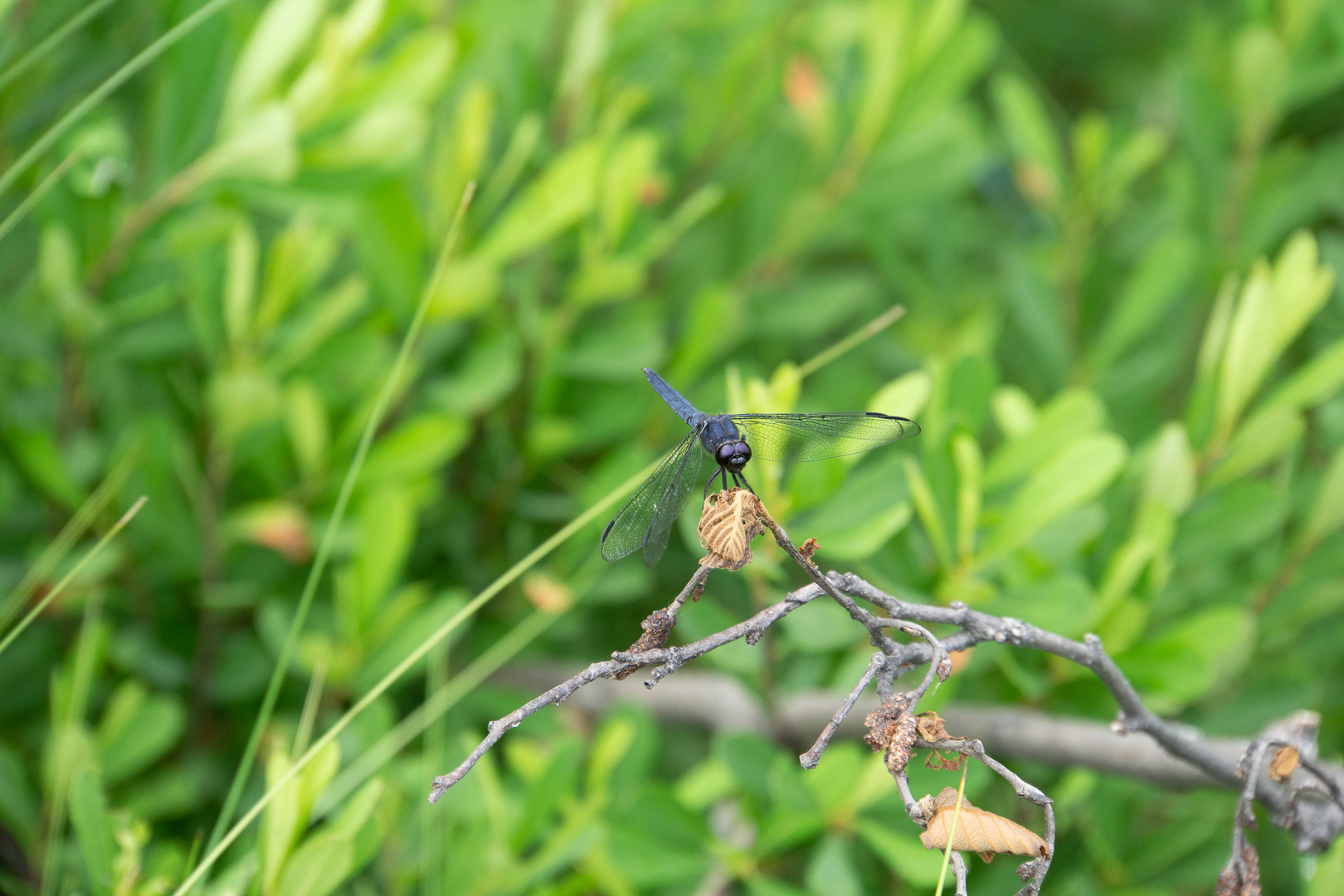
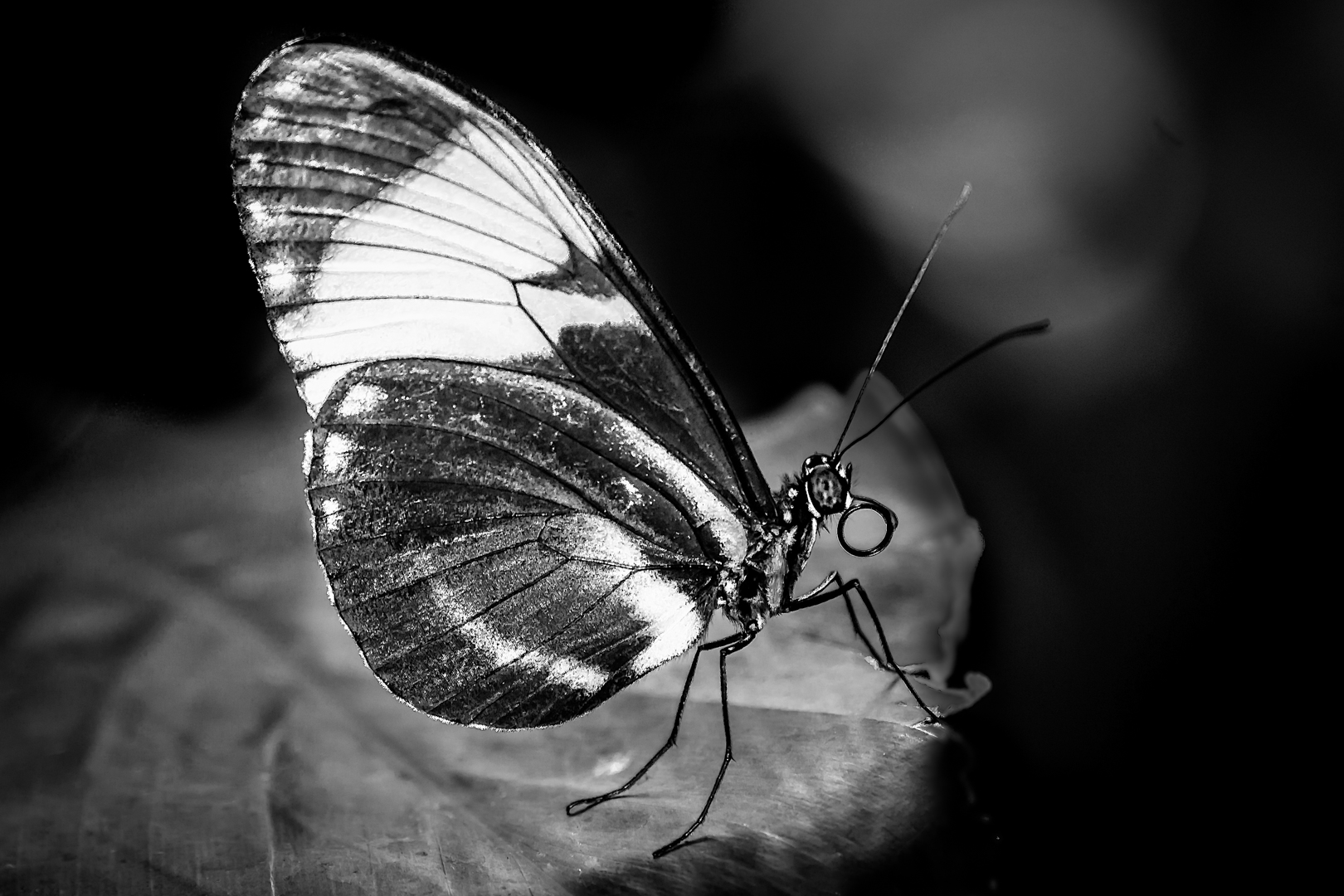
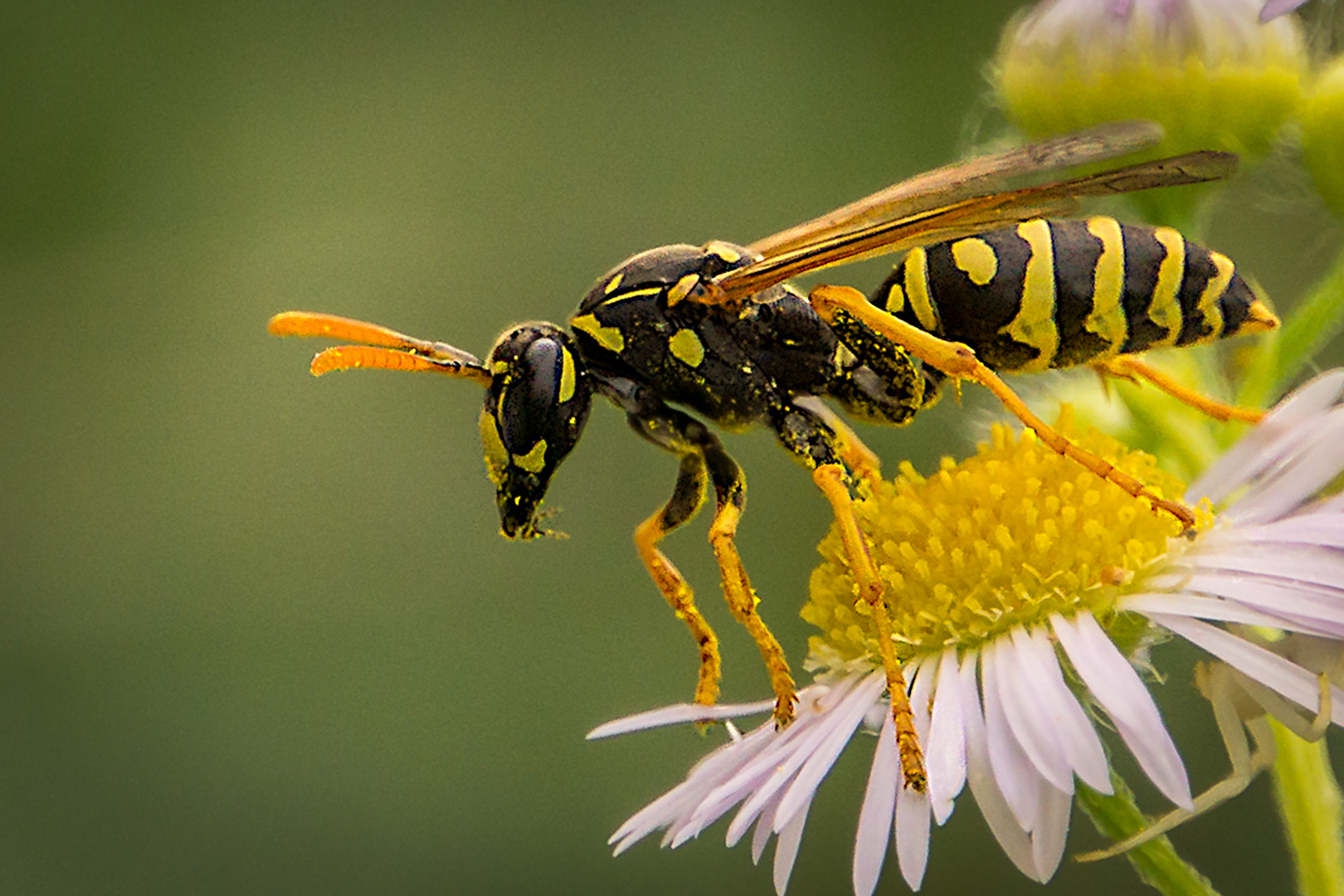
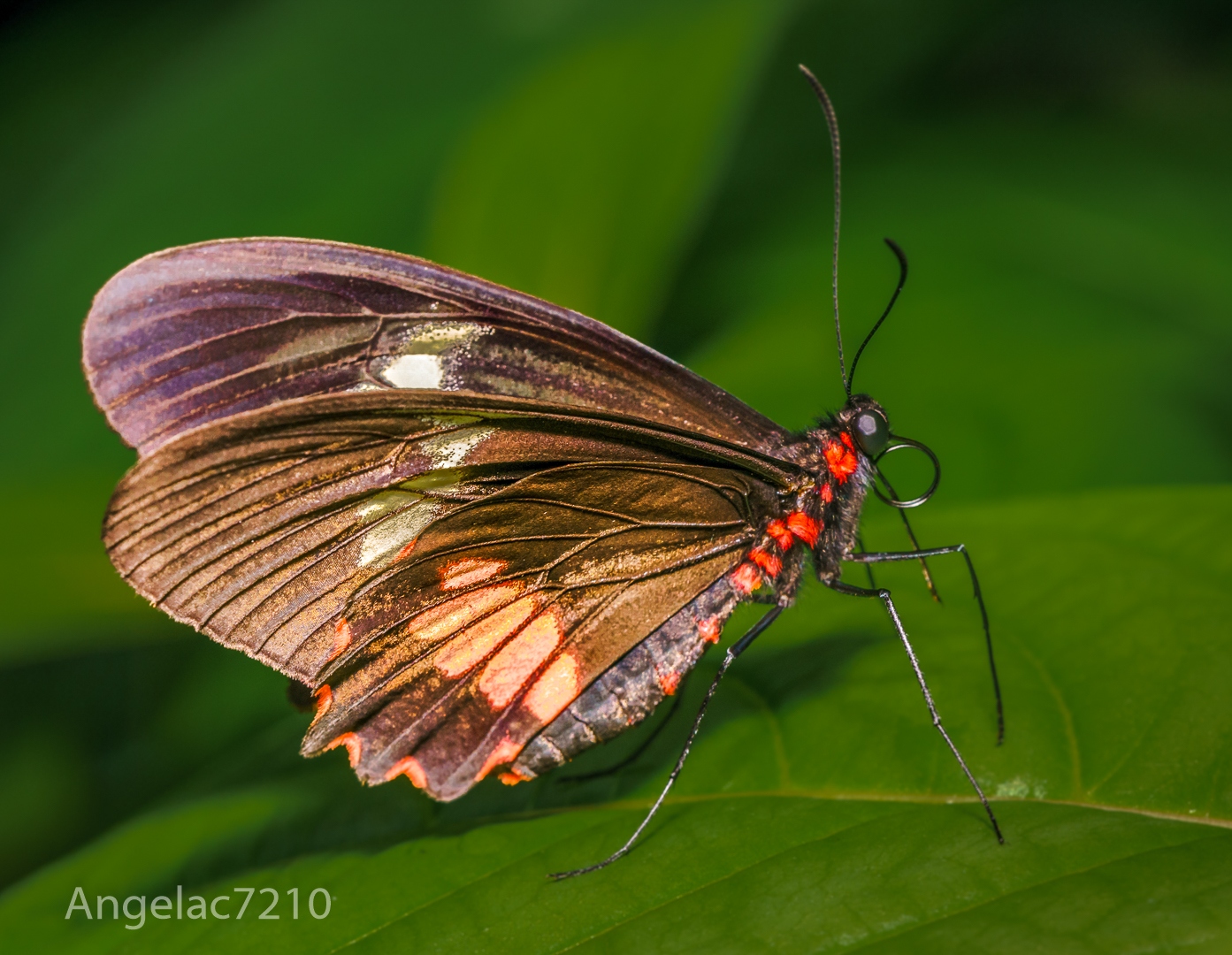
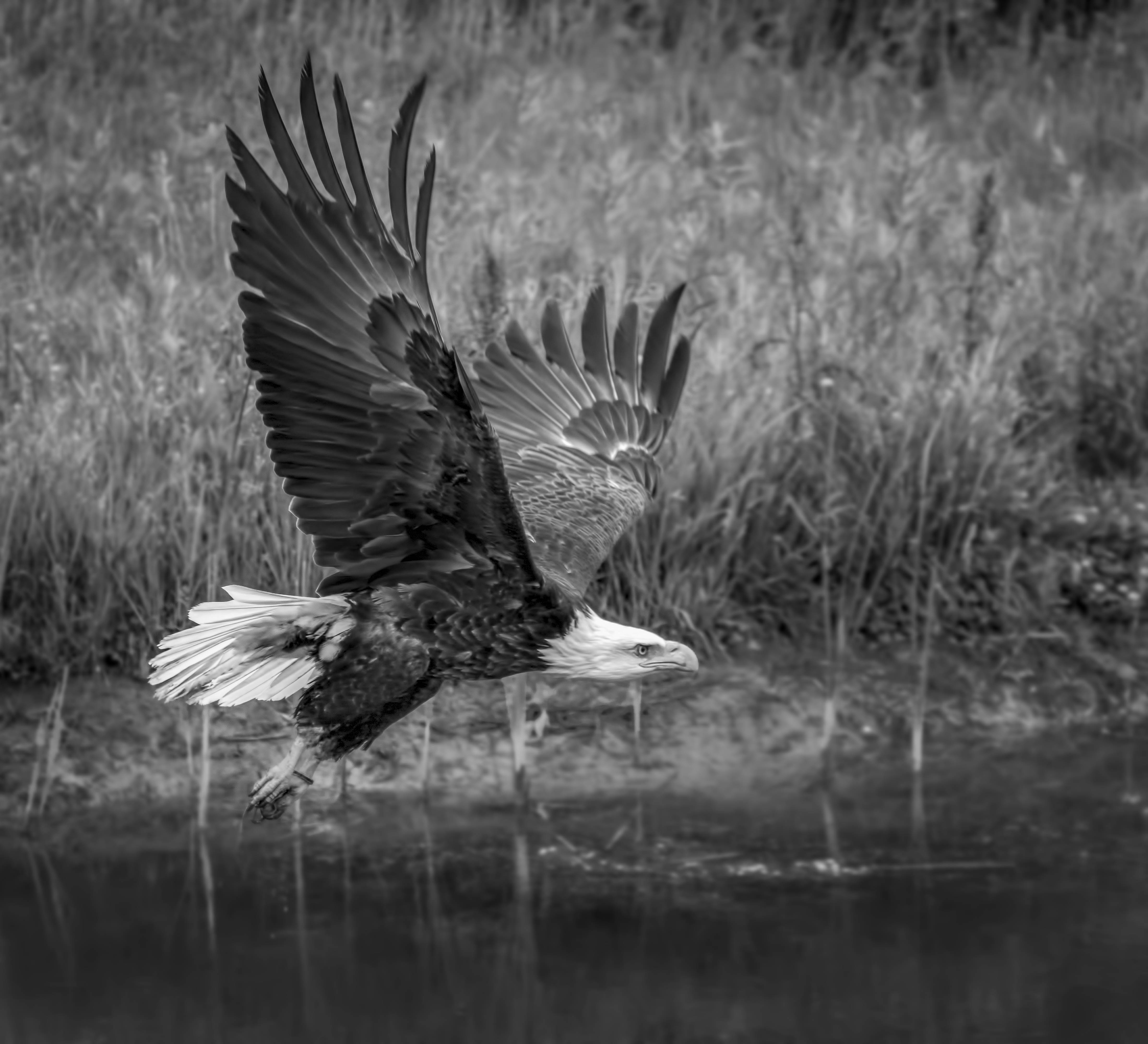
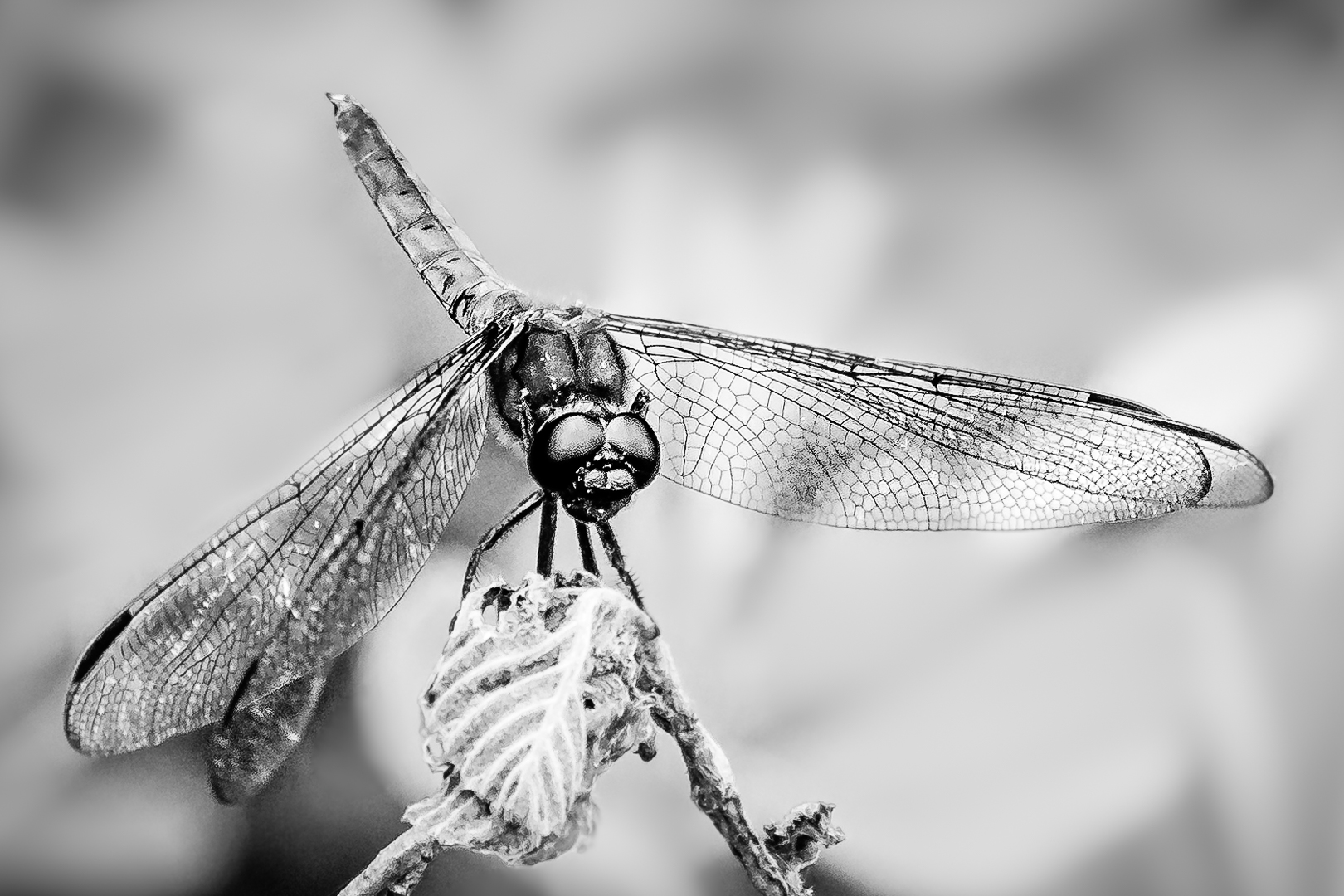
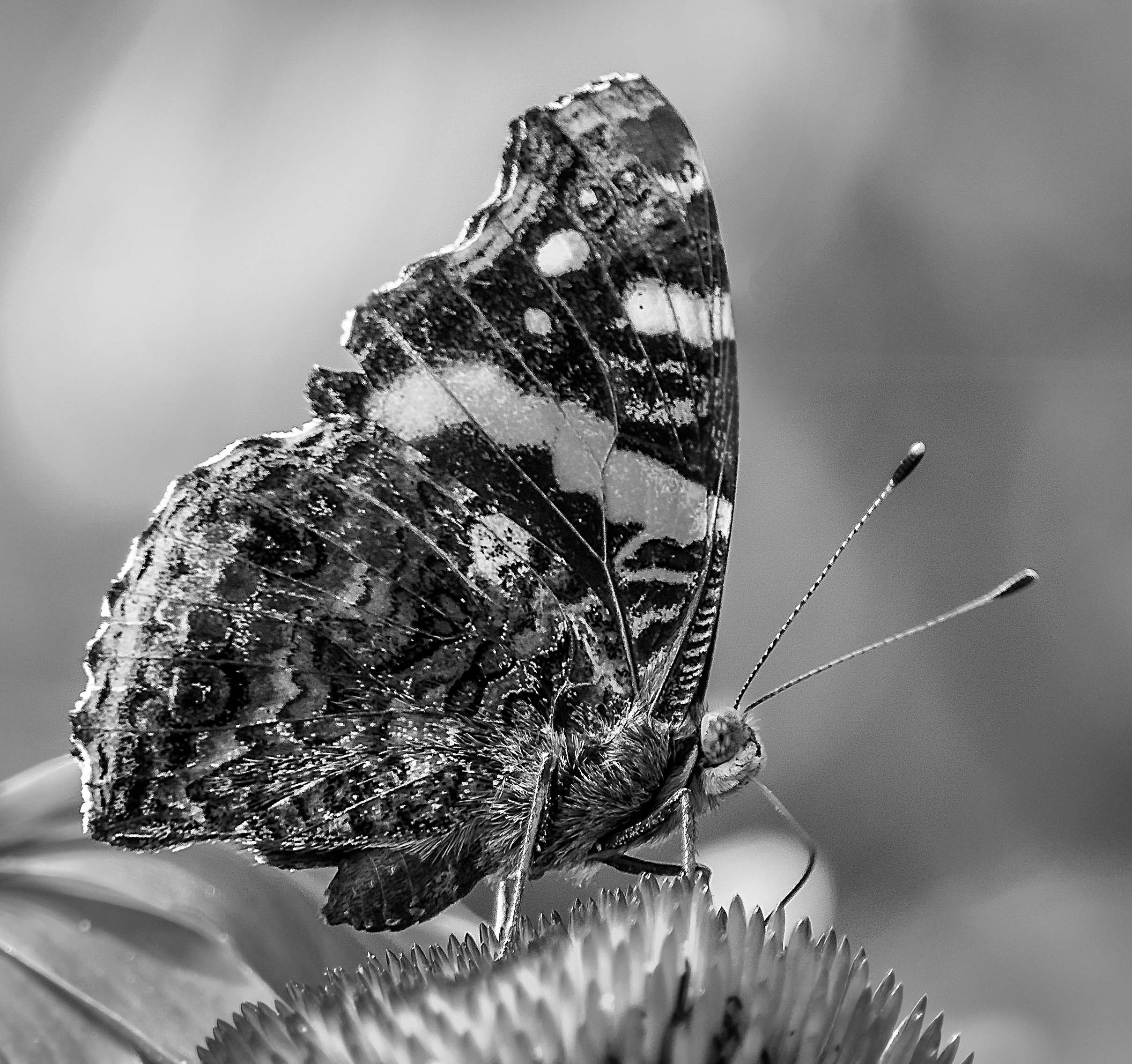
I had actually increased the speed to 1/4000 and the wings are still blurry...hence I back the speed down to 1/1000 . |
Jul 29th |
| 65 |
Jul 19 |
Comment |
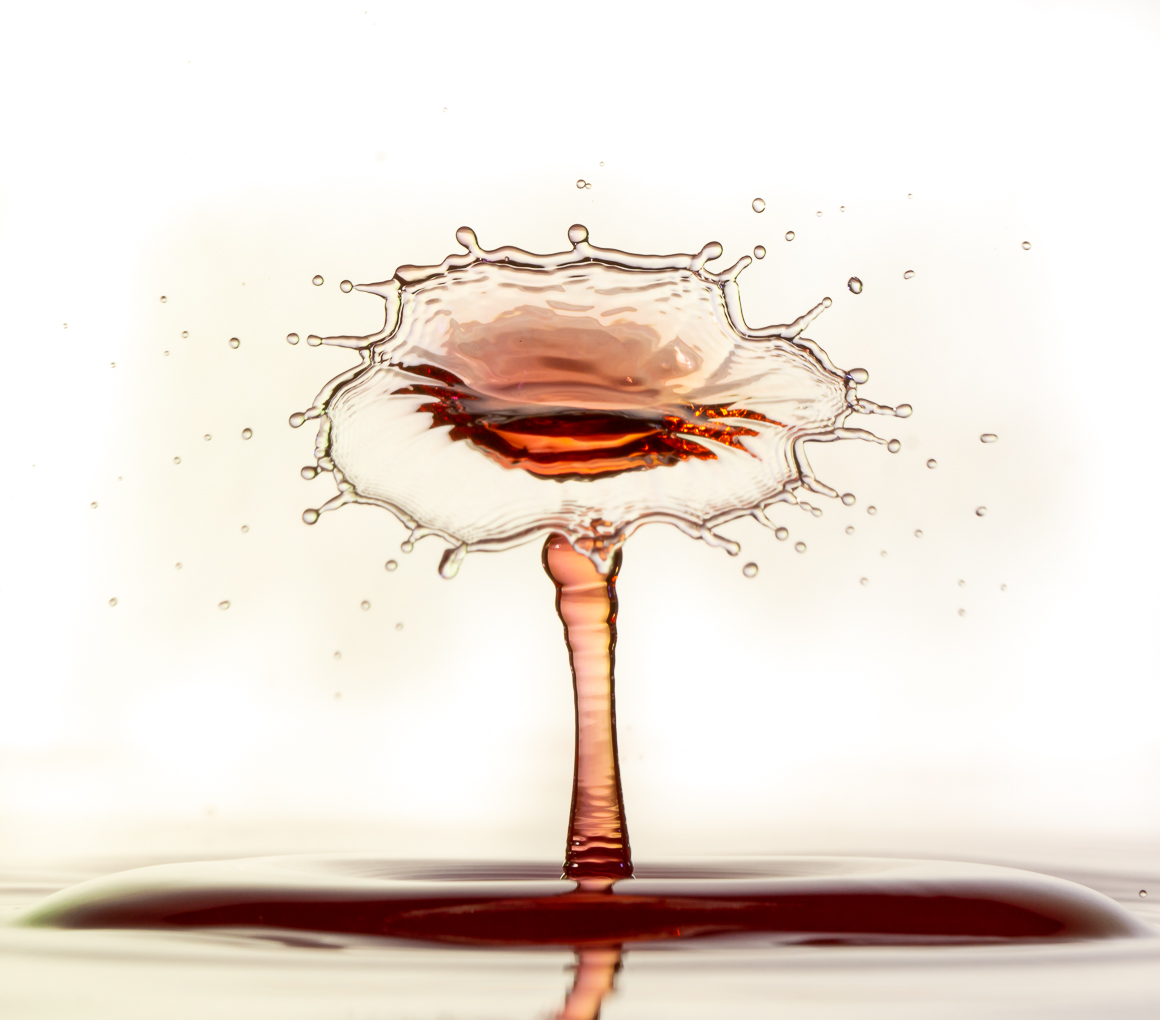
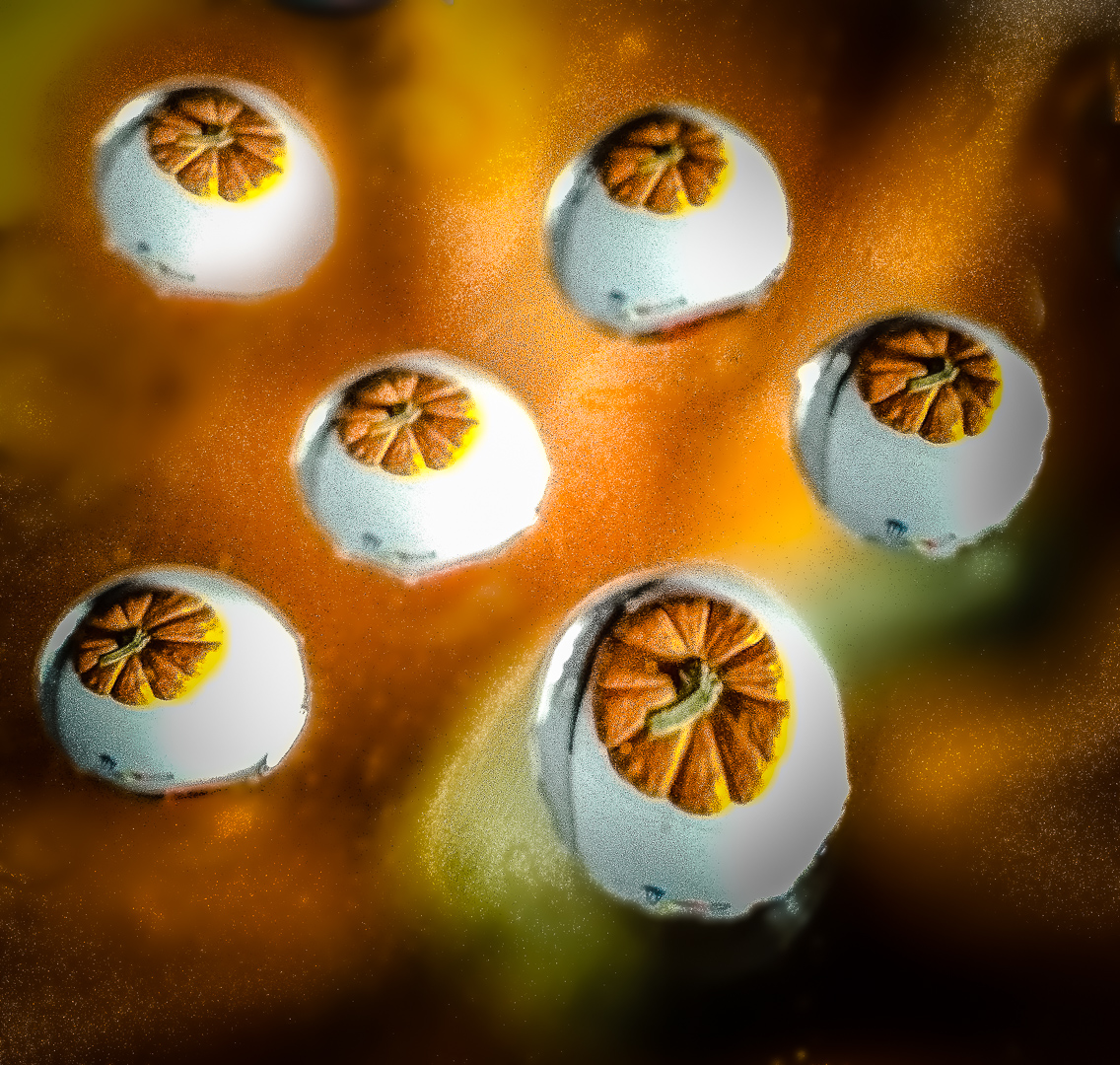
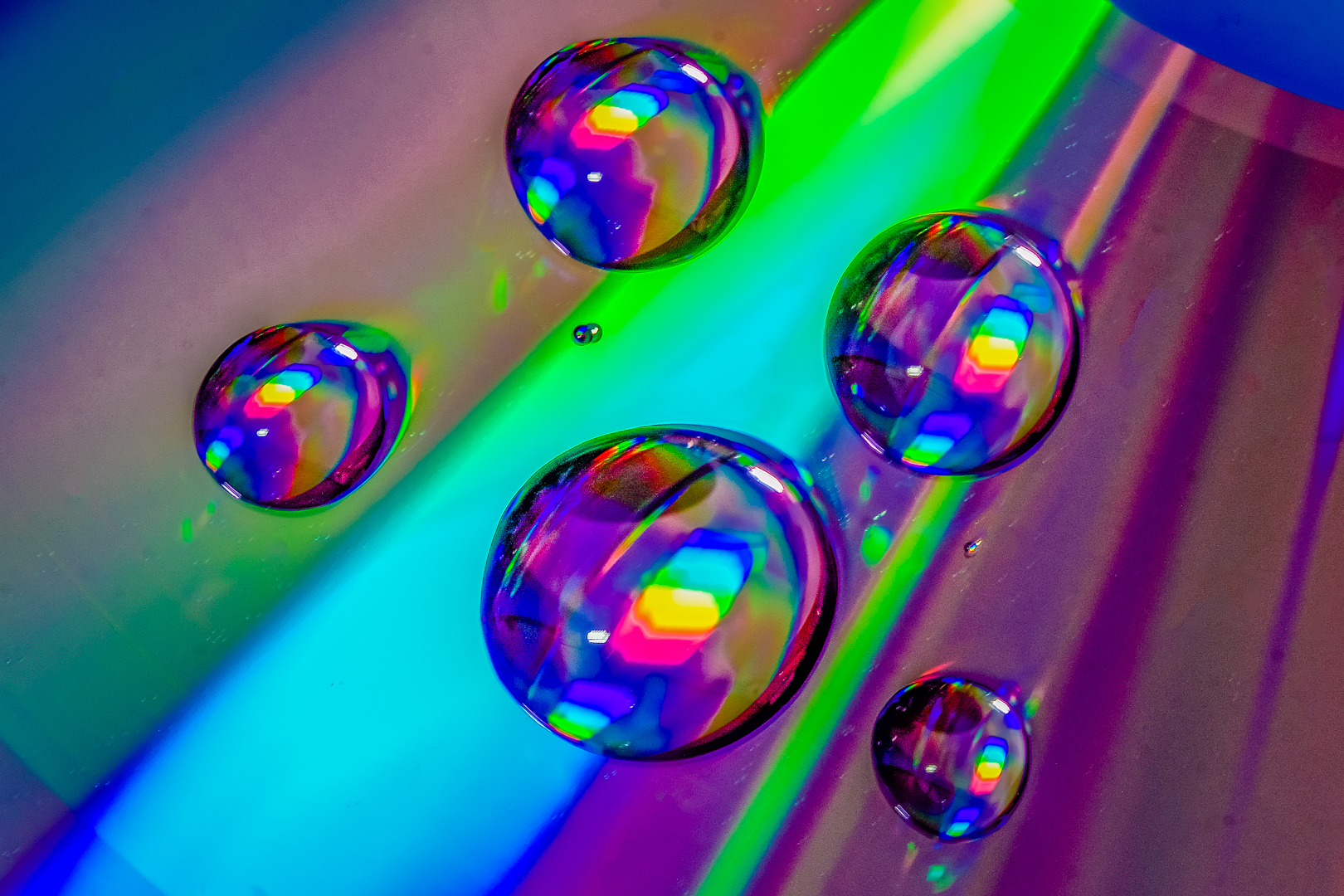
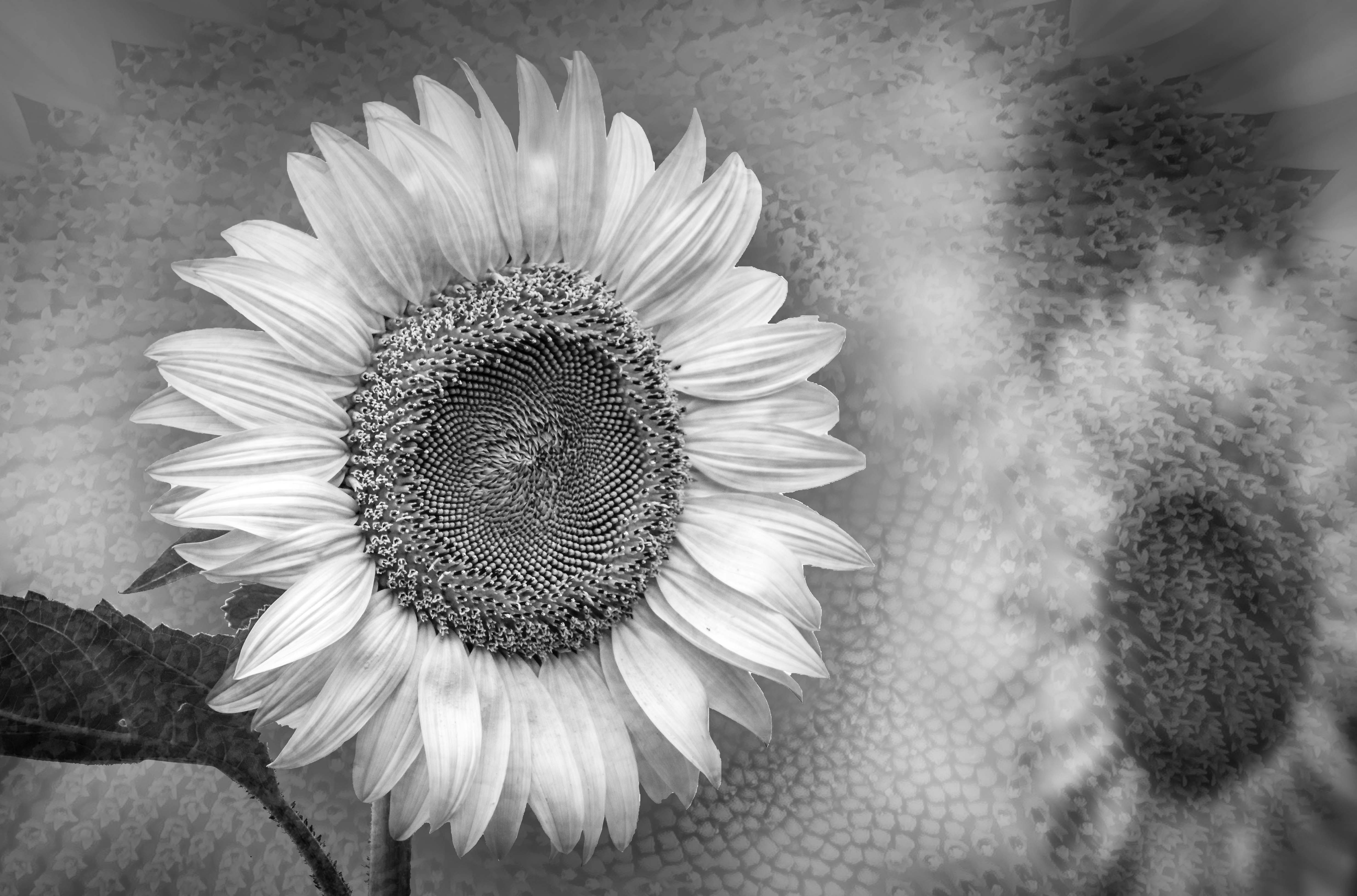
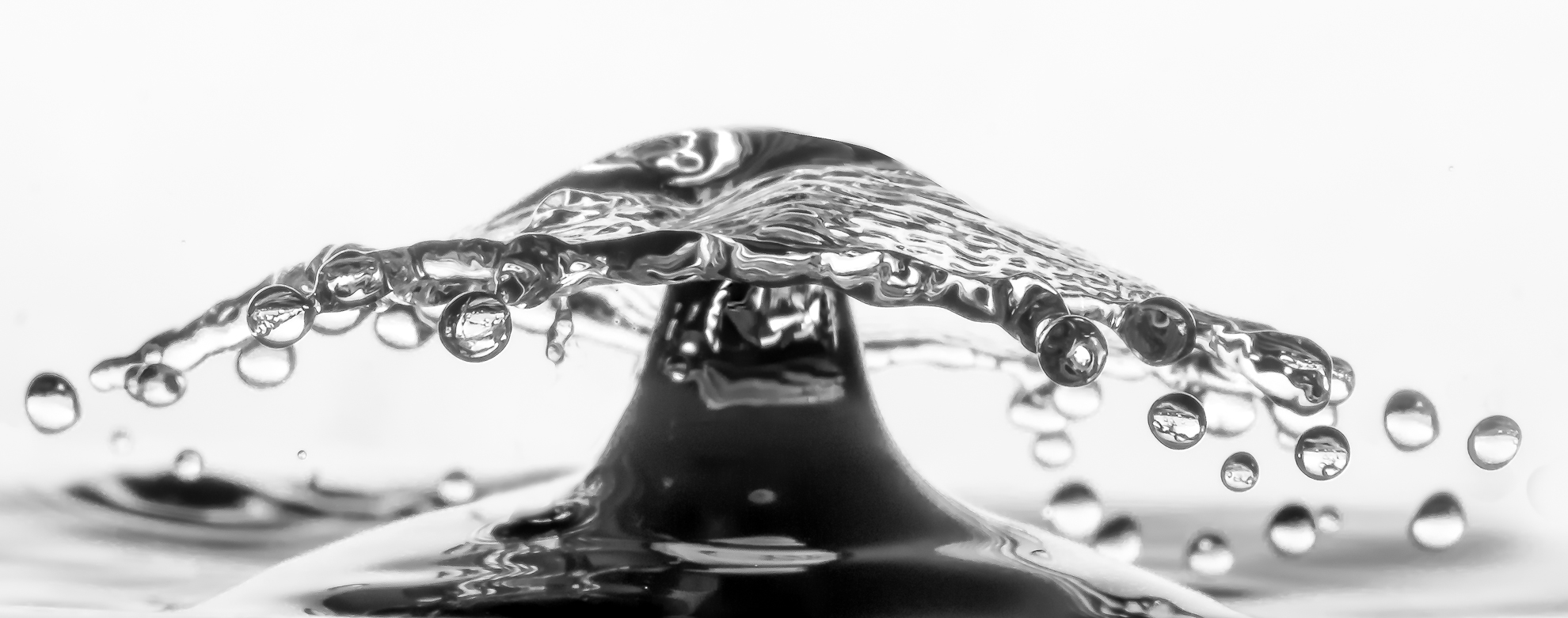
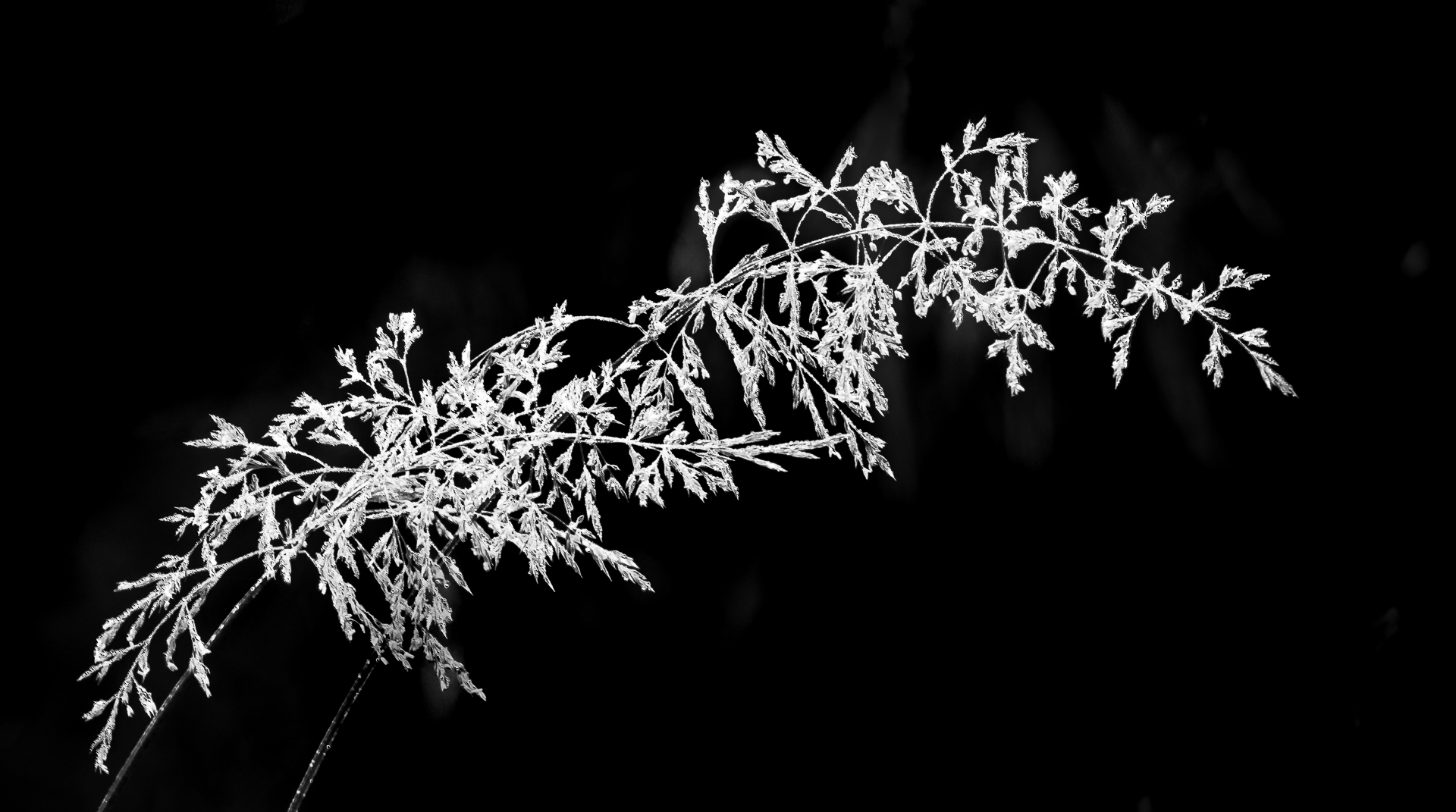
A new concept of exposure blending.
Most exposure blending is the same set up shot with a few different expsoure but the focus will be in the same spot.
Oscar, you are full of imagination ! ! !
|
Jul 29th |
| 65 |
Jul 19 |
Comment |
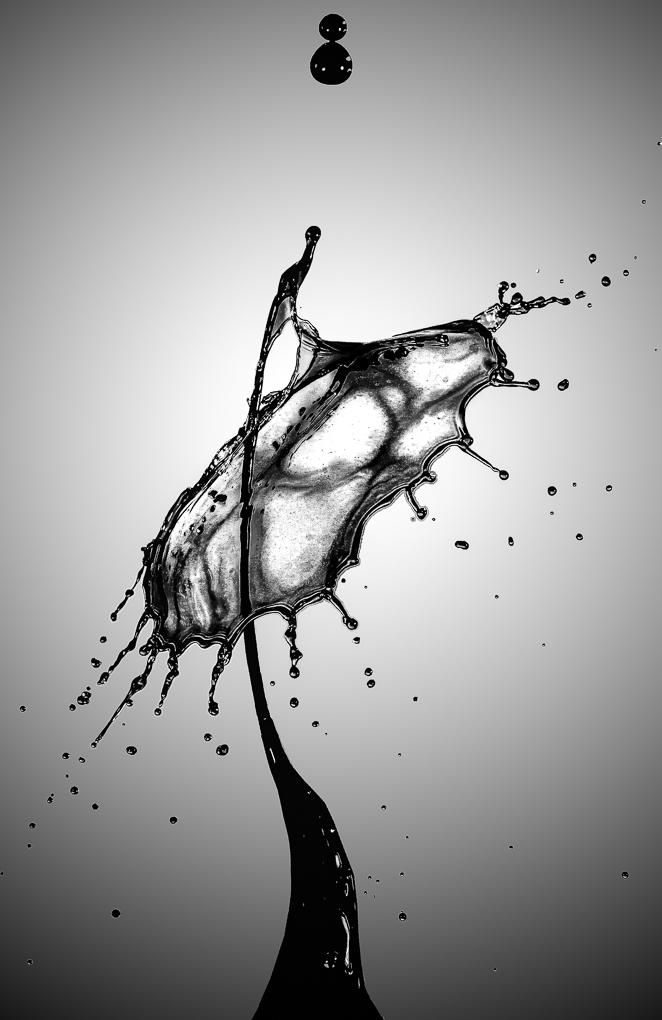
Sorry to be late as I just return home.
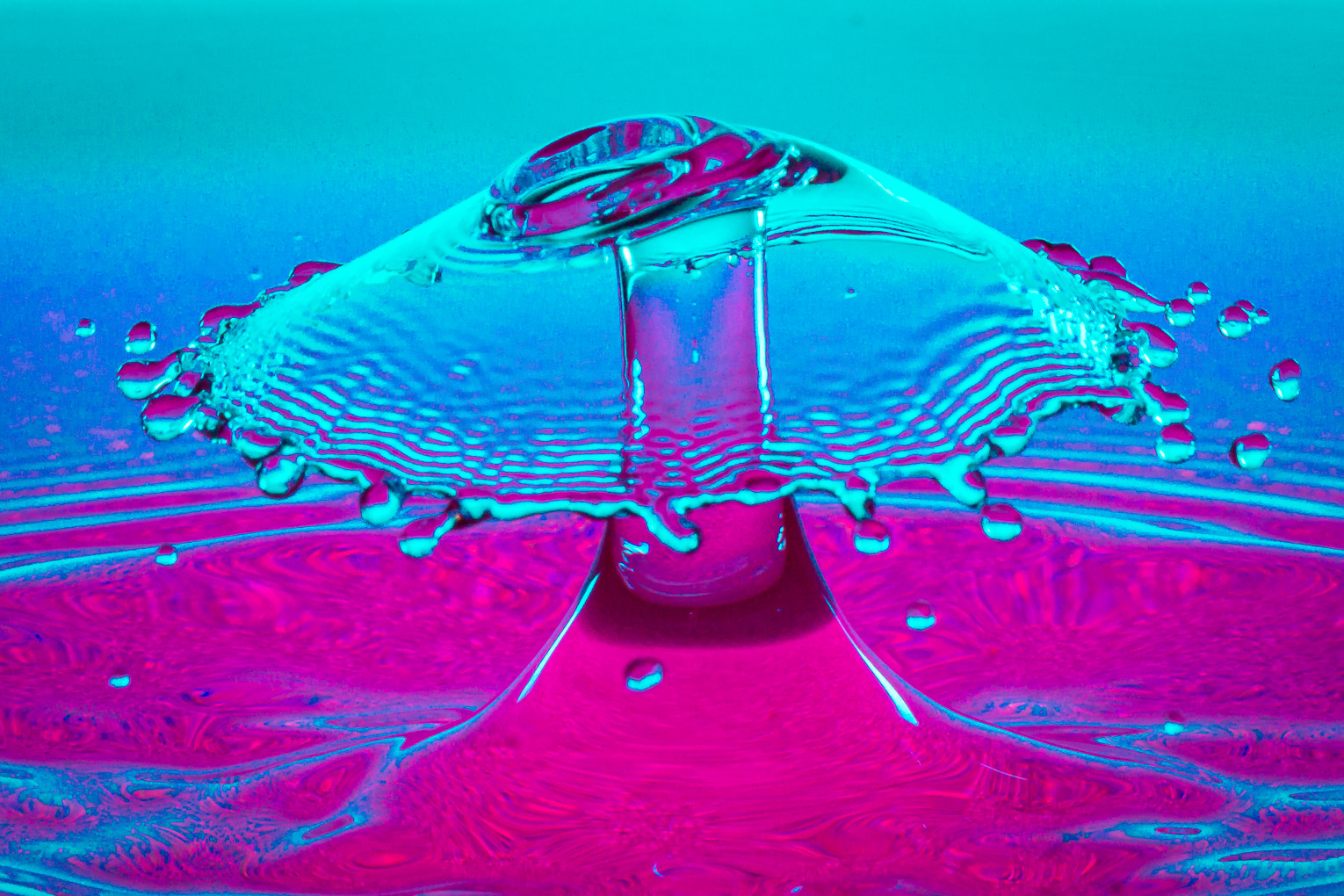
I had tried this in a workshop and LOVE IT ! ! !
I am still trying to get a system I can use with either my Sony A 6000 or Fuji XT2 . I have macro lens in both.
Any suggestions ? |
Jul 29th |
| 65 |
Jul 19 |
Comment |
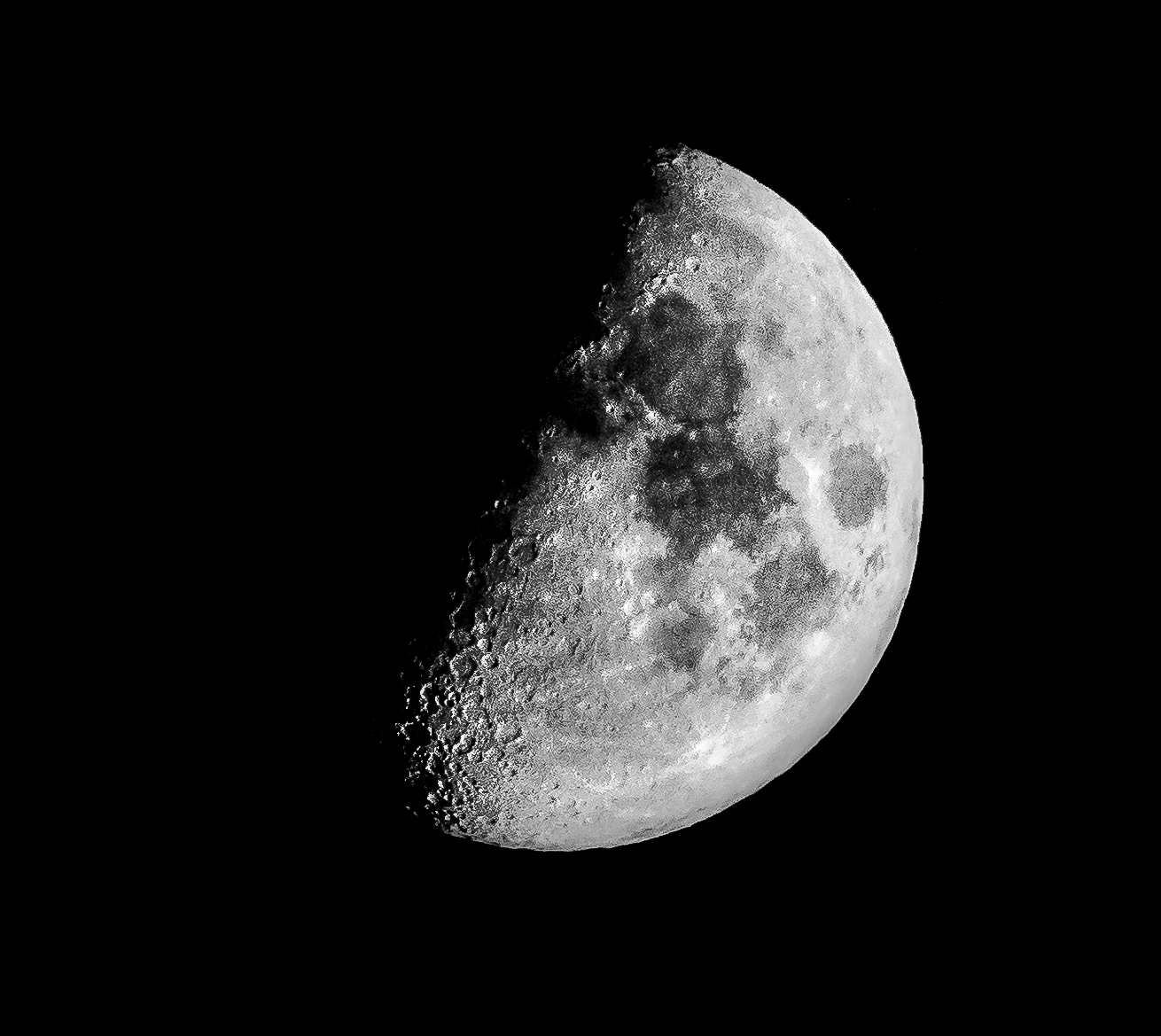
Sorry to be late because I had been away.
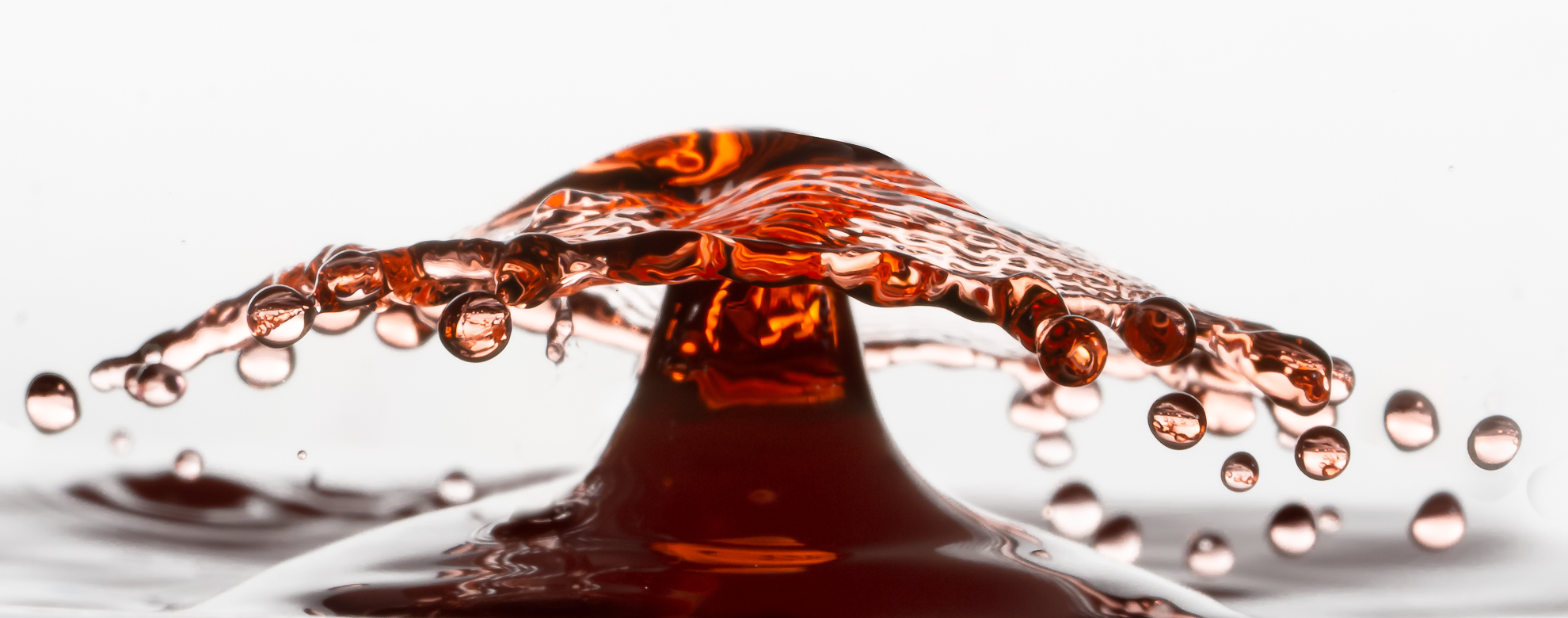
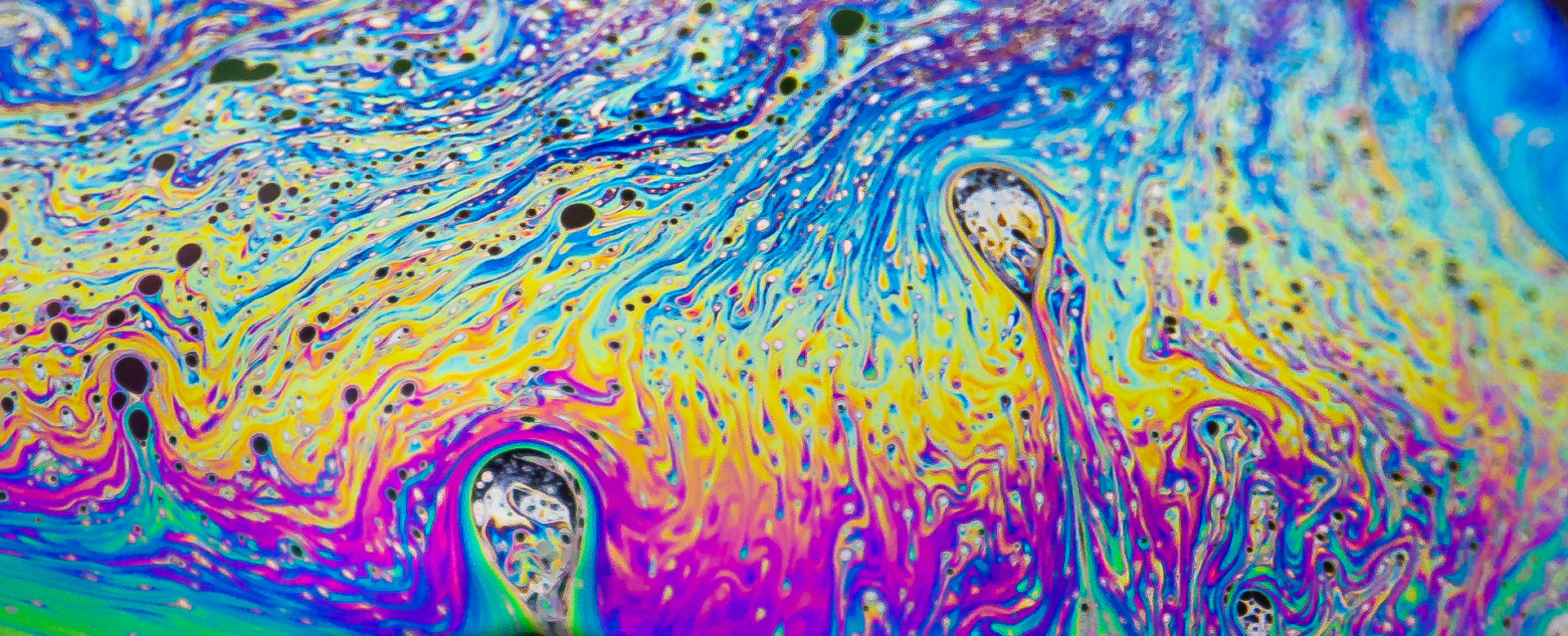
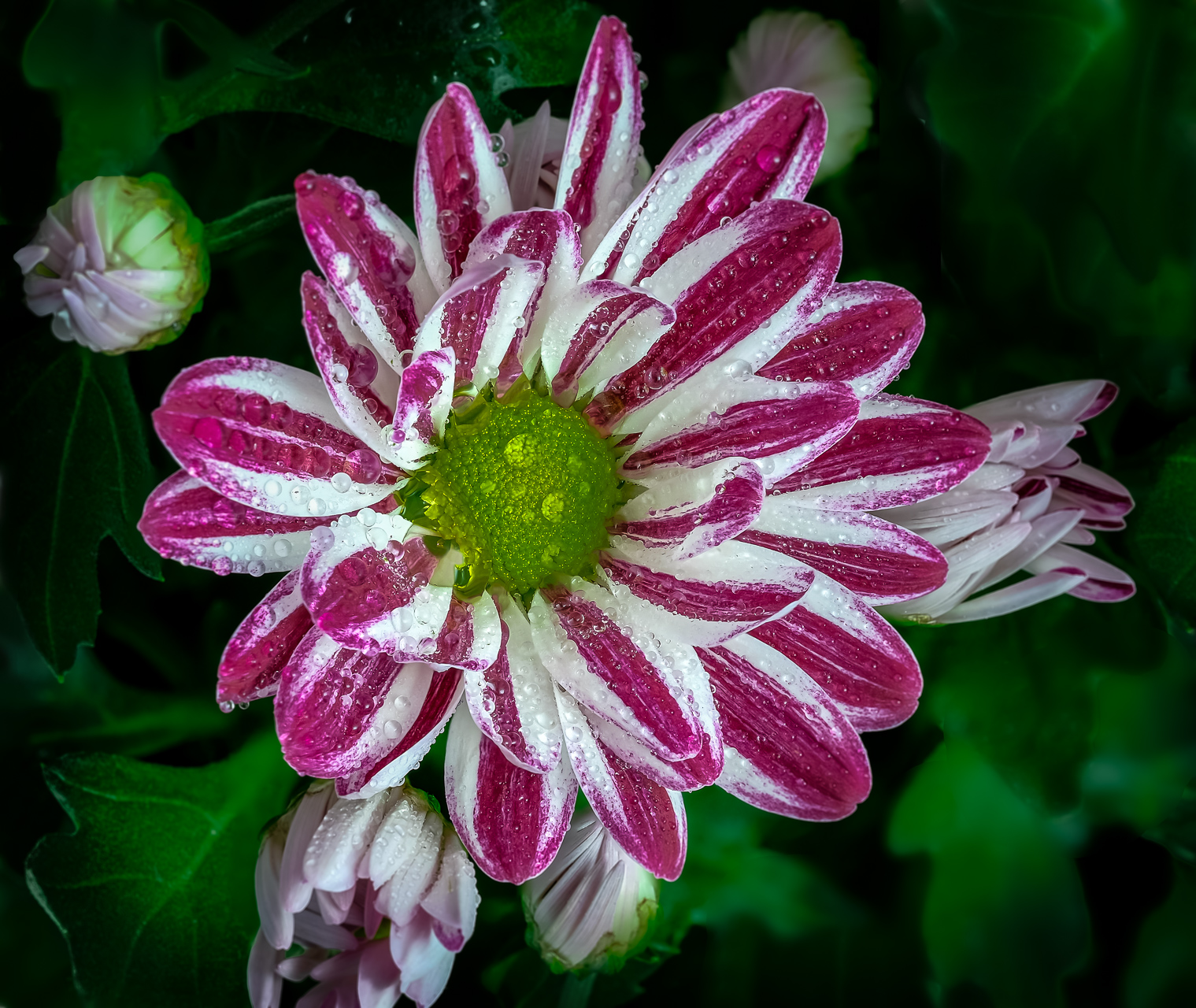
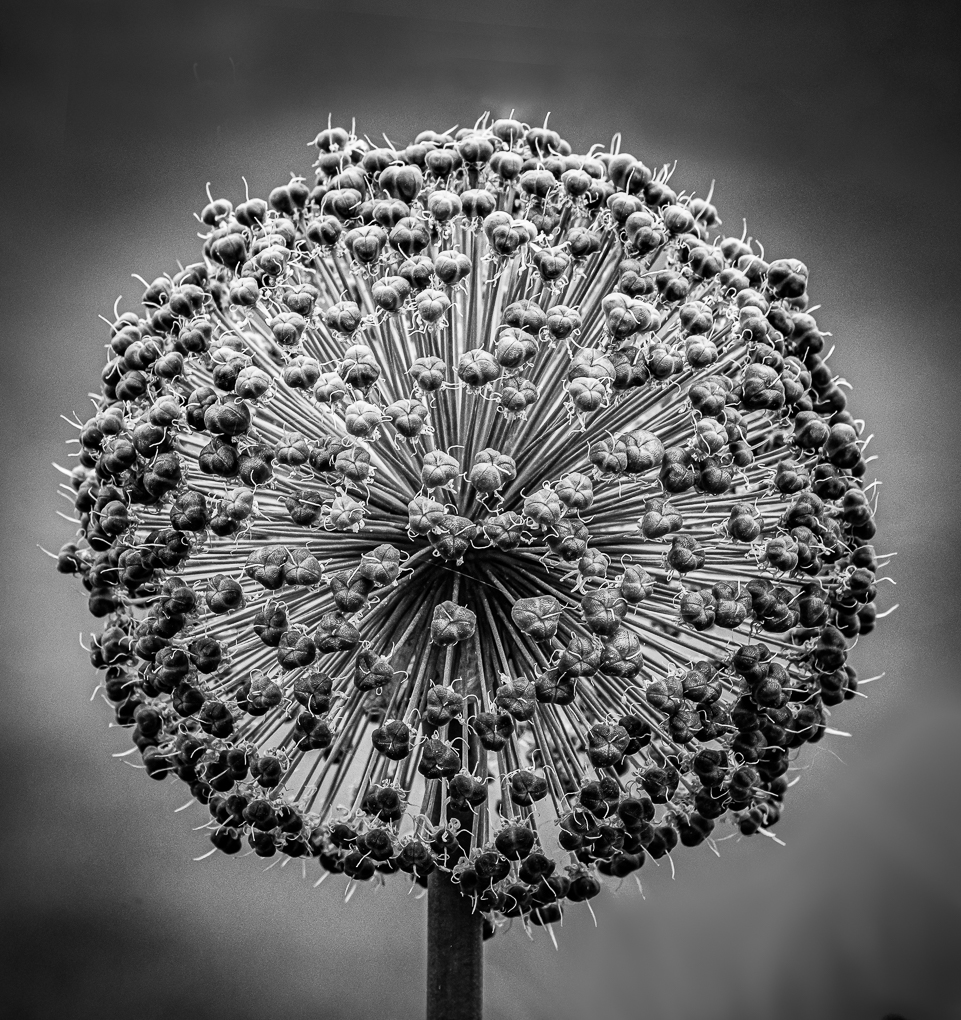
Very interesting object . I like all the detail and textures.
|
Jul 29th |
| 65 |
Jul 19 |
Comment |
Sorry to be so late as I just return home.
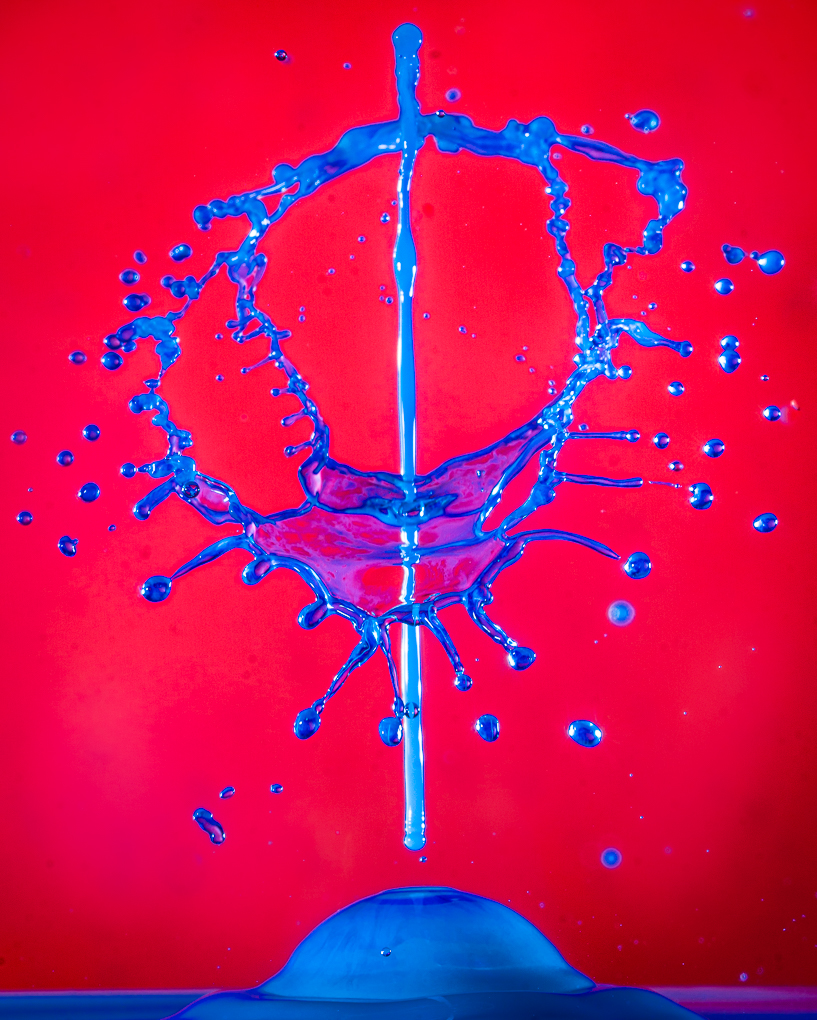
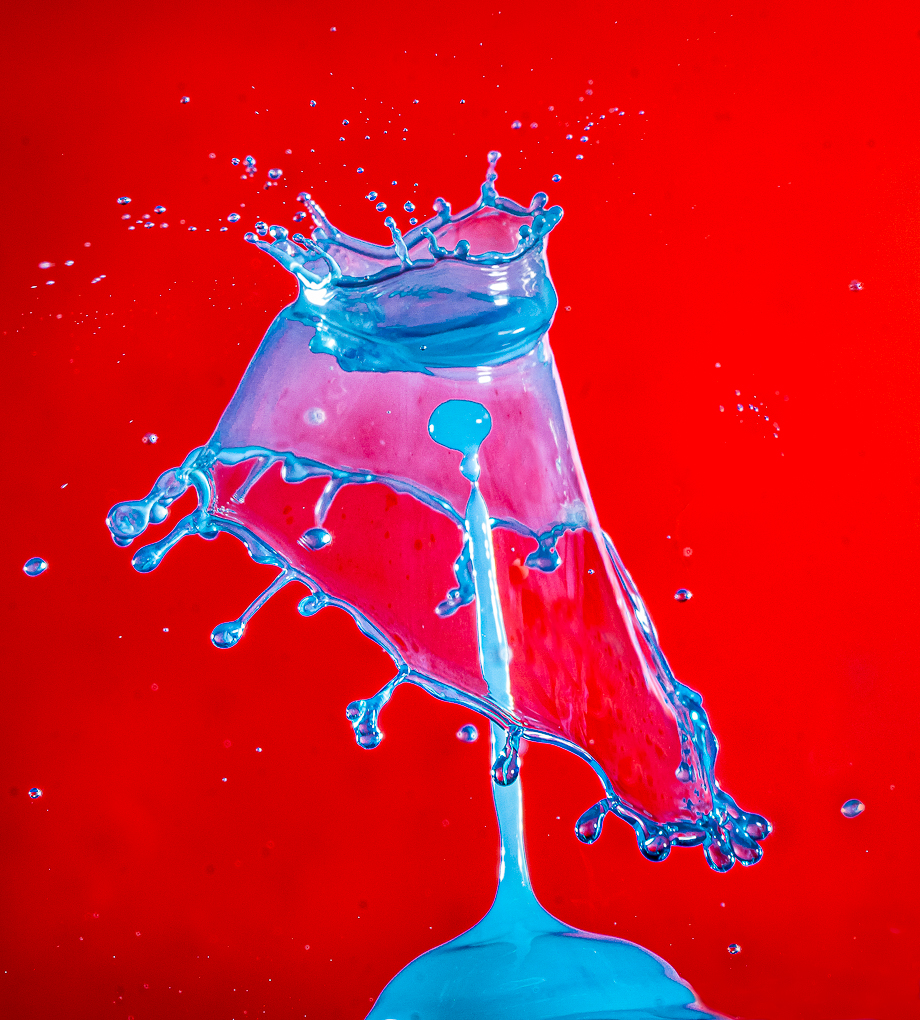
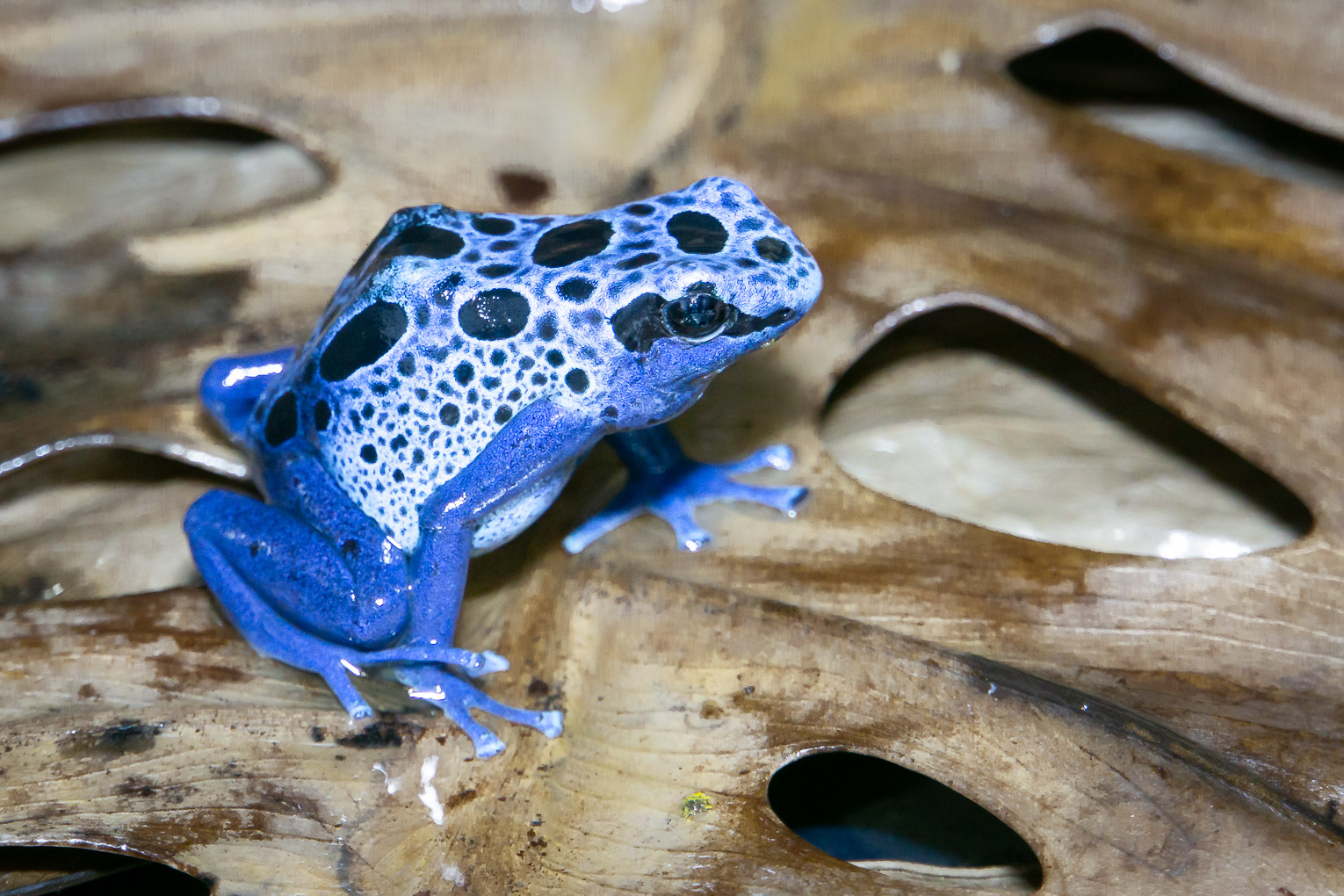
This is a wonderful image ! ! !
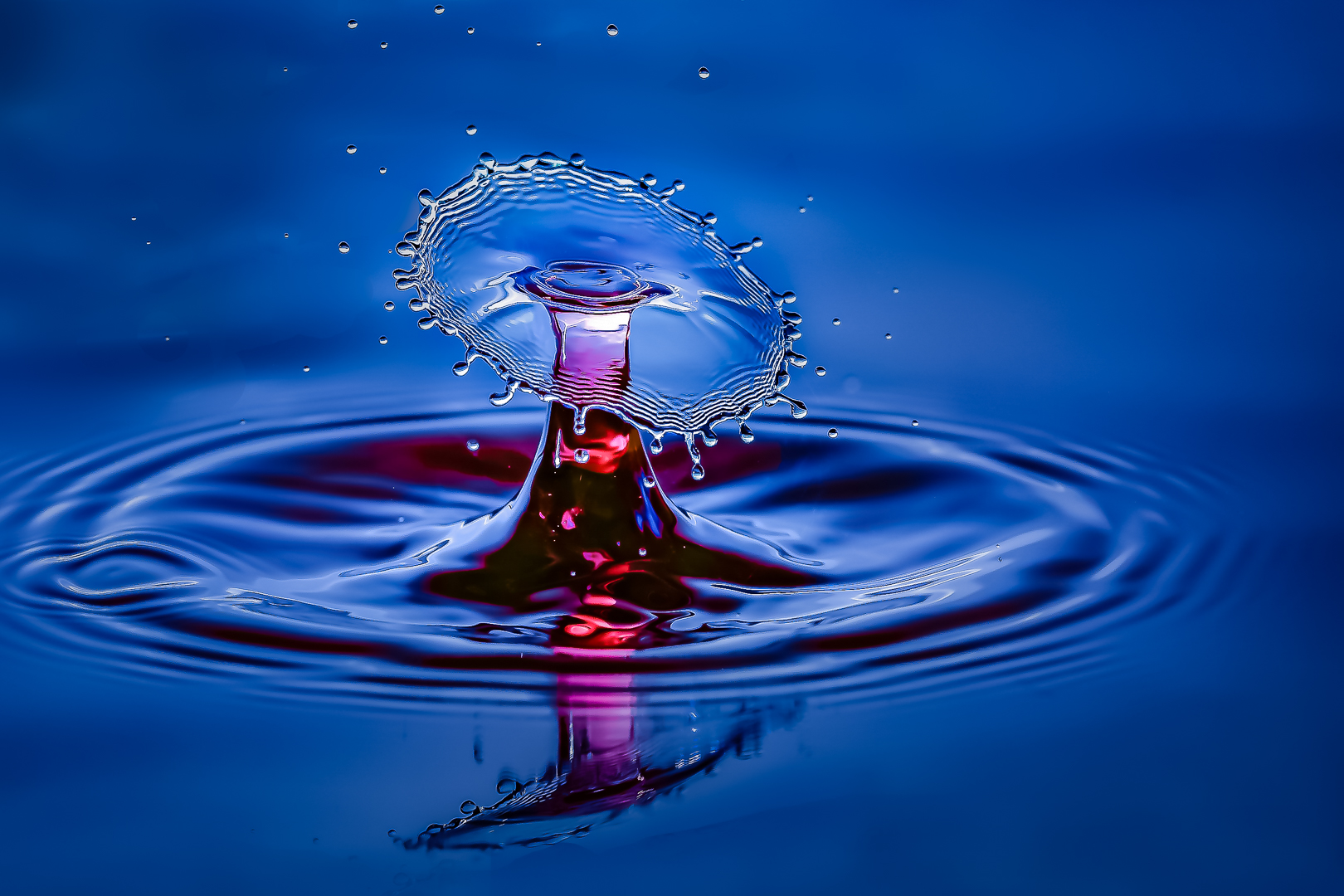
I am just being fussy that if this is my image I would try to get some more gloss to the blue. ( HSL in lightroom ? )
How about cropping the rim of the crown to line of third ? |
Jul 29th |
4 comments - 1 reply for Group 65
|
| 74 |
Jul 19 |
Comment |
I think that sharpening is an essential part of editing ...Especially if you use a RAW file .
You should use extra for printing but I usually increase the exposure ( because on the screen there is light behind but not for a print )..plus increase contrast a bit. The extra sharpening I use for printing is minimal...may be somebody else has another opinion ? |
Jul 31st |
| 74 |
Jul 19 |
Comment |
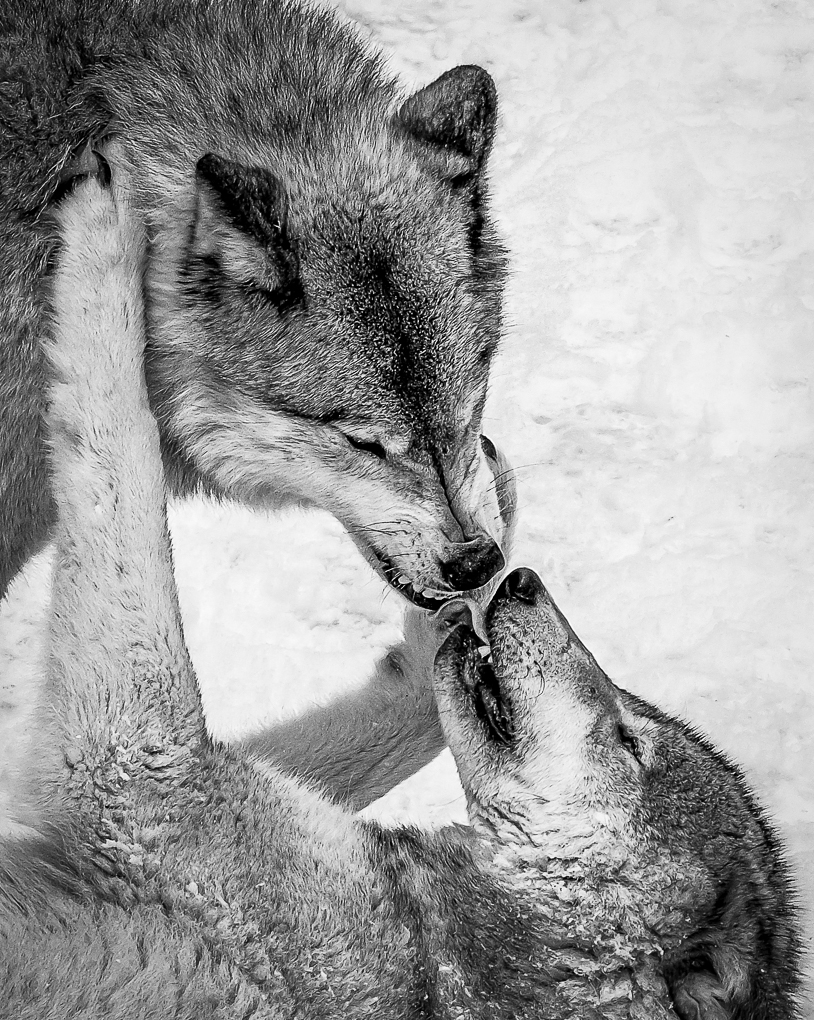
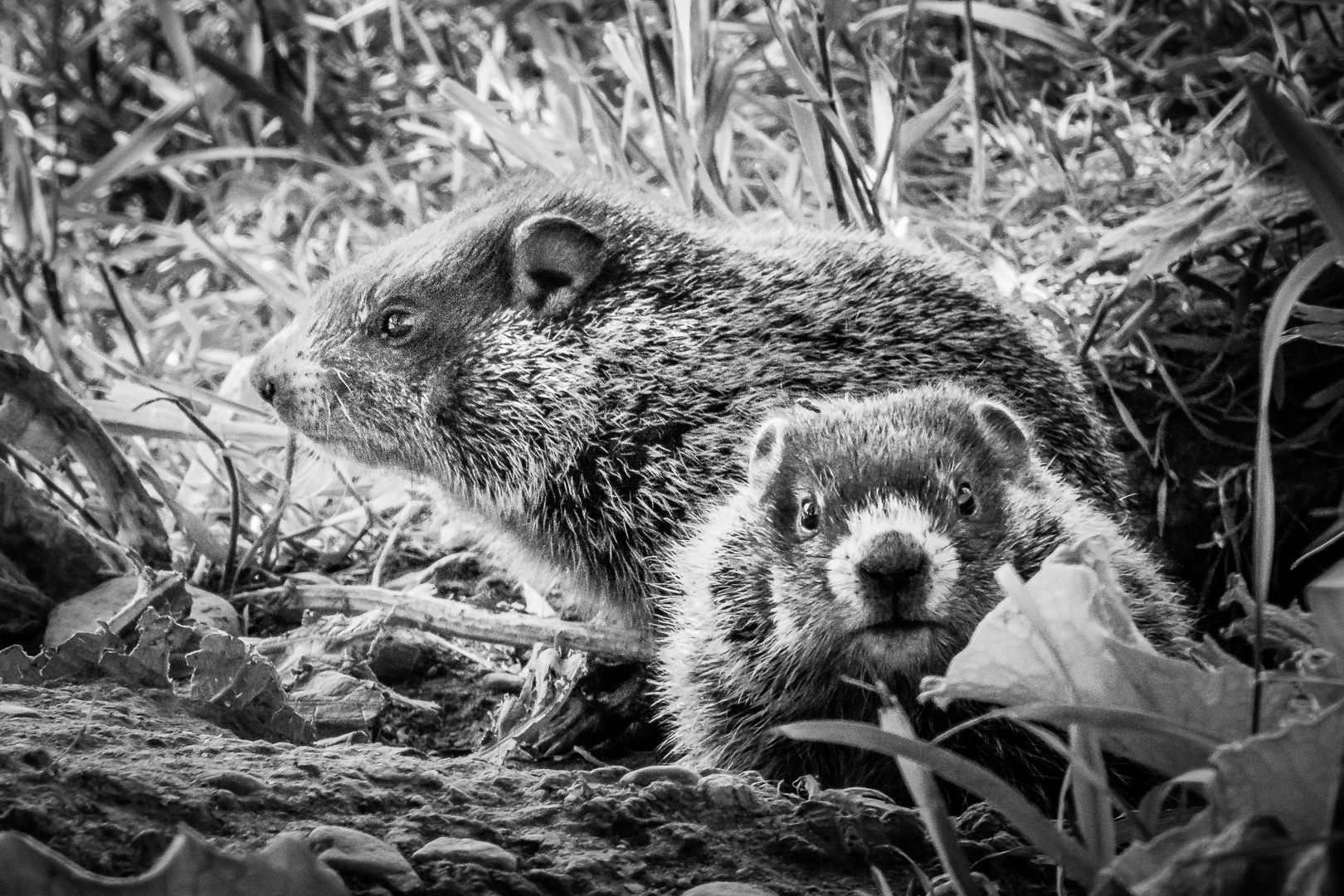
Great story telling and texture of the fur.
Just wondering whether it would make the animal stand out better if the bright snow patches can be tame down a bit ?
|
Jul 29th |
| 74 |
Jul 19 |
Comment |
Sorry to be so late. I just came back from my trip.
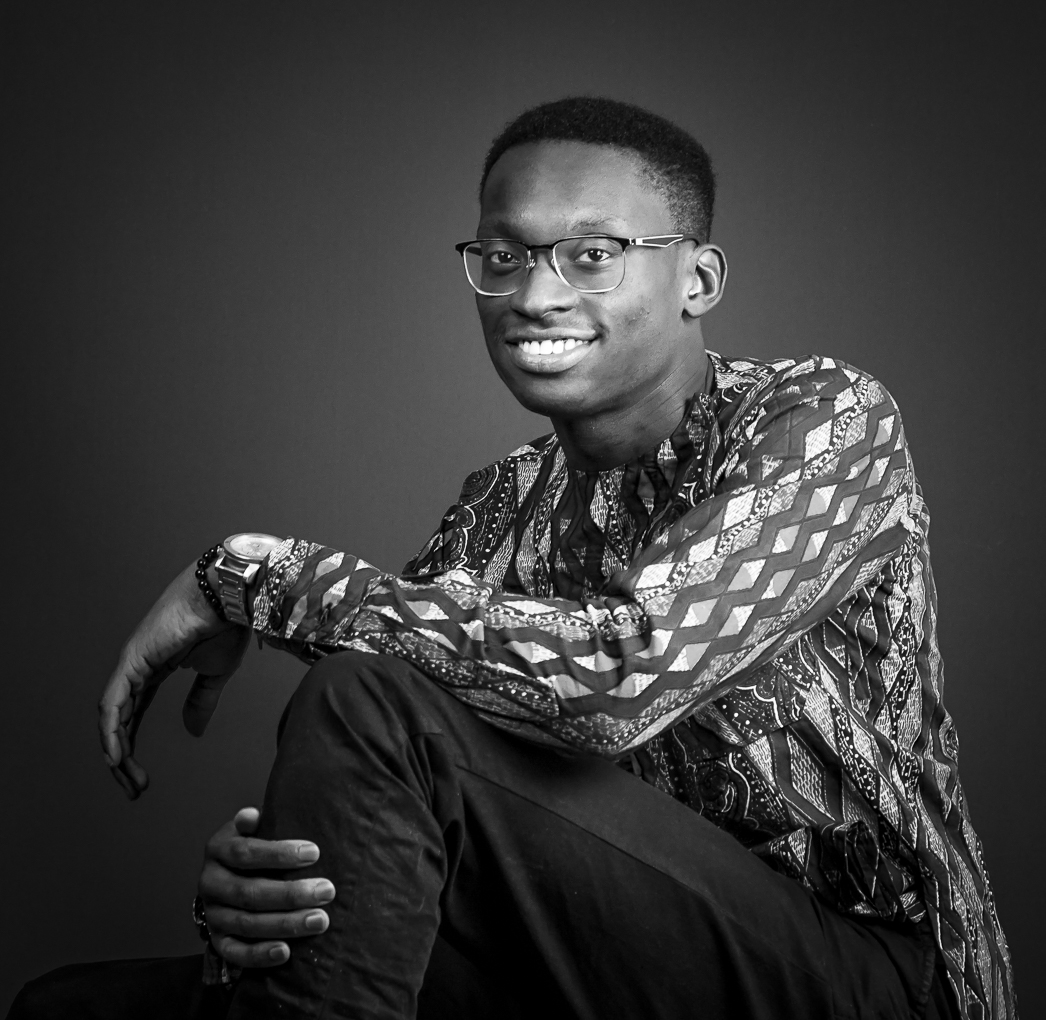
The yellow converts to a bright tone and really make the coat of arm stand out against its background. If I did not read the description I would think that this is an African object.
Thank you for broadening my horizon. |
Jul 29th |
| 74 |
Jul 19 |
Reply |
Sorry for late reply.
I had been away.
I do not have the new version of Clarity because I do not use it much. I do have the new version of Topaz Denoise AI and it works fine.
I do not think that I had applied extra sharpening to the monochrome version. It is just the tonal difference of the yellow color. To sharpen an image without adding too much artifact, I use high pass in Photoshop ( Sharpen..Others..Highpass ). Dial the radius so that you can barely see the outline in the grey image. Change the blend mode to any one of overlay or vivid light. If the sharpening seems too much dial down the opacity. You can apply another highpass sharpening to the eyes on top of the general one too . |
Jul 29th |
| 74 |
Jul 19 |
Comment |
Thank you Arne.
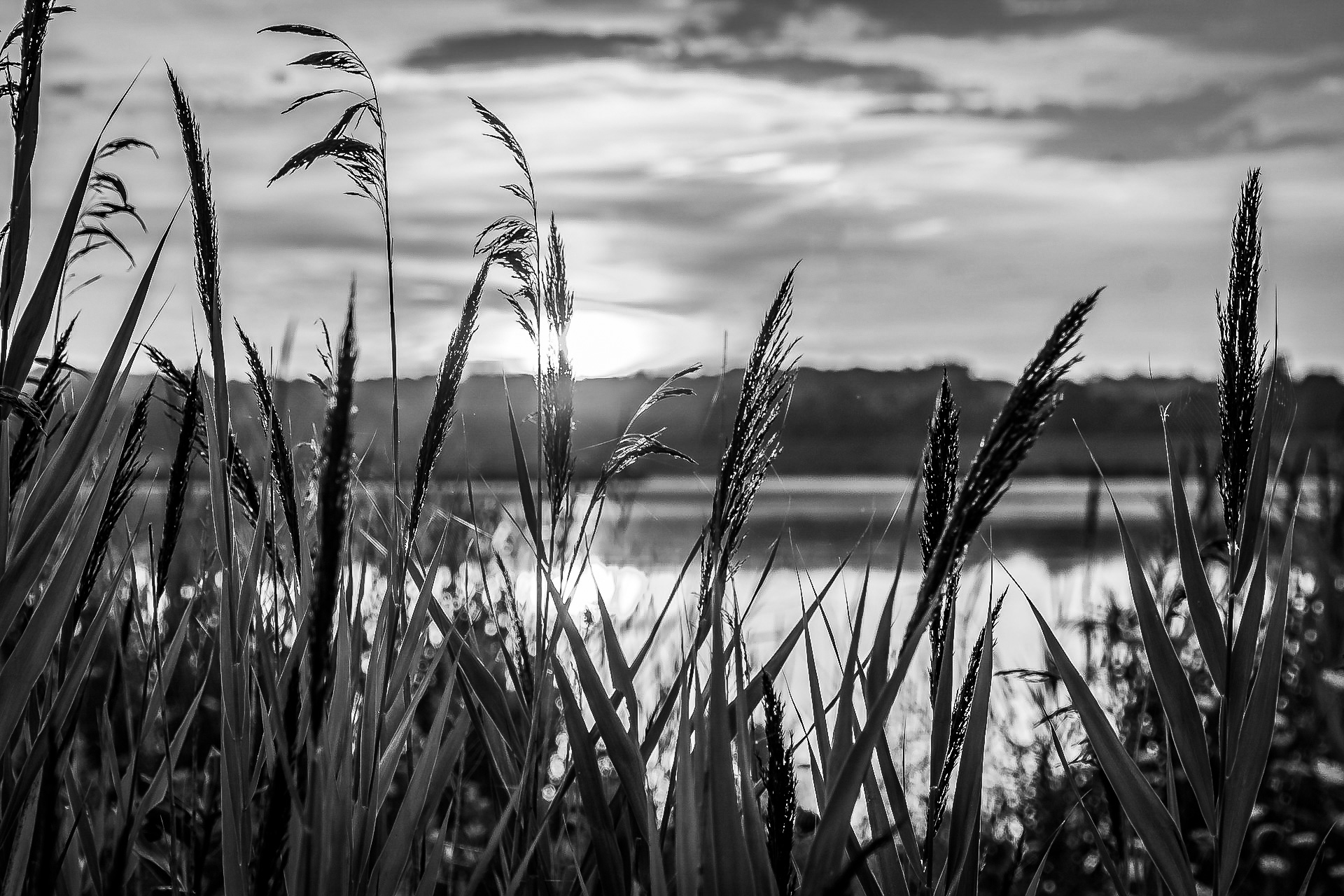
Yes, the background still look too cluttered to me.
It is actually quite easy to select the area in Lightroom using { Adjustment Brush }WITH {AUTOMASK} on. After the area had been selected we can choose to blur, change exposure, decrease noise and quite a few other adjustments simultaneously .
|
Jul 13th |
4 comments - 1 reply for Group 74
|
8 comments - 2 replies Total
|