|
| Group |
Round |
C/R |
Comment |
Date |
Image |
| 65 |
May 19 |
Comment |
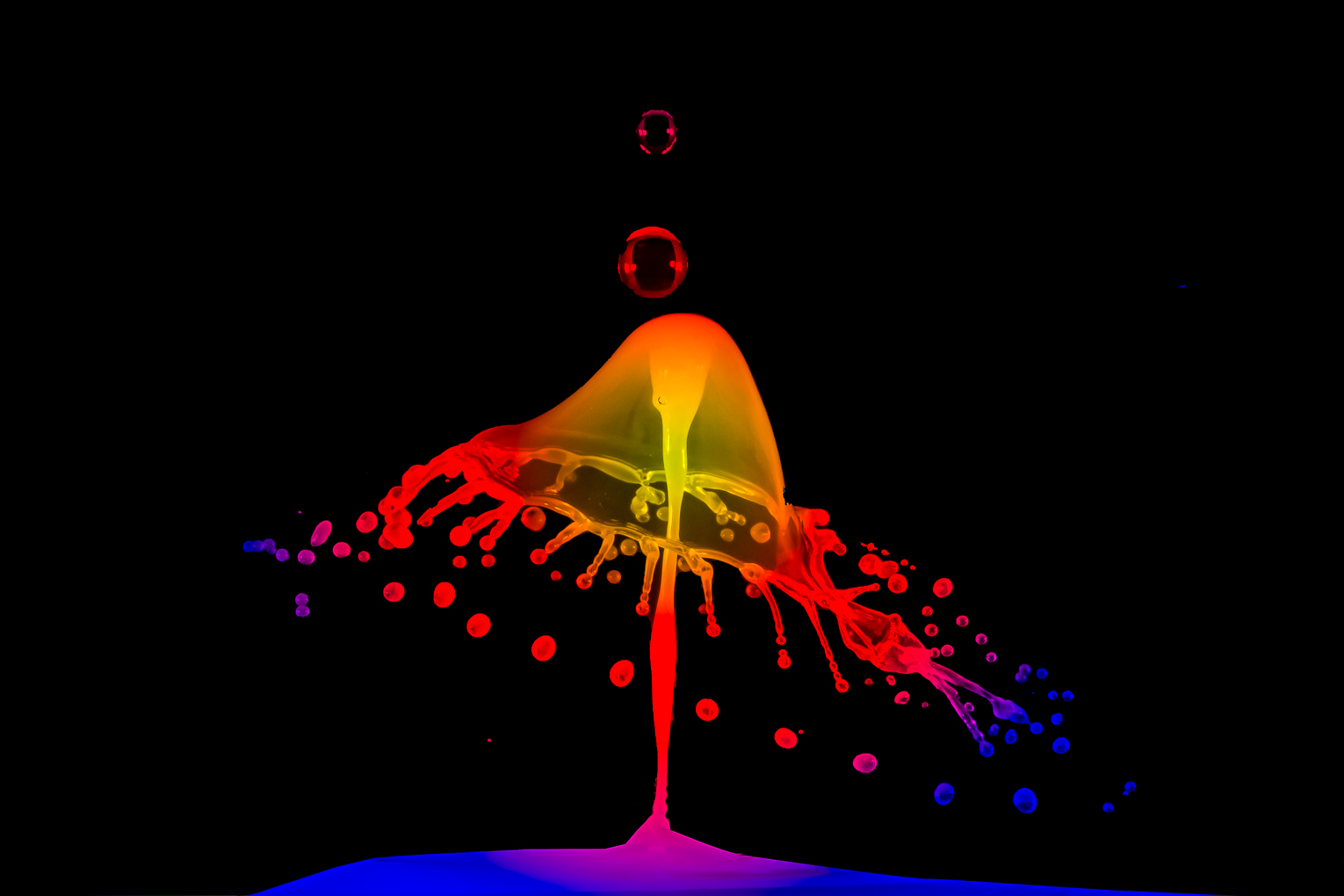
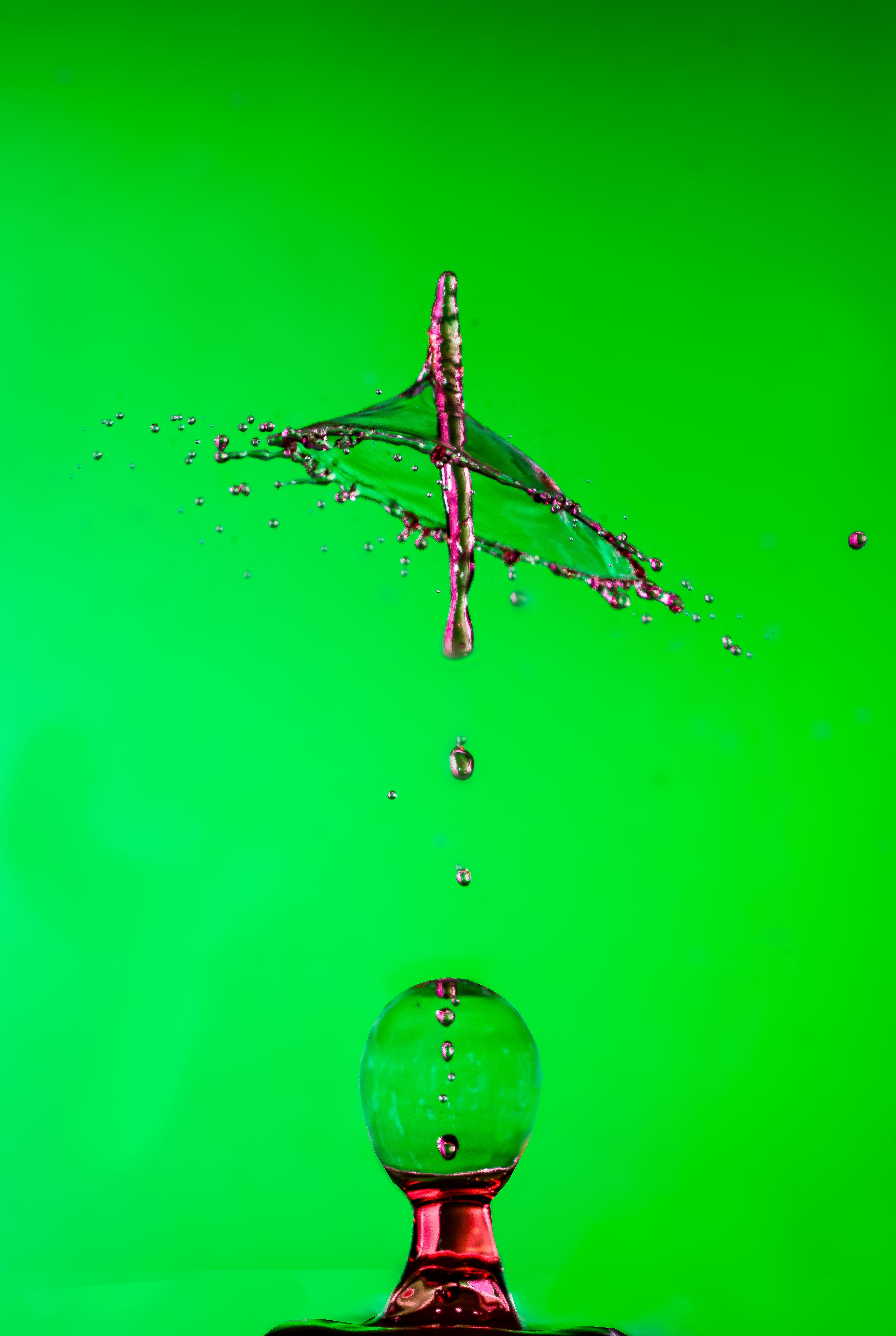
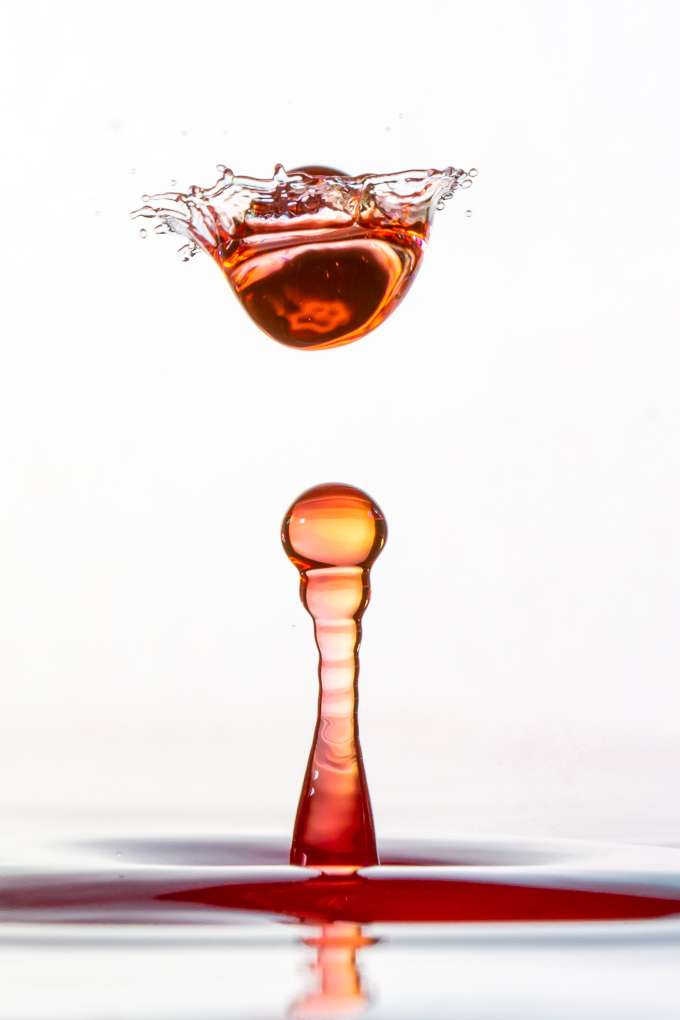
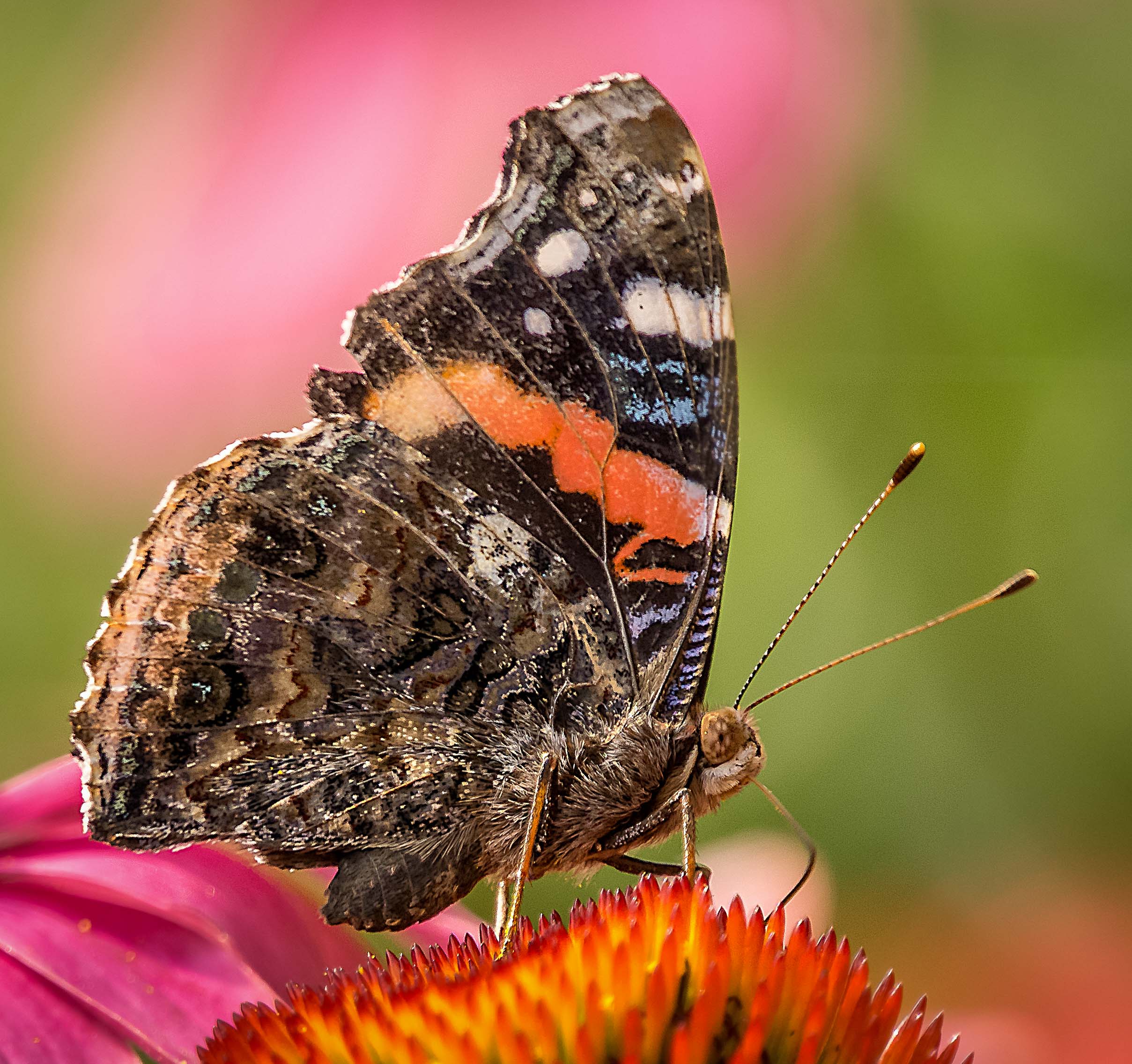
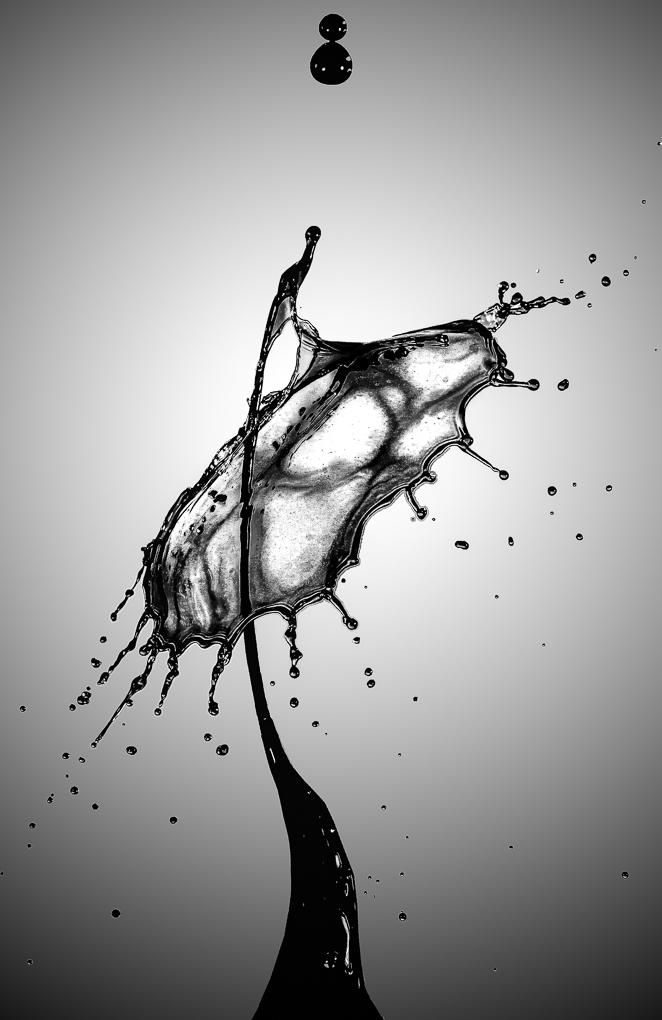
WOW ! ! ! Nice image ! ! !
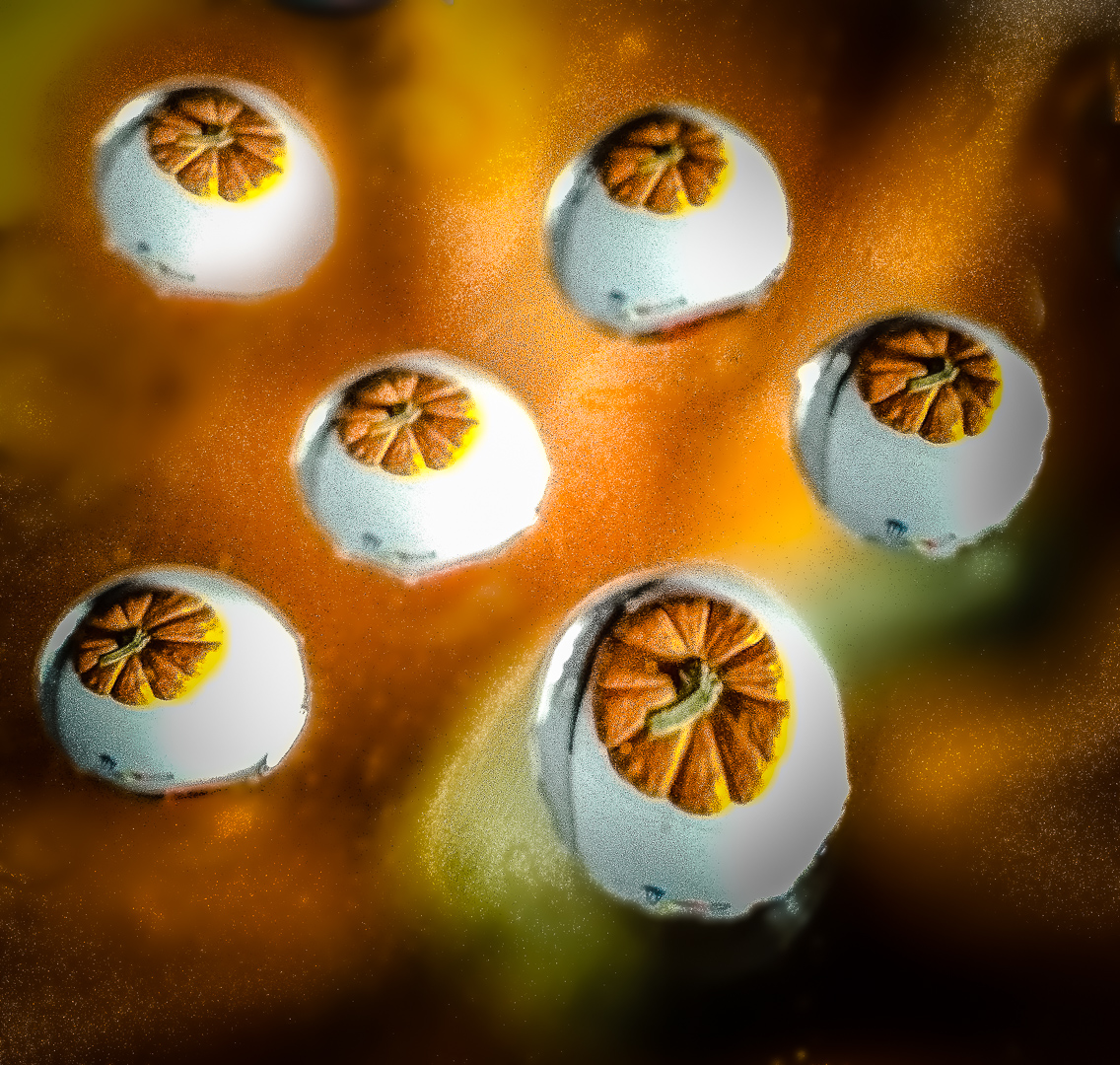
I am fortunate to be able to attend a workshop by Don Komarechka 2 weeks ago . Our dandelion just went to seeds so I shall be trying for this kind of photograpahy and am very happy to see that I shall get lots of pointers from you.
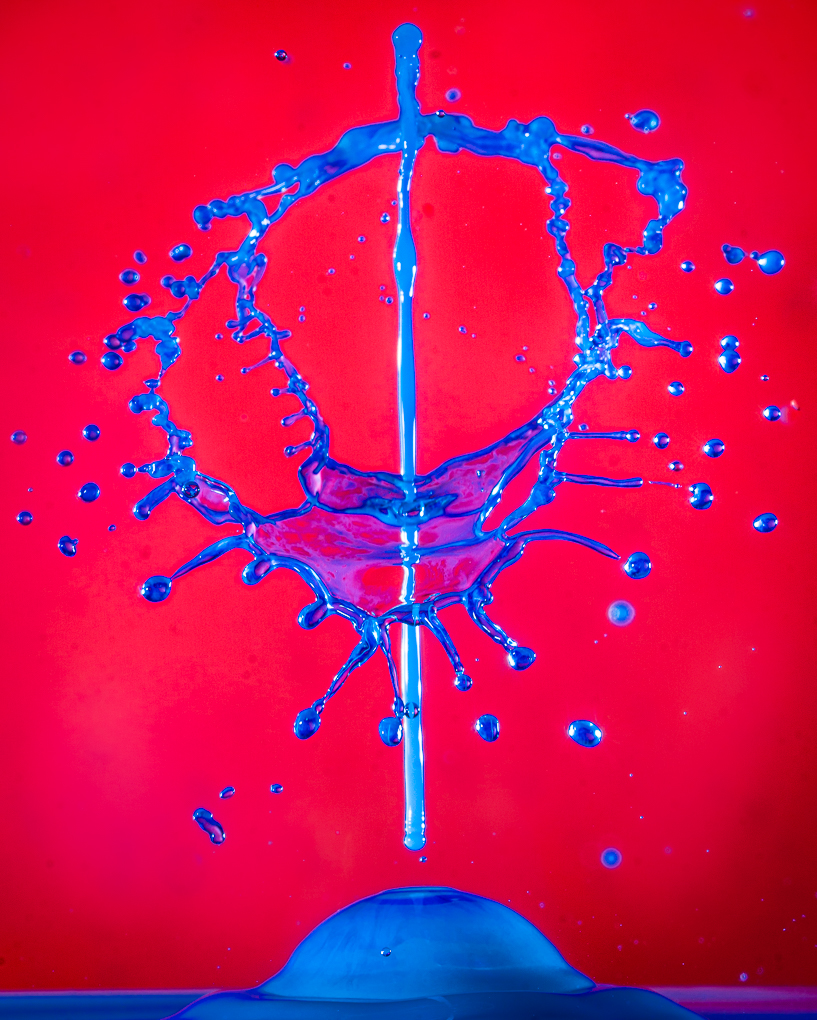
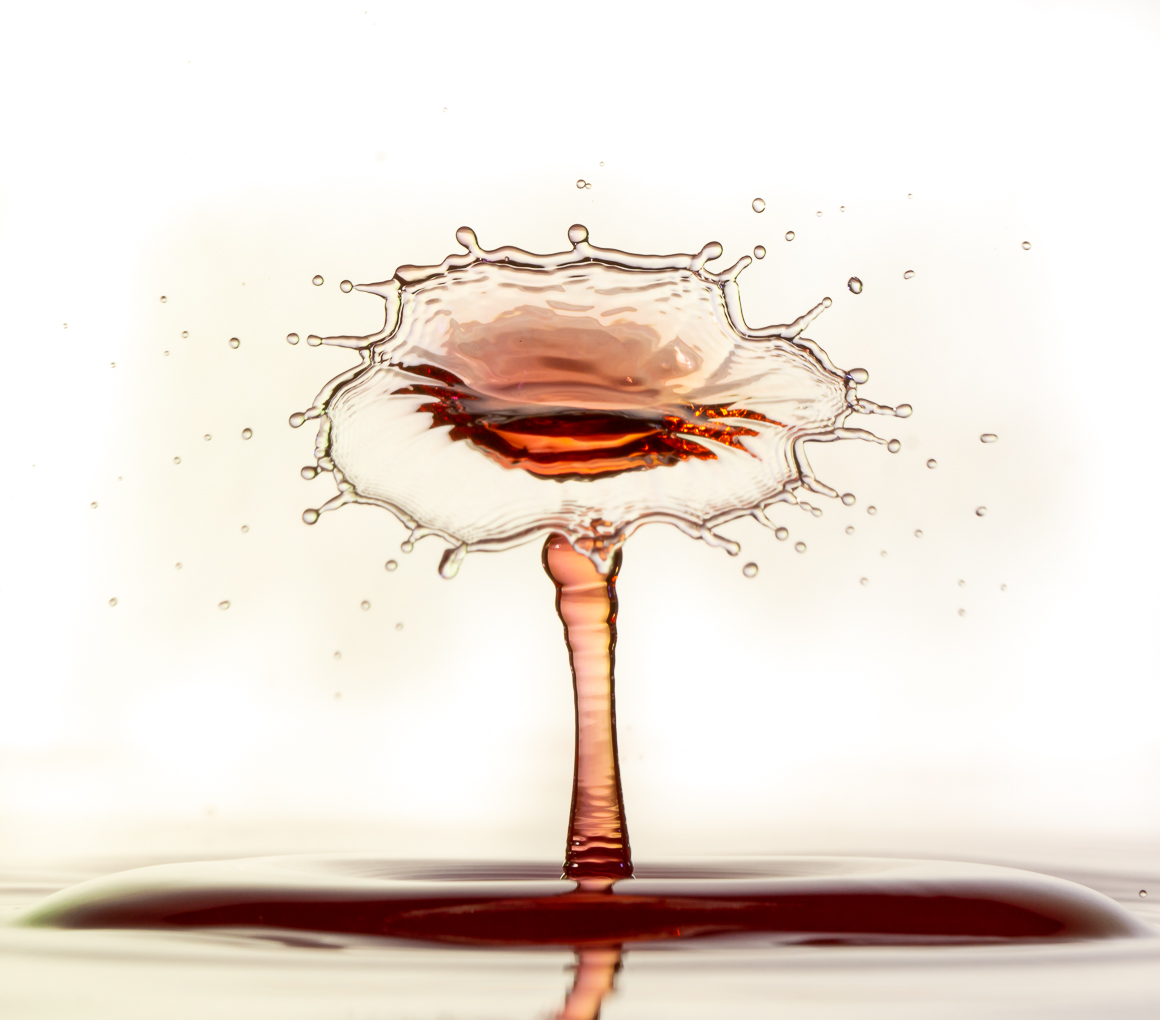
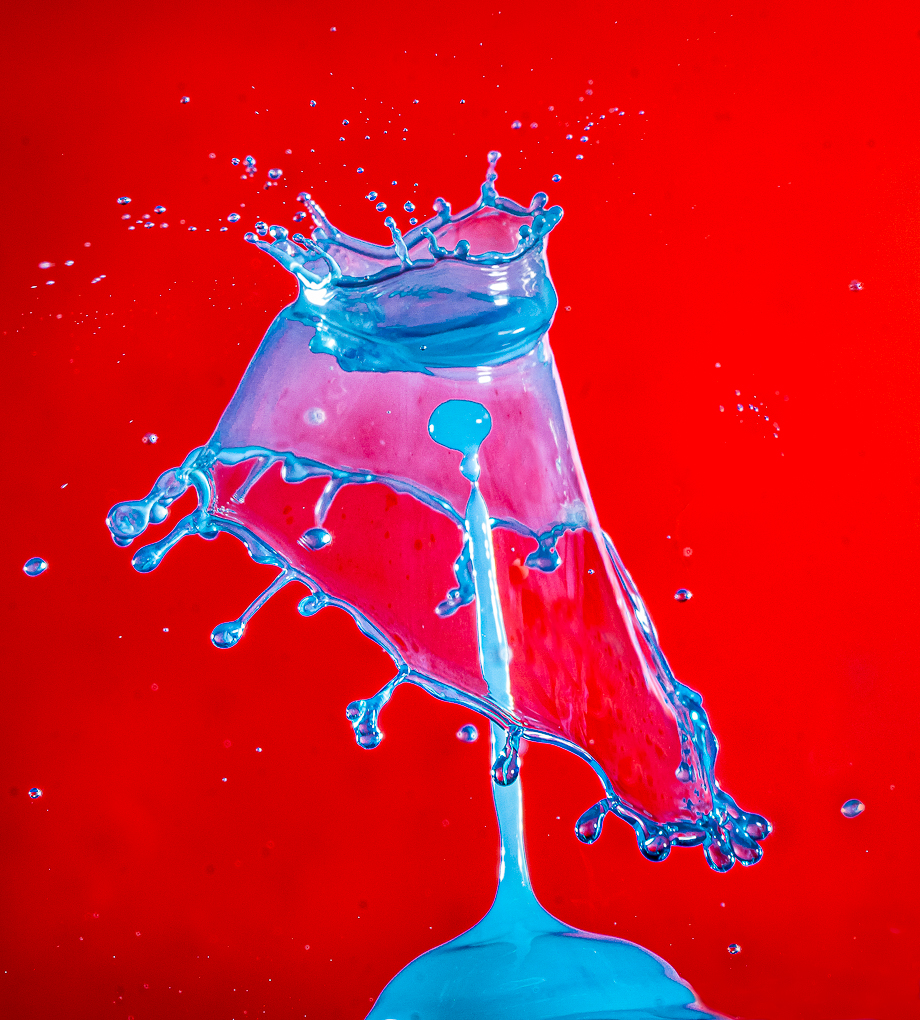
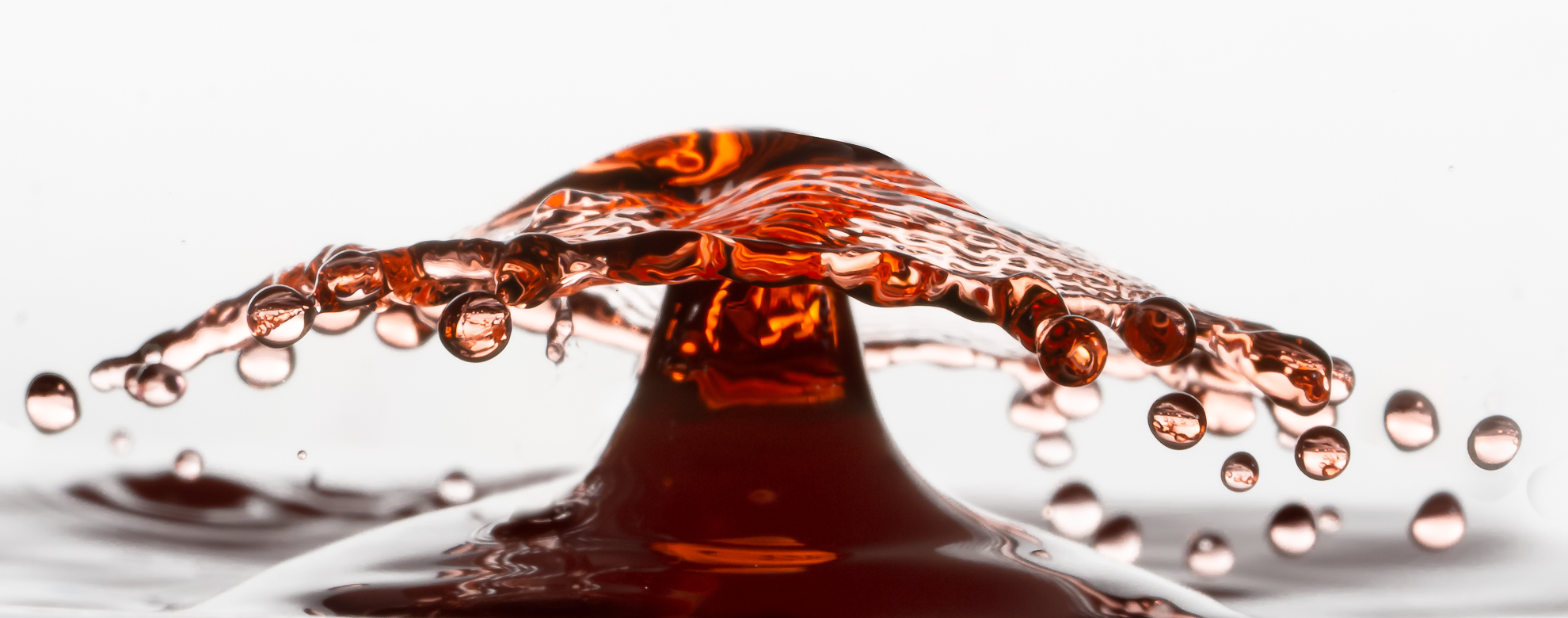
To answer Janos question, Don's technique call be a bright background and no direct light on the water drops. The light shinning at the background provide the illumination for the water drops ..This is the only method I know. There probably are others that will work too. |
May 30th |
| 65 |
May 19 |
Comment |
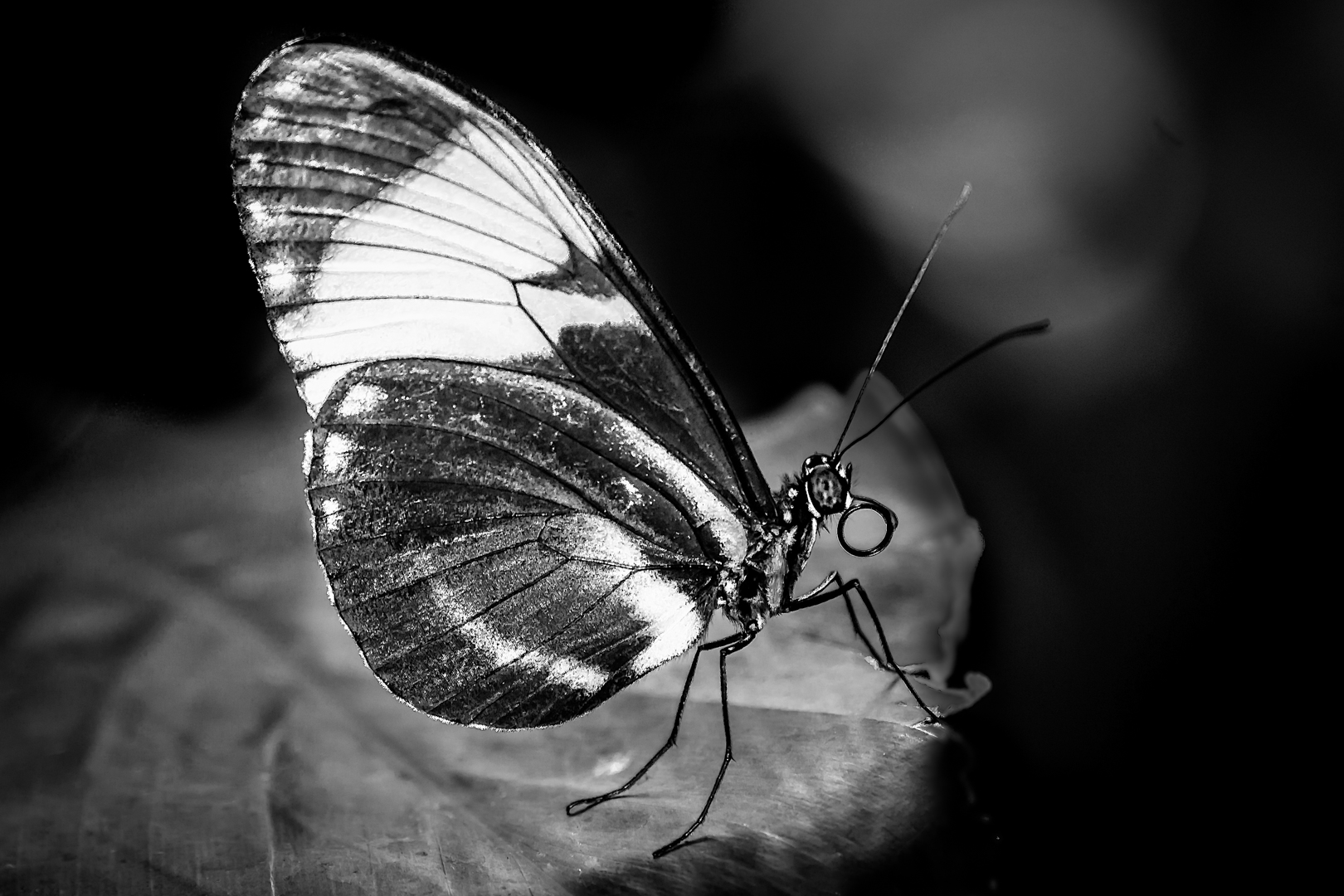
Love the color of the dogwood .
1/60 is a fine speed for subject that does not move....until you get the shake with maturity ..LOL ! ! !
Modern camera usually can handle noise quite well . As long as the image come out with good tone I do not worry about ISo under 1000 . I usually use a higher speed for outdoor flowers because a noisy picture is usually better than a blurry image.
I see your dilemma with aperture because you want to make sure that there is enough depth of field for the bloom so have to settle with the second bloom . Personally I would decrease the clarity of the background blooms and crop out the left petal that is in very good focus.
Love the blooms and color that tell me that Spring is here.
|
May 30th |
| 65 |
May 19 |
Comment |
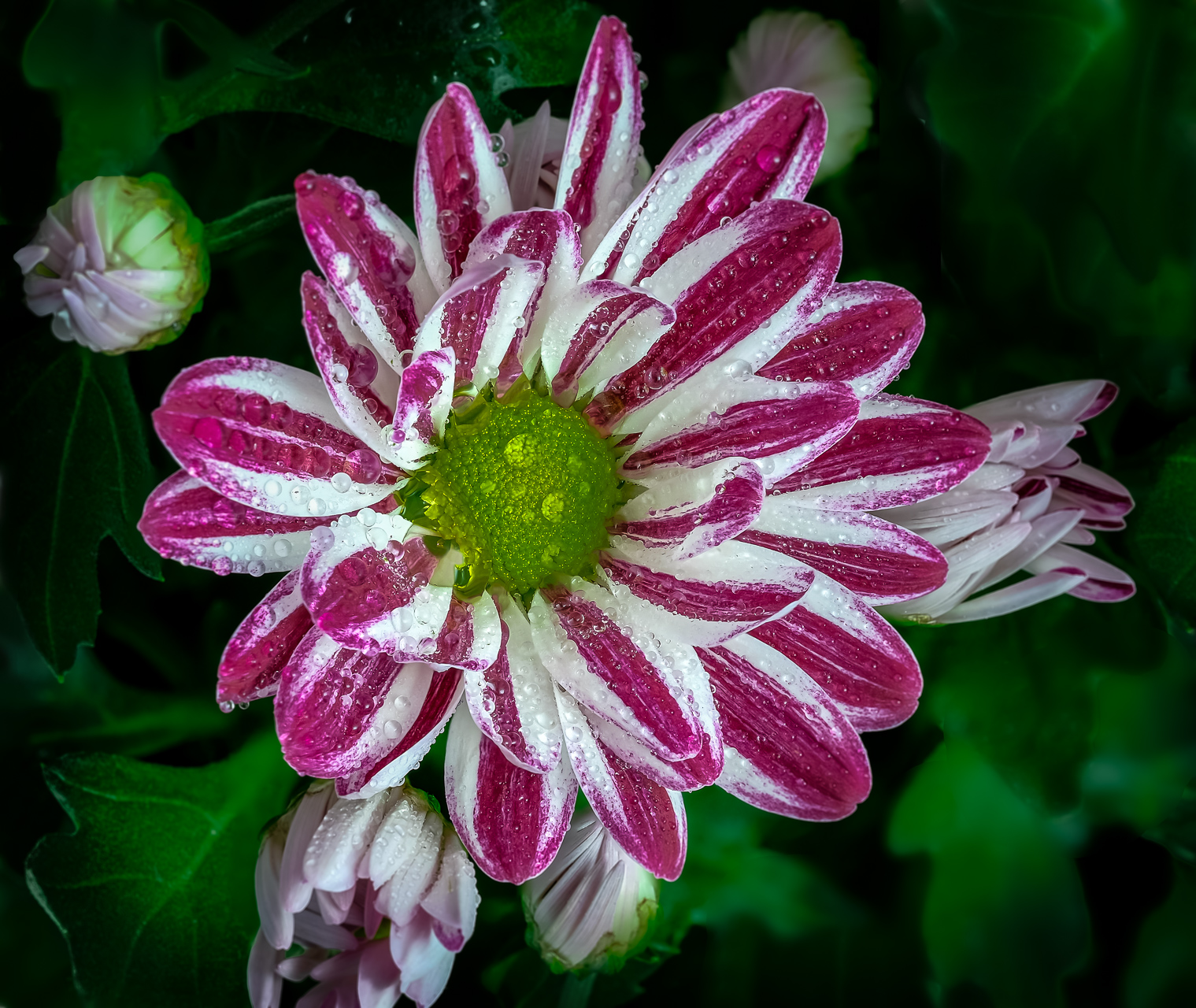
Great detail, color and sharp focus.
Congratulation in mastering the use of symmetry and focus stacking. |
May 30th |
| 65 |
May 19 |
Comment |
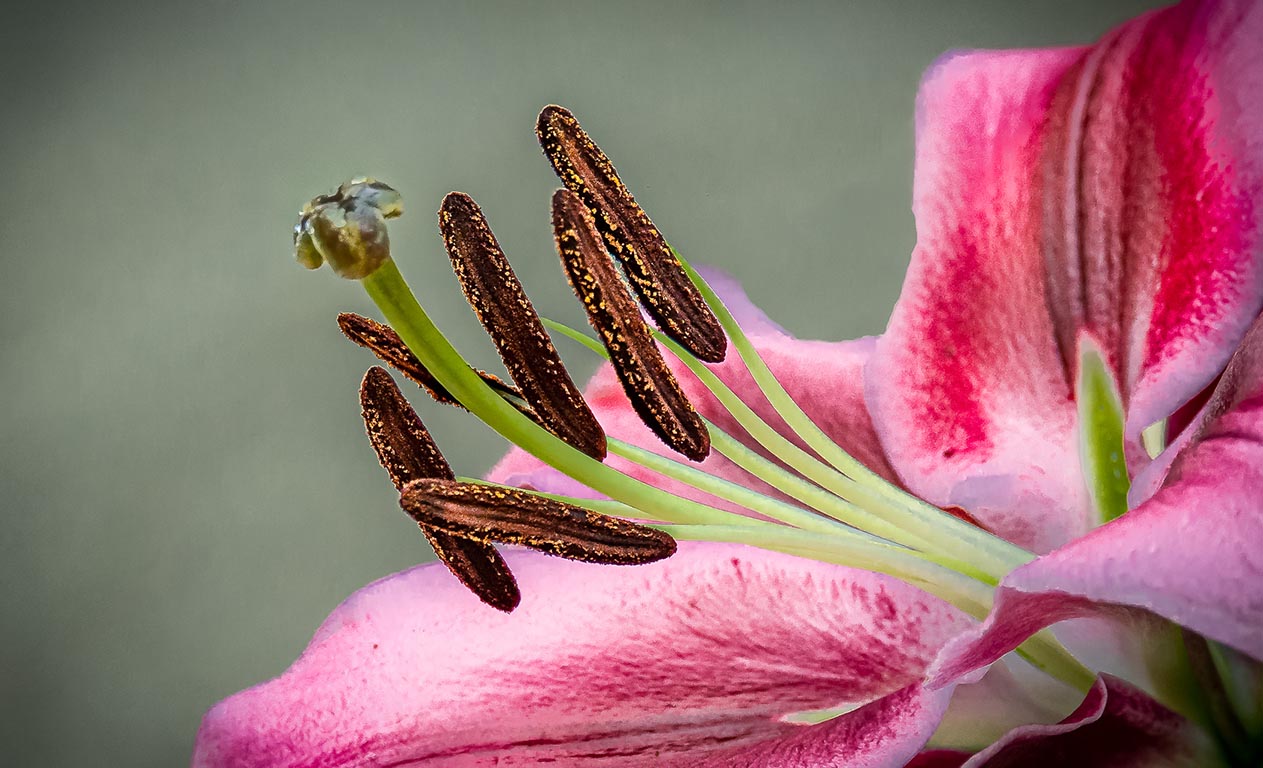
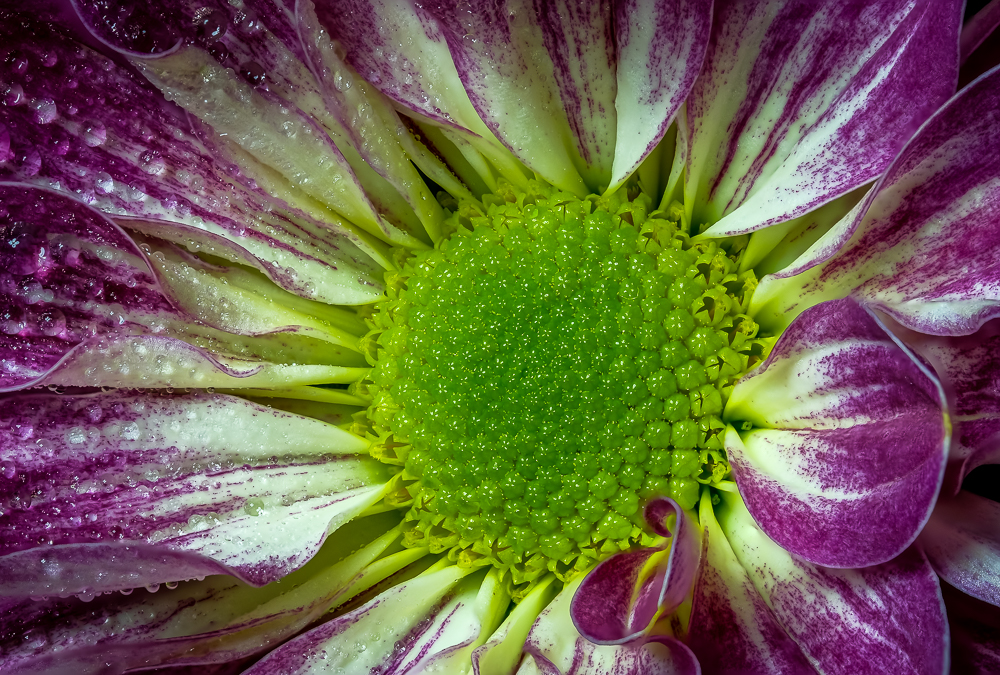
The original image is lovely and I enjoy it very much.
The crop show lots of detail of the center of the bloom.
Personally I prefer to have at least one focus of attention in strategic places ( rule of third, golden ratio etc )
Love the color.
I am learning from Charles that selective dodging and burning would be a great tool to use in Macro photography too.
Shall put that into future practice. |
May 30th |
| 65 |
May 19 |
Comment |
Absoutely gorgeous image .
Love the background and detail of the button.
Just wondering : Was there any spike in the right side of the histogram ? Details probably can be reclaim by further processing as suggested by Charles.
Sometimes even when there is no spike in the histogram we still cannot see detail. I was told before that even if the area is not blown out technically but as long as detail is not seen the observers will assume that the areas are over-exposed . |
May 30th |
| 65 |
May 19 |
Comment |
Thank you very much for all your nice suggestions.
Finally got through the last few hectic months.
With summer here and finished my duty at my local camera club, shall have more time for my own personal developement.
Sorry to be late in commenting. |
May 30th |
6 comments - 0 replies for Group 65
|
| 74 |
May 19 |
Comment |
Thank you very much for the suggestions.
Actually I upload the wrong original..they were side by side. |
May 30th |
| 74 |
May 19 |
Comment |
|
May 30th |
| 74 |
May 19 |
Comment |
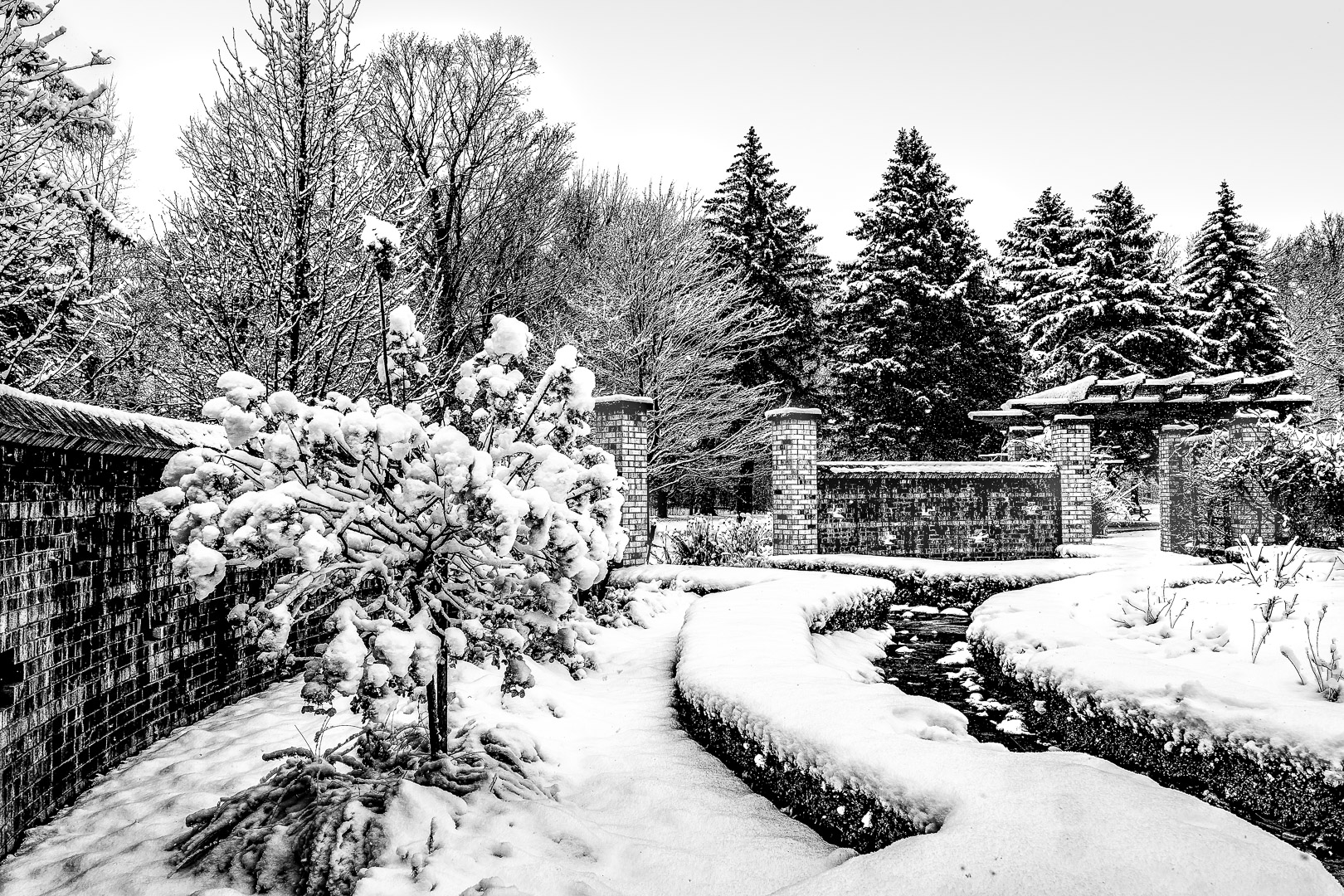
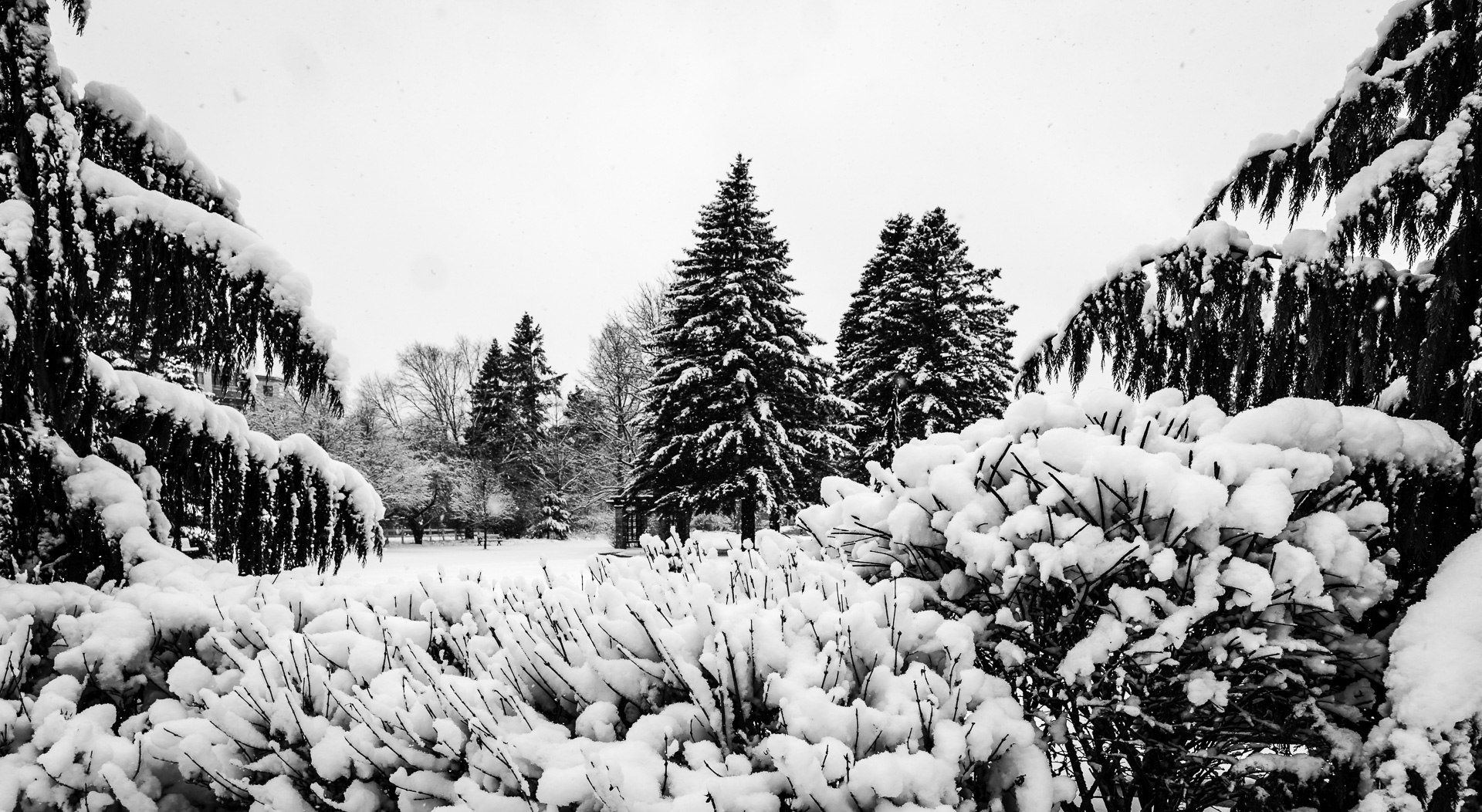
A great image and a good one to play with in B&W.
Blue can become bright or dark during the conversion and I agree with the choice because it let the dark trees stand out against it.
There is also good contrast between the light grey of the ground, cloud above ground and high up in the sky against the sky.
A very effective image. |
May 30th |
| 74 |
May 19 |
Comment |
The monochrome conversion really enhance the mood and emotion.
The darker face compared to the light shining at his back really show off the contrast.
Love the light that shine through the left side of his face.
Without the contrast the image would not be as powerful. |
May 30th |
| 74 |
May 19 |
Comment |
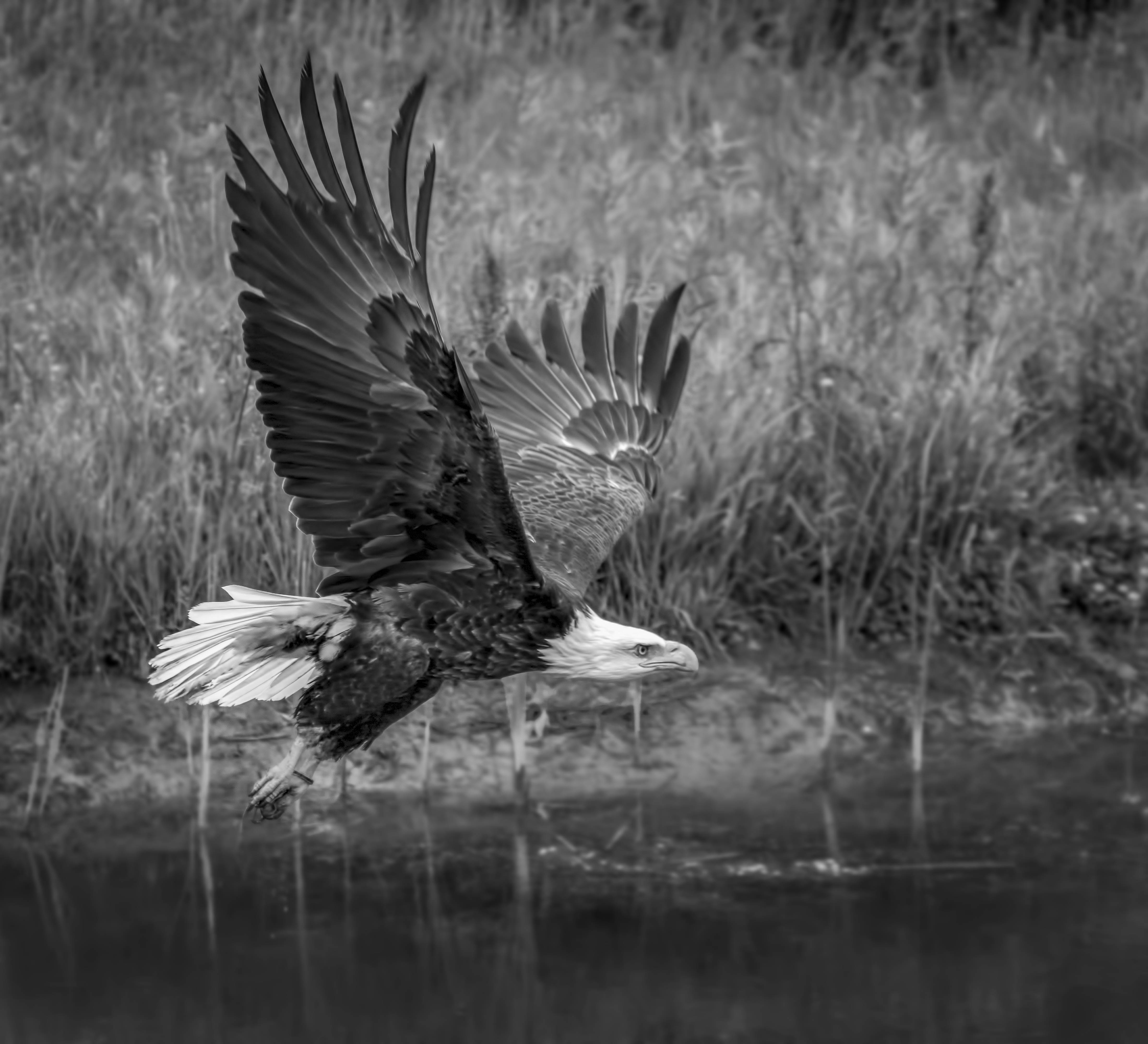
Great shot and crop !
Just wondering whether it would make the white feather of the head stand out more if the background above are darkened a bit ?
It would be very easy to do in Lightroom with adjustment brush.
After selecting the area with the adjustment brush, I would decrease clarity so the the background become even more blurry too. |
May 30th |
| 74 |
May 19 |
Comment |
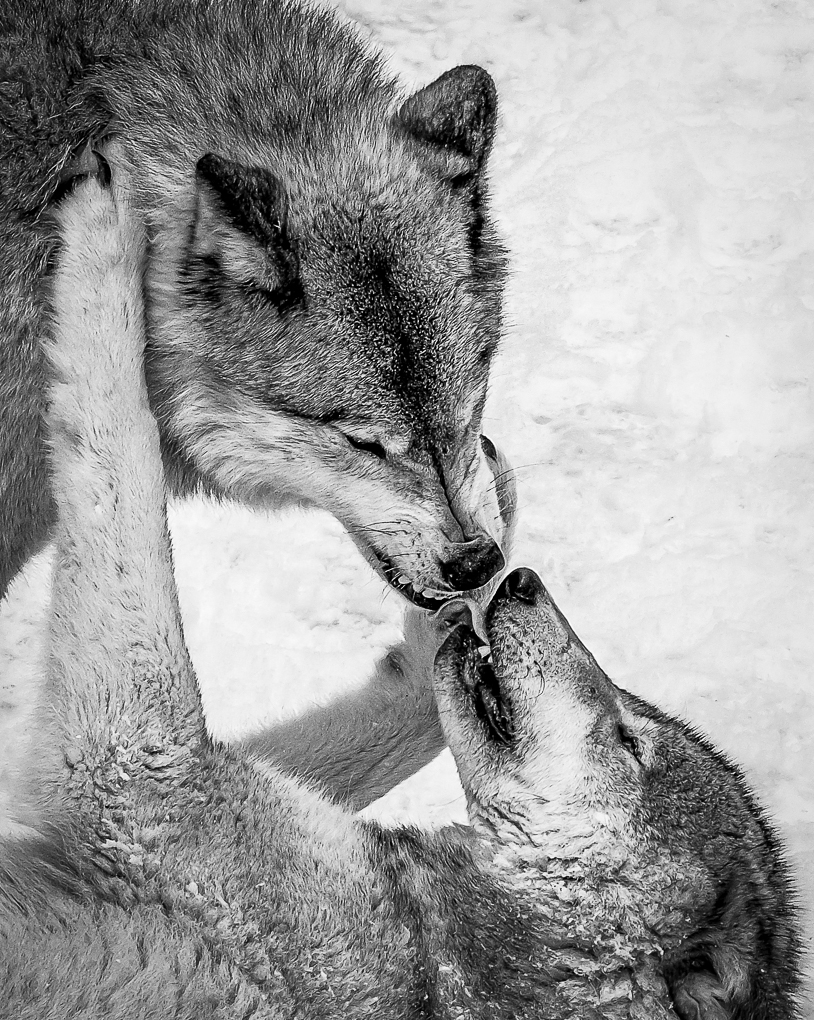
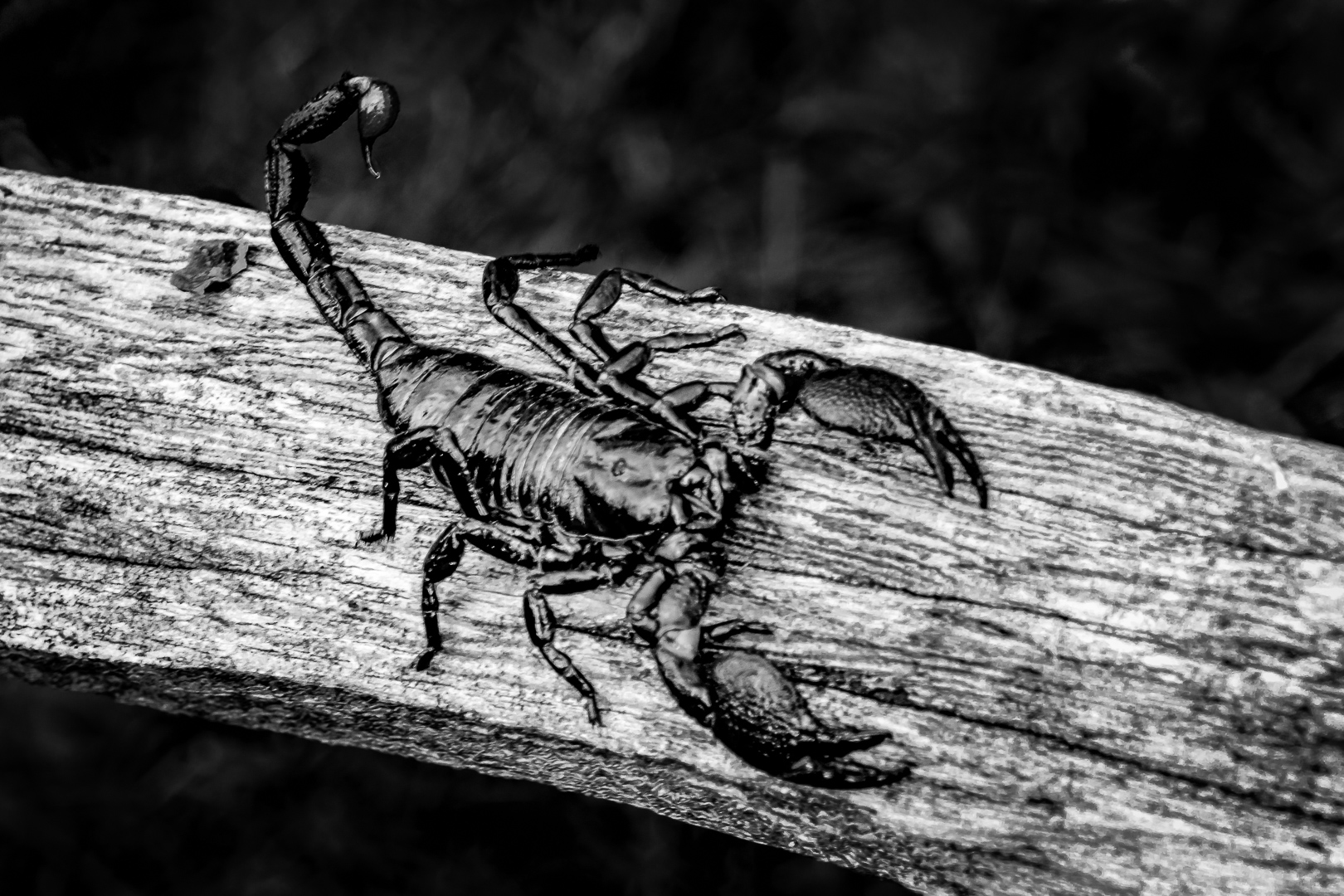
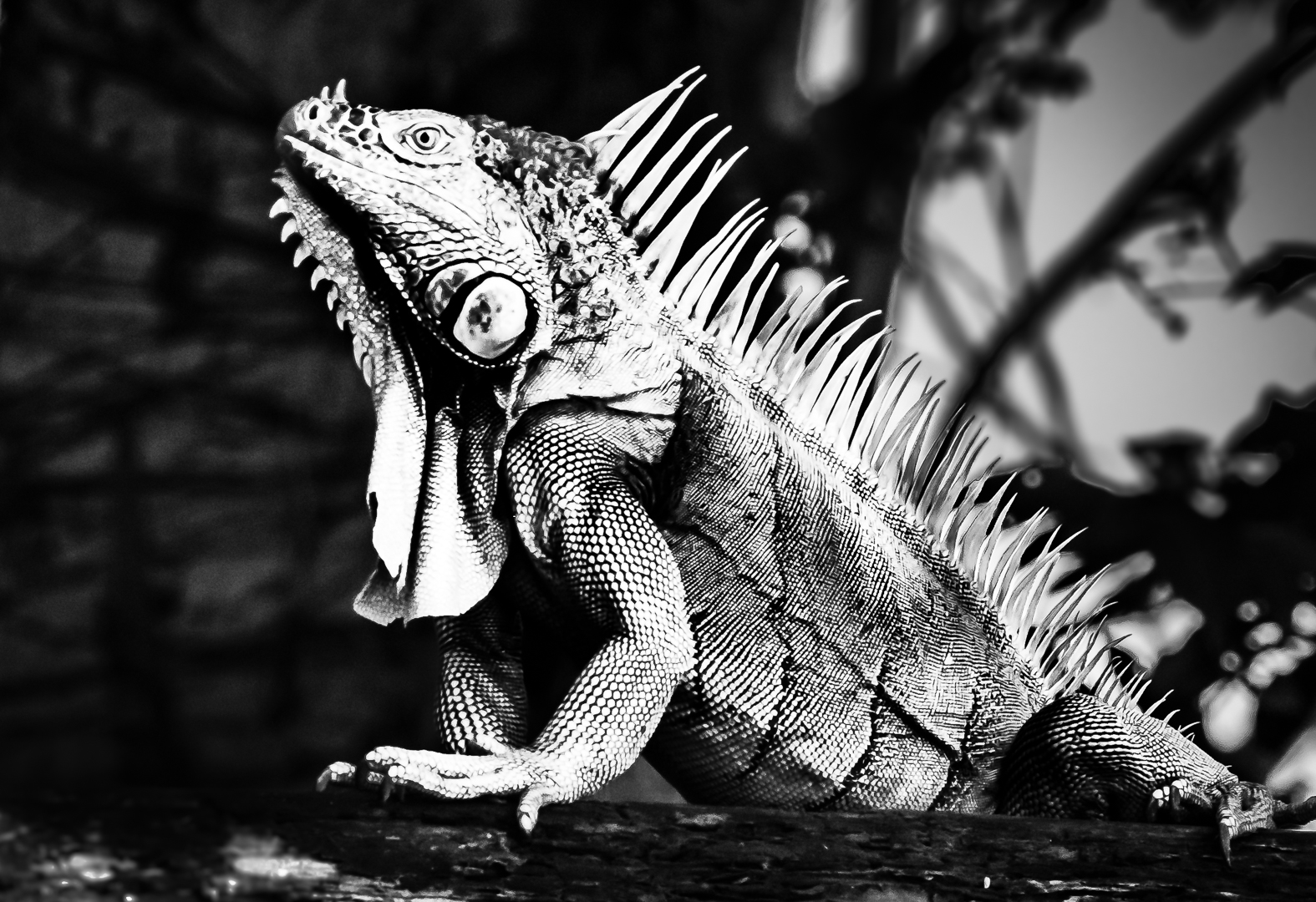
Like the crop and conversion..really bring out the contrast and texture . |
May 30th |
6 comments - 0 replies for Group 74
|
12 comments - 0 replies Total
|