|
| Group |
Round |
C/R |
Comment |
Date |
Image |
| 65 |
Nov 18 |
Comment |
Very nice reflection and clean up job.
Love the detail of the bears.
Wonder whether there was any chance of showing the whole reflection of the last two green bears ?
My choice of colors ( as a flower arranger) is to go in the order of : Dark blue, light blue, yellow, light green, dark green ...magenta bear at the front . |
Nov 25th |
| 65 |
Nov 18 |
Comment |
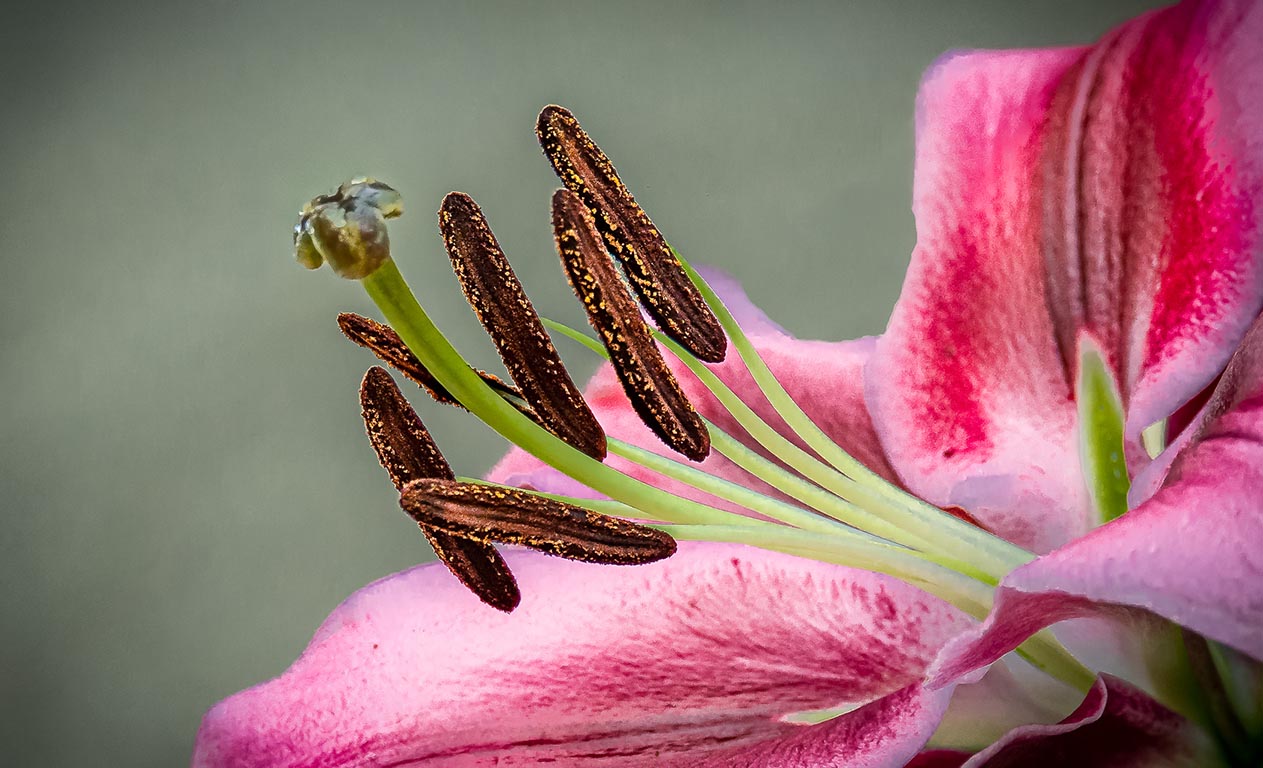
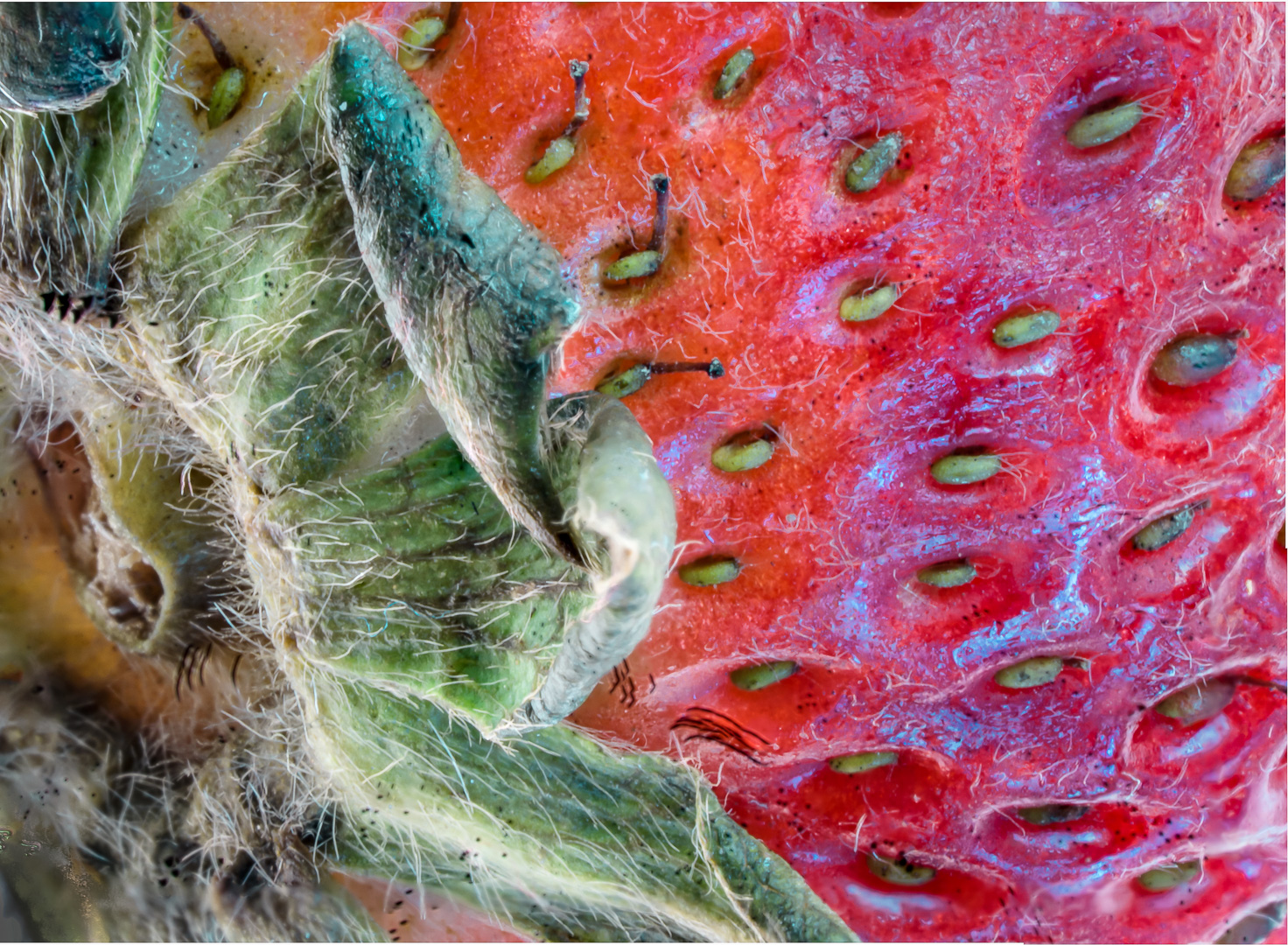
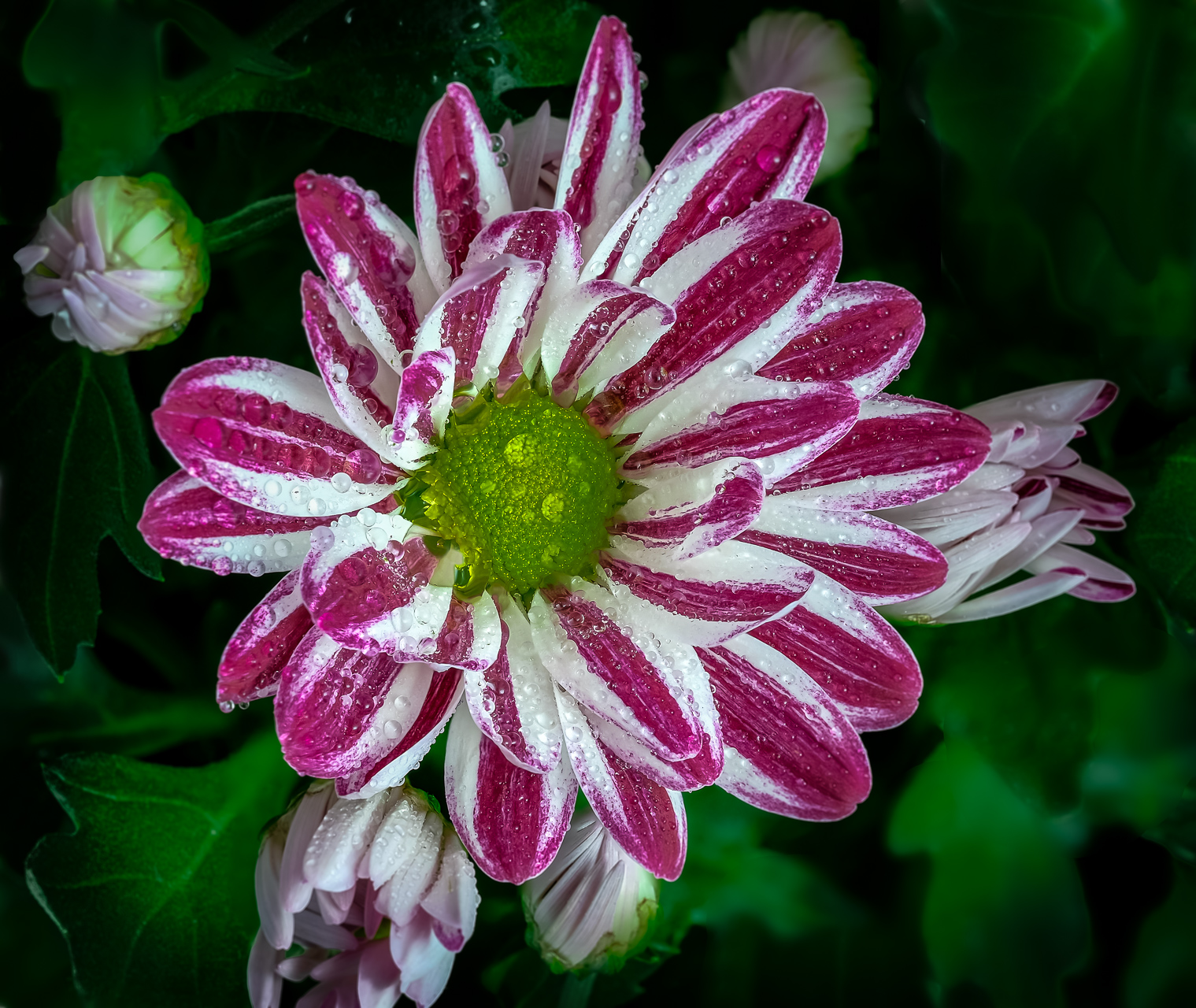
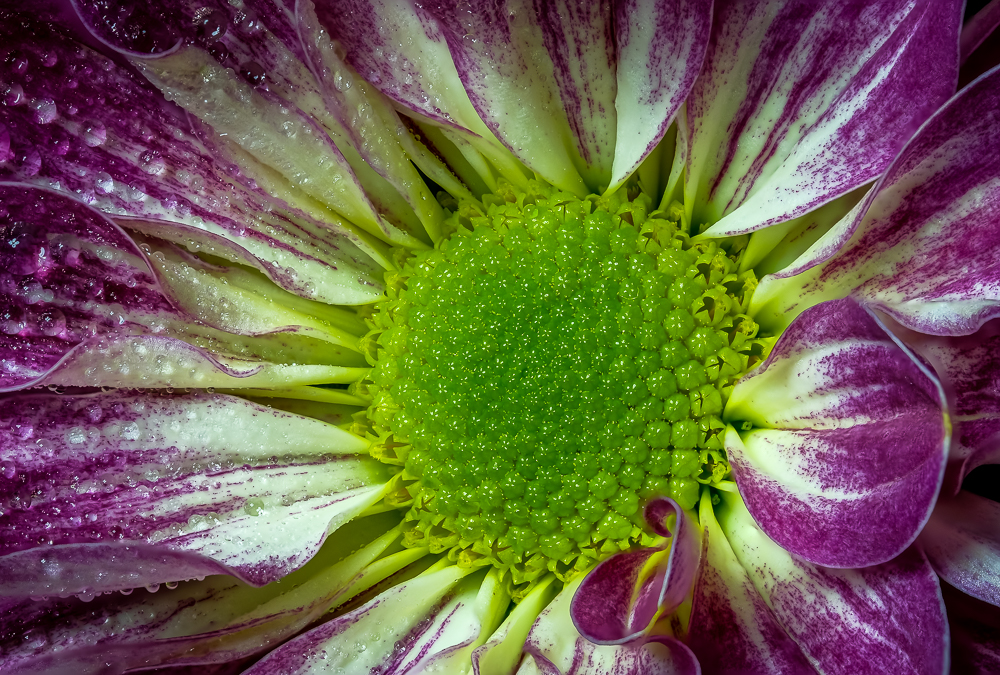
Very nice image of an attractive colorful bloom.
I like the the very sharp focus in the center and the right side. It seems a triangle area ( drawn from top left to bottom right ) is in very good focus and good exposure but the other areas are softer and in shadow.
Love the water droplets at the top. Wish there are more in other areas.
As a hand held image , I think that it is a job very well done. |
Nov 25th |
2 comments - 0 replies for Group 65
|
| 74 |
Nov 18 |
Reply |
Hi, Dave, Thank you very much for your reply. Video will certainly be a bigger field in the future.. Especially if you have a camera that allow good quality still to be extracted from it. I am learning to make AV shows and am seeing much more video clips mixing into stills (in my club anyway ). One point..if you do not mind me being nosy ...If you process your video clip in PS make sure that you do it as a smart object if you want all you adjustments to apply to the whole clip instead of just to the first image. Thanks again and have fun. |
Nov 28th |
| 74 |
Nov 18 |
Reply |
Sorry. Should be PS..Edit..Transform..Distort. |
Nov 26th |
| 74 |
Nov 18 |
Comment |
Very nice image.
About straightening the image I have a slightly different opinion.
The original image seems not to be shot parallel to the plane of the major building. You can see that all the poles are in the correct up-right position.
Bill's straightening is nicely done but the poles to the right of the building are now slanted towards the center.
One way to straighten the poles is to go to PS..filter..distort and drag the top right corner out until the poles are straight.
Personally I think that the original angle is fine.
Very nice exposure , composition and monochrome conversion.
|
Nov 25th |
| 74 |
Nov 18 |
Comment |
Definitely better in Monochrome.
This image certainly pull my heart string and demand that I stand up and salute the heroes . |
Nov 25th |
| 74 |
Nov 18 |
Comment |
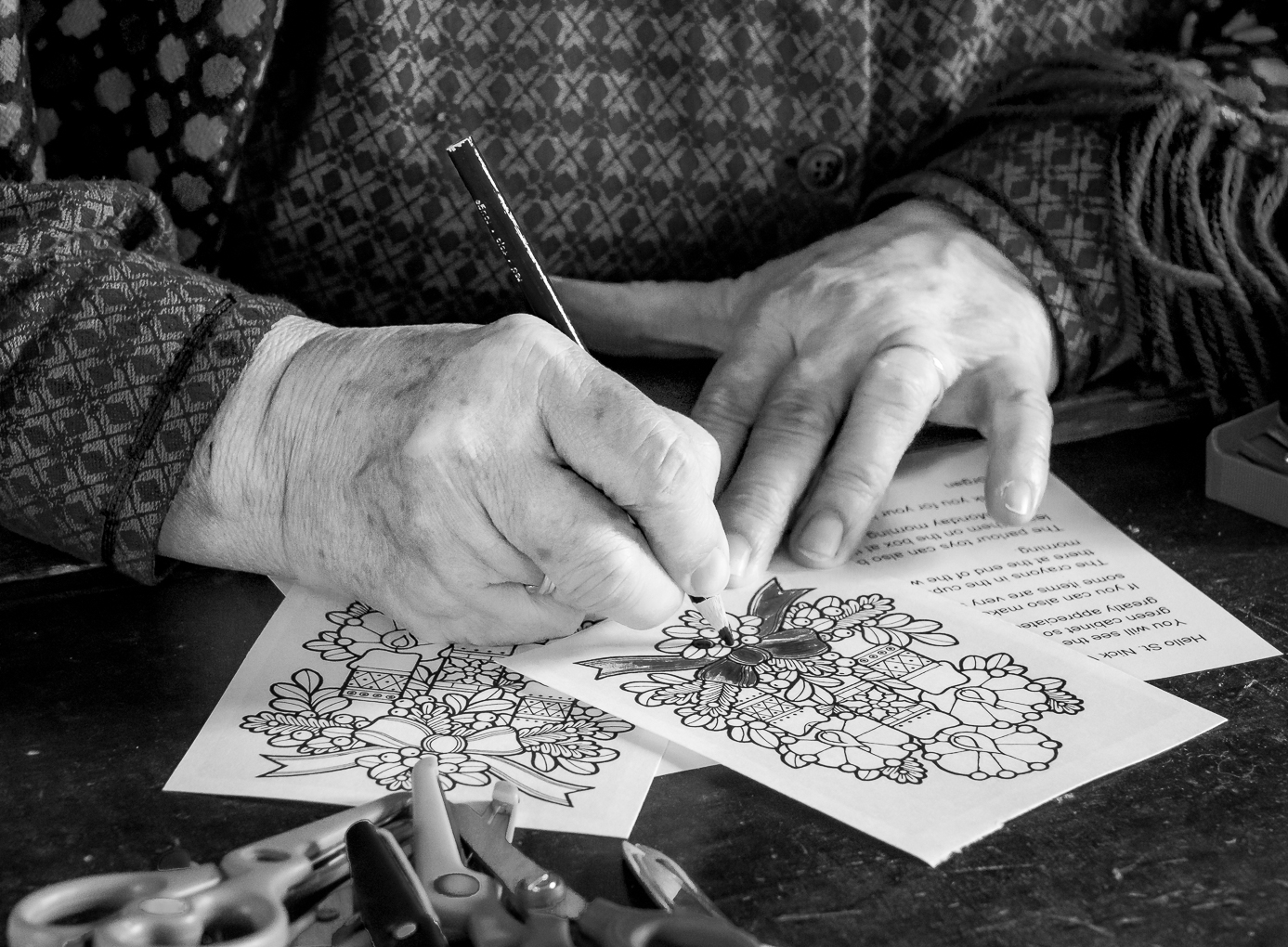
Love the many slants in this image..the top pattern coming across and the two going upward from the bottom and the different angle but also slanted brush.
The straight brush and triangles form by the hand also create contrast with the flowing curves of the Alpana .
The area under the hand seems darker. May be the light is shinning from the top ? If the light can shine from the front ( from behind the camera then the center of the image might be brighter .( Or a radial filter in LR can achieve the effect that Arne recommended )
Wonderful to see new arts . |
Nov 25th |
| 74 |
Nov 18 |
Comment |
Great transformation ! ! !
Personally I do not like grungy images but this one certainly is an eye opener.
Hope to learn from you : You said that you used (manual focus because the zombies keep walking past you whether you have the picture or not)..Would it not be easier to use continuous back button focusing so that you can auto focus moving subjects ? ( Like when we shoot flying birds ? ) |
Nov 25th |
| 74 |
Nov 18 |
Comment |
Wonderful tranquil atmosphere.
Love how you made the mountains stand out from the cloud.
The flow from the horse at left front to the mountain at top right is excellent in my eyes.
|
Nov 25th |
| 74 |
Nov 18 |
Reply |
Hi, David,
I am fortunate to had started learning LR and PS a while ago.
Now I use 3 groups ( Lightroom, PhotoShop and PhotoShop Element to help members of my photography club to start using these 3 software. These new friends will become firm friends very soon and we have lots of fun. |
Nov 25th |
| 74 |
Nov 18 |
Comment |
Thank you very much for your kind words again.
I think sharing is the reason that we join these study groups.
I am also leader of 3 editing groups..PS. LR and PSE so sharing is my nature. I am sure that I shall learn lots from all of you, right ? |
Nov 14th |
| 74 |
Nov 18 |
Comment |
Two Youtube videos that I found very useful :
Create High-End Black and White Images Using Multiple Hue/Saturation Layers in Photoshop
https://www.youtube.com/watch?v=fuL_r_N8NGk
Three Dramatic Black and White Processing Techniques
https://www.youtube.com/watch?v=j_He9lz5Hu8&t=43s
|
Nov 14th |
| 74 |
Nov 18 |
Reply |
Hi, David,
Thank you very much for your kind words.
To convert a colored image to monochrome, I put in a ( Hue ?Saturation ) adjustment layer first. After that, I put a ( Gradient Map) adjustment layer ( Not Gradient ) on top of that.
When you adjust the hue of each specific color, you can change the tonal value of that color when the gradient map layer change it to Monochrome. After that , the saturation and brightness of each color will further fine tune the tonal values. I find that this way I get much larger variety of brightness at my finger tip. This method will work in PS and PSE . |
Nov 14th |
7 comments - 4 replies for Group 74
|
9 comments - 4 replies Total
|