|
| Group |
Round |
C/R |
Comment |
Date |
Image |
| 73 |
Oct 23 |
Reply |
I do not mind at all.....the reason I asked where it was.....I wanted to correct it. I thought it was a dust spot and instead of looking for the bright spot I was looking totally at the sky. My error! In particular I think bright things just drag the eye back. But dust spots are usually my biggest culprit, especially with older images. Thanks! |
Oct 26th |
| 73 |
Oct 23 |
Reply |
OK, Ian now that you've pointed it out.....I get it, your eye (and mine) just can't stay away!! I've corrected in computer too! :-) |
Oct 25th |
| 73 |
Oct 23 |
Comment |
Sorry, Gary, I think I went in and commented and then forgot to submit. Let's try that again.
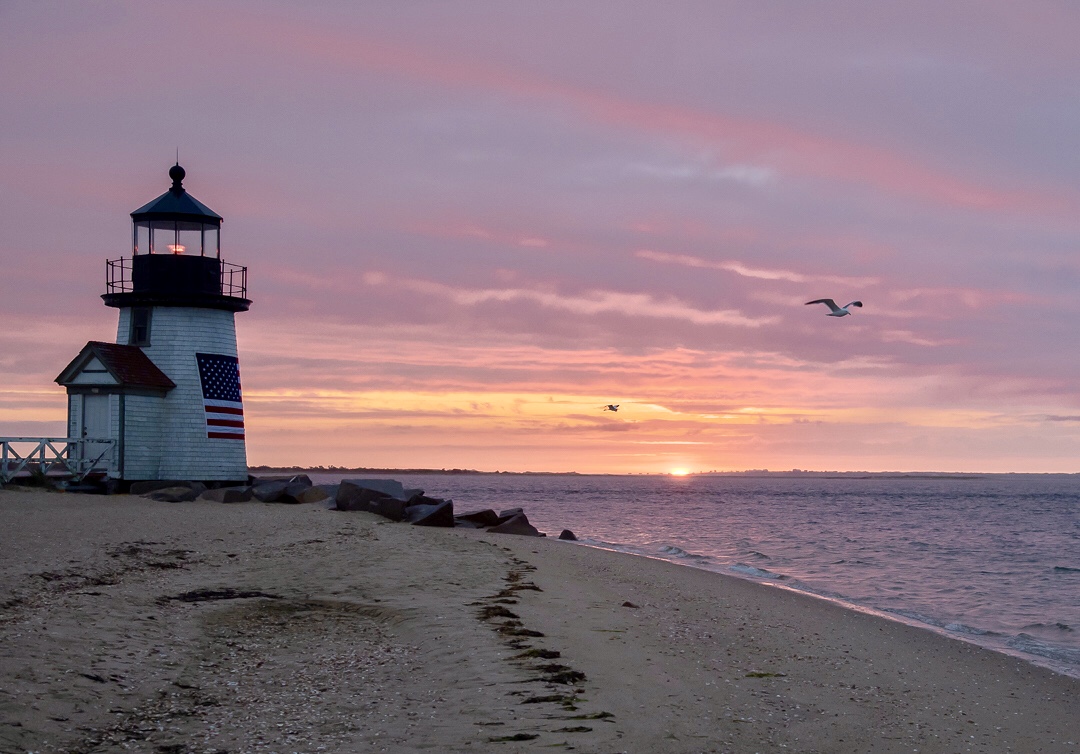
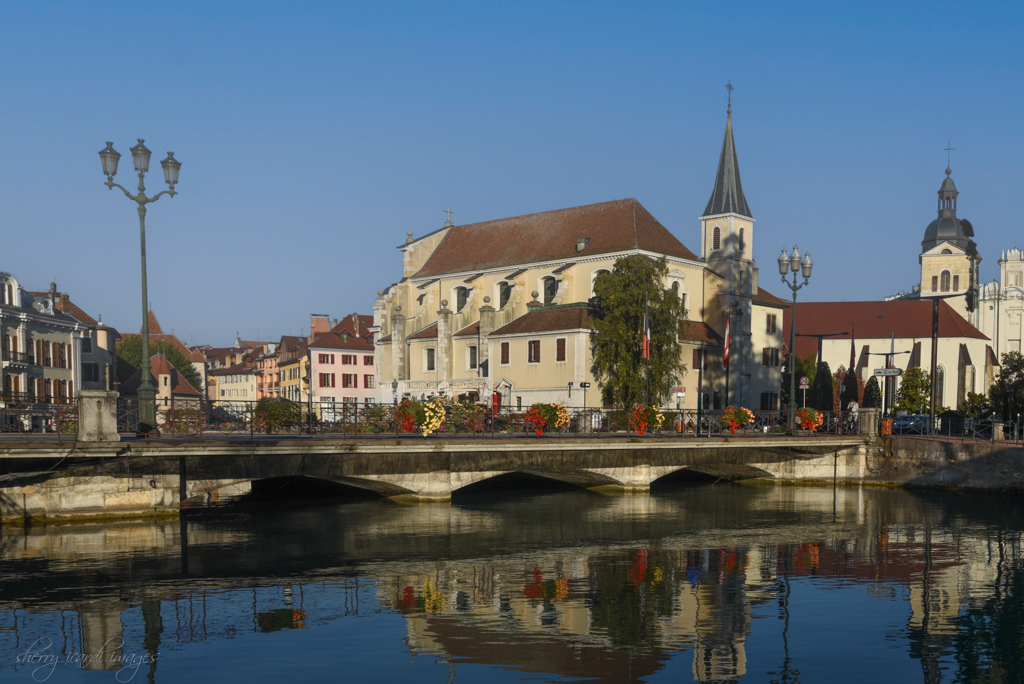
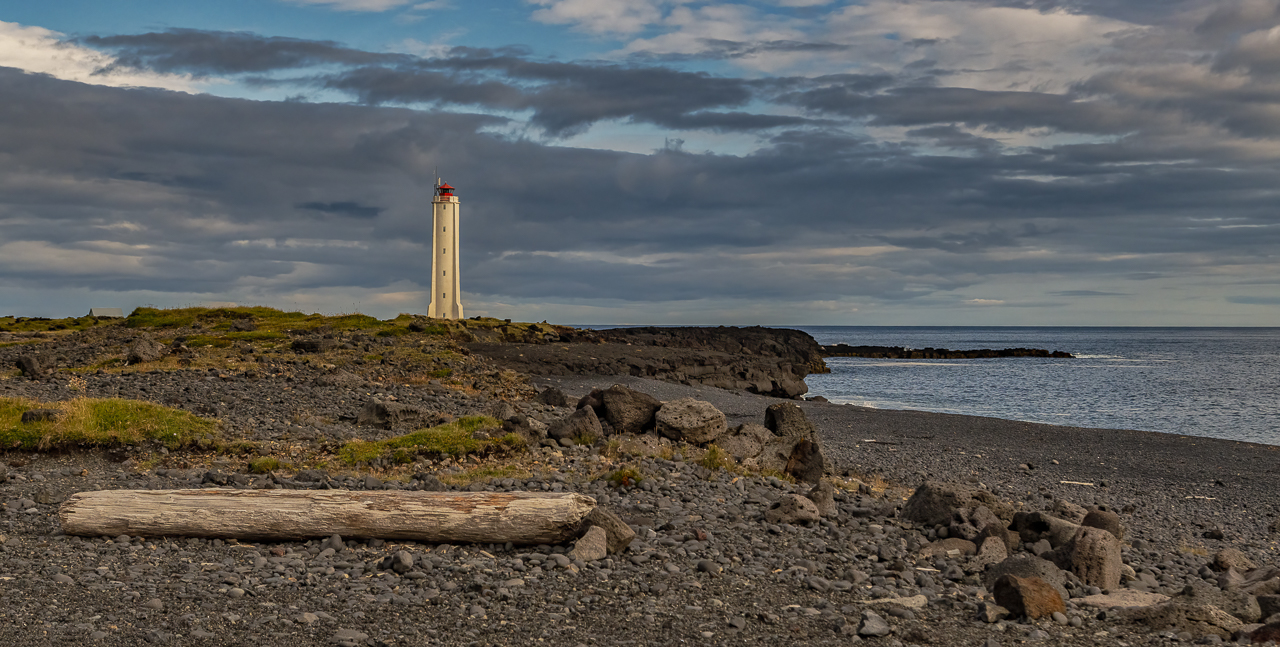
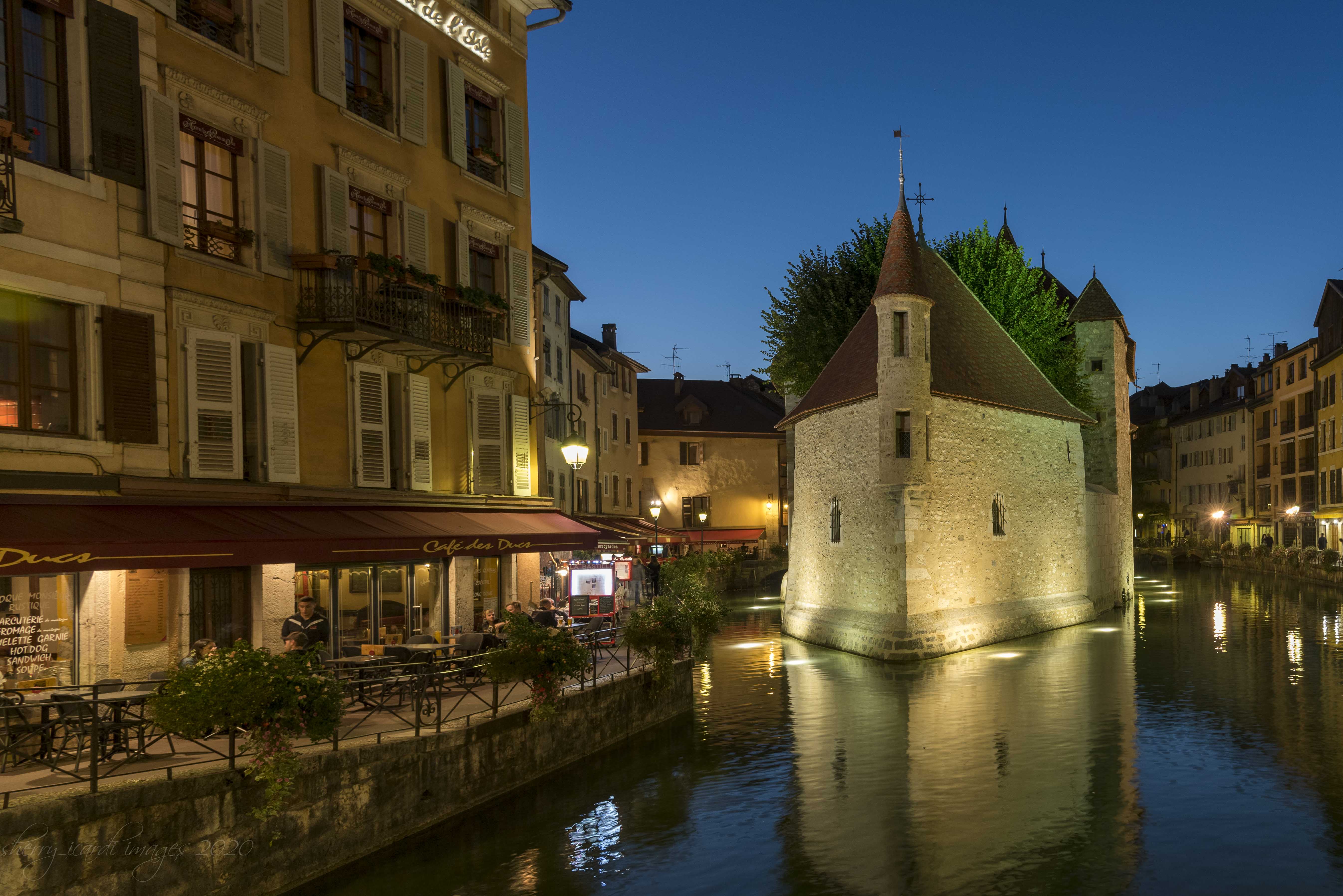
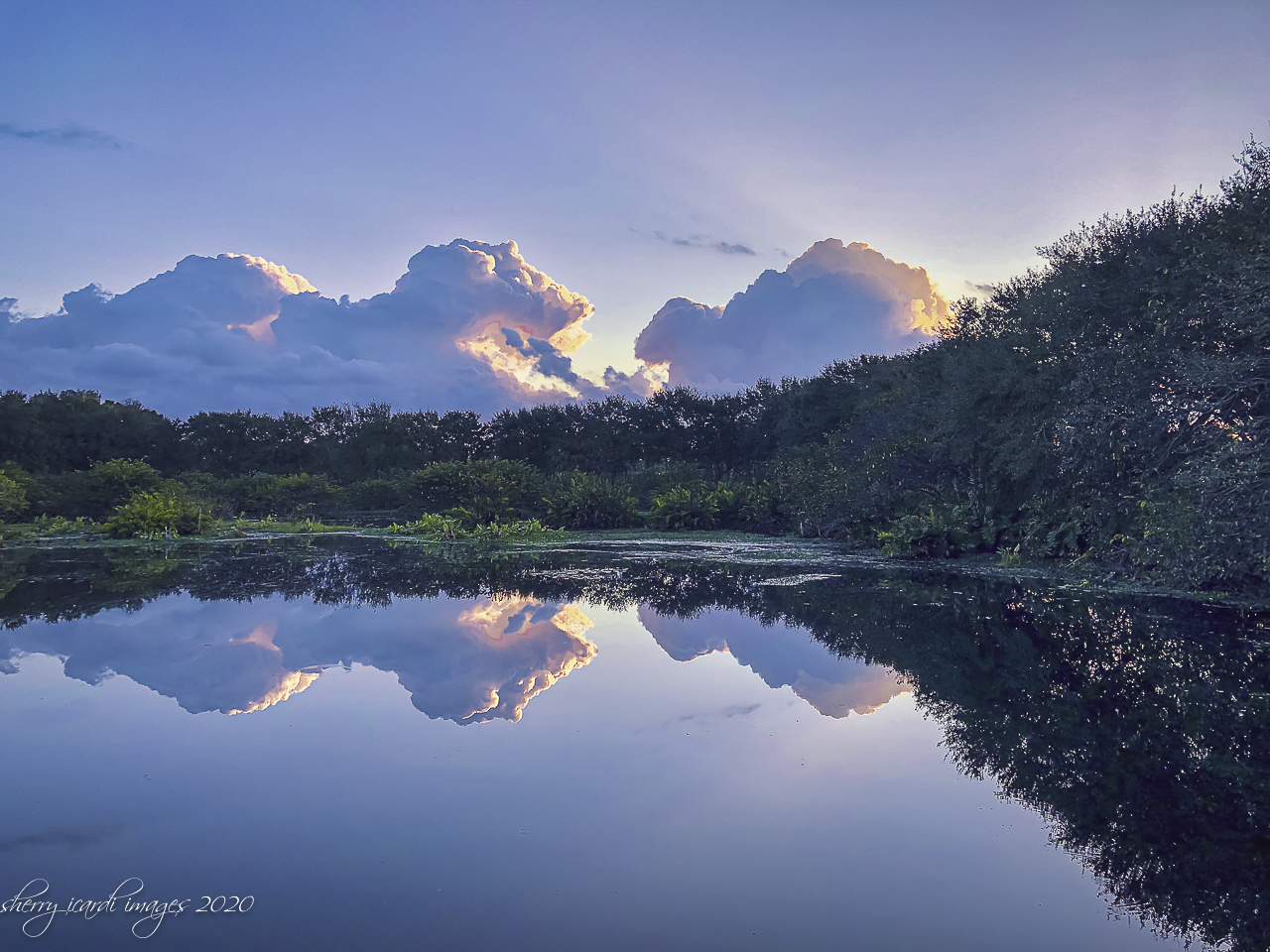
Beautiful image! And I love the juxtaposition of the old vs. new. I also like the perfect symmetry of the image. The colors are beautiful and clouds really are much better with the longer exposure. Very nice image!
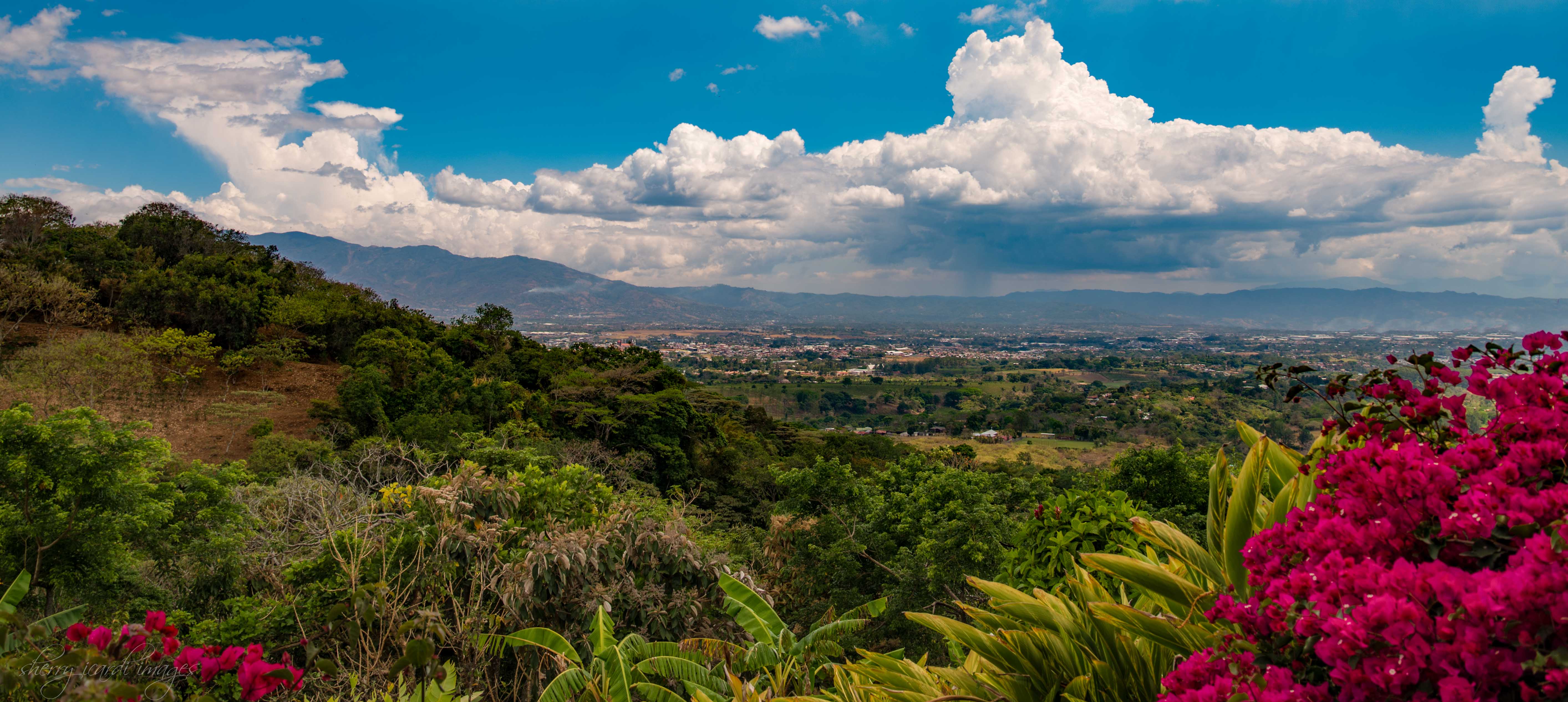
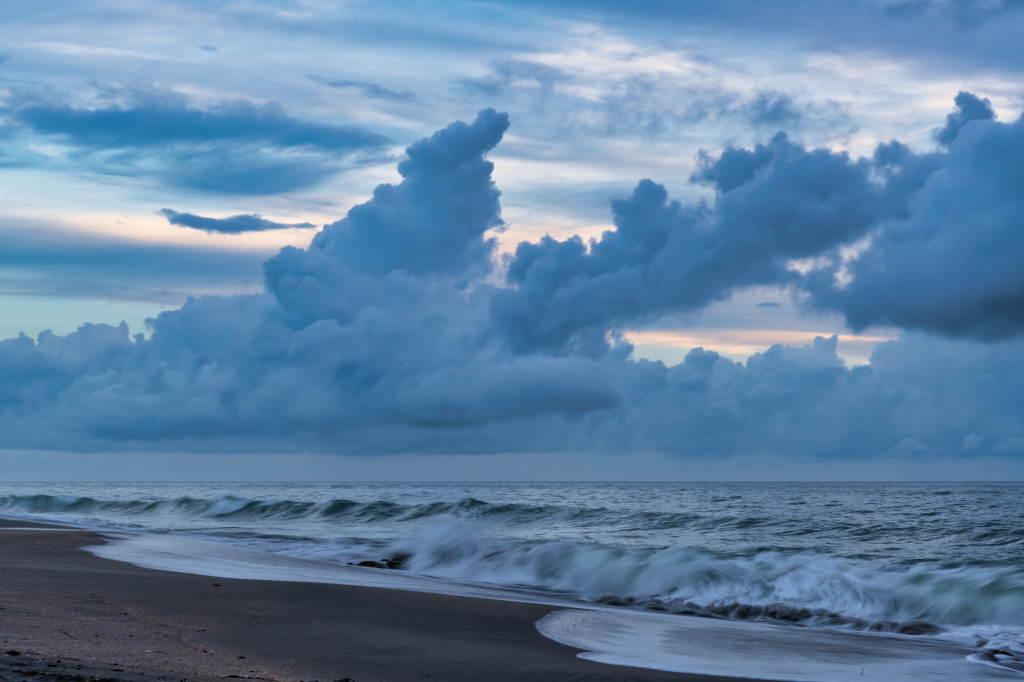
I have used long exposure but never successfully and now with the remove tool in Photoshop I find it far less frustrating than trying to remember the ND filter and then to set it all up and get everything right. And then I moved to Florida and rarely do landscapes locally except for an occasional sunrise/sunset. Travel had been so restricted with COVID that I lost my source of landscapes. Next month will be my first travel since COVID. Excited to go to Costa Rico! |
Oct 22nd |
| 73 |
Oct 23 |
Comment |
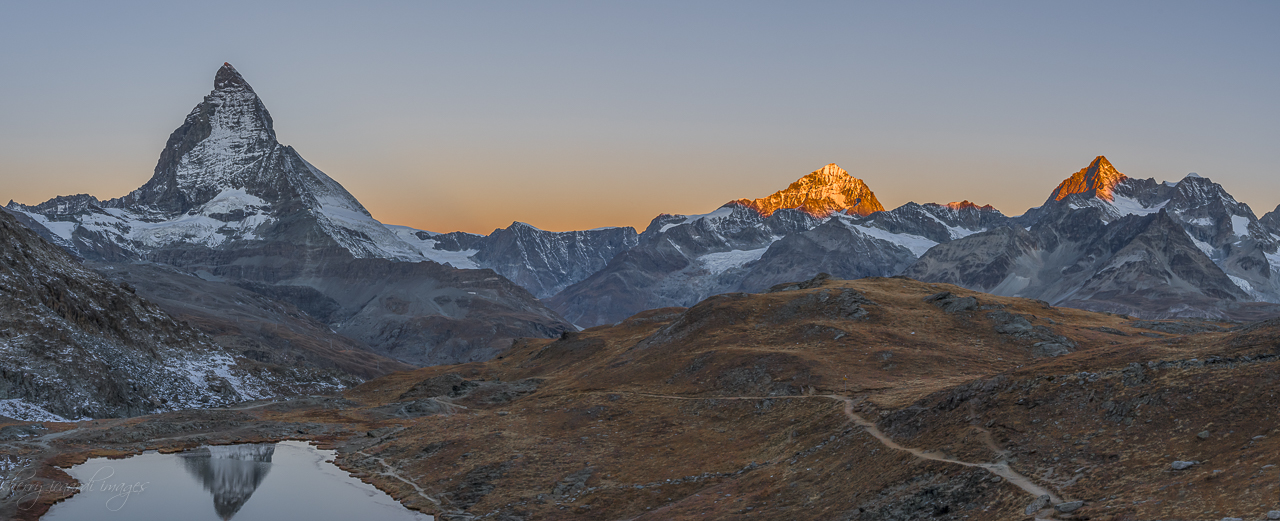
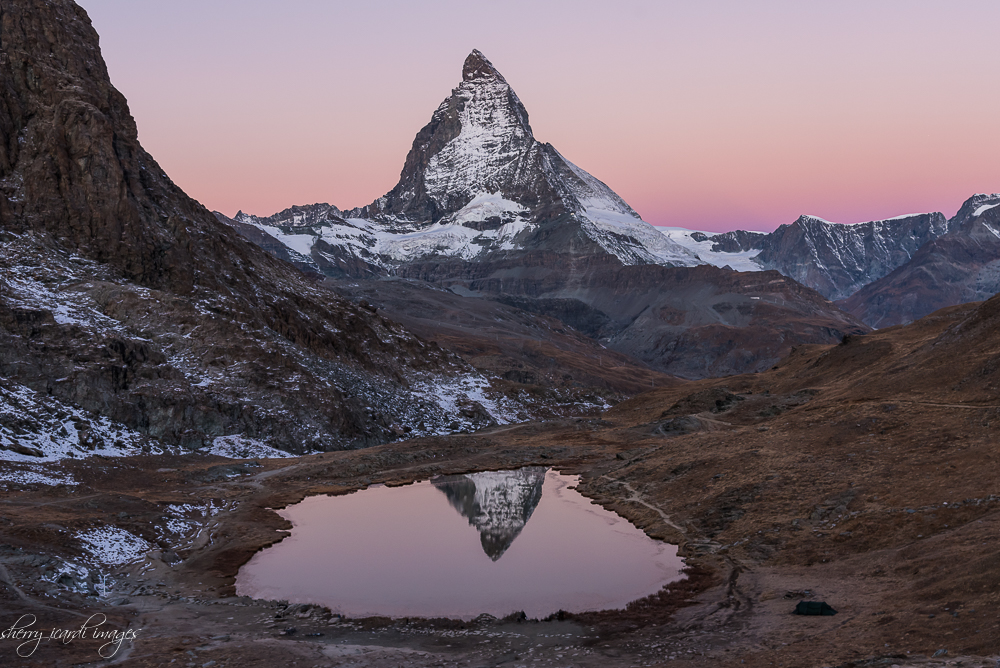
Beautiful mage as always. And I've found that sometimes clouds at sunrise and sunset create a magical sky. Just so that there is some space for the light to peak through. Banff was one of my dad's favorite places to go out in the Northwest. Love the composition, lighting, fall colors and still water, with the magnificent "mountain" in the background. Almost like it is rising up out of the landscape as you wee taking the image. Beautiful! |
Oct 10th |
| 73 |
Oct 23 |
Comment |
Ian, you always come up with new and challenging things to do with a camera. I didn't even know you could do that.....I would appreciate you sharing the process you used....and any special camera software needed? I have a D850 which I really like for landscapes....but not sure it is even possible.
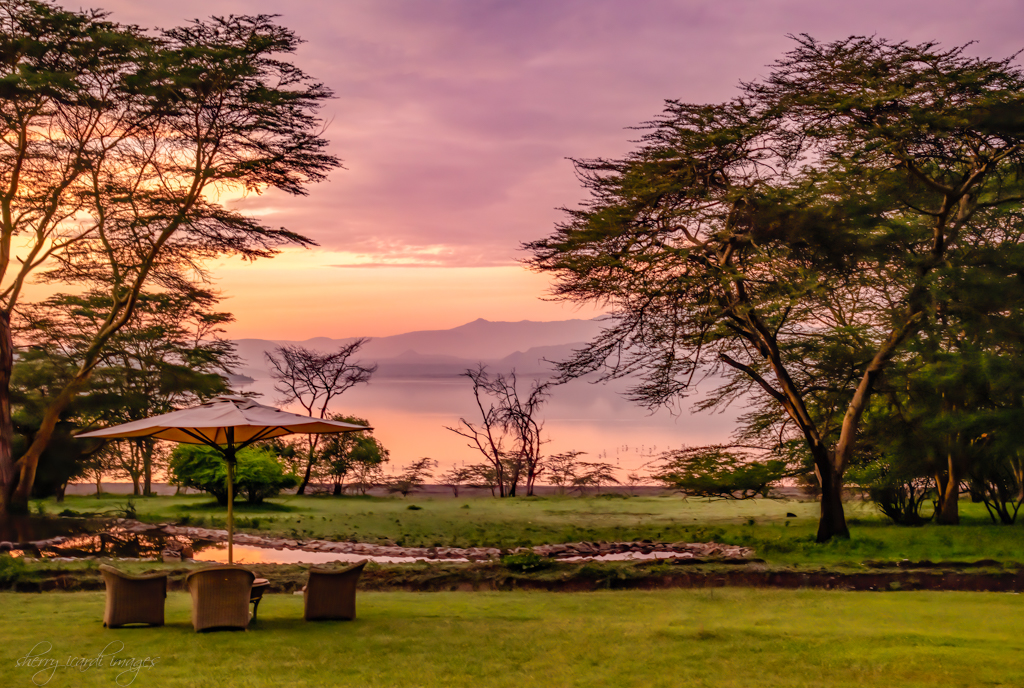
Love the dreamy result and smooth water and glow on the horizon. the composition is very nice with the trees on wither side serving as anchors. Unfortunately, the low resolution (<1mb) causes some distortion in sky, but I suspect the original does not have that. Nicely done! |
Oct 10th |
| 73 |
Oct 23 |
Comment |
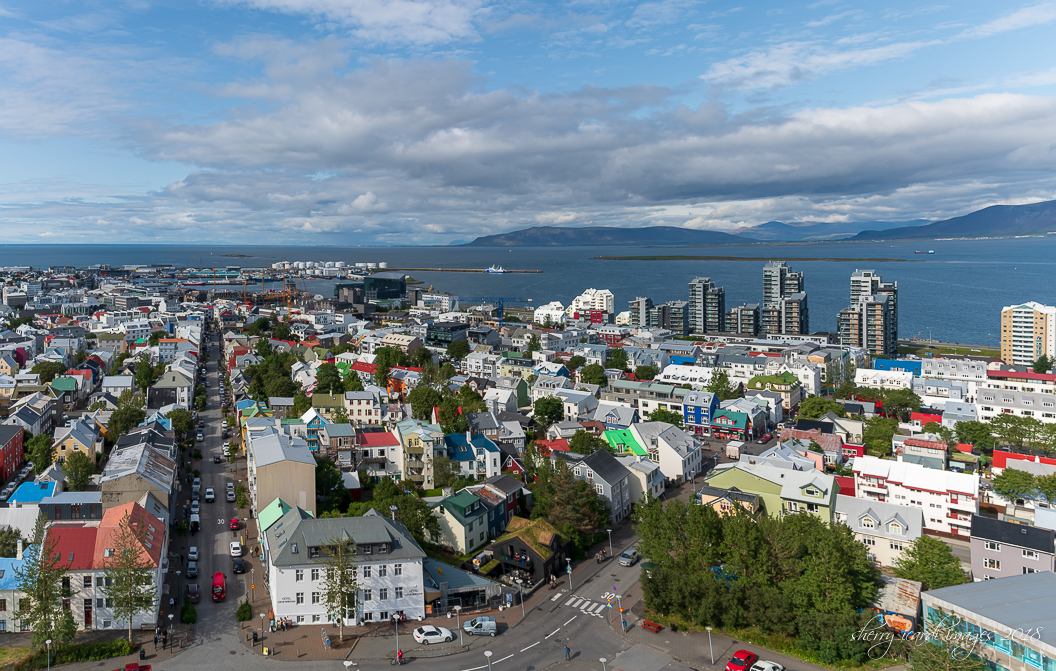
Nice skyline, and I don't think you can get away from the smog in any large city. It is a statement to our lack of stewardship for our planet. I think it tells a story that perhaps needs to be heard. The water color is remarkably pretty, and does not suggest pollution, which I find unusual, especially in a large city.
You did a fantastic job of stitching the images together, and best I can tell the buildings are all really straight! One of my most difficult tasks. Even though sky was pretty overcast it just accentuates the buildings. Which is really what you were trying to achieve, I think. Nicely done! |
Oct 10th |
| 73 |
Oct 23 |
Comment |
I prefer the Landscape orientation, just like you! I would be curious as to whether you took two images, or this was from same image. I think same image because you were talking about color differences which leads me there. The one suggestion I would have is to remove the stones on the bottom left of the landscape image. Not a huge deal but something I would do. If you use LR just go into the remove tool. And I prefer the darker green color, which may be why I lean to the landscape orientation. Overall nice composition and I really don't mind the jogger. It adds action to the image. |
Oct 10th |
5 comments - 2 replies for Group 73
|
| 94 |
Oct 23 |
Comment |
Same thing I am doing only a different way to get there is all. I've copied a screen shot show you how I am getting there...... |
Oct 16th |
 |
| 94 |
Oct 23 |
Reply |
I'm going to have to re-read this with LR open in front of me. |
Oct 14th |
| 94 |
Oct 23 |
Comment |
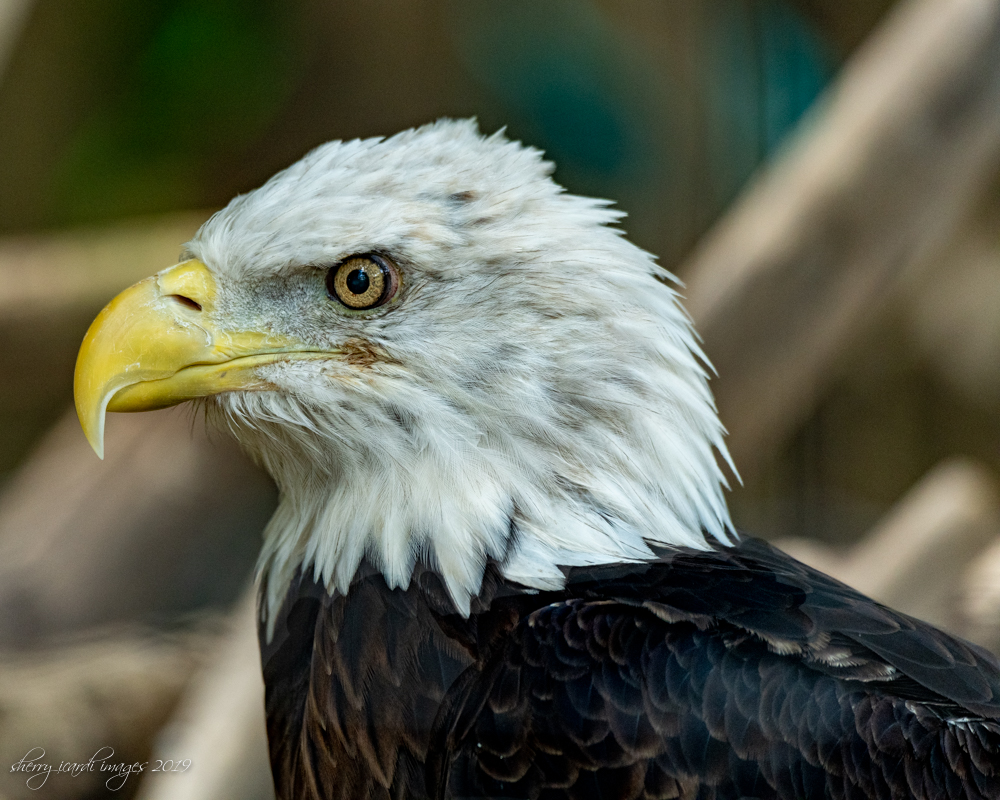
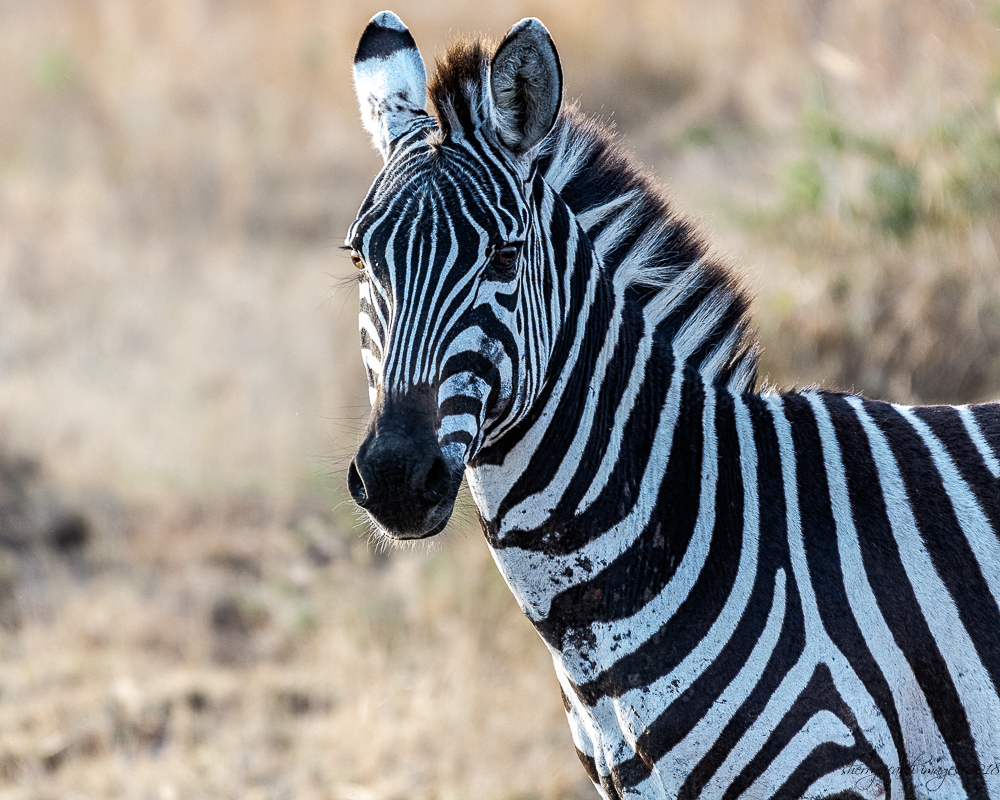
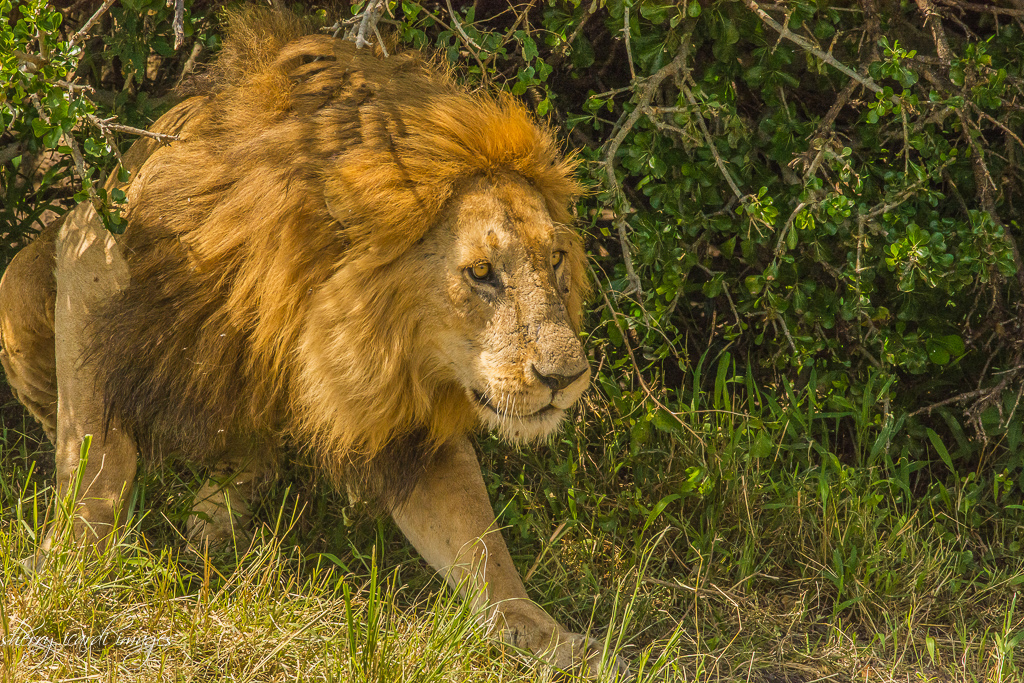
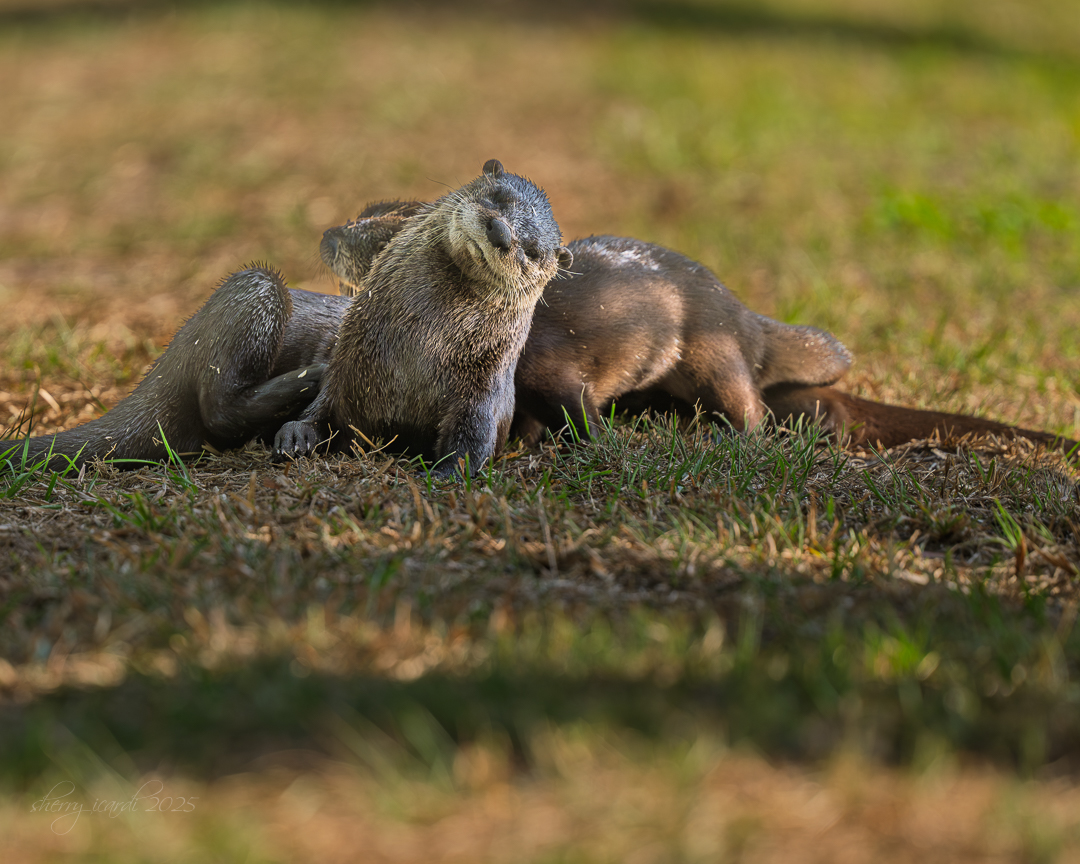
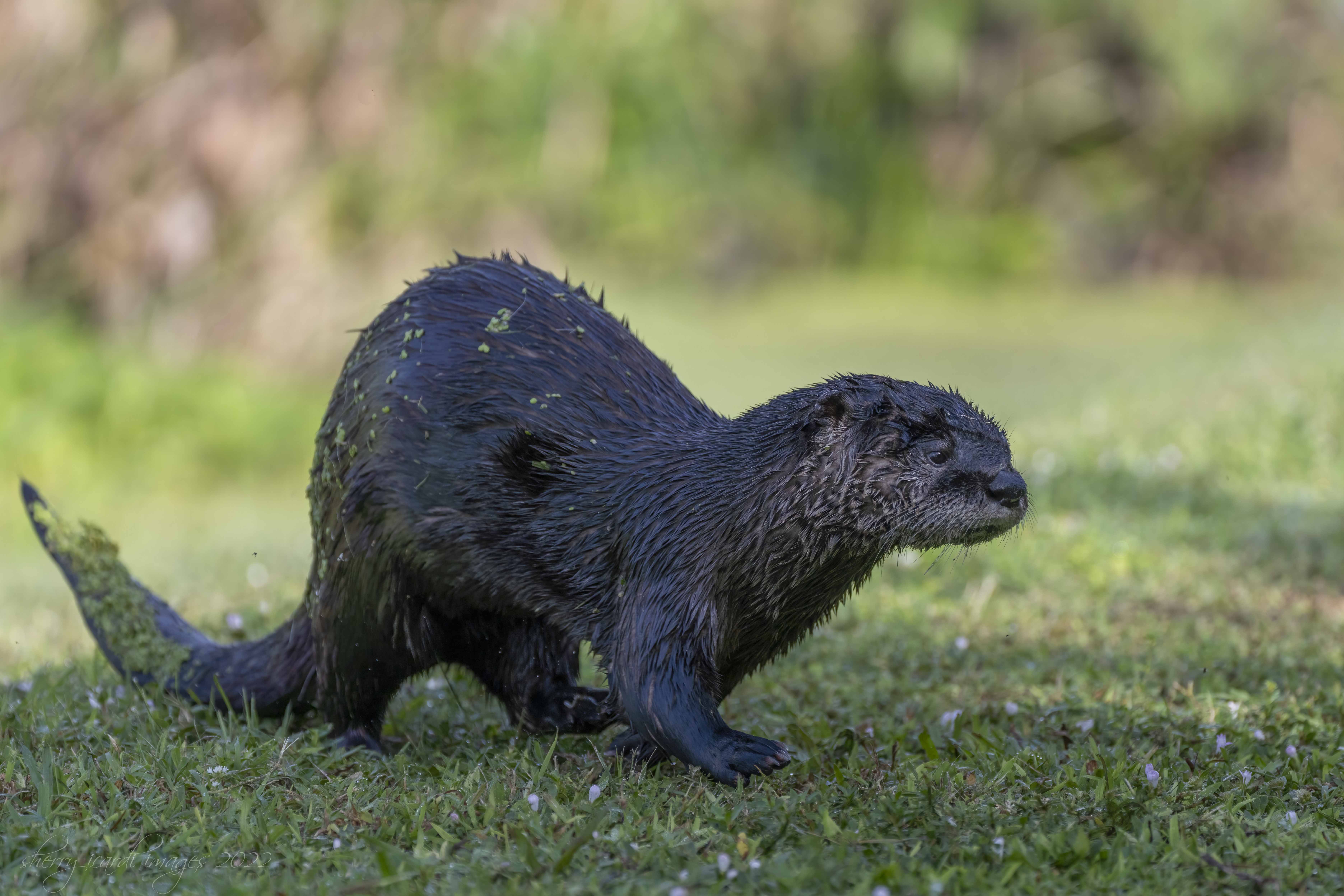
What a beautiful shot! He is certainly keeping his eye on you! This image shows how they are so attuned to the environment and what is going on! Those eyes staring at you are incredible! it would probably have made me just a little nervous. One thing I would suggest would be to lighten up the fur a little. Might bring out a little more detail. |
Oct 10th |
| 94 |
Oct 23 |
Comment |
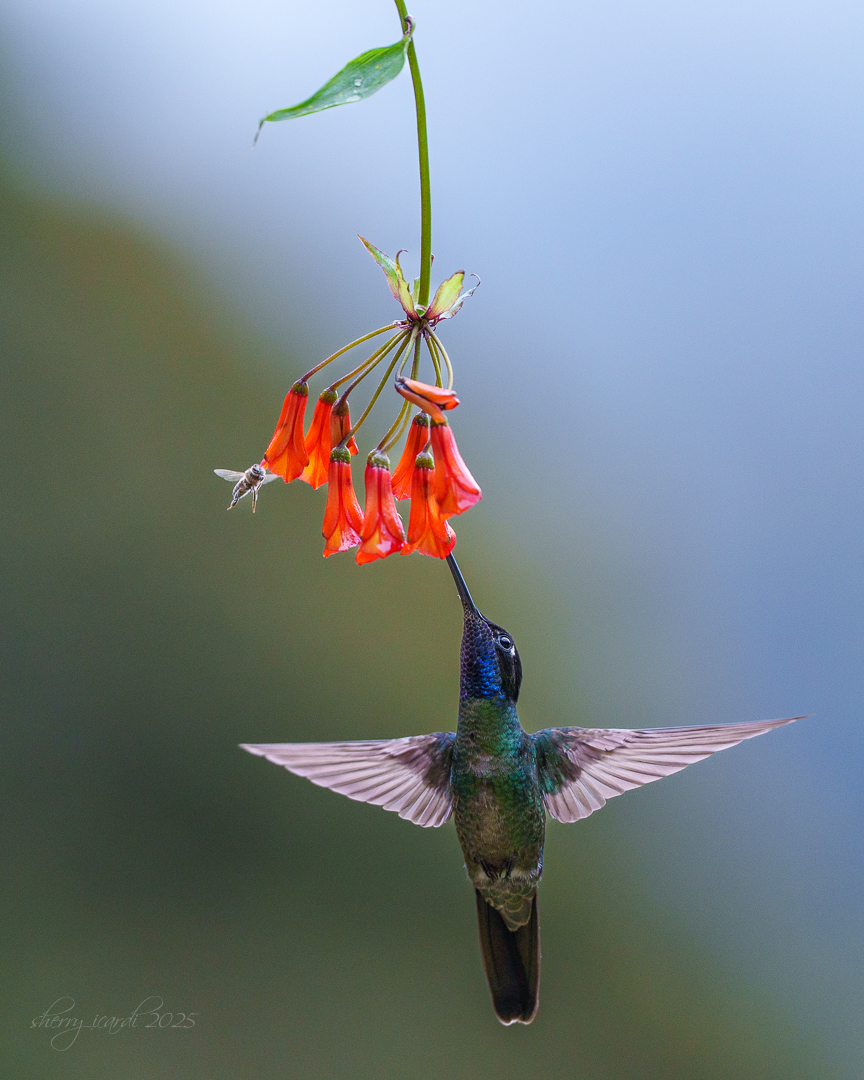
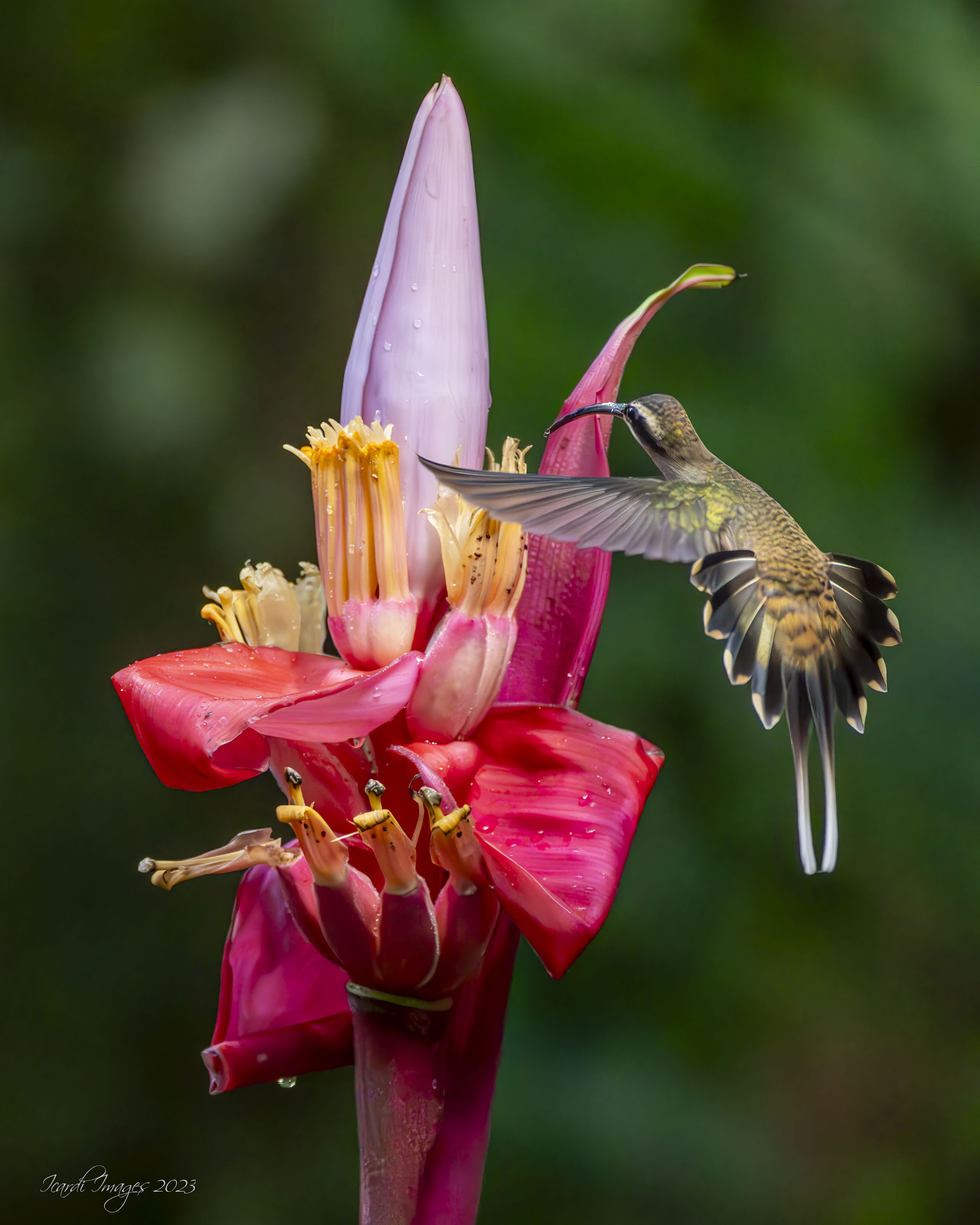
Really nice shot of the Hummer. I actually like the angle of the head because he is actively extracting pollen. To me this is an action shot of the hummingbird and showing me how hard he works to get nourishment. I also like very much that it is a flower he is harvesting instead of the Hummer feeders. They are always in very bright colors so as to attract the birds and they pull your eye from the bird. I would always go for a natural source of food rather than artificial. And despite how much you have had to crop he is still pretty clear. Nice image!!!
Have you ever used Topaz Photo AI? They can actually upsize ,as can Photoshop (but I rarely use that option just because I'm slow since I don't use it often - I know vicious circle). If you have any hope of printing this image....you might consider upsizing it so you have more pixels to work with. |
Oct 10th |
| 94 |
Oct 23 |
Reply |
Look at my reply to Peter for the Enhance Feature.
|
Oct 10th |
| 94 |
Oct 23 |
Reply |
I think he is referring to the Denoise AI. It is under Detail and automatically helps with grain. It saves the image back as a DNG which is fine, and gives you a chance to see them side by side. It is actually quite good, particularly with very high ISO. His was 5000. So I'm pretty sure that is what he is referring to. I've used Topaz Denoise AI and like it, but when you are dealing with higher ISO's you get fewer artifacts (spots that just don't look normal). If you have the Monthly subscription and download updates you should have it in your version. I am currently on the 12.5 version and it is there along with the ability to mask - that is at the top of your working panel below the histogram .....circle with grayed out area ....that allows you to choose a subject or sky mask to process selected areas for light, shadows, etc. |
Oct 10th |
| 94 |
Oct 23 |
Comment |
Stunning capture! Love the light, and especially the rosette caused by his preening. It drags my eye into the Pelican and the beak then draws my eyes up to the face and eyes. That lighting is special and yes the red crab adds some additional pop of color! All his feathers are well defined and I will say probably the most attractive image of a Brown Pelican I've seen. They are not the most glamorous of birds so this shows them off quite nicely! Congrats! |
Oct 10th |
| 94 |
Oct 23 |
Comment |
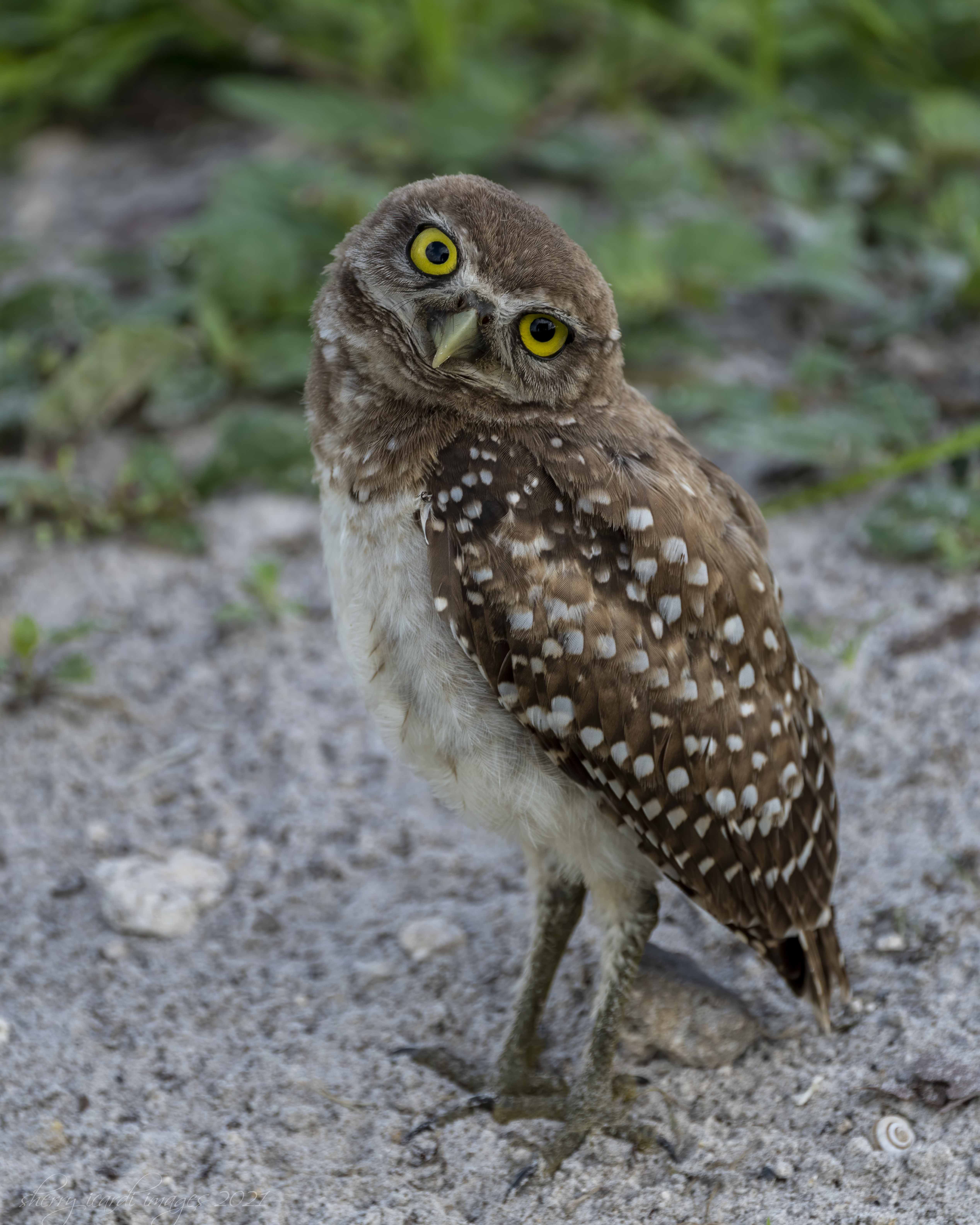
I love burrowing owls and frequently visit this park for just the owls. There is little else there, but the owls are hanging out and they have their burrows surrounded with posts and taped off to prevent stepping on them. All the spots for Burrowing Owls here in SFL are like that. It is much too easy to step on them accidentally. The temperature was at its highest when she visited and I suspect the owls were just trying to stay cool (like the humans). Sarita, you have captured their personality. Sharp, and clean.....I have trouble pulling my eyes away from their stare. I'm so glad you had the chance to see and photograph them!! They are one of my favorite!!! |
Oct 10th |
| 94 |
Oct 23 |
Reply |
Right now it is "easier" sunrise is about 7:10 AM which means I have to leave the house before 630AM. But during the summer much more difficult. |
Oct 4th |
5 comments - 4 replies for Group 94
|
10 comments - 6 replies Total
|