|
| Group |
Round |
C/R |
Comment |
Date |
Image |
| 41 |
Dec 25 |
Comment |
Hi Nadia,
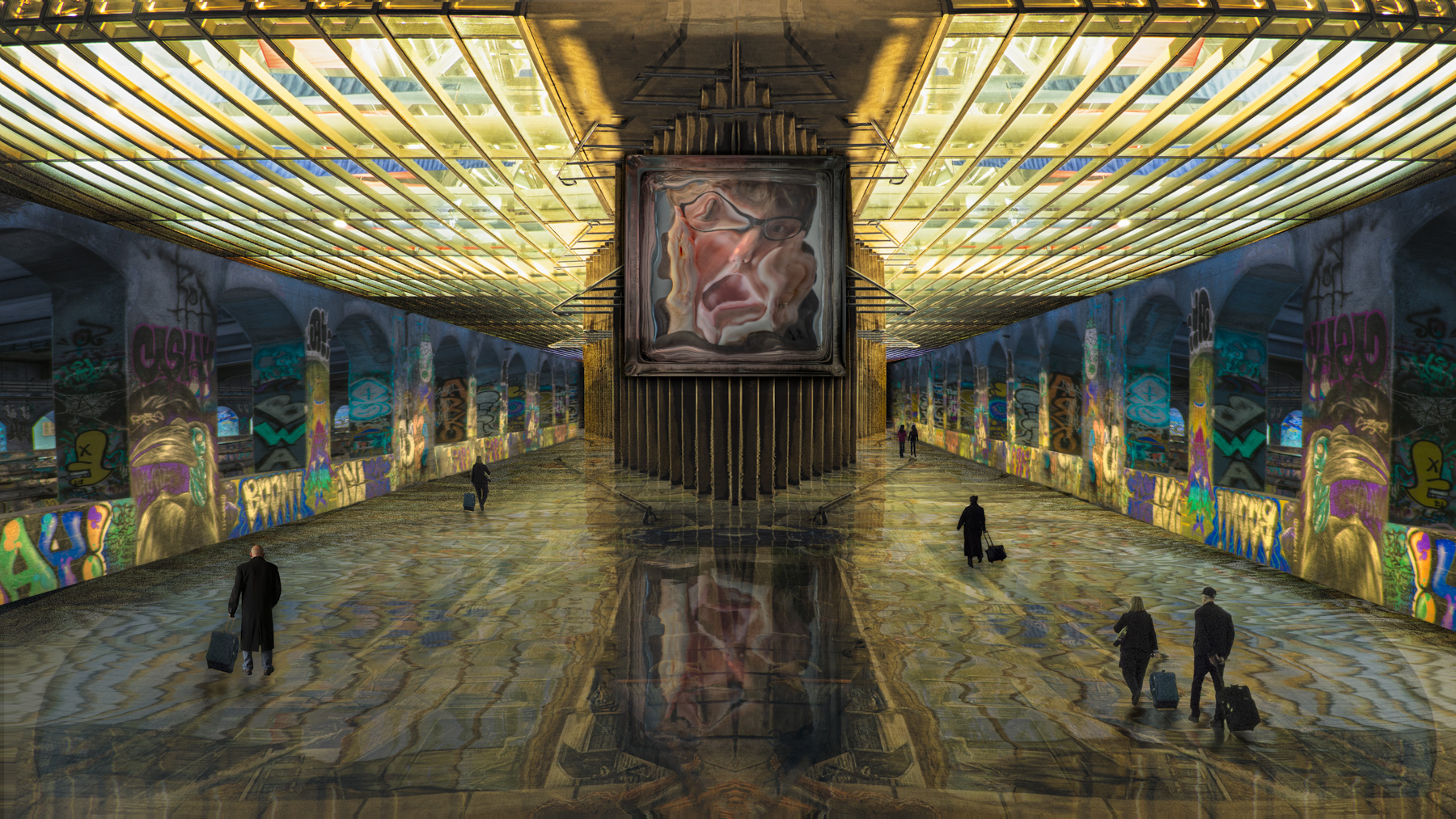
Another well crafted composite. I do have a few minor suggestions. I like the light on the distant field and the street lamp and I think you have done a nice job with the shadowing. I think the lady's dress shadow seems off. Maybe extend the shadow to the left? I had to study the image to see the road leading to the distant church (?). Maybe tone down the left to right gradient to make it lighter? Lastly, since the woman is standing this side of the lamp, the front of her seems too bright. How about pushing her to the other side of the lamp, which would make the lighting more consistent, and bring the luggage more in view. |
Dec 27th |
| 41 |
Dec 25 |
Comment |
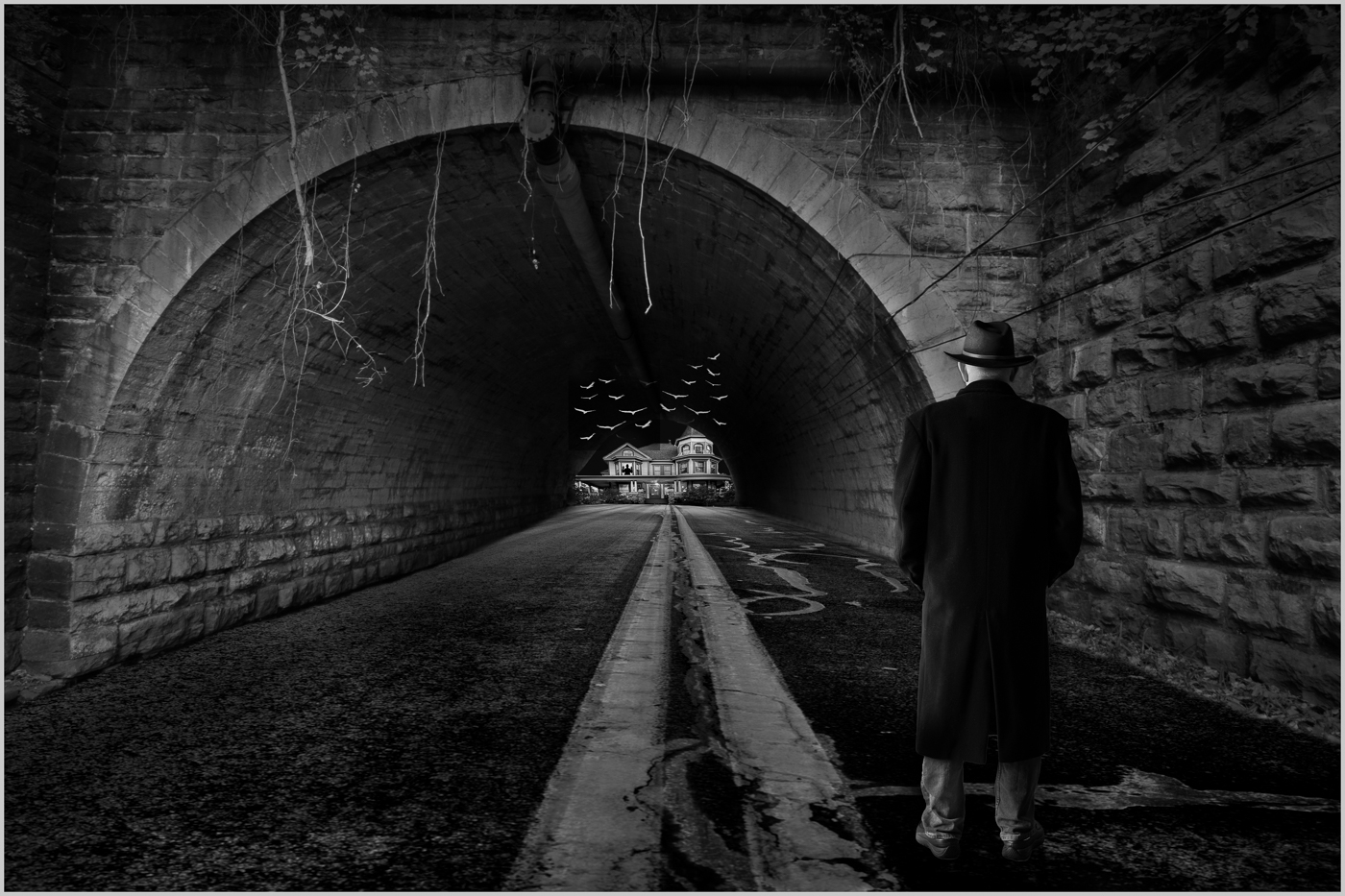
Hi Robin,
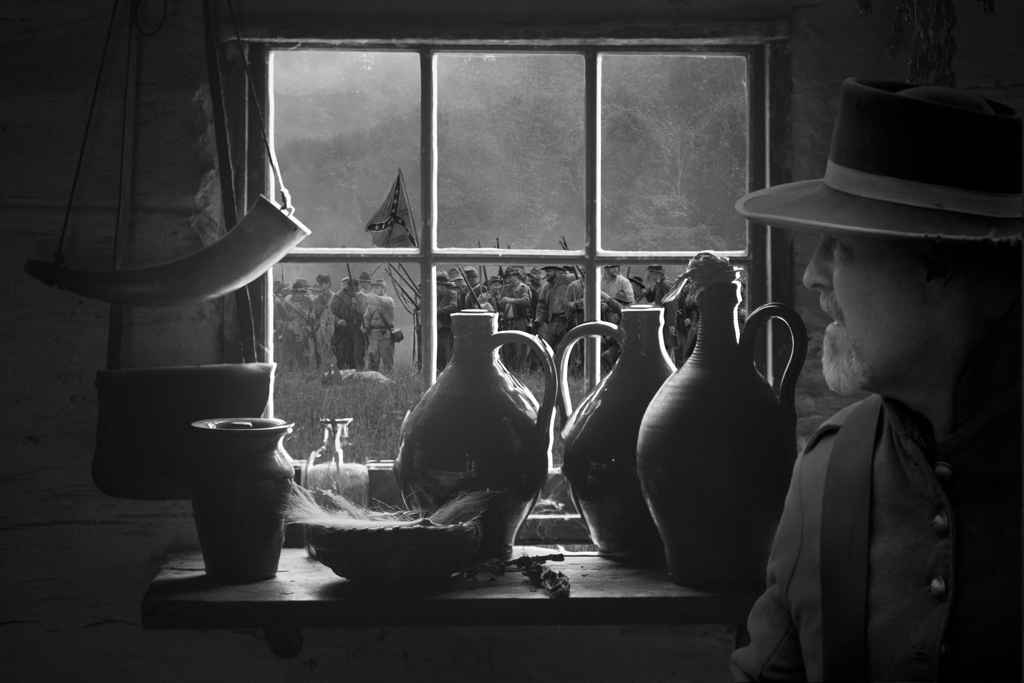
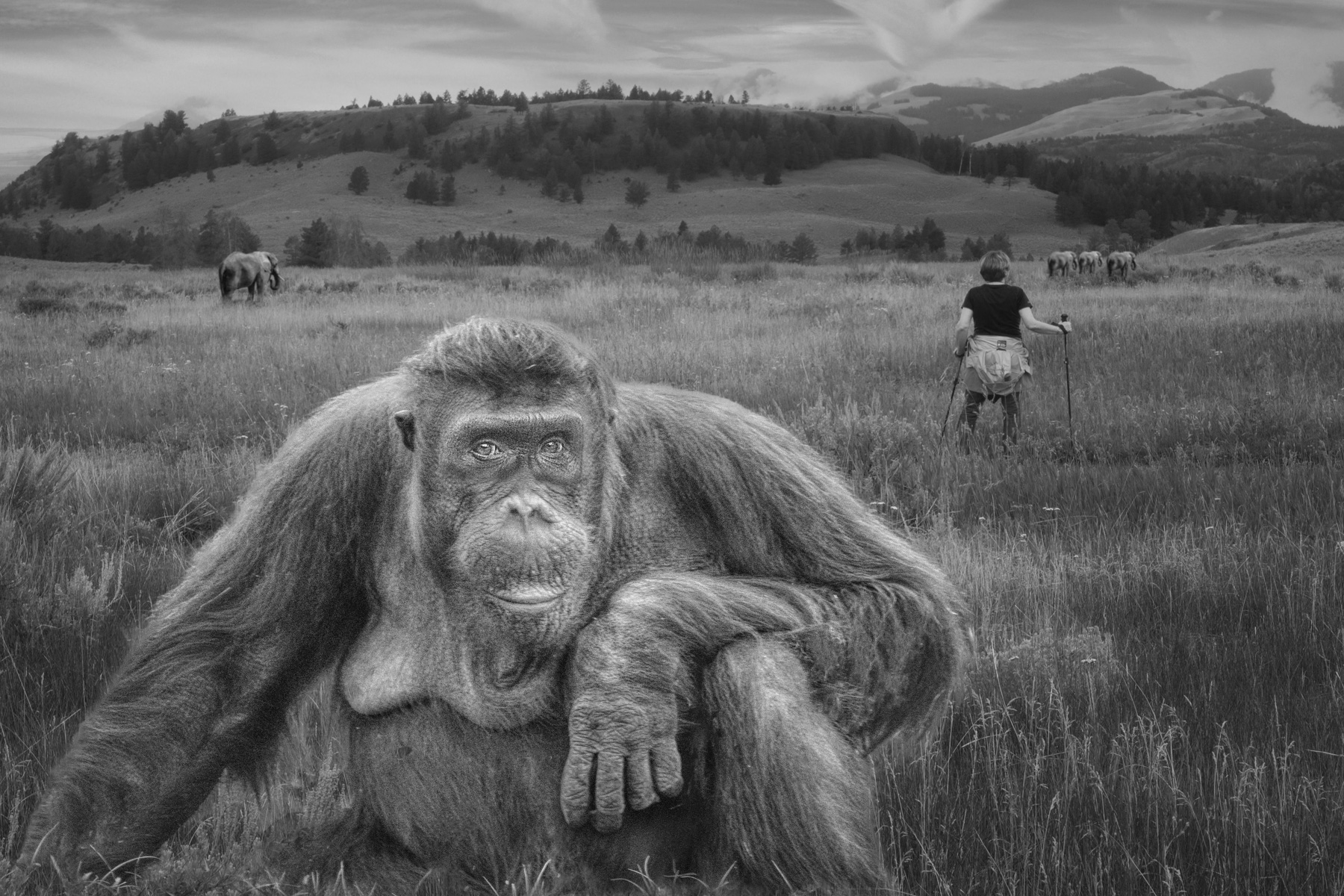
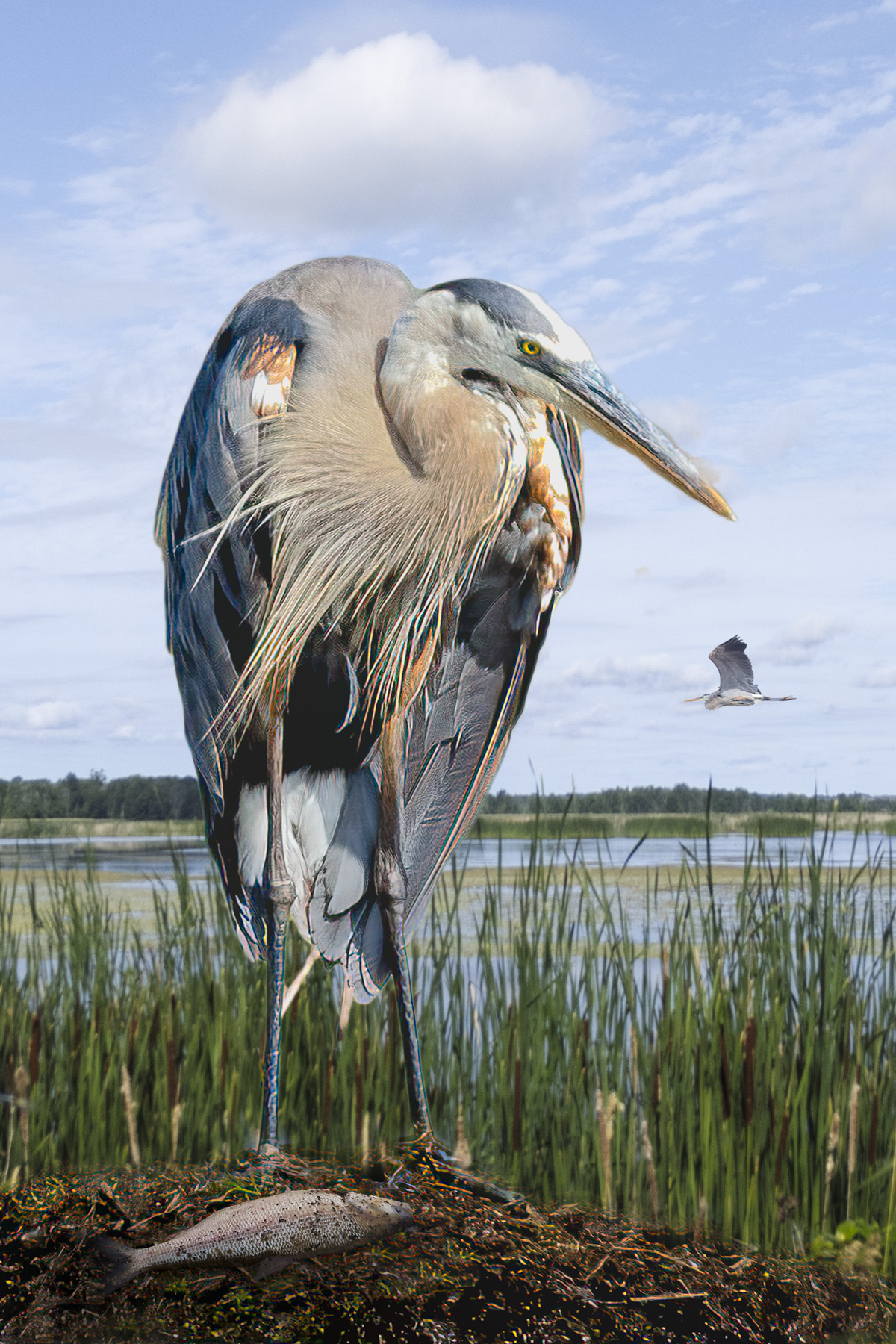
As Brad commented: "An interesting exploration into the idea of subject/object/observer". Nicely done. I think Nadia has some good suggestions on further editing. I agree with Joan and Hazel about toning down the log a bit. |
Dec 27th |
| 41 |
Dec 25 |
Comment |
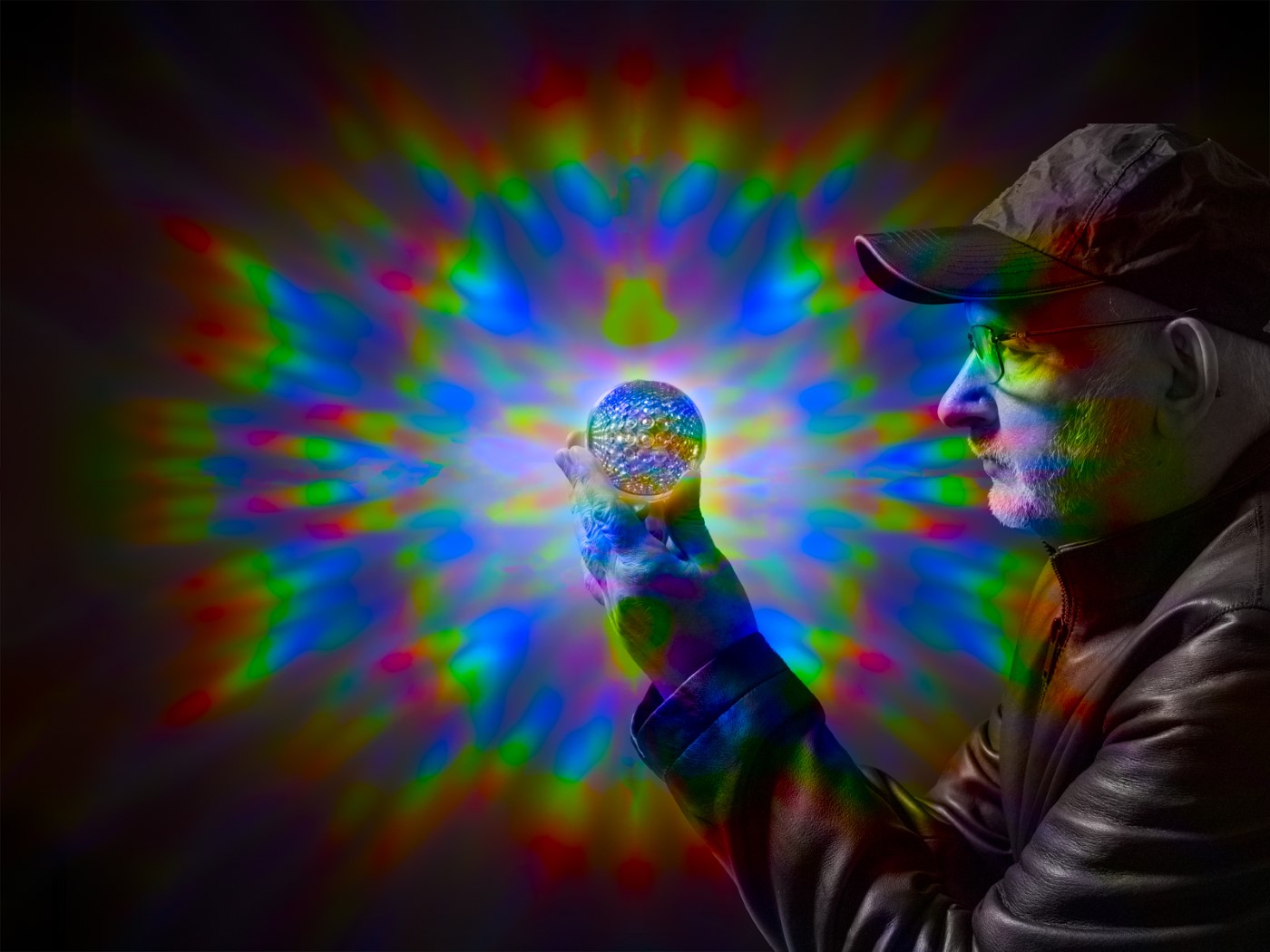
Hi Joan,
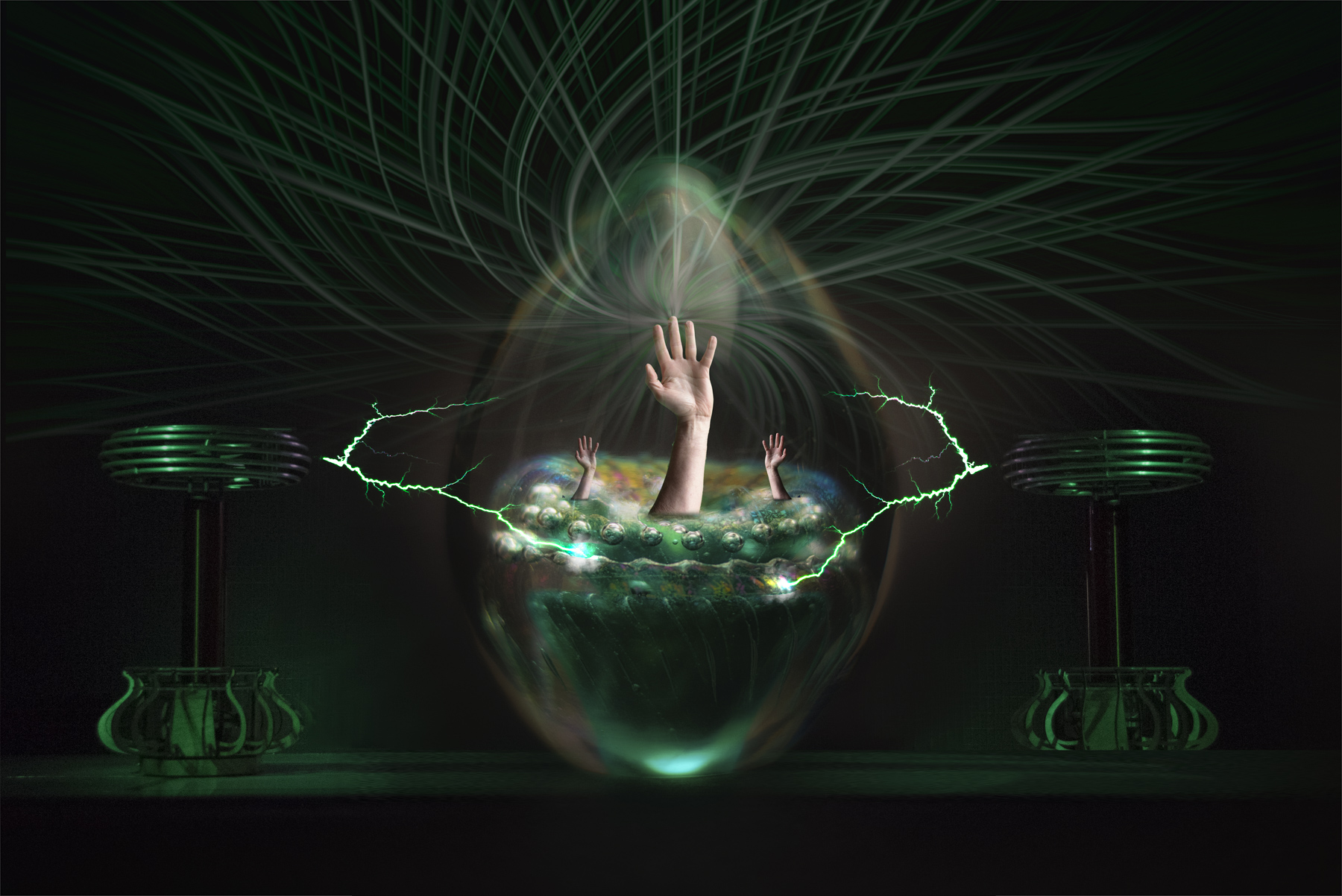
Good vision to see the Chihuly glass as a spider web. I've seen this glass before and it never occurred to me. The concept works well. I agree with Nadia using her described method to change the luminosity on the flat image. It should be easy to do. Since you picked a square aspect ratio, I'd say put the spider in the center, or you could leave it where it is and make a 2x3 by cutting off the right side. If you put it in the center you could add a more aggressive vignette for dramatic effect. |
Dec 27th |
| 41 |
Dec 25 |
Comment |
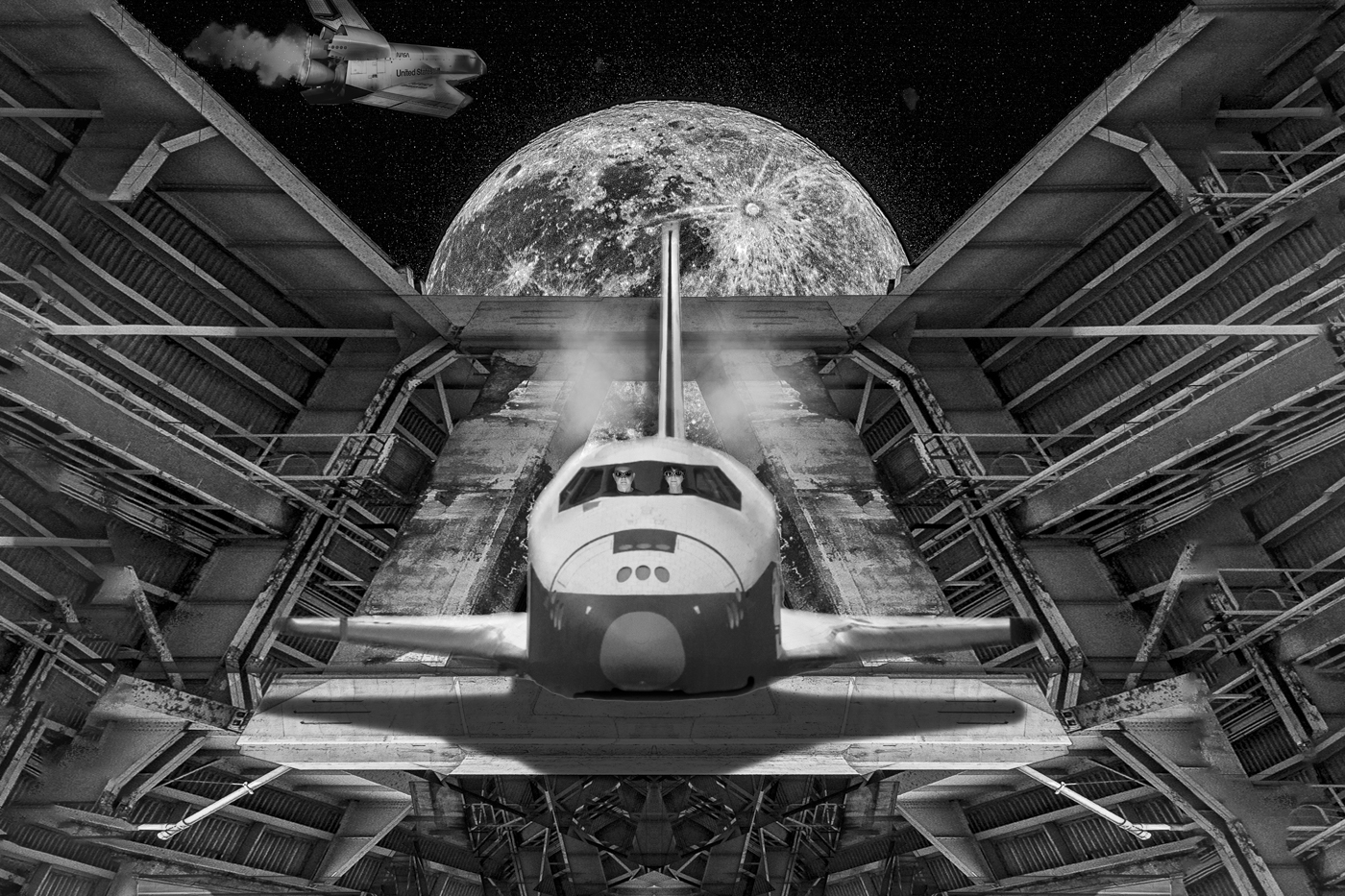
Hi Ian,
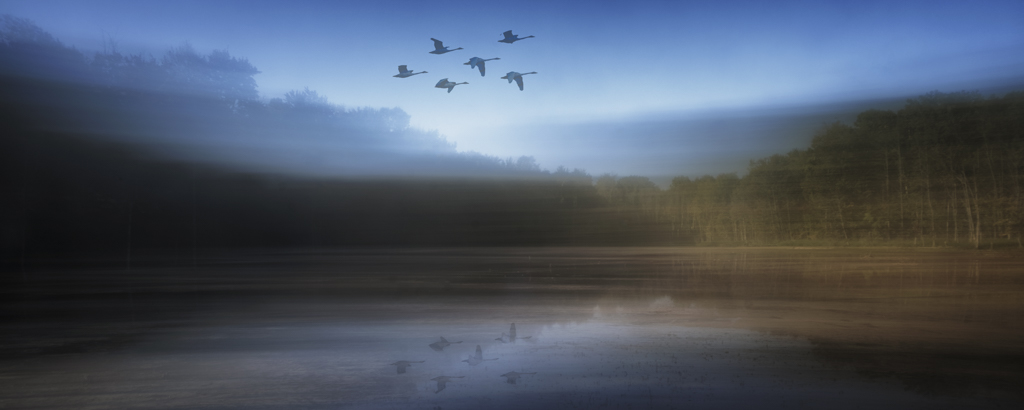
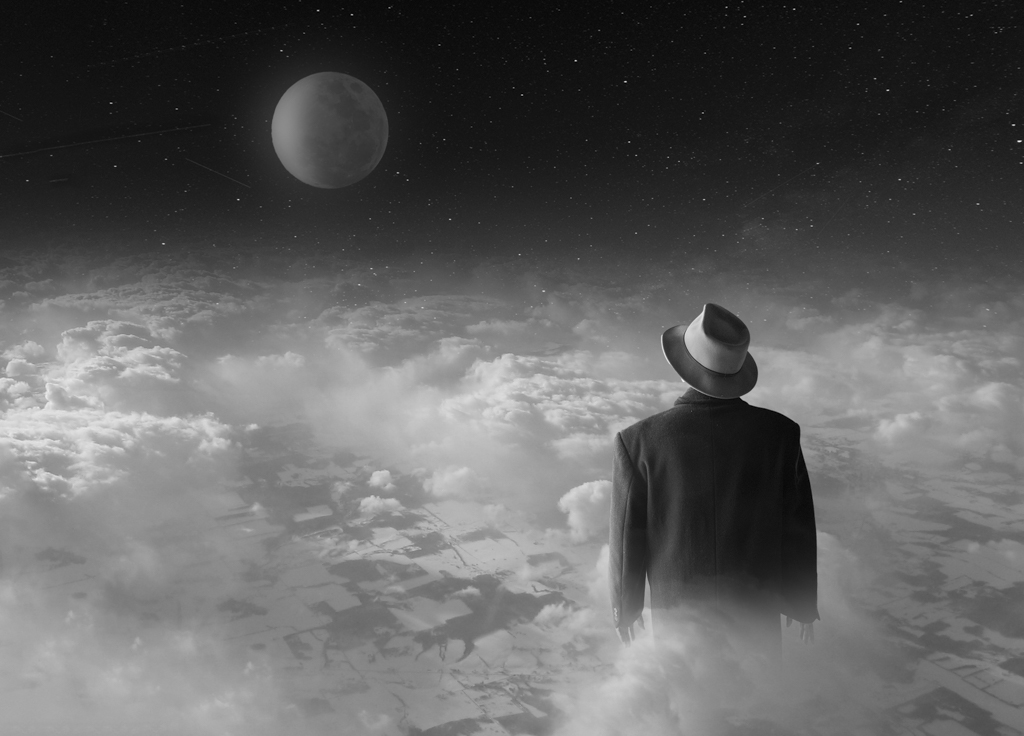
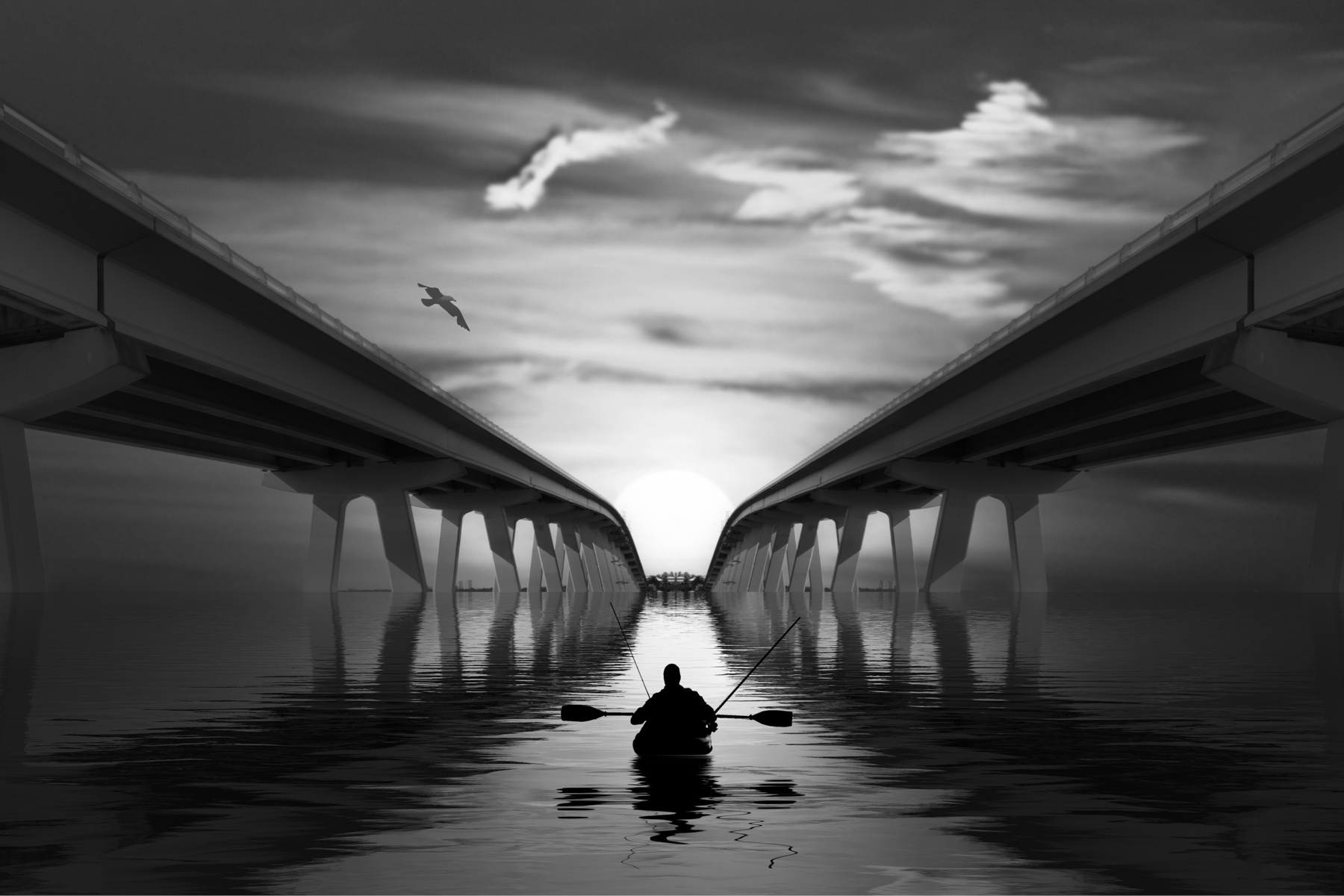
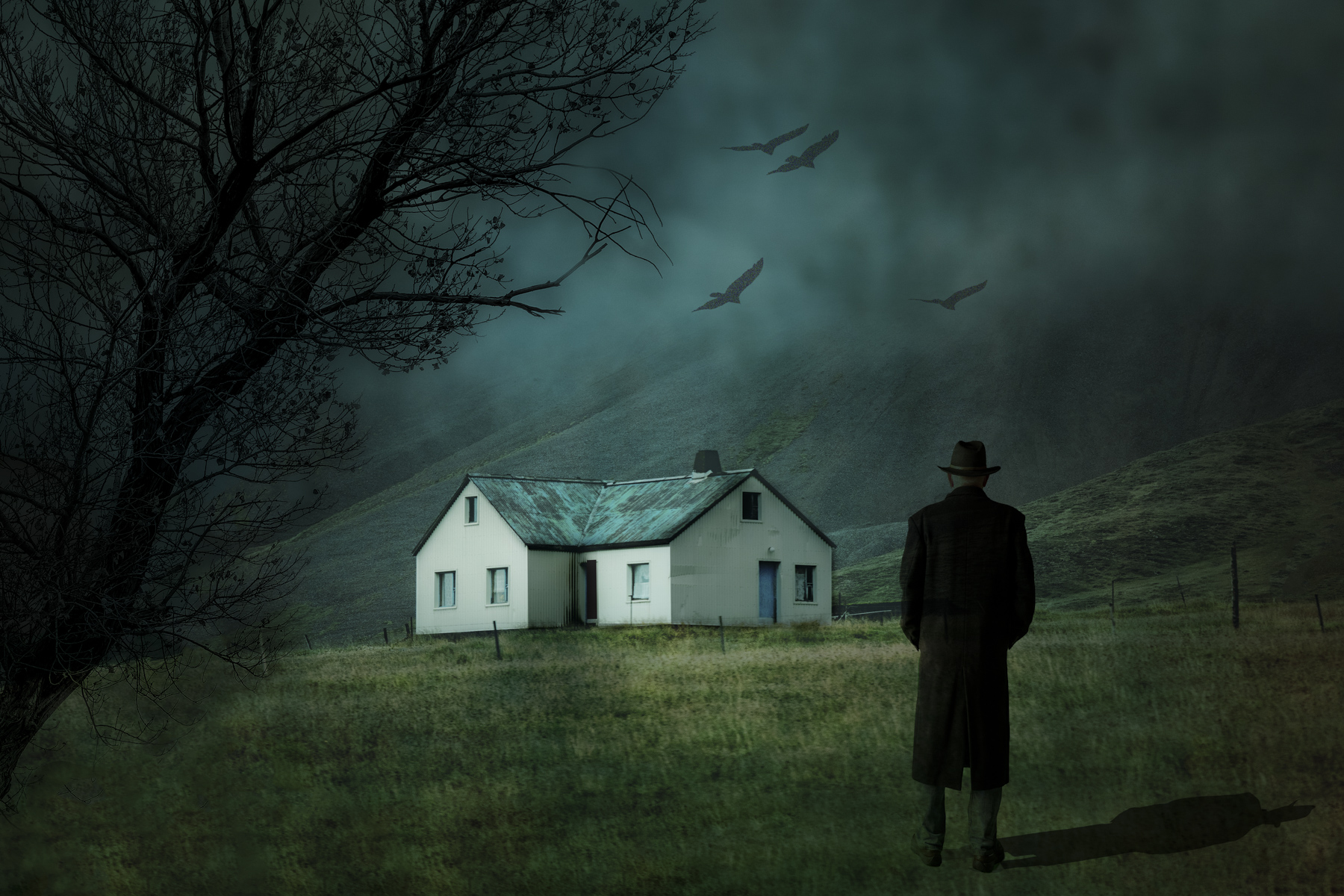
Nadia's comments sum it up for me. I think the colors work well together. I think the original background was much better, and I agree with Nadia's suggestions on expanding the cloud and perhaps adding some black around the edges of the image to give some depth in space. |
Dec 27th |
| 41 |
Dec 25 |
Comment |
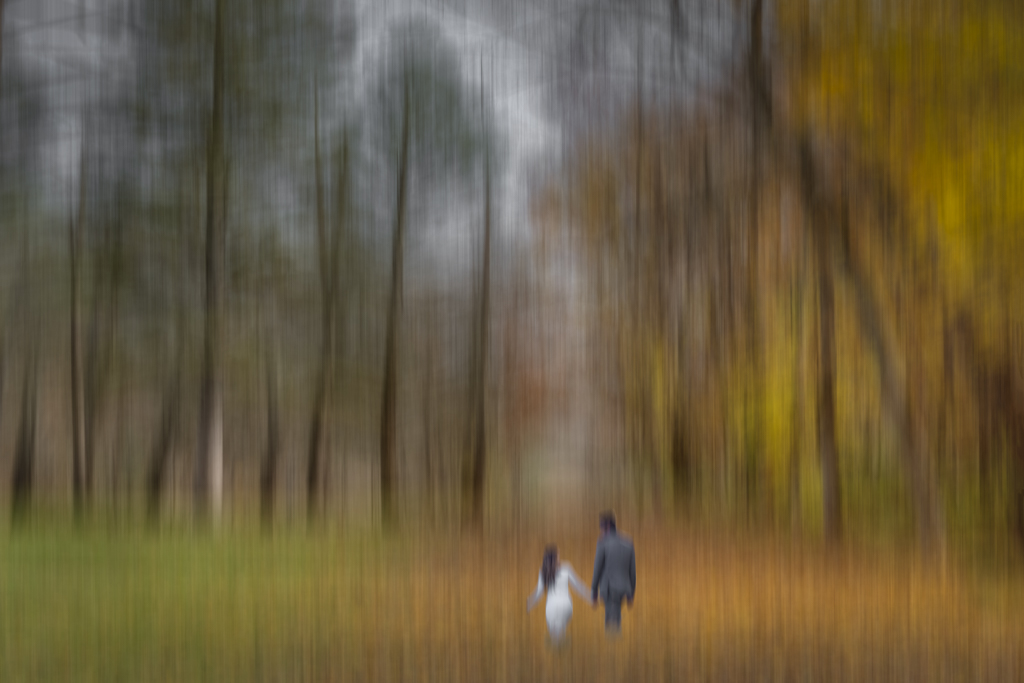
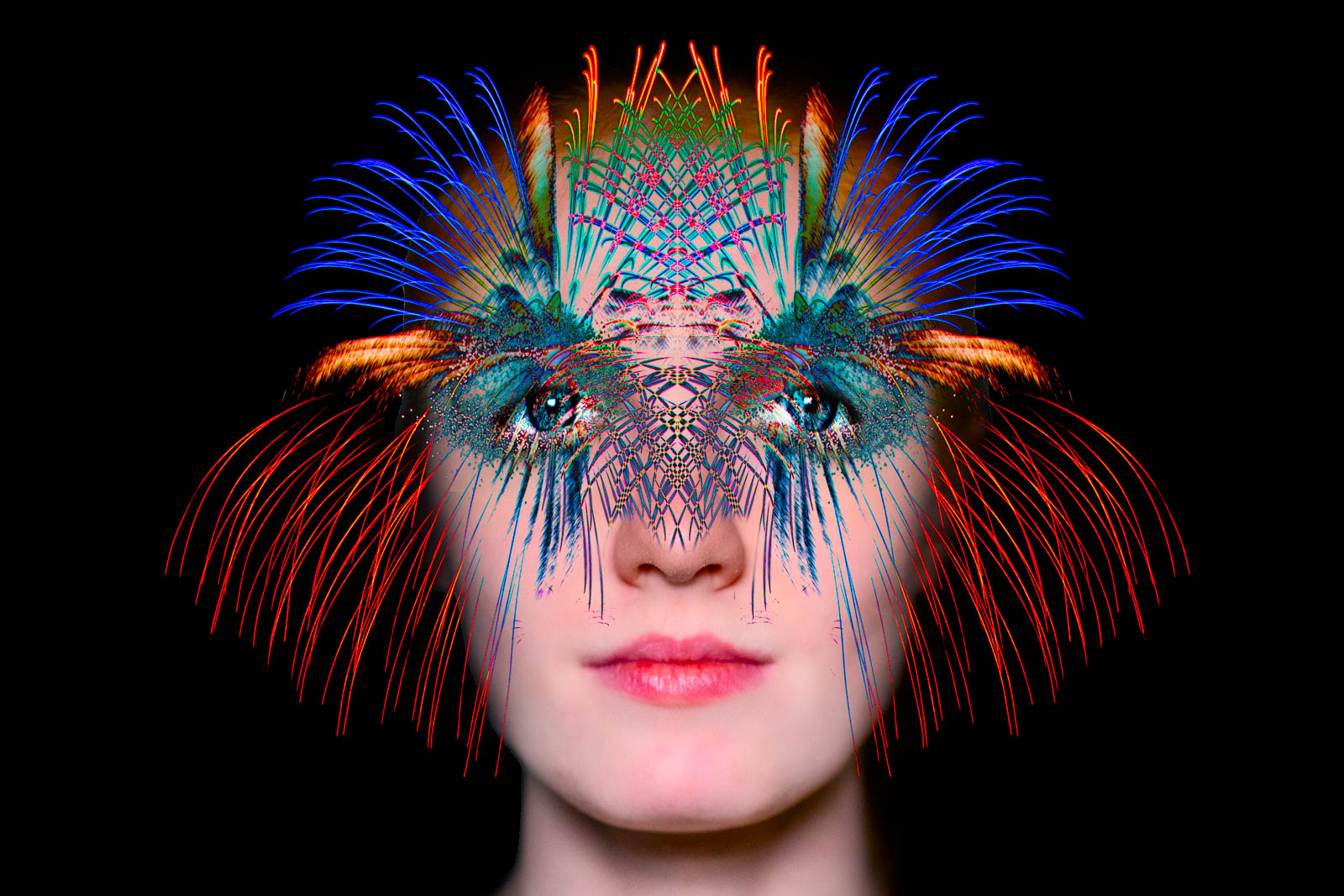
Hi Hazel,
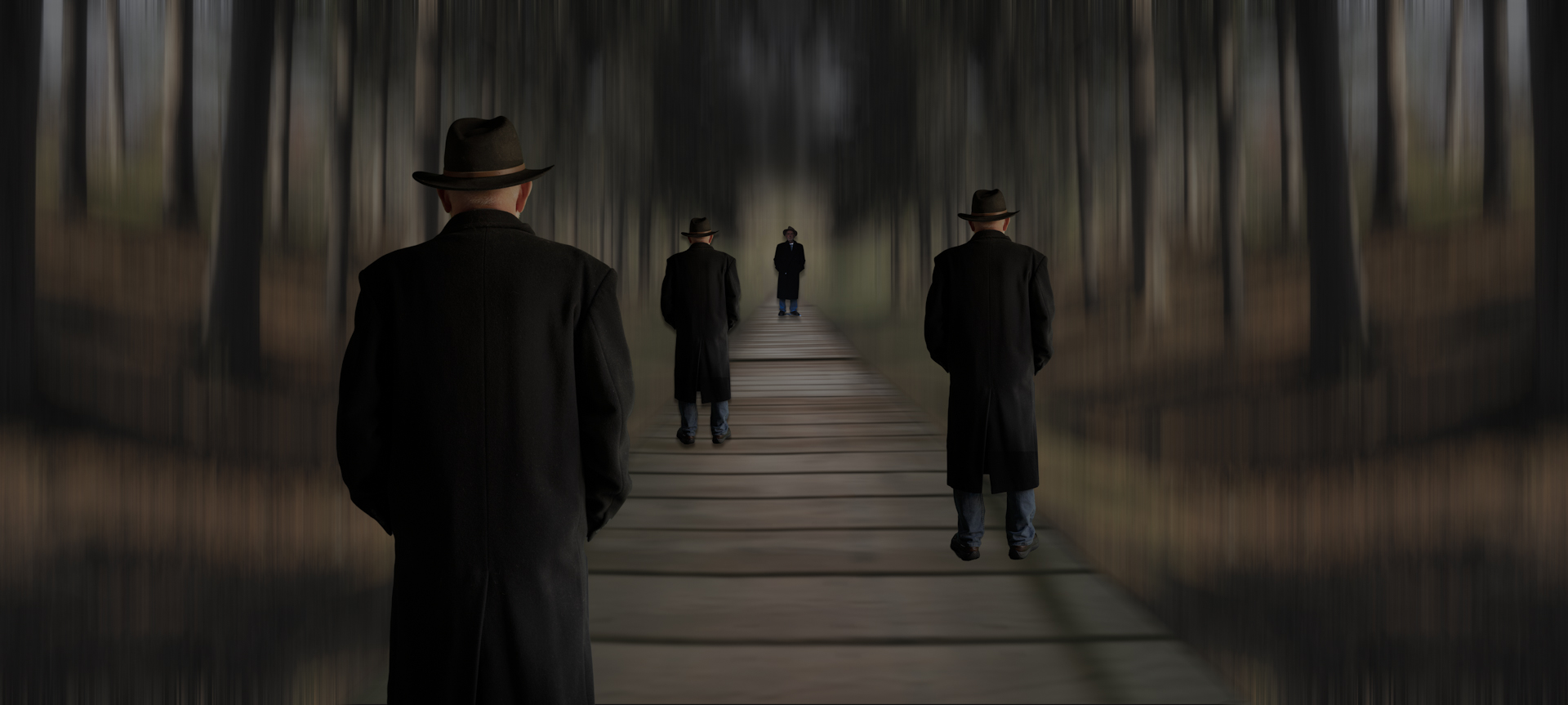
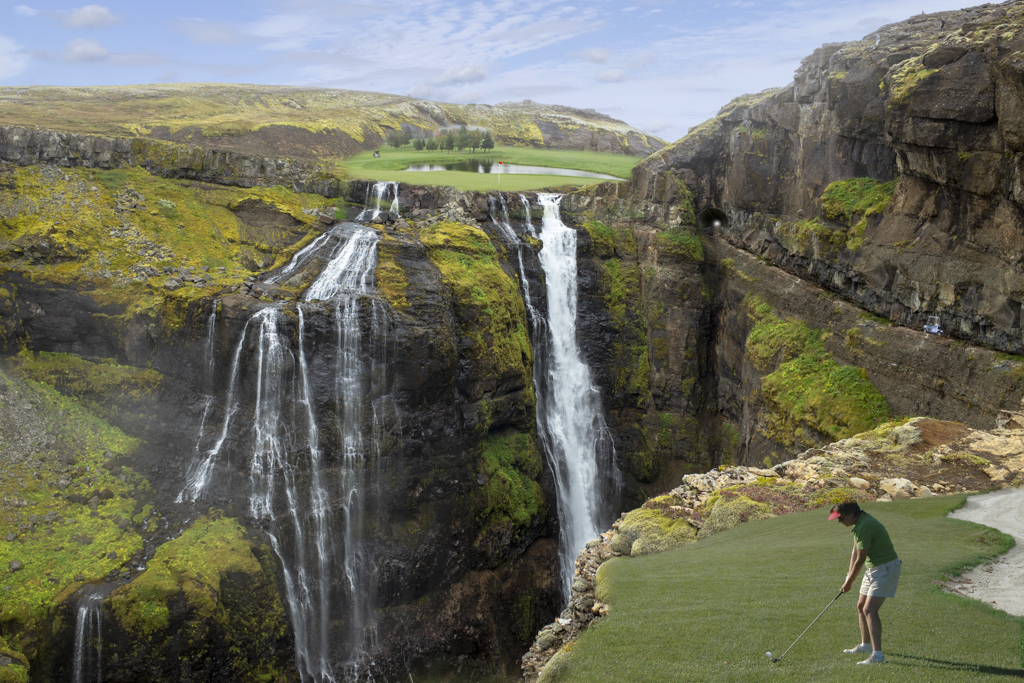
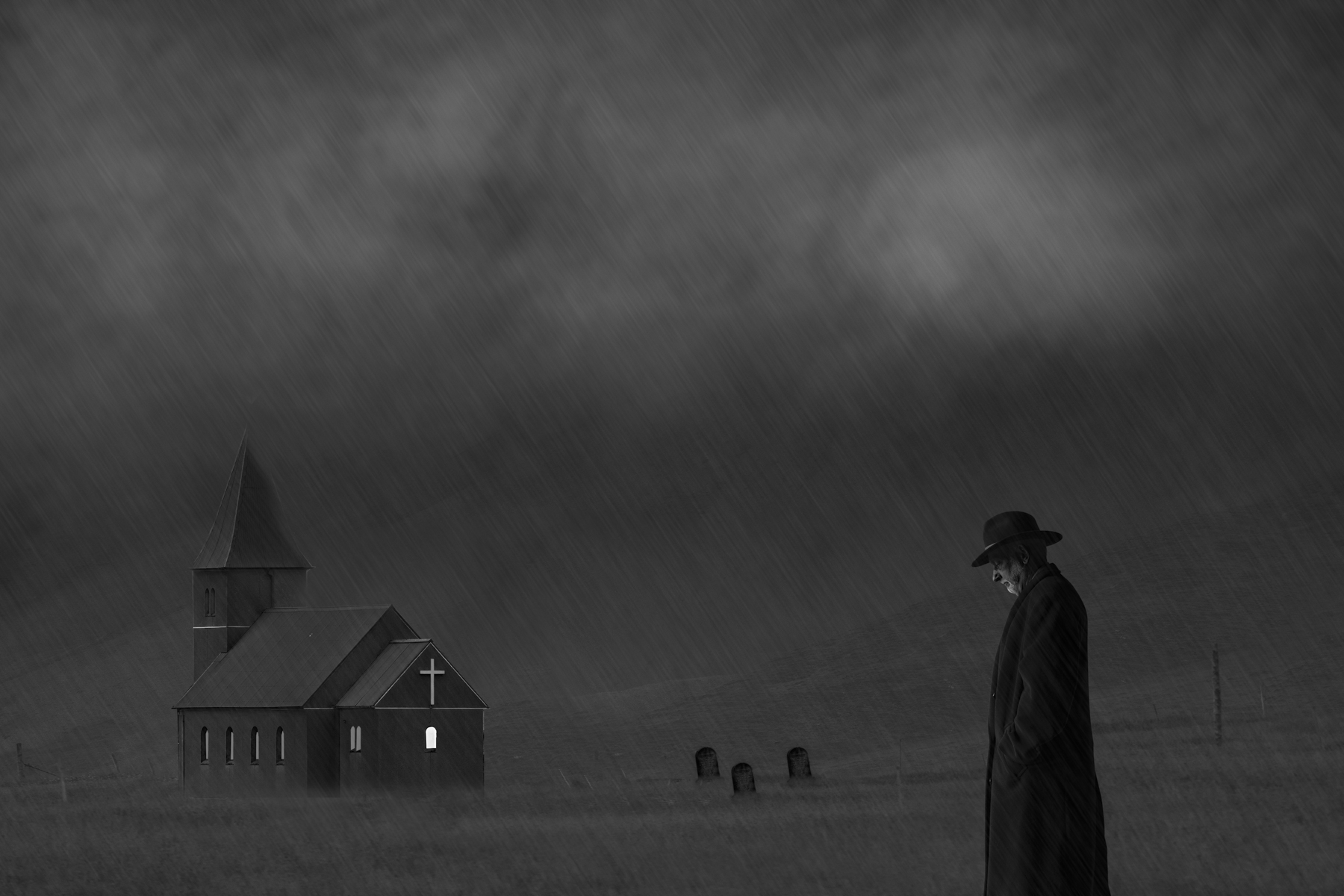
Well seen composite. I'm in agreement with Robin's comments that it works as is, but I would prefer to see background overlapping the middle and right figures to be more like the left figures. |
Dec 27th |
| 41 |
Dec 25 |
Comment |
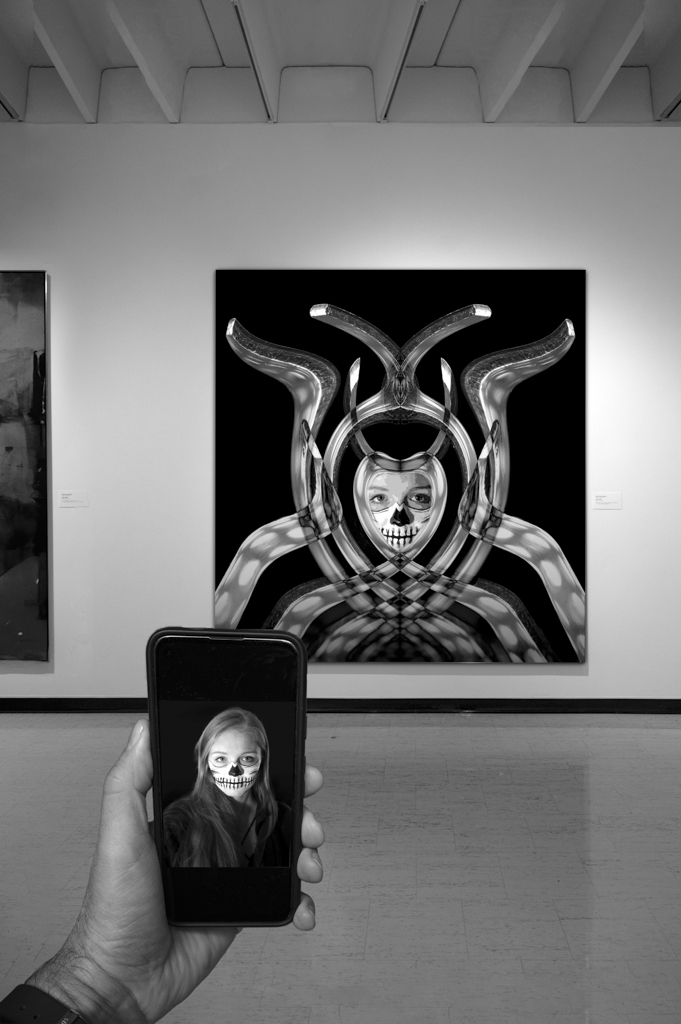
Hi Brad,
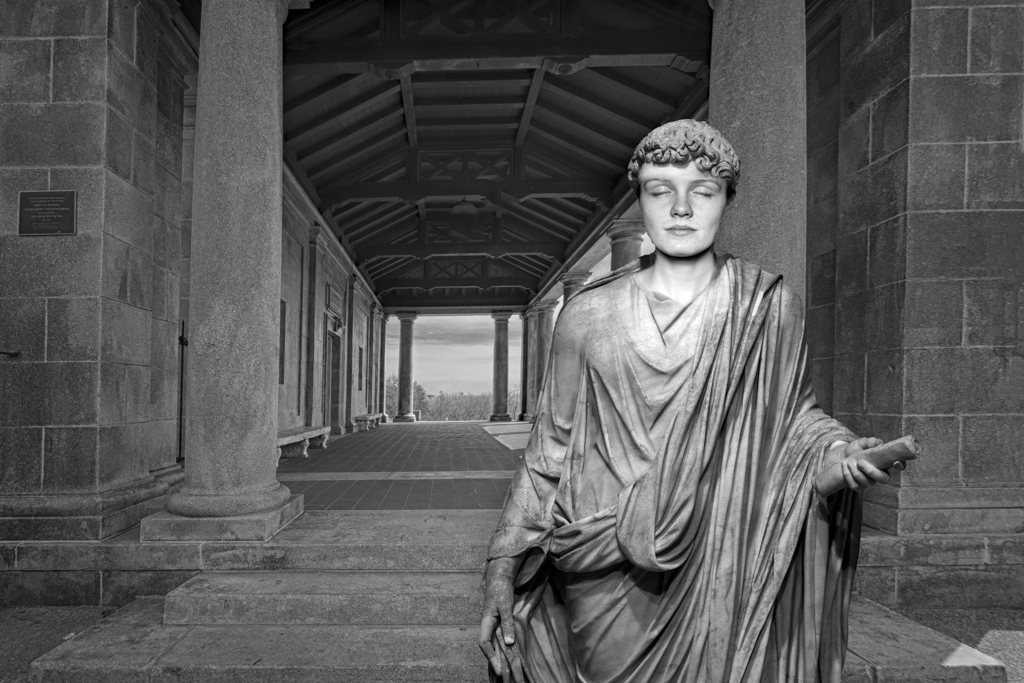
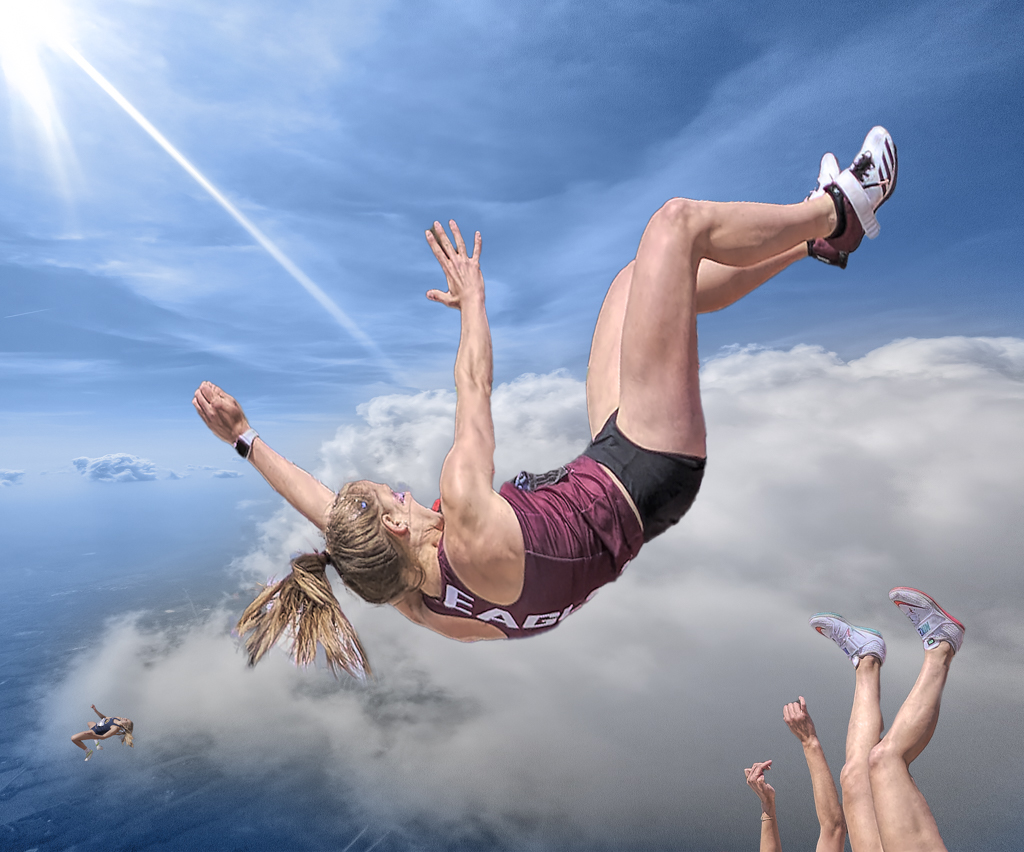
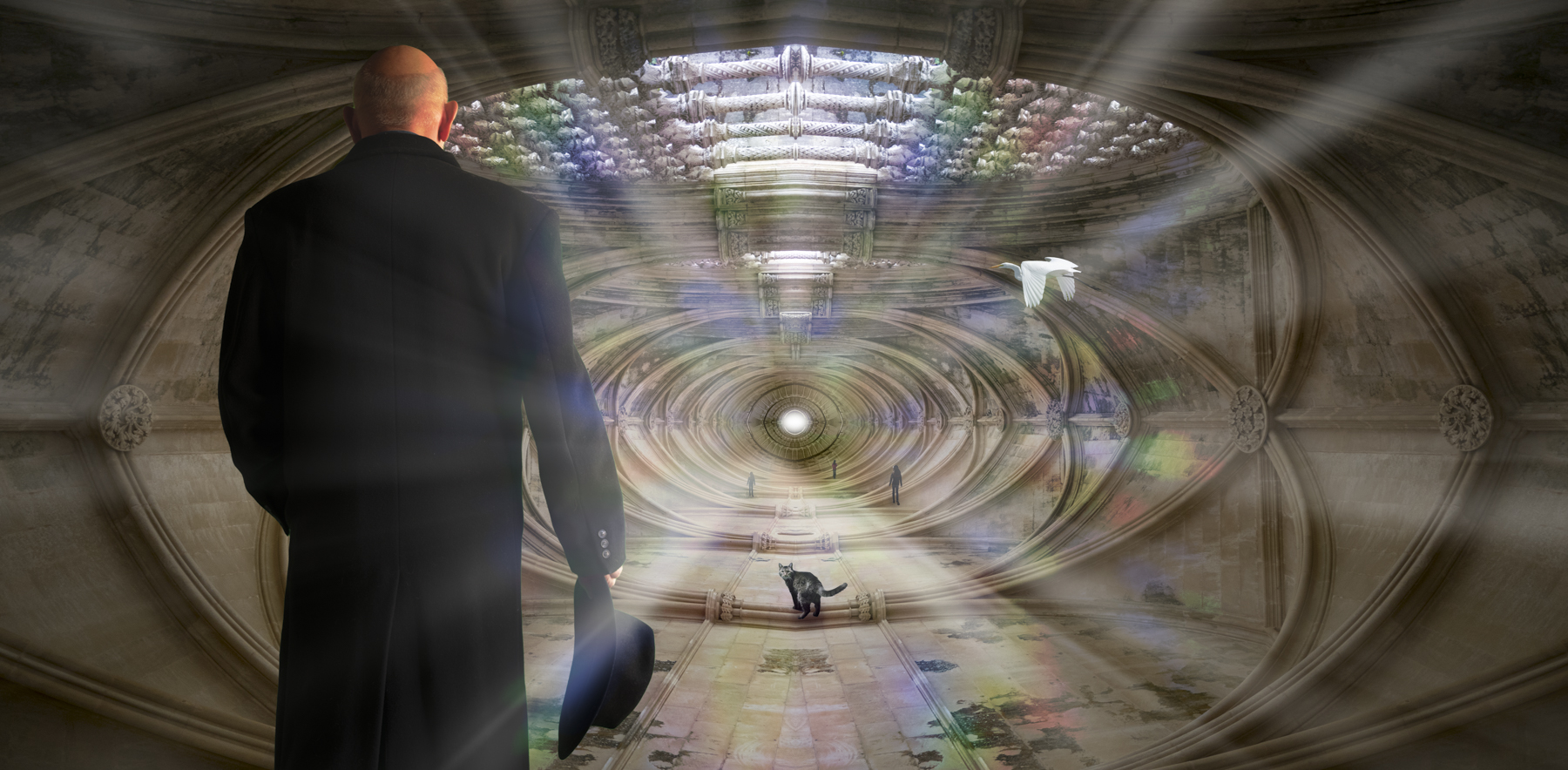
Lost track of time this month...I'm not sure of the meaning, but it's very cool looking. I think Bob's point is valid. There are some things allowed for competition and some not, even if it isn't consistently logical. For those of you who don't understand what Brad did here, I think I can explain. He used the lasso tool to select the white area of the costume, and then, in the latest Photoshop, did an Edit/Generative Fill from the pull down menu. You get three options to pick from, or you can roll the dice again for another three options, etc, etc. Bob was saying because he used generative fill to create an element not in the original image, it would not be valid to enter into a PSA sanctioned exhibit. Brad's counter was tools like the healing brush do the same. There is a subtle difference in that the healing brush is playing with the existing pixels and the generative fill is creating new images. I'm not arguing either point, but I just thought I'd help explain the issue here.
You're getting better at this, nice work Brad. |
Dec 27th |
| 41 |
Dec 25 |
Comment |
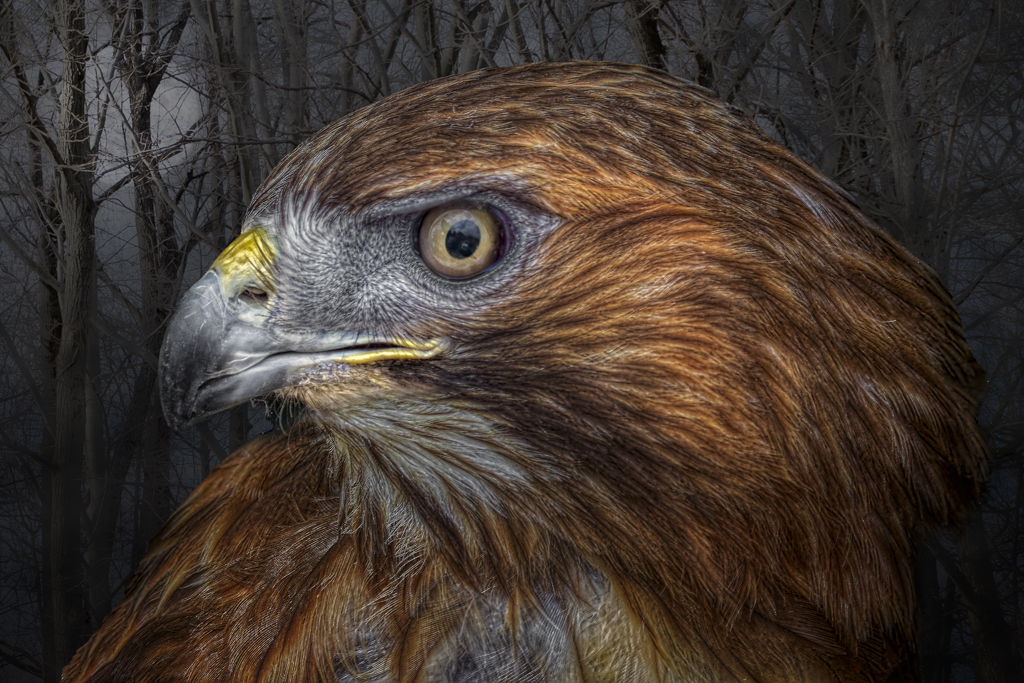
Thanks everyone for the comments. I agree with removing the feet, and it definitely looks better. Have a great New Year!
|
Dec 27th |
7 comments - 0 replies for Group 41
|
7 comments - 0 replies Total
|