Activity for User 814 - Tom Kredo - tkredo@gmail.com

avatar
Avatar

Close this Tab when done


350 Comments / 226 Replies Posted

  = Current Round   = Previous Round
Group Round C/R Comment Date Image
41 Apr 25 Comment Hi Brad, Thanks for the suggestion, I guess I got sloppy. Apr 13th
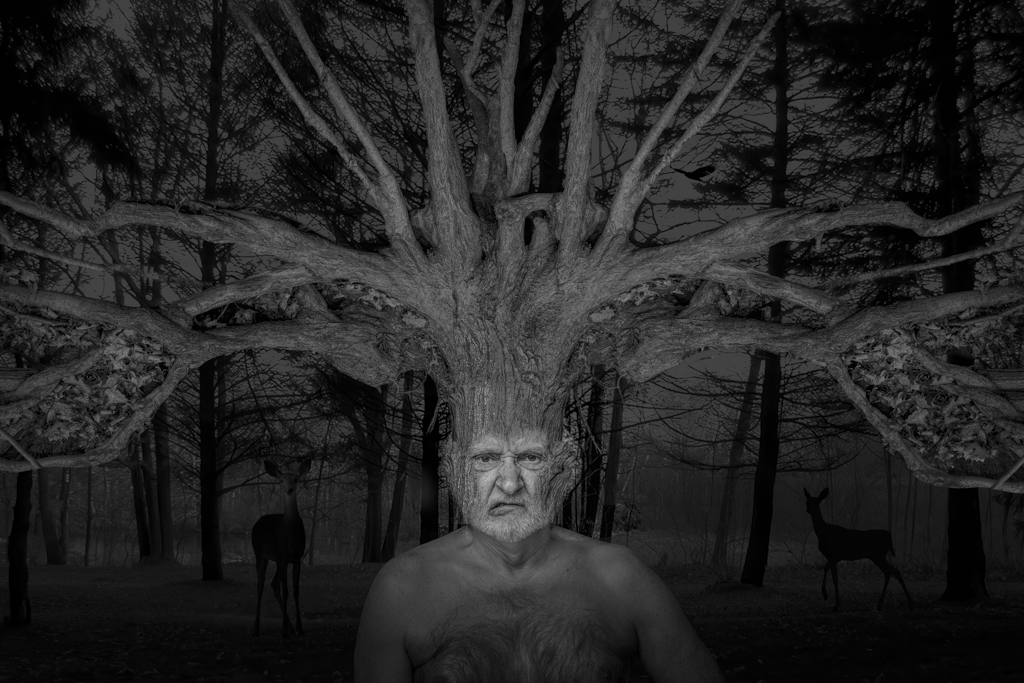
41 Apr 25 Comment Nadia, very foreboding image. I'd darken the inside of the trunk instead of letting the light bleed through, as it would make it more ominous. Apr 13th
41 Apr 25 Comment Hi Hazel,
Very good job on the reflection, as I think your version seems more realistic. The glass could have been cleaner as per Brad. It seems like it needs something else to tell a story. Like a couple with wine glasses in the background or something.
Apr 13th
41 Apr 25 Comment Hi Brad,
Nice blending of the two images. I'm not sure if I like the water reflections in the sky, but nice job.
Apr 13th

4 comments - 0 replies for Group 41

59 Apr 25 Comment Hi Gerald,
I'm in agreement with Isaac, I think the lack of a face is going to make an acceptance hard to get.
Apr 13th
59 Apr 25 Comment Hi Andre,
Cool shot. You might consider removing the distracting branches. If you have the pixels, why not crop out everything but the bike?
Apr 13th
59 Apr 25 Comment Hi Bruce,
You have a nice people image here. A few suggestions:
The kid with the arms open is the center as Isaac pointed out. If you want to simplify the image, remove the two kids in the background, you can only see parts of them. and cut out the kids and replace the background without the fence. Increase the contrast and lighten the arms kid. It works as a photojournalism shot as is.
Apr 13th
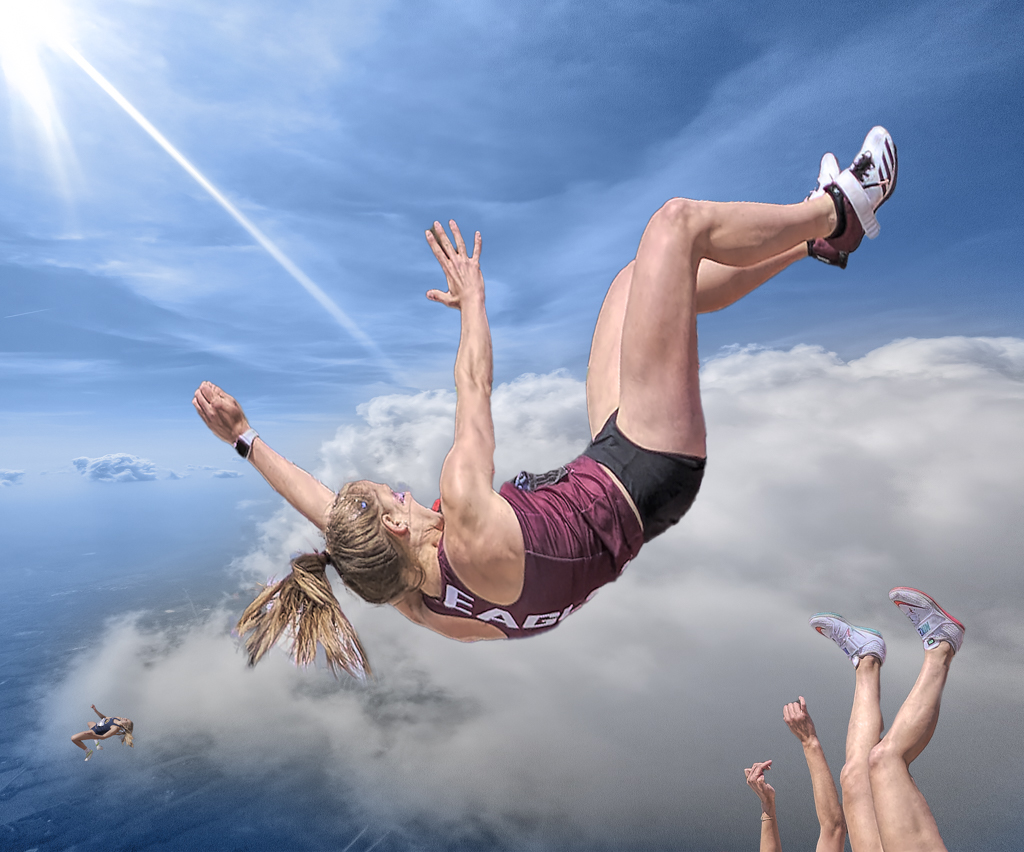
59 Apr 25 Comment Hi Isaac,
Nice action shot.
I would definitely crop out the floating head on the left side.
Visually, it's a distraction, and cropping it simplifies the image.
I see what you did in post. Subject select to lighten and inverse to darken. If you look again you can see where the mask wasn't exactly right..between their legs.
Also by doing it this way, they look like cutouts. When you do the background mask, take your brush on 25% opacity, and brush away the mask in the foreground so that it fades into the background. You will get a more realistic looking image.
Apr 13th

4 comments - 0 replies for Group 59


8 comments - 0 replies Total


80 Images Posted

  = Current Round   = Previous Round
Group 06

Oct 18

Aug 18

Jul 18

Jun 18

May 18

Apr 18

Feb 18

Jan 18

Dec 17

Nov 17

Oct 17

Sep 17

Aug 17

Jul 17
Group 41

Mar 26

Jan 26

Dec 25

Nov 25

Oct 25

Sep 25

Aug 25

Jul 25

Jun 25

May 25

Apr 25

Mar 25

Feb 25

Jan 25

Dec 24

Nov 24

Oct 24

Sep 24

Aug 24

Jul 24

Jun 24

May 24

Apr 24

Mar 24

Feb 24

Jan 24

Dec 23

Nov 23

Oct 23

Sep 23

Aug 23

Jul 23

Jun 23

May 23

Apr 23

Mar 23

Feb 23

Jan 23

Dec 22

Nov 22

Oct 22

Sep 22

Aug 22

Jul 22

Jun 22

May 22

Apr 22

Mar 22

Feb 22

Jan 22

Dec 21

Nov 21

Oct 21

Sep 21

Aug 21

Jul 21

Jun 21

May 21

Apr 21

Mar 21
Group 54

Aug 21

Jul 21
Group 59

Apr 25

Mar 25

Feb 25
Group 77

Aug 18

Close this Tab when done