|
| Group |
Round |
C/R |
Comment |
Date |
Image |
| 5 |
Sep 23 |
Reply |
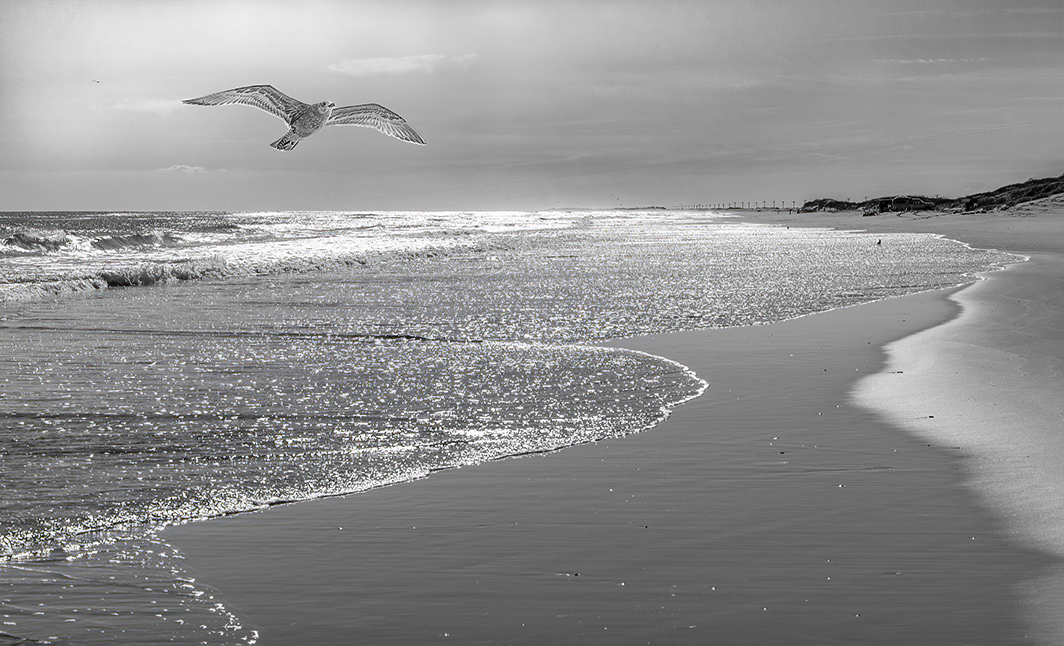
Barbara, I had to blow up the image quite a bit before seeing the halo.
One of the reasons I like this image is that it's different from most bird photographs. When first looking at the image, it's easy to miss the bird. Then, after a few seconds, it appears... like a surprise gift.
|
Sep 20th |
| 5 |
Sep 23 |
Comment |
Mark, this is wonderful! It's such a beautiful scene and your B&W is perfect for it. I love the brightness of the lighthouse and how much of the foreboding sky you included. I thought it might be interesting to add a touch of brightness to the sky on the right of the image to balance the lighthouse.
Your thoughts?
|
Sep 19th |
 |
| 5 |
Sep 23 |
Comment |
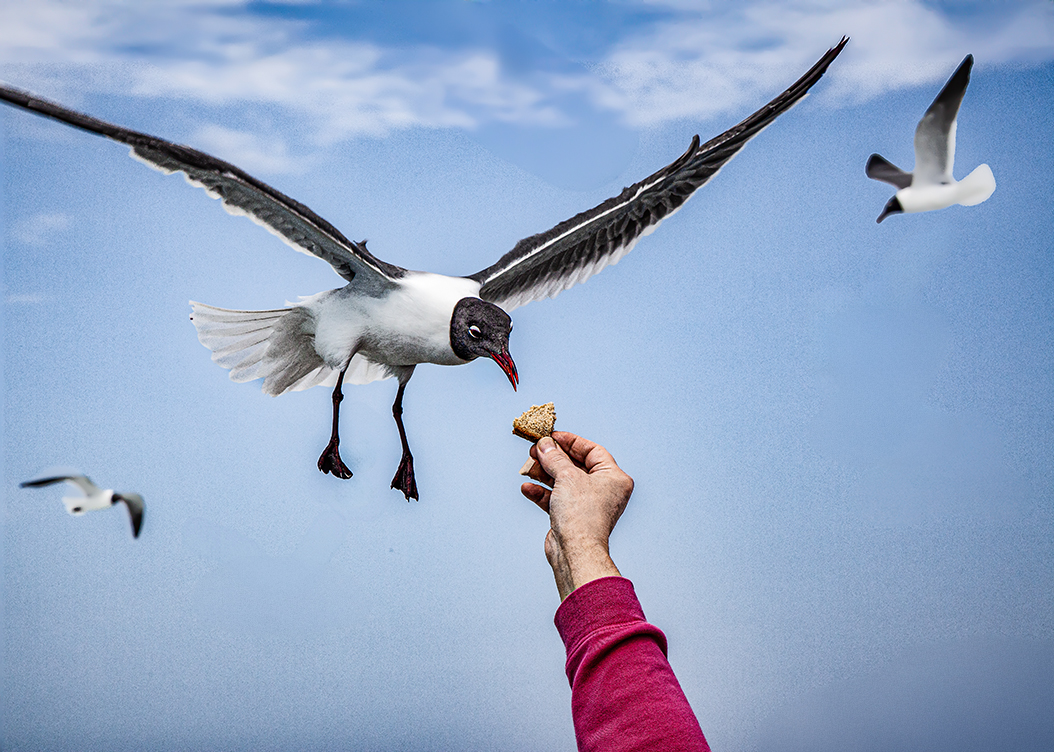
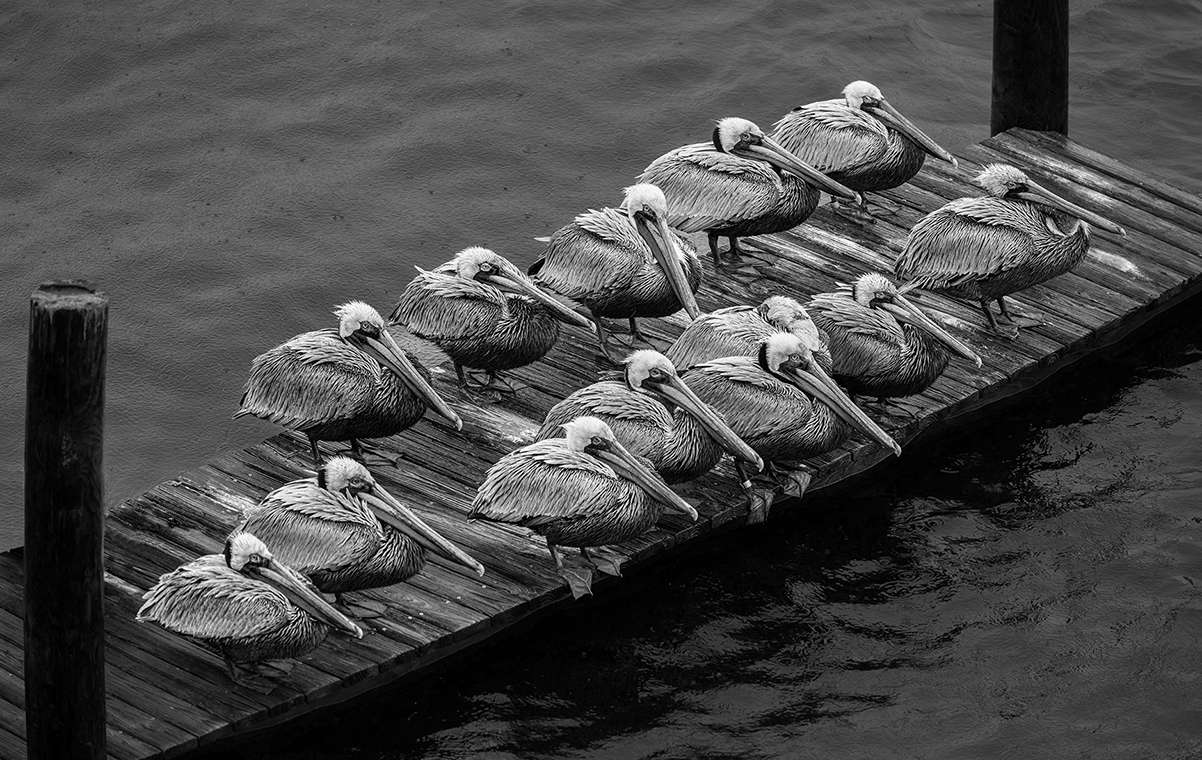
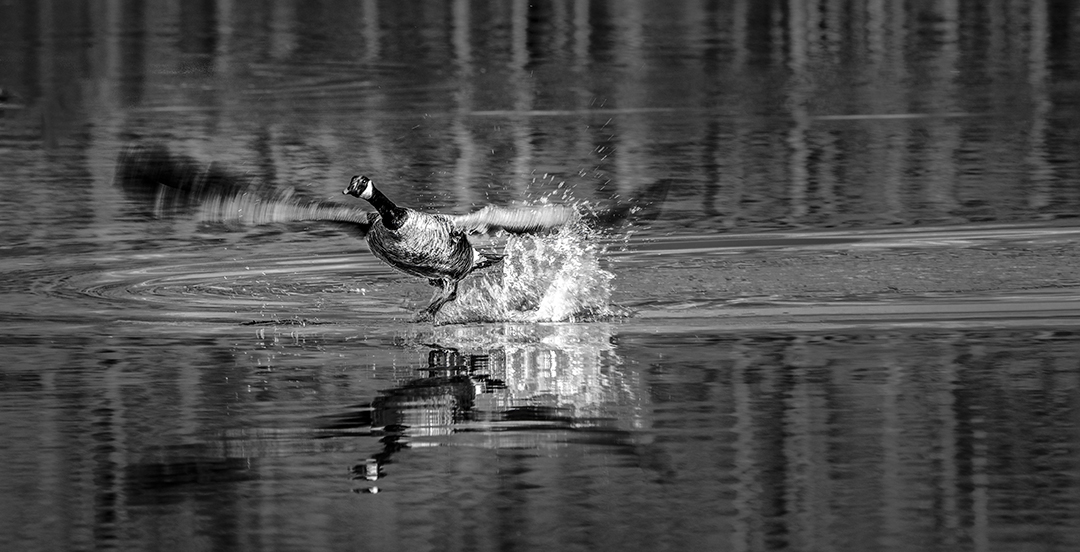
Sophia, your bird images are amazing! I can't help but wonder how long you have to wait for the birds to "pose" for you. With your wonderful photograph and David's modification, you have an image that deserves to be printed and hung on the wall. Well done.
|
Sep 18th |
| 5 |
Sep 23 |
Comment |
Richard, it's a fascinating image with a clear story. Nicely done!
After reading several of the other comments, I decided to try a different crop... starting with the original. Since my highly-cropped version has very low resolution, the final result is a bit pixelated. Nonetheless, I'm curious what you think.
|
Sep 17th |
 |
| 5 |
Sep 23 |
Comment |
Jim, another excellent photograph. I'm impressed with your composition. The two balloons seem to balance the image. I attribute much of the success of the photograph to your choice of cropping. I also like the modifications made by Rick and David. Nice work.
|
Sep 17th |
| 5 |
Sep 23 |
Reply |
Sophia, I appreciate your appreciation. I think Mark's observation was excellent: "...the simple heron silhouette gives worthwhile focus to the image." So, I don't know if this would be accepted as a wildlife photograph or not. To me, it's a bit hard to categorize.
|
Sep 5th |
| 5 |
Sep 23 |
Reply |
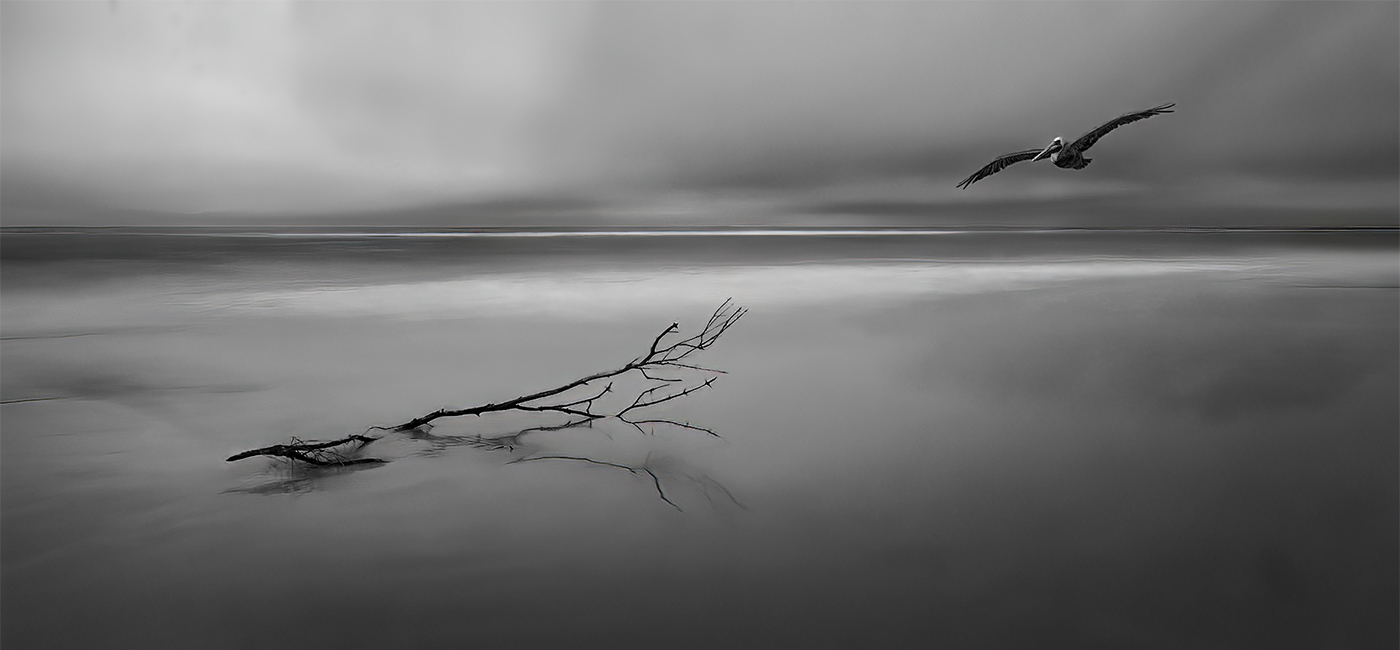
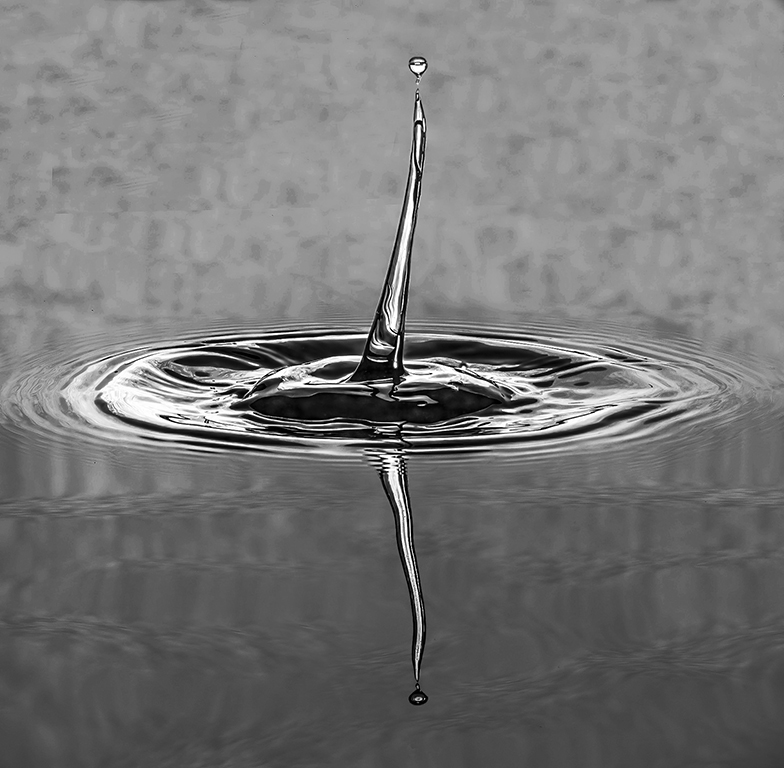
Thank you, Jim. Although I noticed the water patterns and the light reflections on it when I originally took the photograph, it wasn't until I recently played with it in Photoshop that I thought it would make an interesting image.
|
Sep 5th |
| 5 |
Sep 23 |
Comment |
David, another wonderful image. The action and excitement are almost tangible. I agree with Mark about leaving the racers that are behind the lead racers... and slightly blurring the white portions of their outfits. The riders on the right of your photograph that are behind the leads, have been significantly diminished; however, there are still some brighter areas that might be good to completely eliminate, especially around the helmet of the leader on the right side.
A wonderful job leaving in the dirt. That really gives your image the context that makes it "hang-on-the-wall" worthy! |
Sep 4th |
| 5 |
Sep 23 |
Comment |
Wow! This is wonderful. Although you may not have done a lot of post-processing, you did exactly what it needed. Although I agree with David about often liking a bit of detail in the background, this picture really works with black. Nicely done. |
Sep 2nd |
| 5 |
Sep 23 |
Comment |
Whoops! Mark, I was lazy and didn't take care of the halos. THANK YOU for pointing it out! I've tried to address the problem (attached).
|
Sep 1st |
 |
7 comments - 3 replies for Group 5
|
| 62 |
Sep 23 |
Comment |
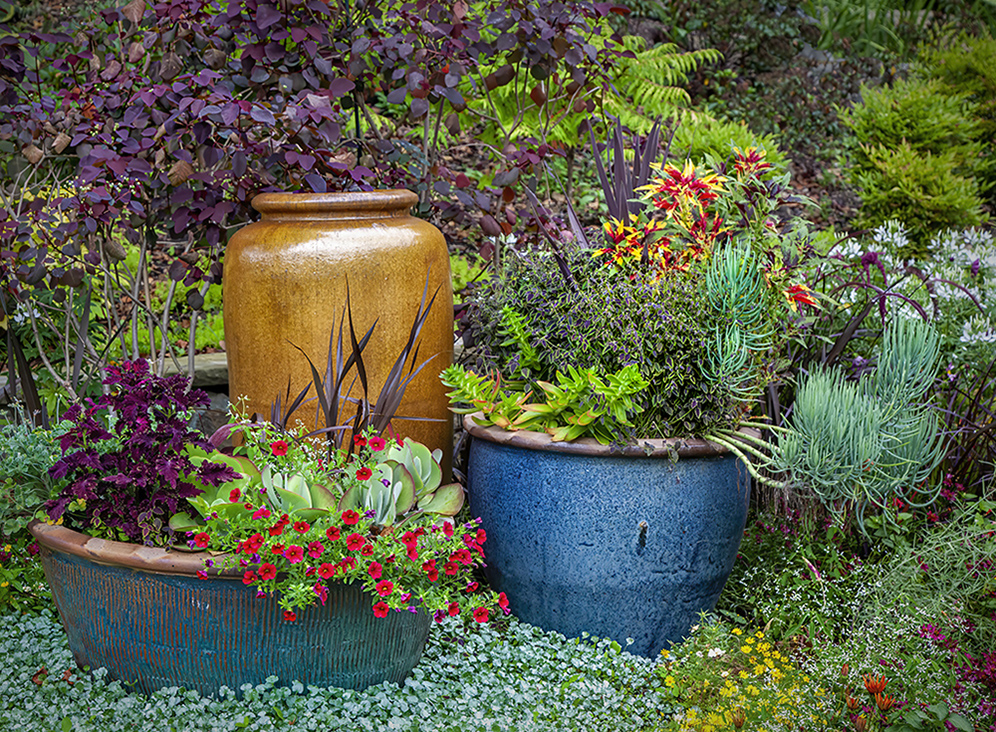
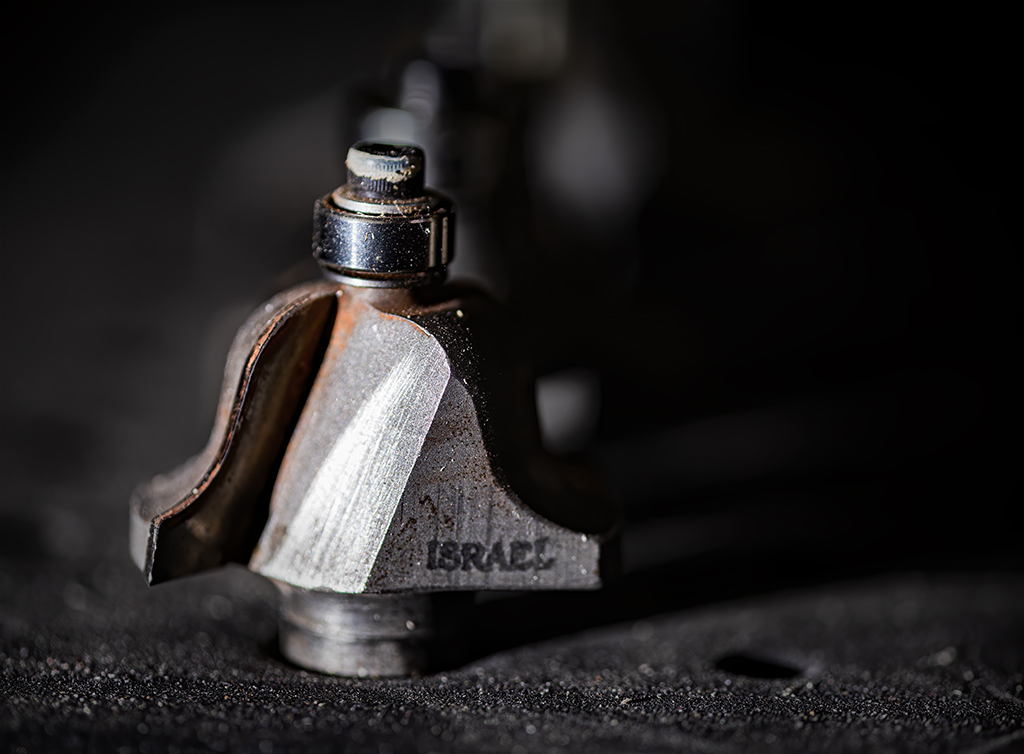
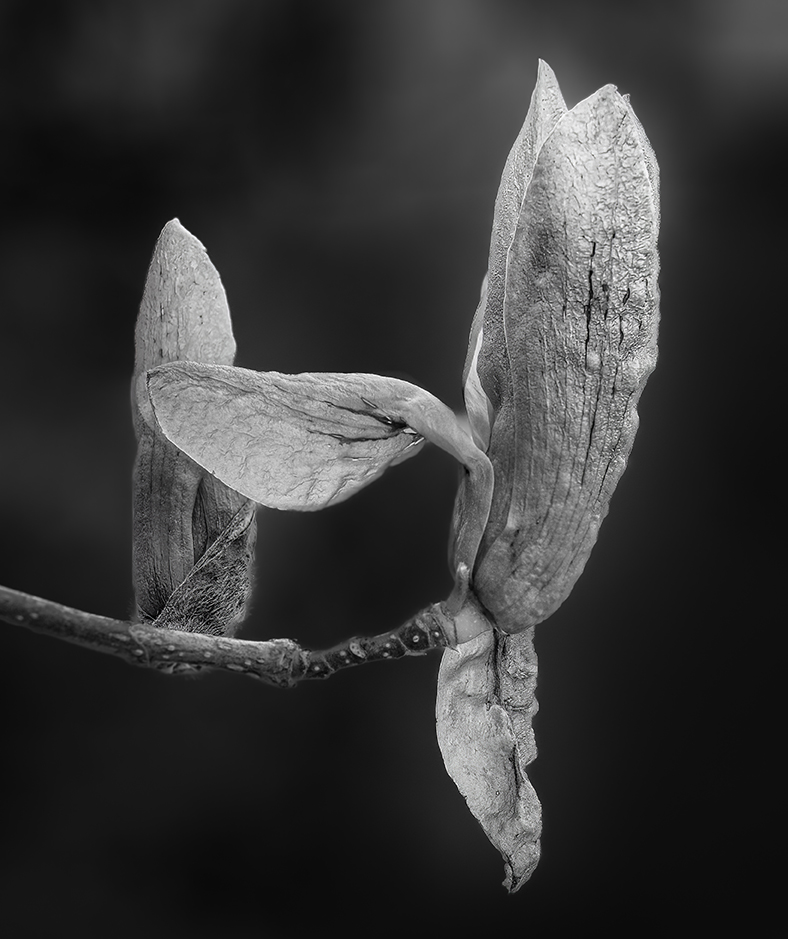
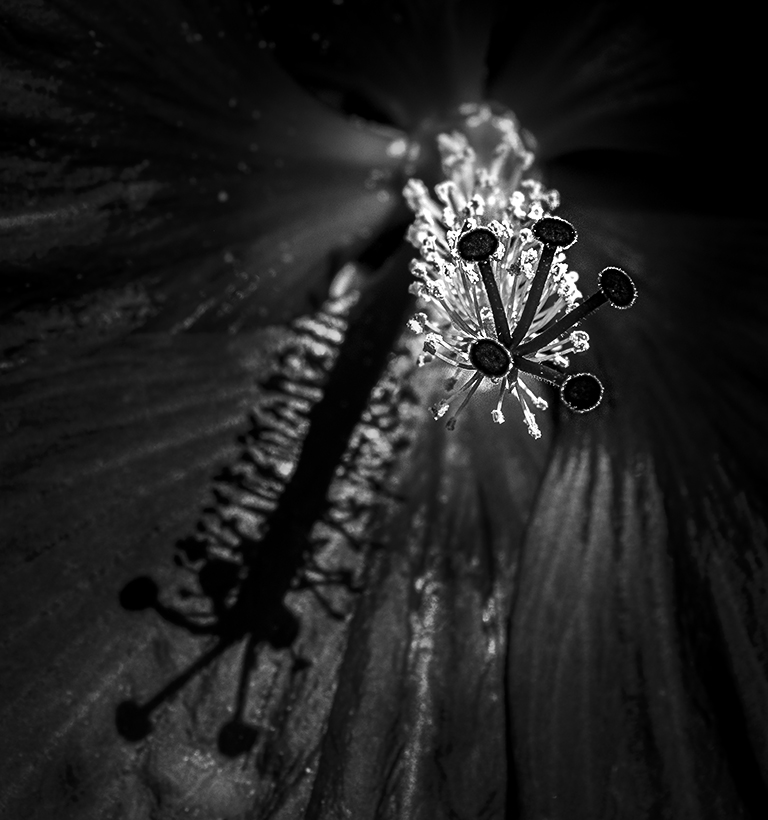
Bob, I not only like the texture, but I also find the shapes wonderful. Also, you handled the background beautifully. It lets the anchor immediately grab the viewer's attention. Well done!
|
Sep 10th |
| 62 |
Sep 23 |
Comment |
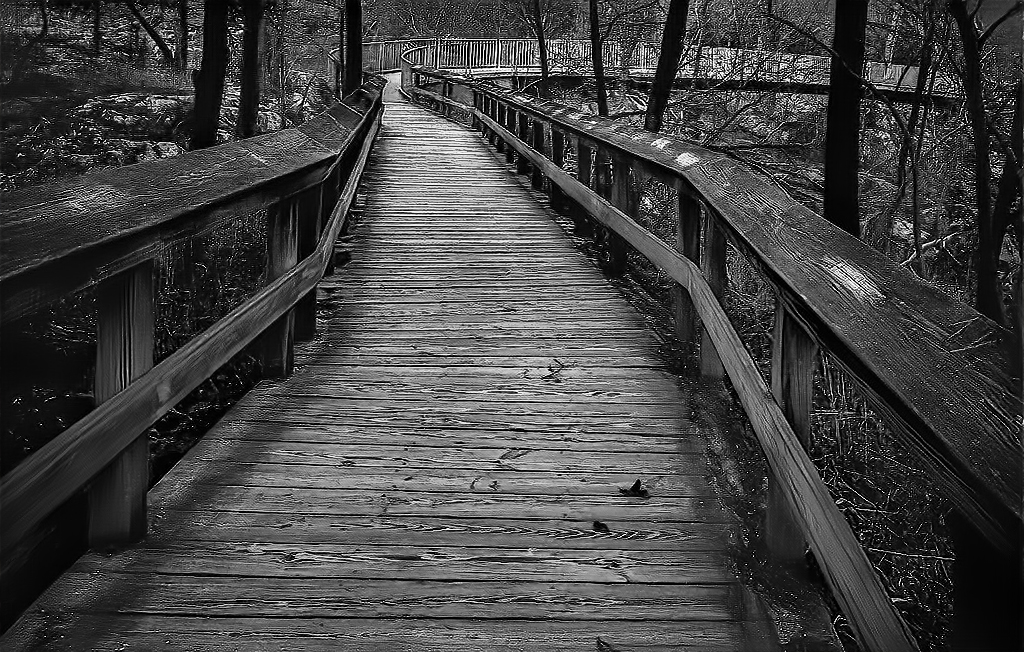
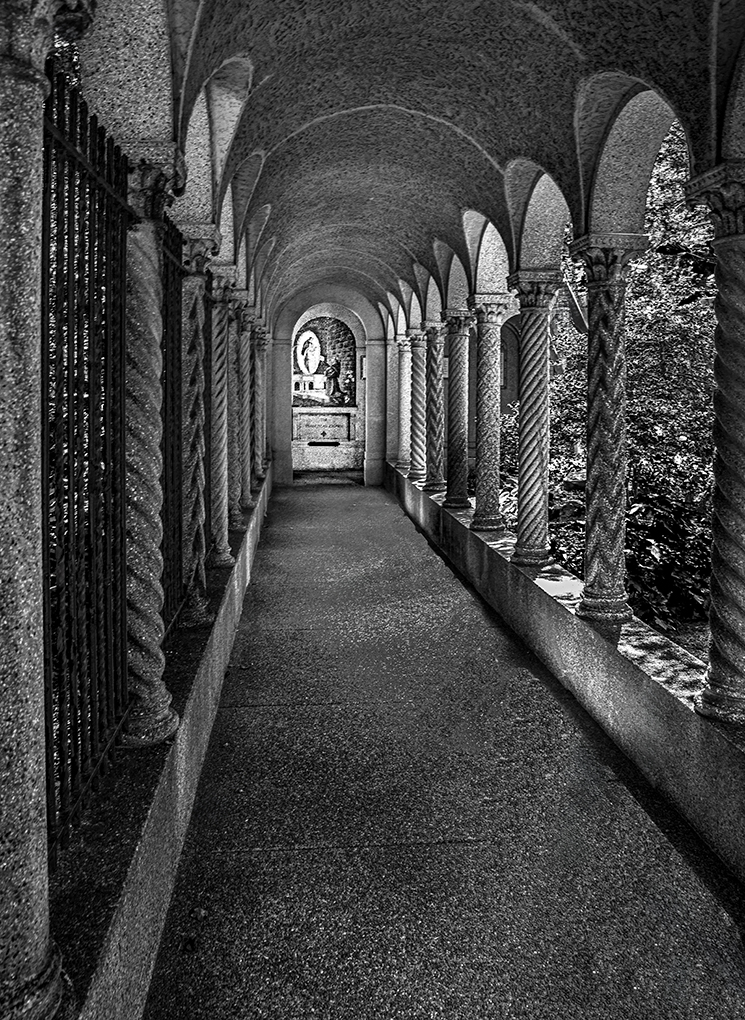
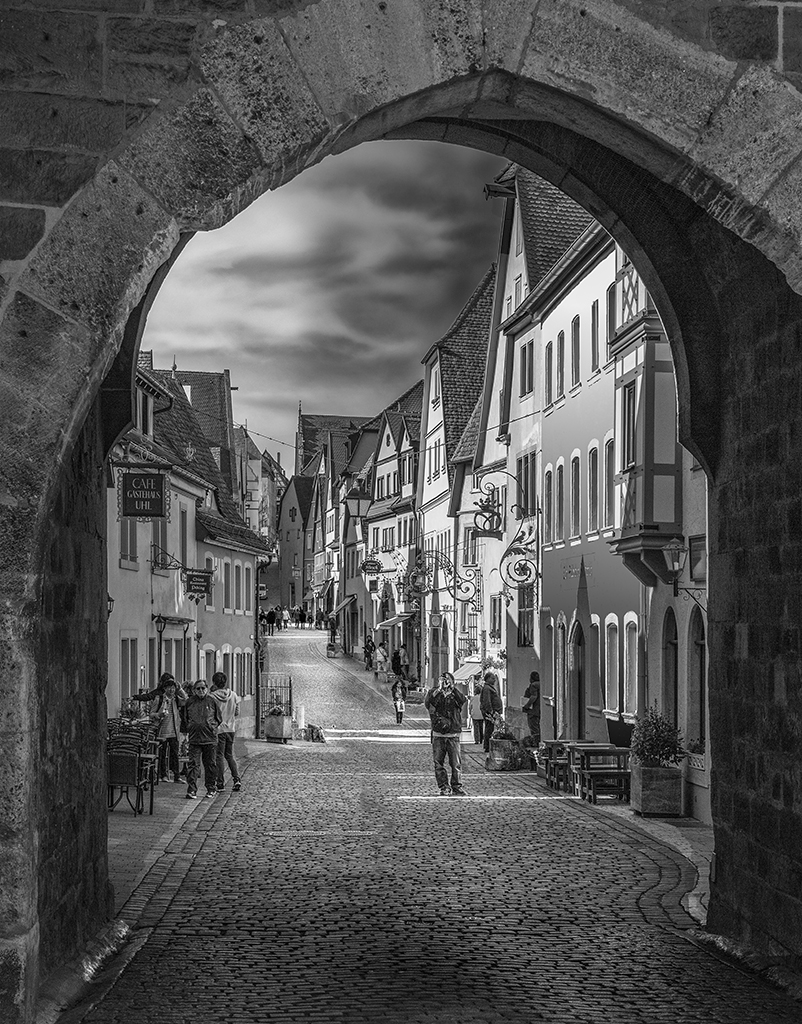
LuAnn, I like how you've created a frame (the arch) within a frame (the trees). I wanted to see how it might look with somewhat different lighting, so I took your image into Camera Raw and applied an inverted radial gradient and brush. This allowed me to darken the areas other than the path, the arch and the door. Since it's almost low-key, I think of it as "The LuAnn Effect".
Your thoughts?
|
Sep 10th |
 |
| 62 |
Sep 23 |
Comment |
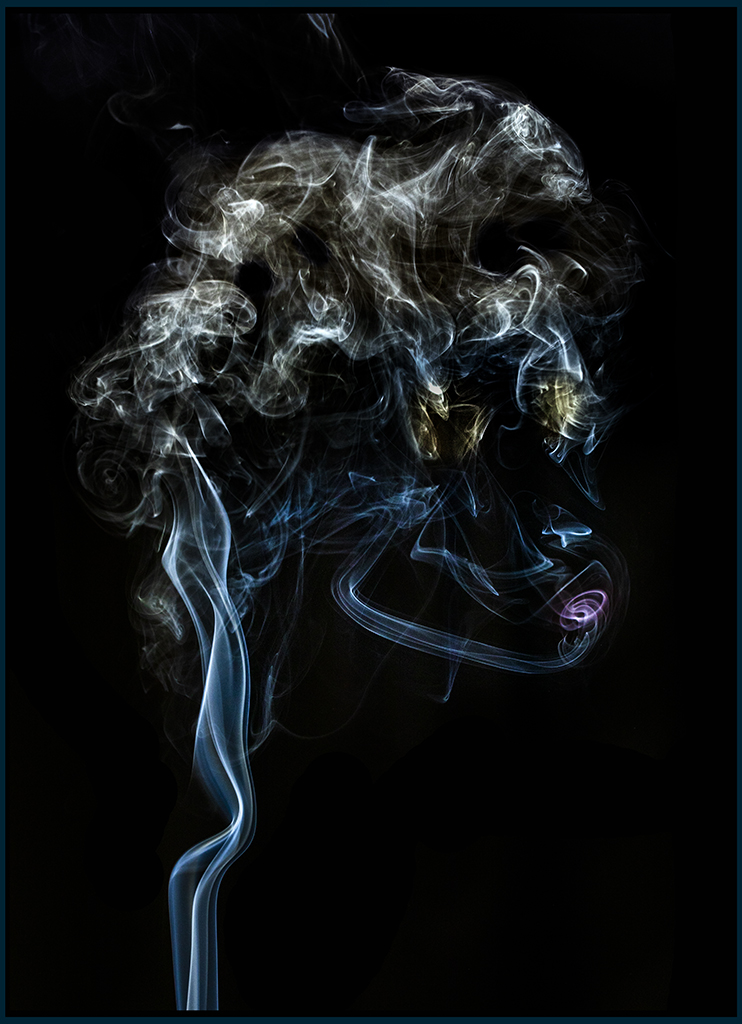
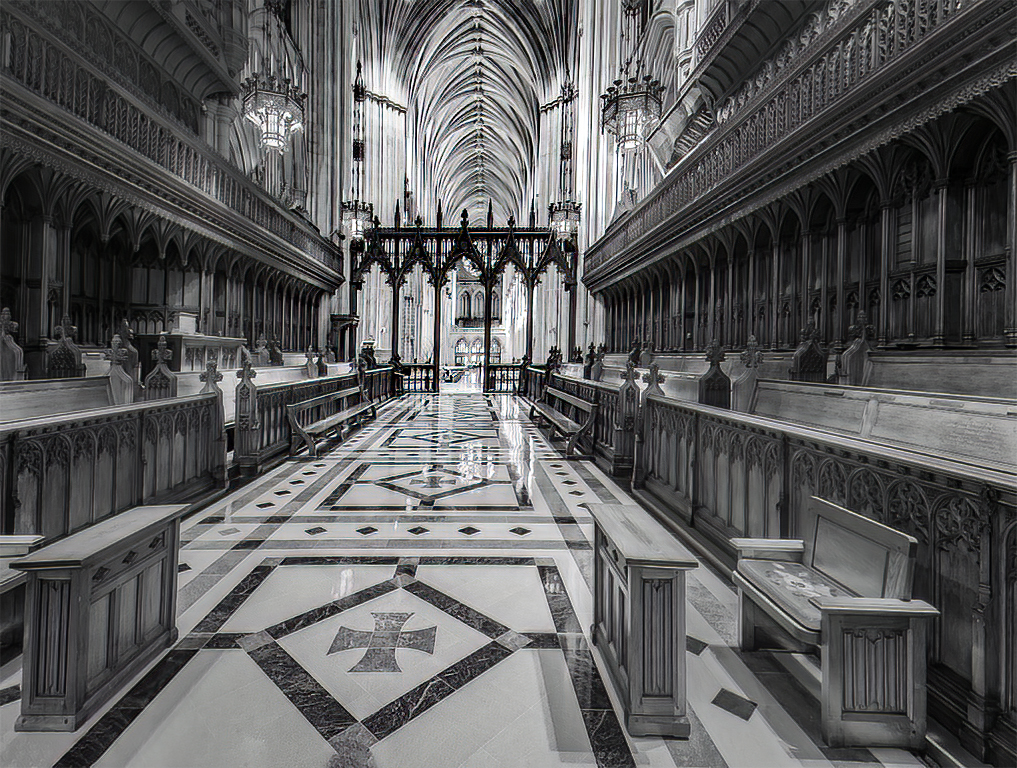
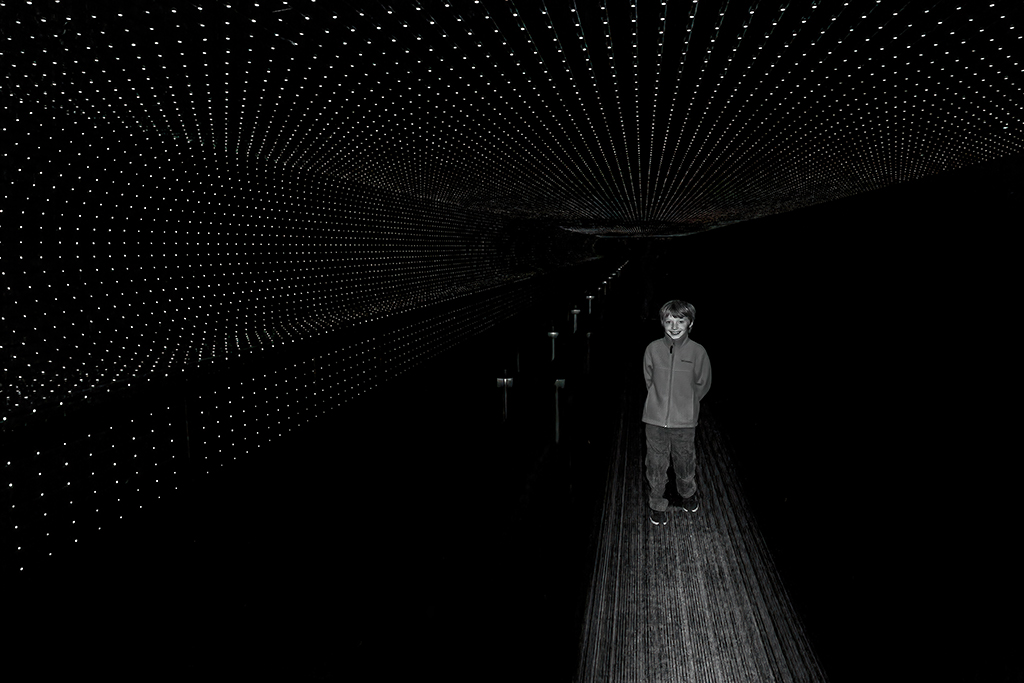
Bunny, I feel like I'm looking through a monochrome kaleidoscope. Fascinating. Your imagination and creative abilities are definitely on display with this image. I love the sense of being pulled into the vortex. It's mesmerizing! I tried darkening the windows on the two sides, but I don't like the result as much as I like yours. Nonetheless, here's what it looks like.
|
Sep 10th |
 |
| 62 |
Sep 23 |
Reply |
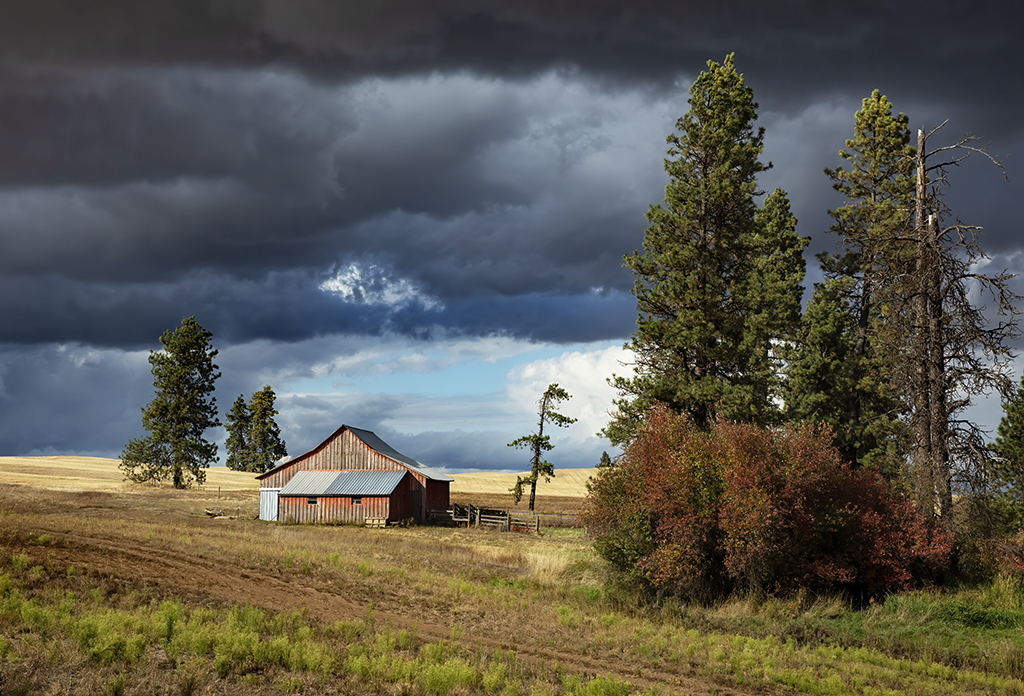
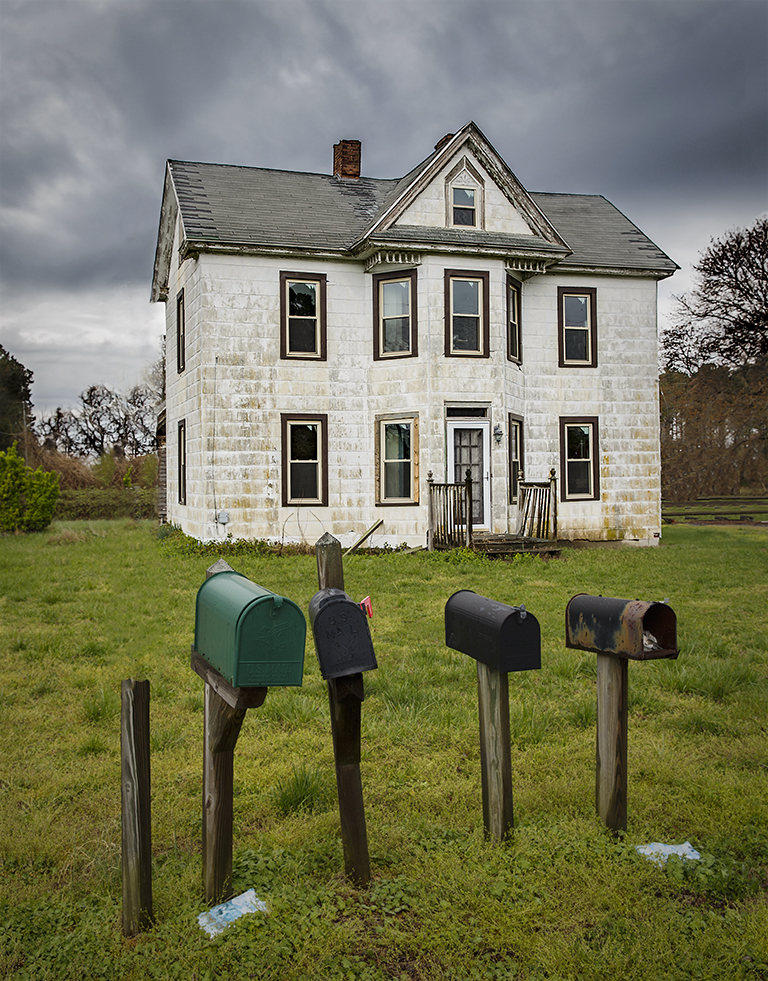
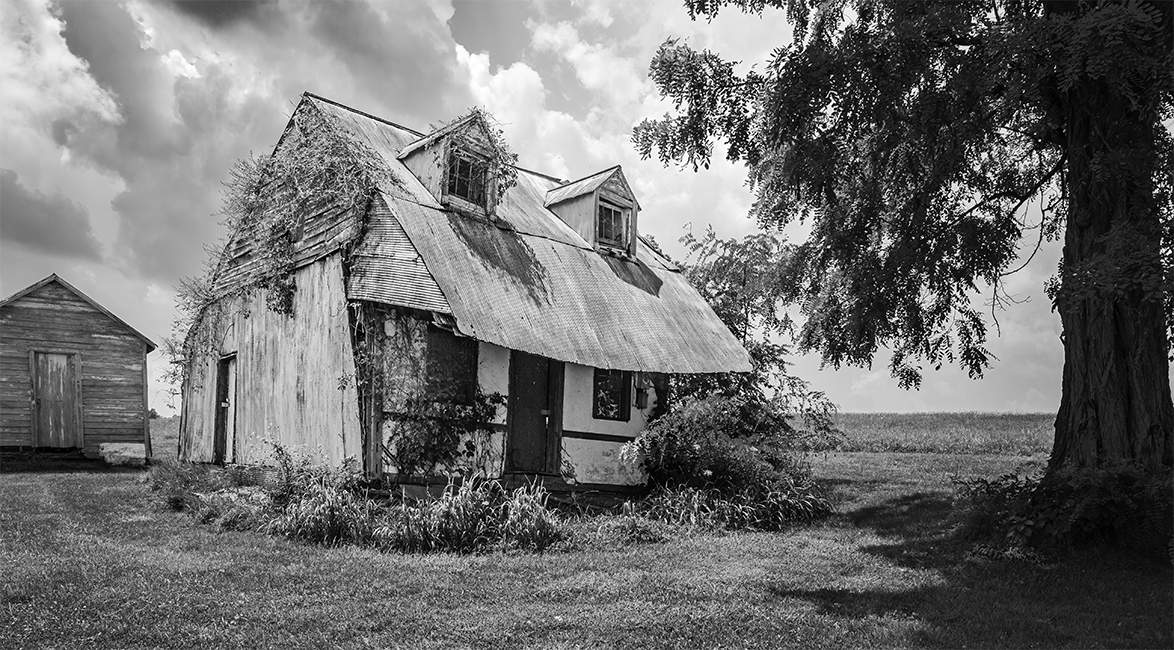
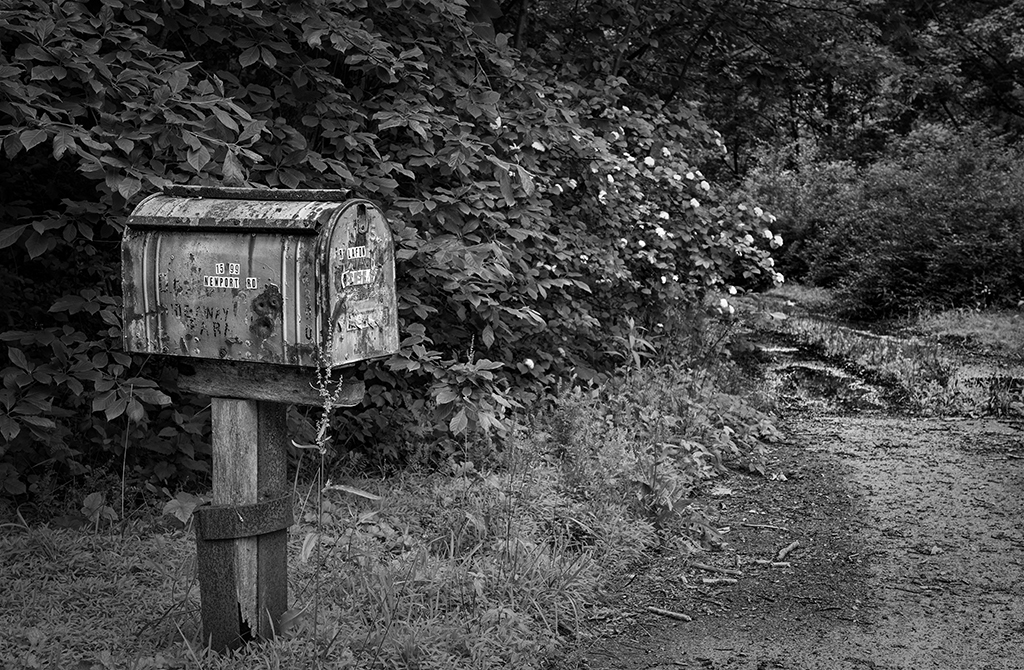
Thank you, Bunny. I felt that the unrealistically dark sky was necessary to give the "haunted" sensation. Like Emil, I wasn't aware of the "clustering" of mailboxes in rural areas. Thanks for the enlightenment. |
Sep 10th |
| 62 |
Sep 23 |
Reply |
Thank you, Emil. I agree... images like this one beg for other approaches to be explored. Your approach gives an interesting, but quite different feel to the photograph. To me, it definitely feels haunted, but in a different way than my submission. |
Sep 10th |
| 62 |
Sep 23 |
Comment |
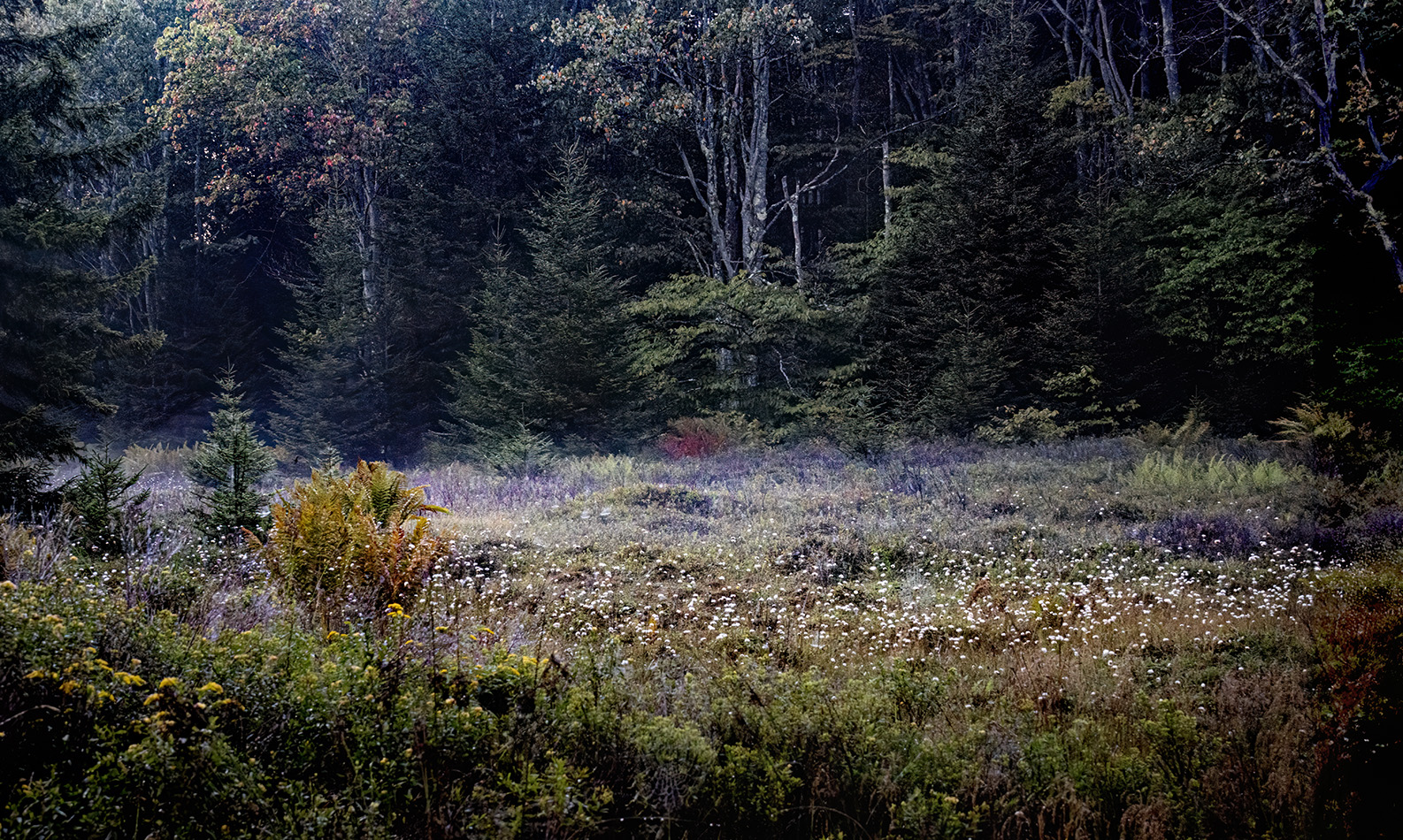
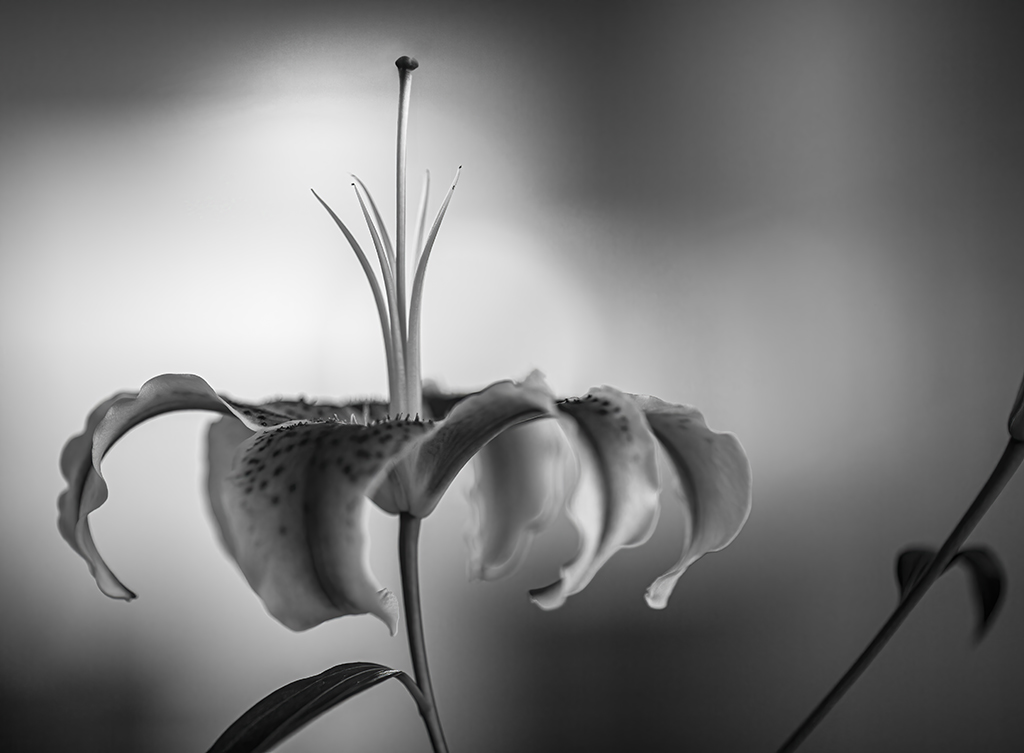
Emil, I like the idea of highlighting the ferns. And, I think the trees give an excellent context for your image. Your creativity and imagination are evident in this photograph. Naturally I wanted to play with it a bit in PS. I used a square format and changed the lighting somewhat, while still trying to highlight the ferns. Your thoughts?
|
Sep 7th |
 |
| 62 |
Sep 23 |
Comment |
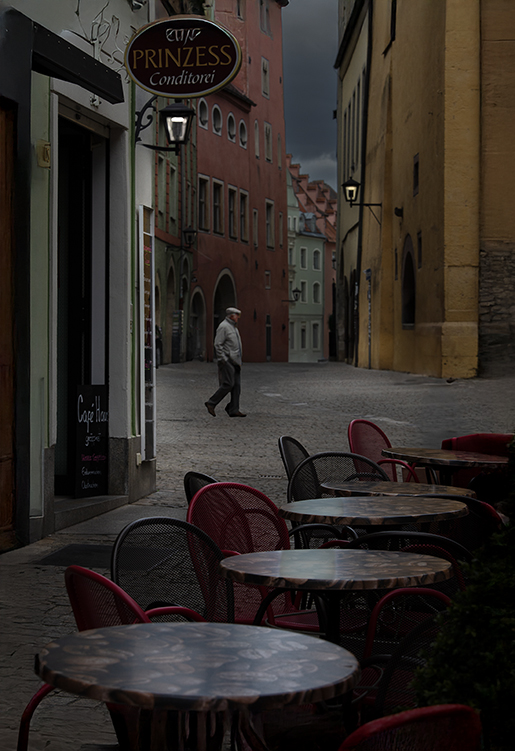
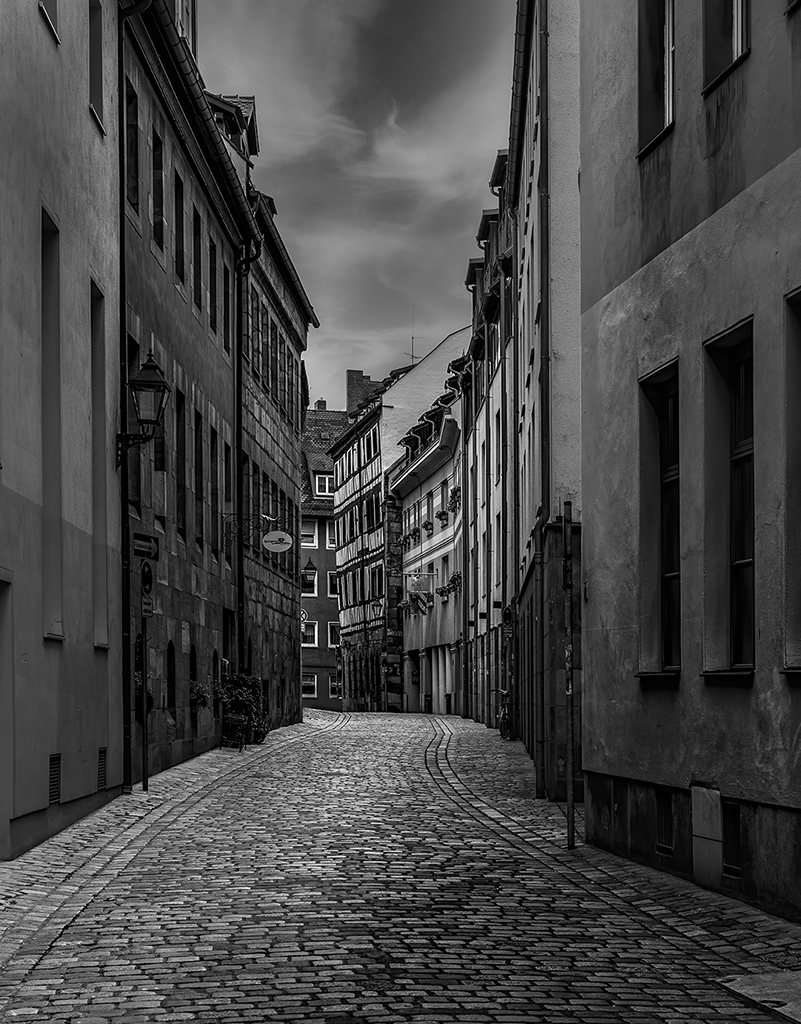
Mark, a wonderful street scene and well captured. I've read through the helpful suggestions. There are some excellent ones. Bunny's version if the image appeals most to me. By darkening the chef and customer, she has really made them stand out. One thing you might consider would be to crop a bit off the top of your image. I find the detail, especially the light areas on the top left to be a bit distracting.
|
Sep 7th |
| 62 |
Sep 23 |
Reply |
Israel, DeNoise AI is a Topaz product. You can find it at Topazlabs.com. Topaz also makes Gigapixel AI and Sharpen AI. I use all three of these fairly regularly (as do a number of other photographers I know).
|
Sep 5th |
| 62 |
Sep 23 |
Reply |
Thank you, Israel. I'm glad you like it.
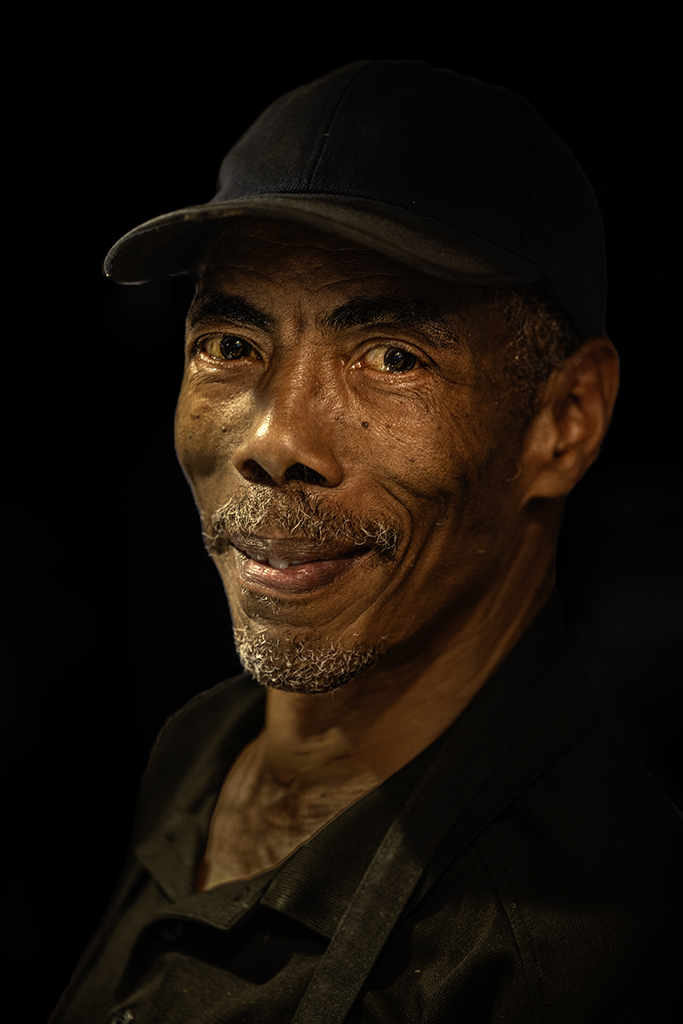
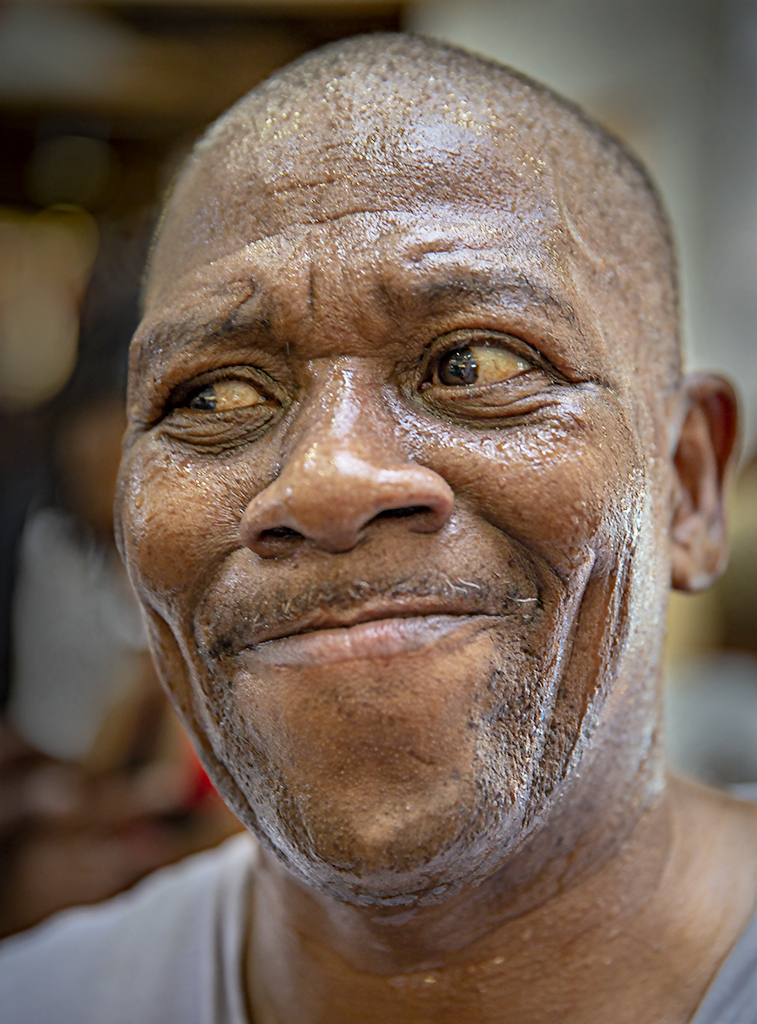
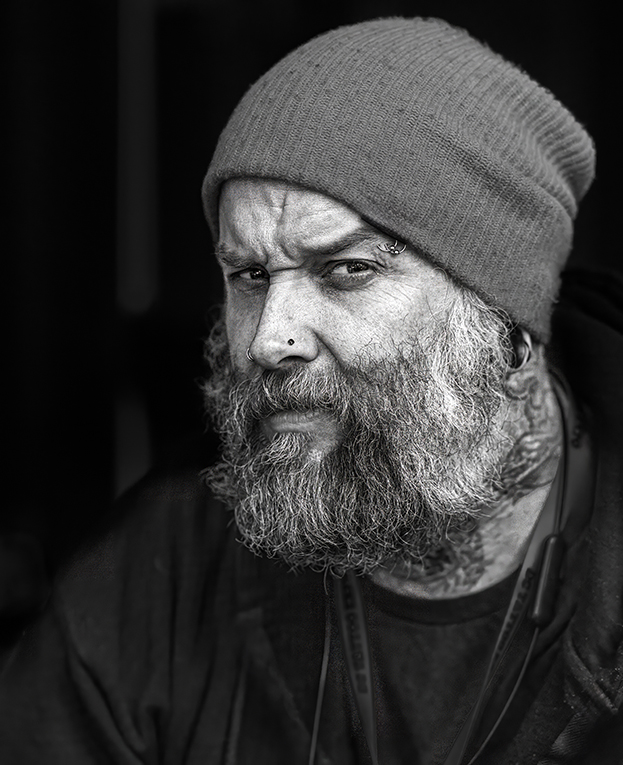
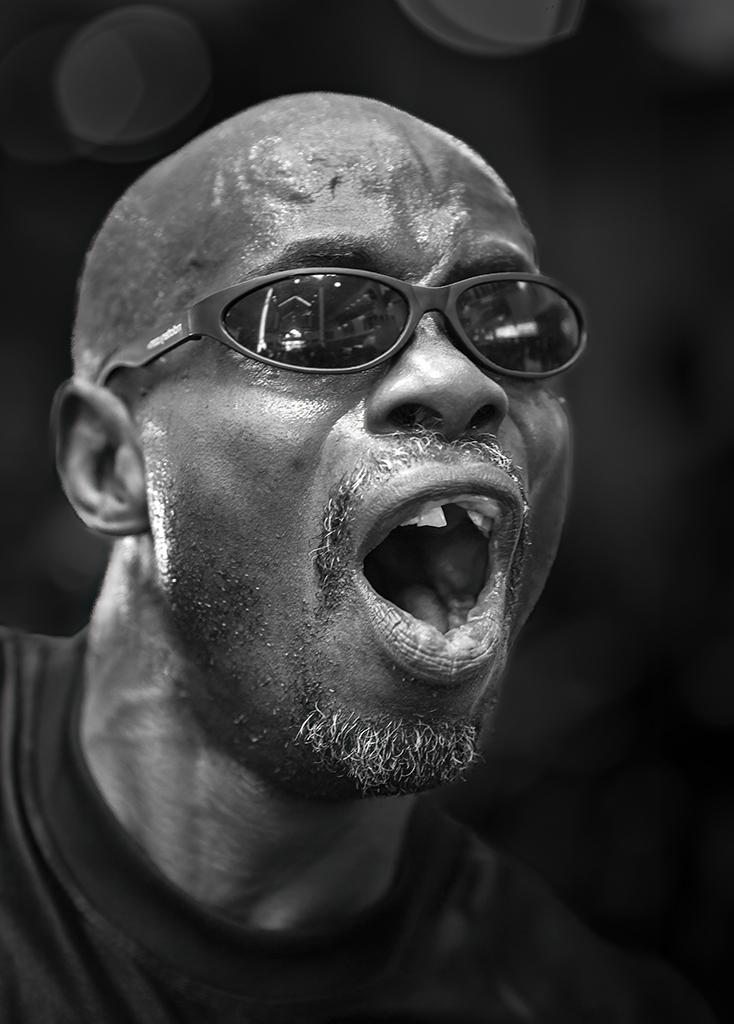
Gigapixel is an amazing bit of software... well worth acquiring. To clean his face, I selected it, put it on a new/separate layer, and then used DeNoise on it. In that way I didn't take a chance of softening the entire image.
Take care!
|
Sep 2nd |
| 62 |
Sep 23 |
Comment |
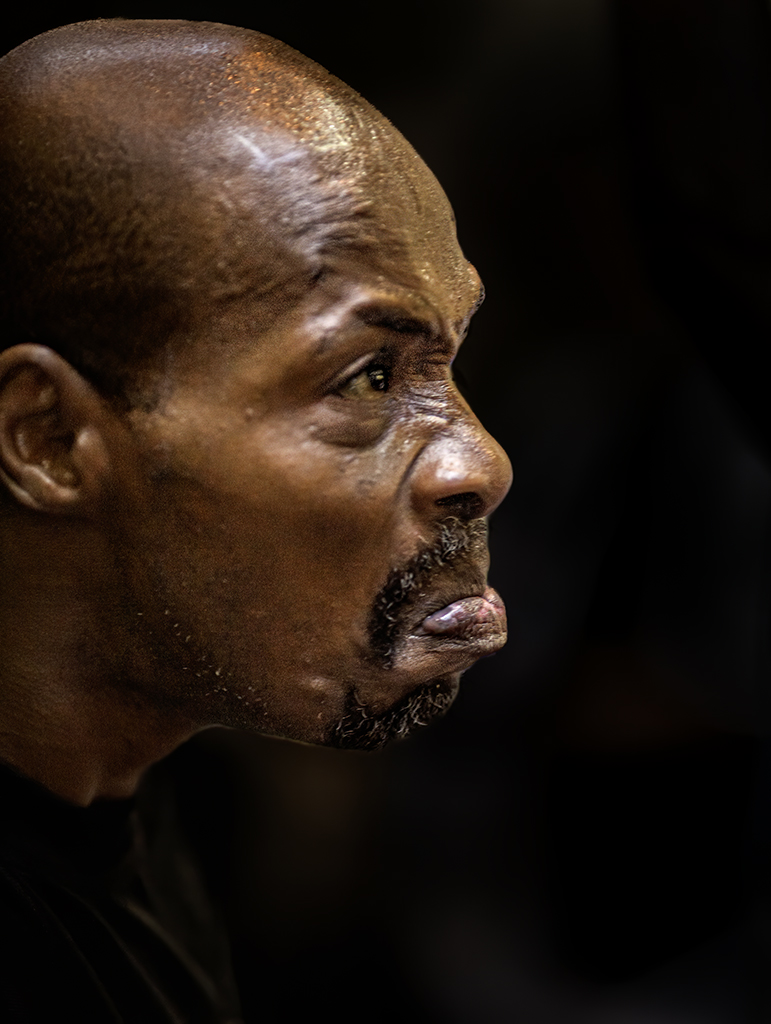
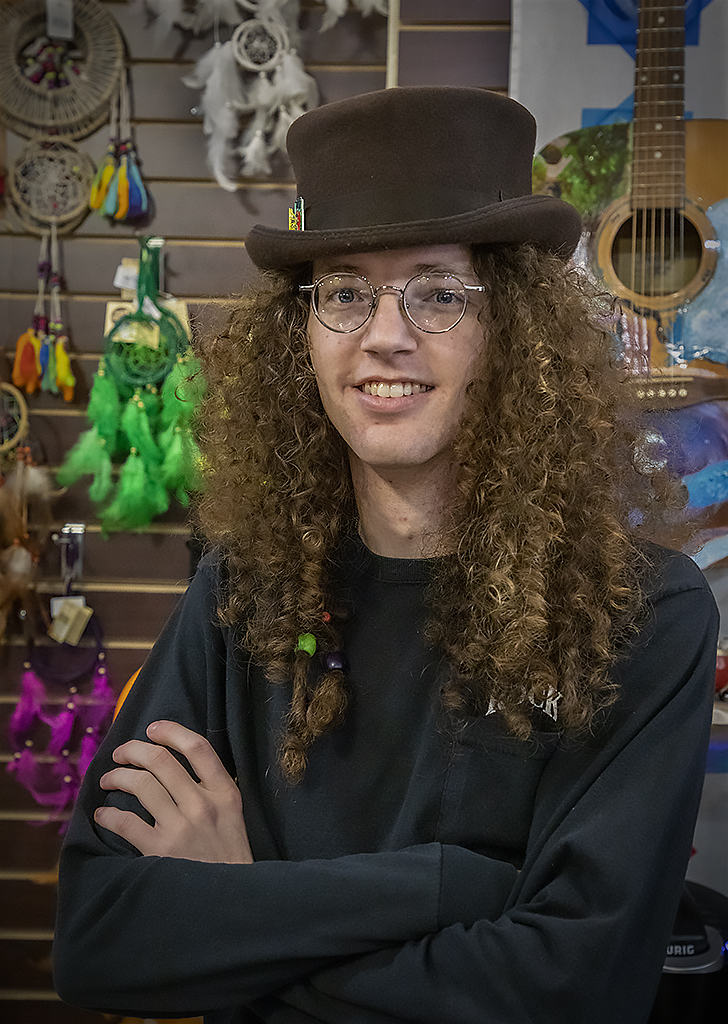
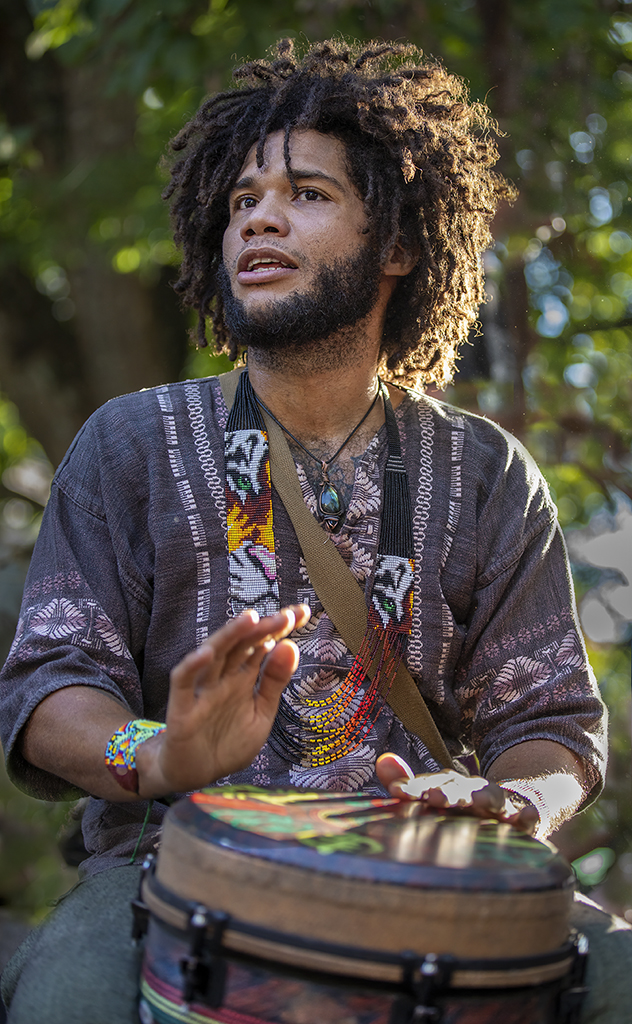
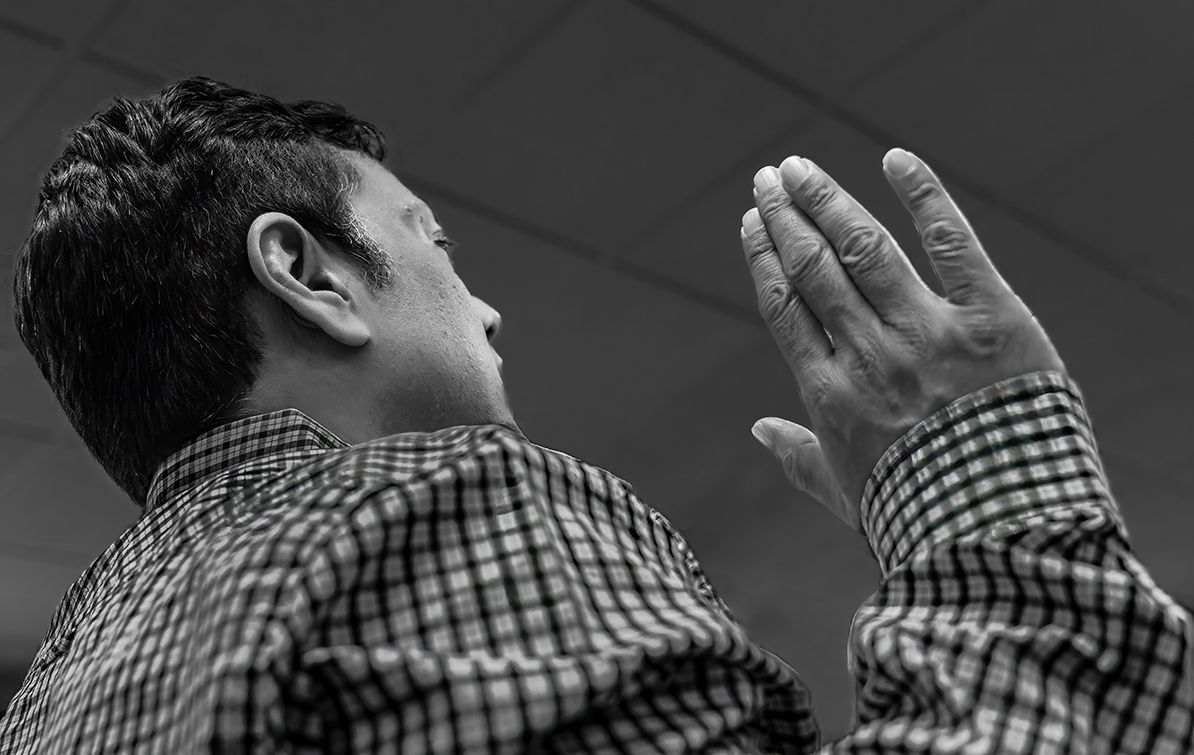
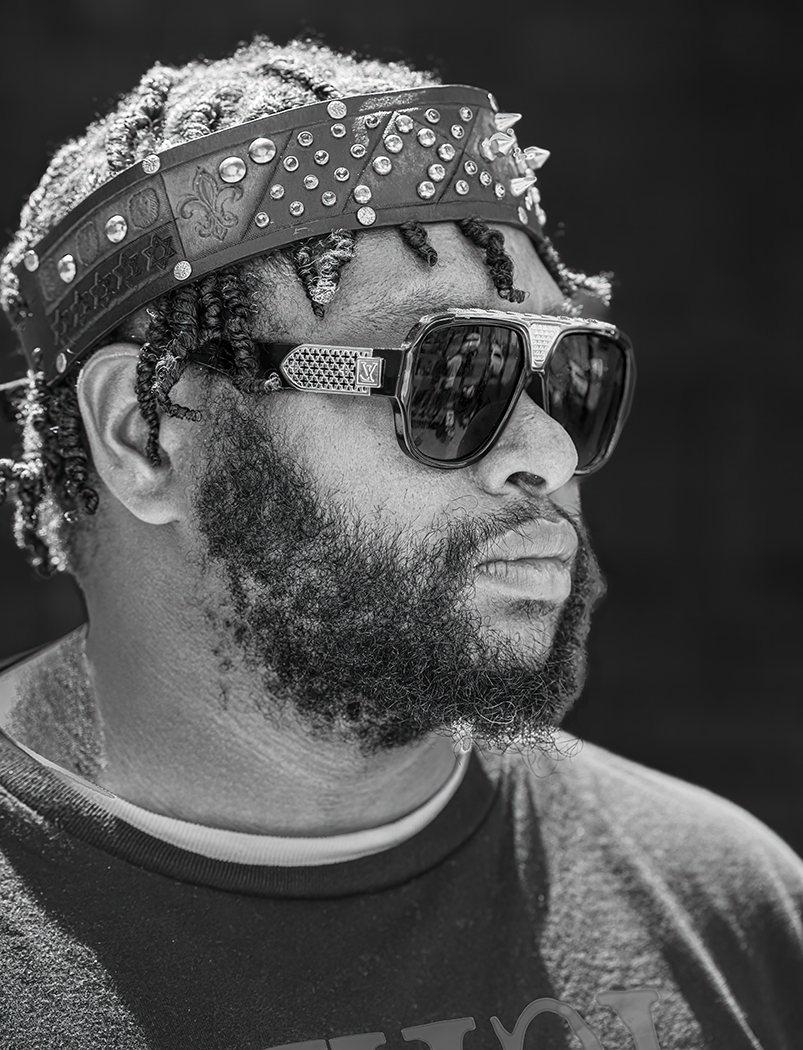
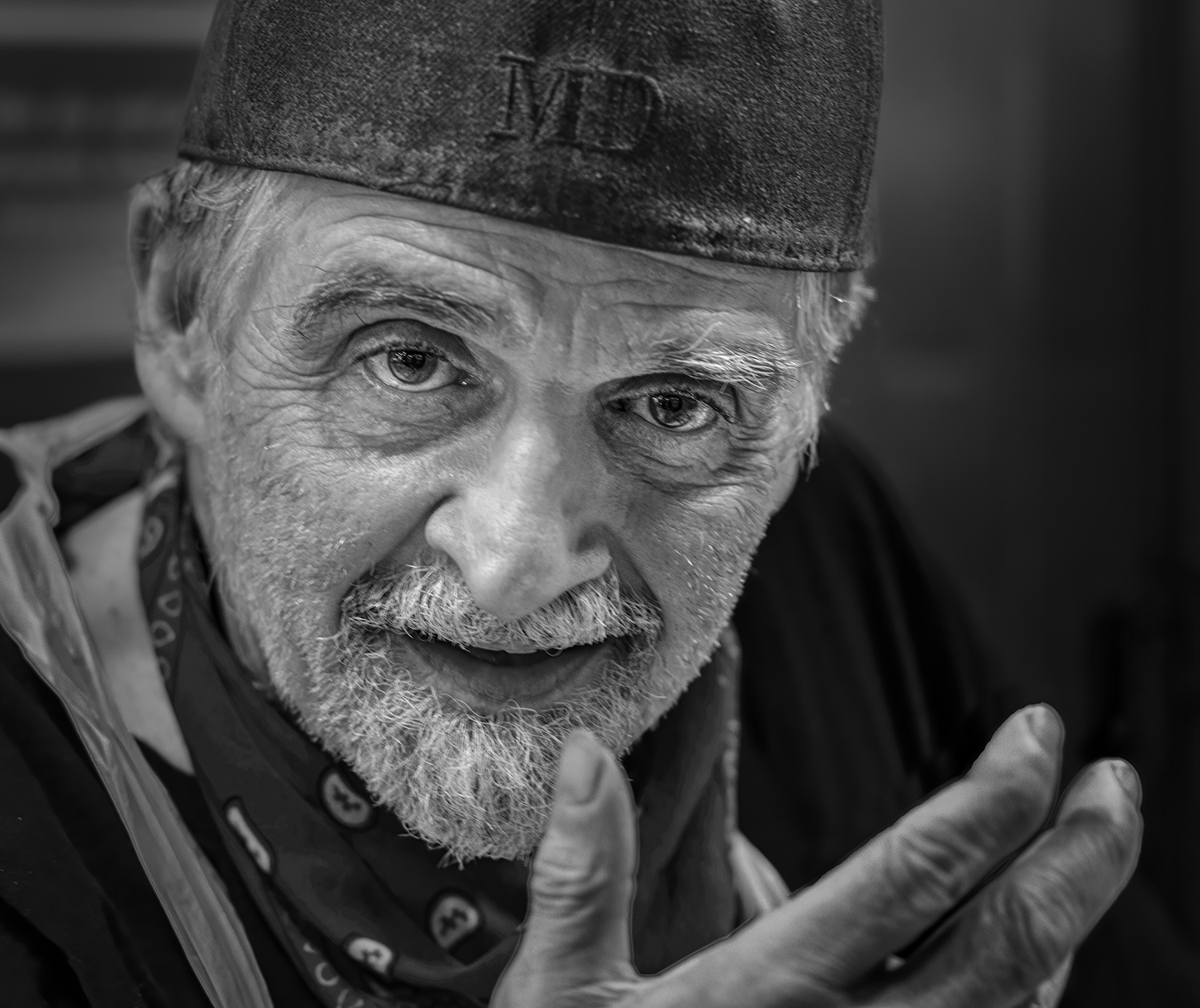
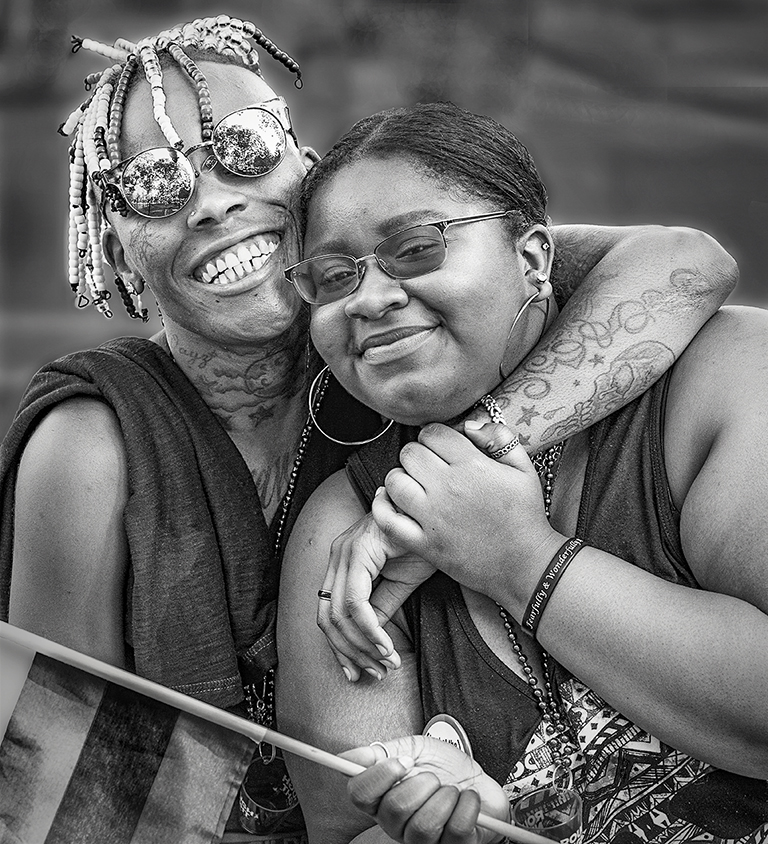
Israel, you've submitted yet another amazing image! I love the feeling of intensity and motion. And, you've done an excellent job with the tones of the clothing. Brilliant!
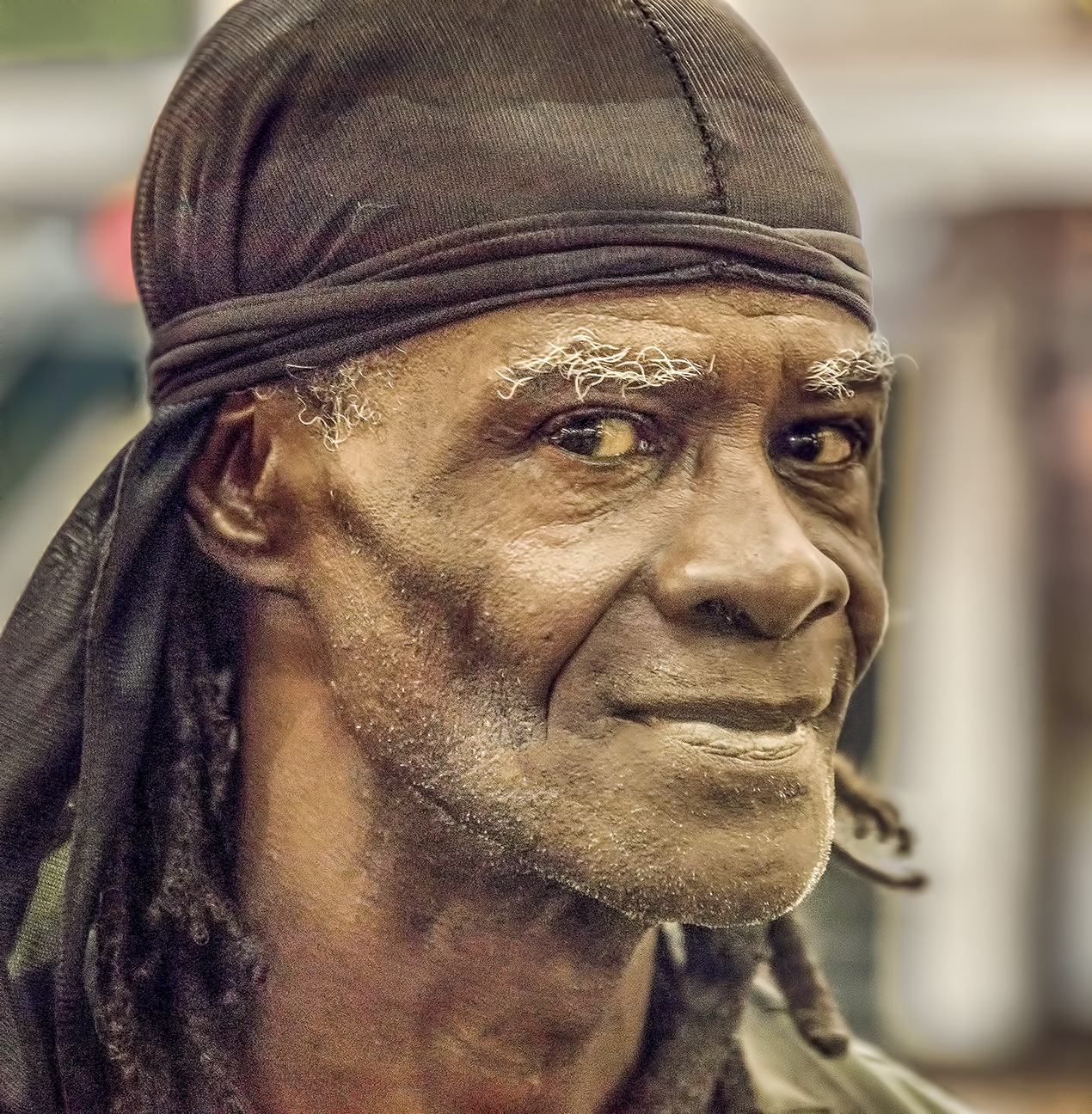
In fact, it was so compelling that I couldn't help playing with it in Photoshop (mostly Camera Raw). I started with your original photograph and did the two things I almost always do with low-resolution jpegs. First I increased the bit depth to 16 instead of 8. Next, I use DeNoise AI to eliminate any noise. Then finally, I use Gigapixel to increase the resolution... typically by a factor of 3x or 4x.
My actions in Camera Raw were to use the masking capabilities to slightly brighten the face and the arm on the right of the image. Next I slightly darkened the bright spot on his nose. Then I used Camera Raw's conversion to B&W. Finally, I added just a bit to the bottom of the image so that the bottom of the beads would be visible.
Your thoughts?
|
Sep 1st |
 |
6 comments - 4 replies for Group 62
|
13 comments - 7 replies Total
|