|
| Group |
Round |
C/R |
Comment |
Date |
Image |
| 5 |
Jun 23 |
Reply |
Certainly, Bev. Do you have a current version of Photoshop or Lightroom? If so, please let me know a few dates and times that would work for you, and I'll set up a zoom session. If you'll email me two or three of your images that could use a bit of work, we can use those. Just email them to Oliver.Morton@yahoo.com.
- Pete |
Jun 17th |
| 5 |
Jun 23 |
Reply |
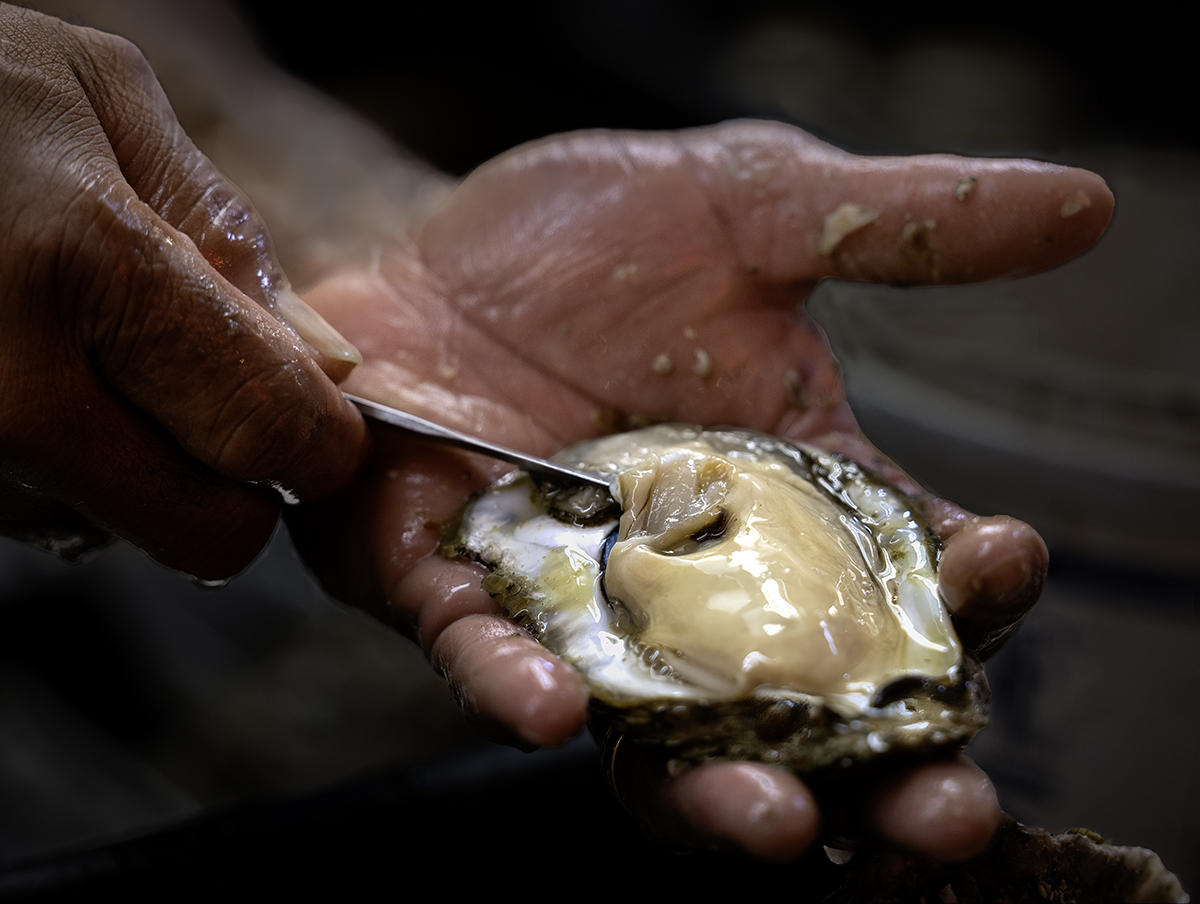
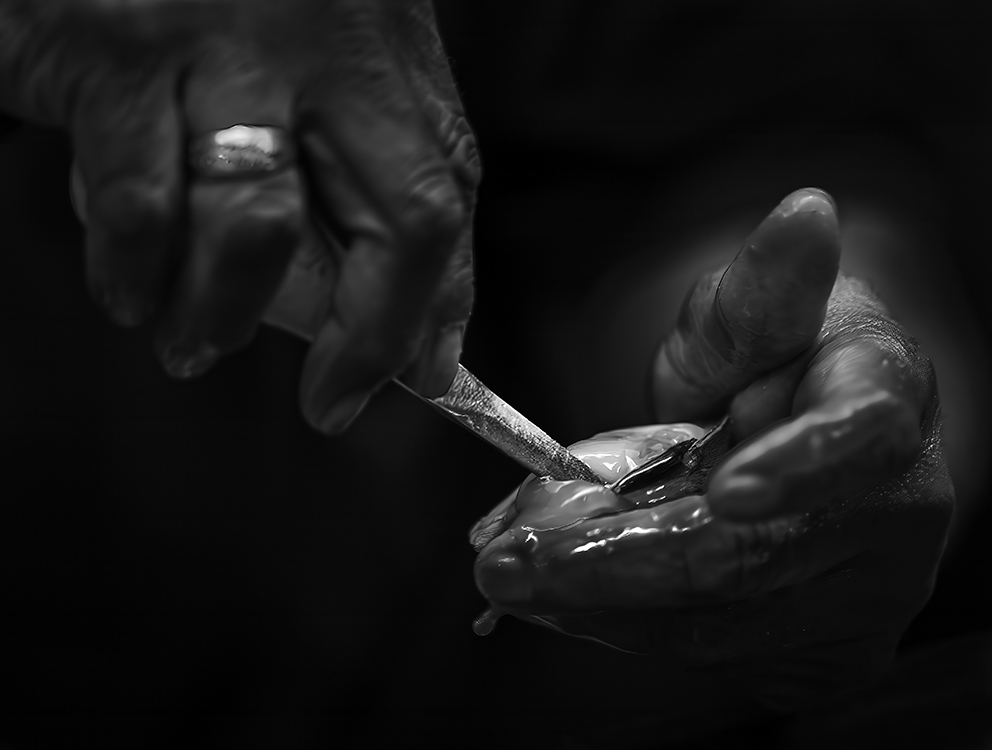
Thank you, Barbara. I am fascinated by the process of opening and preparing oysters. The market that I visit has a "stall" that specializes in raw oysters and the man (shown in the photograph) is amazingly fast! It's fun to watch!
|
Jun 15th |
| 5 |
Jun 23 |
Comment |
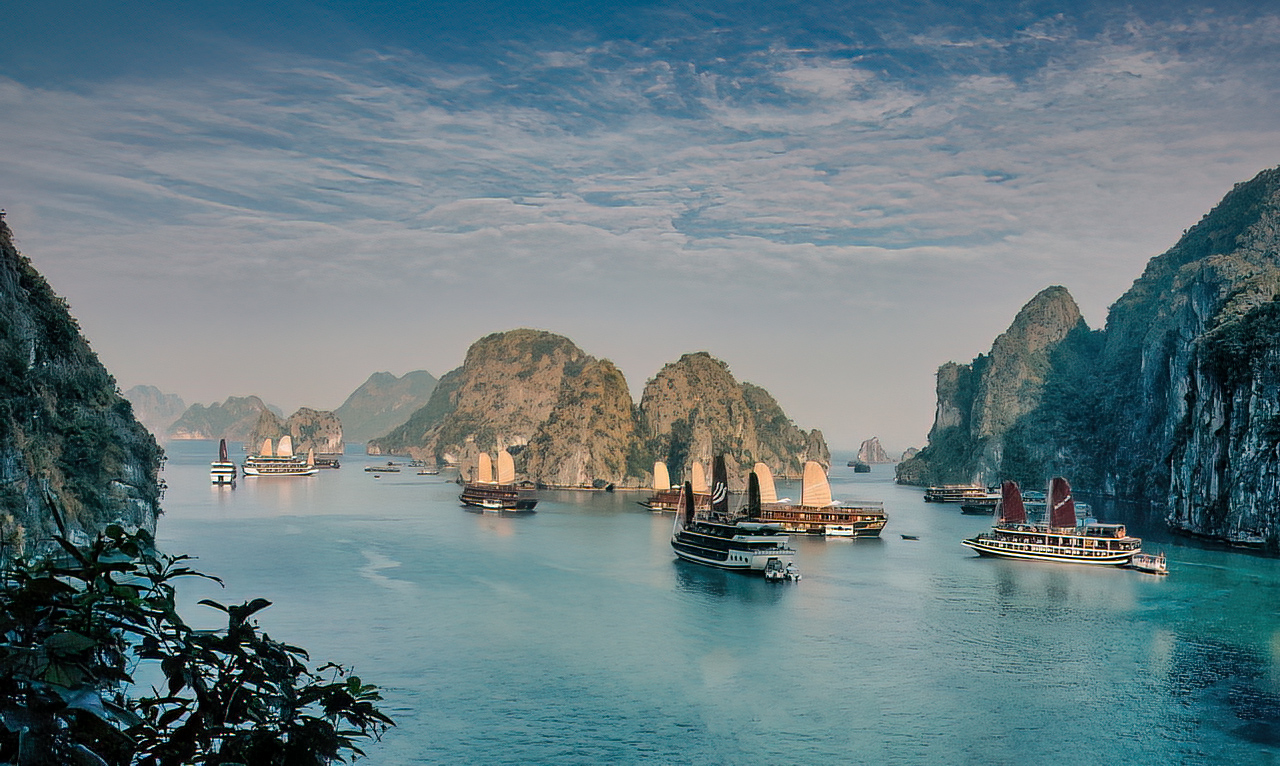
This is such a fascinating location and photograph. I like the cropping with the objects in the bottom-left corner providing a feeling of depth and scale. The only portion of the image that SLIGHTLY disturbing was the boat on the bottom-right. To me, it didn't seem to fit with the others. So, I tried removing it. Your thoughts? |
Jun 12th |
 |
| 5 |
Jun 23 |
Reply |
Very nice. I DOES make a difference. Thank you! |
Jun 12th |
| 5 |
Jun 23 |
Reply |
David, I love monochrome and the image does well in that format. However, I think the color of the oyster is a distinguishing component of the photograph.
|
Jun 12th |
| 5 |
Jun 23 |
Reply |
Next week sounds good. Just email me (Oliver.Morton@yahoo.com) with some dates/times that will work for you. And... HAVE A FANTASTIC VACATION!
|
Jun 12th |
| 5 |
Jun 23 |
Reply |
Jim, we often hear that "X will change everything," and sometimes X is important... but certainly doesn't change everything. However, I think Generative Fill will cause a dramatic change on post-processing. In fact, it may "change everything".
I can not only tell you about it but I'd be glad to show it to you. If you'd like, I will set up a zoom session. Please let me know if this sounds good and, if so, a day and time that would work for you. (I'm available all day today and tomorrow after 11:00 am.)
- Pete |
Jun 12th |
| 5 |
Jun 23 |
Comment |
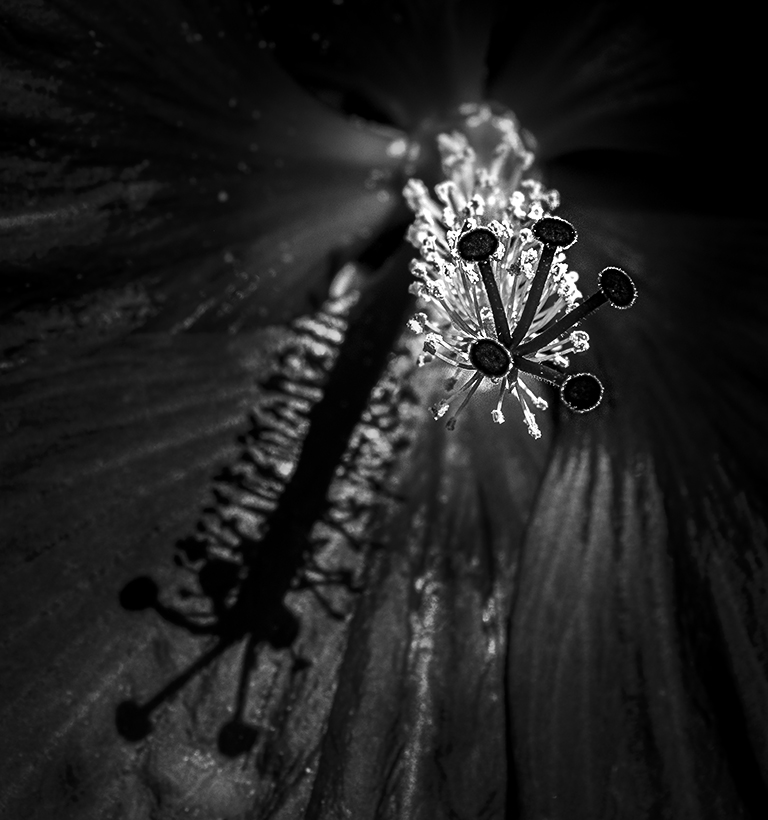
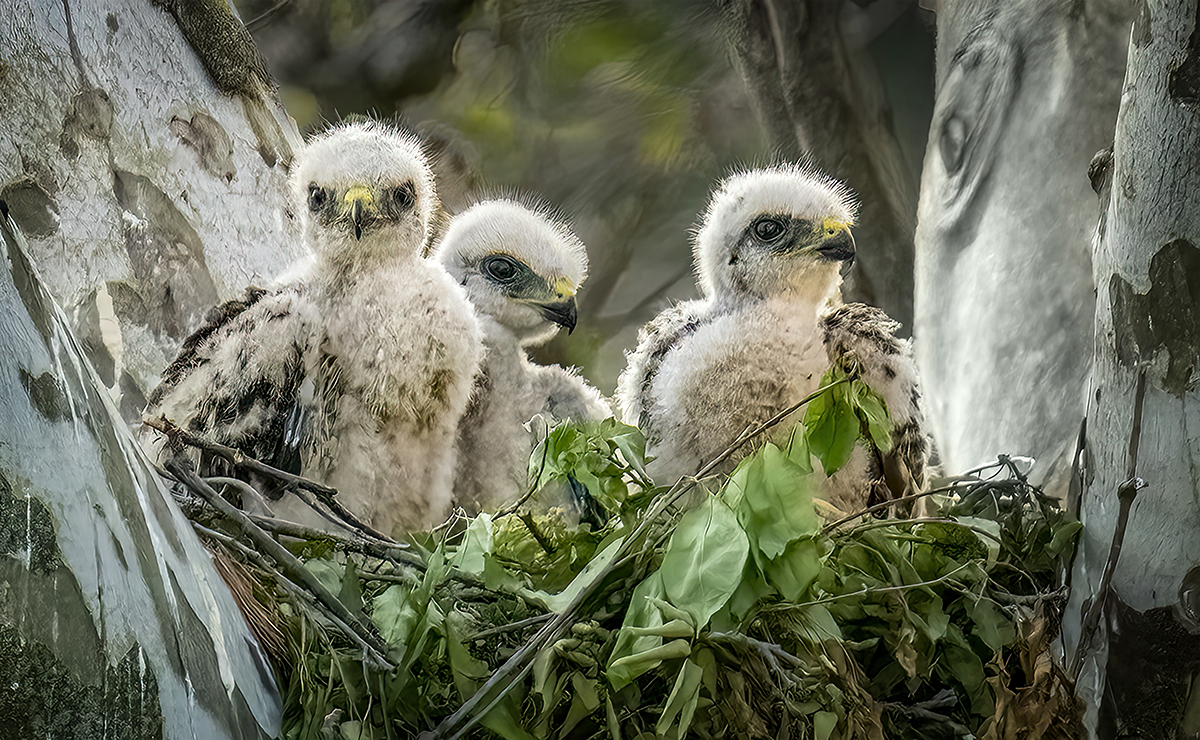
Jim, I'm a bit "late to the party" in commenting on your wonderful photograph! However, I want to add my two cents. First, it's an outstanding capture! Extremely well done!
Since I couldn't resist, I played with your image in Camera Raw. Below's what I came up with. Your thoughts?
|
Jun 12th |
 |
| 5 |
Jun 23 |
Comment |
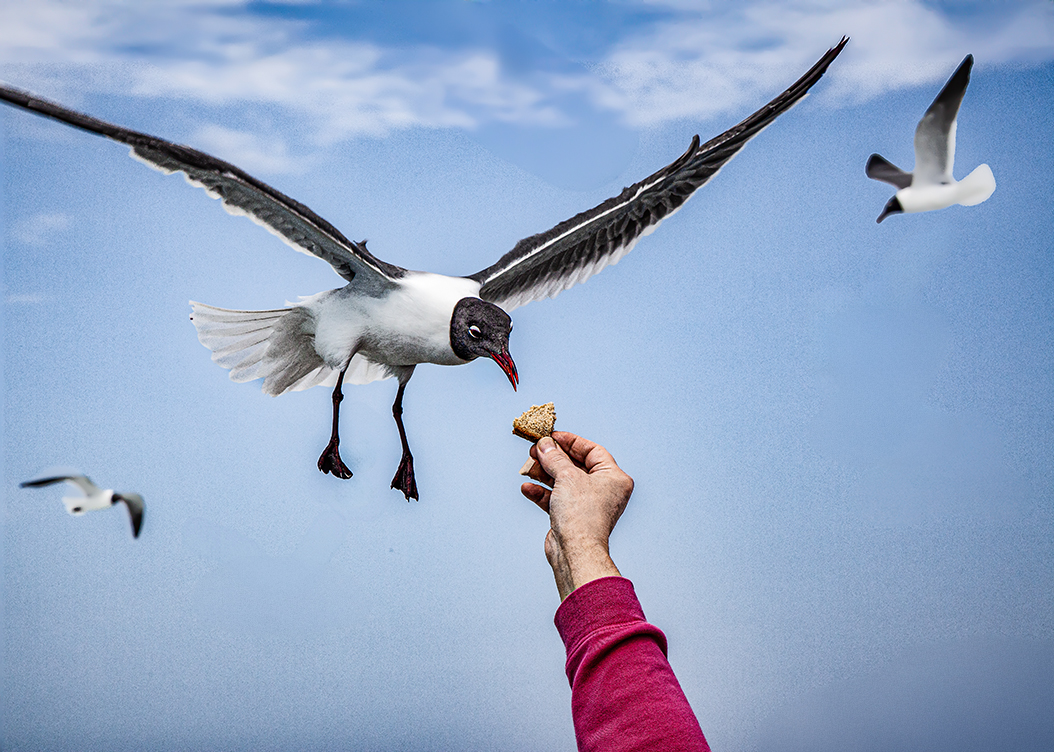
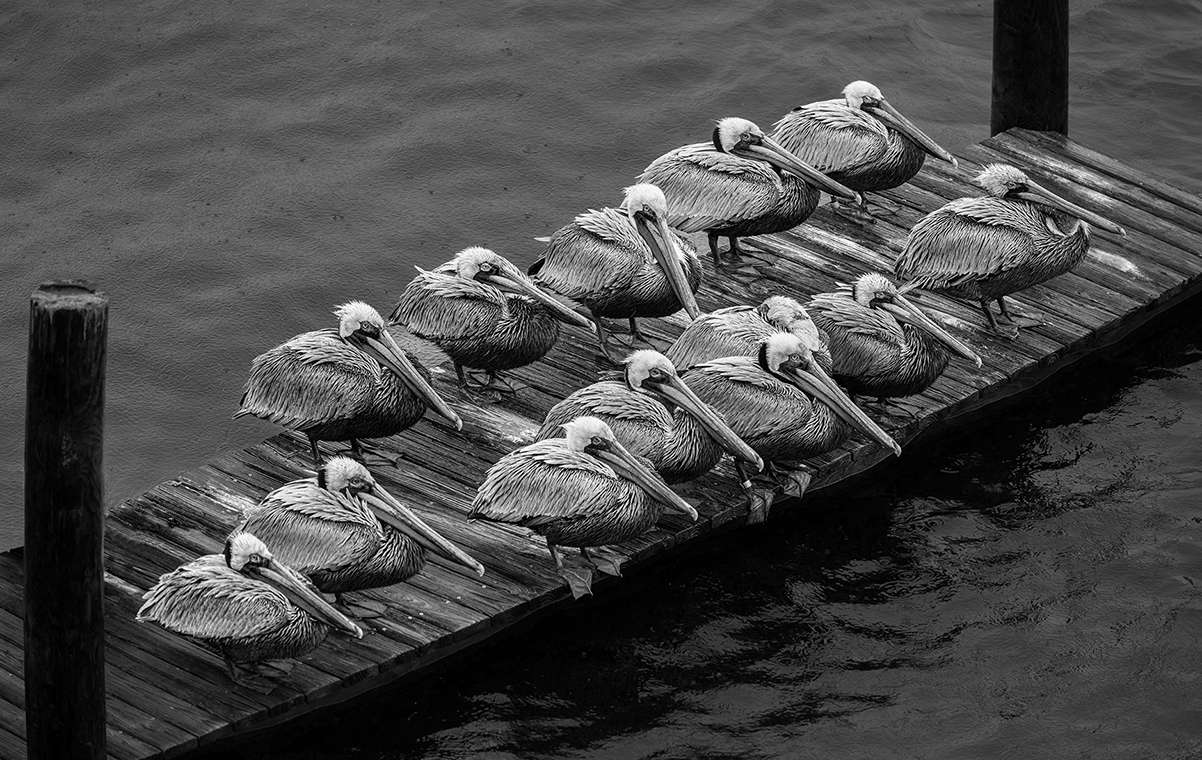
Sophia, this is wonderful! I love the fact that the two birds are looking at each other. This ties them together beautifully. I can't make any suggestions for improving this amazing photograph. Well done!
|
Jun 6th |
| 5 |
Jun 23 |
Reply |
Good observation, Mark. I think the sharpening is a result of the fact that I masked the background and significantly darkened it because of the distracting white bucket. Before I print the image, I'll take advantage of your comment and "soften" the ridge of his hand. Thank you! |
Jun 5th |
| 5 |
Jun 23 |
Comment |
Thank you, Richard.
Like you, I've also been playing with the new Generative Fill in Photoshop Beta. It's astounding and shows what can be done with AI. The future is going to be FUN!
|
Jun 5th |
| 5 |
Jun 23 |
Reply |
Sophia, I just realized that I don't know what time zone you're in. I live in Maryland, so I'm on Eastern Time. |
Jun 2nd |
| 5 |
Jun 23 |
Reply |
Great. Let's make it 2:00 pm on Monday. Here's the Zoom link:
https://us02web.zoom.us/j/86276602952?pwd=RG1ROGlaenZiM1p4T3JPeHE0NmJFQT09
If you'll email two or three of your photographs to me, we can use those. My email address is Oliver.Morton@yahoo.com. |
Jun 2nd |
| 5 |
Jun 23 |
Reply |
Great! I'm available any time this Sunday afternoon or Monday afternoon. Would that work for you? If so, let me know when and I'll send a Zoom link.
|
Jun 2nd |
| 5 |
Jun 23 |
Reply |
Sophia, I love oysters too! Thank you for your compliments. If you have a current copy of Photoshop, I'd be glad to show you how to use the new masking capabilities via Zoom. Just let me know.
|
Jun 2nd |
| 5 |
Jun 23 |
Reply |
Jim, I hadn't noticed the blue-gray cast until you mentioned it. Now it's obvious. Thank you for pointing it out!
I rarely use the burn tool. Instead, I typically use Camera Raw, either the basic light controls/sliders or the masking brush. I'm surprised that they have the same issue as the burn tool, but clearly, they do. I'll fix the color issue before printing. Thanks again. |
Jun 2nd |
| 5 |
Jun 23 |
Comment |
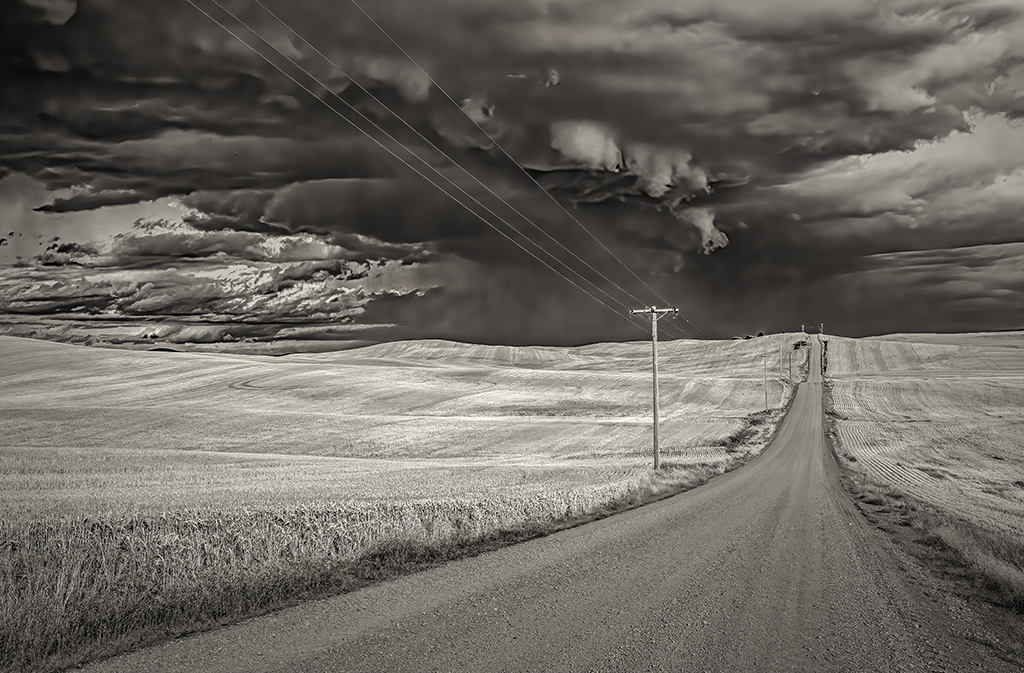
Mark, this is beautiful. The way you handled the lighting is outstanding. I especially like the ray of light shining on the distant areas. In fact, you might be able to make it even a bit brighter. Darkening the road was an excellent idea. You could even consider removing the telephone pole. Amazing photograph of an amazing scene!
|
Jun 1st |
| 5 |
Jun 23 |
Comment |
David, for me, this photograph really works well! I love how you've cropped it. Converting to monochrome and adding the blur was brilliant. The blur on the bottom right of the image might be just a bit intense; however, overall, the blur gives a strong feeling of flying dirt... which is perfect for this photograph.
|
Jun 1st |
| 5 |
Jun 23 |
Comment |
Wow! What amazing colors!
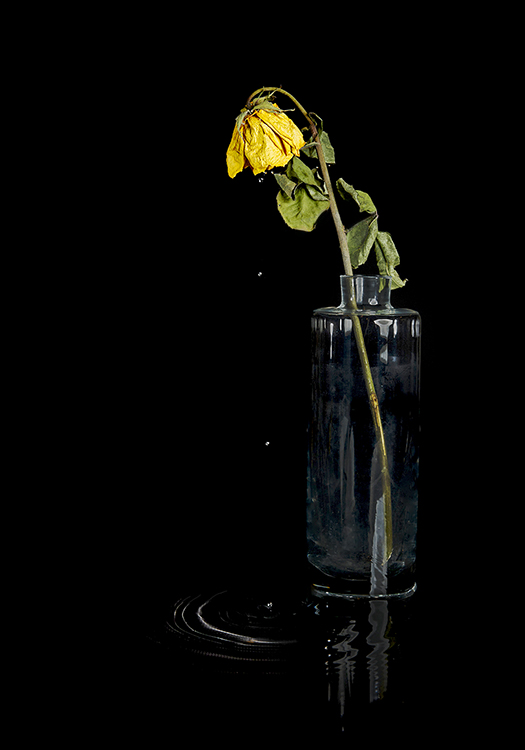
Barbara, to me, the swirls are an excellent addition. Without them, your image would be "just another beautiful flower". But the swirls add a dynamic feeling to your image. Nicely done!
I do find the brightness of the rose a little overwhelming. Darkening it slightly might be something to try.
|
Jun 1st |
7 comments - 12 replies for Group 5
|
| 62 |
Jun 23 |
Comment |
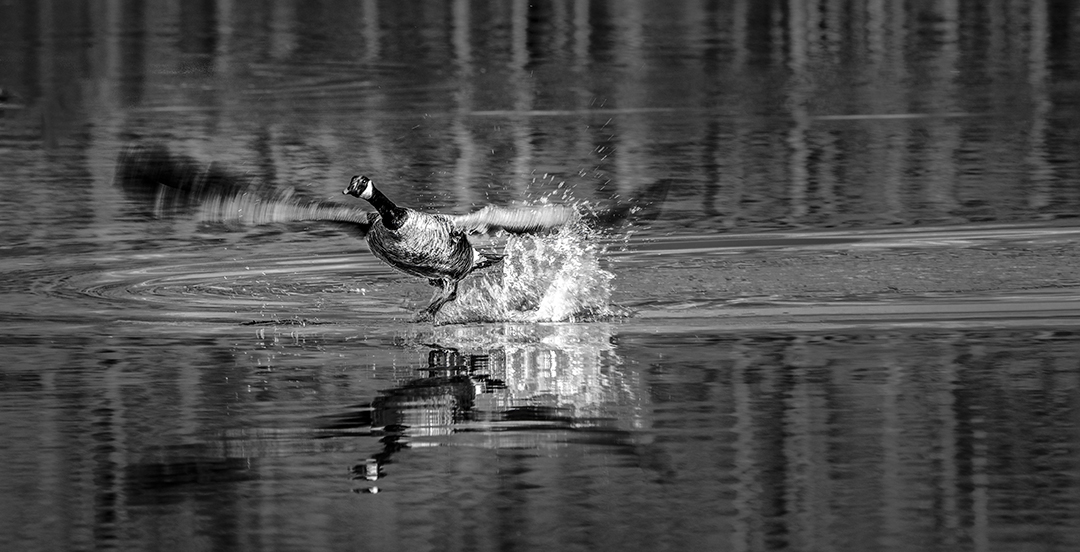
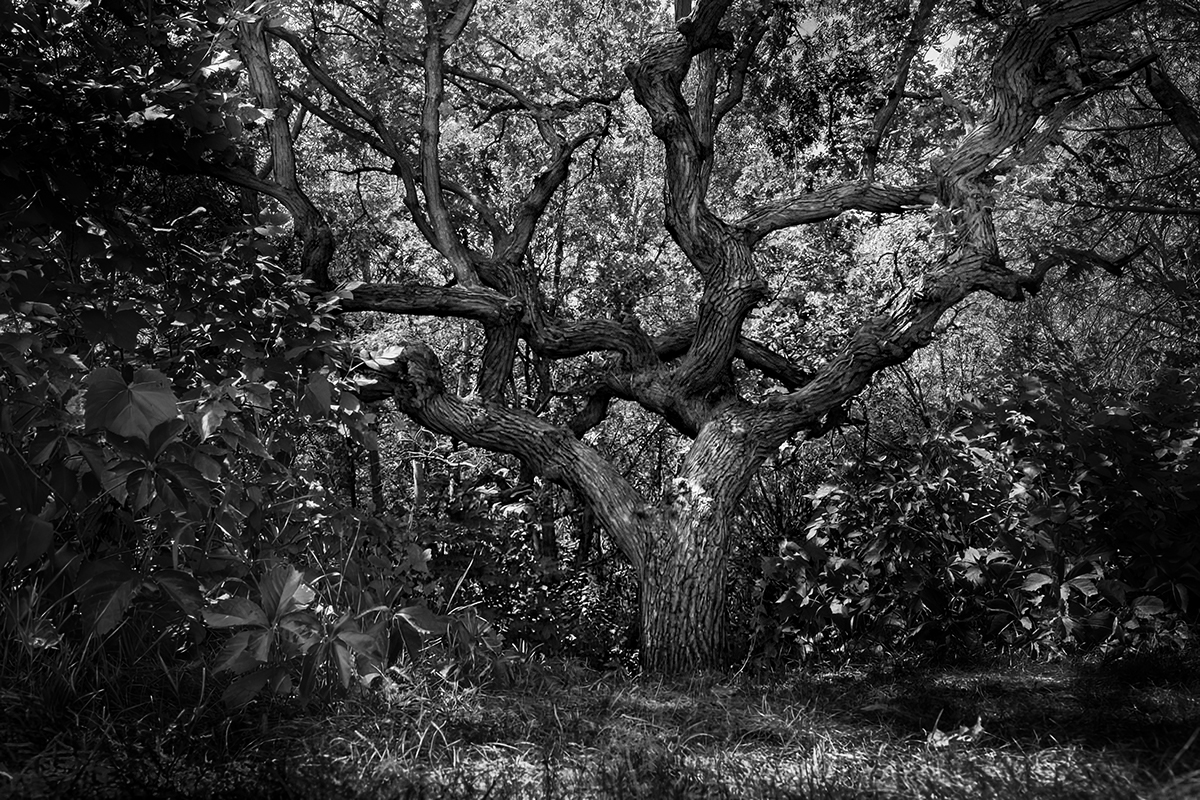
LuAnn, your photograph (and post-processing) fascinated me because of the MANY possibilities that it offered. Soon after our June session began, I played with it to see what I could do. That was a dismal failure.
Then, recently, I tried again. I'm not sure that it's significantly different from your submission... but here it is.
|
Jun 15th |
 |
| 62 |
Jun 23 |
Reply |
Rats! Only an "A" not an "A+". Smiles... |
Jun 15th |
| 62 |
Jun 23 |
Reply |
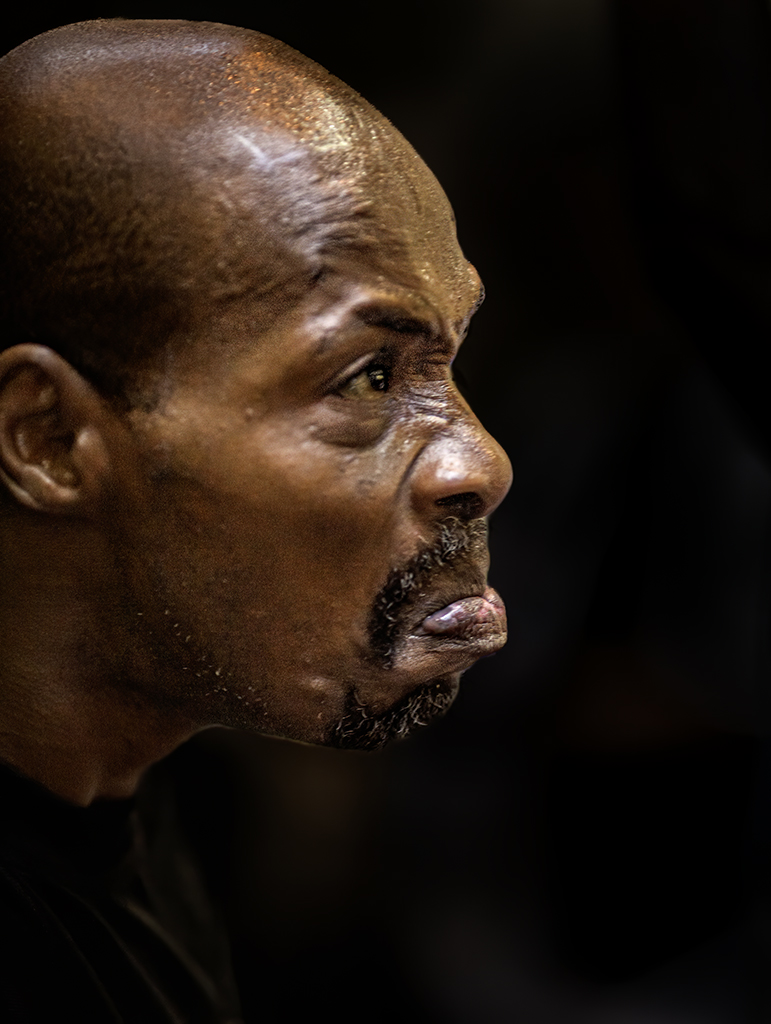
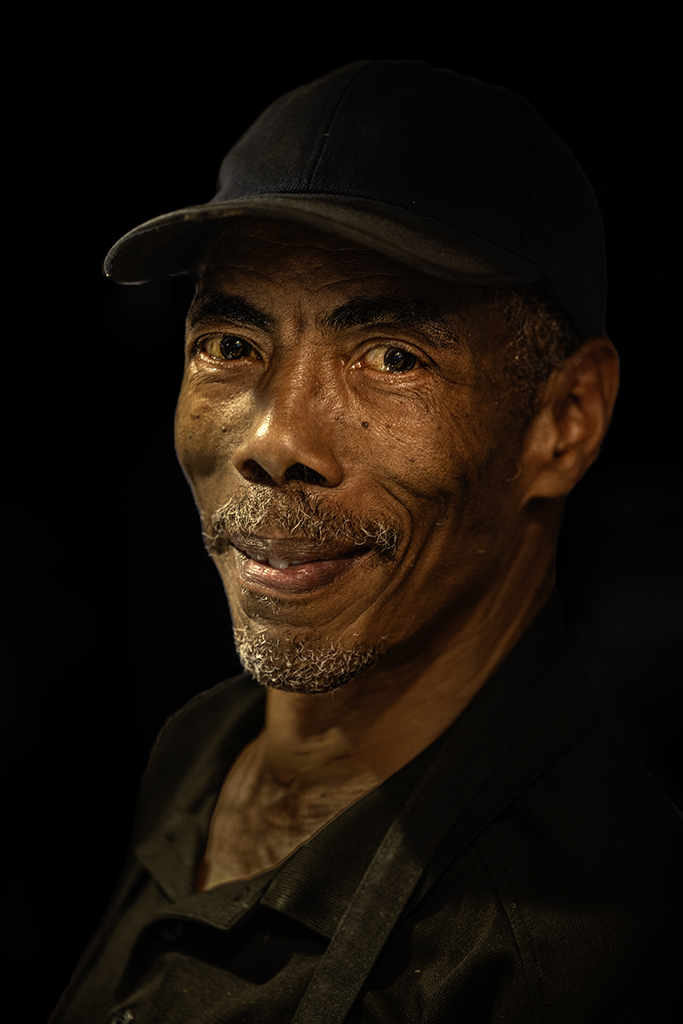
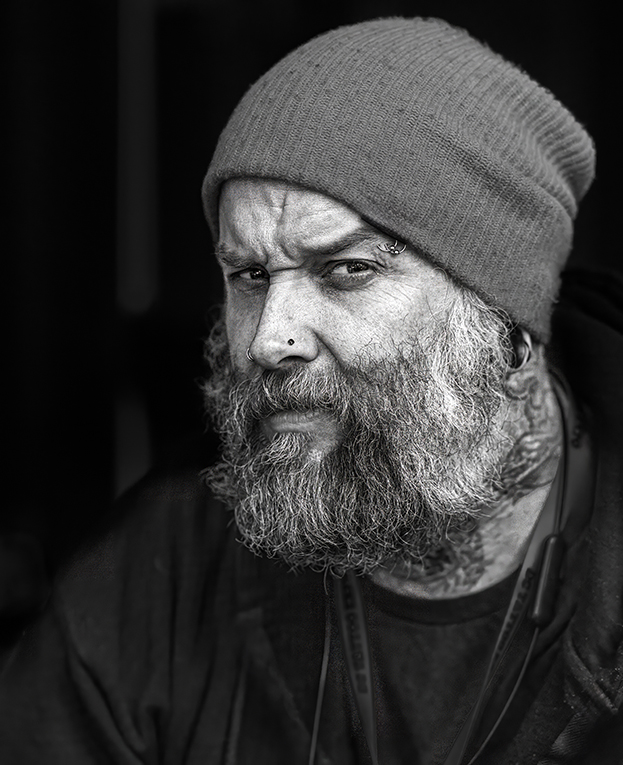
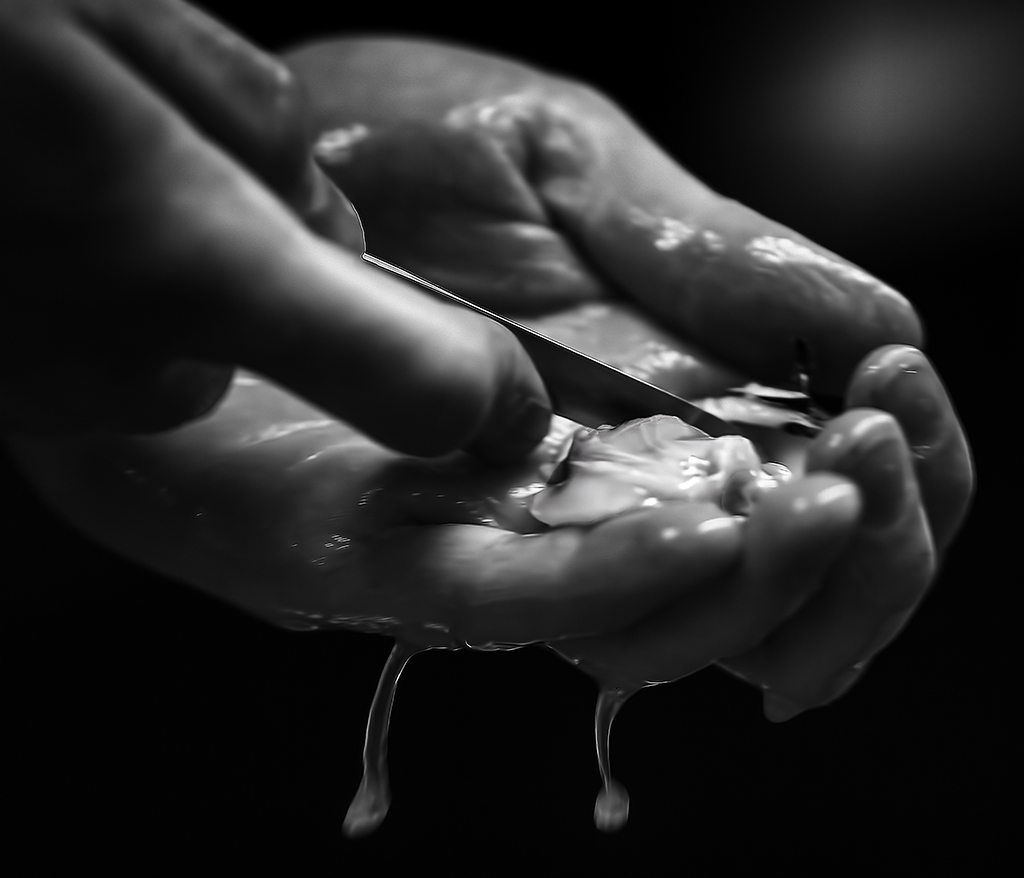
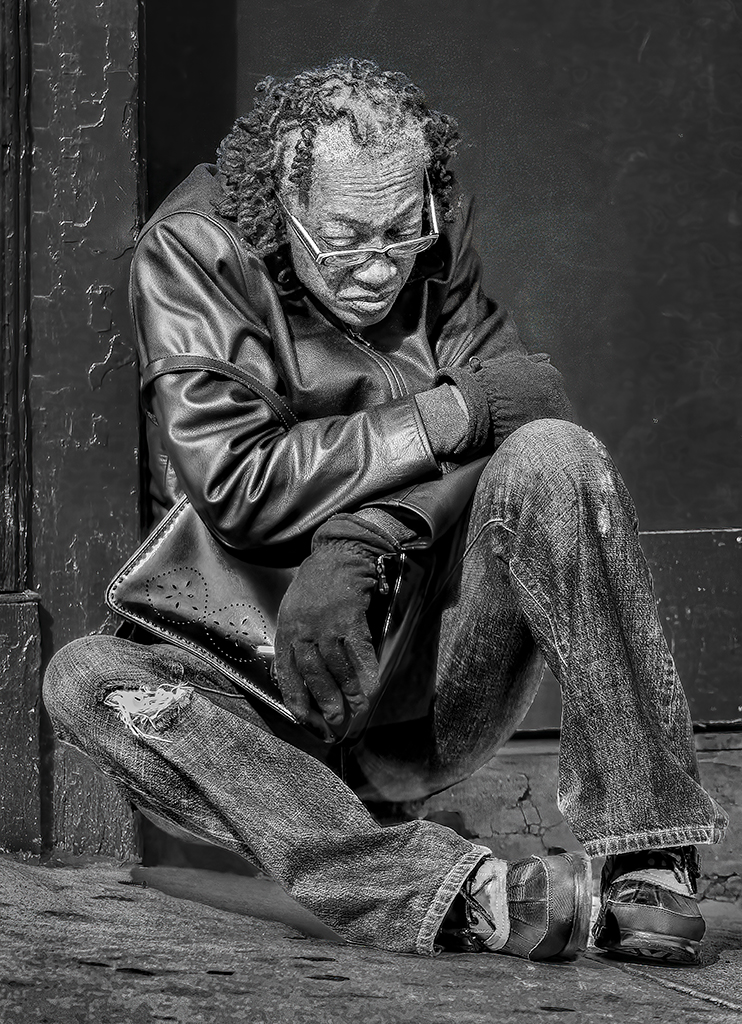
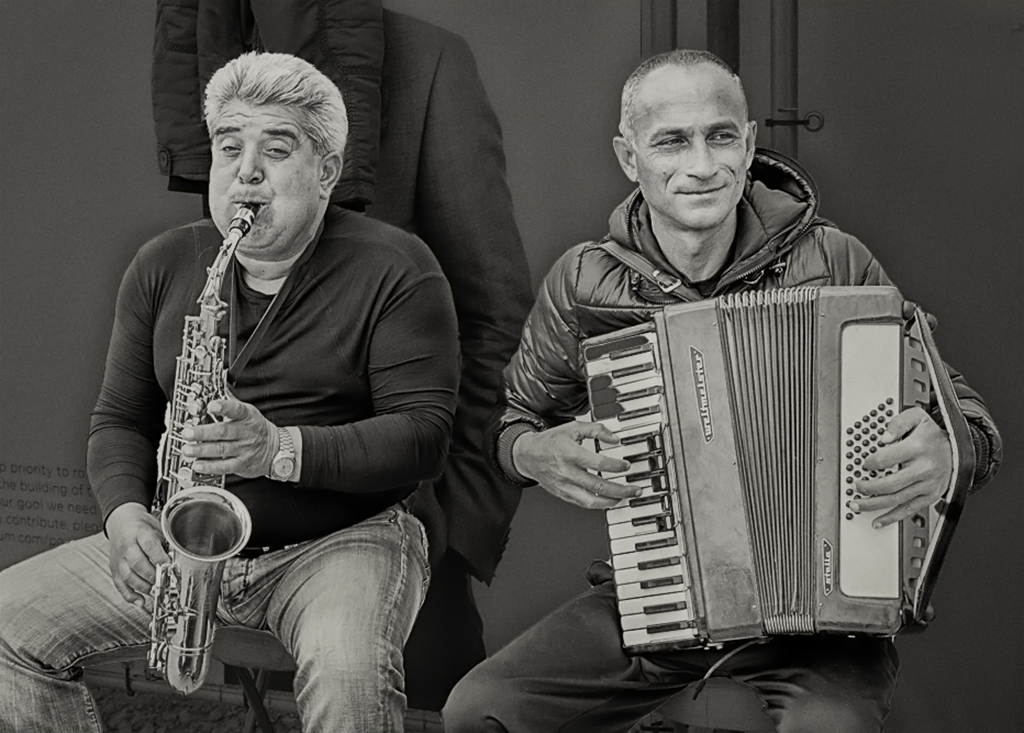
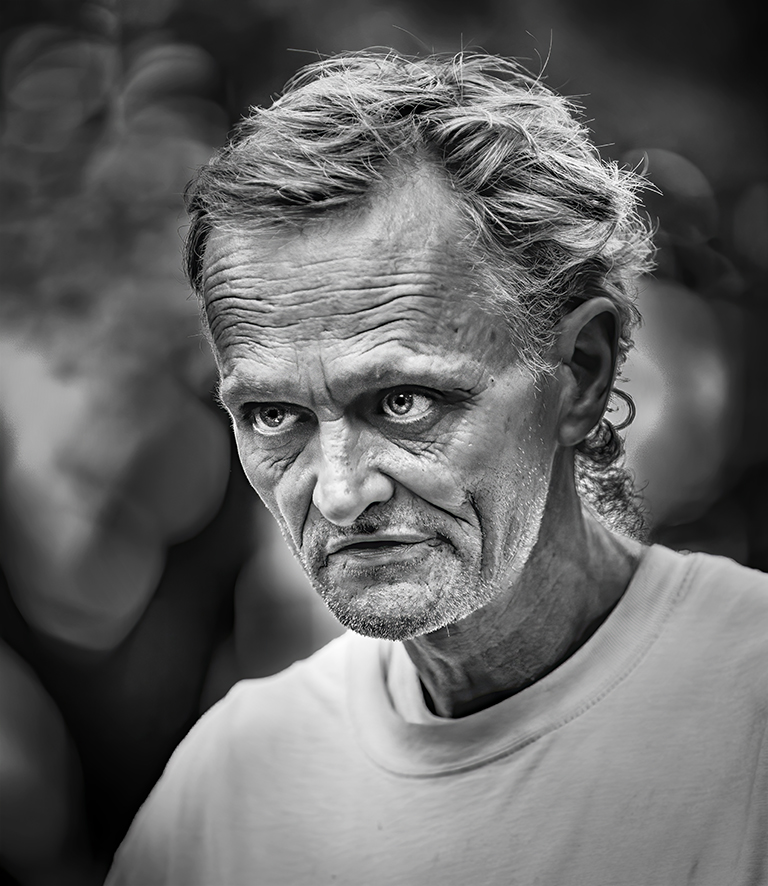
Emil, I like the black background. The reason I left a bit of detail there is that I plan to print the image (8"x10") and give it to the man if I can find him. I thought that he would wonder about a black background.
|
Jun 15th |
| 62 |
Jun 23 |
Reply |
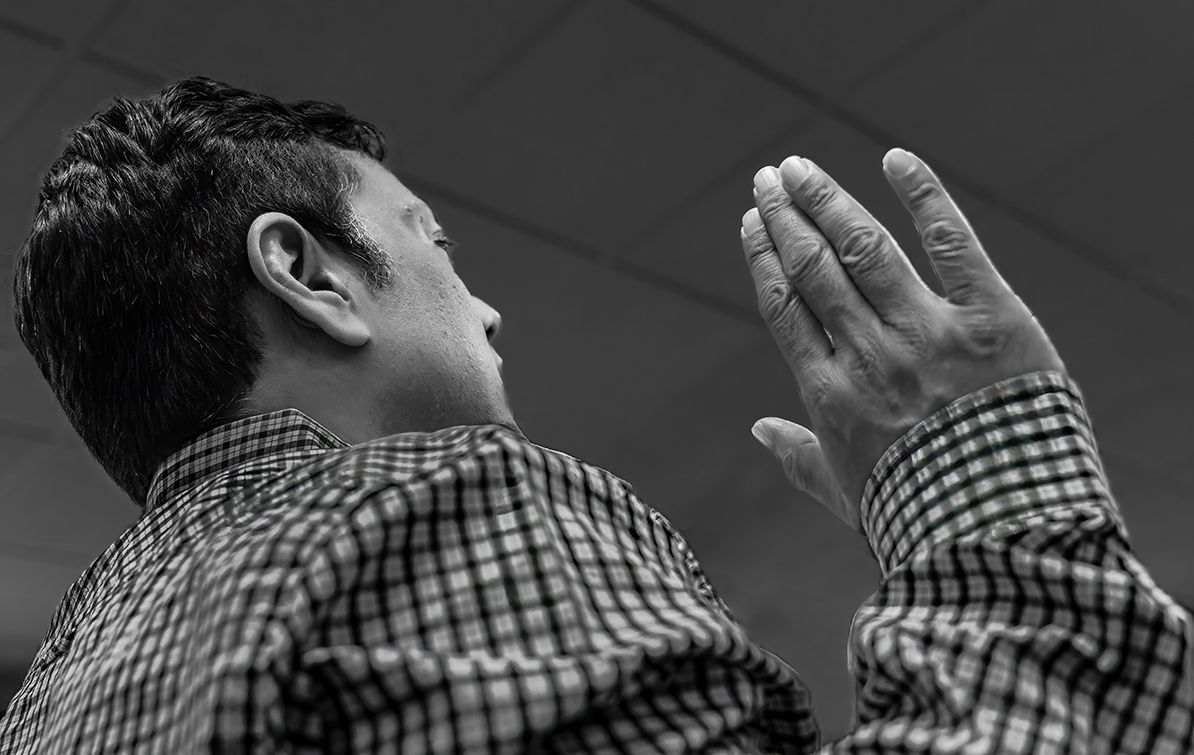
Mark, I used the Camera Raw filter of Photoshop, but the tools I used are also available in Lightroom. Basically, I used the relatively new masking capabilities. First, I darkened the bright areas below the hands (to make the hands stand out). Then I used the brush over/around the hands and slightly brightened that area. Also, I slightly cropped the top of the image so that the hands would be even more dominate. I hope this helps.
|
Jun 6th |
| 62 |
Jun 23 |
Comment |
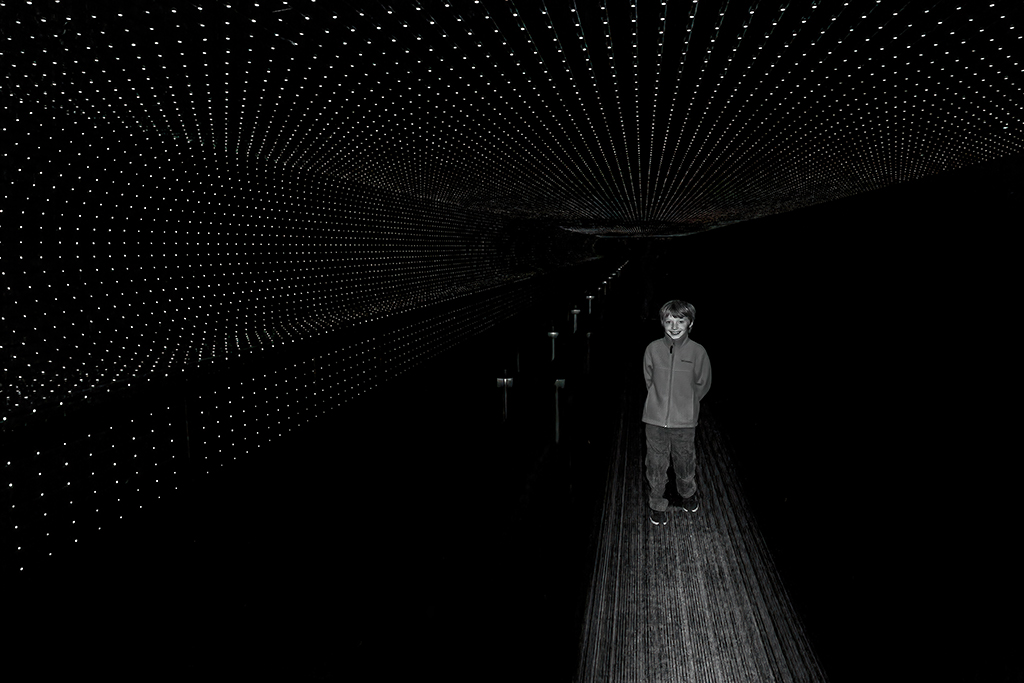
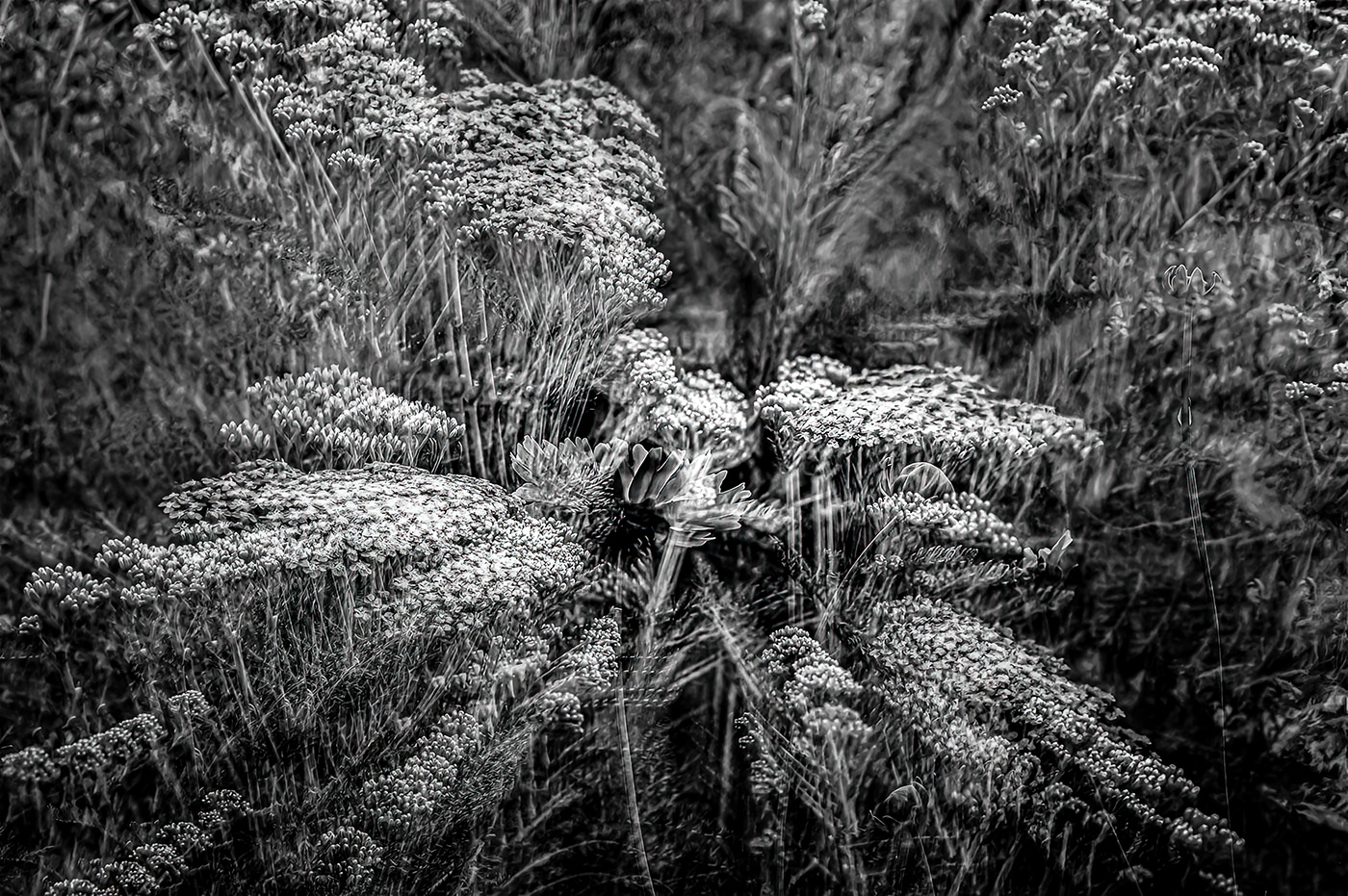
Bob, you come up with some really innovative approaches. This one is fascinating and makes me think of Intentional Camera Movement (even though it's not). Very cool.
I found that my eyes kept wandering when I looked at the photograph. It was more "comfortable" for me to view it with the center being made the obvious focus of the image. To do that, I used the Radial Mask in Camera Raw to darken the outer areas. Your thoughts?
|
Jun 6th |
 |
| 62 |
Jun 23 |
Comment |
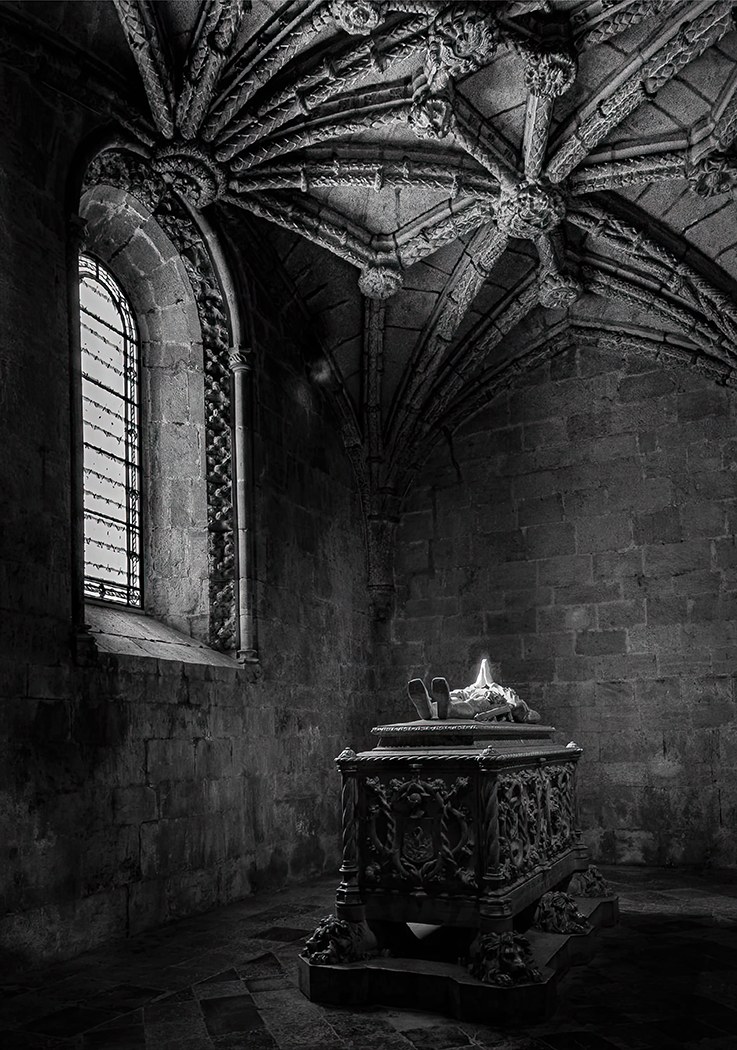
Mark, it's a wonderful image. The textures of the room and the glow of the figure are amazing. Since you said you would like to have more of a glow from his hands, I took your original image into Photoshop to see if I could come up with anything that met your goals. What do you think?
|
Jun 6th |
 |
| 62 |
Jun 23 |
Reply |
Thank you, LuAnn. I appreciate your compliments! I had not paid any attention to the back of the man's neck. You're definitely correct... it needs to be fixed! You did an outstanding job with your cloning!
Take care.
|
Jun 6th |
| 62 |
Jun 23 |
Comment |
Israel, I share your astonishment that conditions like the ones you described still exist. The disparity between wealthy and poor people in some parts of the world is horrible. And yet, I've seen extraordinarily poor people living on boats in Hong Kong (55 years ago), and their kids, barefoot and wearing rags, were playing chase and laughing and having a great time.
I think your photograph, along with your description, really tells a story. In fact, I think you did well with both the monochrome and original versions. Looking at the apparent conditions, I can almost smell the environment. Well captured.
|
Jun 3rd |
| 62 |
Jun 23 |
Comment |
Bunny, if I ever need a travel agent, can I call you instead? You have the most wonderful trips... literally, all over the world. I'm envious!
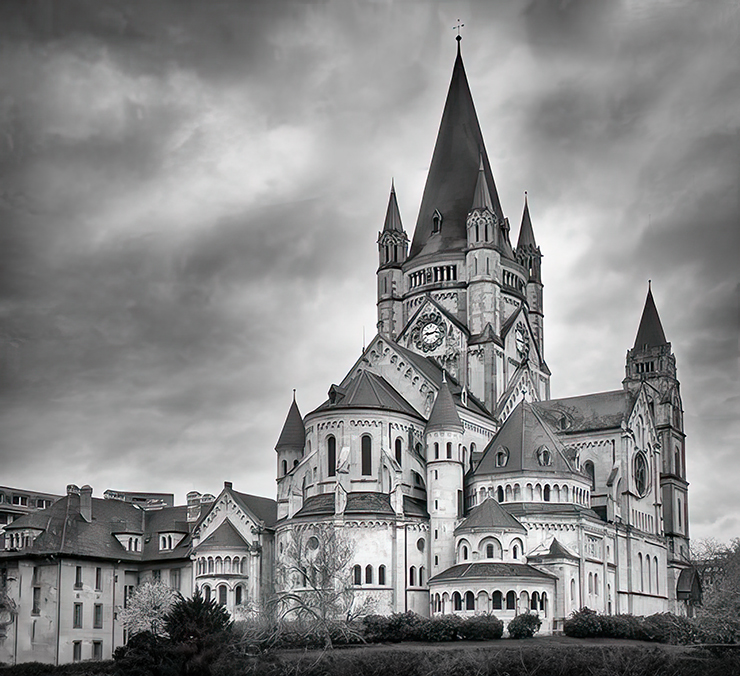
Your St. Francis of Assisi Church is beautiful, and your post-processing is excellent. I love your treatment of the sky. The one thing that I thought could benefit your photograph, would be to have a bit more at the bottom below the church. With that in mind, I tried to see what I could do. Your thoughts?
|
Jun 2nd |
 |
| 62 |
Jun 23 |
Comment |
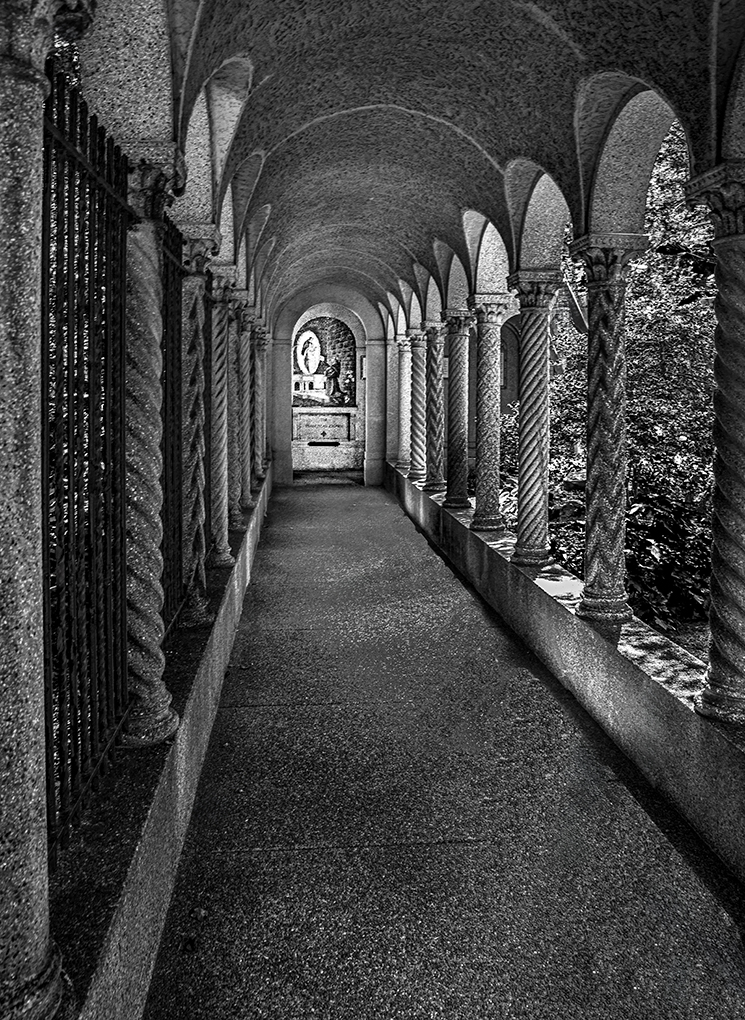
Emil, your skills with monochrome are staggering. You managed to take a documentary photograph and turn it into a work of art. I don't have any significant suggestions for your image, although you might want to slightly lighten the bottom. On my monitor, there's almost no detail.
Very well done! |
Jun 2nd |
6 comments - 4 replies for Group 62
|
13 comments - 16 replies Total
|