|
| Group |
Round |
C/R |
Comment |
Date |
Image |
| 5 |
Oct 22 |
Reply |
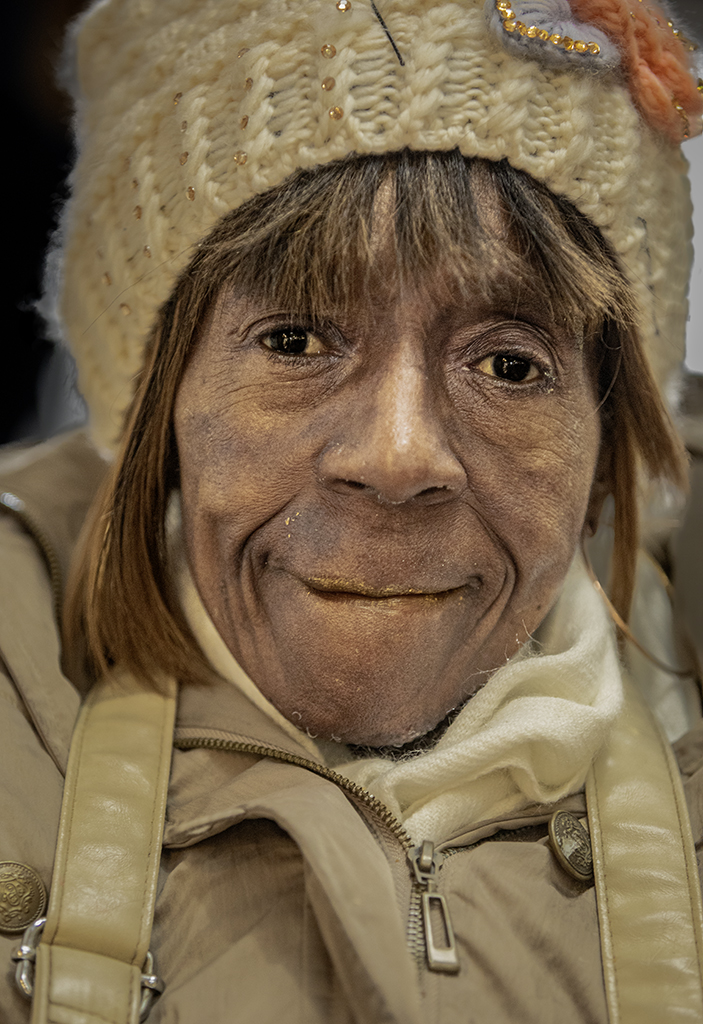
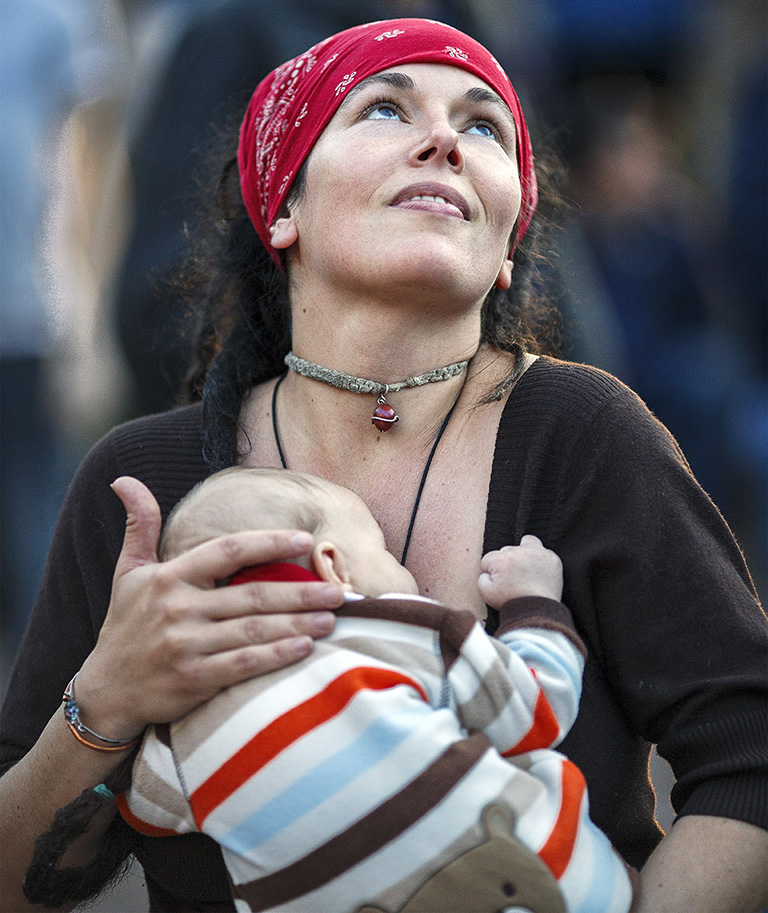
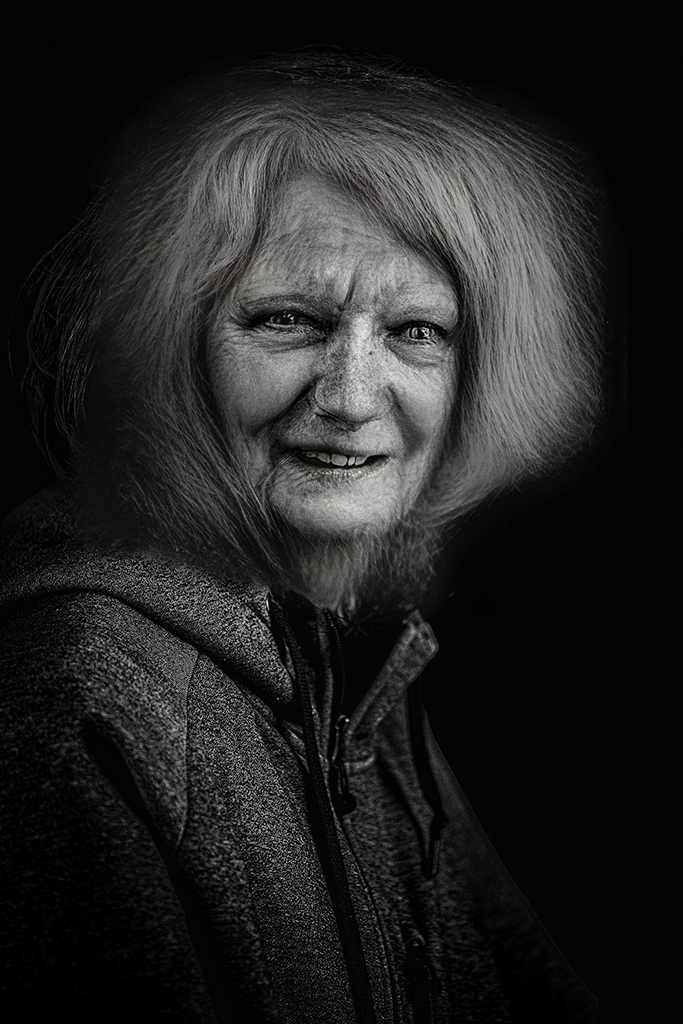
Thank you, Mark. As you can tell, I added a bit of intensity to her eyes during post-processing. I'll revisit that decision when I get ready to print the image.
|
Oct 12th |
| 5 |
Oct 22 |
Reply |
Thank you, Barbara. I agree that 1) leaving the strands of hair and 2) retaining some minor detail in the background make the image seem more "real".
|
Oct 12th |
| 5 |
Oct 22 |
Comment |
The added catchlight works very well in this image. Her smile and that of the Koala show contentment and trust. (It's my understanding that Koalas have sharp teeth and will lash out when threatened, so April is definitely trusting!) A nicely done, emotion-evoking photograph. I agree with Isaac that her face seems a bit flat, but that's a nit for such a captivating image.
|
Oct 4th |
| 5 |
Oct 22 |
Reply |
Sophia, I like the brighter background. It gives a bit of context to the rope without making it seem like it's "floating" above the pier. I have mixed emotions about having the image flipped, but I slightly prefer the original orientation.
|
Oct 3rd |
| 5 |
Oct 22 |
Reply |
Jim, I like your idea of darkening those two areas. Since I want a bit of context, perhaps I'll darken those two areas but slightly brighten some of the other background areas. Thank you!
|
Oct 3rd |
| 5 |
Oct 22 |
Reply |
Thank you, Sophia. I debated about the hair when I was first processing the image. It made her seem a bit more "human" to me. I'm eager to hear what others think.
|
Oct 3rd |
| 5 |
Oct 22 |
Comment |
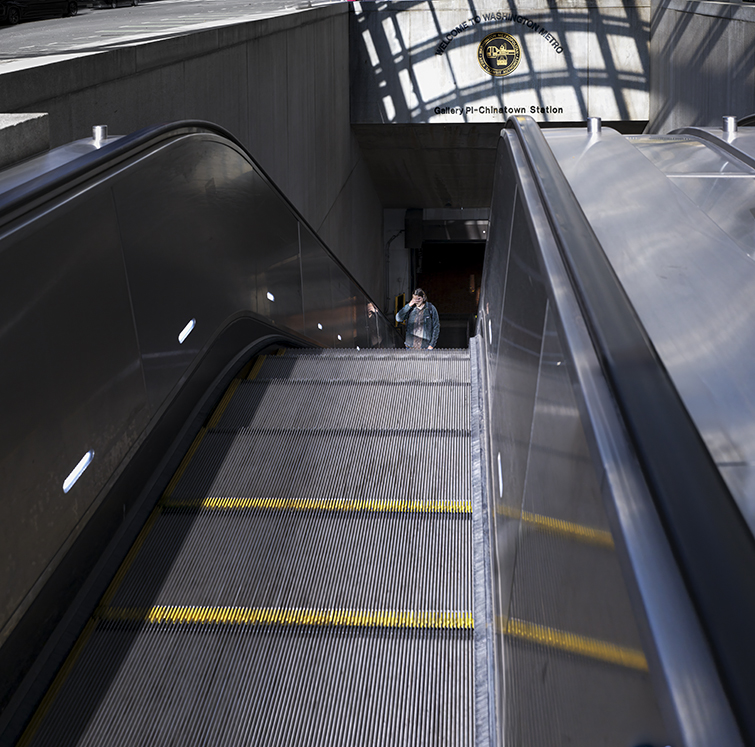
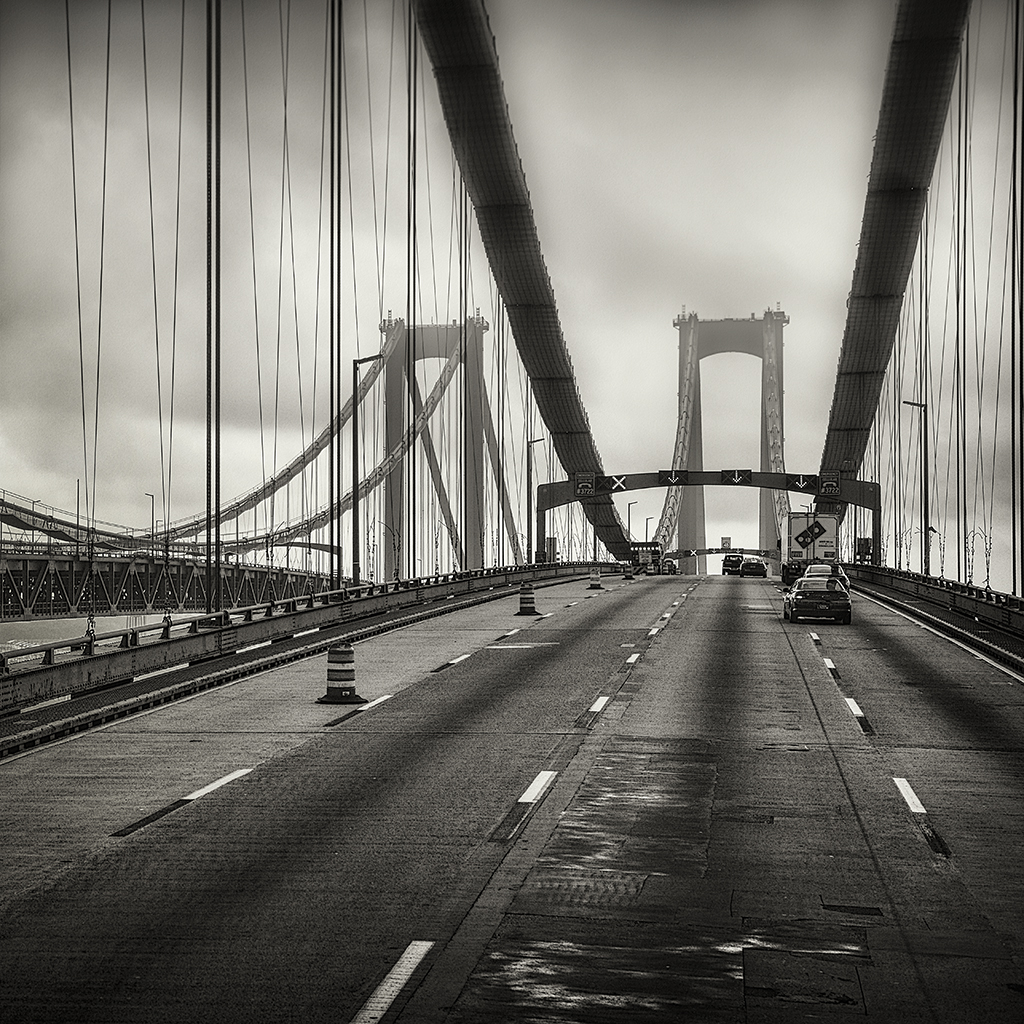
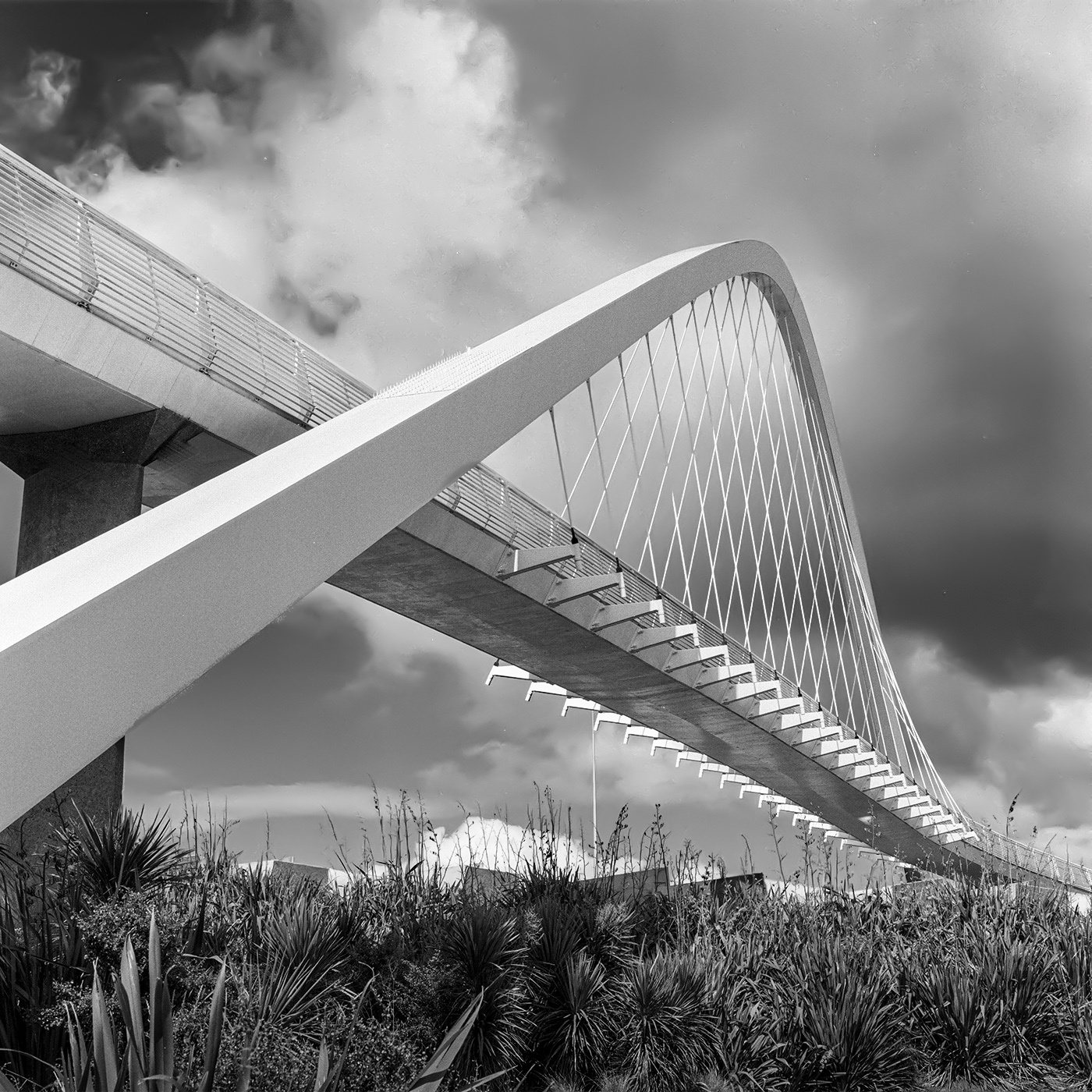
Film, especially in a medium format camera, has such a wonderful tonality. Mark, I really like this image. It's almost impossible to look at it without having my eyes immediately follow the graceful, diagonal arc of the bridge. And, after several viewings, I realized that it is a single arch that begins on the near side and ends on the far side. Fascinating.
I couldn't help playing a bit with your photograph. Primarily I added a bit of drama to the sky and also slightly darkened the foreground. Your thoughts?
|
Oct 2nd |
 |
| 5 |
Oct 22 |
Comment |
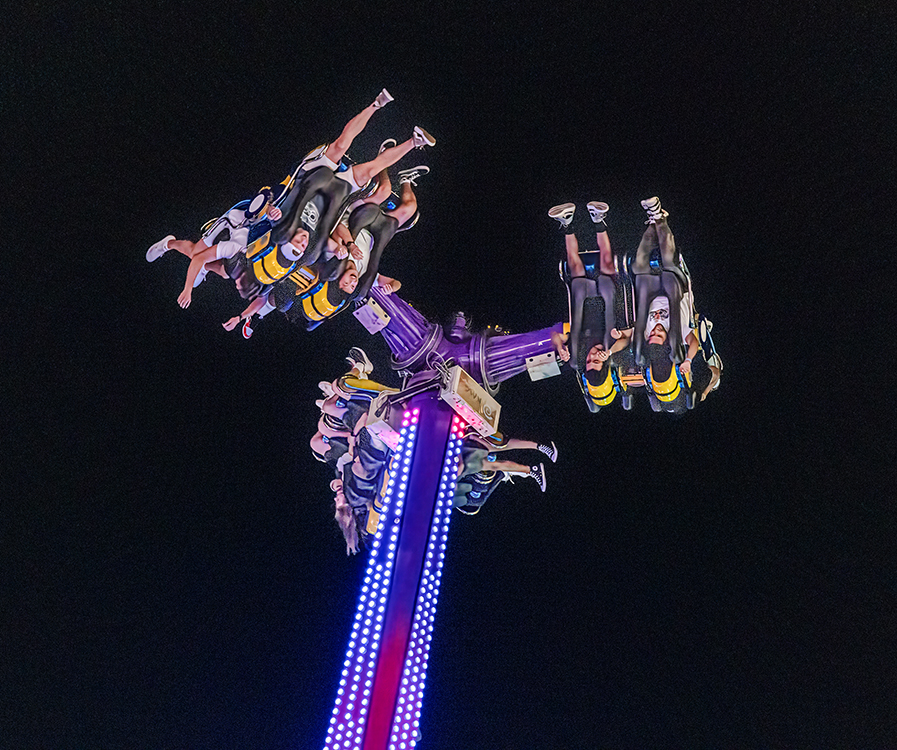
Sophia, you've certainly got a good chance of winning the club competition. The only thing that might make it even better would be a large boat near the pier (with a little less darkening of the background). Nicely done!
I must mention that every time I look at your image, my first thought is of a coiled snake. That thought adds a great deal of excitement to the photograph (for me).
|
Oct 2nd |
| 5 |
Oct 22 |
Comment |
Jim, when looking at your photograph I can almost hear the engine roar! It's a wonderful image of an amazing bit of technology. I can't suggest any improvements. Well done!
|
Oct 2nd |
| 5 |
Oct 22 |
Reply |
Very interesting, David. Thank you. I'll look closer at my image to see what I think about the lighting. At one point in my post-processing, I brightened her eyes more than I did in my submitted image. However, they seemed a bit artificial to me.
|
Oct 2nd |
| 5 |
Oct 22 |
Reply |
Thank you, Isaac. She made a good "informal model".
|
Oct 2nd |
| 5 |
Oct 22 |
Comment |
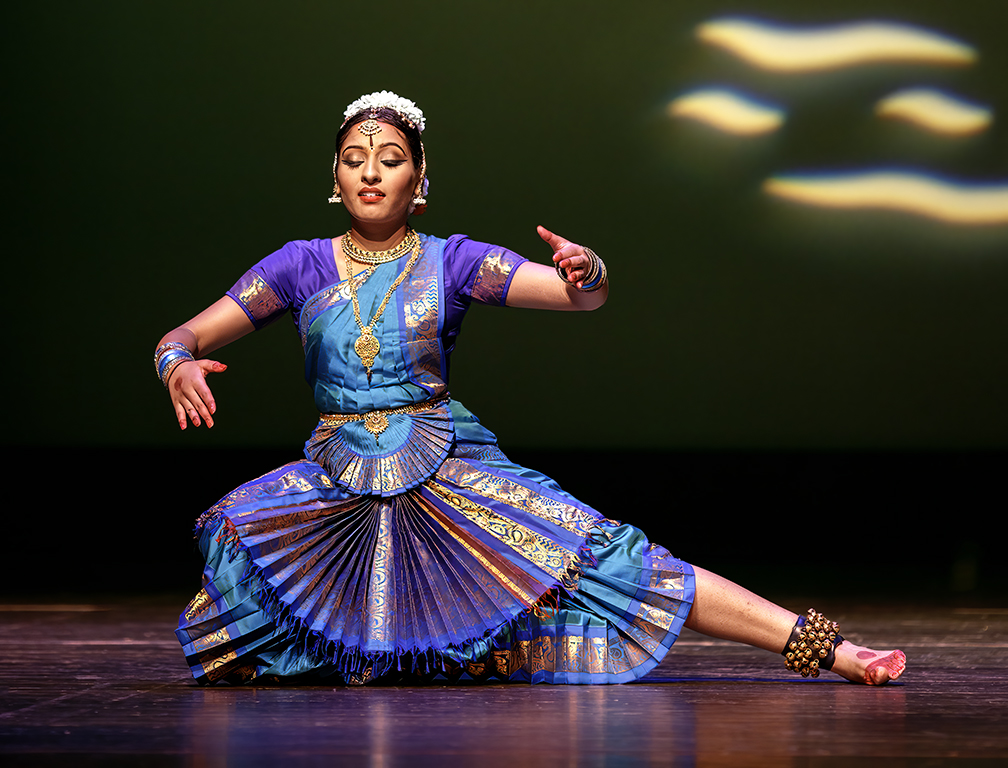
David, you nailed this one! It's a beautiful model, and her pose is outstanding. I love the direction she is looking, and her raised arms with her fingers extended. Your timing on the veil couldn't have been better. Its position makes it appear that the model is an angel who has spread her wings. Wonderful! |
Oct 1st |
| 5 |
Oct 22 |
Comment |
Barbara, I think the position of the woodpecker on the tree is perfect. And your cropping makes the image feel very balanced. Nicely done.
It seems like there may be a touch too much saturation, but that's certainly a minor concern on an excellent photograph. |
Oct 1st |
6 comments - 7 replies for Group 5
|
| 62 |
Oct 22 |
Reply |
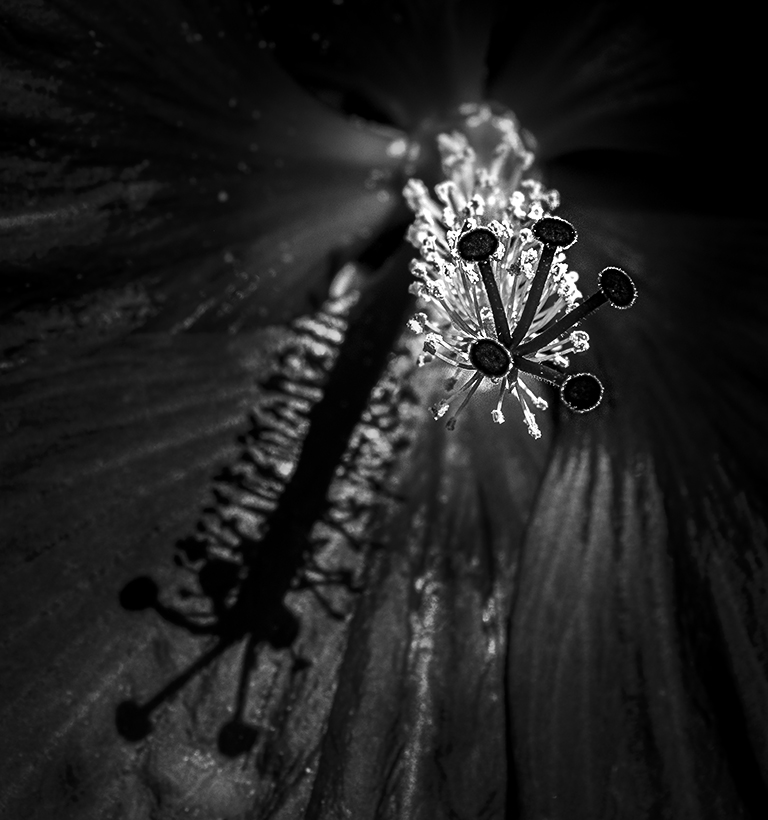
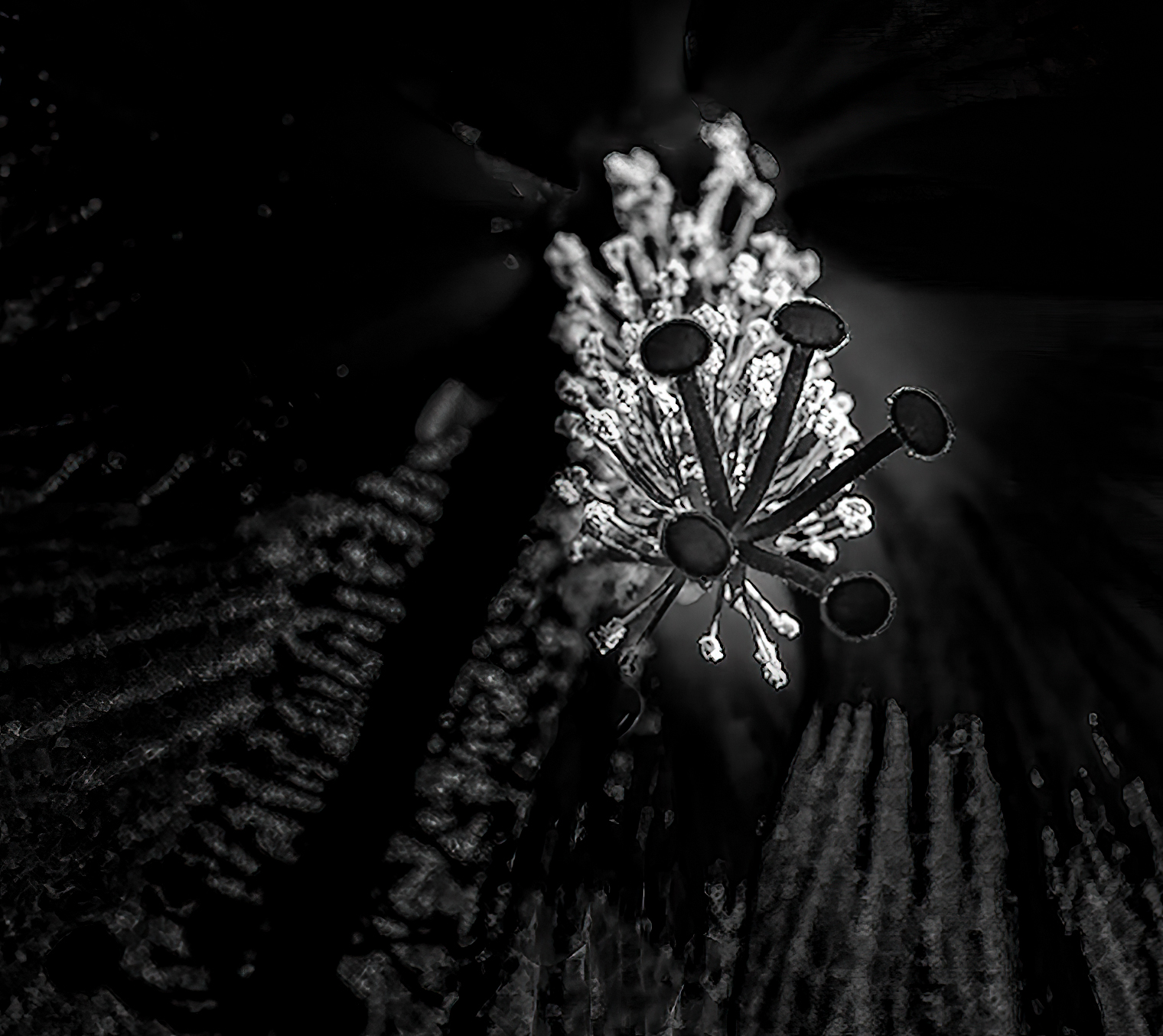
Emil, I initially thought it best to include the entire shadow of the stigma. However, your approach further highlights the stigma itself. I took your image and played further with it (thanks to Gigapixel and ACR). My intent was to further highlight the stigma by cropping a bit off the right side of the image and by modifying the light.
Your thoughts?
|
Oct 10th |
 |
| 62 |
Oct 22 |
Reply |
LuAnn, I like it, especially your cropping. I'm surprised you brightened the flower petals since your images have influenced me to "go darker". lol |
Oct 10th |
| 62 |
Oct 22 |
Reply |
Bunny, I had no idea that flipping the image would make such a positive change! Well done! I'm definitely going to have to remember this for future images. I rarely flip my photographs, and that is strictly because I don't think of it. Thank you!
|
Oct 4th |
| 62 |
Oct 22 |
Reply |
LuAnn, like you I've learned a great deal from Dr. Youtube. Based on Mark's suggestion I've started my youtube investigation. It certainly sounds feasible to get a good focus-stacking image with a handheld camera. However, it also seems wise to use a tripod when possible.
|
Oct 4th |
| 62 |
Oct 22 |
Reply |
But, Bunny, your tilted angle is wonderful. How about this? I just added a tiny bit more than my last attempt.
|
Oct 3rd |
 |
| 62 |
Oct 22 |
Comment |
LuAnn, well done! I particularly like the inside of the old carnival wagon. The "heater" gives your image a sense of intrigue. Your cropping on the top and bottom is right-on. Not showing the model's feet was a good choice, especially since her raised leg and foot seem a bit awkward.
I've got to admit, it took awhile for me to find the sad face on the left panel. So, I did some cropping on the left and right sides to see how it might look. I also added a bit more detail to the inside of the wagon.
Your thoughts?
|
Oct 3rd |
 |
| 62 |
Oct 22 |
Reply |
Thank you, Mark. I've done a fair amount of focus stacking using Helicon Focus, but I've never attempted it without using a tripod. I will definitely consult youtube for some information! Thanks again.
|
Oct 3rd |
| 62 |
Oct 22 |
Comment |
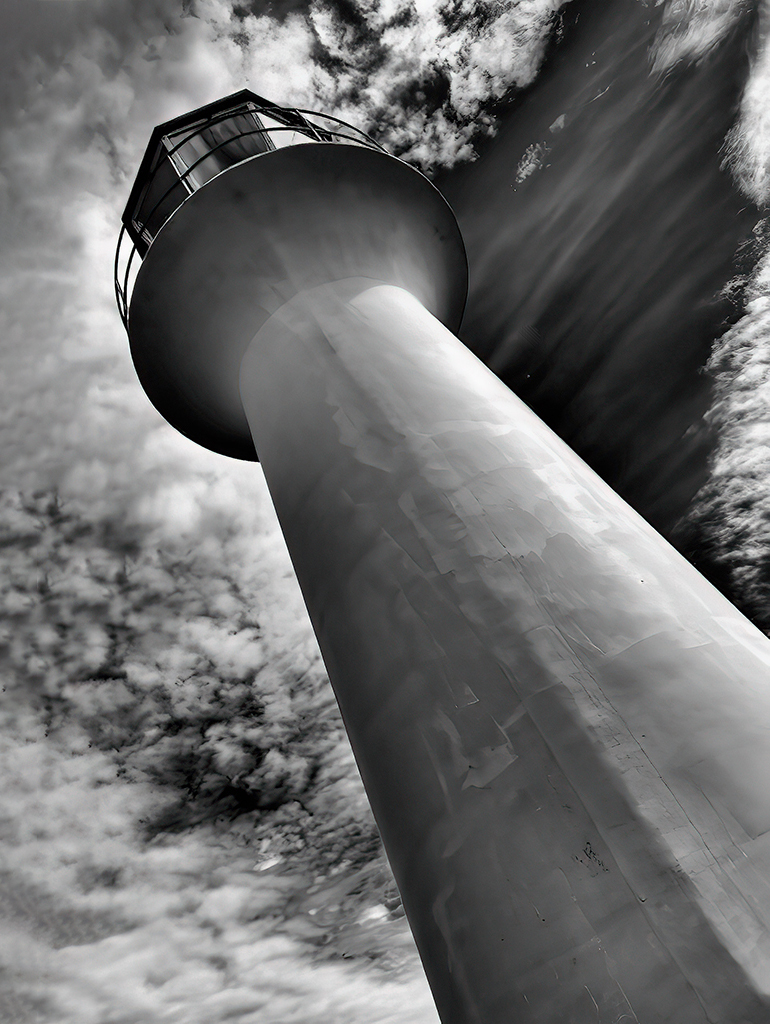
Bunny, what a great angle for your image! It really makes it different (in a positive way) from other lighthouse photographs. Your B&W conversion is "spot on". Nicely done!
As Mark suggested, I tried flipping the image, but the result didn't appeal to me. However, I did add a bit more room on the left of the lighthouse. What do you think?
|
Oct 3rd |
 |
| 62 |
Oct 22 |
Comment |
Bob, I really like this! The fact that you kept the flower and stem "unblurred" is excellent! I also like the fact that you flipped the image and did just the right amount of radial blur and added a nice vignette. Well done!
|
Oct 3rd |
| 62 |
Oct 22 |
Comment |
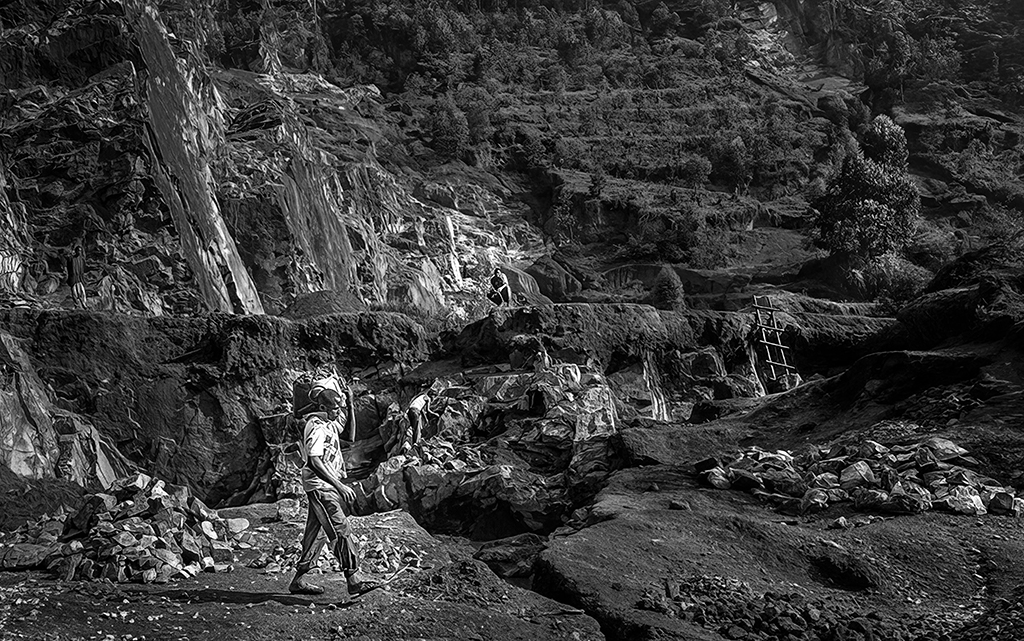
Israel, I agree 100% with Mark. It's a fabulous subject and a good conversion and crop. I also agree that the man carrying the rocks blends into the background, though I could tell that you had made him stand out from a "straight" B&W conversion. I played a bit to see if I could pull the subject out even more. Your thoughts?
And, by the way, I love your description!
|
Oct 3rd |
 |
| 62 |
Oct 22 |
Reply |
Mark, I'll gladly tell you my workflow as well as I can remember it.
I copied your original image and opened it in Photoshop. Next, I changed it to a 16-bit image and then used the Topaz Gigapixel AI to increase the image size by 4X. This is the way I begin whenever I'm playing with study group images since their resolution is so low.
Next, in Photoshop, I selected the sky and then used an adjustment layer to blacken it. Then, using the Photoshop select tool, I inverted my selection so that I was only dealing with the staircase areas. I put this selection onto a new layer and went into the Camera Raw filter to play with the dehaze, clarity, and texture sliders. Next I used the new masking capabilities in Camera Raw to select some of the brightest areas based on their luminance. With these selected, I again used the dehaze, clarity, and texture sliders until I was satisfied with the image. Next, back into Photoshop, I used the Topaz DeNoise AI filter to "clean" the image. Then finally, I made the image a size acceptable to the study group limits.
I hope this is useful.
|
Oct 3rd |
| 62 |
Oct 22 |
Comment |
Mark, your image is mesmerizing. It's quite impressive that you brightened the steps to the perfect point... still showing them as separate steps and not blown out.
I played with your photograph to see how it might look with a bit of variation in the lighting of the steps. My hope was that it could make the stairs even more interesting.
Your thoughts?
|
Oct 3rd |
 |
| 62 |
Oct 22 |
Comment |
Emil, both your b&W and your original images are wonderful! And, I appreciate your tip about the relatively quiet National Park. The stratified layers of the rock add a great deal of interest.
Although I can't really tell where you dodged and burned, the lighting is excellent. There's nothing I can suggest. Well done!
|
Oct 3rd |
6 comments - 7 replies for Group 62
|
12 comments - 14 replies Total
|