|
| Group |
Round |
C/R |
Comment |
Date |
Image |
| 3 |
Apr 22 |
Comment |
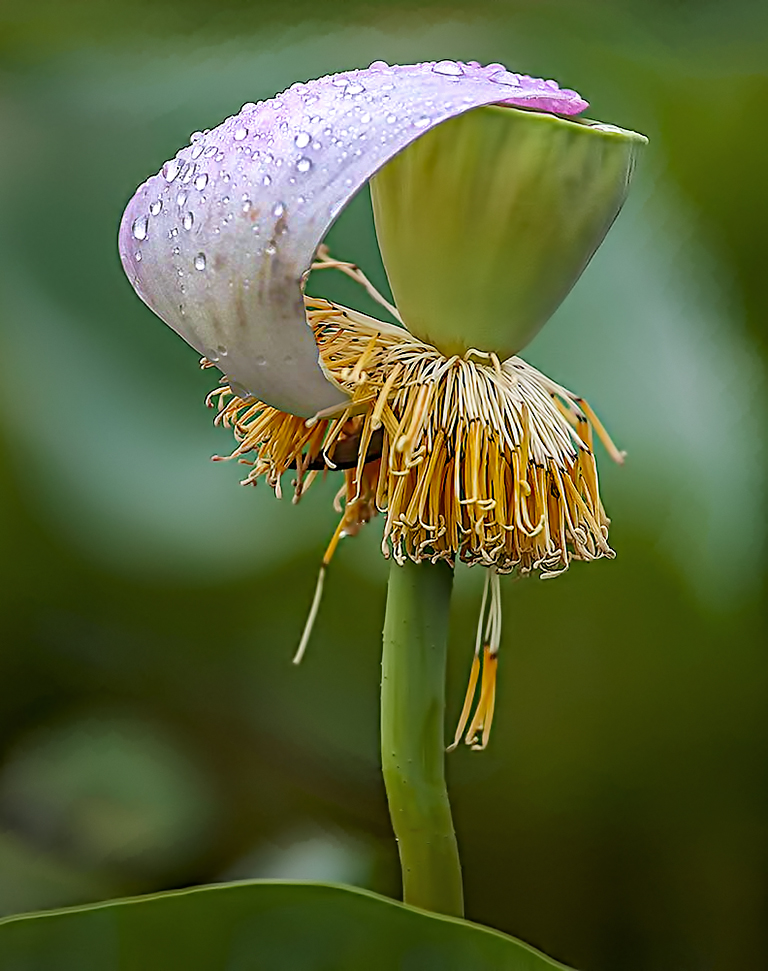
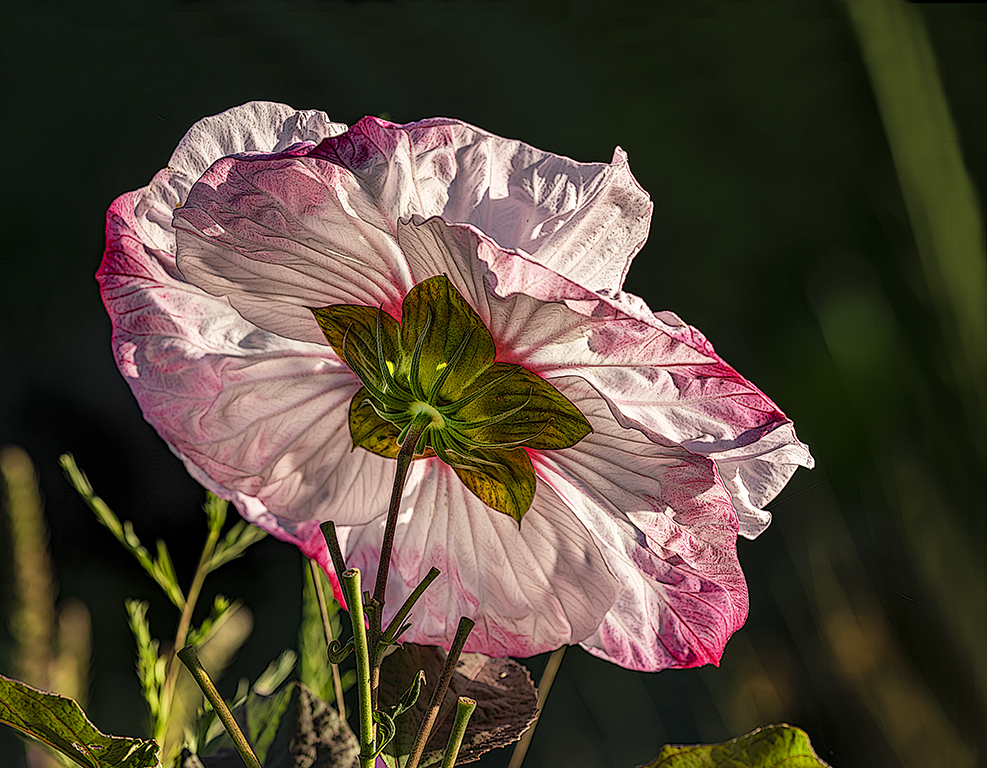
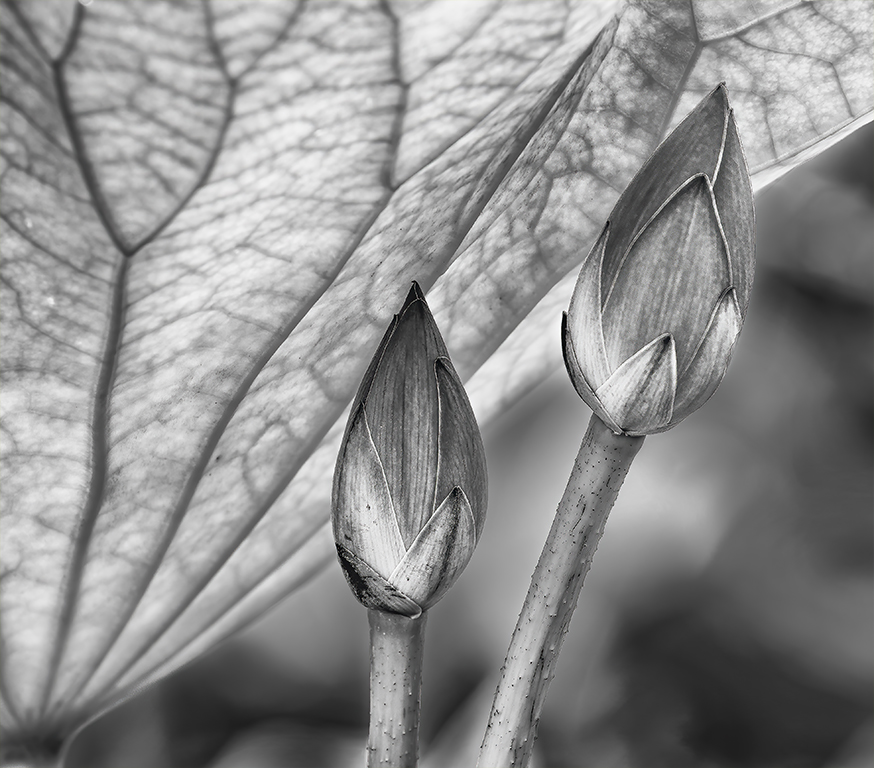
Kieu-Hanh, this is a lovely photograph of a beautiful flower. I have always liked Cleomes, and your image highlights their beauty. I particularly like how the stem is such a strong diagonal and how you've handled the background. Well done! |
Apr 5th |
1 comment - 0 replies for Group 3
|
| 5 |
Apr 22 |
Comment |
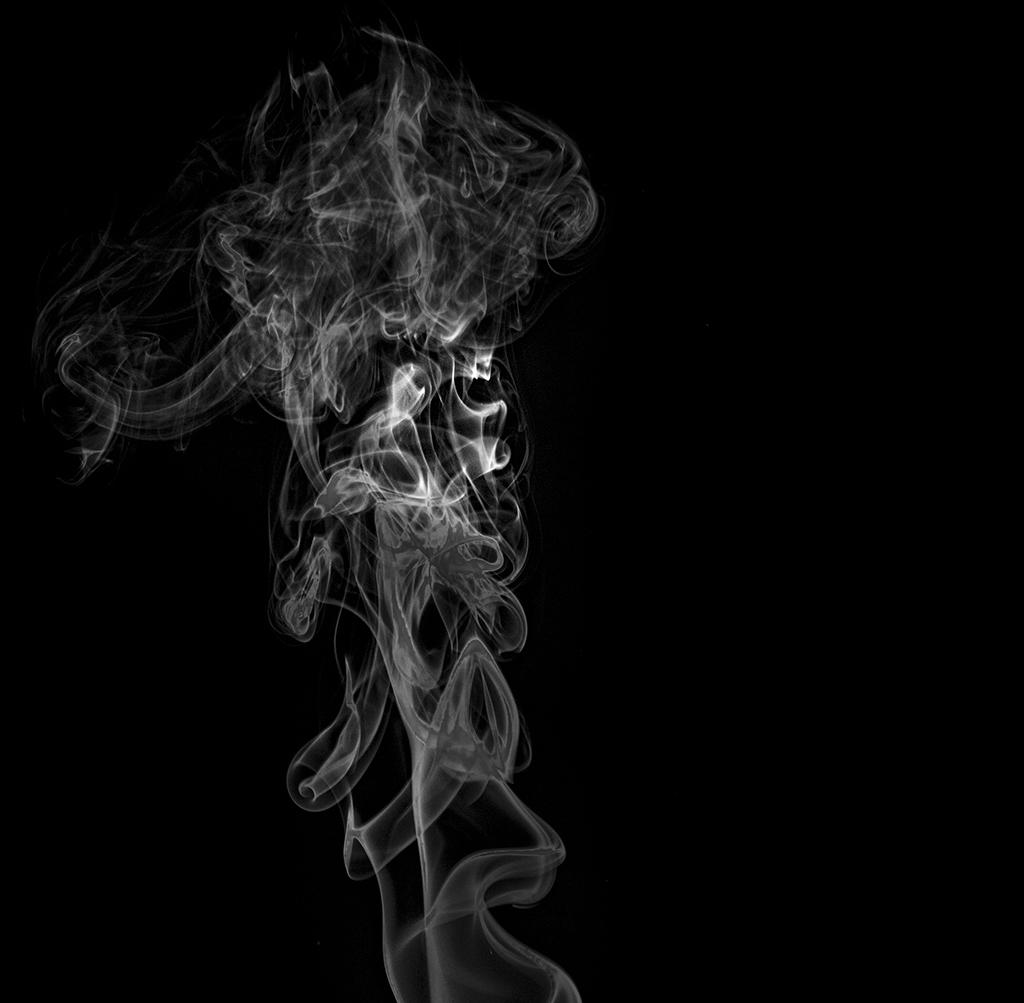
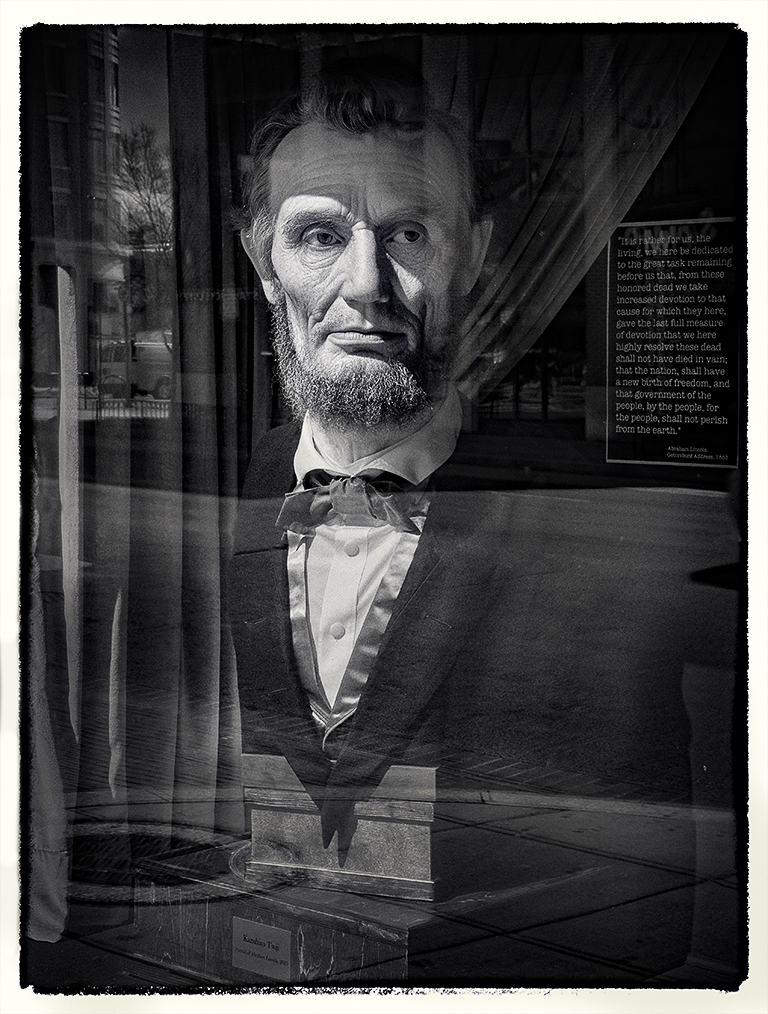
Richard, I really like this image. It has a feeling of fantasy and intrigue. Each person who has commented has proposed modifications that I agree would be beneficial. And, there's very little that I can suggest after seeing David's suggestion. My only thought about the image that he proposed is that the man's face seems just a tiny bit too bright. But, that's really a nit.
|
Apr 16th |
| 5 |
Apr 22 |
Comment |
Mark, it's a fascinating image! I love the gentle curves and how you've used the green color to emphasize them. Beautiful! My only suggestion would be to investigate the effect of slightly lowering the brightness of the large rock on the bottom left side of the image. To me, it competes with the lovely green that you've highlighted.
|
Apr 16th |
| 5 |
Apr 22 |
Comment |
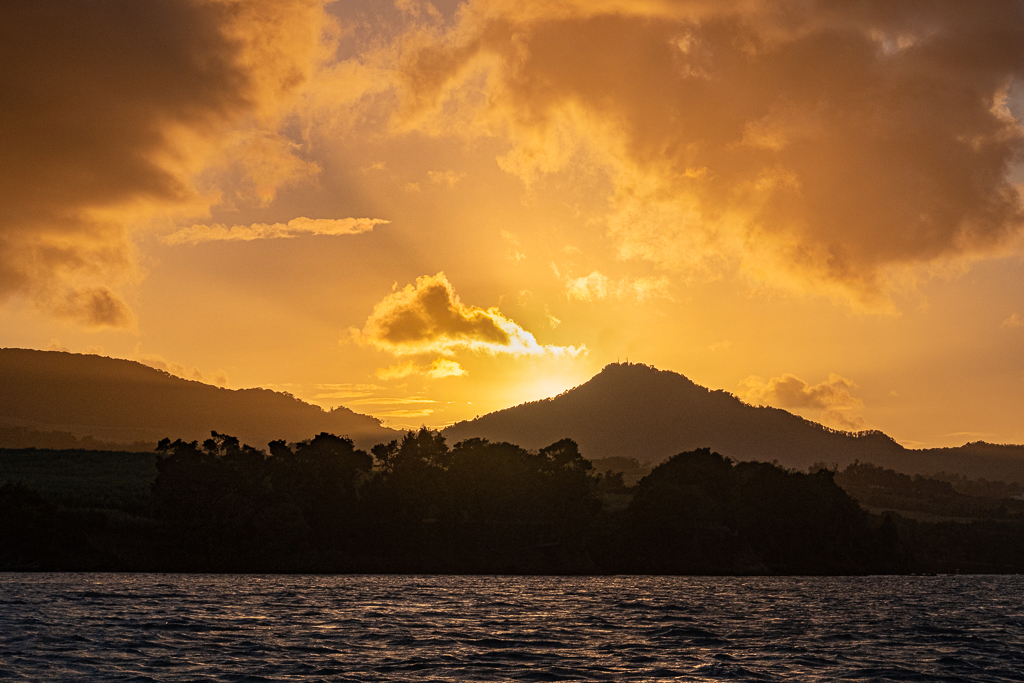
Candia, I love it! To me, the bright sun makes the image. I like the fact that there's no detail in the trees... that would be distracting. I have very little to offer. However, I played a bit with your photograph to emphasize the sun even more. The modifications are very subtle, and certainly not needed for your gorgeous image! Nicely done.
|
Apr 16th |
 |
| 5 |
Apr 22 |
Reply |
Fantastic work, David! I think your approach was masterful. I have Luminar but rarely use it. What types of modifications do you find that it's better than Photoshop's tools?
Thank you again for your suggested changes. |
Apr 9th |
| 5 |
Apr 22 |
Reply |
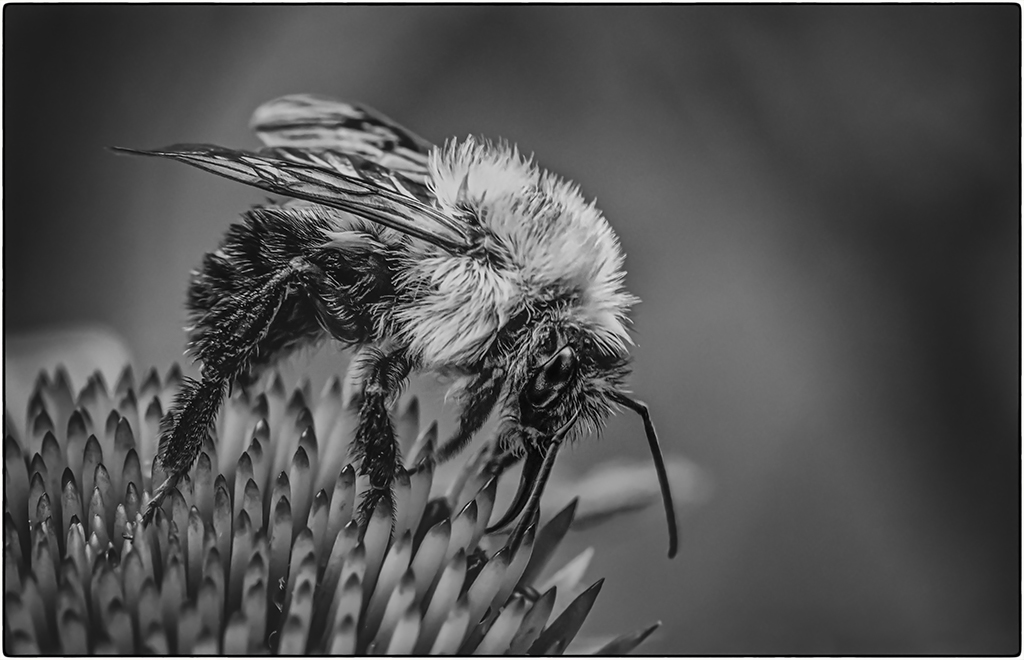
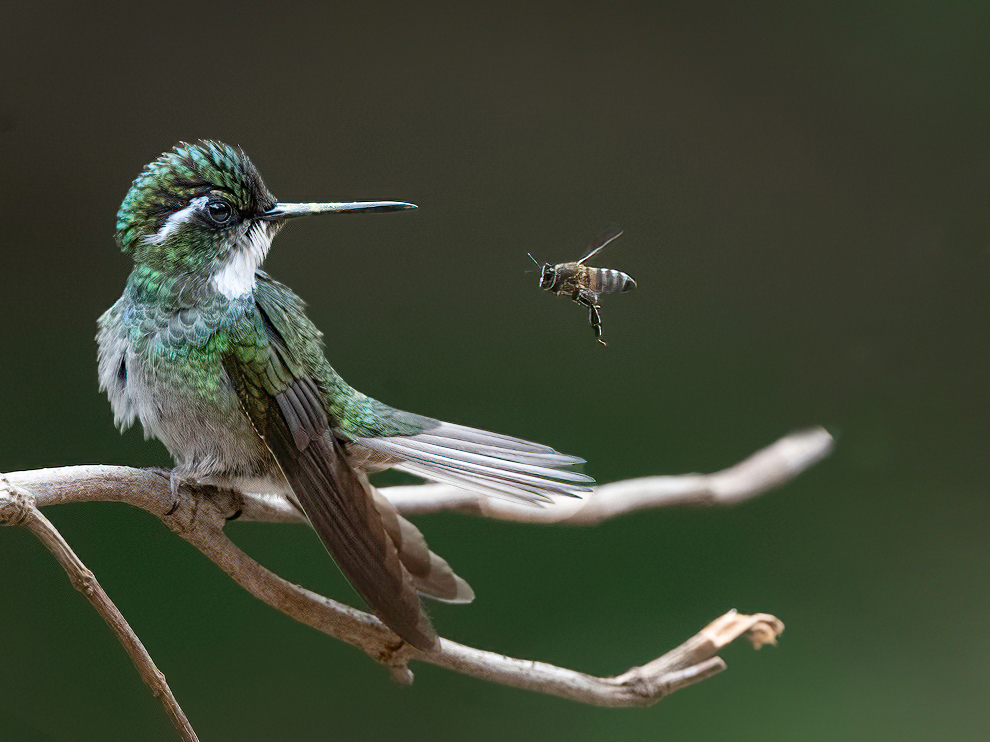
Sophia, I only sharpened the bee. If you are using the newest version of Photoshop, this is pretty easy to do. Just click on the Object Selection Tool (within the drop-down menu that contains the Quick Selection Tool). In a few moments, you'll be able to hover over the bee, and, when you do it will turn blue. Click on the "blue bee" and you've magically selected it. Then a CTRL-J on a PC, (CMD-J on a Mac) will put the bee on its own layer so you can sharpen it without sharpening the rest of the photo. Finally, you can flatten the image (toward the end of the Layer menu) to return to a single layer.
It sounds complicated, but it's really not. If you have trouble with it, let me know and I can show you via a brief zoom session. My email is Oliver.Morton@yahoo.com.
|
Apr 9th |
| 5 |
Apr 22 |
Comment |
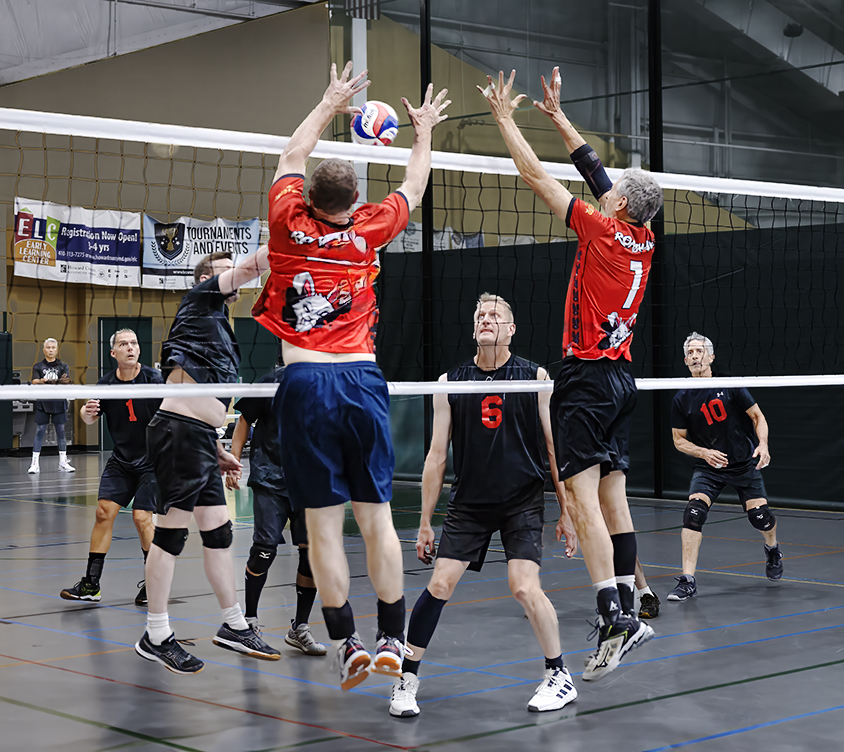
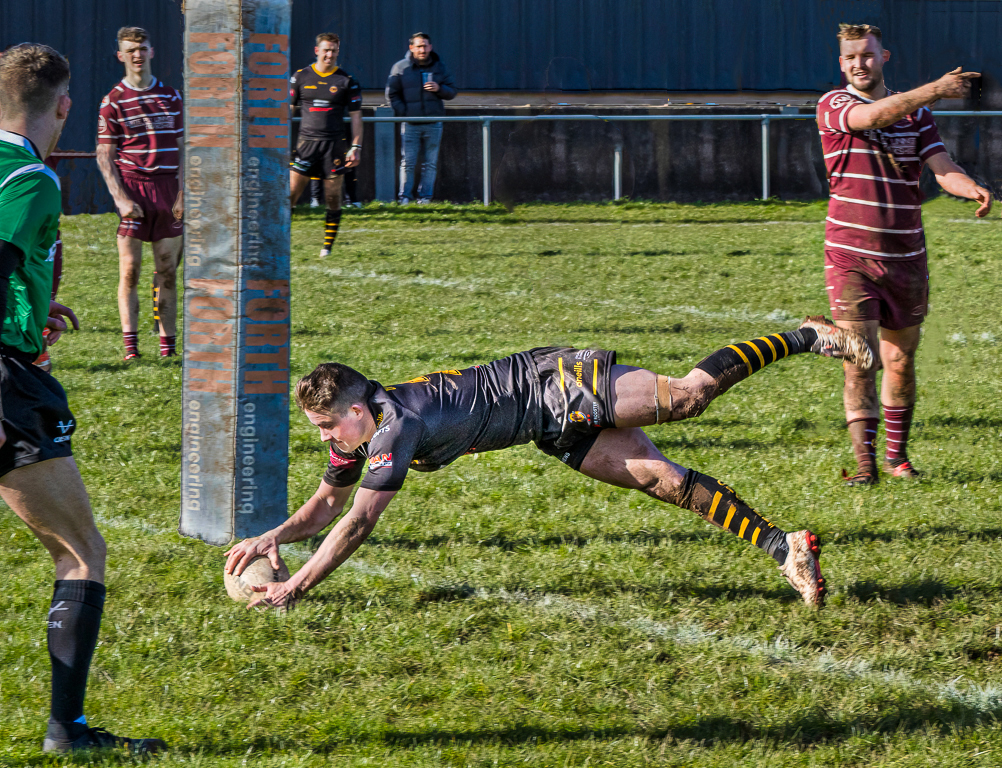
David, your timing was perfect and your shutter speed captured the action flawlessly. Very nicely done!
Like Richard and Mark, I found that the fairly large number of people distracted me from the man scoring. So, with that in mind, I removed a few of them... leaving the man on the right since the angle of his arm was an excellent match for the man scoring. I also darkened the man on the far left so that he wouldn't be quite as prominent. Your thoughts?
|
Apr 7th |
 |
| 5 |
Apr 22 |
Reply |
Thank you, Richard. I find that PS provides so many tools/capabilities that it's possible to "fix" almost anything. If you have never seen this video, it says it all... in an amusing way. https://www.youtube.com/watch?v=eAV5FCtPKQ8 |
Apr 2nd |
| 5 |
Apr 22 |
Comment |
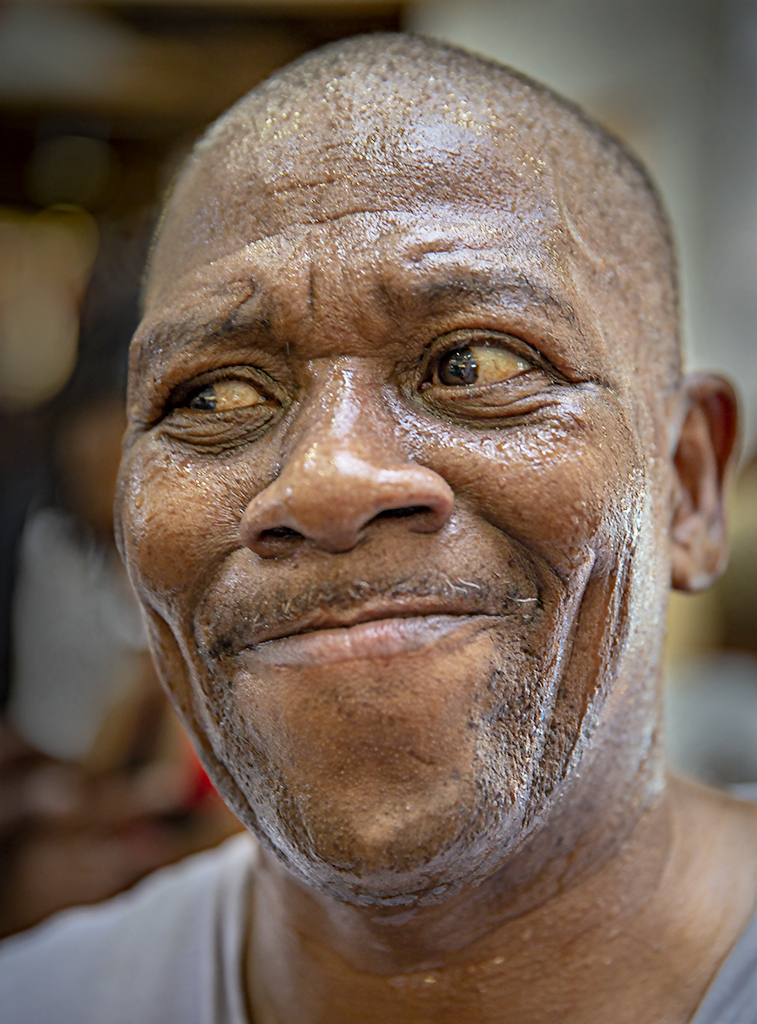
Thank you for a delightful smile. And the title of the image is perfect!
|
Apr 2nd |
| 5 |
Apr 22 |
Comment |
Wonderful capture! That must have taken a HUGE amount of patience. I tried using the Topaz Sharpen AI filter on the bee and it seemed to do pretty well. Surprisingly, the sharpen slider in the DeNoise AI filter isn't the same as the separate Sharpen AI one. |
Apr 2nd |
 |
6 comments - 3 replies for Group 5
|
| 62 |
Apr 22 |
Reply |
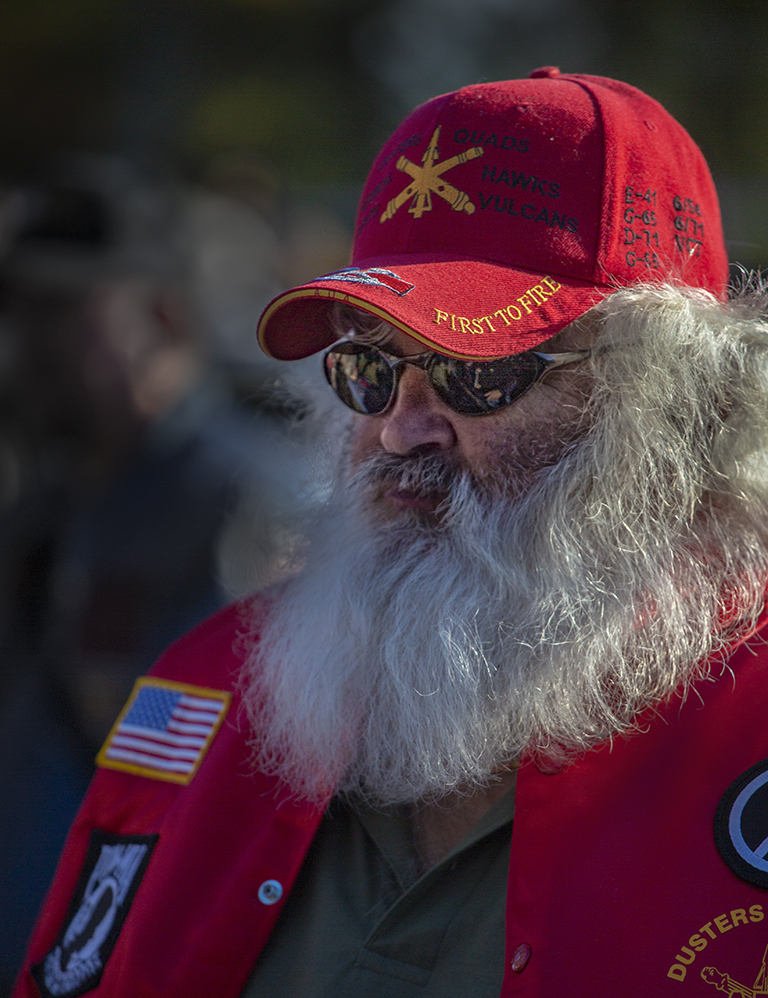
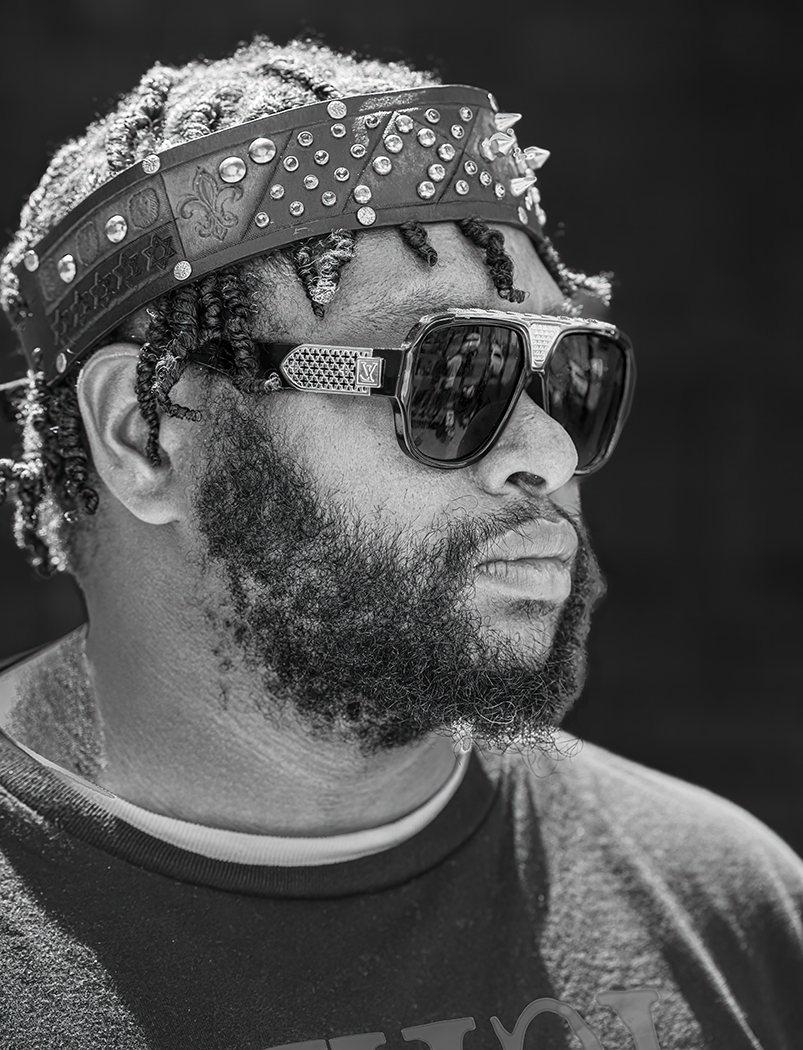
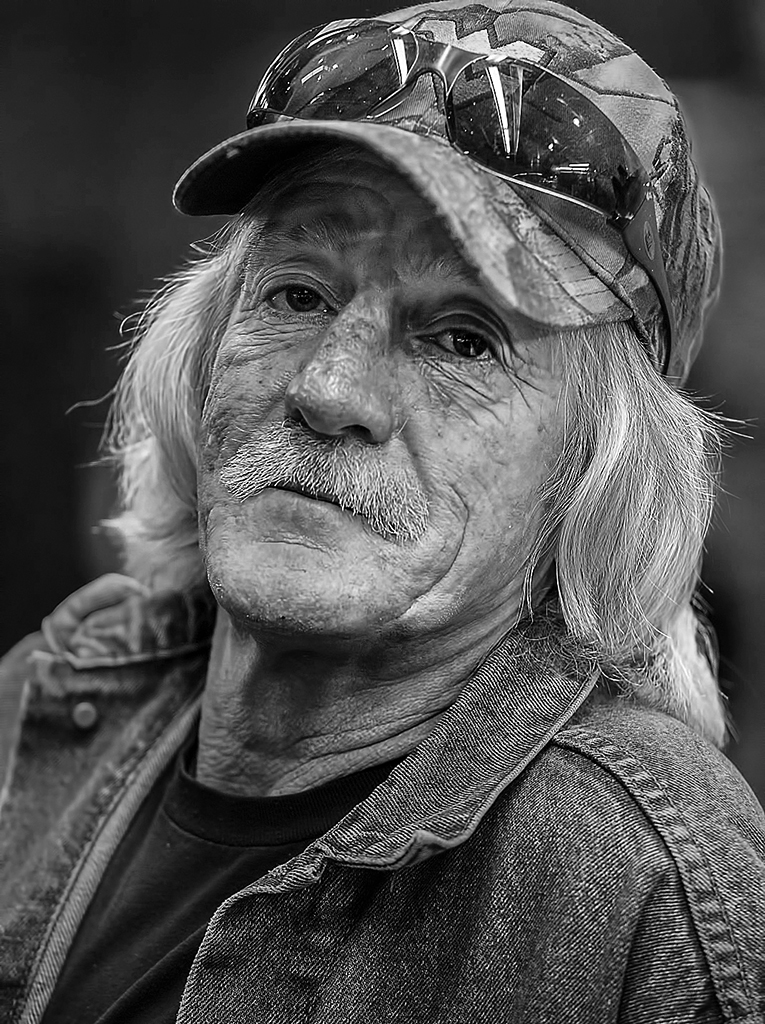
Thanks, Bob. I agree also agree with Bunny. I'm still considering Nick's suggestion. Although the forehead area under the bill of the cap is a bit dark, it also doesn't have much detail... so I'm not sure that brightening it would be a benefit.
I saw the upgrade and did the update. Like you, I haven't used it yet but the accompanying information looked good! (Of course, it always does... lol.)
|
Apr 6th |
| 62 |
Apr 22 |
Comment |
Bunny,
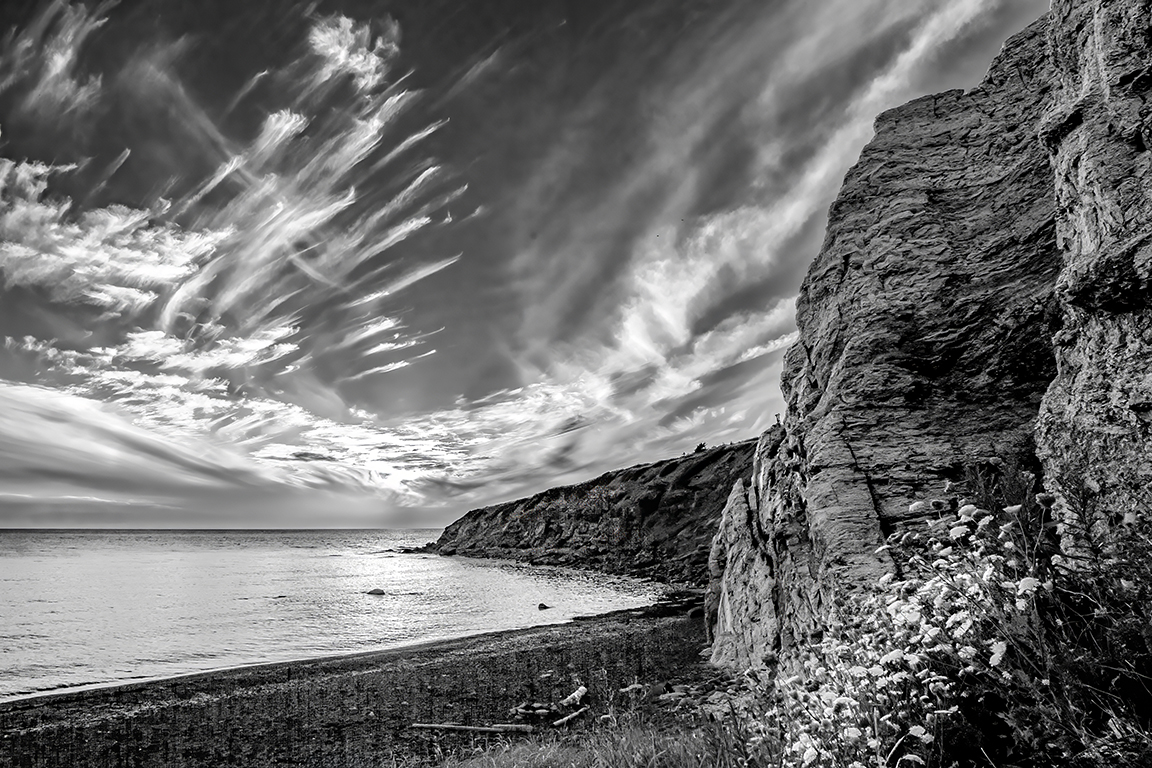
I completely agree with your decision to make the image asymmetrical... and your cloud choice is perfect! The sky definitely makes it a "hang on the wall" photograph. To me, it might be an advantage to pull out slightly more details in the snow on the facing cliff. Parts of that snow appear to be almost blown out. But, even without that change, it is a wonderful photograph that really works well as a monochrome. Well done!
|
Apr 5th |
| 62 |
Apr 22 |
Comment |
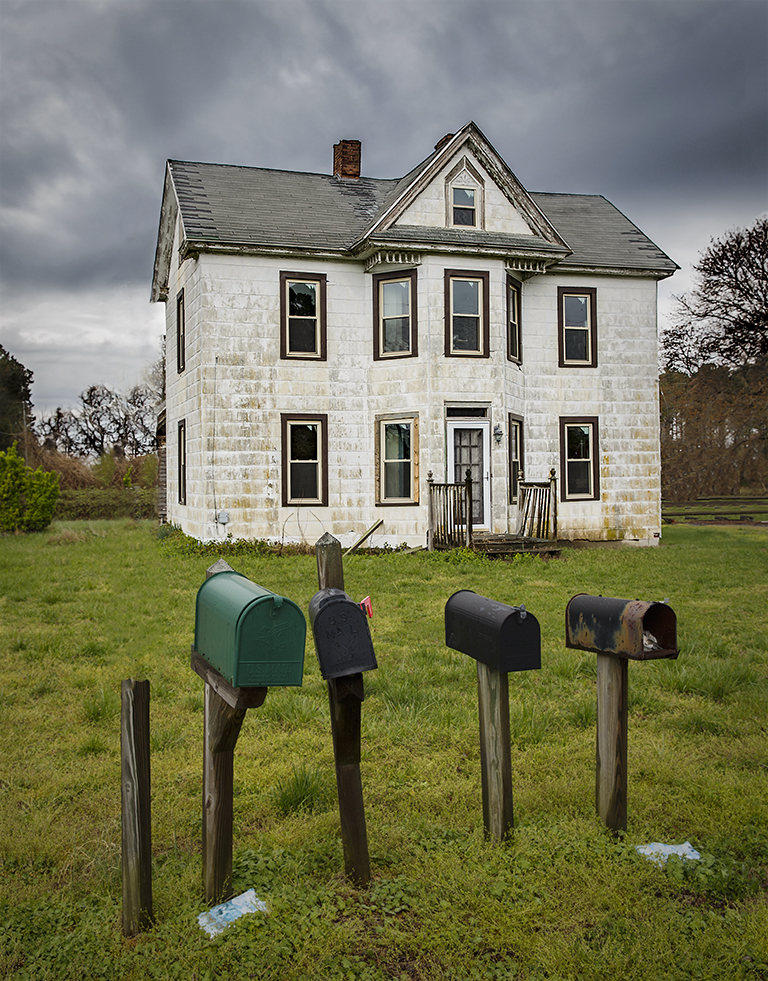
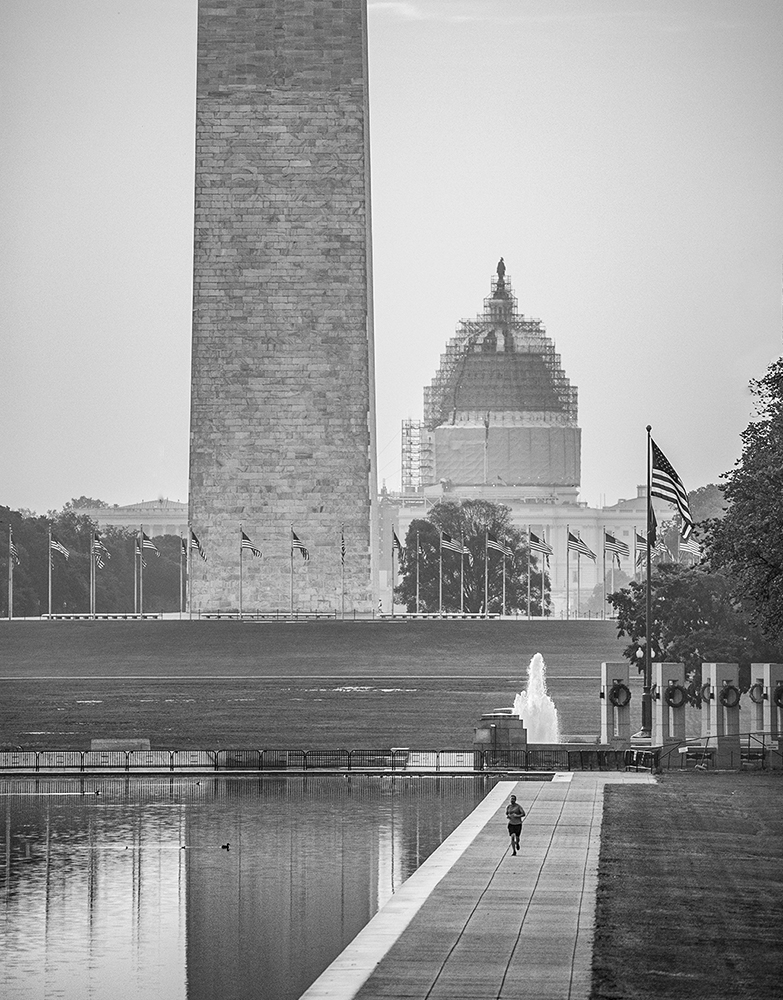
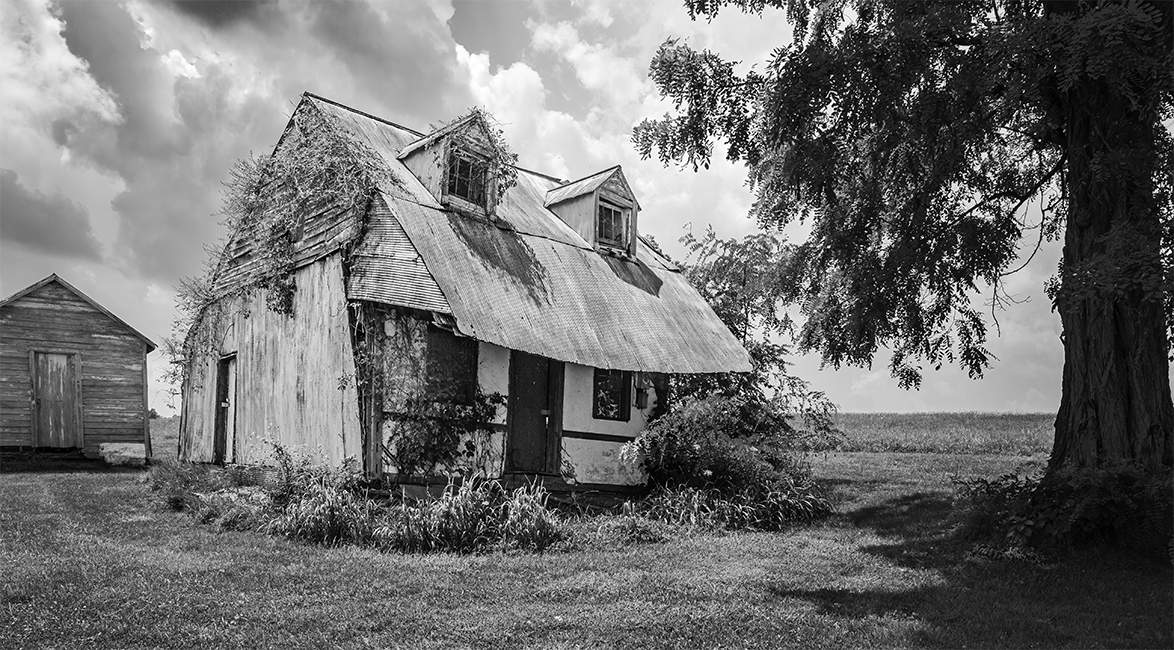
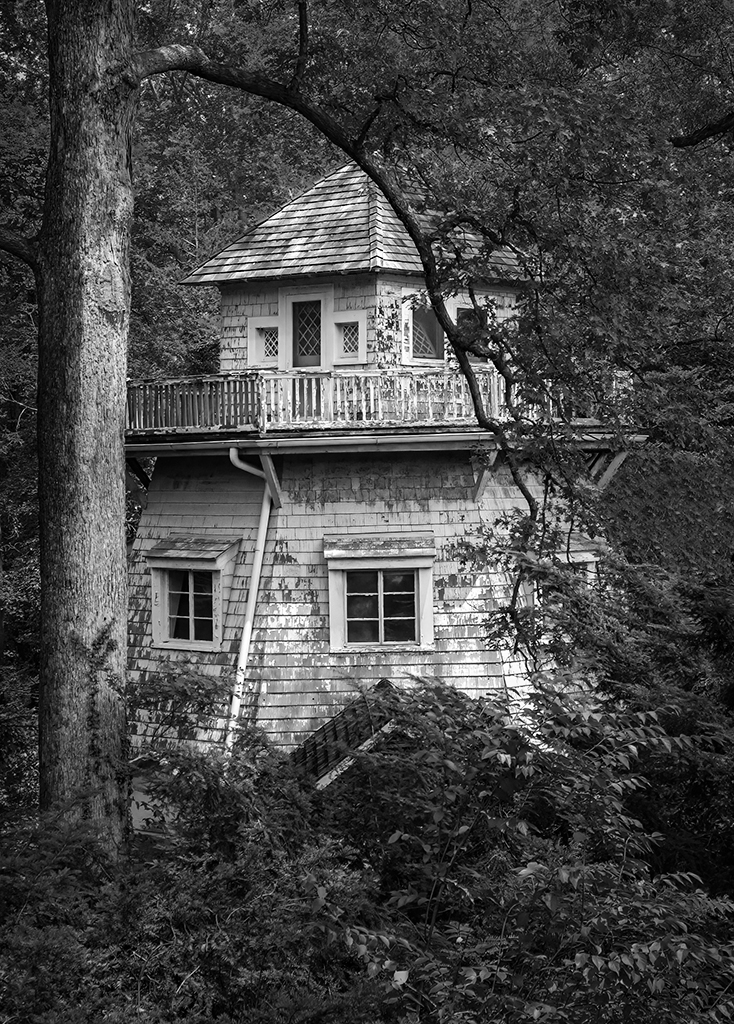
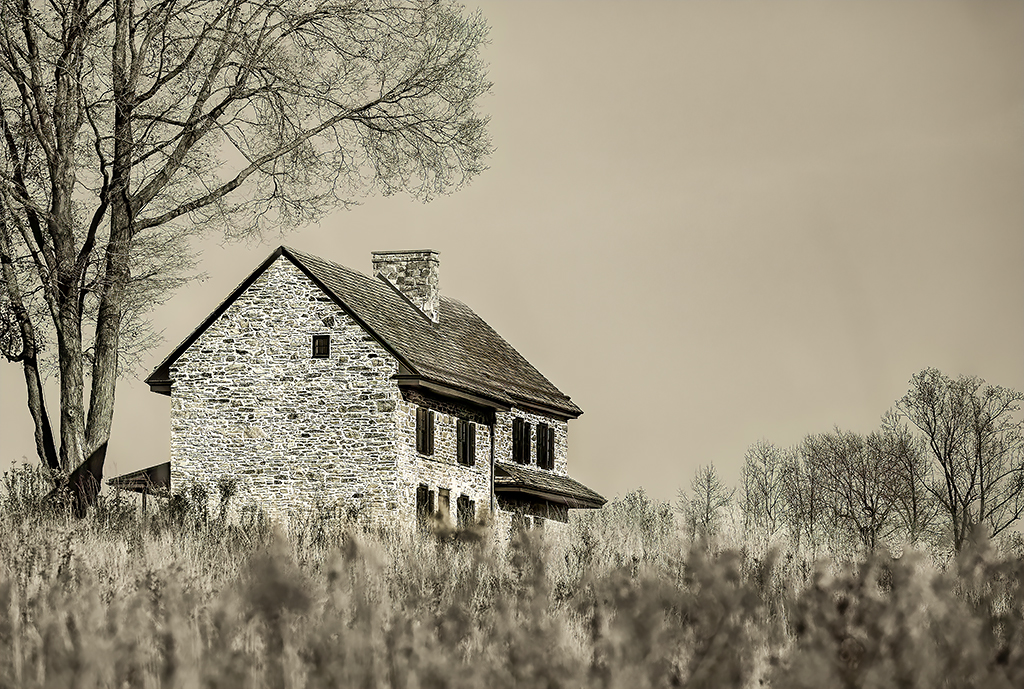
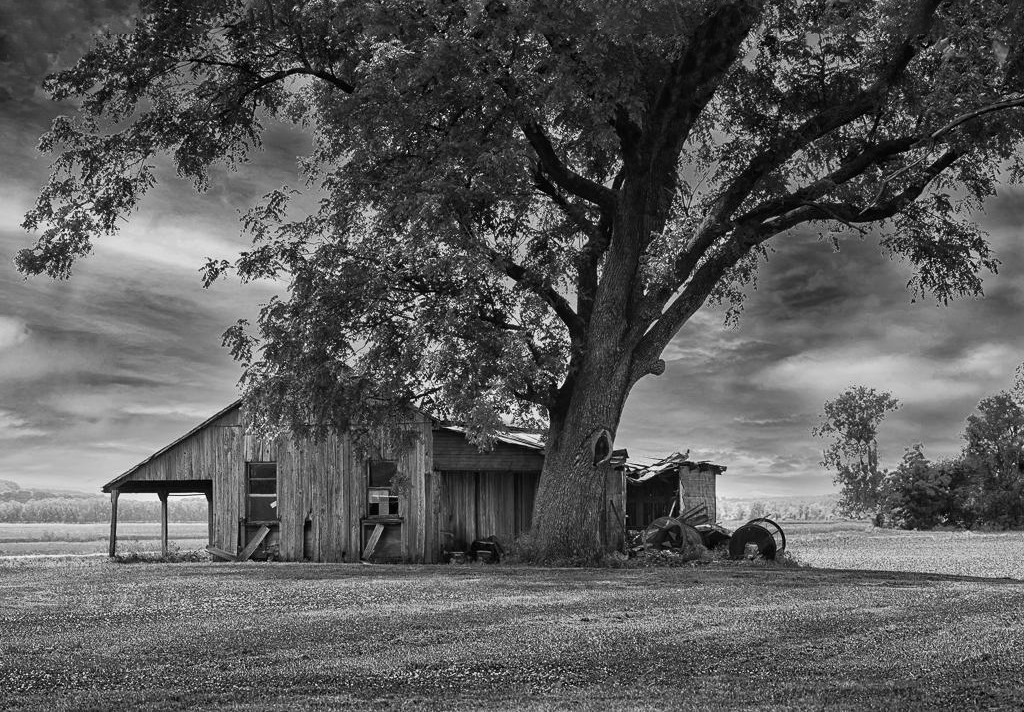
Emil, this image (in my opinion) clearly demonstrates your amazing skill as a photographer. I love your choice of a sky and how you positioned it to subtly lead my eyes to the house. Like Bunny, I like the scene without the distractions that you removed. It is difficult for me to suggest changes to this photograph. However, after looking at it multiple times, I think that having just a bit more of the tree at the top could be useful. IF this is a beneficial change (and it's a big IF), it's truly just a nit on a wonderful, serene image!
I've attached a quick example with a small bit more of the tree. Your thoughts?
|
Apr 5th |
 |
| 62 |
Apr 22 |
Comment |
LuAnn, excellent information! Thank you!
I'm still not sure if it's feasible to create a RAW file from a JPG. I've watched a number of Youtube videos about this and they seem to indicate that there is often a sharpening and/or denoise effect. However, there's no additional data that is captured from the very dark or very over-exposed portions of an image.
I'm eager to hear what you find when you use it!
|
Apr 4th |
| 62 |
Apr 22 |
Comment |
Nick, my thoughts about this image are a bit different from the ones expressed by Lance and Bunny. Personally, I find that the out-of-focus portion of the large rope isn't particularly distracting... especially since the blurry portions are a bit darker than the focused portions. This rope (in my opinion) is a critical component of your photograph. It gives amazing strength to the image and immediately pulls my eyes up to the place where the two ropes touch. From that point, I find that my attention moves nicely throughout the image. Well done!
|
Apr 3rd |
| 62 |
Apr 22 |
Comment |
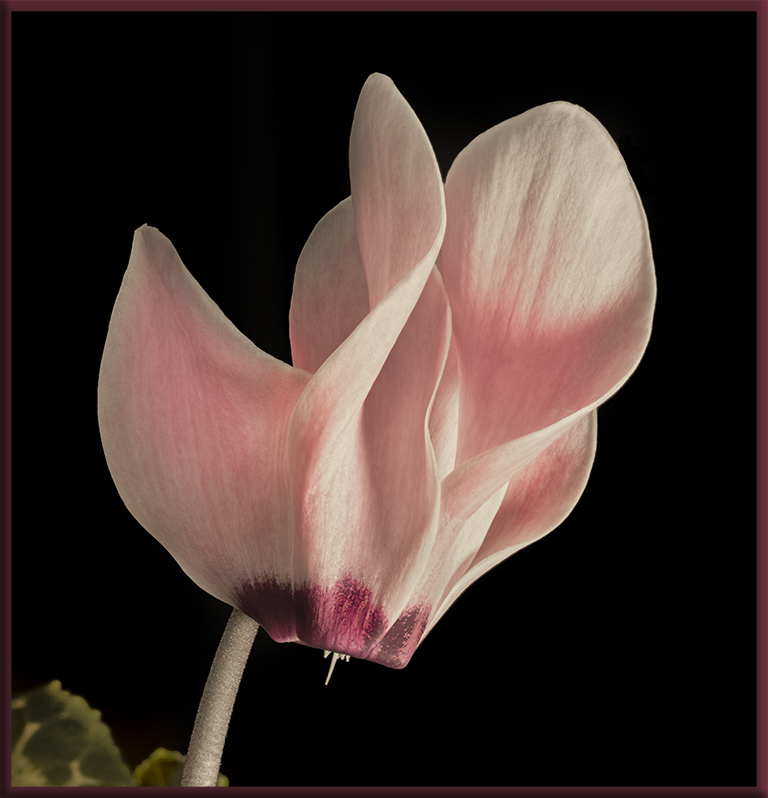
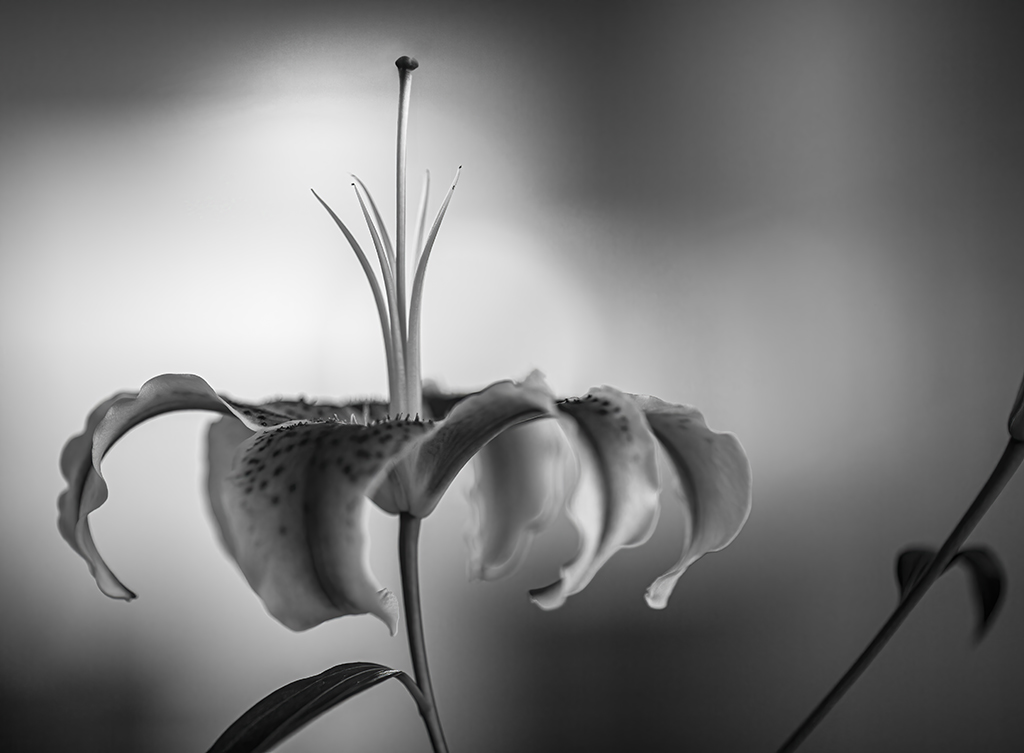
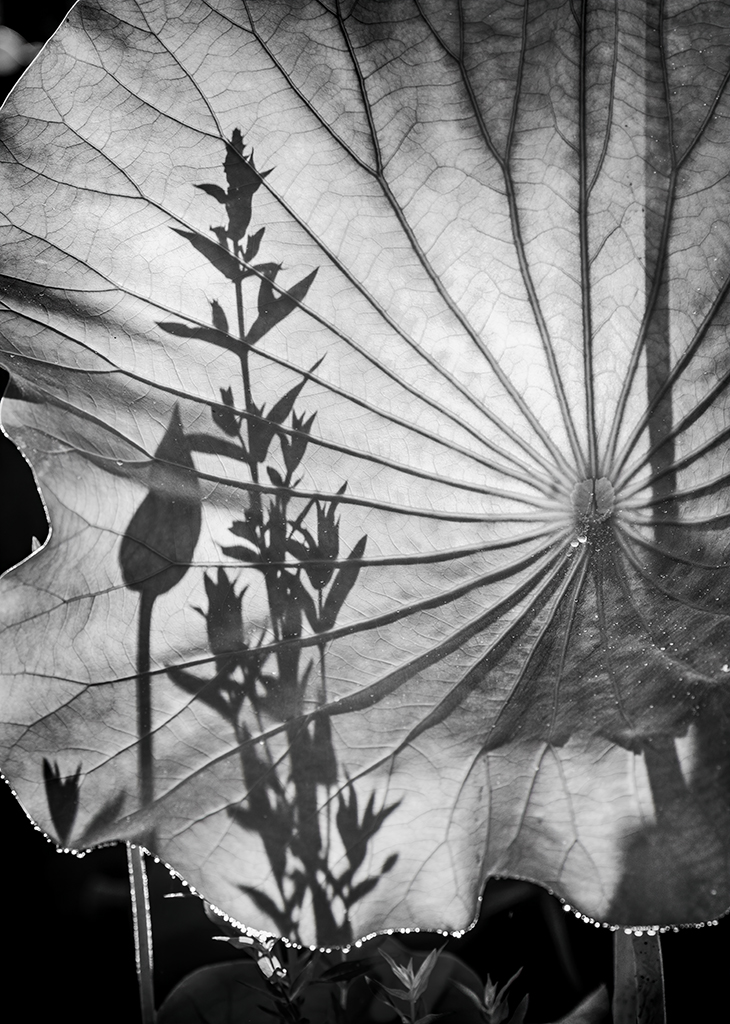
LuAnn, your submission this month is definitely a winner! The gentle curves of the lily and the tones of your image are wonderful! And, I can't imagine any better post-processing than what you've done. Brilliant!
When I went to the link that Nick showed, the first Mapplethorpe image that came up was of a Calla Lily. Smiles...
Like your Fuji camera, my Canon also does focus bracketing. You've inspired me to start using it more!
|
Apr 3rd |
| 62 |
Apr 22 |
Reply |
LuAnn, I just looked at the TopazLabs site. The latest version of Jpg to RAW AI is version 2.2.1 which was released on August 2, 2019. So, you may already have the latest version.
|
Apr 3rd |
| 62 |
Apr 22 |
Reply |
Thank you, LuAnn. I'll play with the highlights to see if I can improve the image.
Although I own the Topaz Jpg to Raw AI software, I haven't been very impressed with it. To me, it seems to mostly reduce noise, but not as well as Topaz DeNoise AI. However, since you mentioned it I decided to look into it again. I found that the latest version (the one I have) was released in 2019. During that time, AI was not yet well developed for most photography software. (I used AI to look for patterns in DNA sequences at around that time, and it was a pretty immature technology.) Perhaps Topaz will update this product and it will significantly improve.
BTW, I do use Gigapixel AI... and it's amazing! It was updated in February of this year and seems to really take advantage of AI technologies.
|
Apr 3rd |
| 62 |
Apr 22 |
Reply |
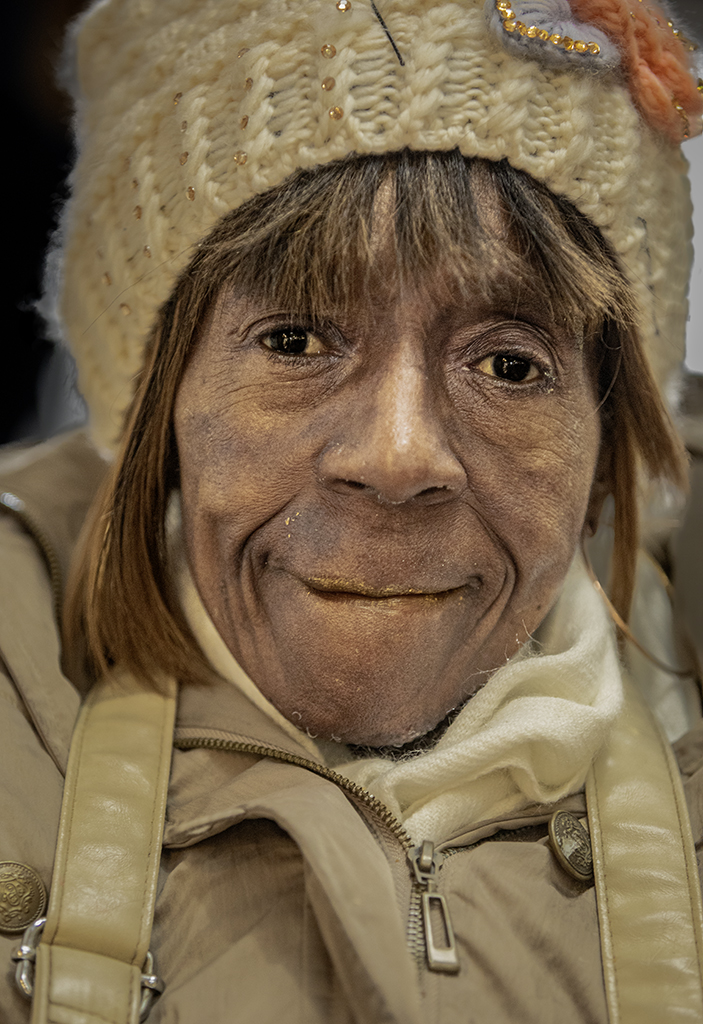
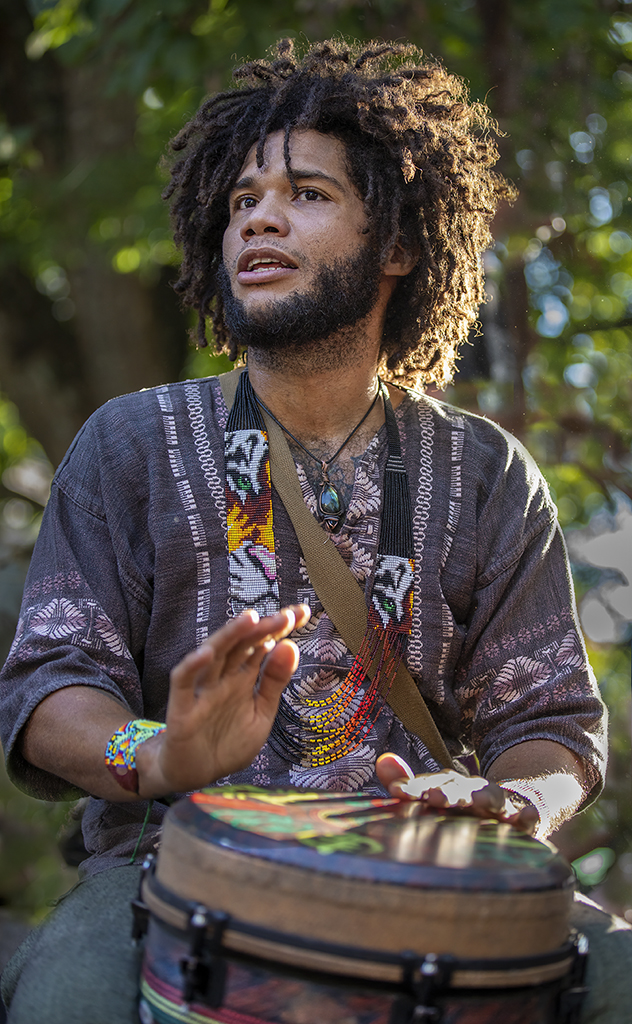
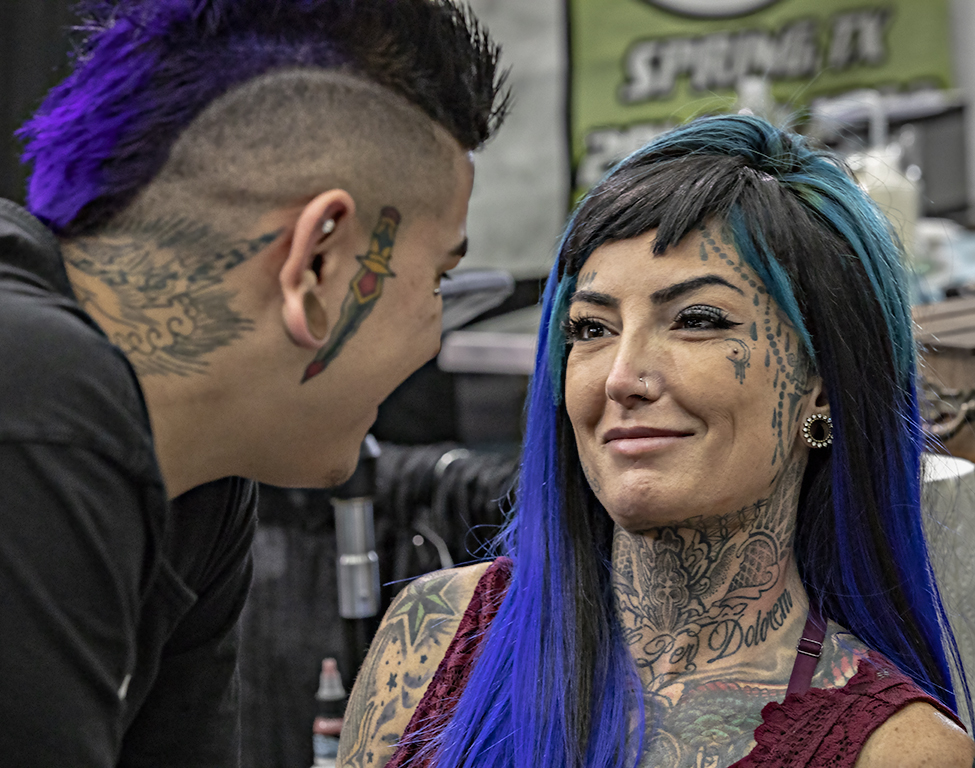
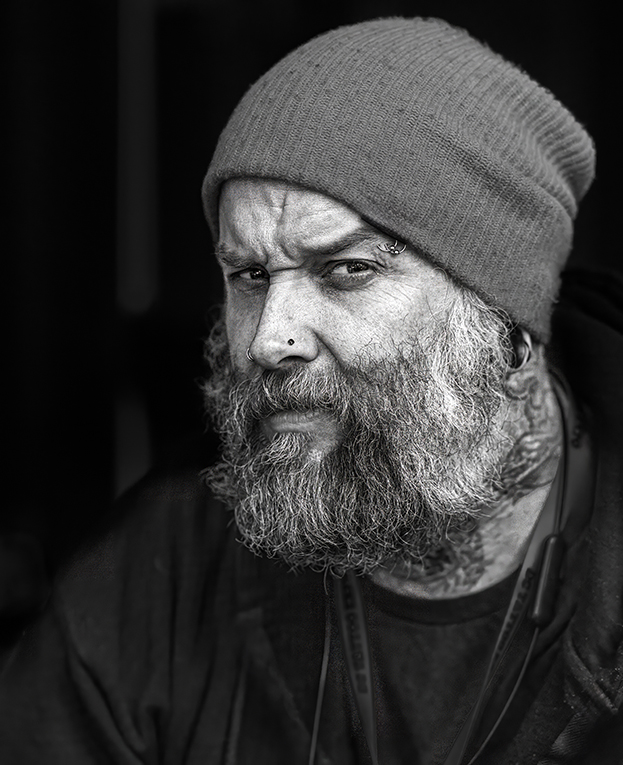
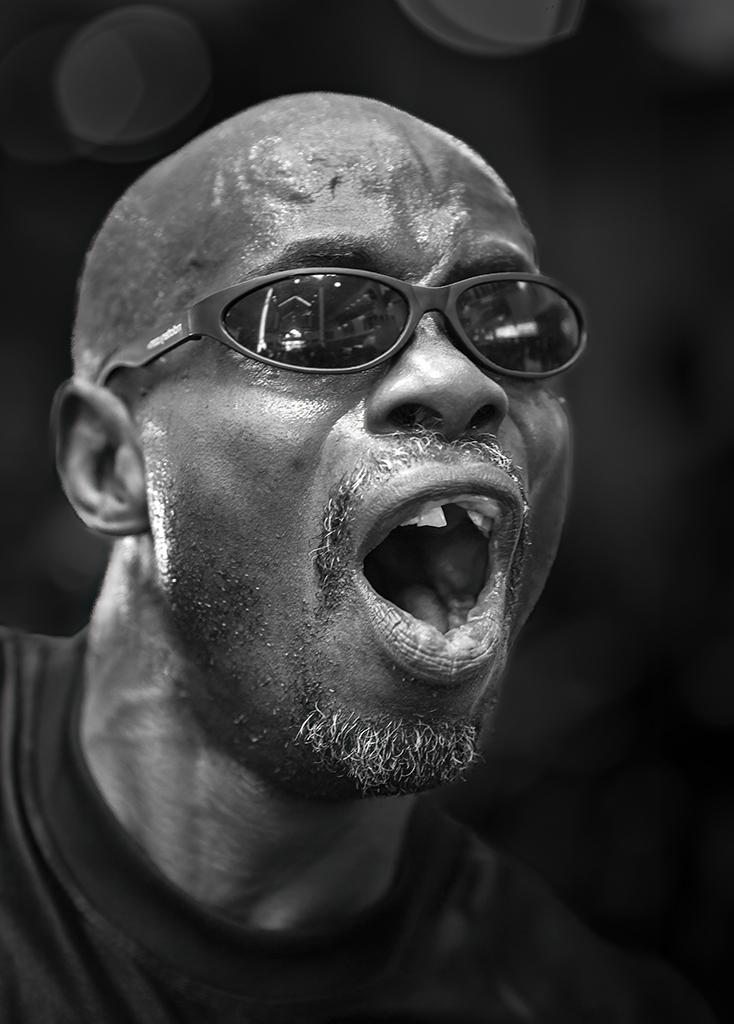
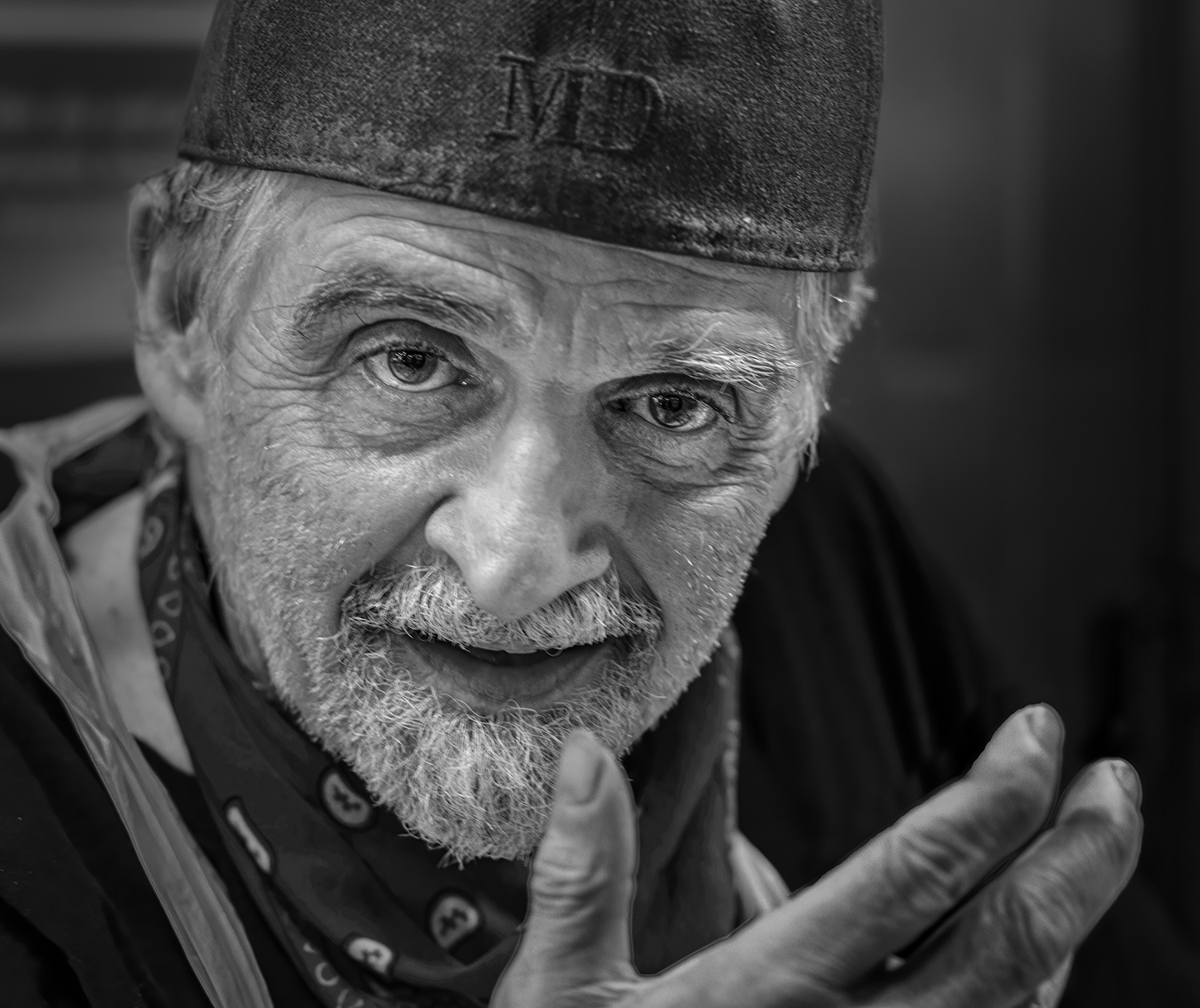
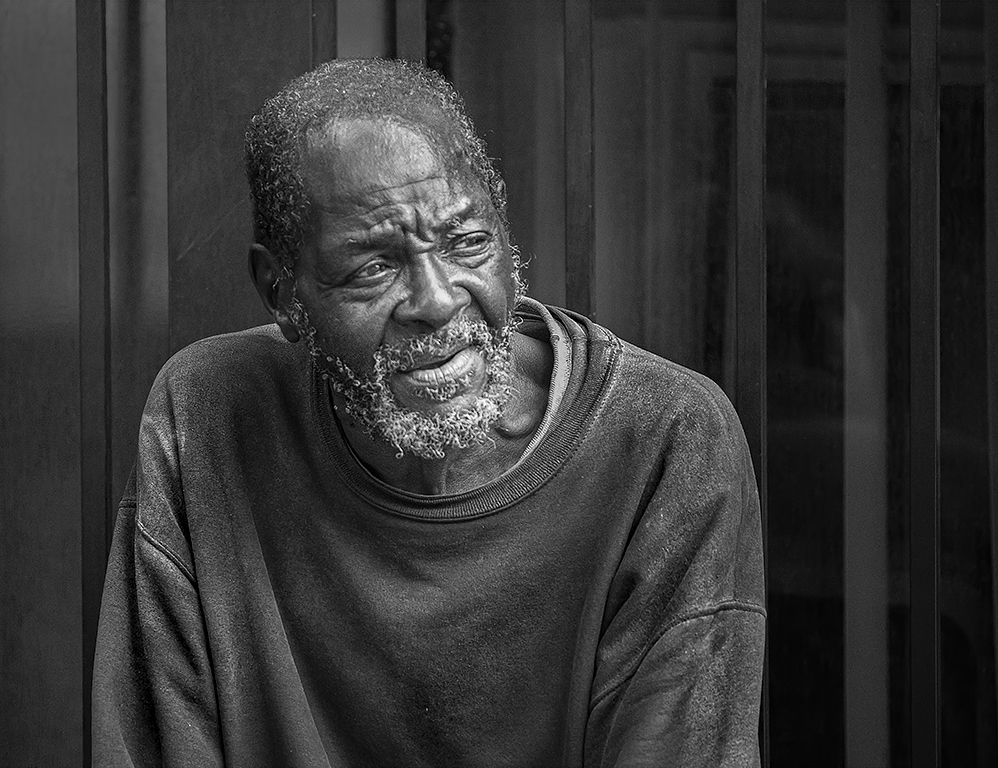
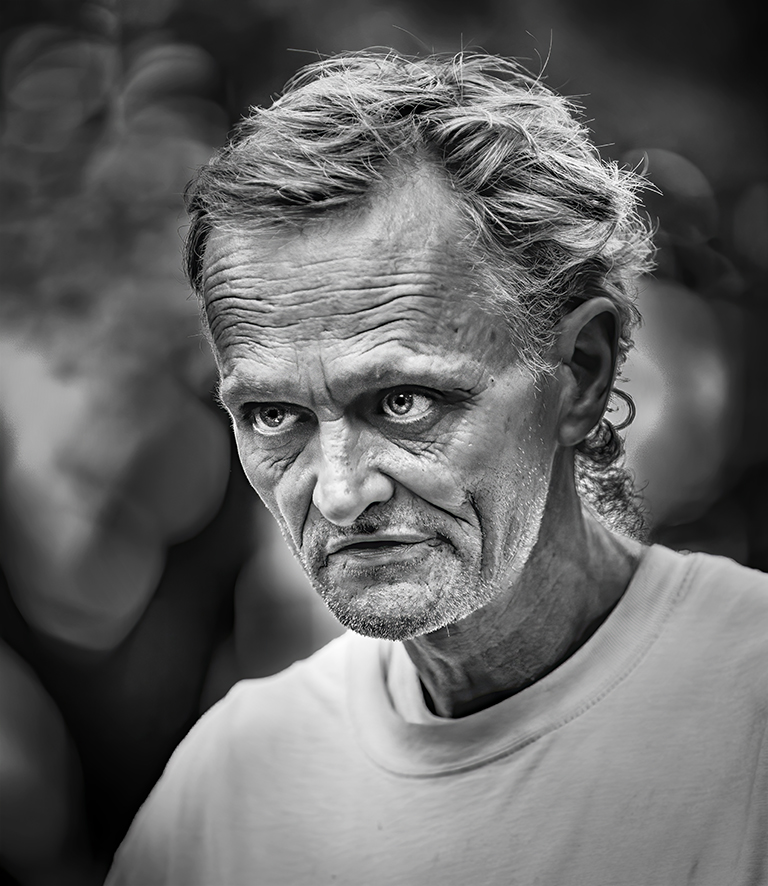
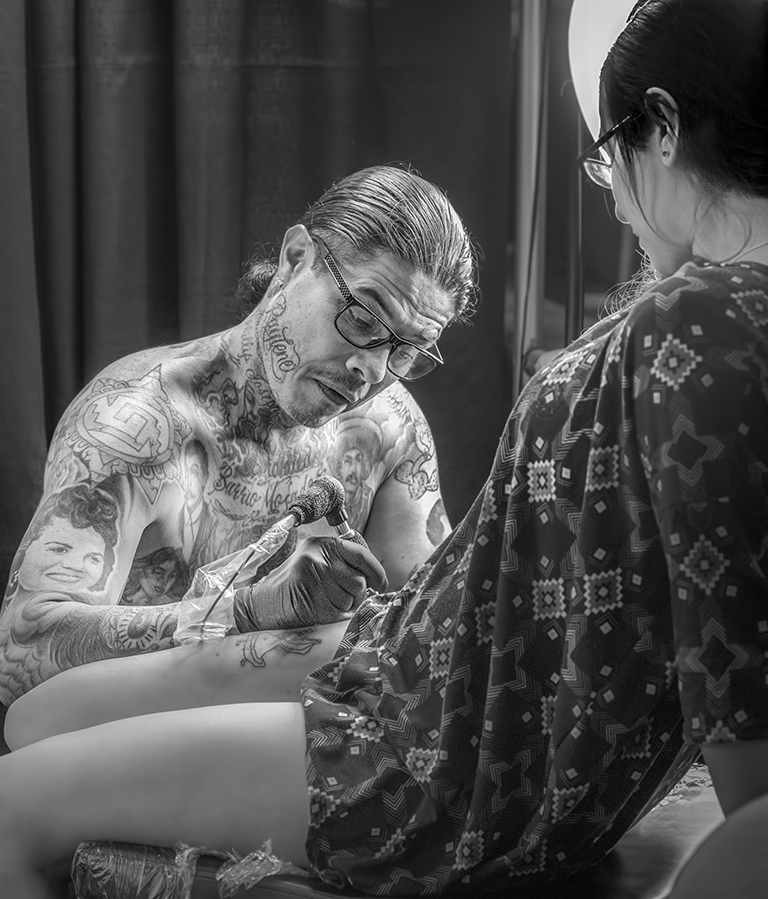
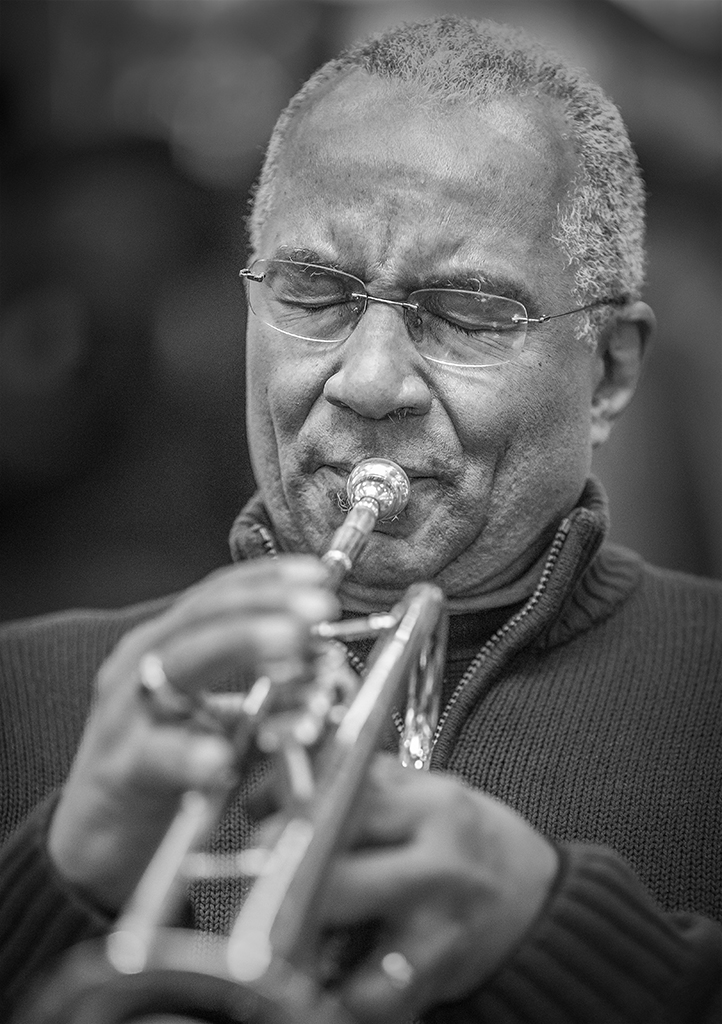
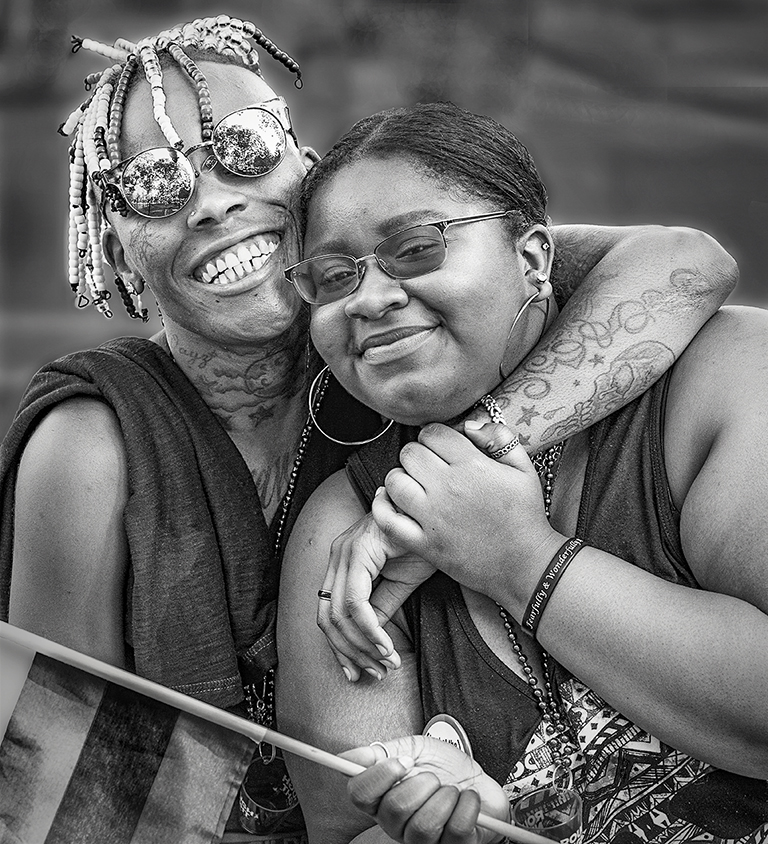
Thank you, Emil. I really appreciate your compliment. I especially enjoy portraits... especially candid and/or informal ones. Peoples' faces tell so much about them and their past! |
Apr 2nd |
| 62 |
Apr 22 |
Reply |
Thank you, Israel. I always appreciate (and look forward to) your comments, suggestions, and input!
|
Apr 2nd |
| 62 |
Apr 22 |
Reply |
Thank you, Bunny! Now that you've mentioned the glaring reflection in his sunglasses, I realize how bright and distracting it is. Great suggestion! I really appreciate it.
|
Apr 2nd |
| 62 |
Apr 22 |
Comment |
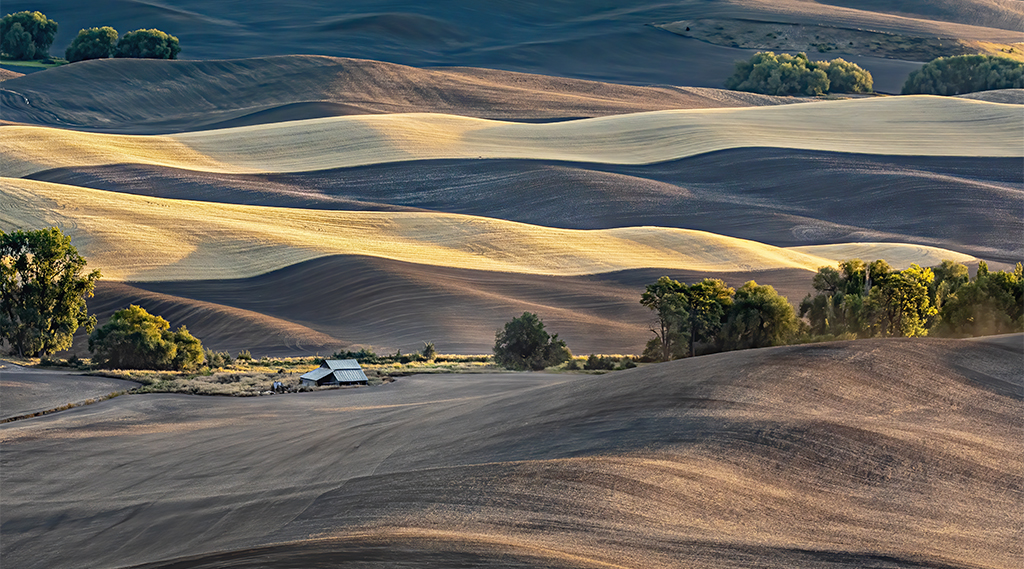
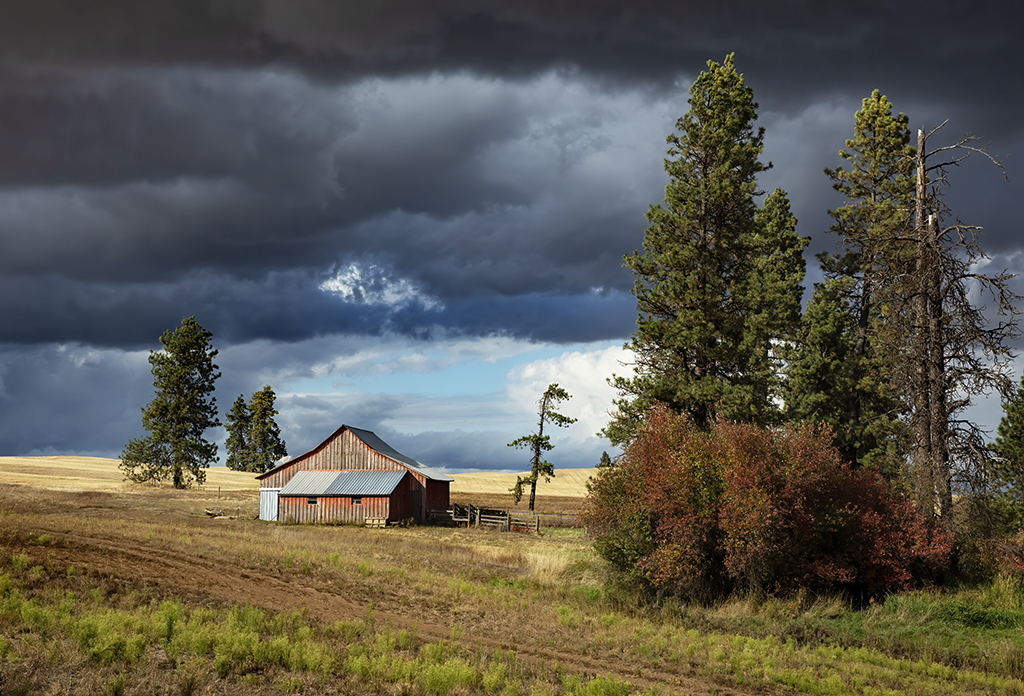
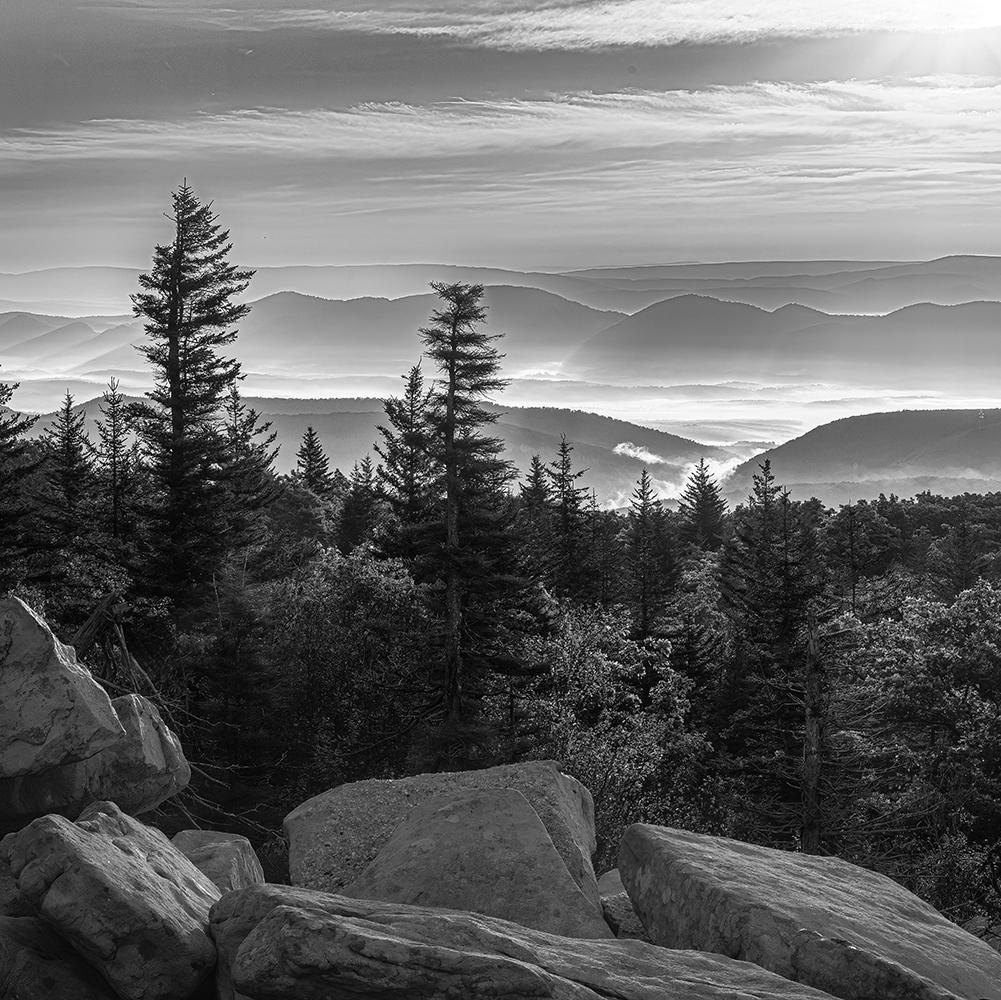
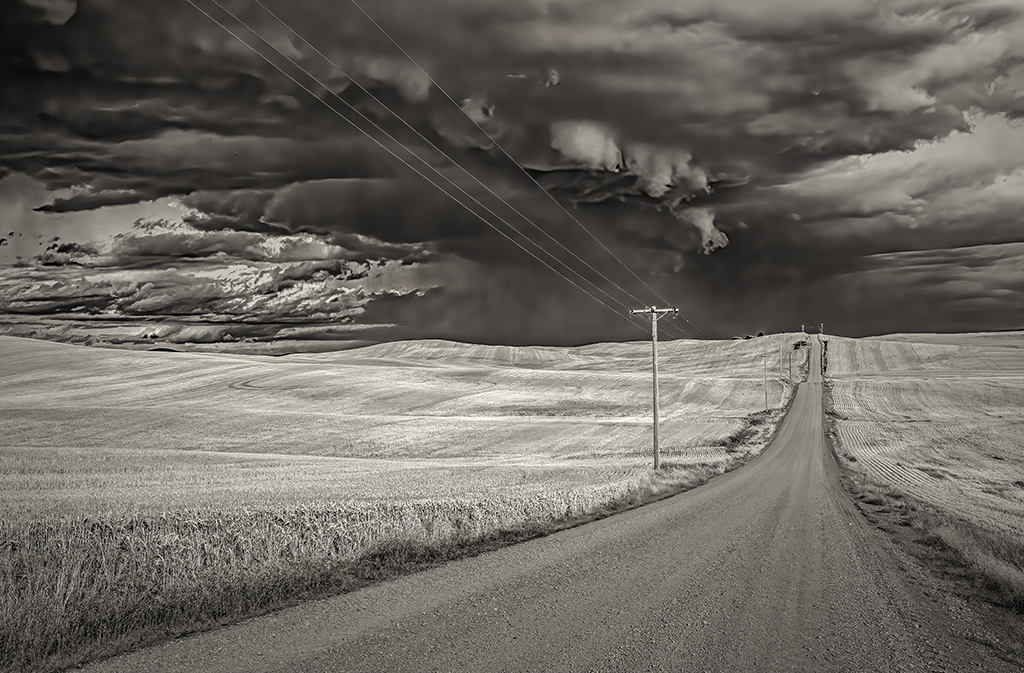
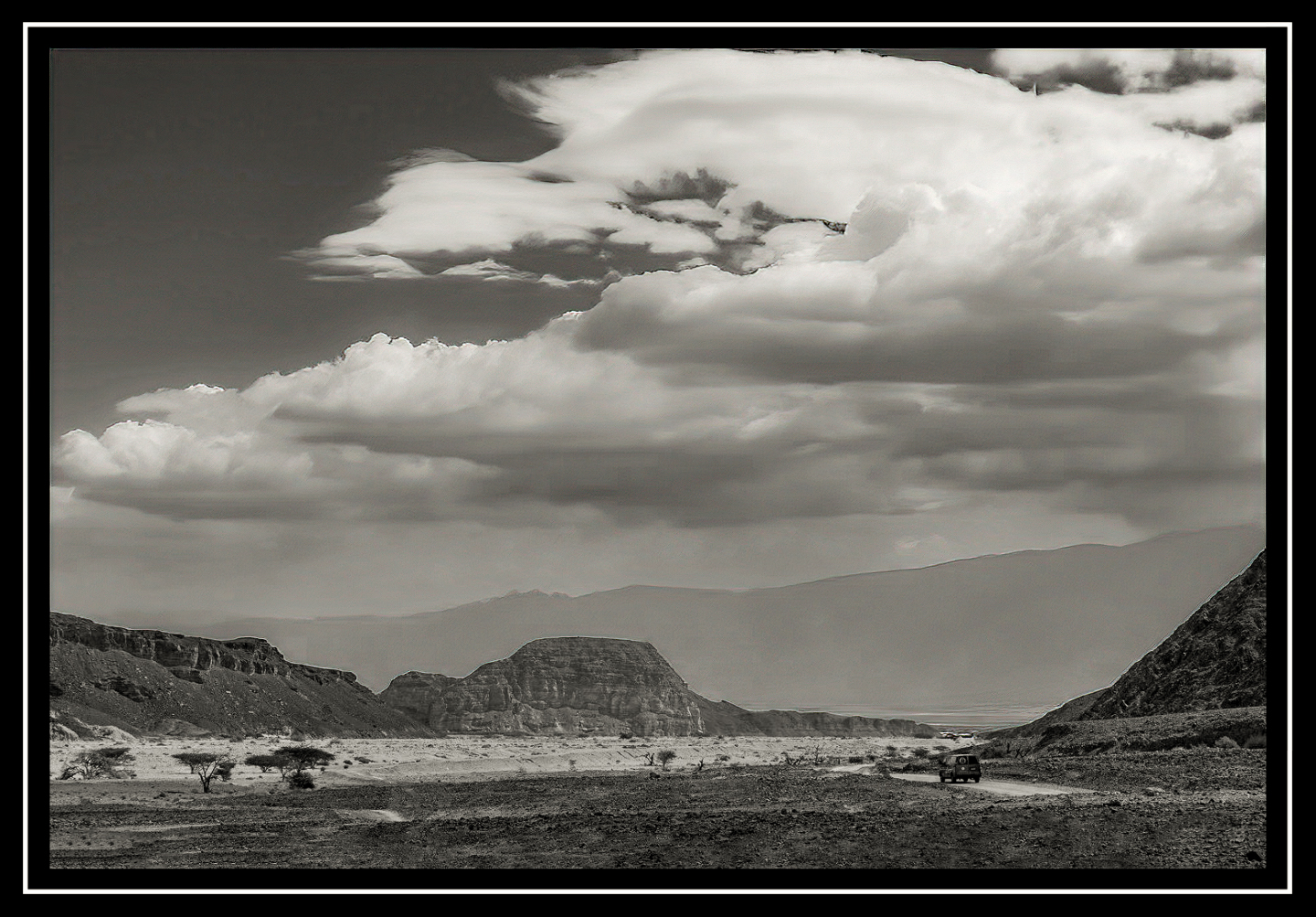
Israel, I agree with Lance's comments... it's a lovely landscape and might be enhanced with slightly different cropping. When I played with it a bit (Photoshop and the Anthropics Smart Photo Editor), I came up with the one below. Your thoughts? |
Apr 1st |
 |
| 62 |
Apr 22 |
Comment |
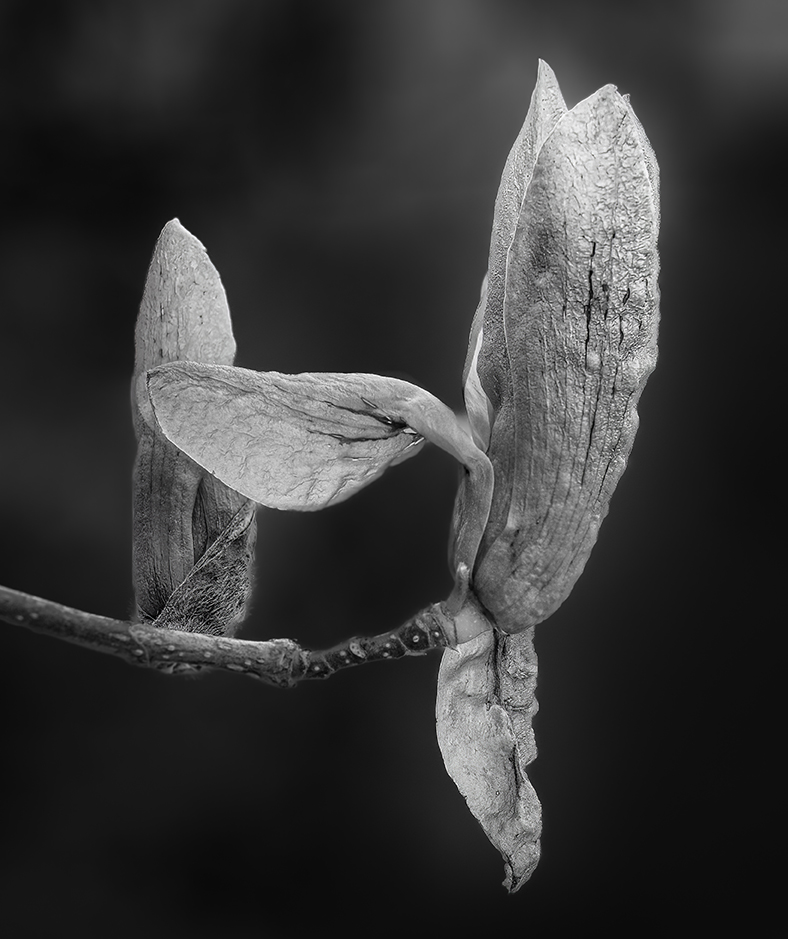
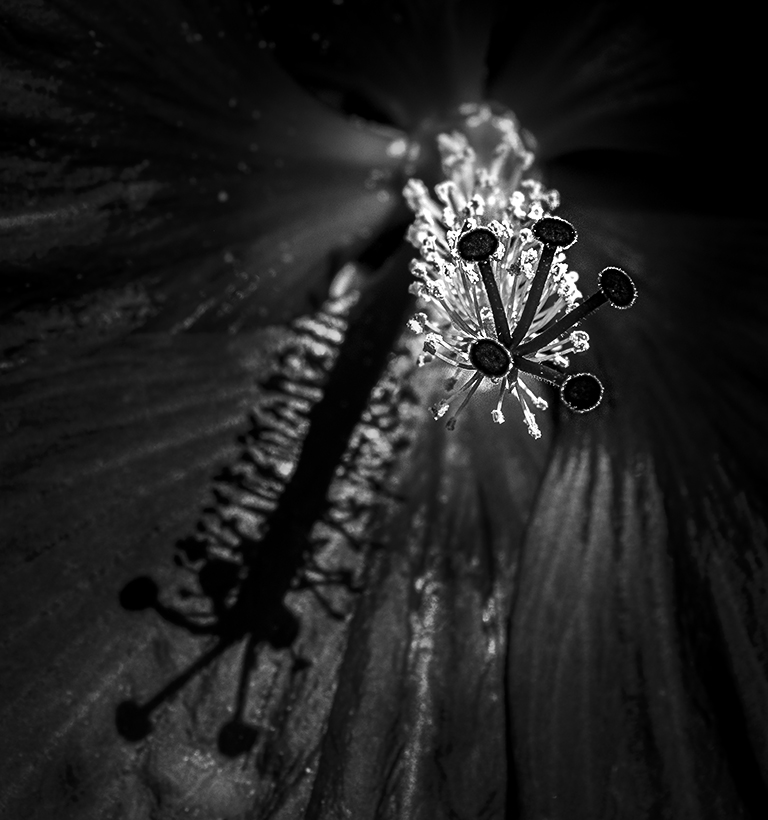
Bob, this is beautifully done! I love the fact that the light seems to emanate from within the blossom. I assume that is a result of playing with the color sliders during your conversion to B&W. My only thought is that you could allow the stem to show (slightly) so that the blossom doesn't appear to be floating. But, that's purely a matter of subjective preference and, as the photographer/artist, it's your preference that matters. |
Apr 1st |
7 comments - 6 replies for Group 62
|
14 comments - 9 replies Total
|