|
| Group |
Round |
C/R |
Comment |
Date |
Image |
| 3 |
Aug 20 |
Comment |
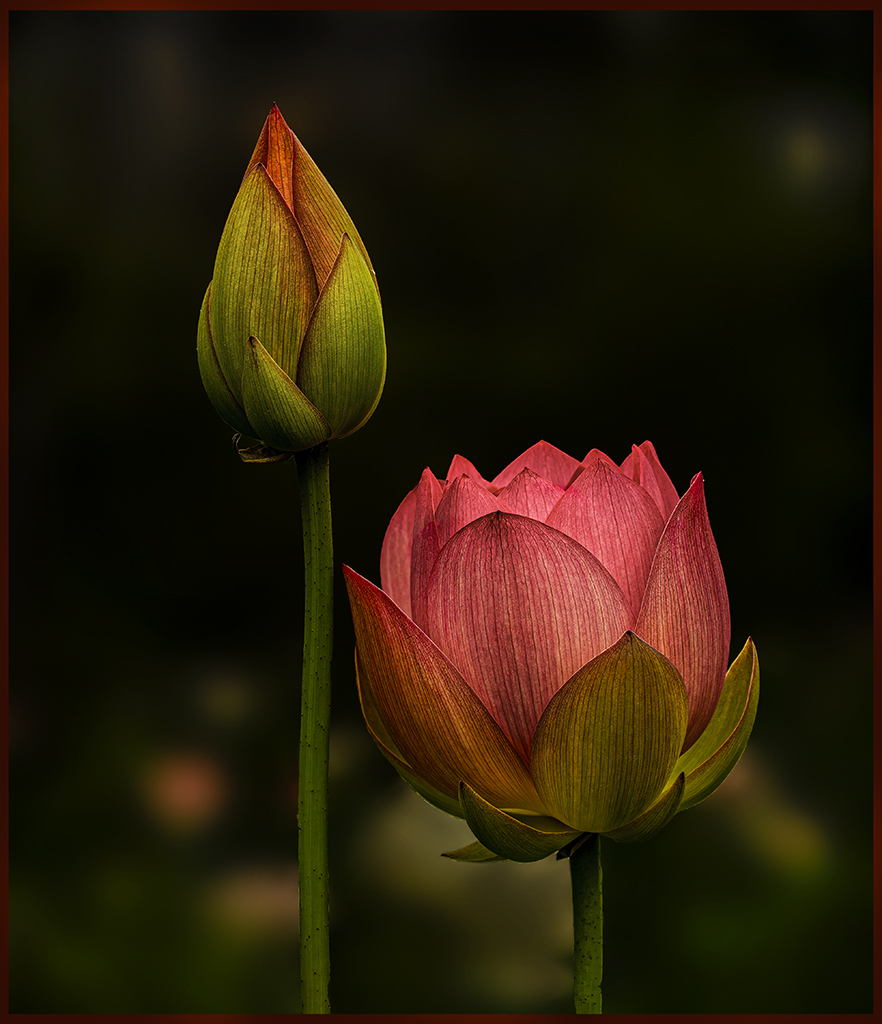
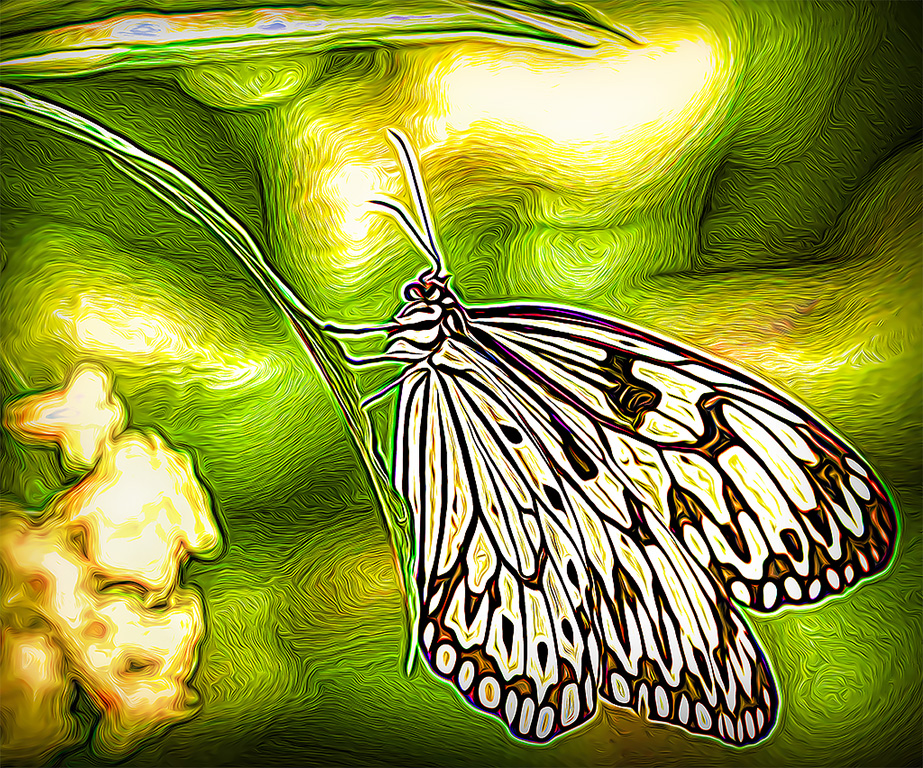
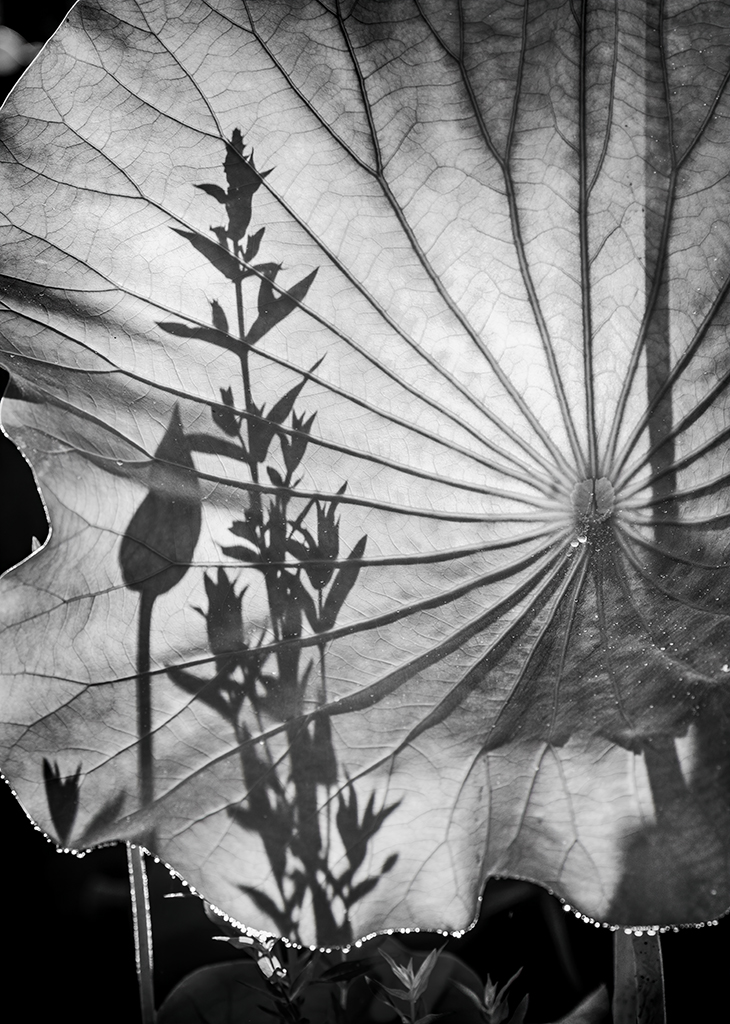
Kieu-Hanh, I visit Kenilworth Aquatic Gardens several times a year.... until this year. And, frankly, I miss it. Hopefully, next year I can double my visits. Smiles....
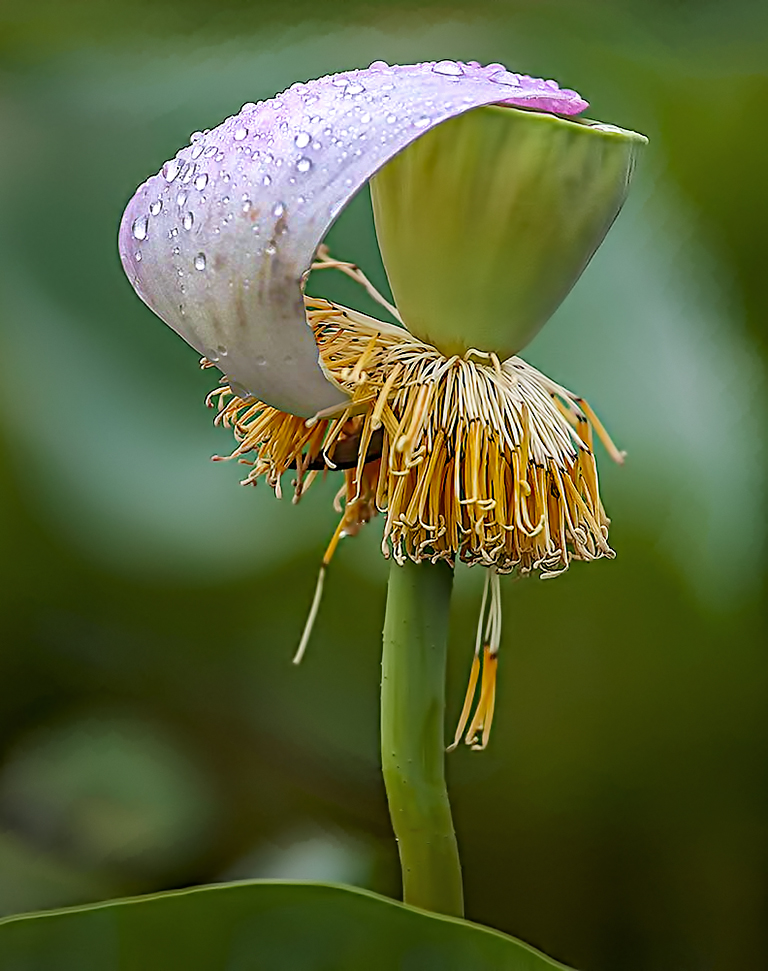
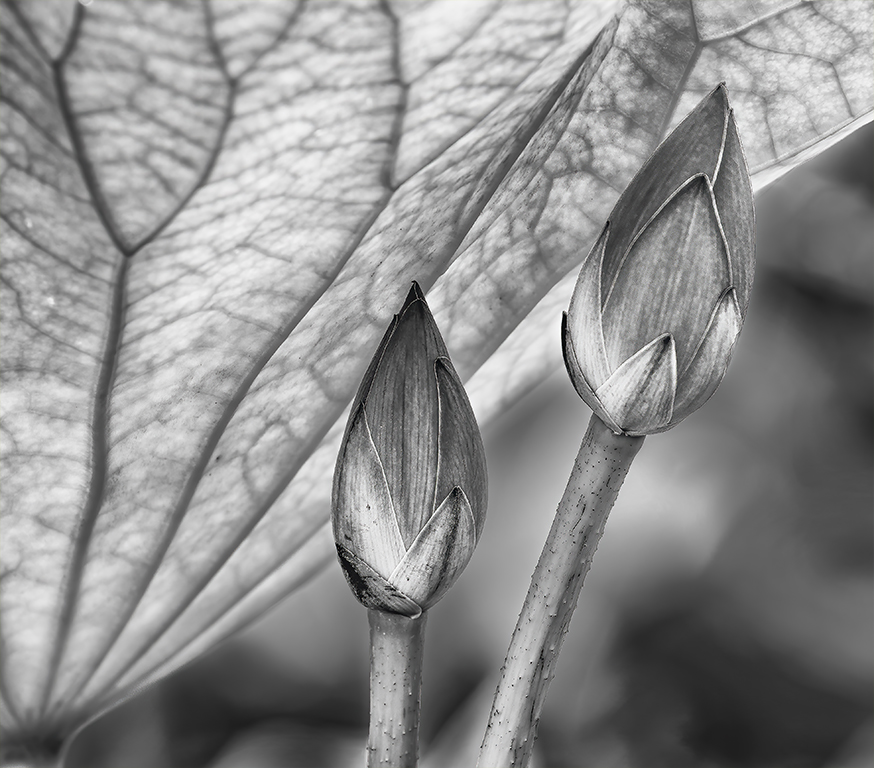
Your image is a beautiful capture of a perfect lotus blossom. Like others, it would be interesting for me to see the photograph without the texture applied to it. Or, perhaps mask out the flower and apply the texture only to the background.
Good luck in the competition. Most years Kenilworth also has a photo competition which you might want to consider.
|
Aug 15th |
1 comment - 0 replies for Group 3
|
| 5 |
Aug 20 |
Comment |
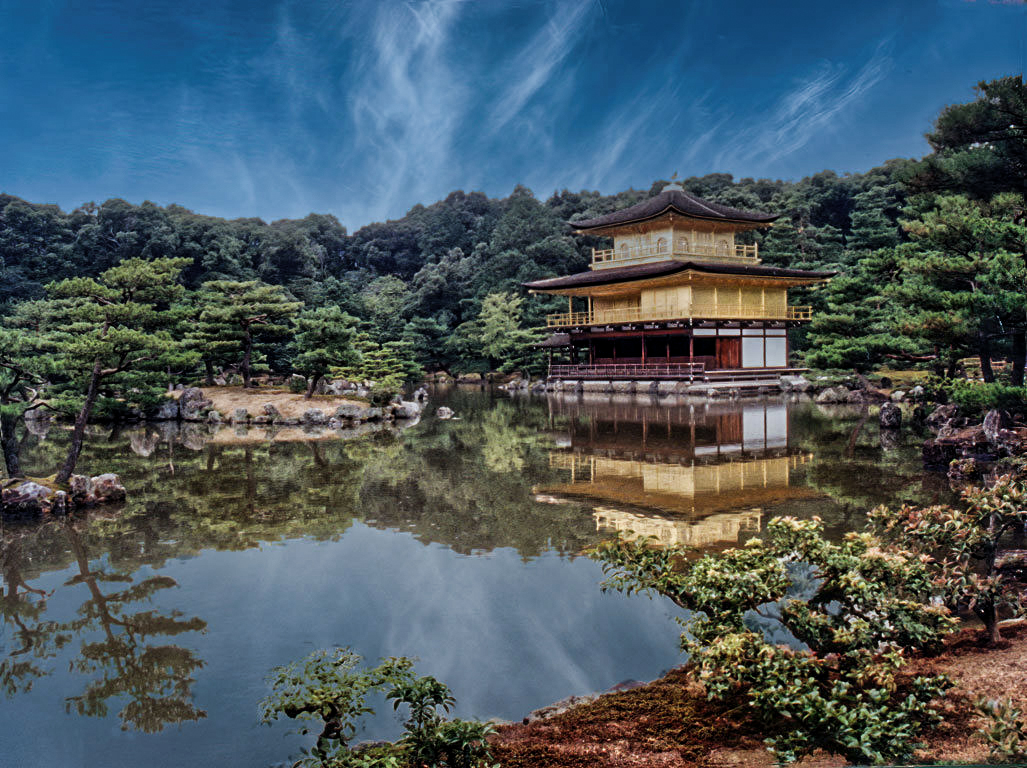
Well done, Richard. I think you captured the feeling of the temple and its surroundings. After reading some of the other comments, I tried adding a touch of contrast and some brightness. Here's what I came up with. Don't know how it compares with your results using Luminar's AI Image Enhancer.
|
Aug 23rd |
 |
| 5 |
Aug 20 |
Comment |
Wonderful image, Mark. I love how you have built depth by having the low grasses in the foreground, the Aspens in the middle and the mountains providing an amazing background. Beautiful. |
Aug 22nd |
| 5 |
Aug 20 |
Reply |
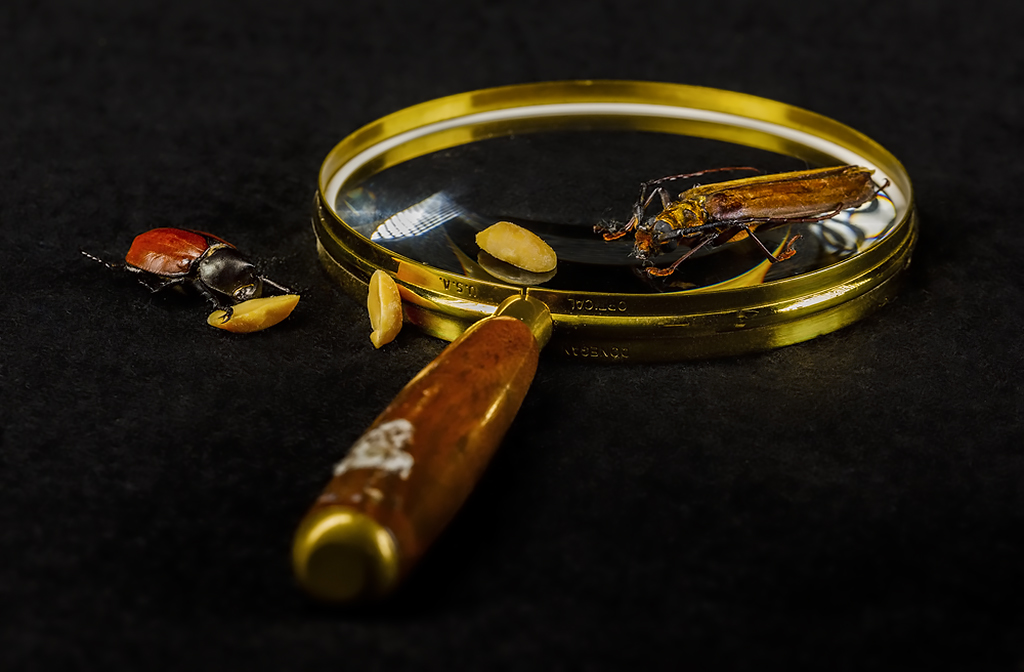
Nick, the idea of moving the bug above the magnifying glass is interesting. Thank you.
|
Aug 21st |
| 5 |
Aug 20 |
Reply |
Thank you, Mark. I tried a few shots before adding the peanuts. I thought it looked odd with the bugs just sitting there. The nuts gave them "a reason for being".
|
Aug 21st |
| 5 |
Aug 20 |
Reply |
Richard, thank you. If I try this shot again I'll try turning the magnifying glass so that the handle isn't in the foreground. Perhaps that will make it less of an issue.
|
Aug 21st |
| 5 |
Aug 20 |
Reply |
Thank you, Barbara! I'm not sure about additional insect images. I found it really difficult to position them so that they look alive. And, they are so dry that parts fall off every time I touch one.
|
Aug 21st |
| 5 |
Aug 20 |
Reply |
Bob, thank you for your thoughts! I debated about the out-of-focus handle and took photographs with it sharp as well as the one I submitted here. I found that a sharp handle pulled my eyes away from the main subjects and made it a more complicated image. |
Aug 21st |
| 5 |
Aug 20 |
Reply |
Thank you, Stephen. The idea of including a hand holding the magnifying glass is intriguing. Fortunately(???), it looks like people my age are best off staying indoors for several months ahead.... which offers lots of opportunity for more studio work. |
Aug 21st |
| 5 |
Aug 20 |
Comment |
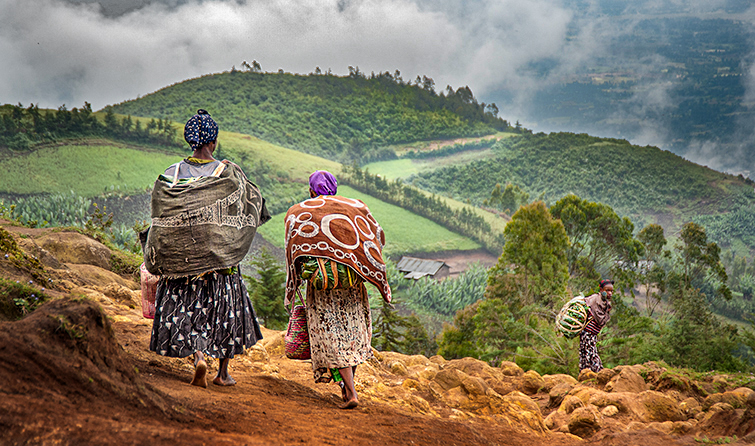
Stephen, this is such a fantastic image. Not only does it tell a story, but it is beautiful and evokes feelings of the area. I love your post-processing. However, I couldn't resist playing with it a bit since wonderful photographs inspire that in me. Smiles.
I slightly darkened the sky so that it didn't detract from the women and I slightly lightened the area around the "third woman" since I didn't notice her at first. None of my modifications were significant and, frankly, I don't know that they added anything.
|
Aug 21st |
 |
| 5 |
Aug 20 |
Comment |
Barbara, this image turned out extremely well. It gives a real feeling of the environment in that area of New Mexico... whether that's the true environment or not. lol
I like the horizontal flip very much. Somehow it feels more natural.
Two minor suggestions. Even if the little dots in the sky are birds, I'd still clone them out since they will often be mistaken as dust. Second, I suggest removing the small puddle between the dogs legs. It's just a bit distracting.
VERY nicely done!
|
Aug 21st |
| 5 |
Aug 20 |
Comment |
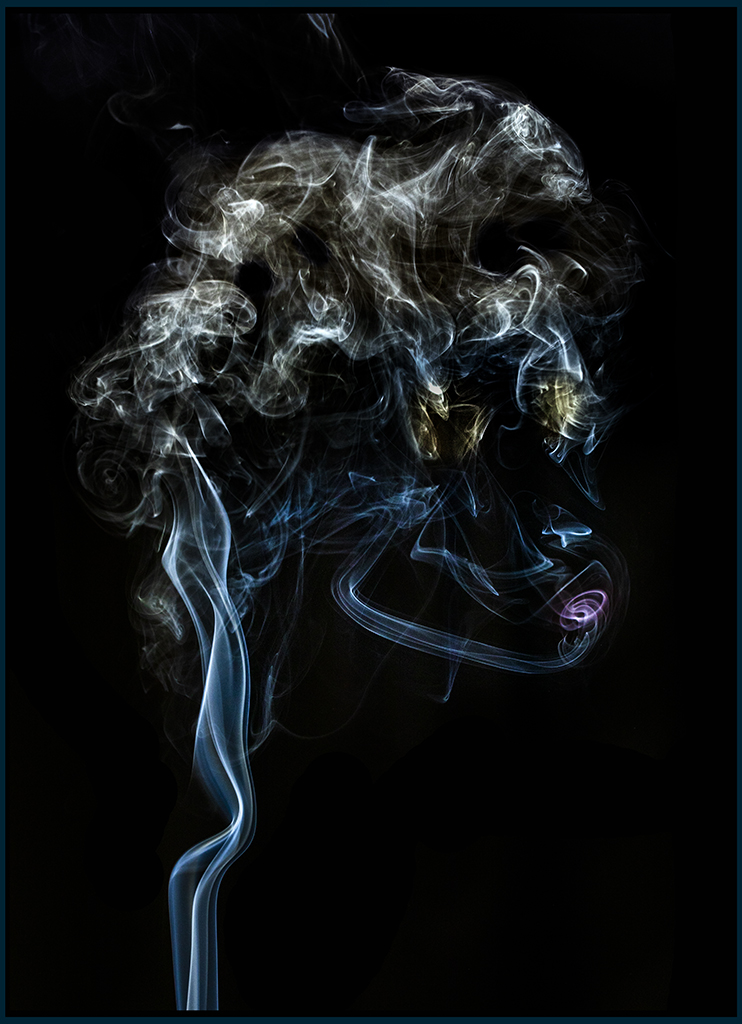
Nick, I assume that this is an image you managed to acquire from NASA since Zelks are only native to a few very distant planets. I tried to discover which specific planet it was by evaluating the location of the huge sun. Finally, after much research it is now clear that the photograph was from Zelkon in the Circinus galaxy.
On another (slightly more serious note), great imigination. Thank you for the chuckle.
|
Aug 16th |
| 5 |
Aug 20 |
Comment |
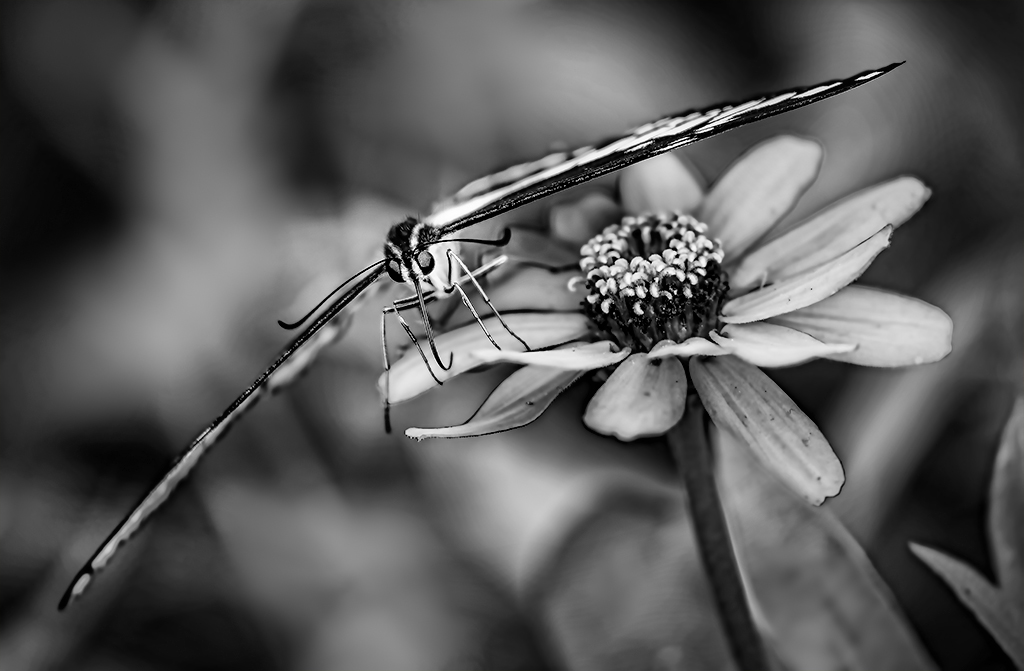
Bob, I have taken hundreds (or thousands) of flower photographs. But, yours is really special. The curve of the stem and the sharpness of the entire flower are outstanding. And, I love the background -- enough detail to provide interest without detracting from the main subject, and slight green to give contest to the image.
Initially I thought you had used focus stacking to achieve the sharpness throughout the flower's depth-of-field. I was surprised to find that it was a single shot at f/25. It is rare that I go beyond f/16, but I think I'll be a bit more "liberal" in the future.
Very well done!
|
Aug 16th |
6 comments - 6 replies for Group 5
|
| 62 |
Aug 20 |
Reply |
Yes, either a dodge and burn OR selecting the flower before applying the brightening. The July update to Photoshop did wonders to the Select>Subject tool. It could probably select the flower with a single click (perhaps with just a bit of refinement afterwards). |
Aug 21st |
| 62 |
Aug 20 |
Comment |
Israel, there is nothing I can add to the comments of others. You definitely have a winner! Like LuAnn, I think you should print this one and hang it on the wall for your family and friends to enjoy!
|
Aug 16th |
| 62 |
Aug 20 |
Comment |
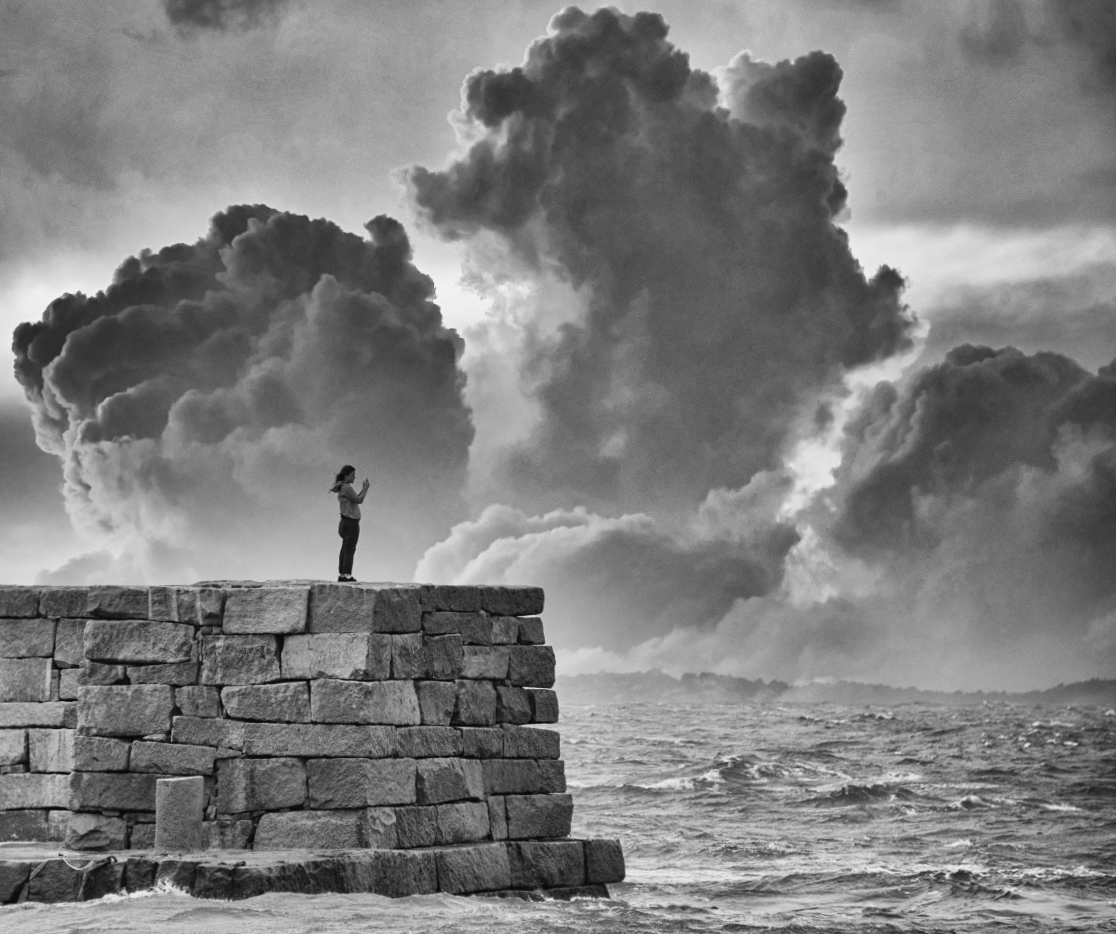
Bob, as LuAnn said, the image is outstanding. I love the dramatic sky and the wall is great. However, I also agree with Gary about cropping tighter on the left side of your image. The wall is wonderful but to me the image feels a bit unbalanced since so much is happening on the right side. Also, cropping on the left would move the woman into a position that feels more natural. Here's the kind of thing I have in mind. Thoughts?
|
Aug 16th |
 |
| 62 |
Aug 20 |
Comment |
Interesting, interesting, interesting! I really like the shadows and I enjoyed reading all of the comments and suggestions. Leah, I could also tell that you are struggling to find the exact crop that is most pleasing. So, naturally I had to complicate the situation by adding something of my own. (lol) Frankly, I don't think mine is better than the others, but it gives something else to consider.
|
Aug 15th |
 |
| 62 |
Aug 20 |
Comment |
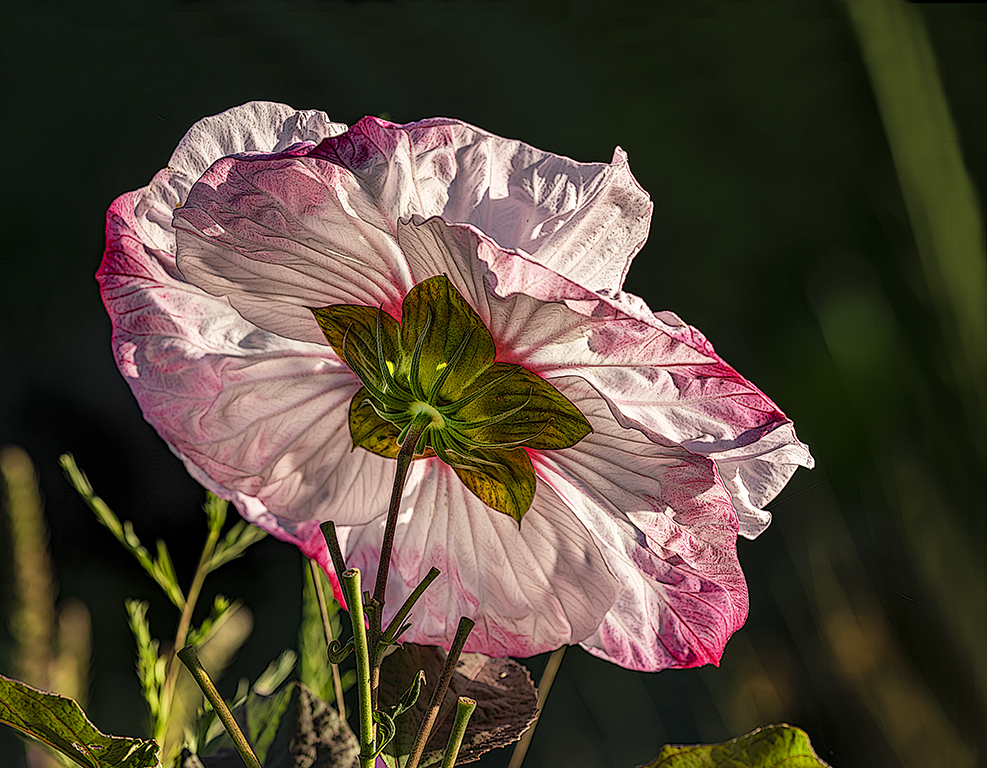
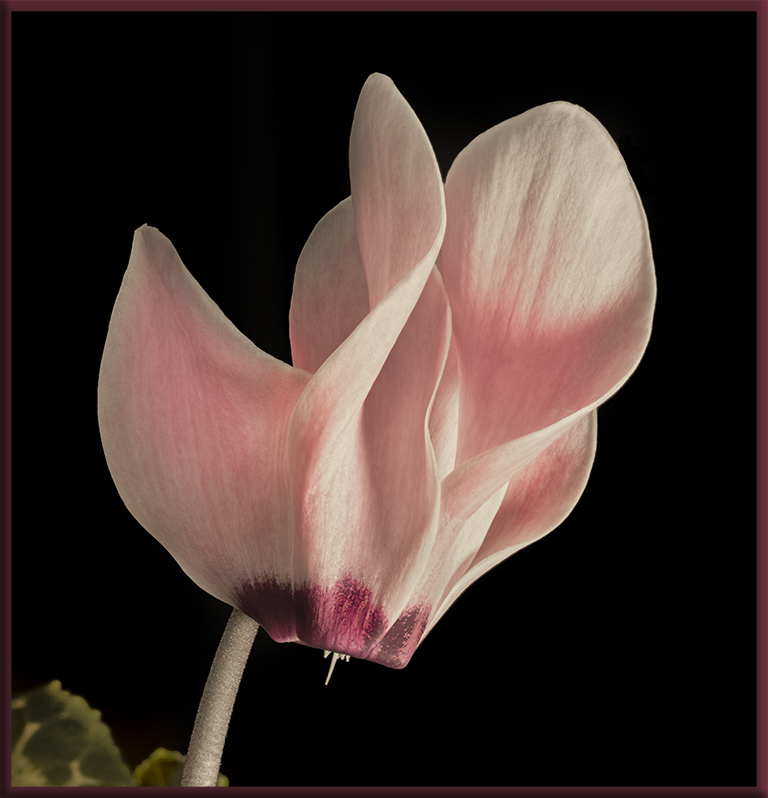
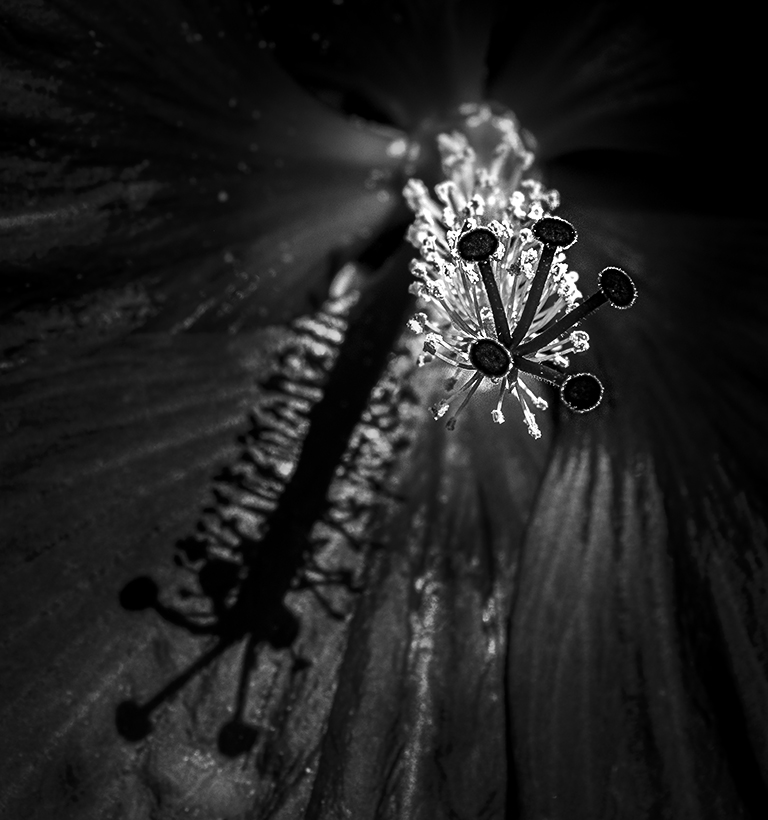
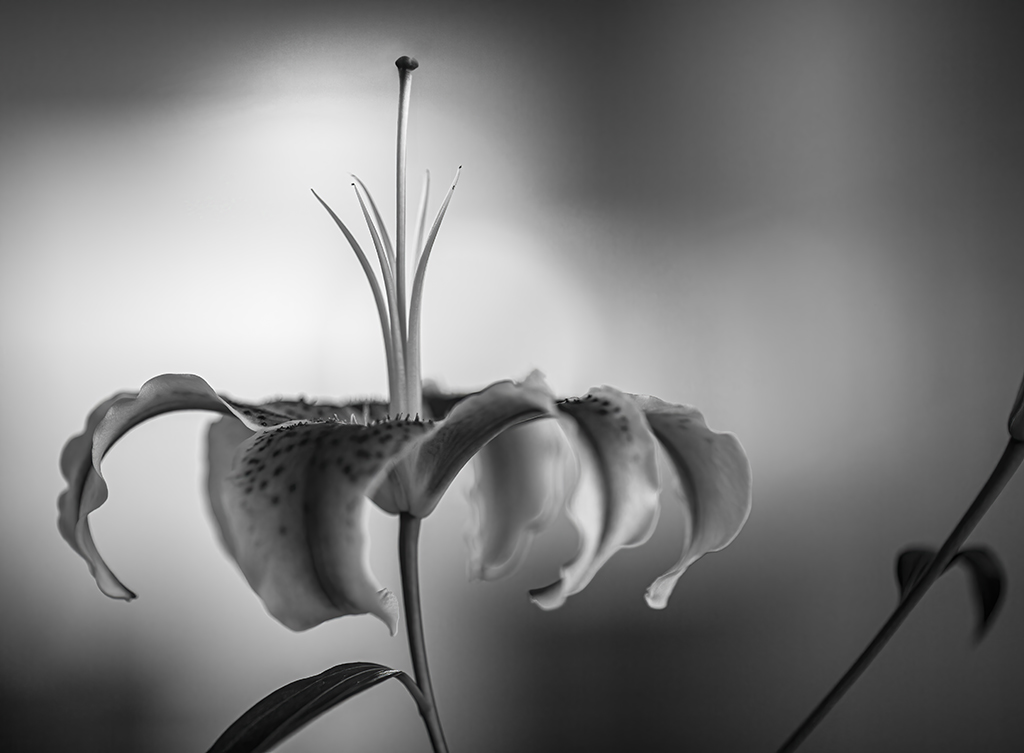
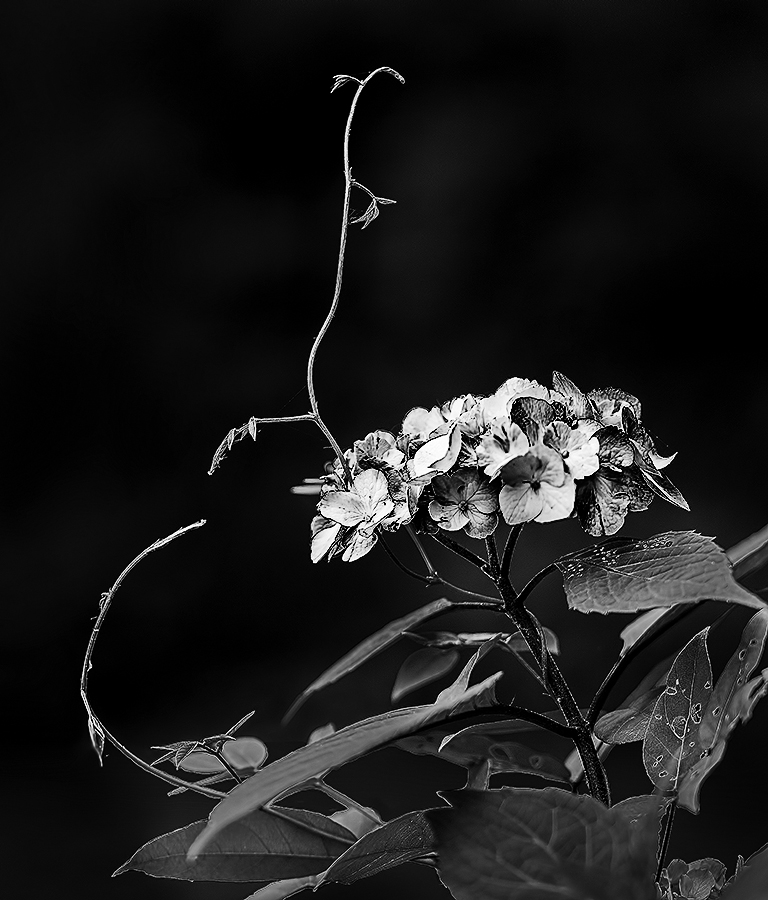
A disadvantage to "coming late to the discussions" is that I have very little to add to the comments/input. I love the impact of your image. It's always fascinated me to see how people praise flowers for their beautiful colors and yet, a monochrome flower image has such amazing appeal.
Like Gary, I think the translucense in the petals really adds to the photograph. As a nit, you might be sure that the areas between the petals isn't quite so bright since that makes it seem that the whole area is simply brightened. But, as I said, that's really not a detracter from your beautiful image.
|
Aug 15th |
| 62 |
Aug 20 |
Comment |
LuAnn, so much has already been said about your image and I find that I agree with virtually all of it... even those with conflicting opinions. lol
To me, a primary goal of street photography is to capture an environment in an especially interesting way. That an be the expression on someone's fact, an intriguing scene with no people present, or a child trying to slide out of his stroller.
You have clearly achieved an outstanding street photograph. The bright pig is extremely prominent in your image, but the boy in the stroller is the subject.... and they link together perfectly.
Well done!
|
Aug 13th |
| 62 |
Aug 20 |
Reply |
The two tools I suggest that you play with are the "Object Selection Tool" followed by the "Quick Selection Tool" to refine your selection. They are both in the dropdown menu under the 4th tool. If you would like, I'd be glad to do a brief Zoom session and show you what I mean. (I have a zoom account, so other folks could join in if they would like to.)
|
Aug 13th |
| 62 |
Aug 20 |
Reply |
Thank you, Bob. I've used Luminar a bit but am far from an expert with it! But, your approach of inverting the mask sounds like the process I used. |
Aug 13th |
| 62 |
Aug 20 |
Reply |
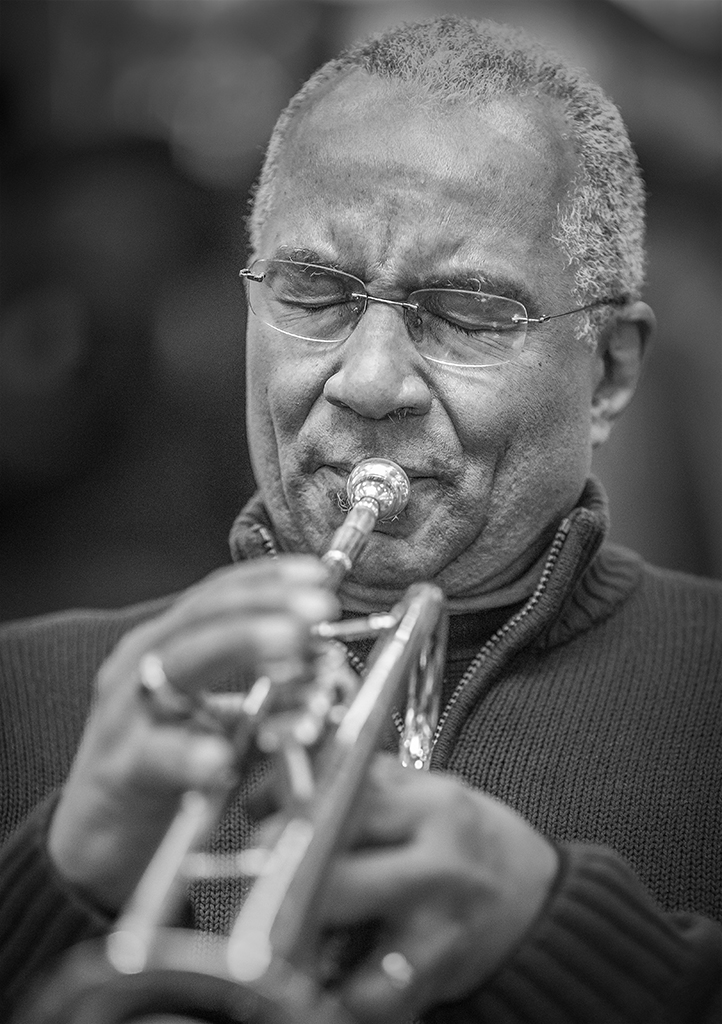
Gary, I completely agree.... images of people are by far the most interesting. I love doing informal portraits. There is a large indoor market in Baltimore that I frequented before the pandemic. On Saturdays there are two hours of live free jazz, blues and/or rock-and-roll. It's a very poor neighborhood so it's a primary source of entertainment for many folks. During the music they dance, often alone, in incredibly uninhibited fashion. It's a fantastic opportunity to take wonderful image (which I print and later give to the people).
|
Aug 13th |
| 62 |
Aug 20 |
Reply |
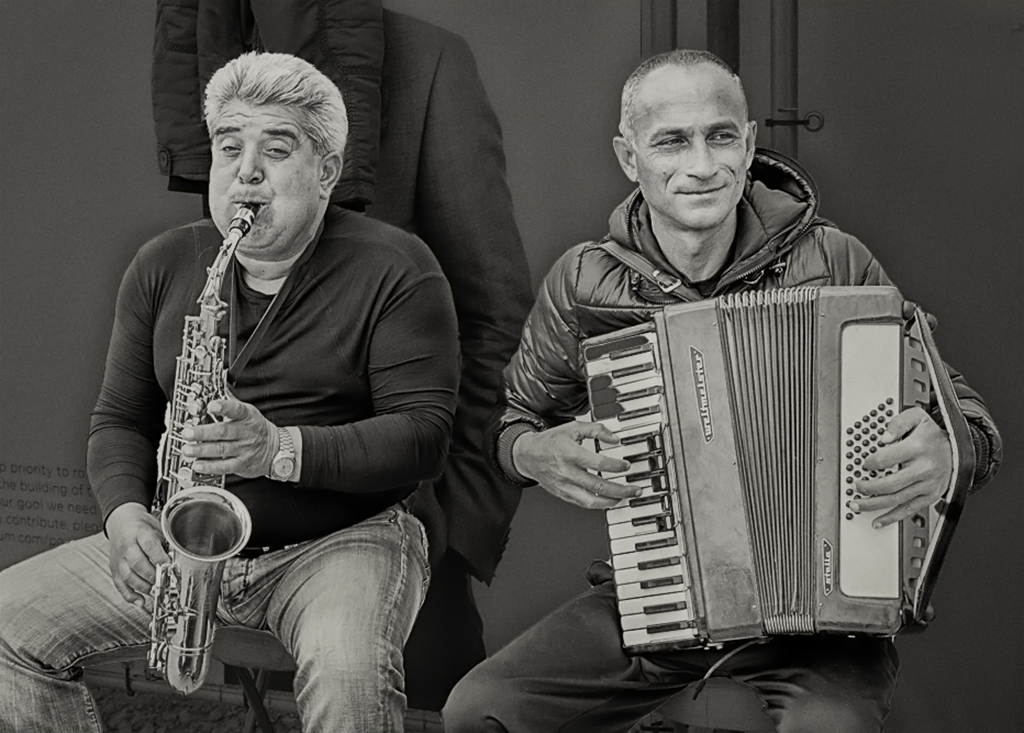
Thank you, Leah. This is a photograph I re-discovered when looking back through some old images. The sax player's expression is what made me "give it a try" in post processing. Please take a look at the reply in LuAnn's comment to see my description of the process used. If that leaves questions, just let me know!
|
Aug 13th |
| 62 |
Aug 20 |
Reply |
Thank you, my friend. My process was fairly simple. First I selected the two musicians in Photoshop, then inverted the selection and went into the Photoshop Camera Raw filter. Then, any changes made in Camera Raw would affect only the background. Note that this can seem confusing since you see the entire image change (not just the selected background) until you exit Camera Raw and return to Photoshop. I hope this makes sense!
On a separate, but hopefully useful, note.... try Photoshop's Object Selection tool and the Subject selection tool. Both were vastly improved in the June update.
|
Aug 13th |
| 62 |
Aug 20 |
Reply |
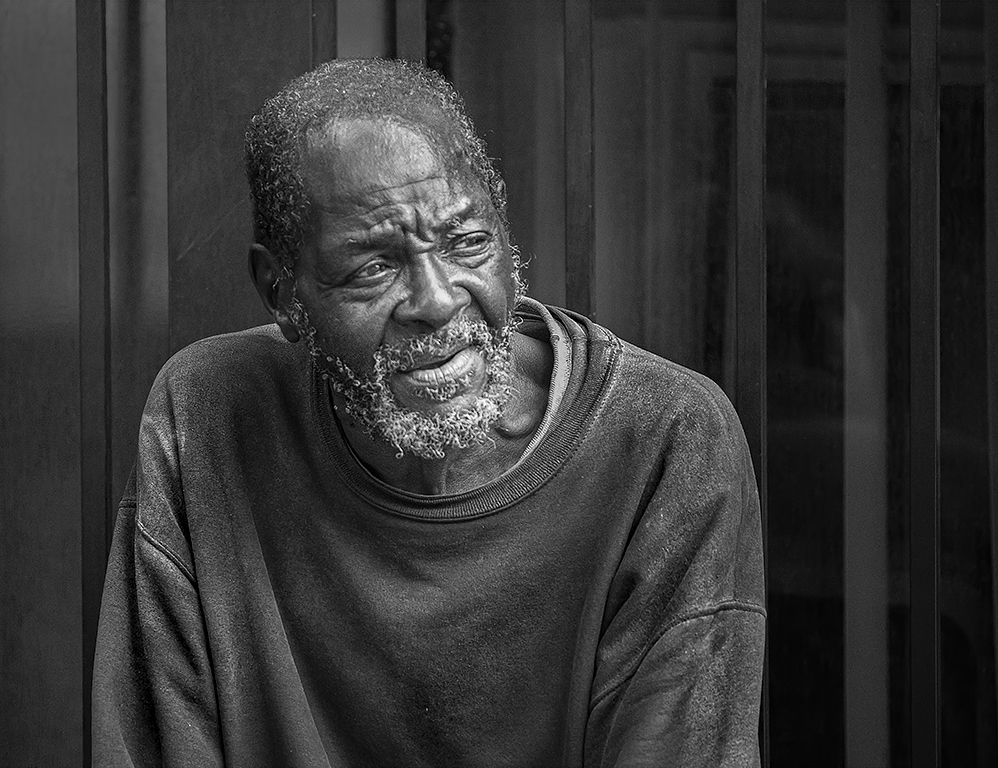
Thank you, Emil. I find that B&W often works best for portraits and, of course, for those images where the importance of texture, pattern, and tone are more important than color. And, as in this image, eliminating color can also be valuable for removing distrations!
|
Aug 13th |
| 62 |
Aug 20 |
Comment |
Gary, like Emil and Jack, I think it's a wonderful photograph. I think both the color and monochrome versions are great. The toning in the monochrome image is outstanding.
I understand Emil's thoughts about the three stumps leading the viewer's eyes out of the frame. However, I personally think that removing only the one closest to the left edge would leave the excellent compositional balance and significantly reduce the out-of-frame issue.
Very nice image(s)!
|
Aug 6th |
6 comments - 7 replies for Group 62
|
13 comments - 13 replies Total
|