|
| Group |
Round |
C/R |
Comment |
Date |
Image |
| 64 |
Mar 26 |
Reply |
Fair enough. I remember trying to do the same with a winter scene many years ago, but it was a colour slide and of course I couldn't manipulate it. Maybe a title of just "Winter" for your photo would help viewers see what you wanted them to see? |
Mar 18th |
| 64 |
Mar 26 |
Reply |
I don't think I've ever blurred a foreground before, but there's always a time to learn a new idea - I'll give it a go! Thanks. |
Mar 18th |
| 64 |
Mar 26 |
Reply |
Alas the original had no more space to the left. I could extend the canvas and clone in some filling as the left is very "general" in its detail. Maybe when I find a spare moment.... |
Mar 18th |
| 64 |
Mar 26 |
Reply |
Thanks, Jerry. Yes, it was on a small change of elevation, 1/2 metre or so. |
Mar 16th |
| 64 |
Mar 26 |
Reply |
Fair enough, it's just a matter of taste.
I'm not a fan of Adobe, so I don't use Photoshop, I use Affinity. They have similar functionality. If you want to add dust, I think the easiest way is the clone brush. You select the clone brush tool, then right click where you want to clone (ie copy) from, then hold the left mouse button down whilst painting round the target area. It takes a bit of practice, but is fairly easy to do. You can vary the opacity if needed to make lighter pastes. Give it a go!
|
Mar 14th |
| 64 |
Mar 26 |
Reply |
Cropping it an iterative process! Yes, I like this change, but my first impression is that the foreground is now a bit too dominant. Maybe a bit more off the left and the bottom? |
Mar 10th |
| 64 |
Mar 26 |
Comment |
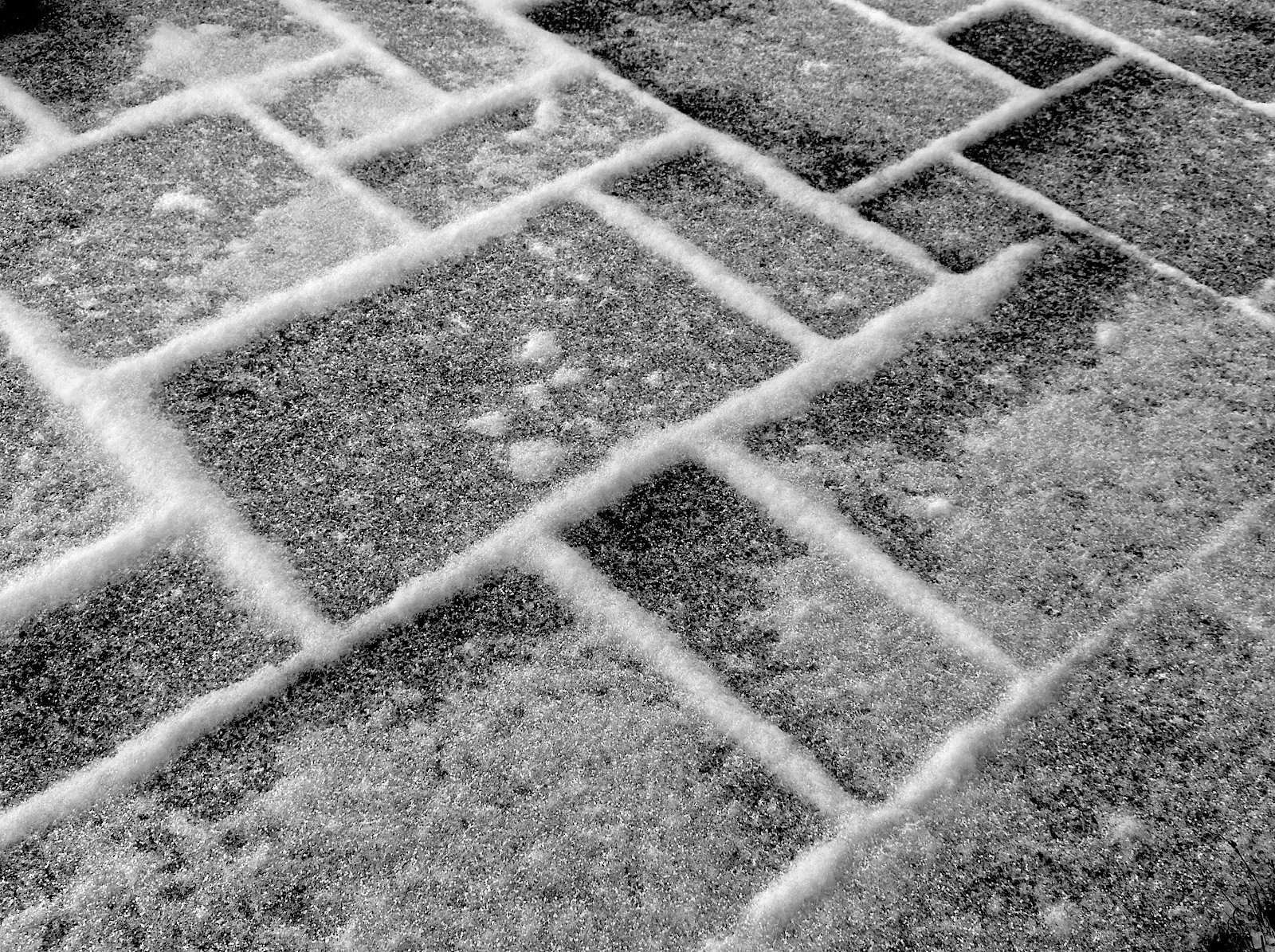
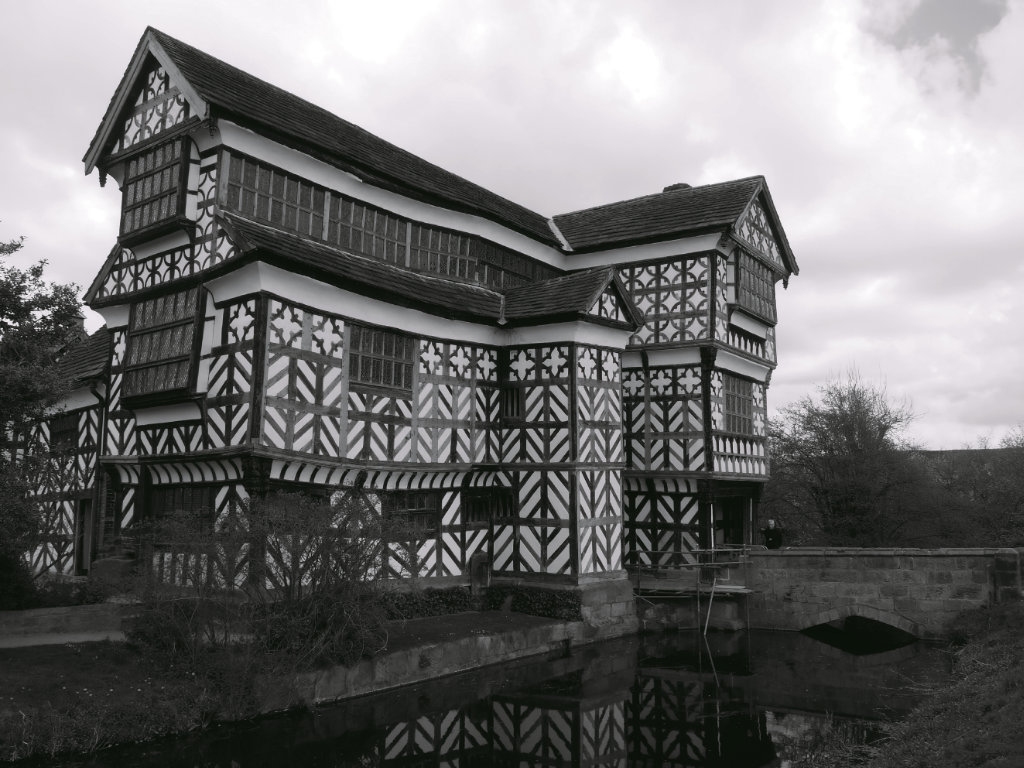
Snow can make great monos! Alas, we haven't had any apart from a smattering of it here this winter.
I do like this photo, your processing is classic mono.
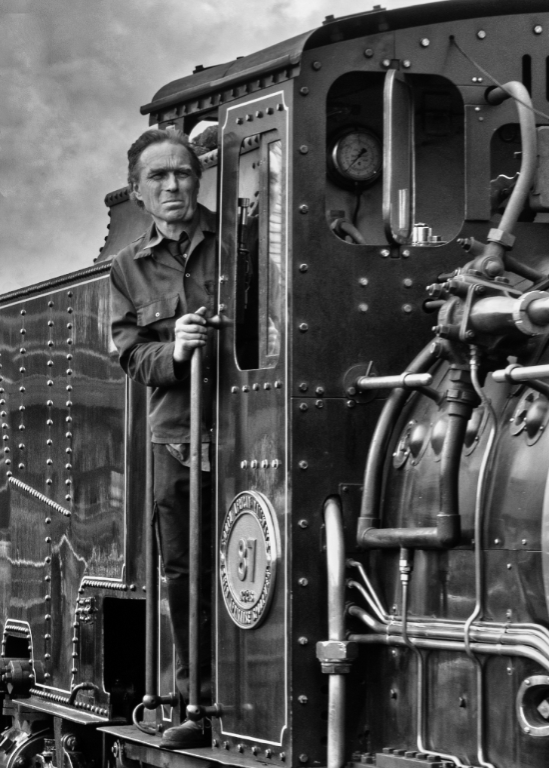
I think that the silos are a bit under-powering; taking a few steps backwards and a slightly longer focal length would have increased their size relative to the trees, and made a more powerful subject, I think. |
Mar 9th |
| 64 |
Mar 26 |
Comment |
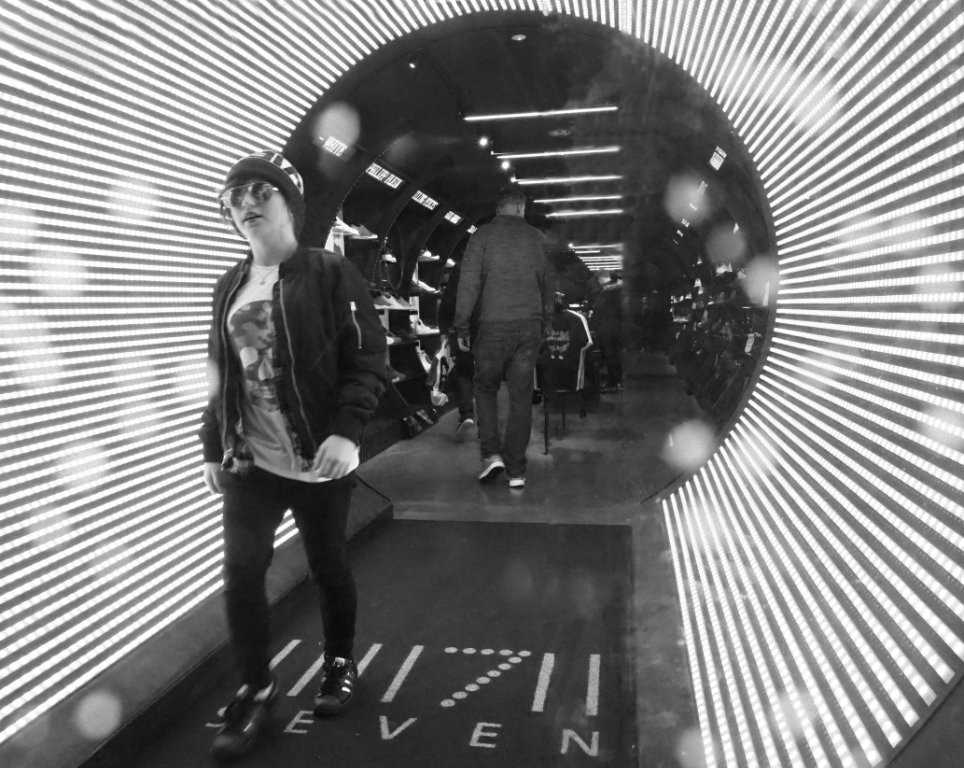
I think this picture just oozes quality. The highlight reflection in the centre could be seen as distracting, but I don't find it is. The light of the girl's face shines out from her dark hair. The diagonals add drama and focus my attention on her.
Having said that, I wonder if cropping off the top to remove the black diagonal helps us more with that focus. The said reflection might be better burned down a little, together with the other highlights on the bottom and right. Then, I think, it punches right between the eyes! |
Mar 9th |
| 64 |
Mar 26 |
Comment |
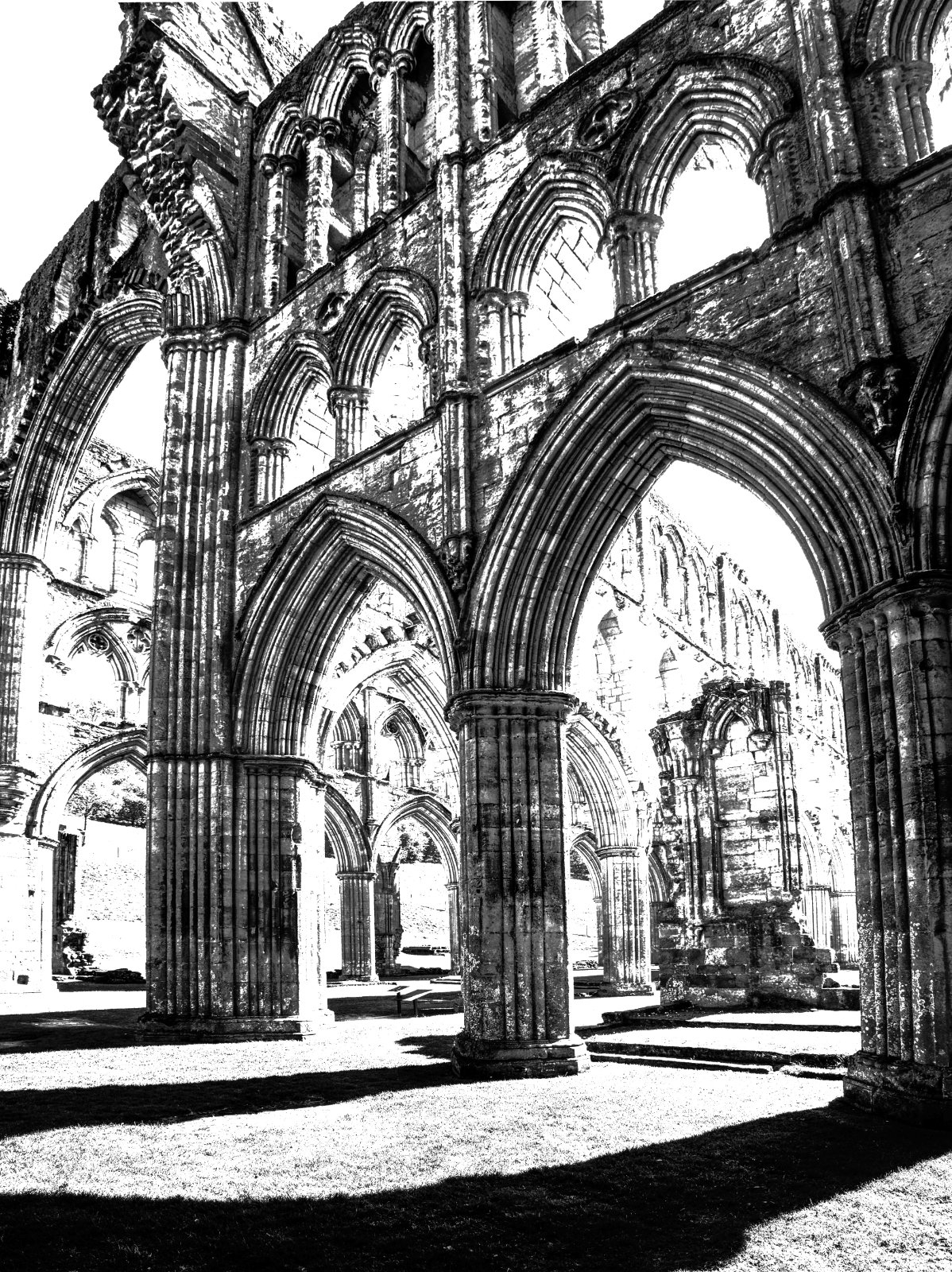
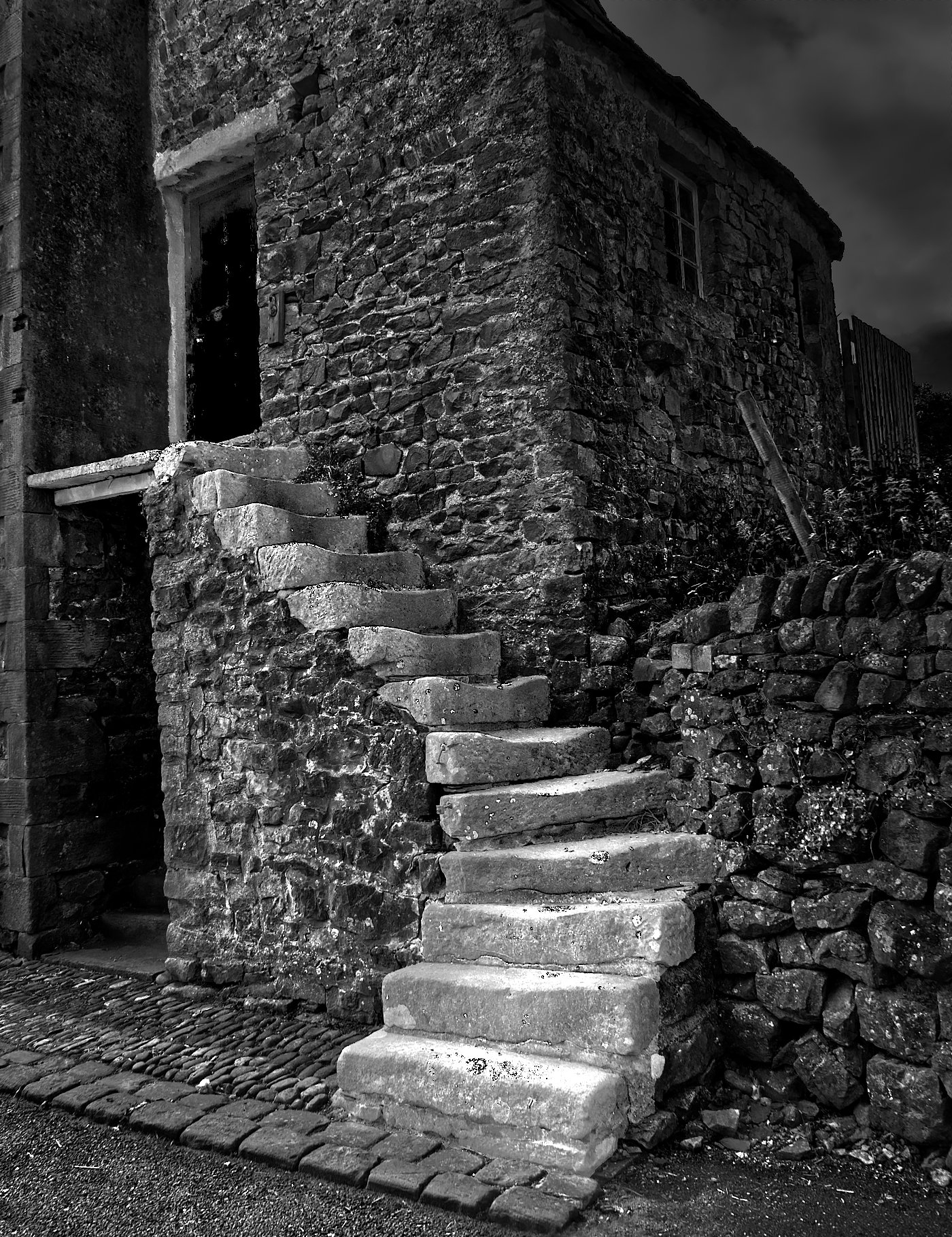
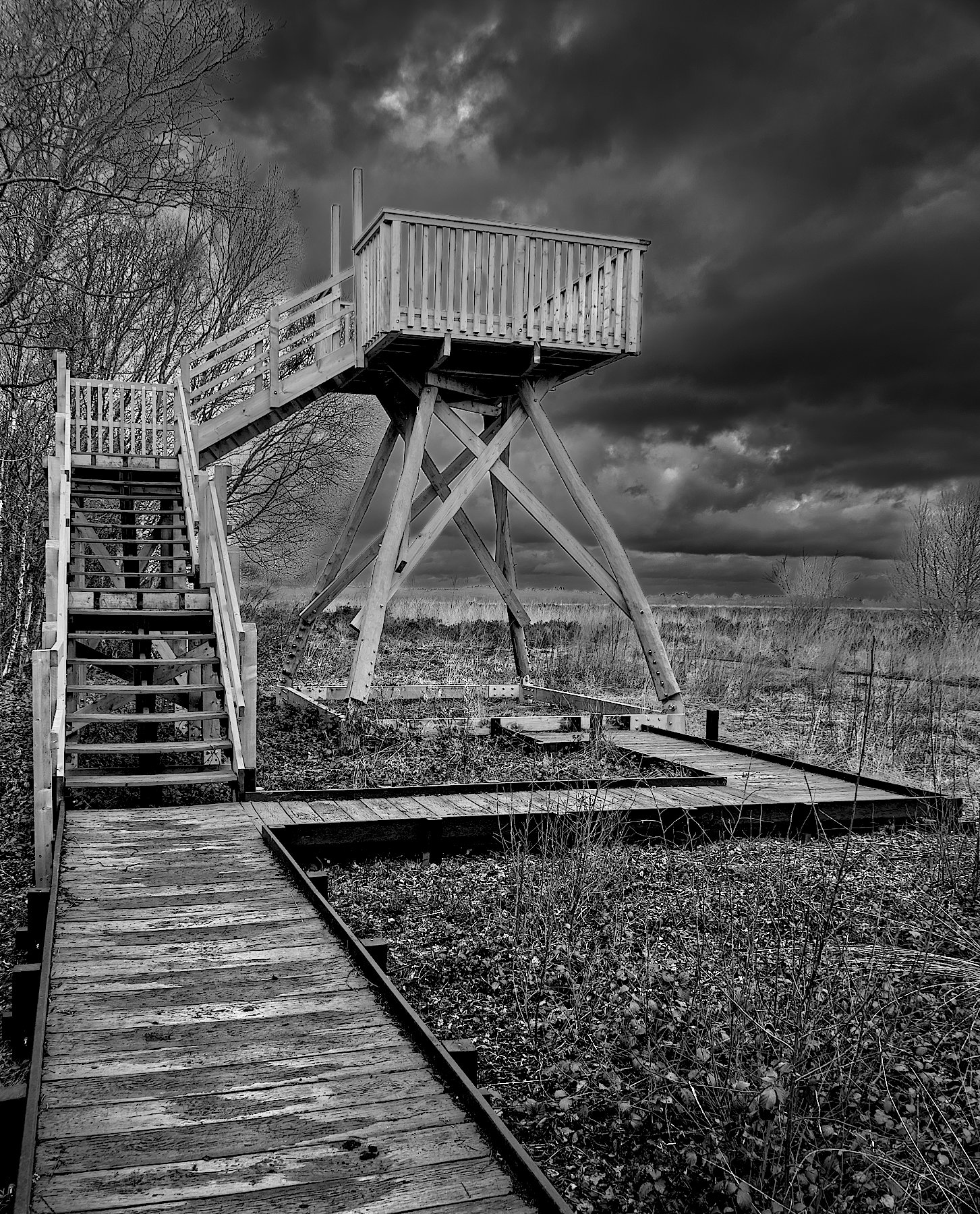
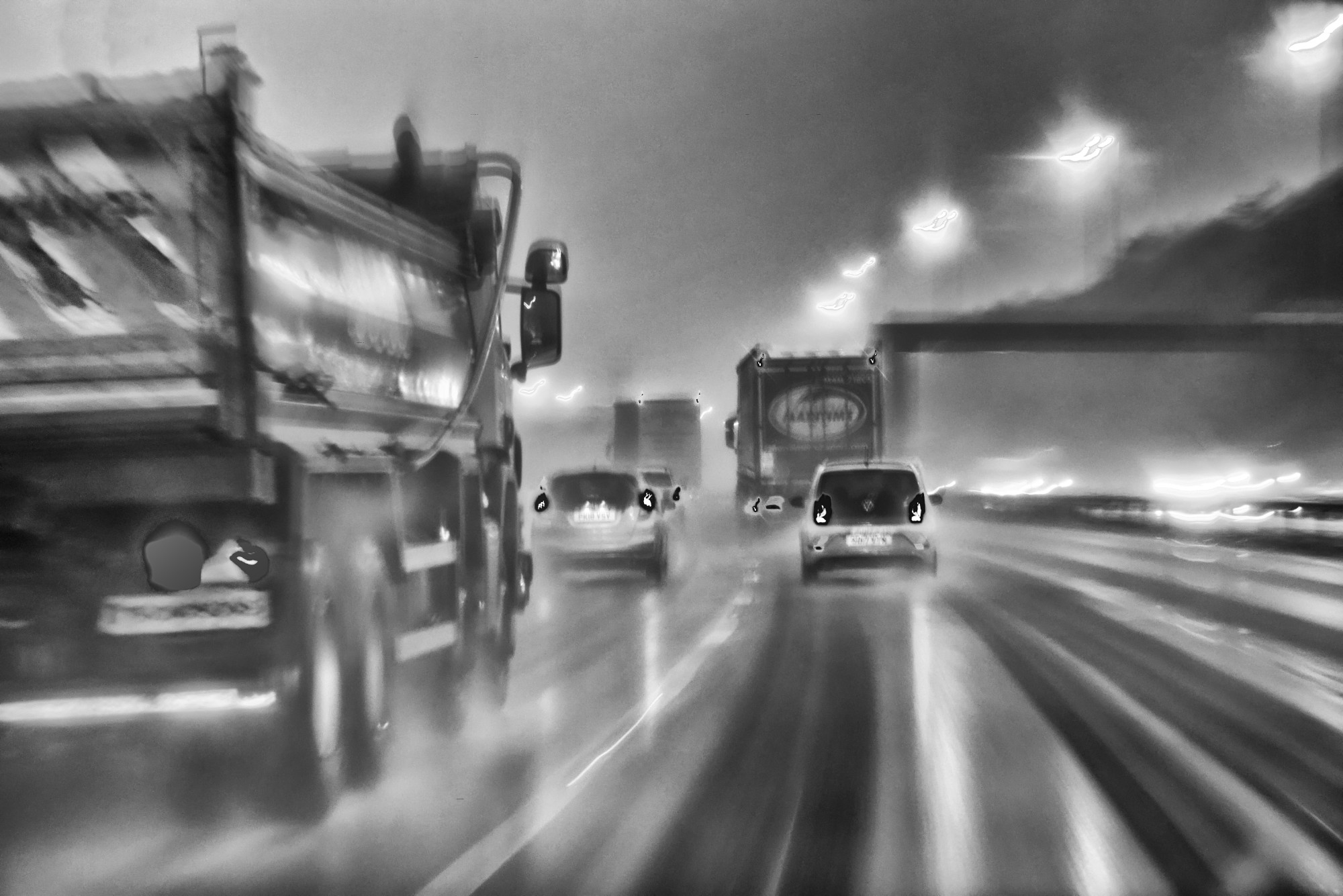
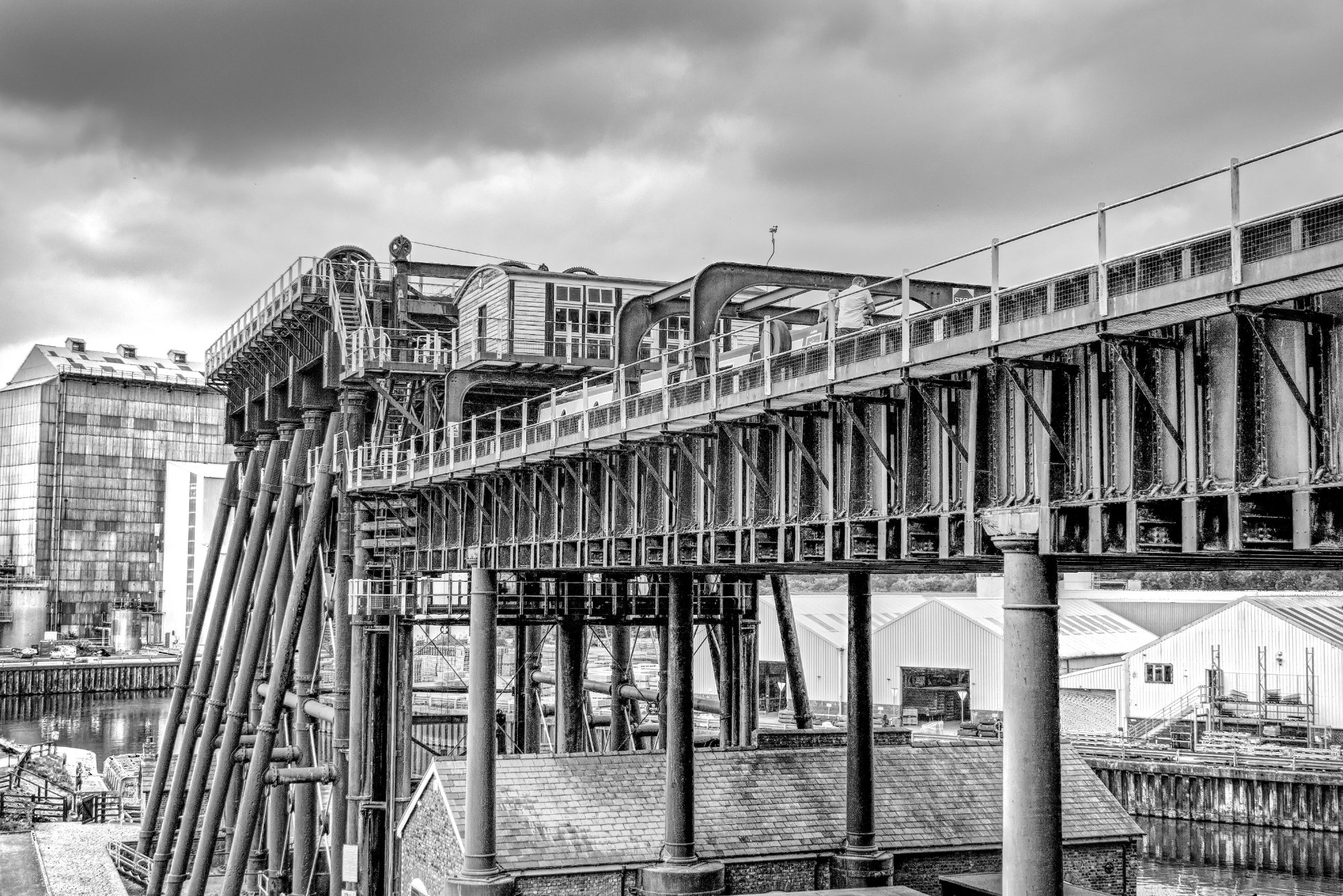
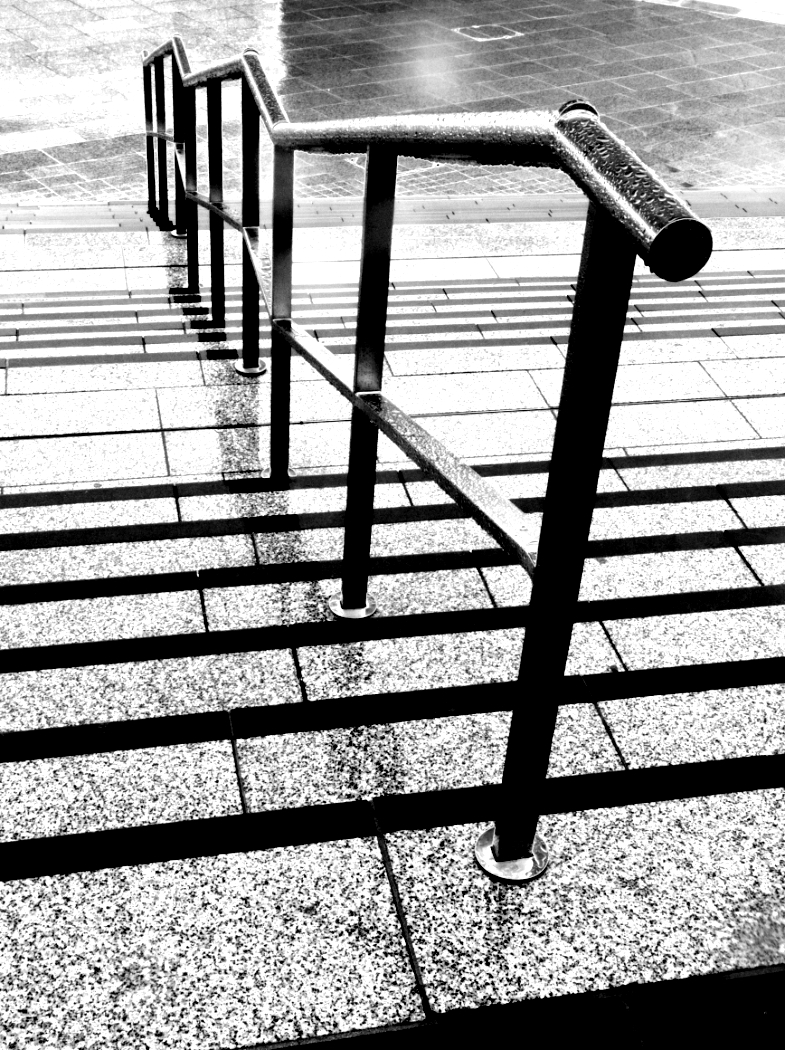
A dizzying picture! You found a super viewpoint.
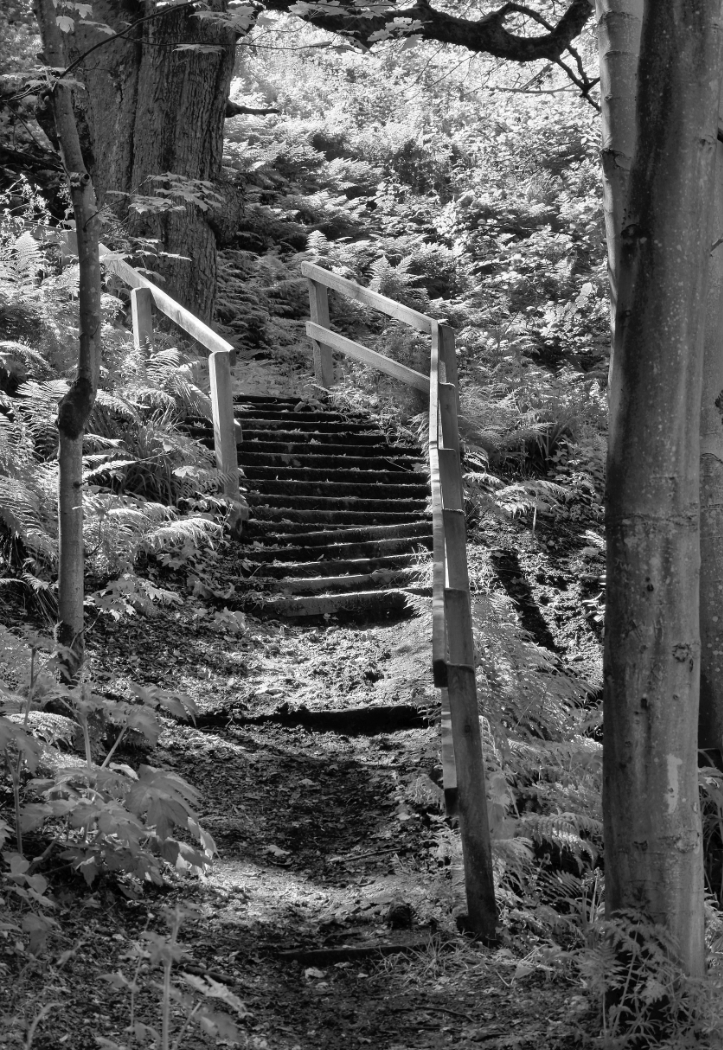
I'd agree, a little more on the left would balance the picture, and get the top of the stairs more on the 1/3 |
Mar 9th |
| 64 |
Mar 26 |
Comment |
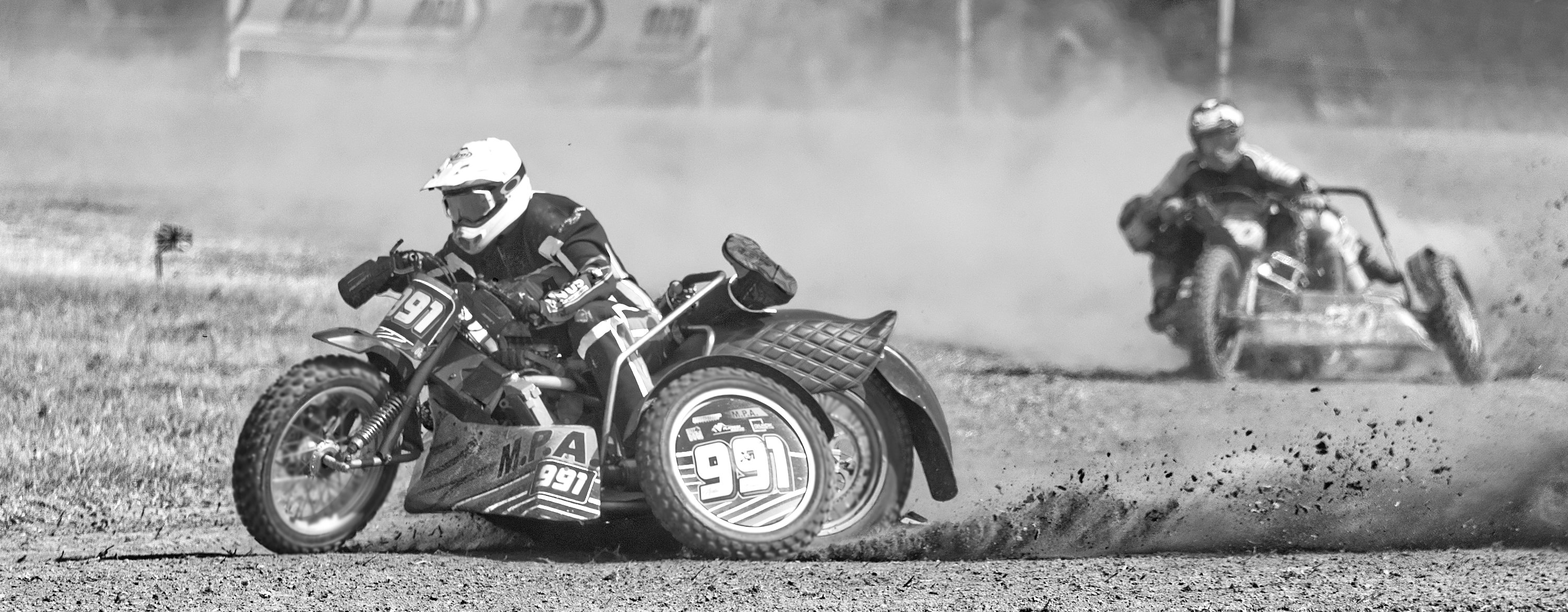
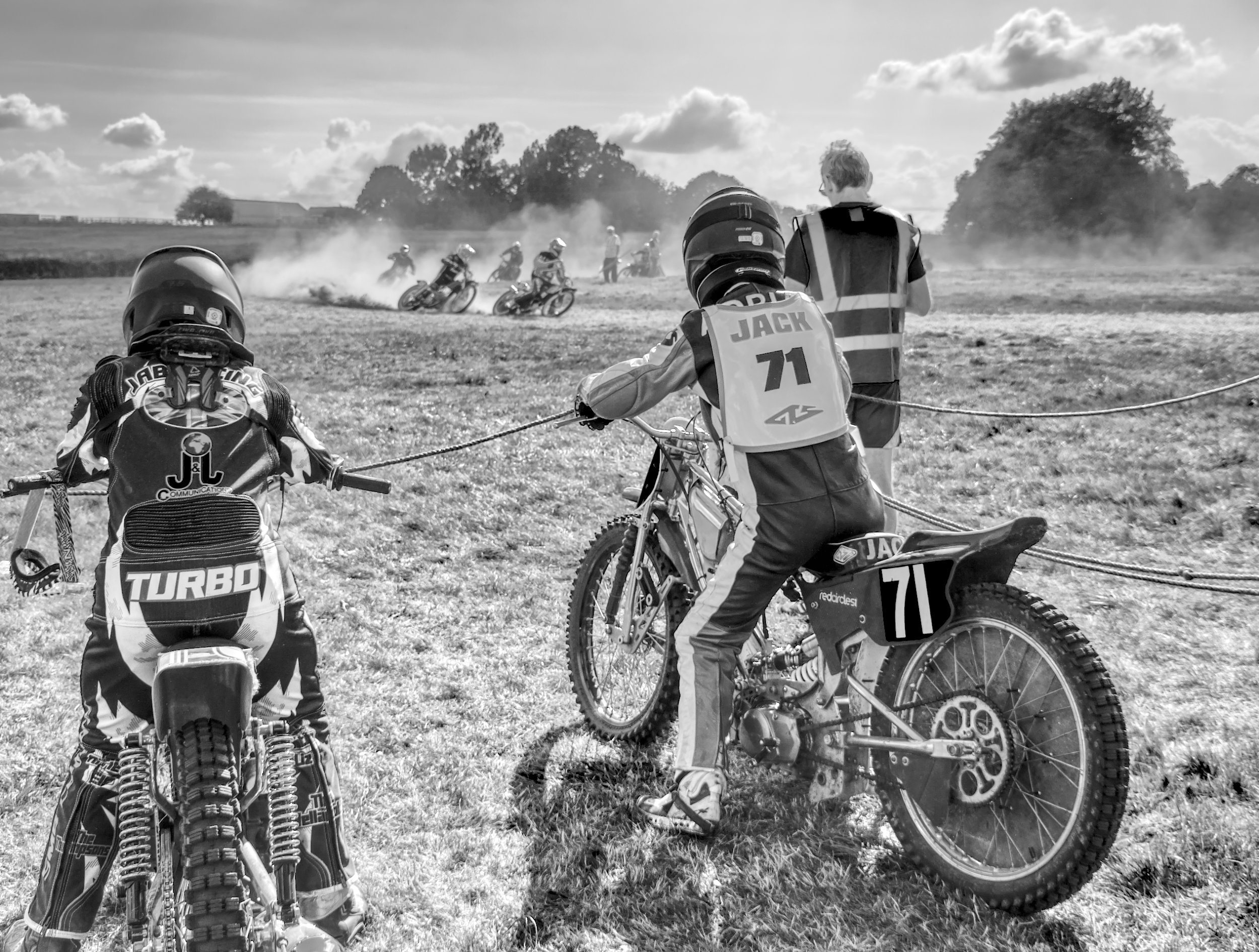
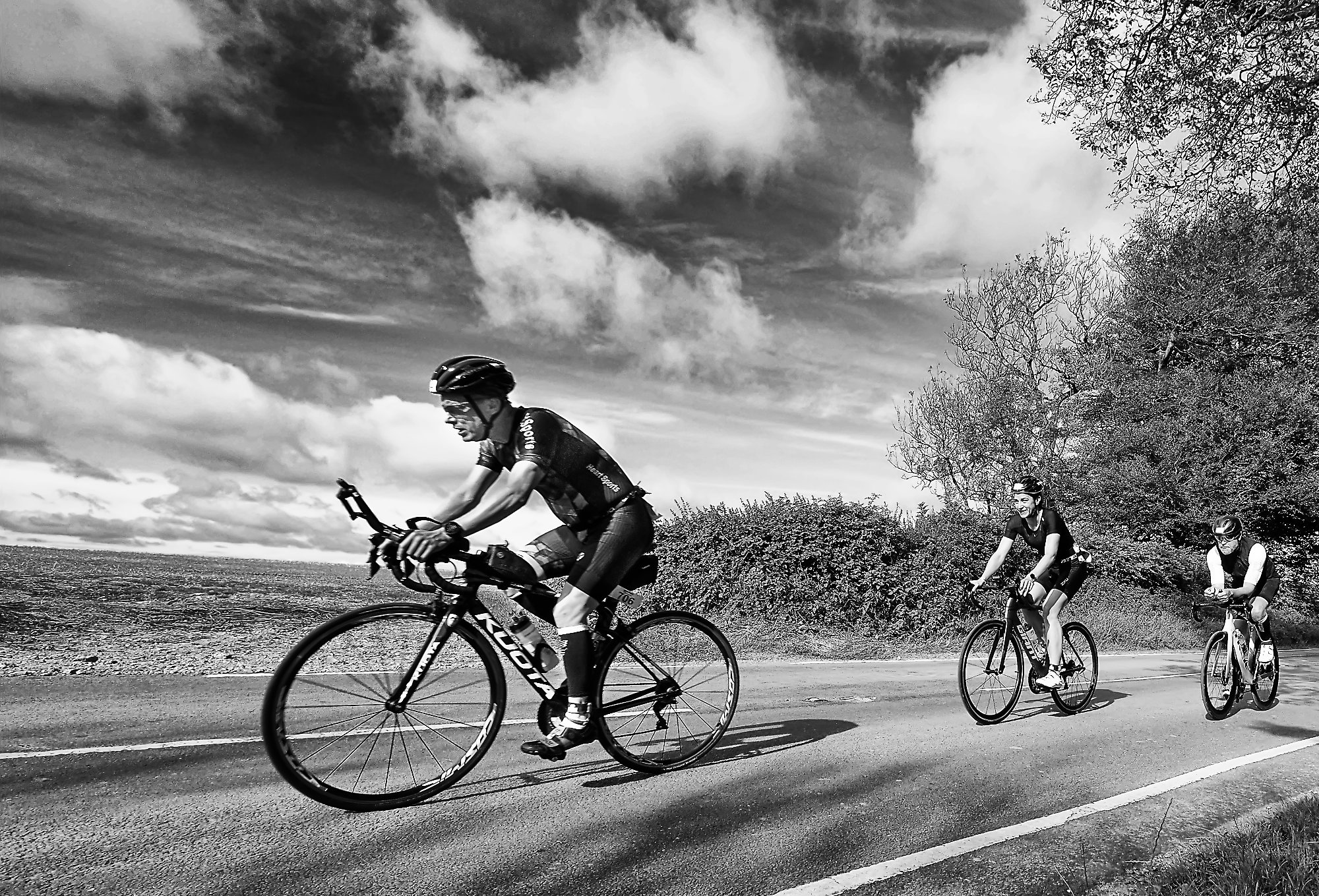
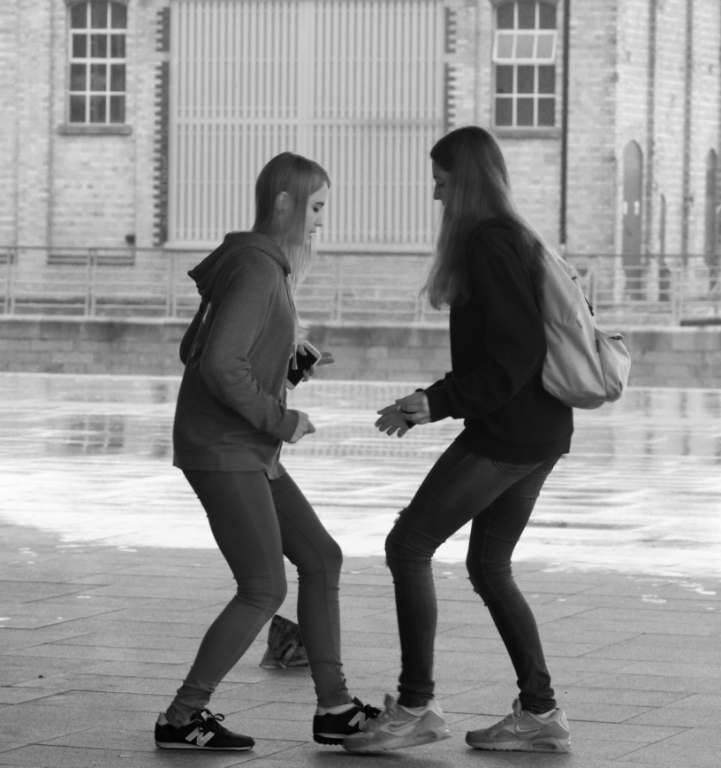
I think this is a good action shot, nicely sharp despite a relatively low shutter speed.
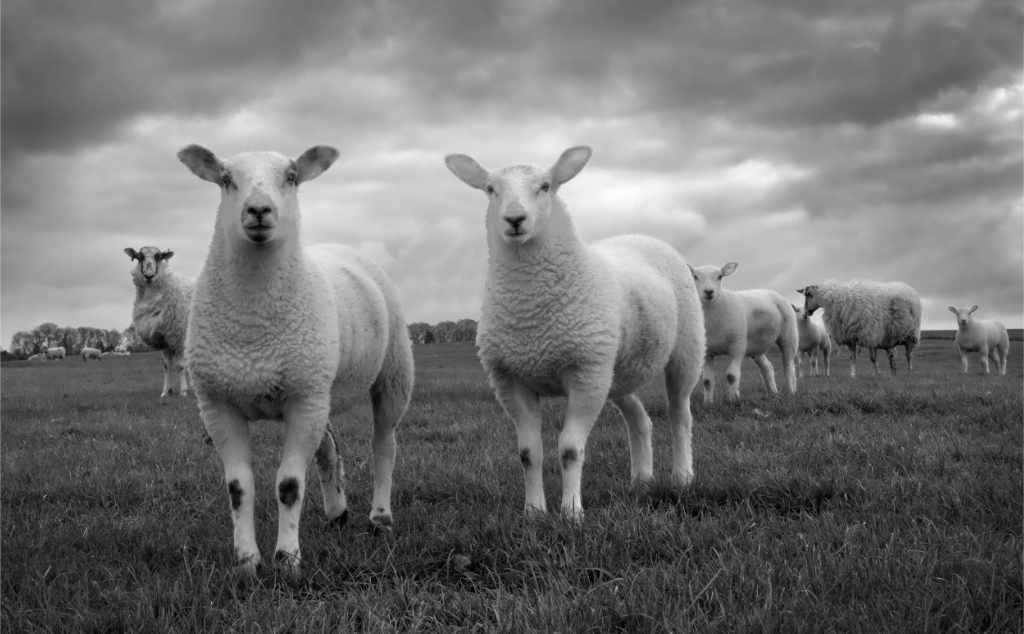
Judges often prefer an odd number in subjects like this, and I think that cropping off the left one, and taking a little off the bottom as well, make for a slight improvement. The closest foreground looks like a track which would be better off, too. |
Mar 9th |
| 64 |
Mar 26 |
Comment |
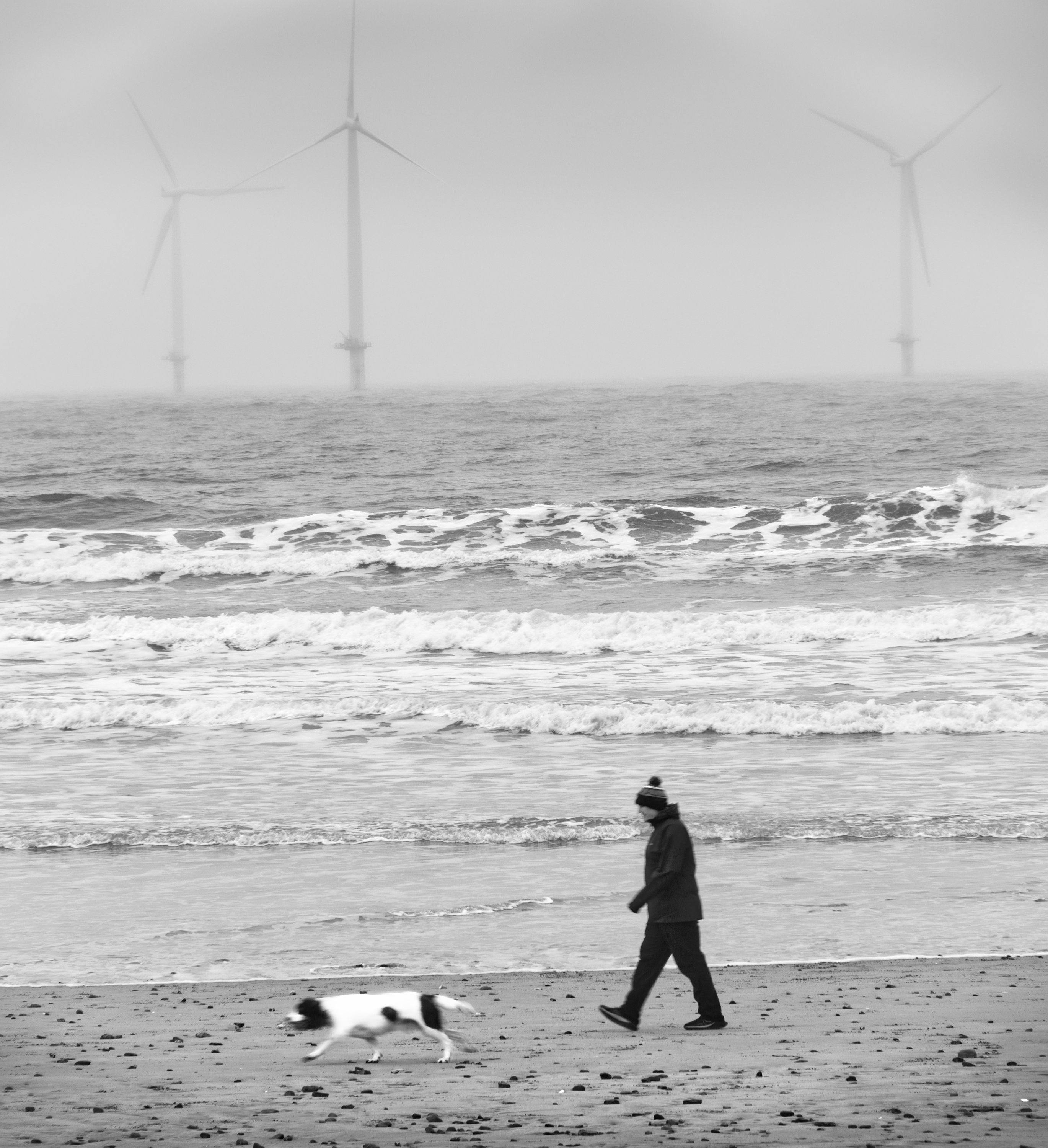
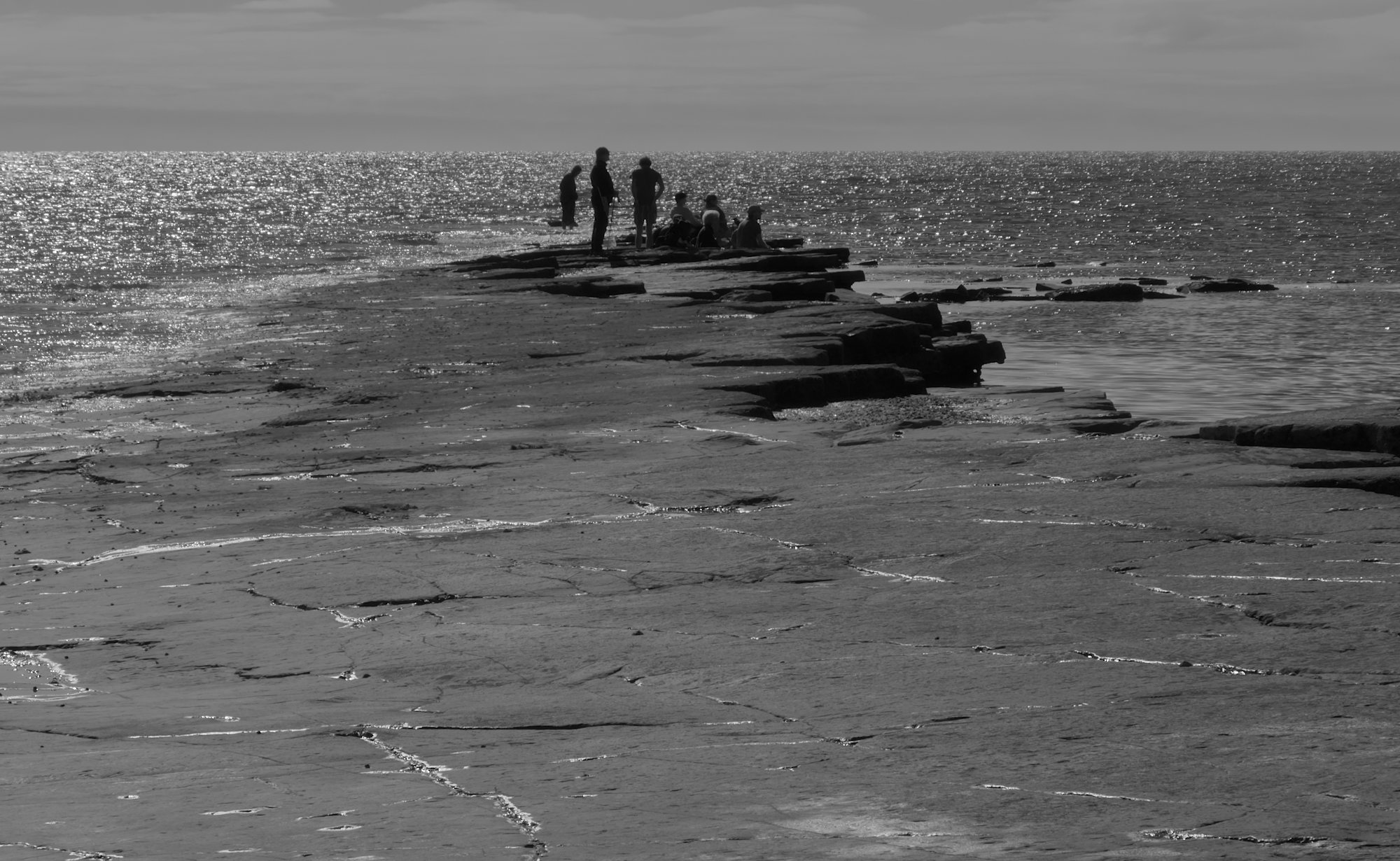
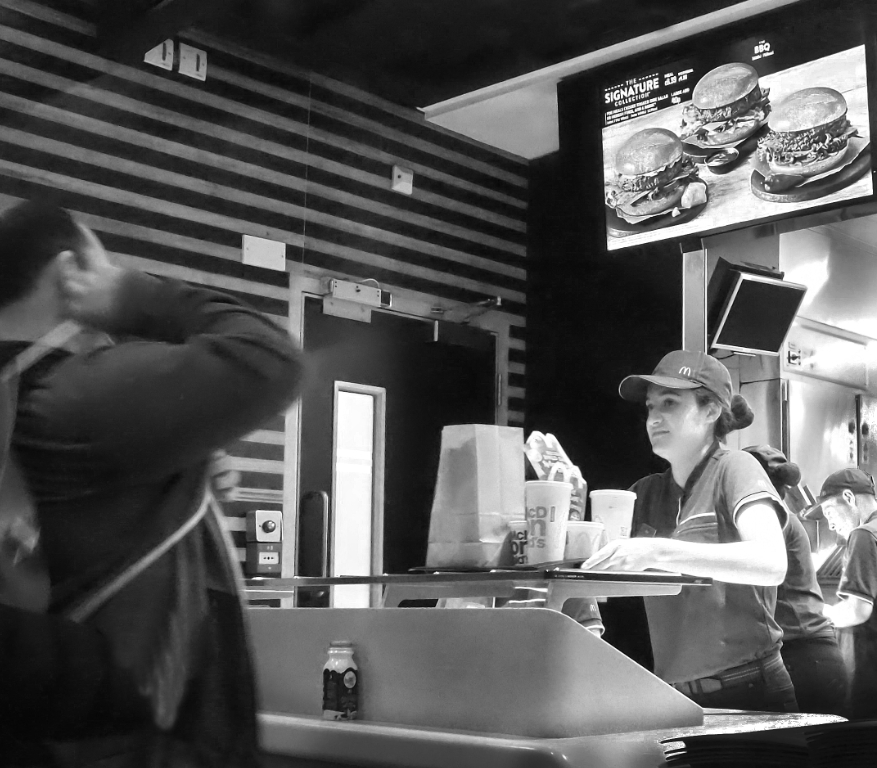
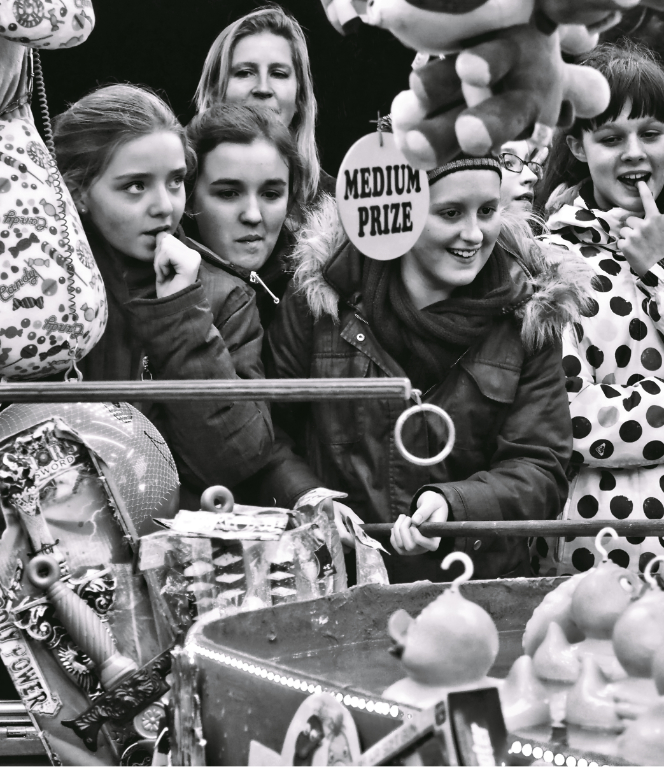
A nice photo. I agree with Chris' comments. I would darken the background, maybe blur it a bit more, and dodge the man's face a little, to add to that separation. |
Mar 9th |
5 comments - 6 replies for Group 64
|
| 95 |
Mar 26 |
Reply |
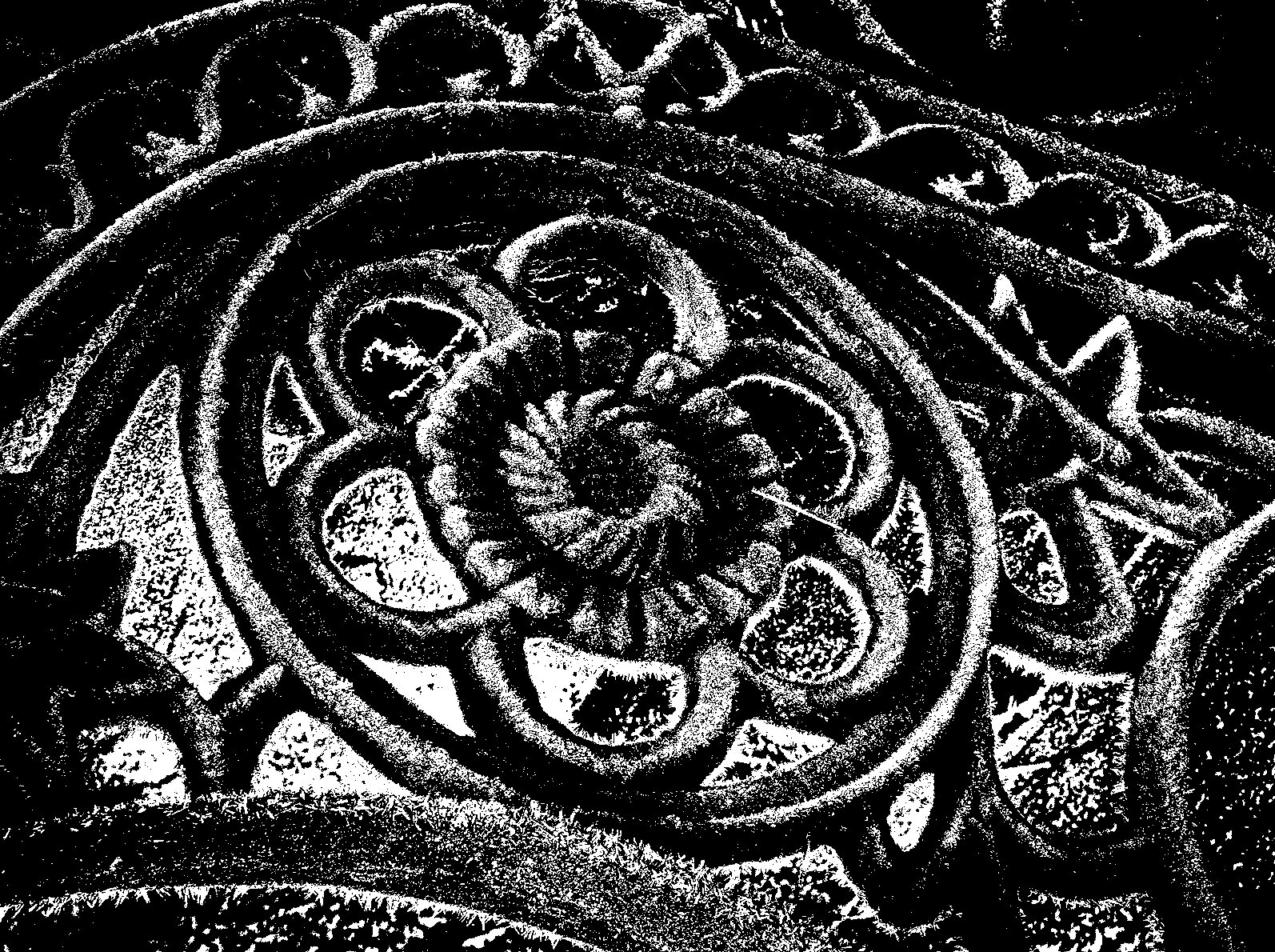
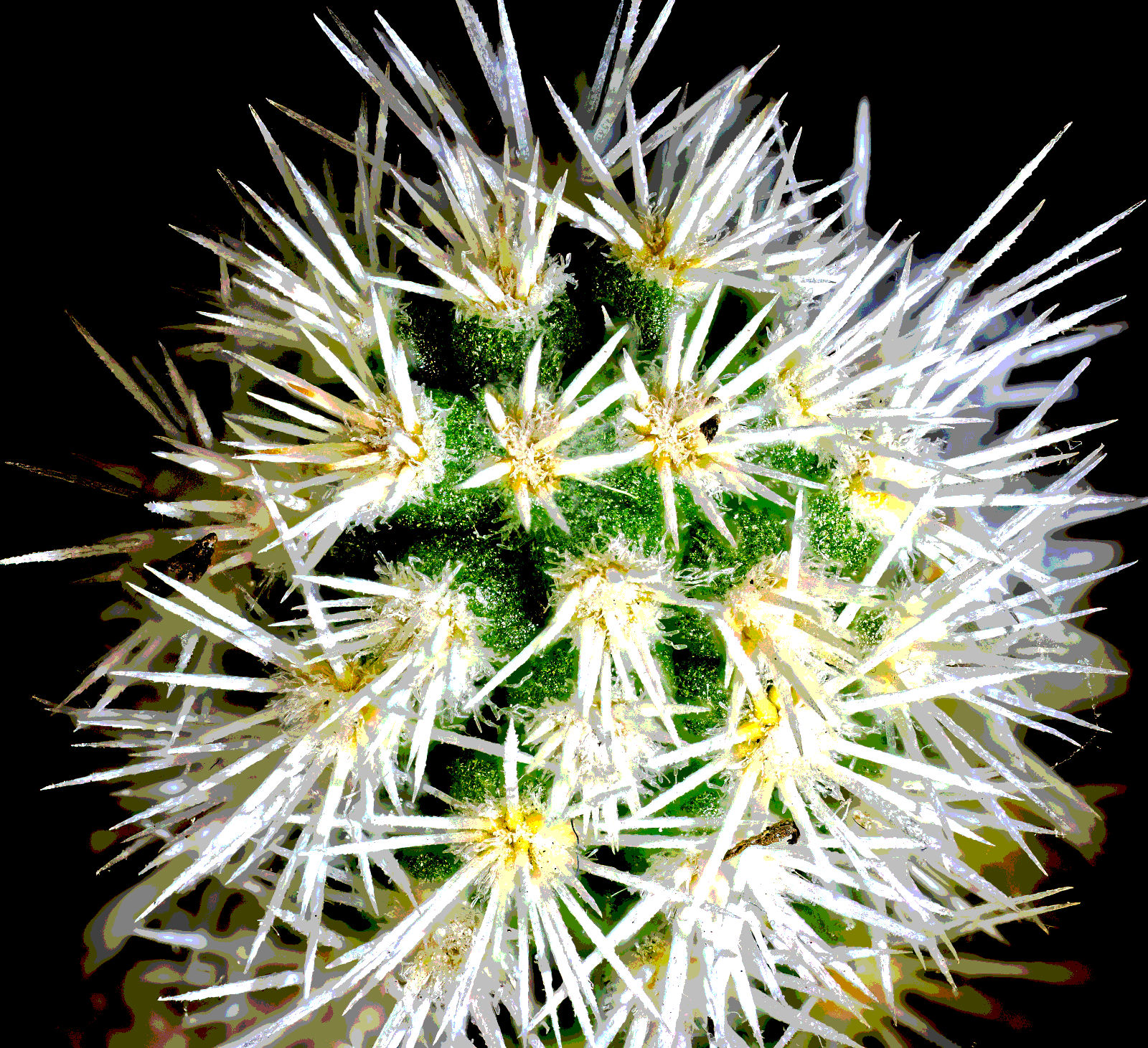
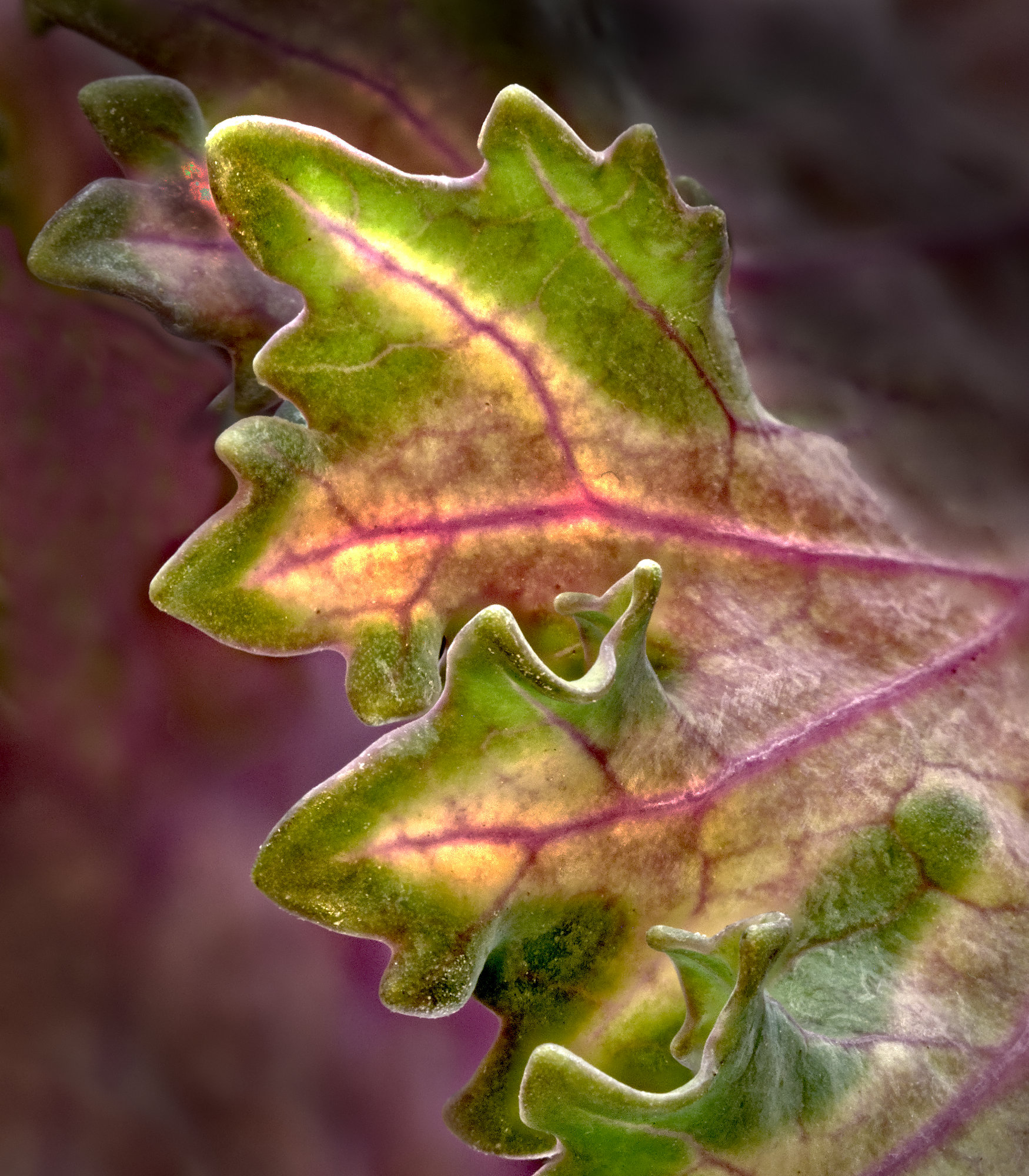
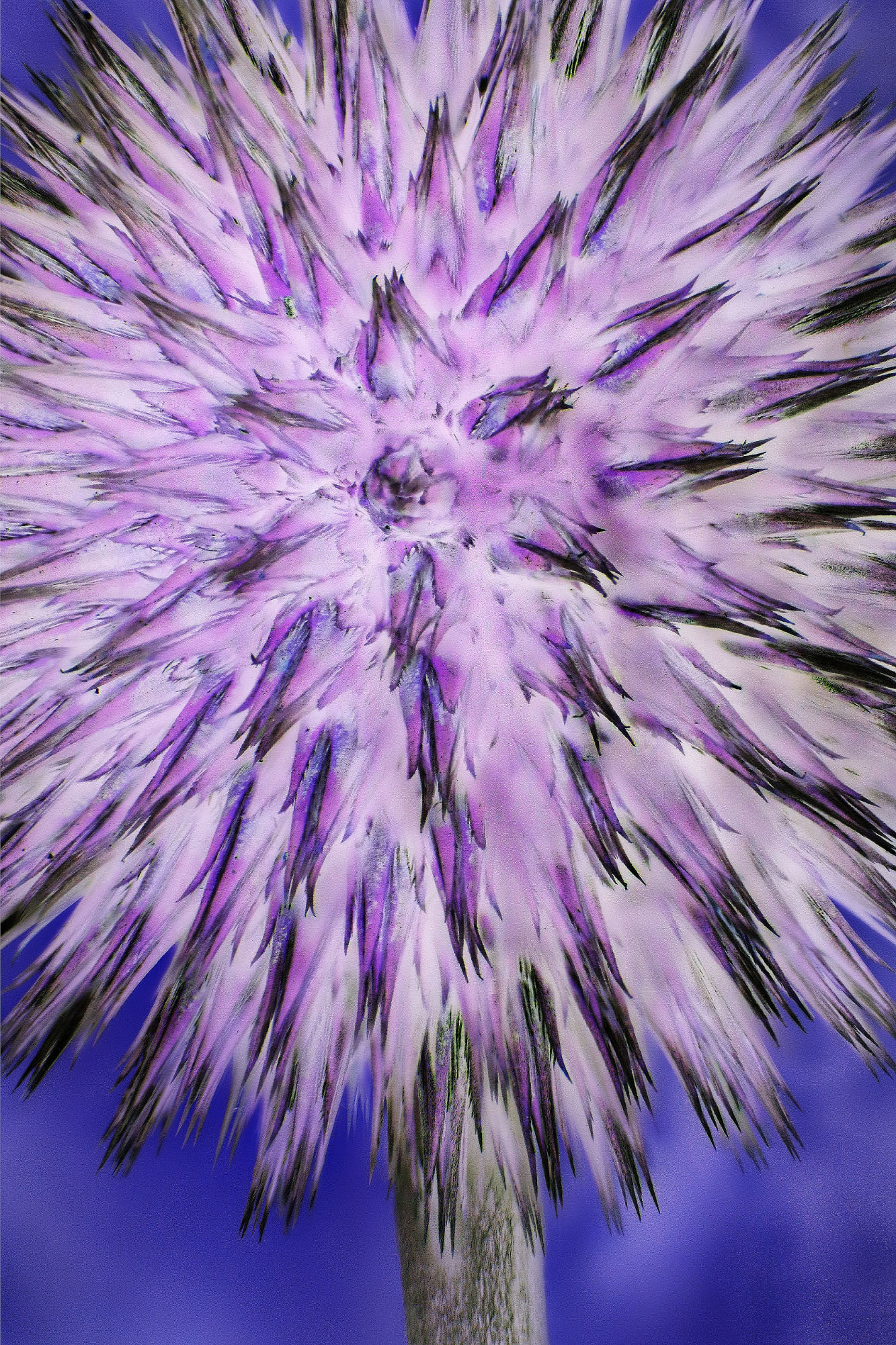
Thanks, Jeff. You are quite right, it was an experiment. When I look through Affinity (and I'm sure the other "big" editors are similar) then I find so many controls and effects that it's quite overwhelming. So much I don't know, and so I wonder why they are there and how and when to use them. Posterisation is more a mono tool I think, but it does work on colour, so why not give it a go, I thought. At least it did as I predicted - it evoked comments!
|
Mar 25th |
| 95 |
Mar 26 |
Reply |
No, easy peasie when the computer is doing the work!
Posterisation works by splitting the 256 JPG grey levels into a number of groups, 5 in this case, so about 50 shades of grey went into each group. Each group gets a single shade of grey. So, group 1 is black, and covers levels 0-50 or so, group 2 is a shade of dark grey, levels 51 to 100, and so on, with group 5 being white. So if some details were a light shade of grey in the original, say level 210, they would be all white in the posterised version. You can alter the number of levels in Affinity easily, I just fiddled until I got the effect I liked. Pity no-one else does...... Oh well, it was fun!
:-)
|
Mar 24th |
| 95 |
Mar 26 |
Reply |
Perfect! A bargain that works well. It really pleases my Yorkshire roots! |
Mar 24th |
| 95 |
Mar 26 |
Reply |
Yes, that's a good idea. Let's see what I hatch for April, as I bought a Laowa 2.5x - 5x magnification last weekend, and I need something to test it on! |
Mar 17th |
| 95 |
Mar 26 |
Reply |
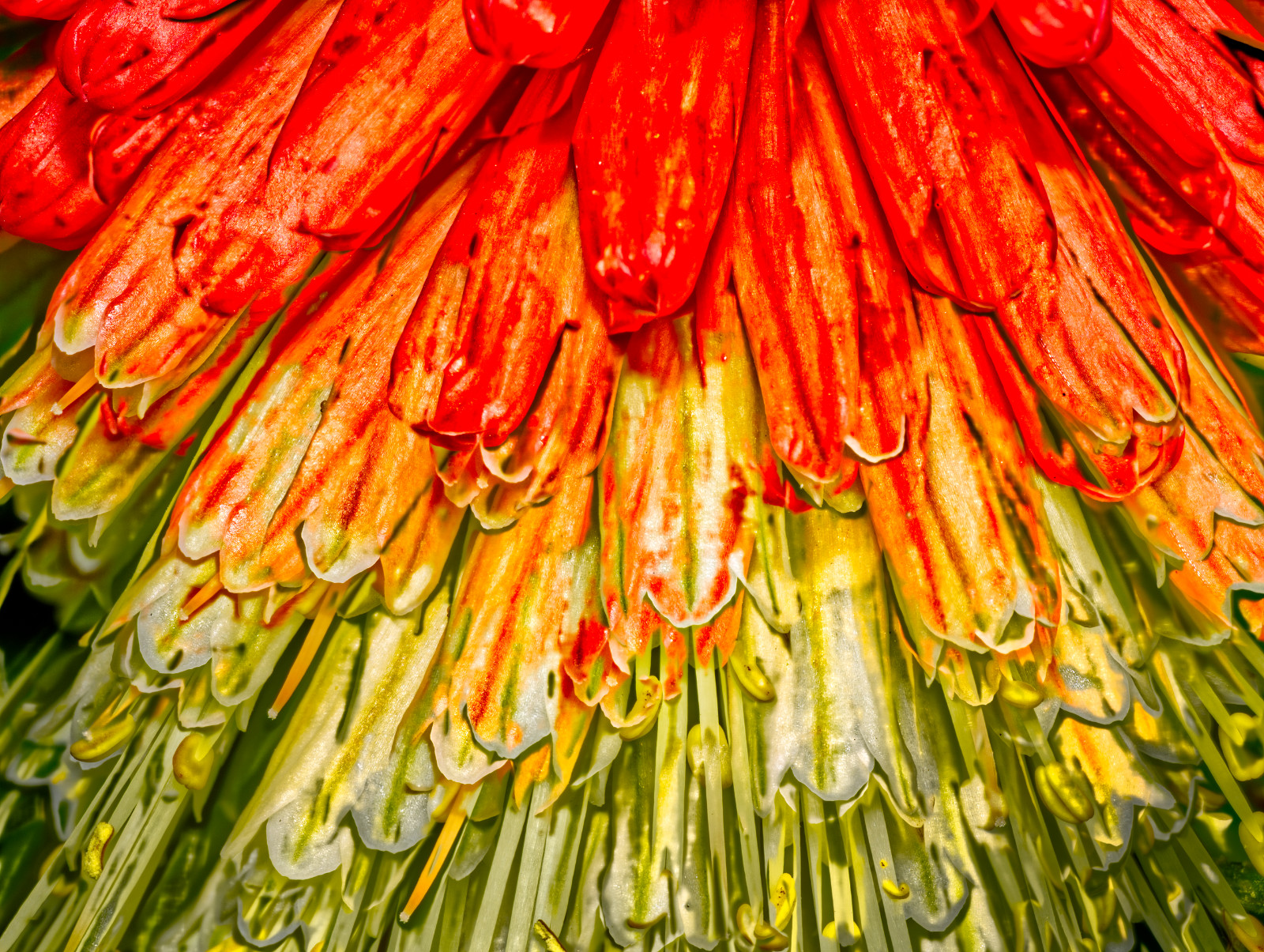
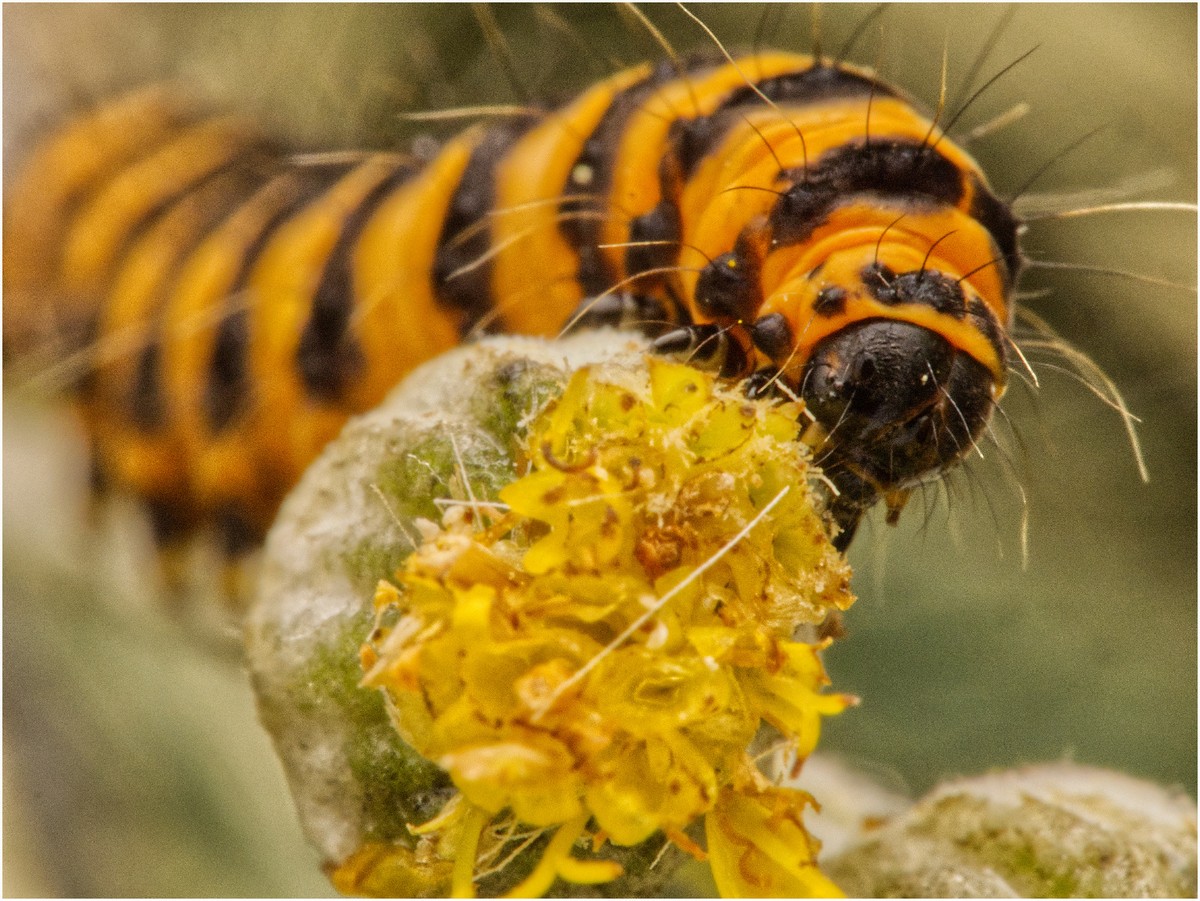
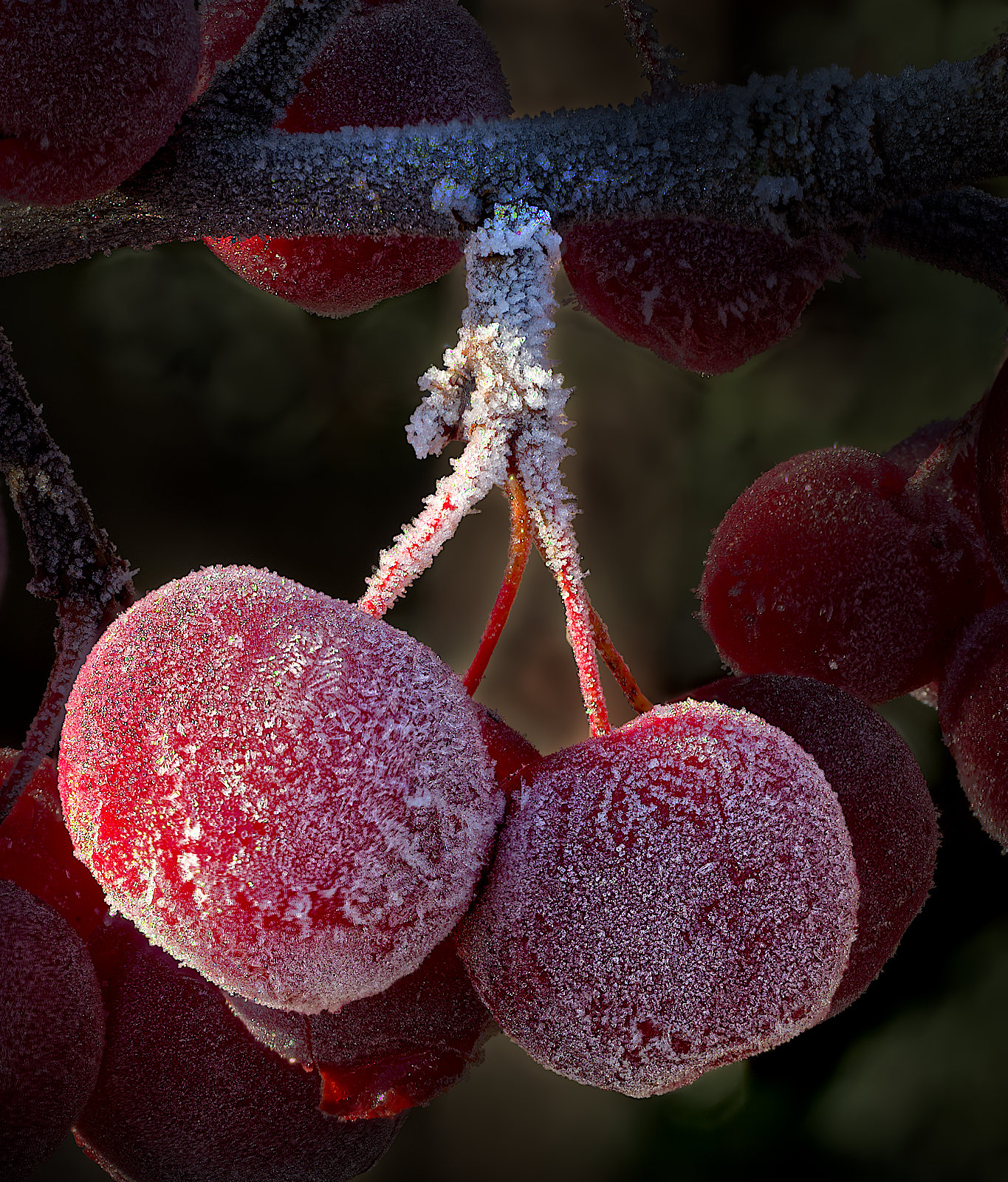
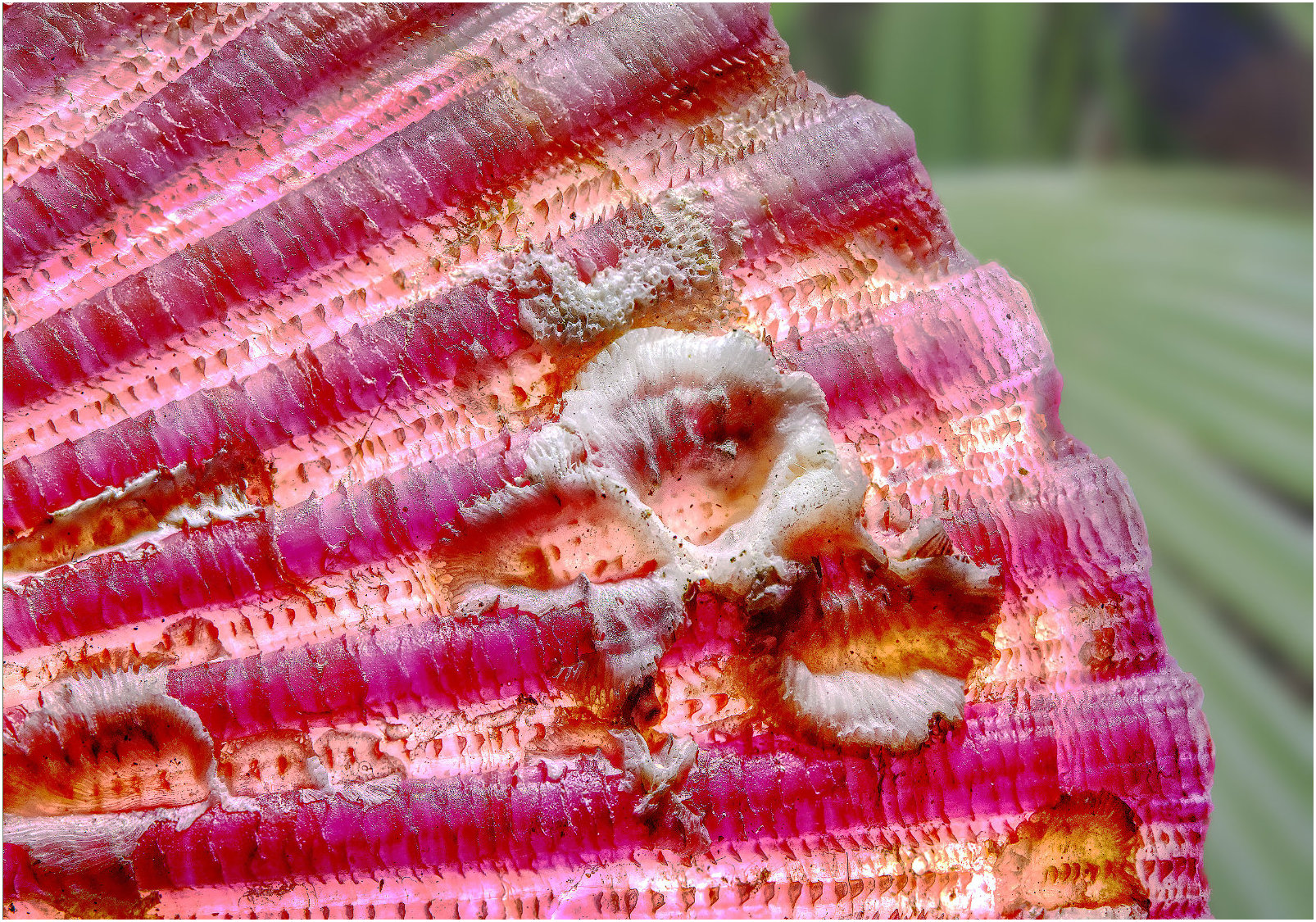
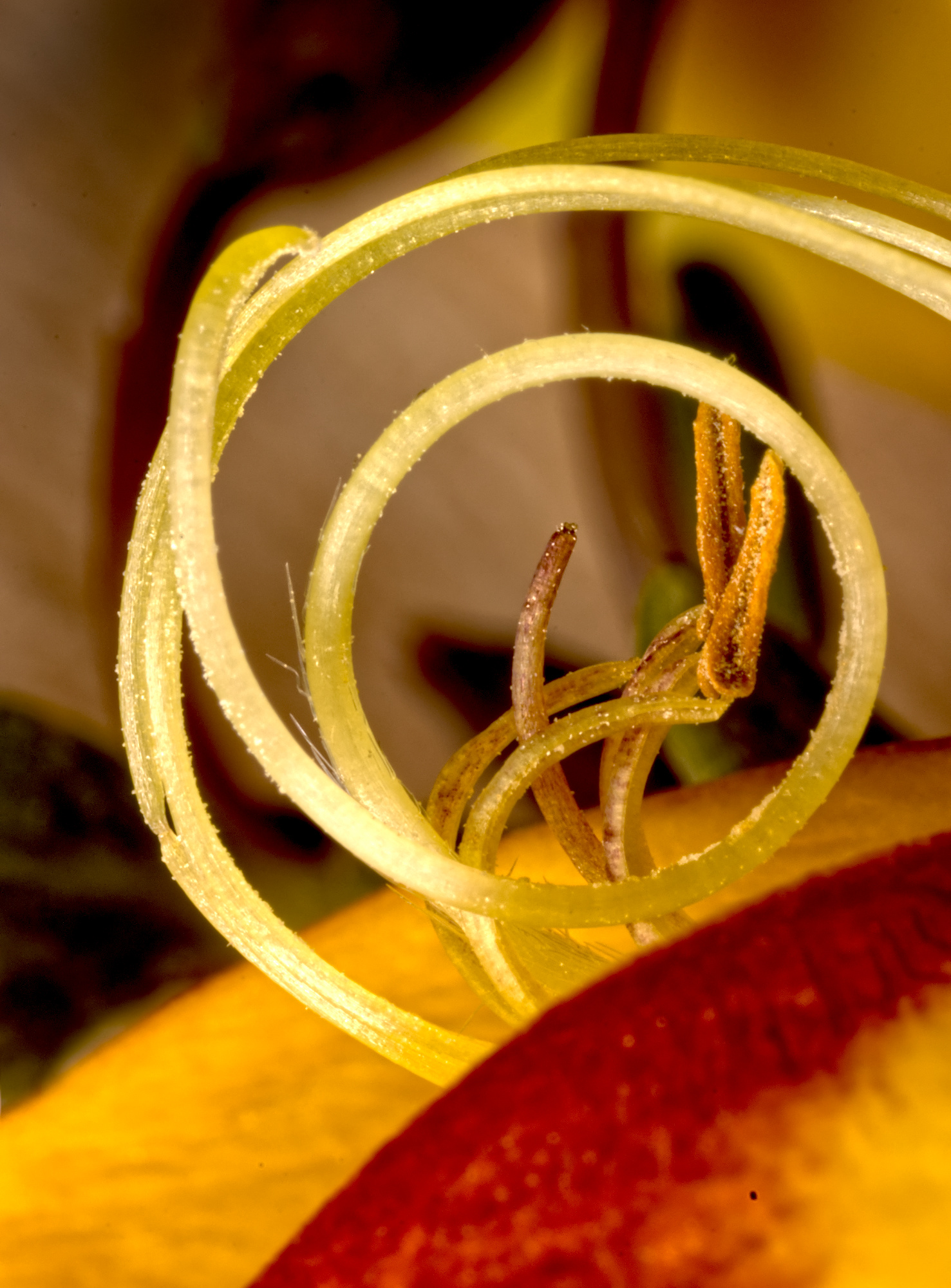
Yes, and it does no harm. I did wonder about the colour, and feel it's too close to the shade of yellow that dominates the picture, and it's not exactly the same. How about trying the complimentary colour?
Having said that, Carol suggests that it be thicker or absent. I would agree. A 2- or 3-pixel stroke can be great when you are presenting a PDI (or online image). If the picture has a lot of its outer parts dark or black, then as the non-picture part of the screen is usually black, the edge of the picture can be invisible. The stroke makes it easy for the viewer to see the extent of the picture. But this photo is colourful right up to its edge, so I don't think it's needed. |
Mar 10th |
| 95 |
Mar 26 |
Reply |
Well, I did say it would provoke comments! Comments don't have to be compliments, and I appreciate that I can be an extreme processor, although not as much as some people I know. I'm happy to be told that it sucks, as the group does it in the nicest possible way! (To quote Kenny Everitt) |
Mar 10th |
| 95 |
Mar 26 |
Comment |
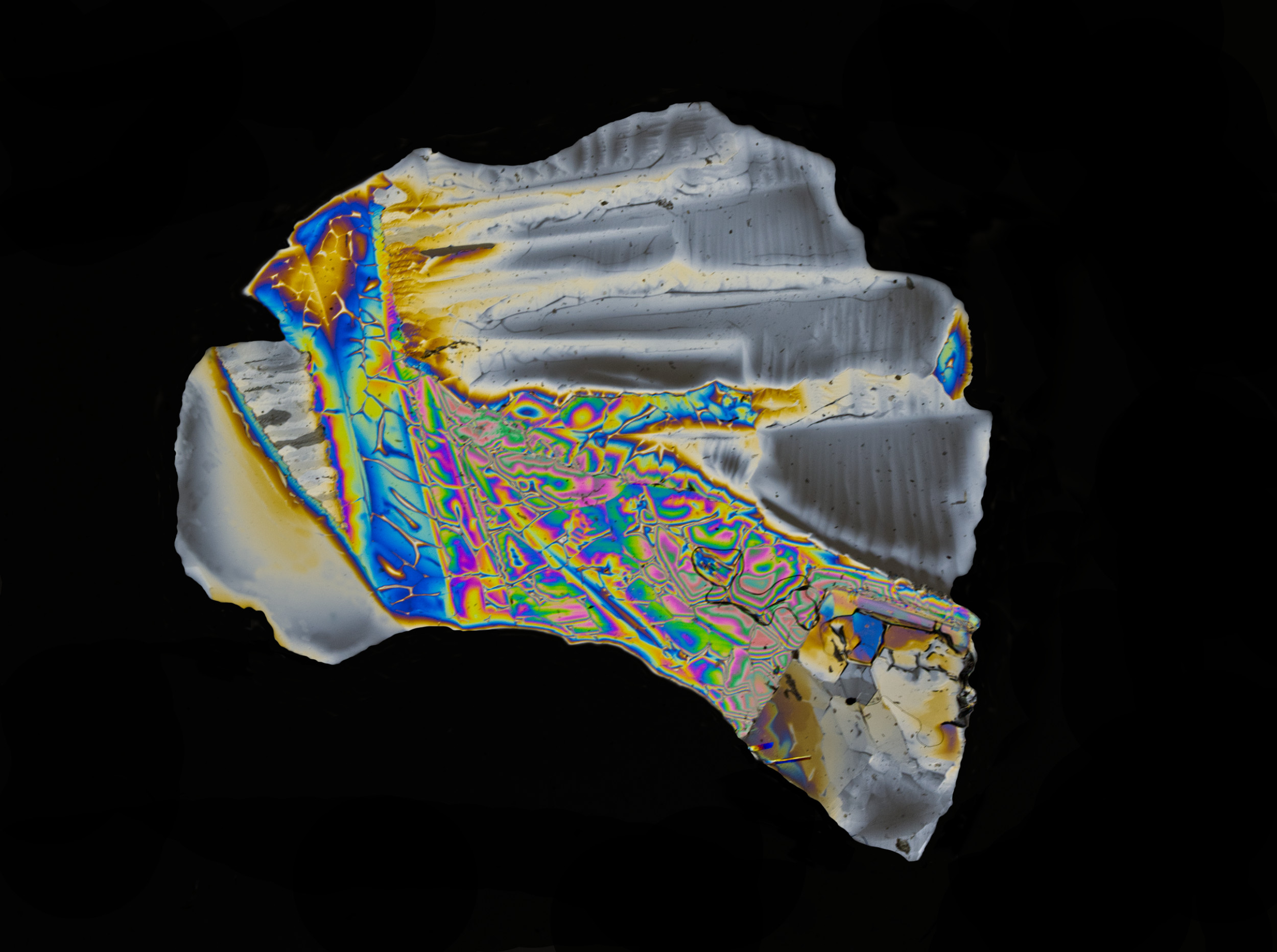
Normally, Carol has the centre, or focus of attention, sharp, with a dreamy, blurred outside, so this seems like a new experiment. I do like it; the original is ordinary, but the final image is much more interesting to me. Nice! |
Mar 9th |
| 95 |
Mar 26 |
Reply |
The downside of getting depth of field by using very small apertures is diffraction causing loss of sharpness. Nothing to be done about it normally, it happens, end of story. Although most of the picture is nice and sharp. I wonder how Mike made his pictures look better? I wonder if he's using an editor that applies sharpening by computation (AKA AI). Personally, I've ignored these programs as I feel the result is false, although most people wouldn't know and so wouldn't object. But maybe he has another trick up his sleeve? |
Mar 9th |
| 95 |
Mar 26 |
Comment |
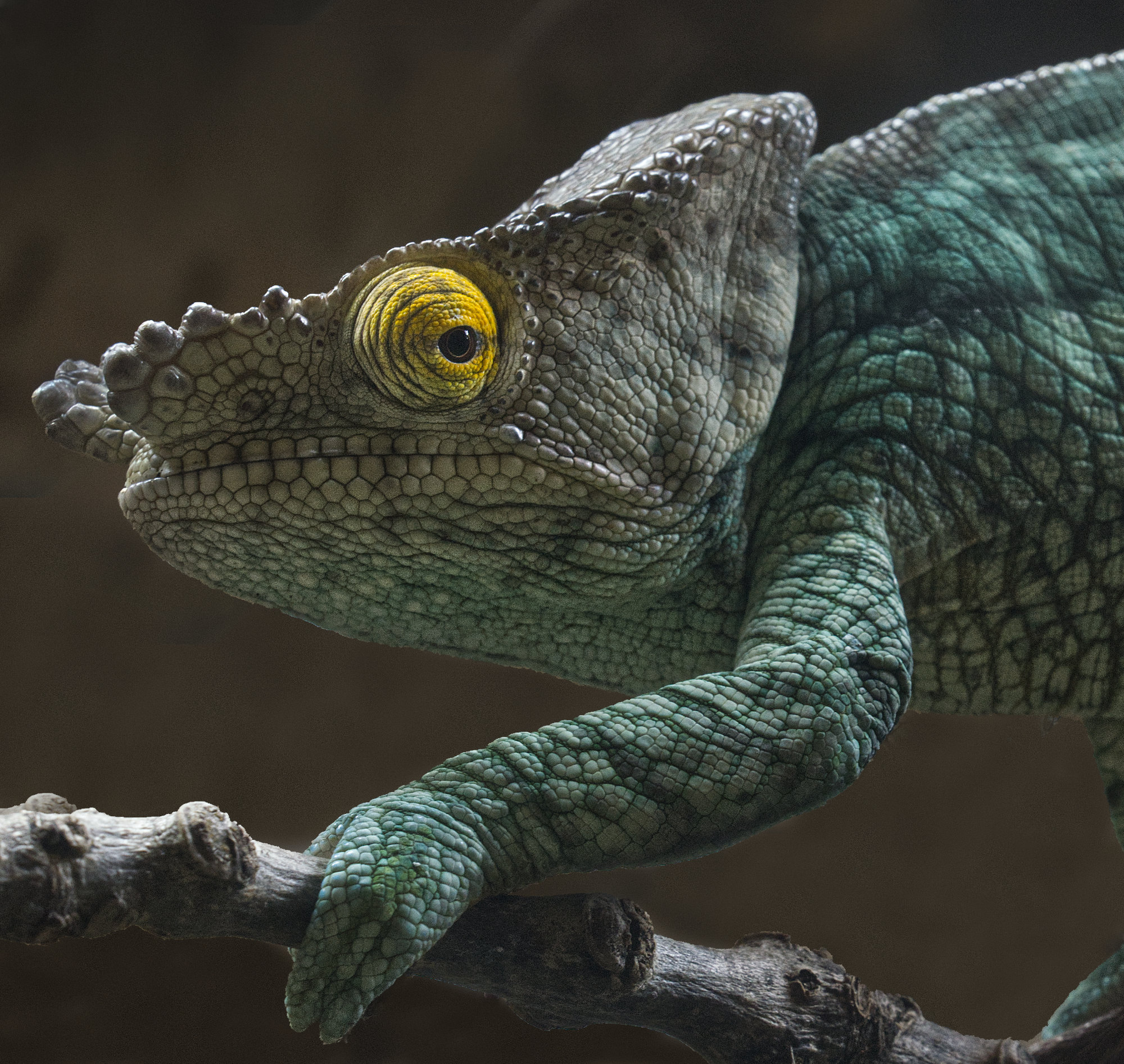
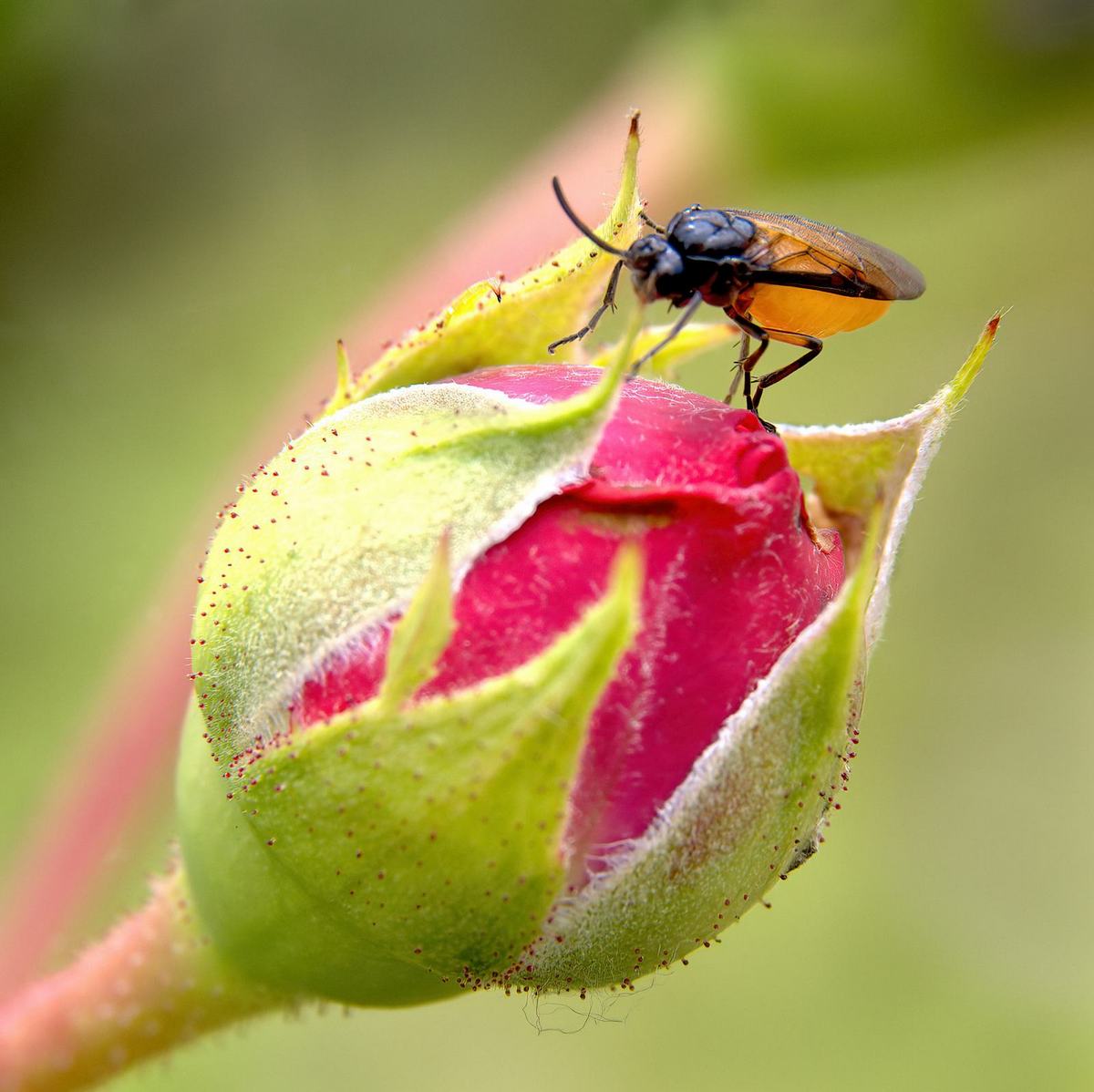
What an odd creature! It makes an interesting picture.
Yes, I think the antennae are pointing upwards and creeping out of the DoF. The tip of its abdomen is a bit blurred, too, I think. Every technique has its weak spots! |
Mar 9th |
| 95 |
Mar 26 |
Comment |
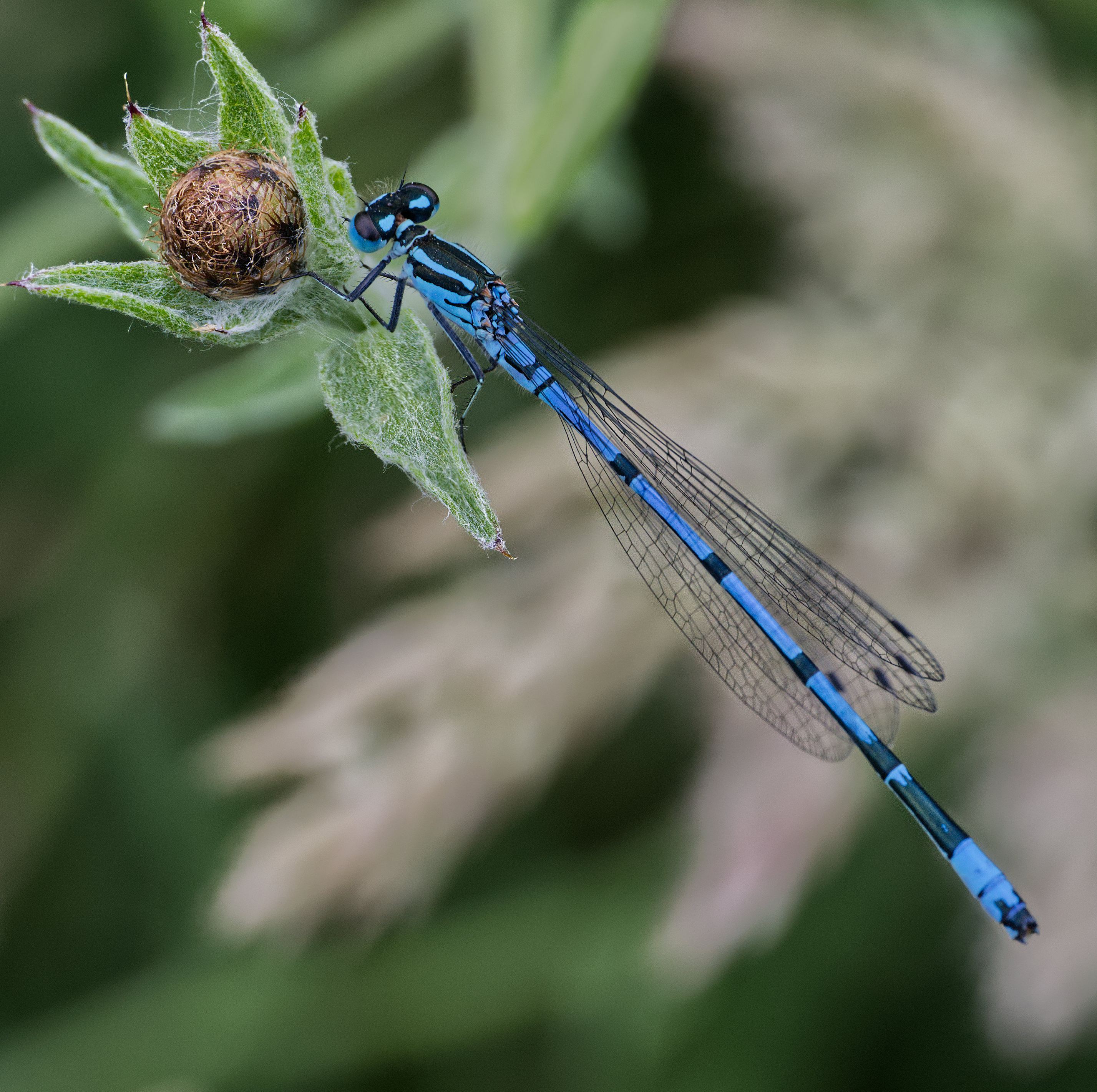
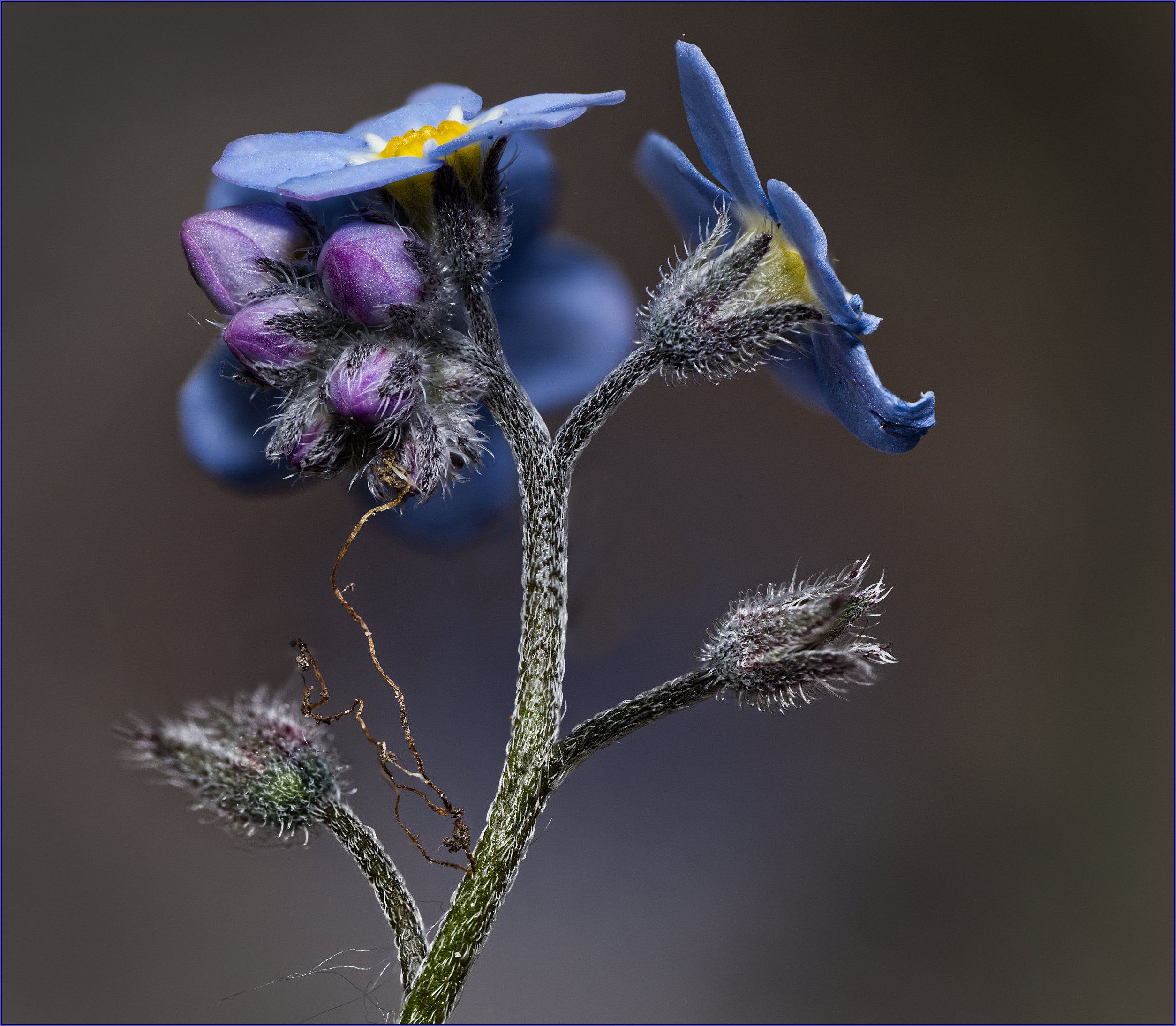
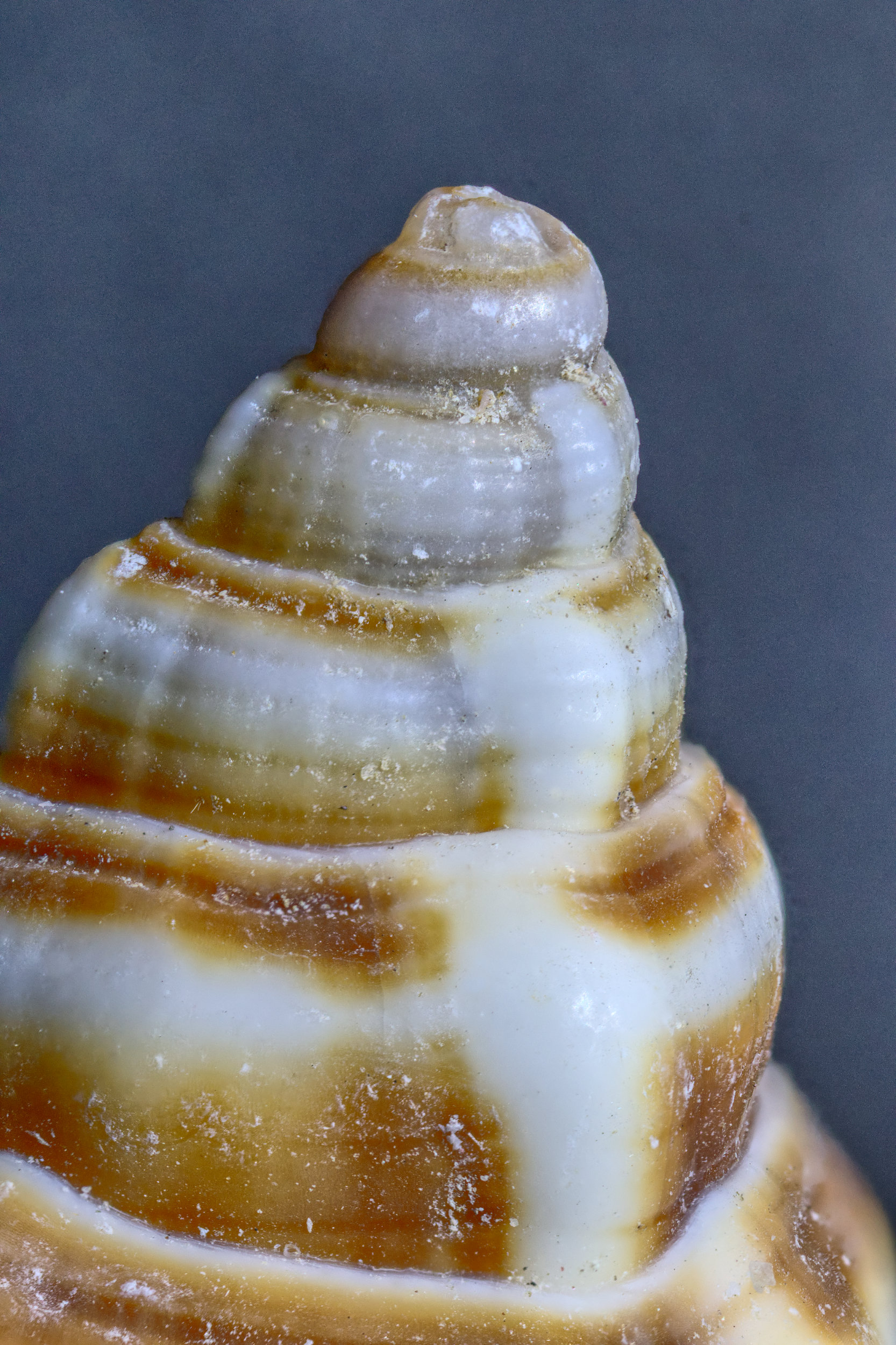
Like Margaret, I'm surprised that it's so sharp for a single shot, full frame, 100mm at f9. Great, no complaints!
The picture is delightful, I think. The simple changes in colour and symmetry of the picture, with a small palette, make it a very restful picture for me. Well done! |
Mar 9th |
| 95 |
Mar 26 |
Comment |
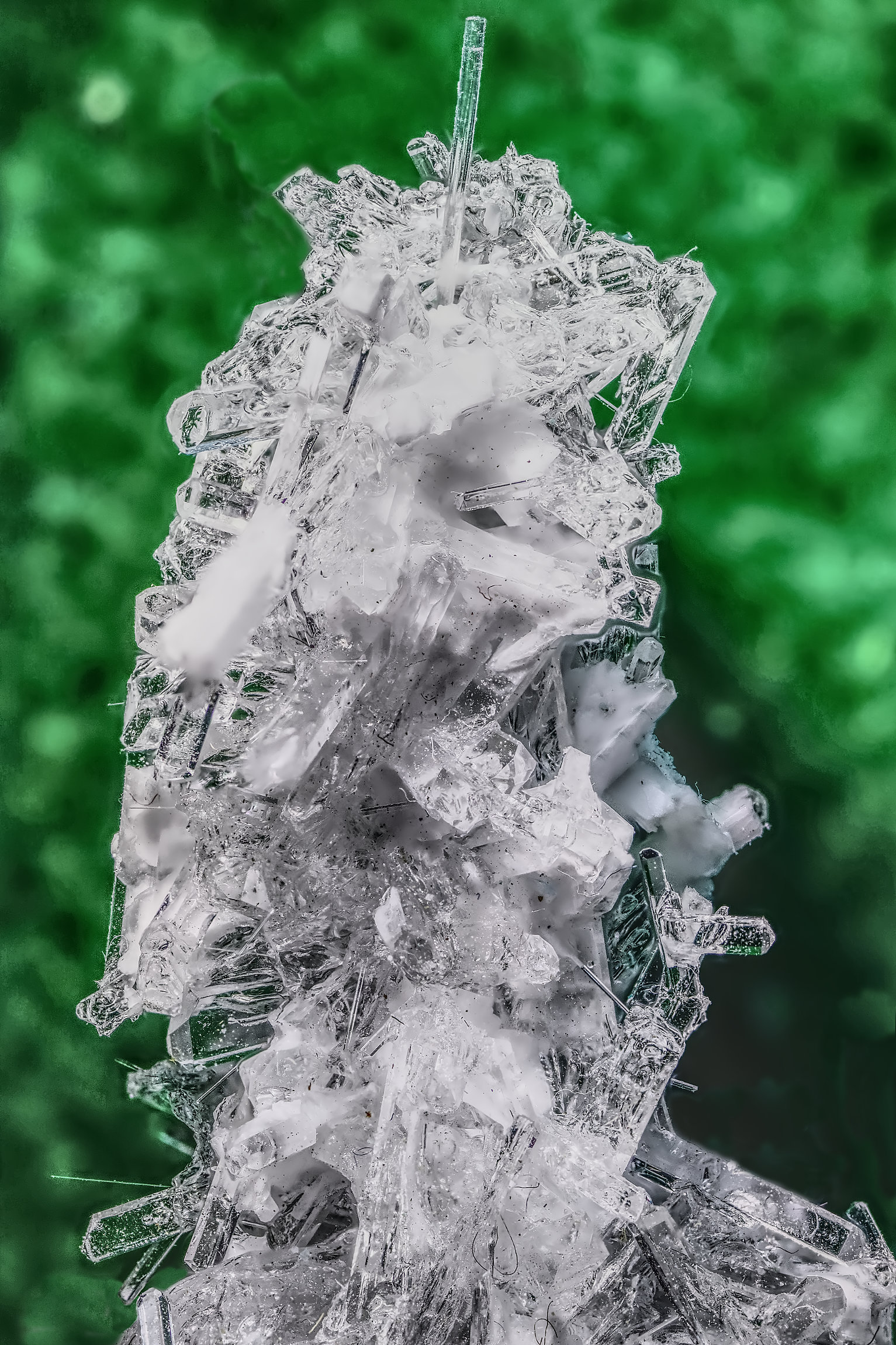
Well, it looks fine to me.
I'd suggest it's a bit full in the frame, a little more space in front of it would have been a slightly better composition, for me.
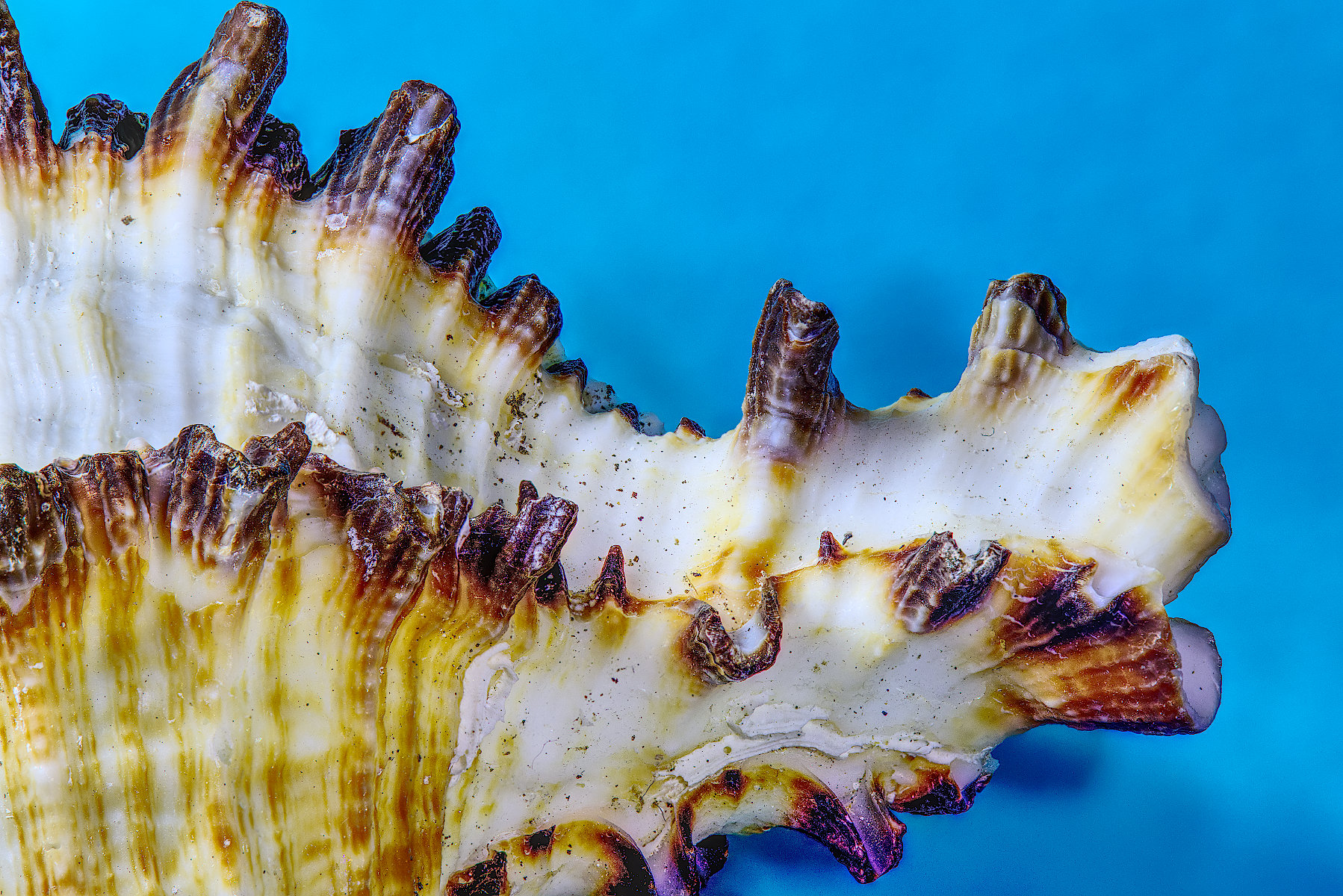
One issue with image stacking it that the magnification increases slightly as you get closer, so the stacking software has to take off the outer edges of the further-away frames. This might have been the cause for the tightness? I'm always forgetting this and have to re-take my bracket, starting a little further away. |
Mar 9th |
| 95 |
Mar 26 |
Reply |
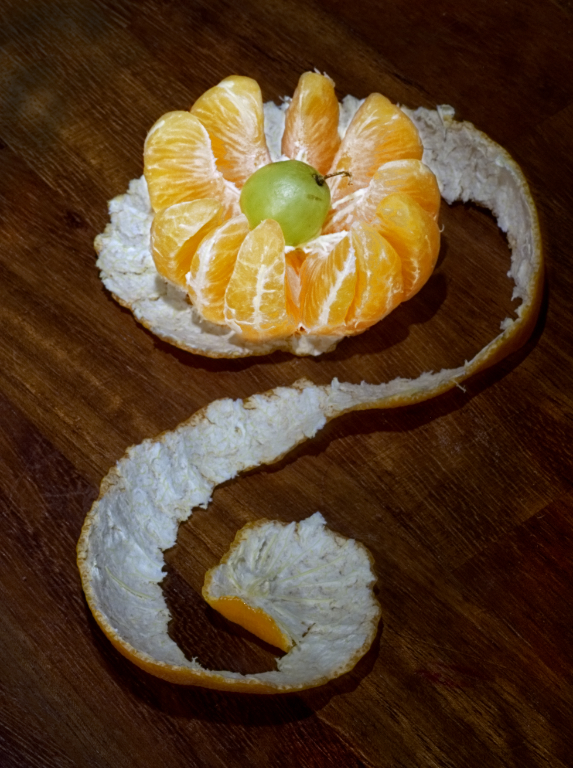
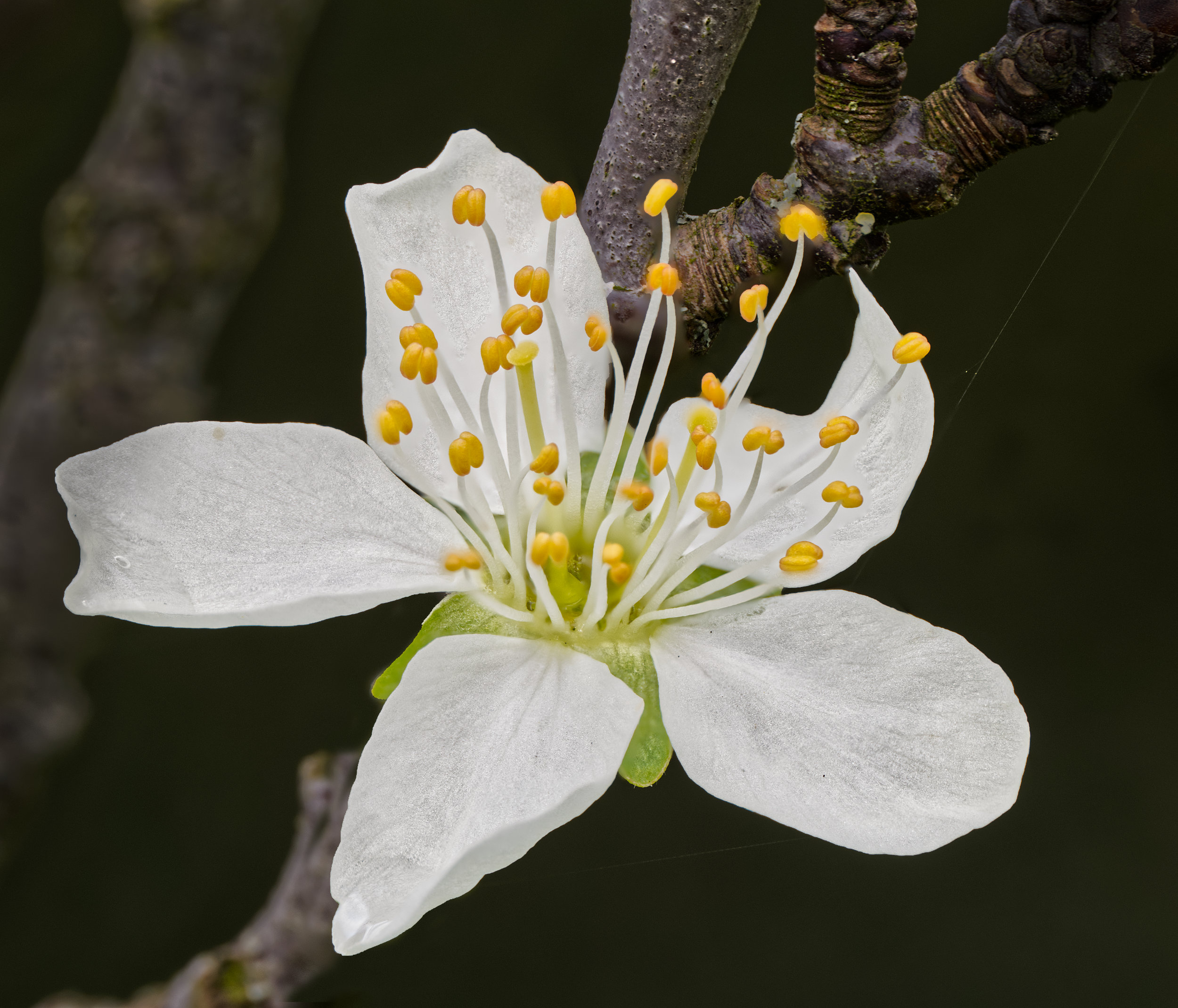
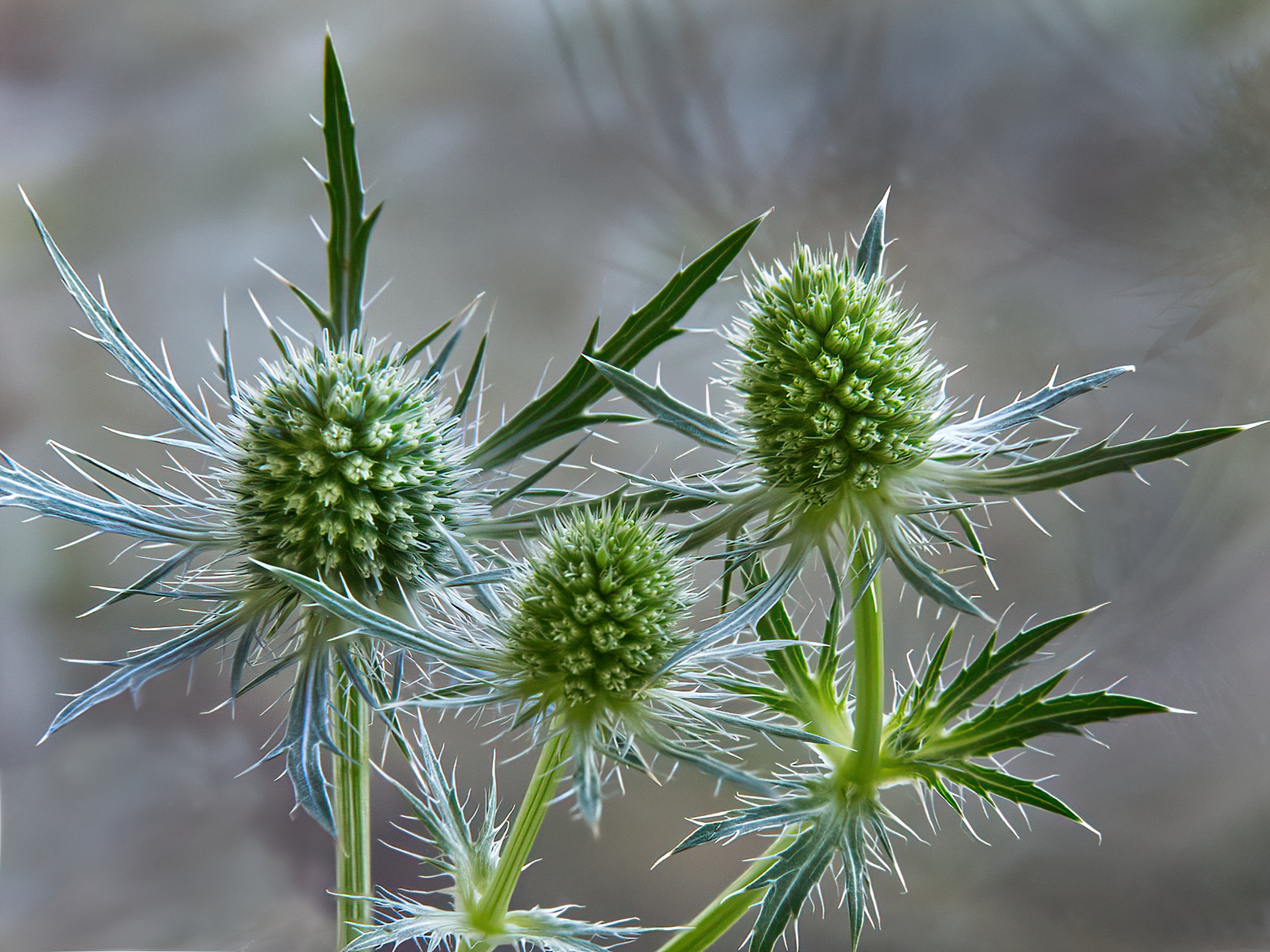
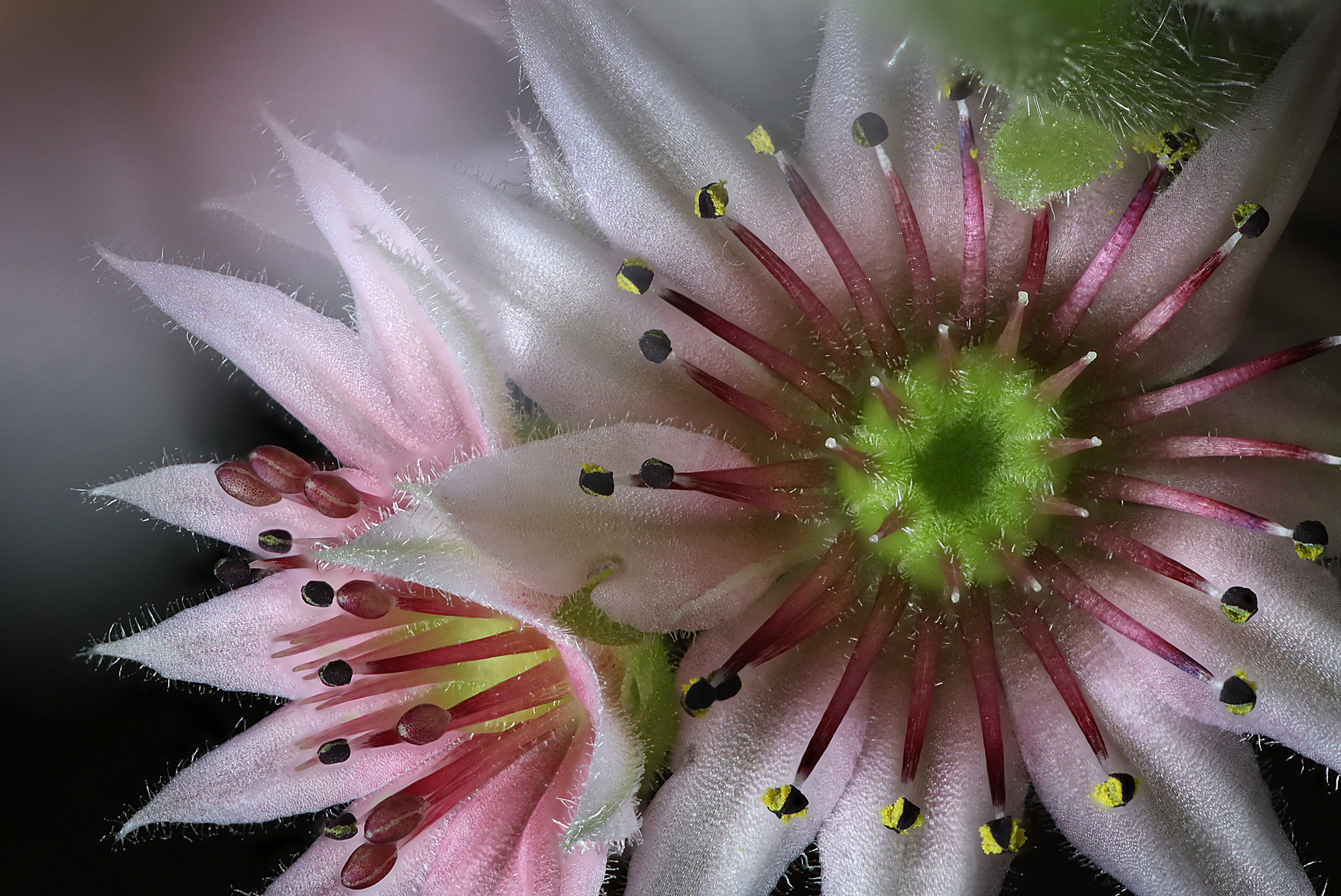
I was just looking for an interesting effect. I was trying to simplify a busy original. The loss of shades of colour (and grey), which posterisation does, can make it look like detail has been lost, but that's the whole point in my view. At 4 levels, I felt the image was deteriorating, so 5 seemed best. I also left it in colour, as the green centre gives some colour contrast. |
Mar 9th |
| 95 |
Mar 26 |
Comment |
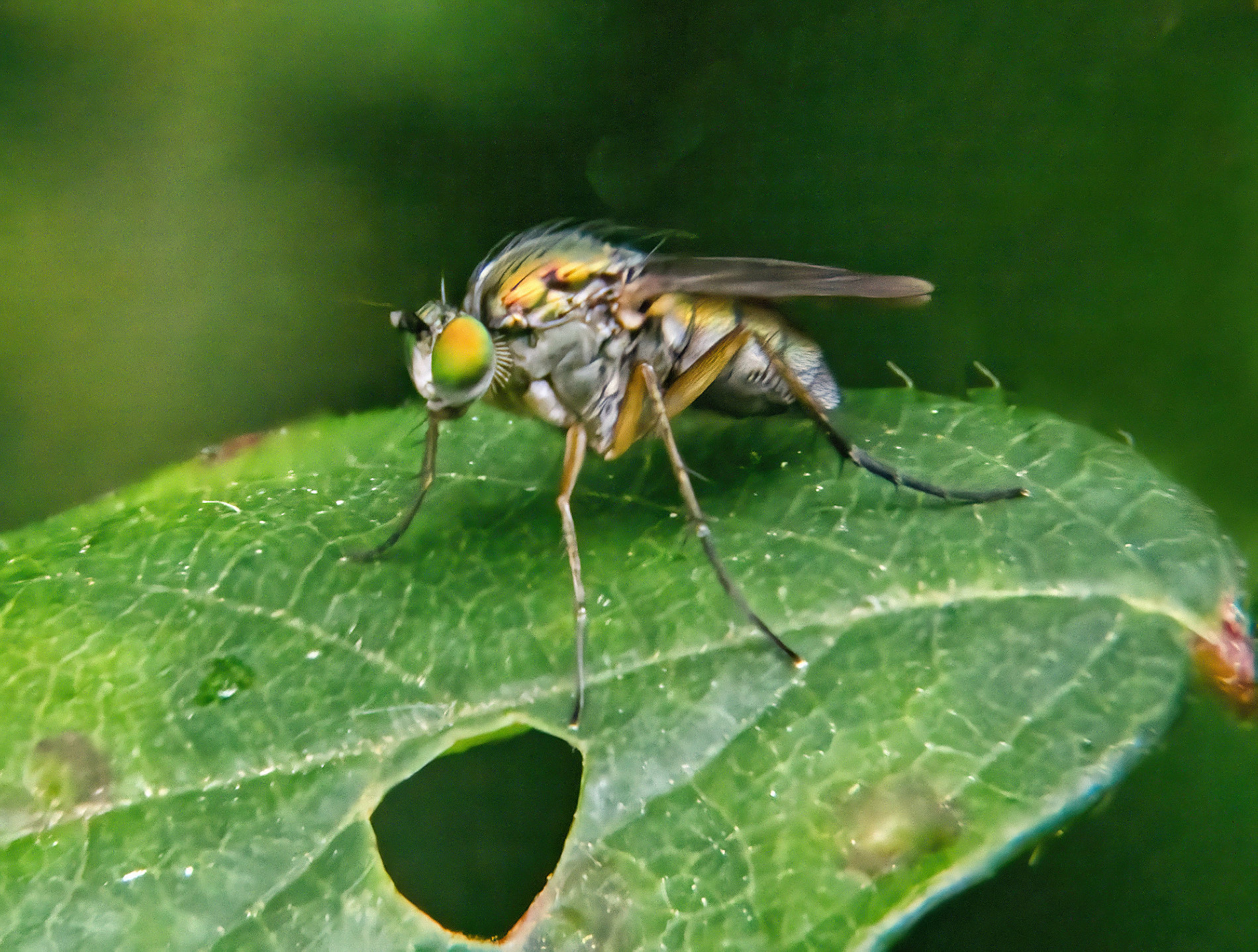
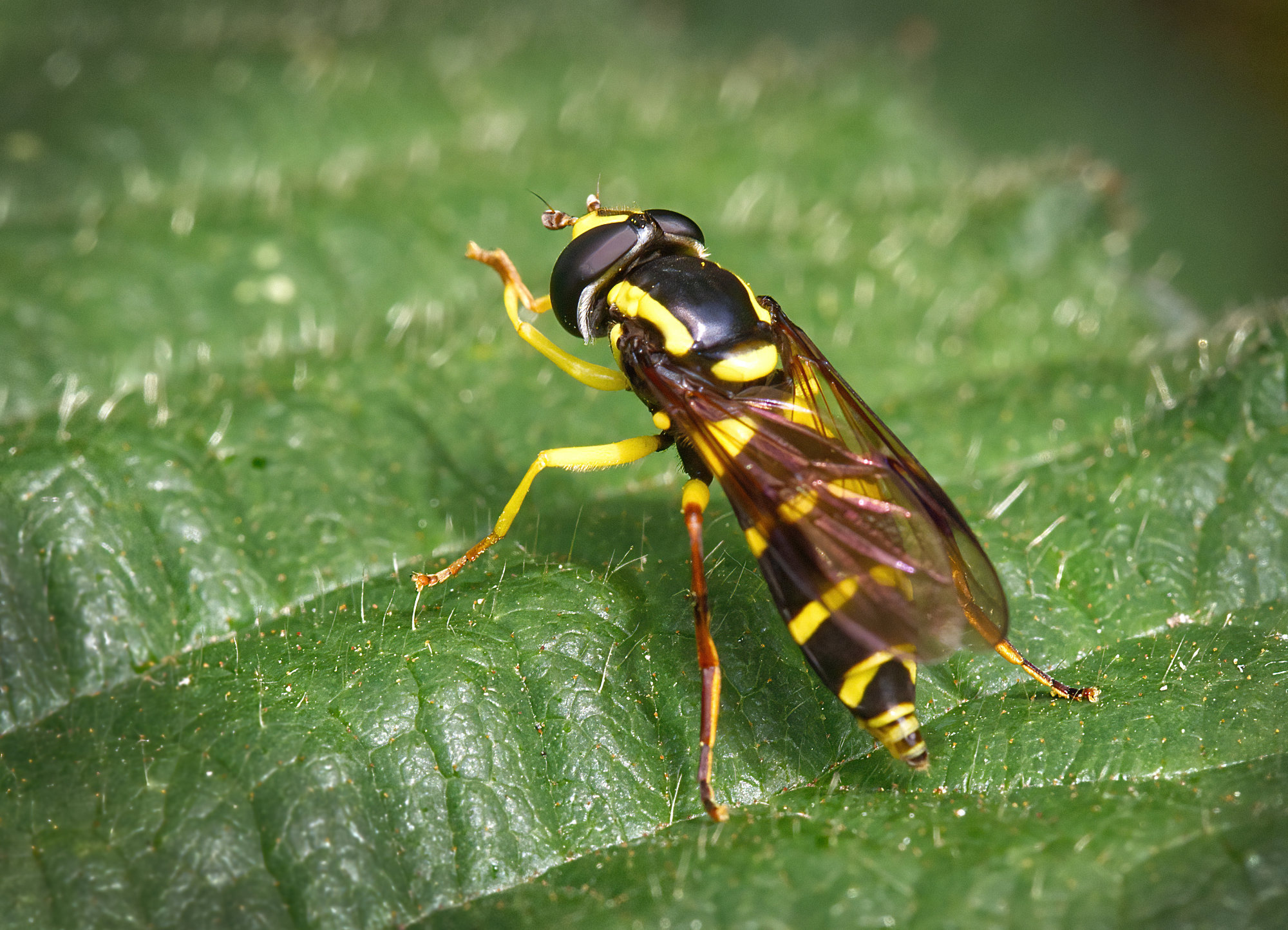
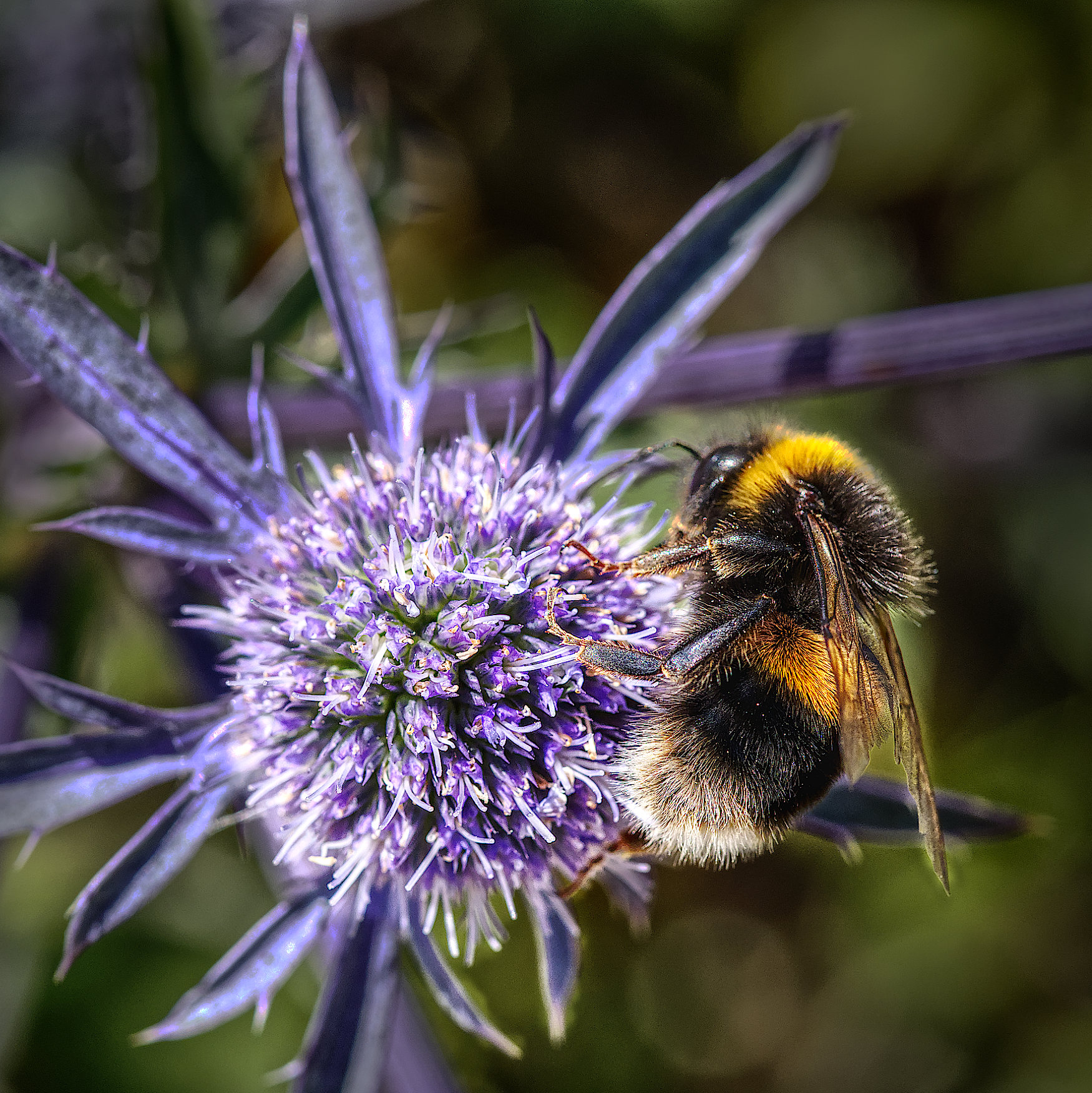
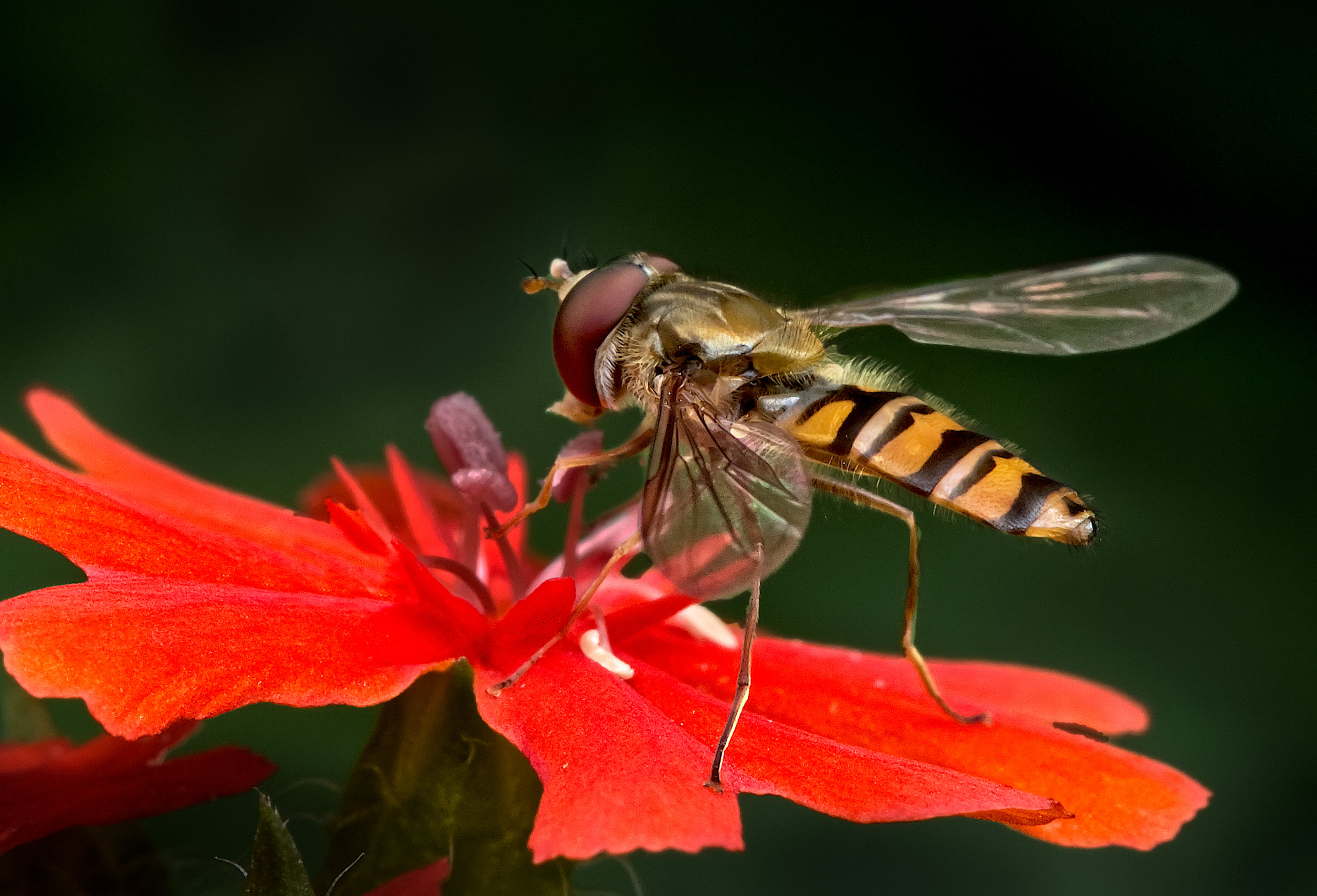
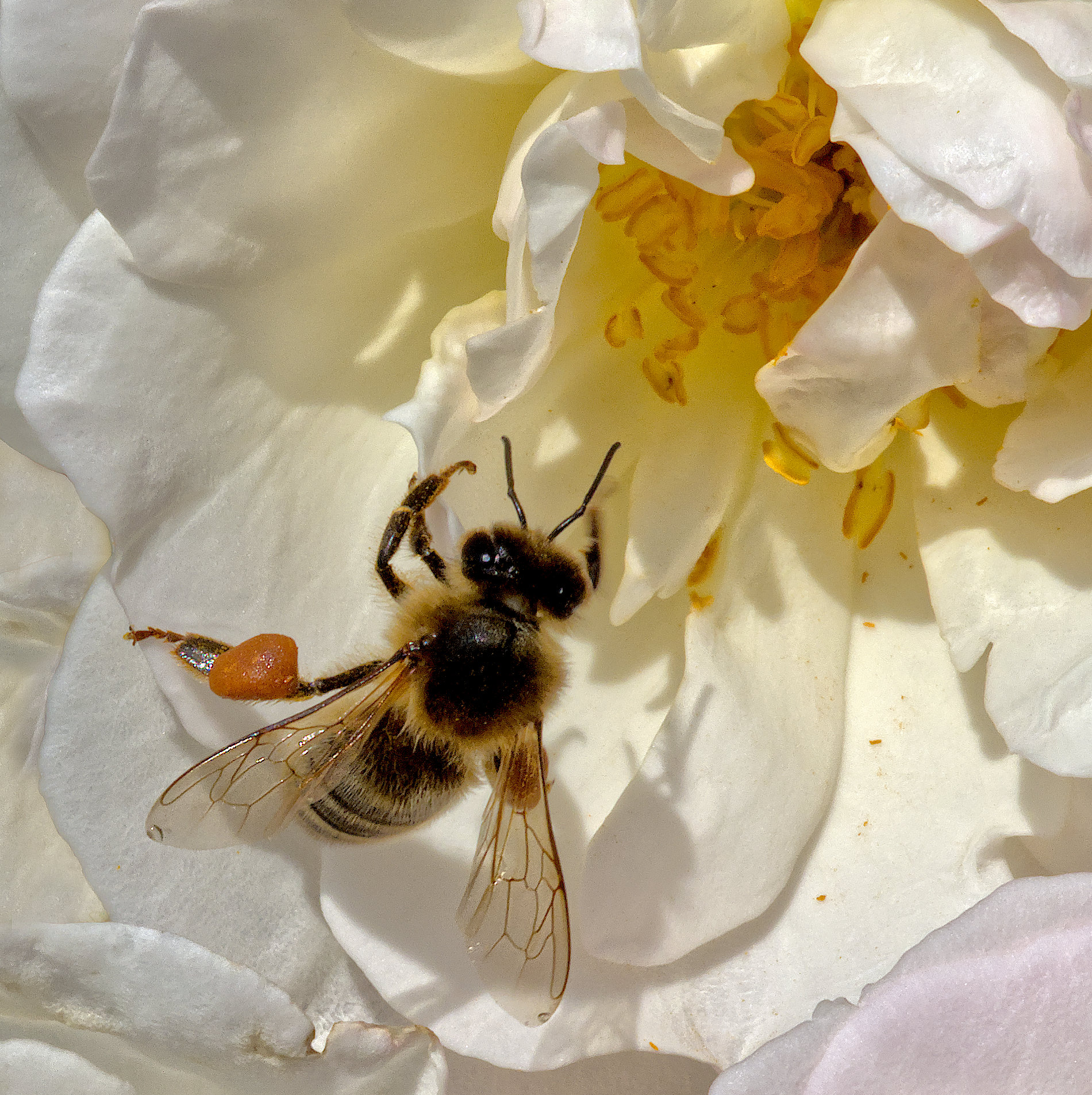
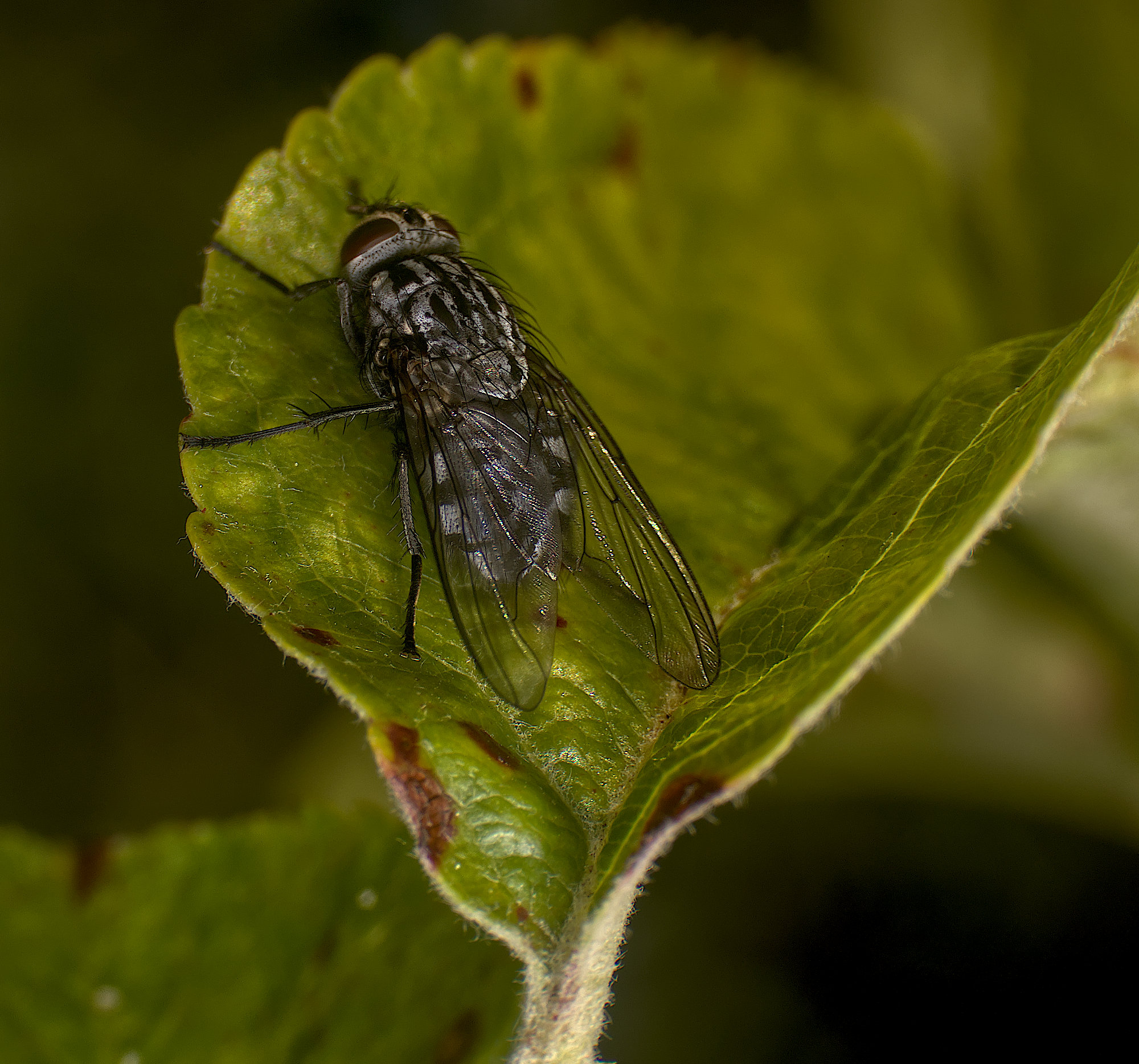
Hoverflys are easier to photograph than bees. They do hover from time to time and so can be caught on the wing.
I'd agree with John, it doesn't look as sharp as I'd have expected. I always suggest that when people shoot handheld, outdoor macros, use burst mode. Then you've a better chance of getting all the parameters exactly right. |
Mar 9th |
| 95 |
Mar 26 |
Comment |
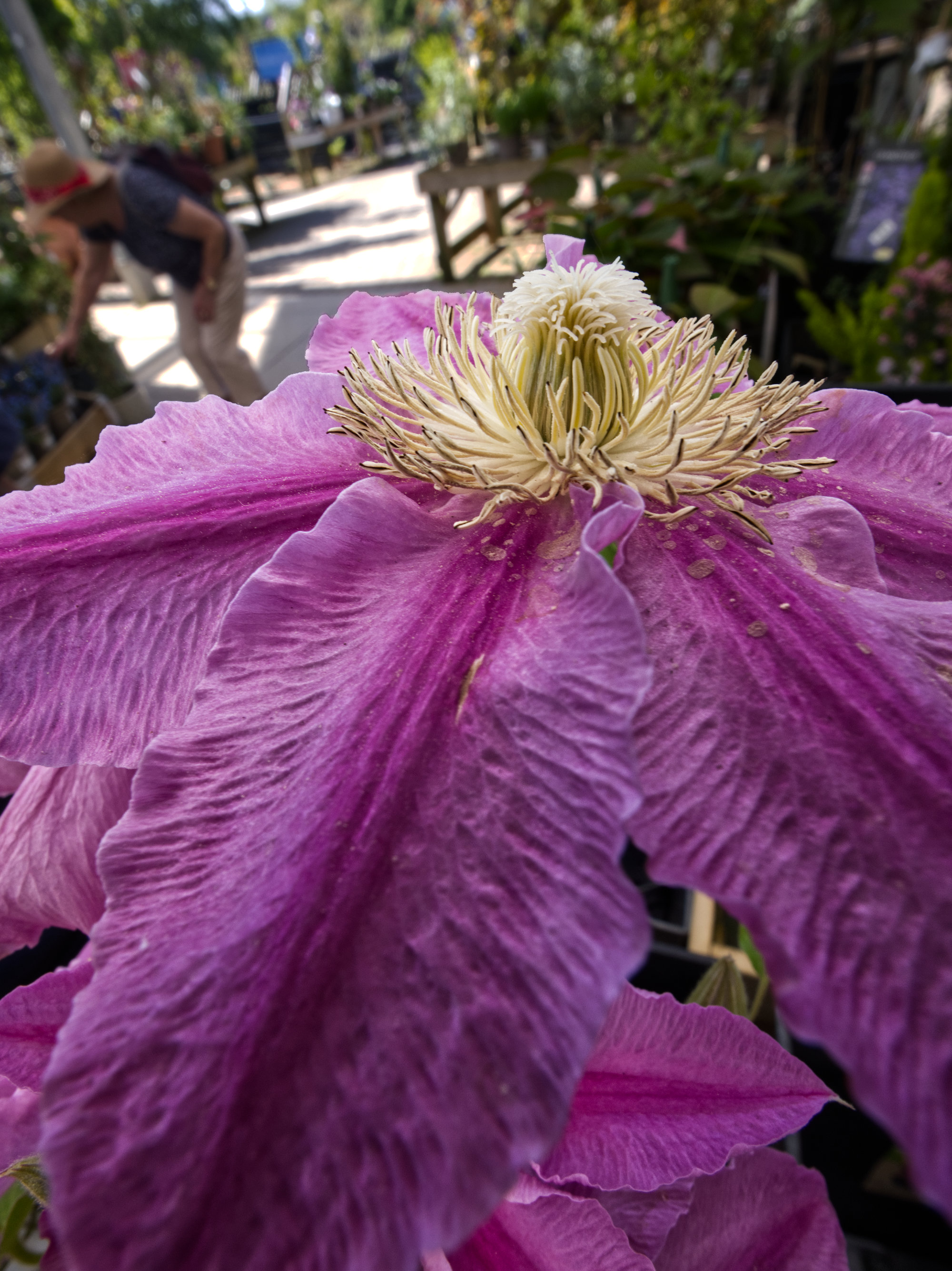
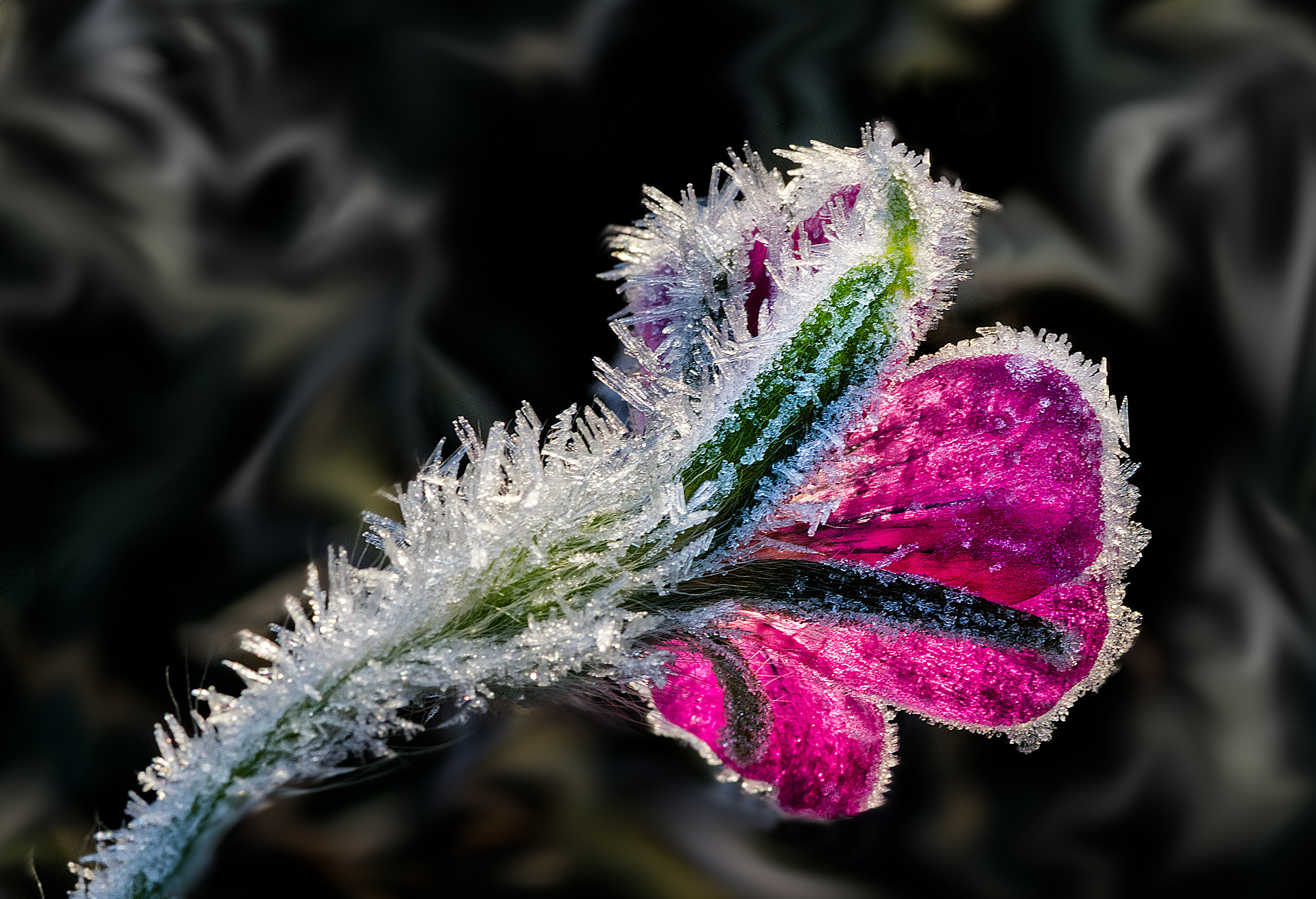
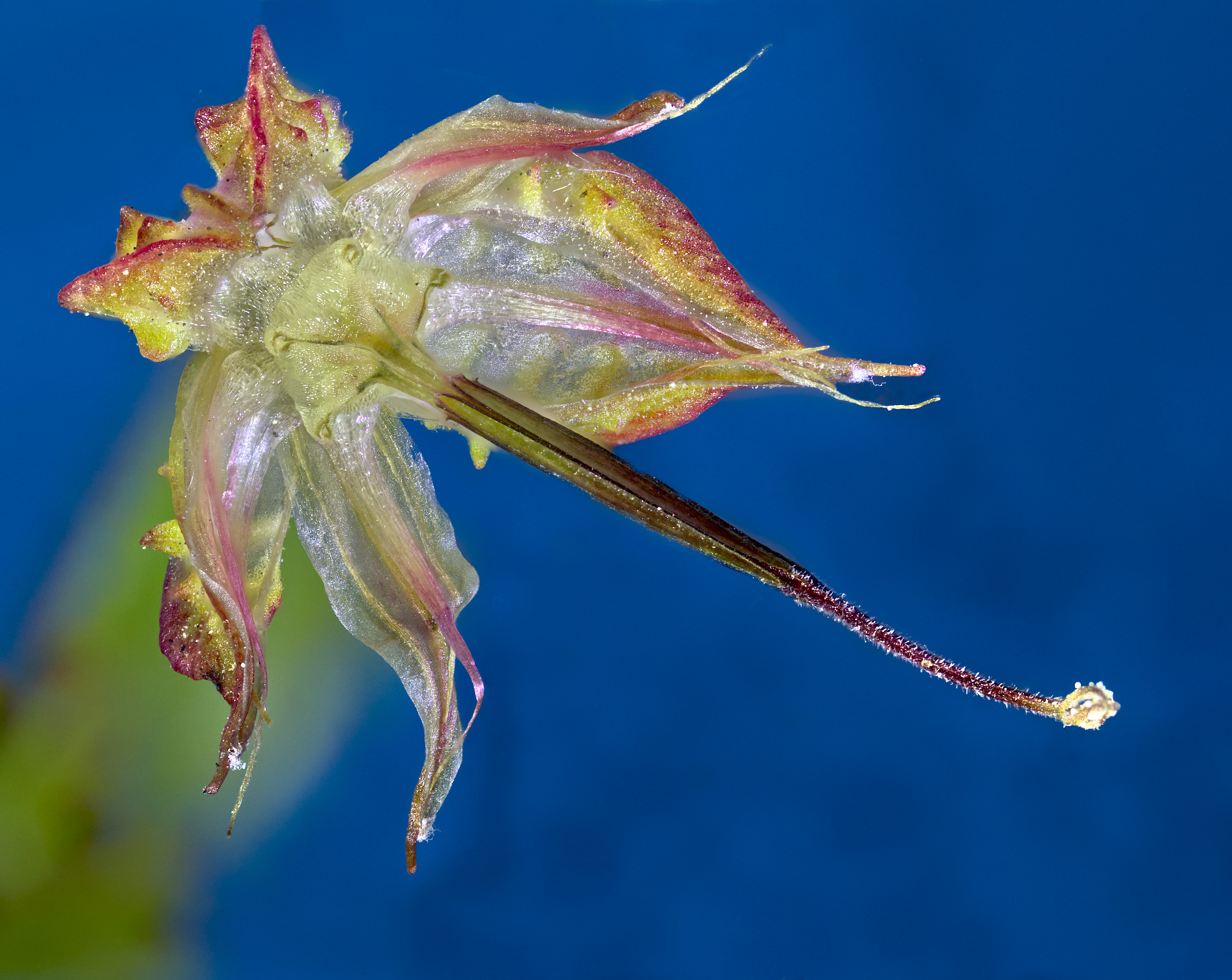
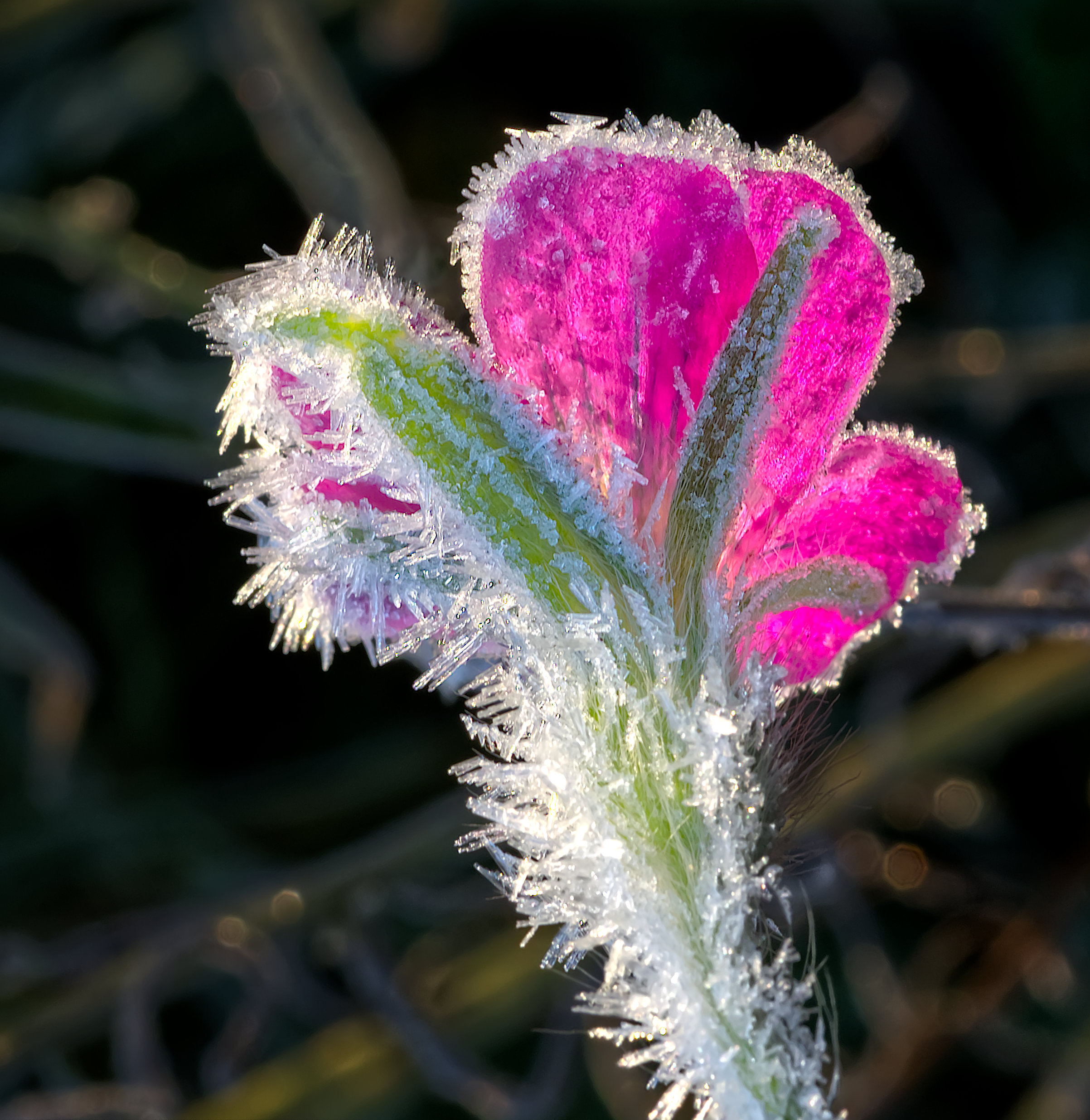
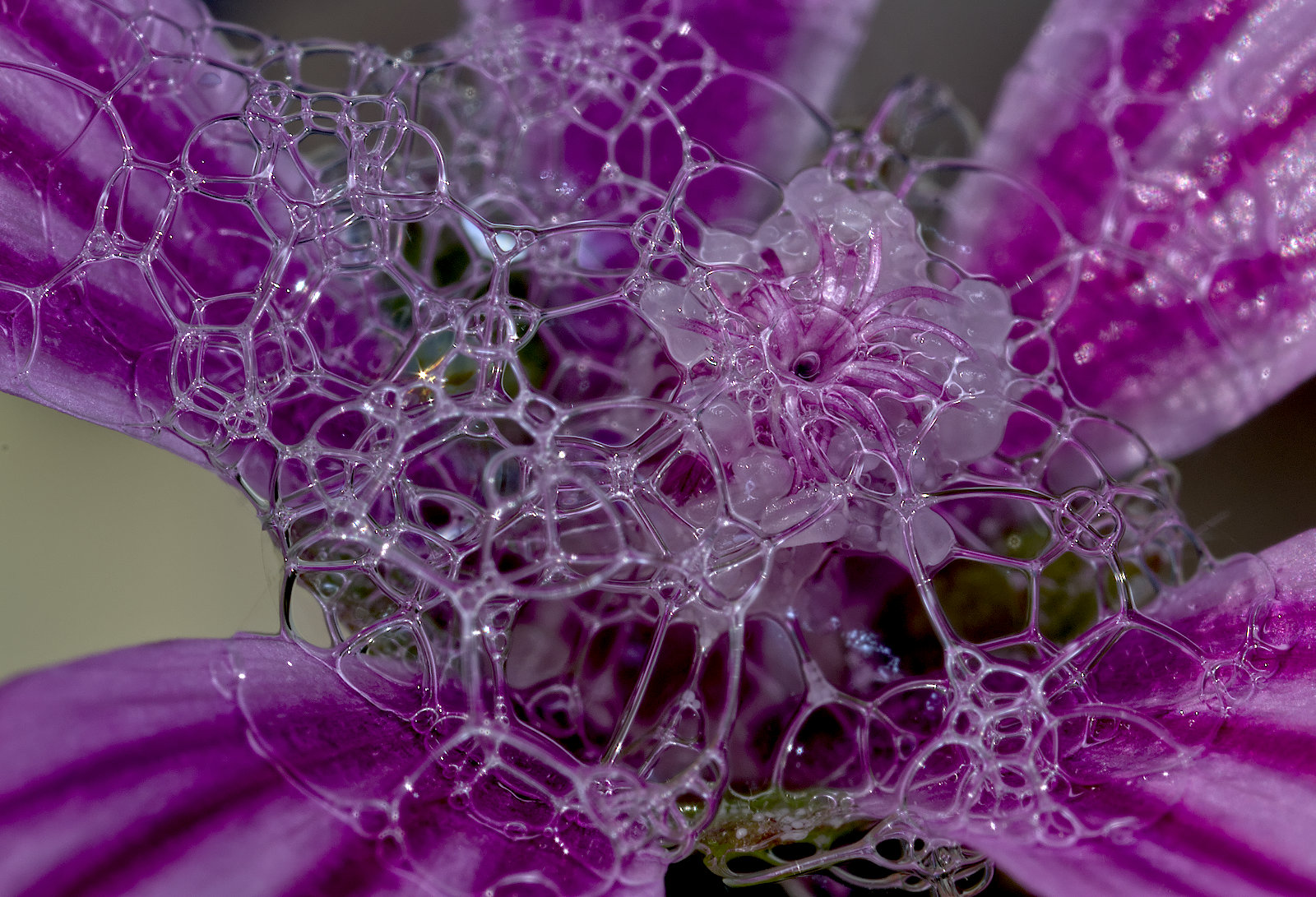
A lovely result, Margaret. Getting the lighting right is key to getting effects like this. Well done!
I see you coloured your stroke yellow. It does blend in well, but I don't think it's needed here as none of the perimeter of the image is black.
|
Mar 9th |
6 comments - 8 replies for Group 95
|
11 comments - 14 replies Total
|