|
| Group |
Round |
C/R |
Comment |
Date |
Image |
| 64 |
Jun 20 |
Reply |
I don't think there's a right or wrong way, both variants of the picture are very interesting.
It's a long time since I saw ice on a big river here. It happened in my childhood, but not in recent decades I think. Some people think the climate isn't changing, but they are wrong, it definitely is! |
Jun 13th |
| 64 |
Jun 20 |
Comment |
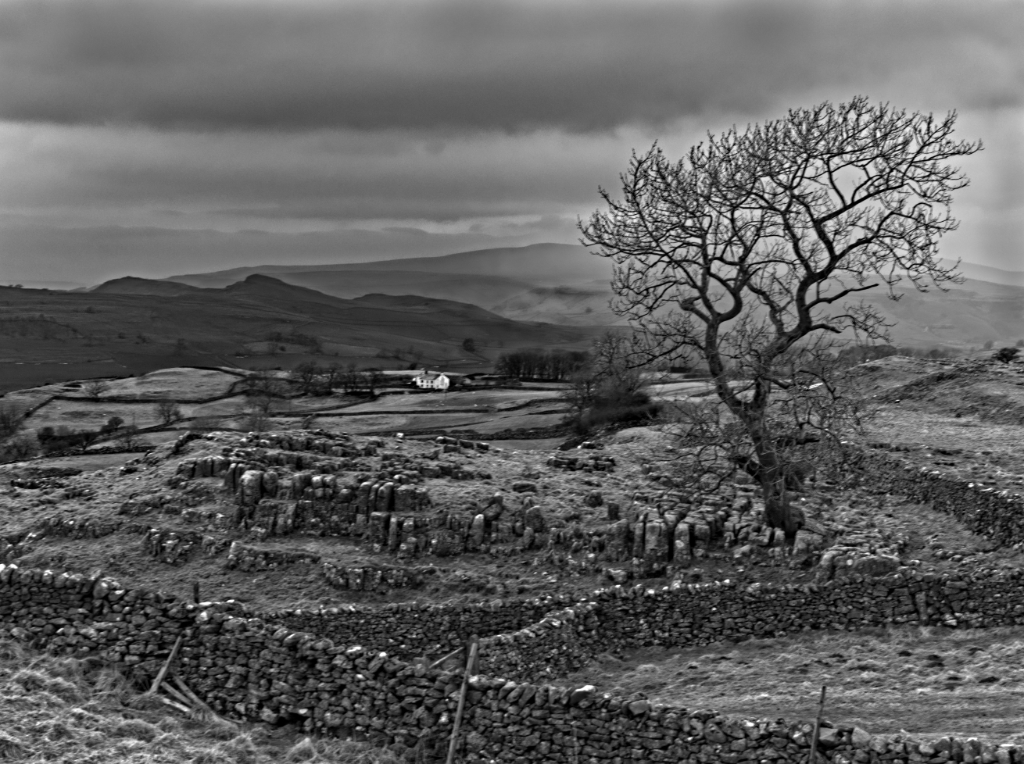
I'm not familiar with the scene as you all seem to be, so I see it with fresh eyes. I think it's great and would happily hang it on my wall. |
Jun 11th |
| 64 |
Jun 20 |
Comment |
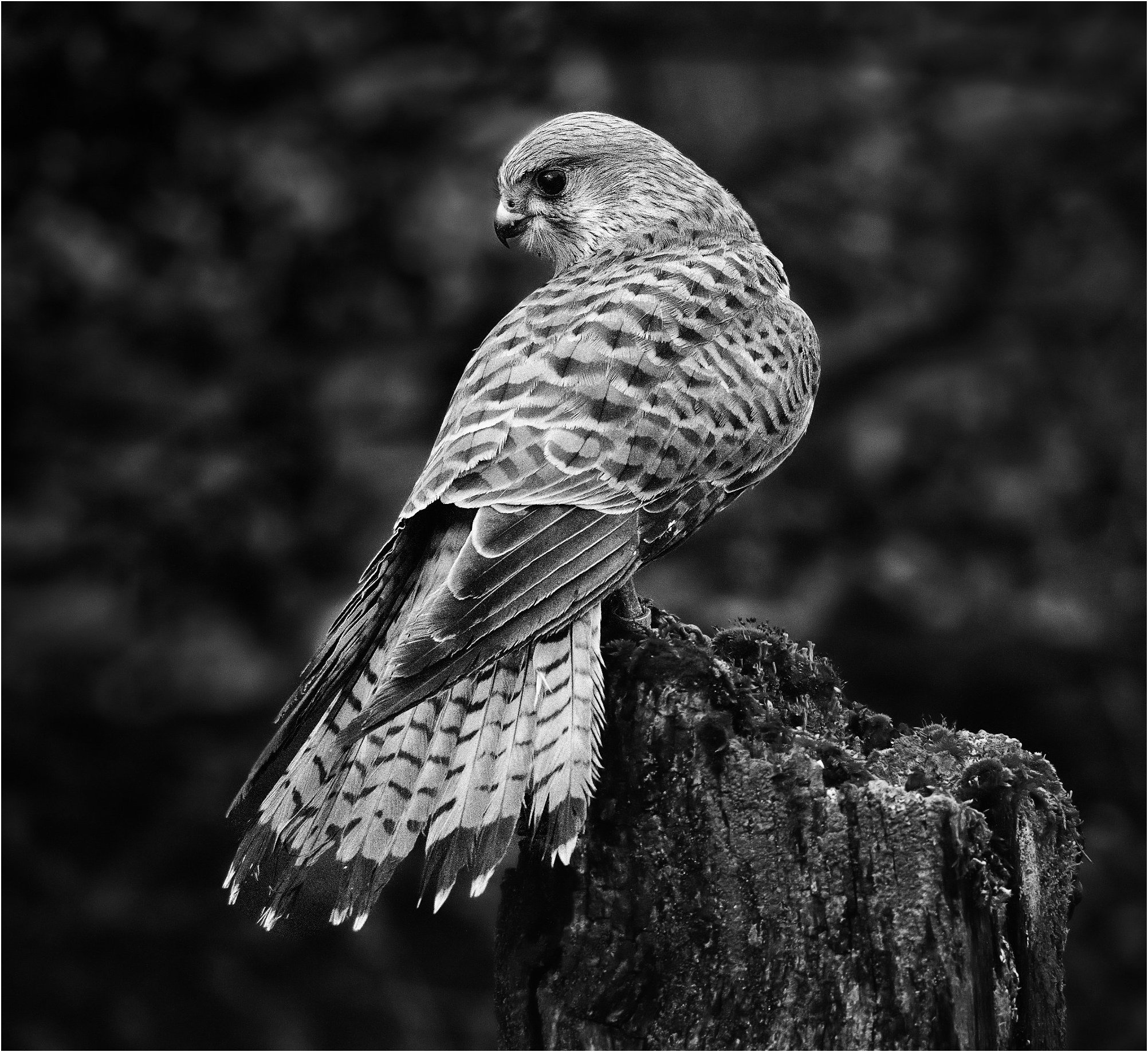
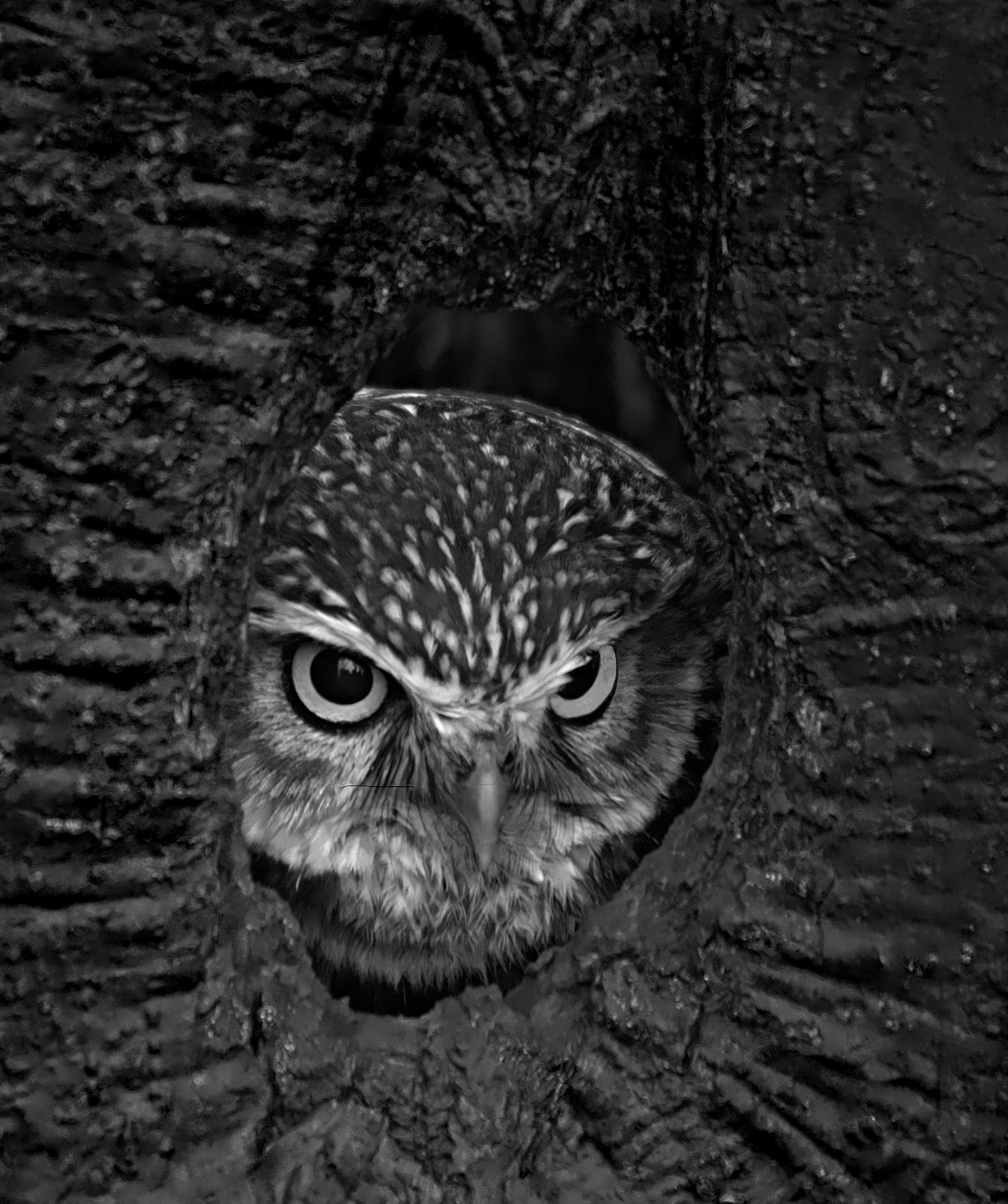
I love owls! This photo depicts them so well. A falconer with one once said to me "With a mouth big enough to swallow a vole in one, eyes filling most of the rest of the skull, how much is left for brains?"! Who cares, they are lovely birds and this is super in my view. I'd agree though, the out of focus branch is a distraction and should be removed as John suggests, and whilst I love owls, I'm no expert, but I do think he's a bit grey and white here, more contrast would help. |
Jun 11th |
| 64 |
Jun 20 |
Comment |
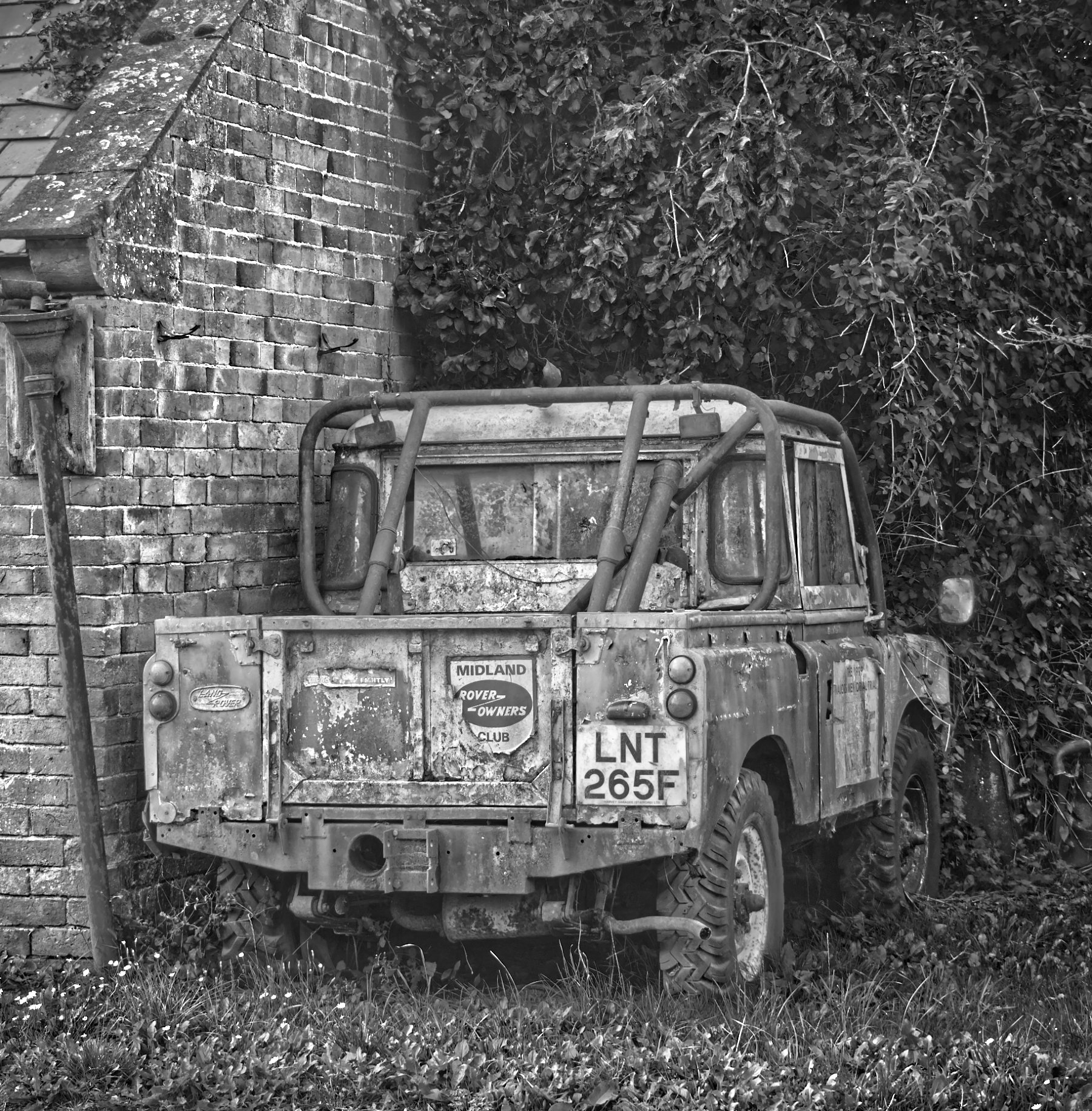
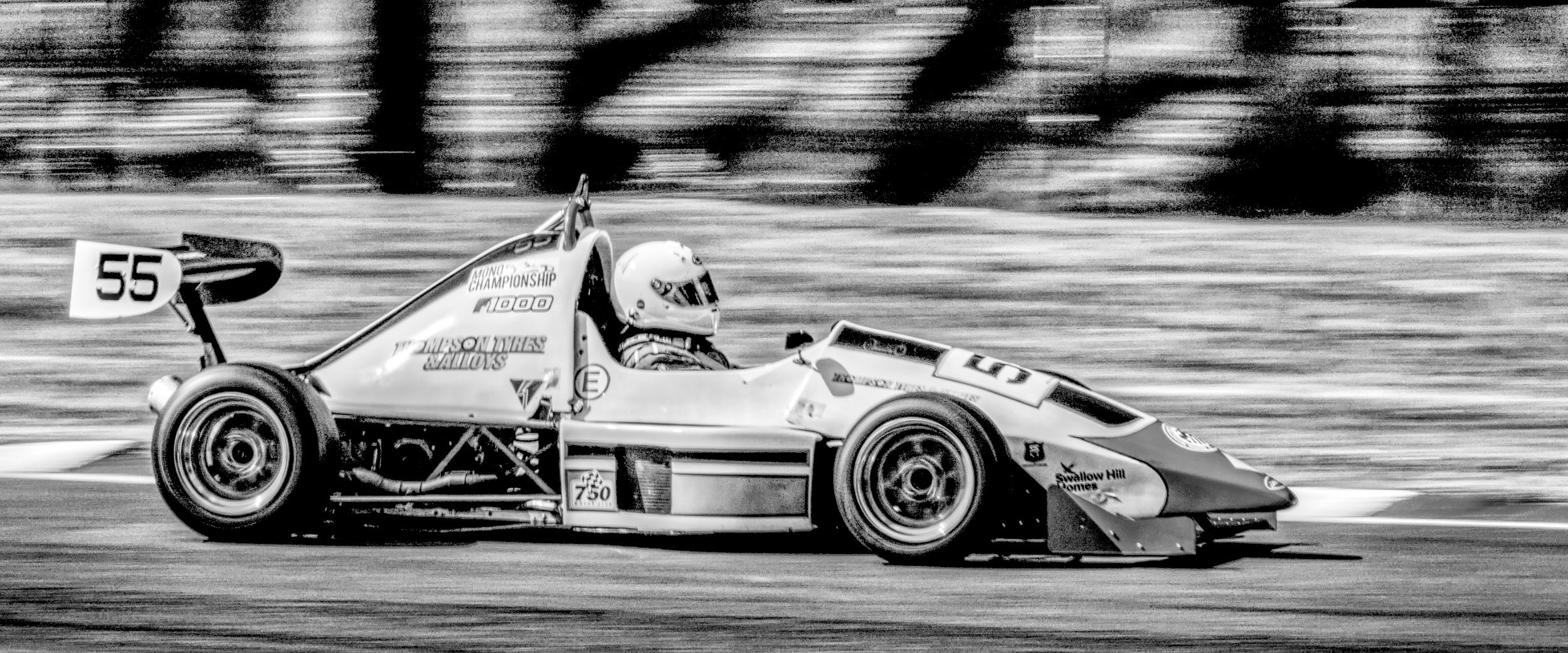
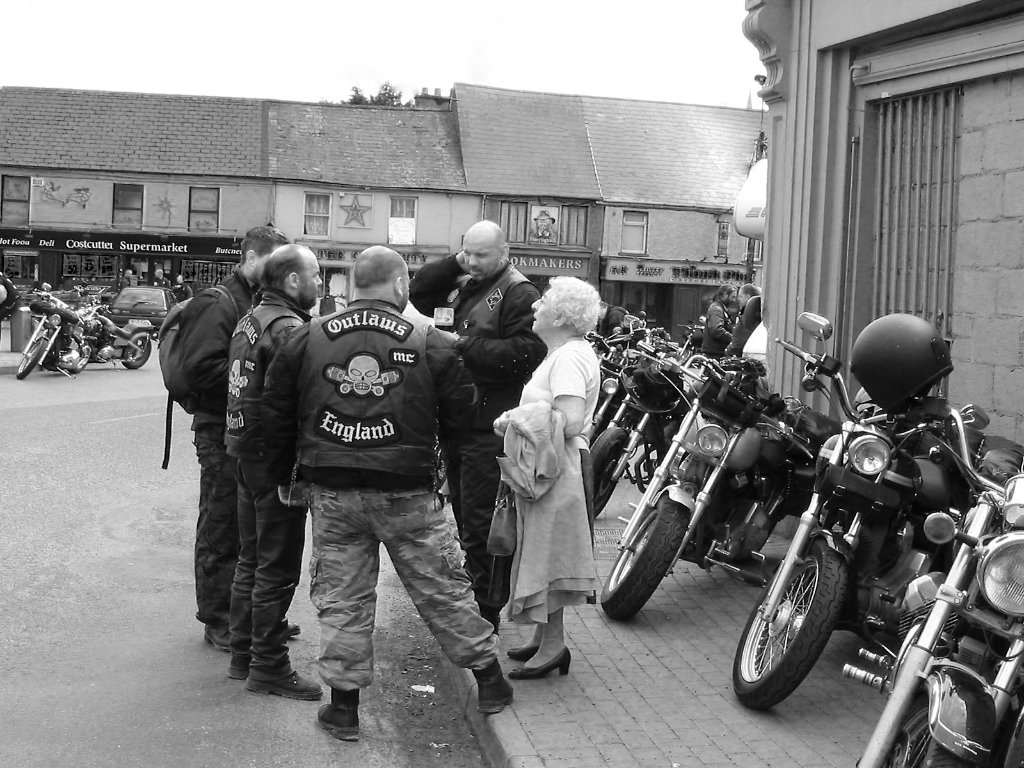
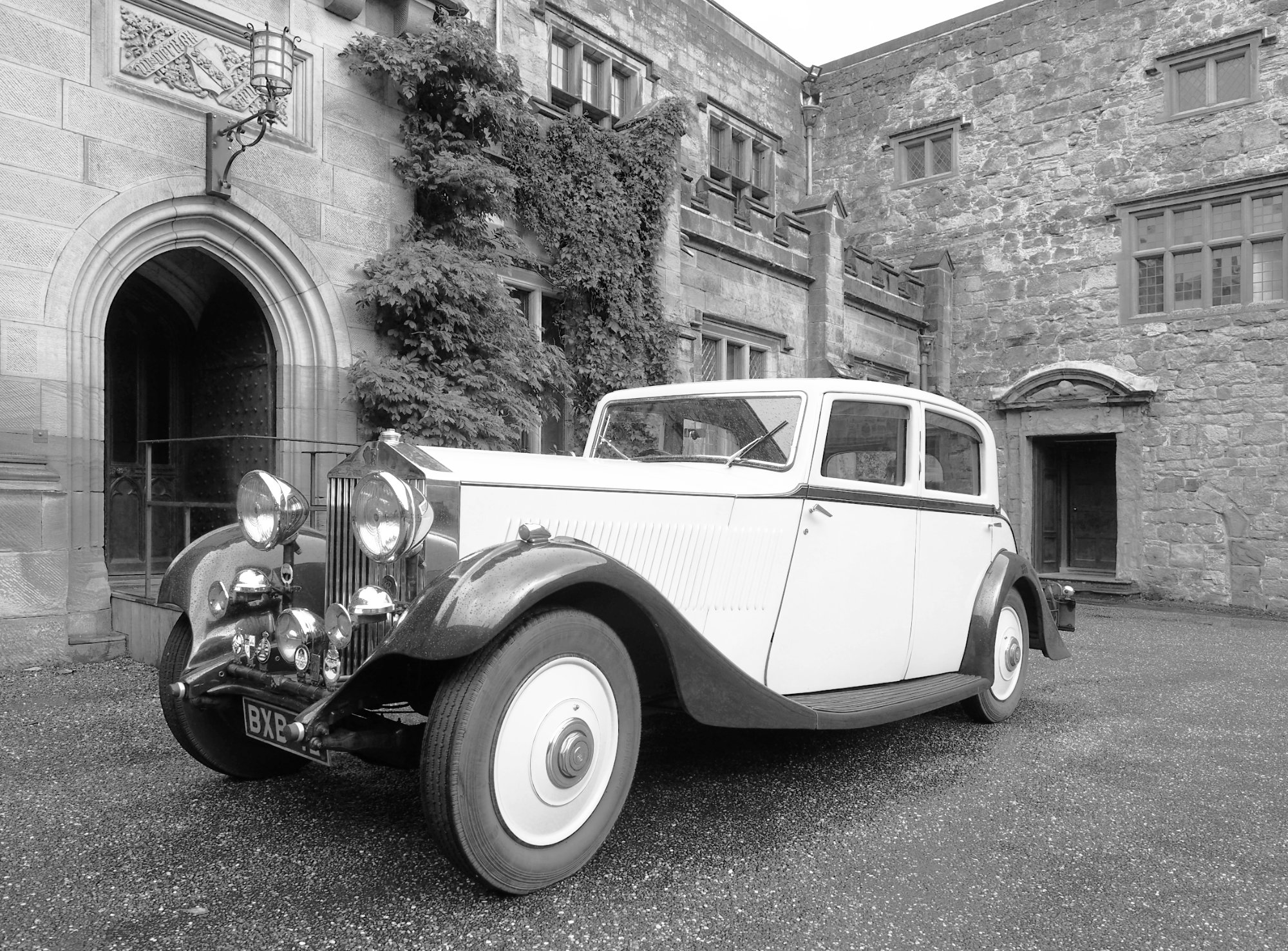
I'd agree that the lady's face would be nicer a bit lighter, but I think it's a good photo with the smooth metal contrasting well with the background. I think the central placement of the car is good here, and great post-processing brings us a lovely picture. |
Jun 11th |
| 64 |
Jun 20 |
Comment |
Yes, I think the colour photo is striking and interesting, but more a record shot. The mono conversion to me is a work of art, but I do like Jerry's crop the best. Once seen, the "face" on the right needs to go! |
Jun 11th |
 |
| 64 |
Jun 20 |
Comment |
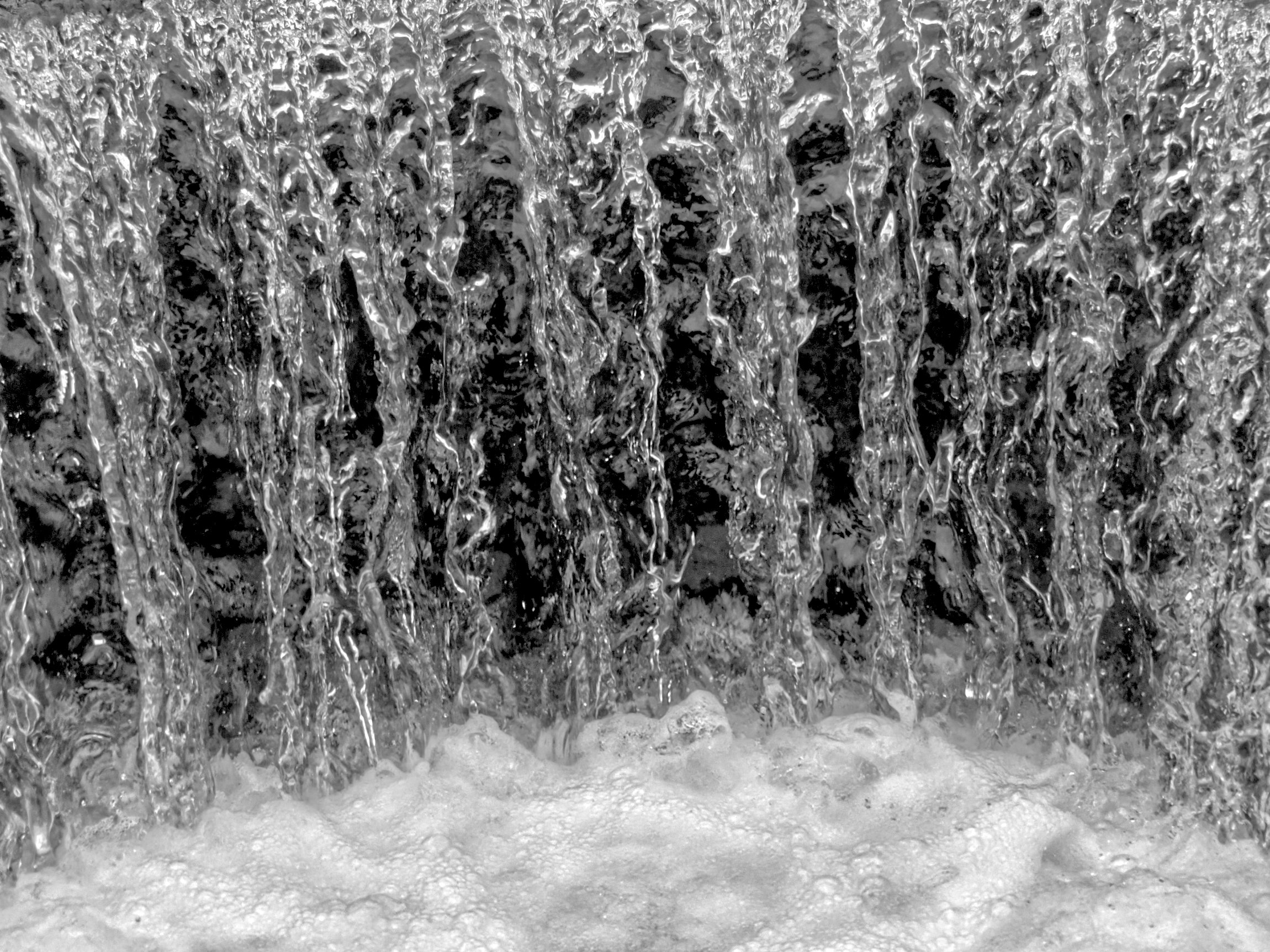
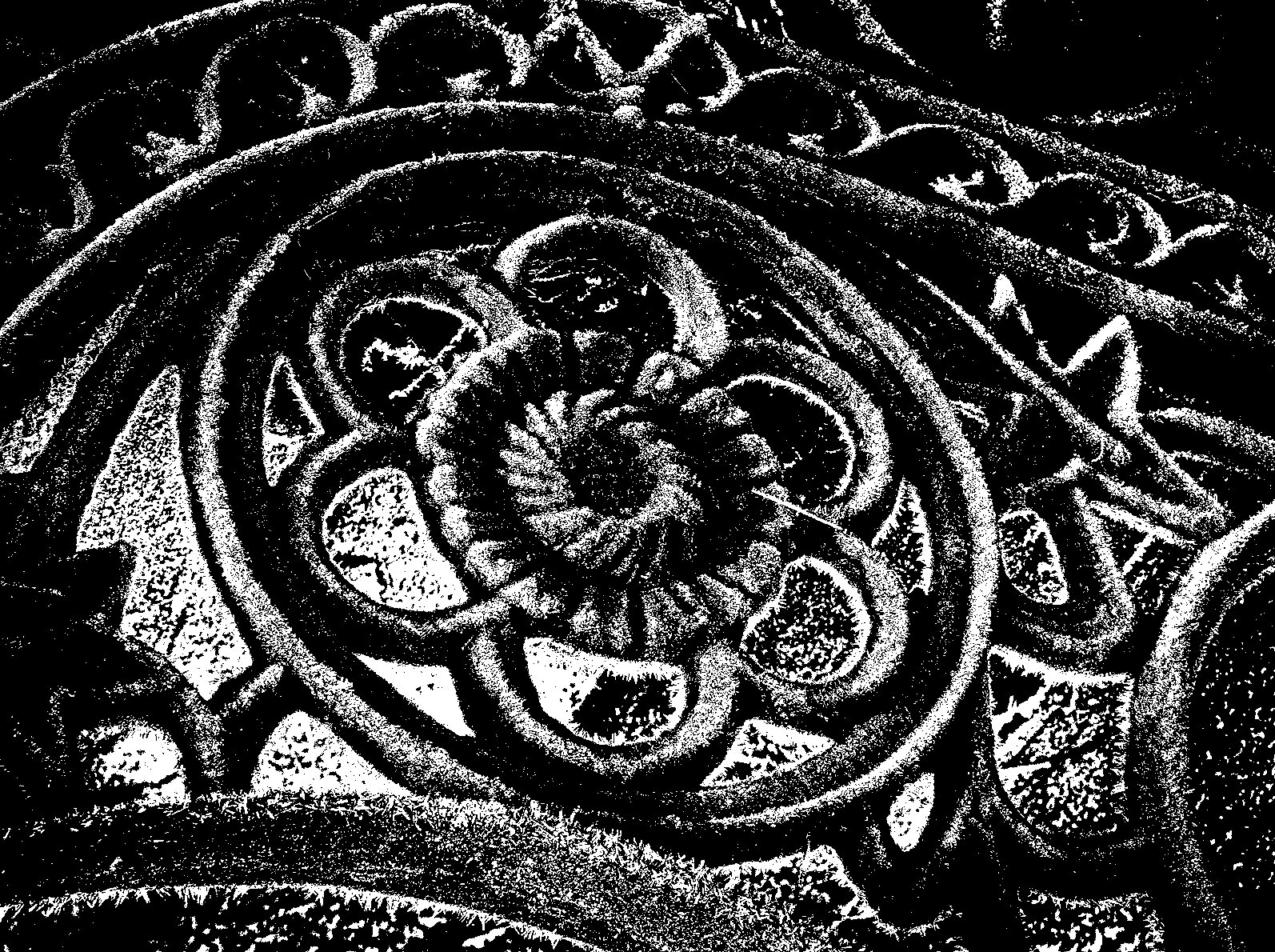
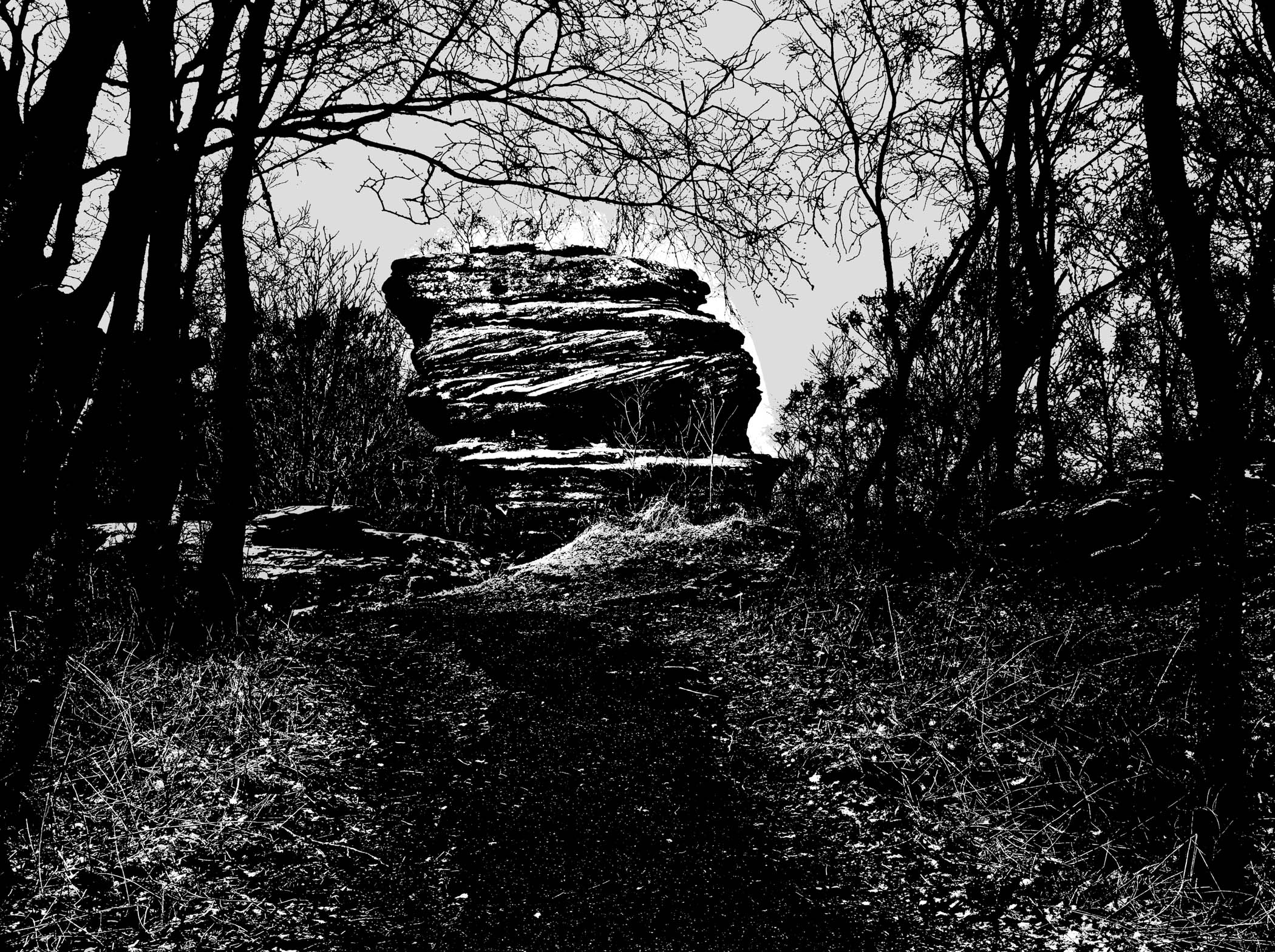
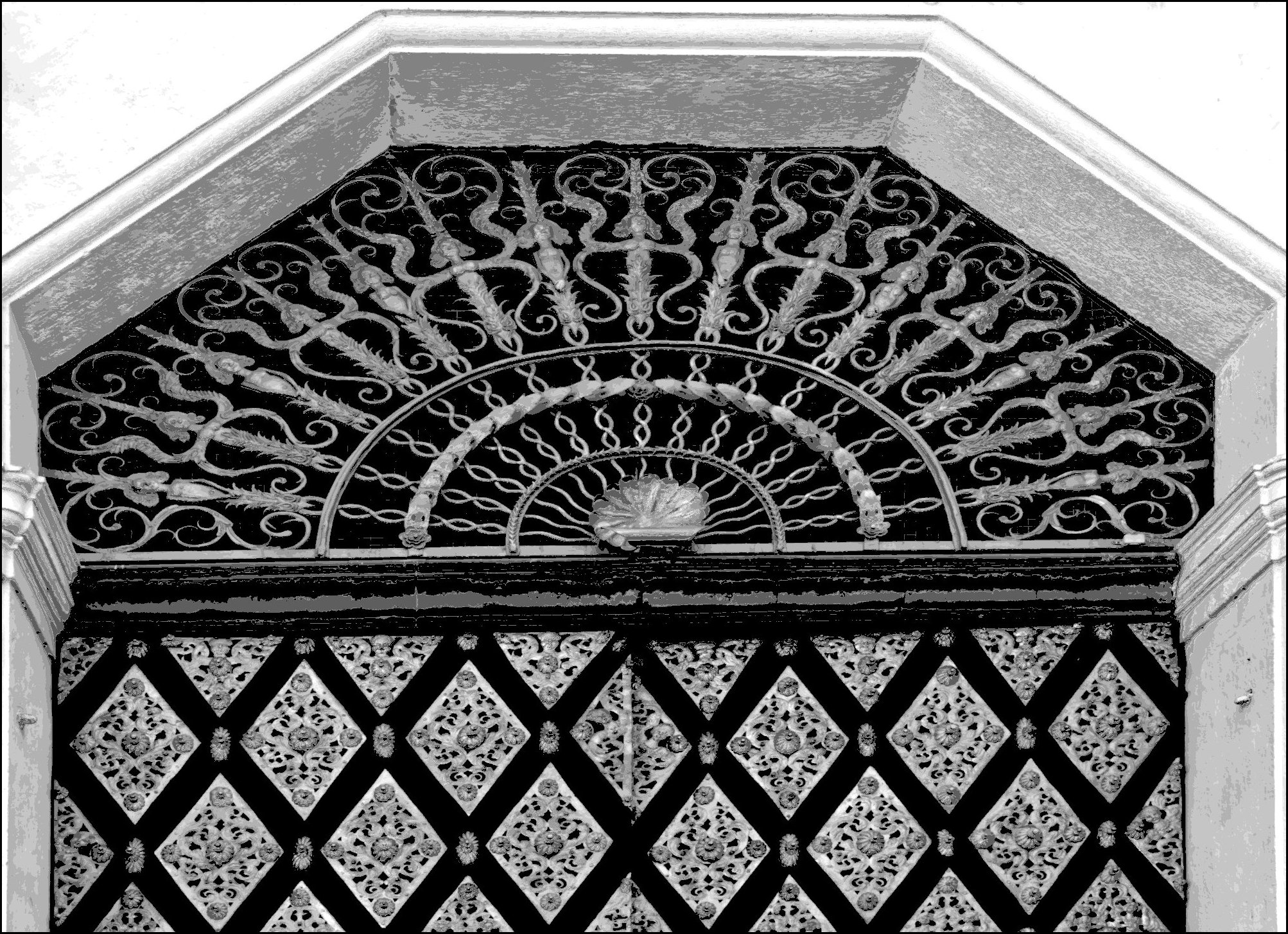
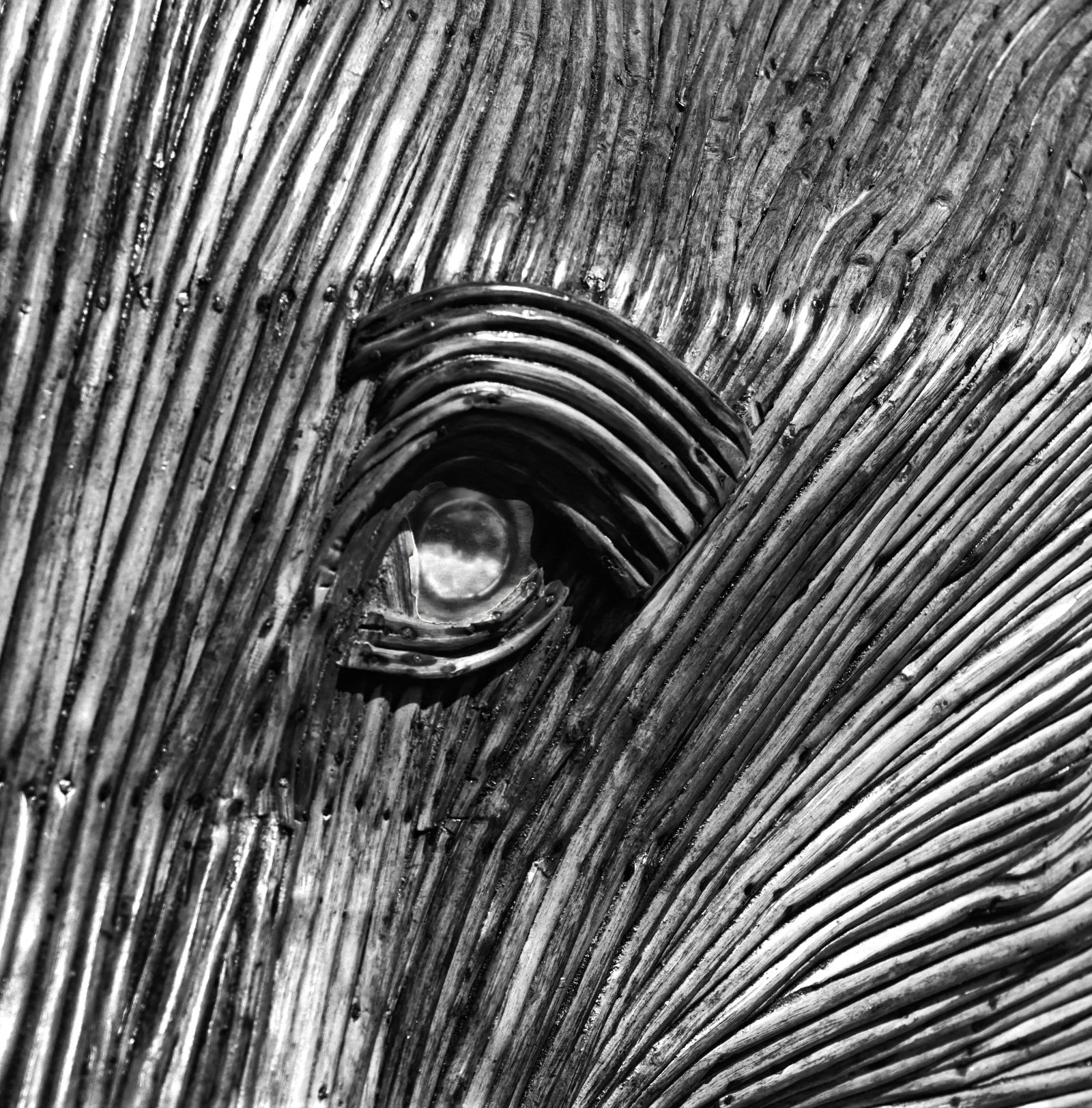
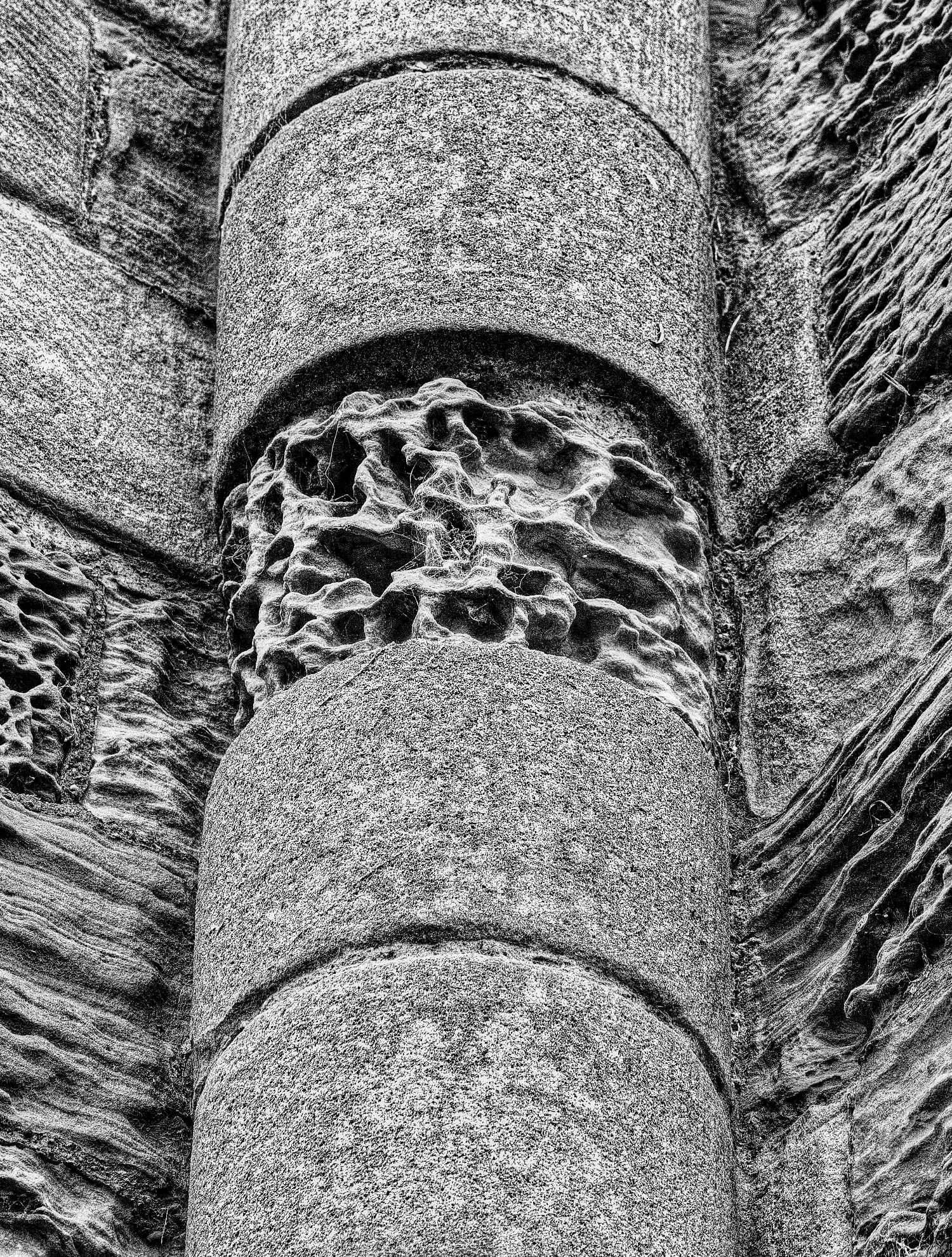
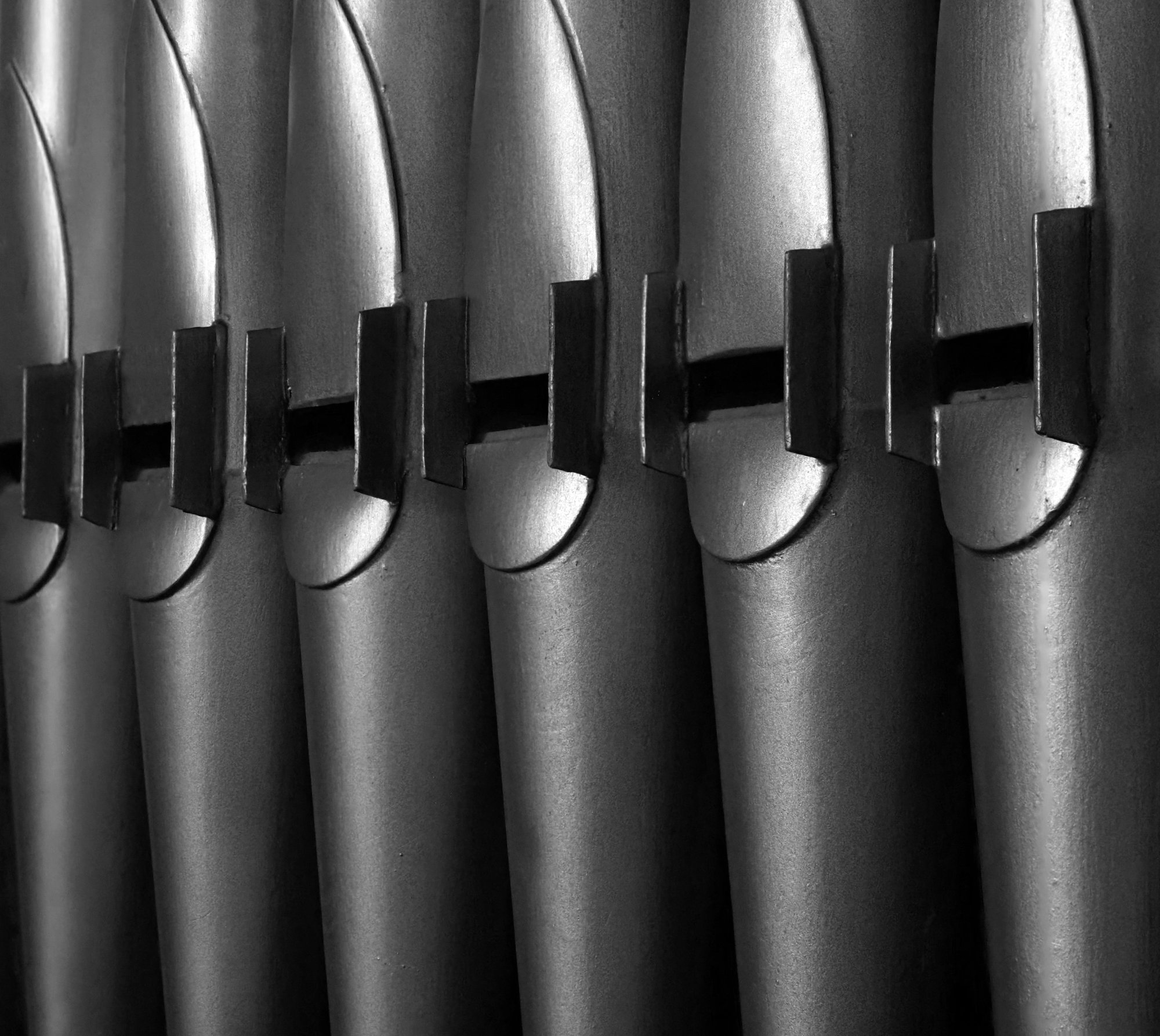
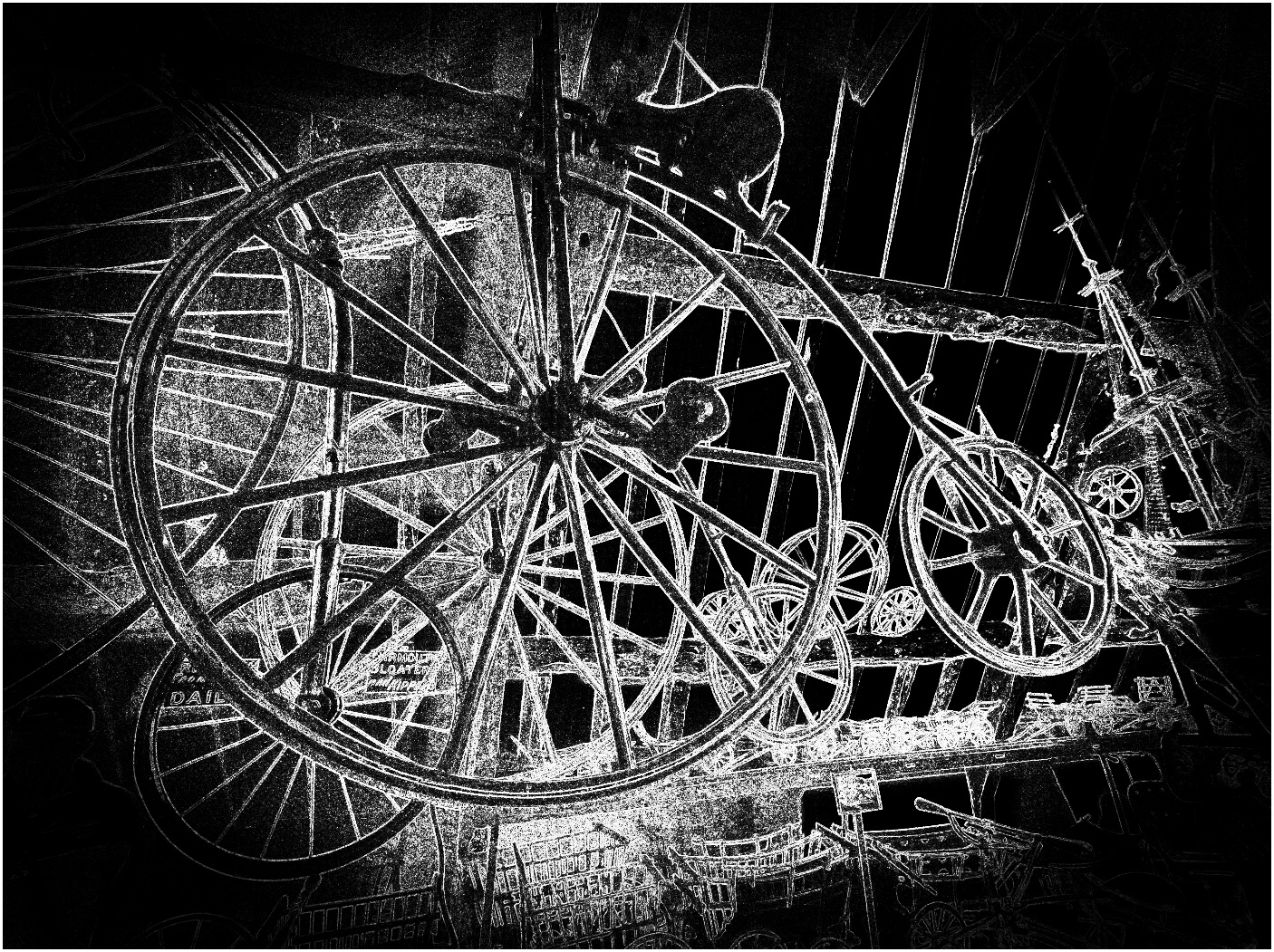
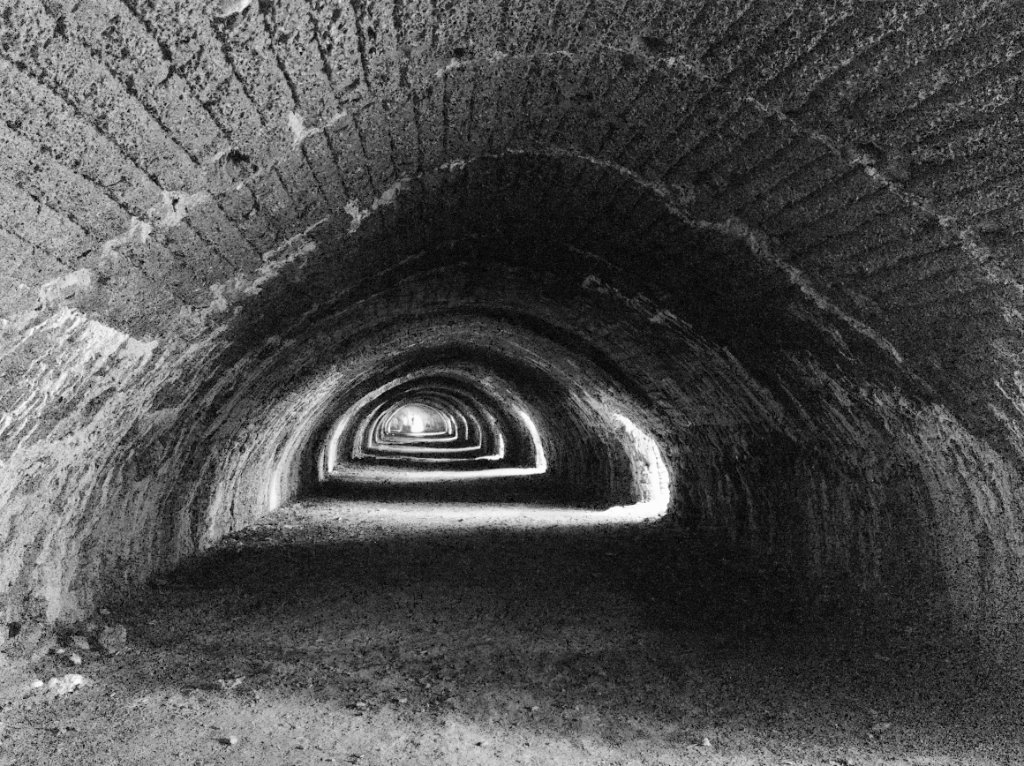
What unusual texture. Truly black and white! How about a mid grey stroke? |
Jun 11th |
| 64 |
Jun 20 |
Comment |
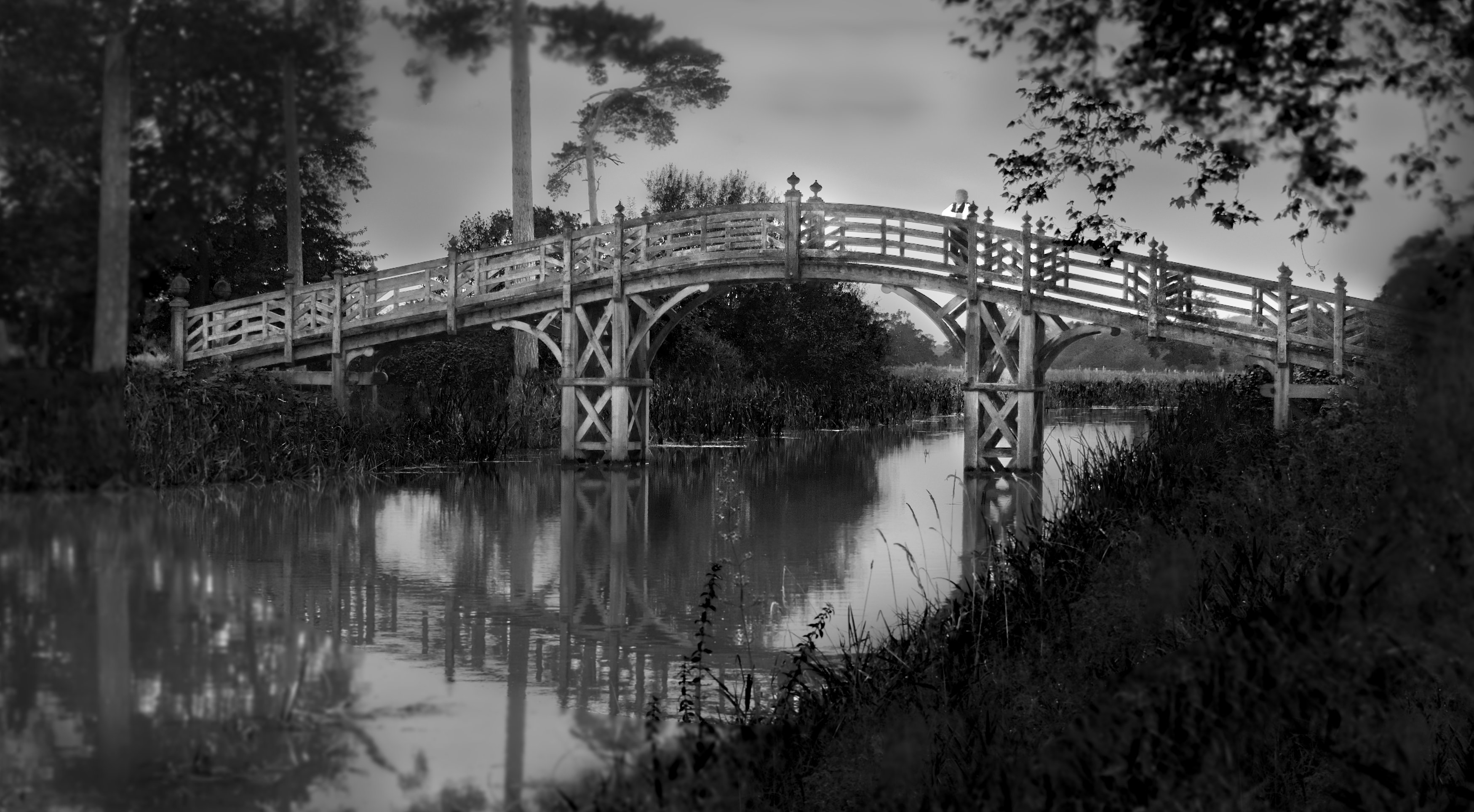
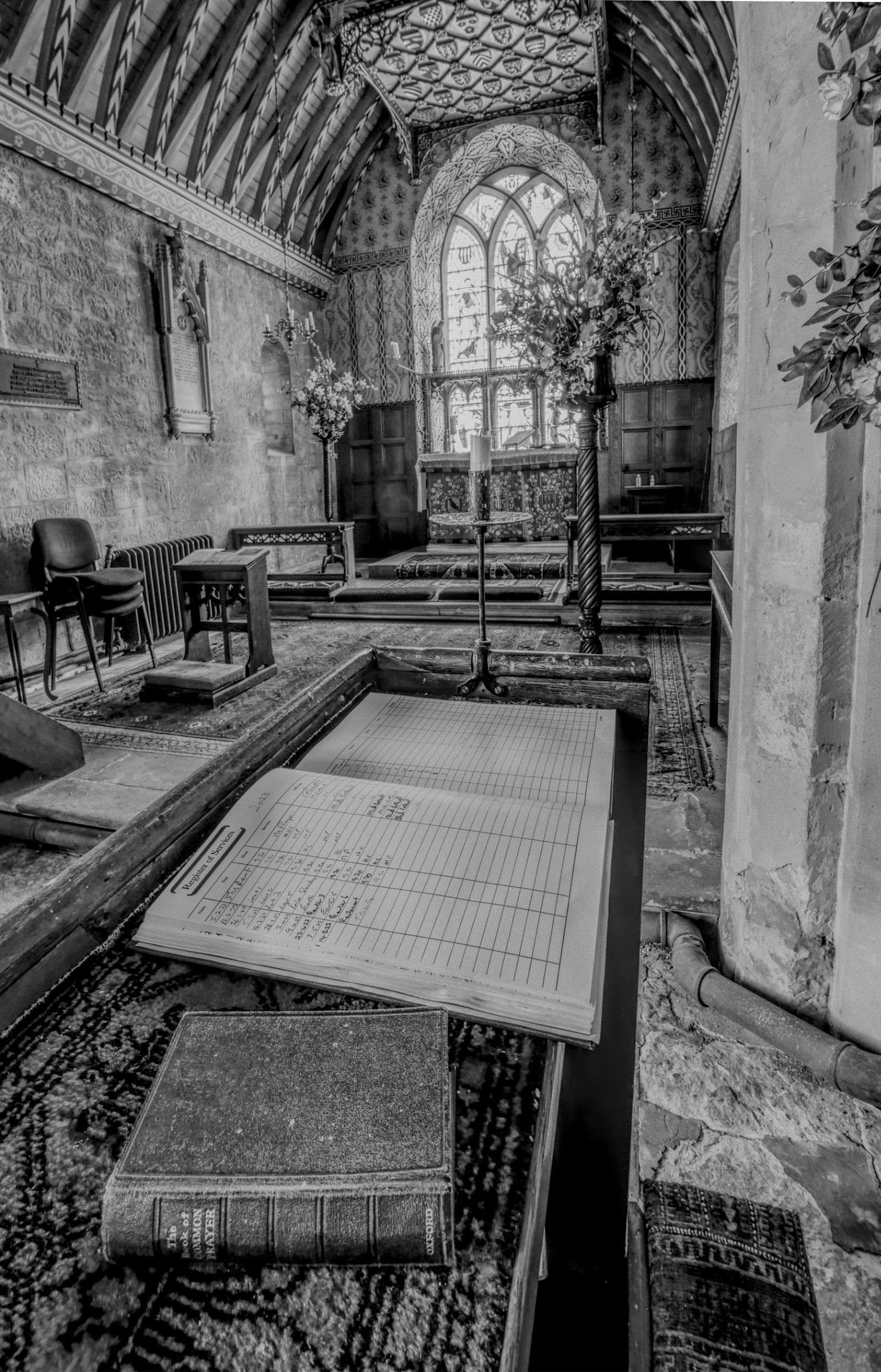
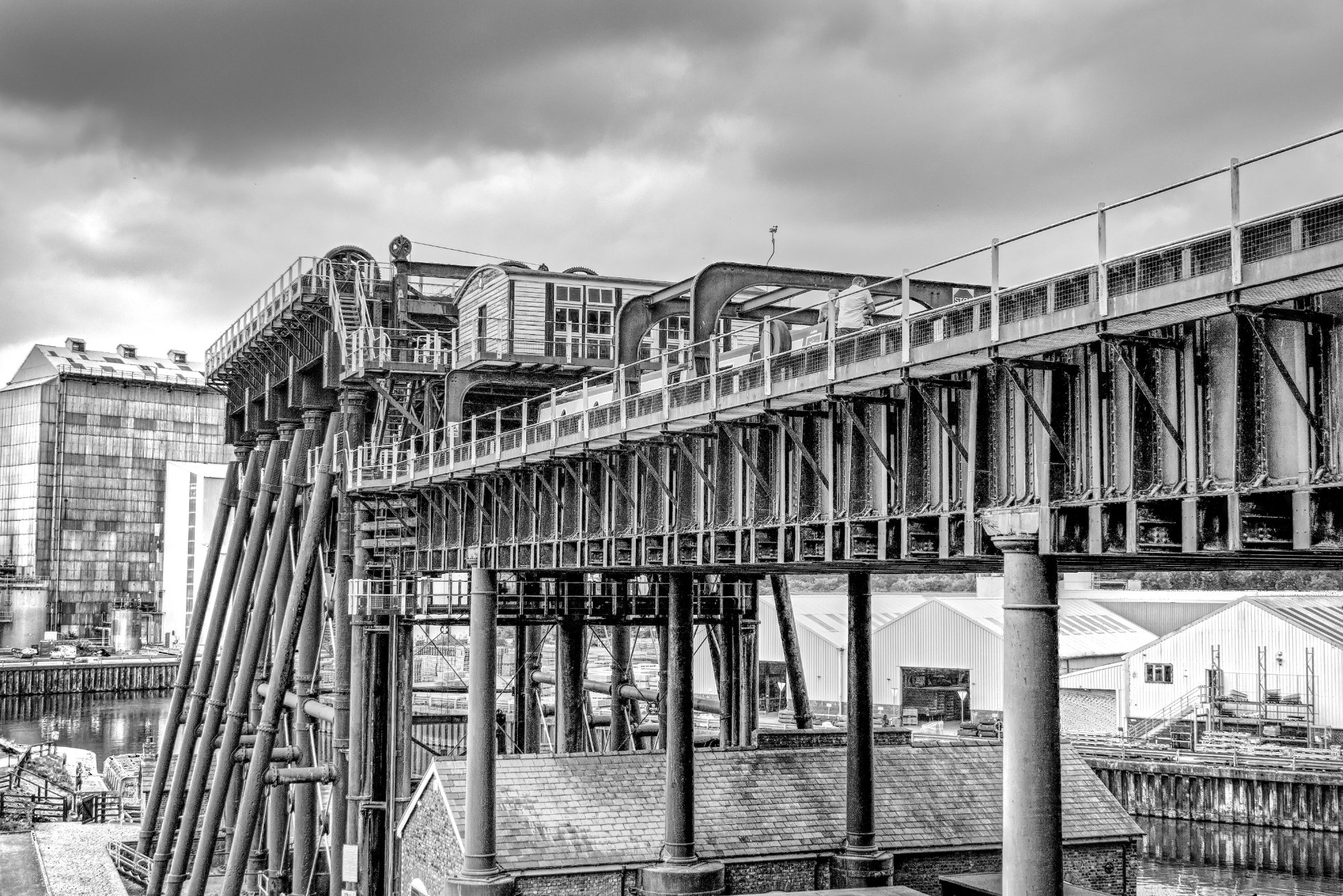
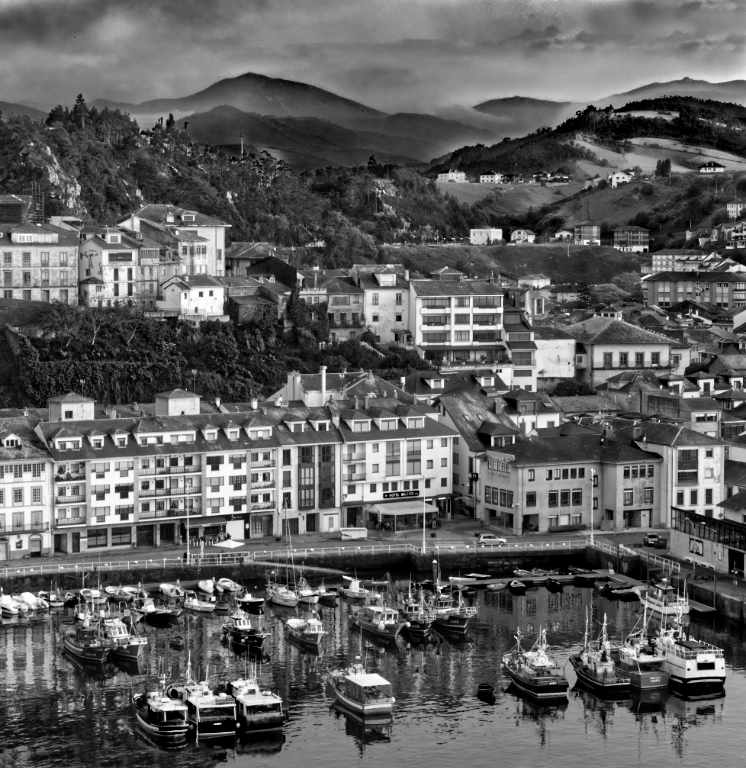
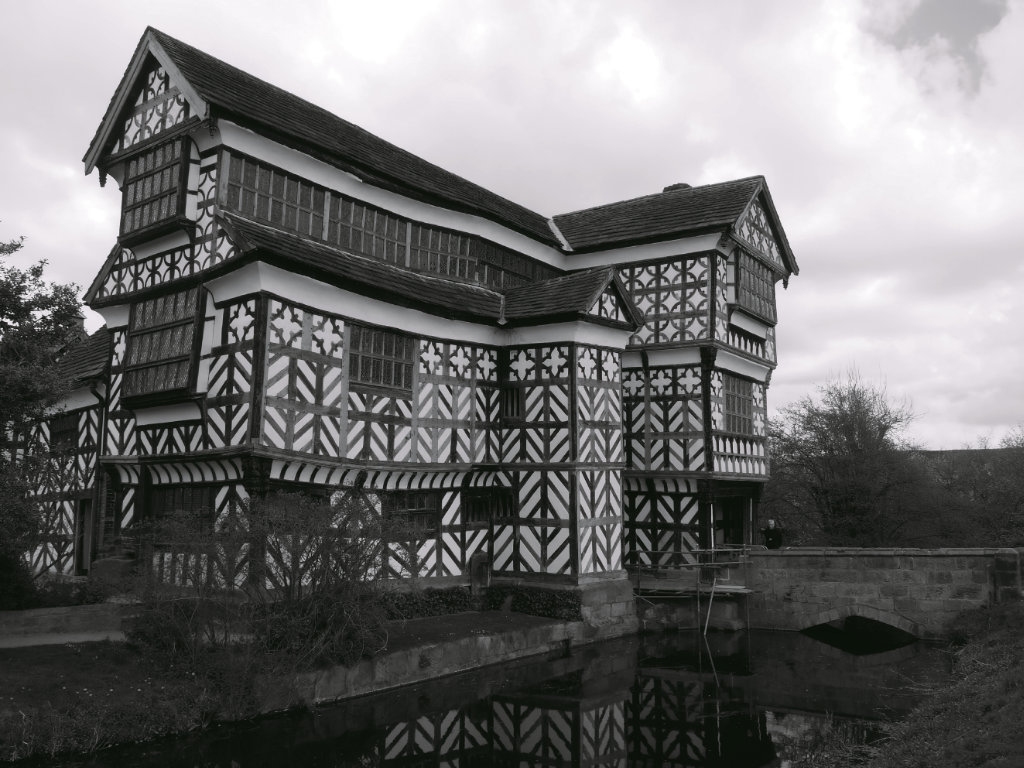
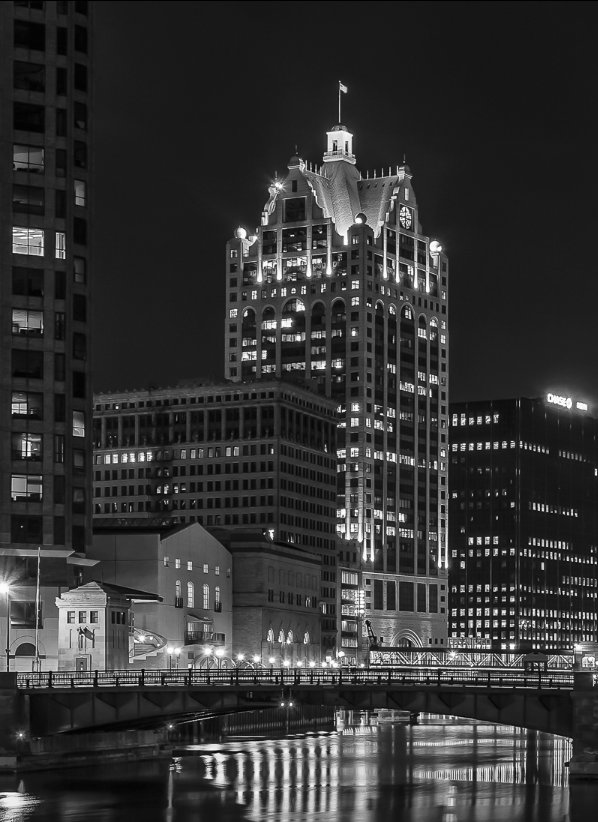
I think that if you crop off enough of the central building to isolate it, then you'd also crop off the ends of the bridge which I think would spoil it. However the central building is the most attractive in my opinion, so cropping enough to leave the bridge intact makes the central building more prominent and perhaps a stronger photo.
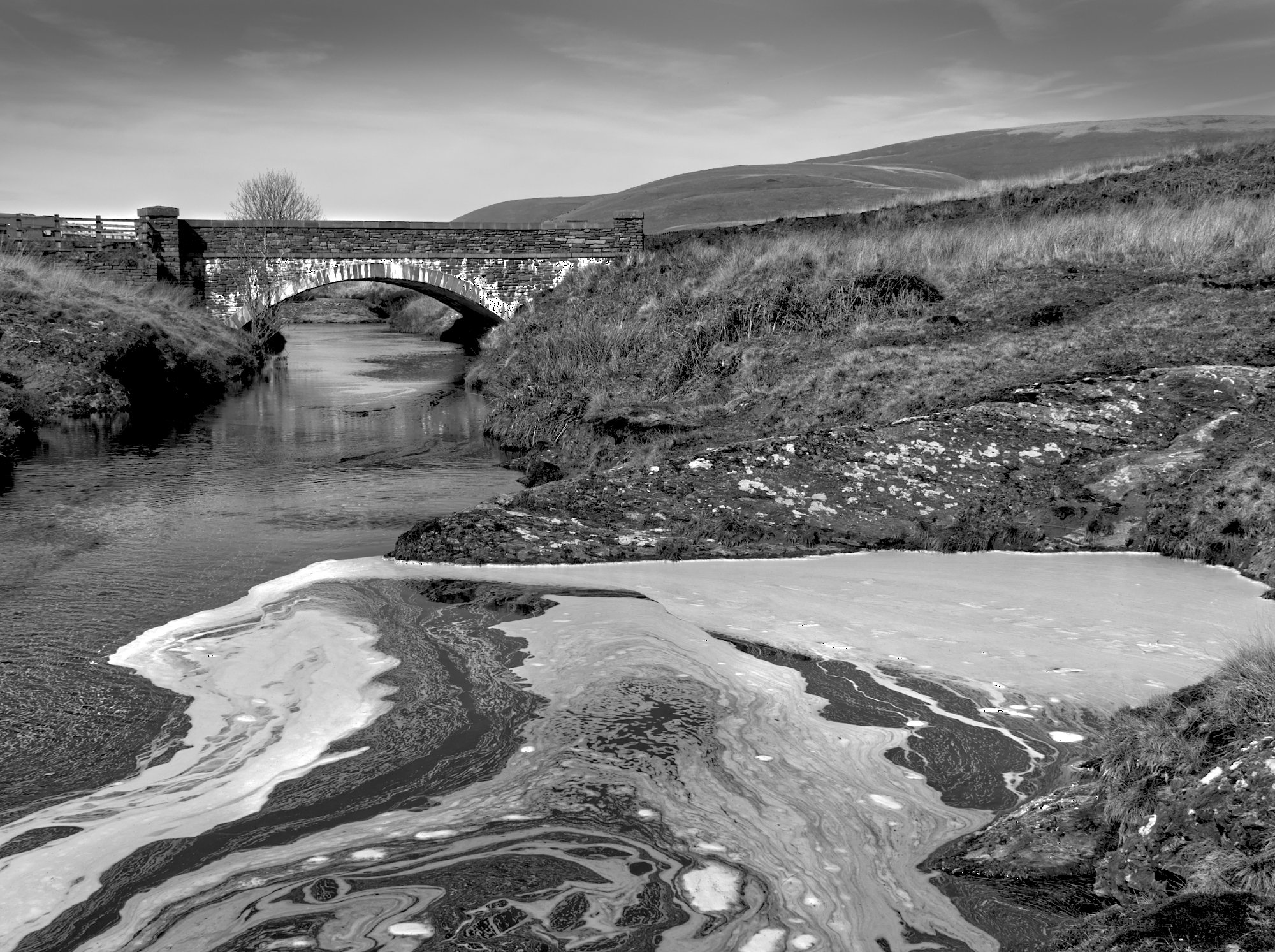
The long exposure would have been expected to smooth over the river, but it doesn't seem to have done that. Maybe there was little movement. As there are no cars in the photo to spoil it, I would have tried a long exposure to get that.
Apart from that, I think it's a really nice photo, ideal for mono, although I prefer the cropped version, such as..... |
Jun 11th |
 |
| 64 |
Jun 20 |
Reply |
Thanks, Jerry, yet another resource on the net that I didn't know about. It looks to me like it only works on phones, or perhaps on Macs, but not on Windows. Is that right? |
Jun 9th |
6 comments - 2 replies for Group 64
|
| 95 |
Jun 20 |
Reply |
I've never tried to make a focus stack hand-held other than with the camera's automatic focus bracket function. My hands aren't rock steady either, although not perticularly shaky. A 10 or 15 frame bracket at 60 fps doesn't leave much time for wobbling, so it is possible, although not all results merge well. |
Jun 13th |
| 95 |
Jun 20 |
Comment |
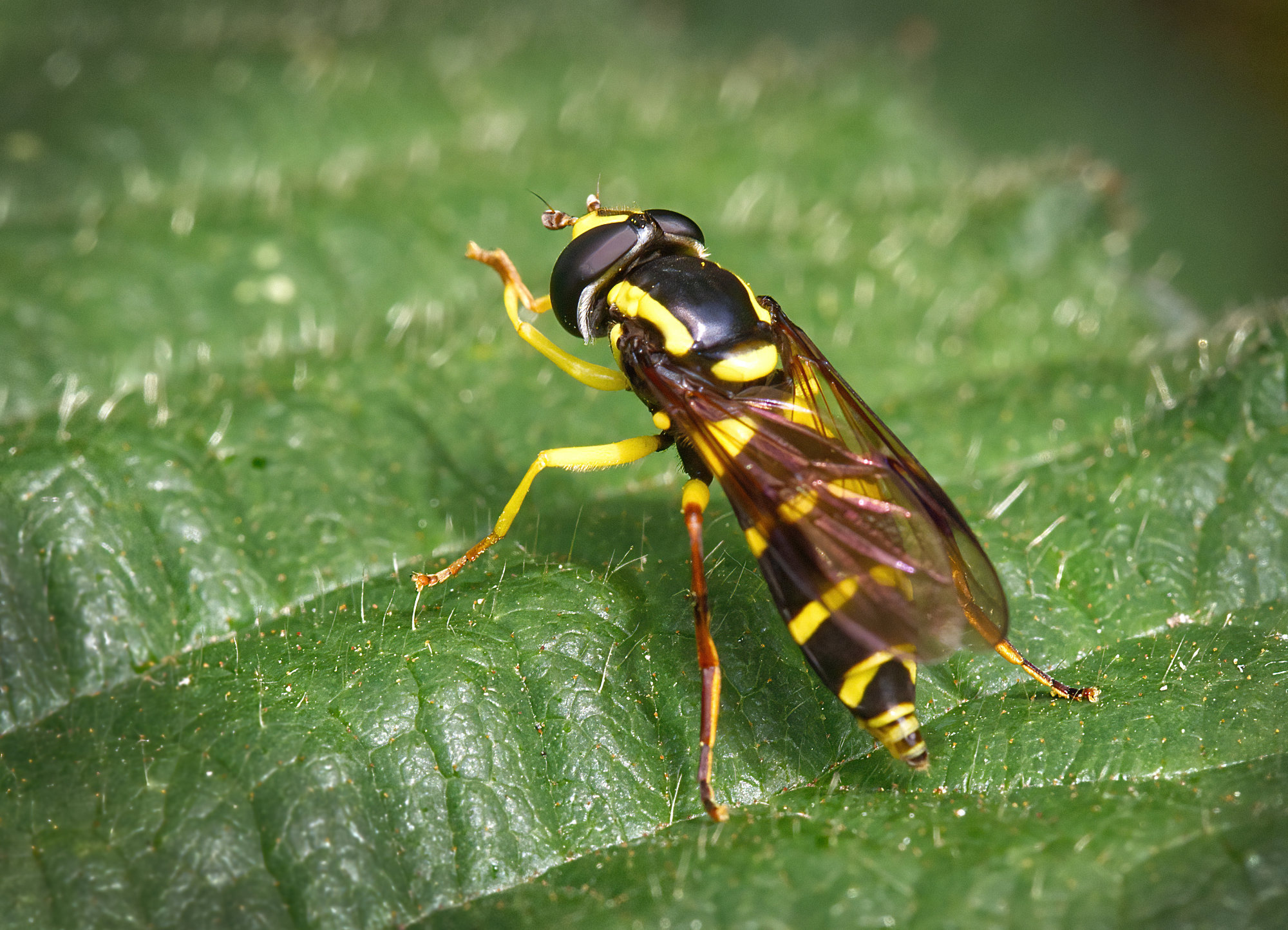
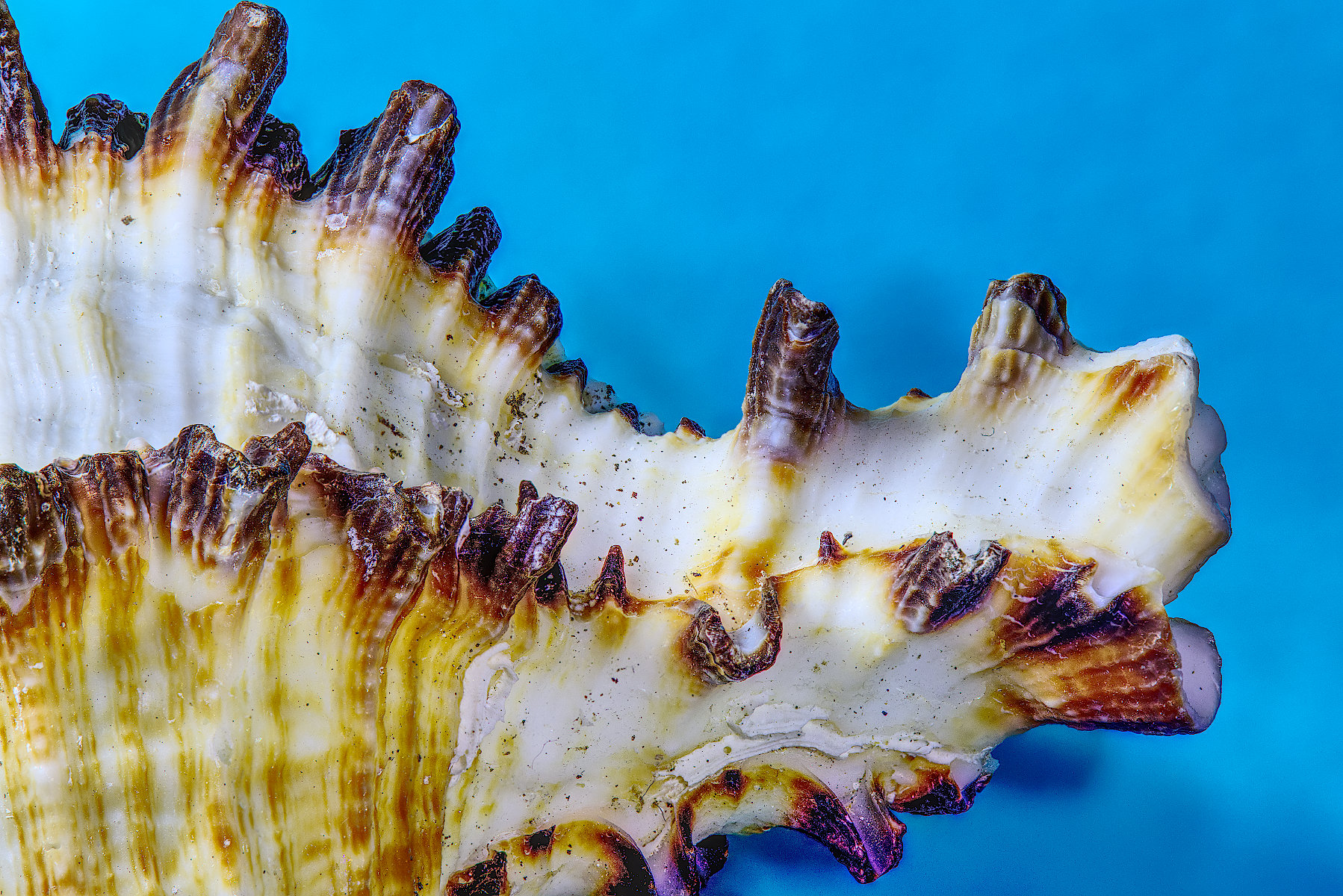
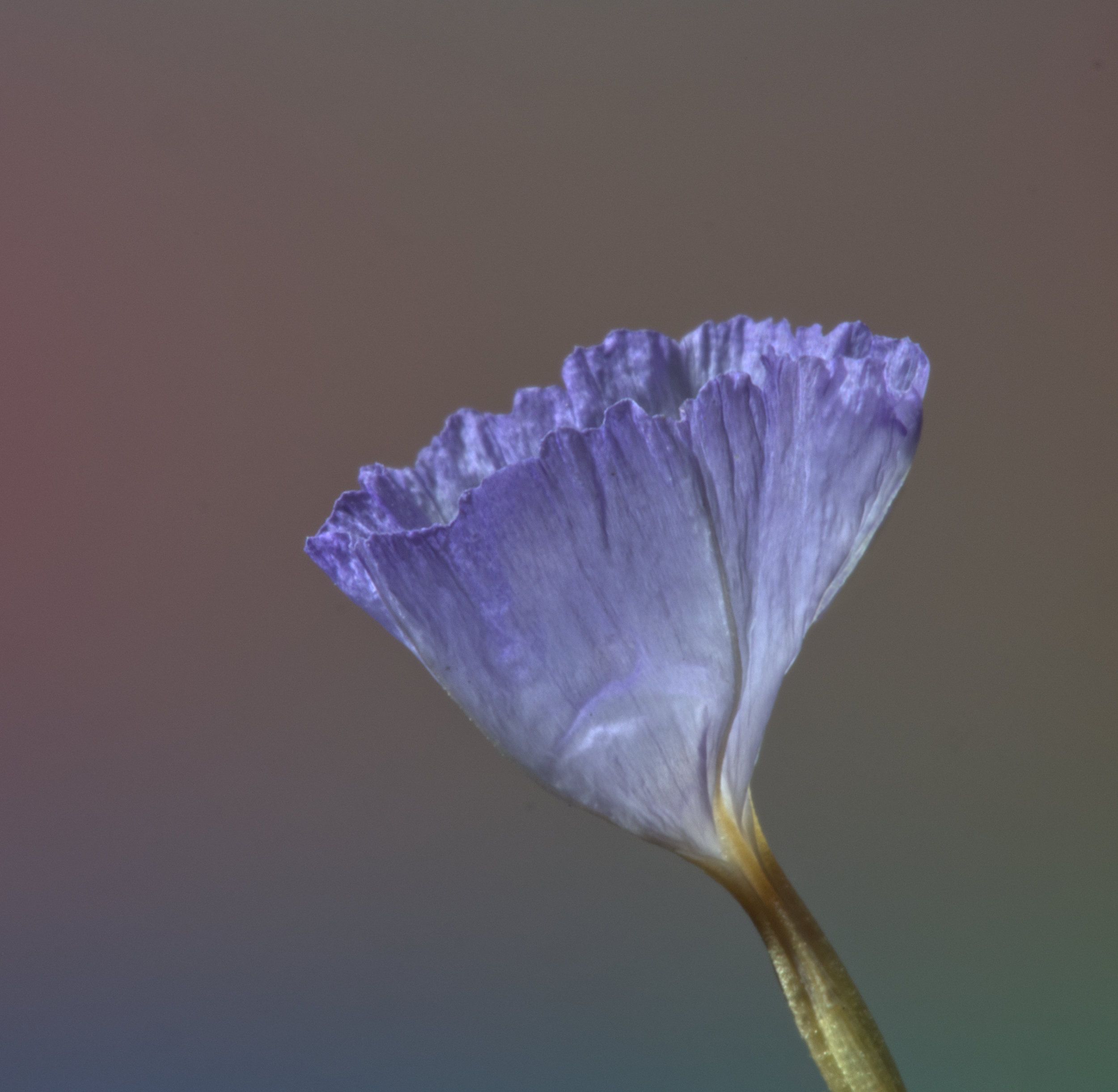
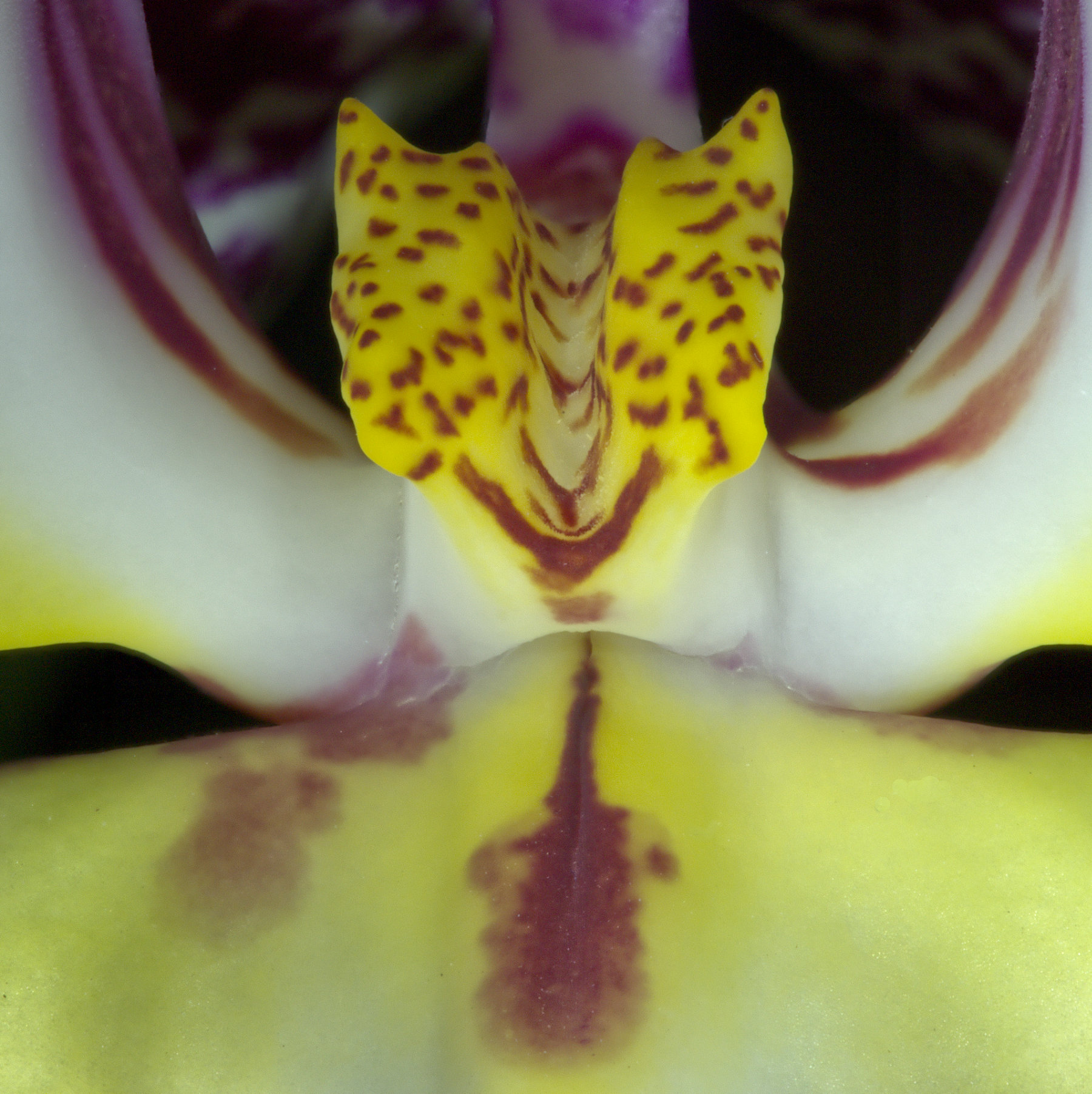
I like it! It doesn't look unsharp to me, but yes do remember what we discussed about diffraction. The sharpest photos with significant depth of field relative to lens to subject distance come from merging a stack of pictures taken at the best lens setting.
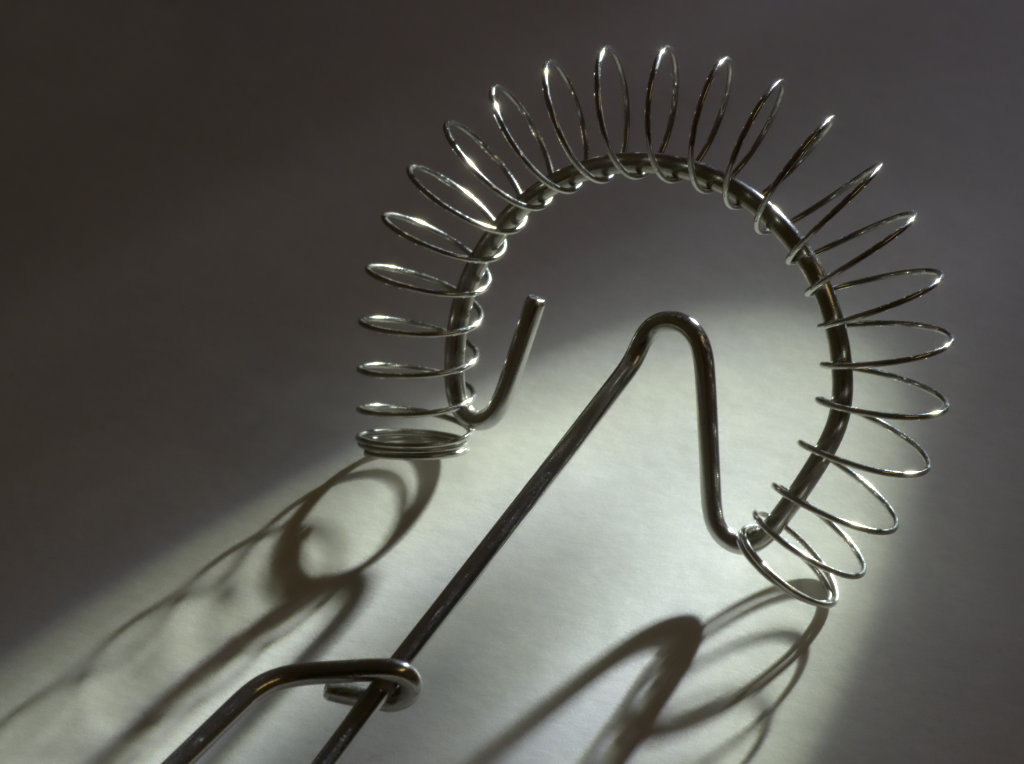
Photographing shiny objects is a nightmare! Talc his nose!! Sometimes a polarising filter helps. Diffusing the light source also can help, you just have to experiment. |
Jun 11th |
| 95 |
Jun 20 |
Reply |
To be fair, these are inexpensive and the quality control isn't there in the manufacture. My wife has had several and they have varied from stiff in one to too slack in another, the focus drifting and leaving lubricant on her hands. But they are wonderful value and she wouldn't be without one.
The "focussing ring" alters both focus and magnification, and indeed hers are marked as magnification, not distance. So you need to alter both it and the camera to subject distance to get the result you want. So I think it's easiest to set the adjuster in an appropriate place by trial and error to get the mgnification you want, and then focus by moving the camera towards or away from the subject. |
Jun 11th |
| 95 |
Jun 20 |
Comment |
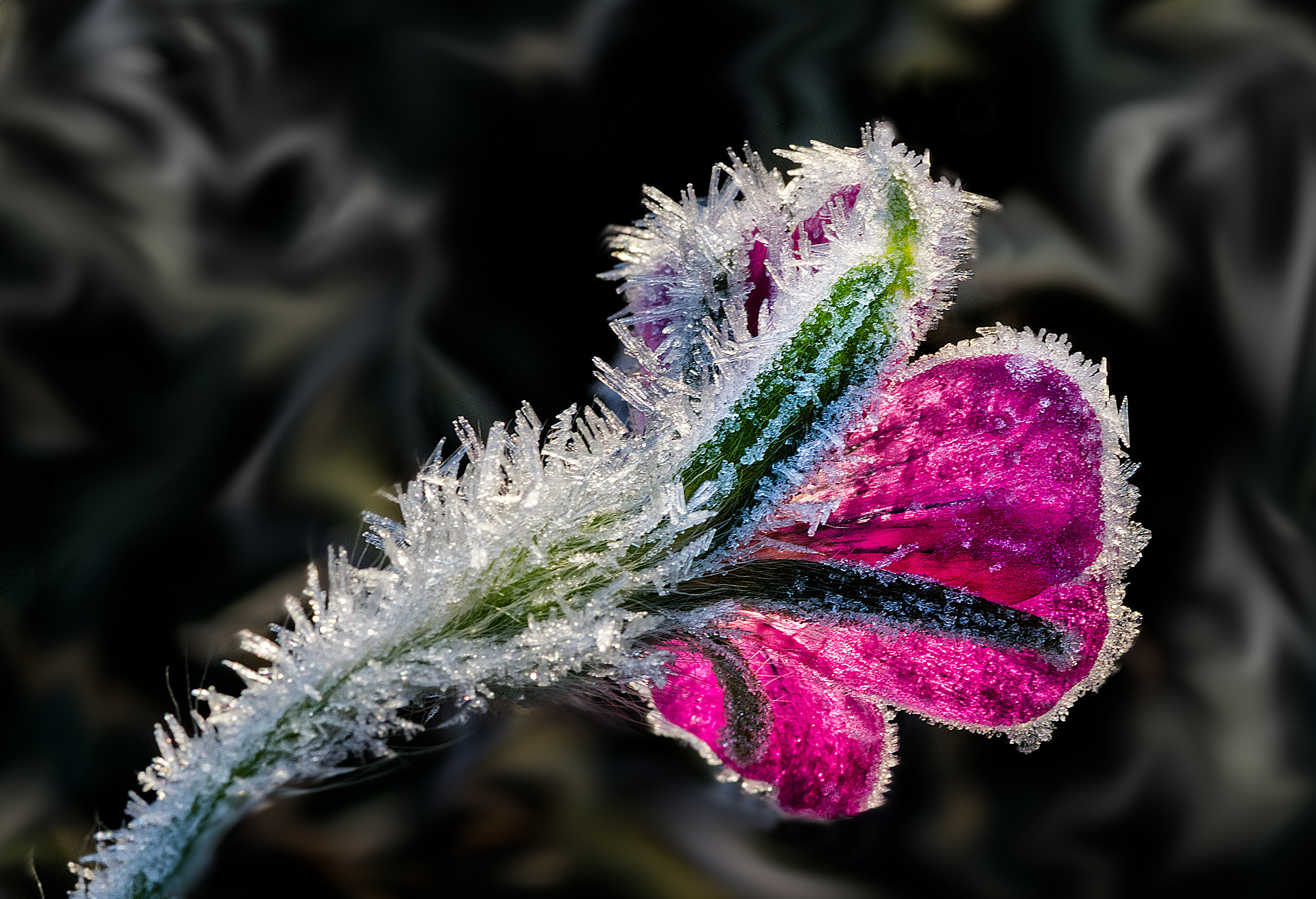
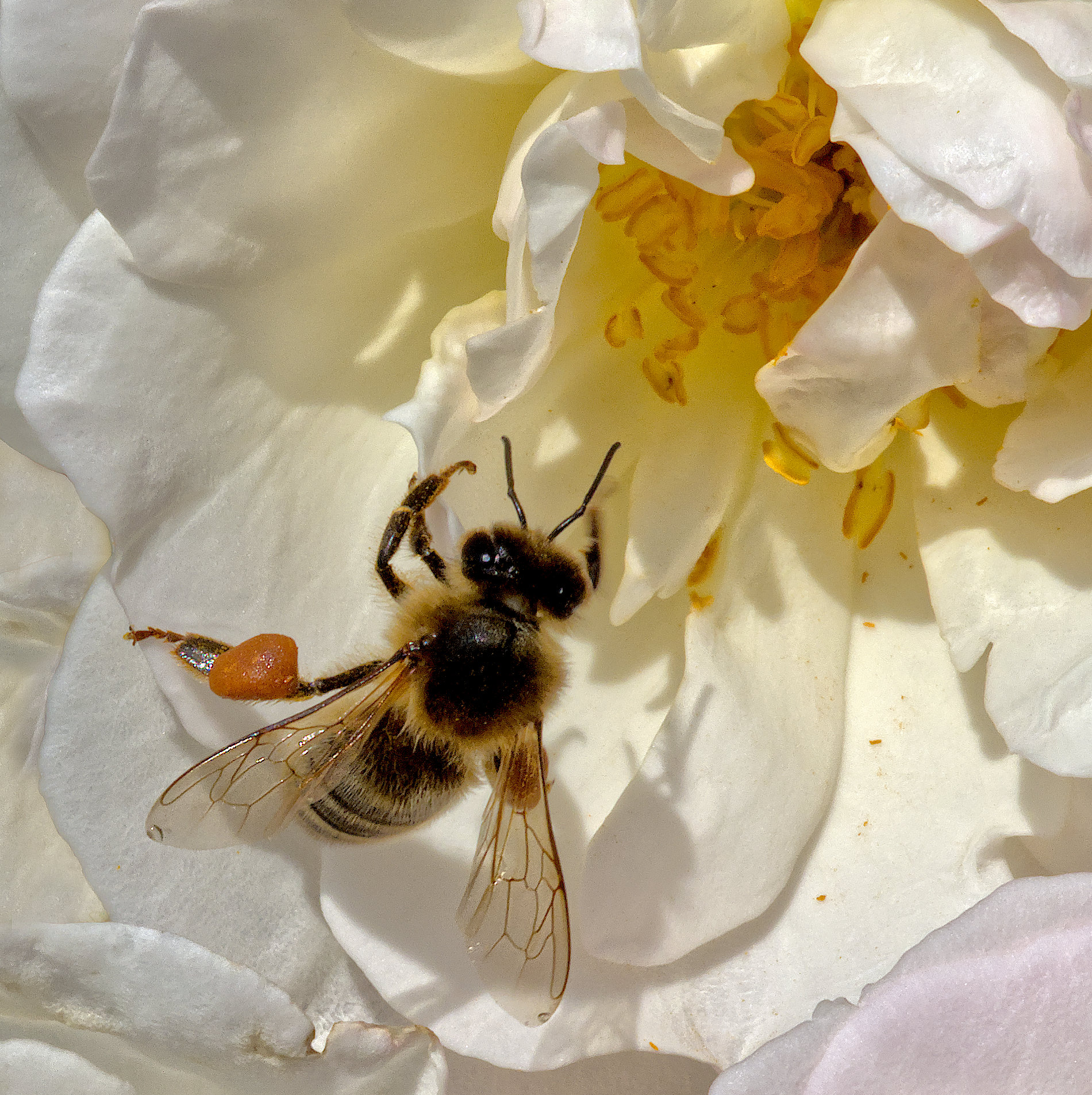
Welcome from me too, Nilan. Great shot! I'm jealous of your aim.
The background is a matter of luck here, so no criticism is deserved for the capture, but indeed perhaps you could remove the yellow with post processing. |
Jun 11th |
| 95 |
Jun 20 |
Comment |
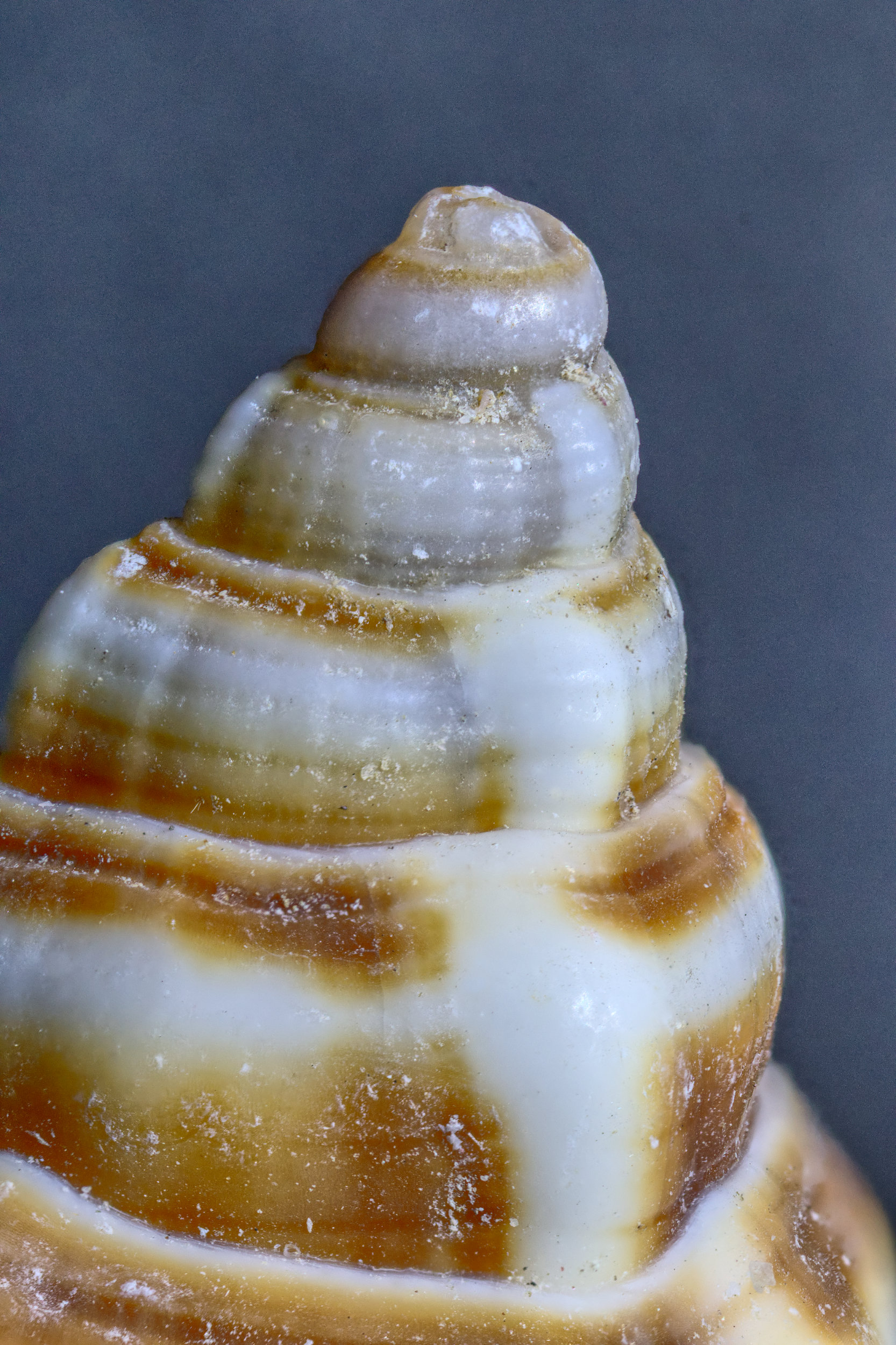
I like it too, but agree with the comments above. We've been chatting about focus merging, Bill. A less obvious benefit of this technique is you can expose with a large aperture, and then recover the depth of field by merging, but only as far as you want to. This can keep the background blurred - even more than here if you like! |
Jun 11th |
| 95 |
Jun 20 |
Reply |
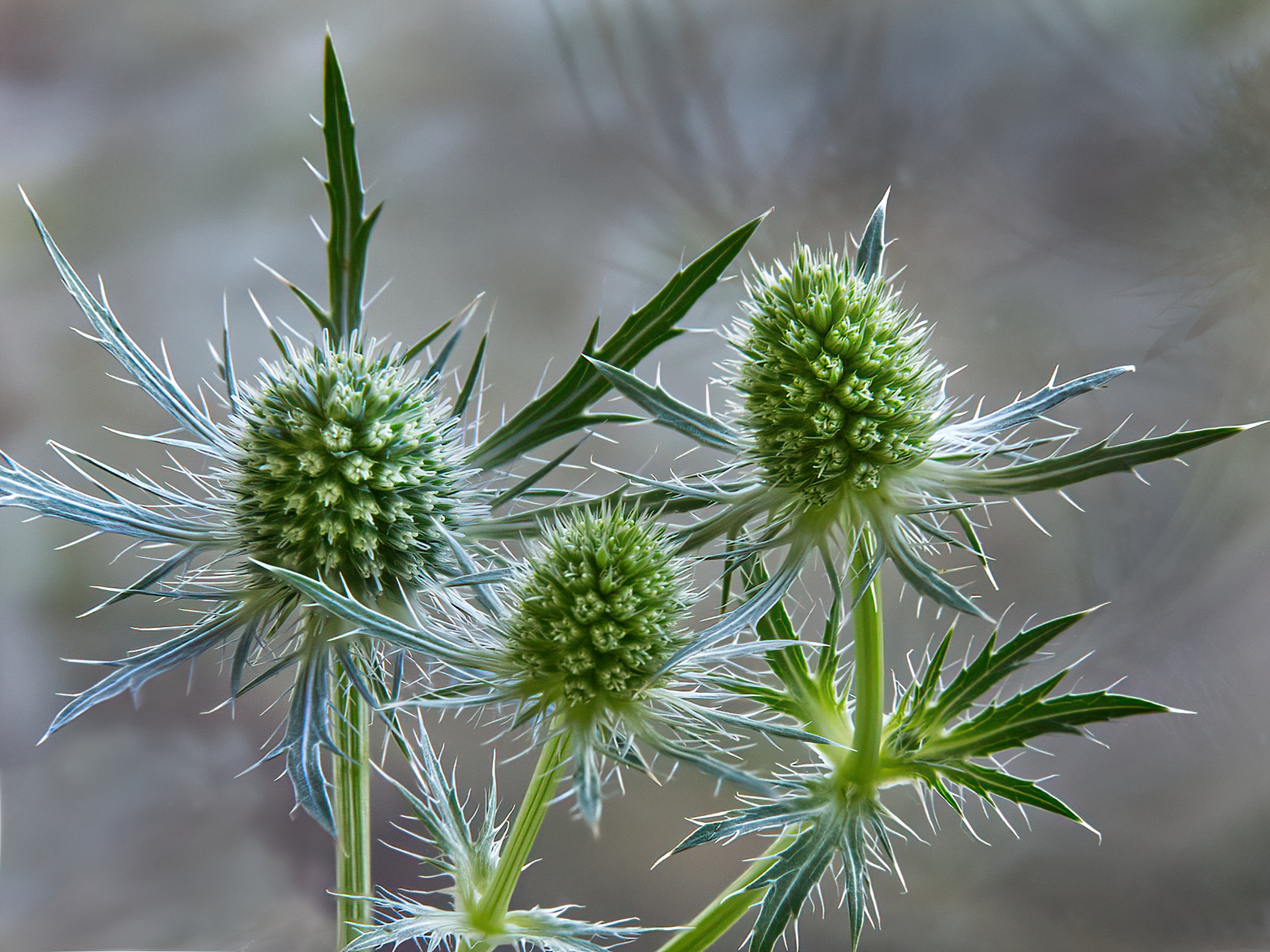
Thanks, Bill. Alas there's more than one answer to your question.
a)Taking the photos
In this case, I used my camera's inbuilt bracketting facility which will take a series of photos whilst automatically adjusting the focus point. Anything from 3 to 999 images can be taken, although if you set it so that it reaches focus on infinity then it stops. It takes them at up to 60 frames/second assuming the shutter speed is short enough, so it's over quickly. On the other hand, if you bracket by moving the camera on a slide between exposures, then each one takes a few seconds, so minutes can easily elapse to subject movement is a no-no. You can buy rather expensive automatic motorised rails which do the mechanical movement for you, but once set up they seem to be quick too. Maybe Santa will bring me one some day!
b) Processing
Once you have the images in a suitable computer folder, generally it's best to examine which images you want to include by looking at them in a photo viewer. Often I find that the last images in the automatic bracket are not needed as they are focussed such that the subject is all blurred, so I delete those. However you can choose not to include any images if you like.
I then use Affinity photo to do the focus merge. This is quick to setup - a simple menu command brings up a dialogue box for you to select the photos (usually all the images in the folder). Then clicking "start" sets it off, and the results is presented in maybe 15 seconds to a minute, depending mainly on how many images are being merged and your computer speed. If the software detects a problem, usually due to camera movement during the taking of the bracket, then it will quit and say it can't do it. But that's not usual if you use a tripod, more a hand-held bracket problem. I've used Zerene and Helicon before, and they were a bit slower mainly because they have more options to select which alters the merging algorithms that they use, but once familiar with the software it's not much more.
This leaves you with a merged image that you can then post process as normal. Not arduous at all! |
Jun 9th |
| 95 |
Jun 20 |
Comment |
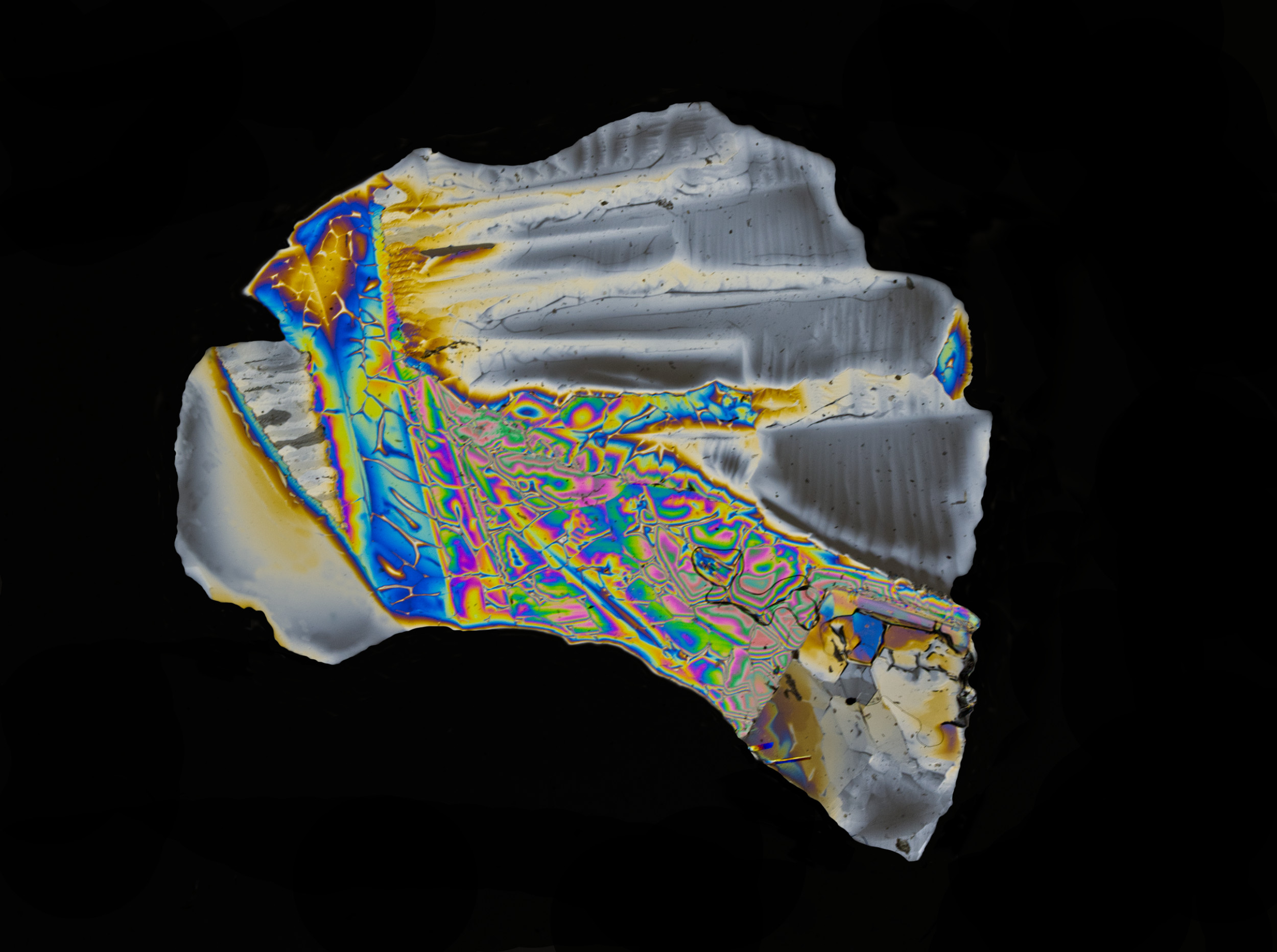
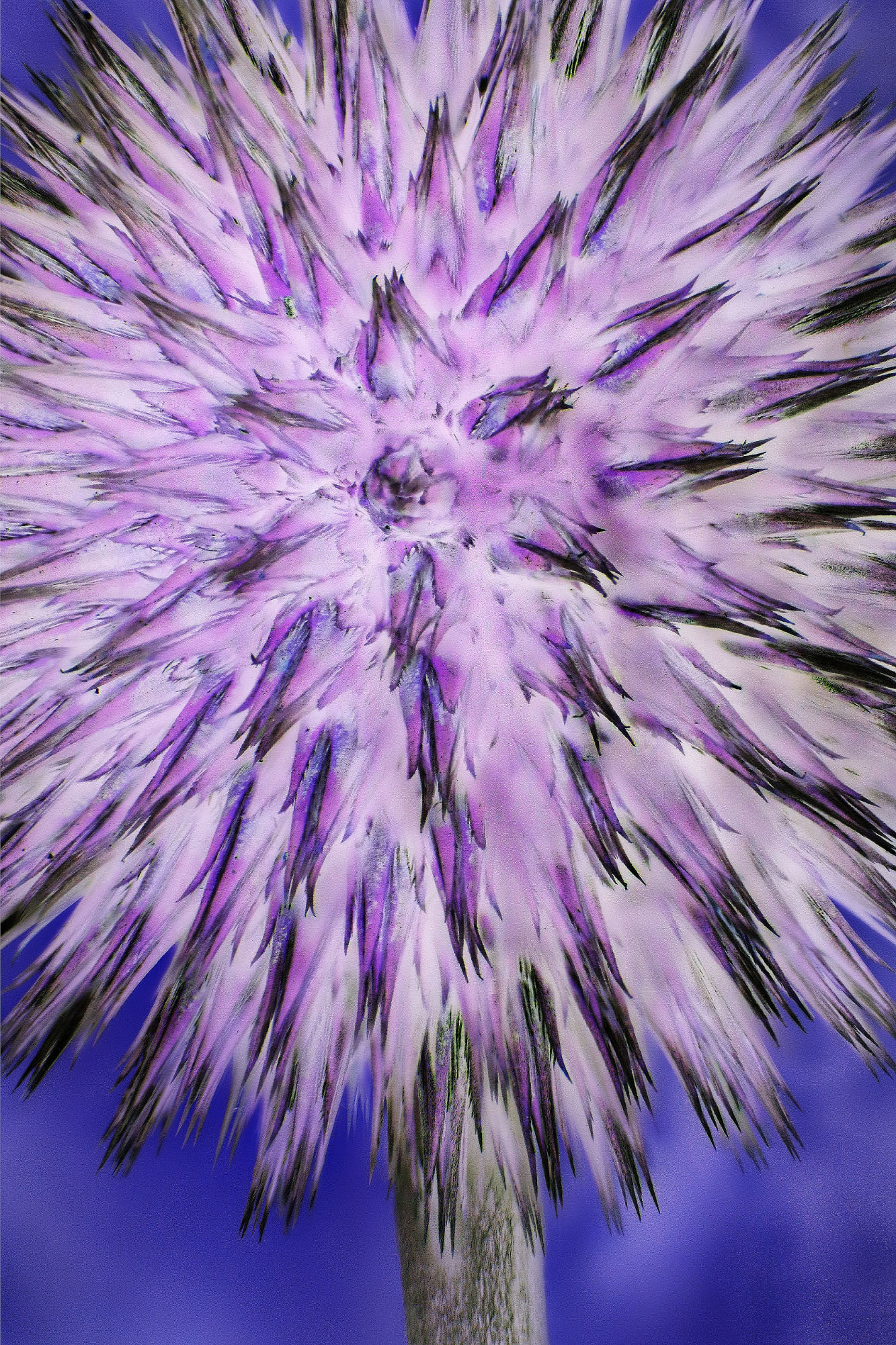
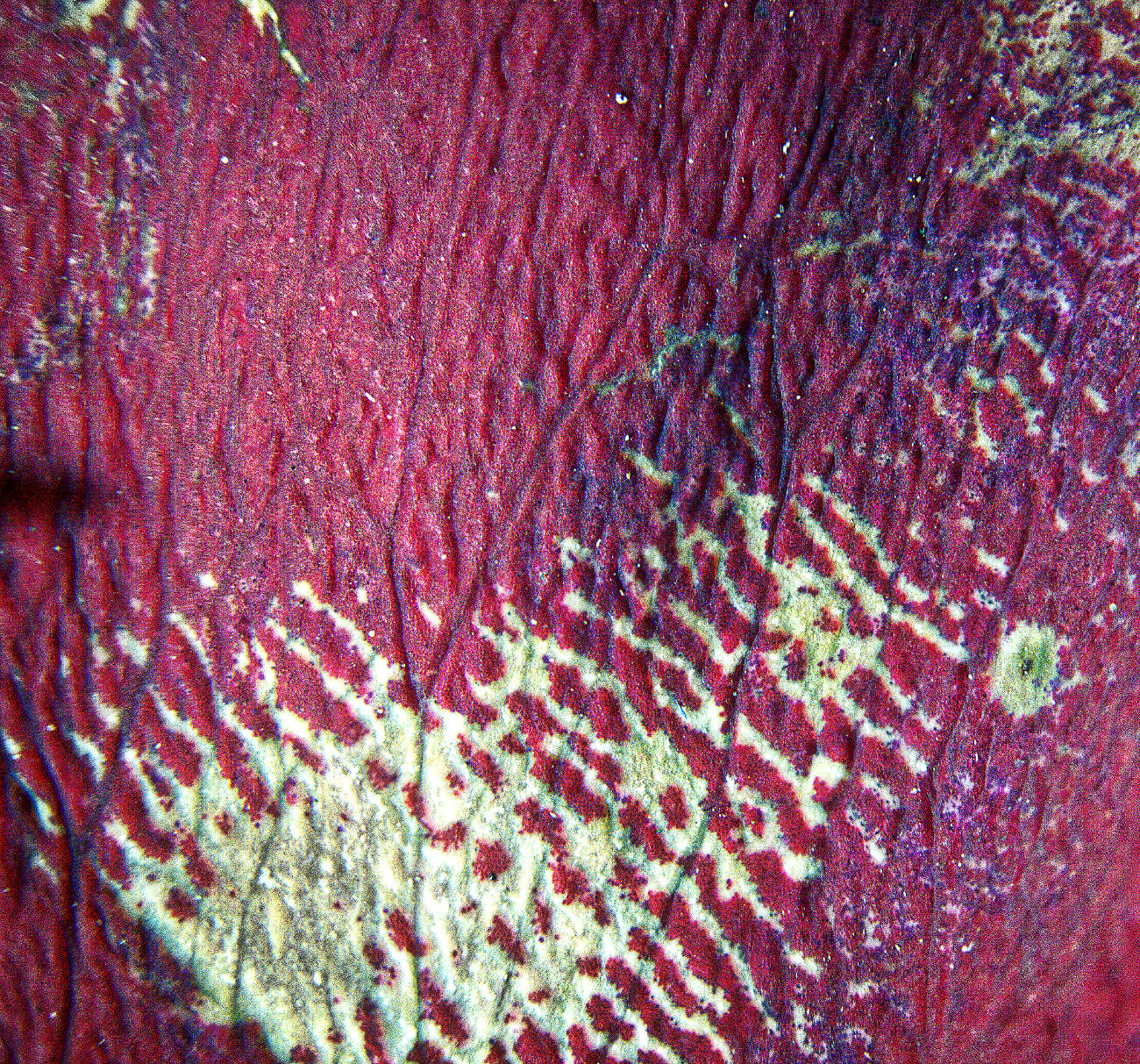
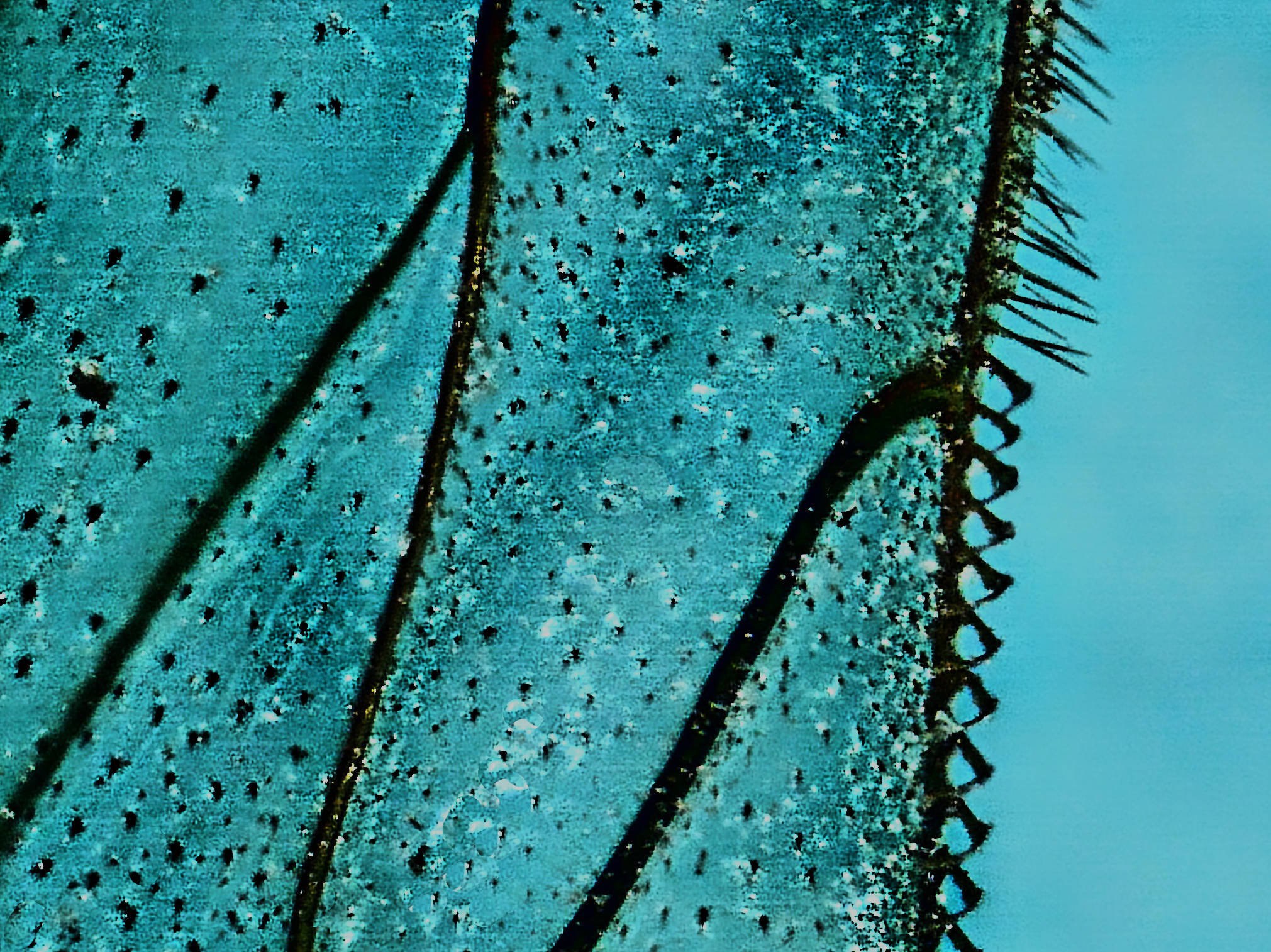
My wife has had several of these microscopes over the years for examination of handwriting, as she is a forensic document examiner. If I recall correctly it's only about 1 or 2 MPx. She's had trouble with the focus mechanism too, and also the lead cracking where it exits the case, but some epoxy glue fixed that. I bought her a Bresser microscope with digital capture as I thought it would be an upgrade, but in fact she's hardly used that as the one like yours works better for her. We've not tried it for "real" photography.
I think your result is great. I'll have to borrow hers! If we were patient enough we could tile several photos to get a higher resolution. |
Jun 7th |
4 comments - 3 replies for Group 95
|
10 comments - 5 replies Total
|