|
| Group |
Round |
C/R |
Comment |
Date |
Image |
| 64 |
Apr 20 |
Reply |
Stan mentions his name above either as a Nik or a Nature expert, I'm not sure which. I recognised it as he is
"Daniel Charbonnet, HonPSA, EPSA
Standards Coordinator, PSA Portfolio Distinctions"
|
Apr 11th |
| 64 |
Apr 20 |
Reply |
I'm a Yorkshireman, who are famous here for being, let's say, careful with our money. Two for the price of one is always welcome! I'm sure you could improve on my crop, it was just by chance. |
Apr 10th |
| 64 |
Apr 20 |
Reply |
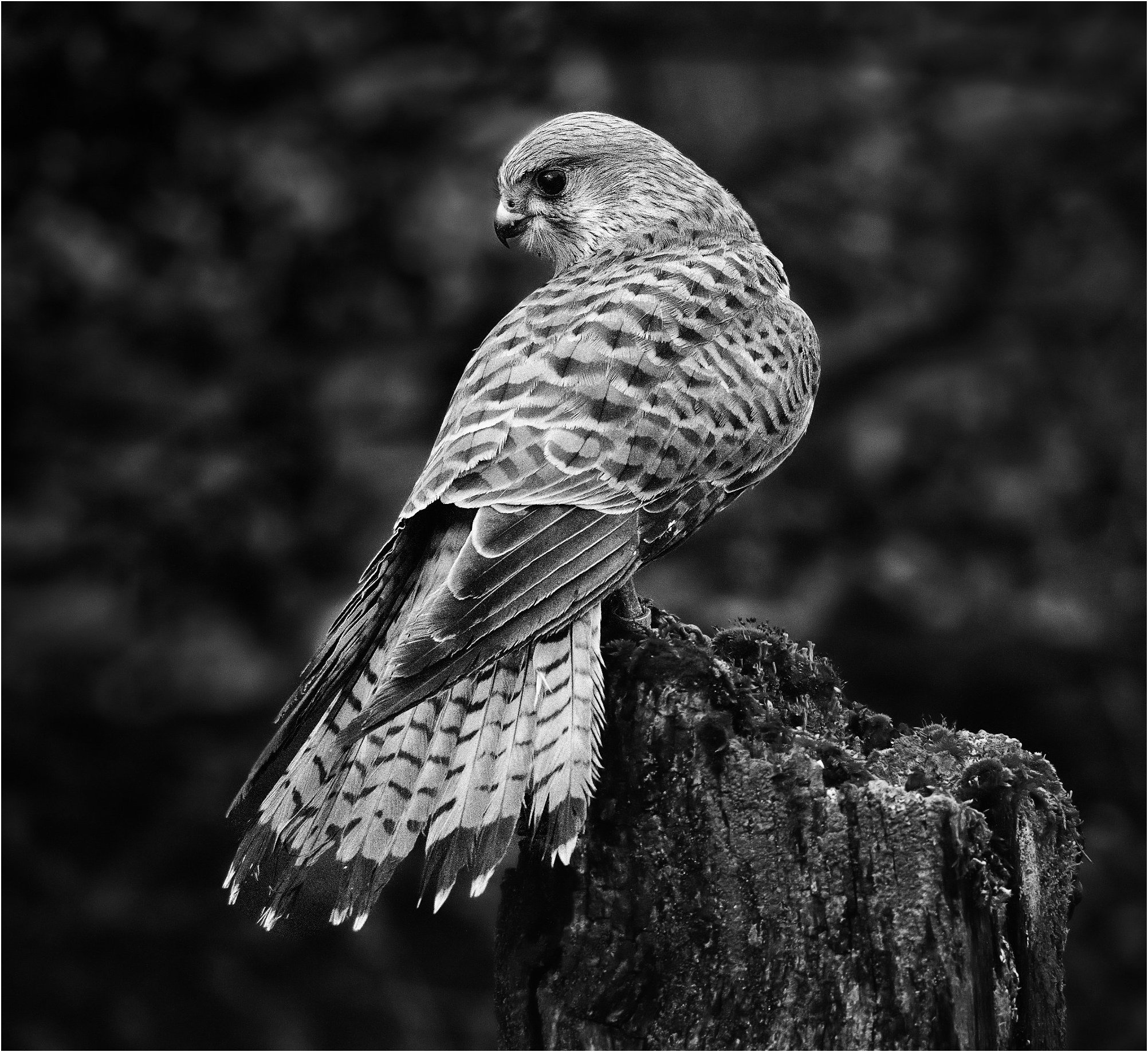
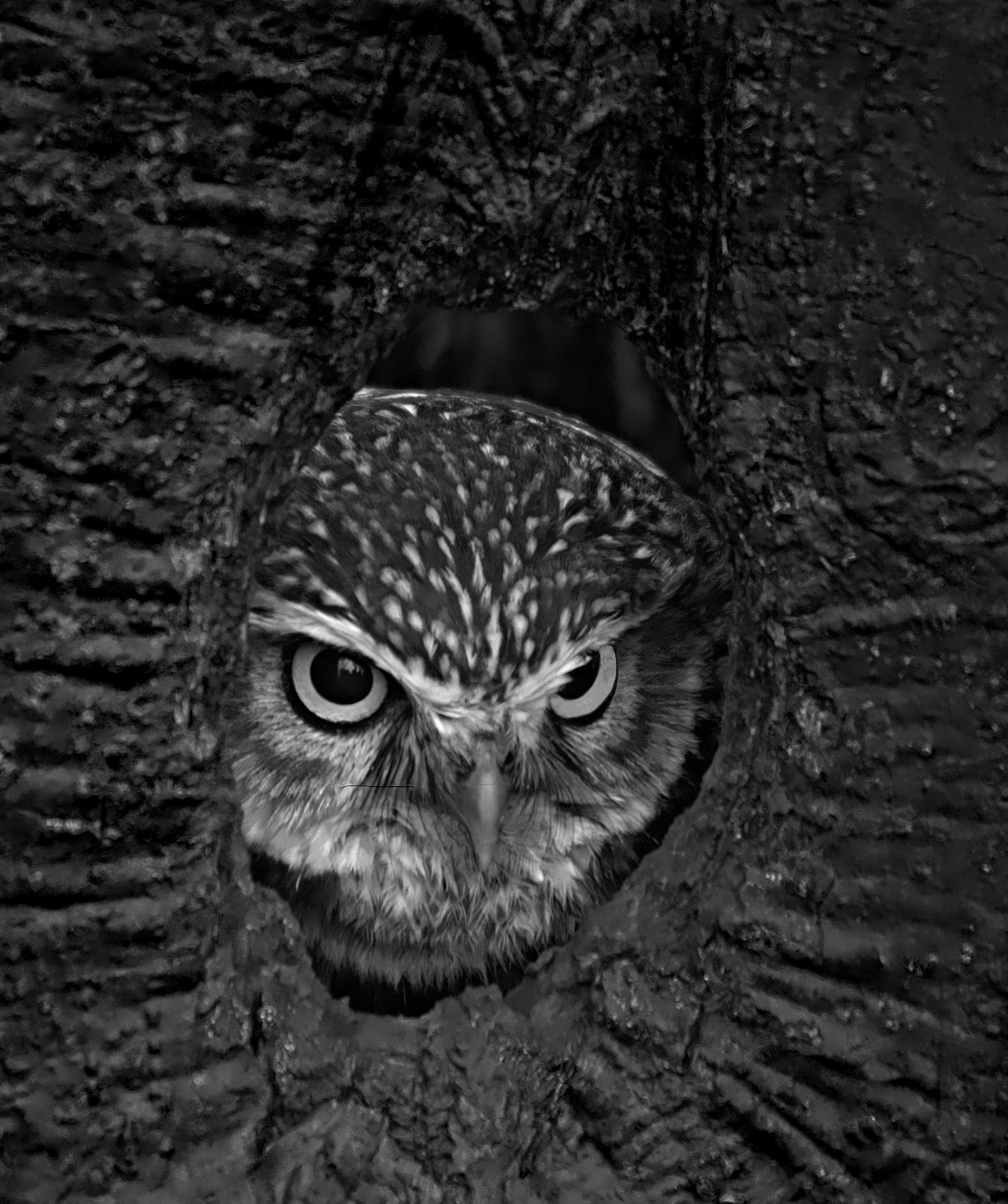
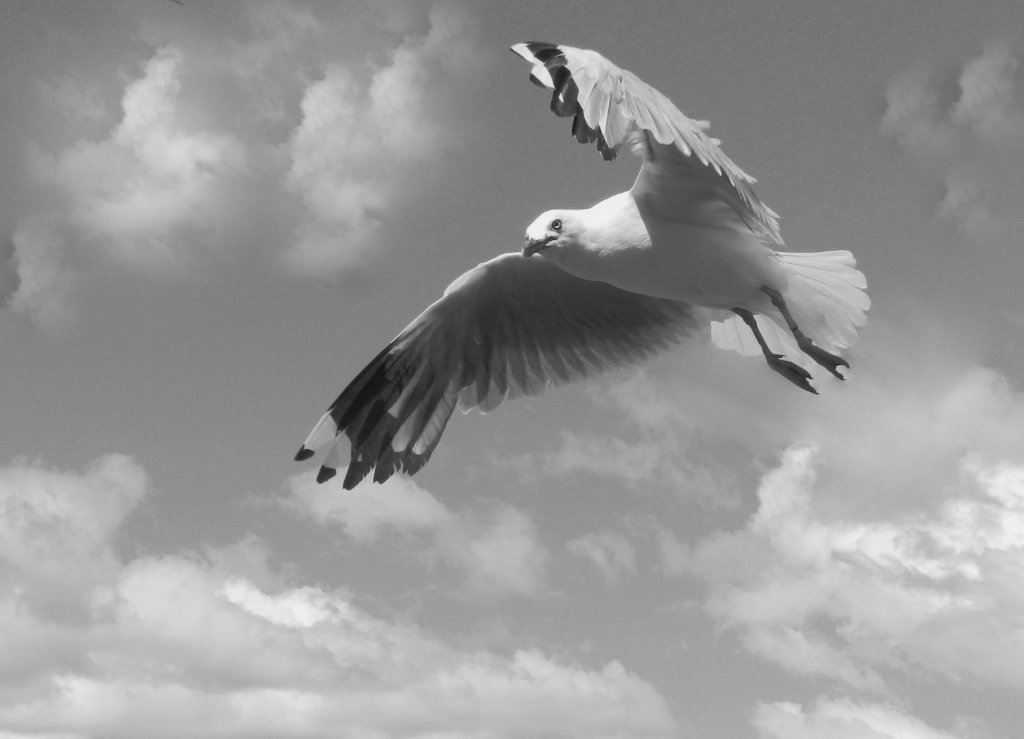
Yes, I noticed the loss of clarity of the beak which is regrettable, but it looked a bit false if I lightened the background locally. Thanks for your comment on generally a less dark backgound; I went for the extreme to get the bird to pop out, but I agree, perhaps I went overboard. I value this forum for letting me try experiments and get honest, valuable feedback. |
Apr 10th |
| 64 |
Apr 20 |
Reply |
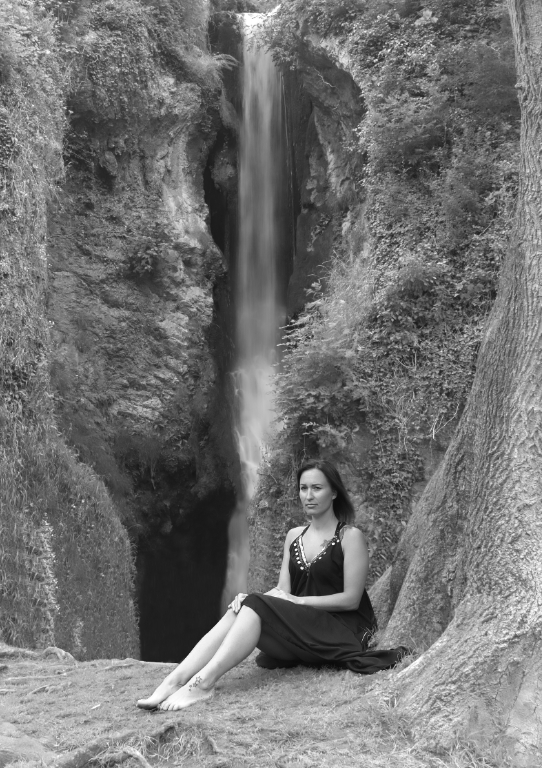
I was disapponted by the grain too, but it was only a quick experiment from a low resolution screenshot. I see the woman now! But she is unclear in my version, I agree. Looking at your original, she is much clearer, but I noticed as I zoomed in to examine her better, that if you crop heavily to maybe 1/4 of the original so that there's no sky visible, I think it's a fascinating result. This shows grain on the original which was accentuated in mine, but I really like it, especially here. This also seems to improve the contrast. Any better? |
Apr 10th |
 |
| 64 |
Apr 20 |
Comment |
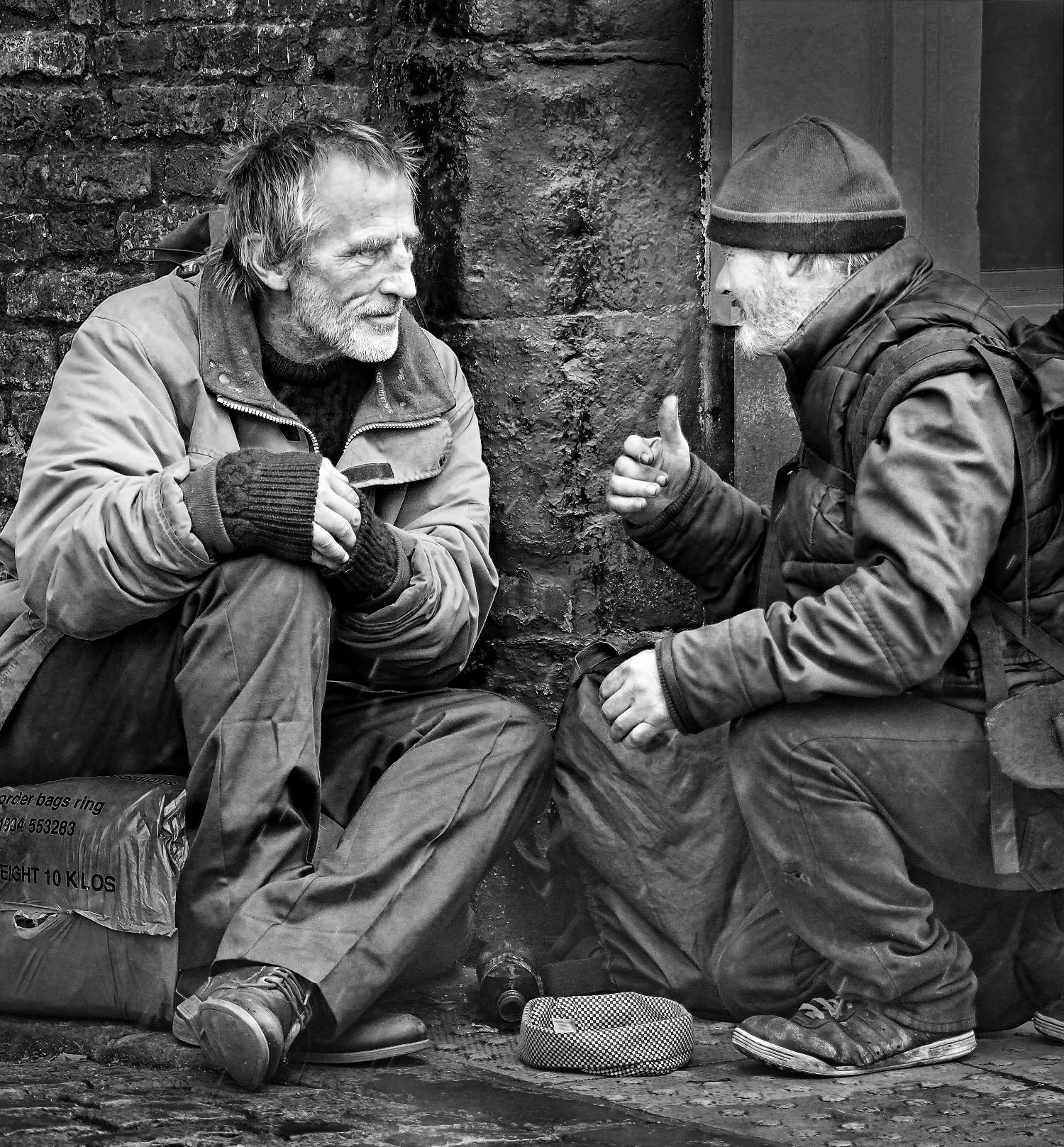
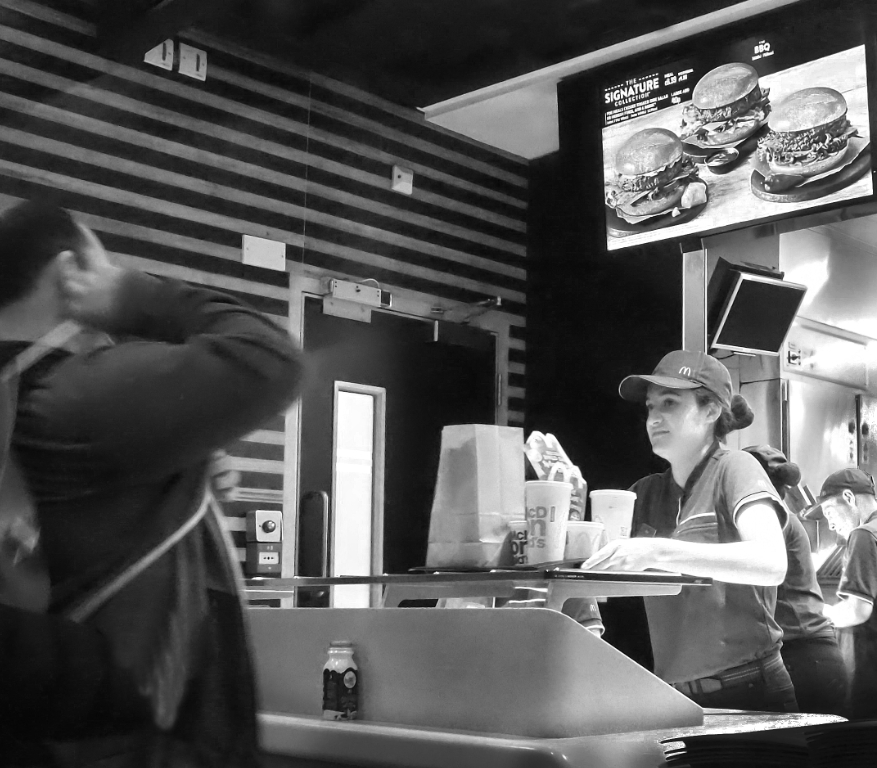
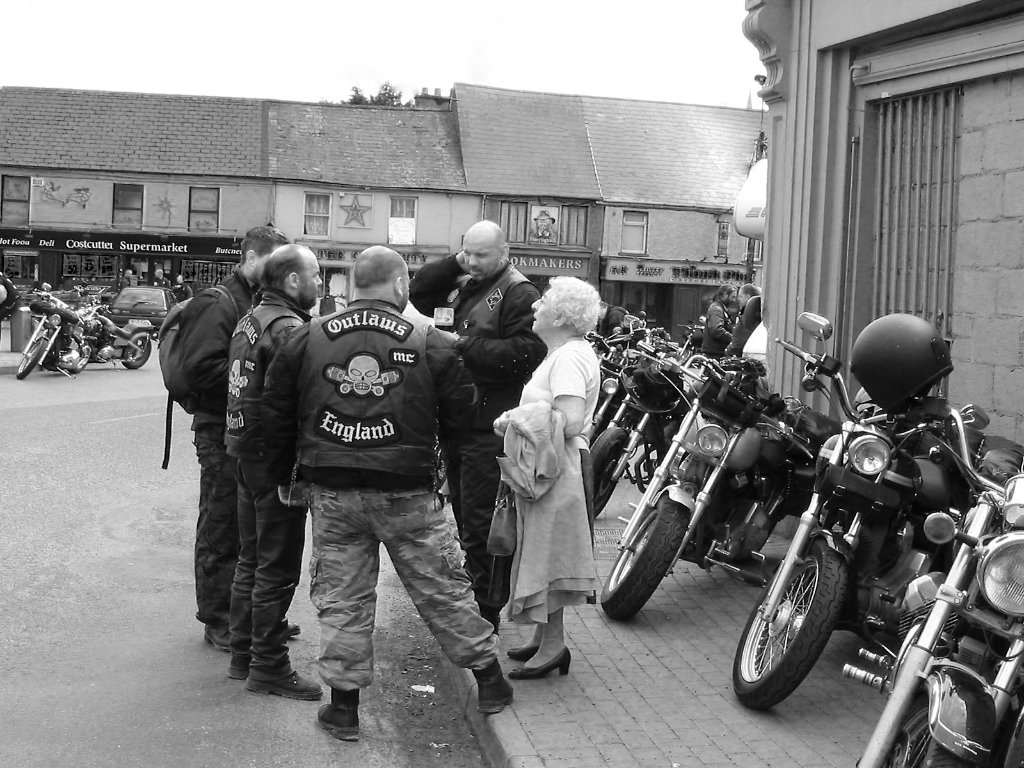
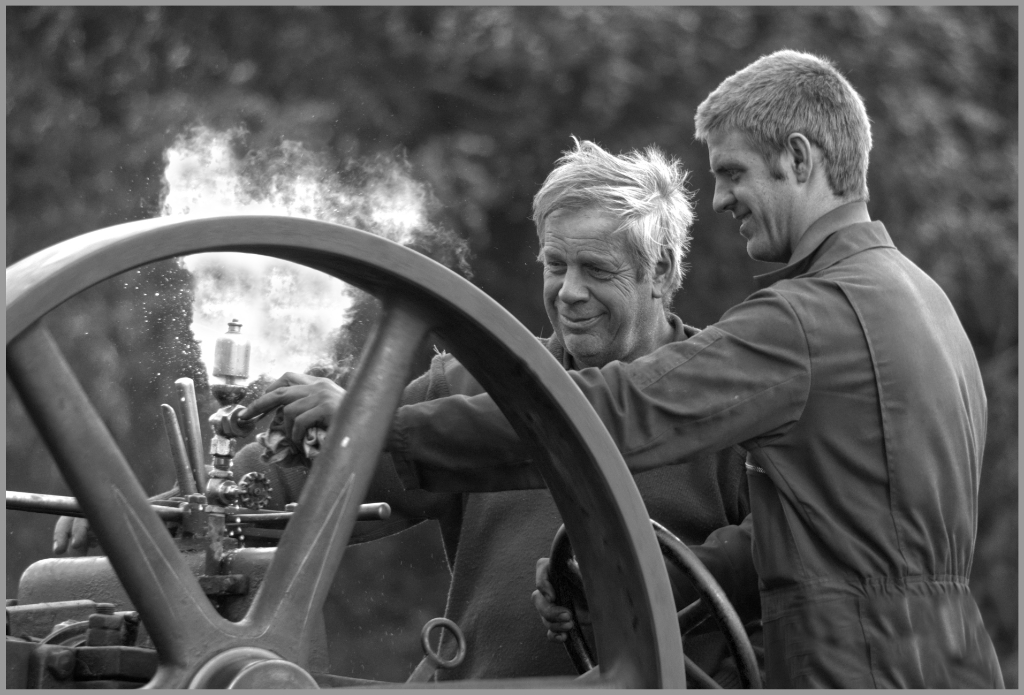
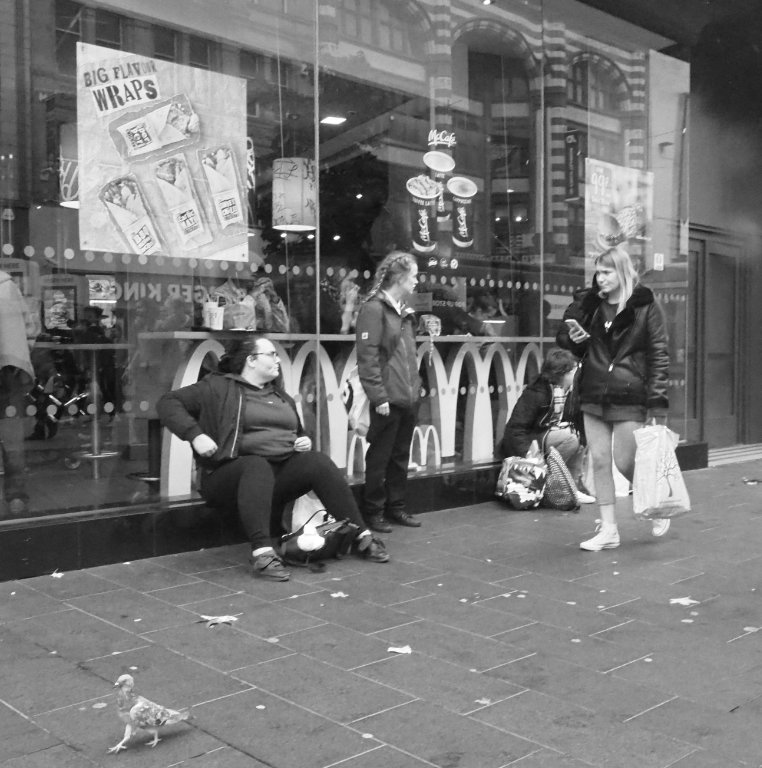
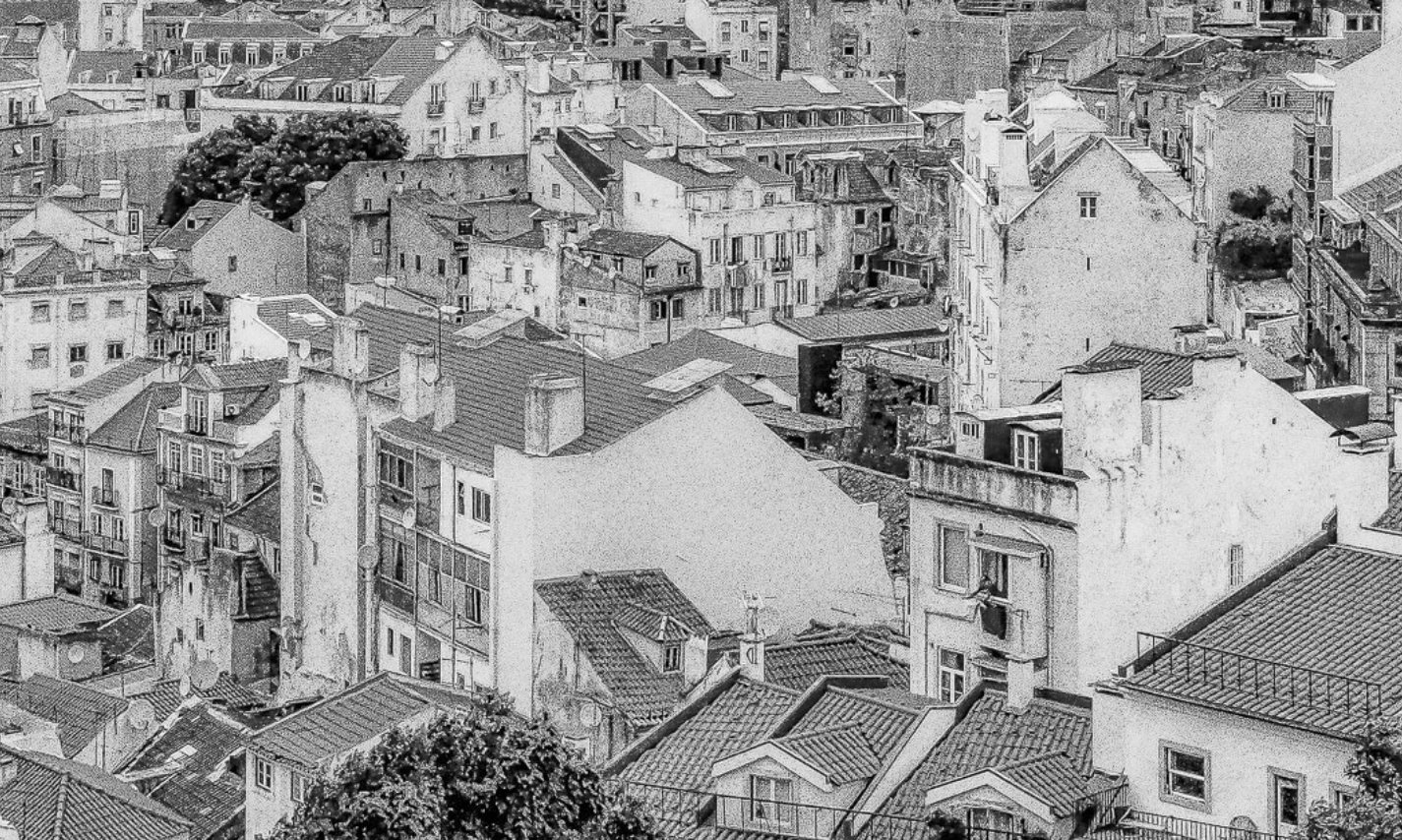
I'd like to build on these comments because I think the photo has potential but the problem is that overexposed doorway and the underexposed subject.
But in every problem there's and opportunity, and referring back to my comment on John's Portugese photo, a high key treatment here might work. So off I went to Affinity again, and I lifted the brightness in general until the figures were better exposed, then I masked off the foreground and the figures and lightened the background further, and finally dodging out even more background detail and dodging the faces a bit more to make them as clear as possible. Might not be to all tastes!
|
Apr 10th |
 |
| 64 |
Apr 20 |
Comment |
I think this is a very nice low key treatment, a lovely result.
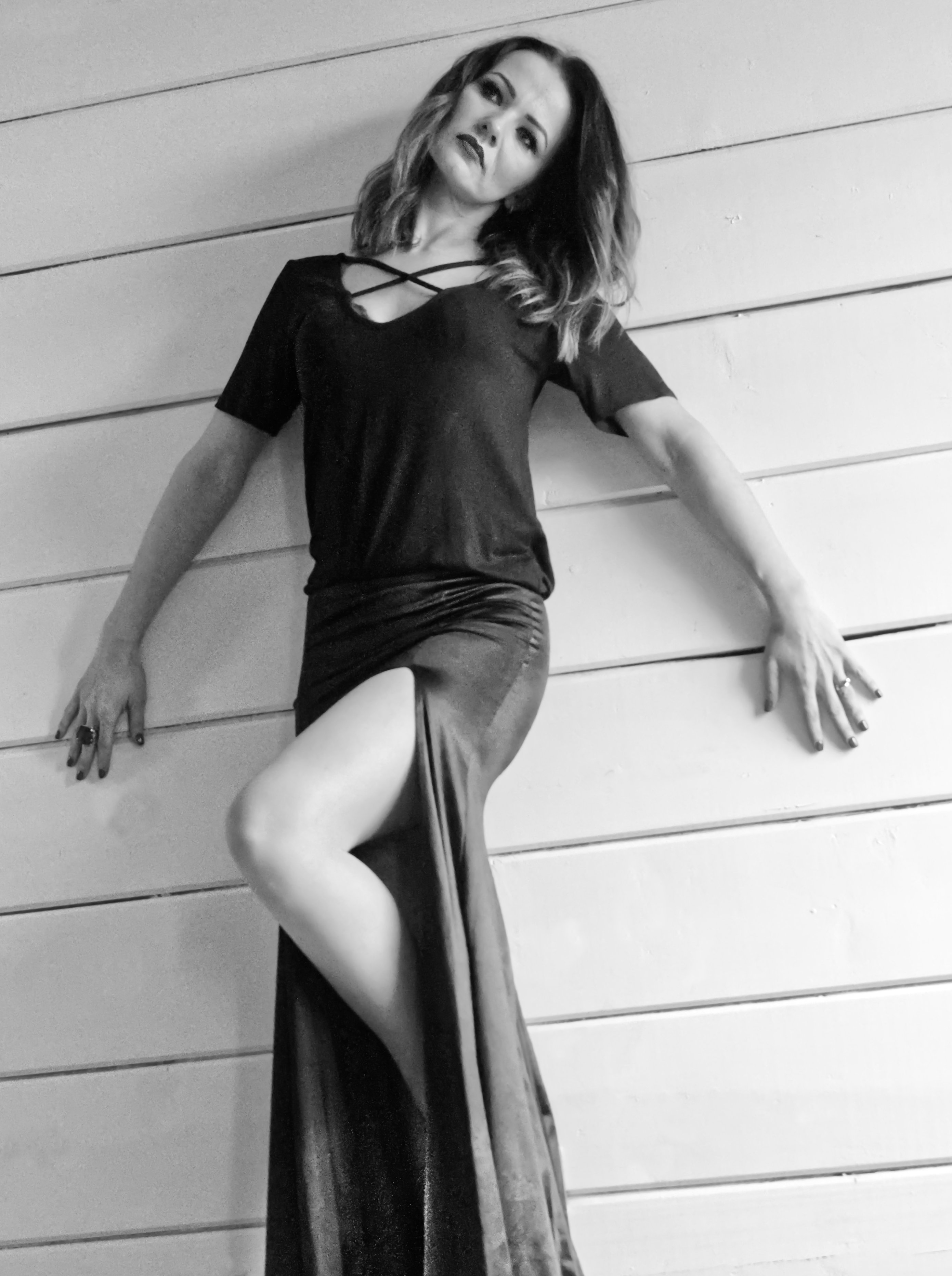
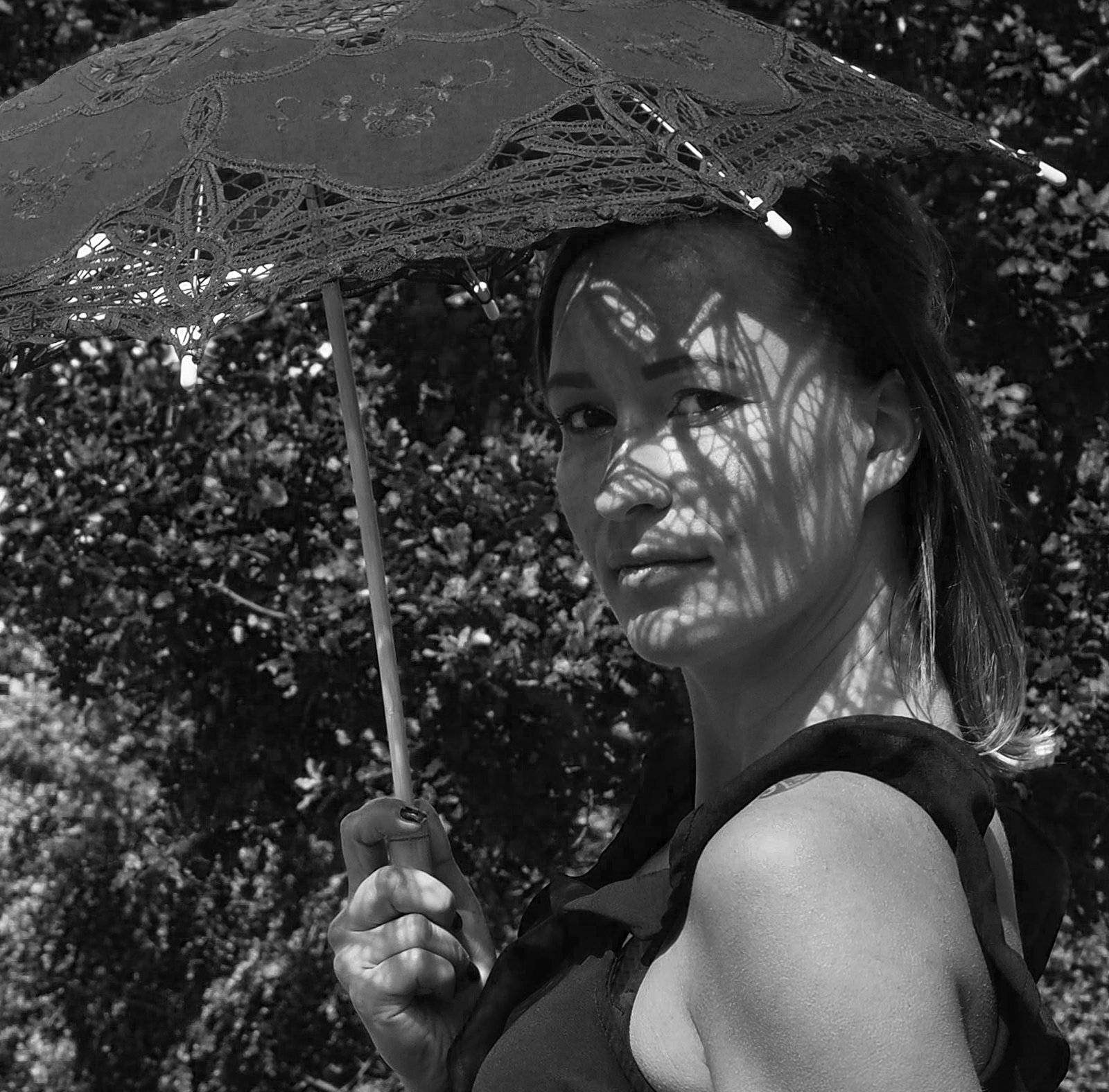
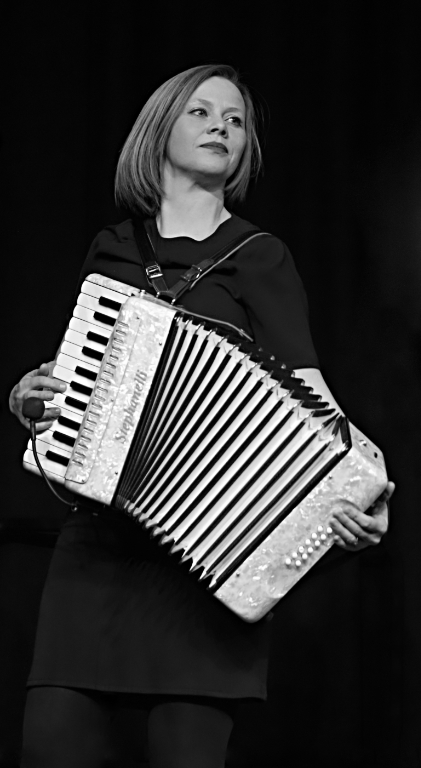
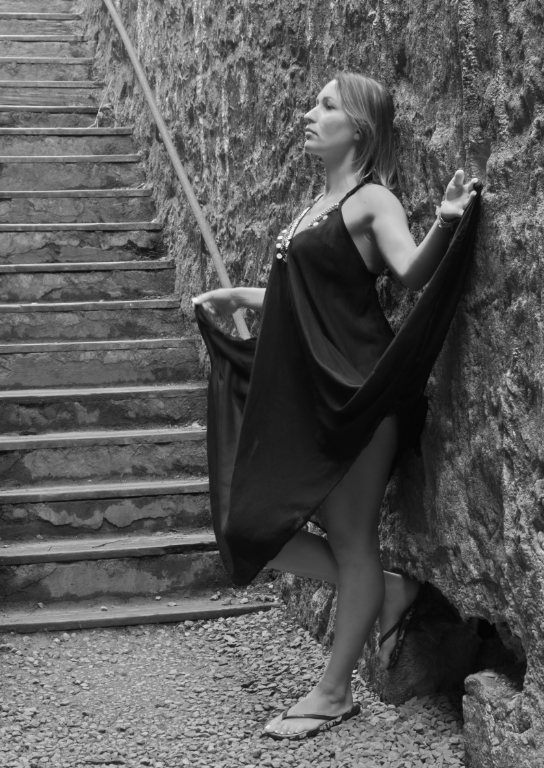
For me, the face is a little too dark on her left. The dark side makes the nose jewellery stand out too much, and losing a bit too much of that eye. The dark tone of the eyes makes her look a little sad to me, whereas her smile isn't sad. So a little brightening here and perhaps also a little (but less) brightening of the jewellery as Stan suggested would be good. I'd also remove the highlight of her left earring. Then it would be perfect for me. |
Apr 10th |
| 64 |
Apr 20 |
Comment |
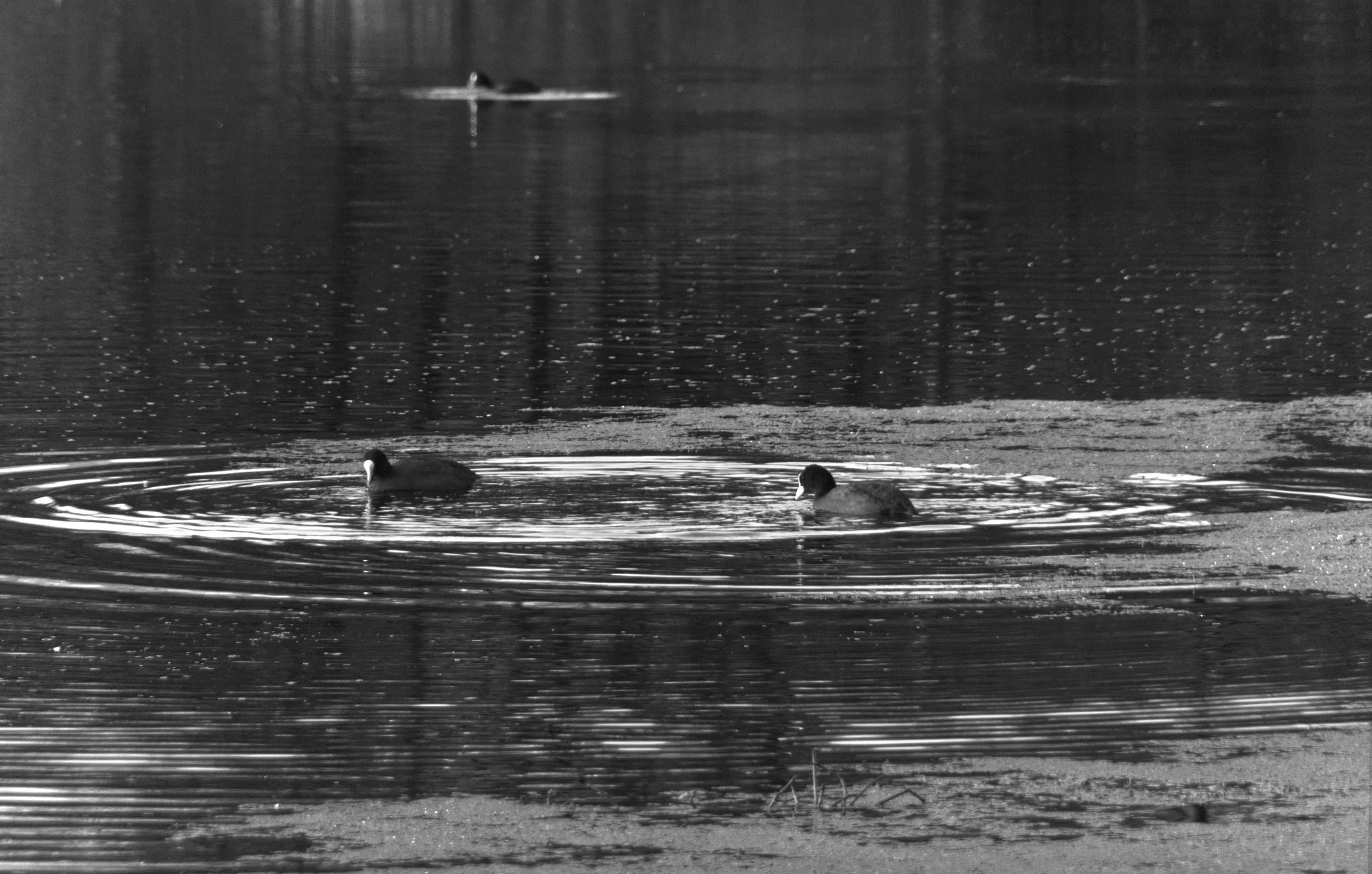
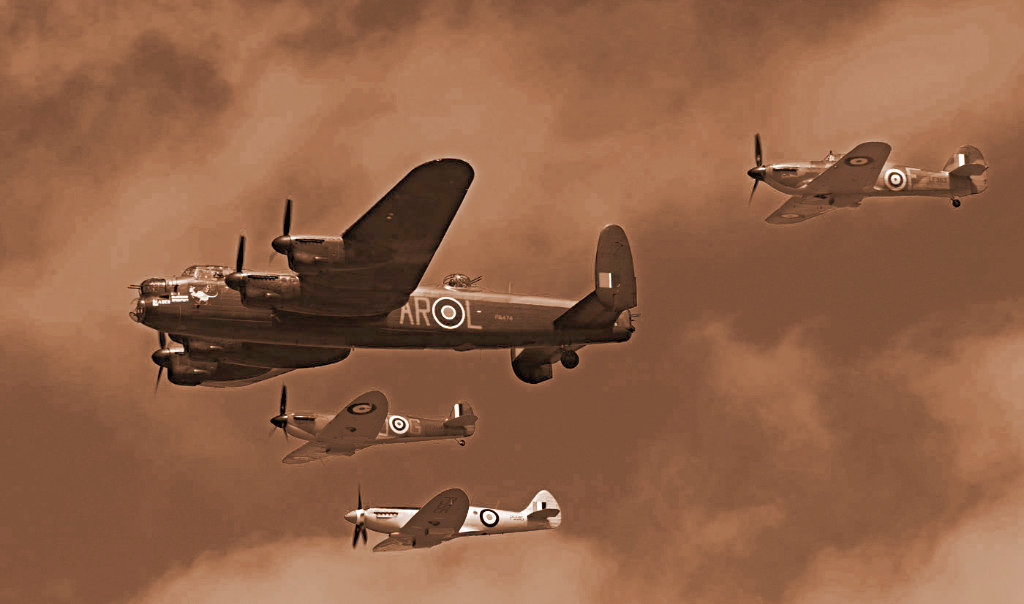
Sorry to pull your leg, but what software did you use to change a flying bird to a swimming duck? AI surely isn't that good yet? ;-)
I like the result, clear and a good range of tones, enhanced by the bow wave and reflections.
Is he swimming downhill a bit? A few degrees clockwise would seem a bit more comfortsble to me. |
Apr 10th |
| 64 |
Apr 20 |
Comment |
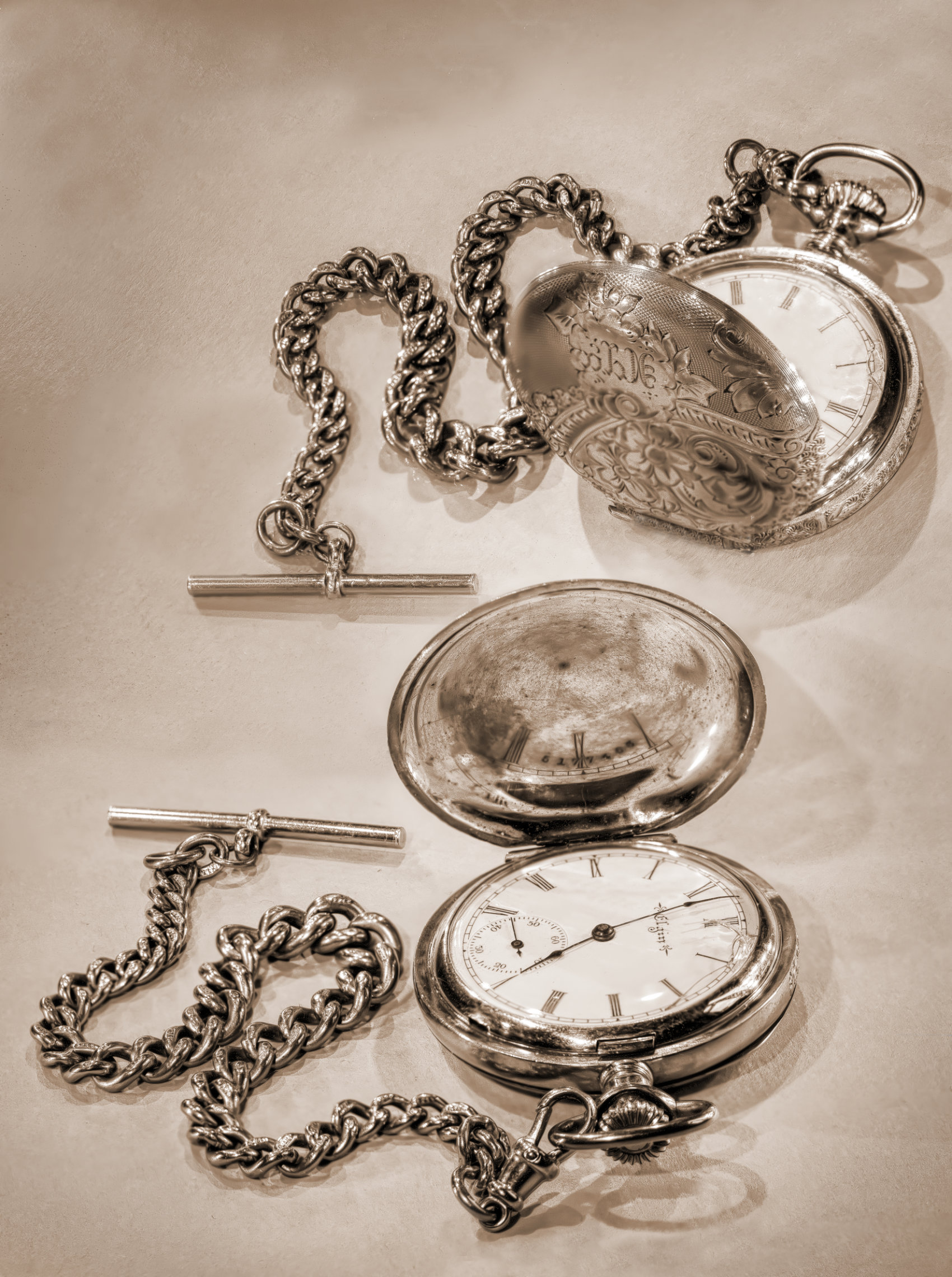
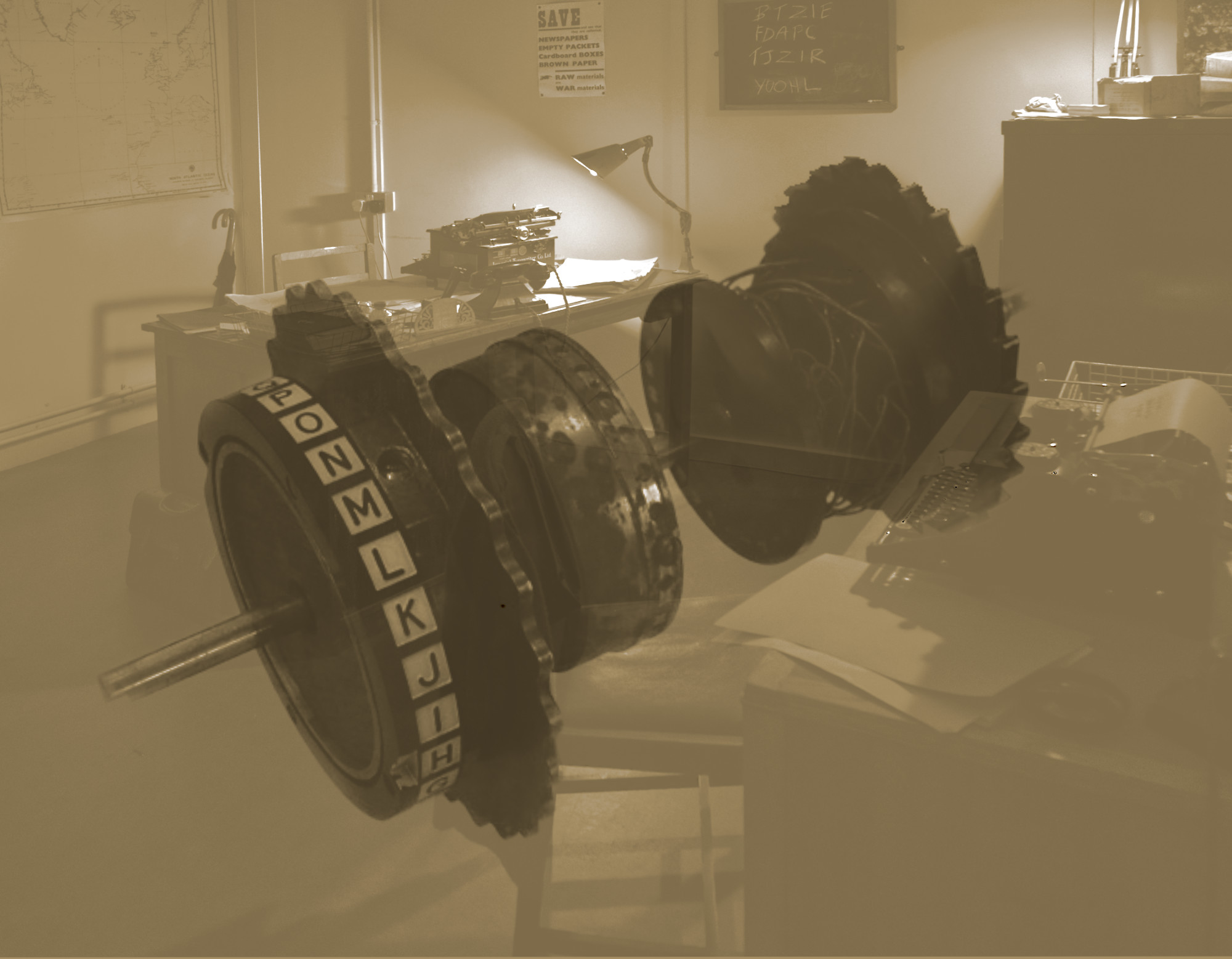
I would agree with all of those comments. How spectacular, I must go there some day. Ansel would have been flabbergasted by the equipment and proud of the result. Well done!
|
Apr 10th |
| 64 |
Apr 20 |
Comment |
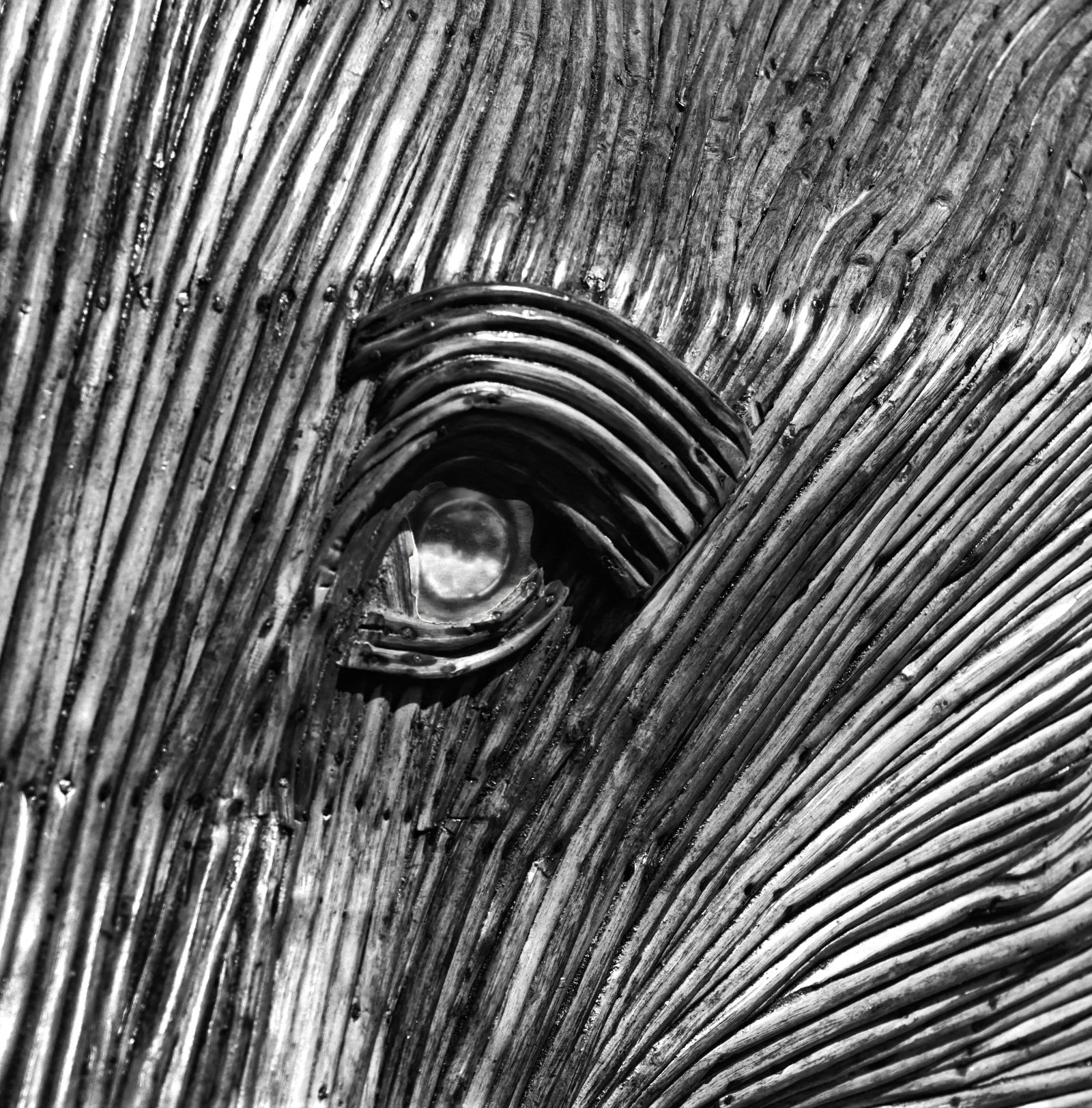
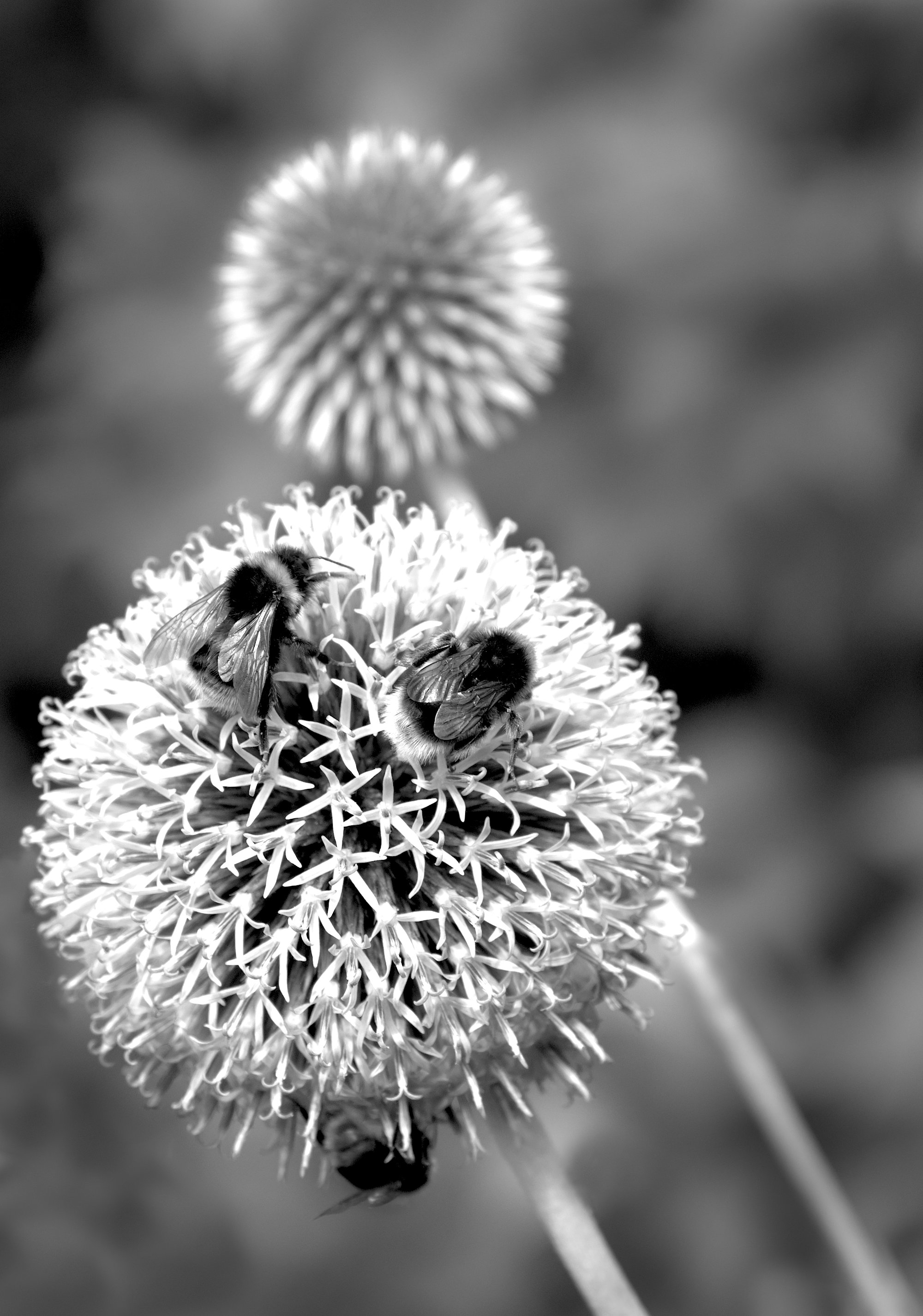
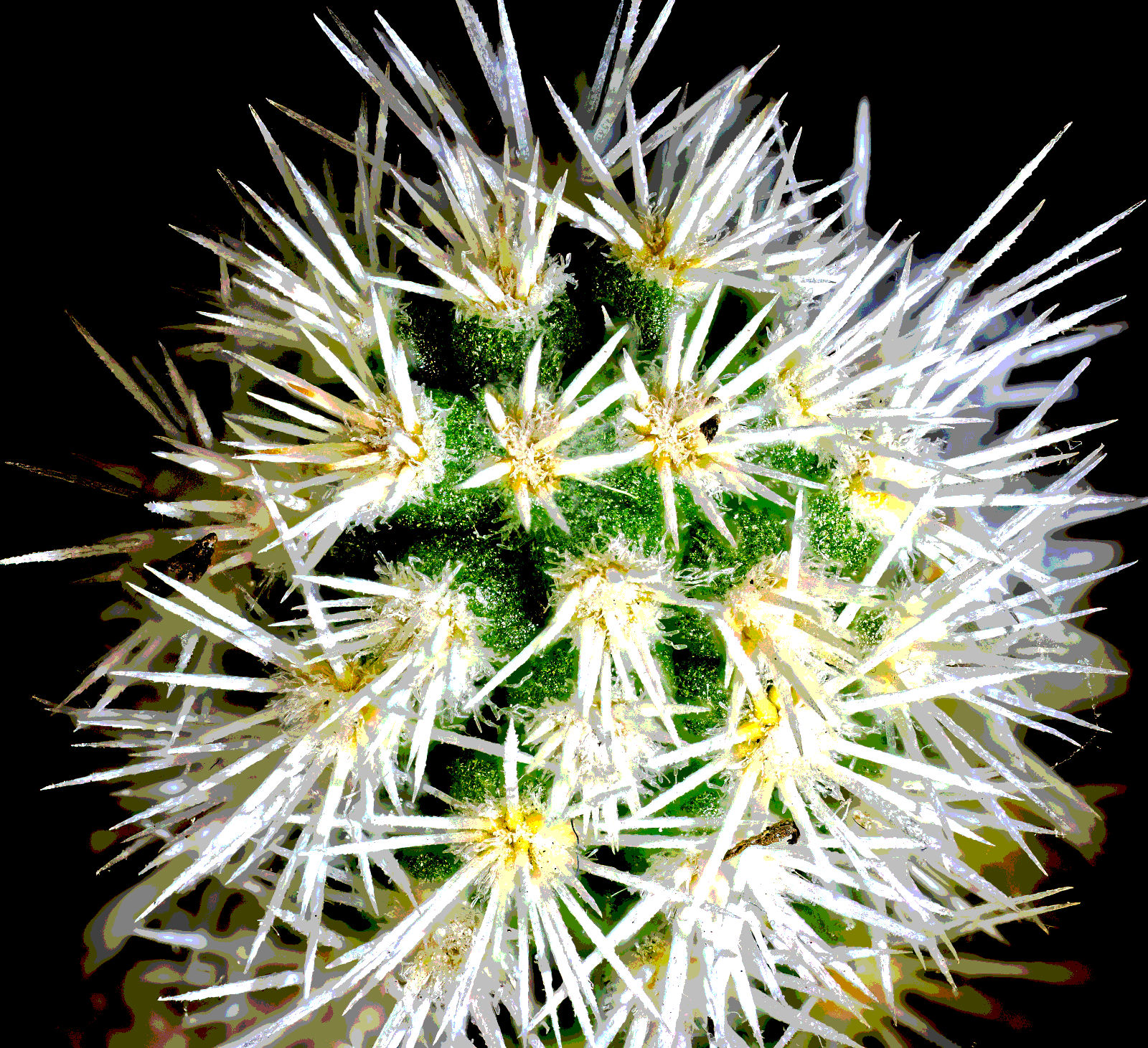
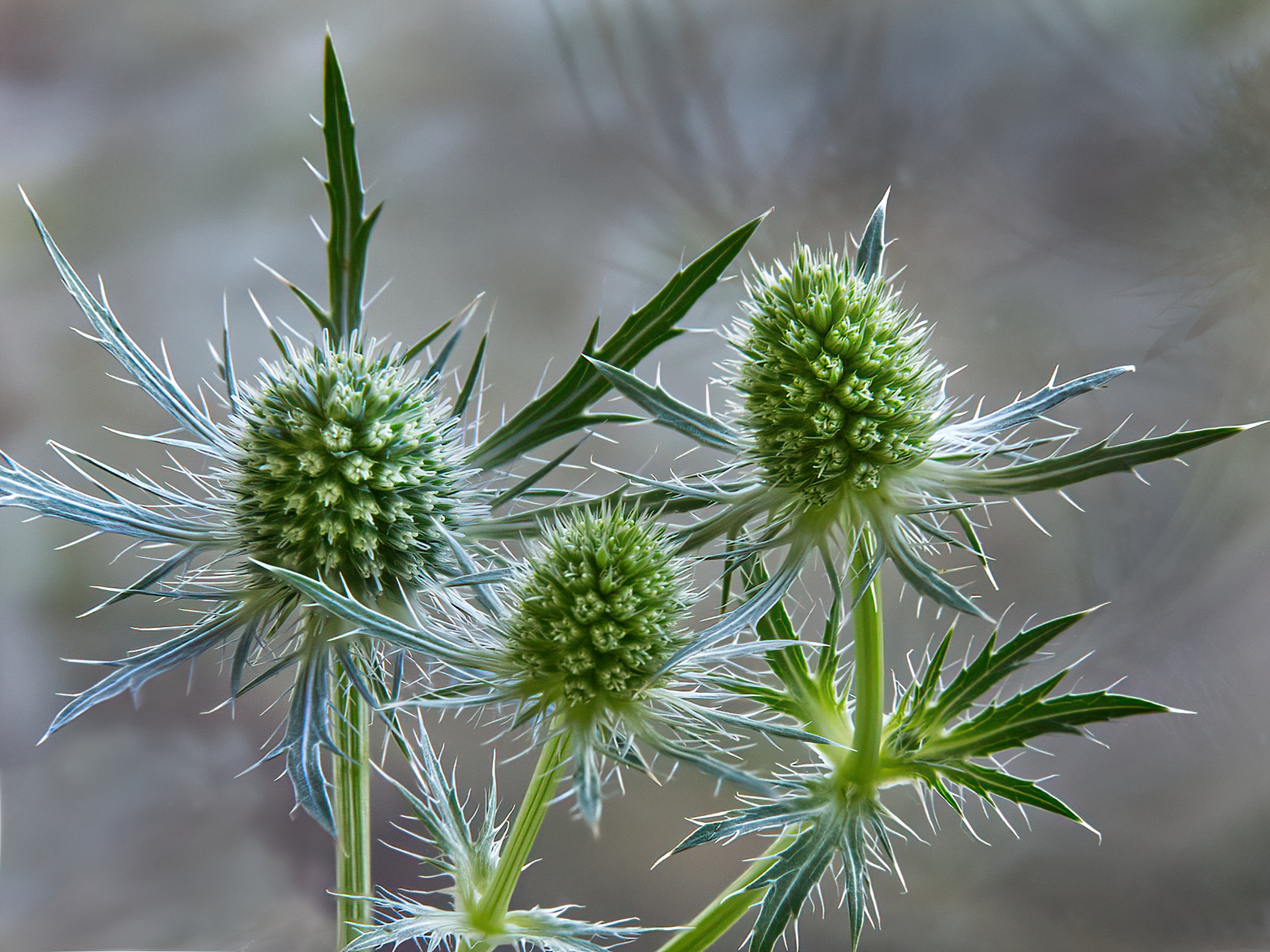
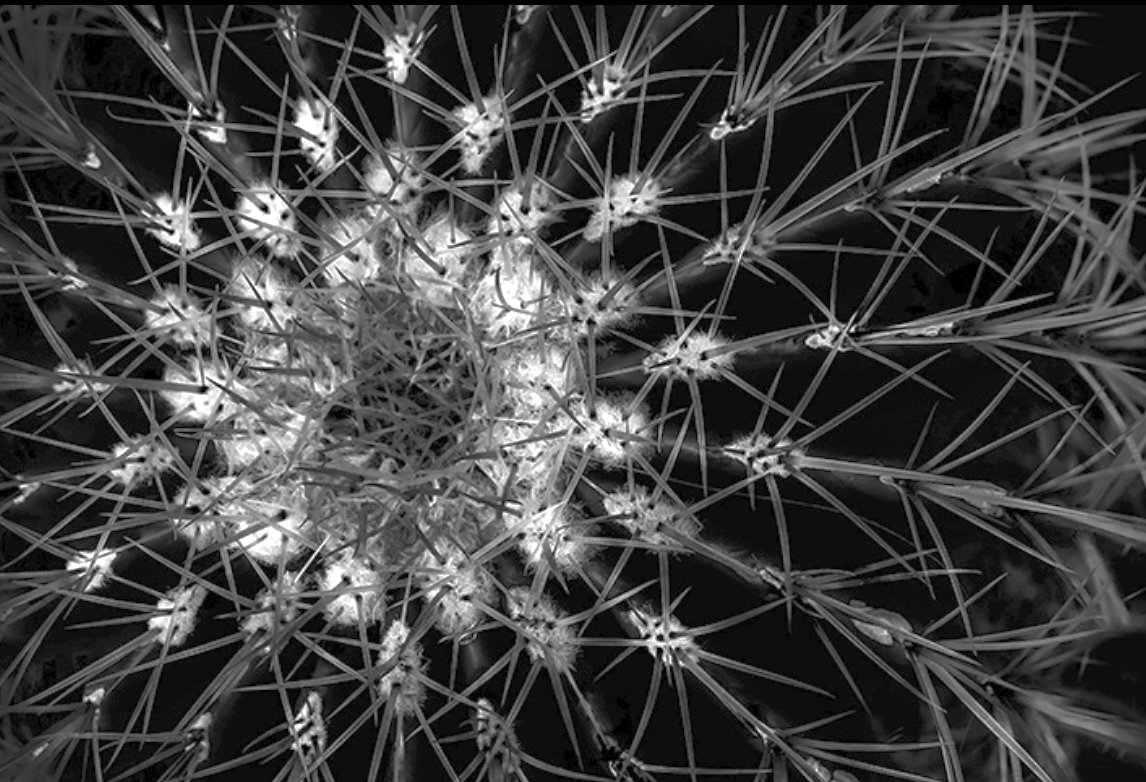
I must admit also to some visual confusion at first, but I thought it was a dandelion ball at first glance! But now I look closer, yes I see the threat that Jerry sees!
I agree with Stan, it would benefit from the spines being lighter. I got part way just by reducing the contrast a bit and reducing the white level. The difficulty I found was not losing detail in the white areas so that limited the global lift possible for me, but I think it helps. Does this look better? |
Apr 10th |
 |
| 64 |
Apr 20 |
Comment |
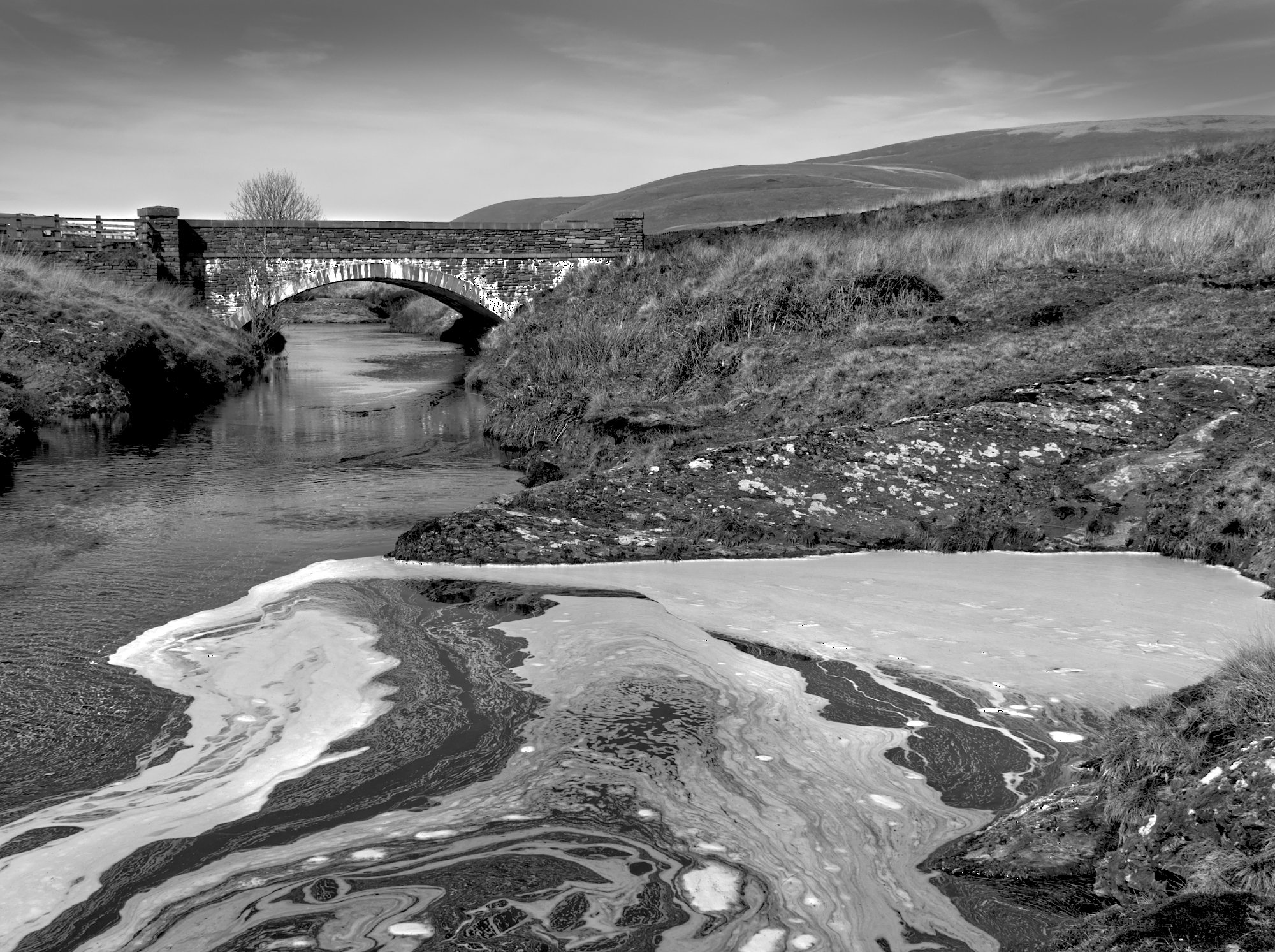
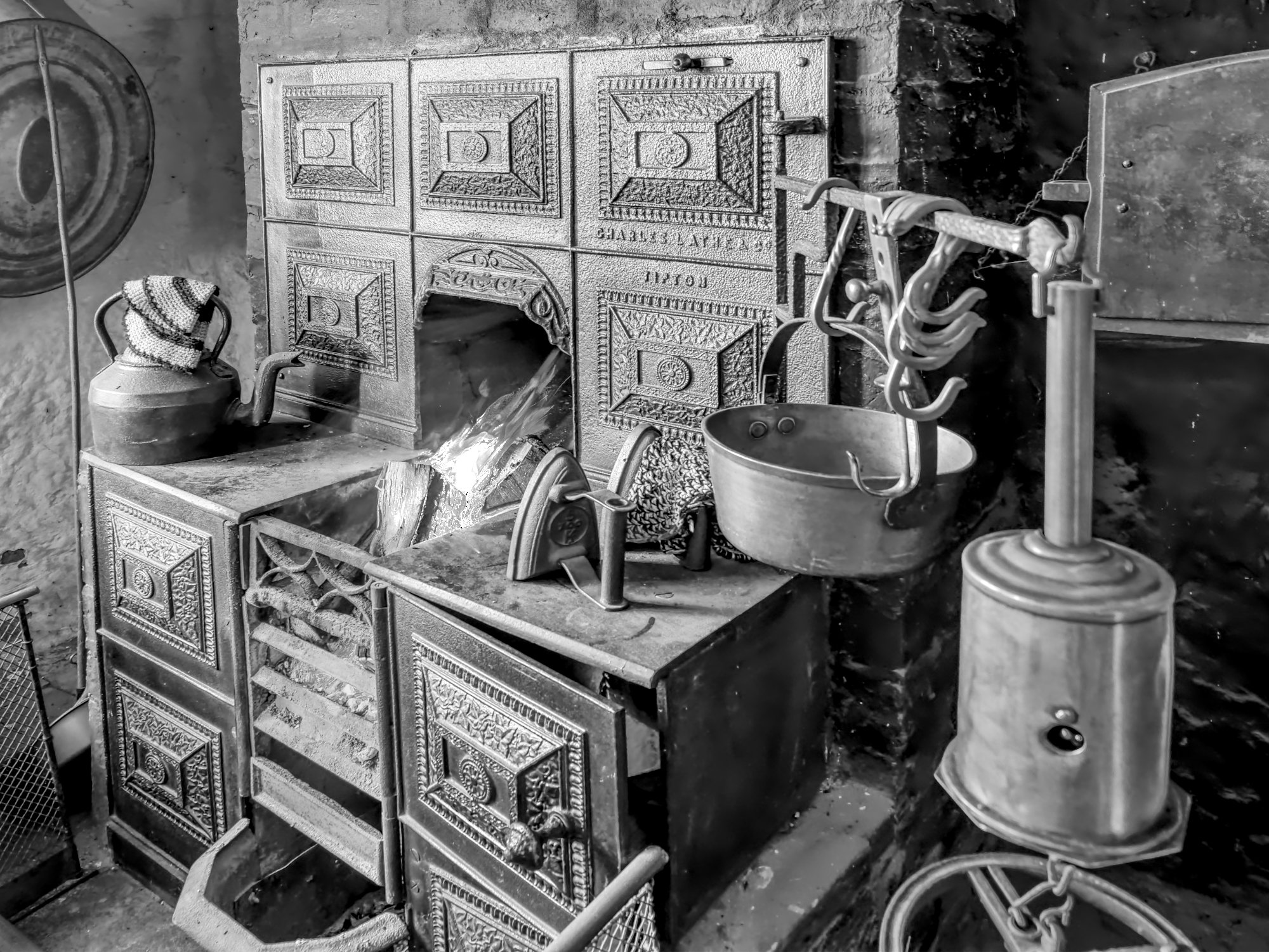
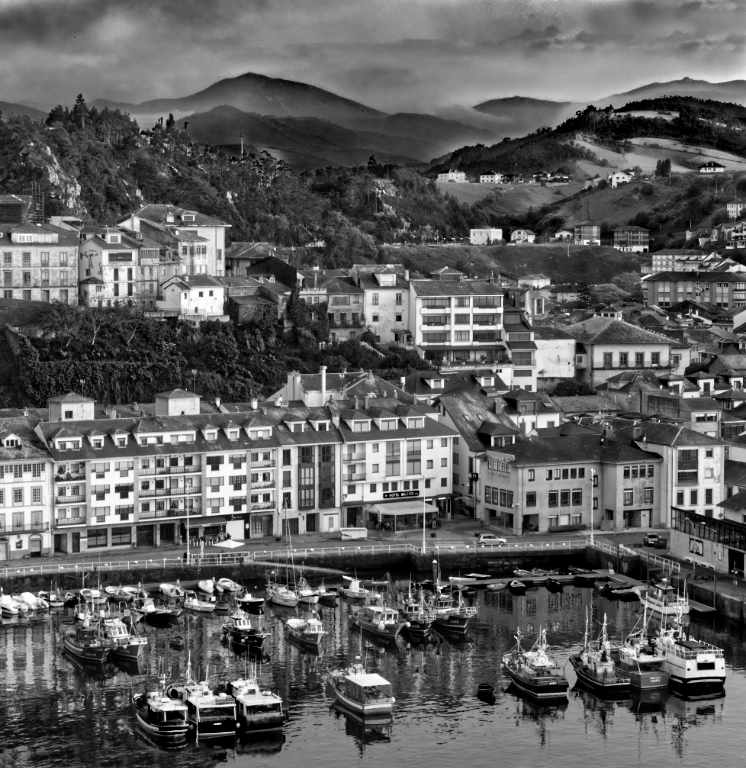
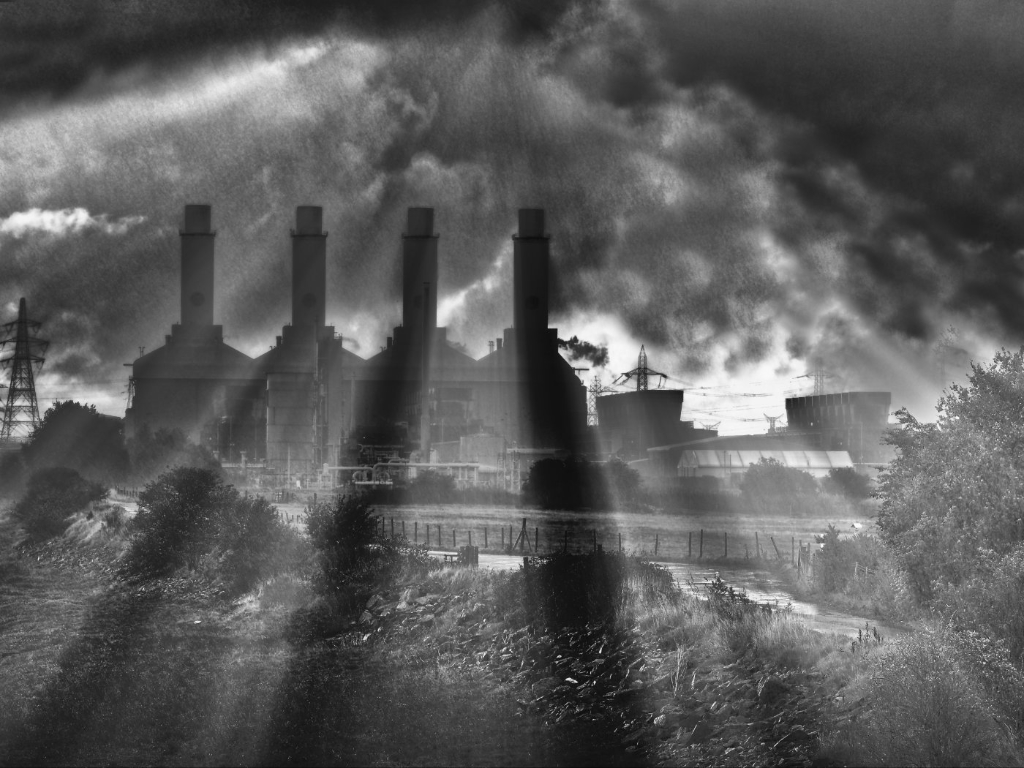
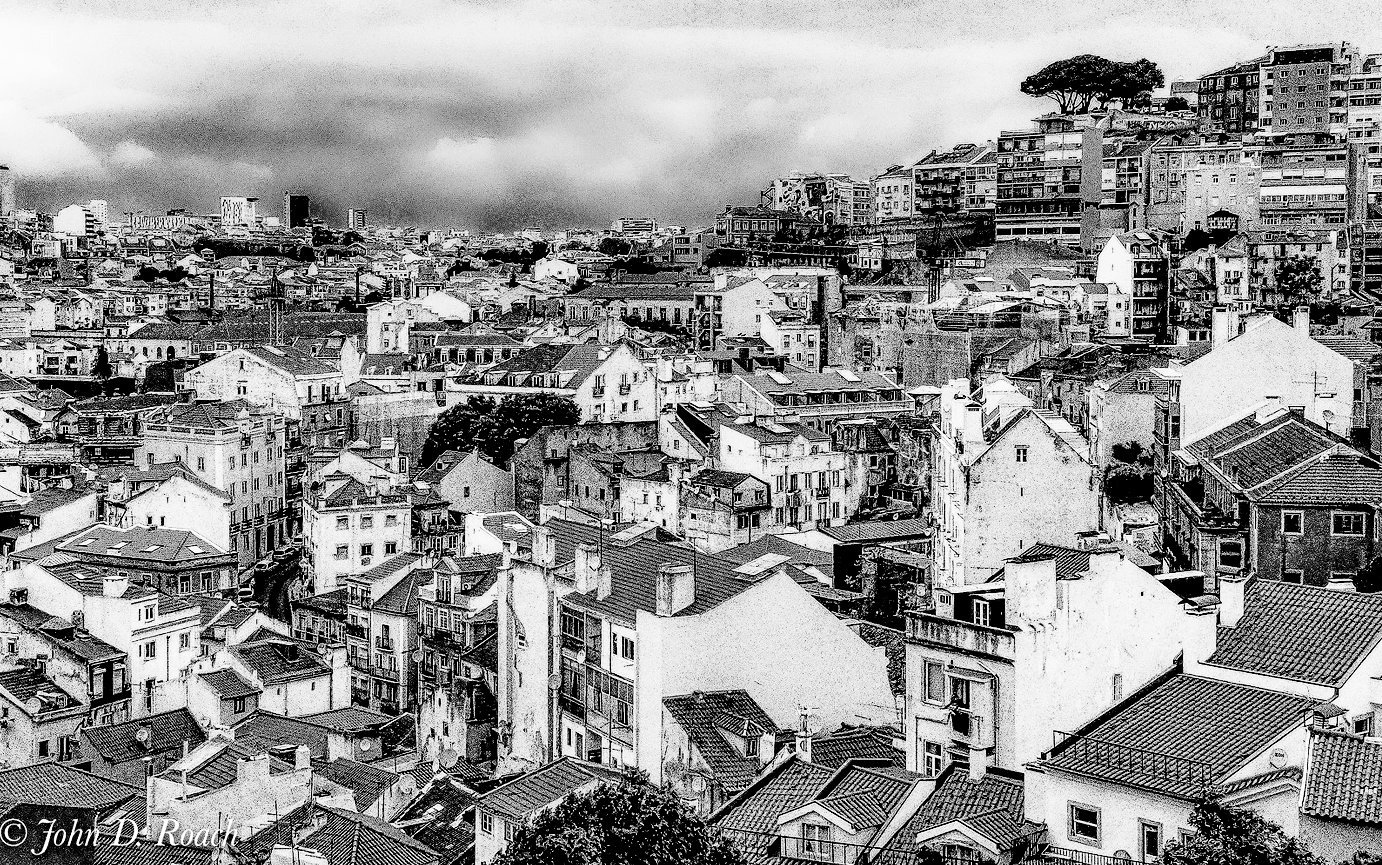
Wow. How on earth do they do lock-down in such cheek to jowl conurbations? Anyway, it's an interesting picture. The whole picture is the subject, and the eye can wander around the patterns and flows due to the diagonal lines and hill. That I think is great. To me, the mono is far better than the colour, although the colour has its own charms.
My second thought was "it looks too flat to me" so I popped a screenshot into Affinity and yes, the histogram is a hump with little at the ends. Having started I increased the contrast 100% and lifted the black level to about 30 and got the attached. To me, this is a more attention-grabbing photo. Just a matter of taste, I guess.
Did you see Lisa Langell's webinar on high key nature photography yesterday? It was quite interesting I thought. If you missed it, I'm sure Shiv will put it on the PSA site soon. Her technique to high key is to look for scenes with unnecessary detail all at the top end of the histogram so by over-exposing she burns a lot of it out, leaving just hints and glimpses or none of these areas, but getting the key areas back to good exposure. This isn't a subject for that treatment!
|
Apr 10th |
 |
| 64 |
Apr 20 |
Reply |
Thanks. I did try Lightroom before Affinity, as well as PhotoShop Elements, and they both seemed quite good. i don't like the Creative Cloud system though. Since I got Affinity I've never looked back. I think it has some detailed areas where Photoshop has a little extra, but I've not found any practical limitations for me and I've still (and probably always will have) a lot to learn. Darkening the background on this by making a mask and then adjusting its brightness and contrast is very easy. You can then invert the mask and repeat on the bird if needed (eg to lighten it). I'm sure you'll like it and maybe ditch the others in the end like I did. |
Apr 9th |
| 64 |
Apr 20 |
Reply |
Thanks Stan.
Good choice! I've had my M1ii close to a couple of years now. It's brilliant in most respects but needs care at times. Your comments about the menu are very true, I find I'm very frustrated sometimes as I can't find how to alter something despite trudging through the long menus several times. Some are illogical too, eg focus peaking it set up using two different commands in two widely separated parts of the menu. Daft. I recommend Gary Friedman's book as a better guide than the Olly user manual, although I often use both.
I'm not going for an M1iii though as I was disappointed they are using the same sensor, just doing some tweaks really and the latest firmware for the M1ii makes the difference too small to be worth the expenditure I think. Maybe the M1iv then!
The M5iii looks a good camera, and I like my M5ii better than the M1 in a few ways (simplicity and lightness primarily but it needs an after-market handgrip to make it sit in the hand as well as the M1ii does)- it's my carry-everywhere camera with a 12-42 pancake as it fits into a decent sized pocket, although I also carry the 14-150 in my "man bag".
Small world, I've been corresponding with Dan Charbonnet within the last couple of days, but to do with a portfolio I've submitted for assessment. I'll ask him about Nik. |
Apr 9th |
| 64 |
Apr 20 |
Reply |
It was more a philosophical question, Jerry. I didn't really want to go round the cycle again for this image, it ws just that I couldn't see how to if I wanted to. I don't know about you, but I often find myself crawling up the editing history in Affinity (in my case) to undo an unsuccessful attempt at doing something, and interjection of Nik at some point seems to preclude this. I've probably missed something, I need to experiment more! On the other hand, I learned the hard way to get all stages of editing right before moving on. This is because whilst the history feature is great, but you can't delete a particular editing step way back in the history without wiping out all editing done after that step as well. Or so it seems to me. So maybe Nik is nothing new in this sense. |
Apr 9th |
6 comments - 7 replies for Group 64
|
| 95 |
Apr 20 |
Reply |
I certainly do. |
Apr 9th |
| 95 |
Apr 20 |
Reply |
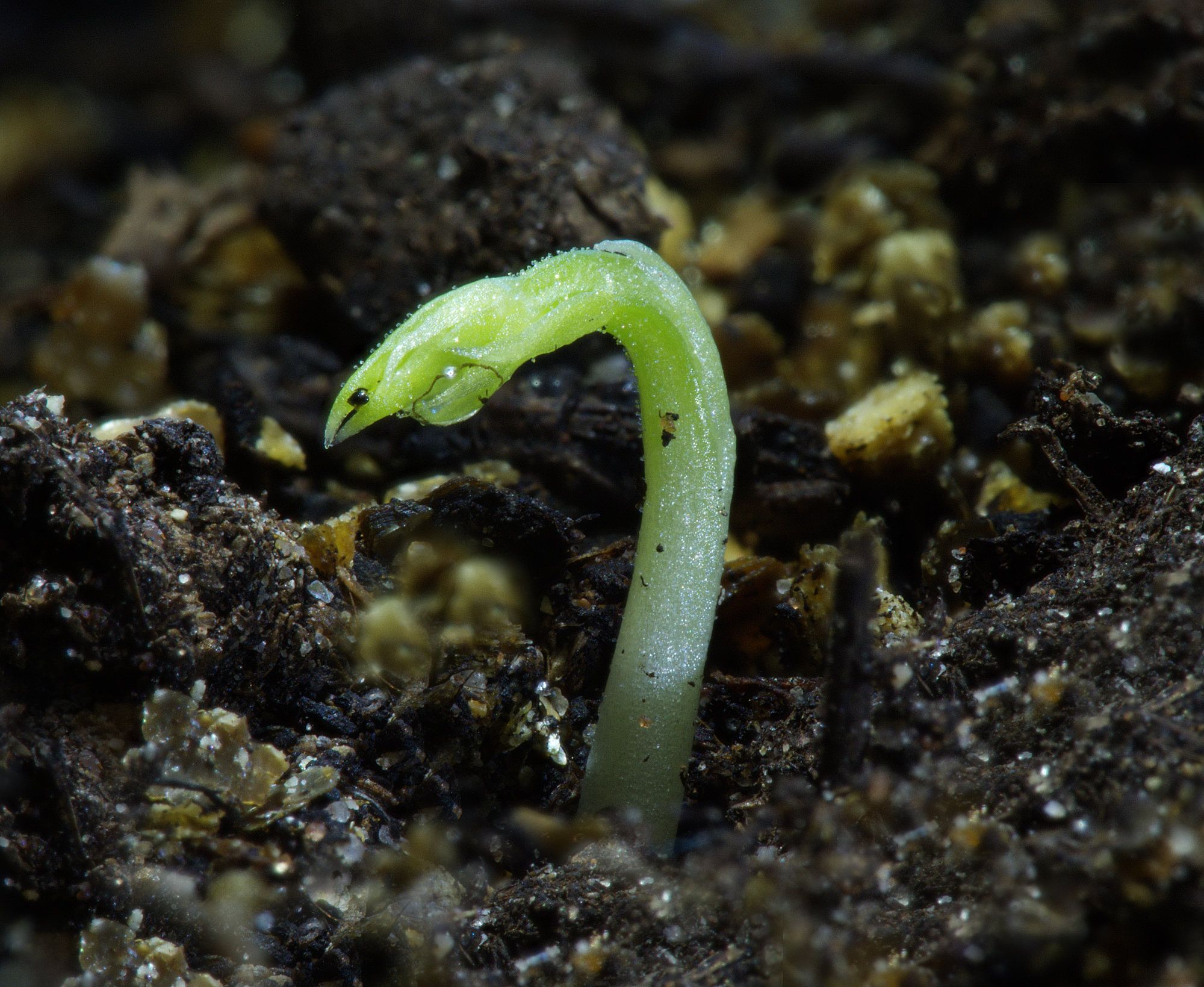
Certainly my photo is a bit "central", and your right crop improves that a lot, thanks. I'm less sure about the top crop - I think I was giving it room to grow! But that's thinking of it as a seedling, not as the title, so your top crop is growing on my as I think about it.
OK, done, I like yours better! I would clone out the little light bit coming in from the right edge now. |
Apr 9th |
| 95 |
Apr 20 |
Reply |
Well, I never, I wouldn't have guessed that. I won't ask what the purpose of might be to those throwers (ed), and I won't ask for a list of them all, it might be depressing. Well done, though, you put a lot of thought into this system. |
Apr 6th |
| 95 |
Apr 20 |
Reply |
Great, I like it whatever. I have no problem with deceased models so long as they are insects! |
Apr 6th |
| 95 |
Apr 20 |
Reply |
You're welcome! We like to be constructively critical.
If you don't know how to do a border, can I suggest the following very easy way? I hope you are PC not Mac.....
1. Download Fastone Image Viewer from https://www.faststone.org/
2. Install that.
3. Navigate to your photo.
4. Click at the top of the window Effects, then Border Effects. You can get all sorts of multiple line borders here, but usually only one is enough. So click Frame 1 only, adjust the width (2 pixels is normally enough) and click the Color box if you want to change the colour. White is usually fine.
5. Click OK.
You should then see the border in the viewing pane. It hasn't saved it yet but if you click a different photo then is will ask if you want to save it, so click Yes.
If you are Mac then sorry, there's bound to be a similar program or use Affinity etc although it's a bit more work.
If you want a specific final image size it's easier to resize your original to 4 pixels less high and 4 pixels less wide before adding the 2 pixel border. |
Apr 6th |
| 95 |
Apr 20 |
Reply |
Bizarre, I've typed several times "CURLing away" above and it refuses to show that in lower case. I've edited it out and re-inserted it, and still the same! Why is this happening, Tom?
|
Apr 5th |
| 95 |
Apr 20 |
Comment |
Hi Barbara,
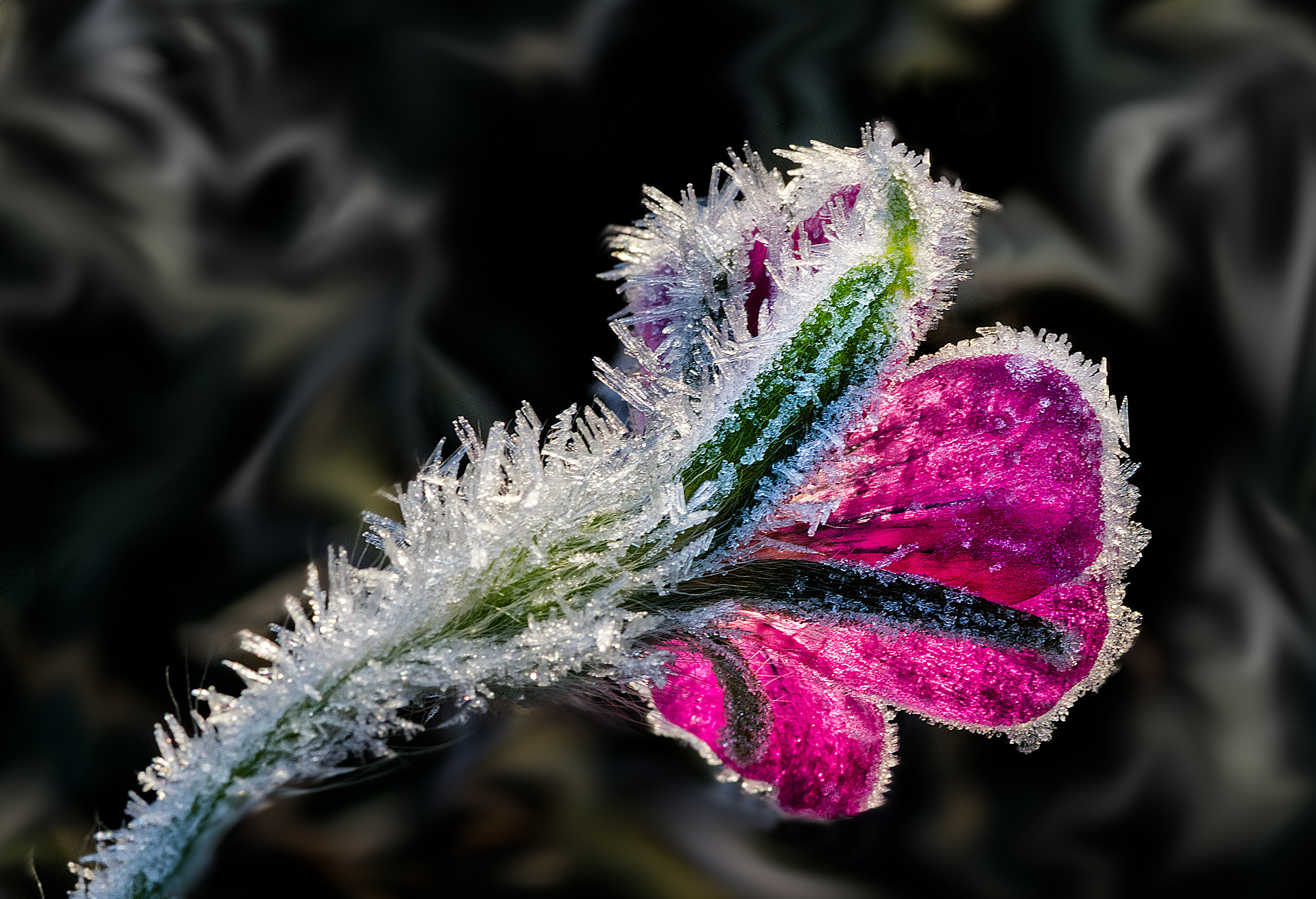
What a lovely rose, one of my favourite flowers. Red too, my absolute favourite colour. The water dusting makes it look very fresh and vibrant.
The only aspect which jars my eye a bit is the cut off petal on the right. Or is it just folded or bending away from us?
Can I suggest a border when using a dark background? It's sometimes hard to see the edge of the image without one. Come to think of that, I need to instruct myself to do that, too! |
Apr 5th |
| 95 |
Apr 20 |
Comment |
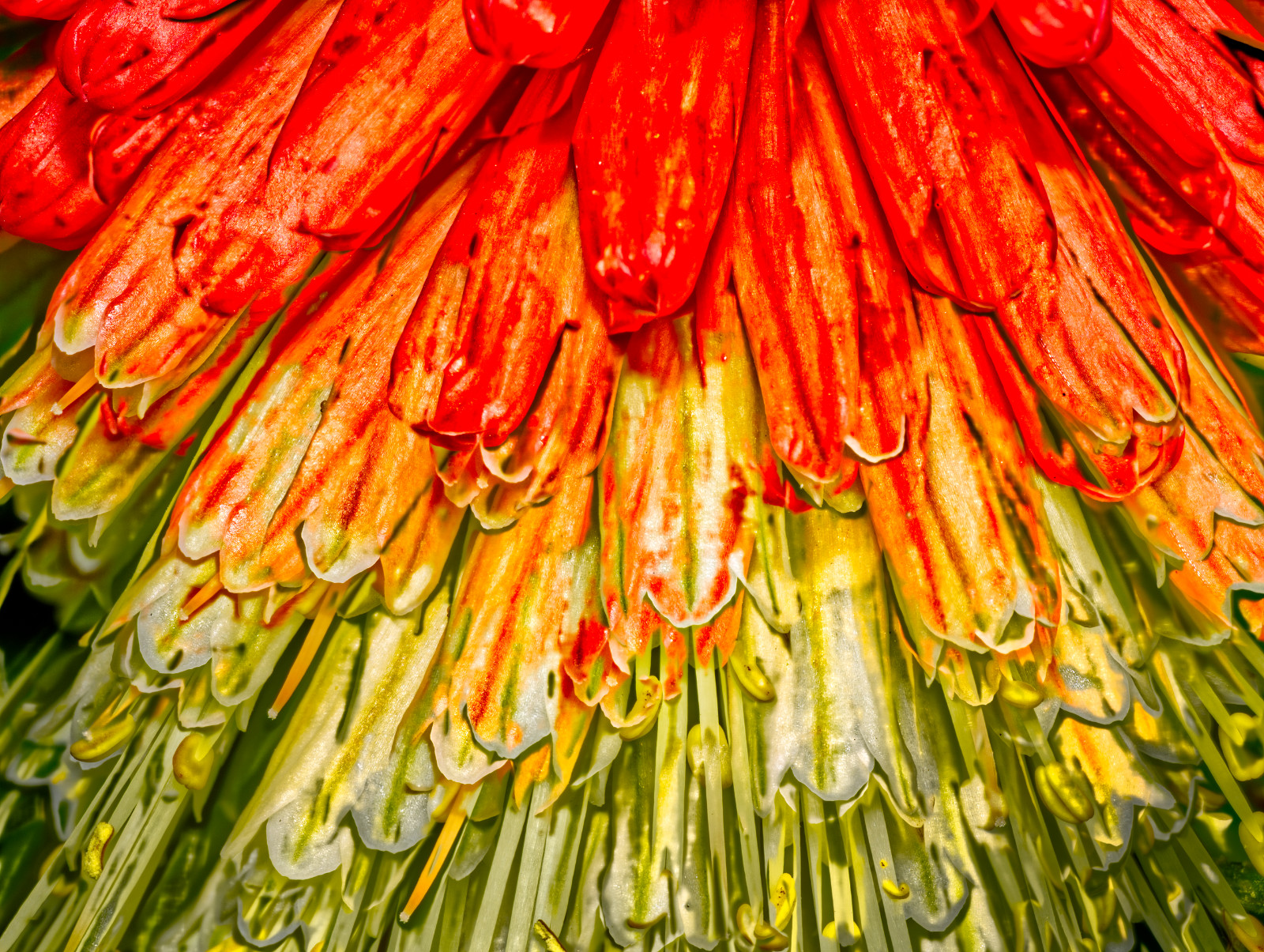
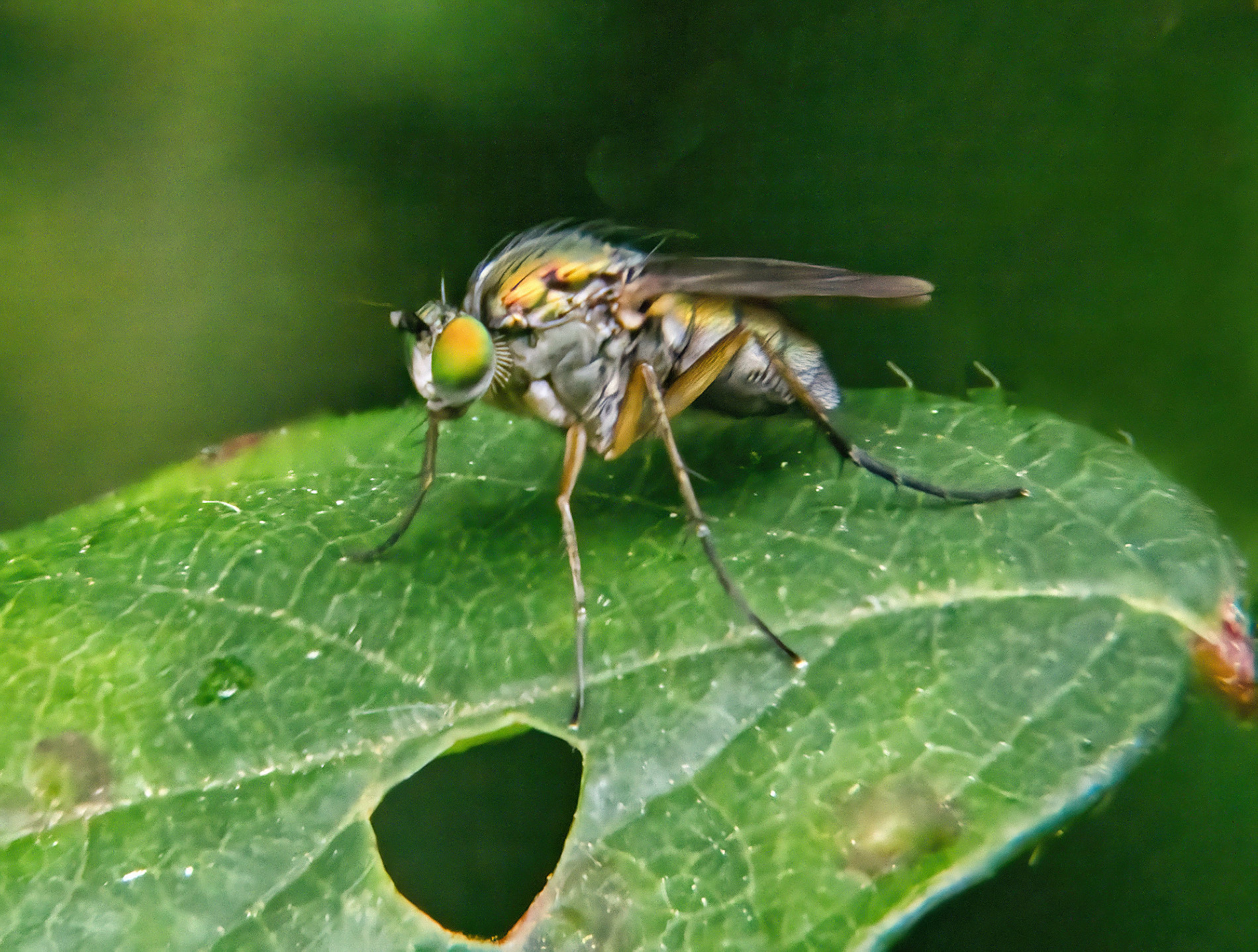
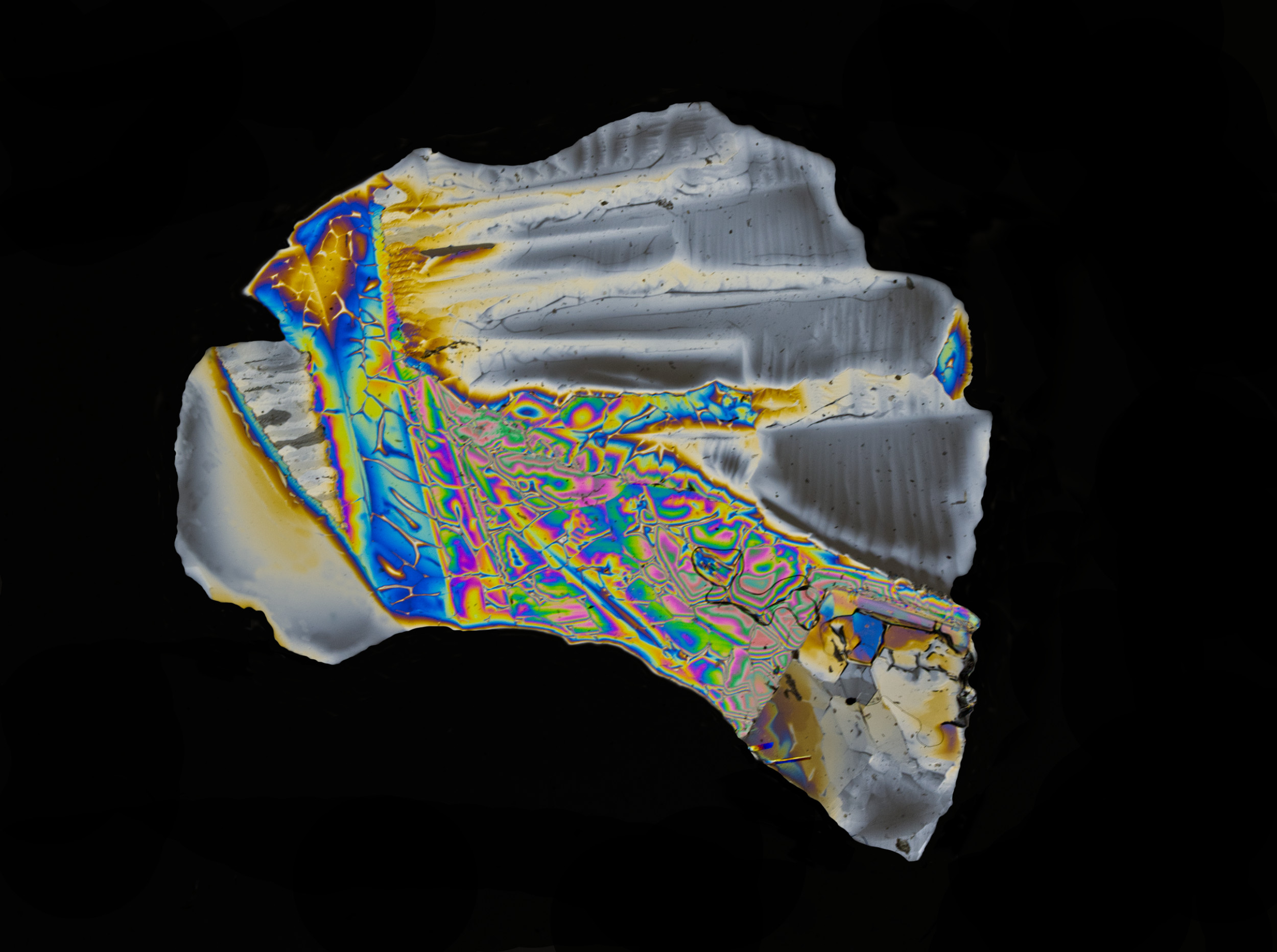
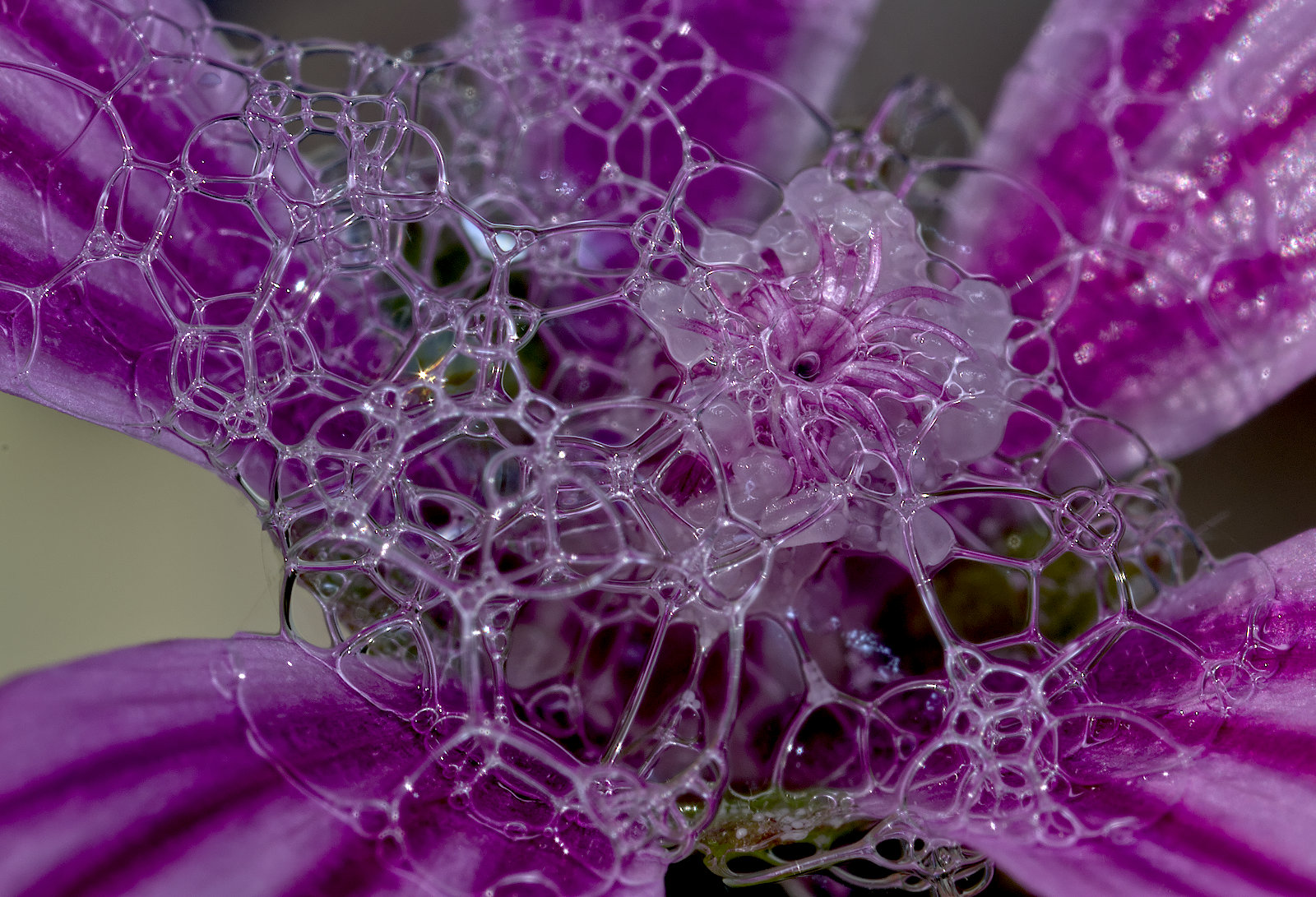
Nice one, Bill. Gorgeous colours. I presume they are interference patterns. I'm particularly poor at taking pics like this, you can inspire me! I love the clarity too. It reminds me of the Martians in the War of the Worlds film.
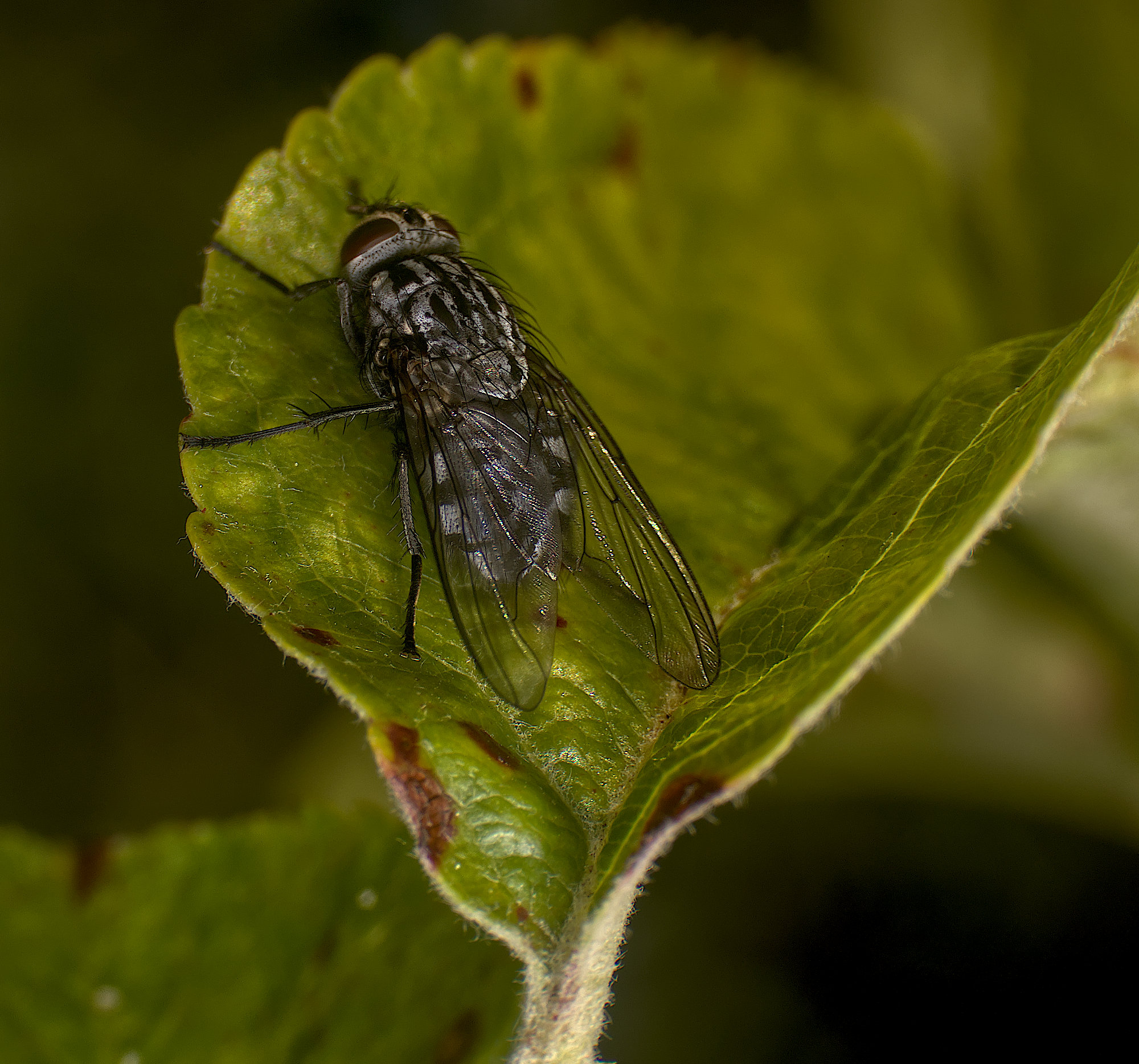
Given the lovely blurred background, I suggest that the rear legs being sharper would enhance it a little. Also can I suggest a crop of the left by about 10% to get the insect off centre?ANd maybe a little off the bottom, too. |
Apr 5th |
| 95 |
Apr 20 |
Comment |
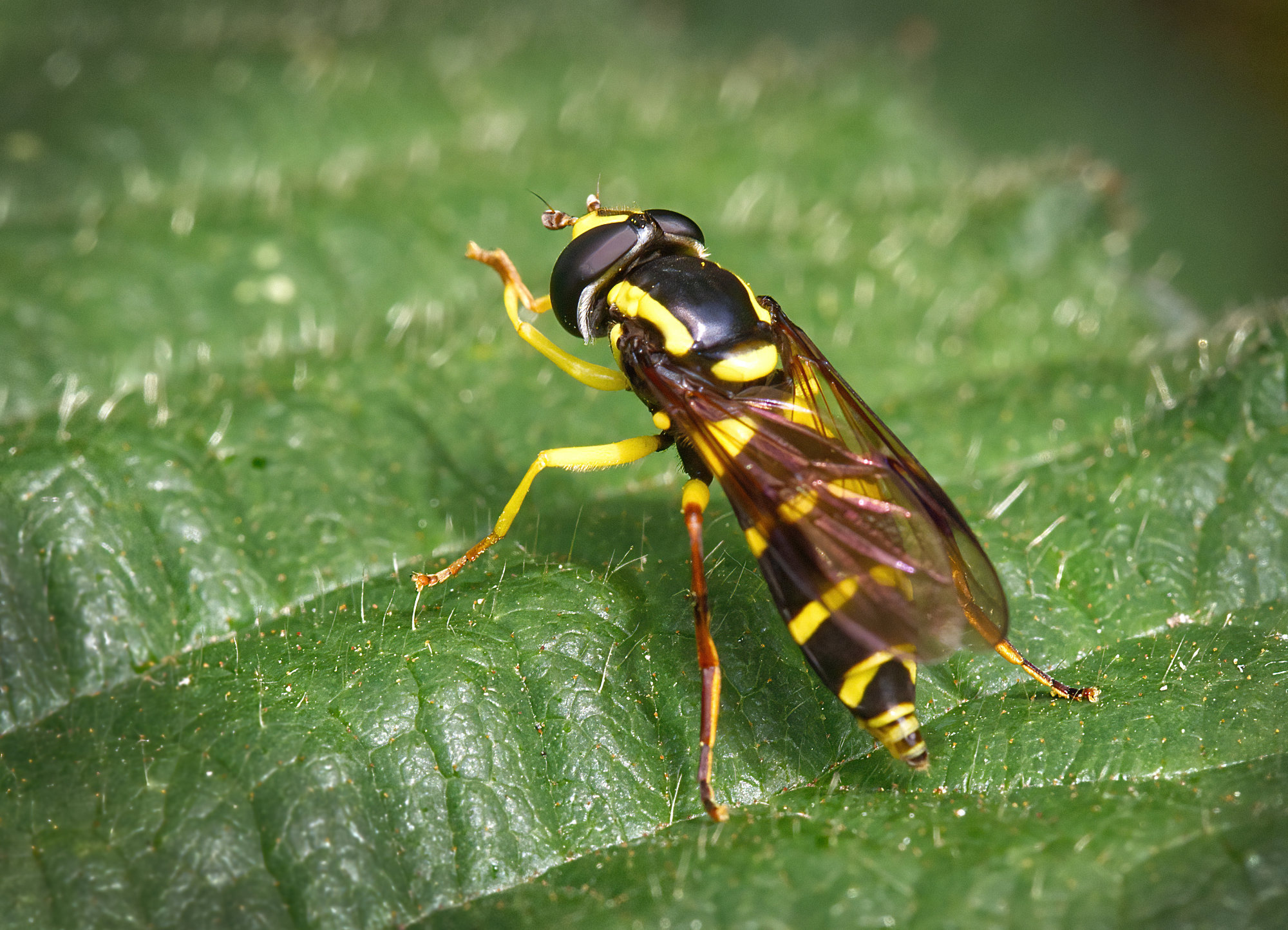
These litle spiders have amazing eyes. Is it a jumping spider? It did well holding still for you for several minutes. Or had it slipped the mortal coil?
I love the colour, great shades of ocre. Super detail.
Suggestions - some would say "not enough DoF" but I'm sure you will have chosen that for your pictorial effect. I might have blurred the front leg on the right a bit for more of that.
Obviously it was a bit too big to fill the frame at 1:1, assuming it is about that ratio. Do you think we should declare our image magnification in this group?
|
Apr 5th |
| 95 |
Apr 20 |
Reply |
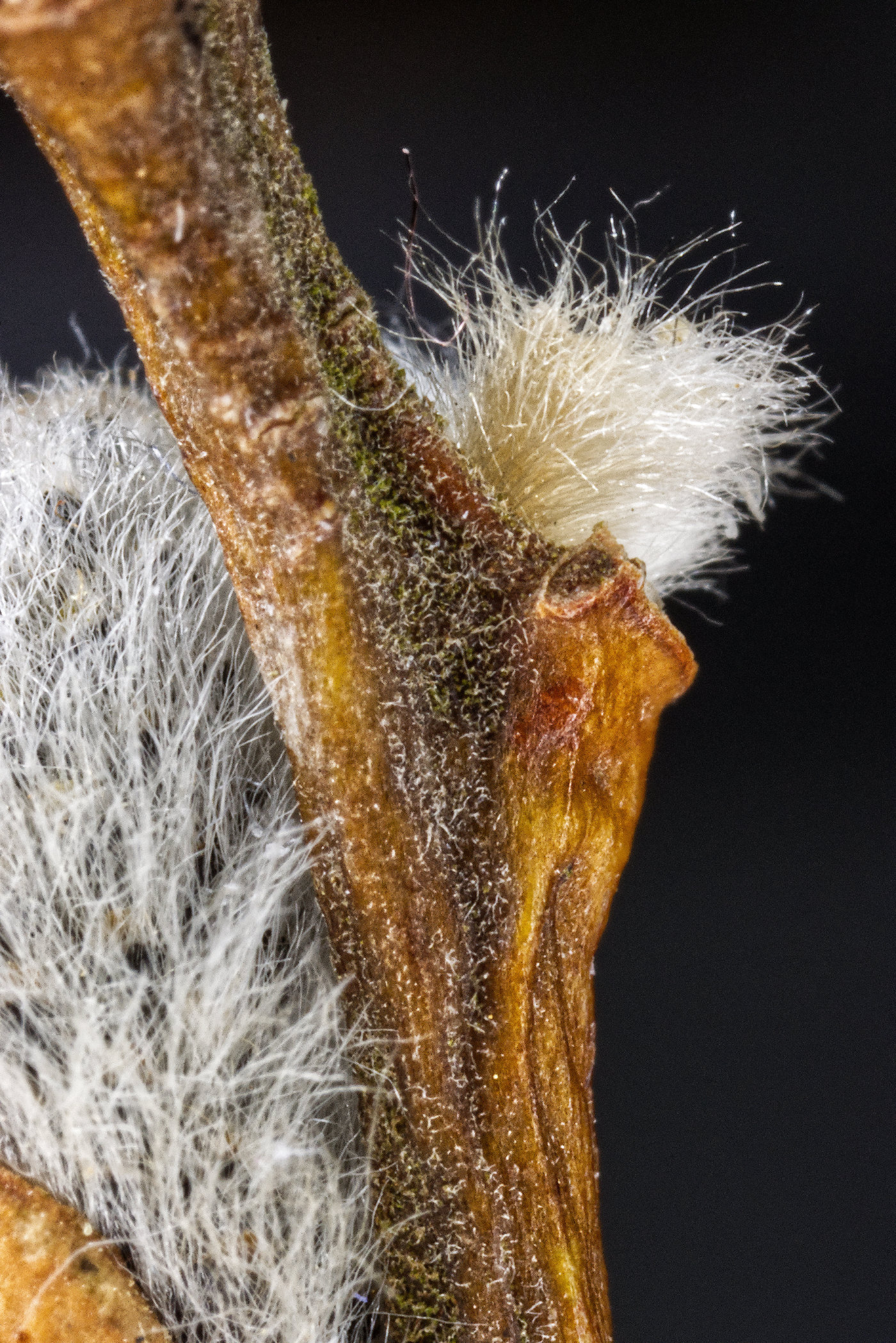
Yes, I see the halo. Many might miss it, but it shouldn't be there. You might blame the rail, but as there's no halo with Affinity, then the source can't be that bad. My rack is cheap and cheerful too. I wonder what Dick thinks on this subject, he is a great stacker.
I notice also that Affinity again hasn't cropped off the edges of the stacked image which Helicon has.
I've got a reversing ring in my bag of macro bits, but I've hardly used it. Also a filter thread to filter thread ring for using a lens as a "close-up filter", also little used. I had to find a trick with Olly lenses to make the aperture open before reversing it, but I don't have a lens specially for being reversed, just my brace of "normal" micro 4/3 lenses. I guess a suitable manual diaphragm lens would be best. With lockdown here also, I've got time for doing some more work with them. |
Apr 5th |
| 95 |
Apr 20 |
Reply |
Hi Tom,
My only gut dislike is that there are no "controls" to play with as in the dedicated stackers. You collect the files you want to merge and press the button and that's it. Suspiciously simple! It will take Olly raws and stack them without me having to convert them to jpg first. But it seems to work. When I had a working trial version of Zerene and before my Helicon license ran out I did some back-to-back tests of the three and found some options in both of these gave awful results. Messing with their input parameters would give better results, but I didn't find one better than the Affinity results so I didn't buy licenses for them. Now that's a pretty simplistic test and I was just a beginner with those programs so it could be argued that I wasn't using them well, but it was hard to see a case for buying them.
Another interesting thing is about the auto stacking settings in the Olly M1ii. I didn't use it in this case, but if you look at https://www.e-group.uk.net/forum/forum/cameras-lenses-and-system-accessories/lens-focus/macro/772926-stacking-with-60mm-macro then towards the bottom are some photos I posted stacked by the camera and stacked by Affinity. Interestingly the camera crops the edges of the stack (which logically is required due to the changing magnification ratio I think), but Affinity returns an image with the same extents as the original first image (ie the closest one) in the stack. Maybe the camera (and I think other softwares) crop to the extents of the rearmost image.
I've spent hours trying to give myself simple charts on how to set up the camera for auto focus brackets...., no days, maybe weeks! My technique is improving, maybe I'll get there soon. |
Apr 5th |
3 comments - 8 replies for Group 95
|
9 comments - 15 replies Total
|