|
| Group |
Round |
C/R |
Comment |
Date |
Image |
| 22 |
Sep 22 |
Reply |
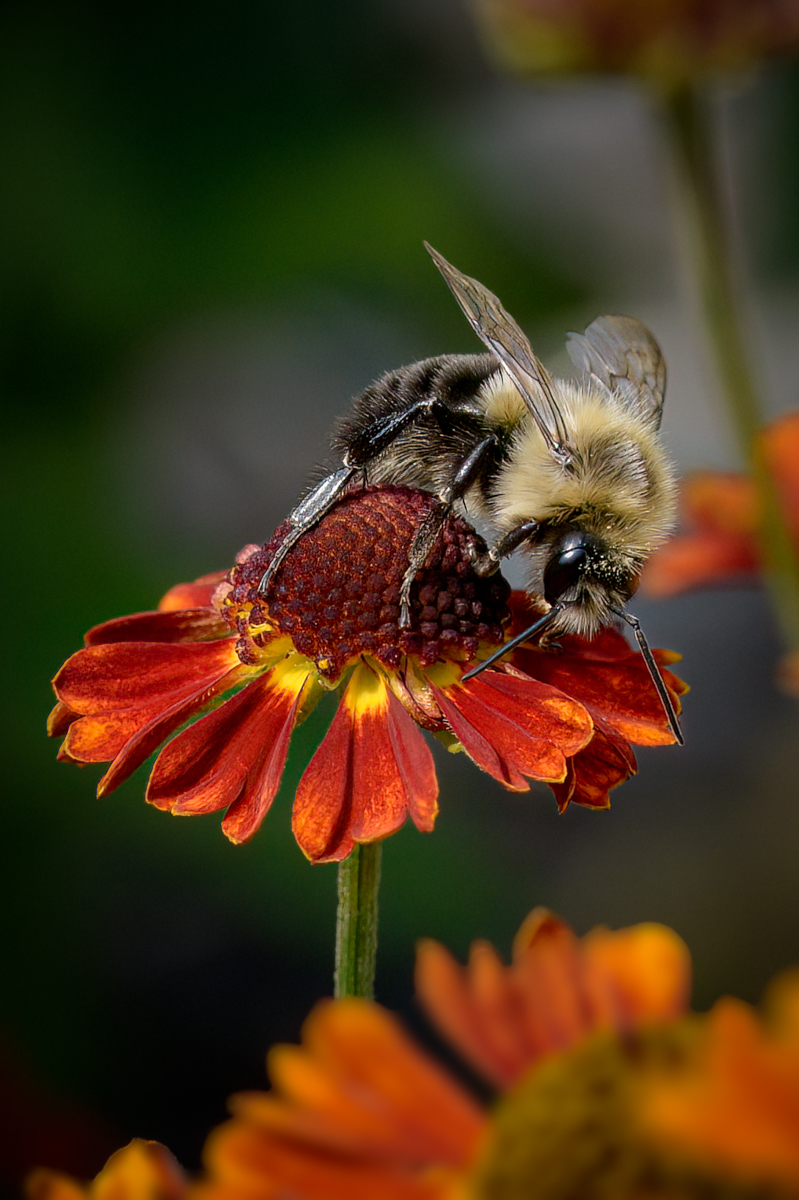
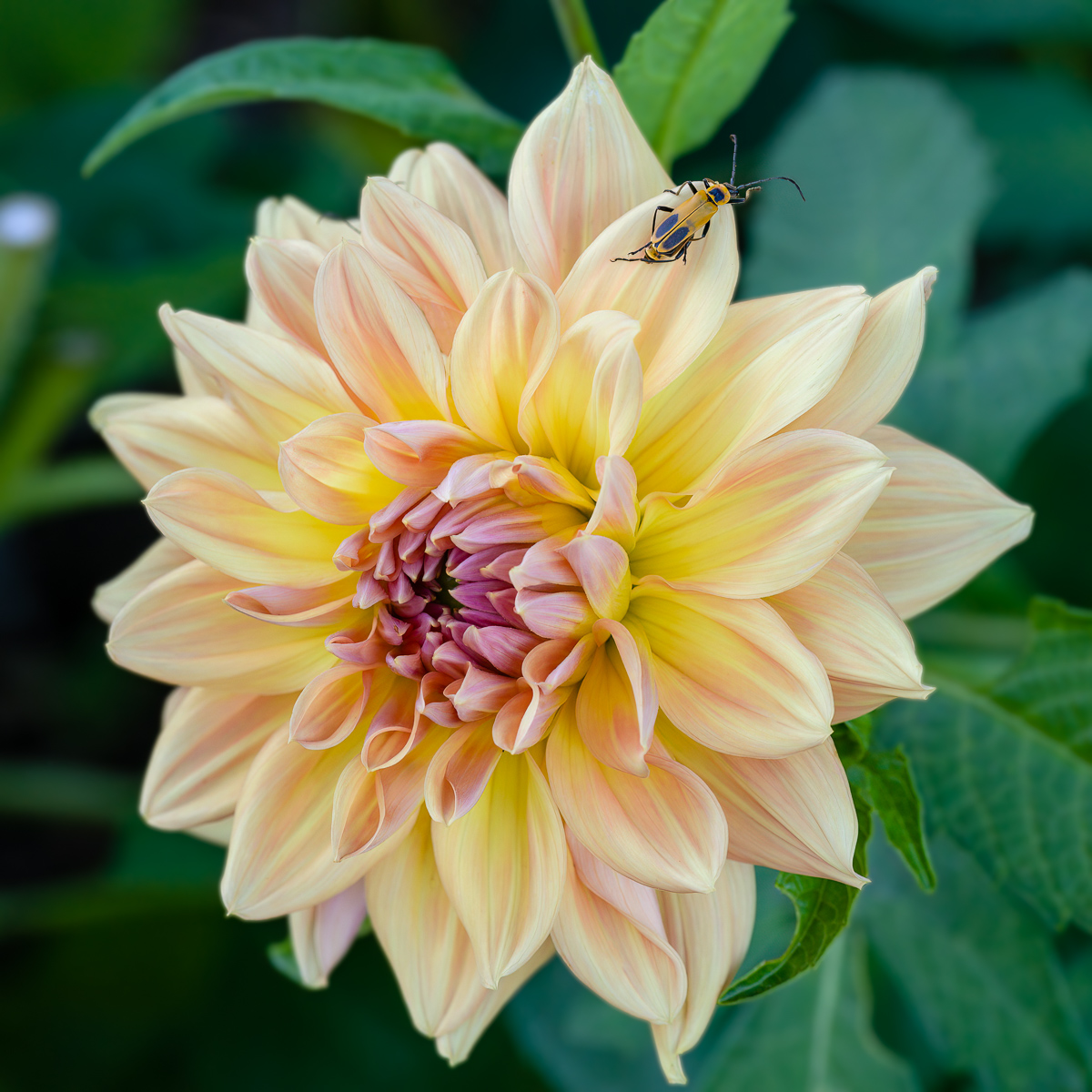
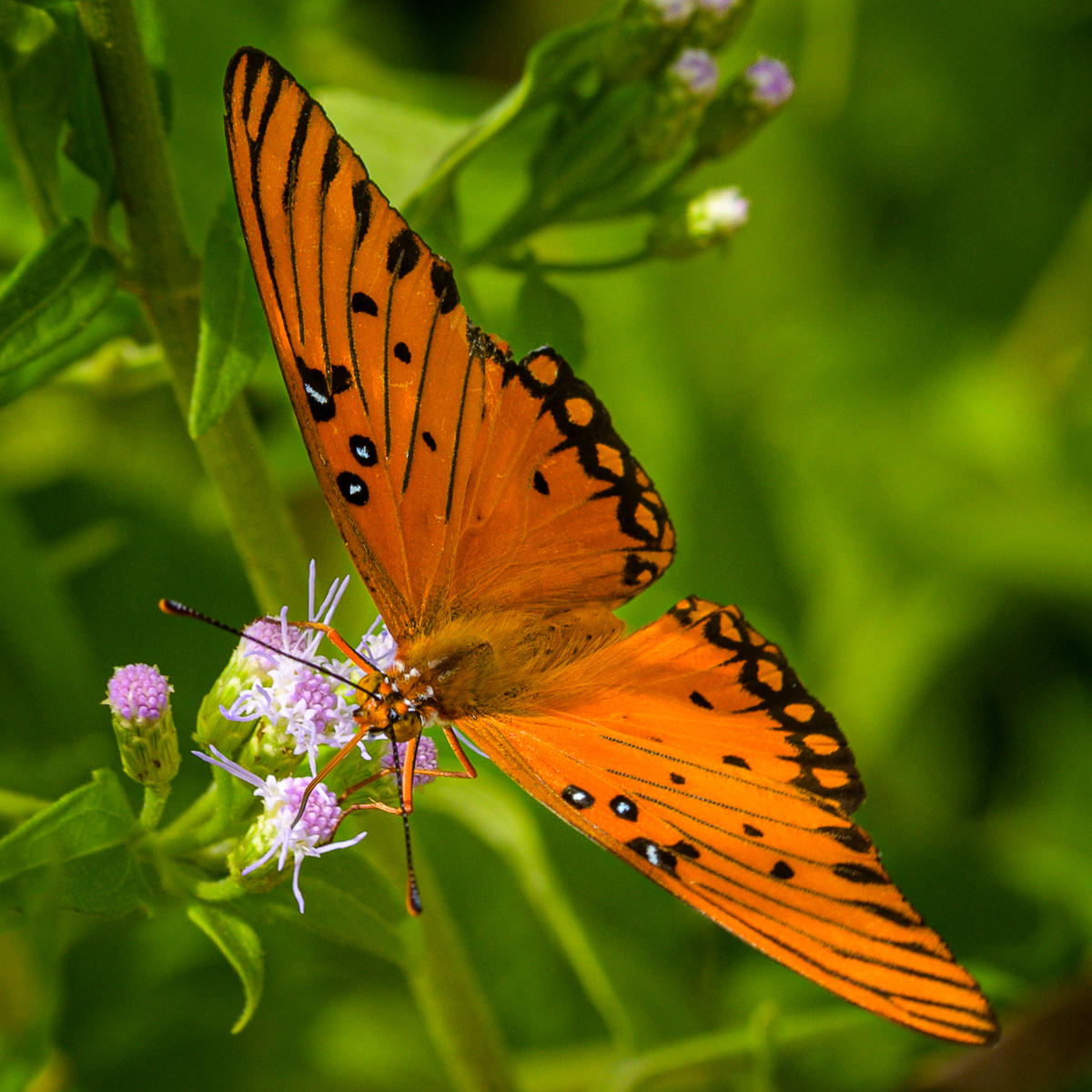
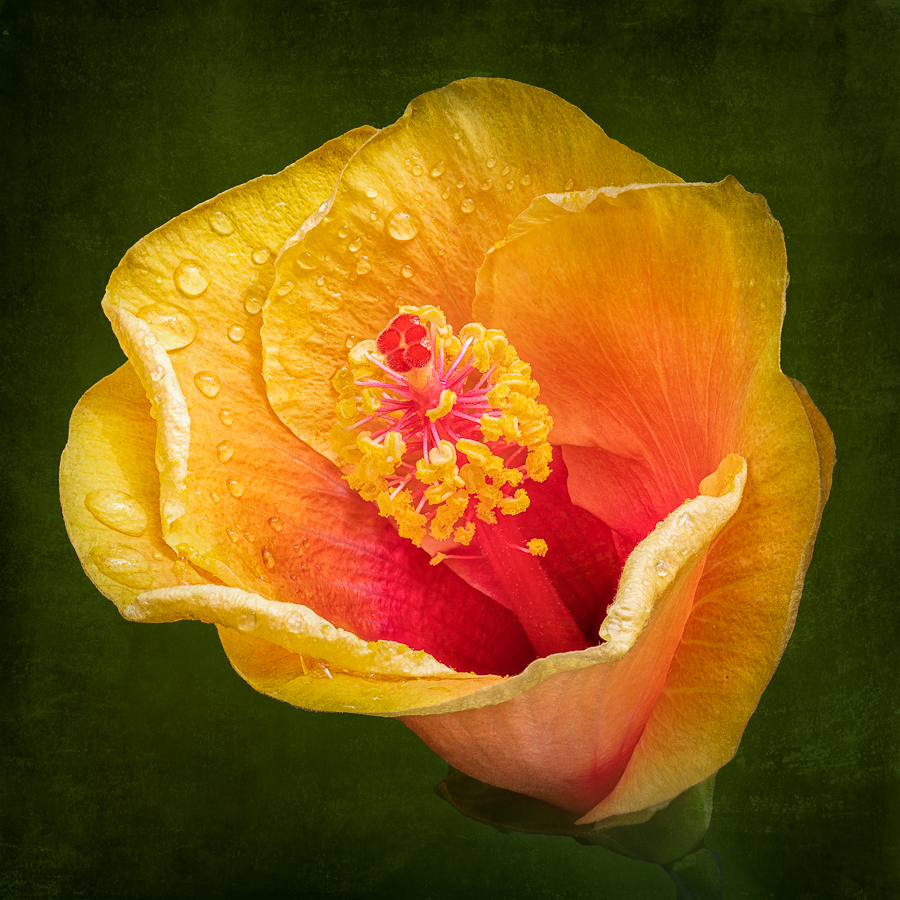
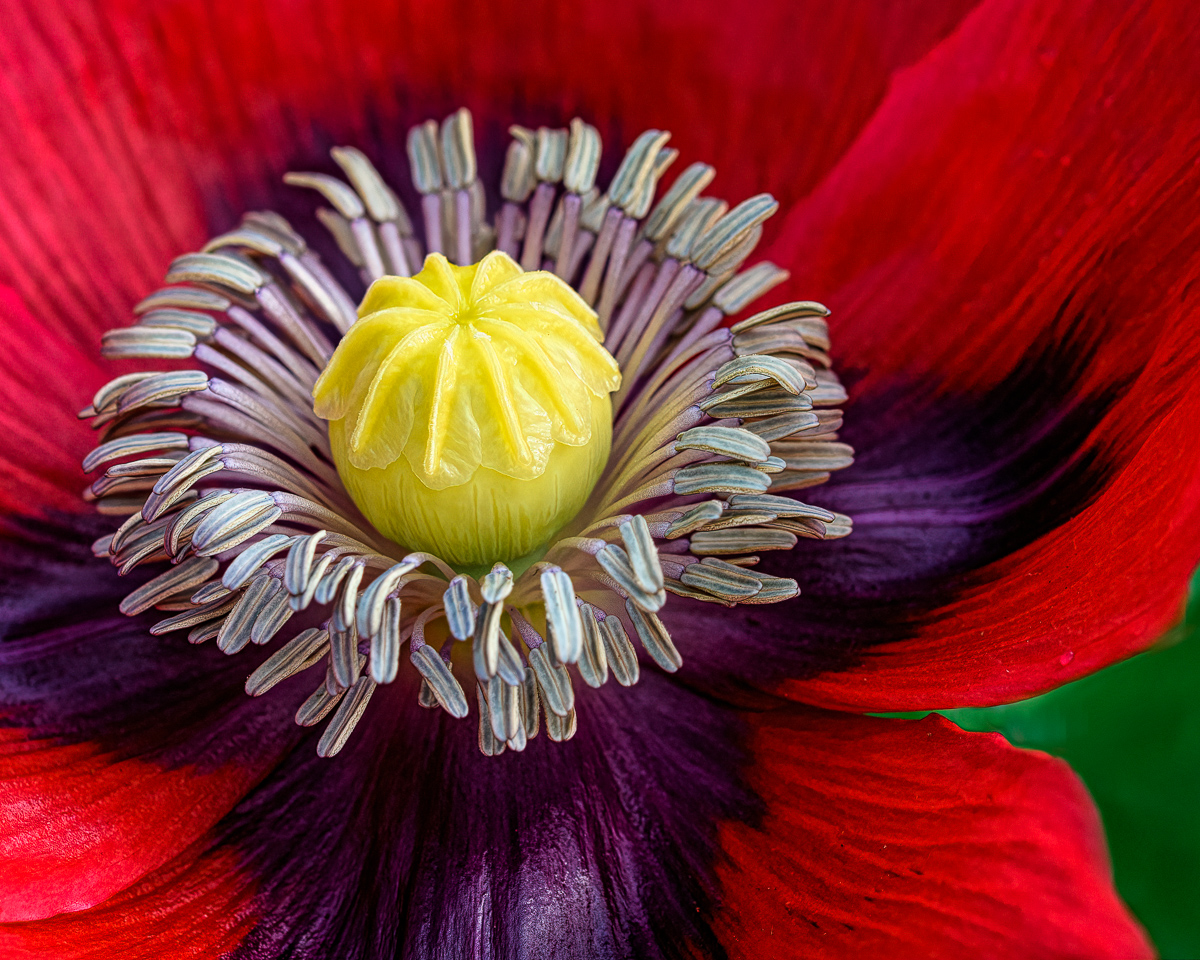
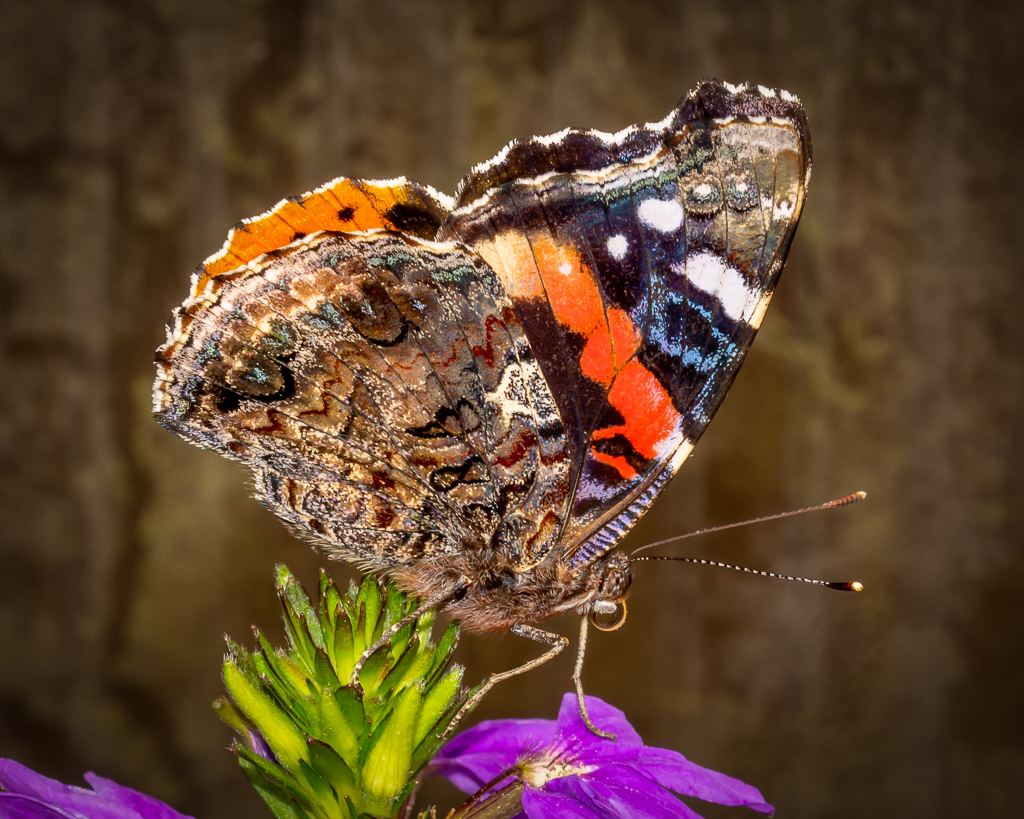
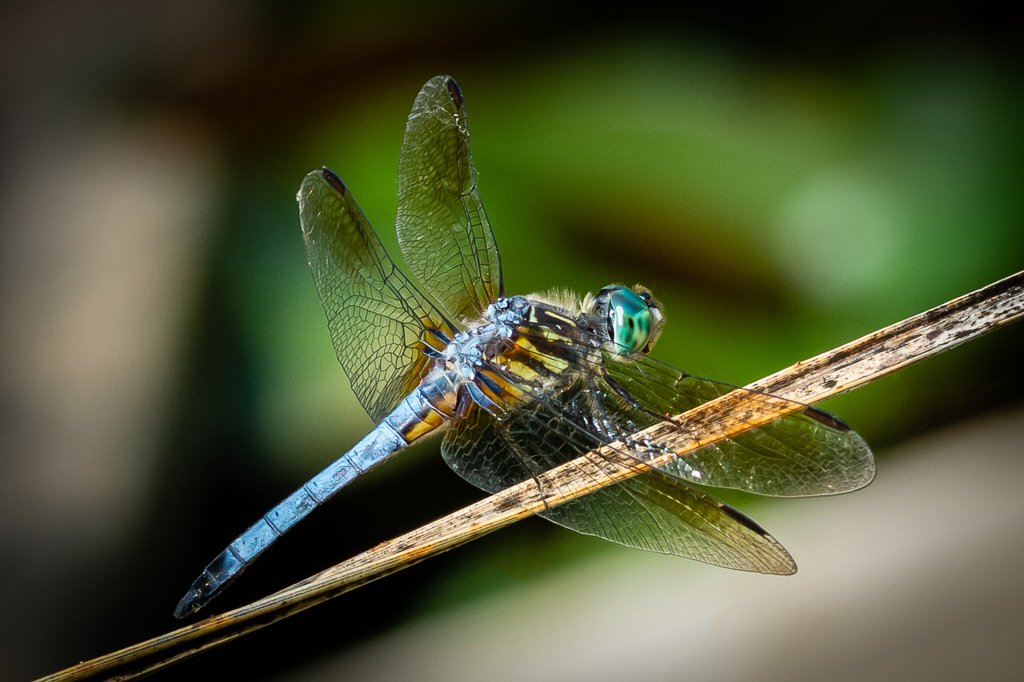
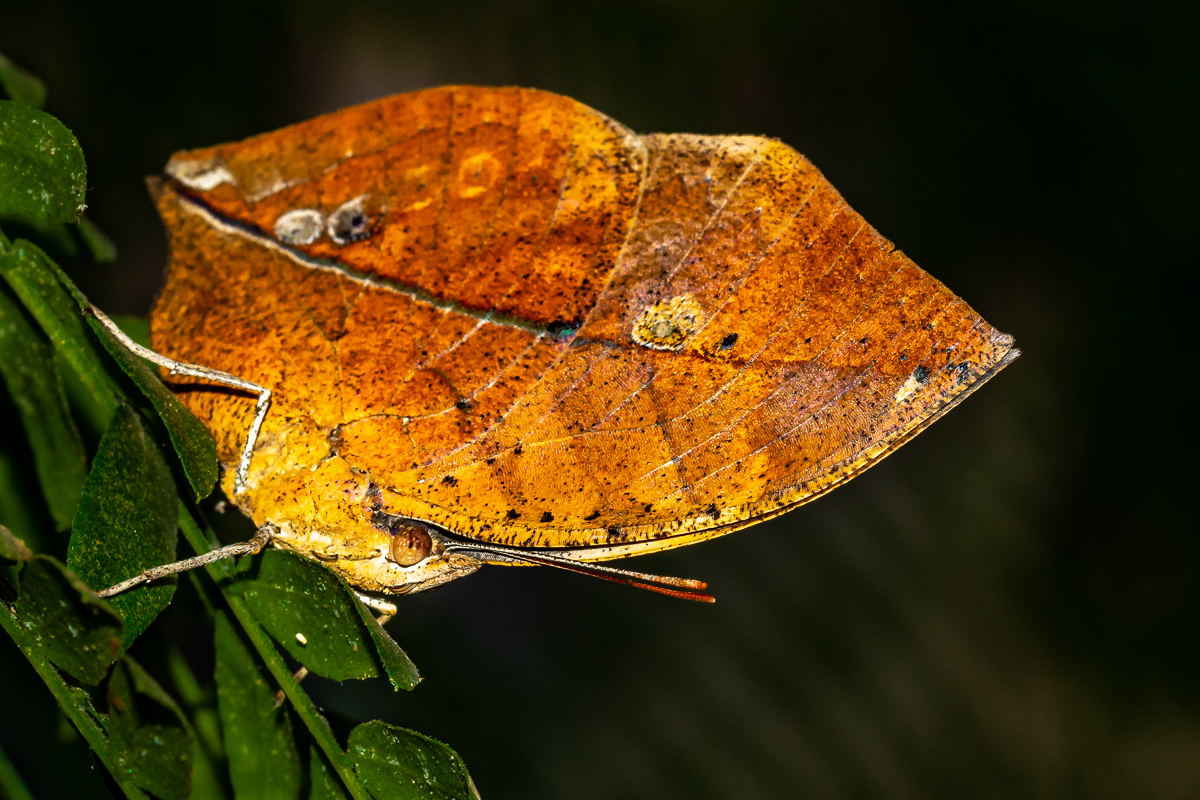
Joe - I do my focus stacking in-camera. I have set up the basics in the Menu, so all I have to do is input the number of images that I want the camera to take. You can use any number. Your aperture impacts the number of images that you will need to take. I use f/11 frequently, and 20 shots will usually get the complete subject focused. If I used f/8 I would need to take more shots. And f/2.8 would require even more images to cover the subject completely. |
Sep 16th |
| 22 |
Sep 22 |
Reply |
Marti I have written up a brief tutorial on focus stacking. See below. Yes post on the information section. |
Sep 16th |
| 22 |
Sep 22 |
Comment |
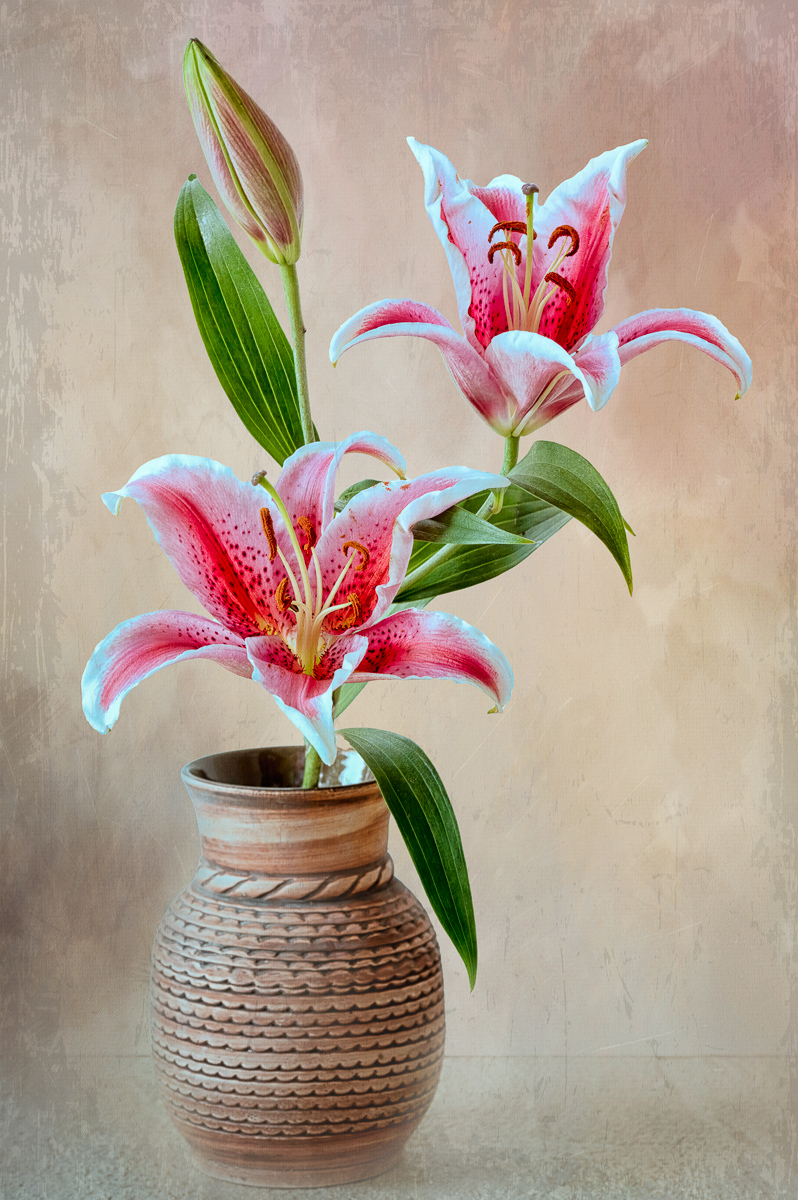
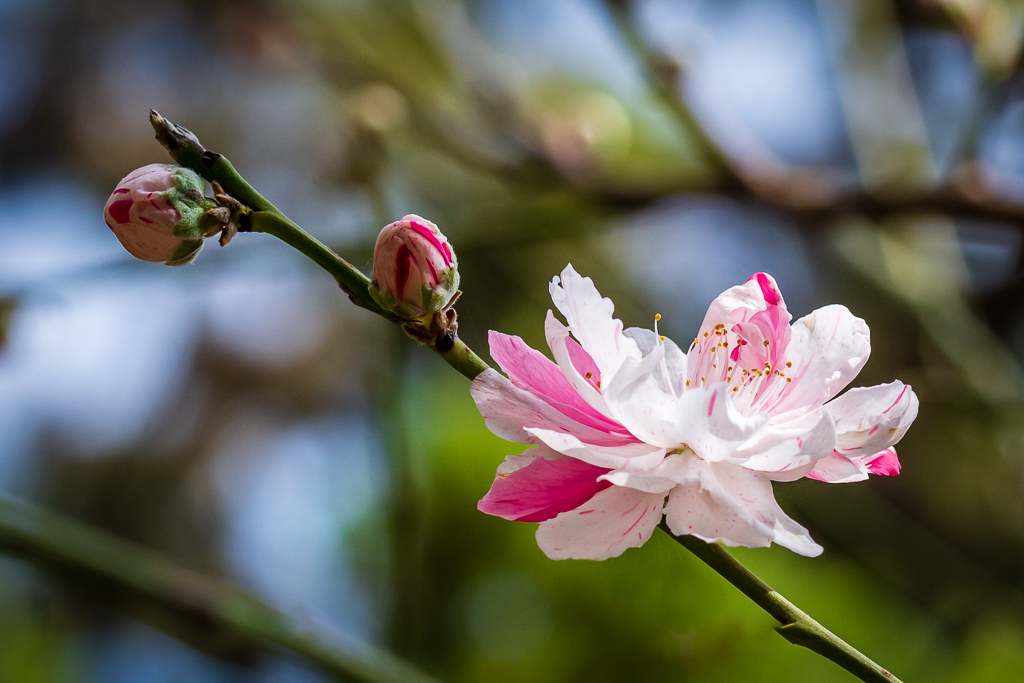
My camera does focus stacking in-camera. Once I have the basics set up in the menu, all I really have to do is enter the number of shots that I want to take. When shooting at f/11 I have found that 20 images work well much of the time. The camera takes all 20 shots sequentially, and it takes less than 30 seconds to complete, and I do not have to touch the camera. Manually focus stacking that many shots is not easy because the camera can get moved out of position. To set up your focus stack you need to first focus on that part of the object that is closest to the camera. Then gradually move the focus back through your subject and click the shutter with each new focal point. Some people simply move the manual focus ring a bit, click the shutter, move the focus ring a little more, click the shutter, etc. But I prefer to use the Live View on the back of the camera so that I can see what I am doing, where I place the first focal point, and where to place the next one.
|
Sep 16th |
| 22 |
Sep 22 |
Comment |
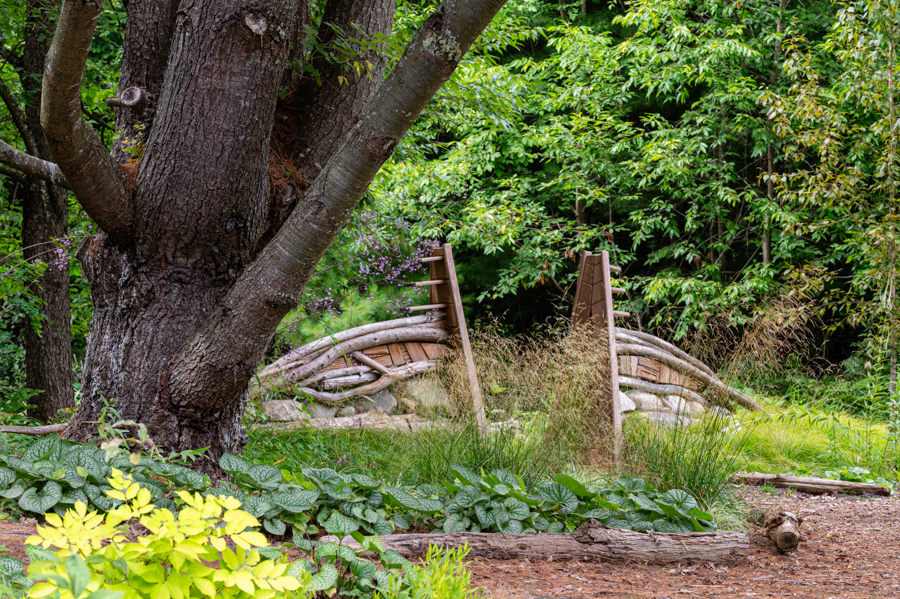
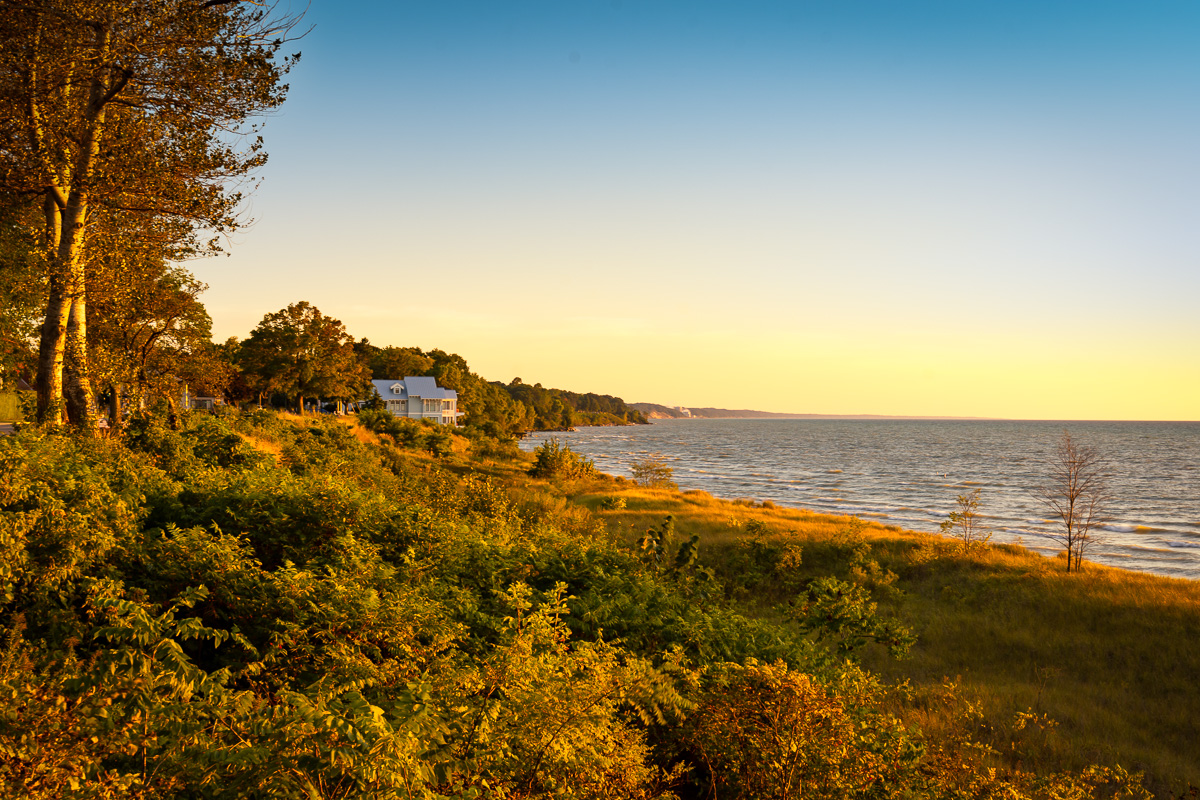
So the clouds and the pump seem to be the potential distractions here. The vertical clouds on the left drew my eye first because I wondered what they were. So I guess they need to go even though they provide another point of interest. The pump should stay. I think just a touch more saturation and contrast would be good - but do it with Vibrance and Clarity in LR to be more subtle. The Palouse is such a photogenic area - you are lucky to be so near!
|
Sep 16th |
| 22 |
Sep 22 |
Comment |
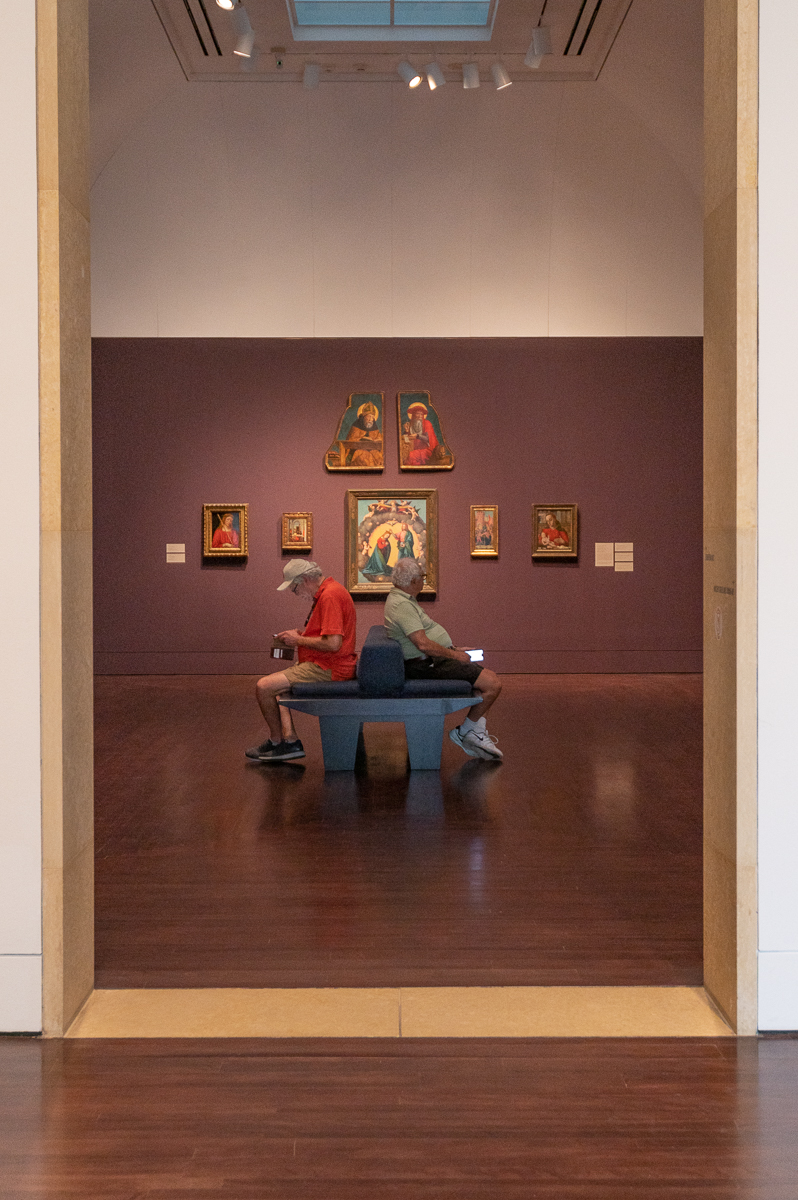
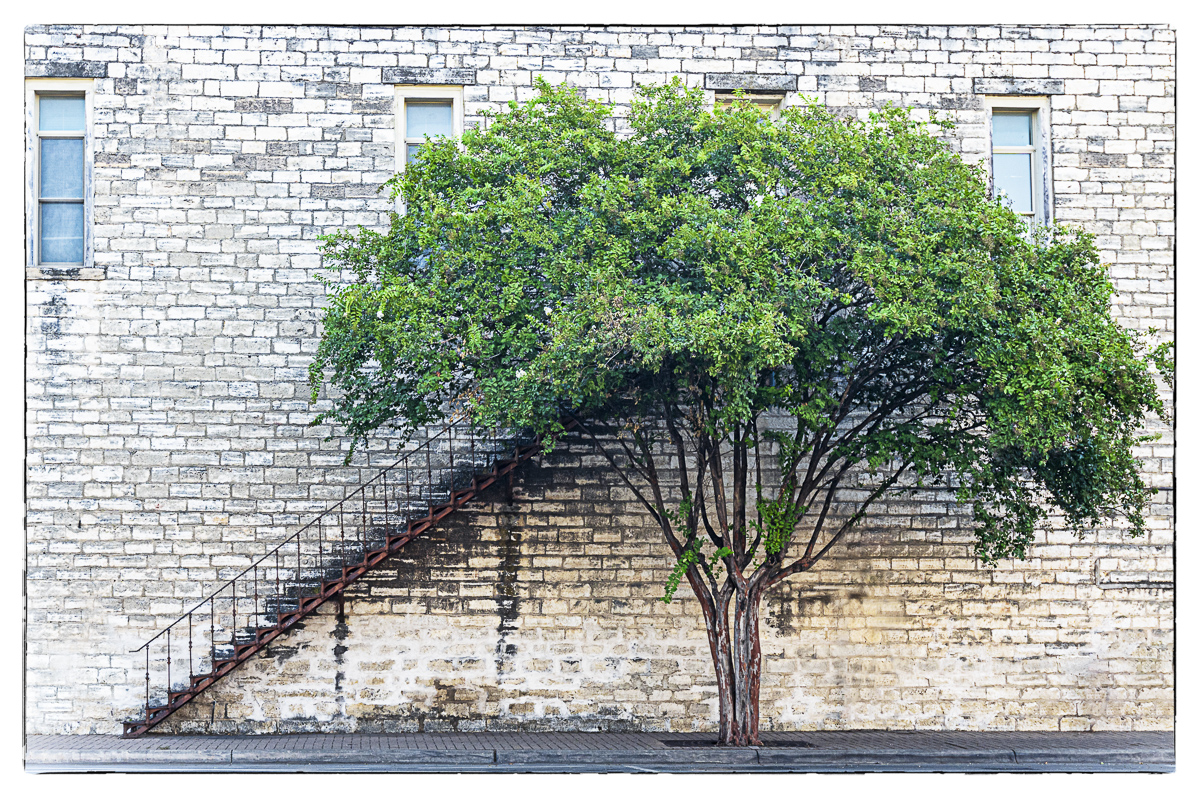
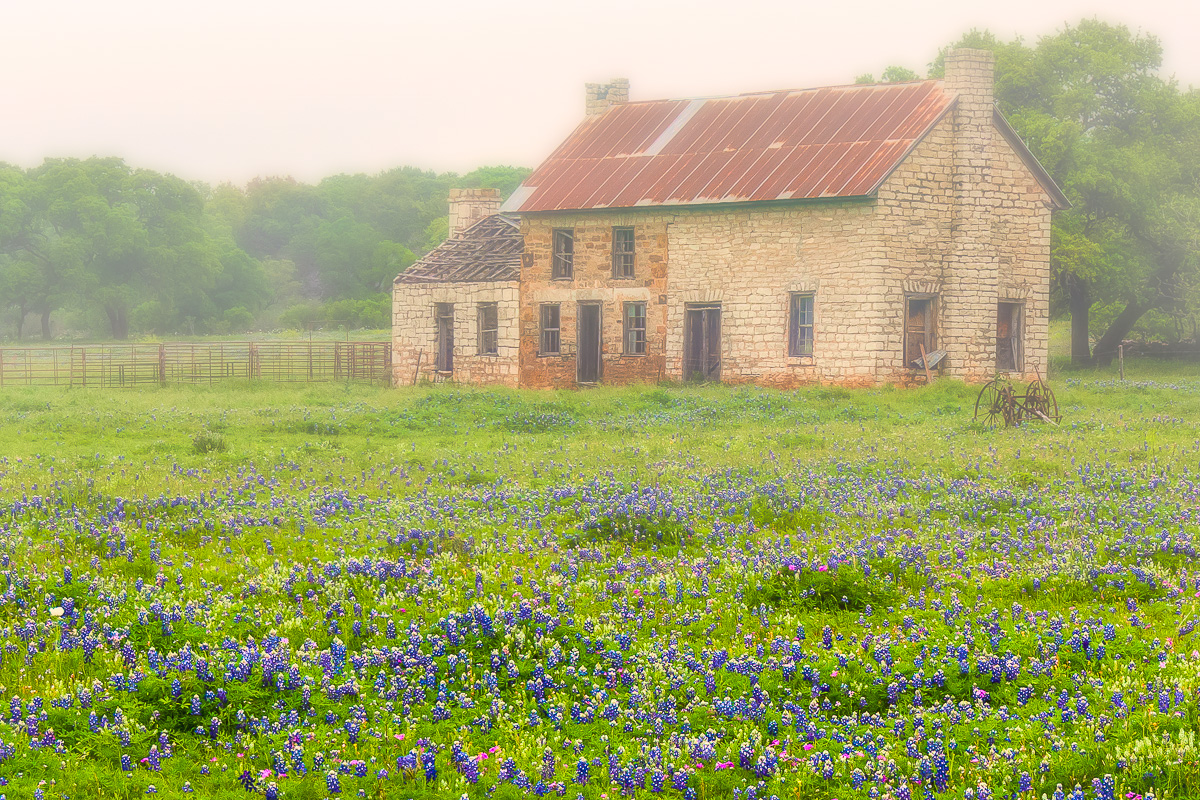
This is a beautiful image Al. There could be a little more cleanup. I'd probably try to smooth out the color on the left adobe wall at the bottom where it appears to be stained, and remove the remnants of cactus on the right. I think that overall it could handle even a bit more of your artsy finish. |
Sep 16th |
| 22 |
Sep 22 |
Comment |
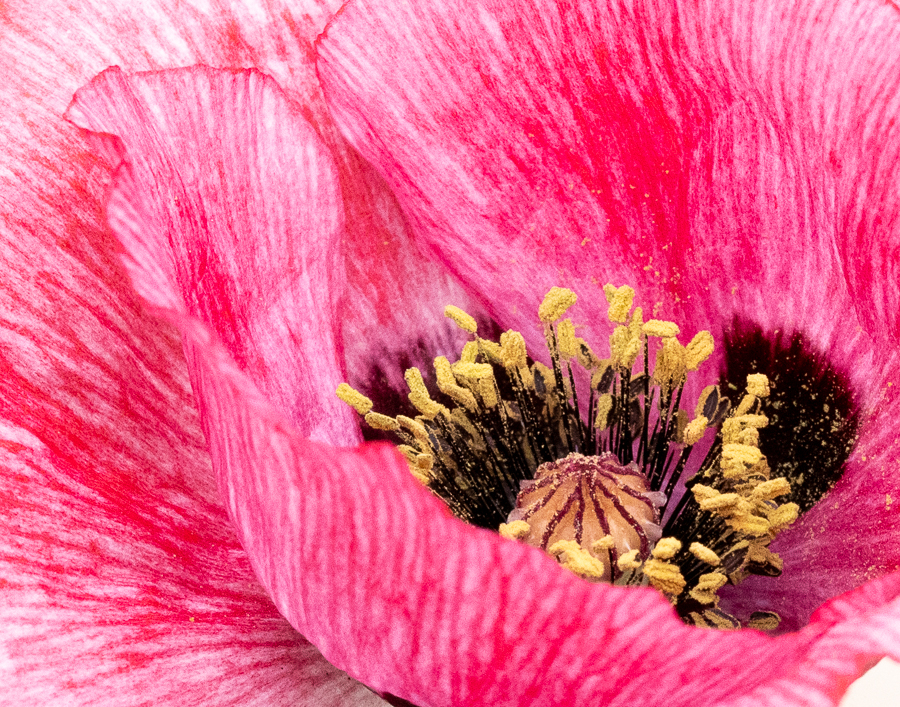
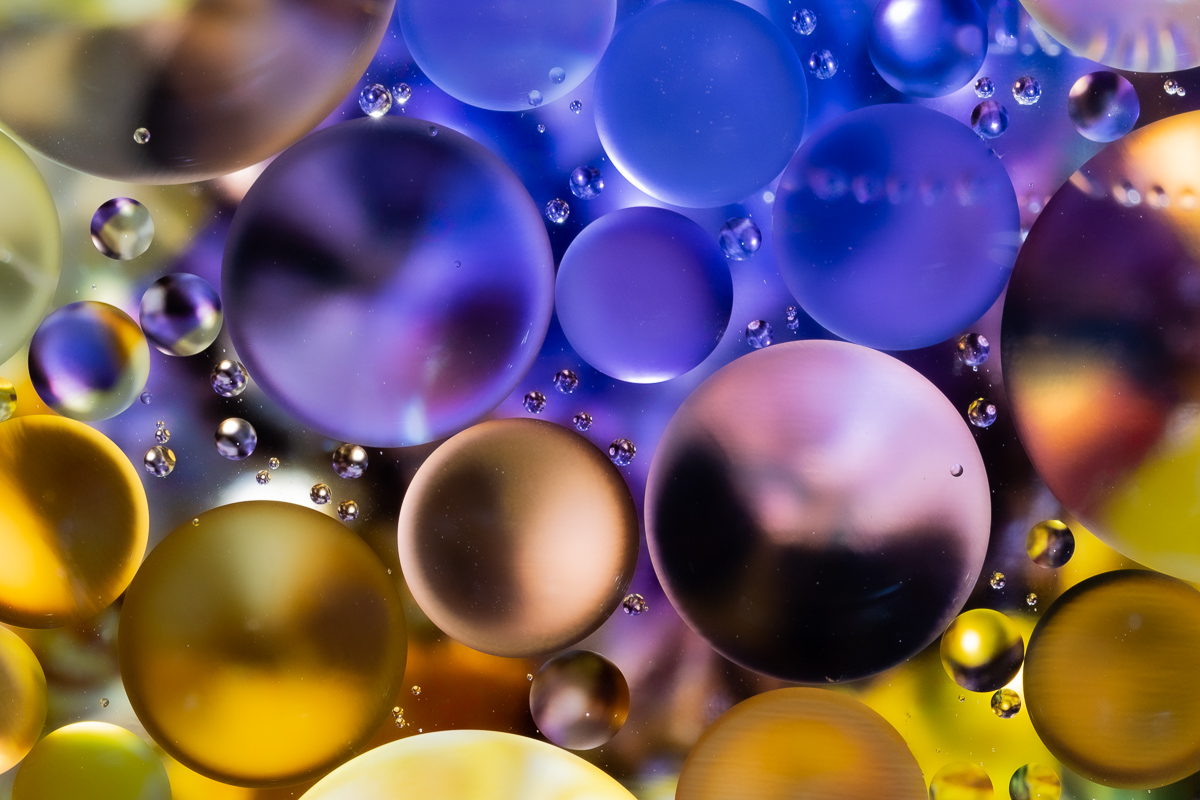
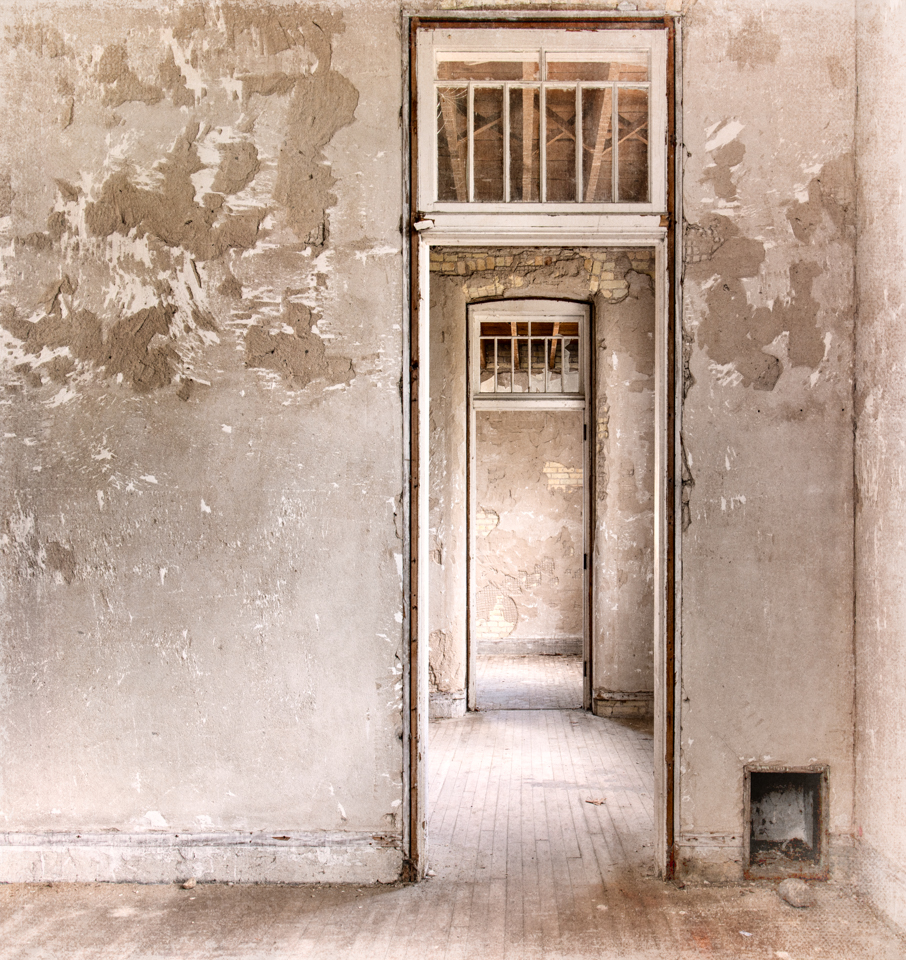
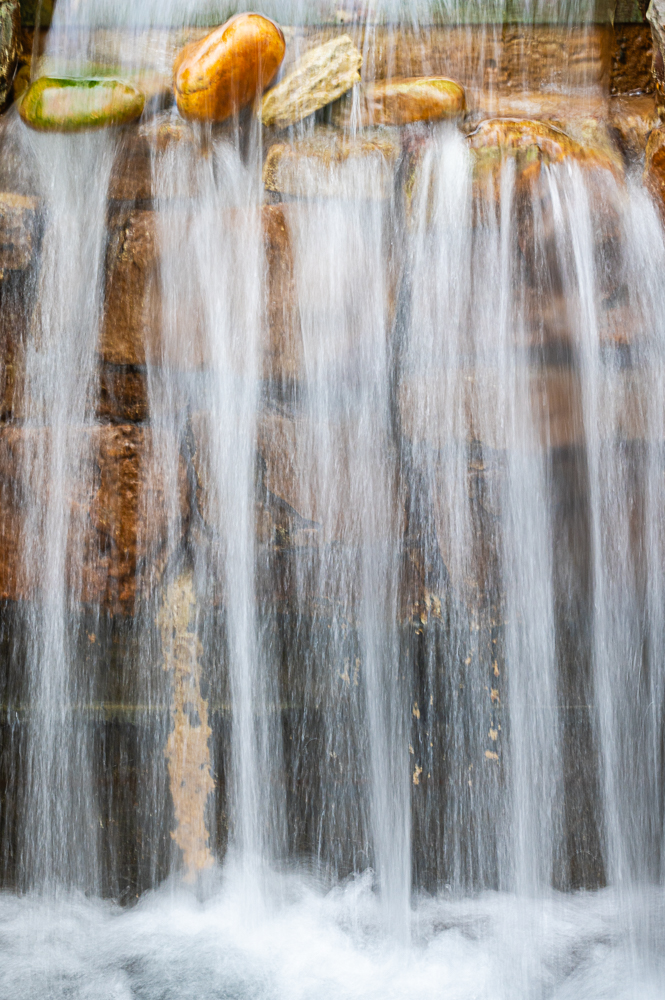
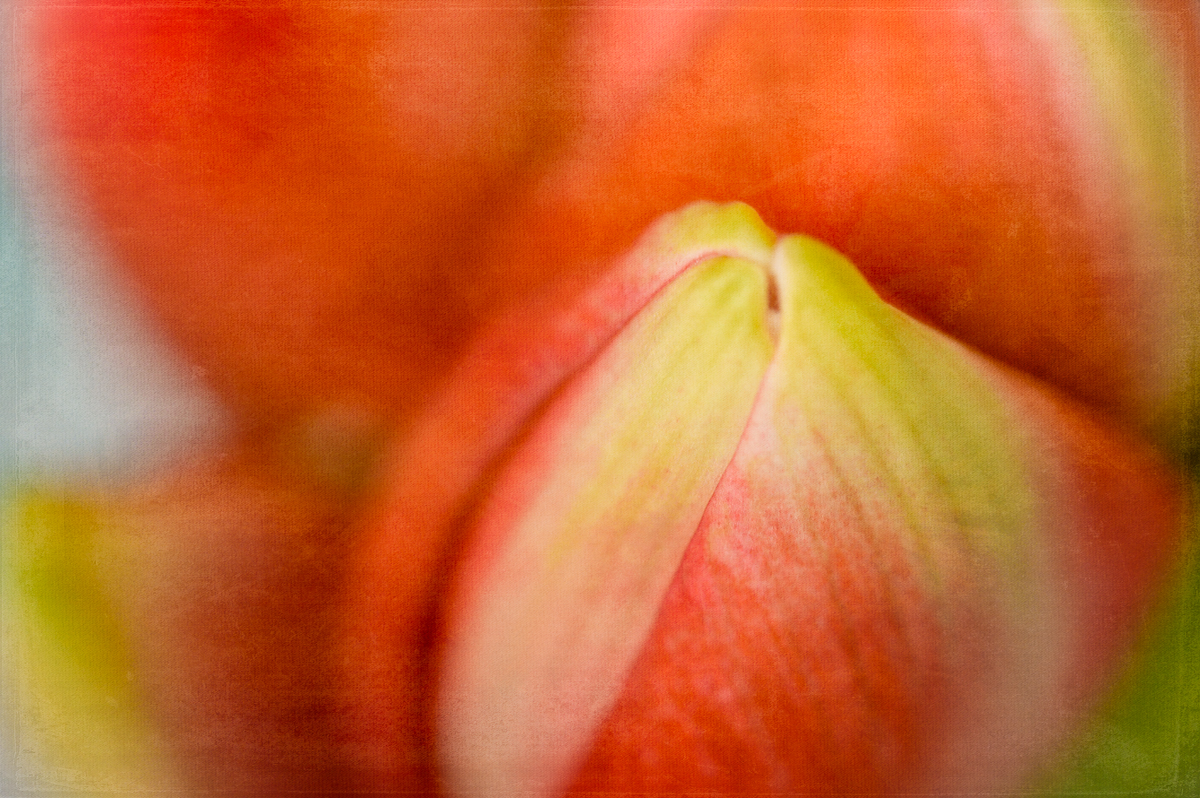
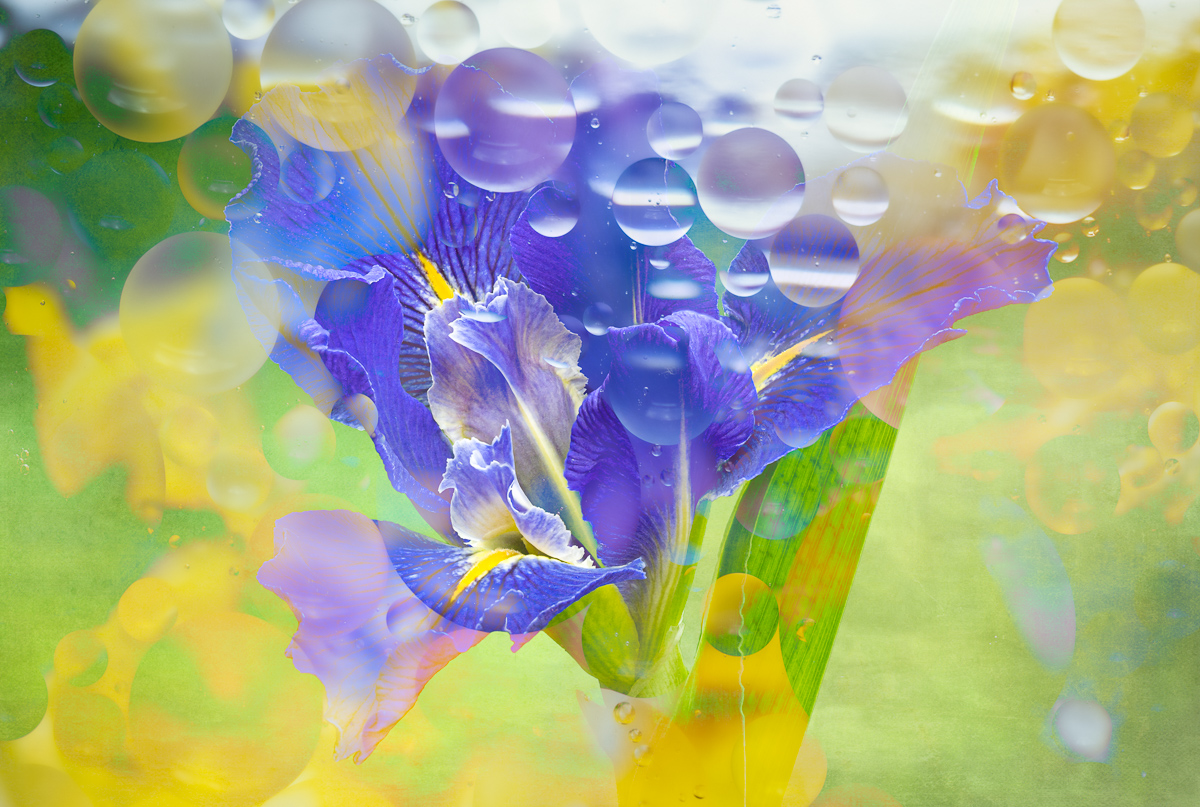
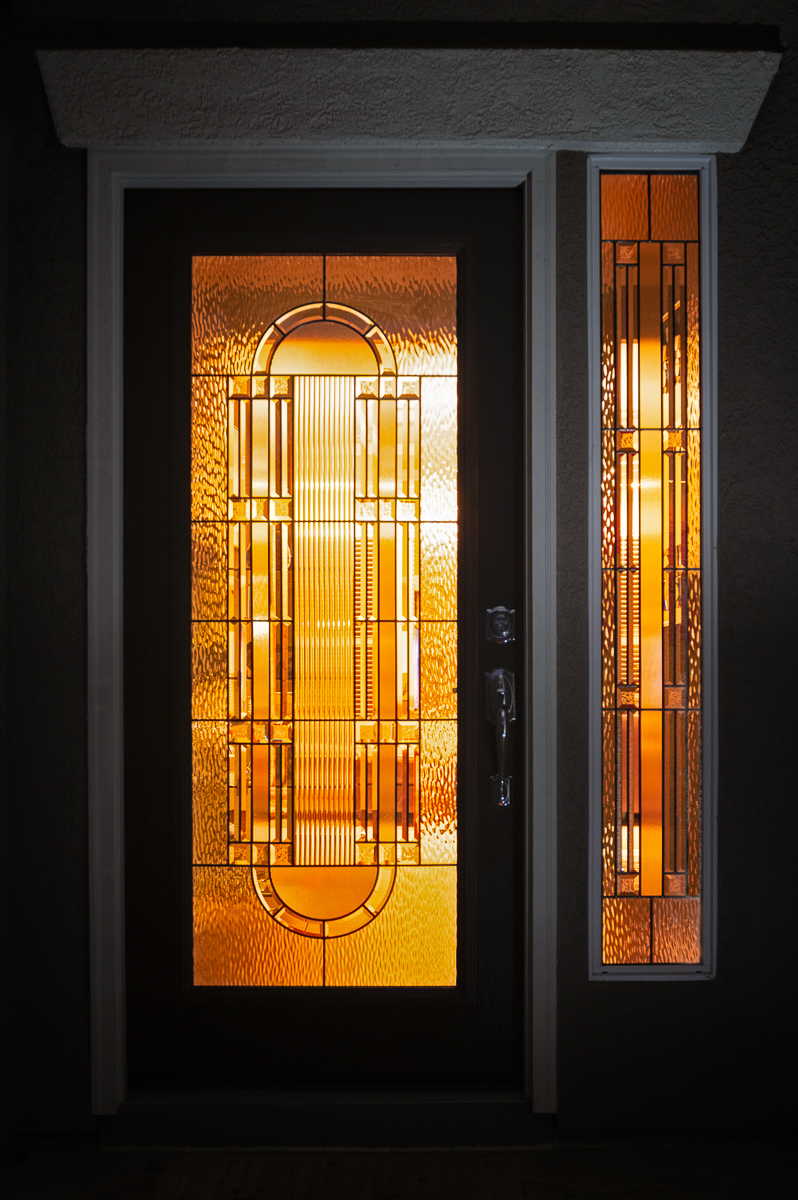
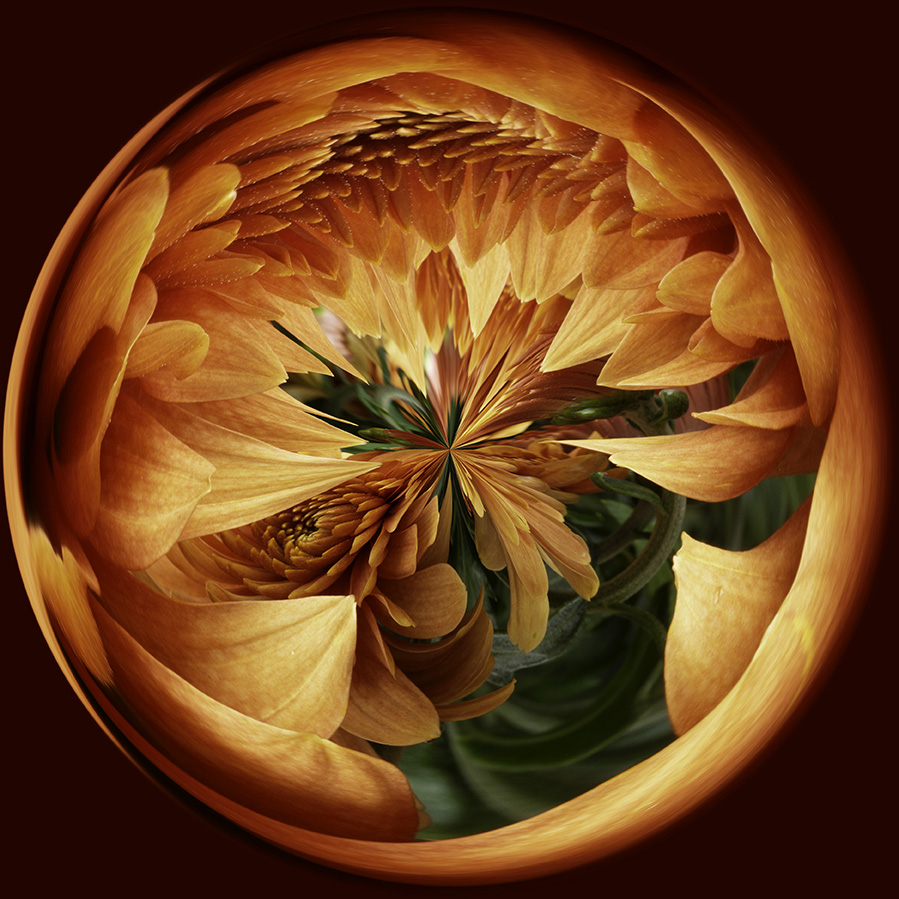
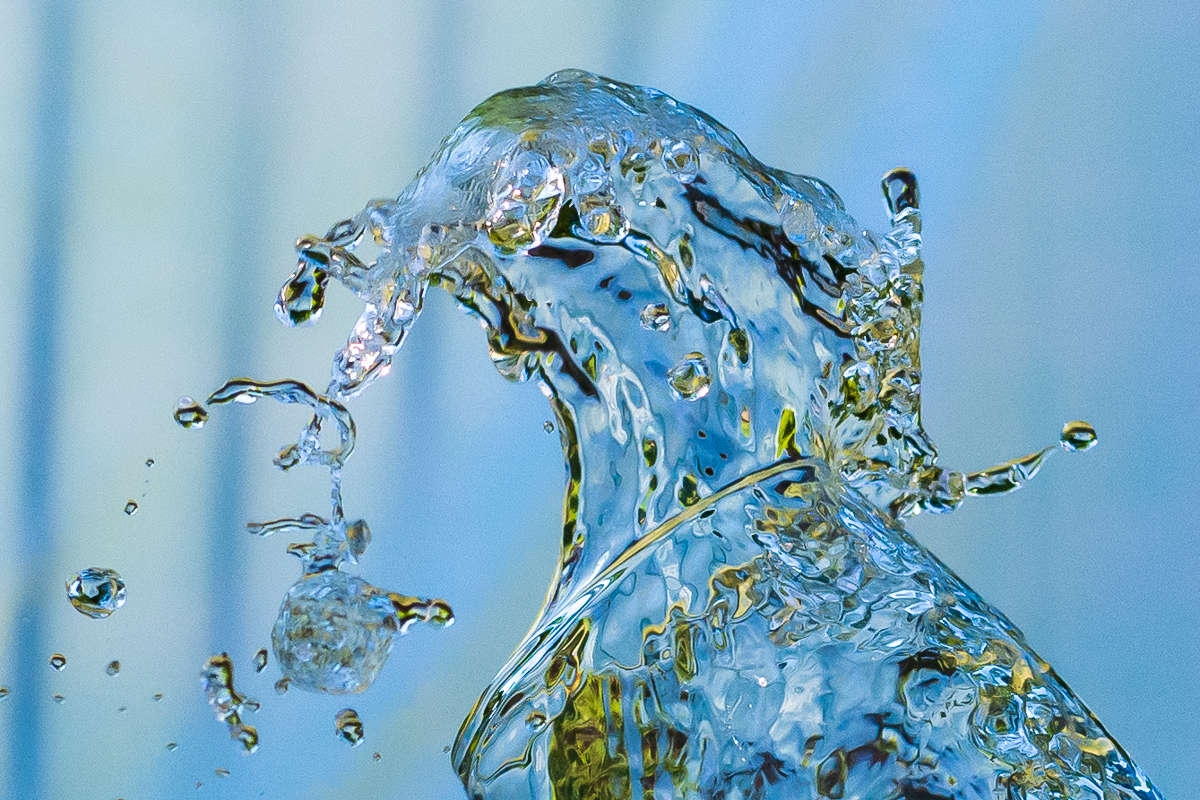
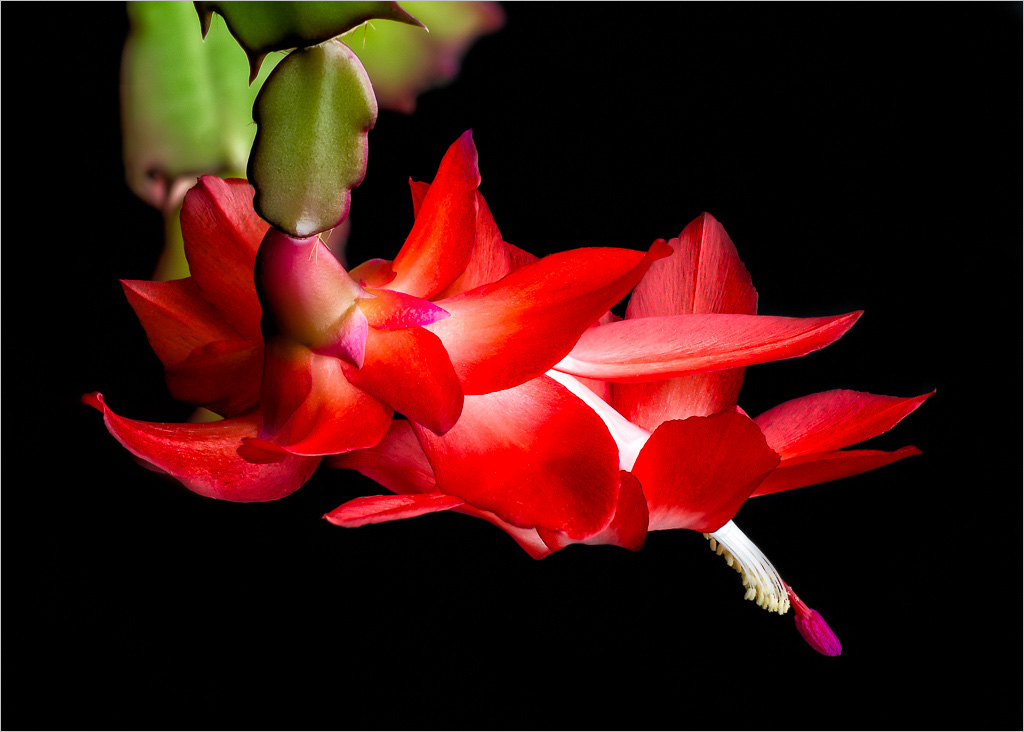
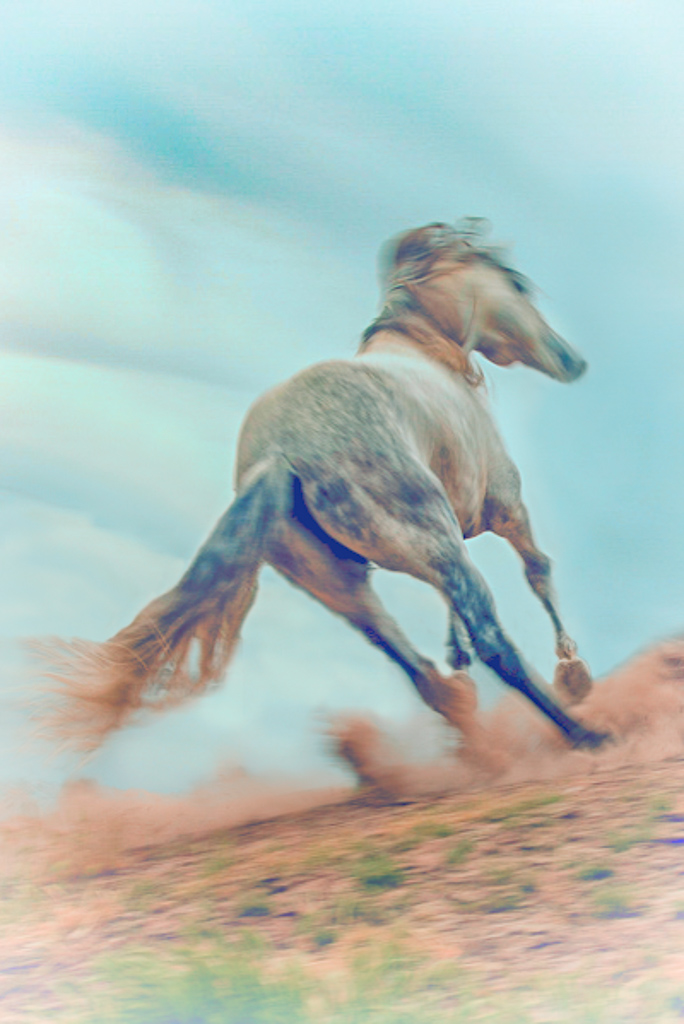
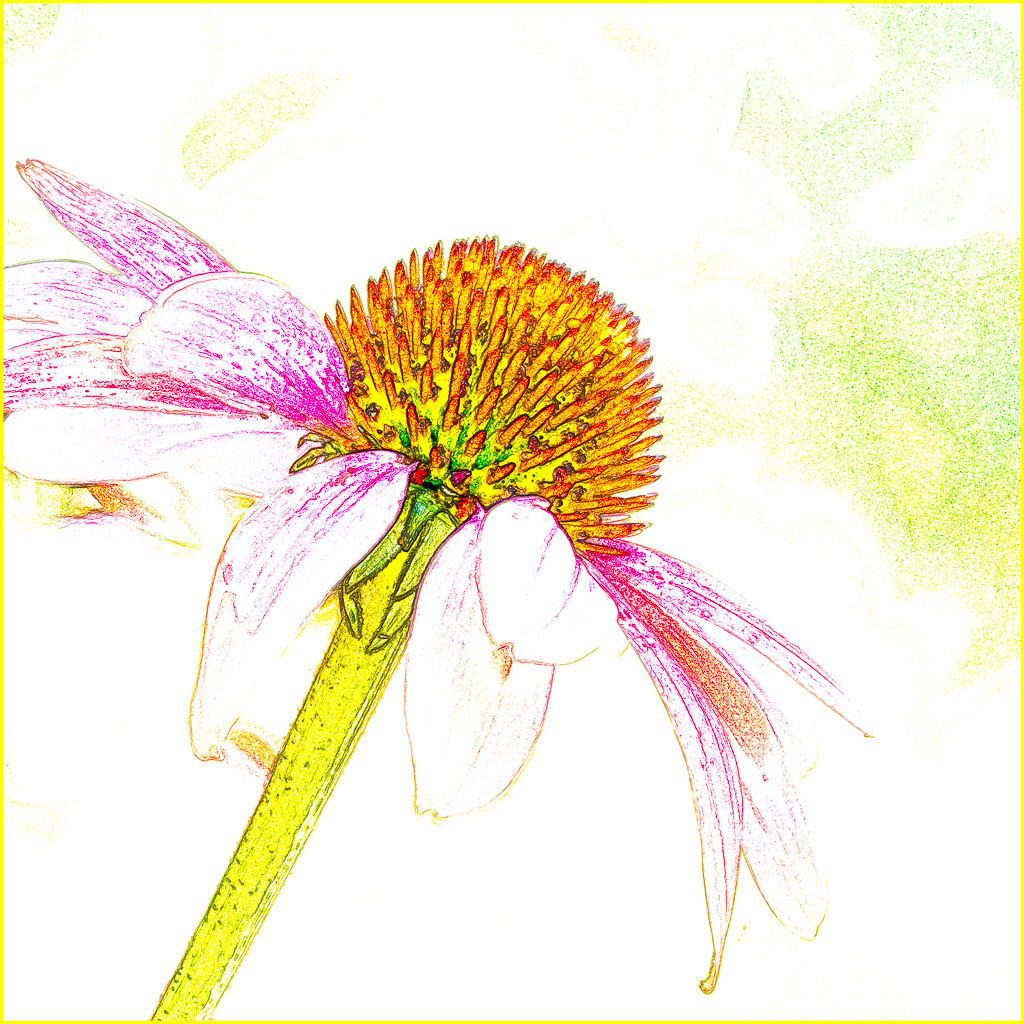
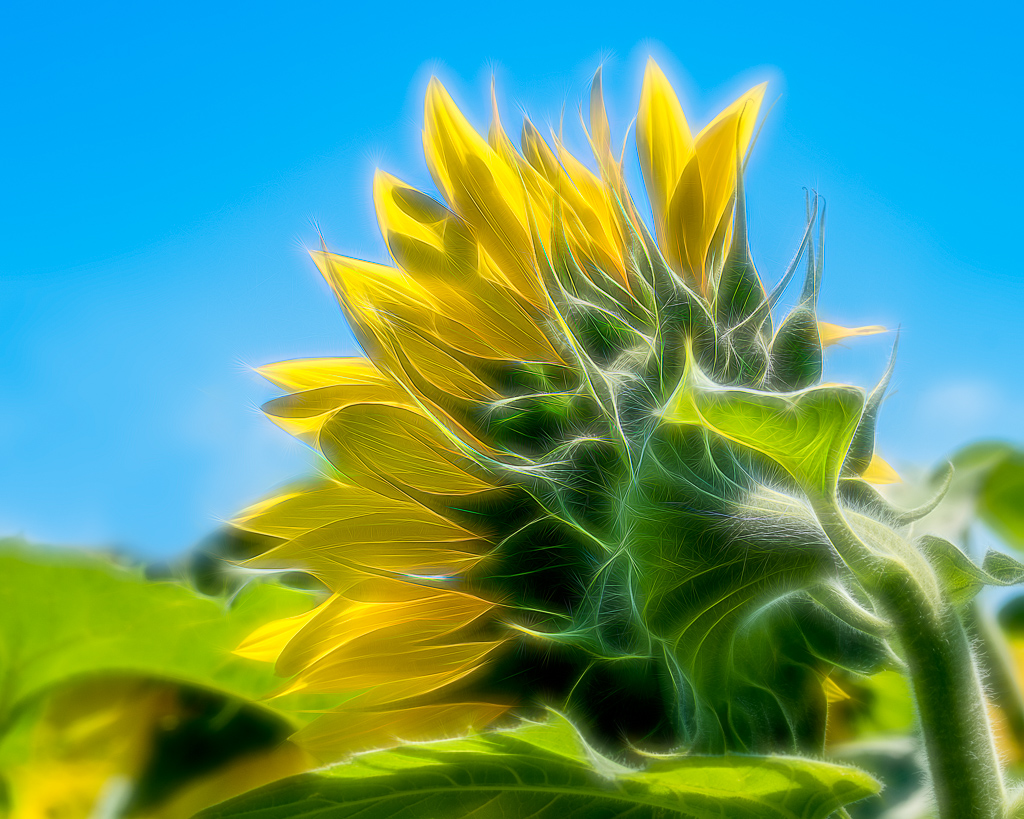
I think this would be a good abstract as well. And I'd try it in black and white as well as the color version. Your crop is good for an abstract with maybe a tiny bit more off the top. Good eye Jerry! |
Sep 16th |
4 comments - 2 replies for Group 22
|
4 comments - 2 replies Total
|