|
| Group |
Round |
C/R |
Comment |
Date |
Image |
| 5 |
Sep 25 |
Reply |
Thanks, Suzanne, good suggestion. |
Sep 12th |
| 5 |
Sep 25 |
Reply |
Thank you Natalia |
Sep 12th |
| 5 |
Sep 25 |
Reply |
Thanks, Mark, it was quite an event with many fun moments and many memorable ones too. To fix the tiara, I copied the original tiara, which hadn't been affected by the blurring, and then pasted it onto the edited image. The other edges were fixed by cloning. |
Sep 12th |
| 5 |
Sep 25 |
Reply |
Thanks Sophia, for catching the problems. |
Sep 12th |
| 5 |
Sep 25 |
Comment |
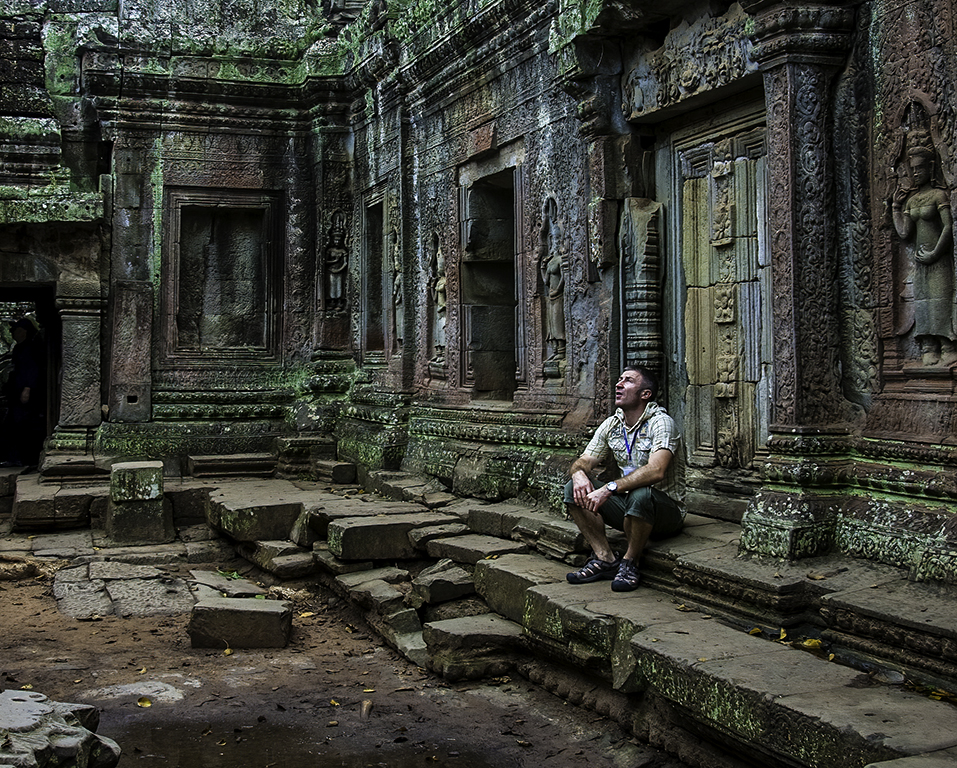
Xiao, this is exactly the kind of background I'd love to use for low-key portrait photography. Your subject would make a fantastic model for that style-the texture in his clothing adds visual interest and would really come alive with the right lighting. I agree with Mark's comments regarding the lighting and post-processing.
In a similar situation, I'd suggest positioning the subject standing in front of the door. For me, the current pose doesn't quite elevate the subject. Photographing him seated on the doorstep and looking down at him tends to diminish his presence. Given how well-dressed and well-groomed he is, I think a more upright pose would better reflect his stature and character.
|
Sep 10th |
| 5 |
Sep 25 |
Reply |
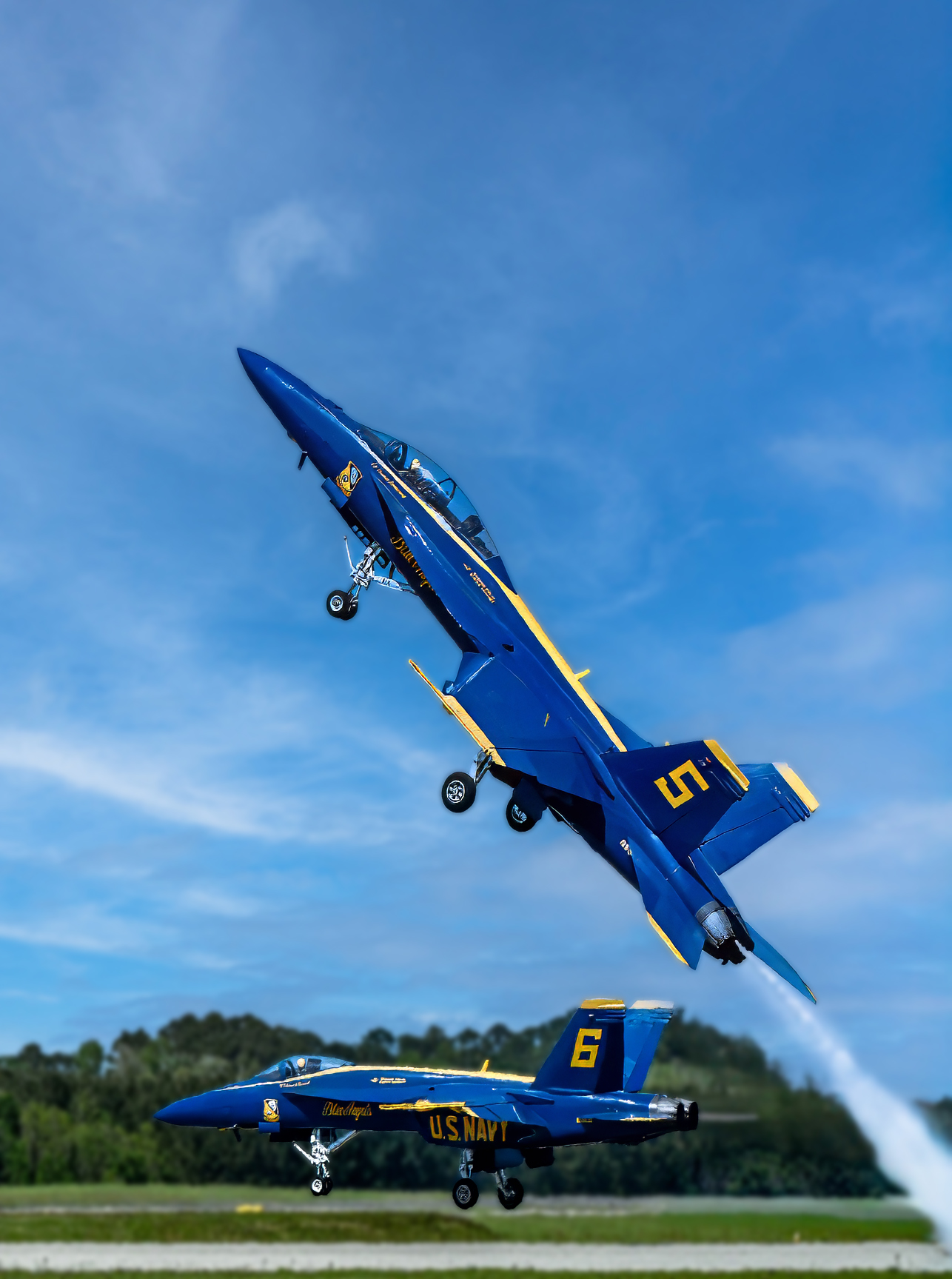
Sophia, Pete has a good point; we do like to go from left to right. However, by flipping the image to make sense of the new one, you should also flip the numbers and the Blue Angels lettering.
As far as which image would be a better photograph? Both images have an impact. Even though I am retired from the Navy, to be honest, I think the escalator image may have a little more of an impact because the viewer's eye is drawn into the photograph via the escalator. |
Sep 3rd |
| 5 |
Sep 25 |
Comment |
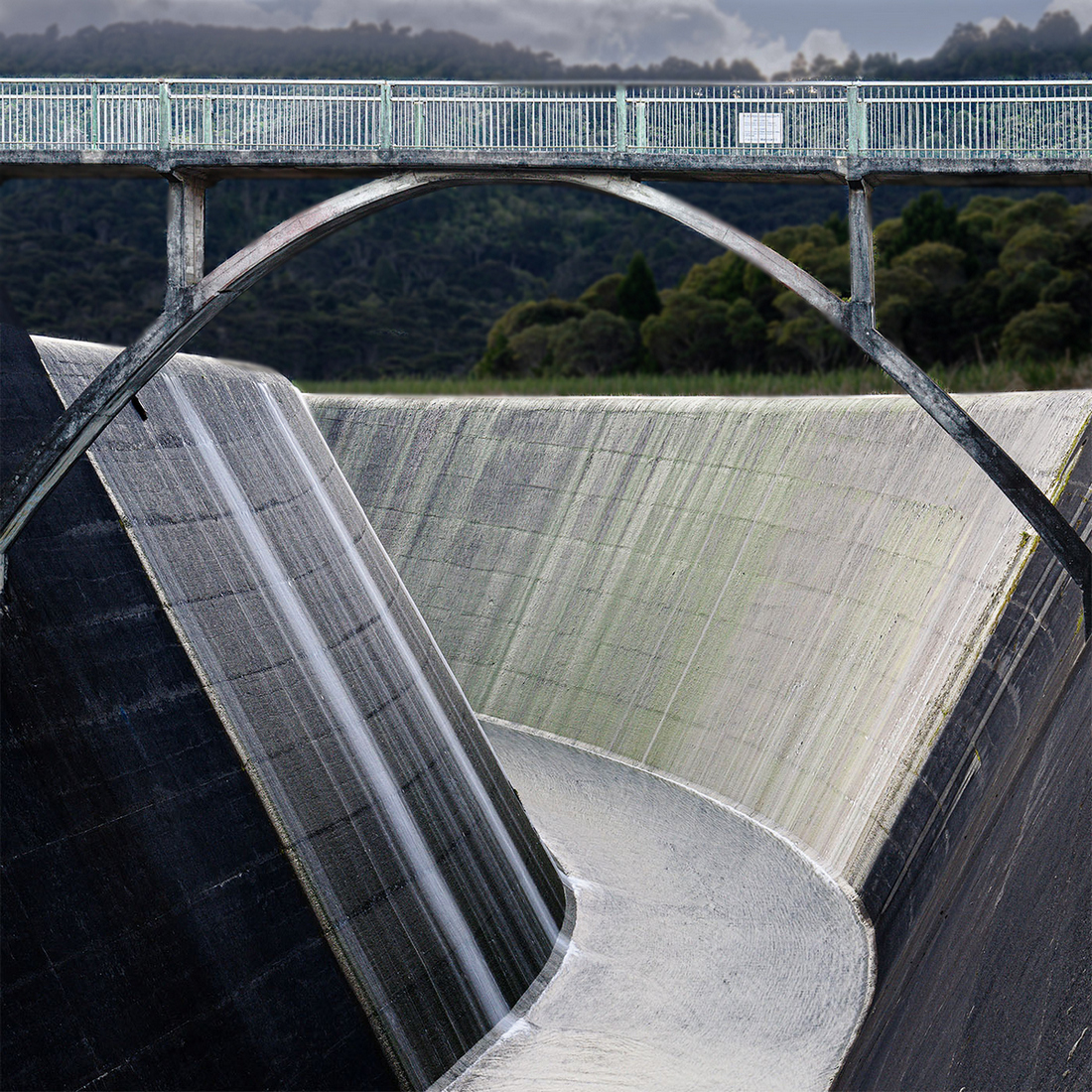
Mark, I wanted bring out more of the channel and the bridge, so I isolated the trees and the sky and then darkened and added a bit of Gaussian blur. The sky was still too bright so I created a solid color grey with a touch of blue layer with a black mask. Using a white brush at 51% opacity and 15% flow, I painted over the sky. Next, I isolated the bridge and channel I added a tad brightness, contrast, and saturation. |
Sep 2nd |
 |
| 5 |
Sep 25 |
Comment |
Sophia, there is so much to love about this photo; capturing no 5 at a 45° angle just above the no 6 horizontal plane, making a perfect right triangle. Too bad the number 6 plane wasn't the number 4 plane. Both planes are sharp with perfect lighting, capturing all the details of both planes. If this were my image, I would make this a vertical with a tighter crop. I used your final image; first, in Photoshop, I selected the subject (both planes) and copied and pasted them onto a new layer. Then, on the original layer, I reversed the selection to lower the brightness and applied a gaussian blur. On the layer with the two planes, I sharpened and increased the saturation slightly. When I was in the Navy, I used to watch the Blue Angels annually unless I was at sea; I never tired of watching the amazing maneuvers they made. I haven't seen an Air Show in over 14 years, so thank you for sharing this amazing photograph! |
Sep 2nd |
 |
| 5 |
Sep 25 |
Comment |
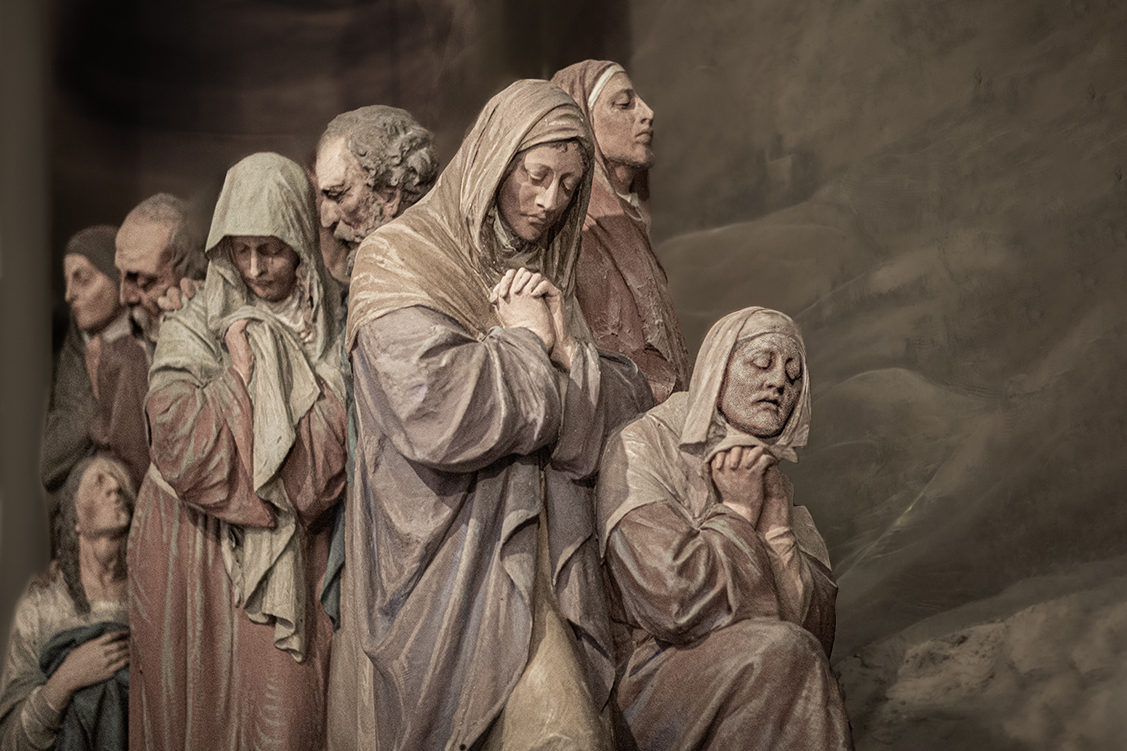
Pete, I like your rendition; I feel the original artist was trying capture a moment of prayer and soul searching. I think your image captures more of that feeling than the original work with brighter more saturated colors. I just cloned out the shadows and what may be dust on the camera sensor. |
Sep 2nd |
 |
| 5 |
Sep 25 |
Comment |
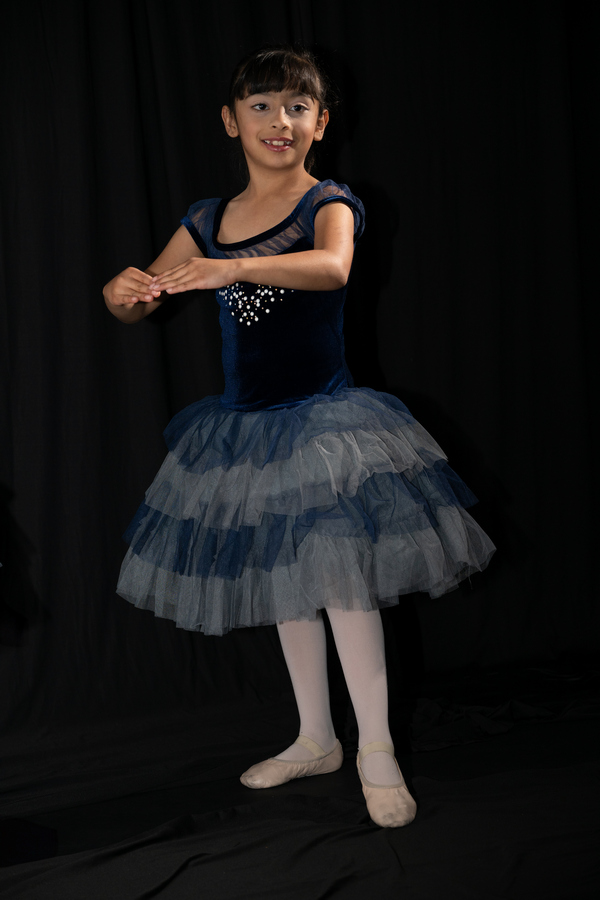
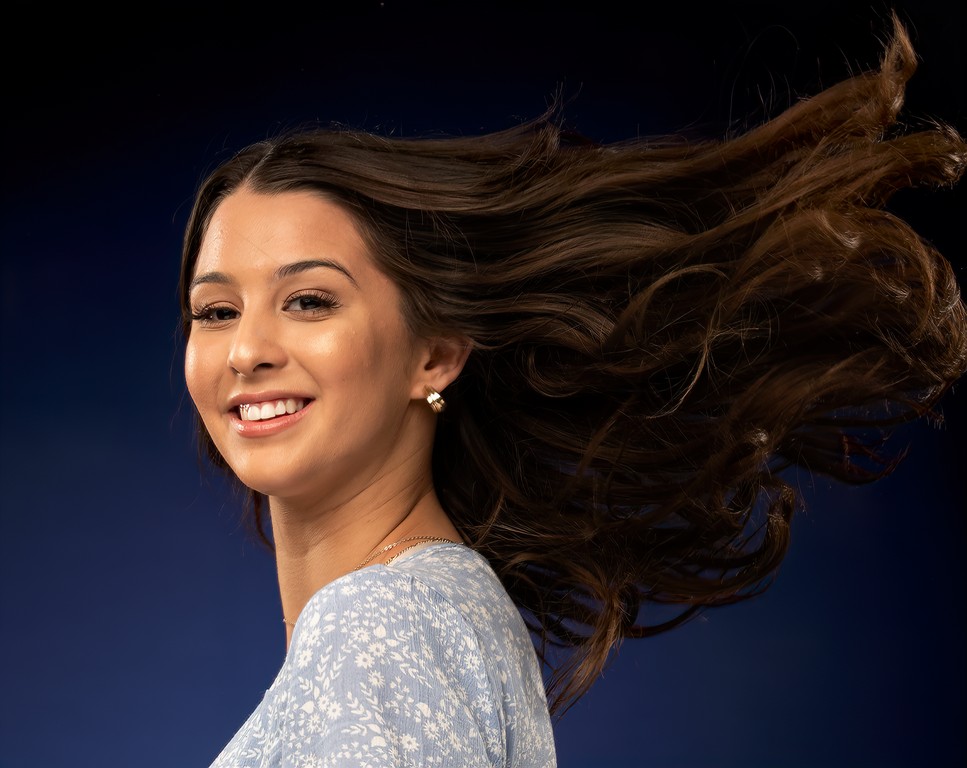
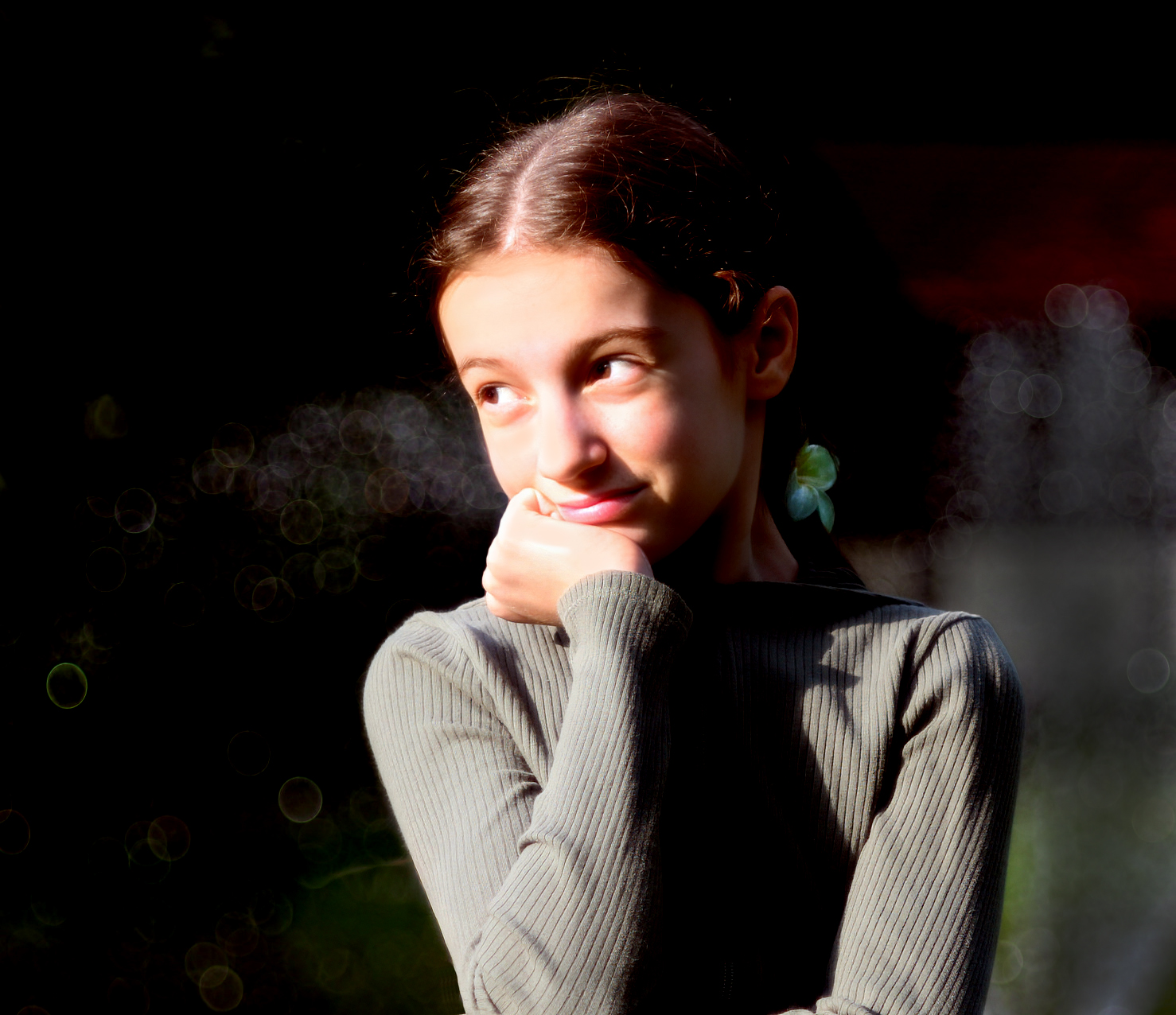
Natalia, an absolute wonderful portrait of a young lady; however, with much of her left arm cropped off leaving her left hand at her side, I cropped up from the bottom and in on the right side. I then cloned out the rest of her left hand. I then used Topaz Photo AI to DeNoise and sharpen the young lady. In Photoshop, I used the curves adjustment choosing the whites of her eyes as the white point and the black of her pupils for the black point. To reduce the light on the young lady's face I added a solid skin color layer with a black mask. Using a white brush at 50% opacity and 15% flow I painted over the highlighted areas of her face. Lastly, I burned in the area on the young lady's left side. |
Sep 2nd |
 |
5 comments - 5 replies for Group 5
|
5 comments - 5 replies Total
|