Activity for User 774 - Connie Reinhart - bcrein@ptd.net

avatar
Avatar

Close this Tab when done


832 Comments / 312 Replies Posted

  = Current Round   = Previous Round
Group Round C/R Comment Date Image
77 Aug 20 Reply A former member of our club always allowed room around his images for cropping. That allows the printer to get the proportions of the image to match the proportions of the frame. I would do well to follow this advice. Aug 15th
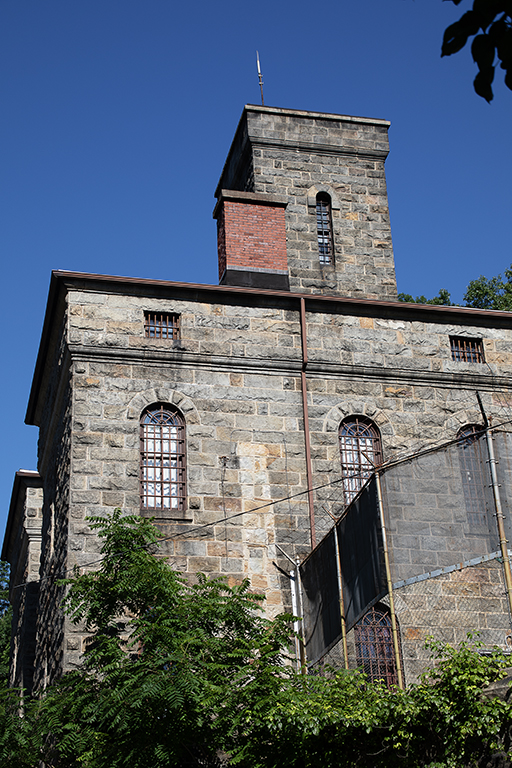
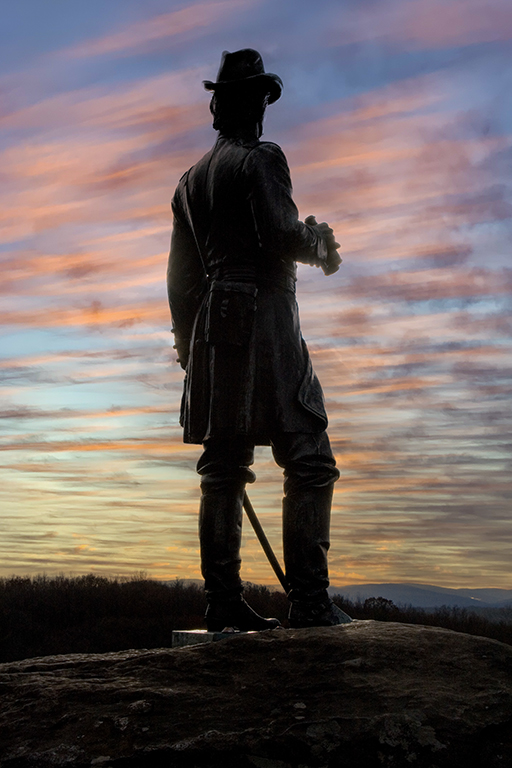
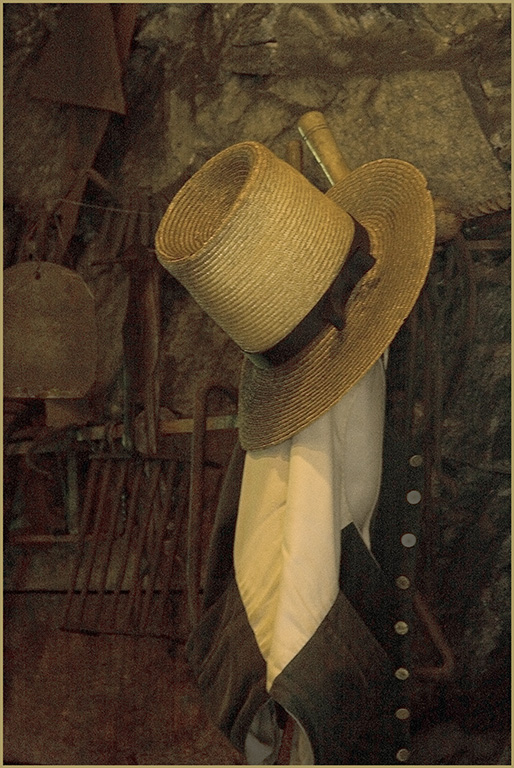
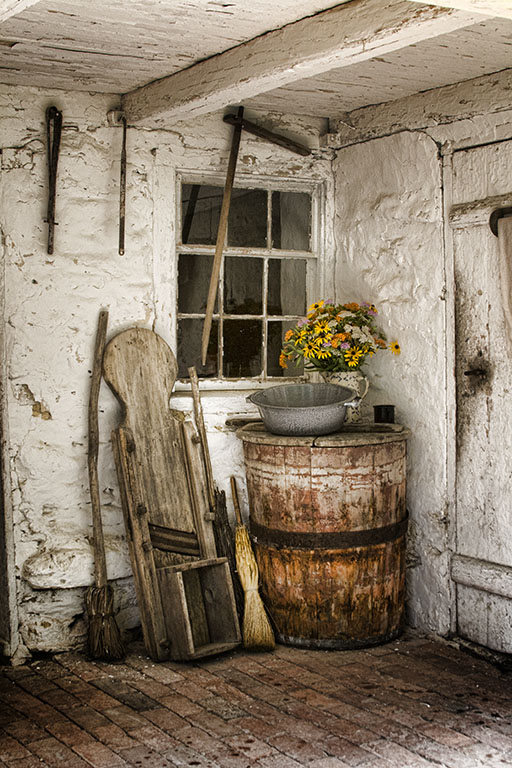
77 Aug 20 Reply Hmmm. That is something the local Historical Society would like. Thanks for the idea. Aug 15th
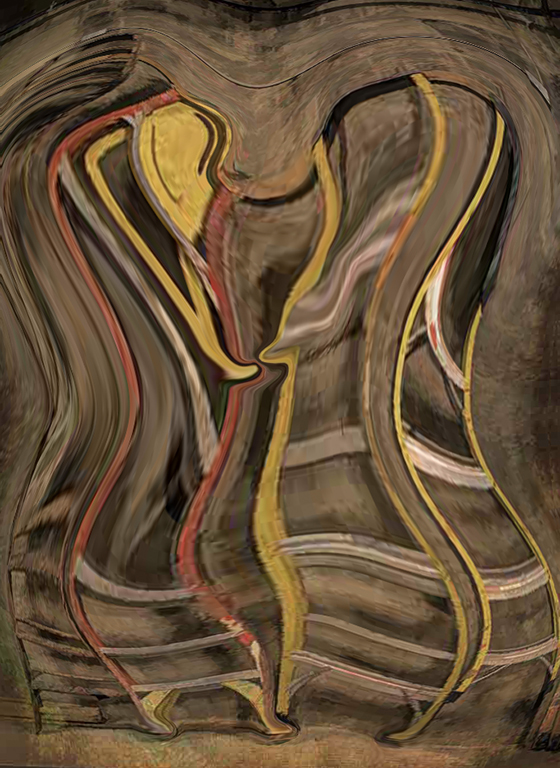
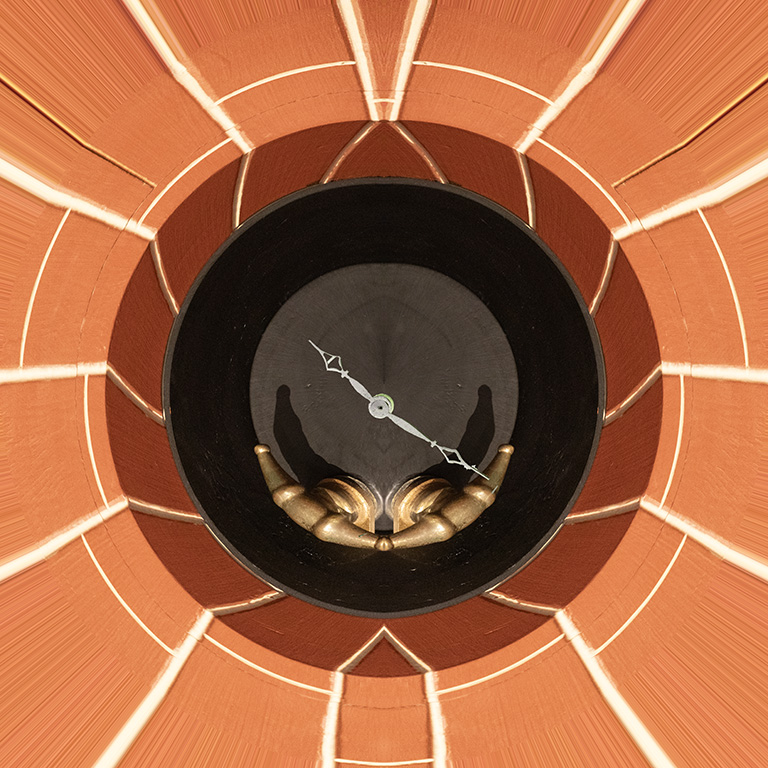
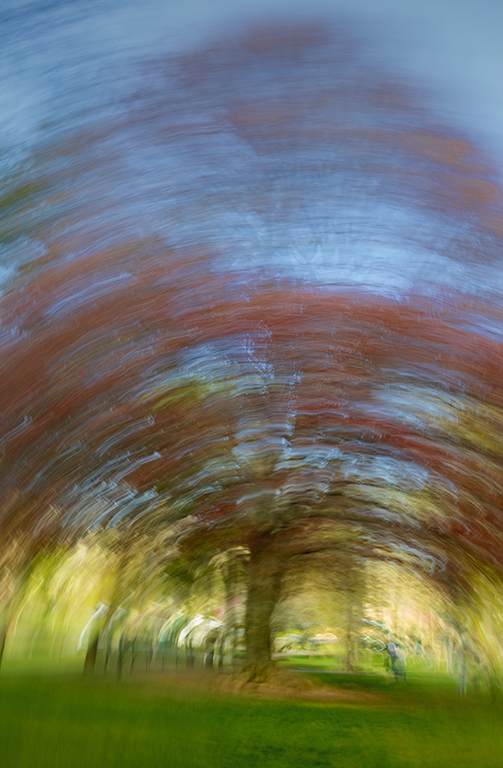
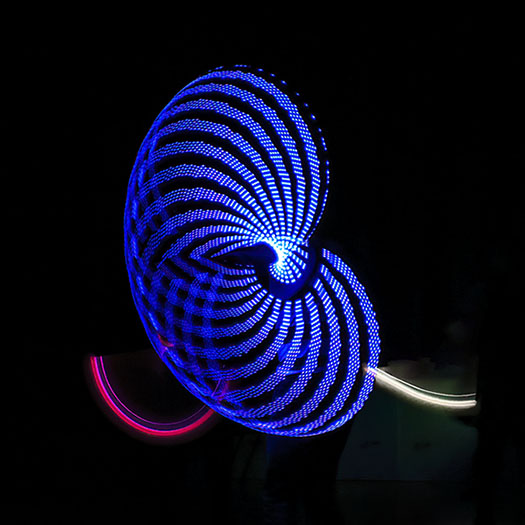
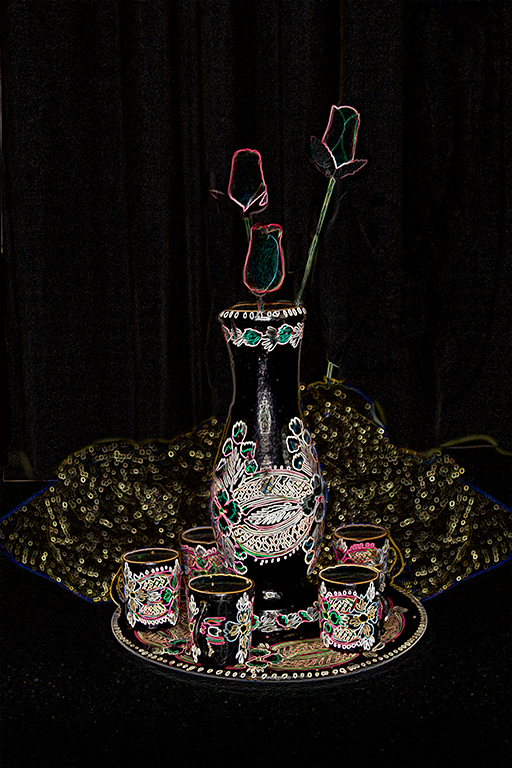
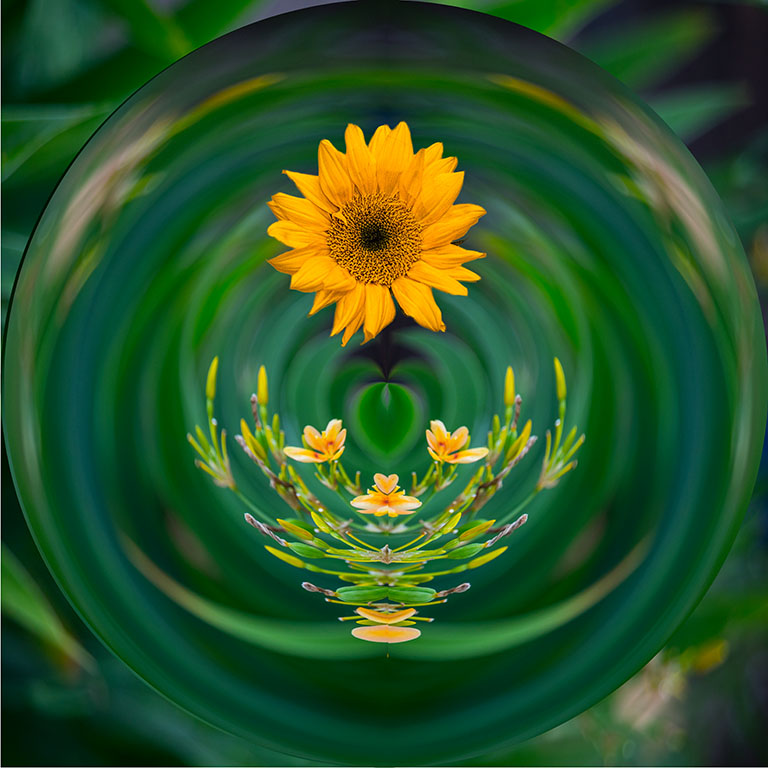
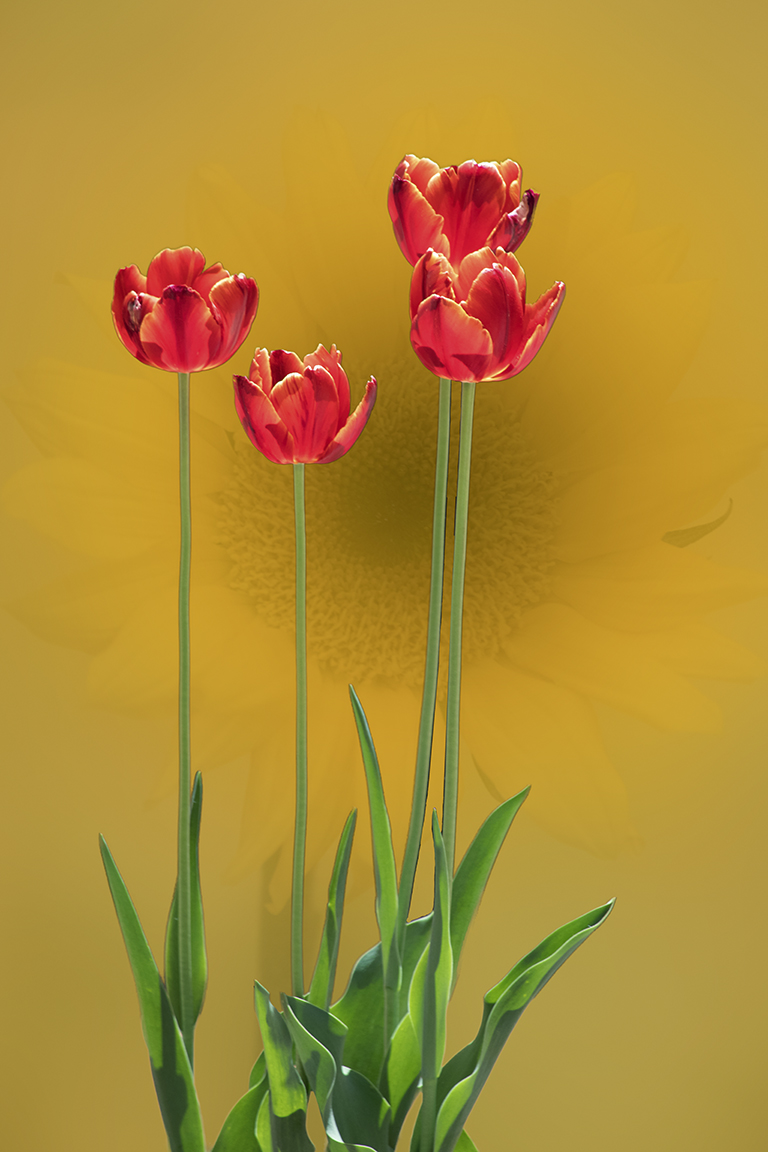
77 Aug 20 Comment I watched a webinar by Lisa Cuchera which included many images made by rotating, flipping, etc. So I did this one just for fun. Can you tell I am bored? Aug 15th
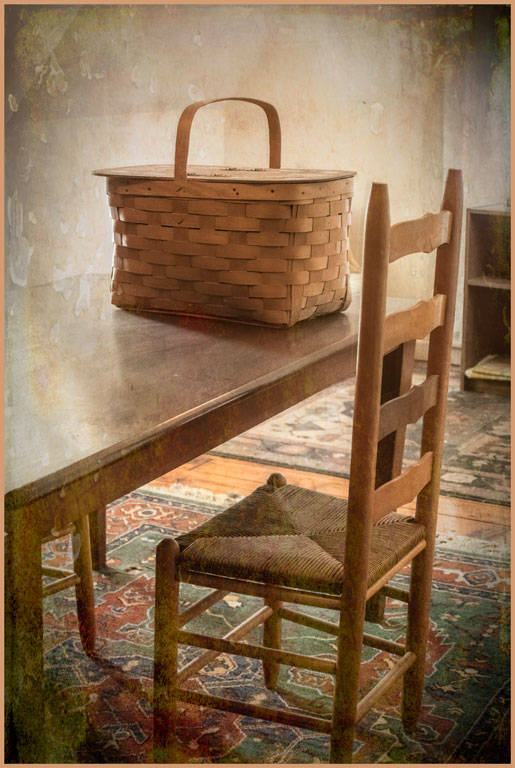
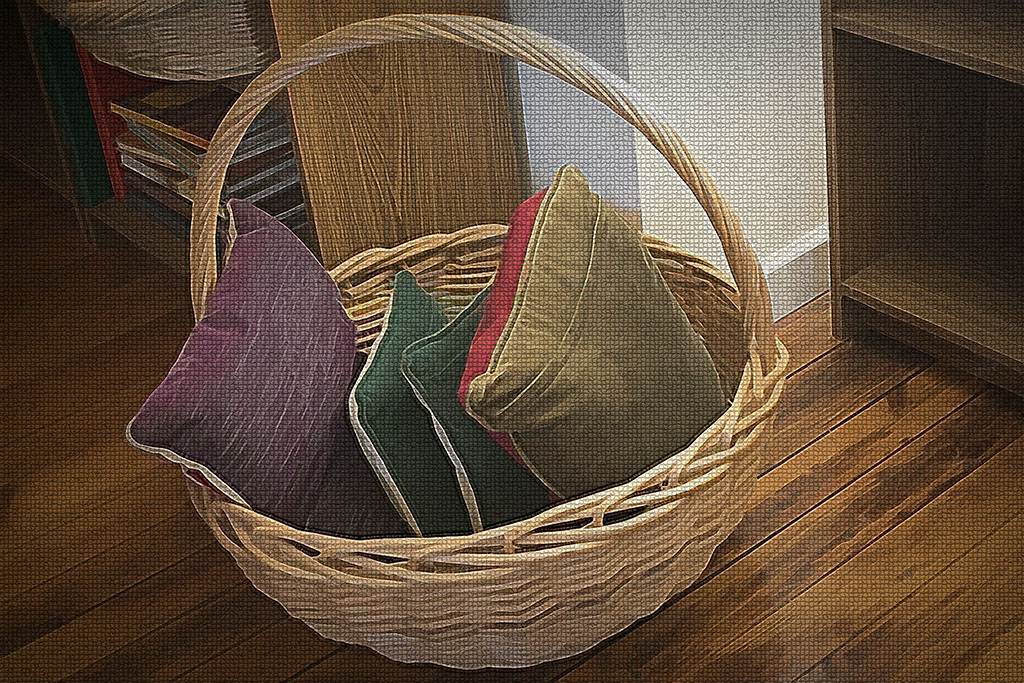
77 Aug 20 Reply Thank you, Witta. Your suggestions are spot on. I had all the time needed to work this image. A lower angle, carefully making the vertical lines true, even allowing more space around the basket to allow for cropping and perspective correction. Why didn't I do that? Too anxious to see more of this special house? Aug 7th
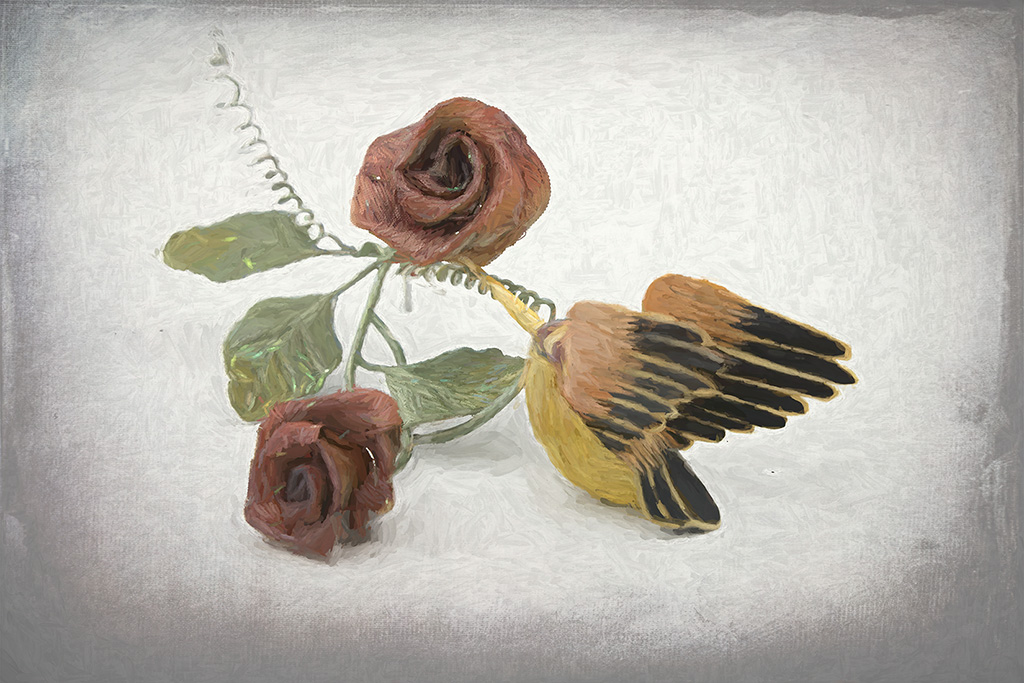
77 Aug 20 Reply Thank you, Georgianne. I have scrolled through all of the artistic filters in PS many times and was never satisfied with the results. This image is the triumph of hope over experience. Aug 7th
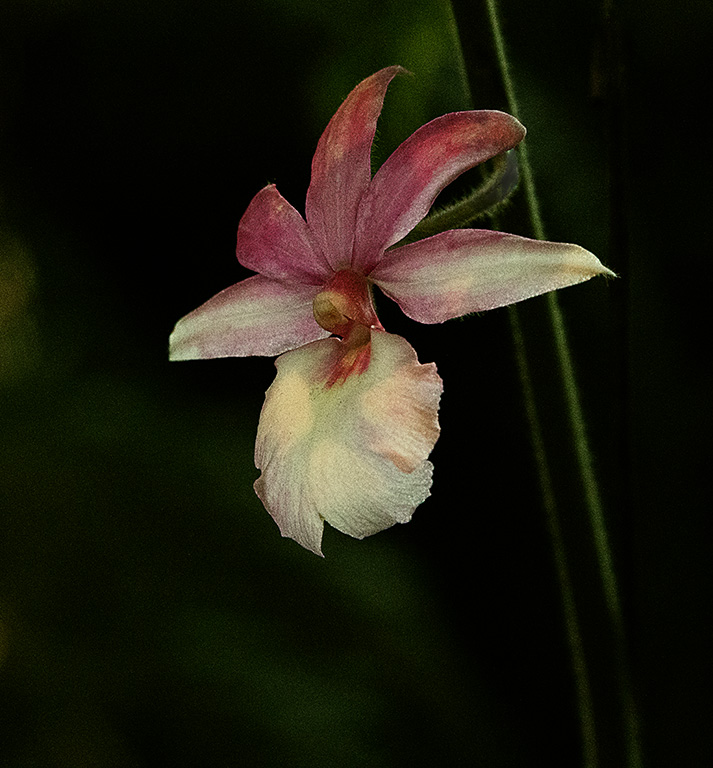
77 Aug 20 Comment I recently read a biography of Georgia O'Keefe. She would have loved this image. Georgianne, you did a great job of separating the main flower from the background flower. Bringing out the detail enhances the portrait of this beautiful orchid. But I find the abstract quality of Denise's version quite captivating. They both entirely different images. Perhaps, Denise, bring out a little more detail on the center petal might be good. But this kind of image should be done to personal taste Aug 7th
77 Aug 20 Comment What a great image to play with! I really don't understand luminosity masks, not how to use the color sliders in converting to B&W. Thank you for the link. Your tonal range is very good, from blackest black to whitest white. The depth of field makes the whole image crisp, as it should be with the fringes on the dandelion and the texture on the bottle. Nice job. Aug 7th
77 Aug 20 Comment So often in travel images we see people centered in the frame and smiling for the camera. But people in their natural environment are so much more interesting. Maybe the wall on the left is a little too wide and dark. The adjustments others made to the wall are good. To my eye, adjustments to bring out the face and hands are very good. Very good image. Aug 7th
77 Aug 20 Comment The pensive expression on her face is perfect for the contemplative feel of this image. B&W is the right treatment, as the colors in the original are very distracting. I rather like Witta's treatment; retaining some details in the hair and the window frame give a sense of place. At first, the hand bothered me. But now I feel it adds emotion to the image, as if the girl wants to get out of where she is. Aug 7th
77 Aug 20 Comment I, too, like the tone of the middle image. The first is too pink, the last too cold for a young girl. The expression on her face is very good. Isn't it interesting how young children can look so wise and perceptive? I like all of the crop versions. I also like the hair on the face as it gives a natural look to the subject. She looks like a child version of a teacher ready to write vocabulary words on the blackboard. Her expression clearly says, "Pay attention, everyone." Aug 7th
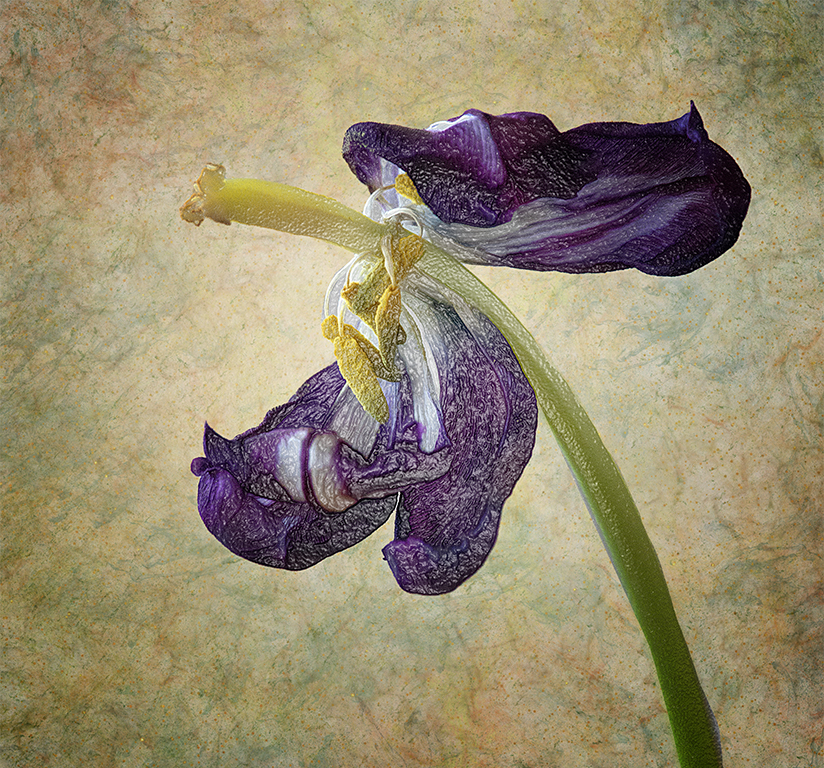
77 Aug 20 Comment Very nice. Thank you for the tip of using the solid color adjustment layer for taming down the blown out whites. Just burning or levels adjustments makes them an ugly gray. Much easier than cloning out the brown petal is to simply remove it before taking the image. If this was intended for a nature salon, you probably can't do that; but for a pictorial image you can. I tried the healing brush in Topaz and the healing brush in PS with poor results. Then I selected the dark area to the right of the stem, copied and pasted it, moved it to the bottom section of the brown petal and distorted it to fit. Masked it and erased the area over the stems and blue petals. Used the same selection for the upper half of the petal with mask, etc. While some of these backgrounds appear to be a solid color, that is not often the case. This method allows for the subtle change of tones to be carried to the area I want to edit. Aug 7th

7 comments - 4 replies for Group 77


7 comments - 4 replies Total


157 Images Posted

  = Current Round   = Previous Round
Group 12

Nov 25

Oct 25

Sep 25

Jul 25

May 25

Apr 25

Feb 25

Jan 25

Dec 24

Oct 24

Sep 24

Aug 24

Jul 24

Jun 24

May 24

Apr 24

Mar 24

Jan 24

Dec 23

Nov 23

Oct 23

Sep 23

Jul 23

Jun 23

May 23

Mar 23

Jan 23

Feb 23

Dec 22

Nov 22

Oct 22

Sep 22

Aug 22

Jul 22

Jun 22

May 22

Apr 22

Feb 22

Mar 22

Jan 22

Dec 21

Nov 21

Oct 21

Sep 21

Aug 21

Jul 21

Jun 21

May 21

Apr 21

Mar 21

Feb 21

Jan 21

Dec 20

Nov 20

Oct 20

Jul 20

Jun 20

May 20

Apr 20

Mar 20

Feb 20

Nov 19

Oct 19

Sep 19

Aug 19

Jul 19

Jun 19

May 19

Apr 19

Mar 19

Feb 19

Jan 19

Nov 18

Oct 18

Sep 18

Aug 18

Jul 18

Jun 18

May 18

Apr 18

Mar 18

Feb 18

Jan 18

Dec 17

Nov 17

Oct 17

Sep 17

Aug 17

Jul 17

Jun 17

May 17

Apr 17

Mar 17

Feb 17
Group 77

Nov 25

Sep 25

Aug 25

Jul 25

Jun 25

May 25

Apr 25

Jan 25

Oct 24

Sep 24

Jul 24

Jun 24

May 24

Apr 24

Mar 24

Jan 24

Nov 23

Oct 23

Sep 23

Aug 23

Jul 23

Jun 23

May 23

Mar 23

Feb 23

Jan 23

Dec 22

Oct 22

Sep 22

Aug 22

Jul 22

Jun 22

May 22

Apr 22

Mar 22

Feb 22

Jan 22

Dec 21

Nov 21

Oct 21

Sep 21

Jul 21

Jun 21

May 21

Apr 21

Mar 21

Feb 21

Jan 21

Dec 20

Nov 20

Oct 20

Sep 20

Aug 20

Jul 20

Jun 20

May 20

Apr 20

Mar 20

Feb 20

Nov 19

Oct 19

Sep 19

Aug 19

Close this Tab when done