|
| Group |
Round |
C/R |
Comment |
Date |
Image |
| 65 |
Mar 26 |
Reply |
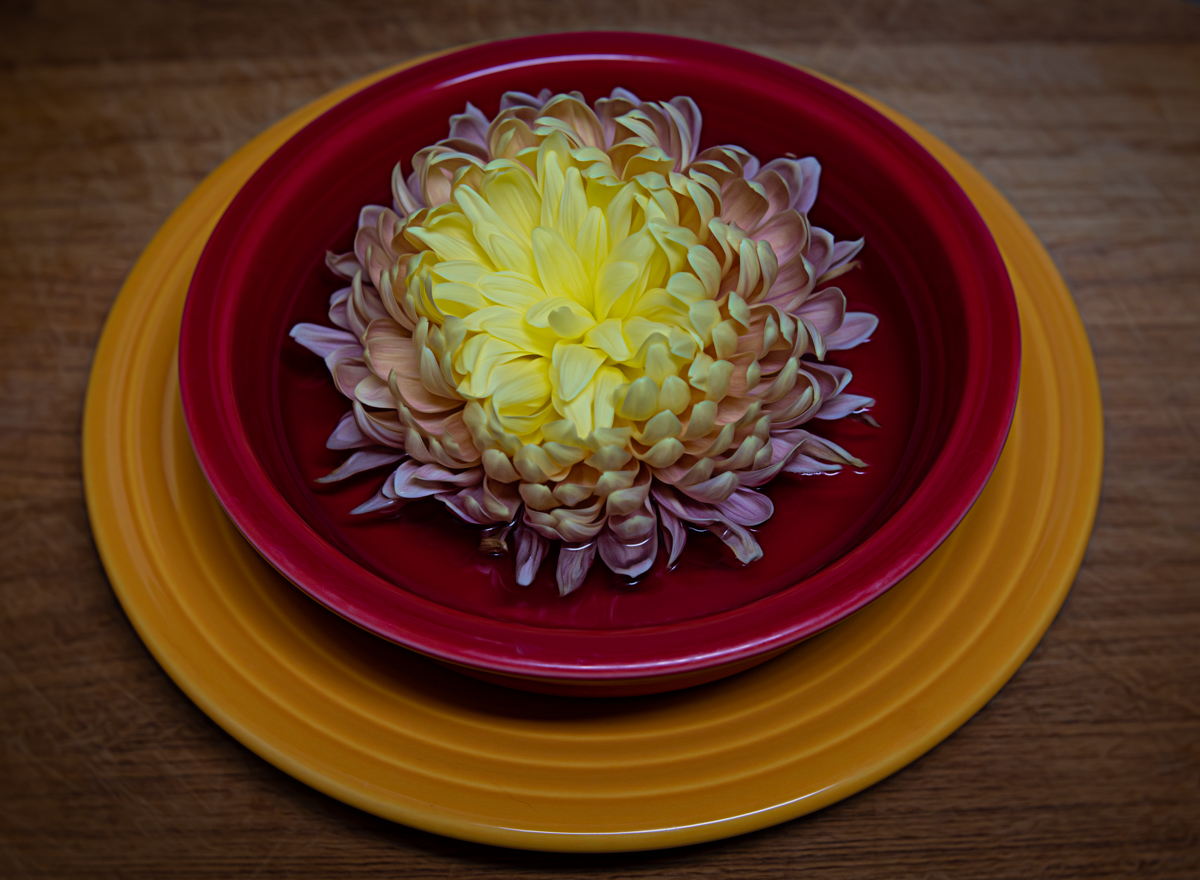
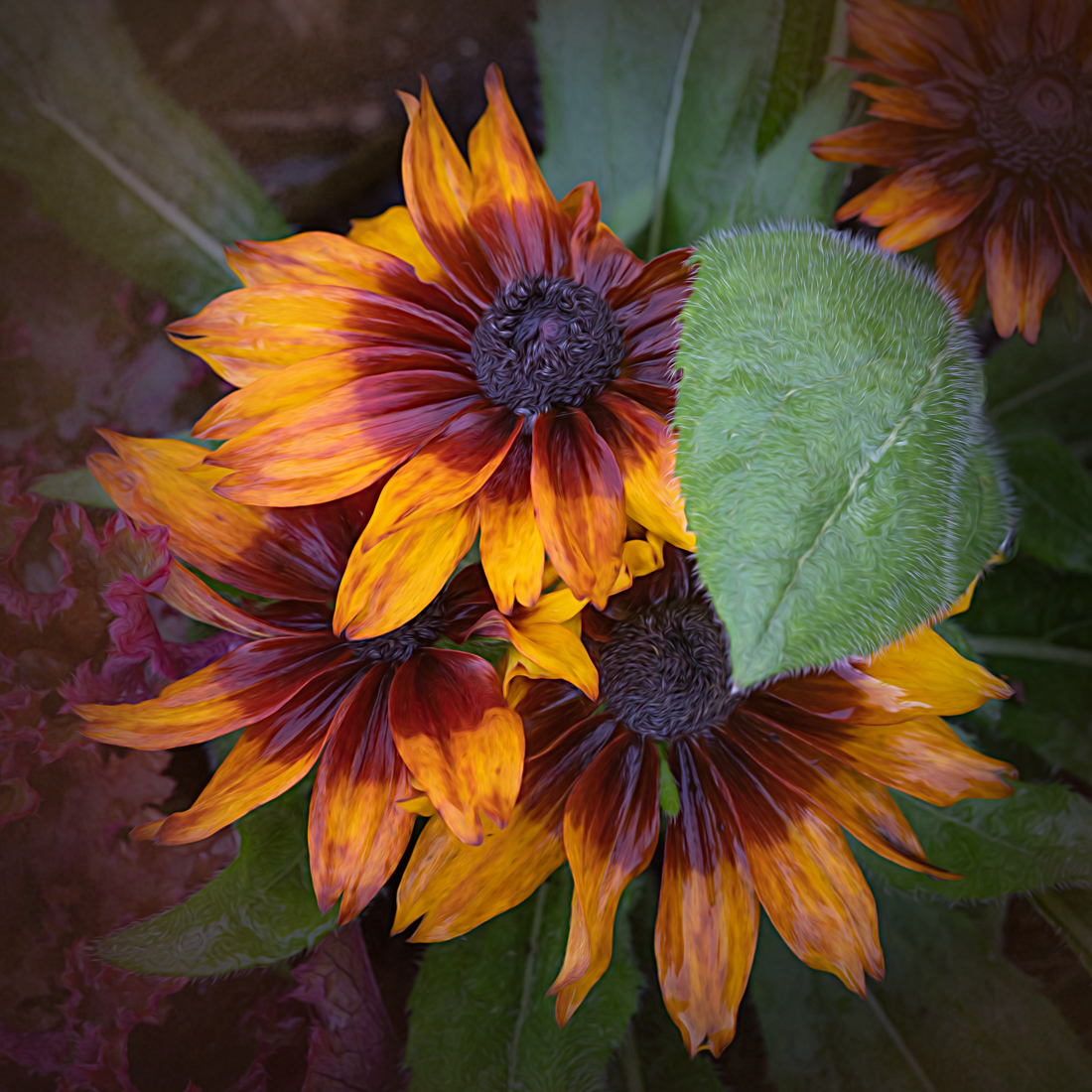
Thanks Dick! Sometimes, when I'm taking photos with groups of flowers, I'll try to make sure a chosen area is well focused as many times other areas will naturally fall out of focus (depending on aperture, etc.). I don't mind that defocused fall-off for some images. This one I was able to get a lot in focus but the flower you mentioned leant itself well to being the center of attention. |
Mar 11th |
| 65 |
Mar 26 |
Reply |
Thanks Mark! I played around with darkening the background more and decided I liked the hint of the environment it was in. It made it feel more natural and less like I did it in a studio, if you get what I mean. |
Mar 11th |
| 65 |
Mar 26 |
Comment |
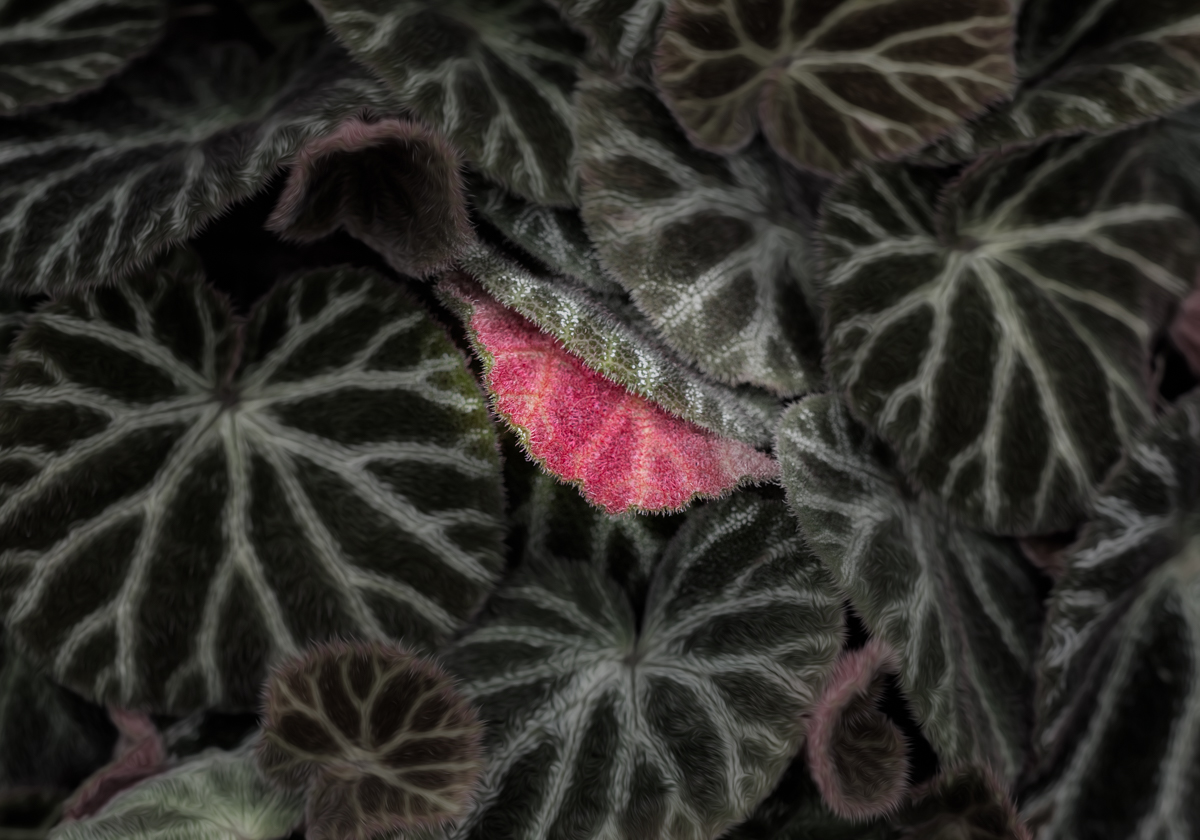
You have made a star out of this baby spider plant. I really like the composition and how you were able to capture all of those leaves in such an interesting manner. Plus a great job on creating a nice clean background.
|
Mar 8th |
| 65 |
Mar 26 |
Comment |
What an interesting image Maria! What a good eye you have to find this subject and composition in your garden.
I would also suggest a tighter crop from both sides, and removing the distractions already mentioned. The subject is so interesting that I feel a closer crop will make the stalks stand out more.
Nice job! |
Mar 8th |
| 65 |
Mar 26 |
Comment |
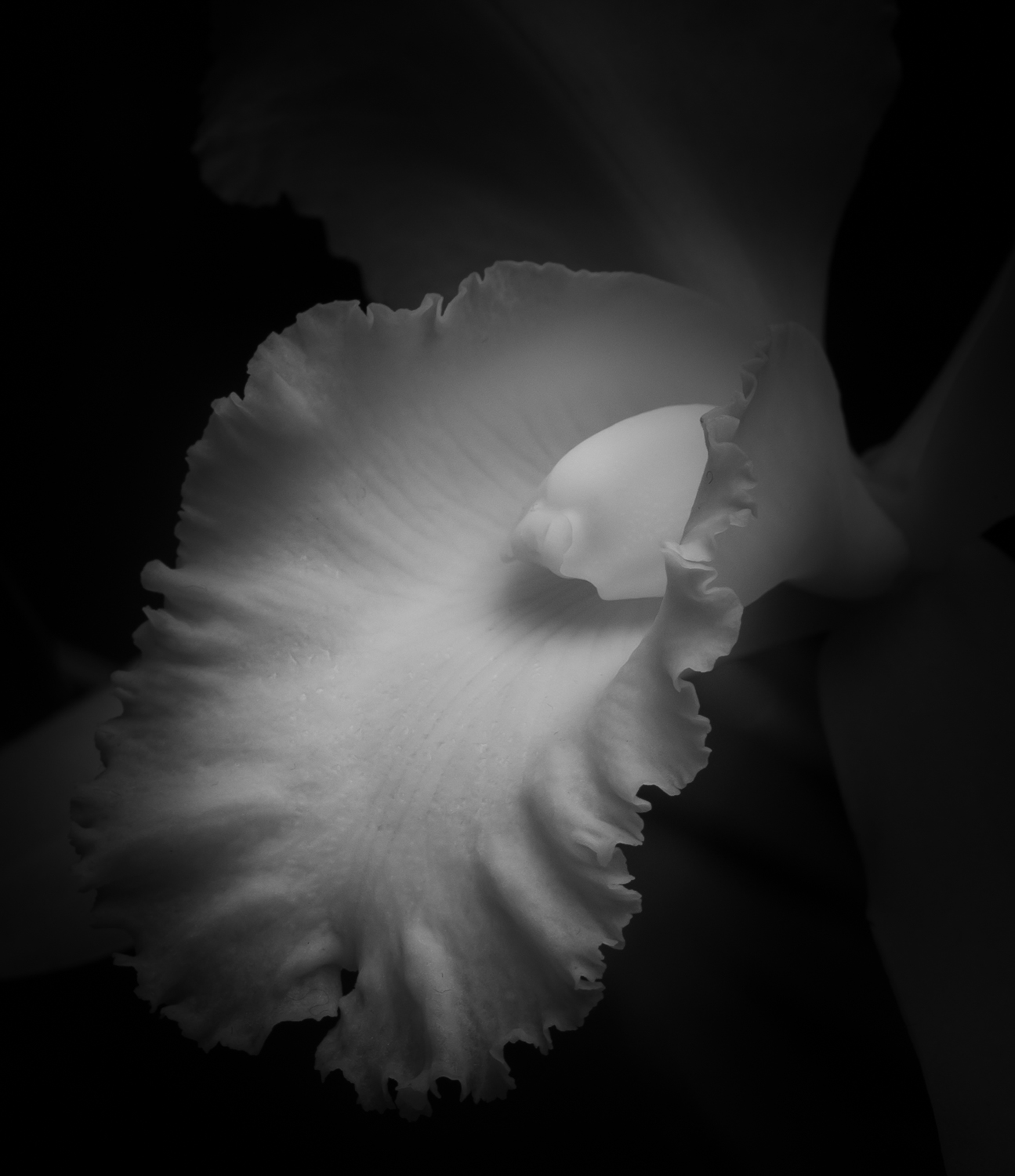
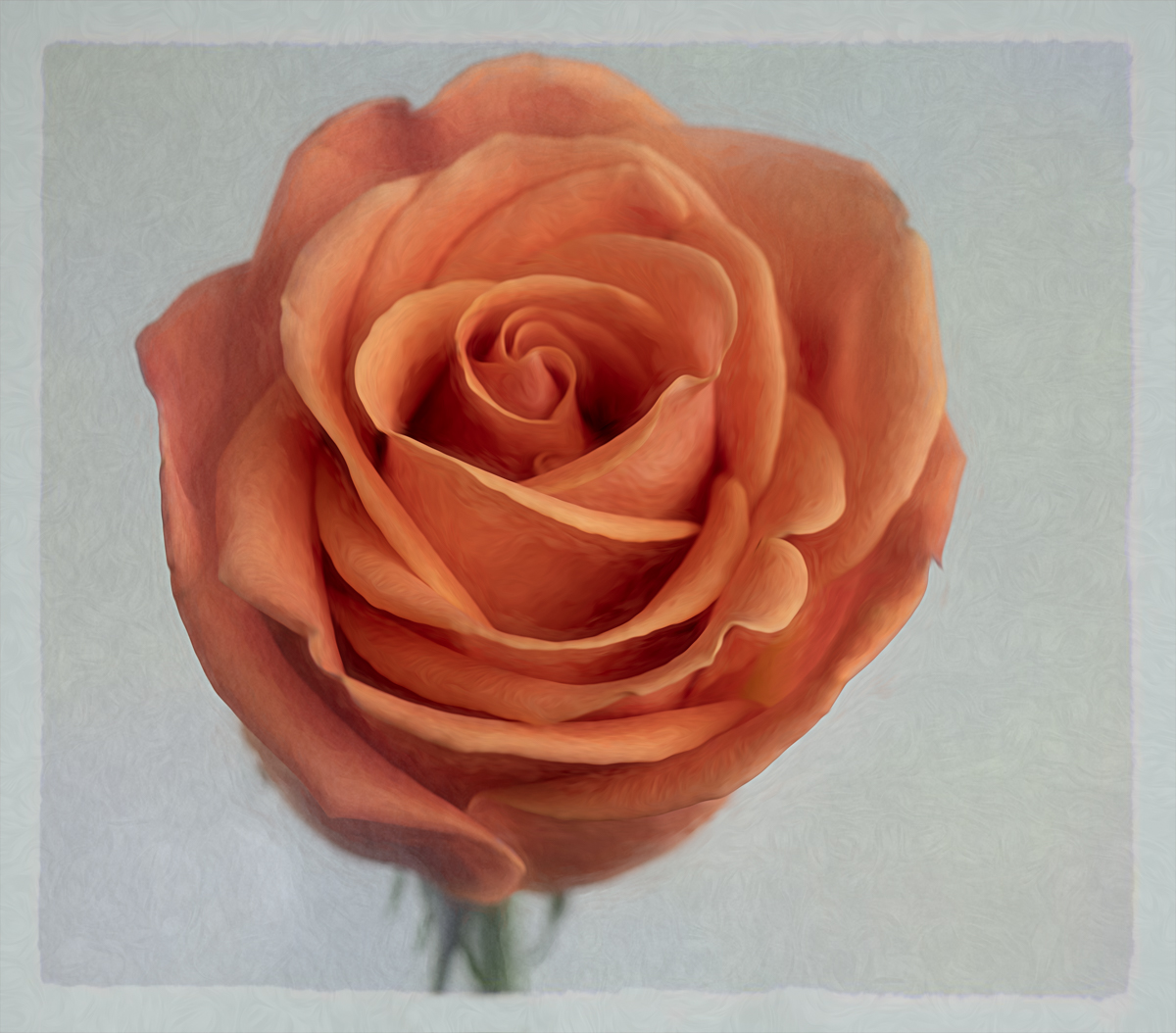
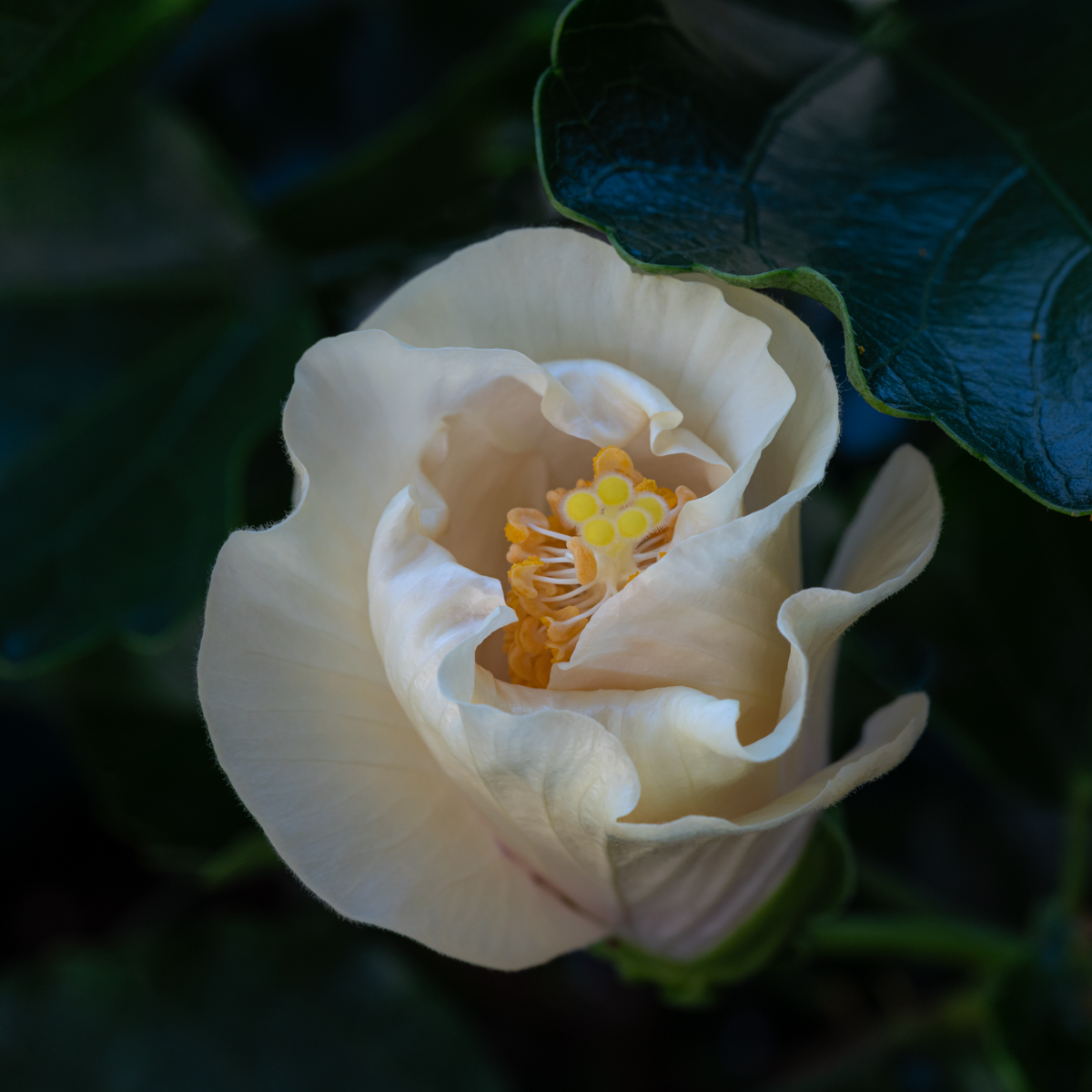
Lovely ethereal feel to your image Marianne. I like the pops of muted colors in the soft background. The small ed petals partially covering the center suggests this is a shy, beautiful lady. Nicely composed and captured. |
Mar 8th |
| 65 |
Mar 26 |
Reply |
Thank you so much Maria. |
Mar 8th |
| 65 |
Mar 26 |
Reply |
Thanks for your feedback Marianne! Welcome to the group. |
Mar 8th |
| 65 |
Mar 26 |
Reply |
Thank you for the feedback David! |
Mar 3rd |
| 65 |
Mar 26 |
Comment |
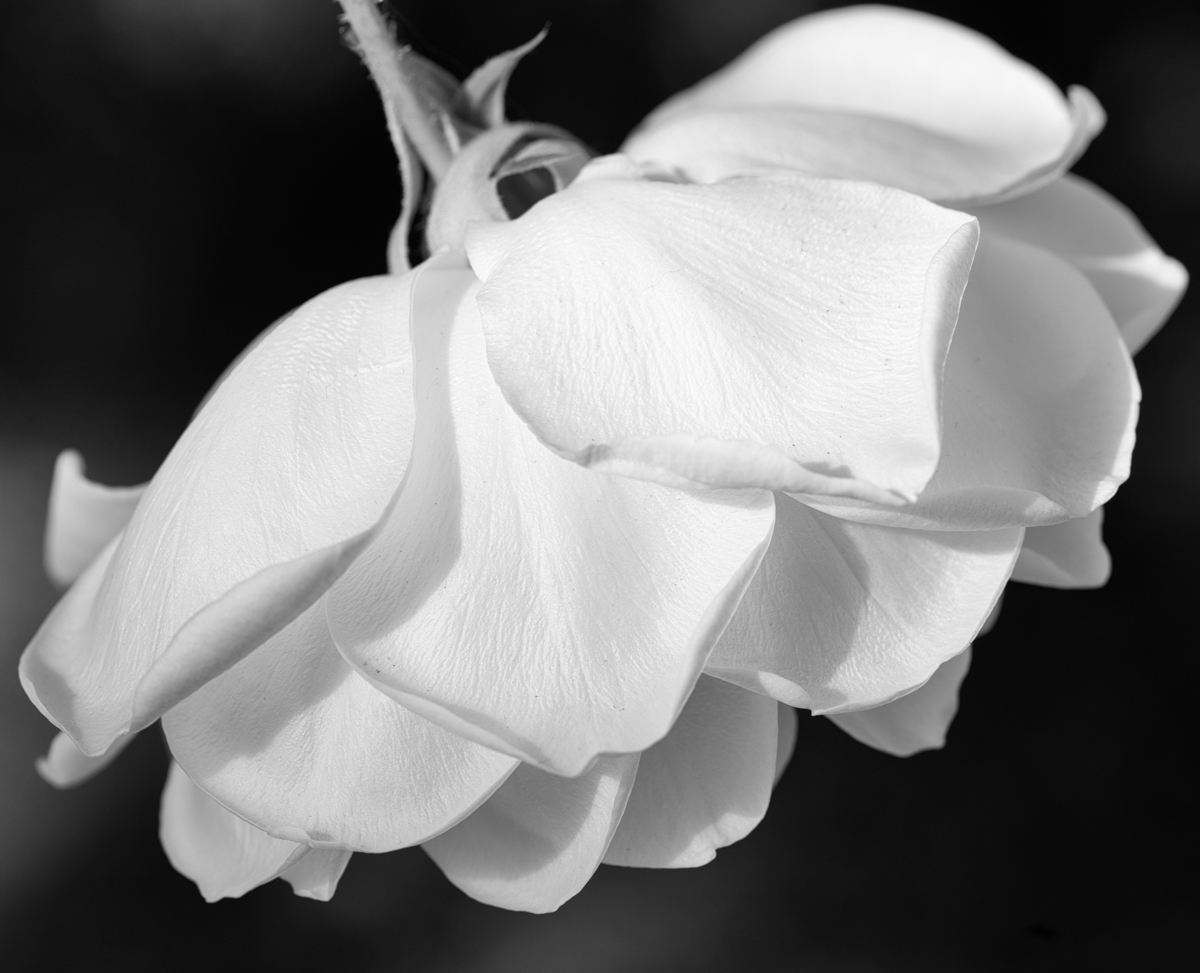
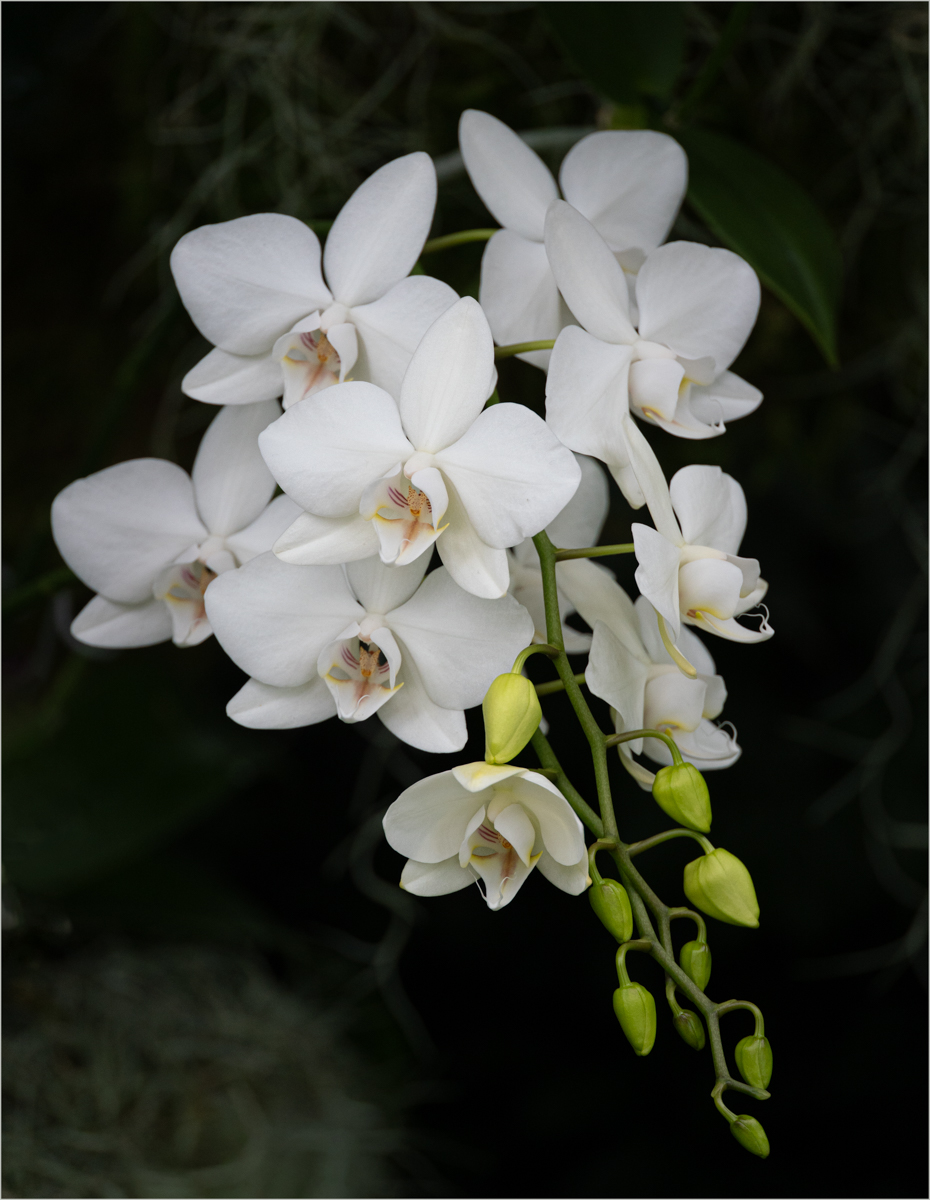
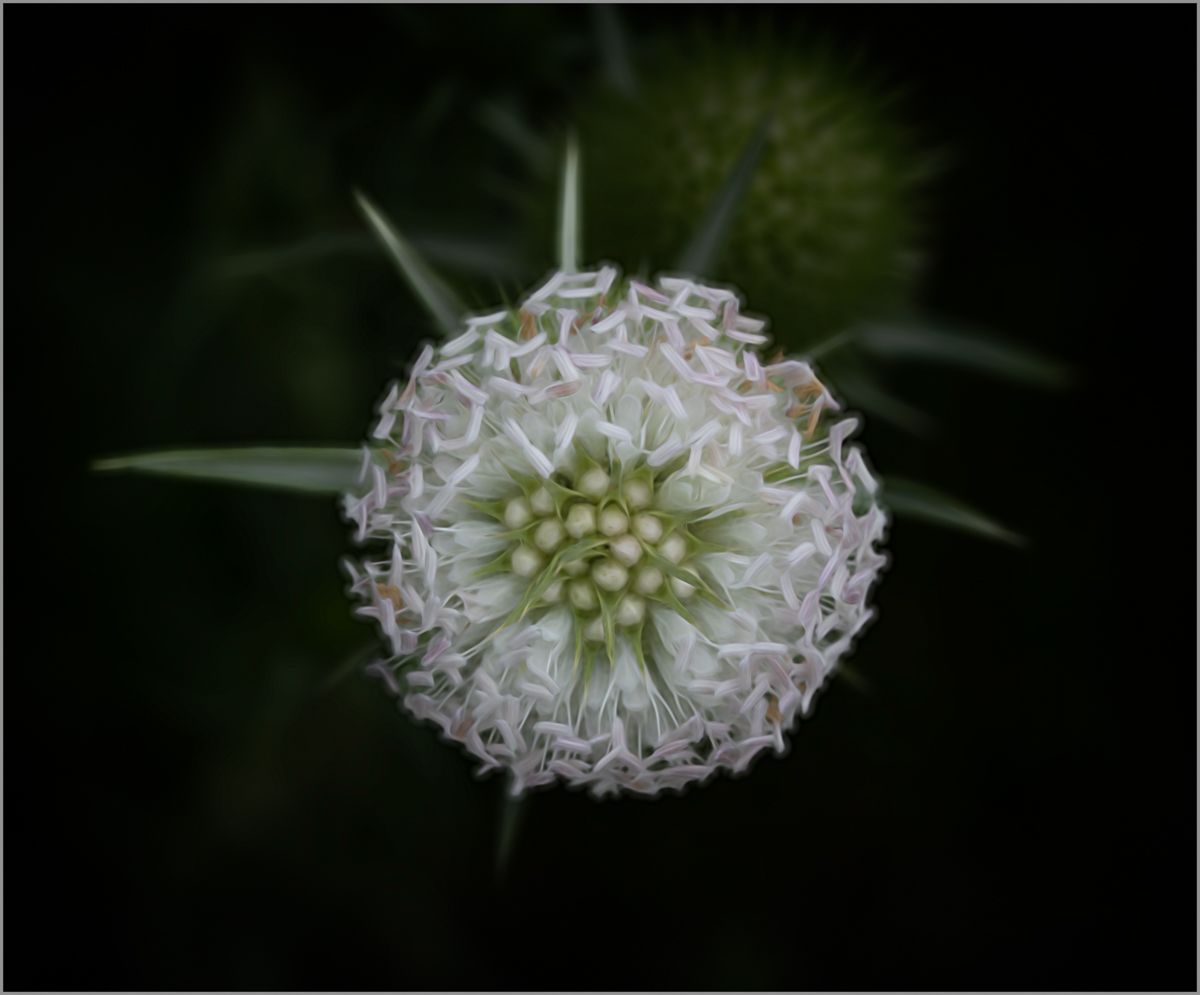
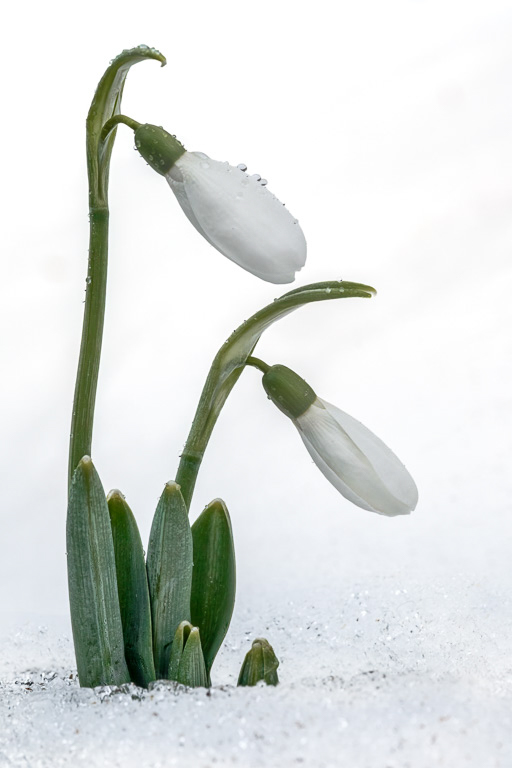
I really like this composition. You've managed to get good detail on white flowers, which can sometimes be a challenge!
I like the tones and textures you captured in the original image, however when you made changes to the background (more high key) I feel like the flowers seem a little too bright. I took your final image into Lightroom and masked just the flowers, then reduced the contrast and highlights, and increased the clarity a little. All, very slight changes. I feel like that might have brought back some of the flower details I felt got a bit washed out. But, may have changed your high key vision as well, LOL.
Really nice capture David. |
Mar 3rd |
 |
| 65 |
Mar 26 |
Comment |
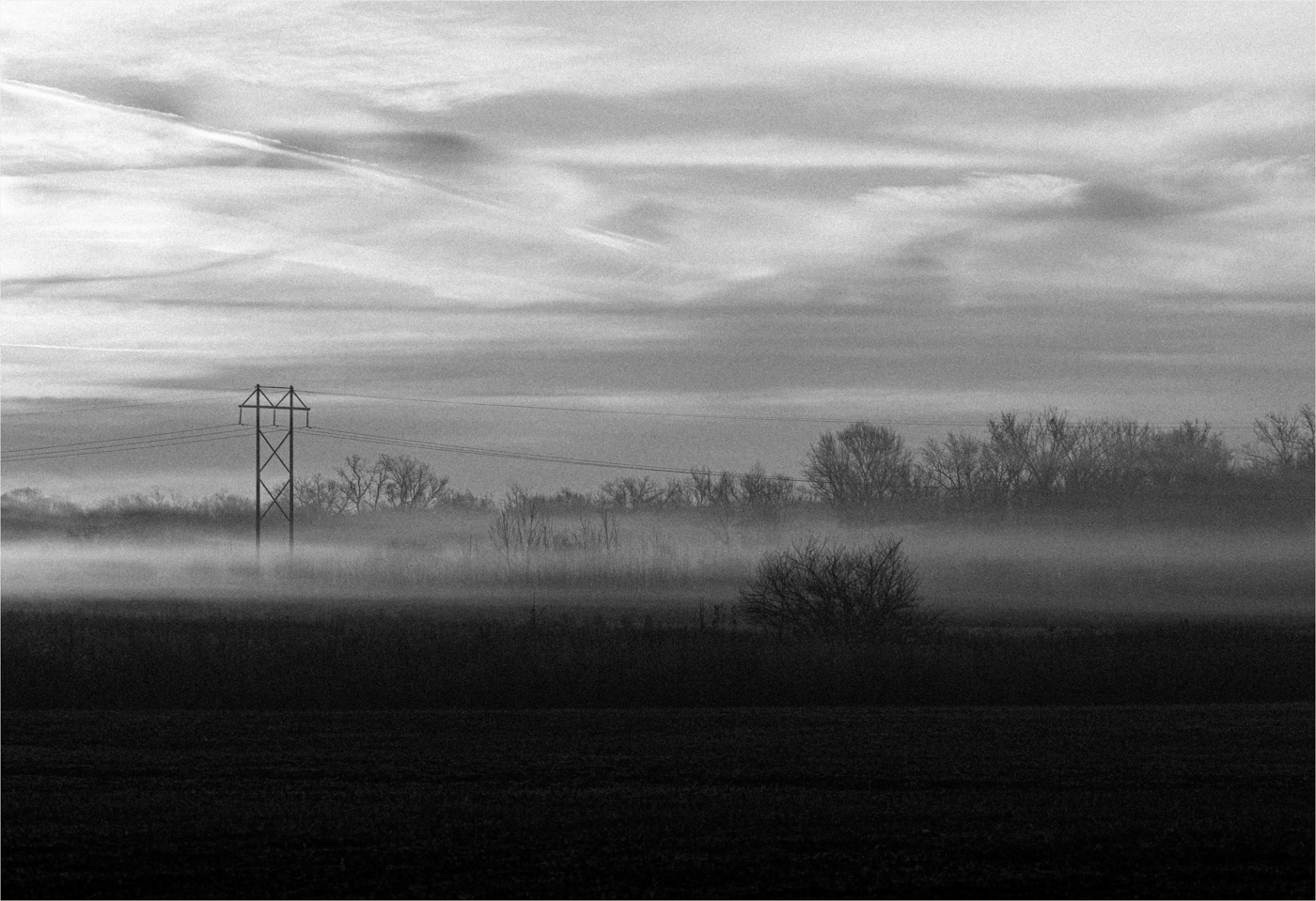
Love the moodiness and depth you've given this image with your lighting. I agree with David about a thinner border line and a bit more space on the right. Lovely image. |
Mar 3rd |
5 comments - 5 replies for Group 65
|
| 77 |
Mar 26 |
Reply |
I agree with the nice contrast of red and green. I'll play with adjusting the colors again to see how I feel about the brighter greens. |
Mar 21st |
| 77 |
Mar 26 |
Reply |
I use Topaz Studio 2, which was a new app, different from the original Topaz so you may not find it exactly in your version. However it's still available on their website although it's no longer updated or supported. You can find it on their downloads page by clicking on their Legacy Apps link (which is tiny and close to the bottom of the page). |
Mar 20th |
| 77 |
Mar 26 |
Comment |
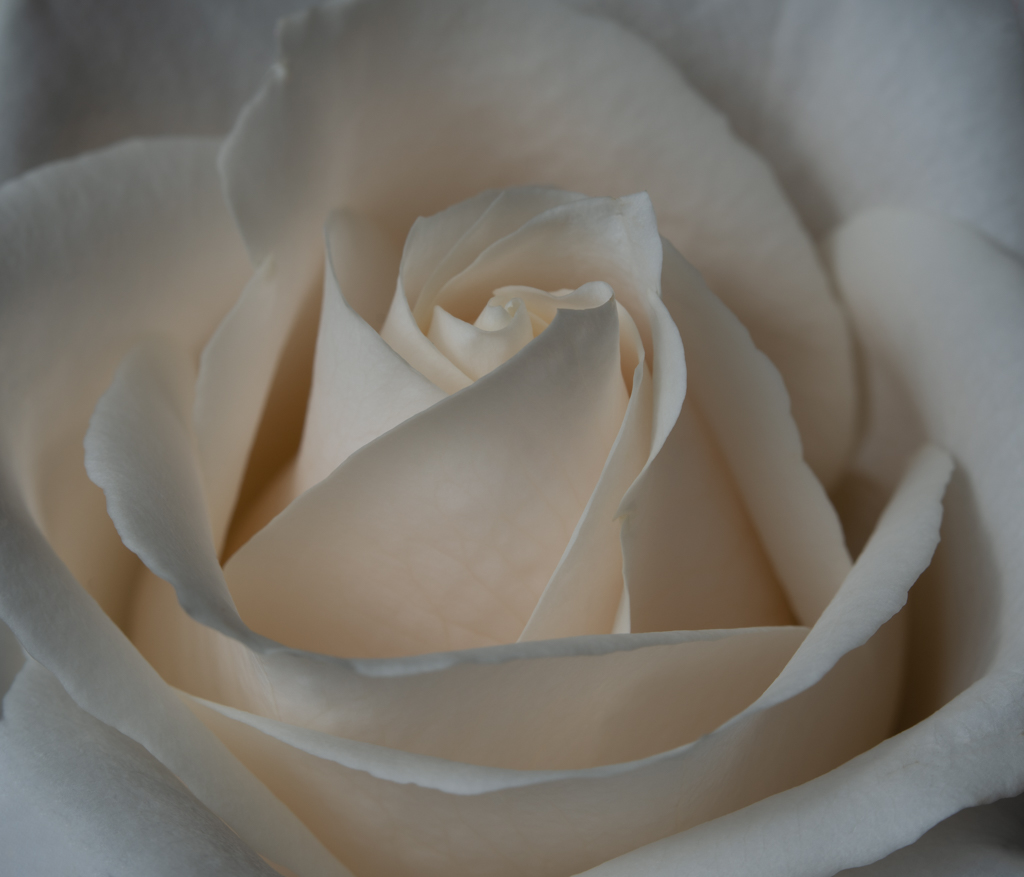
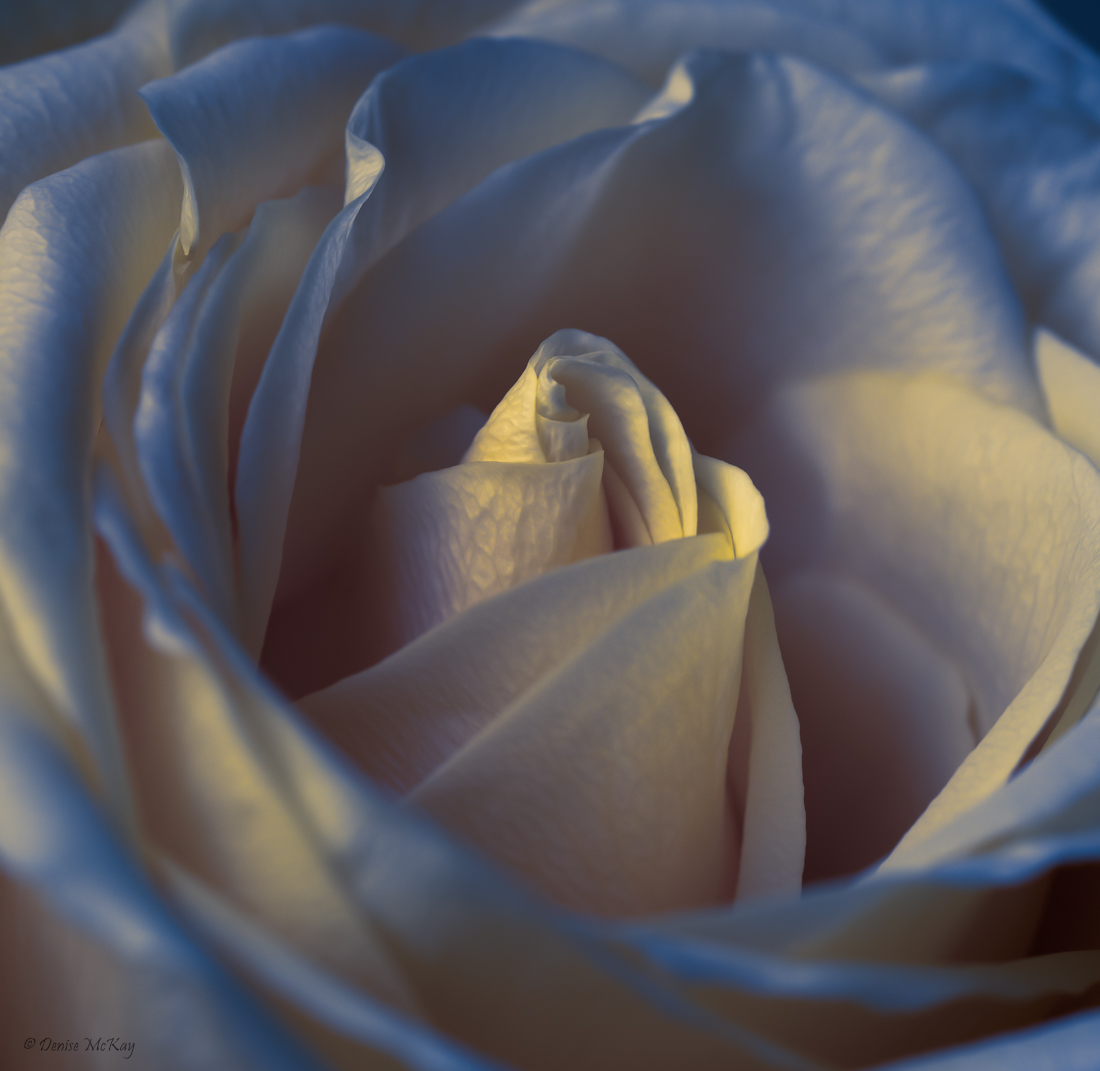
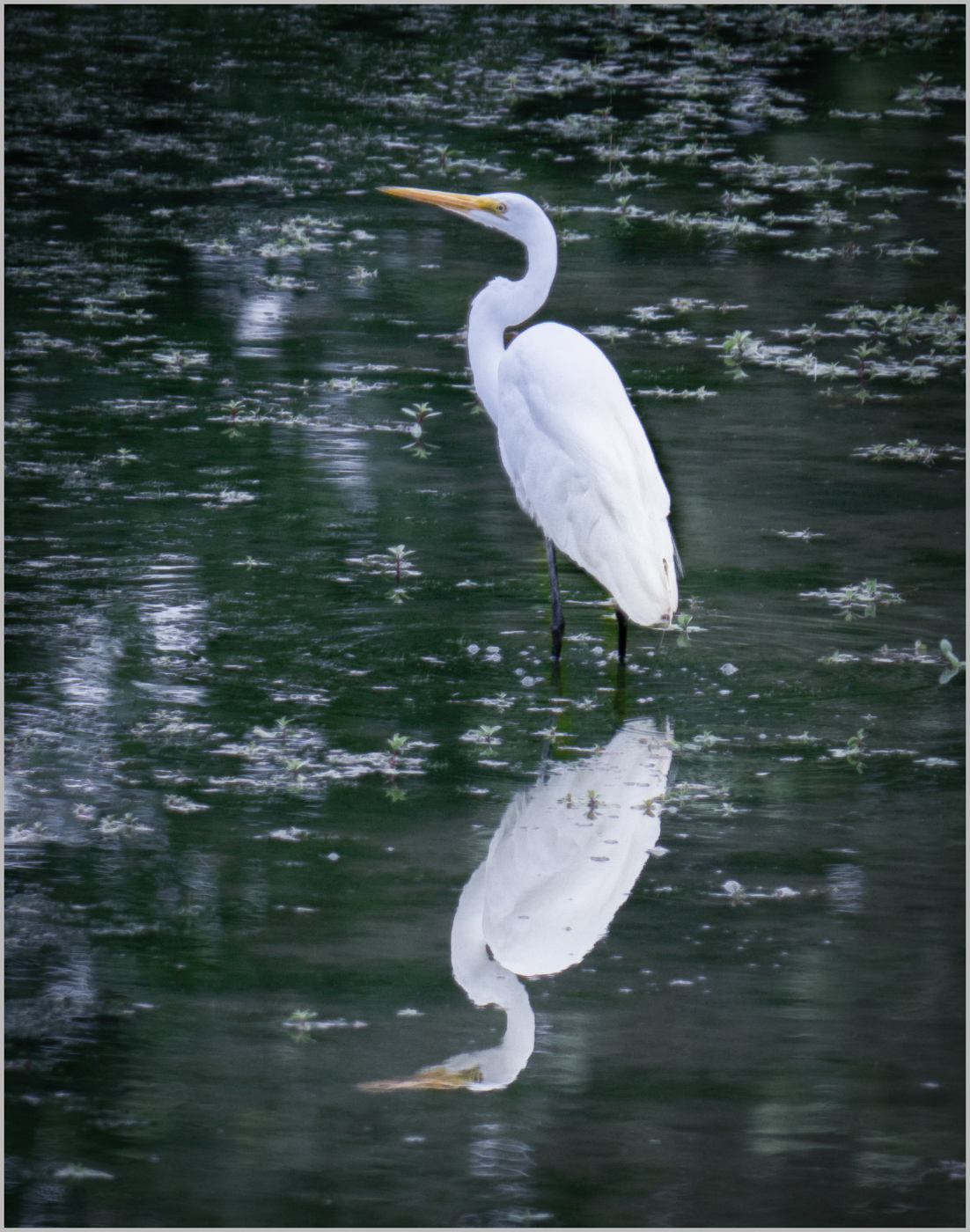
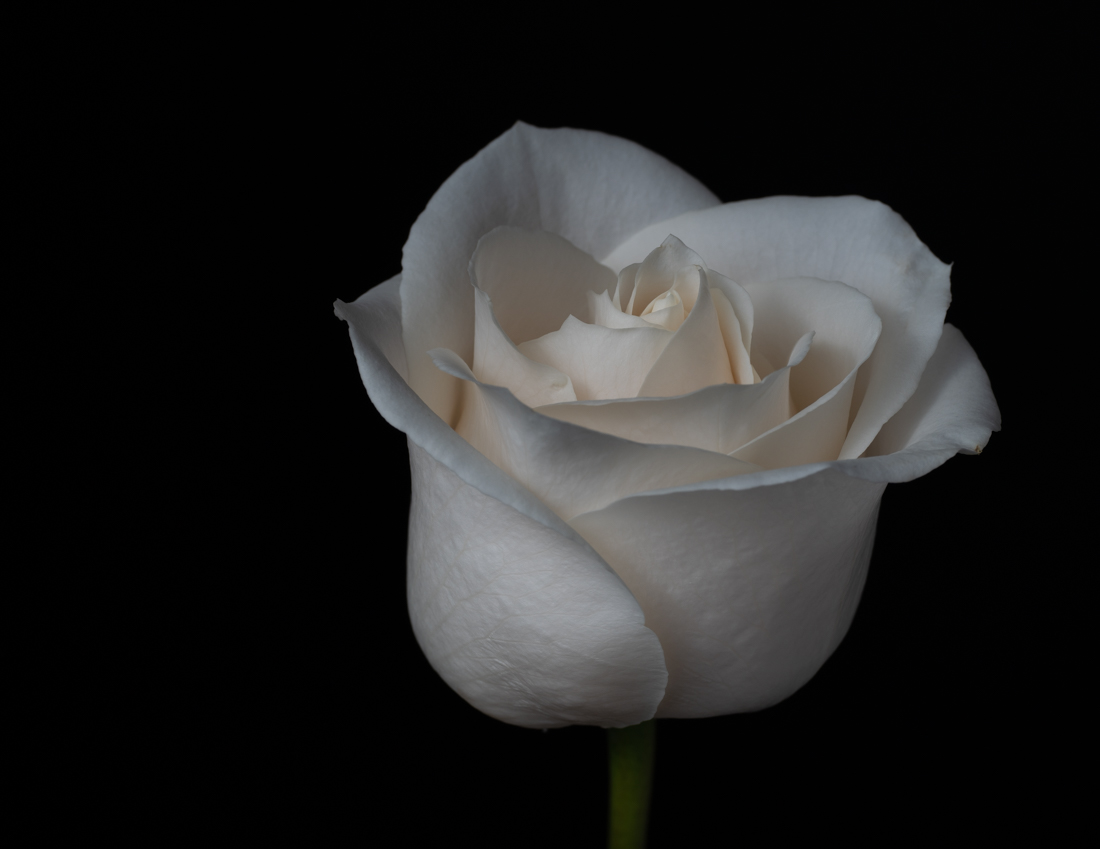
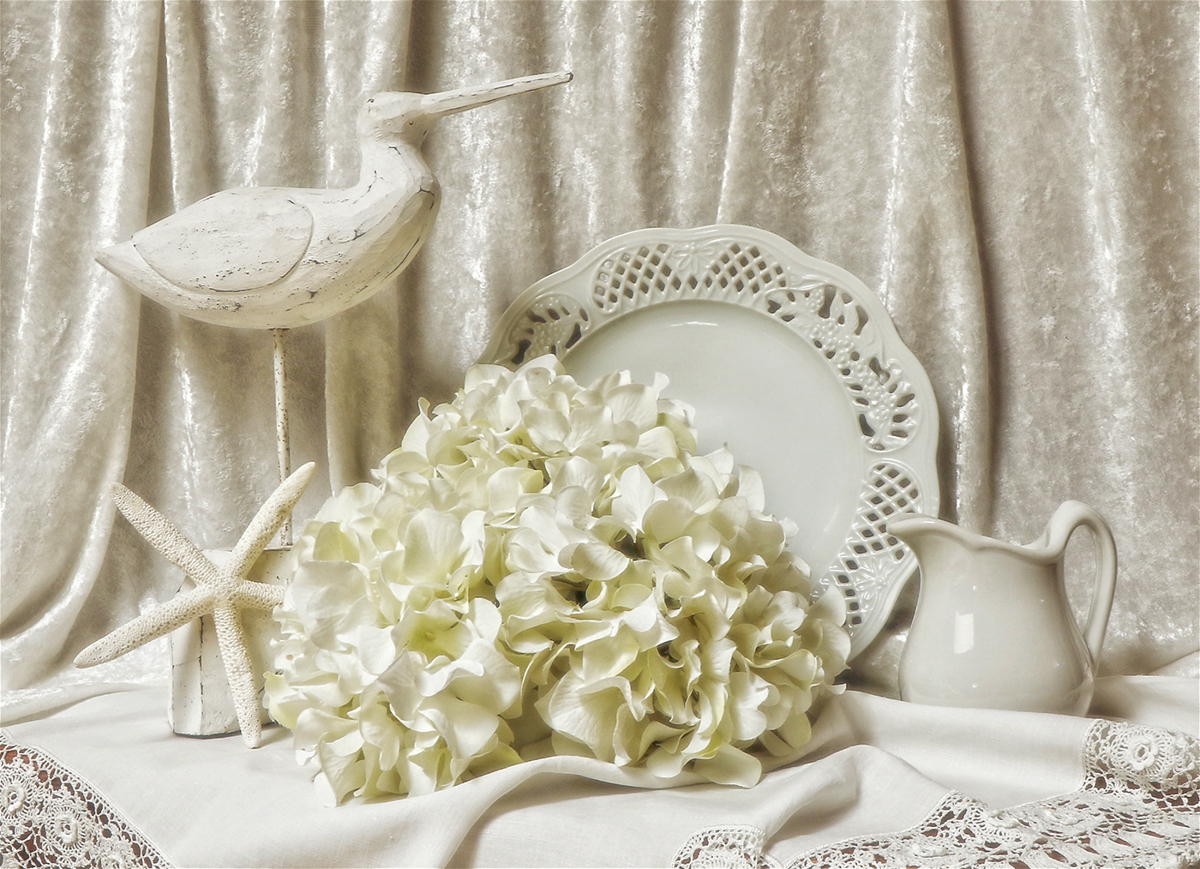
White on white is challenging! I agree with Georgianne that adding more dimension would improve the image. My take on an edit was done in Lightroom CC.
I reduced the exposure and highlights, increased the contrast, and darkened the black point. I then opened the shadows a bit, slightly increased the white point, and increased the vibrance. I think these changes brought out a bit more detail and depth. |
Mar 20th |
 |
| 77 |
Mar 26 |
Comment |
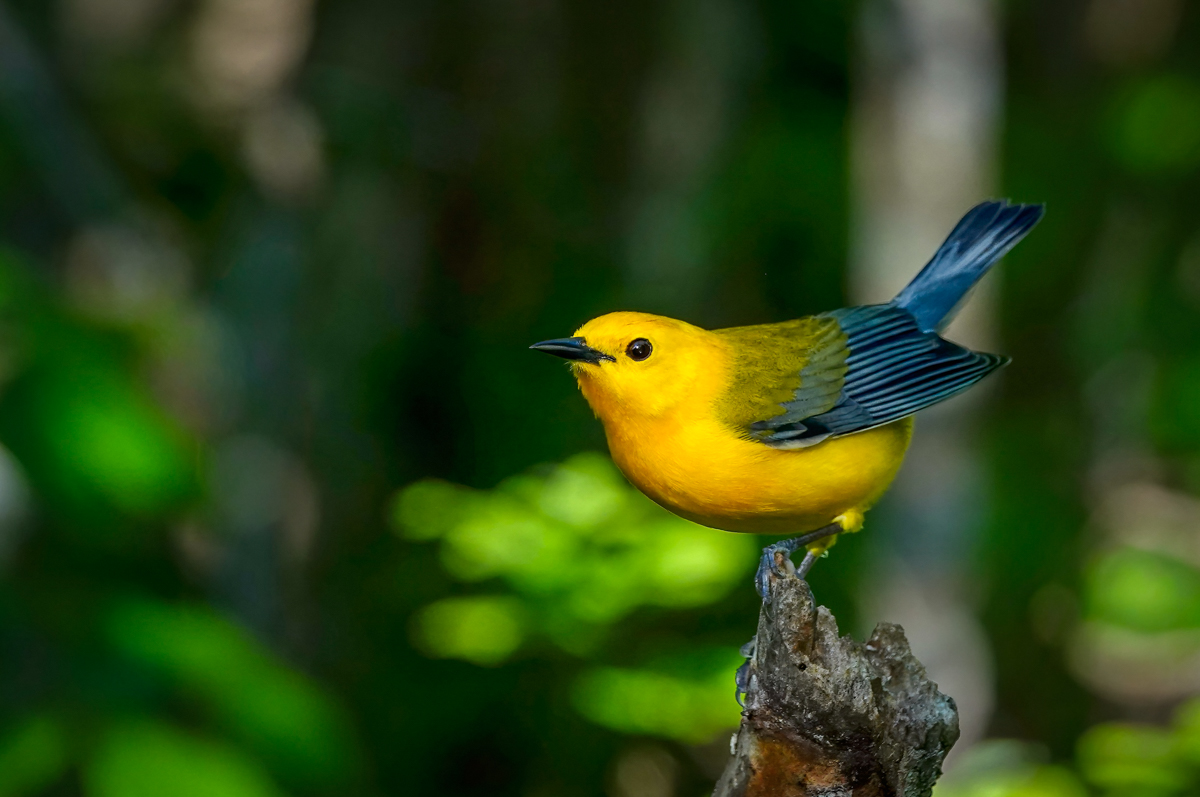
This bird shot is just great. You got so much detail and really brought out his colors. I did some slight changes to give some ideas. I removed the bright bokeh balls on the left and removed the branches just below his bottom. Then I cropped up from the bottom which put his head and breast somewhat in the middle but left a good amount for him to look into on the left. Then I masked the background and darkened a bit, then masked the bird and lightened just a bit.
Just some thoughts. I didn't want to lose the beautiful color and detail in the bird by going too far. |
Mar 15th |
 |
| 77 |
Mar 26 |
Reply |
I do like this crop Jan. That really brings the attention to that little beauty. |
Mar 14th |
| 77 |
Mar 26 |
Comment |
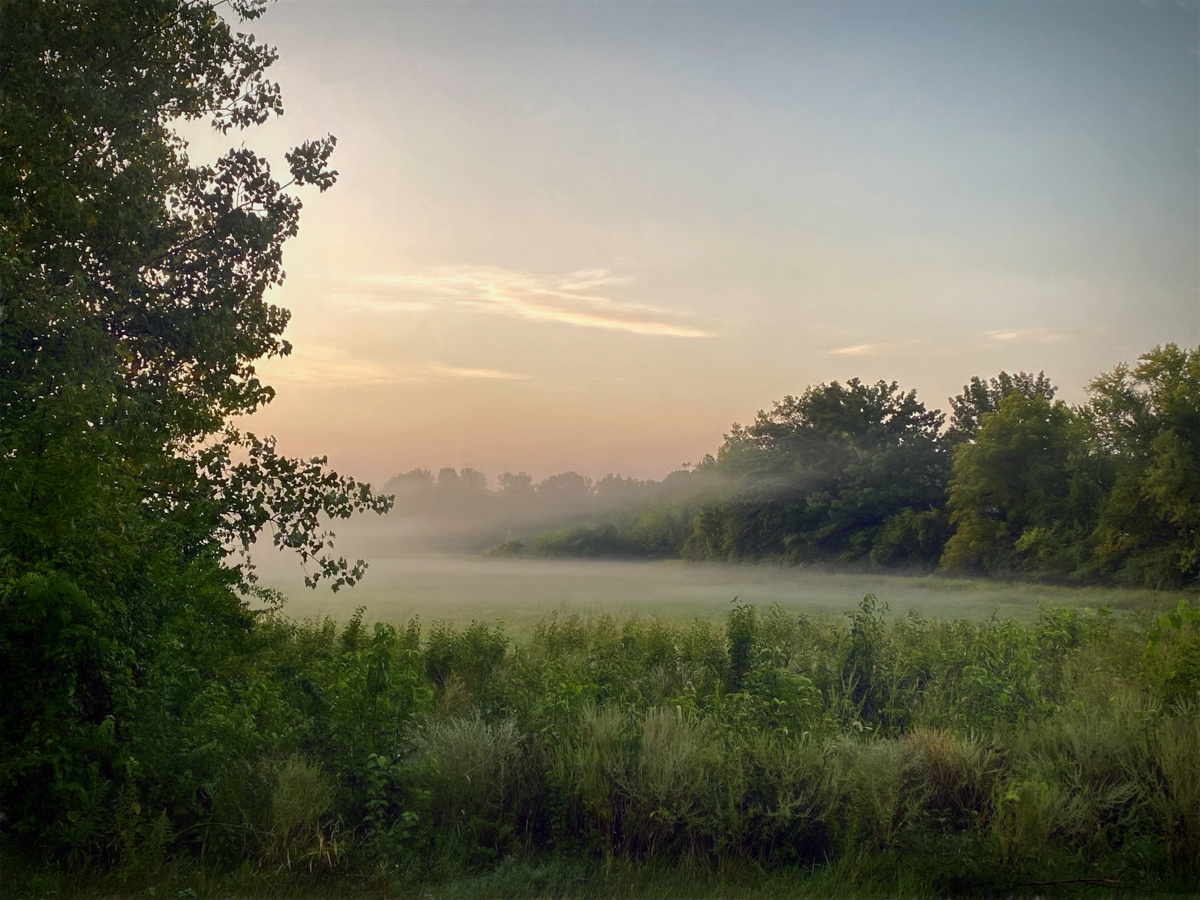
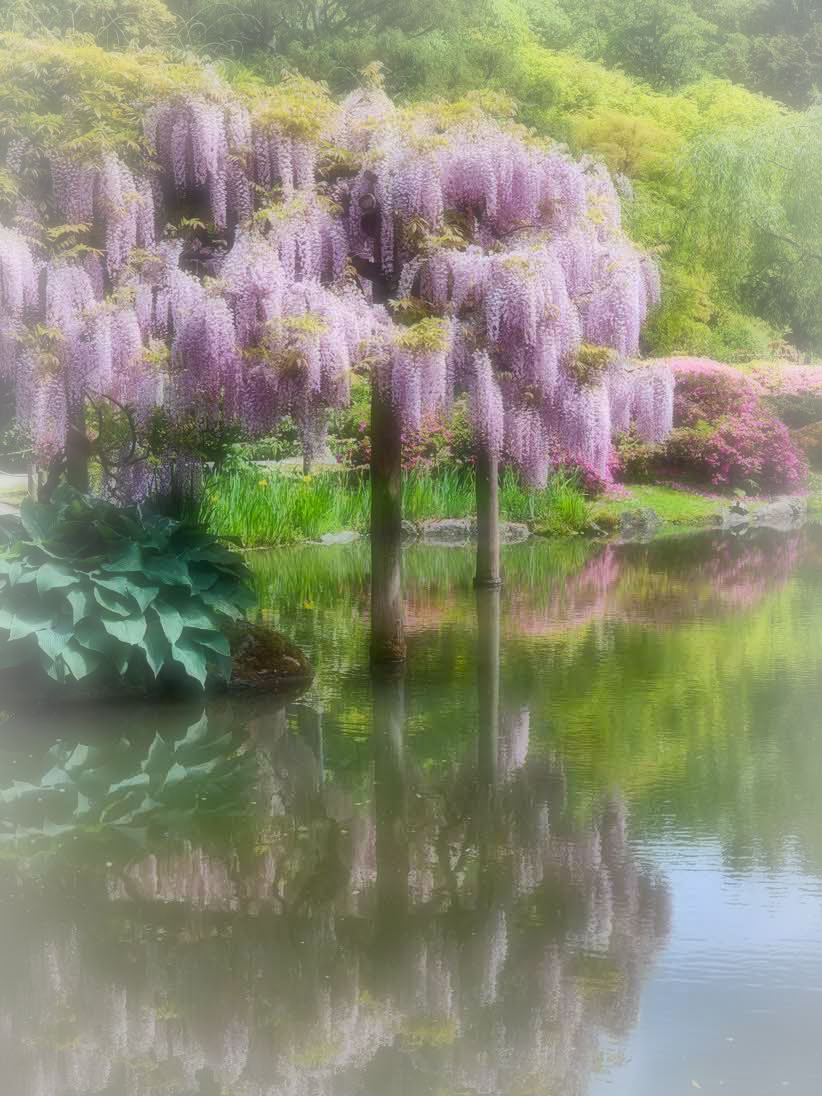
Your subject matter and composition are just lovely. However on my screen the highlights are very bright and the greens seemed a bit too yellow. So I played with your original image in Topaz Studio 2. Here's what I did:
I chose a preset called Dream Cloud. Within it, there is a filter layer called Radiance. This gives a "glow" to the image and has a number of sliders to change the opacity, blend mode, strength, etc. which I played with.
I then added an off-white vignette around the edges which I felt gave a kind of misty look.
The end result kept more vibrant colors, yet I think still gave a soft look. Just my take on your vision. |
Mar 14th |
 |
| 77 |
Mar 26 |
Comment |
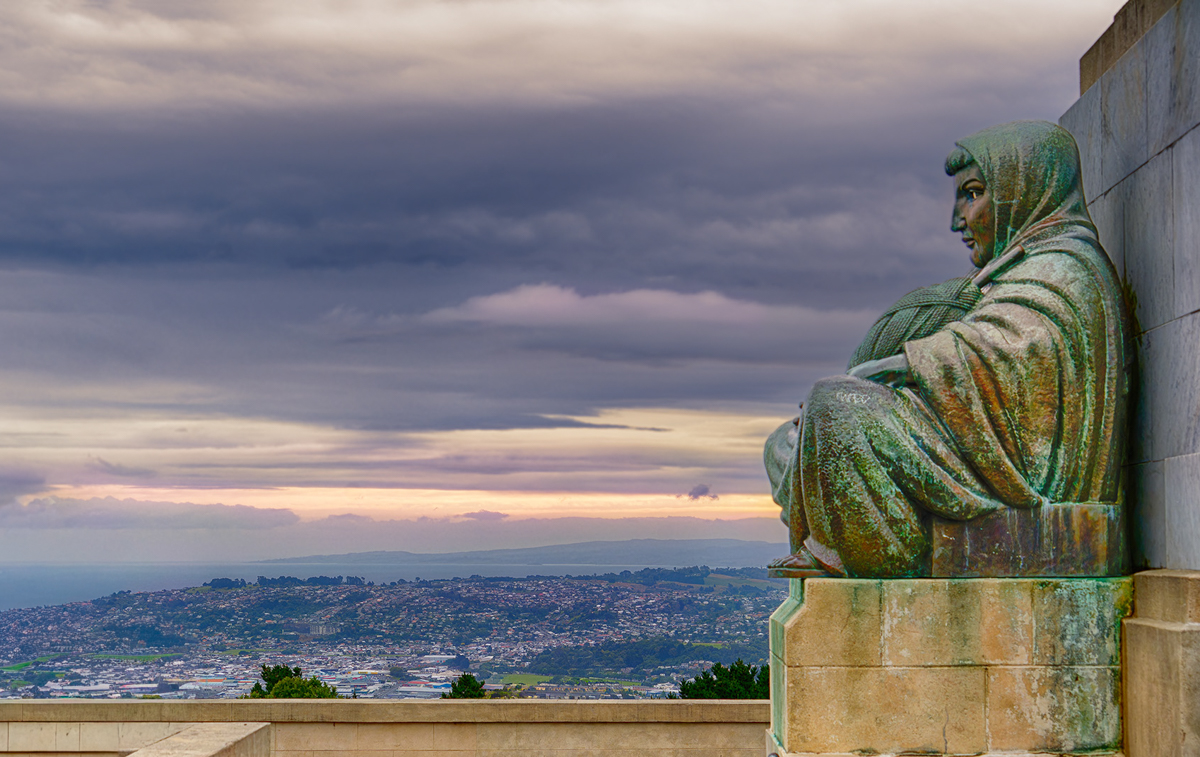
I prefer the color version Mary. The tones and patina are really beautiful. I agree with Jan that the stair railings don't add anything, so I tried a crop to take them out and also a slight crop from the left. I then removed the remaining tree branches and people using Lightroom Classic's generative remove. I wondered if it would still give the feeling of this woman peacefully reviewing the landscape. I liked having room for her to look into, so hoped the crop wasn't too extreme. |
Mar 14th |
 |
| 77 |
Mar 26 |
Comment |
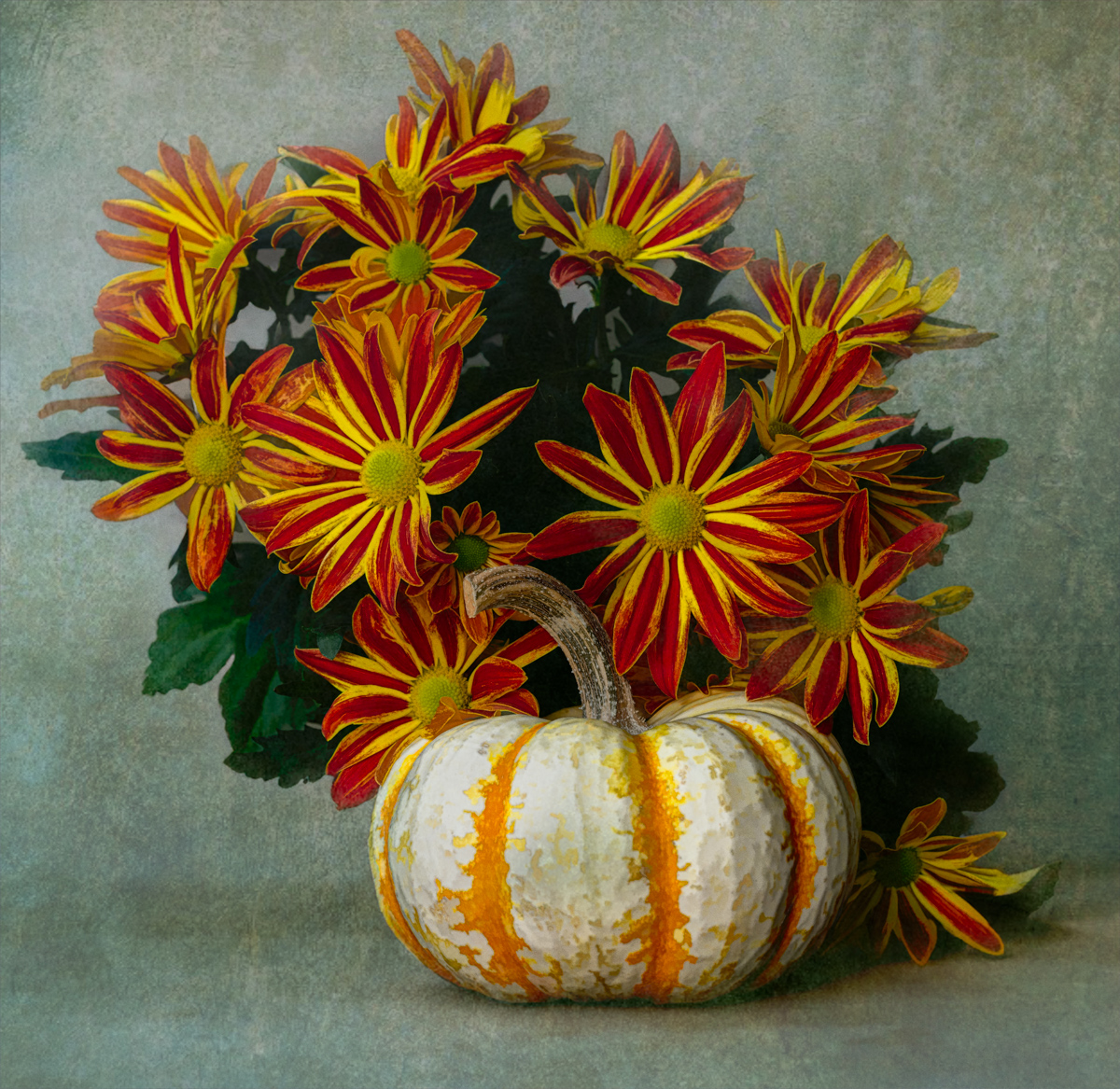
This is a lovely image. From the thoughtful way the grasses and twigs were chosen and arranged to the color tones. The textures added beautiful dimension to this image and it gives me an overall peaceful feeling. I also appreciate how you've framed it and the use of the drop shadow.
You've made this "simple" still life stand out. |
Mar 11th |
5 comments - 3 replies for Group 77
|
10 comments - 8 replies Total
|