Activity for User 767 - Denise McKay - denmck55@gmail.com

avatar
Avatar

Close this Tab when done


535 Comments / 423 Replies Posted

  = Current Round   = Previous Round
Group Round C/R Comment Date Image
77 Jun 25 Reply Thanks for your feedback Georgi! I hope you enjoy your visit to the rose garden. Jun 23rd
77 Jun 25 Comment I like your crop and edits Jan. I also used to take out all of the imperfections on my flower photos but someone once told me they can make the image more "real". I'm slowly trying to decide which things I might have removed in the past that I will leave in now and if it makes a difference.

Your feedback is much appreciated!
Jun 22nd
77 Jun 25 Reply Thanks for your feedback Rita! Jun 22nd
77 Jun 25 Comment Rita, this is a much nicer image than your prior submission. I love the light you captured on those tree branches right as the swan was swimming past them. I think Jan's suggested crop improves the focus on the swan without losing the wonderful branches.

Just for fun, I took this into Topaz Studio 2 and added a somewhat painterly look to it.

Great image!
Jun 22nd
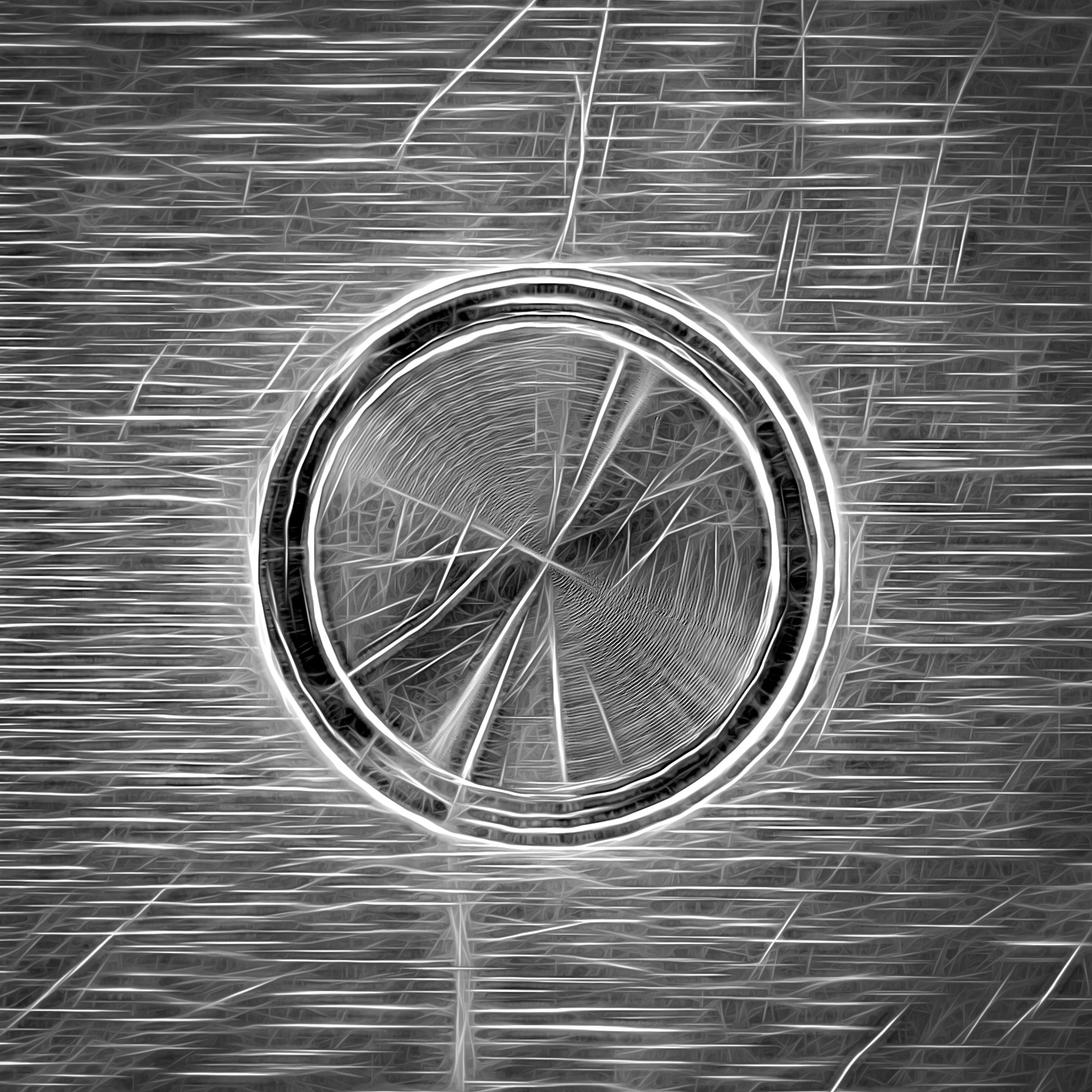
77 Jun 25 Comment Very clever idea Jan, and nicely executed. This image wants to tell us a mysterious story. I like the treatment you did to the edges of the keyhole to have it fade into the background. Jun 22nd
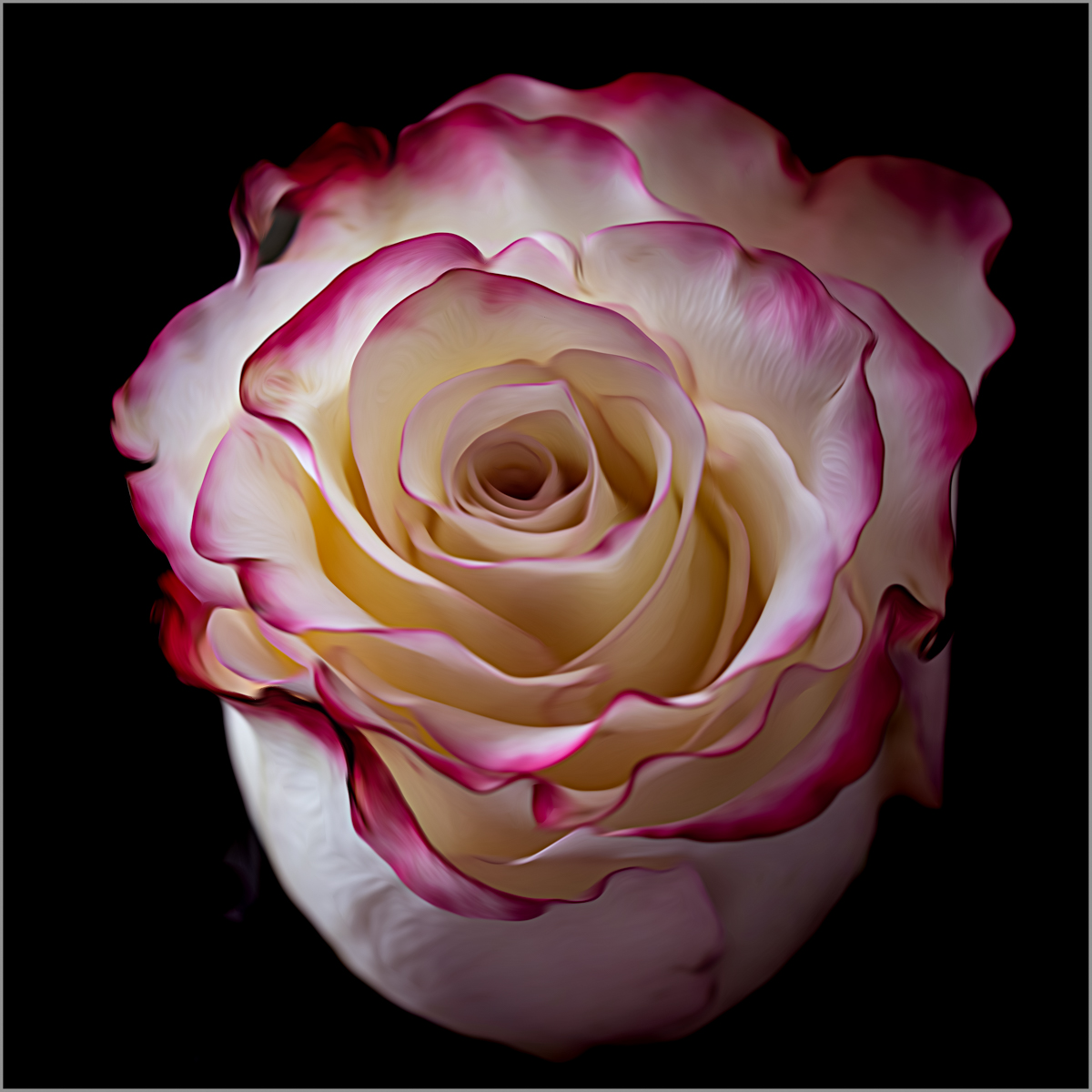
77 Jun 25 Comment Your high key effect came across well in this image. Like Jan, I do think the dark leaves on the artificial roses catches the eye and may look better toned down.

You have good ideas about how to use this image in a manner other than fine art. I hope you get good use of it as it is a sweet photo.
Jun 22nd
77 Jun 25 Comment I like your choice of converting this to a more minimalist image. The colors you added are beautiful and lovely to look at. However your other edits seem to have added some hard edges and white artifacts. This feels as if it should be softer and more dreamy. I'm not sure what suggestions to make as I feel you need to determine what steps caused the artifacts and correct that before you could make changes to soften up the image, if that's what you'd like to do. Jun 22nd
77 Jun 25 Comment This is a lovely portrait which has been improved by your edits. The cooling filter gives a softer, gentler look to the overall image in my opinion. Adding the texture to the window is more visually appealing than the original, flat window shade with the distracting thick edge.

I do see a thread sticking out in the space between her waist and her arm that is catching my eye.

Nicely done!

Jun 22nd

6 comments - 2 replies for Group 77


6 comments - 2 replies Total


102 Images Posted

  = Current Round   = Previous Round
Group 60

Apr 20

Mar 20

Feb 20

Jan 20

Dec 19

Nov 19

Oct 19

Sep 19

Aug 19

Jul 19

Jun 19

May 19

Apr 19

Mar 19

Feb 19

Jan 19

Dec 18

Nov 18

Aug 18

Jul 18

May 18

Feb 18

Jan 18

Dec 17

Nov 17

Sep 17

Mar 17

Feb 17

Jan 17
Group 65

Apr 26

Mar 26

Feb 26

Jan 26

Dec 25

Nov 25

Oct 25
Group 77

Apr 26

Mar 26

Feb 26

Jan 26

Nov 25

Oct 25

Sep 25

Aug 25

Jul 25

Jun 25

May 25

Apr 25

Mar 25

Feb 25

Jan 25

Nov 24

Oct 24

Sep 24

Aug 24

Jul 24

Jun 24

May 24

Apr 24

Mar 24

Feb 24

Jan 24

Nov 23

Oct 23

Sep 23

Aug 23

Jul 23

Jun 23

May 23

Apr 23

Feb 23

Jan 23

Dec 22

Nov 22

Oct 22

Sep 22

Aug 22

Jul 22

Jun 22

May 22

Apr 22

Mar 22

Feb 22

Dec 21

Nov 21

Oct 21

Sep 21

Aug 21

Jul 21

Jun 21

May 21

Apr 21

Mar 21

Feb 21

Jan 21

Dec 20

Nov 20

Oct 20

Sep 20

Aug 20

Jul 20

May 20

Close this Tab when done