|
| Group |
Round |
C/R |
Comment |
Date |
Image |
| 77 |
Jan 25 |
Reply |
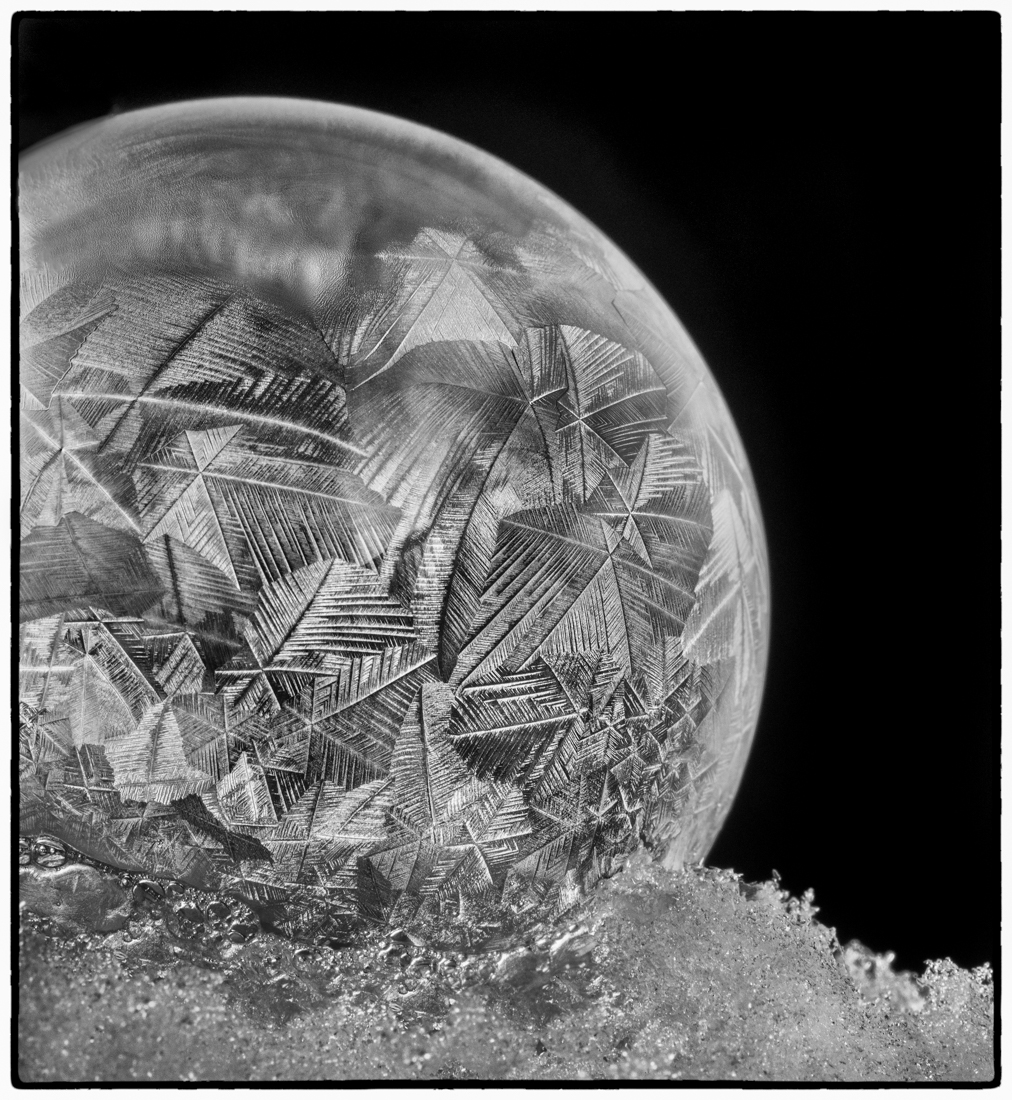
Thanks for your feedback and example Carol. I may play with using selective color on the ball or desaturating the color version somewhat to see that result. |
Jan 22nd |
| 77 |
Jan 25 |
Comment |
Thanks for your feedback Rita! |
Jan 21st |
| 77 |
Jan 25 |
Comment |
Happy New Year Connie. I liked your original shot of this cute little doll. I feel like a soft, airy feeling was more suitable for the dreamy expression and pose as she appears to be day dreaming. So I made some edits to take your image in that direction as food for thought.
I took the original into Lightroom and reduced the highlights and painted in just a touch more texture to her right (camera right) sleeve. I also removed the two lines by her elbow and book and close to her hair. Not sure what those were but they drew my eye. Then I took this into Topaz Studio 2 and used a filter called Lightening Effect that made her kind of glow and added softness overall. I tweaked the opacity of that filter then added the Smudge filter to add a bit more movement and softness to her hair and clothing details. I then added a texture which I tweaked a bit, then removed from her face, hair, arms and sleeves but left on the book and background.
I popped back into Lightroom and used a mask and color mixer to enhance her eyes. Also added a slight dark vignette. This was kind of a quick edit, so not perfect, LOL, but just an idea. I felt this told more of her story. At least the one I saw in my mind, LOL. |
Jan 14th |
 |
| 77 |
Jan 25 |
Comment |
Rita - to me this image is reminiscent of a film photograph taken in the 70's. The wood paneled walls, blinds on the windows, etc. Since you were wanting a vintage look, I would embrace that and not just go for a color cast, but take it into Nik Analog Efex and look for a film simulation you might like. I've attached one called Burnt Edges which adds grain and also puts somewhat of a frame around the edges with a little bit of light leaks, like from an old camera. Each filter is totally customizable so you can play to your heart's content to create what you want.
I also suggest a tighter crop to draw people closer to those expressions that prompted you to take this shot in the first place. Just some thoughts to enhance this fun photo. |
Jan 14th |
 |
| 77 |
Jan 25 |
Reply |
Thanks for your feedback and example Jan. I can see the difference. |
Jan 13th |
| 77 |
Jan 25 |
Reply |
Thanks for your feedback Connie! |
Jan 13th |
| 77 |
Jan 25 |
Comment |
Color version |
Jan 11th |
 |
| 77 |
Jan 25 |
Comment |
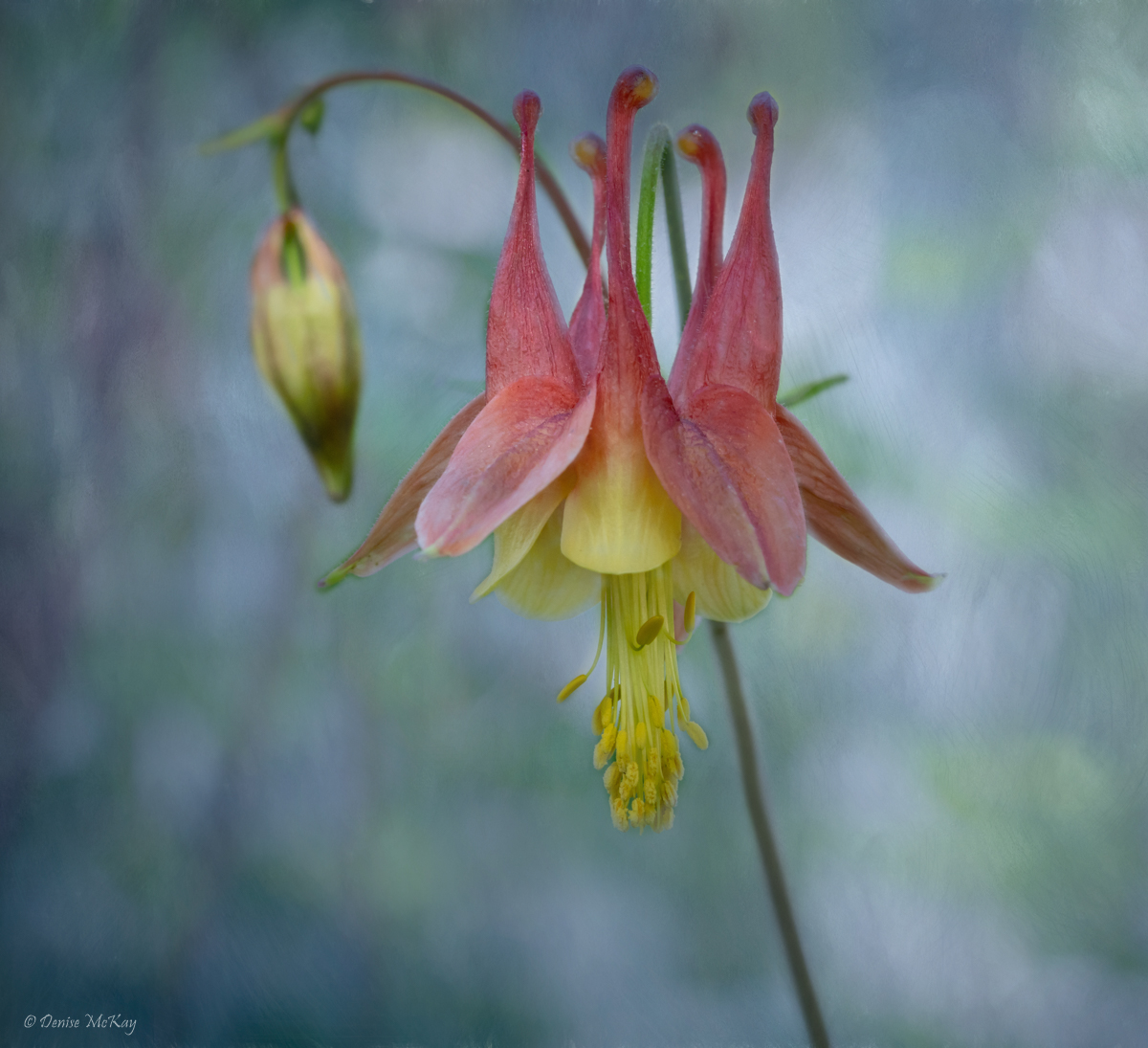
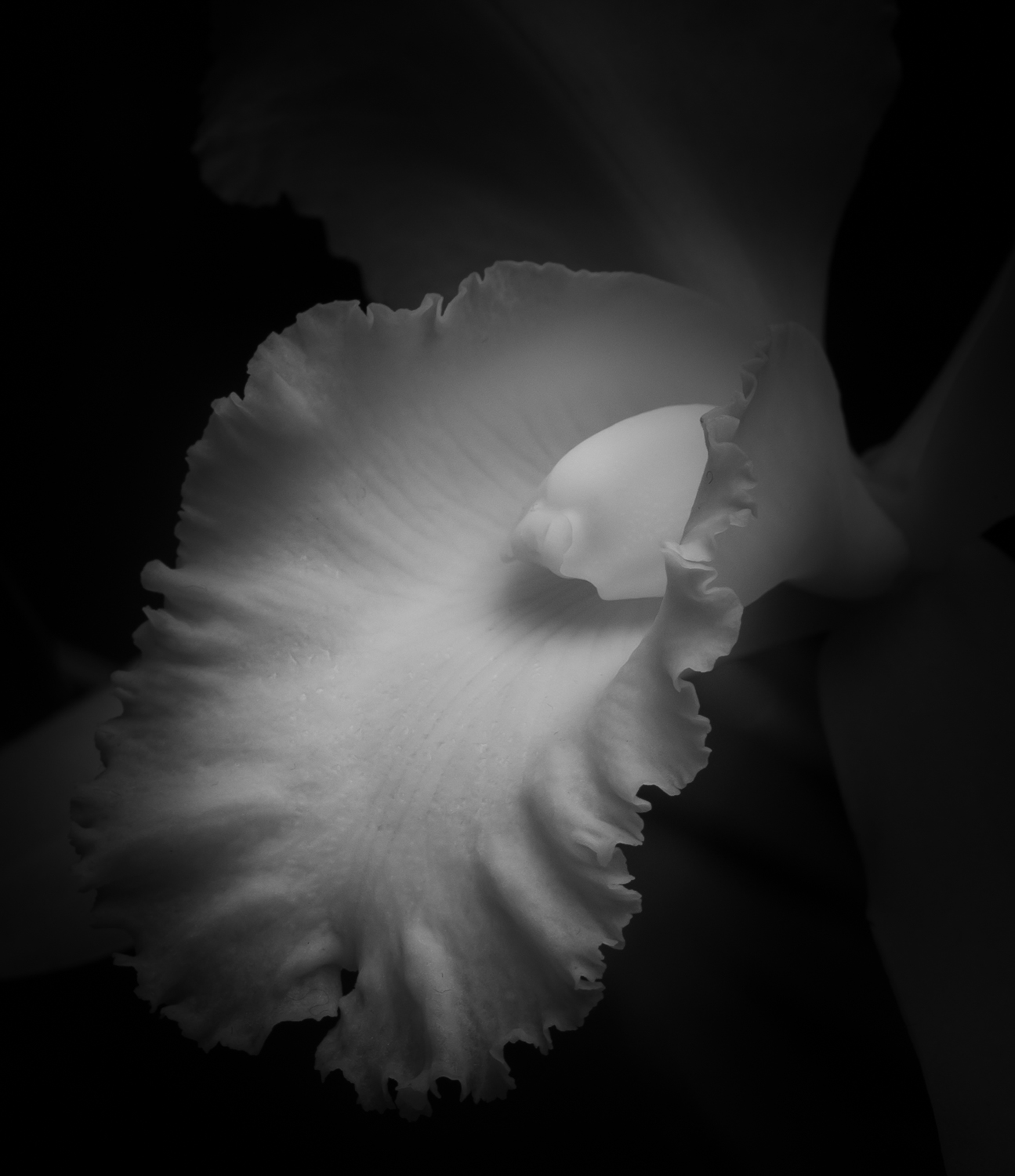
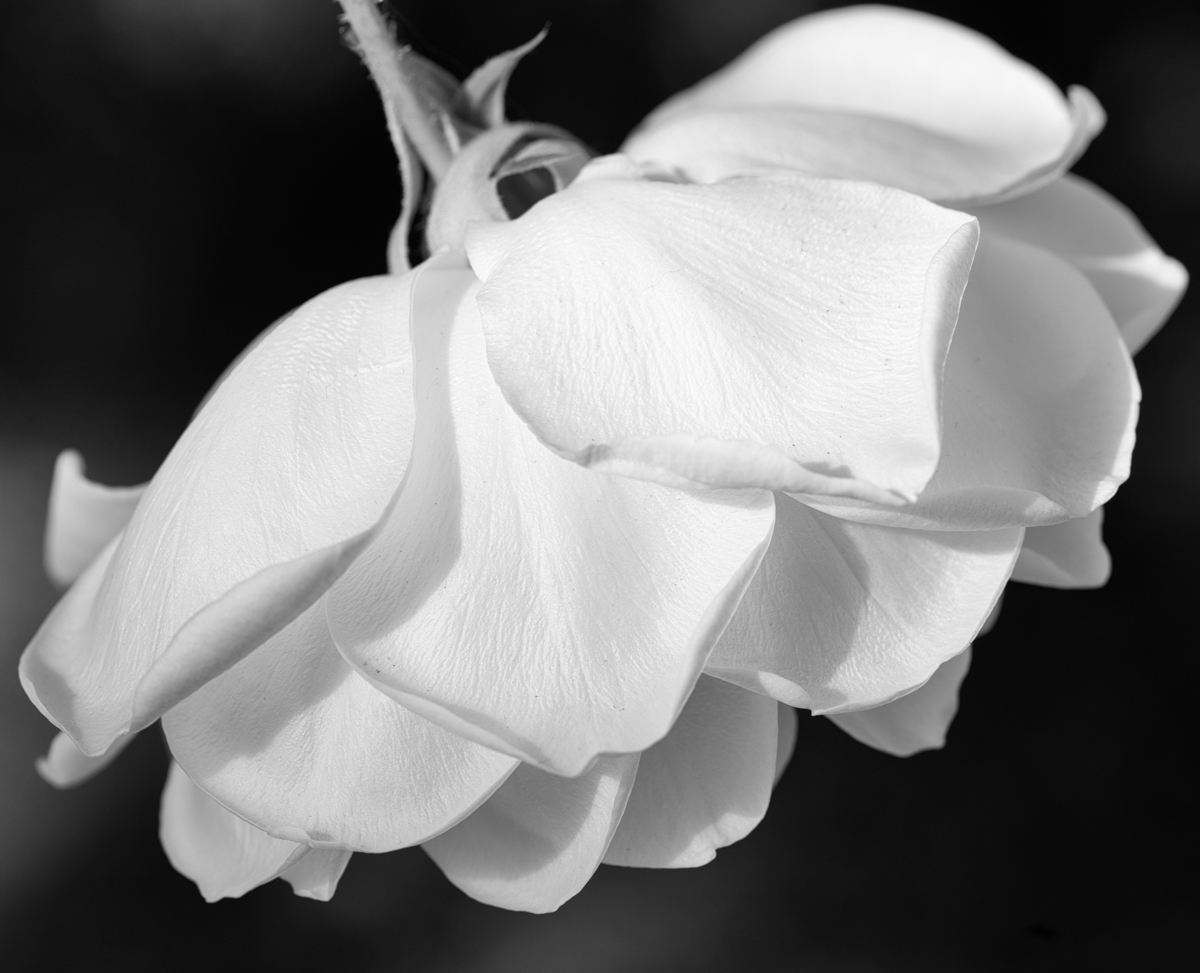
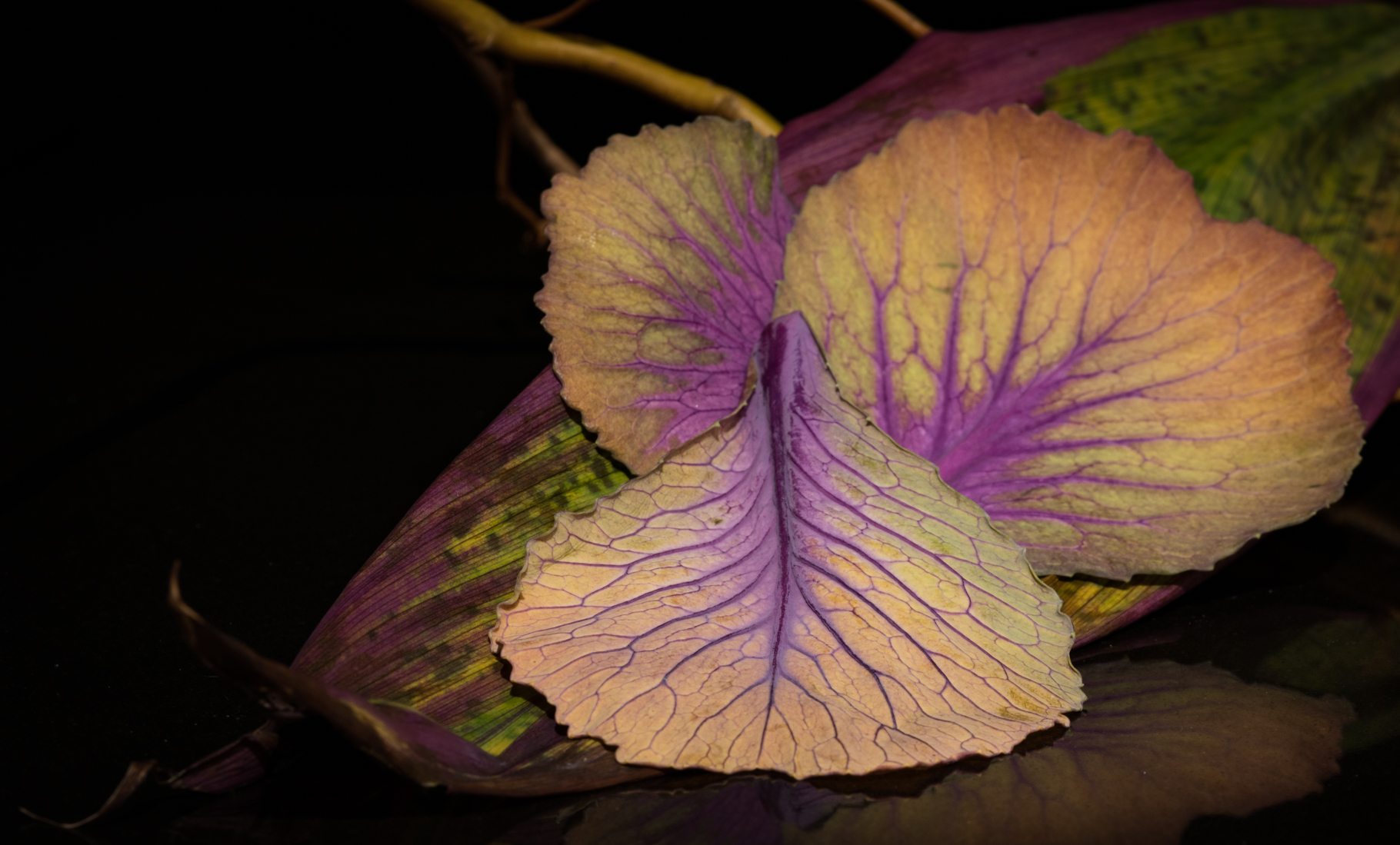
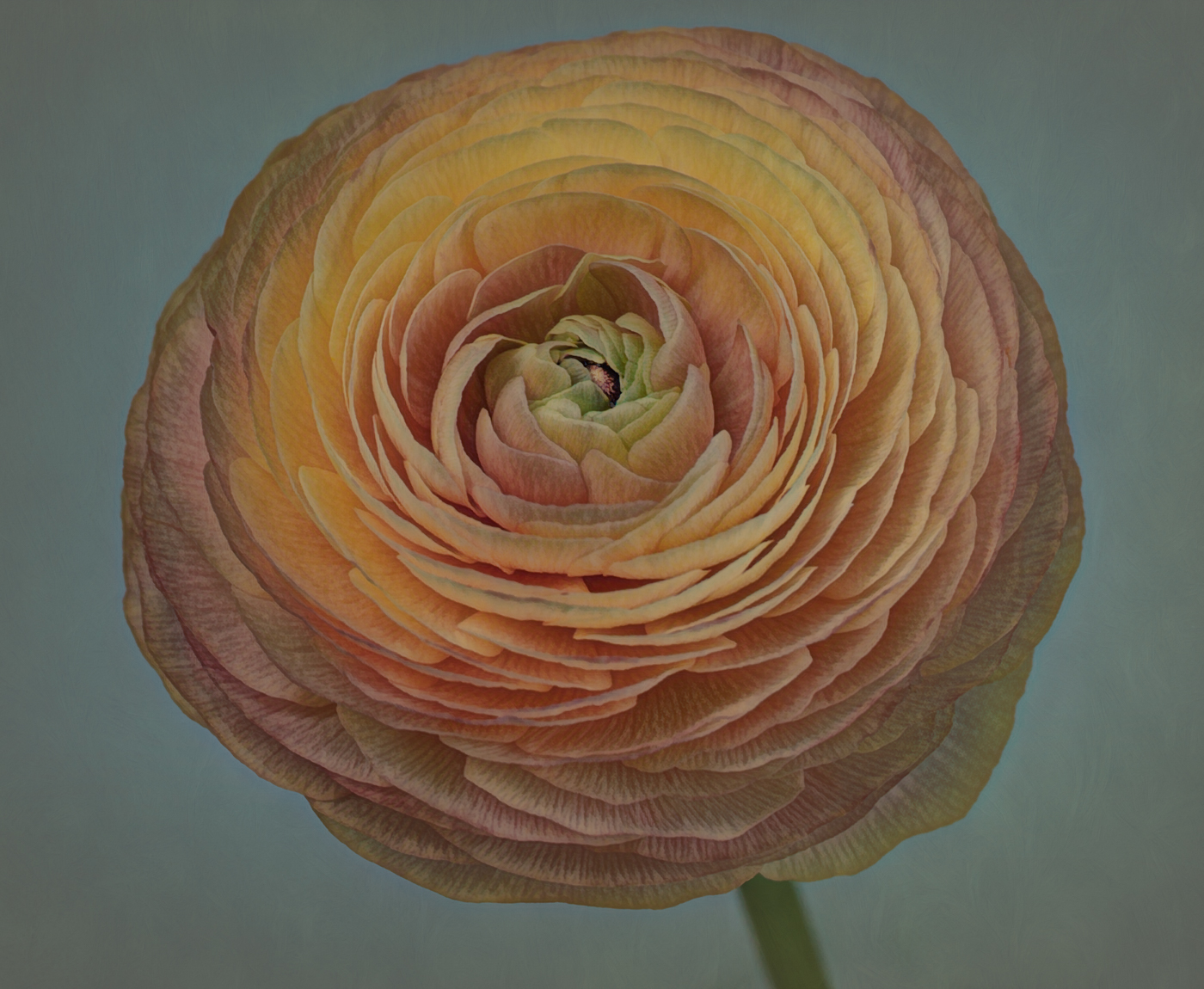
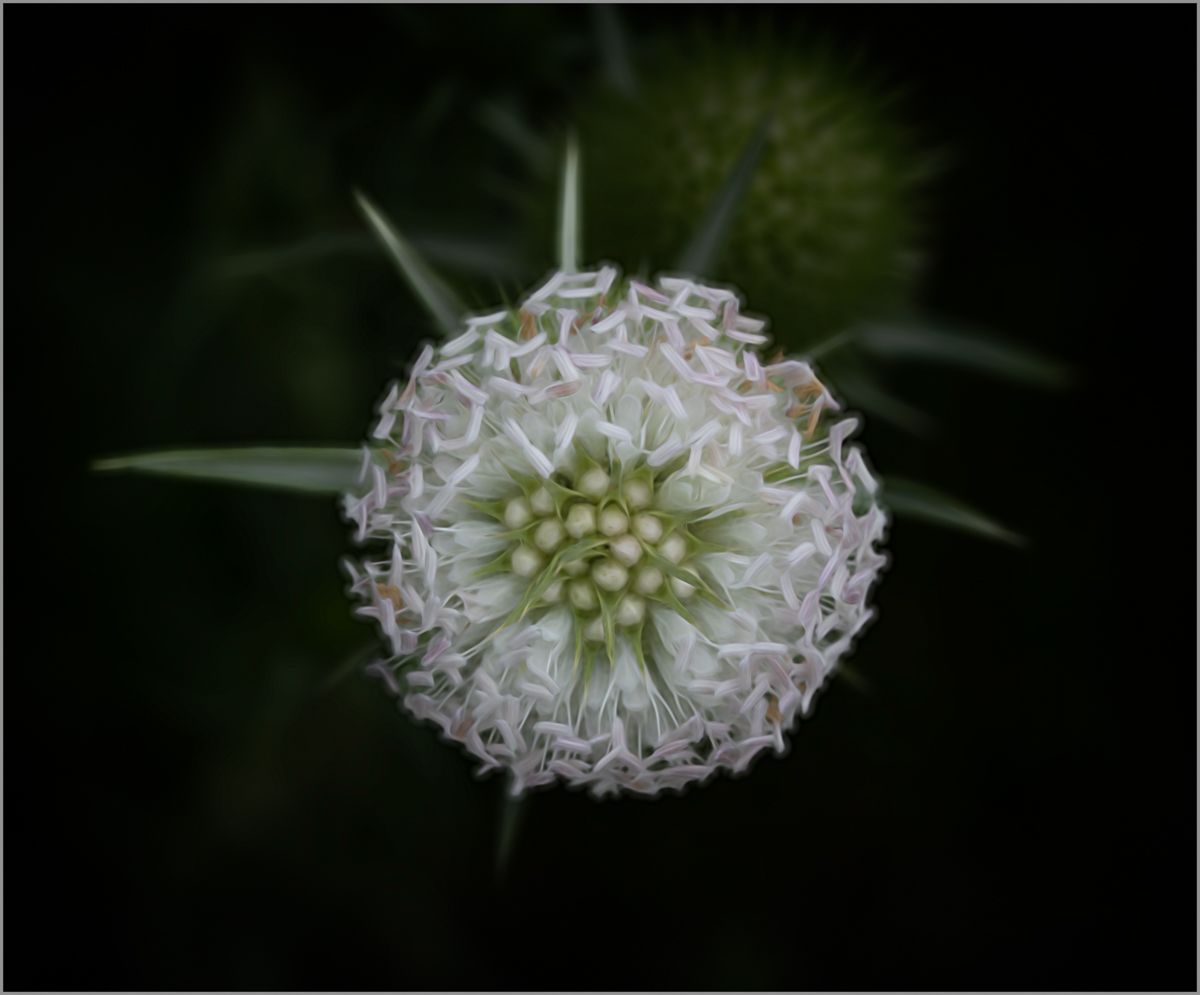
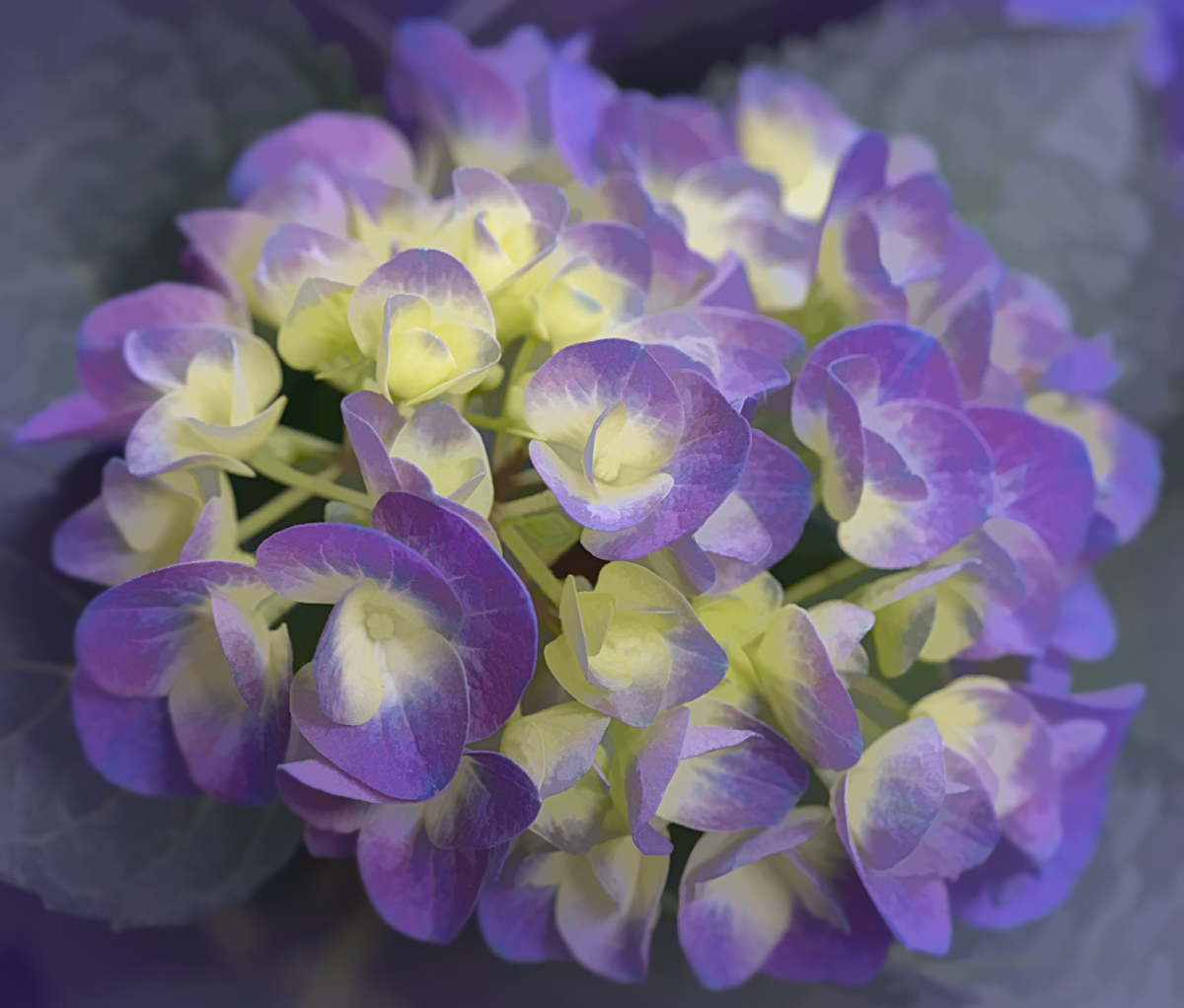
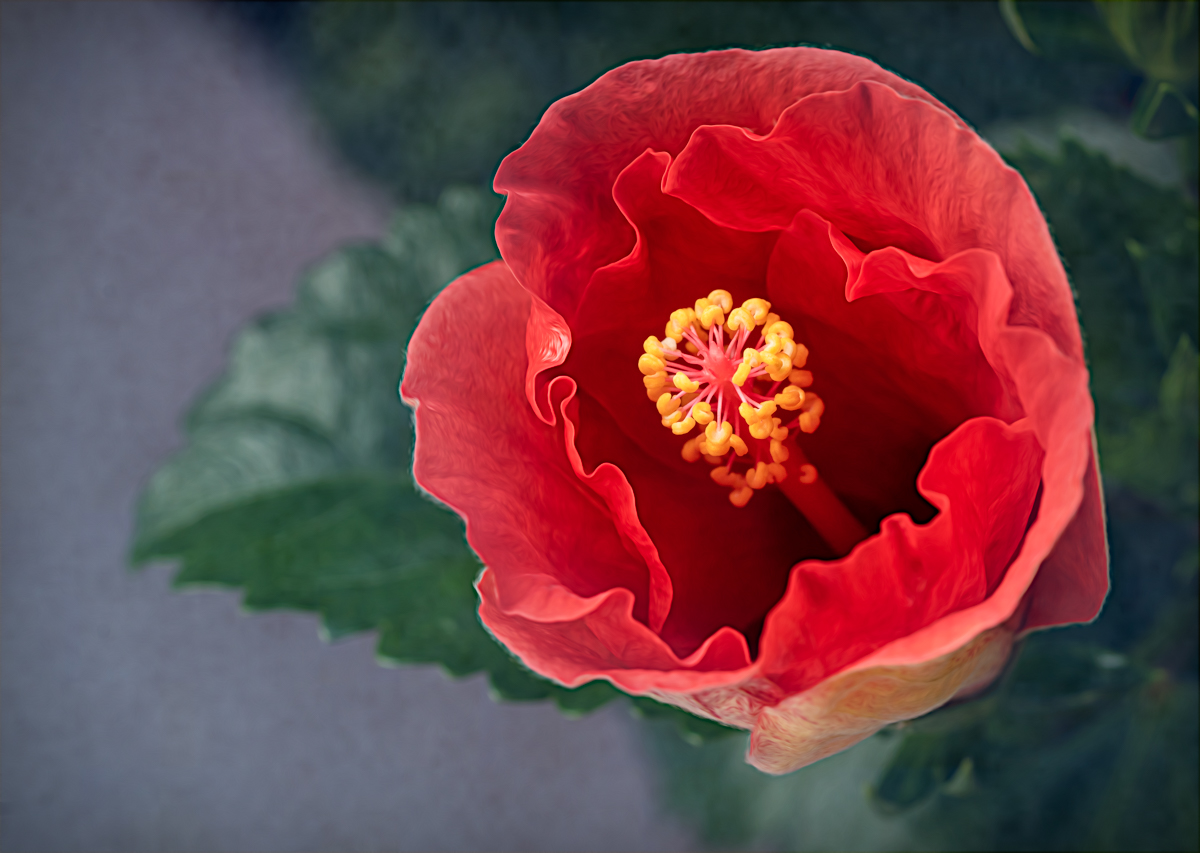
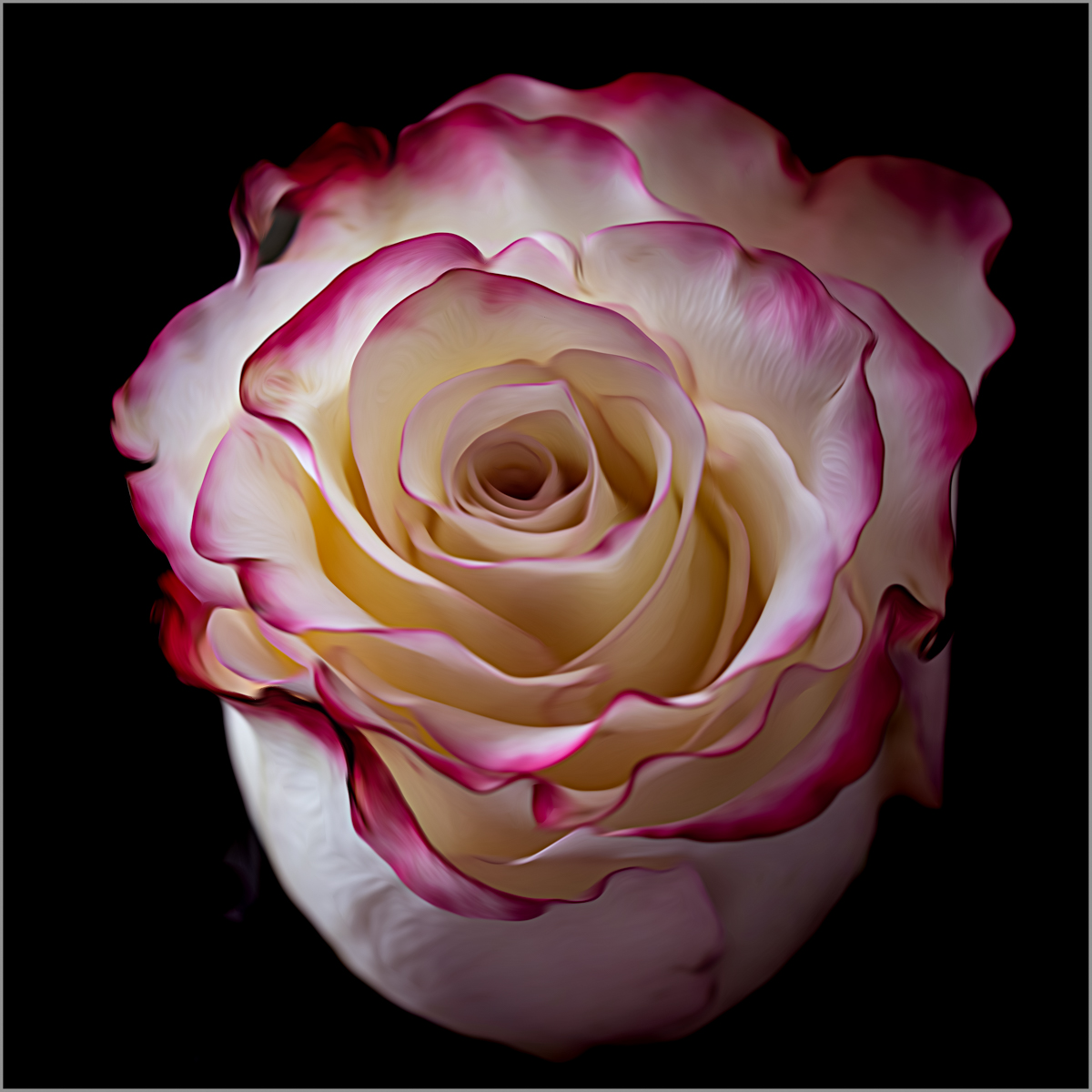
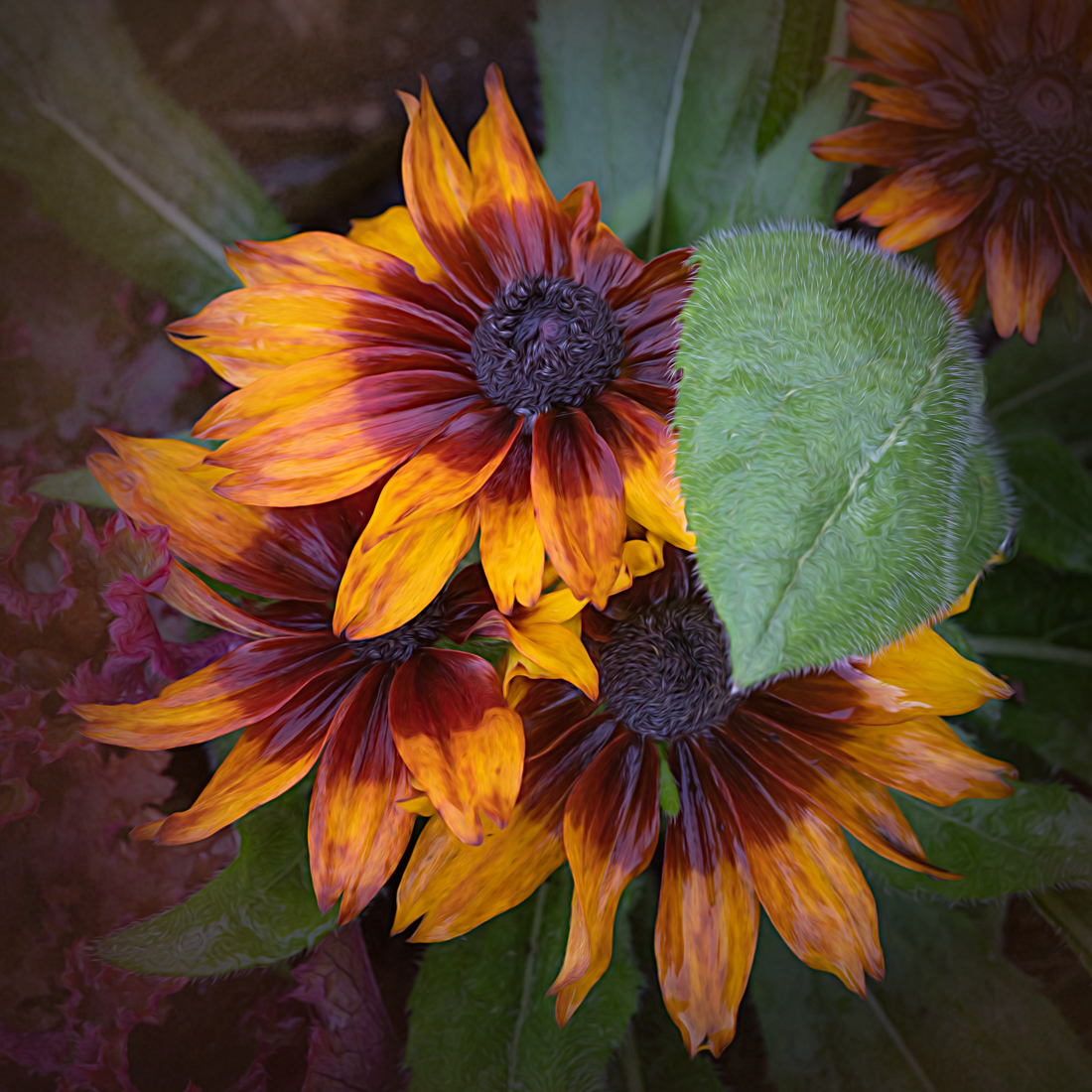
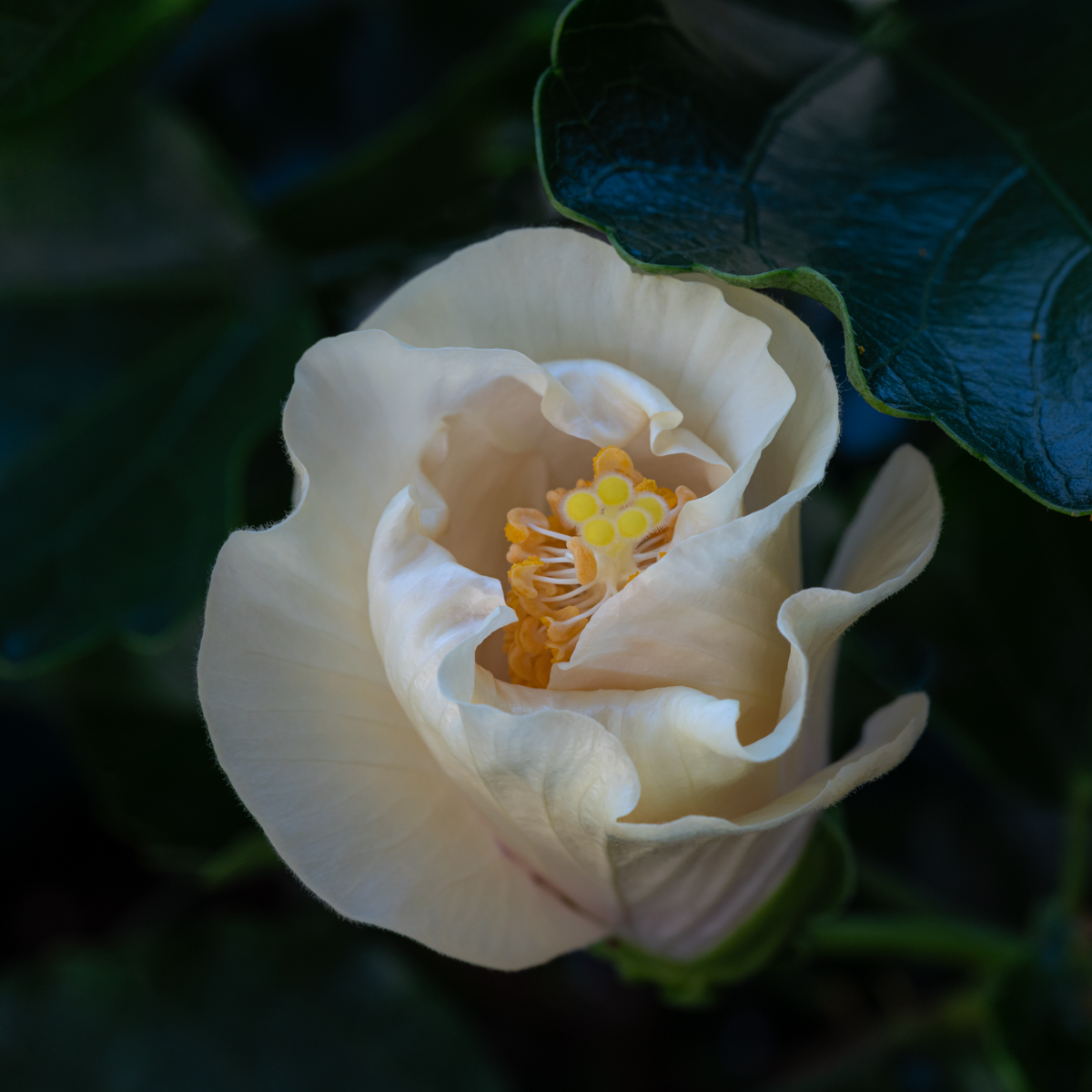
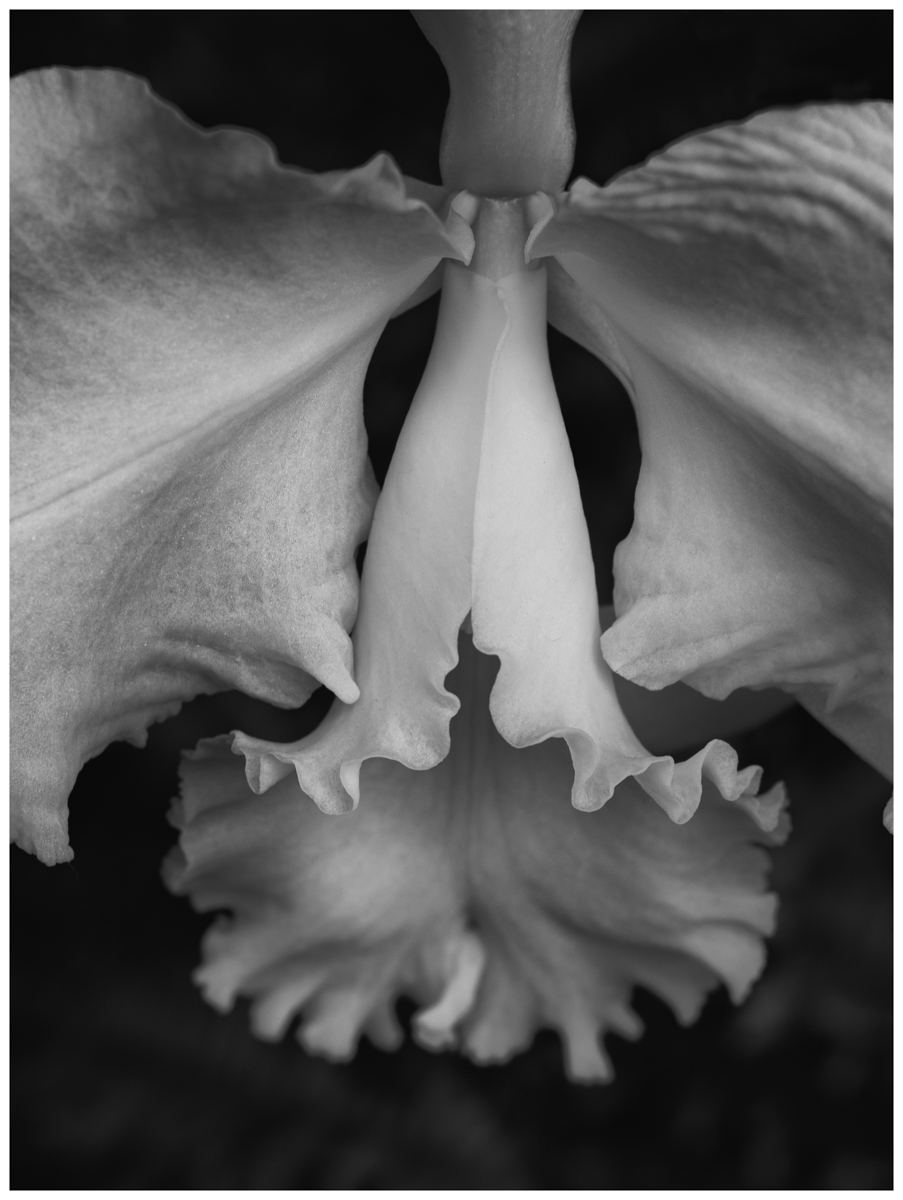
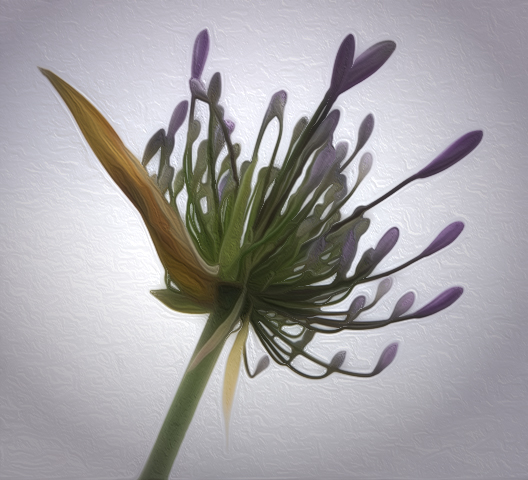
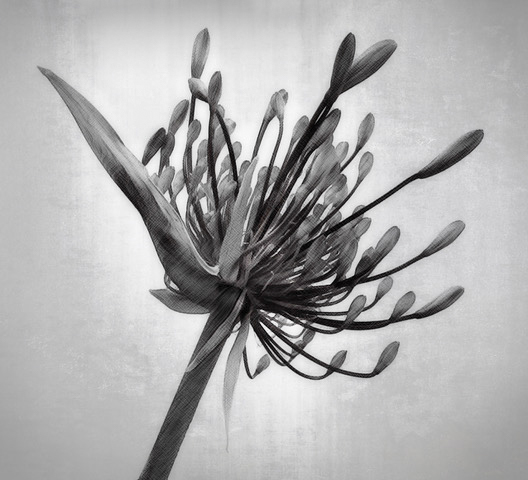
This is an interesting flower Jan. I like the composition. The area at the top center feels a little too bright to me compared to the rest of the image. I would consider darkening that area or dragging more of the textured vignette into that area. I would also consider lightening the really dark area where the flower is meeting the stem. I tried to provide an example but of course I can't add the texture to where I darkened the top. Also, I wonder if removing some of the texture from the flower might bring out a little more of the interesting details.
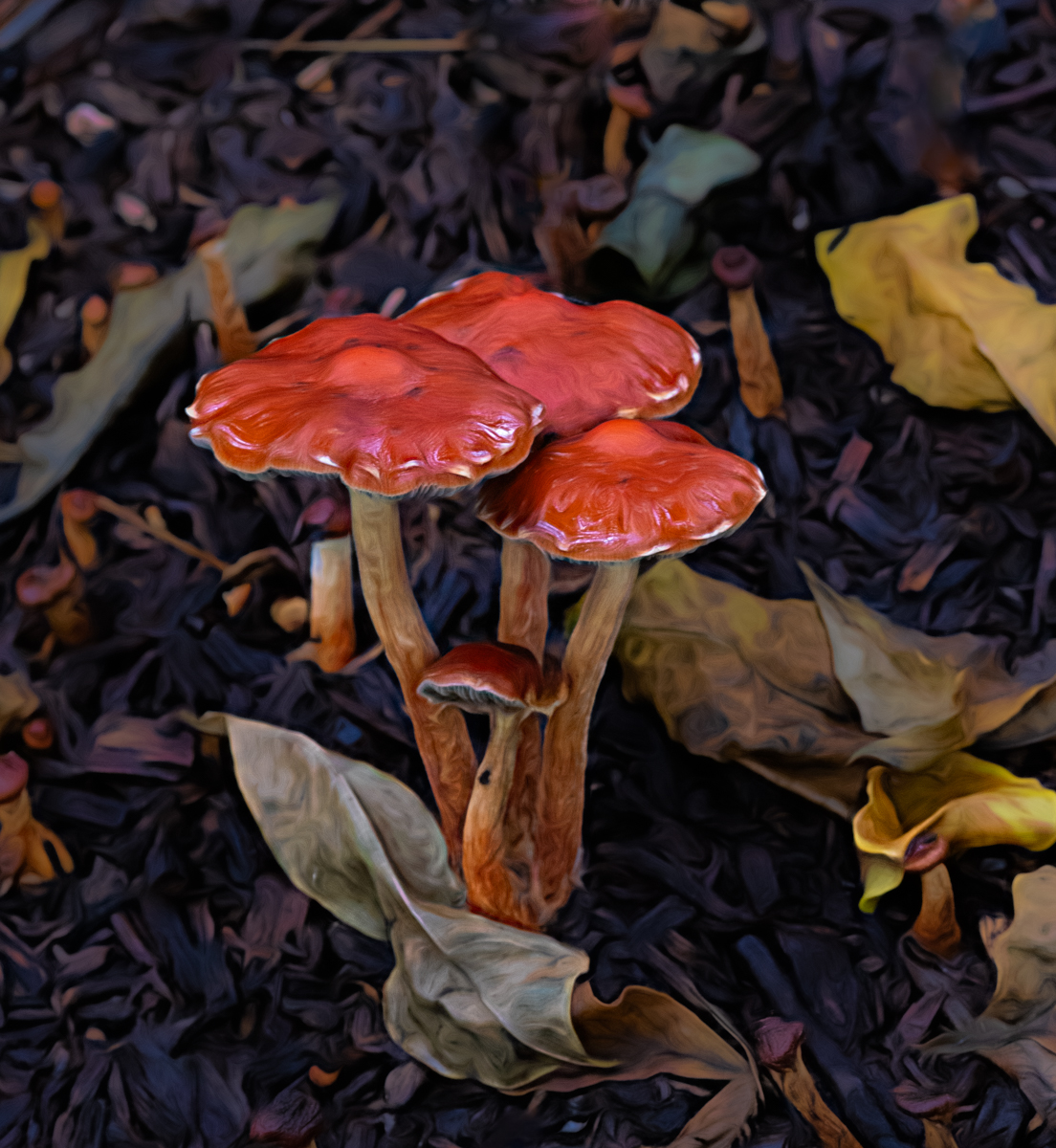
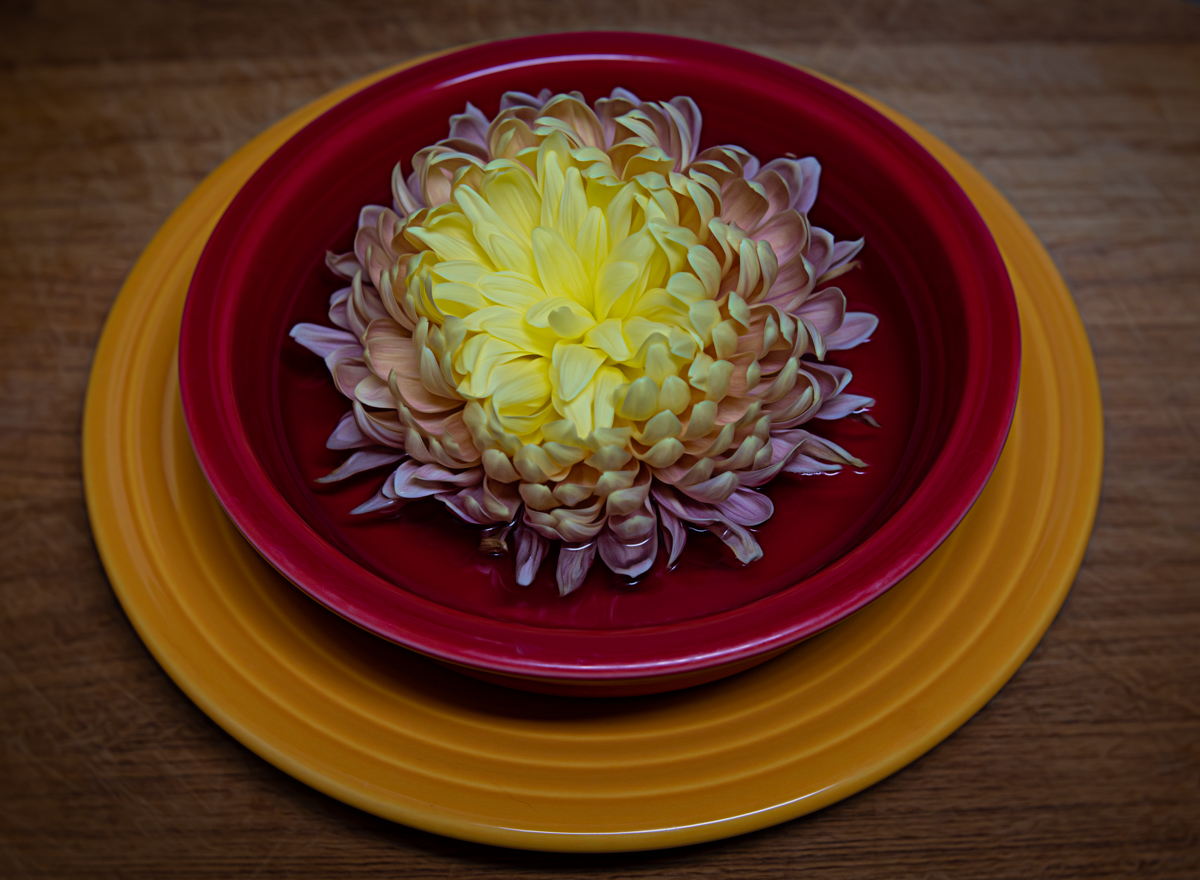
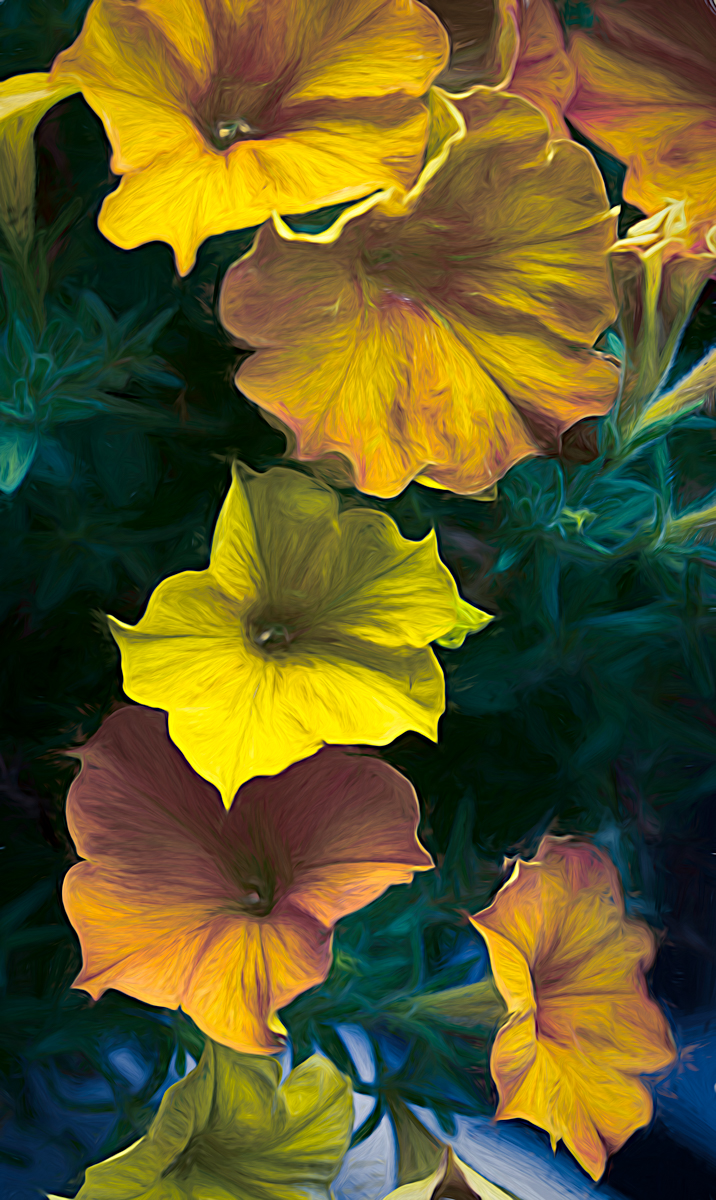
But this also inspired me to take your flower in a different direction, LOL. So I made a color version where I took your original 2 into photoshop and used the oil paint filter on it. Then I took it back into Lightroom and masked the background then reduced the texture to soften it. Then into Nik Color Efex and added a color vignette picking up on the purples in the flowers. So I've attached two versions for you as food for thought on if you may want to play with a color version as well. |
Jan 11th |
 |
| 77 |
Jan 25 |
Comment |
This is a charming image Mary! I like how you've added and positioned the second child. To me, it looks like she was originally there. I love how you captured the movement in Celine's skirt.
I would suggest a little tighter crop of the girls to help keep them the center of attention. Also, I know your intent was to make the image a little softer and "lighter", however I wanted to see what would happen if I darkened the background a bit and also brought out more detail in her skirt. So I masked the background and reduced the exposure to make the girls pop a little more. Then I masked the skirt and increased detail and saturation a bit. I've attached my results with the suggested crop.
Really sweet image! |
Jan 11th |
 |
| 77 |
Jan 25 |
Comment |
To me, your image comes across as someone reciting a magical incantation from which this fairy house is beginning to appear. Very creative end result for this photo. What a fun, interesting find! |
Jan 11th |
| 77 |
Jan 25 |
Comment |
Carol, you seem a master at using your post-processing tools to enhance your images. Your original image is technically good; a great composition and sharp focus with a pleasing blurred background. But the choices you made to place this charming squirrel into a magical snowy scene really elevates the image. You kept the soft detailed edges of the fur, then layered and blended your textures so that the squirrel appeared to be realistically sitting in that scene. The color balance changes you made suit a cold winter day very well. This is a beautiful image. |
Jan 11th |
8 comments - 3 replies for Group 77
|
8 comments - 3 replies Total
|