|
| Group |
Round |
C/R |
Comment |
Date |
Image |
| 77 |
Nov 24 |
Reply |
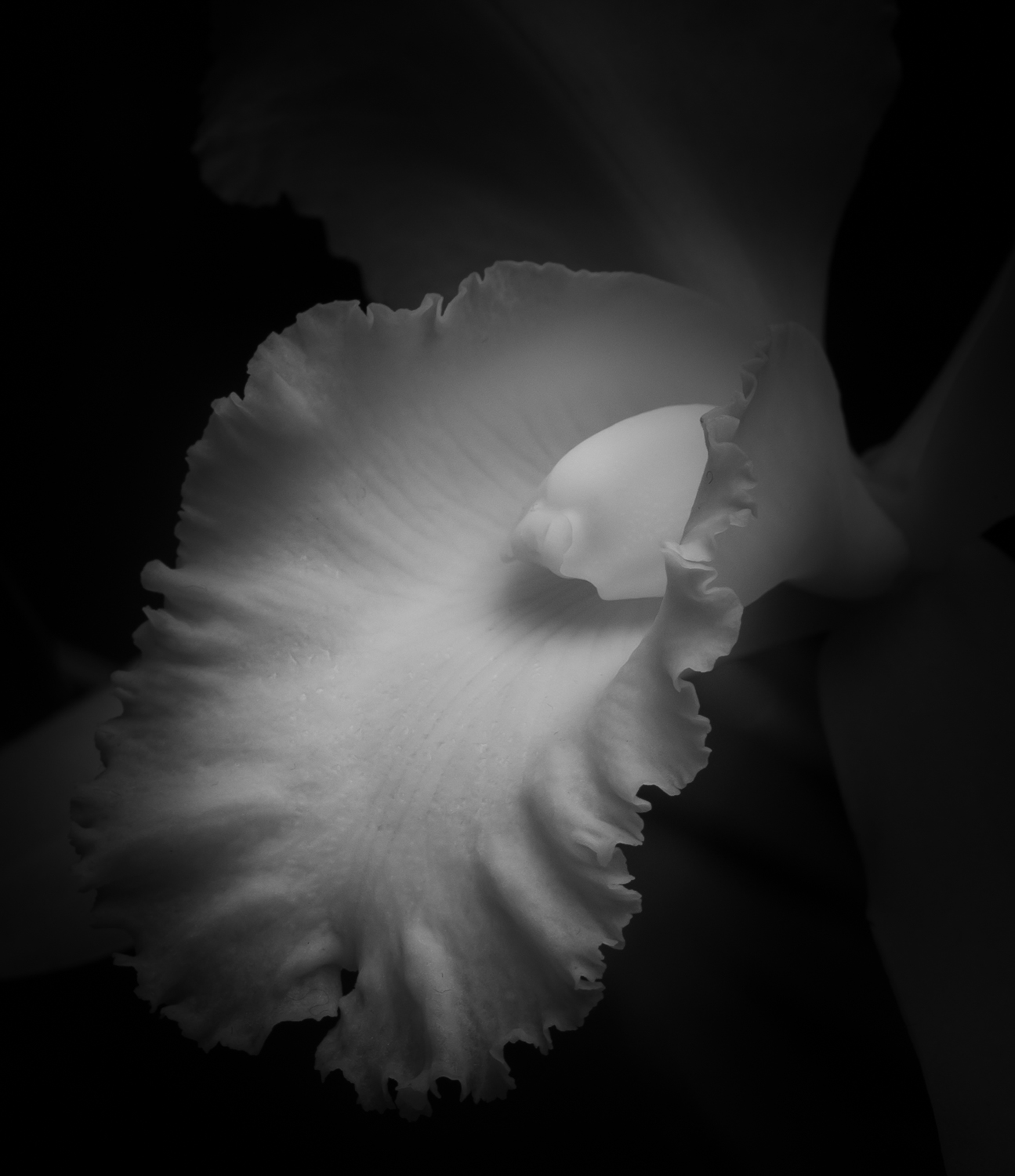
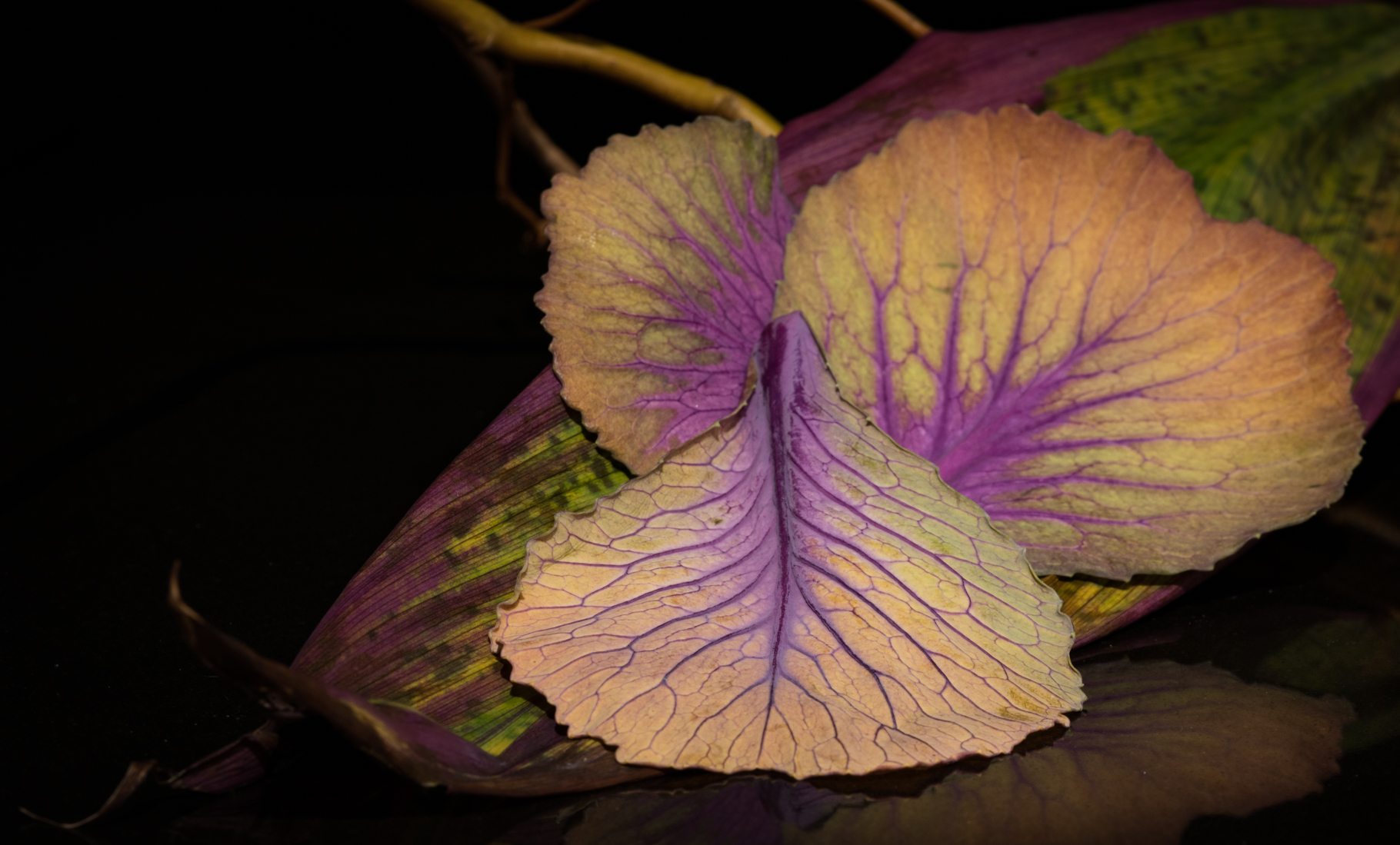
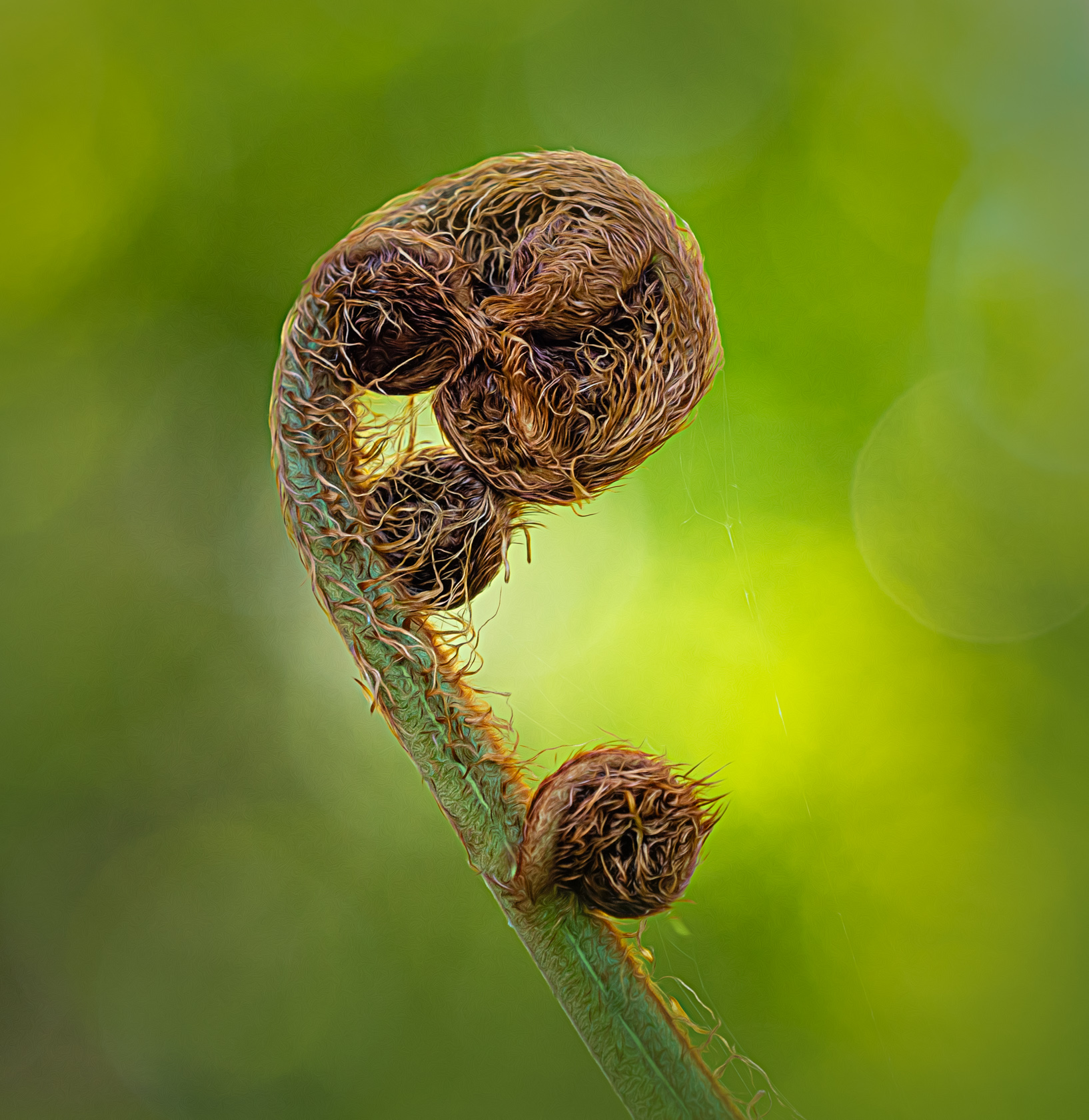
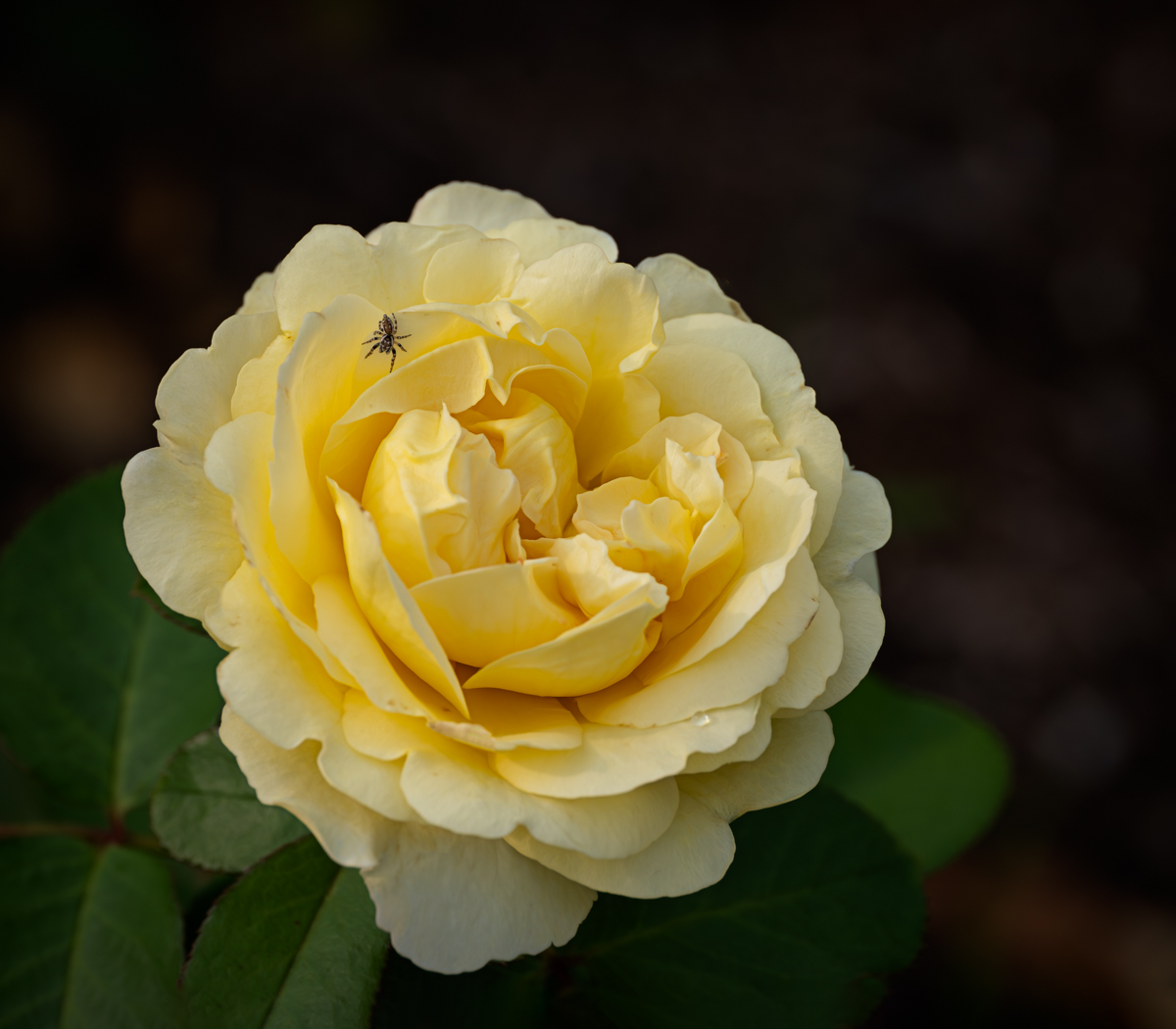
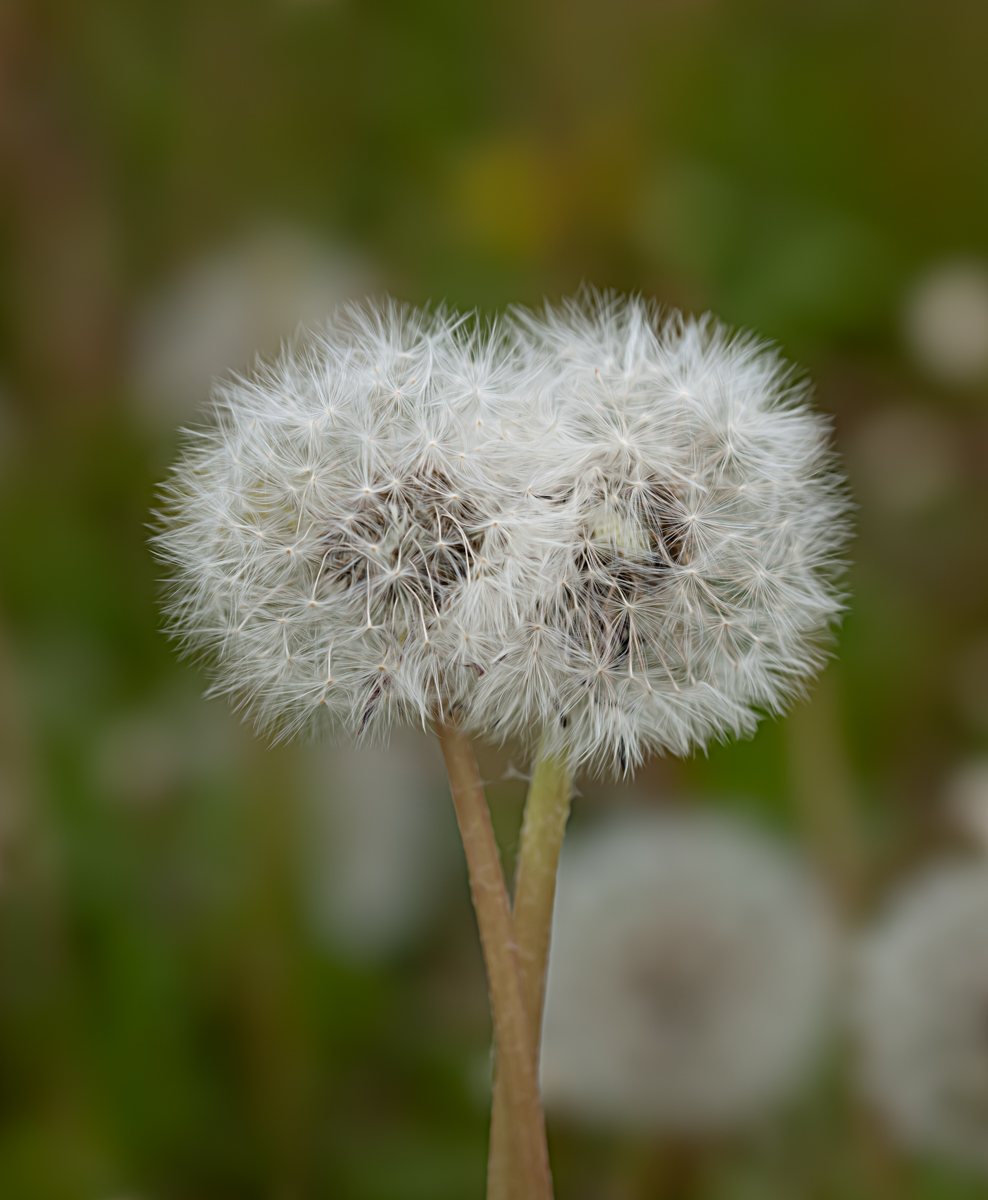
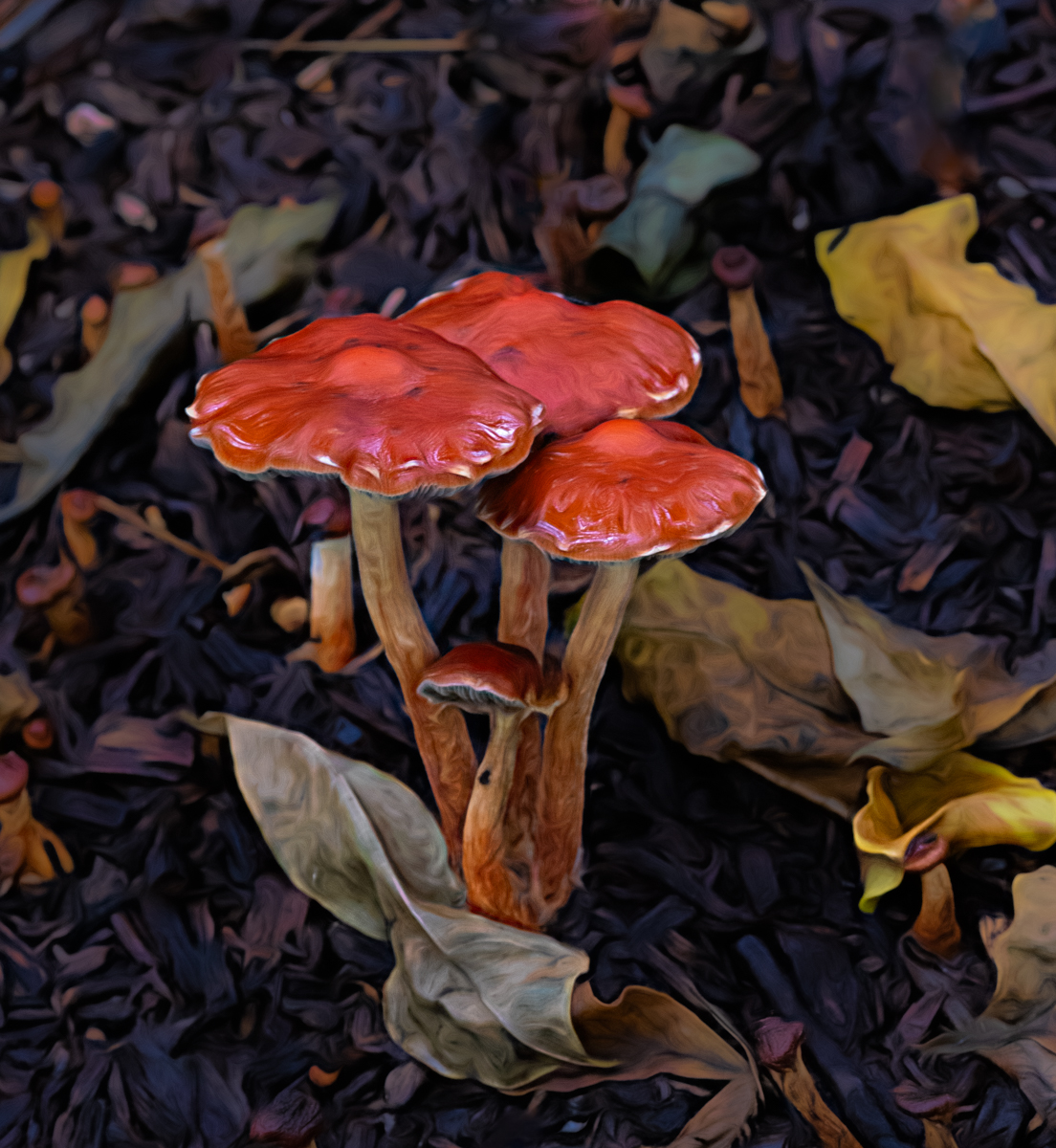
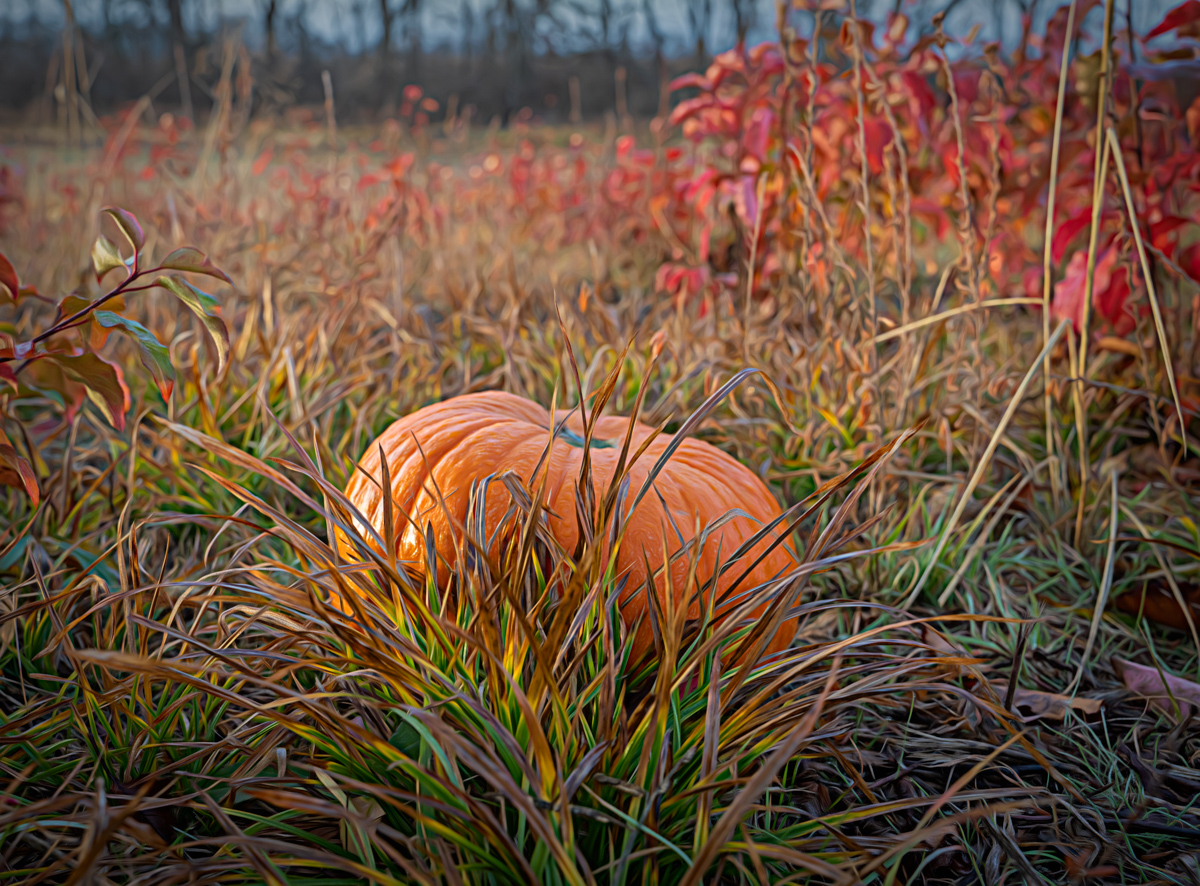
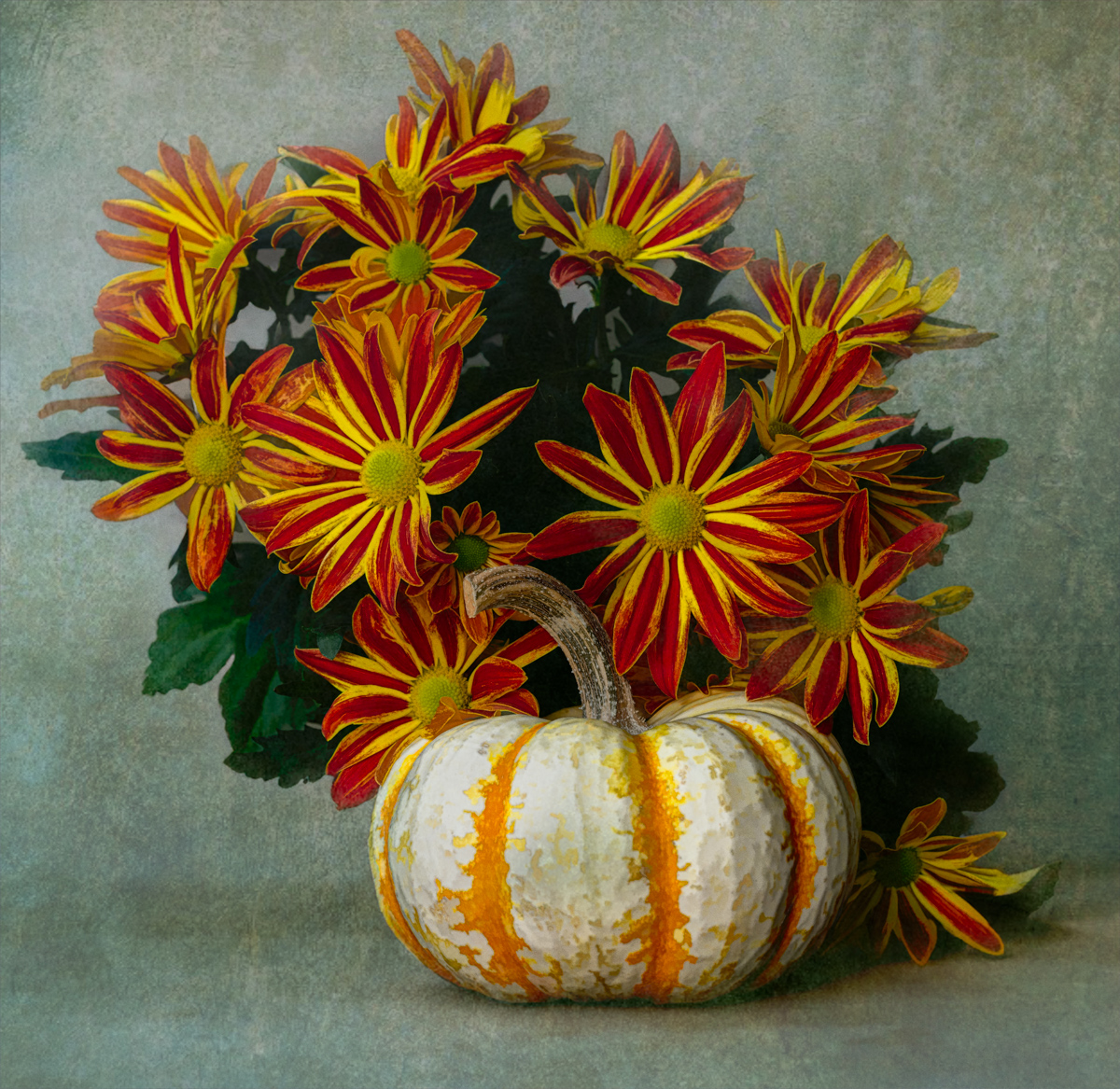
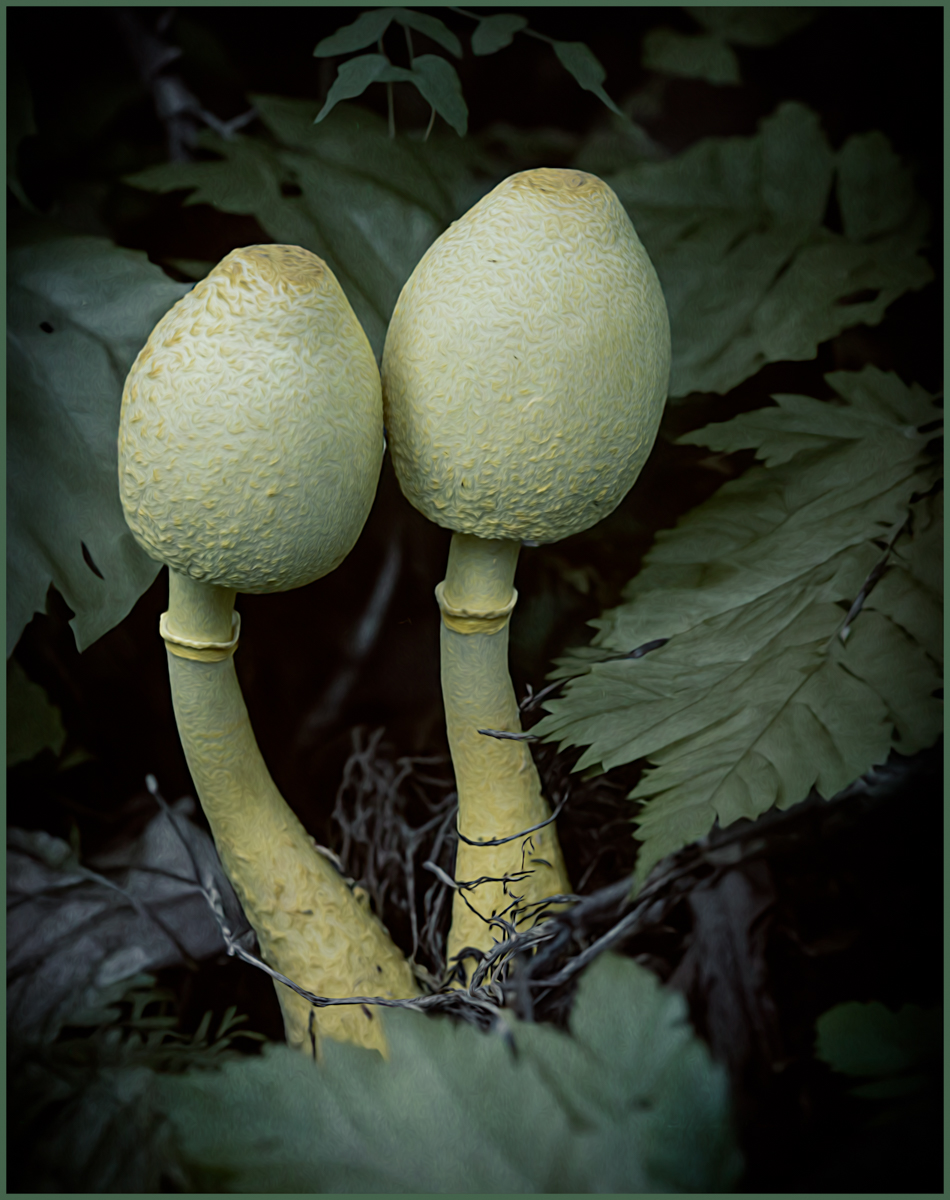
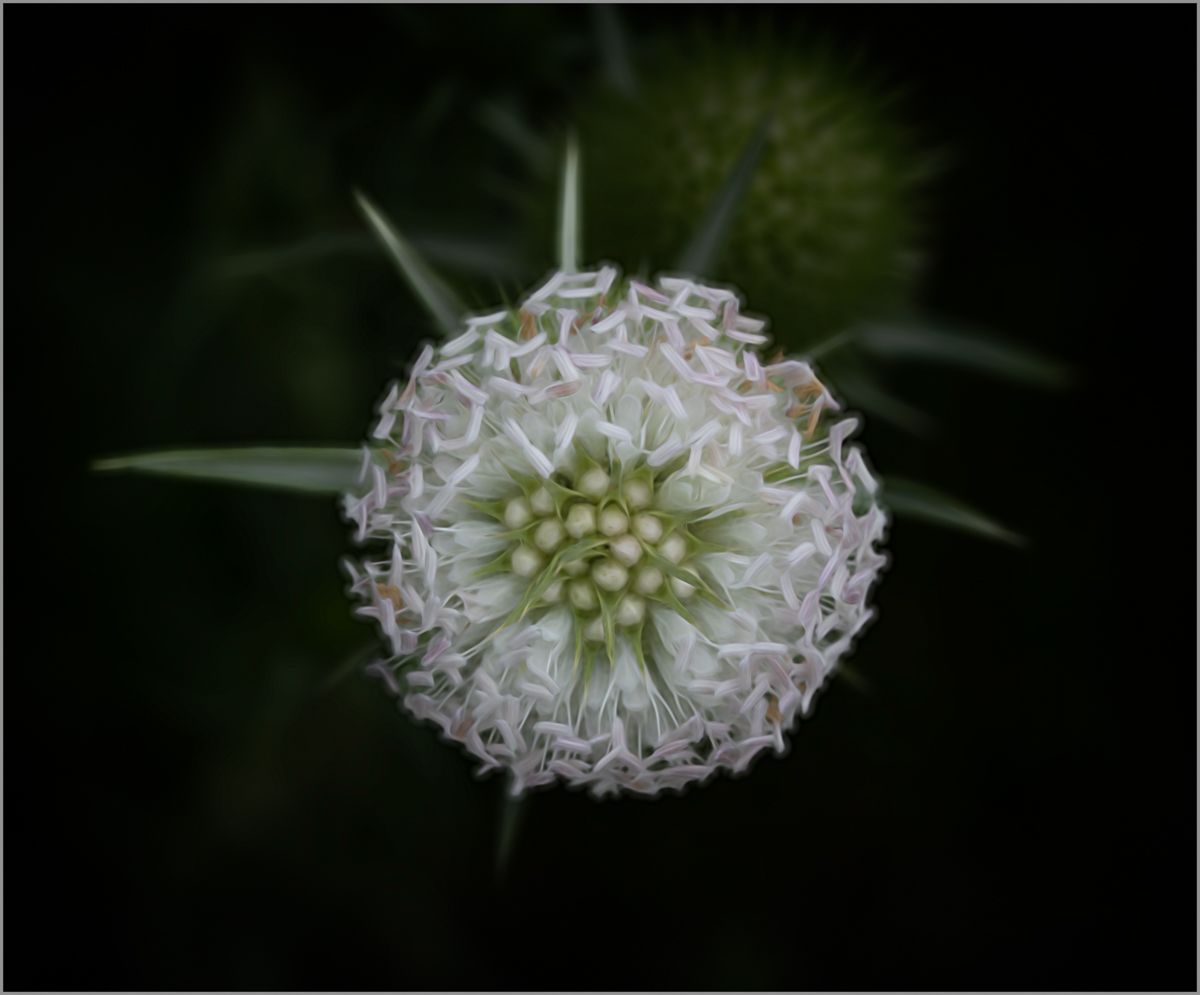
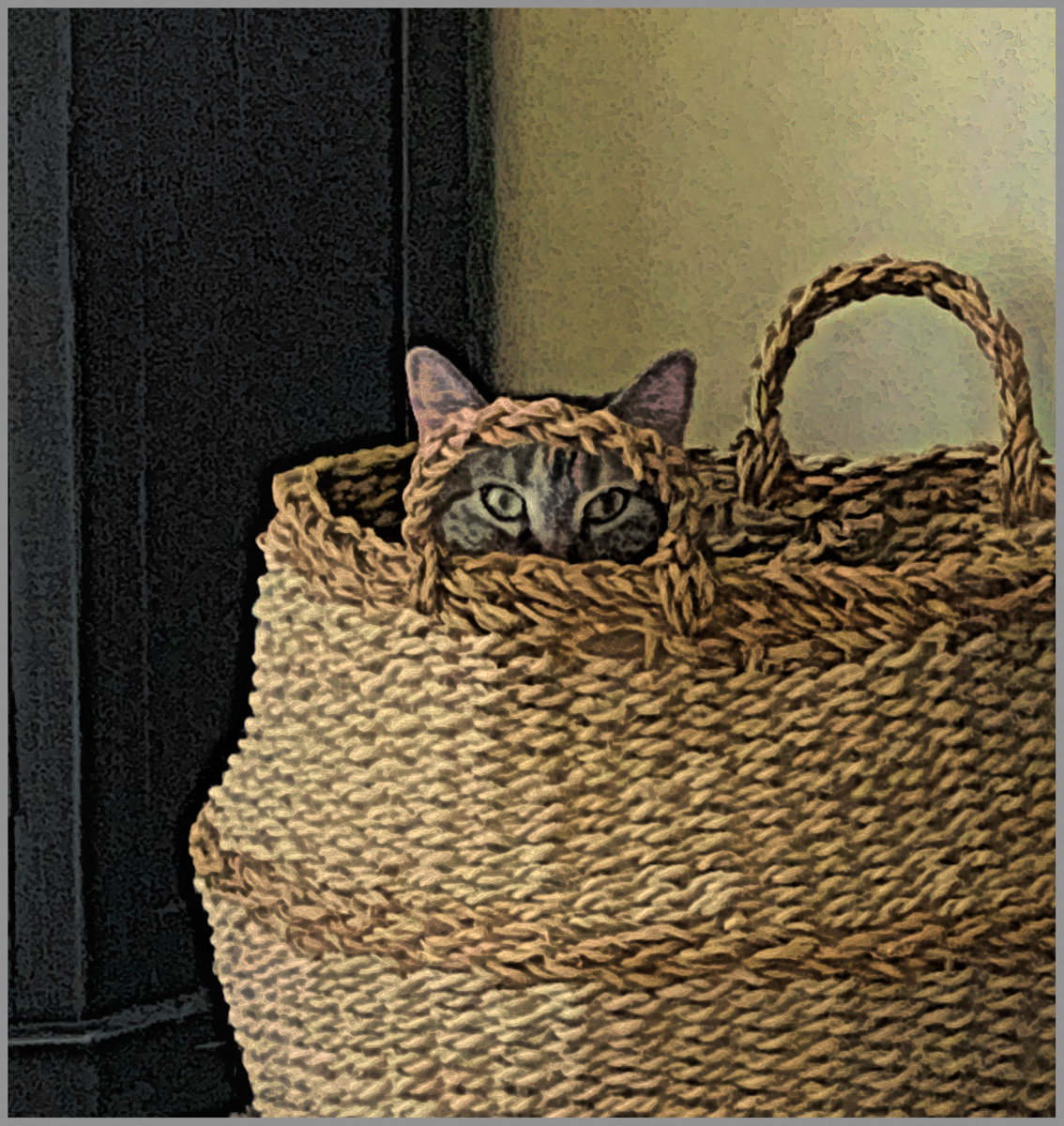
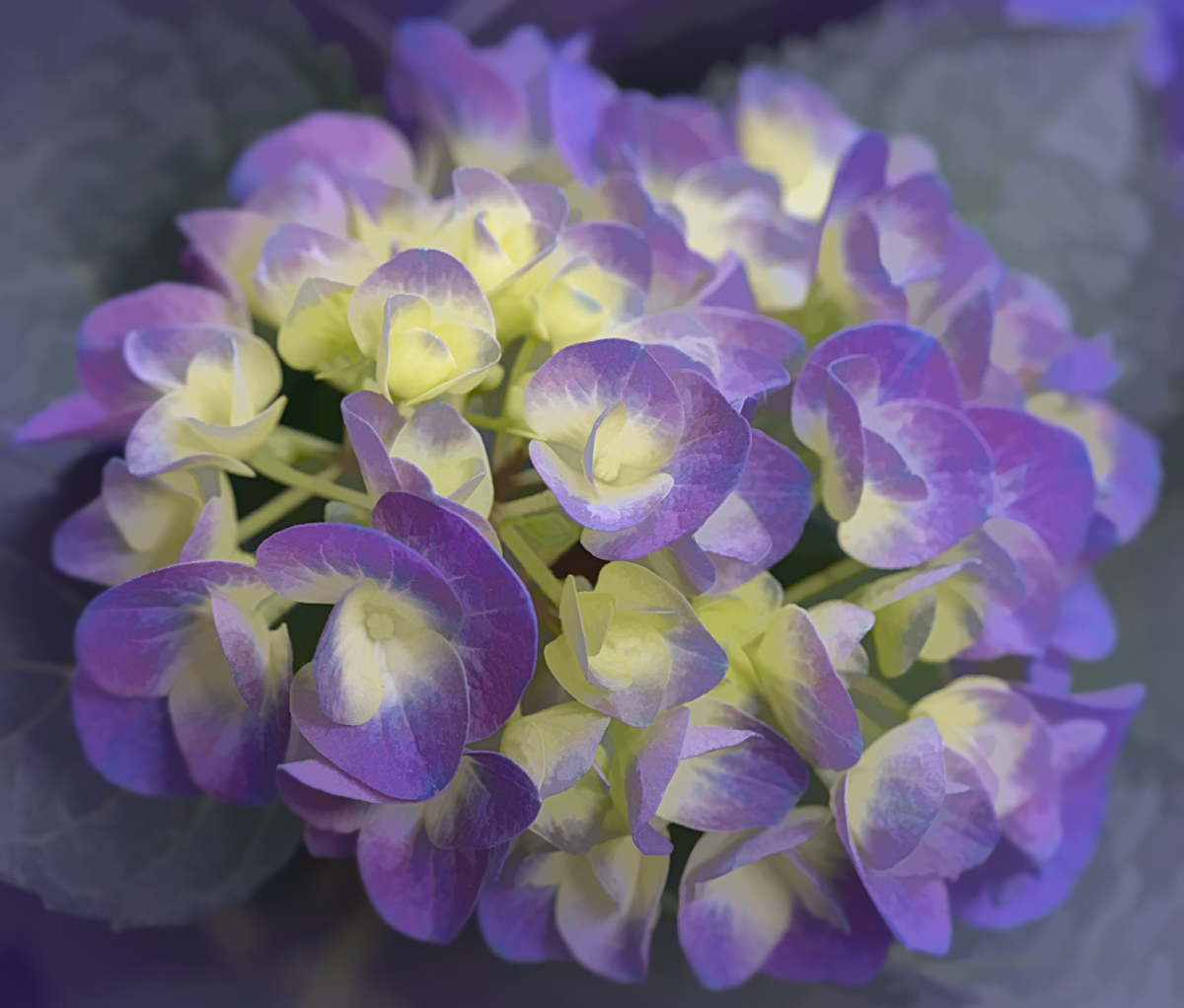
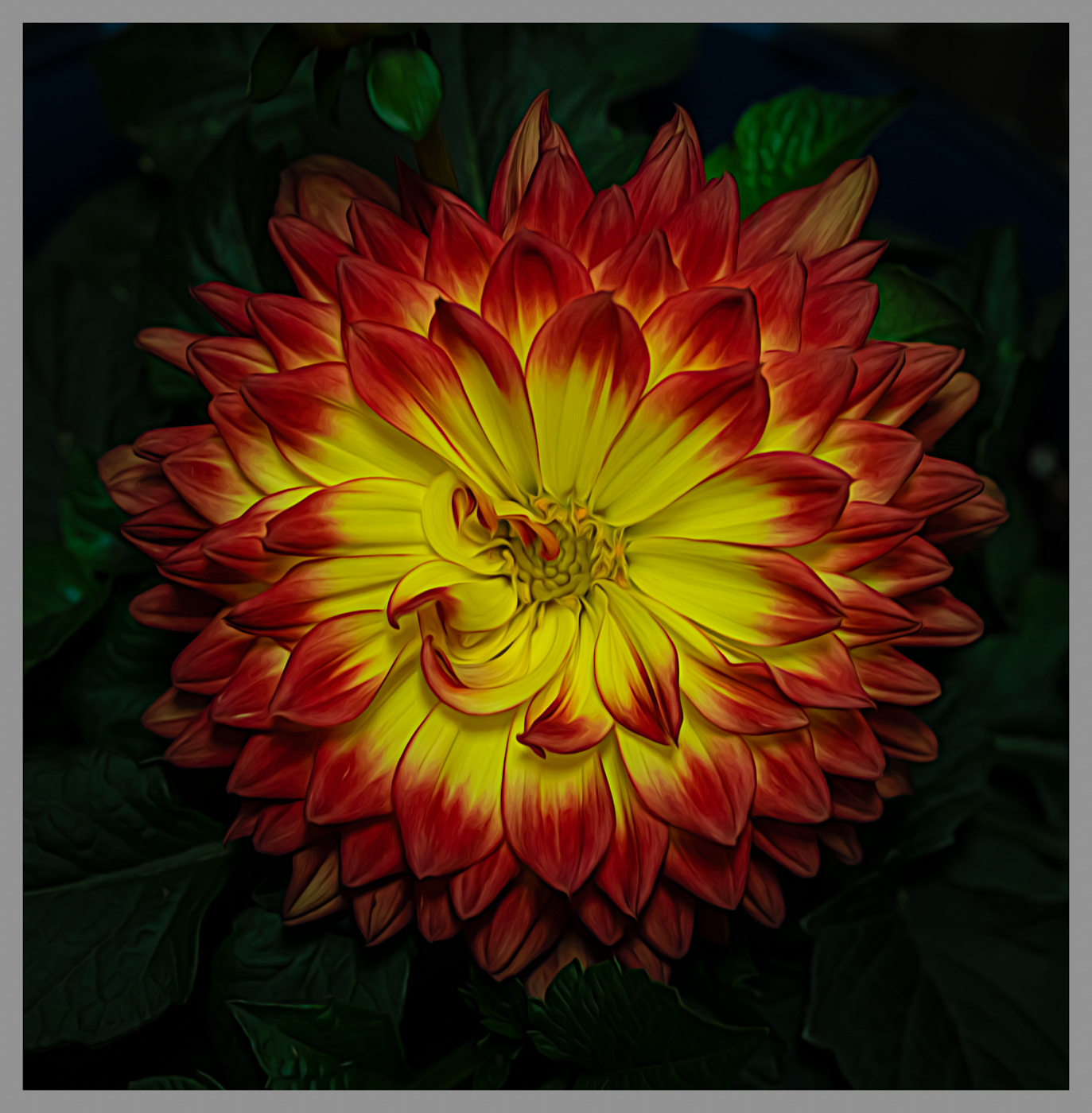
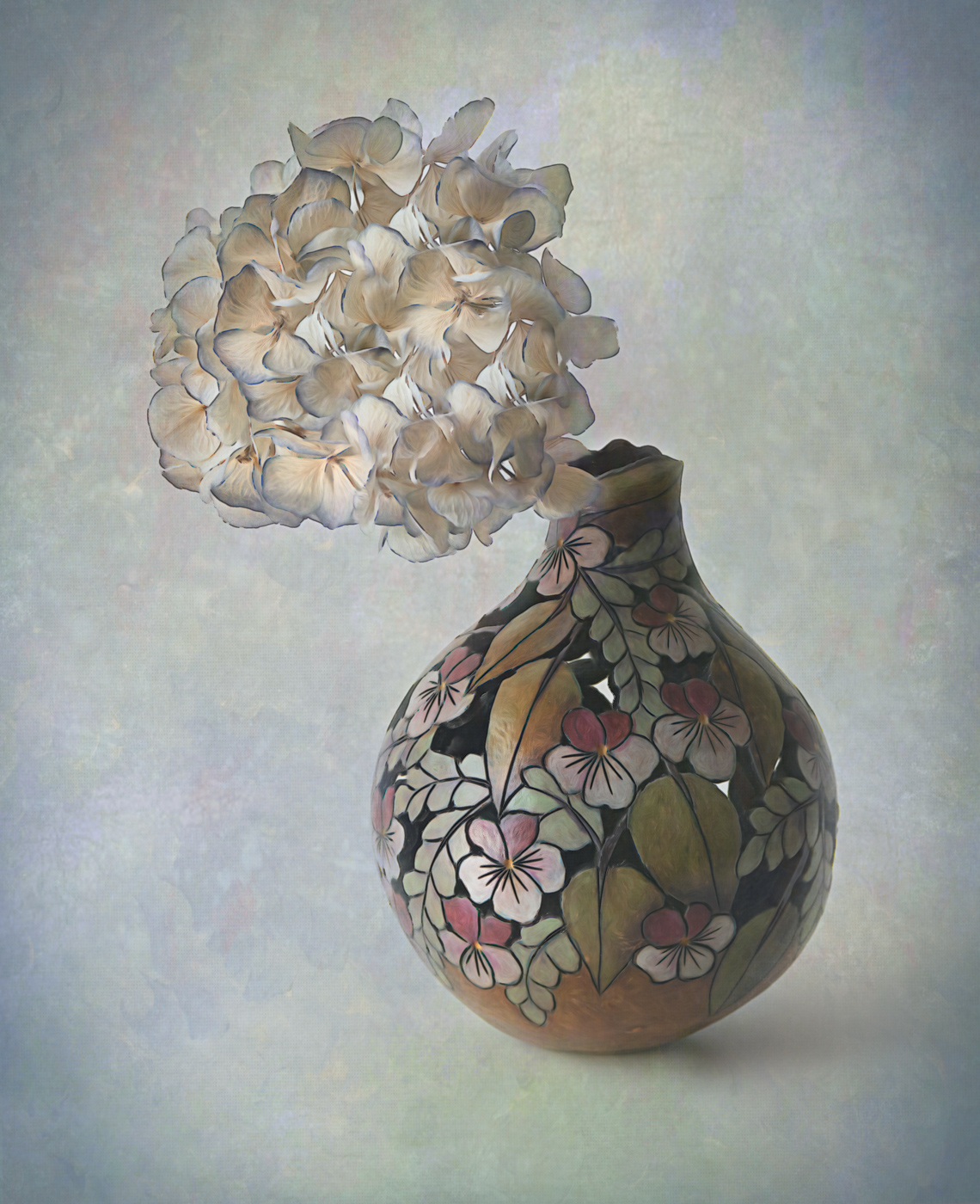
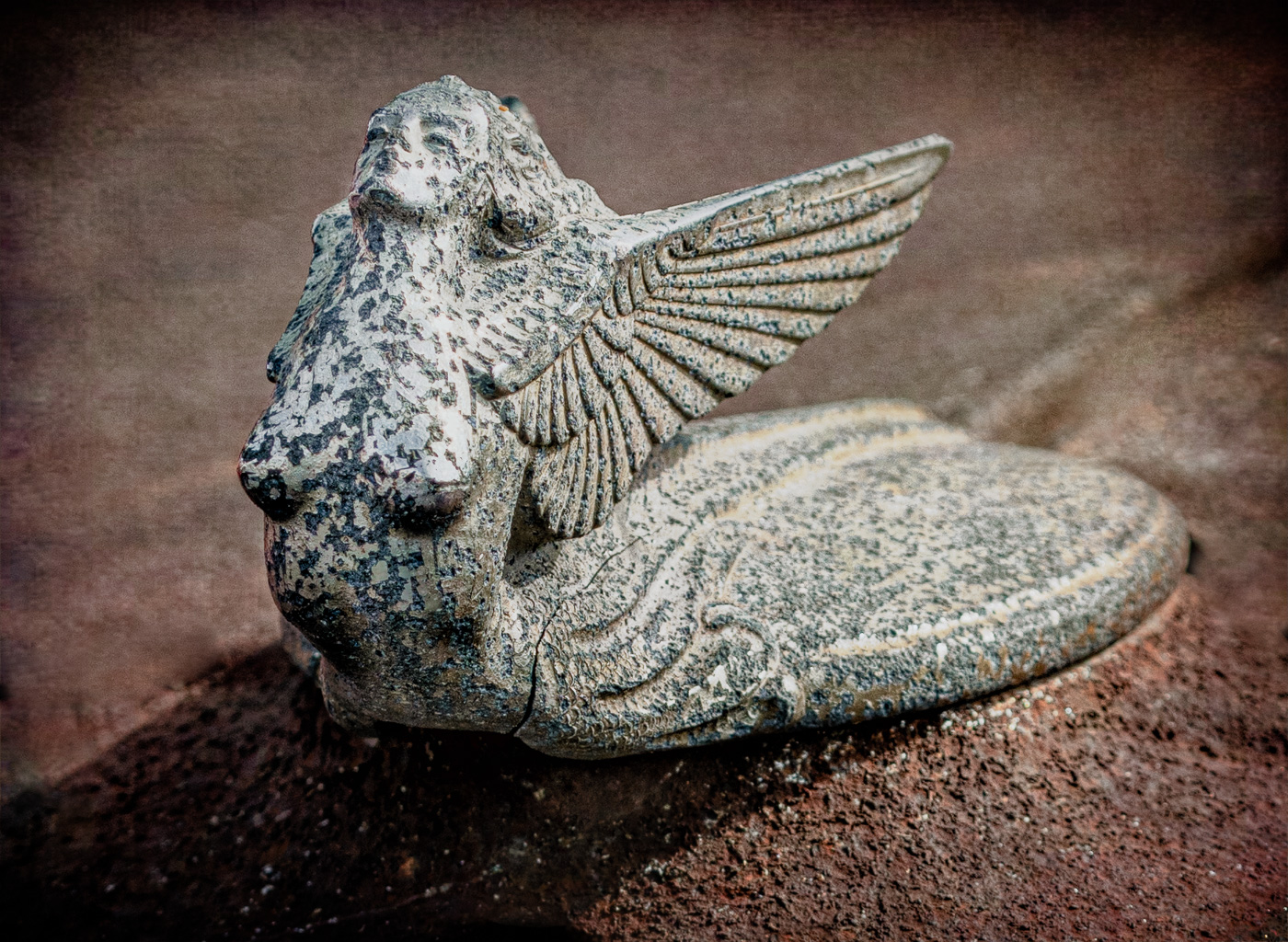
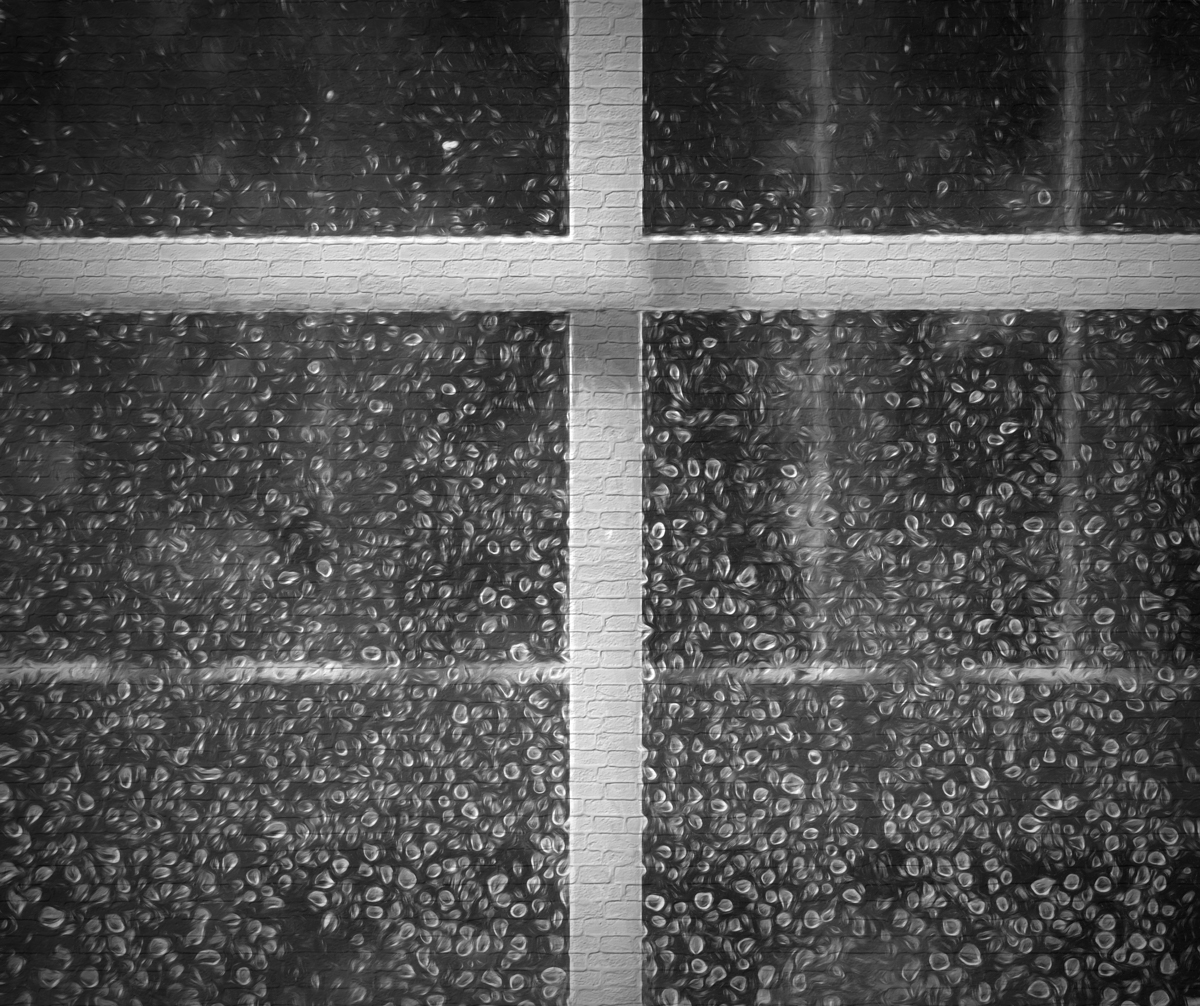
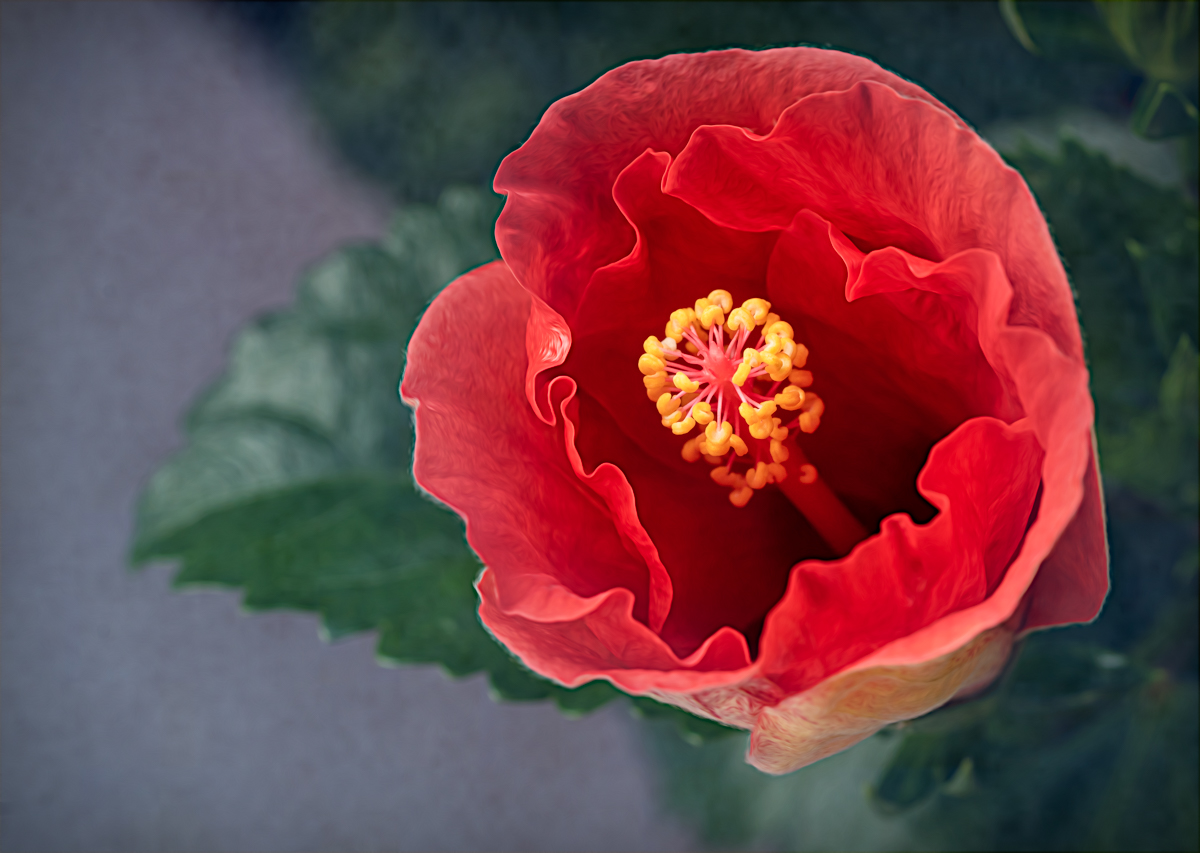
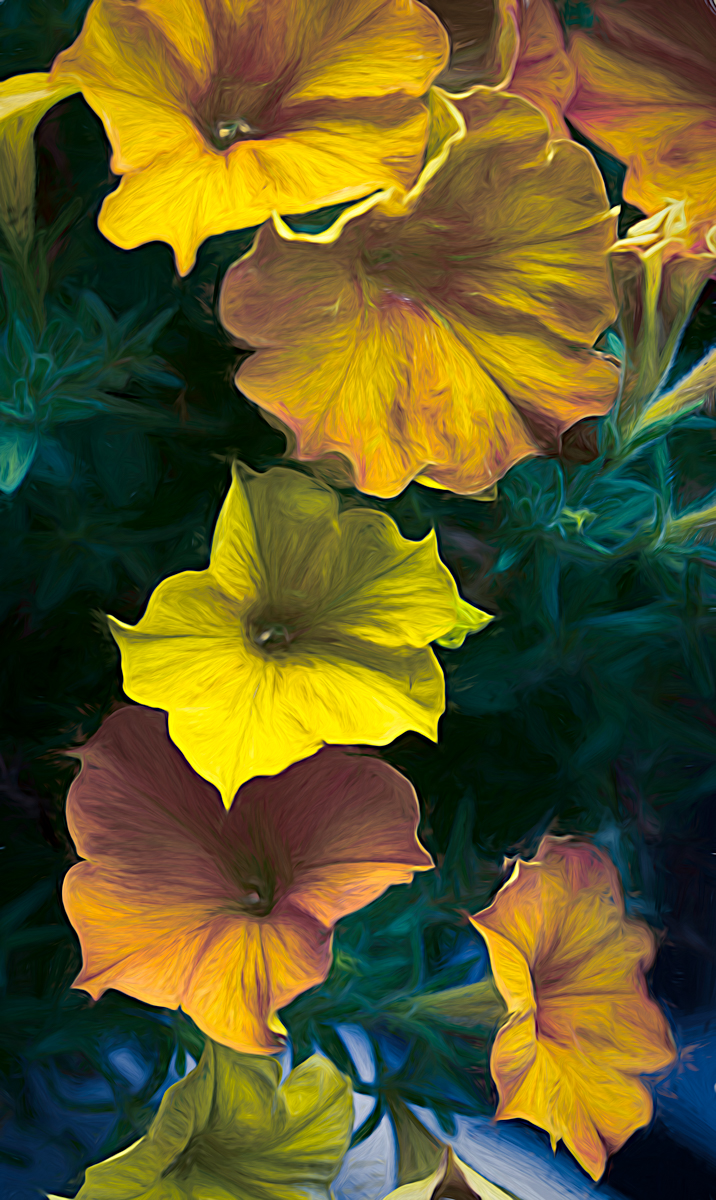
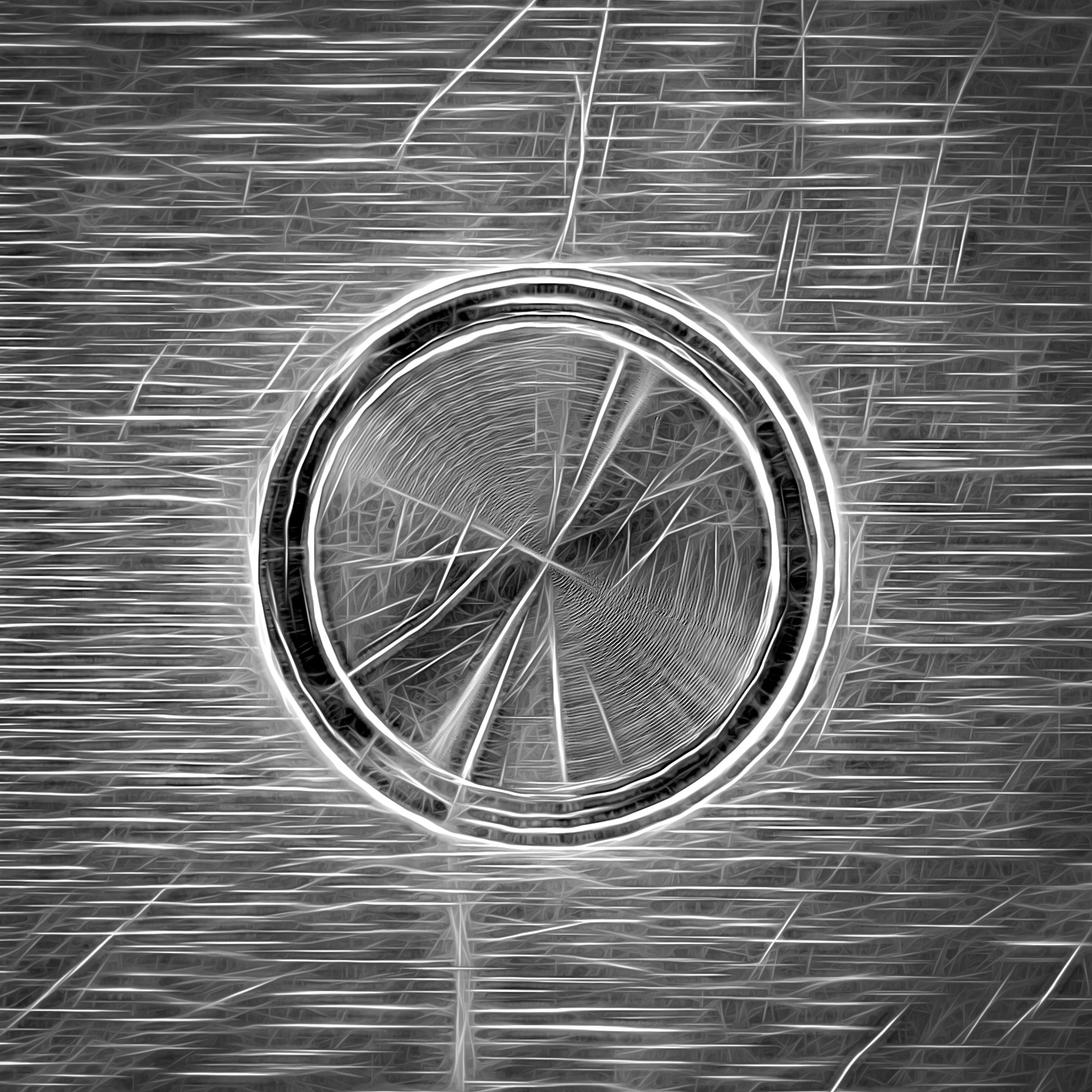
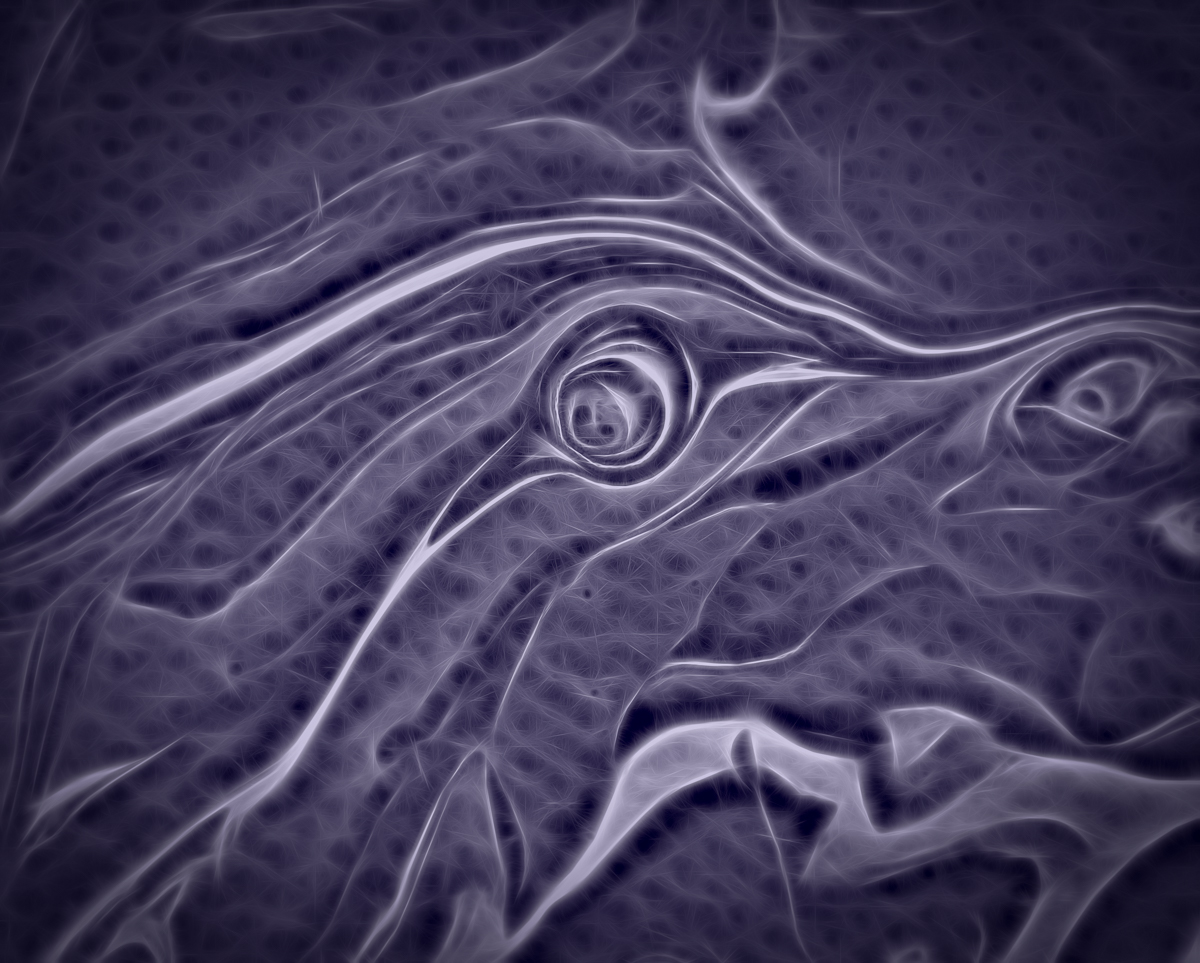
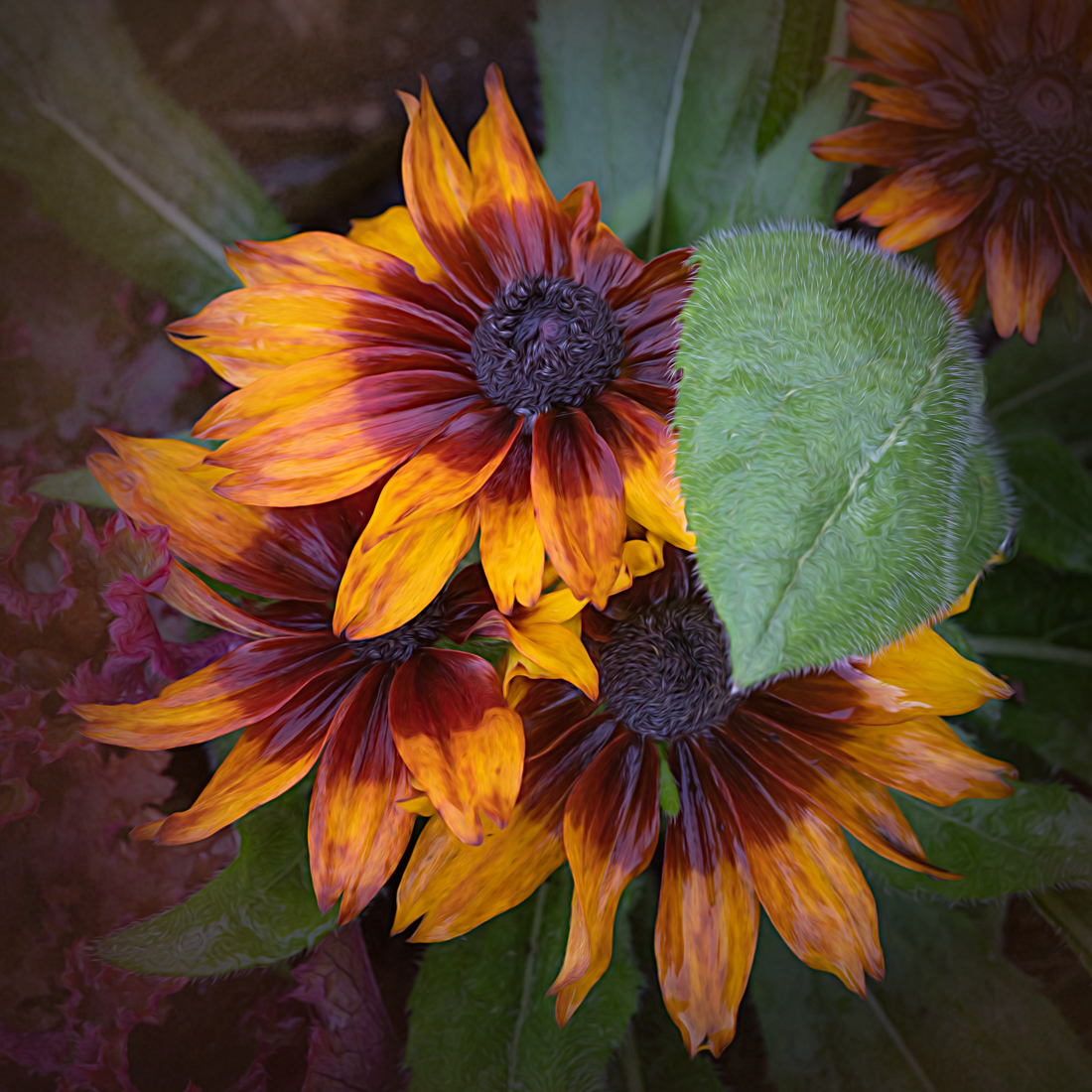
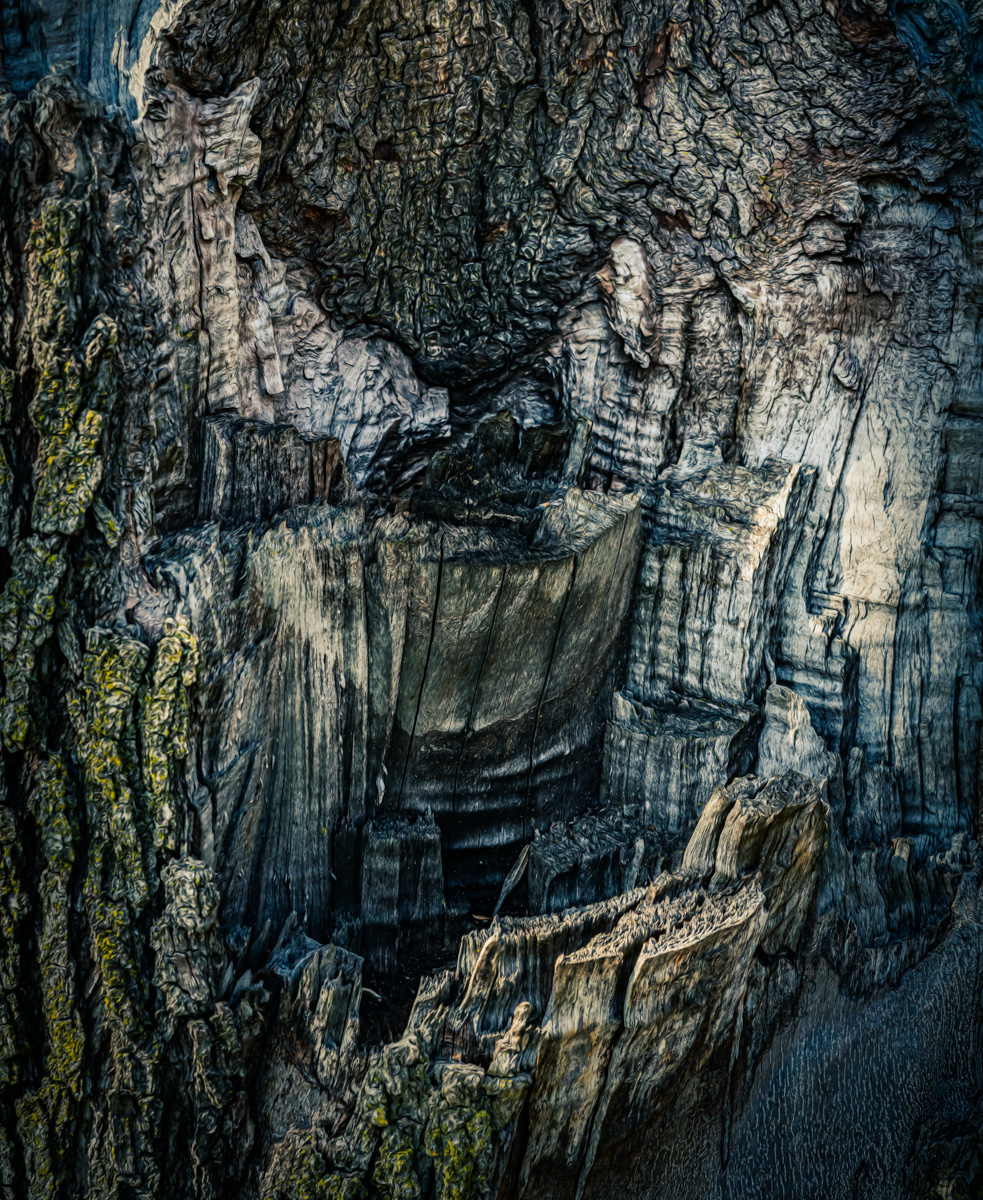
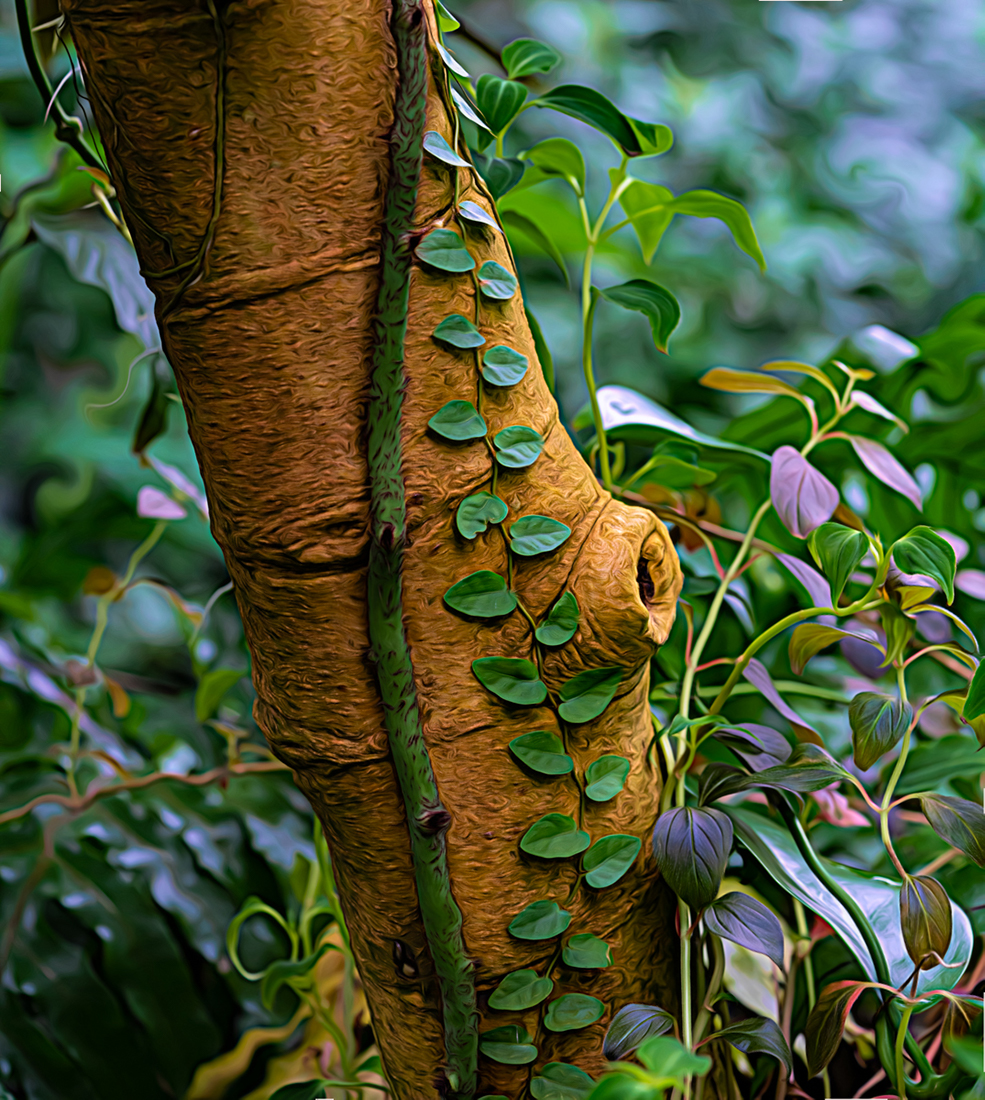
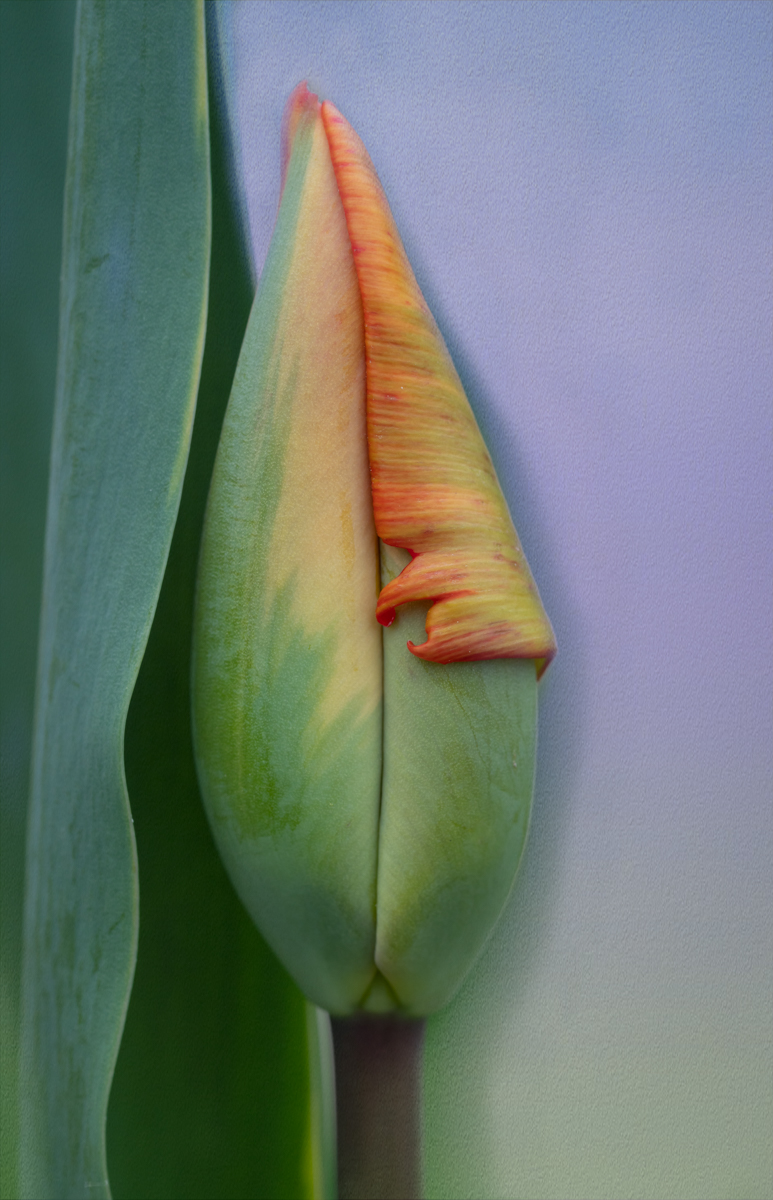
Quirky and unusual was what I was playing around with Carol. I attended an online workshop on creative editing techniques and wanted to try some things out. Normally I would have been extremely happy with my original lightroom edits as well. But it was fun going a bit out of my comfort zone, LOL.
Appreciate your feedback! |
Nov 30th |
| 77 |
Nov 24 |
Reply |
Thanks for your feedback Rita! |
Nov 30th |
| 77 |
Nov 24 |
Reply |
Thanks for the feedback Jan! |
Nov 23rd |
| 77 |
Nov 24 |
Reply |
I'll email you a larger image. However, when I click on this image I can make it large on my screen but just pressing Ctrl and the plus key on my PC keyboard. If that helps you in any way. |
Nov 16th |
| 77 |
Nov 24 |
Reply |
Thanks Georgi! |
Nov 16th |
| 77 |
Nov 24 |
Comment |
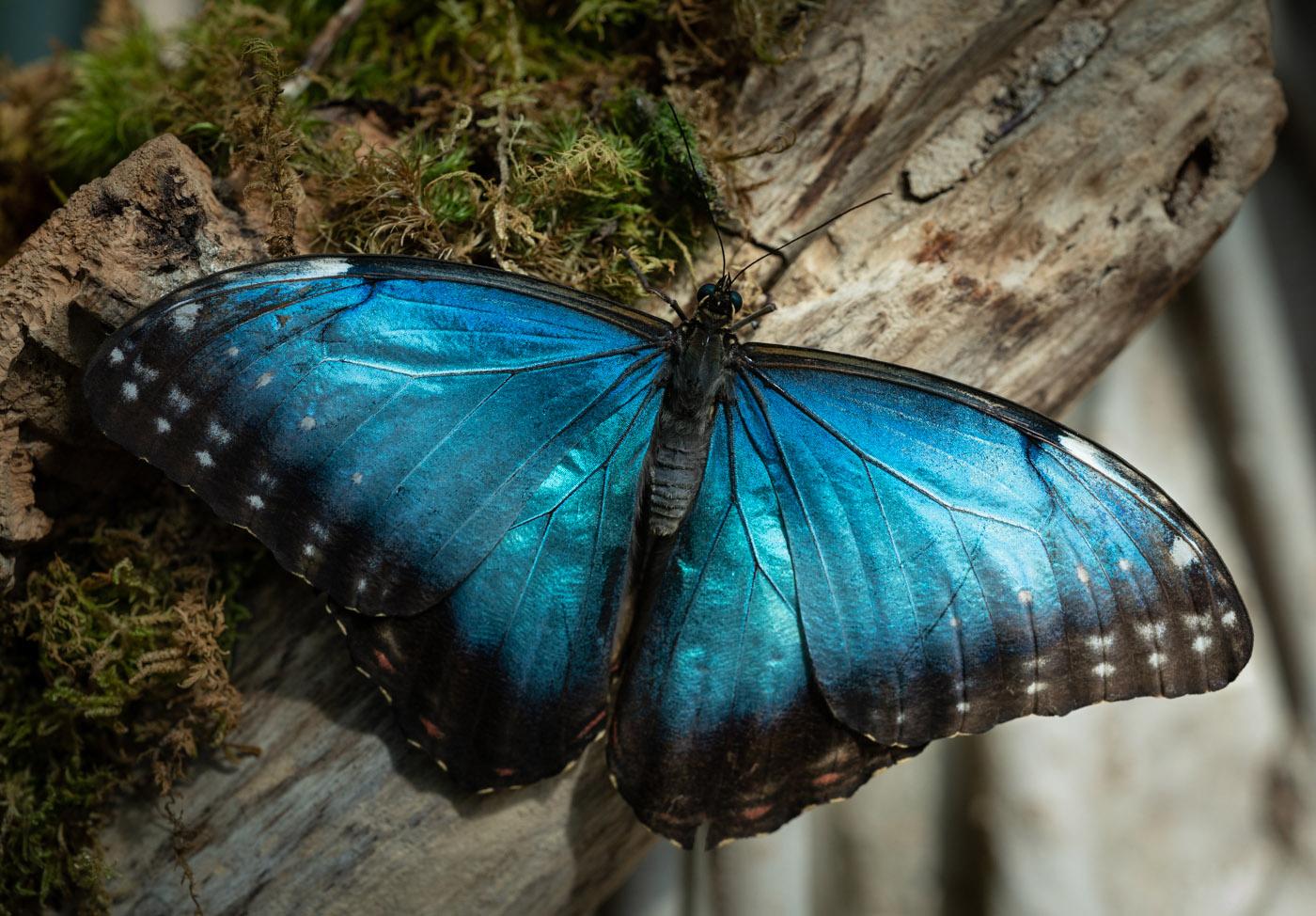
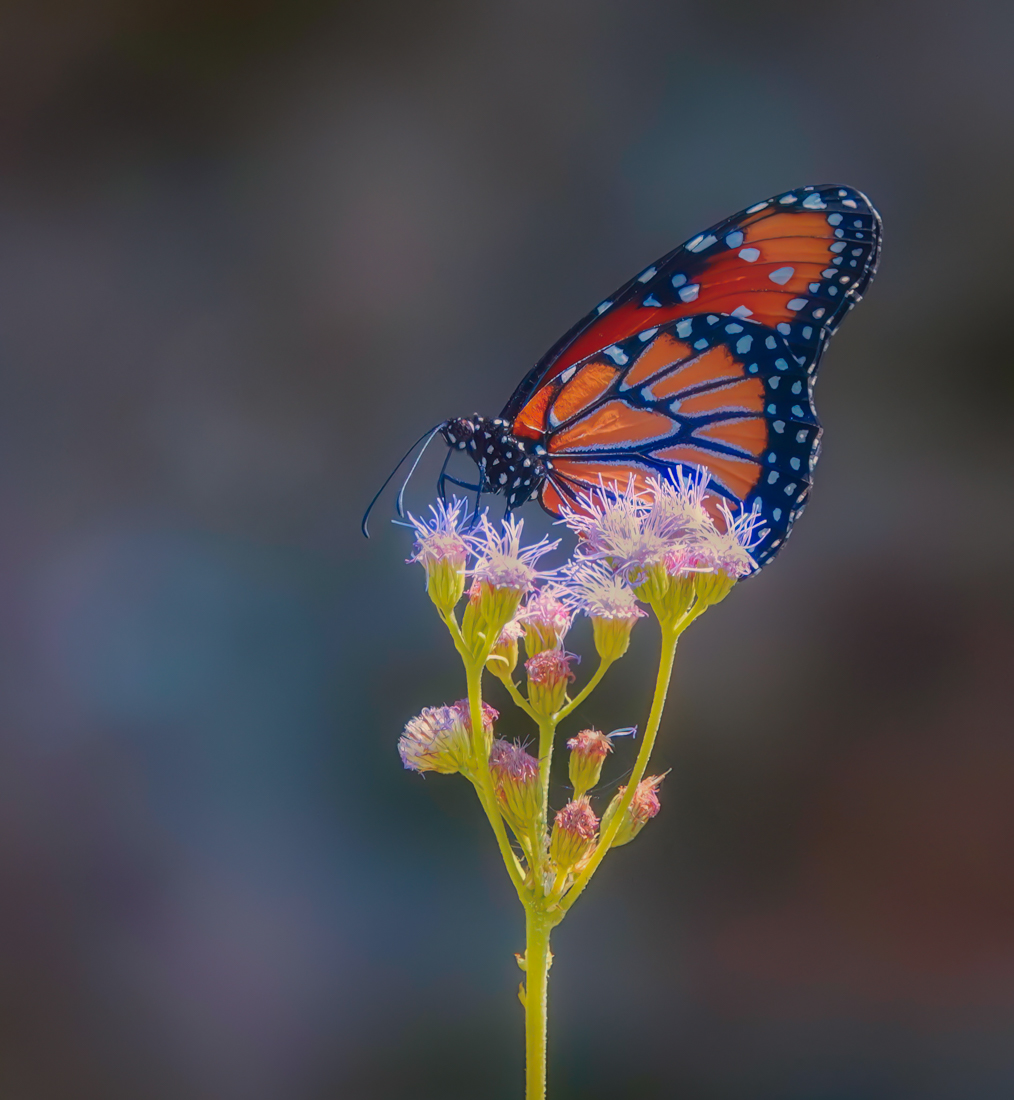
I was in a mood Rita, so I did one more edit in Topaz Studio 2. I also cropped the image. I took the Lightroom edited version and I added a "look" called lightening effect and adjusted it to my liking. Just playing around looking at options. |
Nov 16th |
 |
| 77 |
Nov 24 |
Comment |
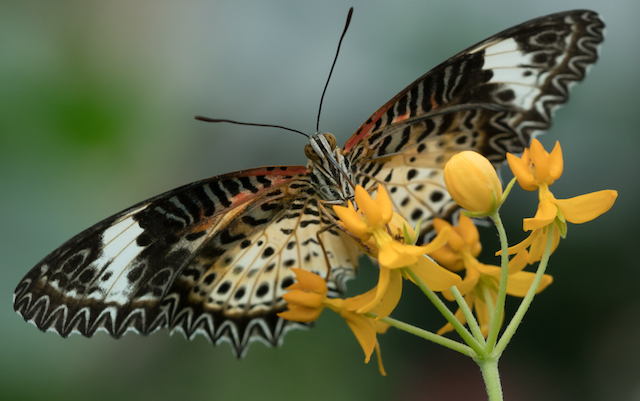
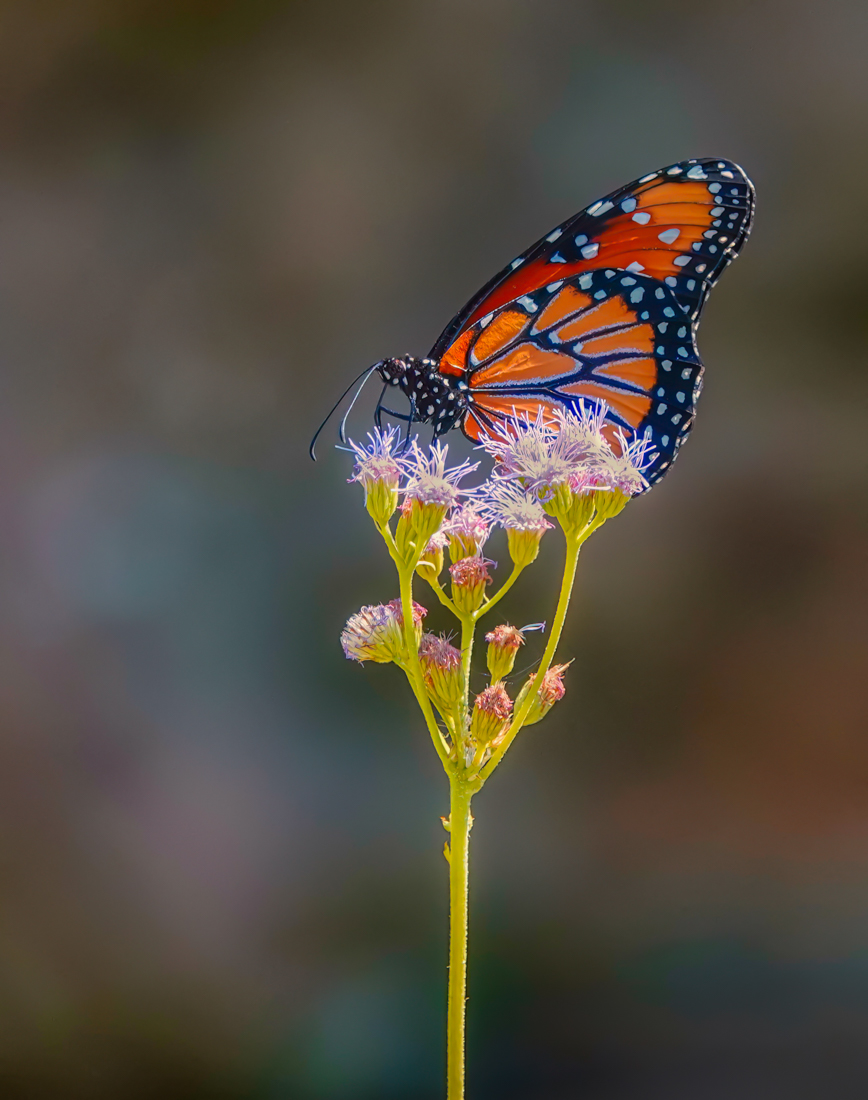
Your crop has provided a nice composition for this butterfly. However the overall image looks very grainy to me. If you are wanting to print it I think you need to address the noise issue in your post-processing as well. I tried some things on your final image as possible options, but the edits might work better on your raw file. All were done in Lightroom.
I removed the spiderwebs on the right side of the image.
I masked the background and reduced the clarity completely and also darkened it a bit.
I masked the flower heads and reduced the whites and highlights a bit as they seemed blown out.
I masked the lower right dark corner and lightened that area.
Then I reduced luminance noise by 77 to give the overall image a more creamy feeling.
|
Nov 16th |
 |
| 77 |
Nov 24 |
Comment |
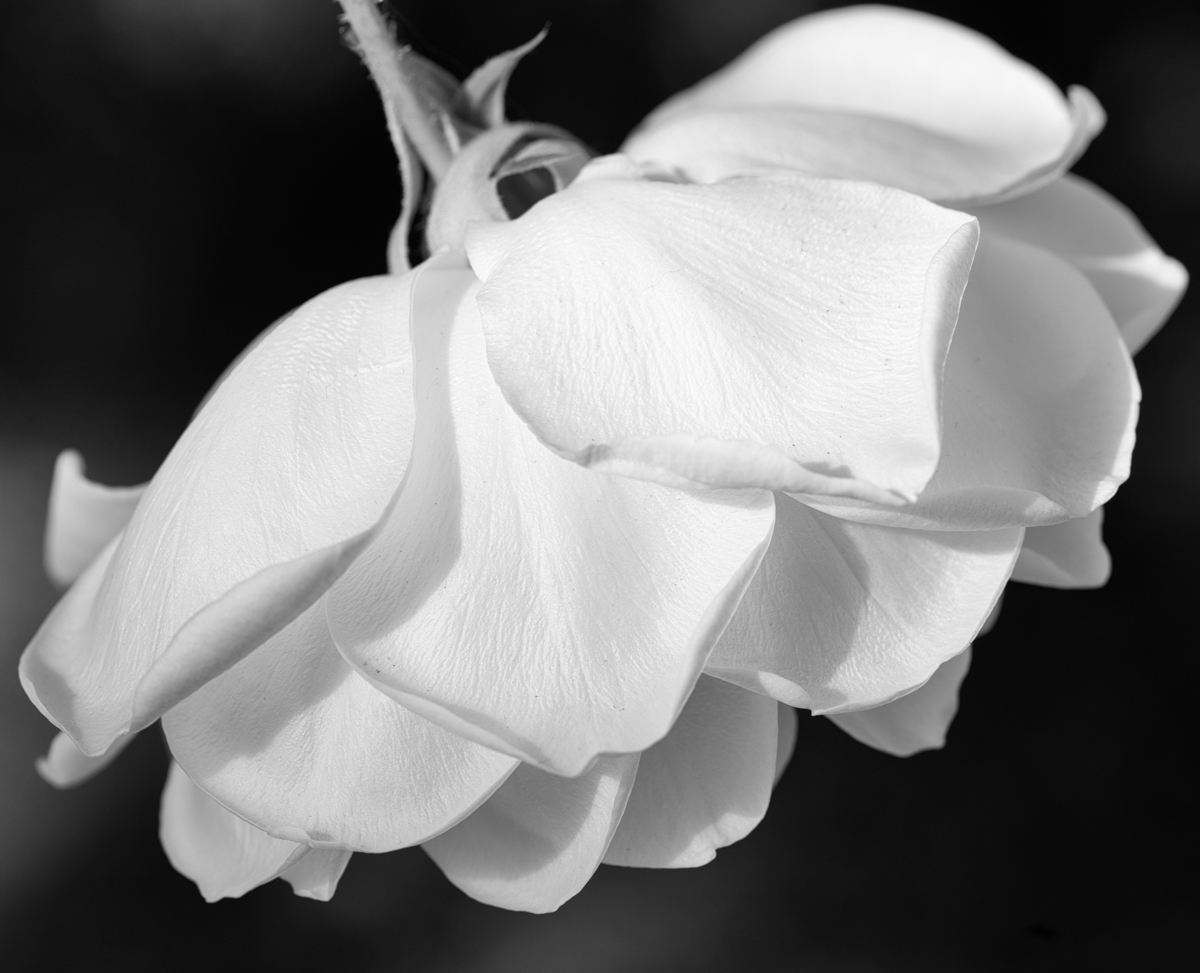
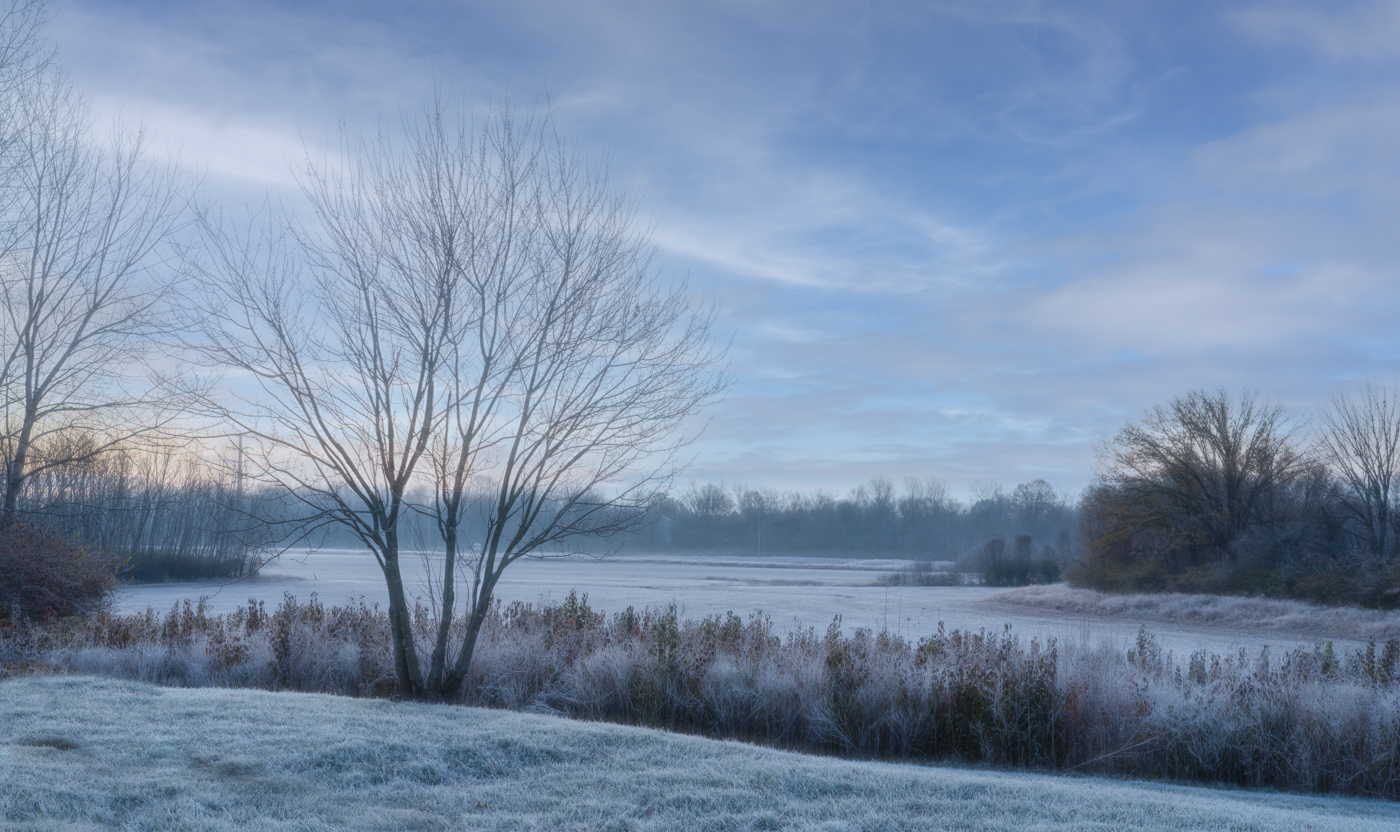
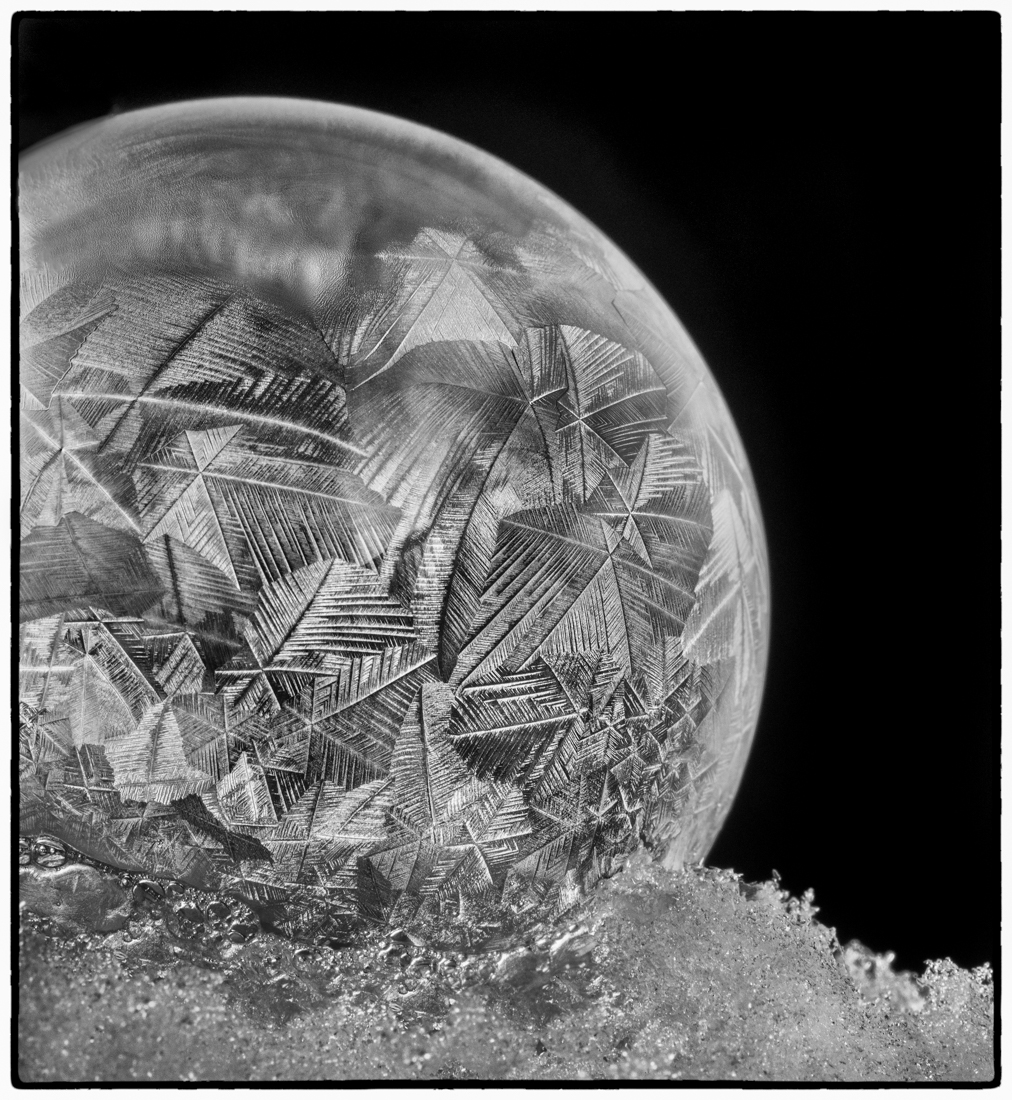
I like everything you've done with this image Georgi. It reminds me of looking at an old postcard of a snowy, winter scene. |
Nov 16th |
| 77 |
Nov 24 |
Comment |
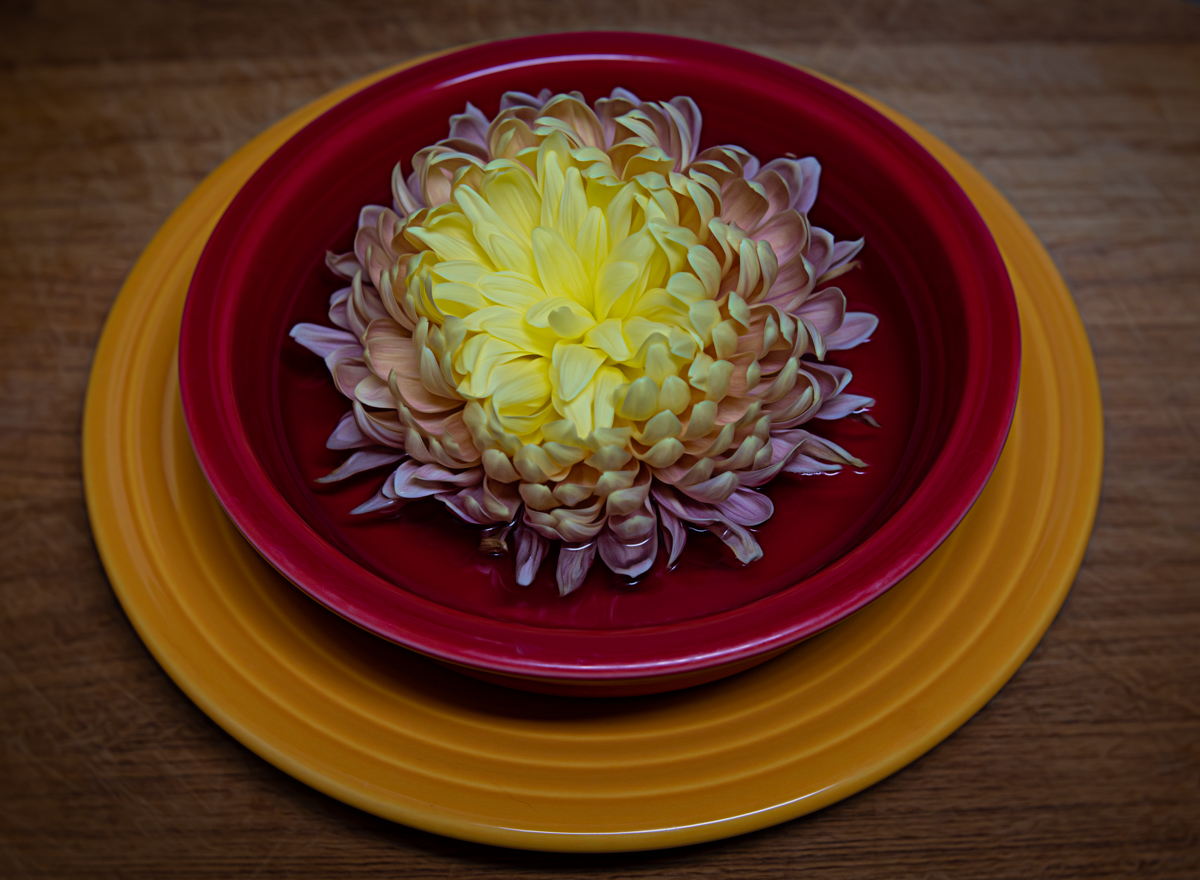
Jan - I love what you've down with this image. The colors and blend modes you've chosen makes this stunning to look at in my eyes.
Great job! |
Nov 16th |
| 77 |
Nov 24 |
Comment |
This is a charming portrait of Sophia. You've captured a wonderful expression and her vibrant eyes. Converting to black and white works really well in my opinion.
For fun, I took Georgi's suggestion and in Lightroom I masked and lightened the background a bit and added just a touch of color (kind of blue/gray) to see if she stood out a little more. Not sure if it made much of an improvement, but I've attached it anyway, LOL.
|
Nov 16th |
 |
| 77 |
Nov 24 |
Comment |
As usual Carol, you beautifully dressed and posed this model. The lighting, exposure, and composition are well done. For me, the sharpness of your model against the muted forest background doesn't give me a sense that she's in the scene but standing in front of a backdrop. So I played around with your final image as follows:
In Topaz Studio 2 and added a painterly look to the model that softened her appearance and added a bit of glow to her skin and some of the highlights in her dress. I think it made her a little more ethereal looking. Then in Luminar Neo I added a layered fog filter to add a bit more atmosphere to the background, again, hoping to blend things together a little more. Food for thought!
|
Nov 16th |
 |
6 comments - 5 replies for Group 77
|
6 comments - 5 replies Total
|