|
| Group |
Round |
C/R |
Comment |
Date |
Image |
| 77 |
Mar 24 |
Reply |
Thanks Georgianne! Topaz no longer actively supports Studio 2 and have "retired" it for lack of a better word. So it won't be updated in any way and is not advertised in their current product line-up. However, it appears you can still get it if you go to their website, go to their Downloads page, then click on the Download Legacy Programs button. I'm not sure if it's a free or paid download, but you can check it out.
One thing I really like is that their preset "looks" are completely customizable so they can give you an interesting starting point, but you can change them up to make them completely your own. Have fun if you decide to try it out and it downloads okay. |
Mar 25th |
| 77 |
Mar 24 |
Reply |
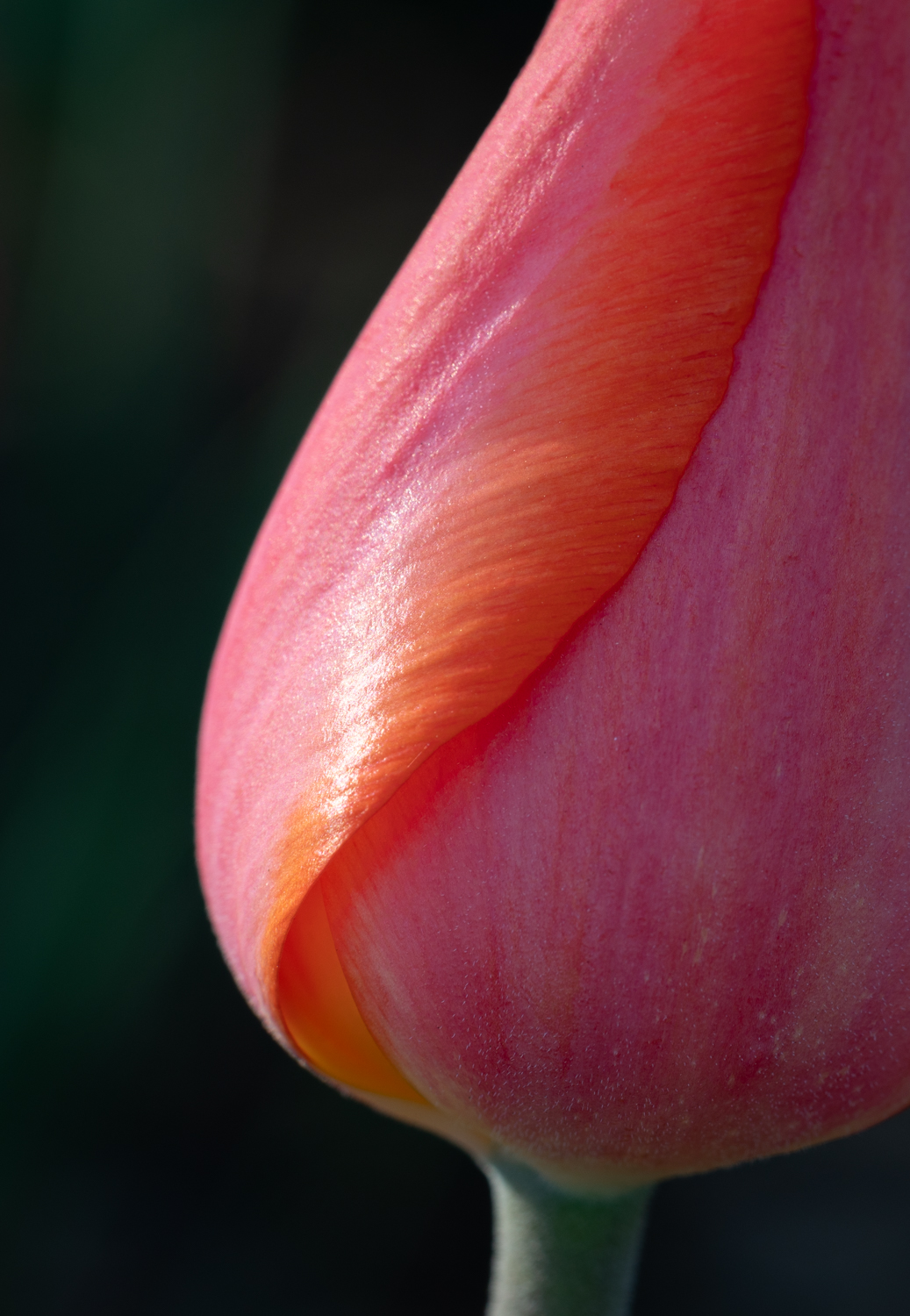
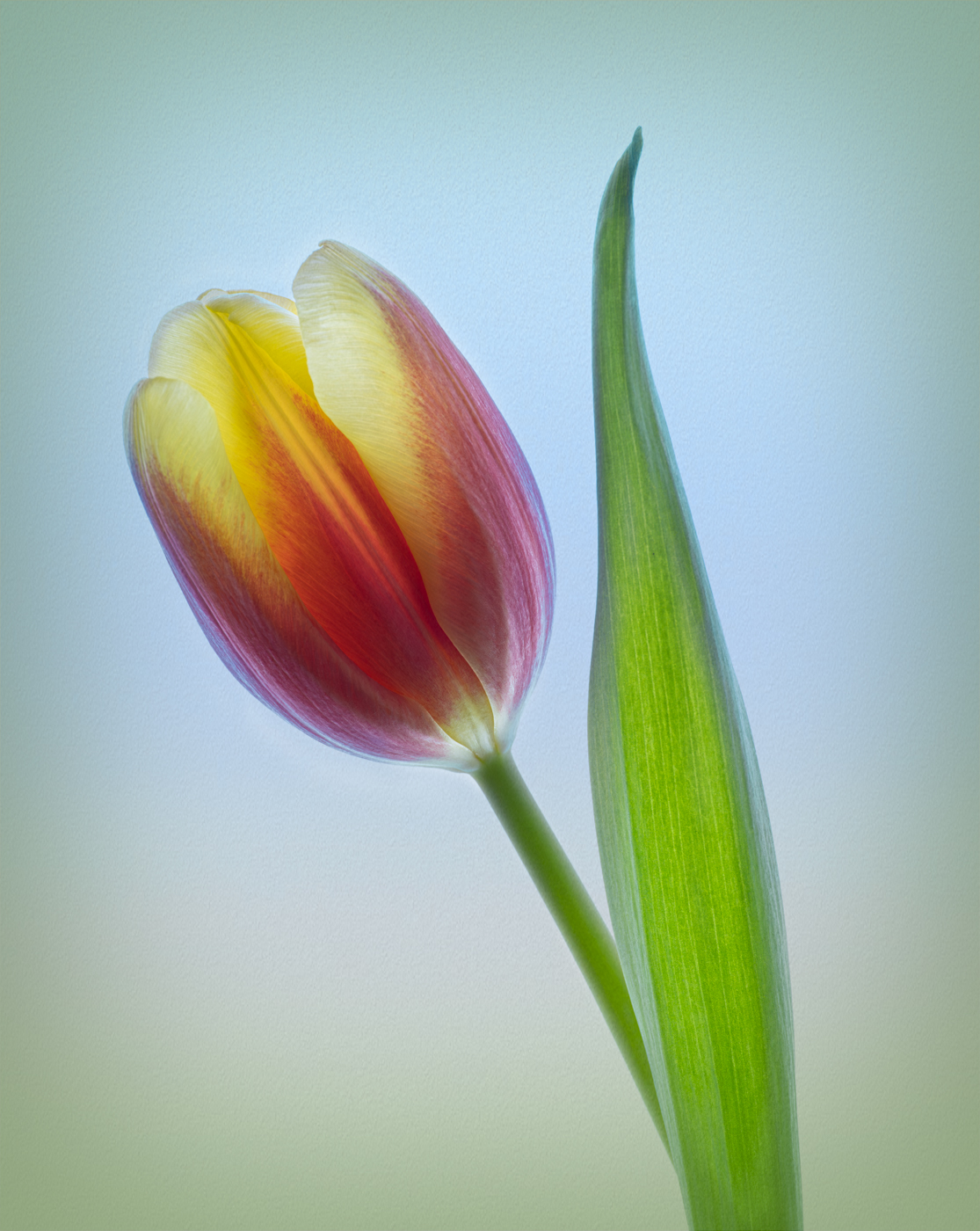
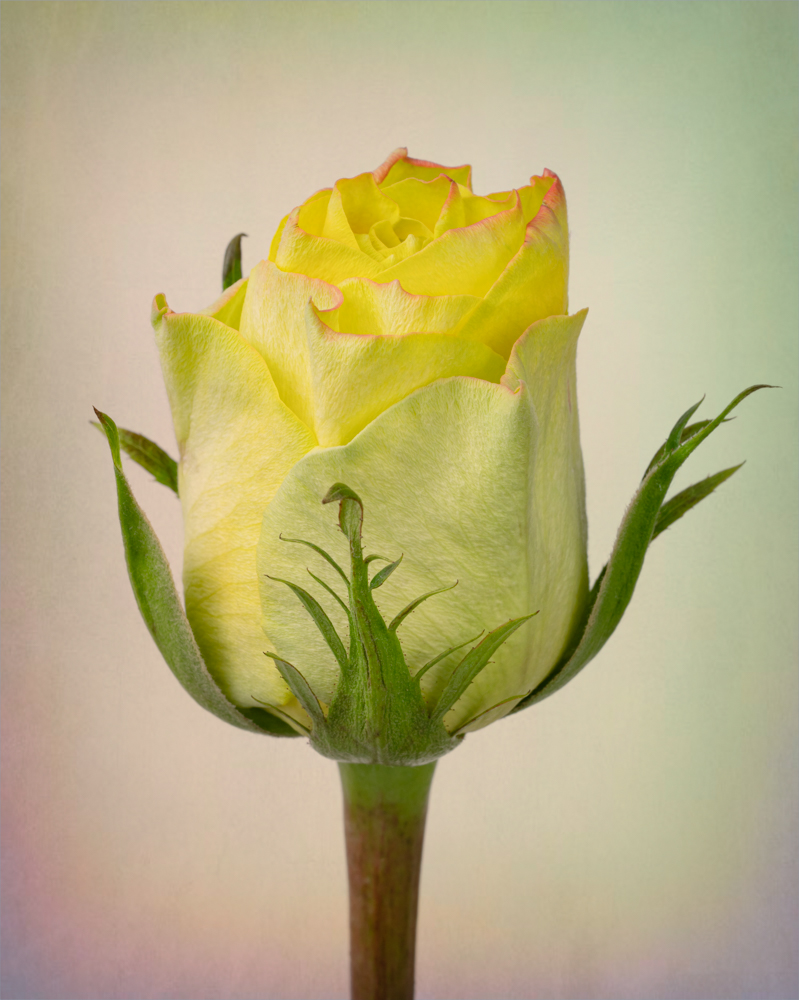
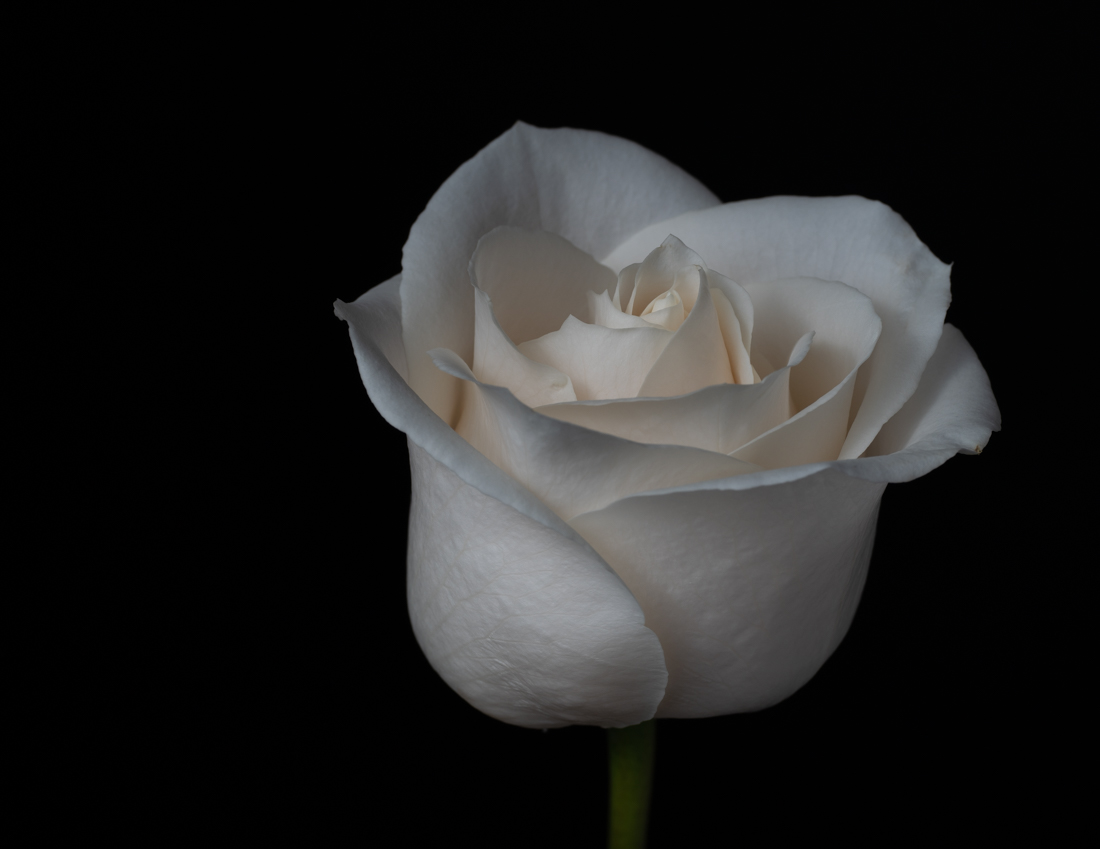
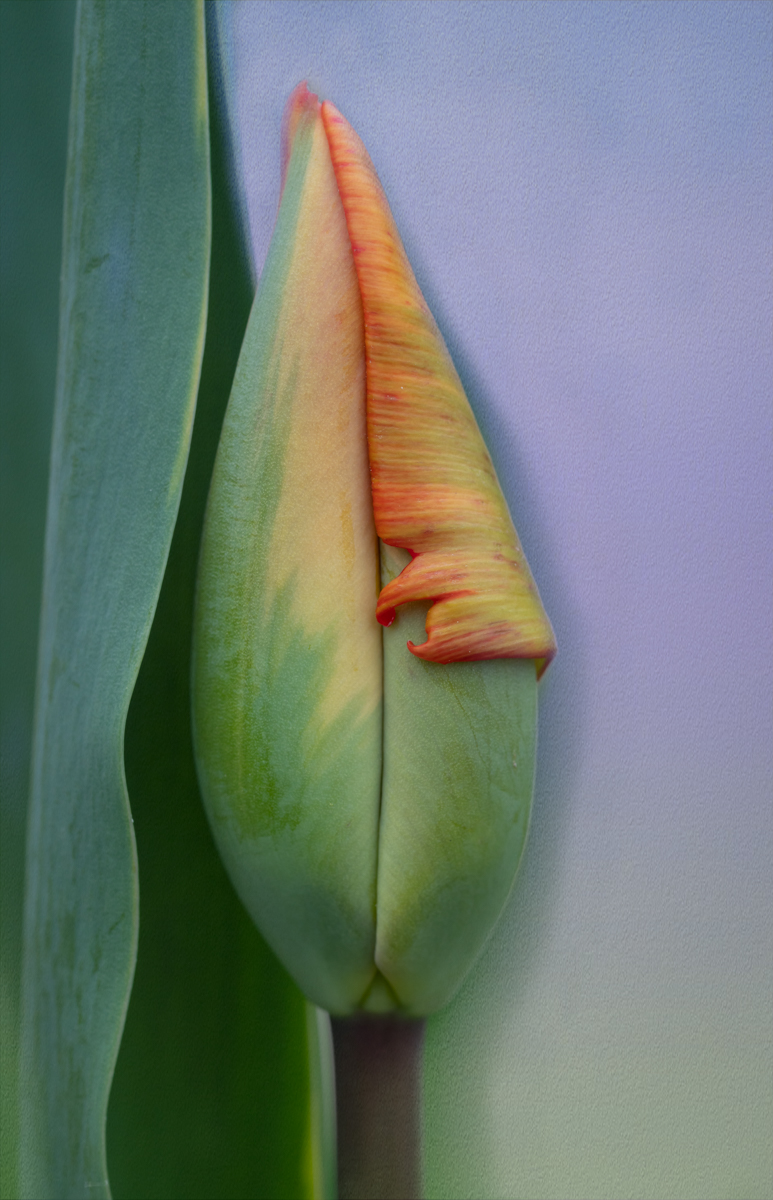
This is really interesting too Linda! The only thing I might change is not having the stem come directly out of the corner. But I like this version as well. |
Mar 17th |
| 77 |
Mar 24 |
Comment |
This is a beautiful portrait of a pelican Linda! The colors are rich and warm and the lighting gives you the sense that you are viewing this bird during sundown. The feather details are wonderful.
My only suggestion would be to maybe clone out the shadow of the pole on the dock which was cropped from the photo. I don't think it adds anything. Not sure if that will make any improvement because it's hard to take your eyes off of that stunning bird, LOL! Great job! |
Mar 17th |
| 77 |
Mar 24 |
Comment |
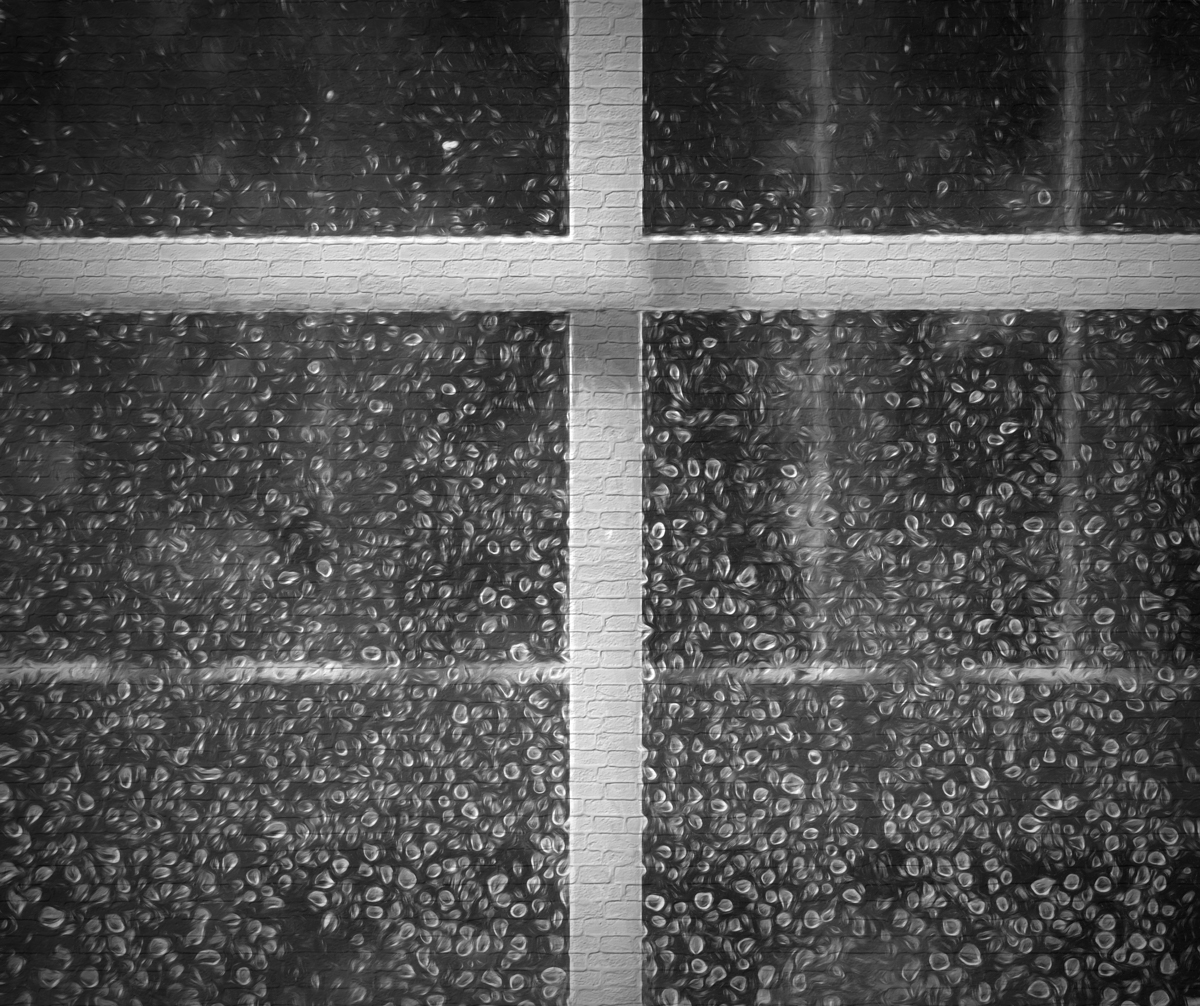
I really like the simplicity of this image Jan. The diagonal lines of the snow crossing the concrete against the vertical long piece of grass makes for a very nice composition.
Your post-processing adds a nice touch of softness to the hard concrete surface and makes the image very painterly in my opinion. The addition of the yellow pods adds a nice balance as well. |
Mar 17th |
| 77 |
Mar 24 |
Comment |
Hi Mary! I'm going to speak to your comment about you being unsure if you like this photo or not.
This is an interesting image taken in a unique setting, which actually makes it difficult to edit in my opinion. The uninformed viewer when first looking at it, might be thinking this is just a bird flying over rocks. However, once we learned these are mussel pots, I'm not sure if that helped define what the viewer should be thinking or feeling when looking at this image, if that makes sense.
Since the bird isn't diving towards food for instance, it's just a bird flying by lumps in the water, LOL. There is nothing distinctive that I can see about these "lumps" that tell you they are anything but rocks. And you can't see the other birds sitting on the pots, like in the original image, so again, one still might not be sure what to think about the image.
So I guess it comes down to what do you want this image to do? Are you trying to save a memory of this unique spot but enhance the image in an artistic way; or are you trying to express a feeling you had when viewing this scene?
I feel like the edits you made and the suggestions by the others, changes the image to a more abstract, ethereal feel. Which speaks more to expressing a feeling in my opinion. So any future edits should probably focus on how to strengthen the feeling of soaring through a unique, mystical, magical place. Are there enough elements in the image for you to work with that truly tell that story? If that's even the story you are trying to tell. :)
So, I hope these thoughts help you decide whether to keep working on this photo or not. |
Mar 17th |
| 77 |
Mar 24 |
Comment |
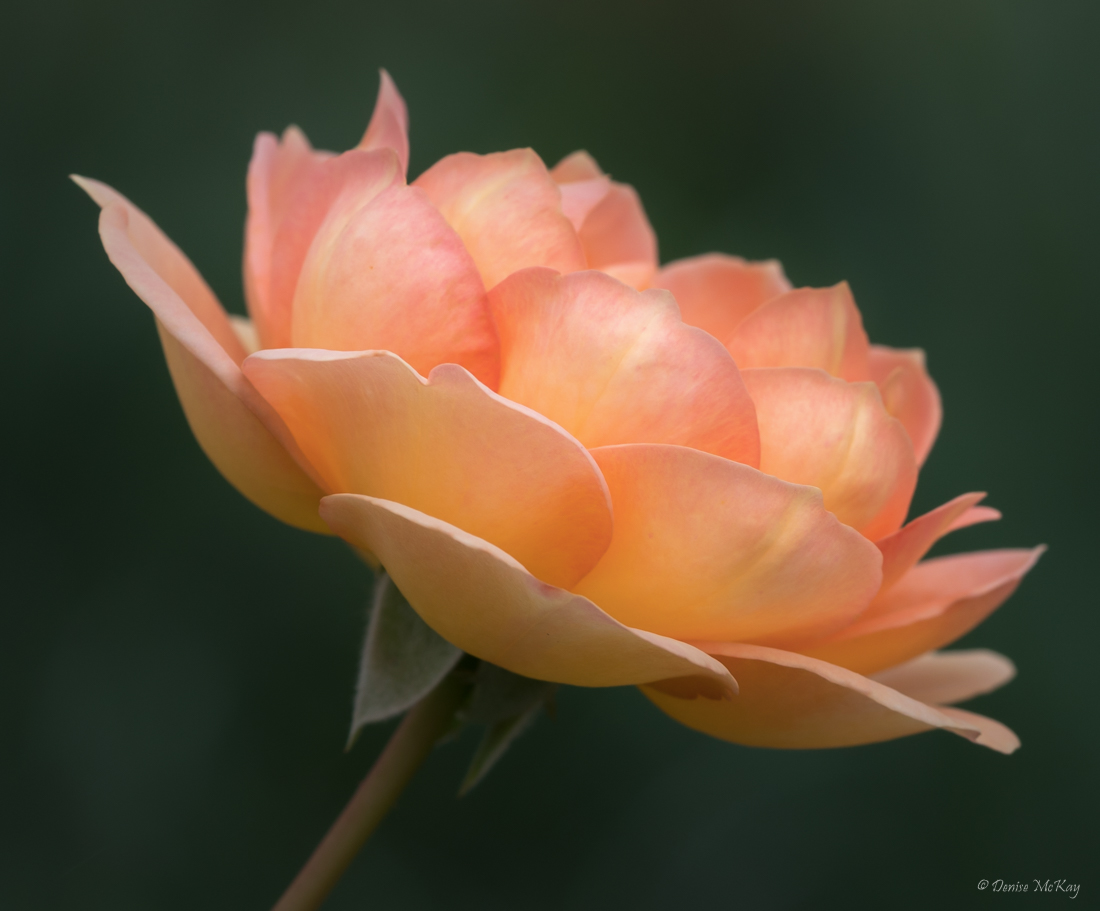
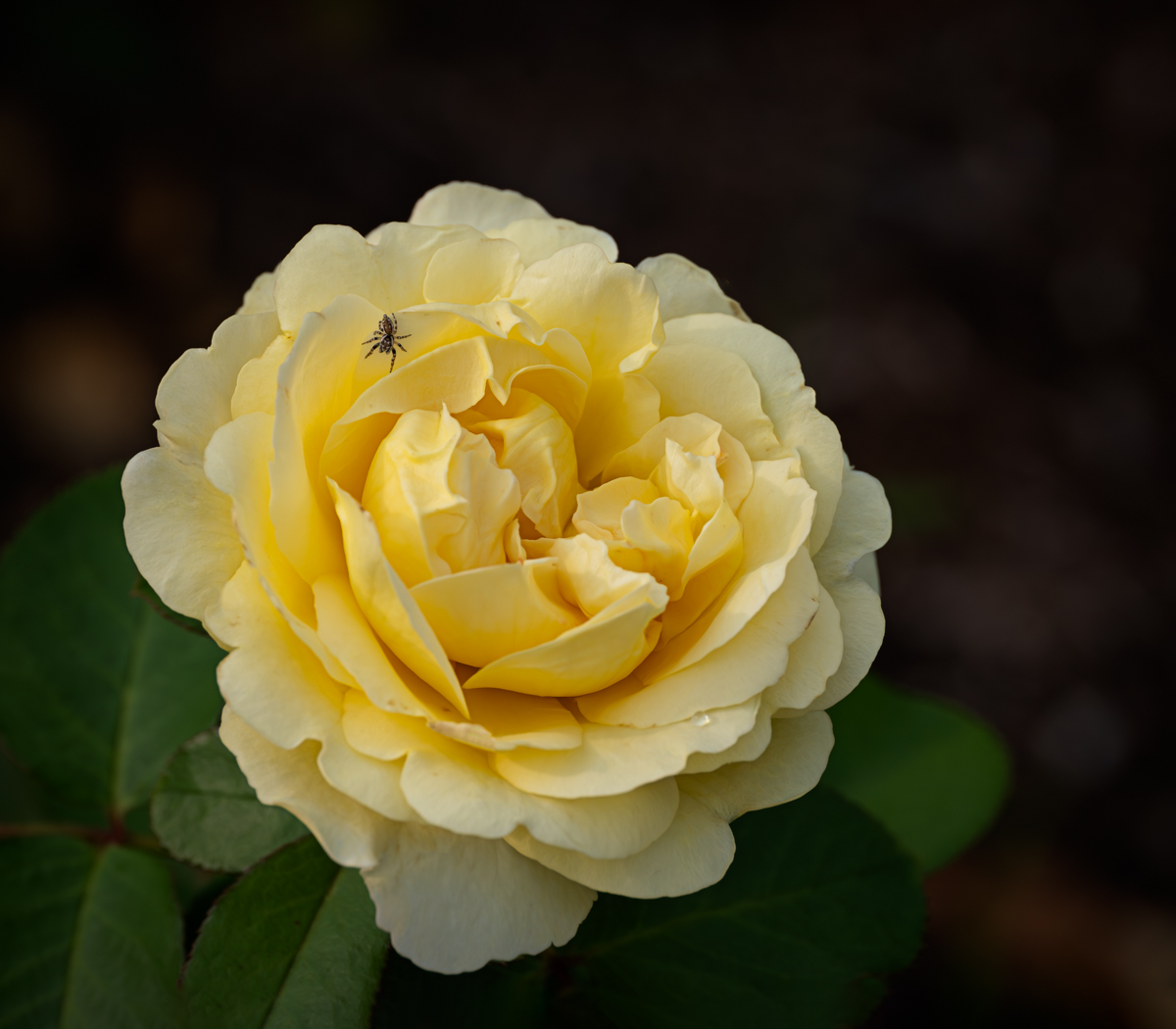
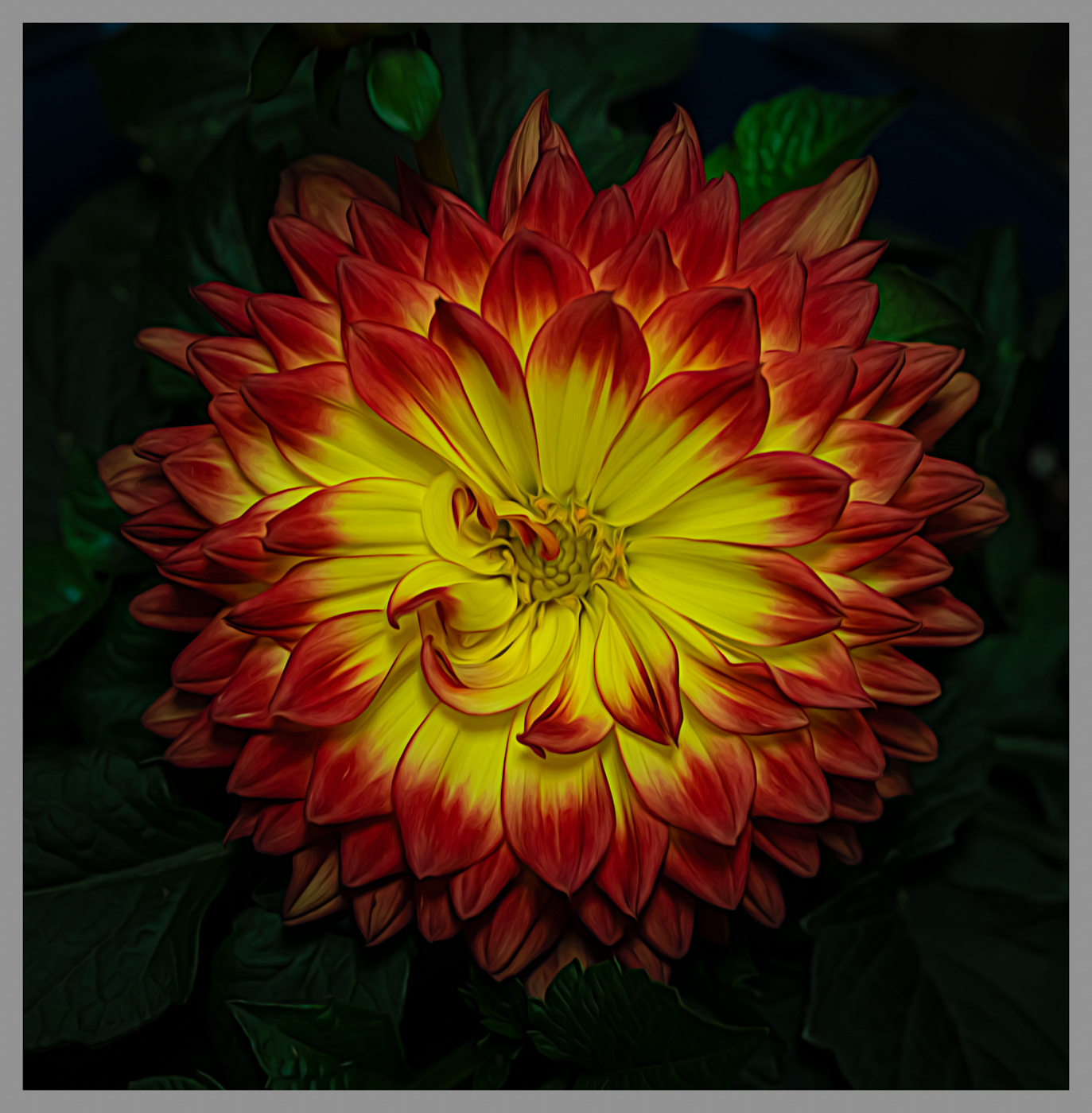
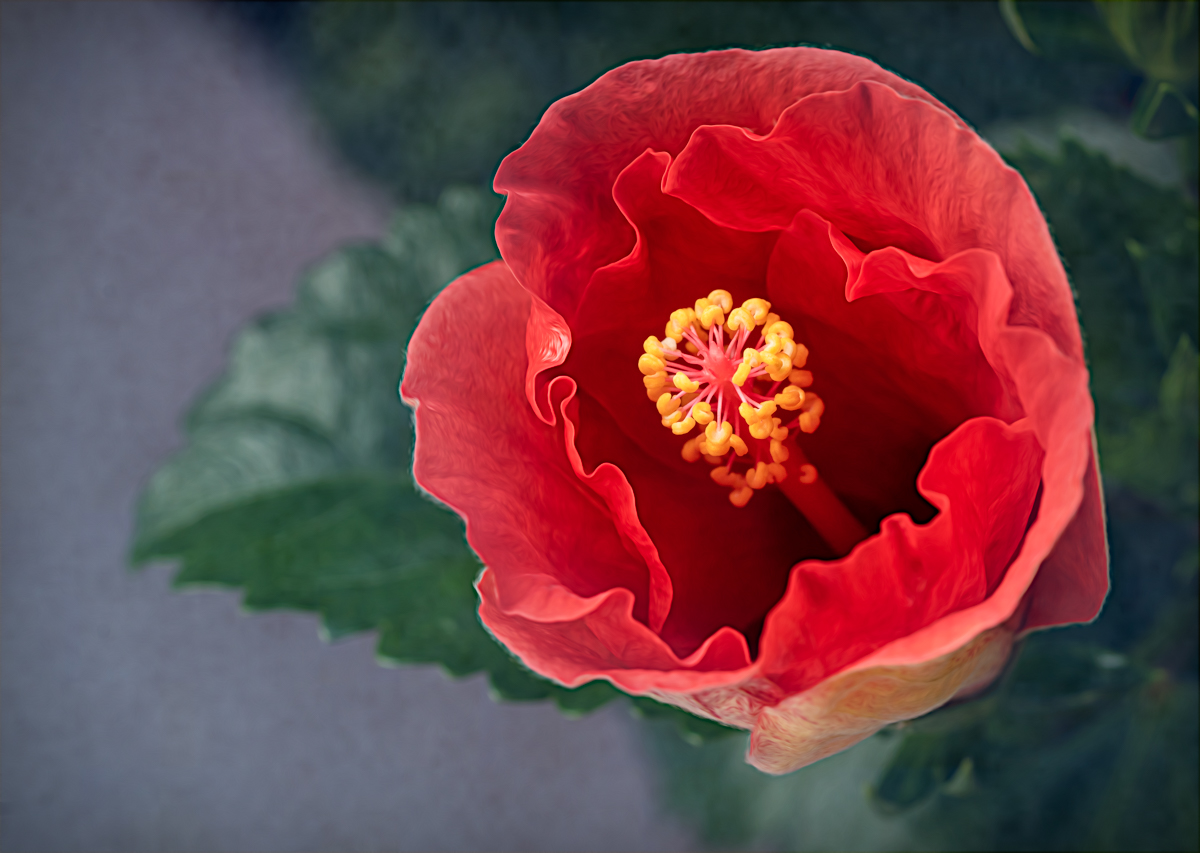
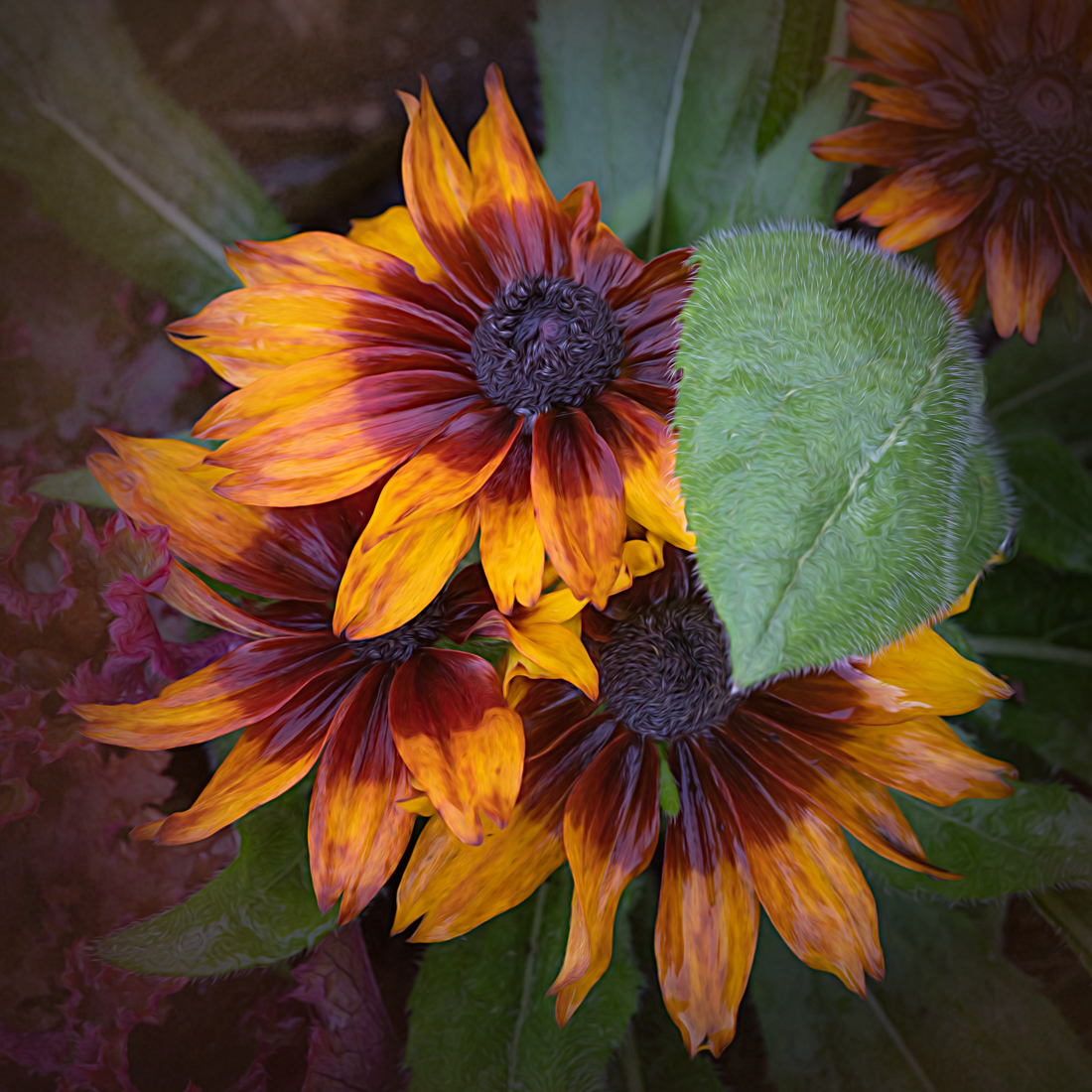
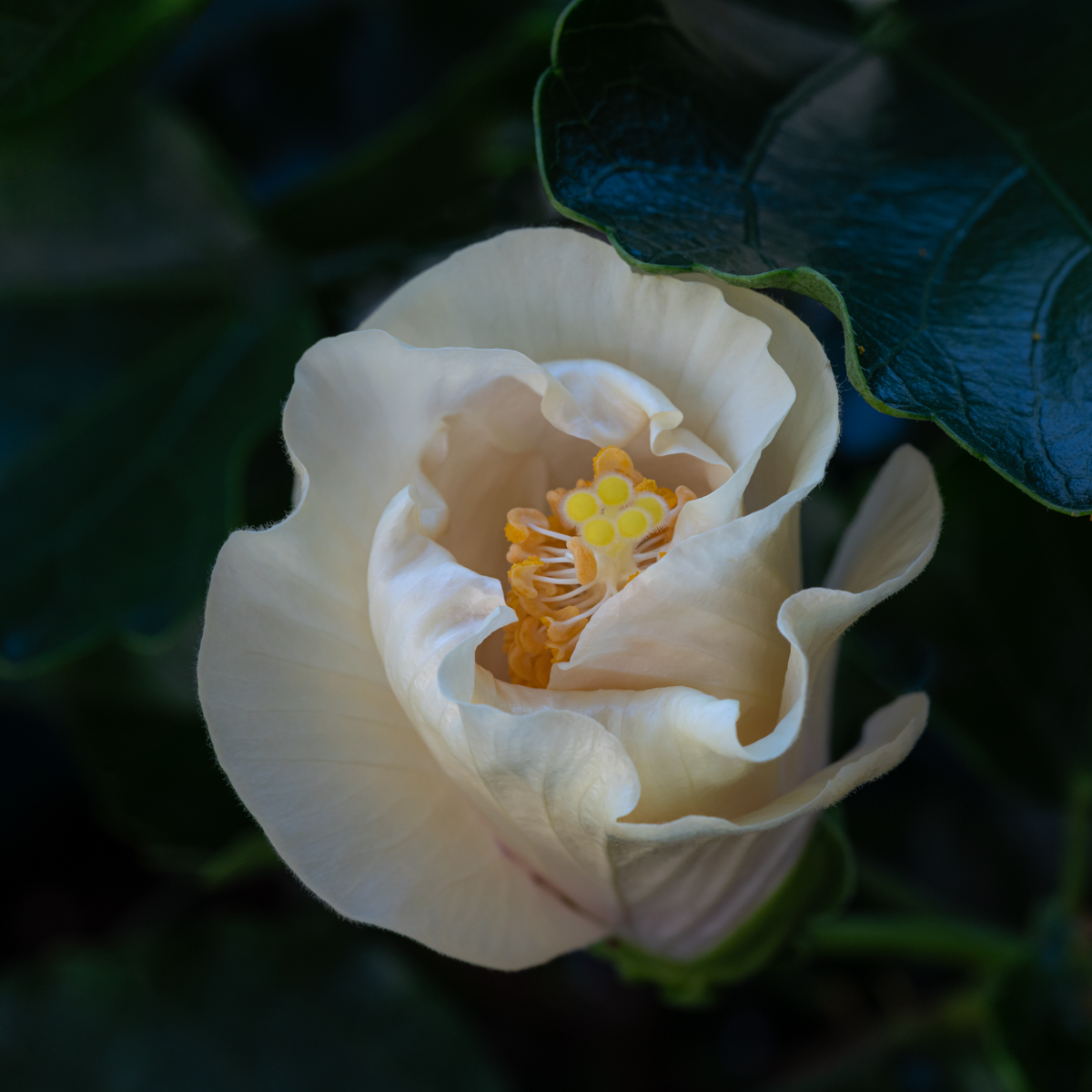
How lucky you are to have these lovely flowers growing in your garden. I agree with the others that a darker background makes the flowers pop a bit more. It also helps prevent the flowers from looking pasted to a background.
A little more stem might be okay, but you don't need all of it in my opinion. And cleaning up the stems will reduce distractions.
A tip for future flower photography; if you can diffuse the direct sunlight hitting the flowers when photographing, generally their color will be richer with less harsh shadows. Even simply holding a sheet of white tissue paper between them and the sun would do the job if you don't have a diffuser. But it could be a matter of personal preference as well - but thought I'd throw that out there! |
Mar 17th |
| 77 |
Mar 24 |
Comment |
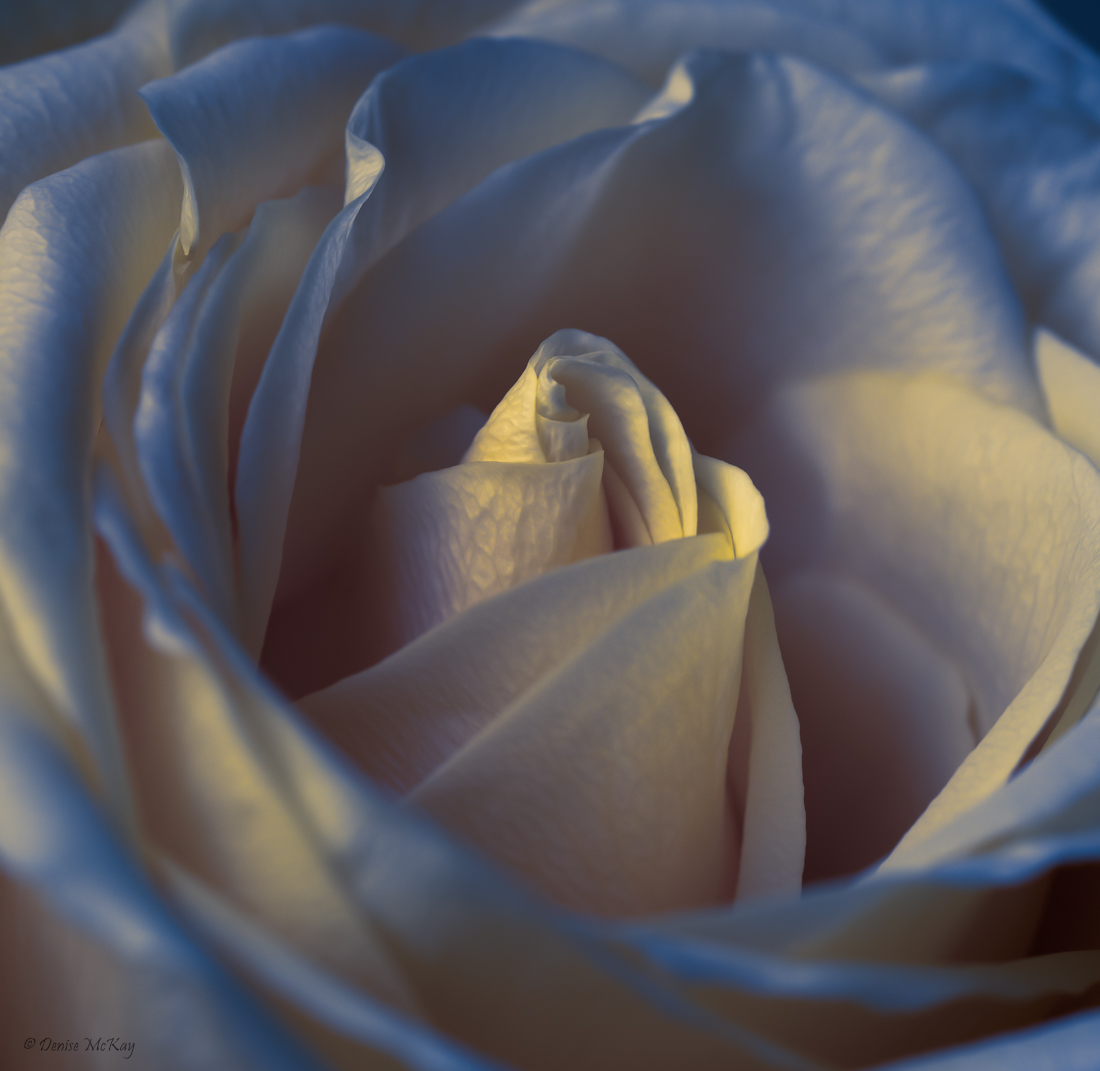
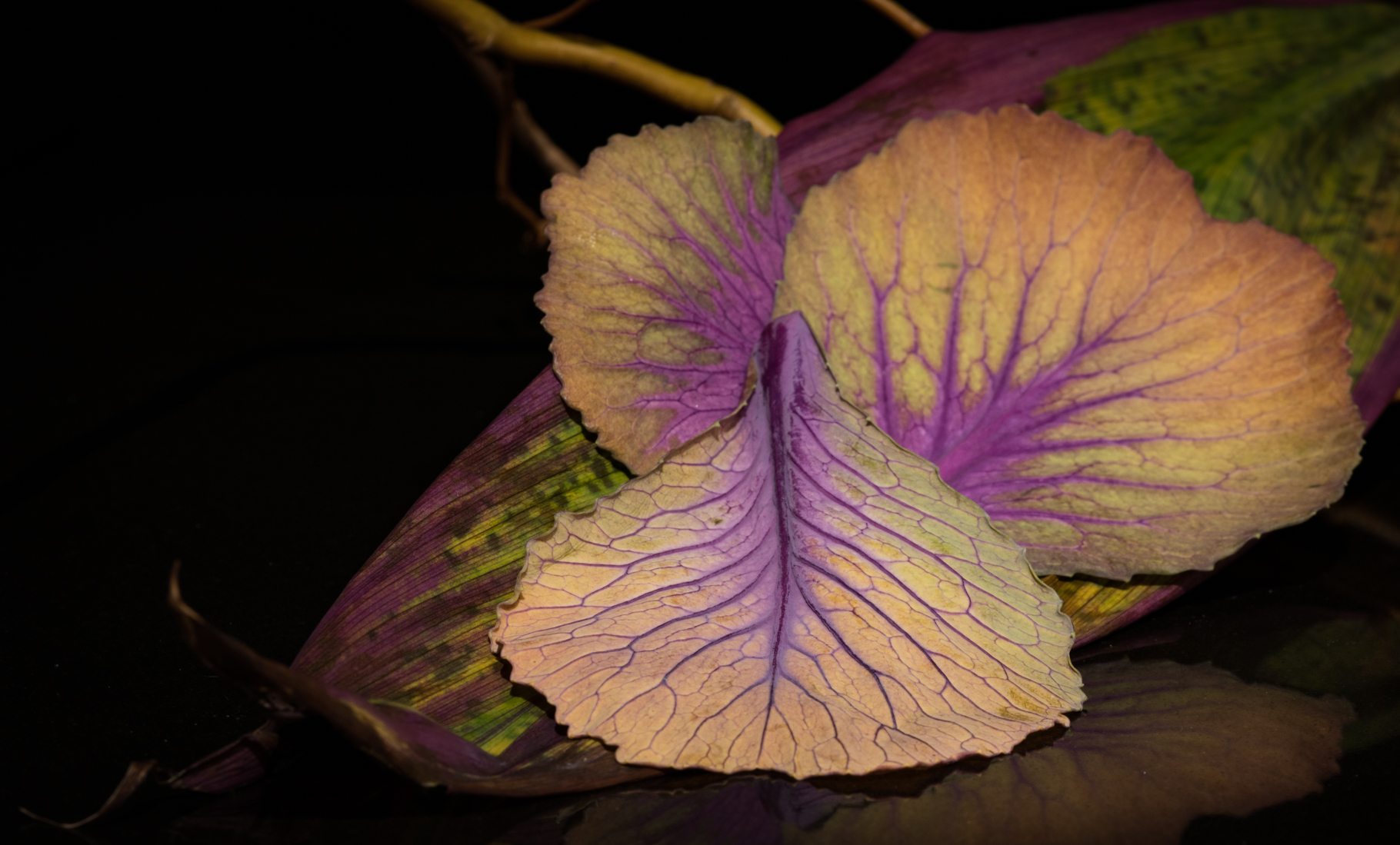
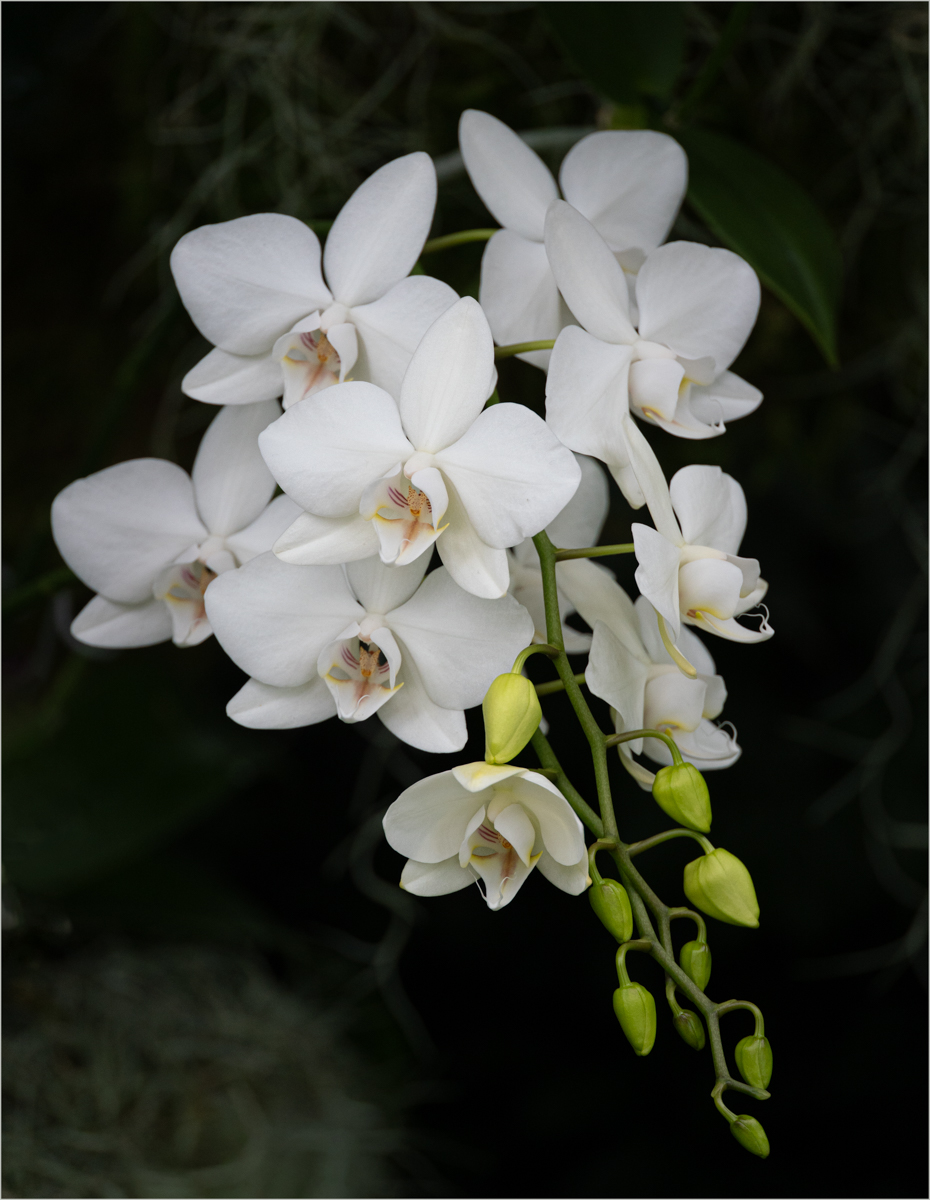
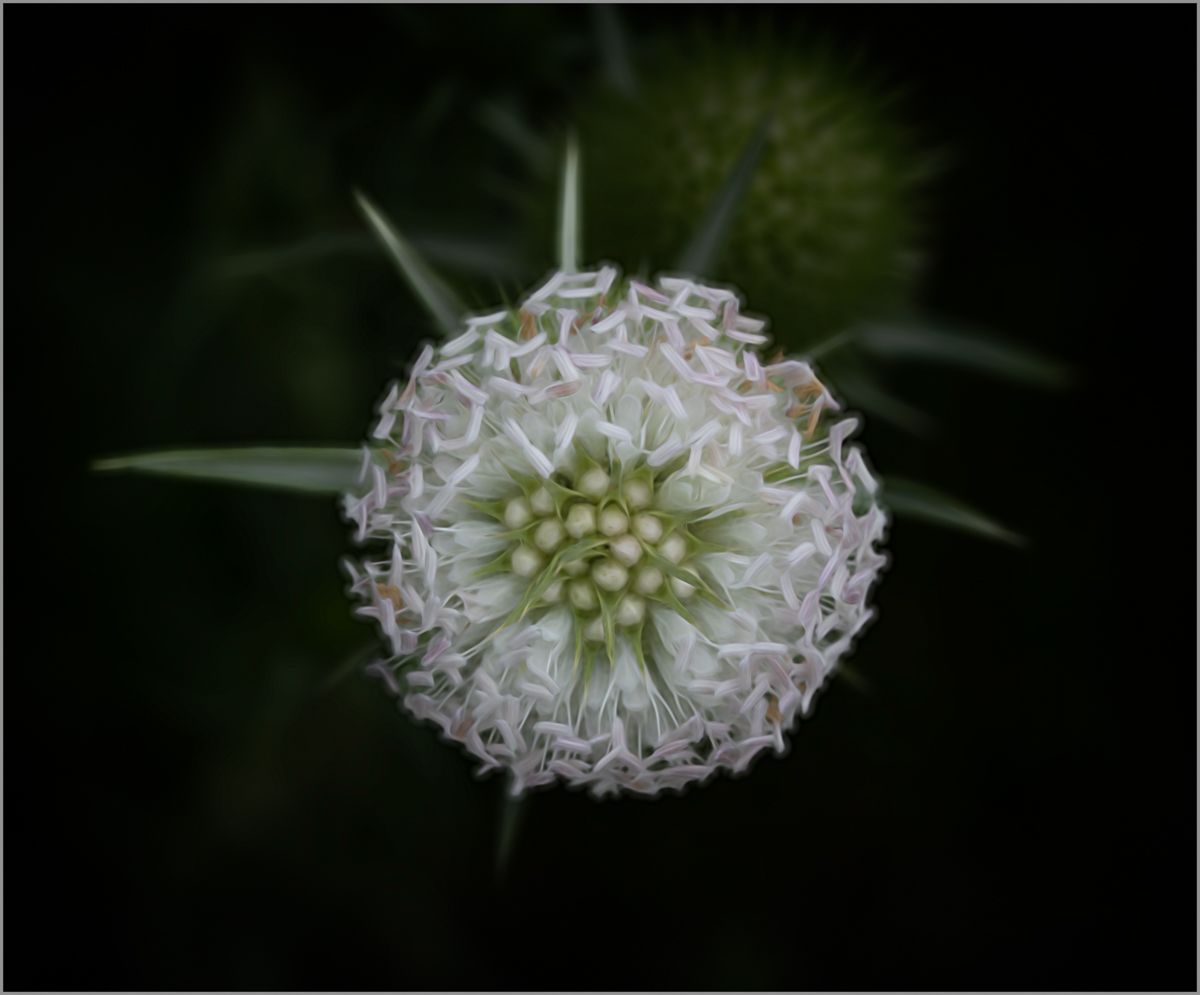
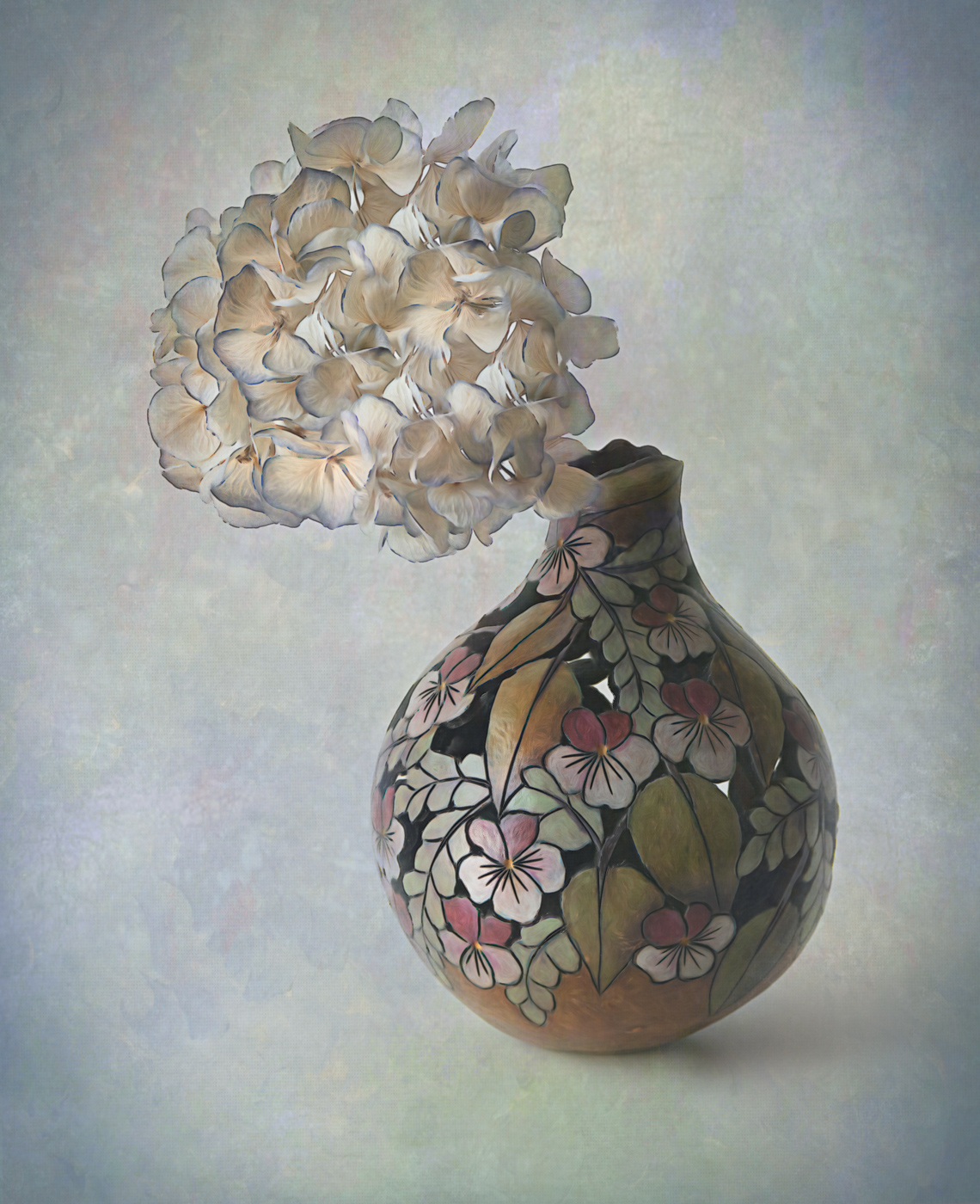
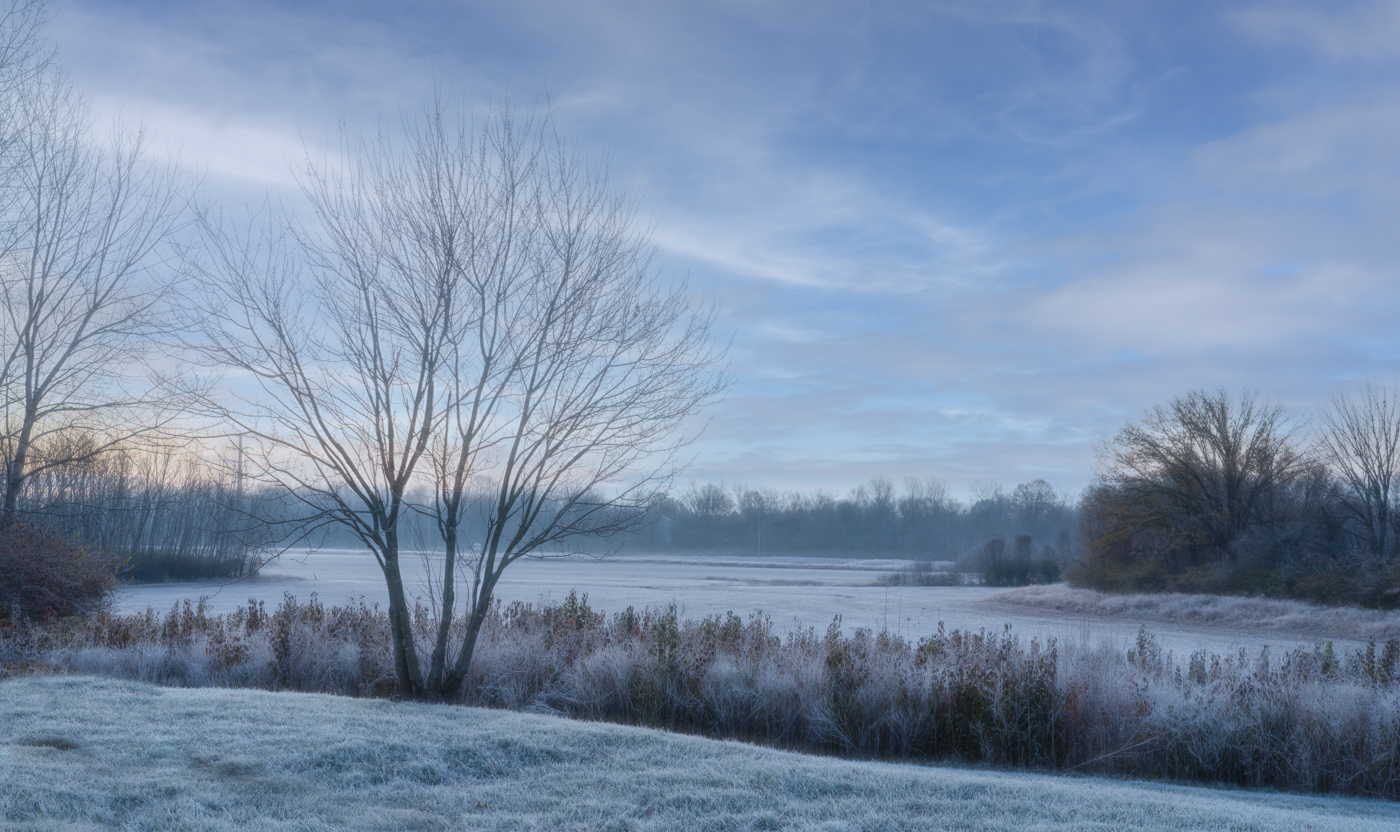
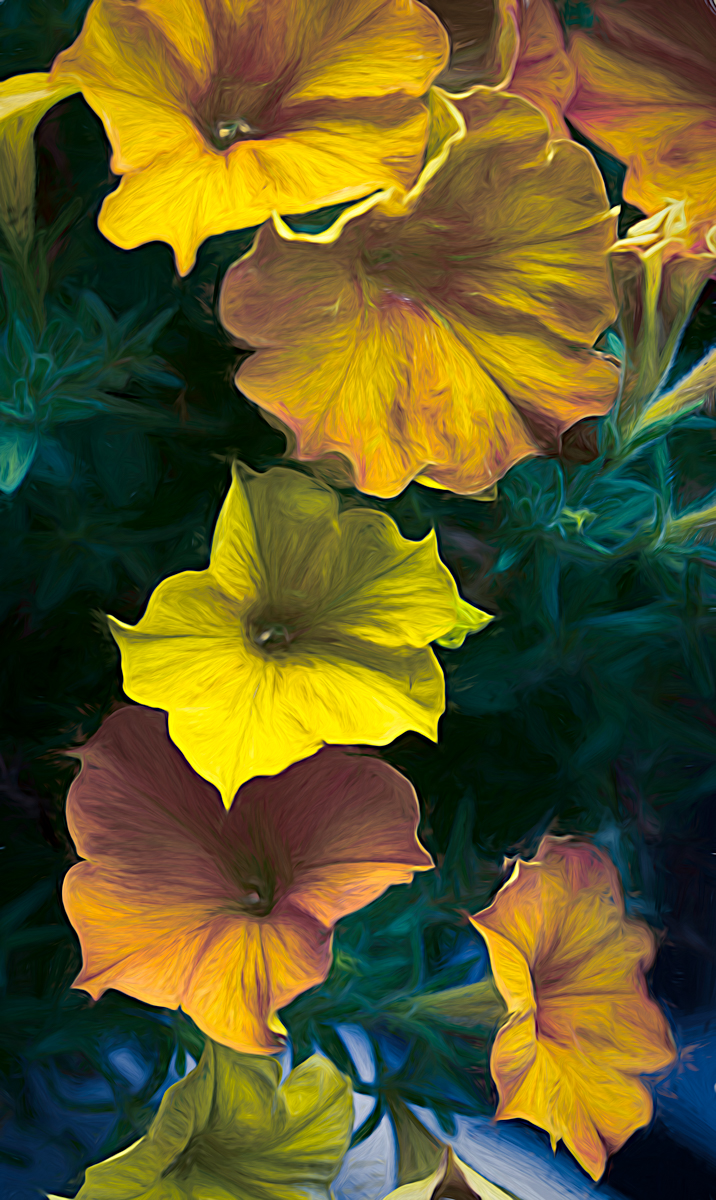
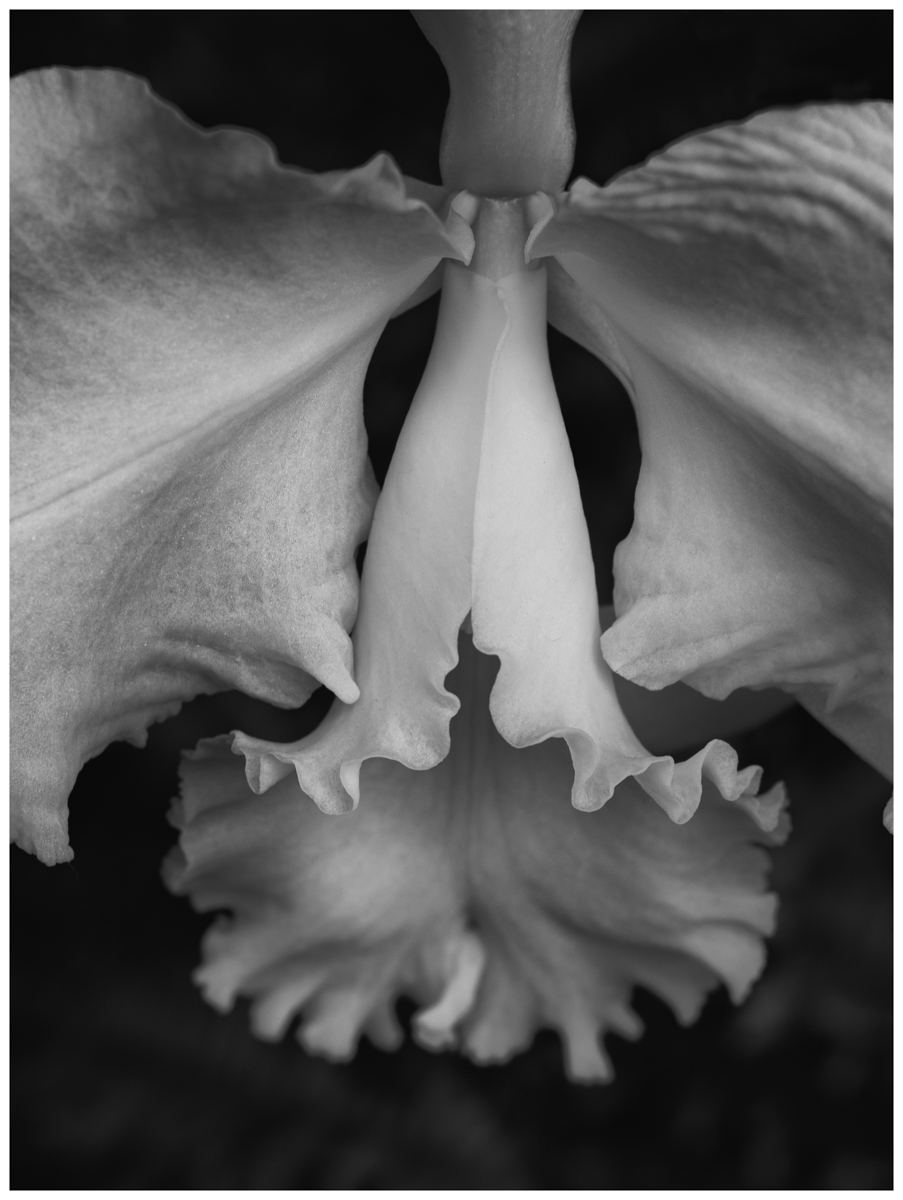
Welcome back to the group Georgianne! I really like your composition and subject matter. I also like Linda's take on adding a little more room around your subjects. You've definitely added warmth to the image with your post processing and improved the image by changing out the orange.
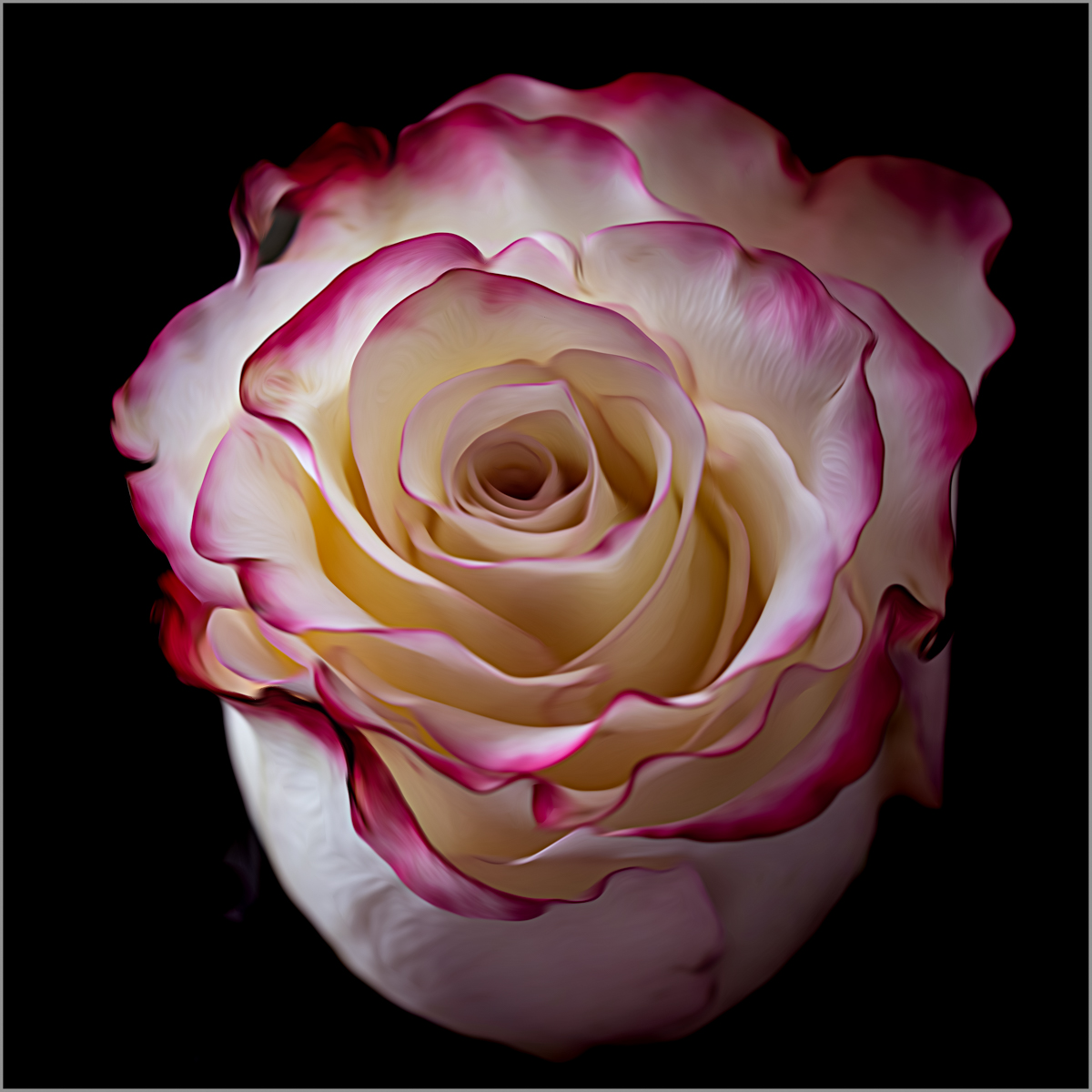
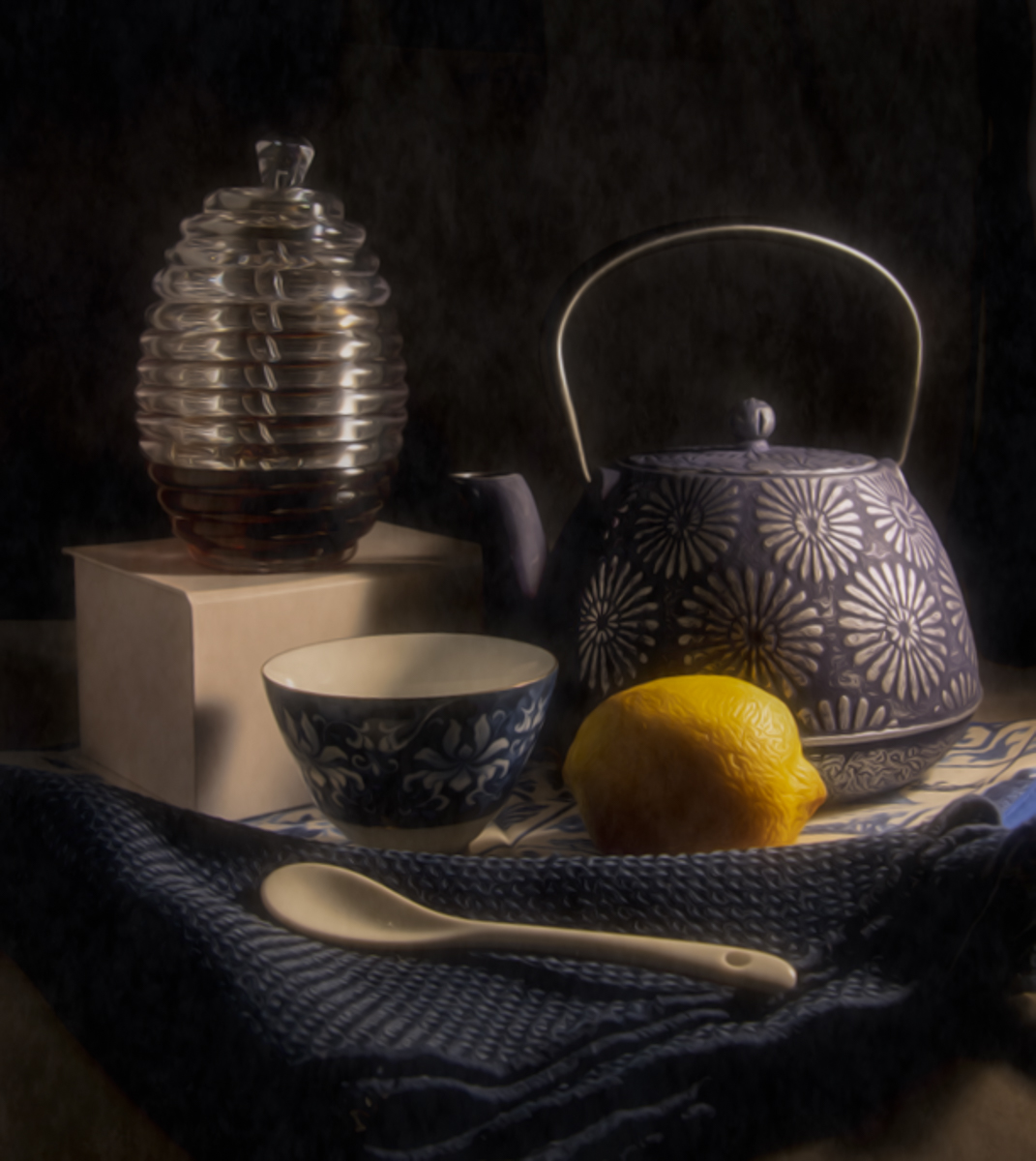
However, I also appreciated your original image's color tones. I like the cool blues and whites and the way the light and shadows fell across the image. For fun I took your original image into Lightroom and Topaz Studio 2 to play around with and came up with another version as well.
In Lightroom I added some masks to selectively darken the background, but also open up some shadows in certain areas and reduced highlights. I may have made a little different crop than you did, but not sure.
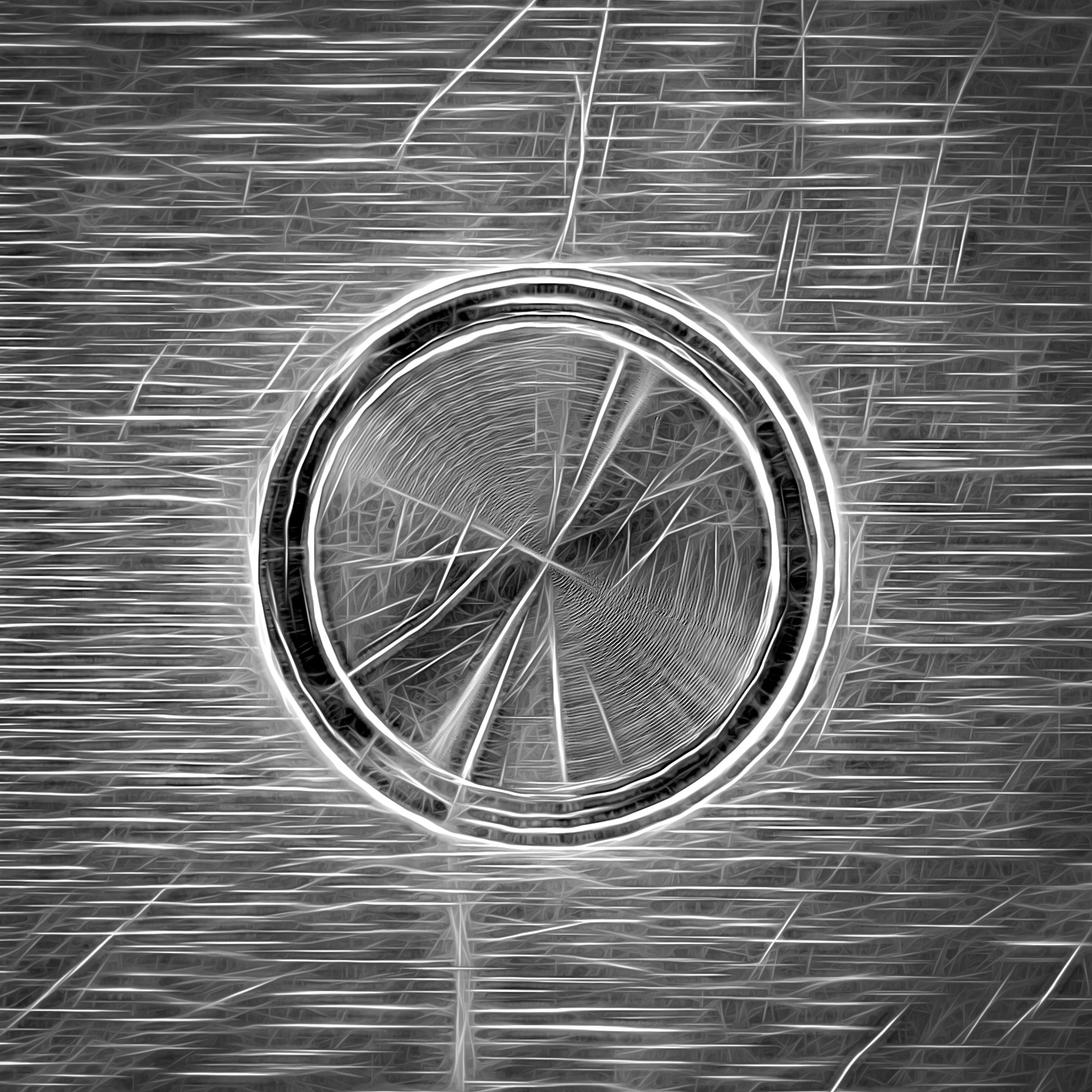
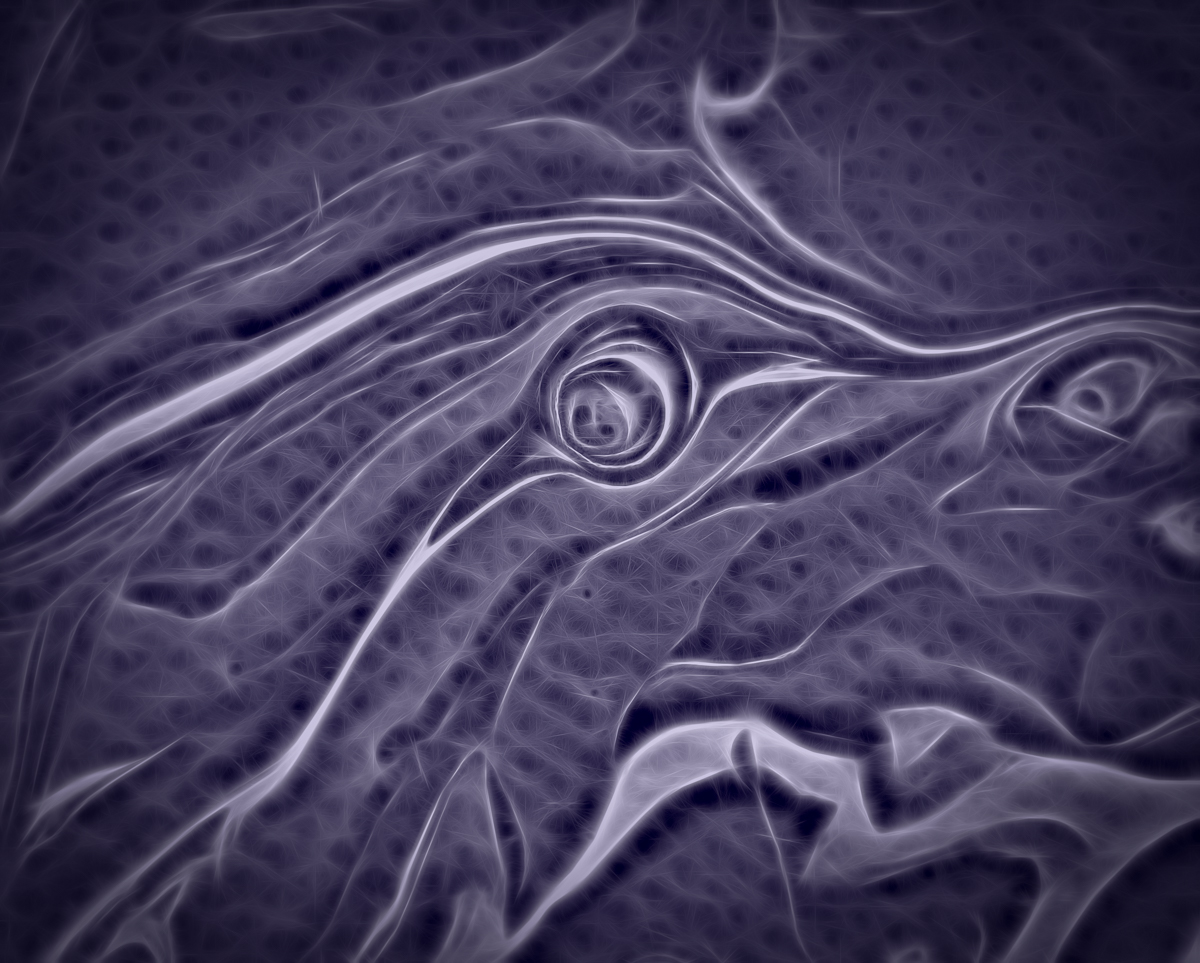
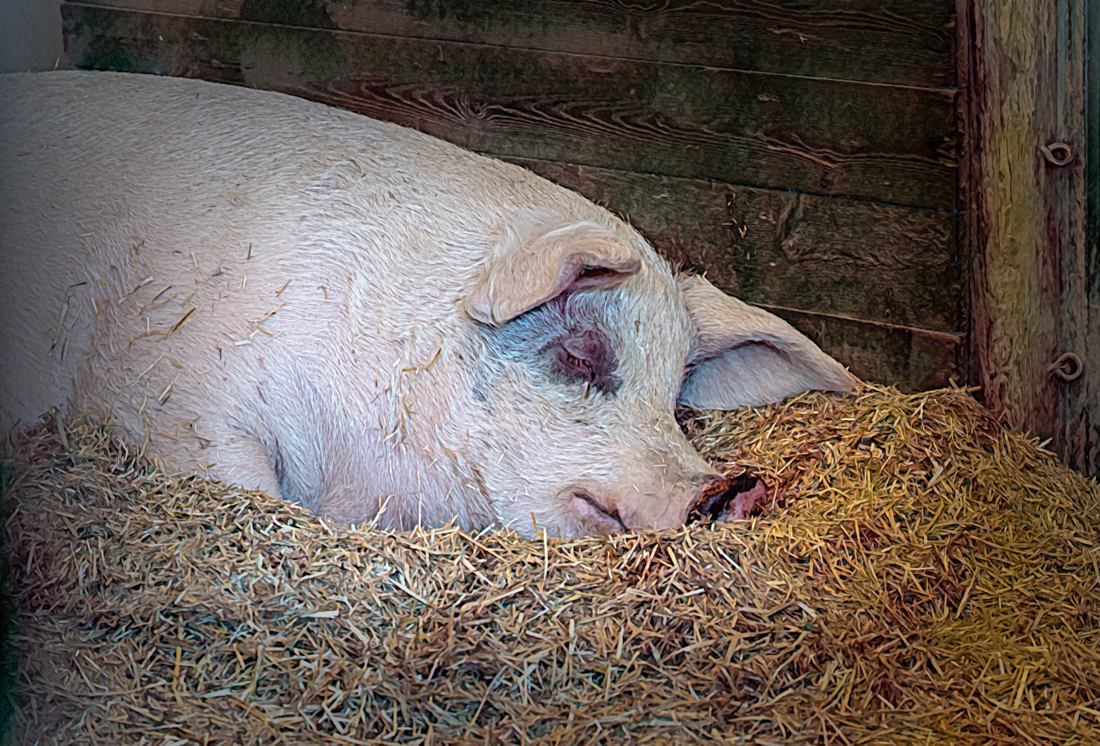
In Topaz Studio 2 I added a soft, kind of dreamy look, and added a light texture. I also added some very slight painterly movement to the lines with the smudge filter.
It was fun playing with your lovely image!
|
Mar 17th |
 |
| 77 |
Mar 24 |
Reply |
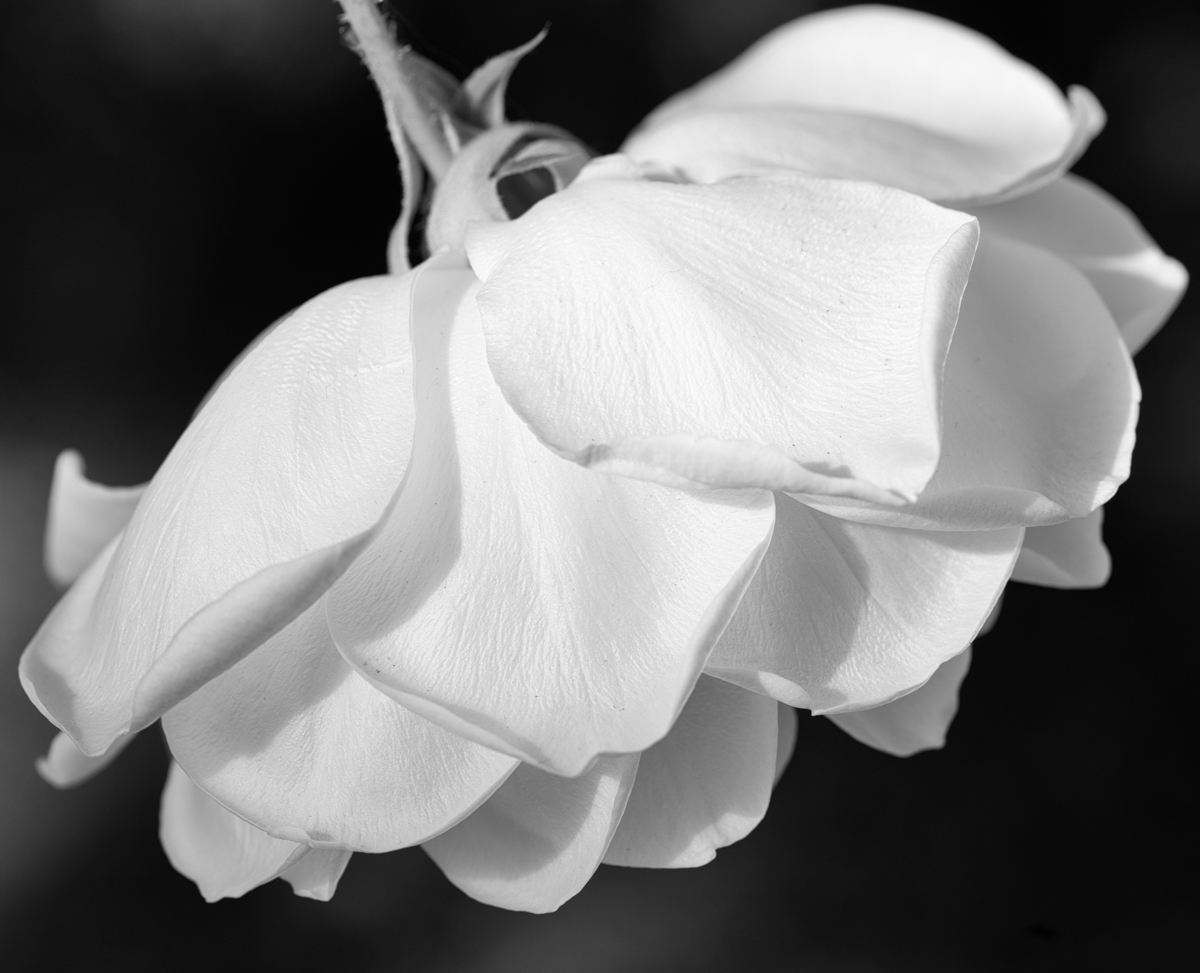
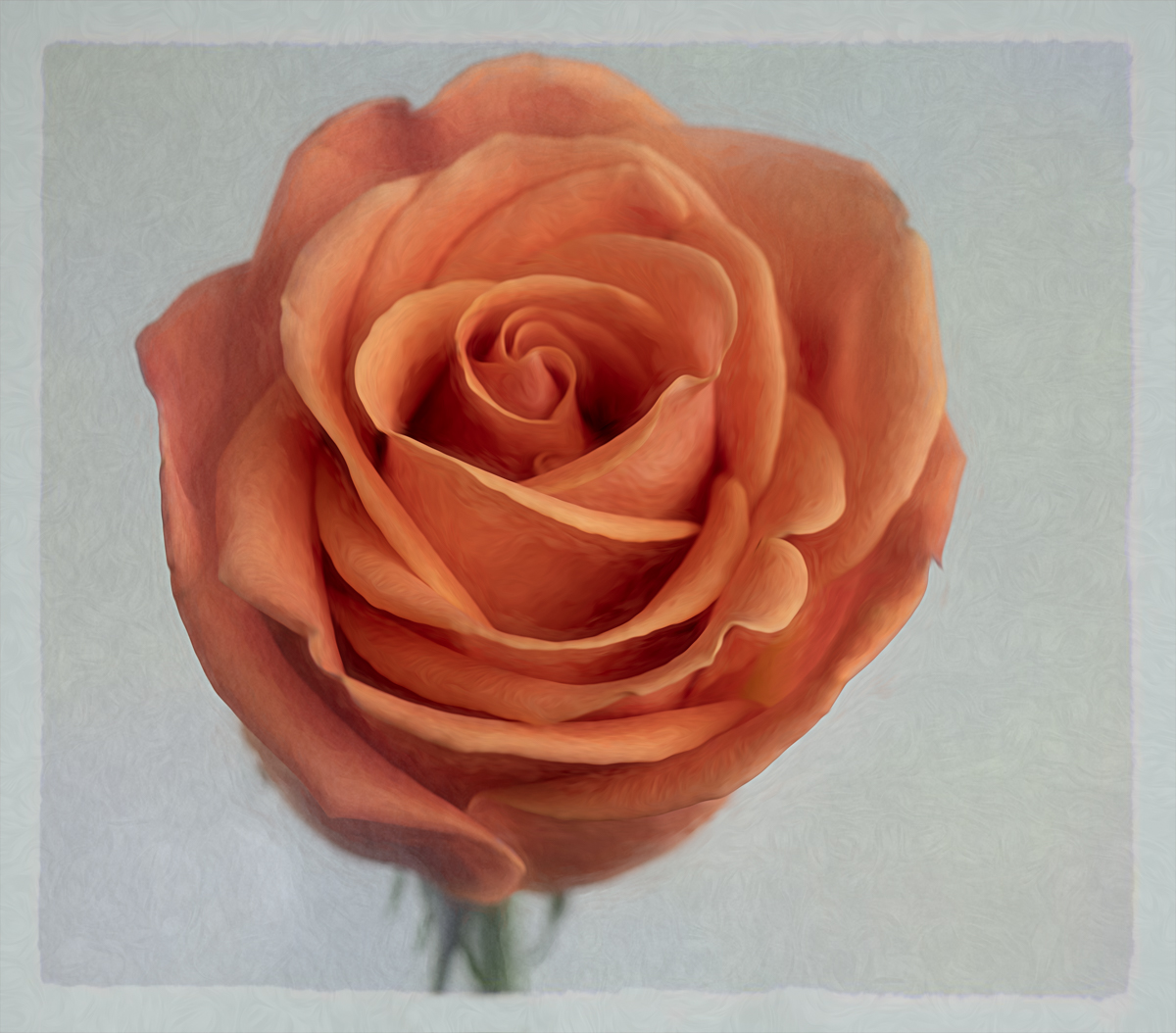
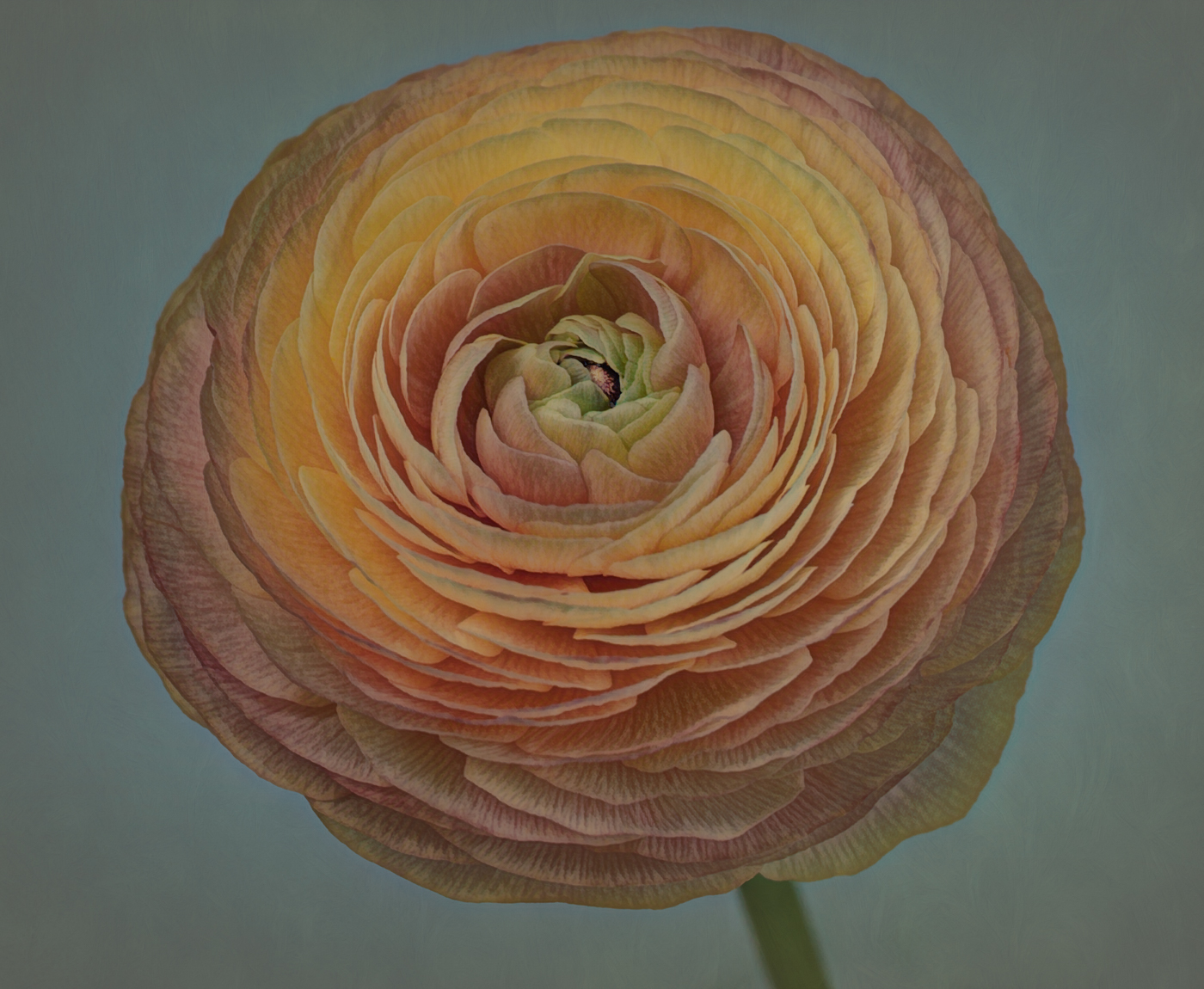
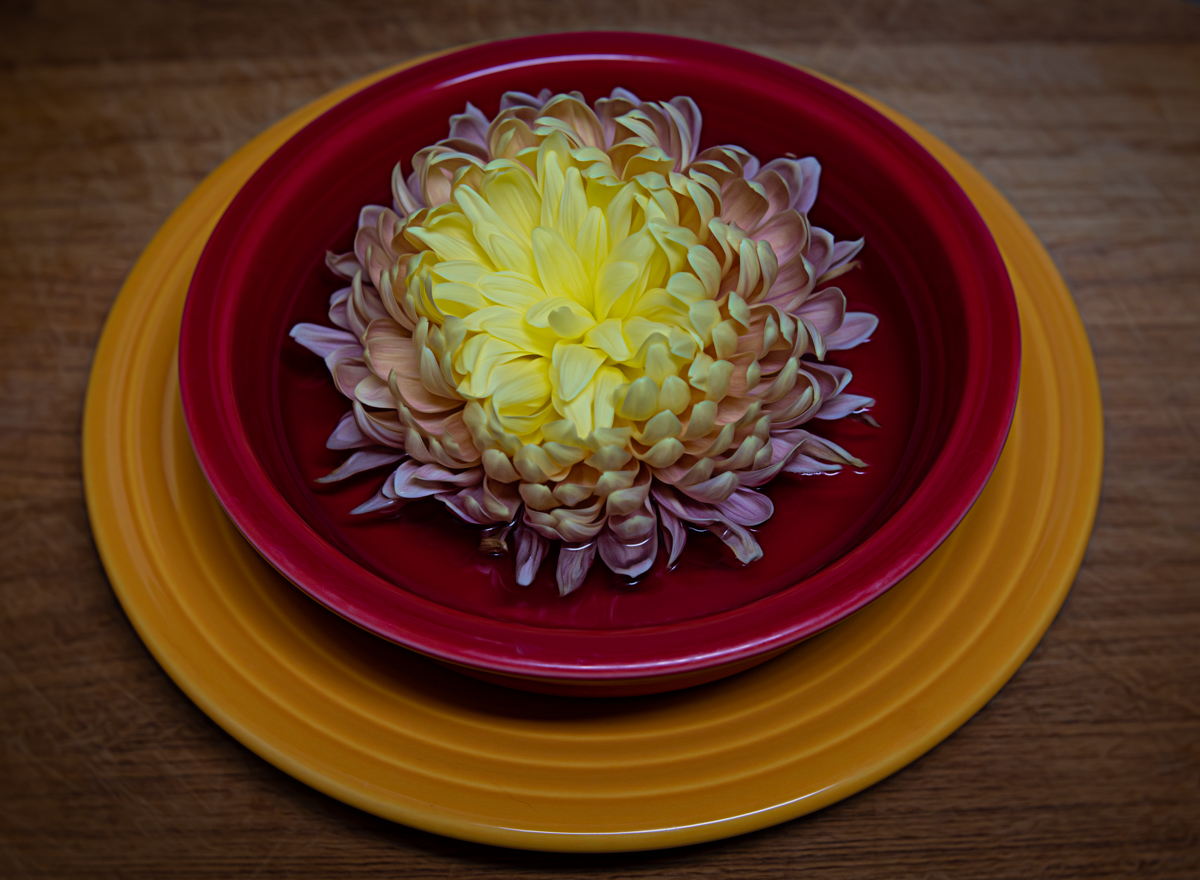
I love what you've done here Jan! I think you helped me discover another way I could have looked at this image as I was pondering the petal arrangement.
I felt my initial crop left too much room at the top left, therefore I added that petal. I liked seeing the full stem, but now I like your crop as well! Making that crop and using less petals worked really well.
Thanks for taking the time to work on this!
|
Mar 17th |
| 77 |
Mar 24 |
Reply |
Thanks Georgianne! |
Mar 13th |
| 77 |
Mar 24 |
Reply |
Thanks for your feedback Connie. And for the visual example of another idea. Appreciate it! |
Mar 9th |
| 77 |
Mar 24 |
Reply |
Thanks for your feedback Angela! I will look for the webinar. |
Mar 9th |
5 comments - 6 replies for Group 77
|
5 comments - 6 replies Total
|