|
| Group |
Round |
C/R |
Comment |
Date |
Image |
| 77 |
Nov 22 |
Reply |
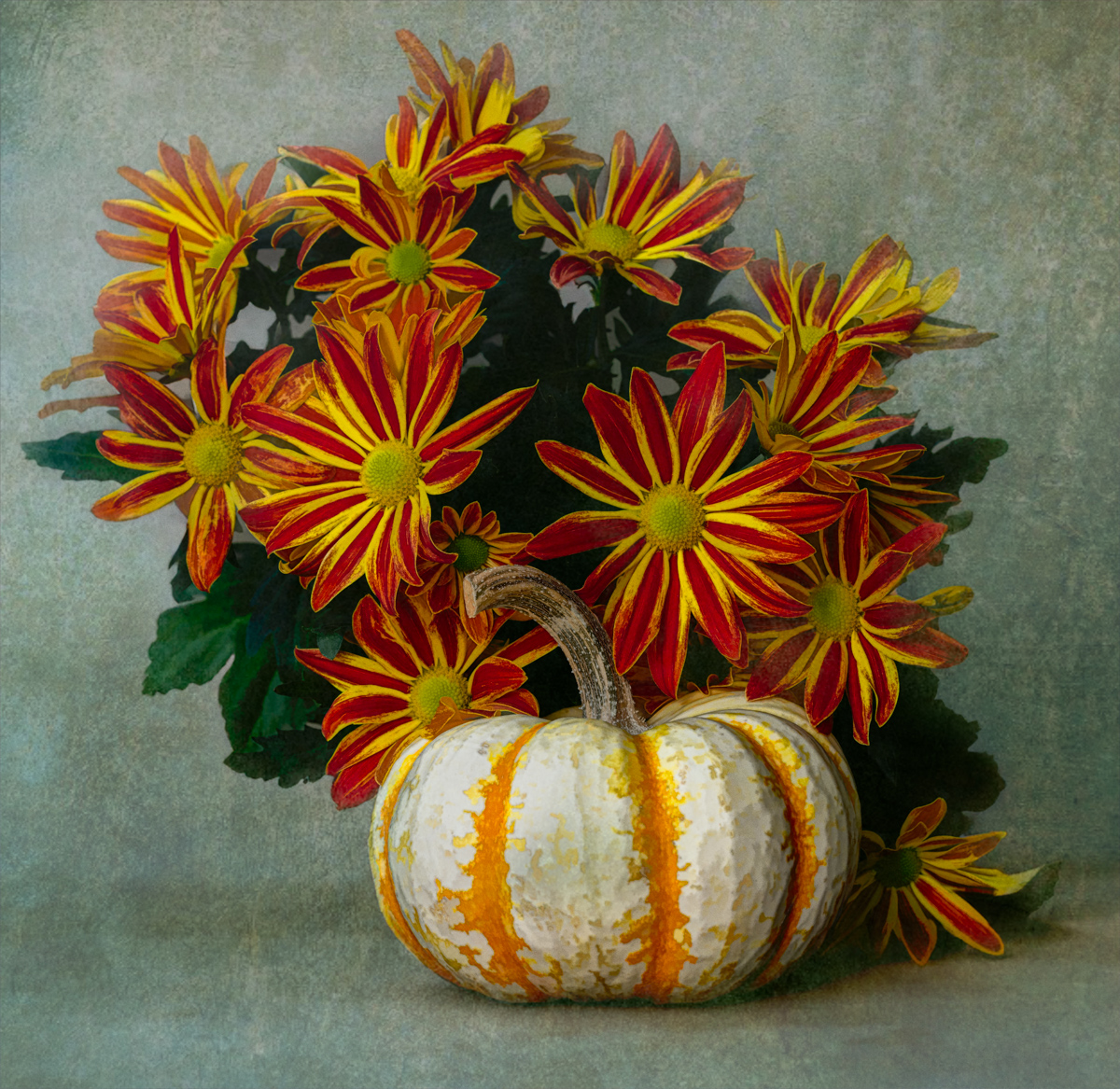
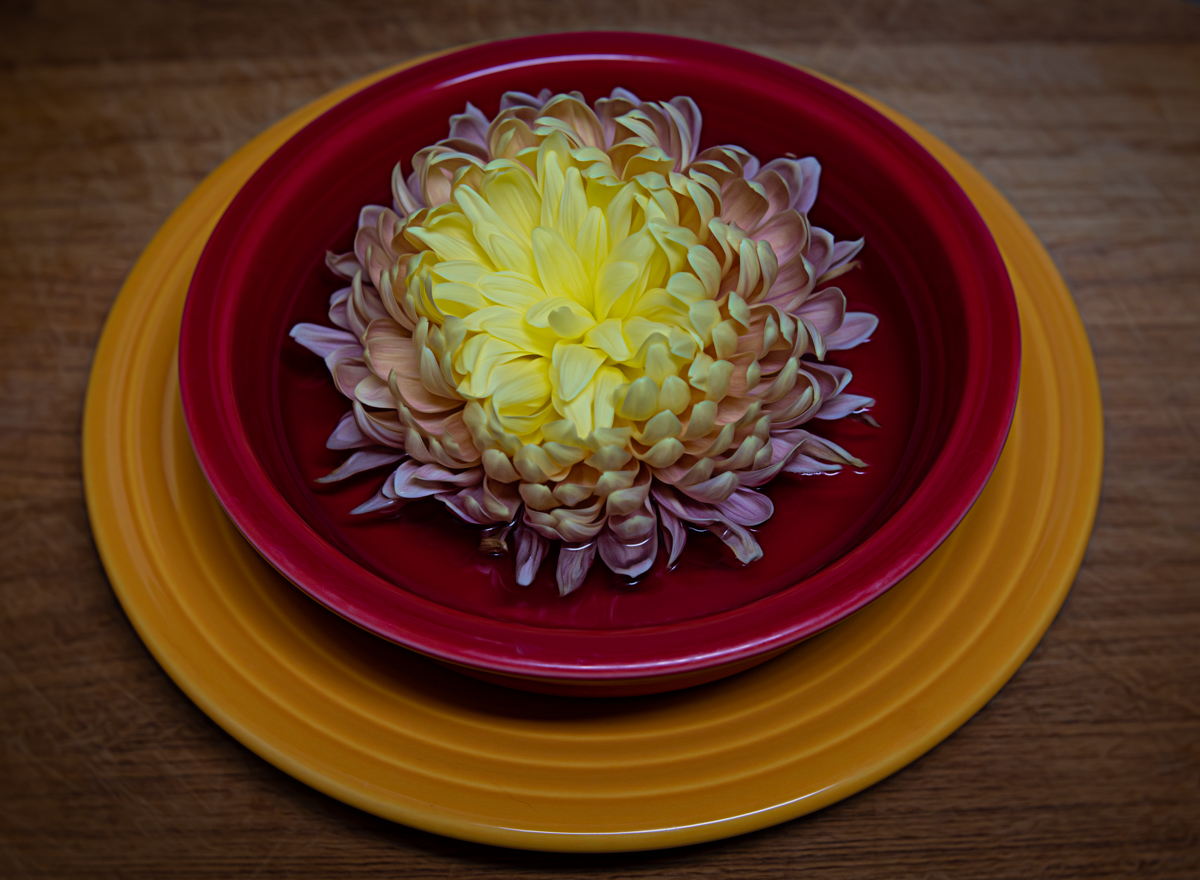
Thanks Carol. Their colors are strong, so I can see how that happened. I have a "personal" connection to my Fiesta plates and bowls, so I think I didn't really notice that they stood out, LOL. |
Nov 27th |
| 77 |
Nov 22 |
Reply |
Thanks for your suggestions Witta. I wasn't completely pleased with the background either, but got in a hurry to get this posted. :) I will try your ideas. |
Nov 15th |
| 77 |
Nov 22 |
Reply |
Thank you Diana! |
Nov 15th |
| 77 |
Nov 22 |
Comment |
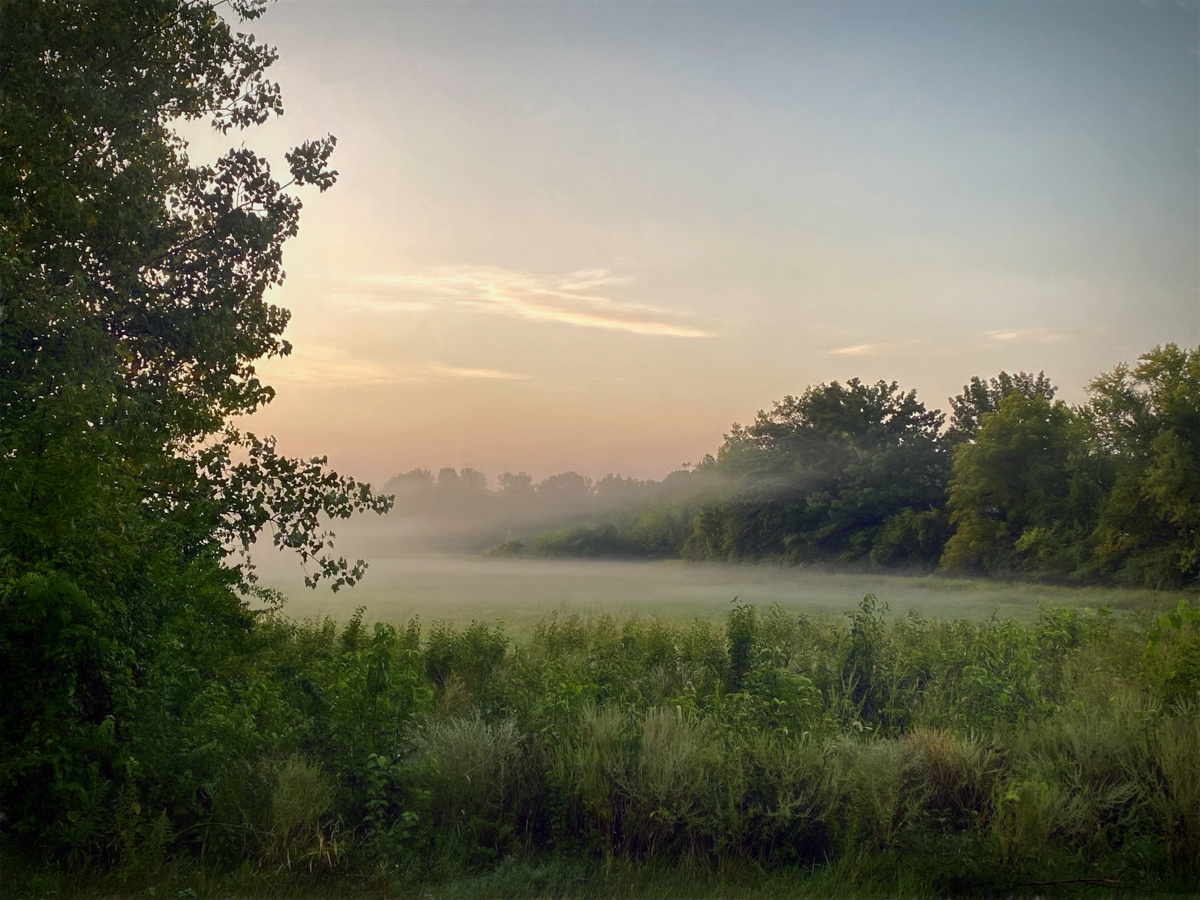
I really like how you combined these two images to end up with the composition. I agree with Witta that there is now somewhat of a green tone to the final image. However I also liked the level of brightness in the original background. The combined image seems to have blown out the sun coming through the clouds and reflecting on the water. Not sure why that happened, but maybe using the processing suggested by Witta will resolve that as well? |
Nov 15th |
| 77 |
Nov 22 |
Comment |
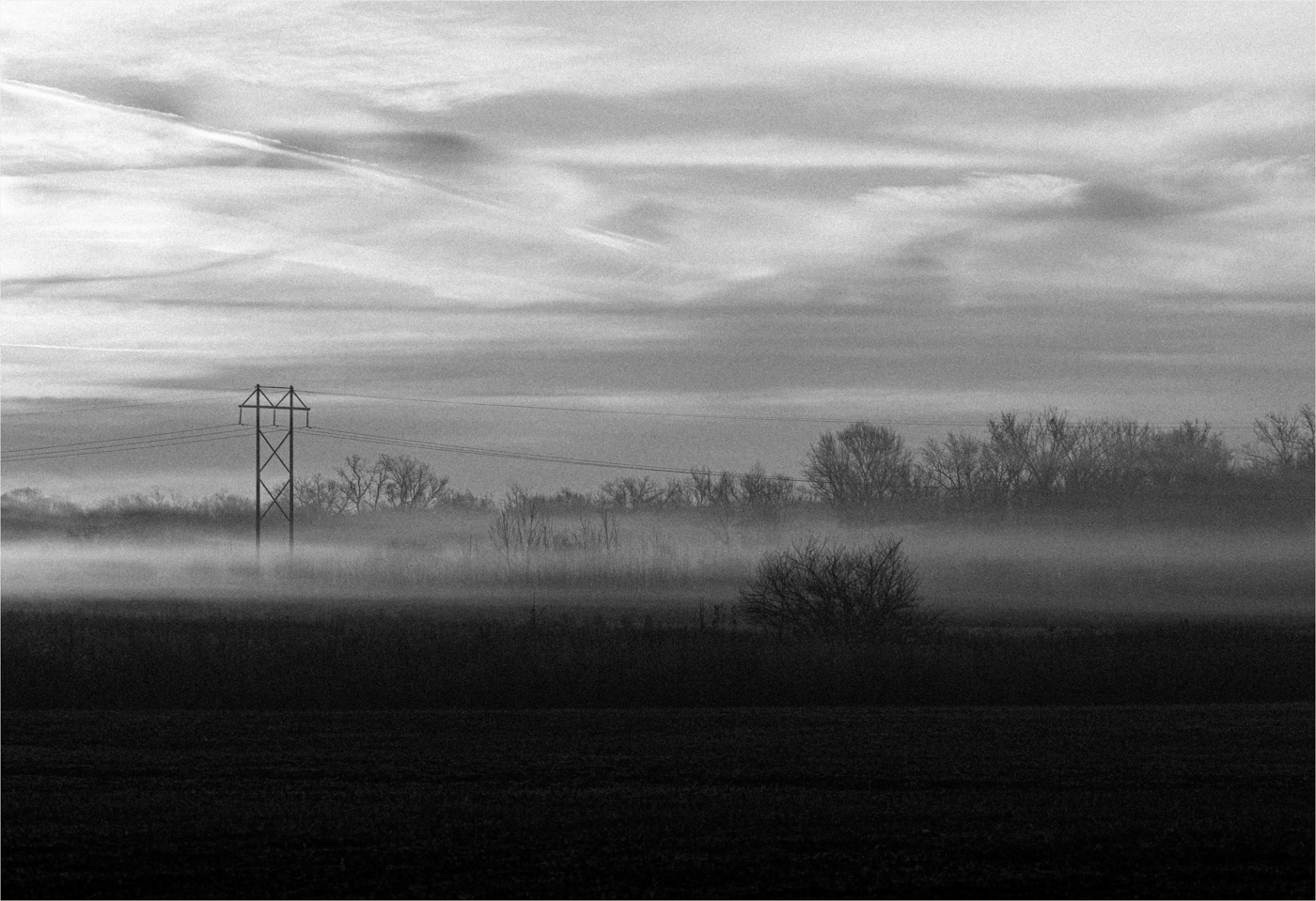
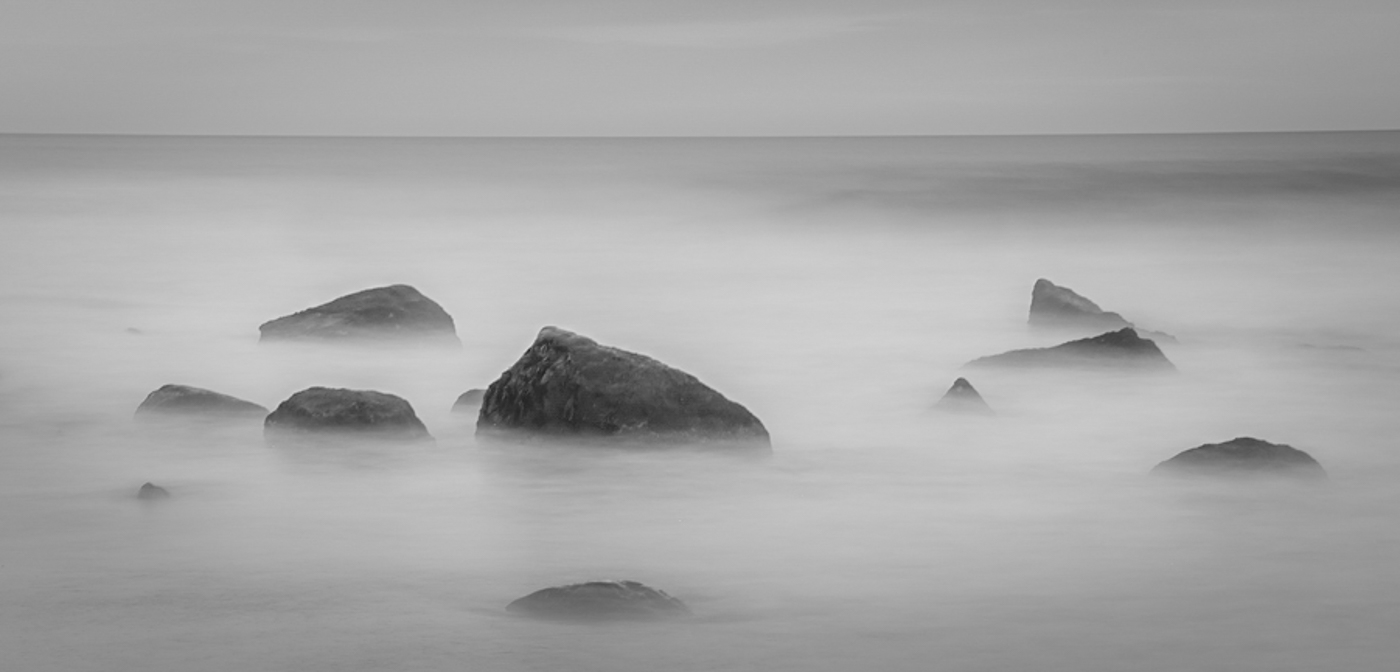
This photo takes me to a magical place Michael. First, timing when to shoot this was a great choice, as the light was a nice starting point for this image. The setting is so interesting.
One suggestion I have is to tone down the bright white of the water. In the original version it seems almost misty with the water detail, but the brightness takes away some of that softness IMHO. I know it seemed to be your intention to remove that detail, but I think the water softness adds to the image. Here's an example all done in Lightroom. I cropped the image a little differently because I liked the small foreground rock. I opened the shadows, then converted to Black & White. I added a Lightroom B & W preset called Cool Soft. I added a very slight dark vignette as well. I then added a mask using the Radial Filter and encircled just the lower middle of the photo, over the center expanse of rocks, to increase the exposure just a bit. I feel like the changes enhanced the "mistiness" if that's a word, of the overall image, but also added a touch of brightness. Just some thoughts!
|
Nov 15th |
 |
| 77 |
Nov 22 |
Comment |
Mary, you did a great job of taking a snapshot and turning it into much more. I love the composition and your post processing, but also like the suggestions made by Witta.
This photo is a keeper! |
Nov 15th |
| 77 |
Nov 22 |
Comment |
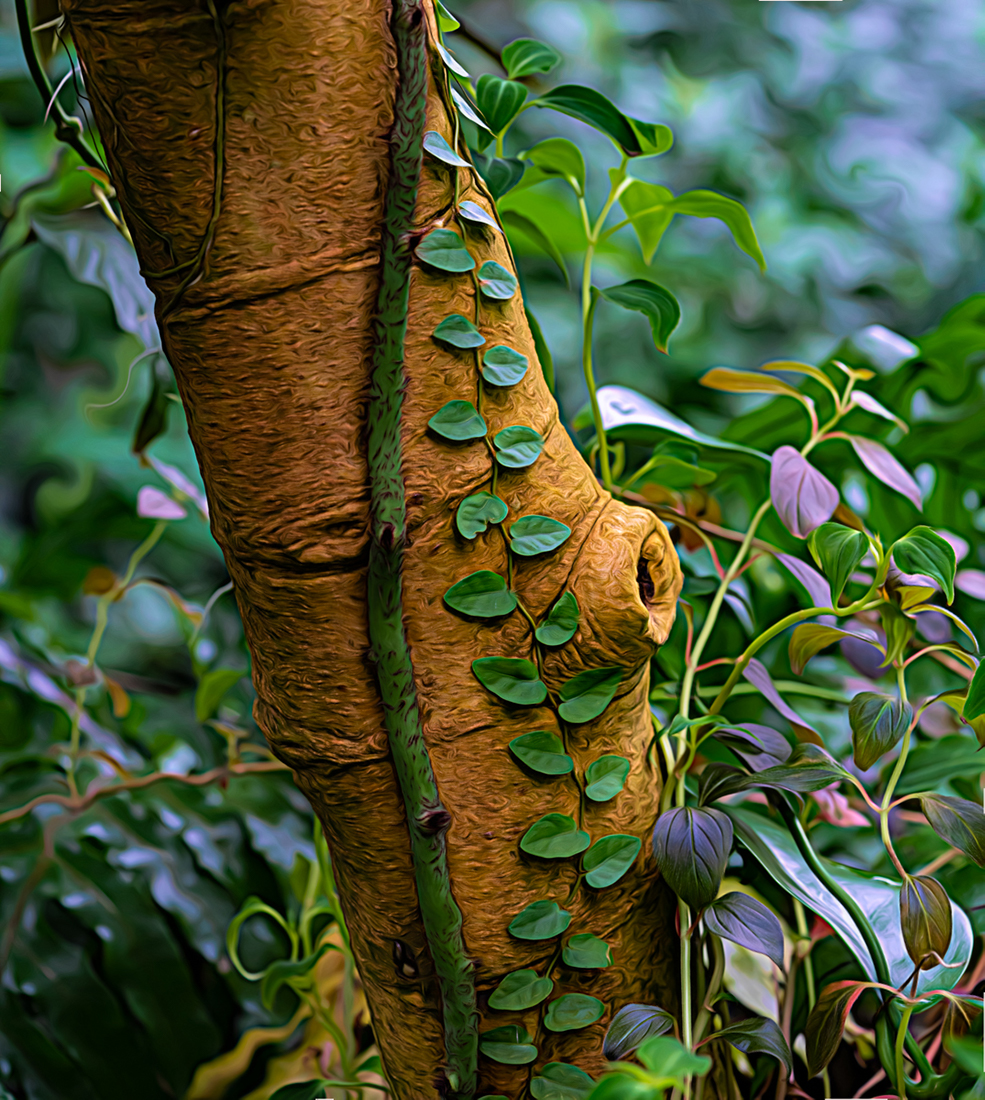
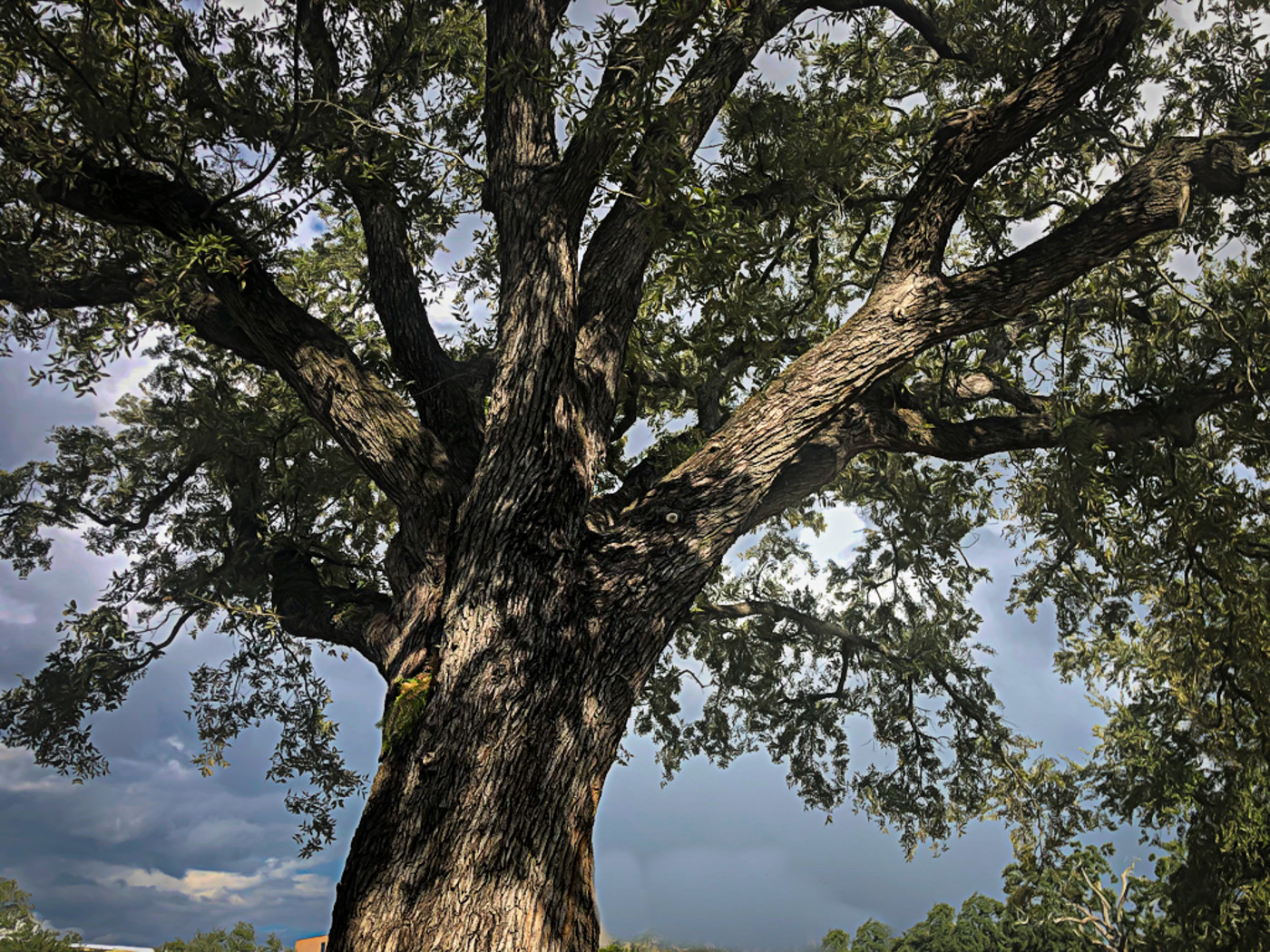
Interesting tree and angle of view when taking this photo Witta. I like the subject matter and how you captured the tree against the sky. Removing the buildings and pole light were good choices to stay focused on the tree.
To my eye (and on my computer screen) the color adjustments you did hoping to add some pop, actually made the image look rather harsh. The sky took on a purple cast and the tree took on strong orange and yellow tones. I decided I wanted to try and see what the image looked like just with the Topaz Stained Glass look so I did the following:
I took your original image into Lightroom and added some texture and reduced the highlights. I tried to quickly remove the buildings, but didn't try very hard, LOL, since this is just an overall example. I then took it into Topaz and added the same Stained Glass look. The look was made up of 3 filters, including Smudge. I adjusted the Smudge filter to decrease the exaggerated lines in the trunk and leaves, then decreased the opacity to 65. I completely removed the Abstraction filter because I couldn't see how it added anything to the image. To me, the result was a bit more realistic, which you stated you wanted, but with the texture of the tree trunk and leaves more accentuated by the Smudge filter effects. Just a suggestion for another way to attack this, but not intended to be the final result, LOL.
|
Nov 15th |
 |
| 77 |
Nov 22 |
Comment |
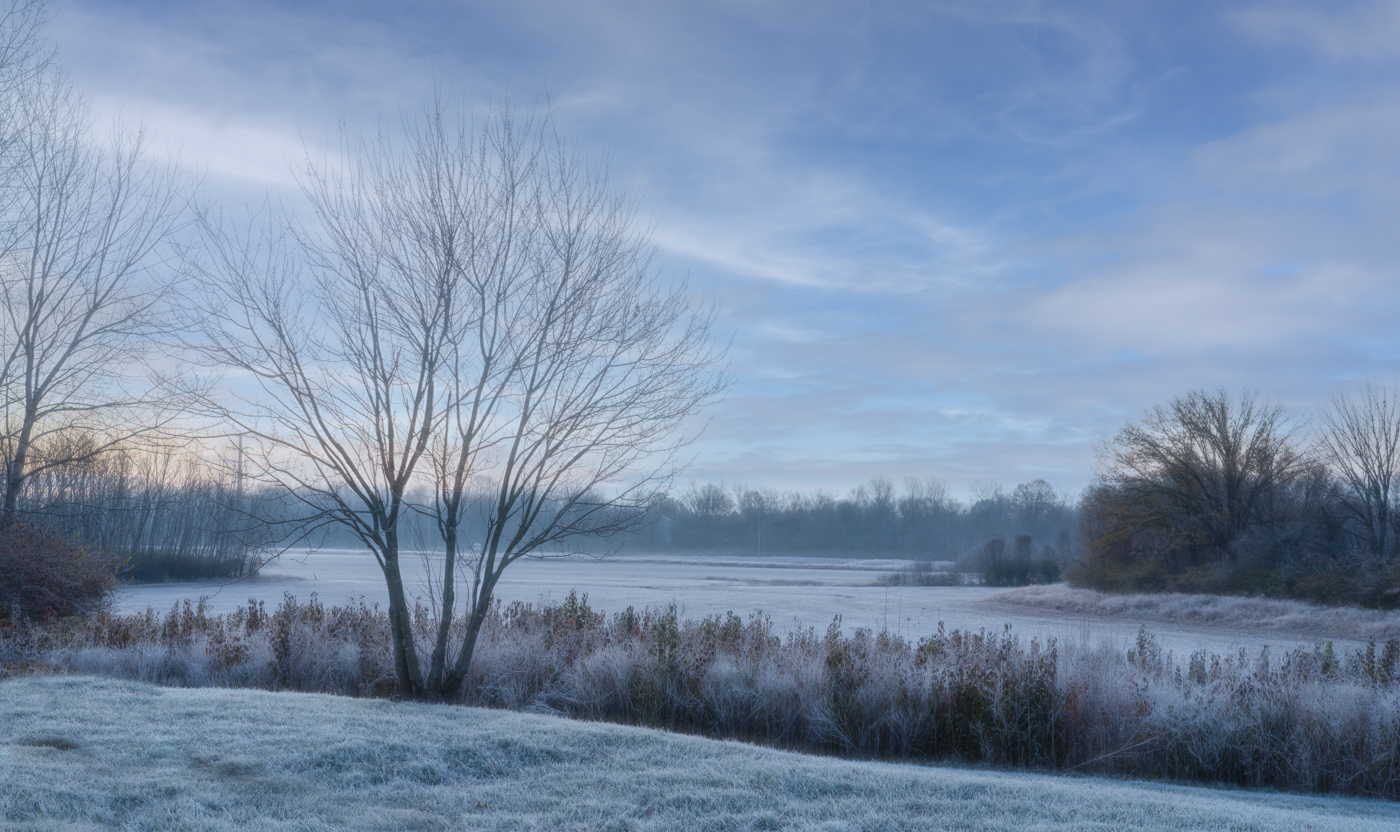
This is a beautiful image Carol. I also liked the original image, but removing the other objects did simplify the photo and give it a bit more of a Zen quality. I also like that you brought out the blue tones. Lovely and peaceful to look at. |
Nov 15th |
5 comments - 3 replies for Group 77
|
5 comments - 3 replies Total
|