|
| Group |
Round |
C/R |
Comment |
Date |
Image |
| 77 |
Oct 20 |
Reply |
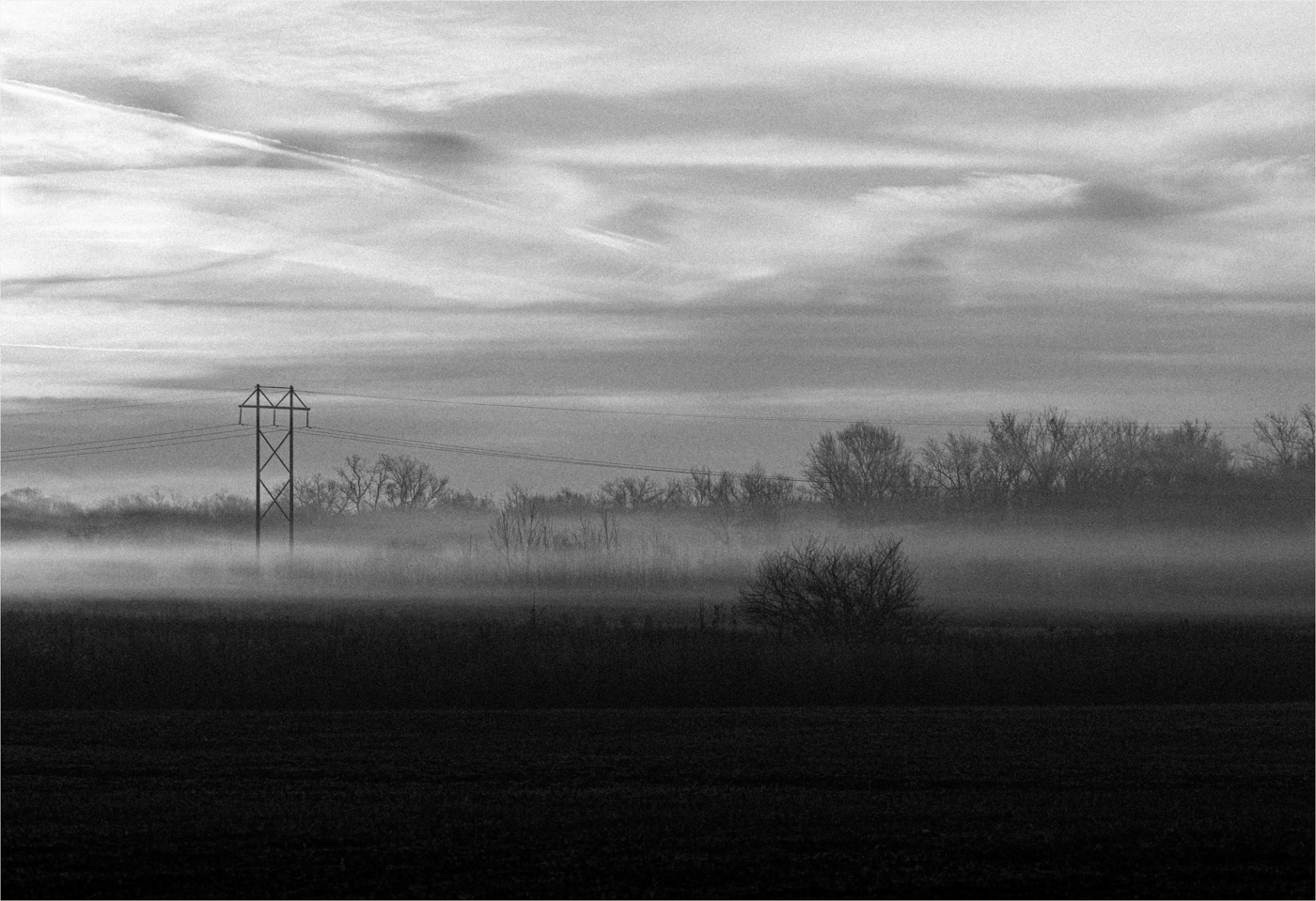
Thank you for your detailed editing feedback. I agree that I liked leaving the composition as is, but trying to make it less flat. I need a lot of practice with black and white conversions, as conceptually, I understand that adjusting colors can positively impact the conversion. I'm just not sure how to choose which colors to adjust! So I need to continue to learn about that.
|
Oct 24th |
| 77 |
Oct 20 |
Comment |
WOW - everyone provided so much great feedback that it's going to take me a while to continue to play with this image! I really appreciate everyone's thoughts as I have a number of unedited pictures in this series that I think your suggestions would apply to as well.
|
Oct 11th |
| 77 |
Oct 20 |
Comment |
I really like this bright, vibrant fall color image. The angle of view makes the trees very dramatic and interesting. The texture and colors in the darker tree really add to this view of mostly white aspens.
I think your choices for composition and post processing really brought out a unique beauty in this scene. |
Oct 11th |
| 77 |
Oct 20 |
Comment |
I really like the concept of this photo and the black and white conversion really brings out the mood and helps you tell the story. I like the drama of the deep blacks and the way the light transitions across her face from left to right.
It was that light and her eyes that first grabbed my attention, and like Connie, made me feel like she was daring you to come into the darkness with her.
|
Oct 11th |
| 77 |
Oct 20 |
Comment |
This Iris is beautiful, and you have a lovely composition.
Sometimes I play with adding a color vignette to a photo that I think just needs a little something extra. TS2 has a vignette filter that you could try. It allows you to choose a color directly from your image for the vignette. And then you can change the size, position, opacity, etc. to suit your taste. You can even add a mask to paint off parts of the vignette that fall on the flower, but you don't want it to cover. Again, changing the opacity of the masking, etc.
That might provide you a way to fill in that corner, but keep the effect simple, so as not to overpower the beauty of the flower.
|
Oct 11th |
| 77 |
Oct 20 |
Comment |
This image is really beautiful. I like both the original and edited version. Both of them capture the carefree feeling this girl had when running through the lavender. The composition- leaving space in front of her to run into, her flowing dress and arm trailing behind her, and the beautiful colors, all make this a very pretty, peaceful image.
I agree that maybe toning down that bright area on the back of her dress could make a small improvement, but otherwise, I just love this. |
Oct 11th |
| 77 |
Oct 20 |
Reply |
I tend to be a little hesitant about opening shadows too much when I'm trying to show some depth within an image. I worry about my image looking too flat. On the flip side, a black muddy area doesn't do anything for me either!
Thank you for your suggestions and comments. I think your edit looks a little closer to my first edit as well. You can definitely see more detail in the shadows, but it doesn't look completely flat. It's very helpful to see an example, so I really do appreciate it! |
Oct 1st |
5 comments - 2 replies for Group 77
|
5 comments - 2 replies Total
|