|
| Group |
Round |
C/R |
Comment |
Date |
Image |
| 60 |
Feb 19 |
Reply |
Thanks Bill! |
Feb 15th |
| 60 |
Feb 19 |
Reply |
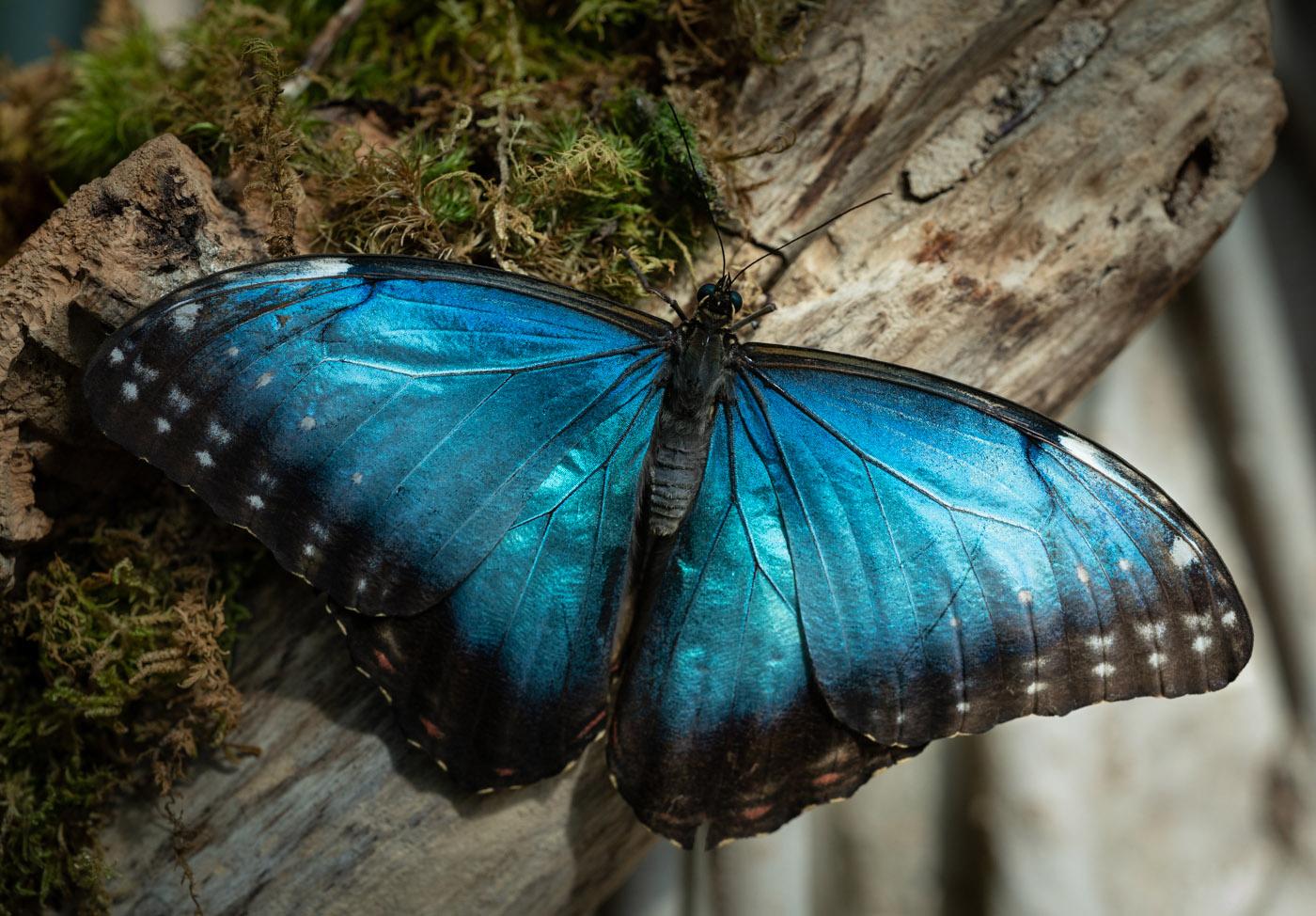
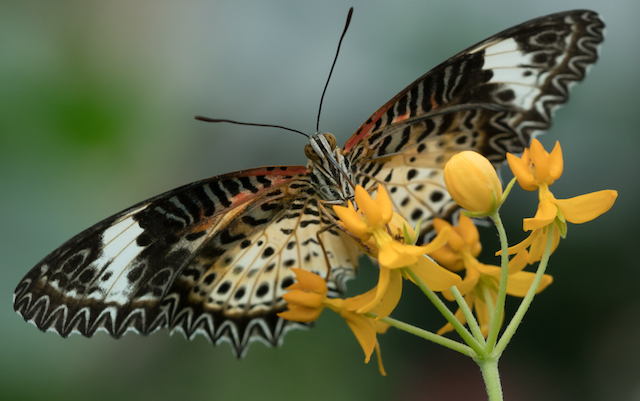
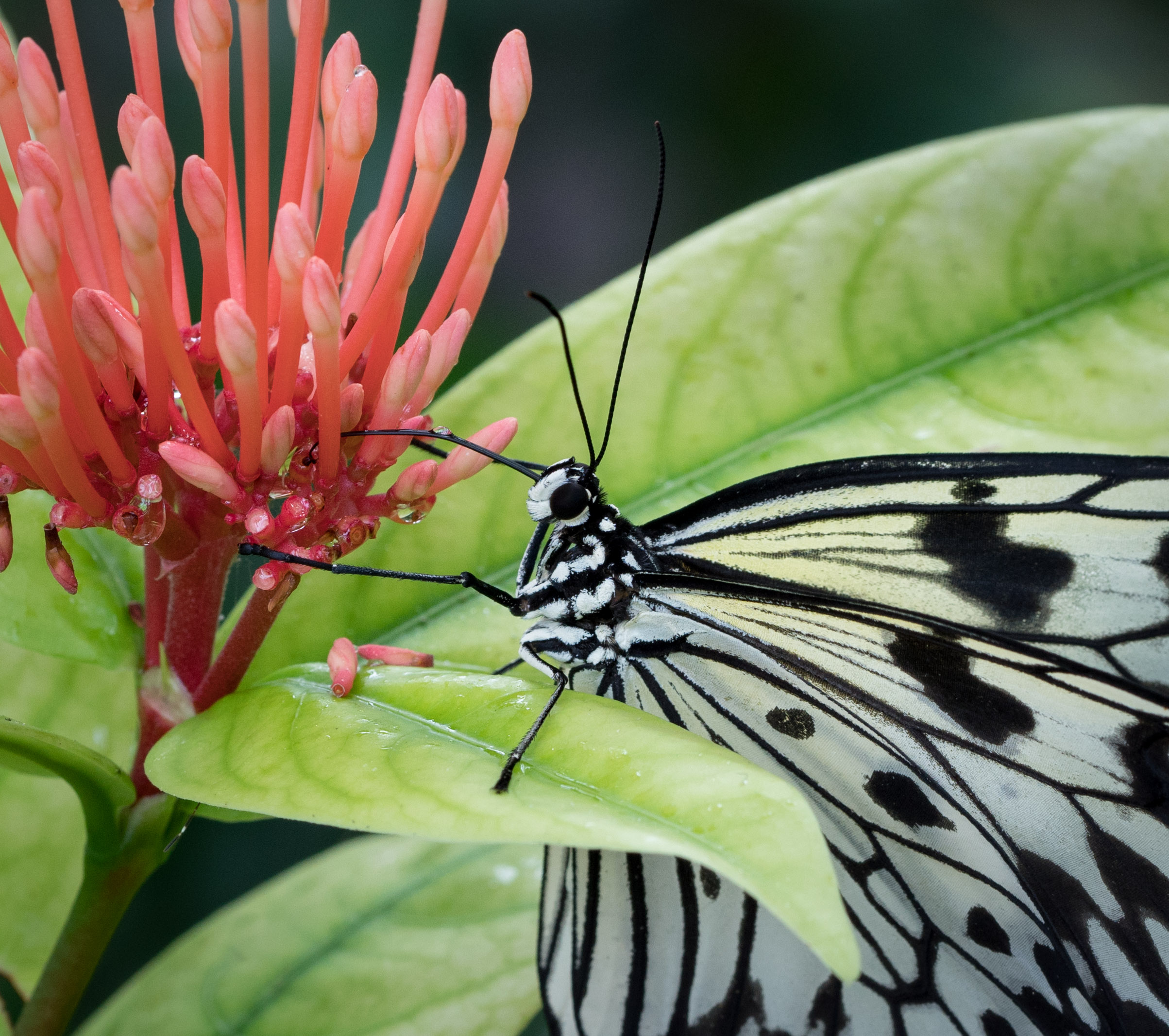
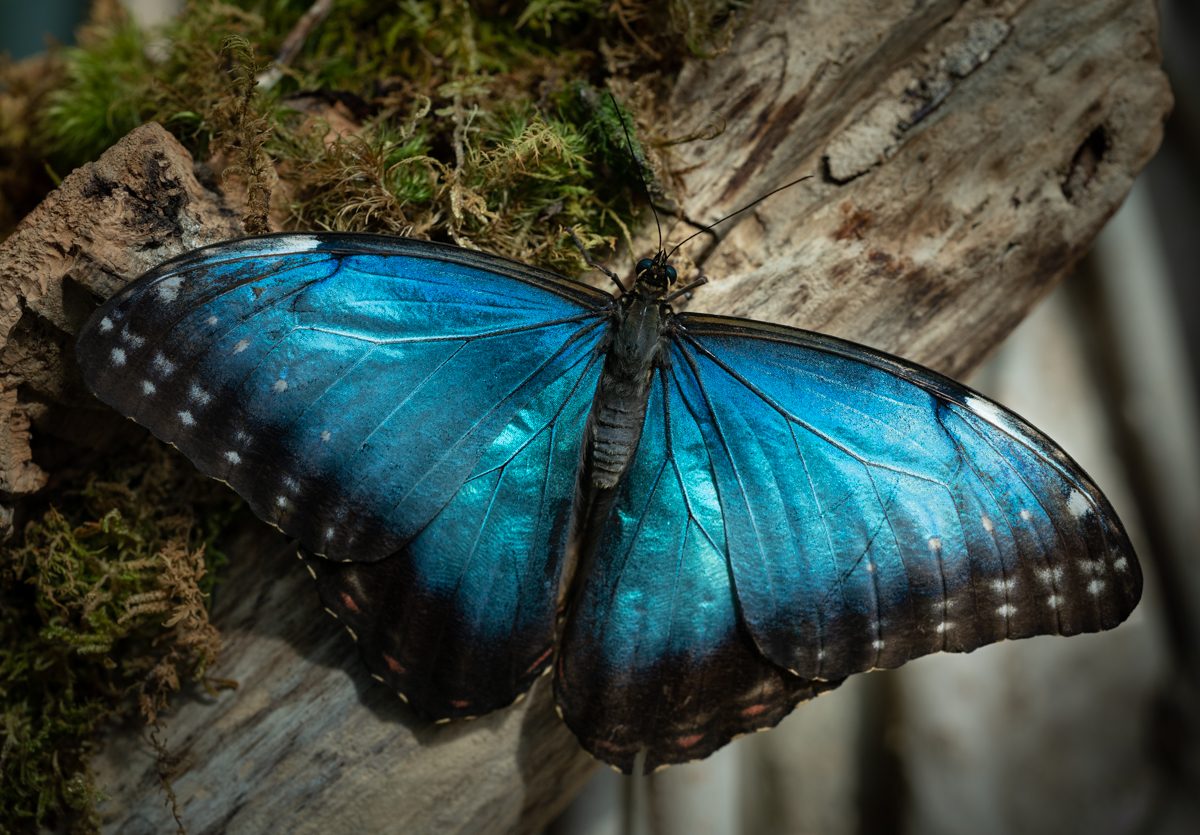
Yes, the right side was much lighter than the left because there were whitish slim tree trunks in the background that had more direct light on them. I don't think it's necessary to have the light totally balanced, but just not so that it tears your eyes away from the butterfly. I've done all the post processing I care to on this. :)
Thanks for your comments. |
Feb 11th |
| 60 |
Feb 19 |
Comment |
Nice Photo Bob! I like the texture and colors of the shell. The little bit I've tried focus stacking, I do see it's easy to have ghosting of edges occur. I think it's all about practice and the right software.
I do feel that the blurred background at the very top and where it's curving along the sides, looks a little unnatural. There is a distinct line between the in-focus and out of focus areas rather than a slow/soft blending between them. I would crop some of that out if you can do so and still feel you have a balanced composition. I don't feel it adds anything to the photo. The shell stands out nicely and I think that change would enhance things. Good job! |
Feb 10th |
| 60 |
Feb 19 |
Comment |
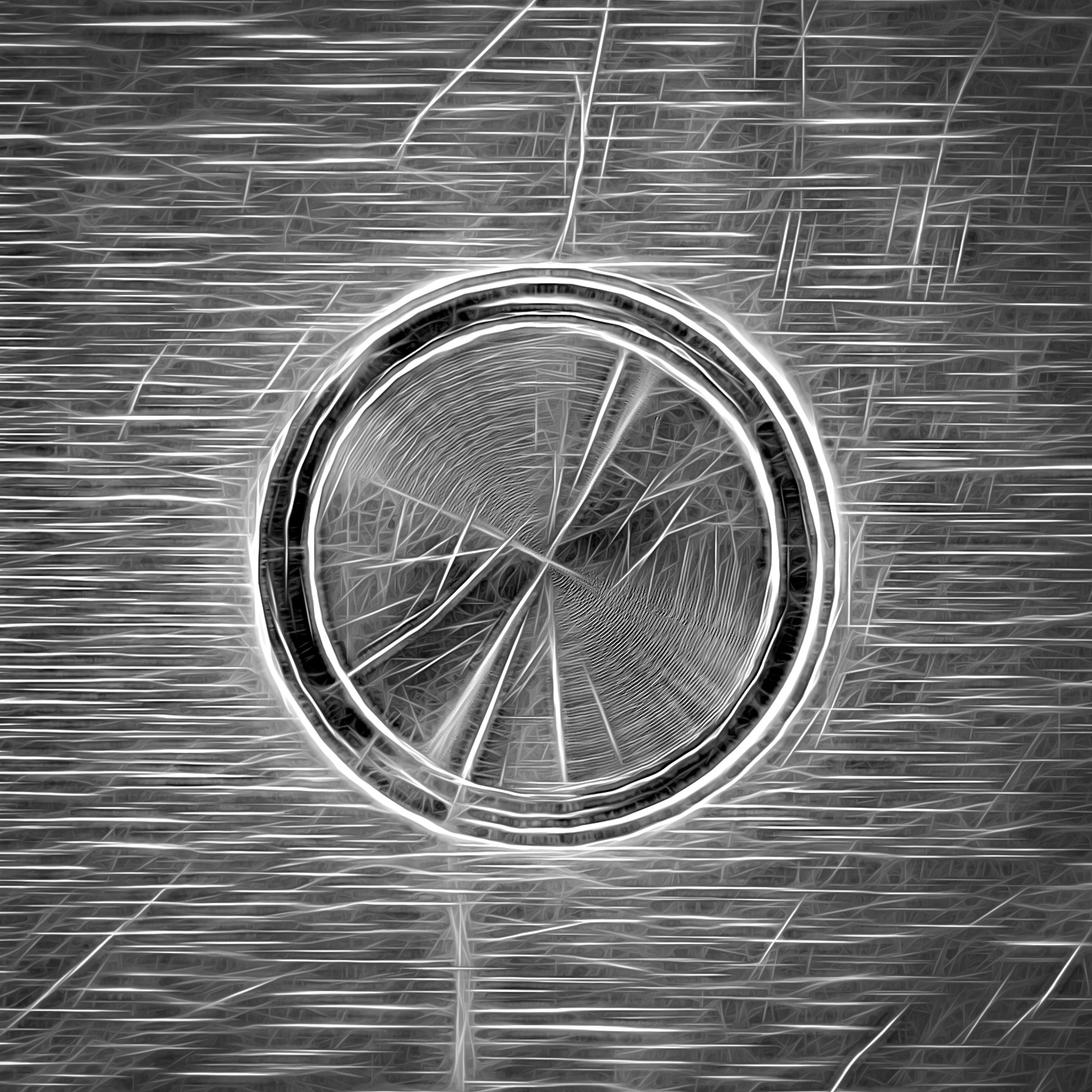
I love your daughter's artwork! What a talent she has. This is a nice capture of her art, however I would really like to see the fish stand out a little more from the background as well. I might try using the radial filter in Lightroom to encircle the fish, then use some sliders to effect just the fish. Maybe play with contrast, or clarity, or your black points. Whichever ones you feel make a positive difference. But an awesome work of art for sure! |
Feb 10th |
| 60 |
Feb 19 |
Comment |
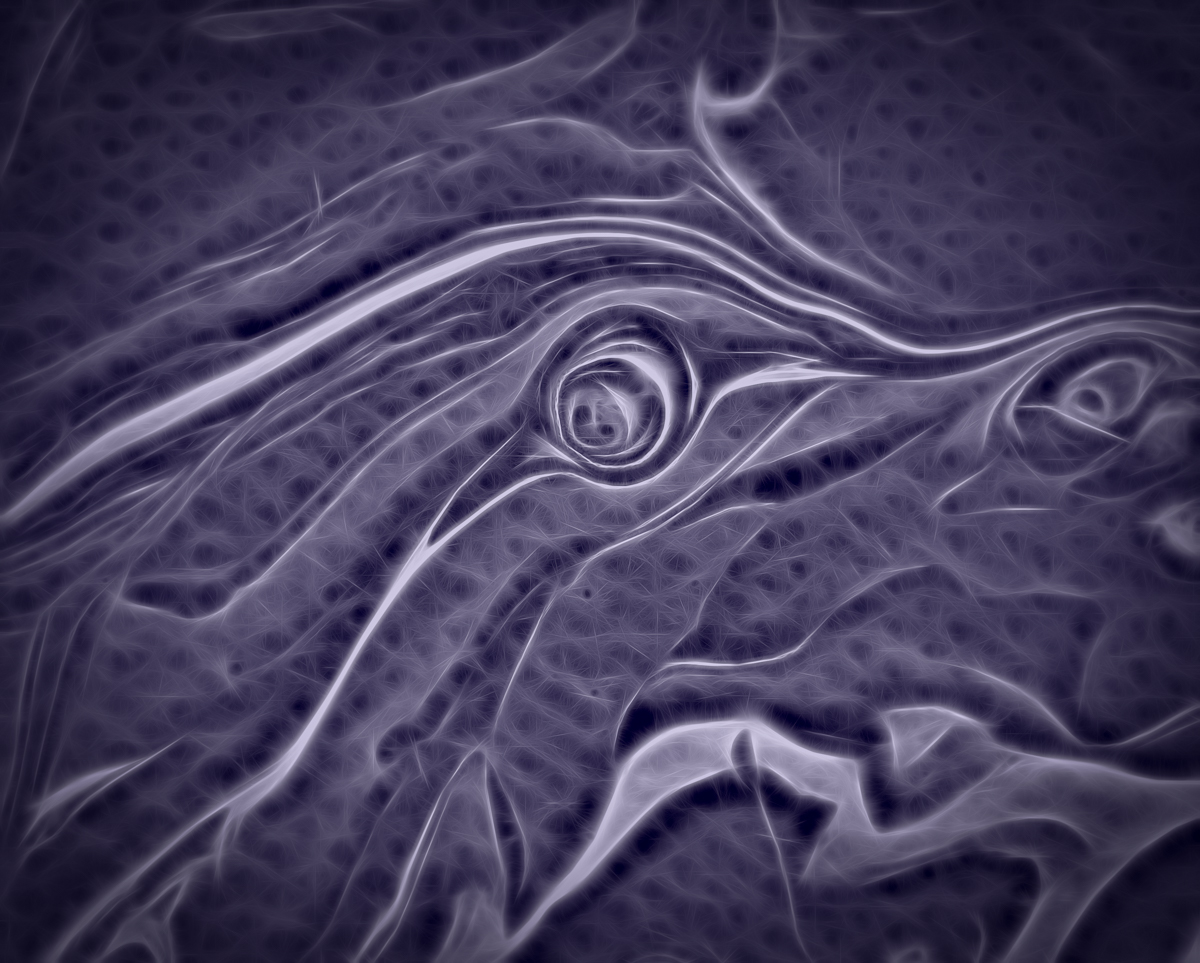
I agree with the others that this is a great macro shot! The texture in the eye is outstanding, and I like that the rest of the body fades away. Again, there is room for the extreme detailed shots AND shots like this. Great job. Let us know how you deal with that hot spot along the leaf edge. |
Feb 10th |
| 60 |
Feb 19 |
Comment |
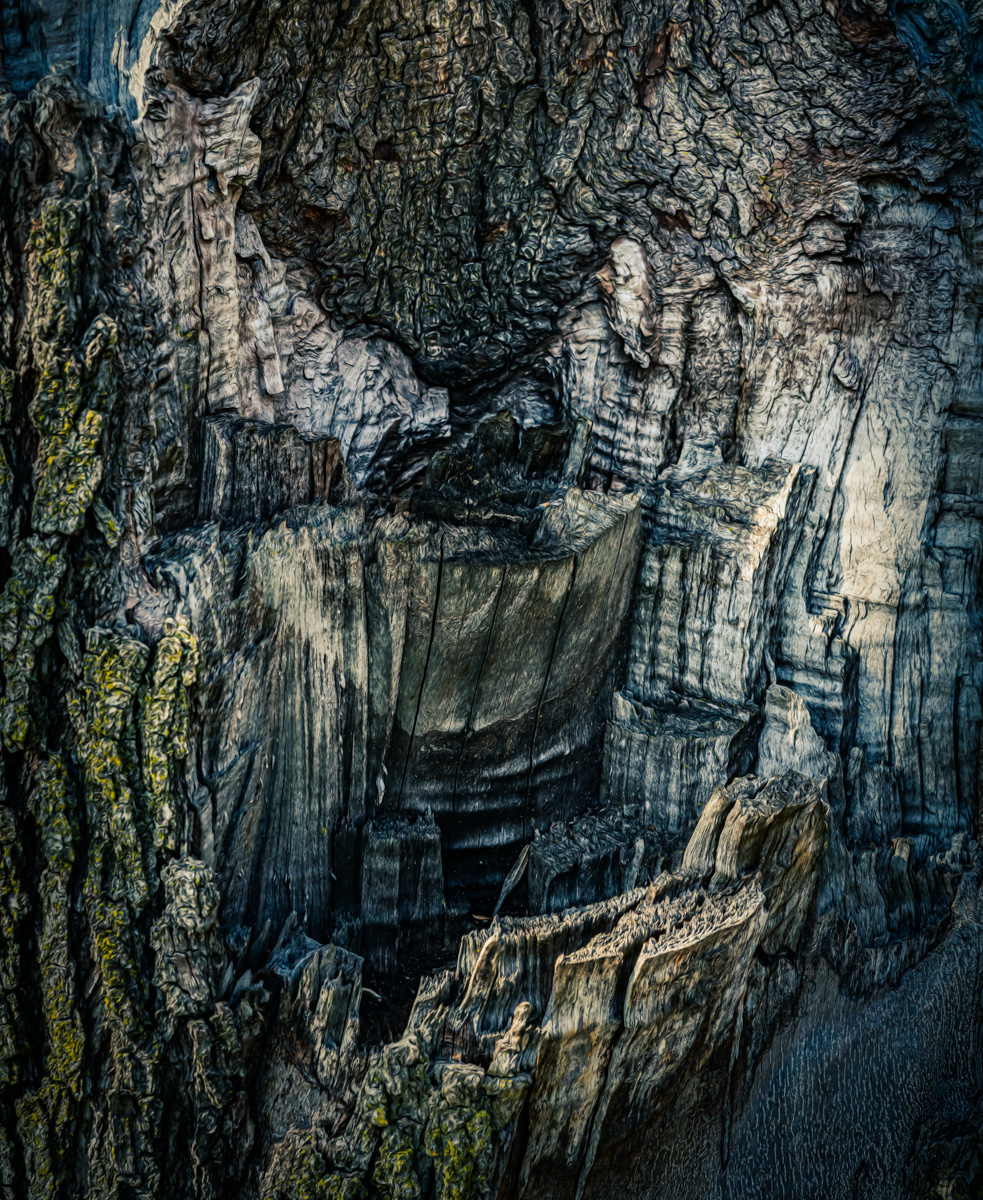
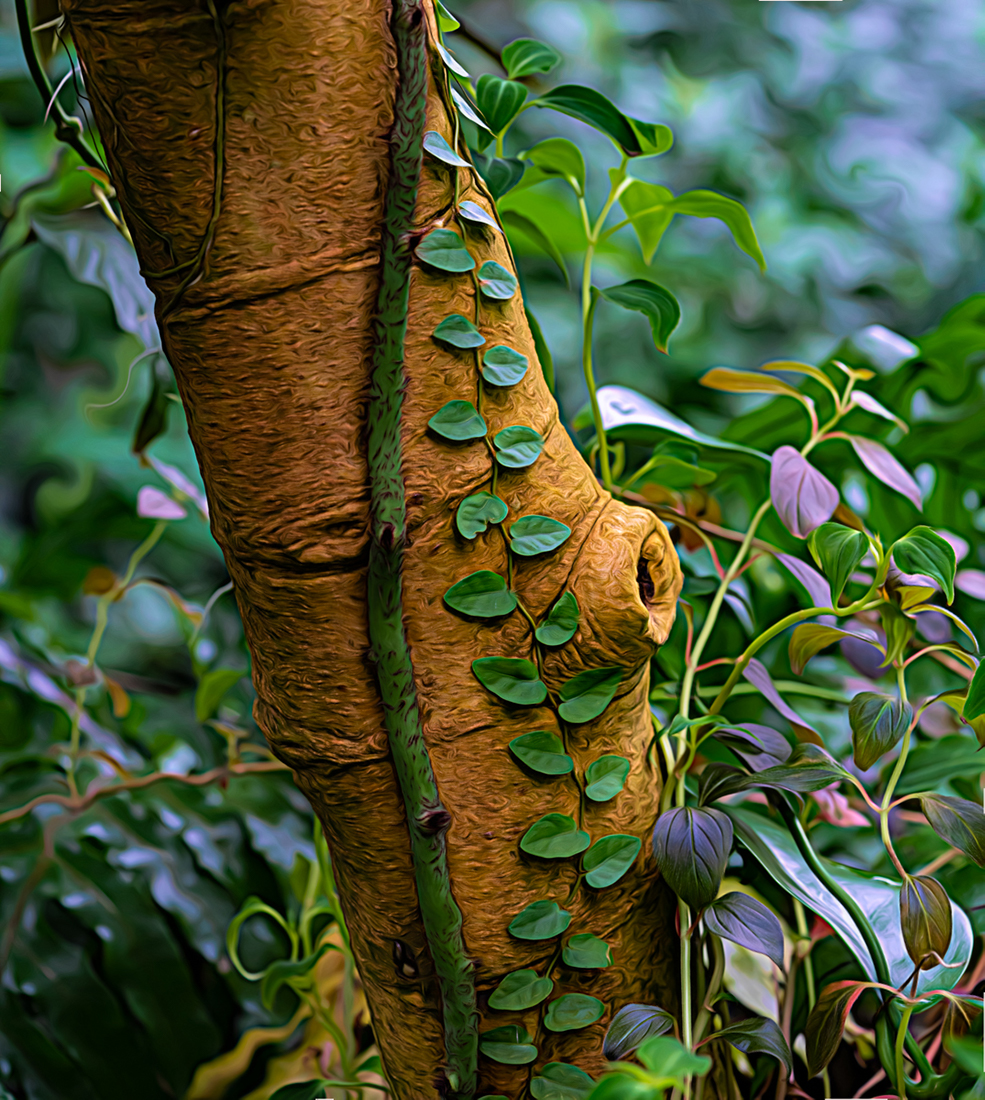
I have always loved the texture of unusual bark on trees and you found a nice one! I've never heard of this tree either, but it was a great subject. I like the composition and the leading lines. Like Bob and Carol, I think I'd like to see a little more dimension. That could be done with better directional lighting or possibly increasing the clarity, but it's still a really nice shot. |
Feb 10th |
| 60 |
Feb 19 |
Comment |
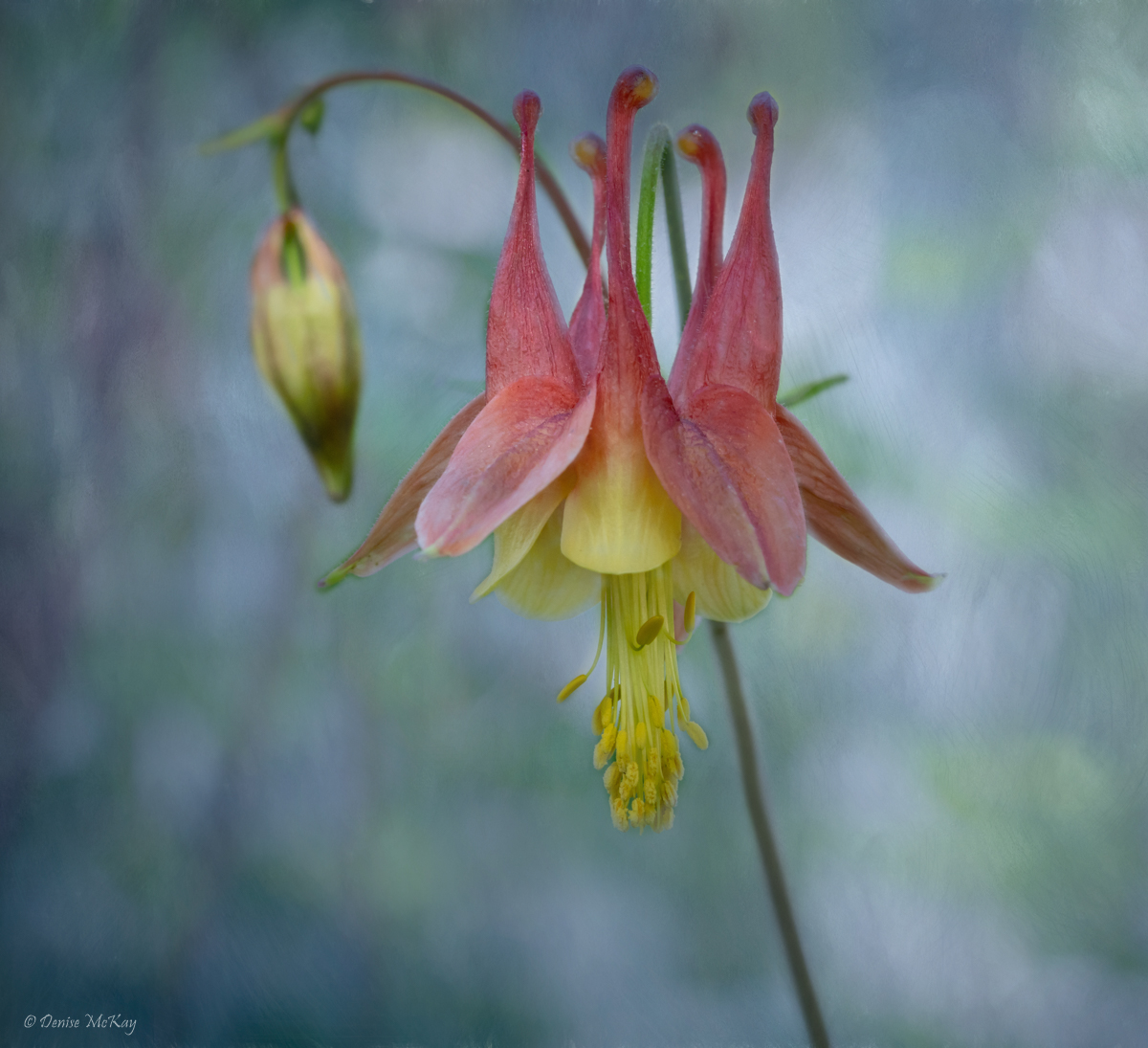
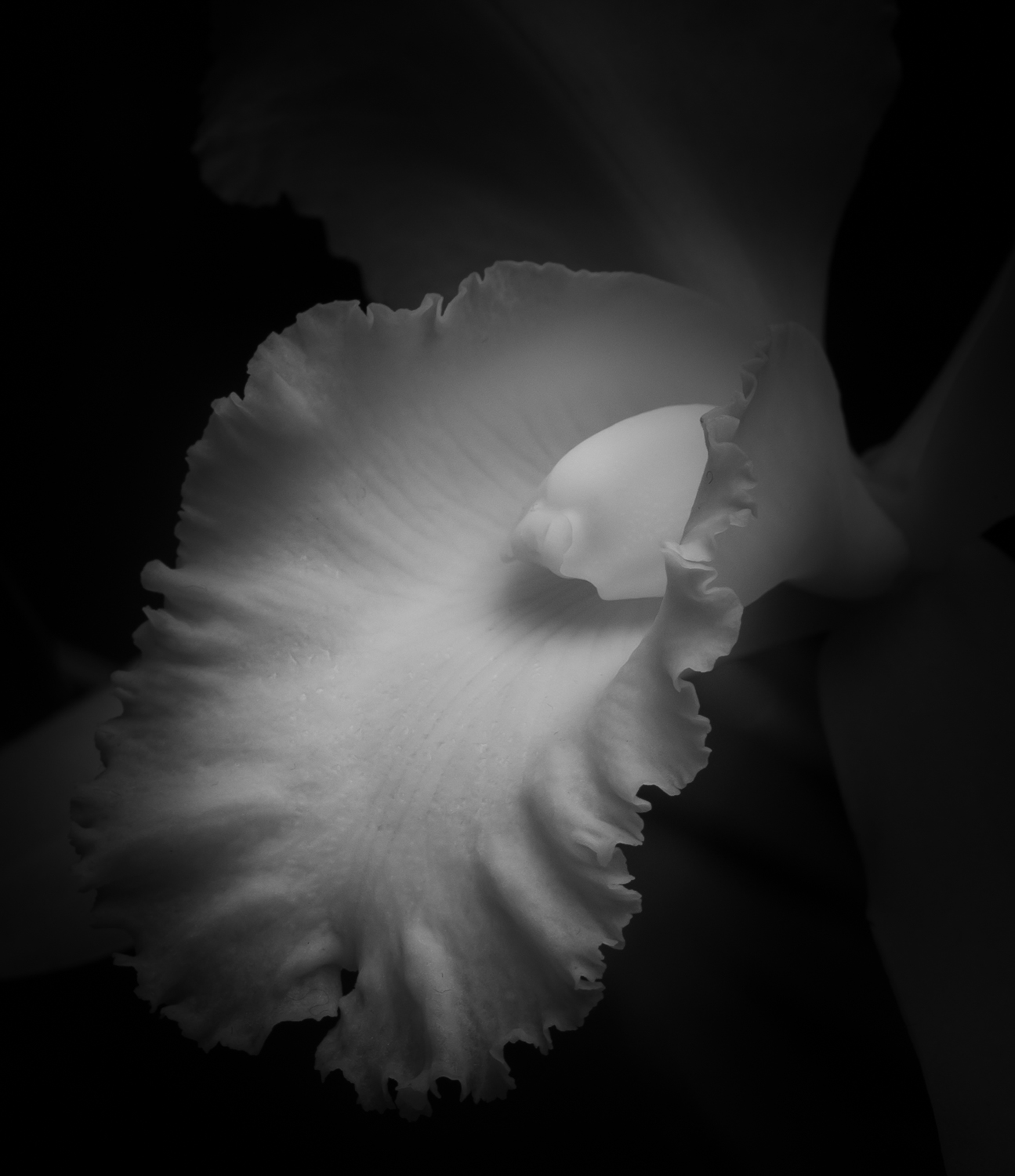
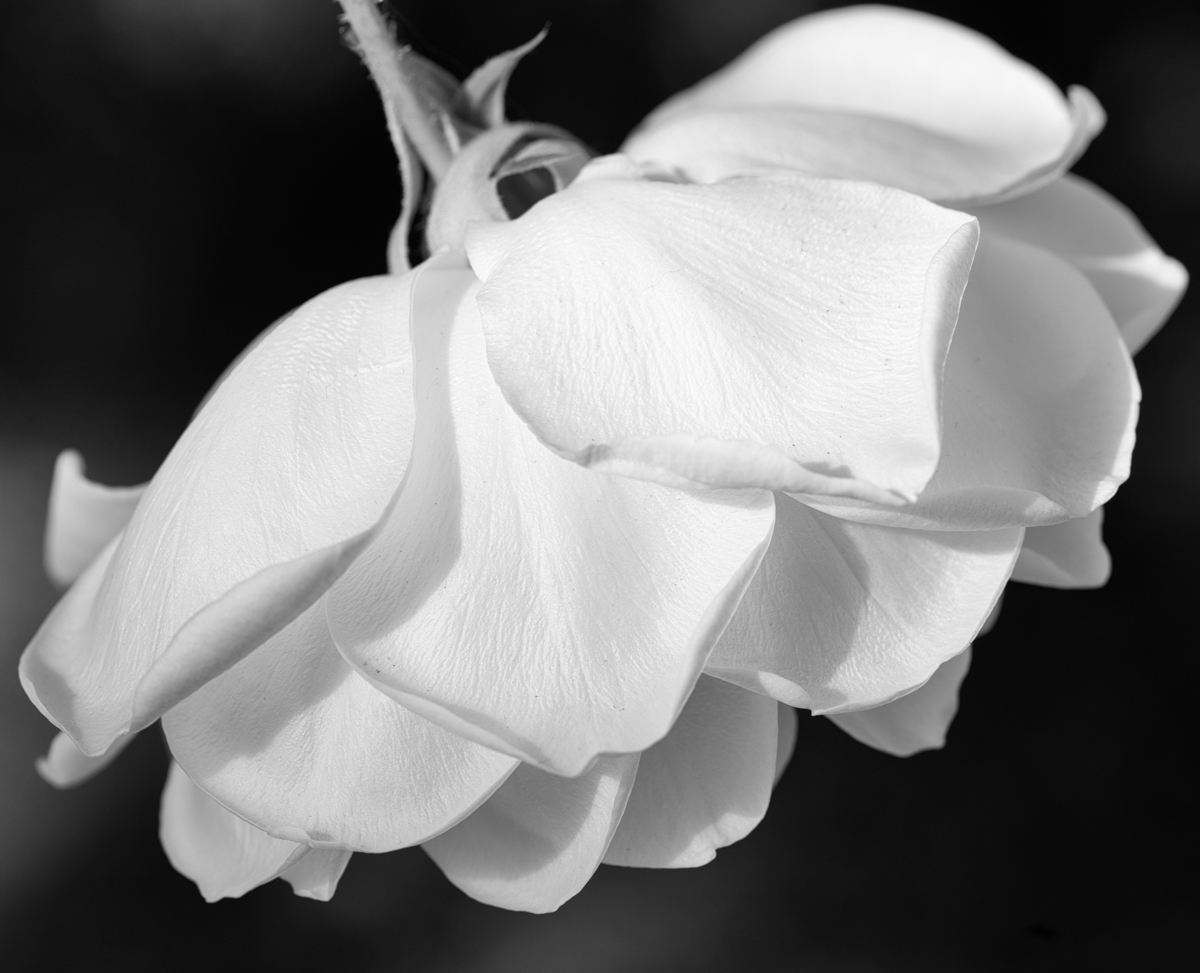
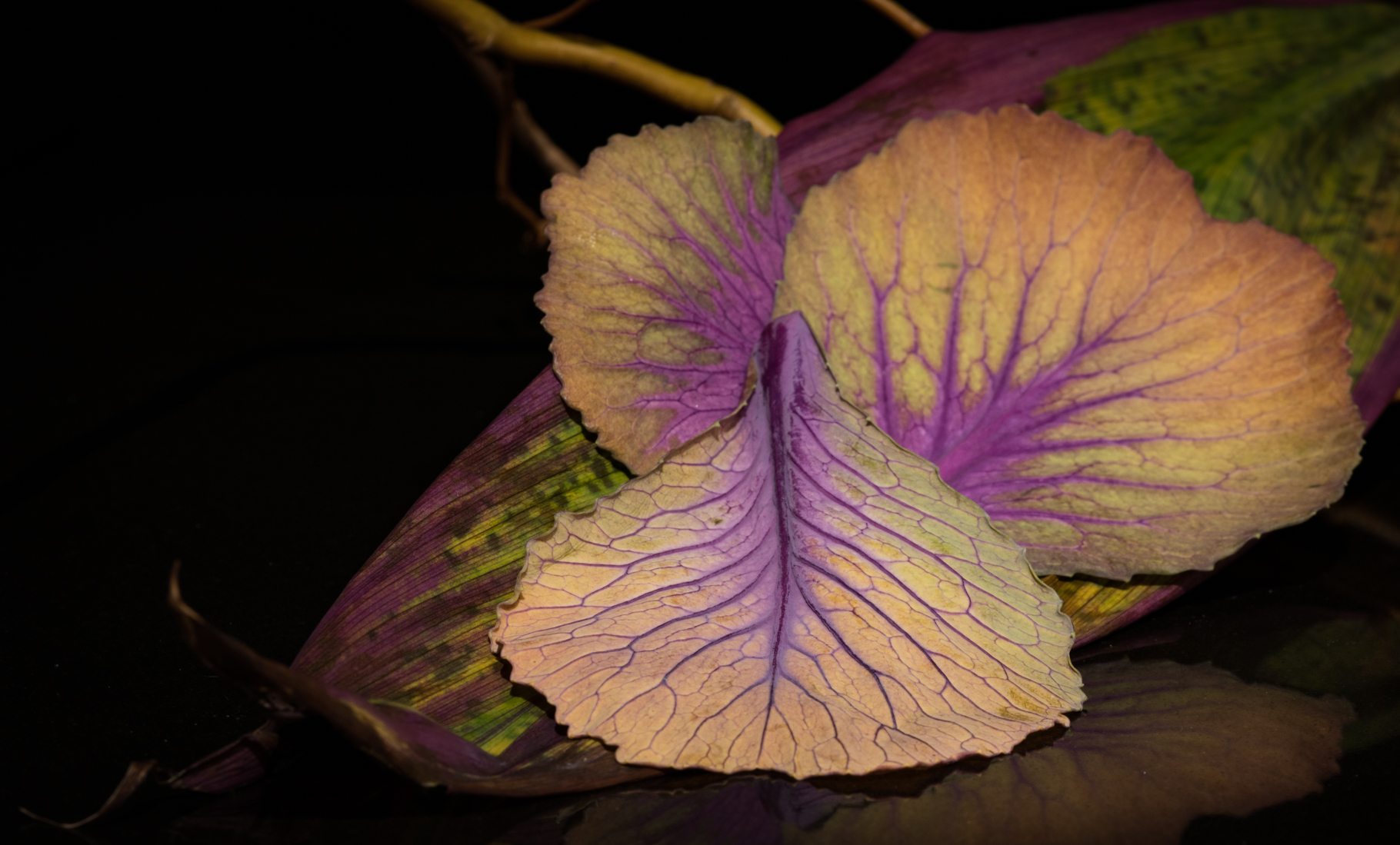
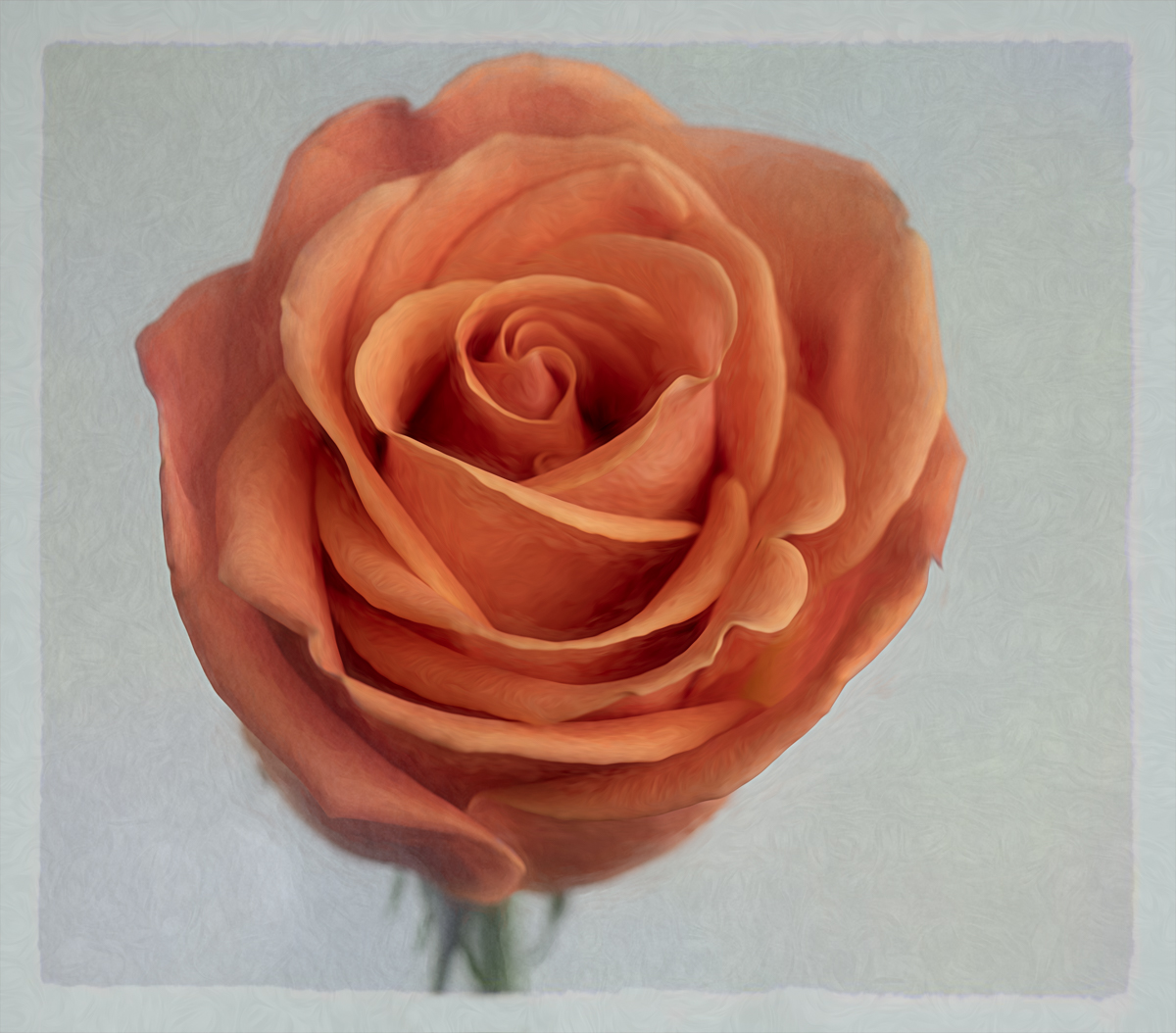
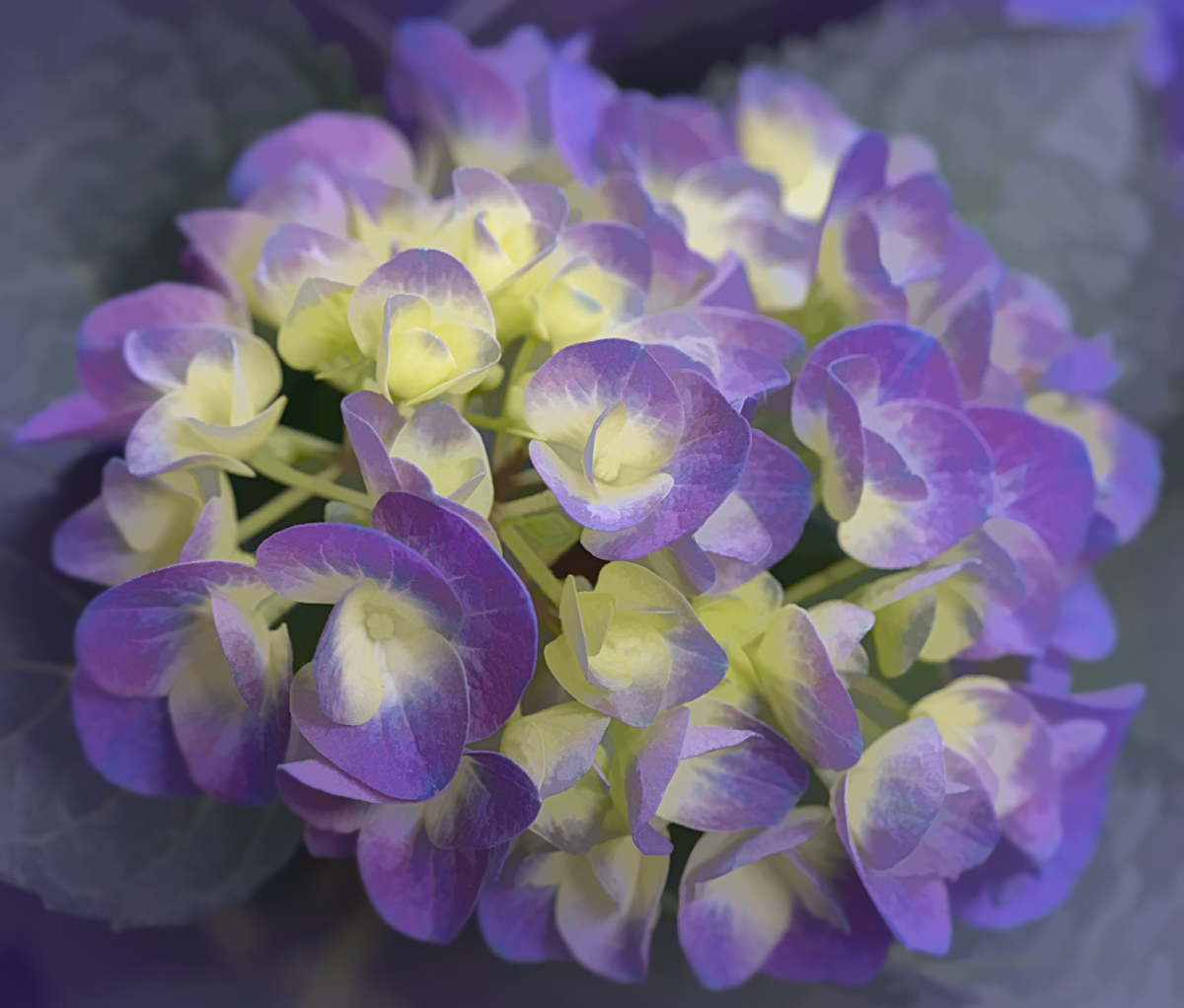
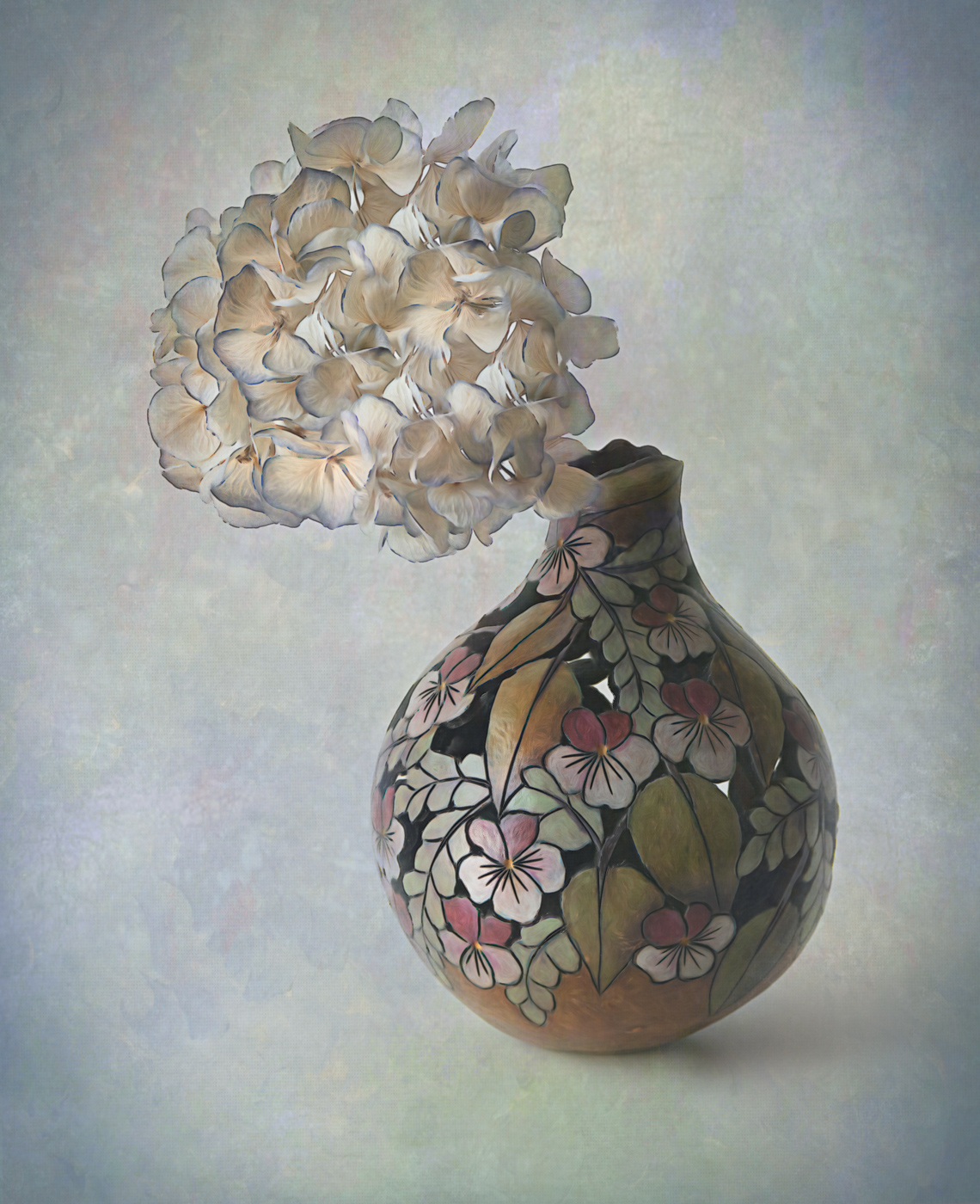
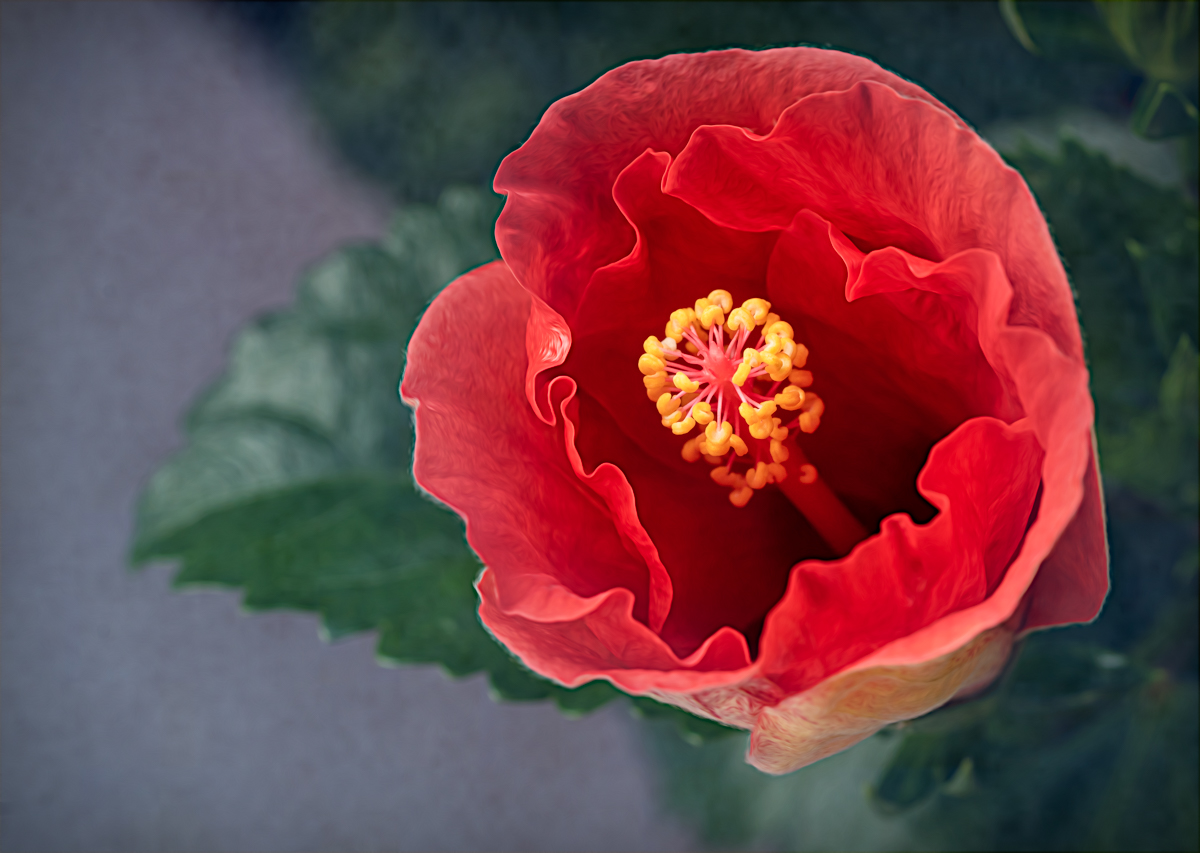
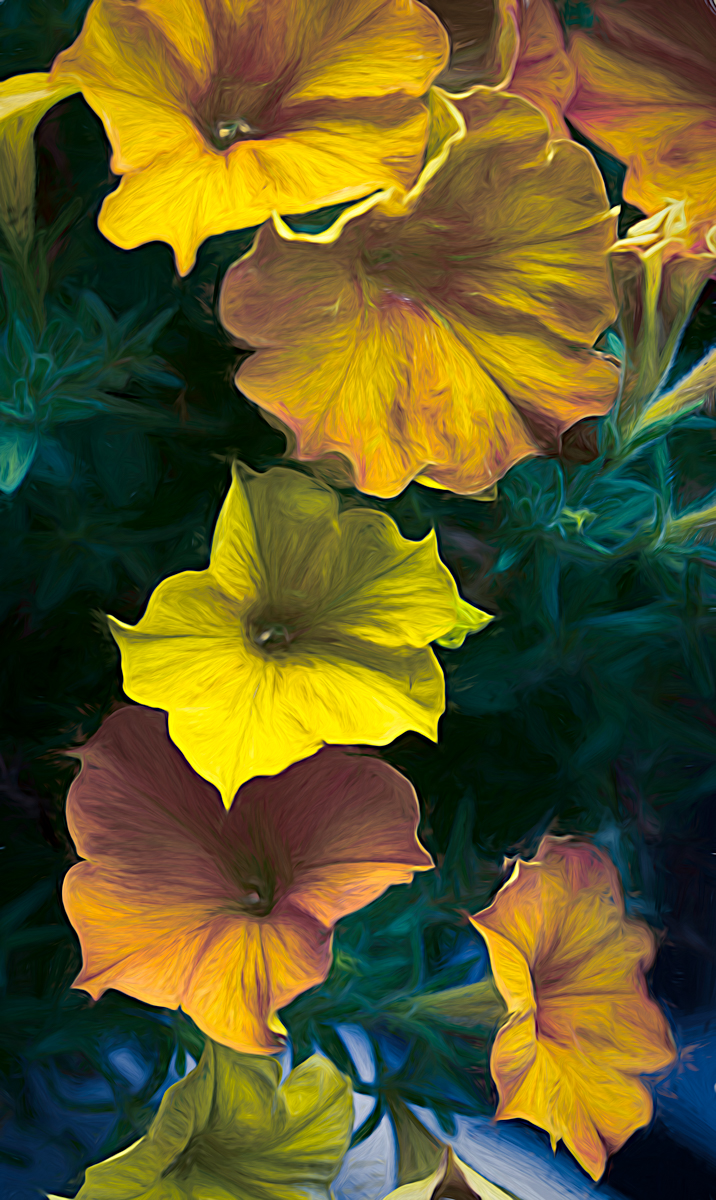
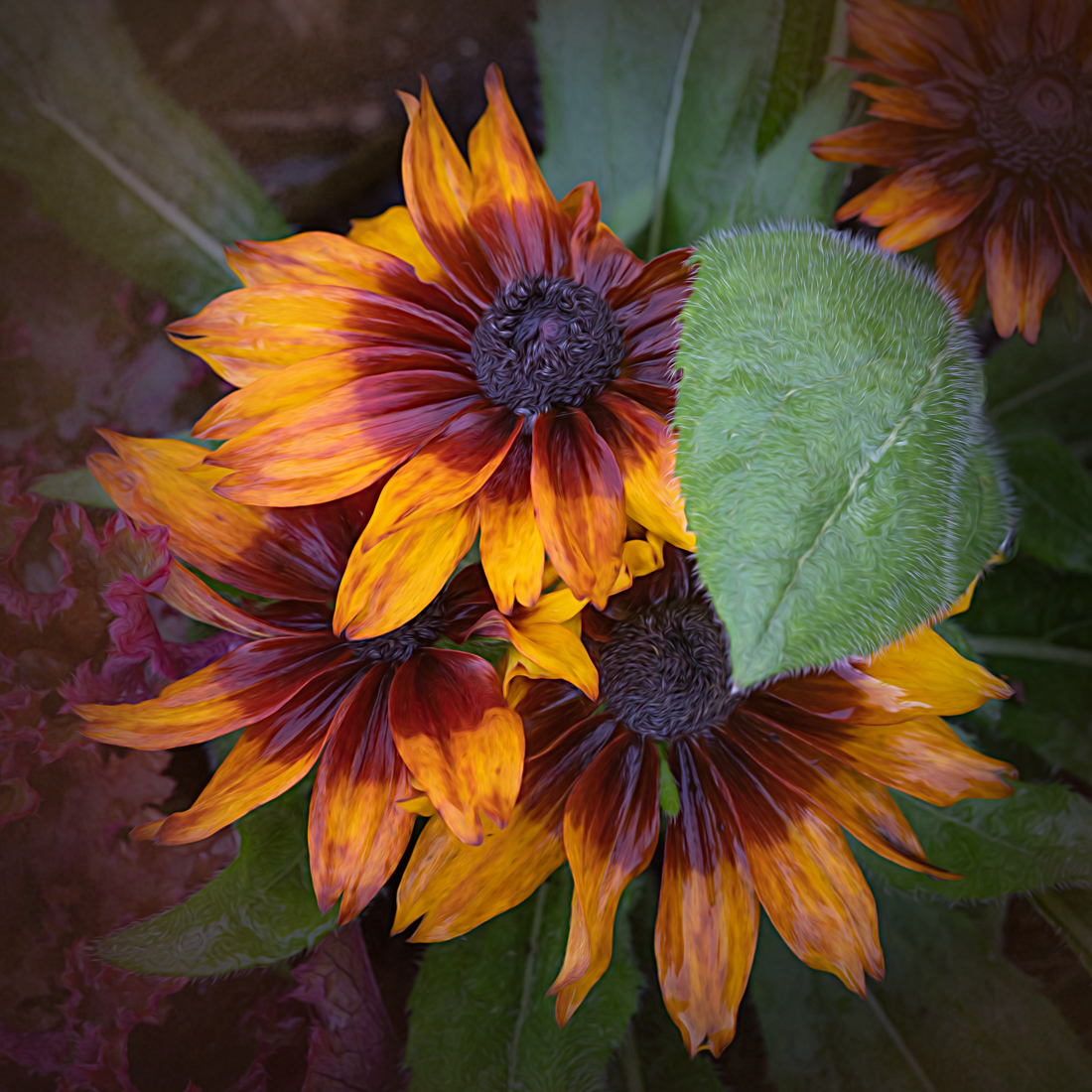
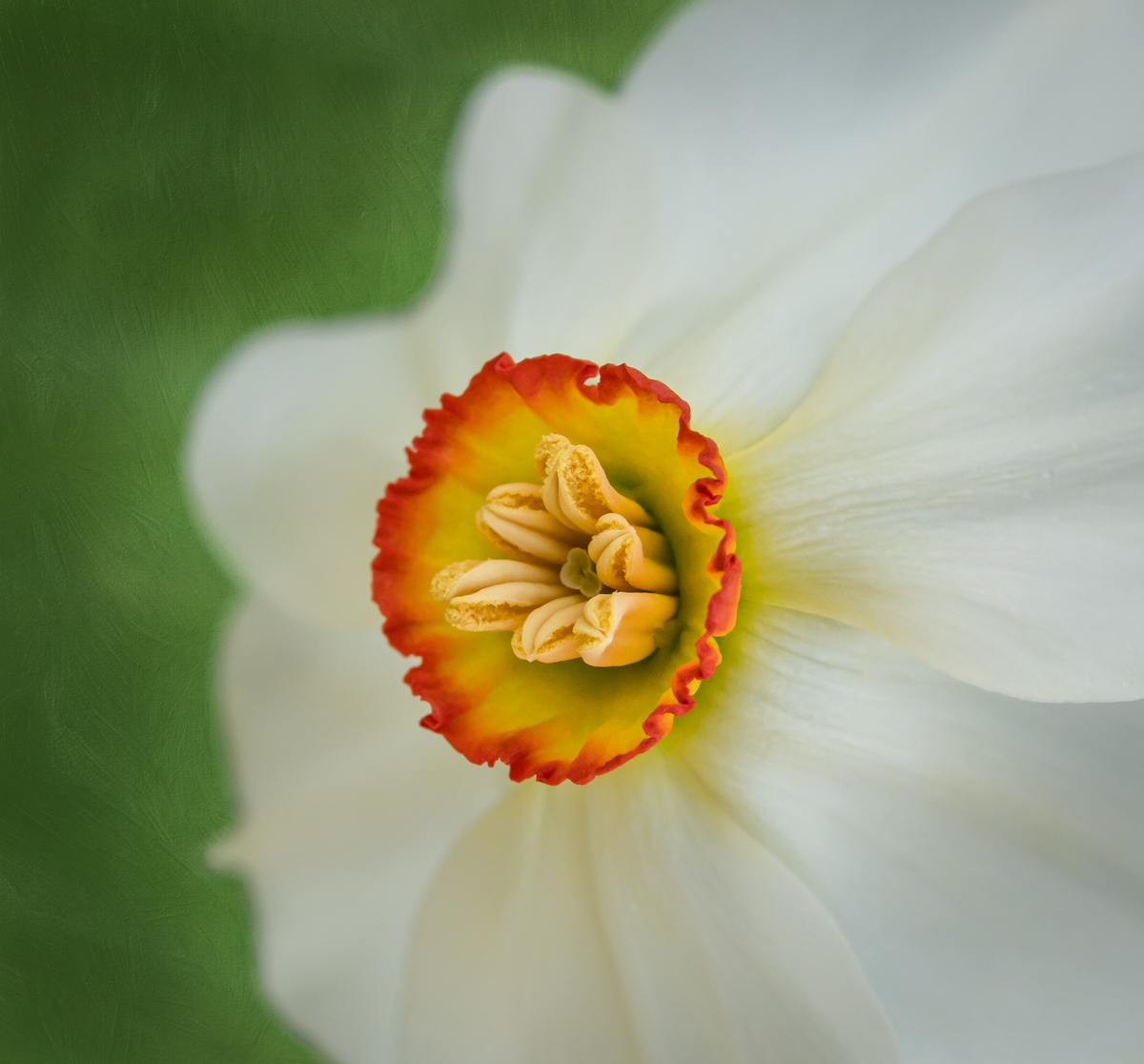
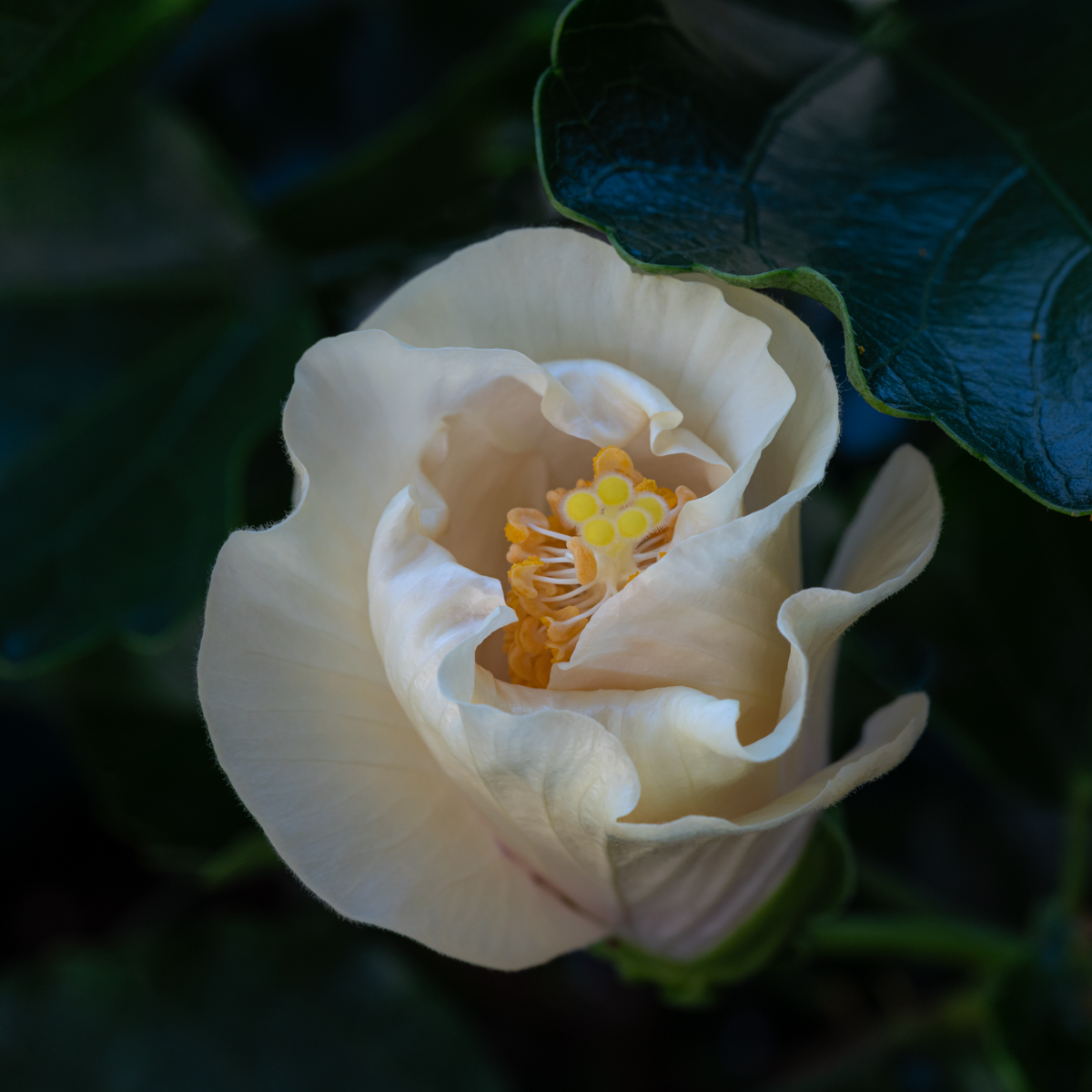
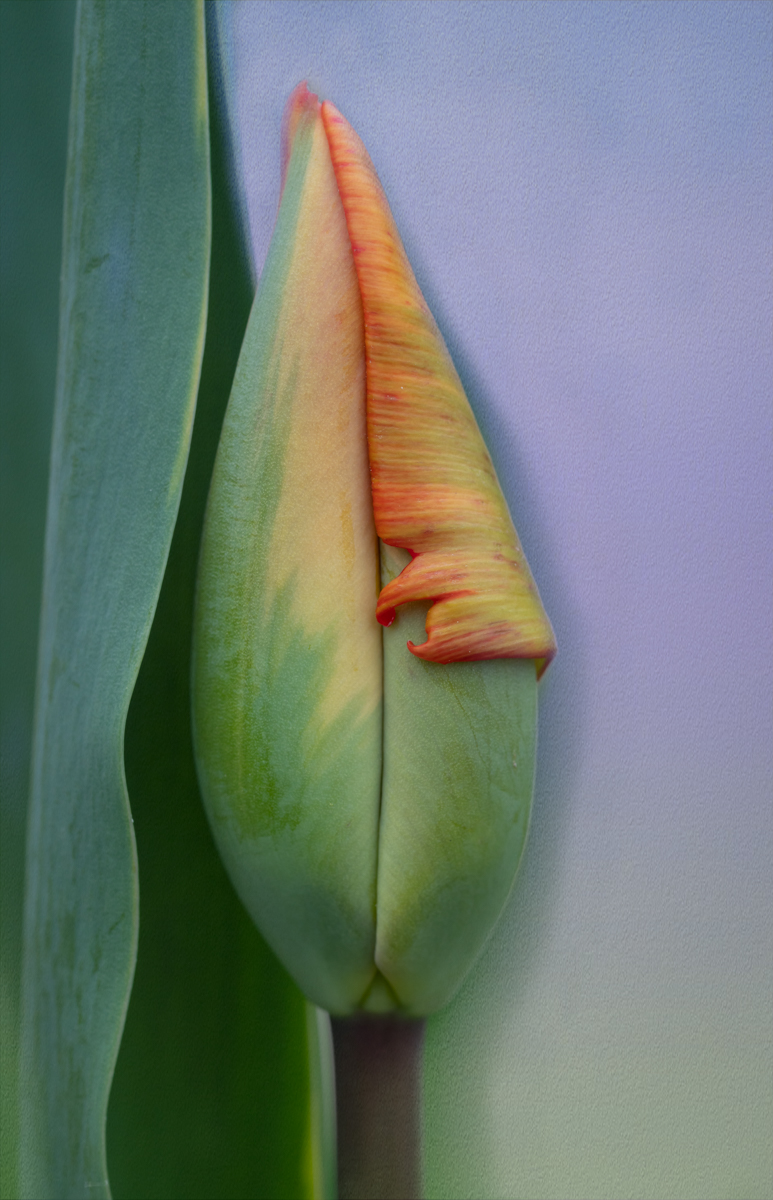
I love the effects textures can give certain photos. This looks really nice with your flower. I echo Bob's comments about maybe a little less on the leaf and stem would put the texture more as a background. However, if the look you were going for was that this whole photo was a painting, you nailed it. The flower itself was well lit and looks so soft and delicate. Really nice job!
|
Feb 10th |
| 60 |
Feb 19 |
Reply |
The conservatory where the butterflies are housed is covered by a huge glass doom. So there is no artificial light in there. I have never used a ring light either as I've heard mixed reviews about them. Might do a little more research on them. Thanks for your comments! I did some more edits and posted another photo on Nadia's comments. |
Feb 10th |
| 60 |
Feb 19 |
Reply |
Thanks Carol! I've made some changes based on feedback from you and Nadia. I attached the changed photo to my reply to Nadia if you want to jump back in and see it. Your thoughts on the edits would be appreciated. |
Feb 10th |
| 60 |
Feb 19 |
Comment |
Thank you for your comments Nadia. I've made some changes, using Lightroom. I used the graduated filter on the bottom right and reduced the exposure. Then I also used the radial filter to circle the areas I did not want affected, unclicked the invert box, and reduced the exposure a little more again. So I made adjustments in very specific areas in a controlled manner. I also used the radial filter to select the upper half of the body to reduce the shadows some more. I've attached the results. |
Feb 10th |
 |
6 comments - 4 replies for Group 60
|
6 comments - 4 replies Total
|