|
| Group |
Round |
C/R |
Comment |
Date |
Image |
| 66 |
Dec 17 |
Reply |
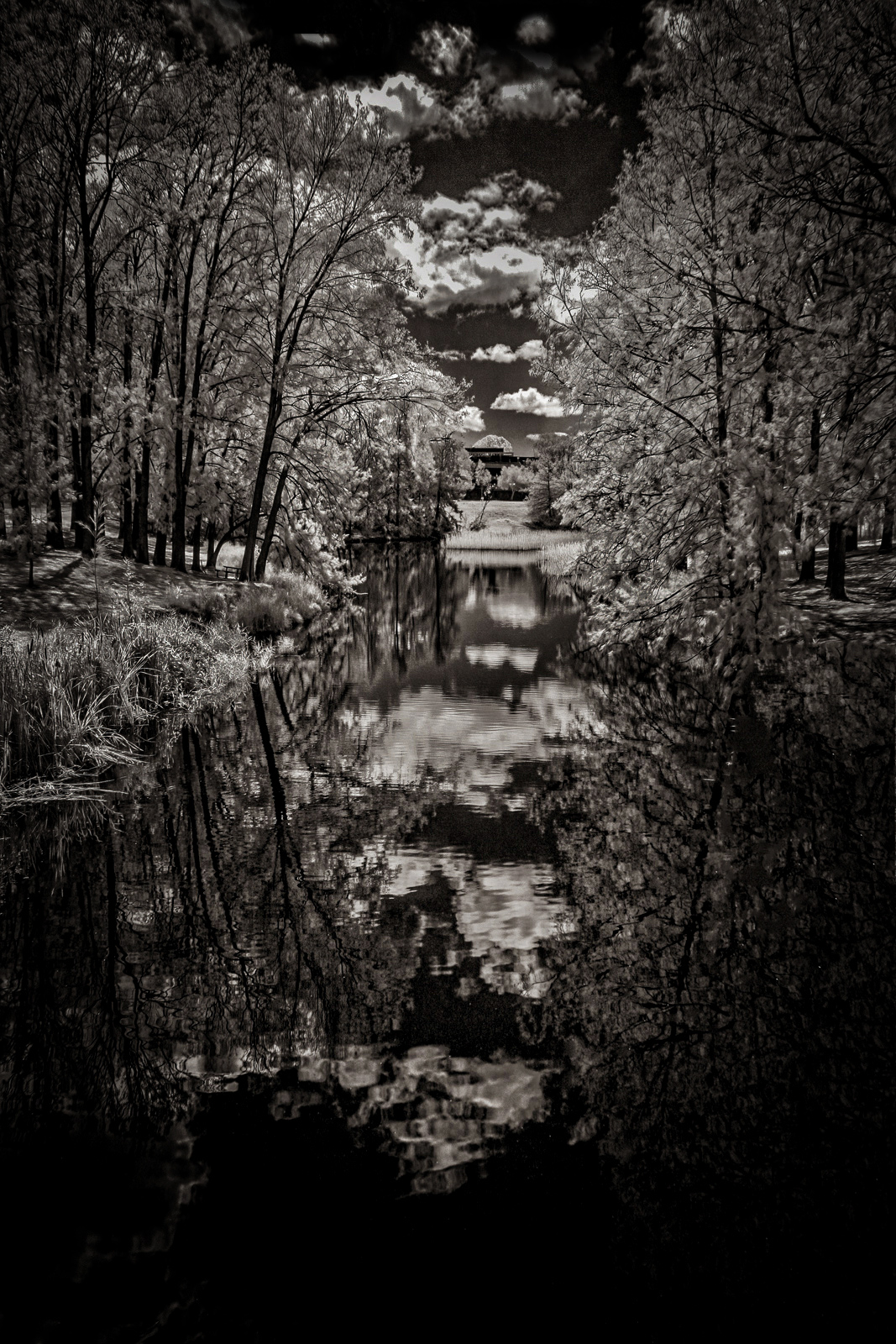
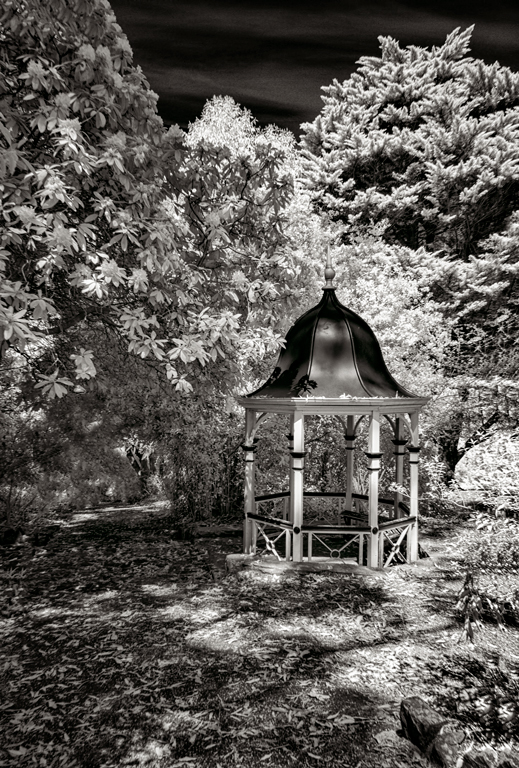
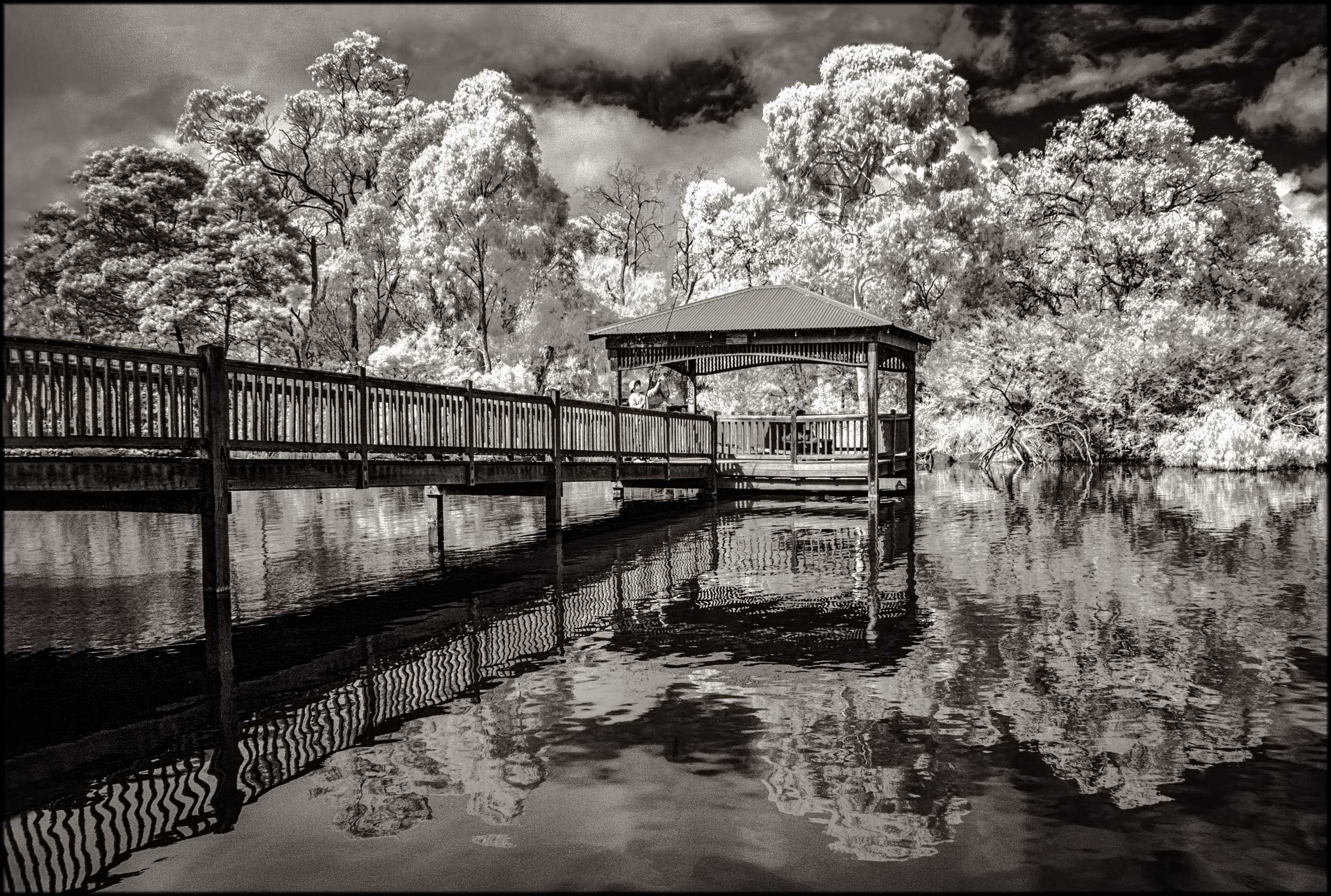
Thanks for your helpful comments and suggestions, Melanie. Apparently the sky was bare - so I added some clouds, bearing in mind that they do not compete with the actual scene.
Rather than using a low viewpoint, I decided to place the dome of rotunda against the glowing foliage.
Next time I'm in the area I'd take a photo from lower angle as suggested! |
Dec 19th |
| 66 |
Dec 17 |
Reply |
Thanks Jack for your comments and input.
I was actually double-minded whether or not to exclude the sky completely.
Having considered pros and cons, I decided to leave it in purely because there's some relationship between the roof of
rotunda and the sky!! |
Dec 12th |
| 66 |
Dec 17 |
Comment |
Your valuable comments greatly appreciated, Gary. And yes, the image looks much better. Isn't it wonderful how we all see things differently which makes our chosen hobby so much more interesting!!! |
Dec 12th |
| 66 |
Dec 17 |
Comment |
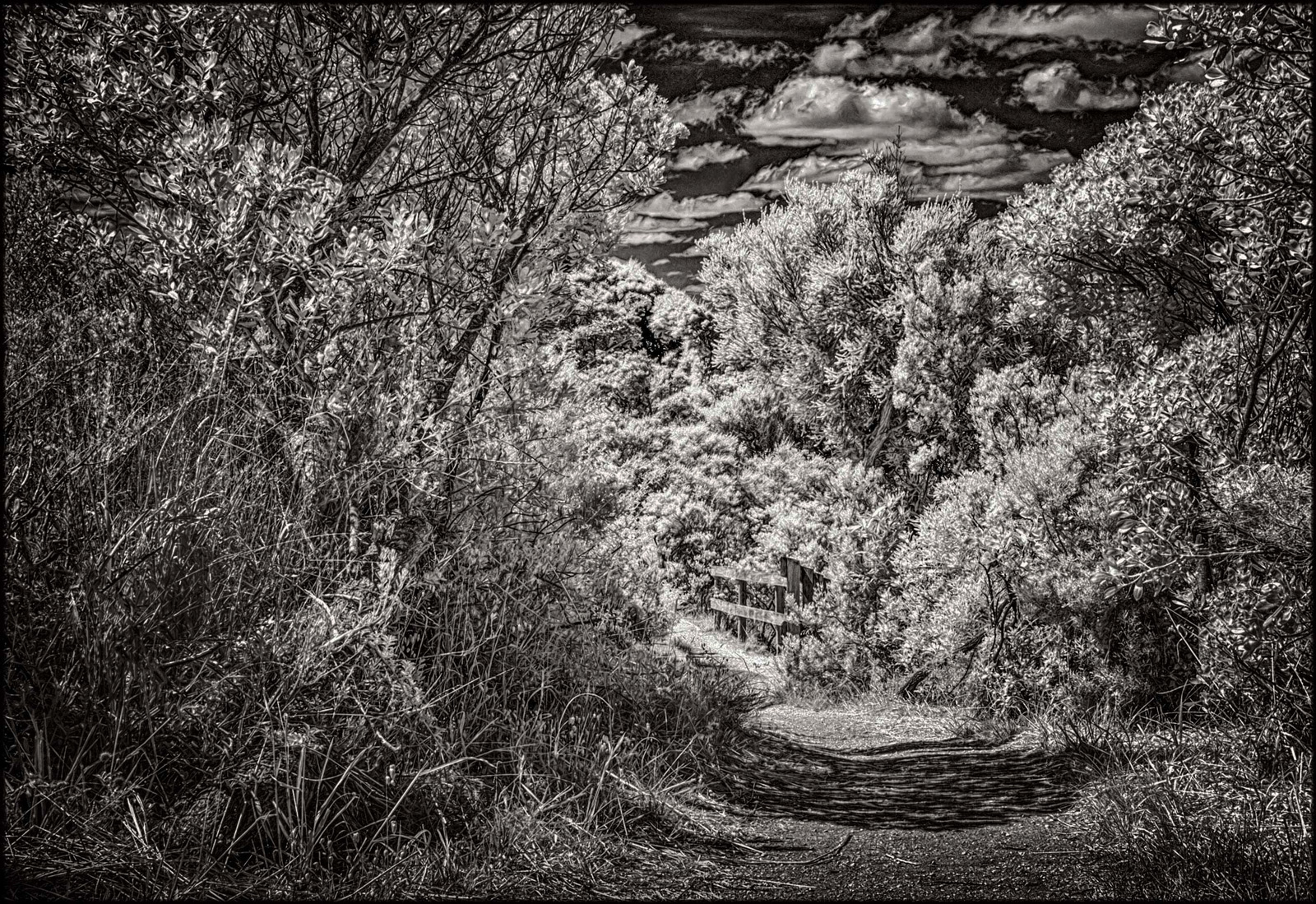
Gary - Your image is full of life and portrays the feeling of the place. Although there are a a number of objects you've included within the picture space, you've done full justice.
Having said that, my only worry is that the eye stops at the Stop sign without letting it explore rest of the area. No doubt it was your intention!!! |
Dec 11th |
| 66 |
Dec 17 |
Comment |
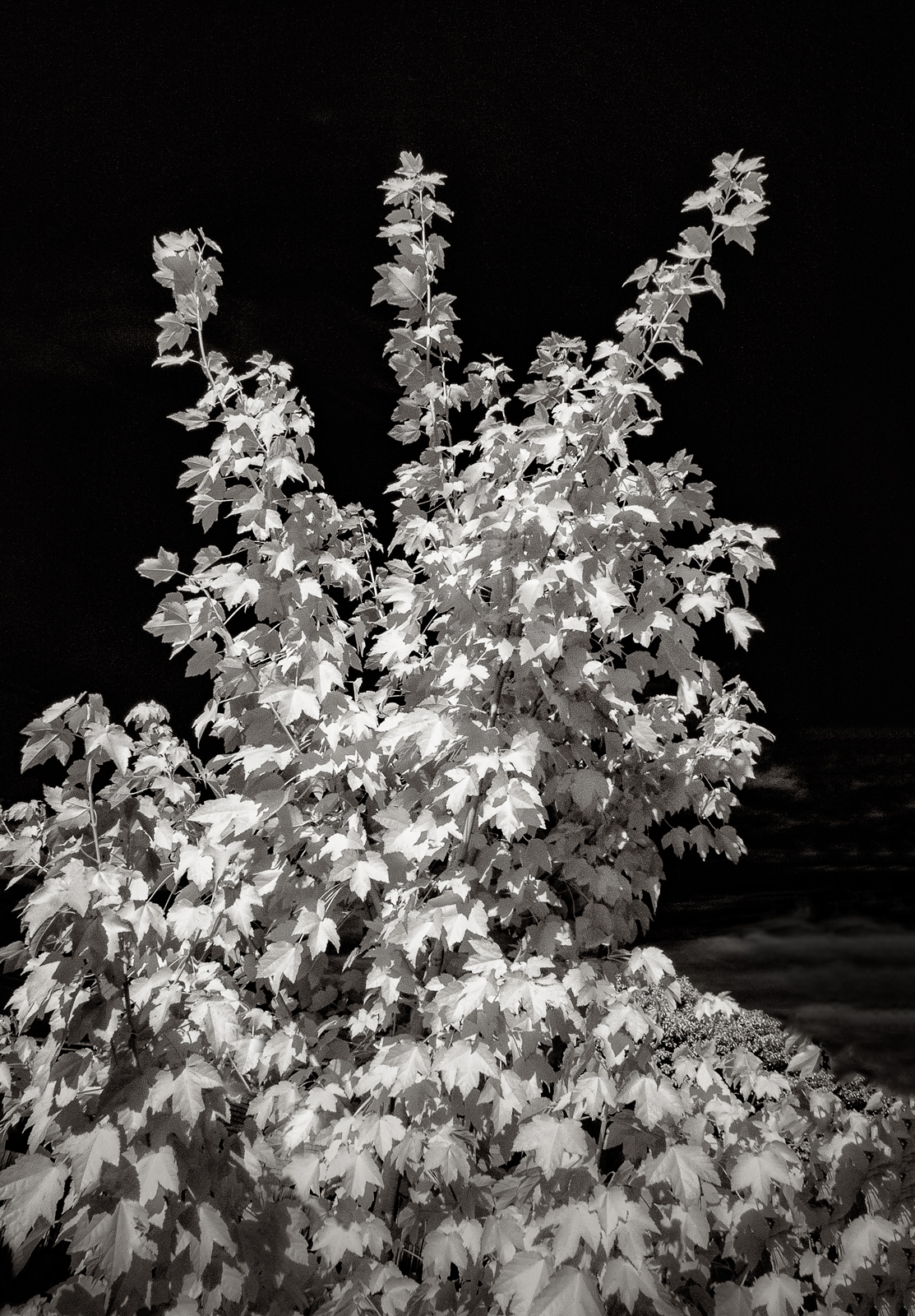
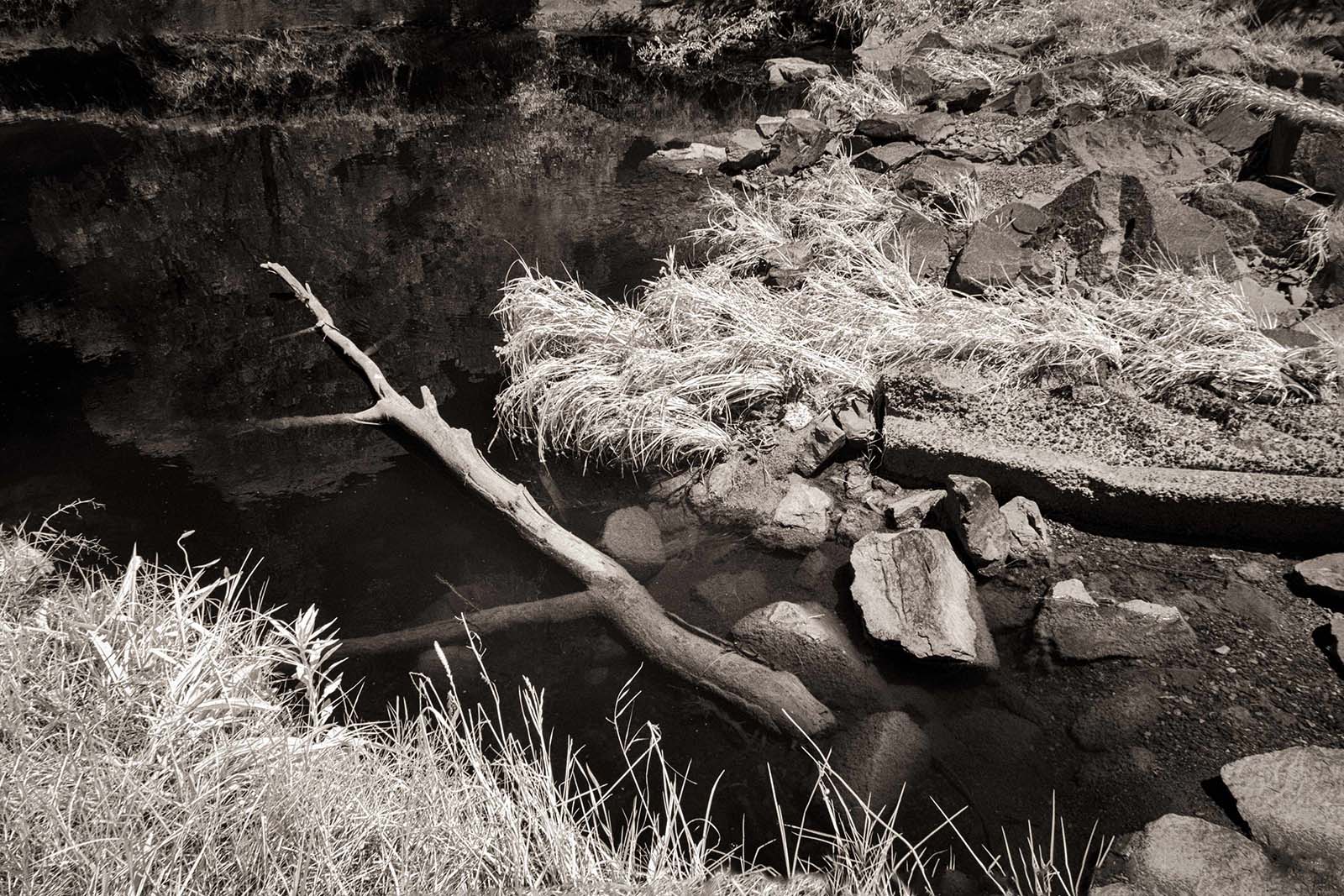
Craig - Your post-processing is spot on. Also the climbing vine lends itself to IR treatment.
My only suggestion would be to increase the left-hand side canvas marginally to give the vine a bit more breathing space.
My version of your image posted to see what you think! |
Dec 11th |
 |
| 66 |
Dec 17 |
Comment |
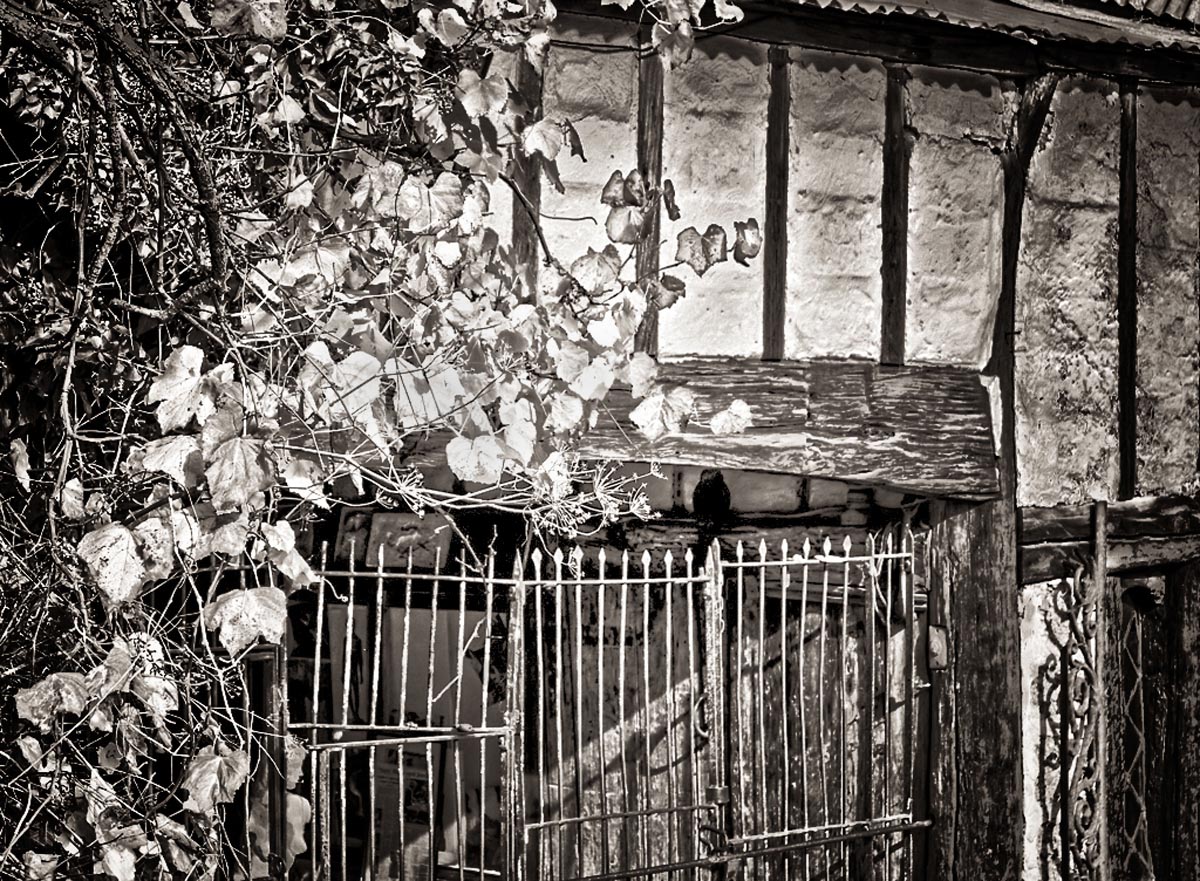
Melanie, I too have a soft spot regarding the old dilapidated cottages!
Your approach and composition is fine and I like the overall result. On a minor point through I find the building is sloping and needs some correction. On the other hand, maybe you wanted to portray it this way.
Terrific result, nevertheless!
|
Dec 11th |
| 66 |
Dec 17 |
Comment |
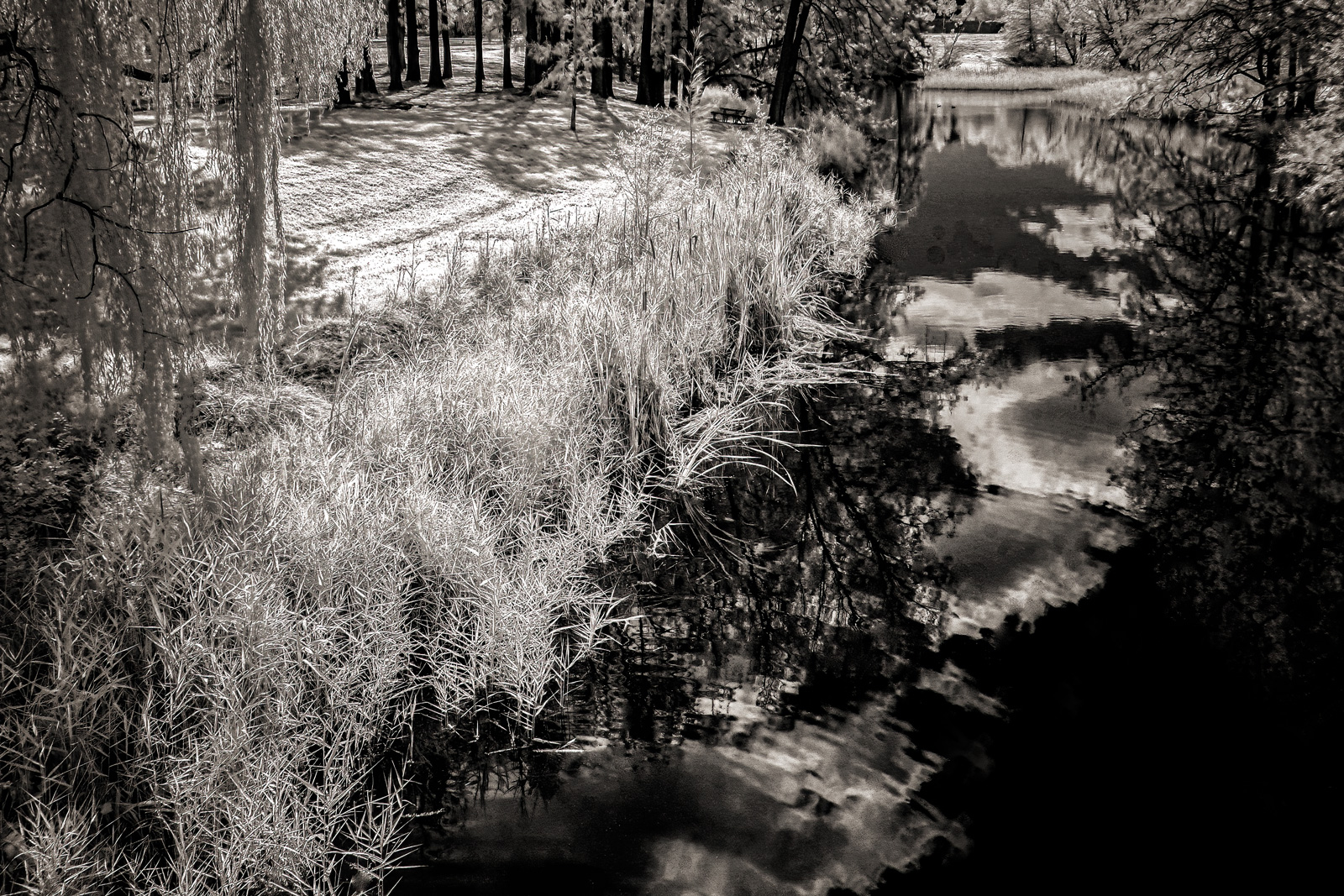
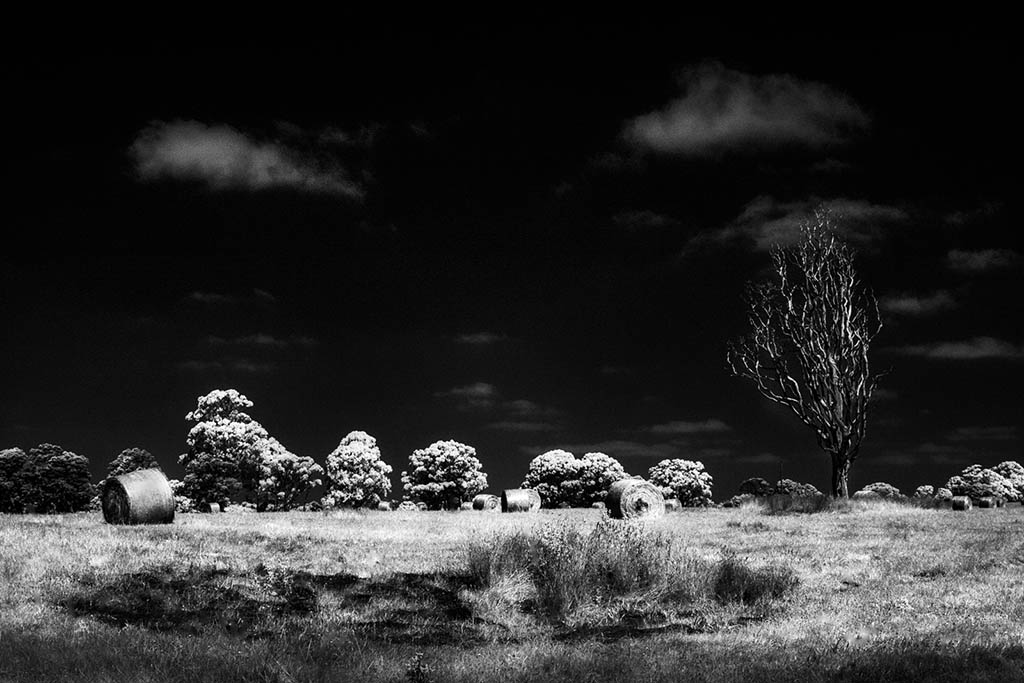
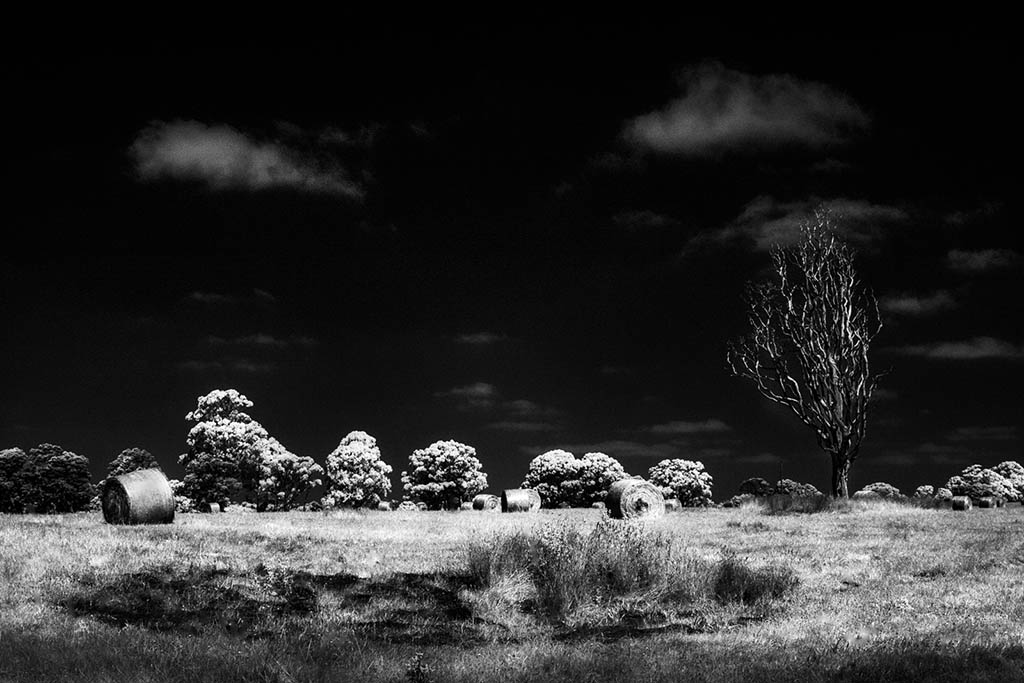
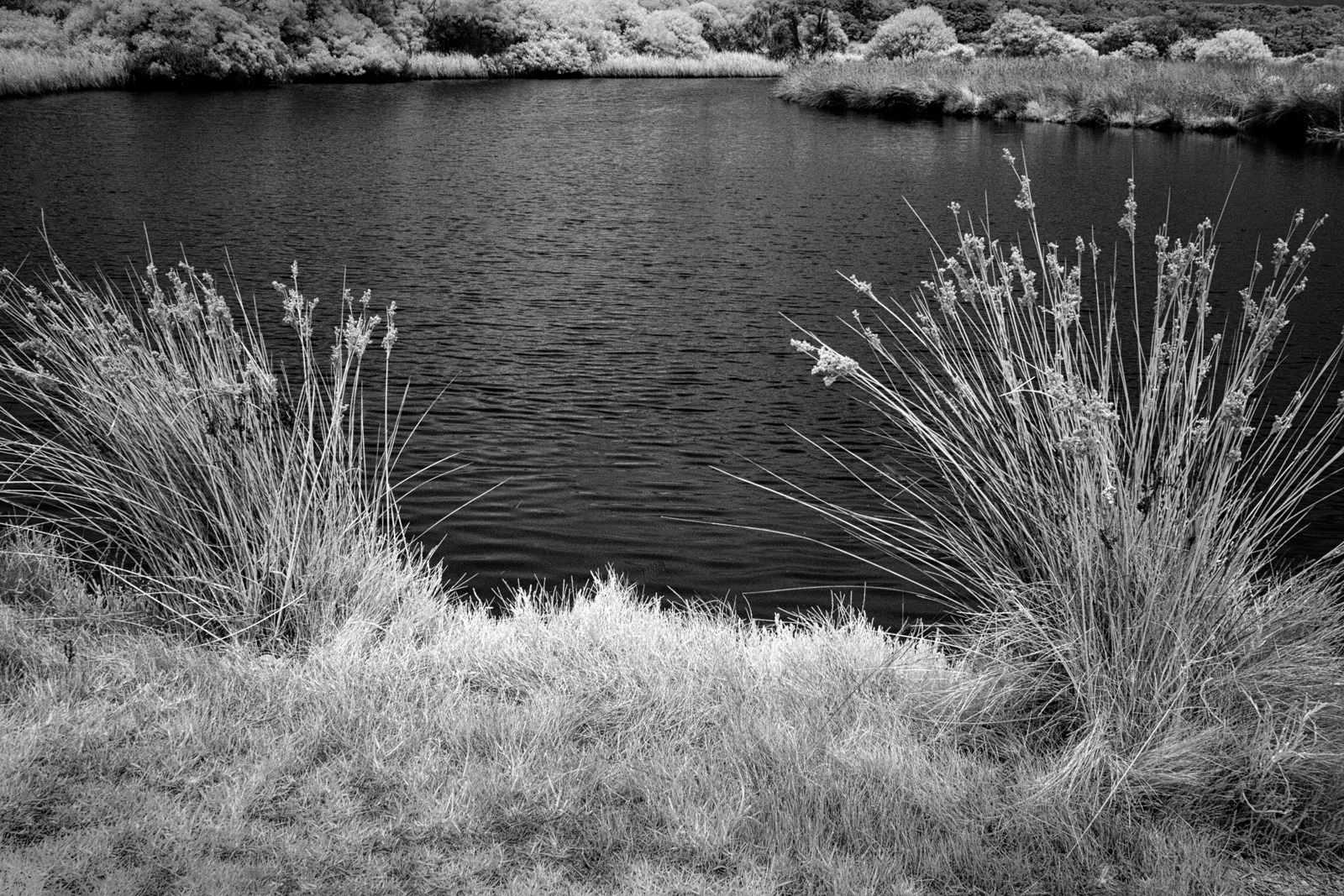
I like the way you have composed the subject matter.
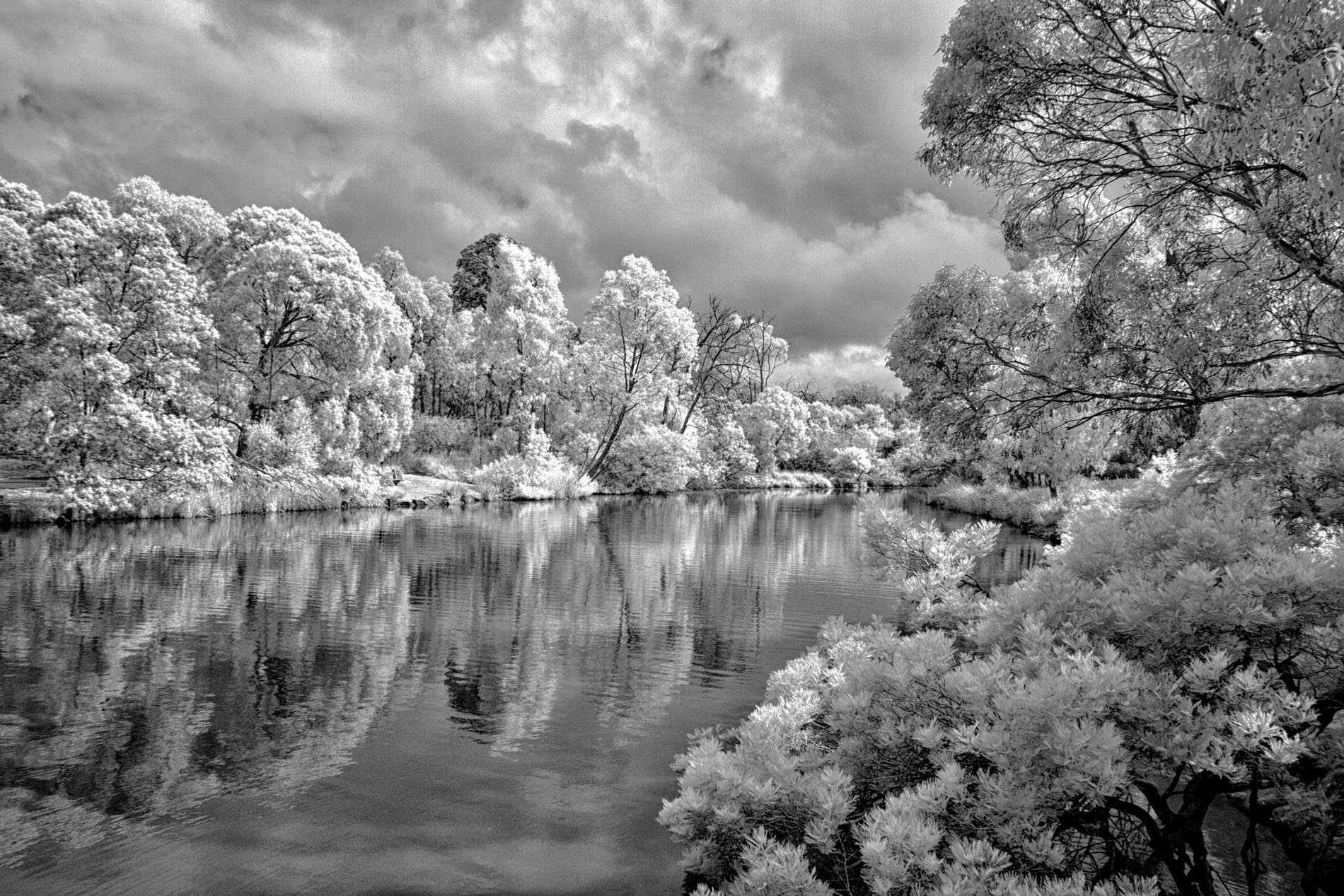
Though the image appears a little flat along the row of reeds, I exported it to PS and applied Detail Extractor from Color Efex PRO4 and reduced the Opacity within reason. Then flattened the layers before using Shadows/Highlights filter (also from PS). Tonal Width was reduced by moving the slider to the left, leaving the Shadows slider alone.
Finally increased the Midtone Contrast by taking the slider to the right. Also replaced the burnt-out clouds by cloning from the adjacent area.
Image attached to see what you think!
PS. - Jack, hope the explanation doesn't sound too complicated!!! |
Dec 11th |
 |
5 comments - 2 replies for Group 66
|
5 comments - 2 replies Total
|