Activity for User 763 - Joan Funk - joanfunk7@gmail.com

avatar
Avatar

Close this Tab when done


564 Comments / 167 Replies Posted

  = Current Round   = Previous Round
Group Round C/R Comment Date Image
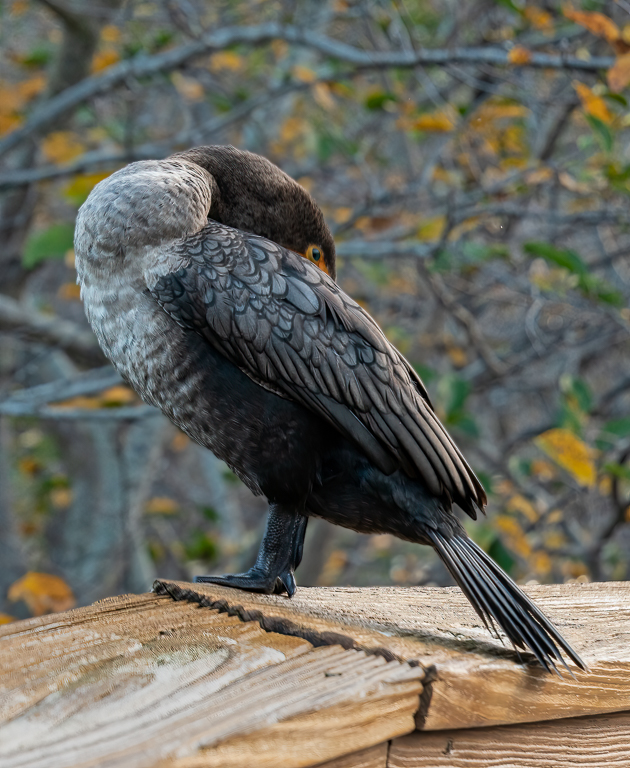
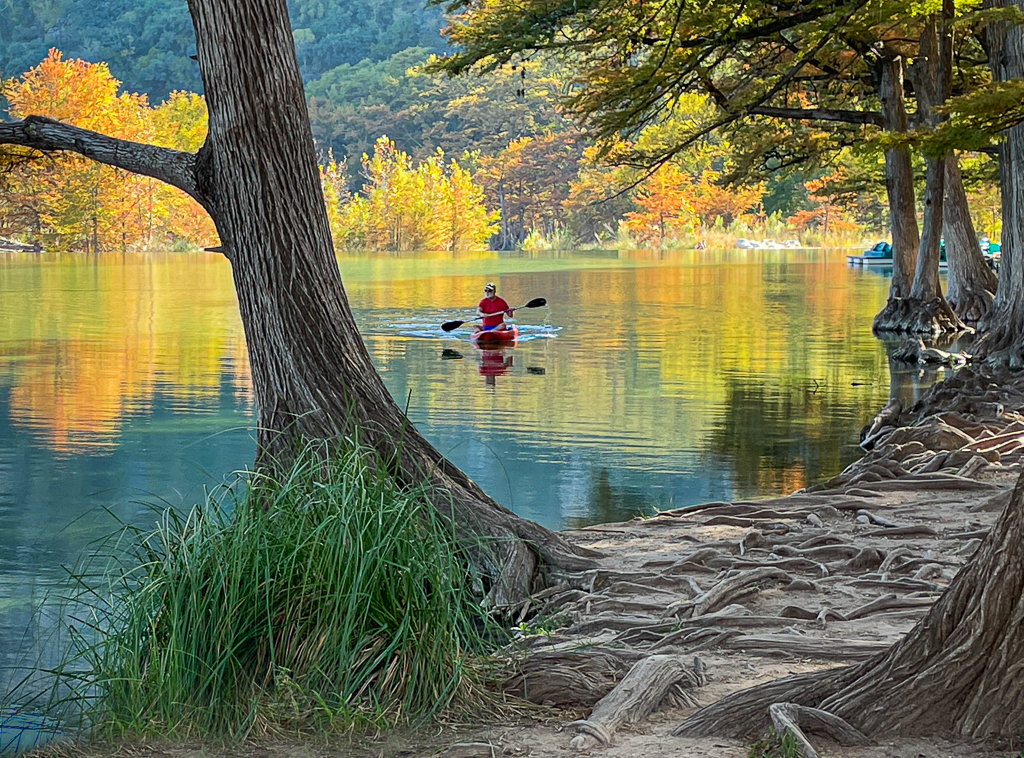
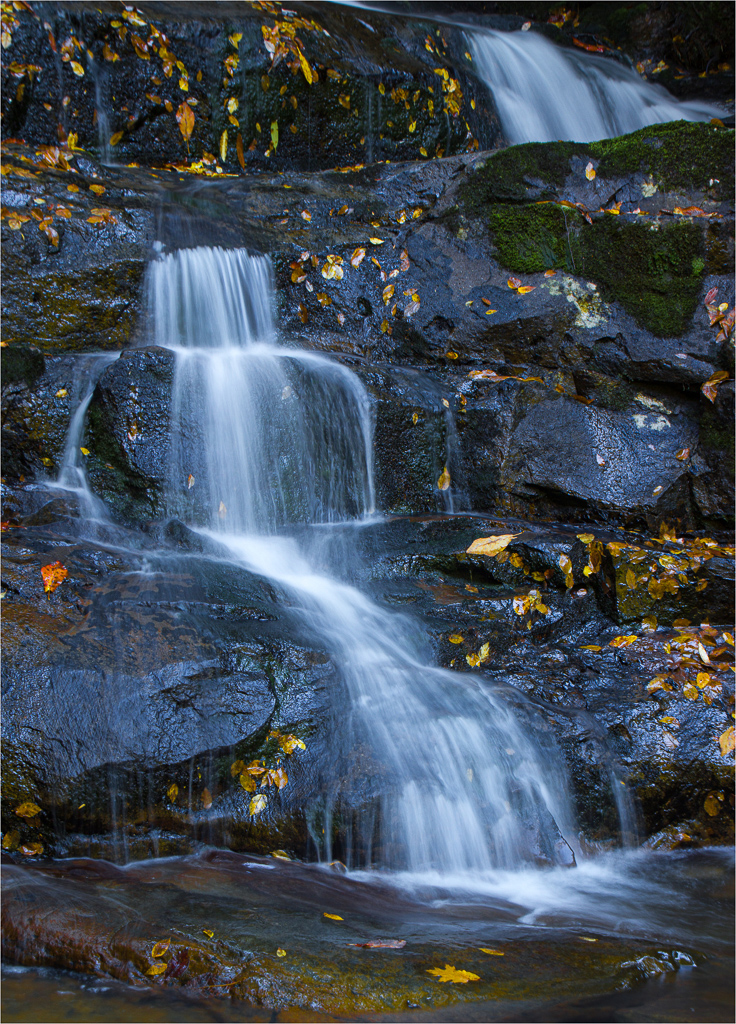
16 Dec 21 Comment I think you need to saturate locally, not globally. I like the saturated orange leaves, but would prefer the sky and the water in their original color. Dec 30th
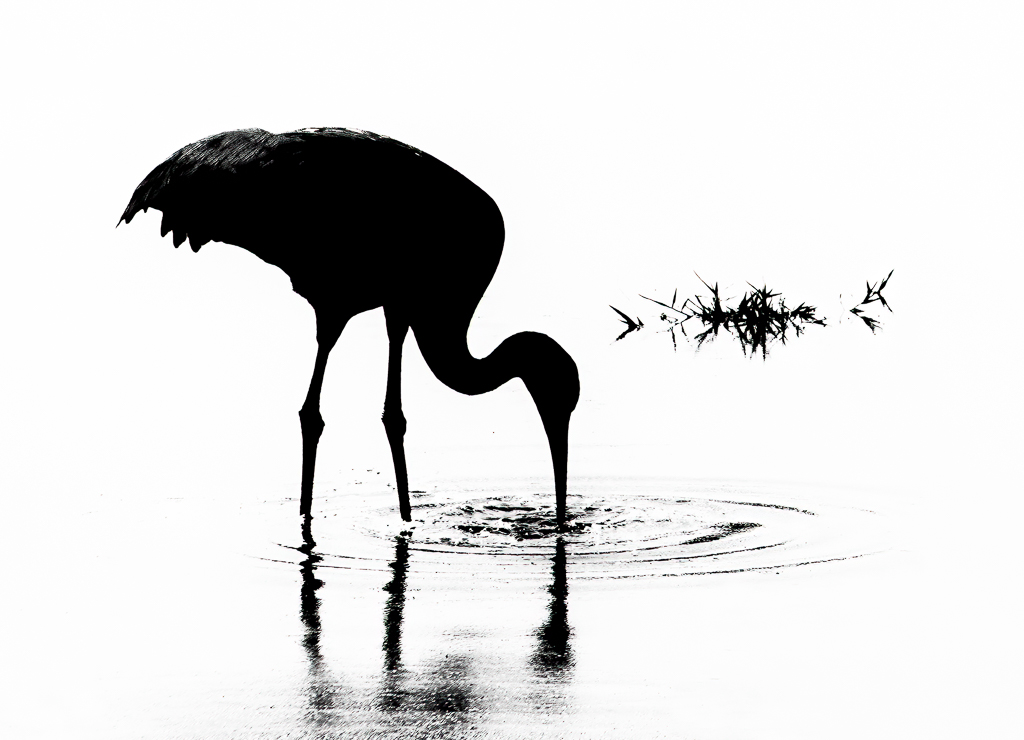
16 Dec 21 Comment I too prefer the original background. The bird stands out from it and seems sharper. I would remove the red object from the water at the top of the front wing in the original, and then crop the original. That's a great shot. Dec 29th
16 Dec 21 Reply I hope you do.
Dec 17th
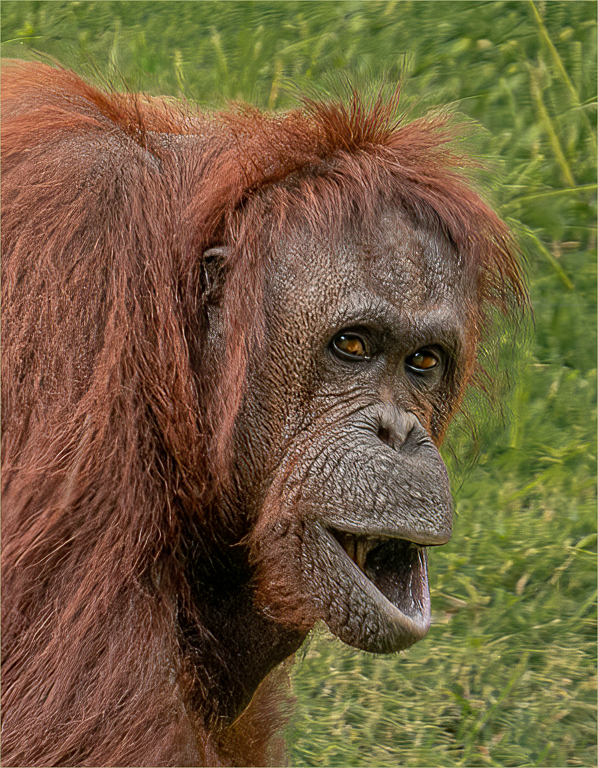
16 Dec 21 Reply Good suggestion to lighten the fur on his neck. I hadn't noticed. Thank you. And glad you liked the eyes. Dec 16th
16 Dec 21 Comment Your edits are a miraculous recovery and provide a wonderful image of the backlit young bear. Thank you for laying out the tools you used. That's so helpful for the rest of us. Now I know what Lightroom Enhance is for. Dec 15th
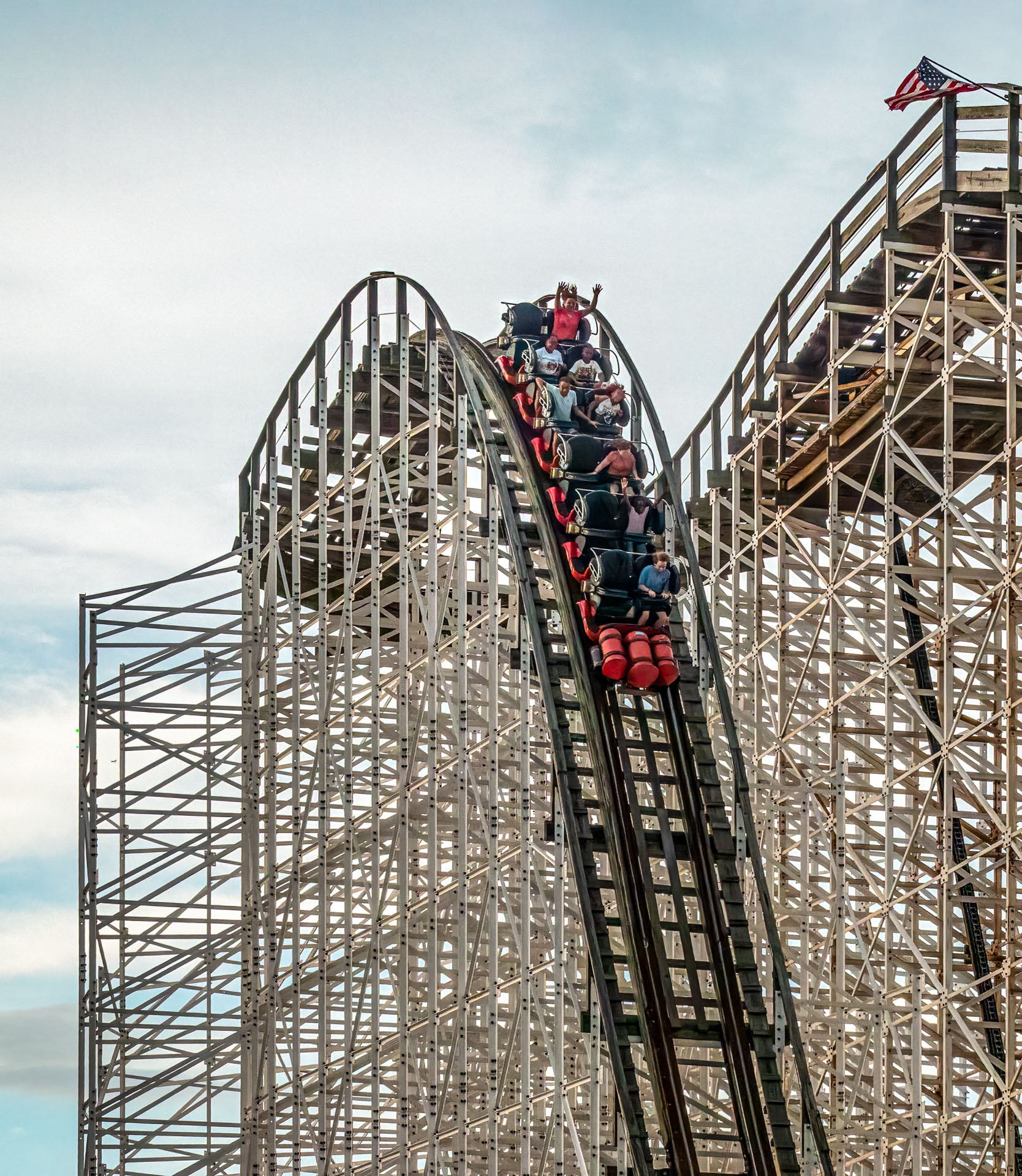
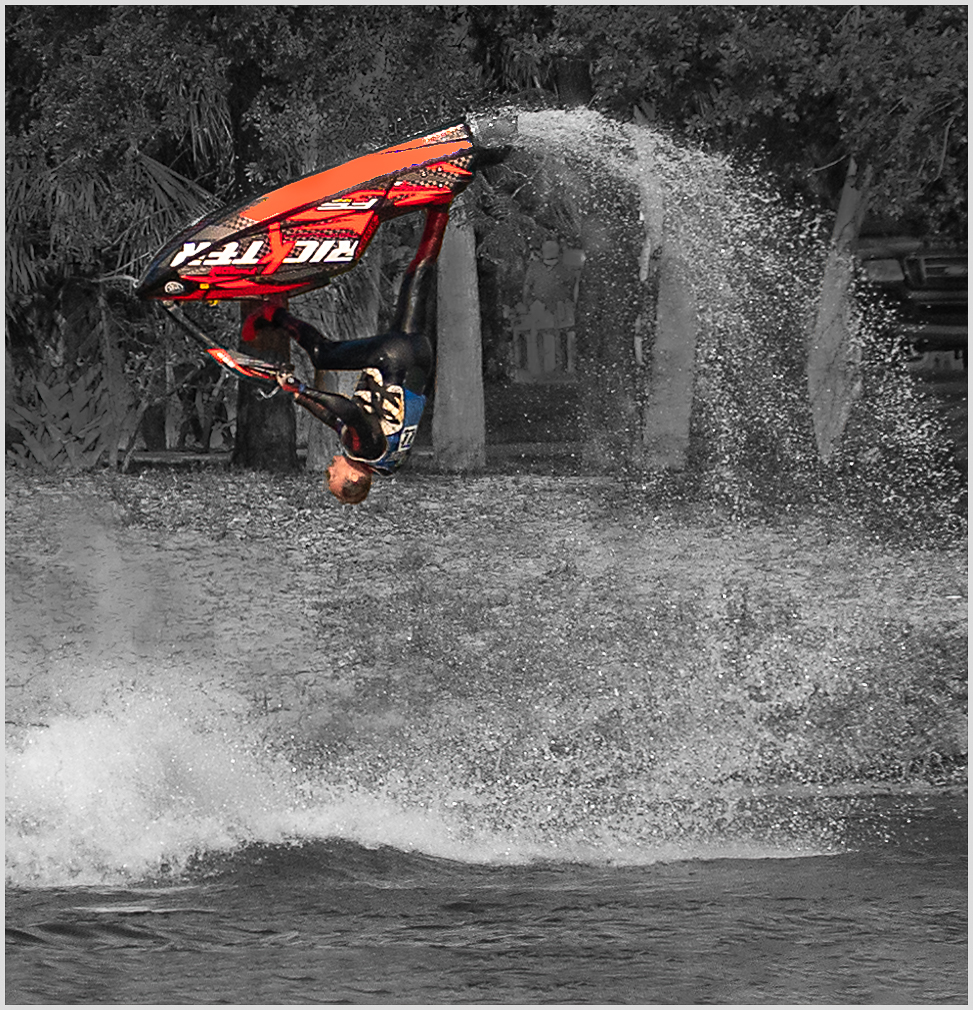
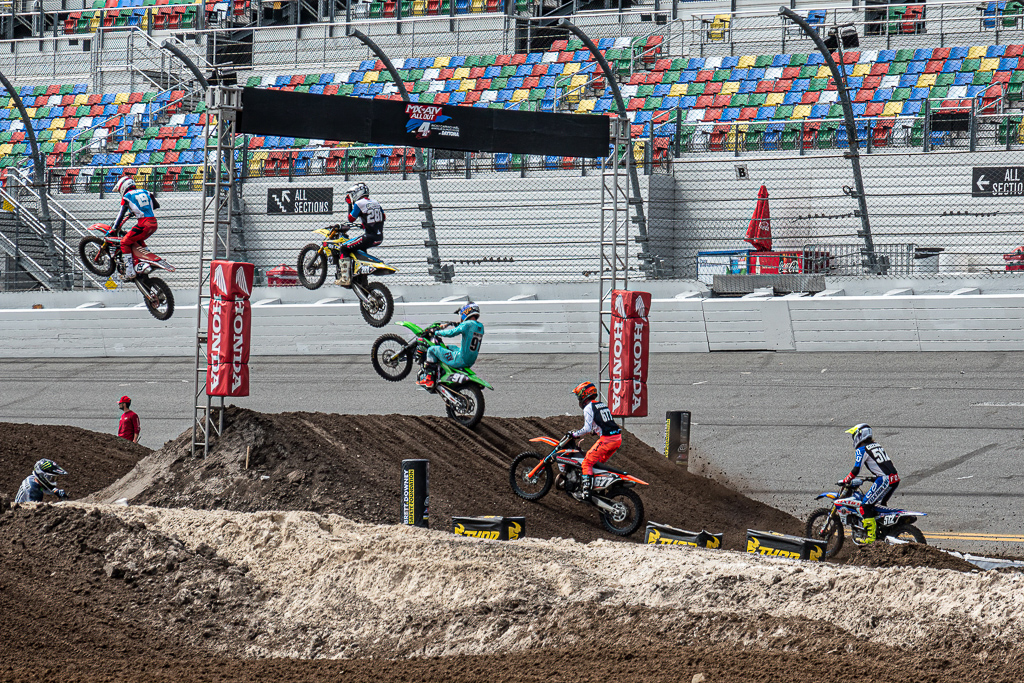
16 Dec 21 Comment Great capture of a Breakneck Ride. I like the crop and other edits. I would remove the post that gives the illusion of holding up the back of the bike, and the silver object on the ground.

I greatly enjoyed your article on Venice in the October PSA Journal. Interesting text and wonderful photos.
Dec 15th
16 Dec 21 Reply I did not use Select Subject because adjusting shadows and highlights seemed to do what I needed, but I've used it in the past and it works great usually. And thanks for pointing out the population issues that make this a "haunting image." That gives the photo so much more meaning to me. Dec 7th
16 Dec 21 Reply Thanks, Walter. So glad you liked it. Dec 6th
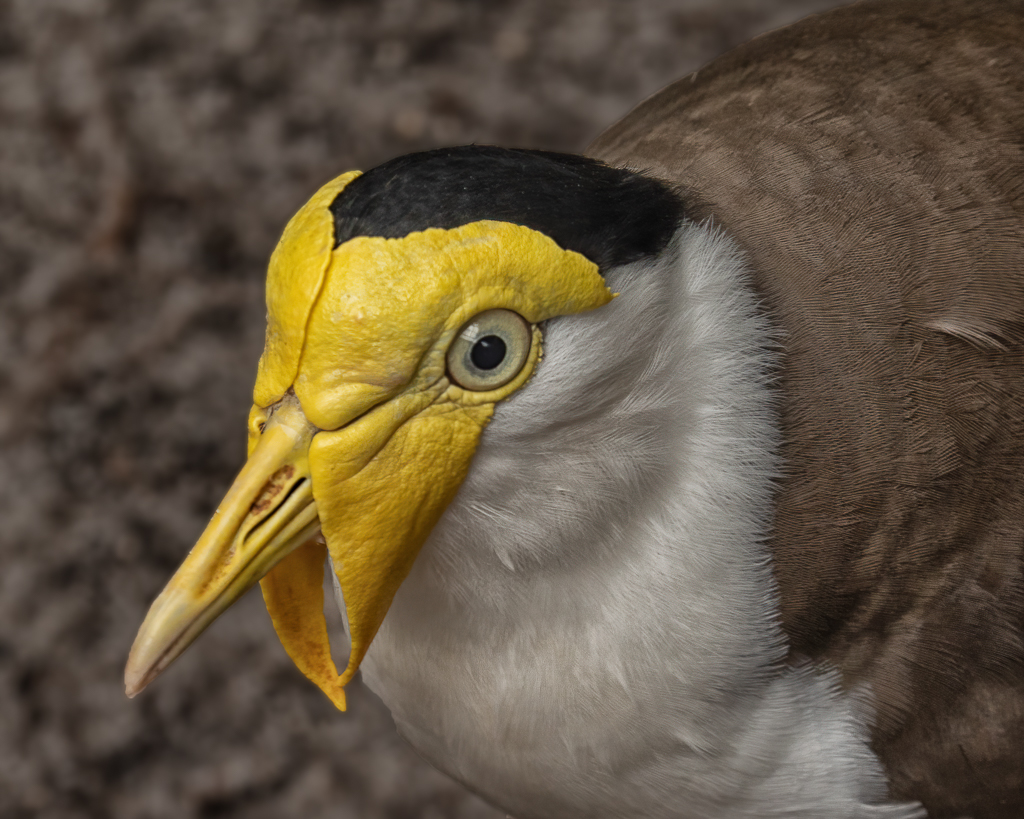
16 Dec 21 Comment Beautiful parrot. Good sharpness on head, especially the eye area. I would "select subject" in Photoshop, and then select Inverse, and use the burn tool to decrease the whiteness, including the halo to the left of the face. The catchlight in the eye is a good idea, but it seems a little large to me. Have you tried Topaz Sharpen to sharpen the front feathers? You can choose to have it automatically select the sharpening tools. It often does wonders. Dec 6th
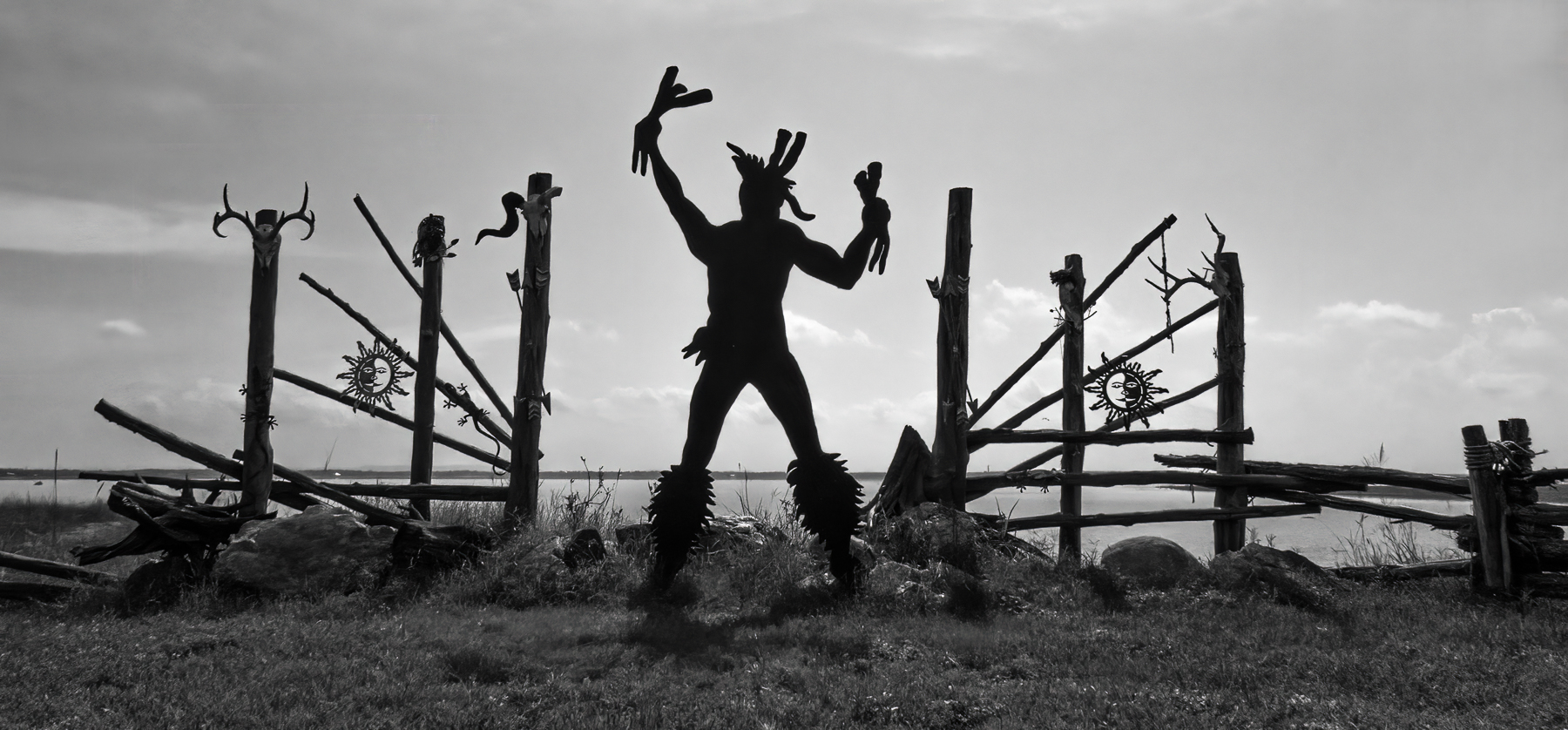
16 Dec 21 Comment The sculpture is a striking silhouette, in front of a beautiful sky. Post-processing is all good. I would like to see more neutral space to the left and above the sculpture, and less space to the right of it. Perhaps content-aware fill could add the canvas on the left and above. Dec 6th

6 comments - 4 replies for Group 16


6 comments - 4 replies Total


112 Images Posted

  = Current Round   = Previous Round
Group 16

May 26

Apr 26

Mar 26

Feb 26

Jan 26

Dec 25

Nov 25

Oct 25

Sep 25

Aug 25

Jul 25

Jun 25

May 25

Apr 25

Mar 25

Feb 25

Jan 25

Dec 24

Nov 24

Oct 24

Sep 24

Aug 24

Jul 24

Jun 24

May 24

Apr 24

Mar 24

Feb 24

Jan 24

Dec 23

Nov 23

Oct 23

Sep 23

Aug 23

Jul 23

May 23

Apr 23

Mar 23

Feb 23

Jan 23

Dec 22

Nov 22

Oct 22

Sep 22

Aug 22

Jul 22

Jun 22

May 22

Apr 22

Mar 22

Feb 22

Jan 22

Dec 21

Nov 21

Oct 21

Sep 21

Aug 21

Jul 21

Jun 21

May 21

Apr 21

Mar 21

Feb 21

Jan 21

Dec 20

Nov 20

Oct 20

Sep 20

Aug 20

Jul 20

Jun 20

May 20

Apr 20

Mar 20

Feb 20

Jan 20

Dec 19

Nov 19

Oct 19

Sep 19

Aug 19

Jul 19

Jun 19

May 19

Apr 19

Mar 19

Feb 19

Jan 19

Dec 18

Nov 18

Oct 18

Sep 18

Aug 18

Jul 18

Jun 18

May 18

Apr 18

Mar 18

Feb 18

Jan 18

Dec 17

Nov 17

Oct 17

Sep 17

Aug 17

Jul 17

Jun 17

May 17

Apr 17

Mar 17

Feb 17

Jan 17

Close this Tab when done