Activity for User 749 - David Price - david_price_penrith@outlook.com

avatar
Avatar

Close this Tab when done


551 Comments / 121 Replies Posted

  = Current Round   = Previous Round
Group Round C/R Comment Date Image
5 Oct 24 Reply Thanks for your comments Mark. I agree with them. Oct 19th
5 Oct 24 Comment Victor your image is amazing and very creative. I have nothing to add but I agree with Mark's comments. Oct 19th
5 Oct 24 Comment Great image Sophia. Nothing to add to others comments. Oct 19th
5 Oct 24 Comment You have caught this at the perfect time. Well done. I think you have done an excellent job with the processing, Like Pete I had to play with it. I have brightened it up a touch, cloned out the van at the back and cropped it. Your thoughts? Oct 19th
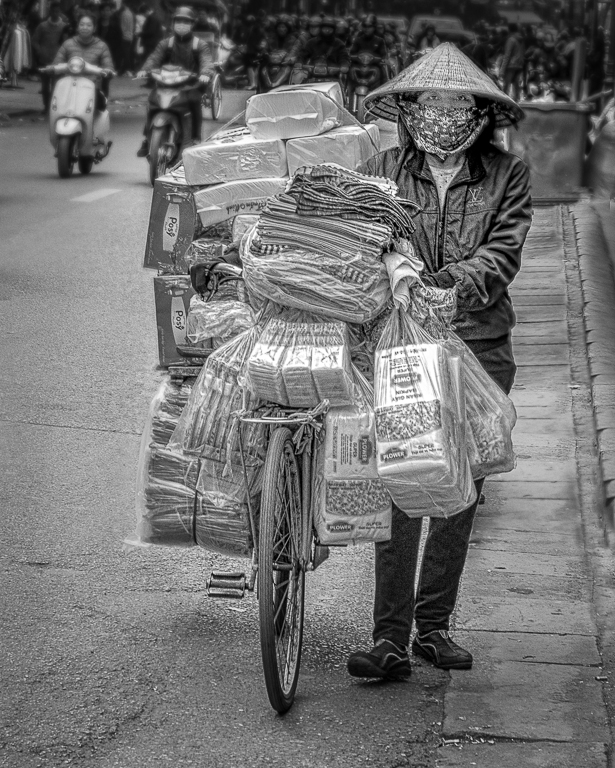
5 Oct 24 Comment A really great image Mark. I think that everyone who looks at the image will have a different view on how it should be processed. For me I would lighten the bags at the side and the old bike. That's the great thing about photography we all see things differently and it's so subjective. Oct 11th
5 Oct 24 Comment Well captured Keisha. I noticed you shot at an ISO of 6400. Did you require any noise reduction? Reading others comments I am undecided on whether you need all 3 ducks but I would probably keep all them. I think Oliver has done a good job but for my taste he has darkened the background a little too much. Oct 11th
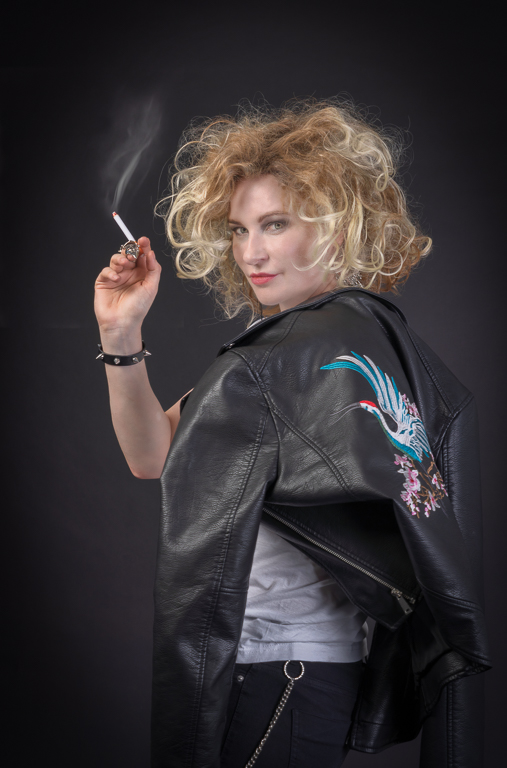
5 Oct 24 Comment Sabrina's outfit and expression do make an interesting image but as has been pointed out the picture is spoilt with the burnt out highlights. My way of dealing with this is different from those suggested. In the image below I have worked on your original but only on her leg above the green stocking.

In Photoshop:
I create a new layer and using the colour (color) picker I select a skin tone say from her face.

I select her burnt out leg and paint this in. This results in a mess but I then reduce the opacity in this case to around 35%.

I then create a new layer but I change it from normal to color. Either using the color picker or the colour I have already selected, I paint this into the selection to get the desired colour.

Finally, if required, I use a brightness/contrast layer to change the tone.

This method adds colour to the burnt out highlights and not just greys.
Oct 11th

6 comments - 1 reply for Group 5


6 comments - 1 reply Total


95 Images Posted

  = Current Round   = Previous Round
Group 05

Apr 25

Mar 25

Feb 25

Jan 25

Nov 24

Oct 24

Sep 24

Aug 24

Jul 24

Jun 24

May 24

Mar 24

Feb 24

Jan 24

Nov 23

Oct 23

Sep 23

Aug 23

Jul 23

Jun 23

May 23

Apr 23

Mar 23

Feb 23

Jan 23

Nov 22

Oct 22

Sep 22

Aug 22

Jul 22

Jun 22

May 22

Apr 22

Mar 22

Feb 22

Jan 22

Dec 21

Nov 21

Oct 21

Sep 21

Jul 21

Jun 21

May 21

Apr 21

Mar 21

Feb 21

Jan 21
Group 50

Dec 20

Nov 20

Oct 20

Sep 20

Aug 20

Jul 20

Jun 20

May 20

Apr 20

Mar 20

Feb 20

Jan 20

Dec 19

Nov 19

Oct 19

Sep 19

Aug 19

Jul 19

Jun 19

May 19

Apr 19

Mar 19

Feb 19

Jan 19

Dec 18

Nov 18

Oct 18

Sep 18

Aug 18

Jul 18

Jun 18

May 18

Apr 18

Mar 18

Feb 18

Jan 18

Dec 17

Nov 17

Oct 17

Sep 17

Aug 17

Jul 17

Jun 17

May 17

Apr 17

Mar 17

Feb 17

Jan 17

Close this Tab when done