|
| Group |
Round |
C/R |
Comment |
Date |
Image |
| 5 |
Apr 22 |
Reply |
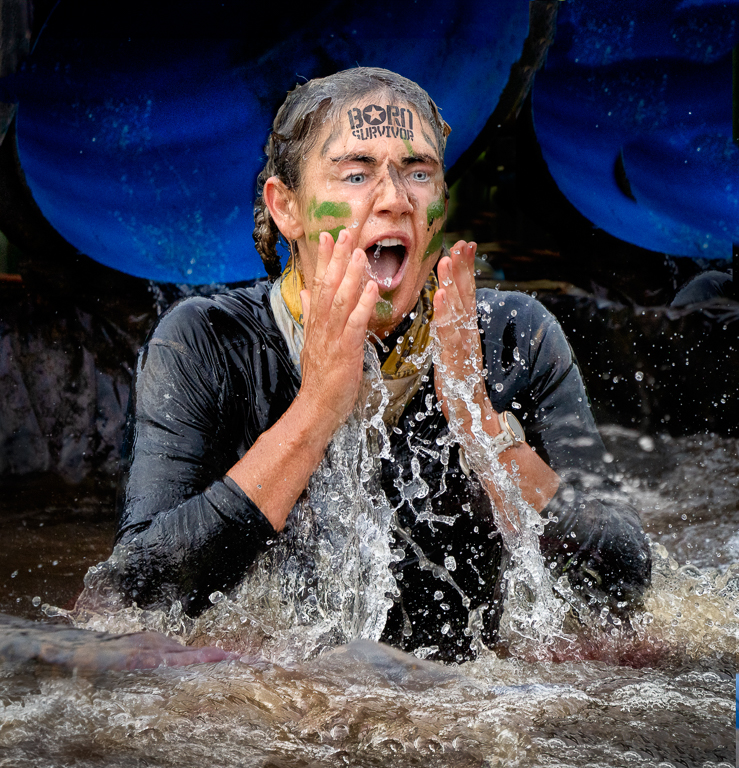
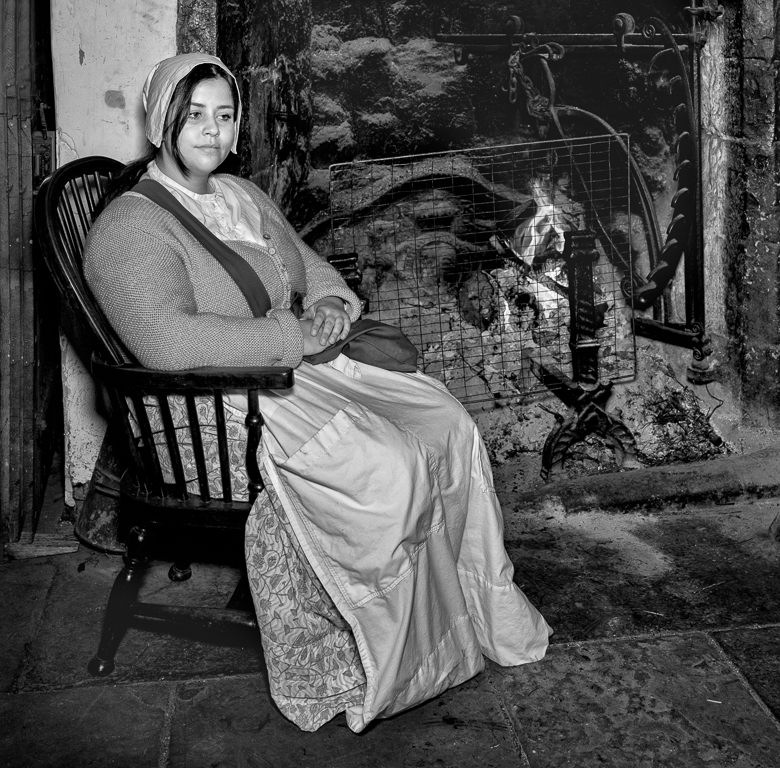
I have Luminar AI and Neo. I don't know which version you have so the following comments refer to AI. If you have AI but not Neo I wouldn't bother upgrading. I will assume you have AI
My workflow:
I do original adjustments in Lightroom.
I then transfer to Photoshop, sometimes use levels and curves, then create a "Merge Visible" layer and go into AI.
I use the AI slider and usually it improves the image. If not when I save the image I just delete the new layer. This hopefully results in an improvement with little work.
If I have people in the image I go to the "Face" and adjust the Face Light.
I then go to Eyes and move sliders according to taste. Try this it is really good.
If I have any skin shine I then go to Skin and Shine Removal. If the shine is really bad I save then go back into Luminar and repeat.
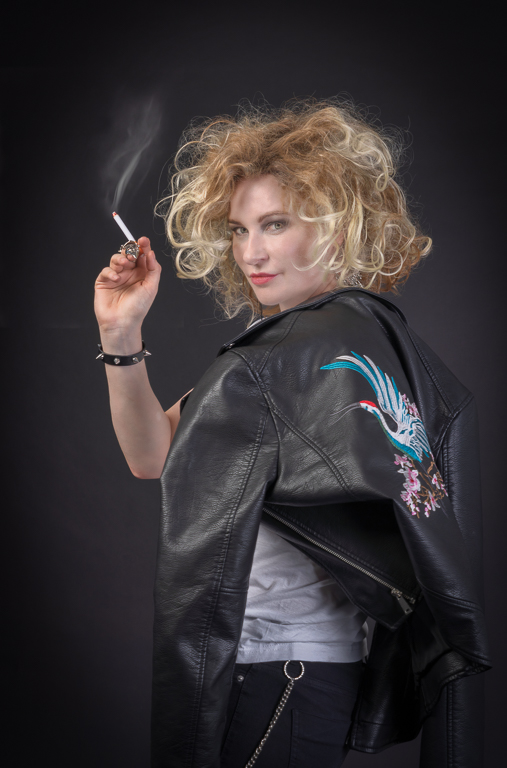
In your image I still had some shine so I cloned on a new layer from other parts and reduced the opacity to 70%.
I find Luminar to be very quick but the image still needs some other work when you take it back into Photoshop.
I hope this is helpful.
|
Apr 10th |
| 5 |
Apr 22 |
Comment |
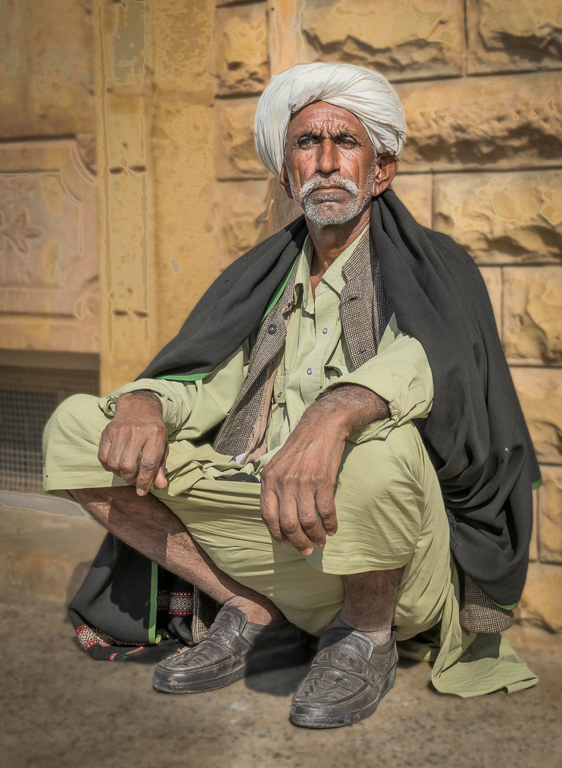
I like the colours and lines in the image. You have processed it well. In addition to the comments above I might apply a slight vignette to the left hand side. |
Apr 9th |
| 5 |
Apr 22 |
Comment |
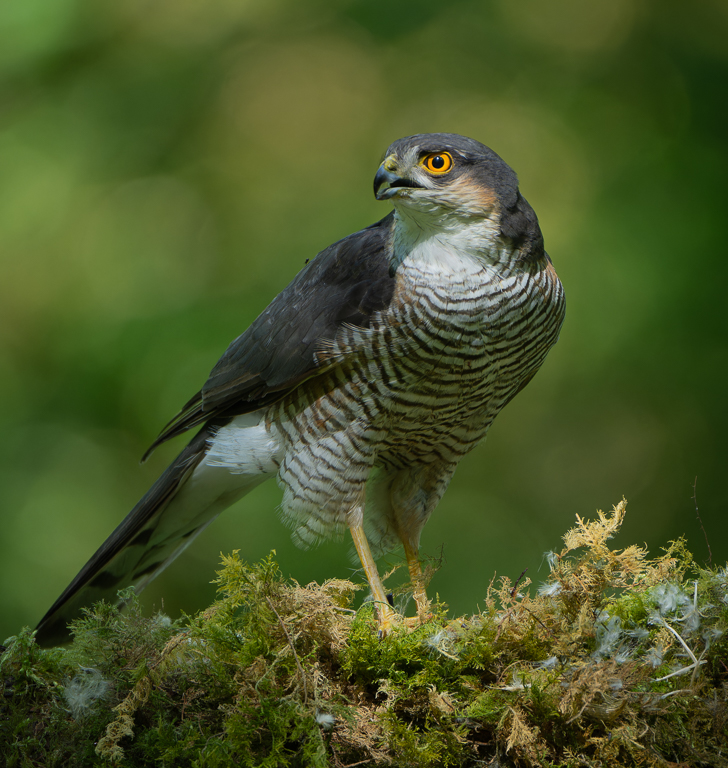
What an excellent image. Your processing is good and with Oliver's sharpening it finishes it off. |
Apr 9th |
| 5 |
Apr 22 |
Reply |
I agree with your comments about the background. I have redone it but from your version and Oliver's. Now I need to do it on the full size original. Thanks for the work. |
Apr 9th |
 |
| 5 |
Apr 22 |
Comment |
Thanks for your comments and the work you did on the image. I agree with your comments but I would leave the three in the background. |
Apr 9th |
 |
| 5 |
Apr 22 |
Comment |
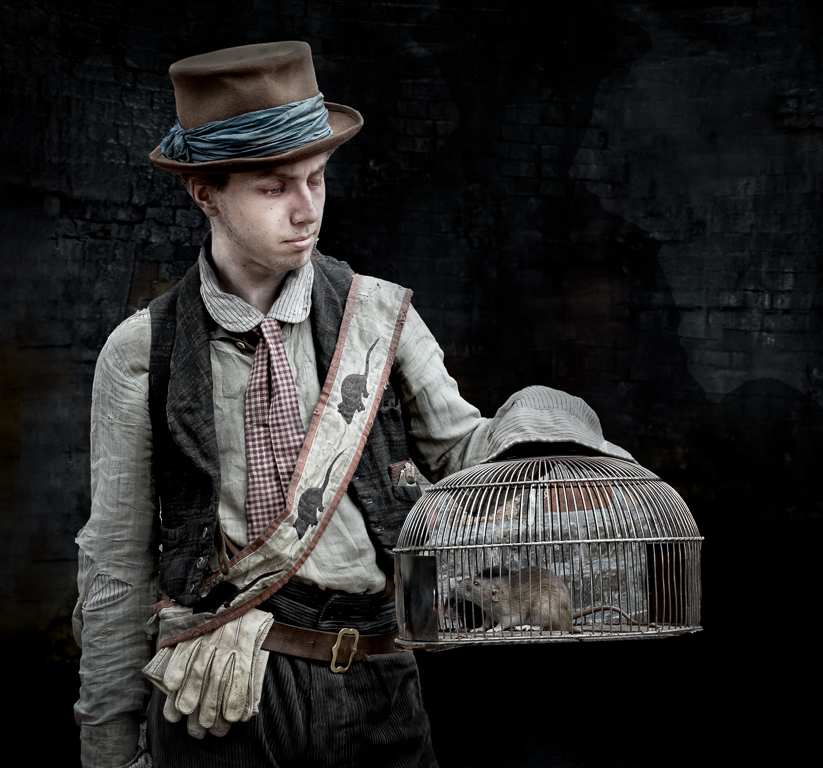
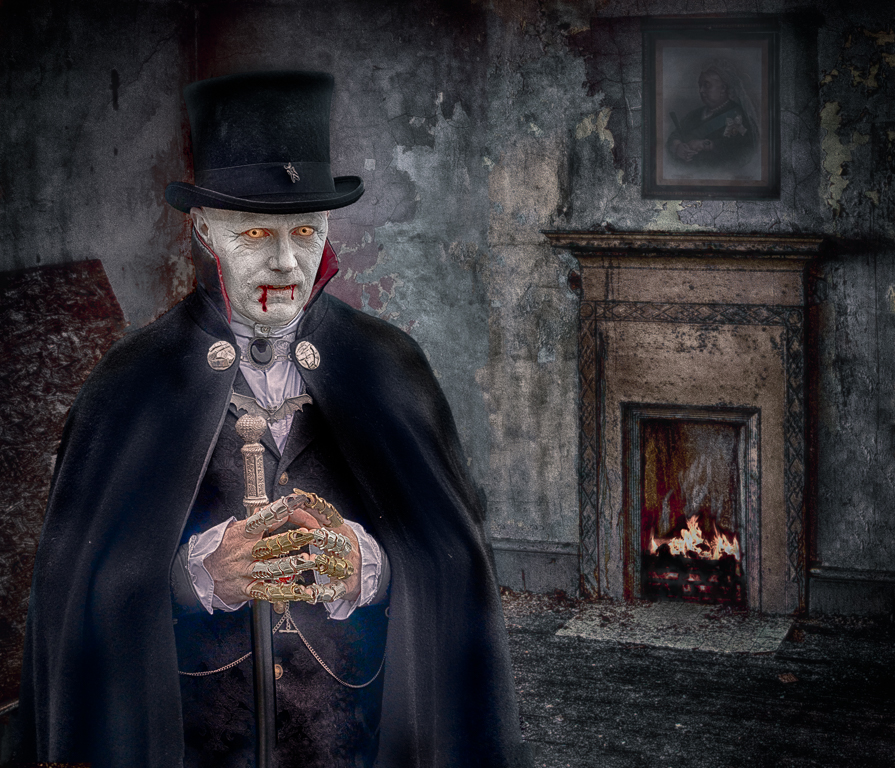
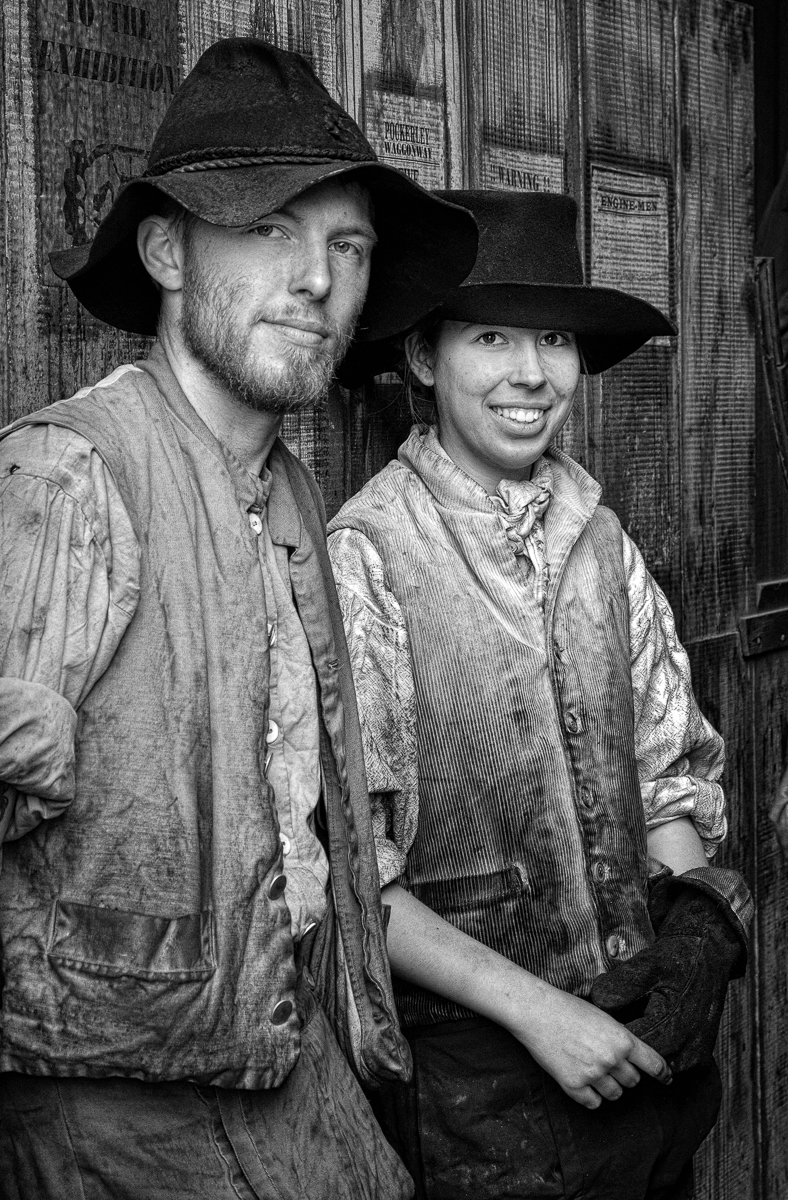
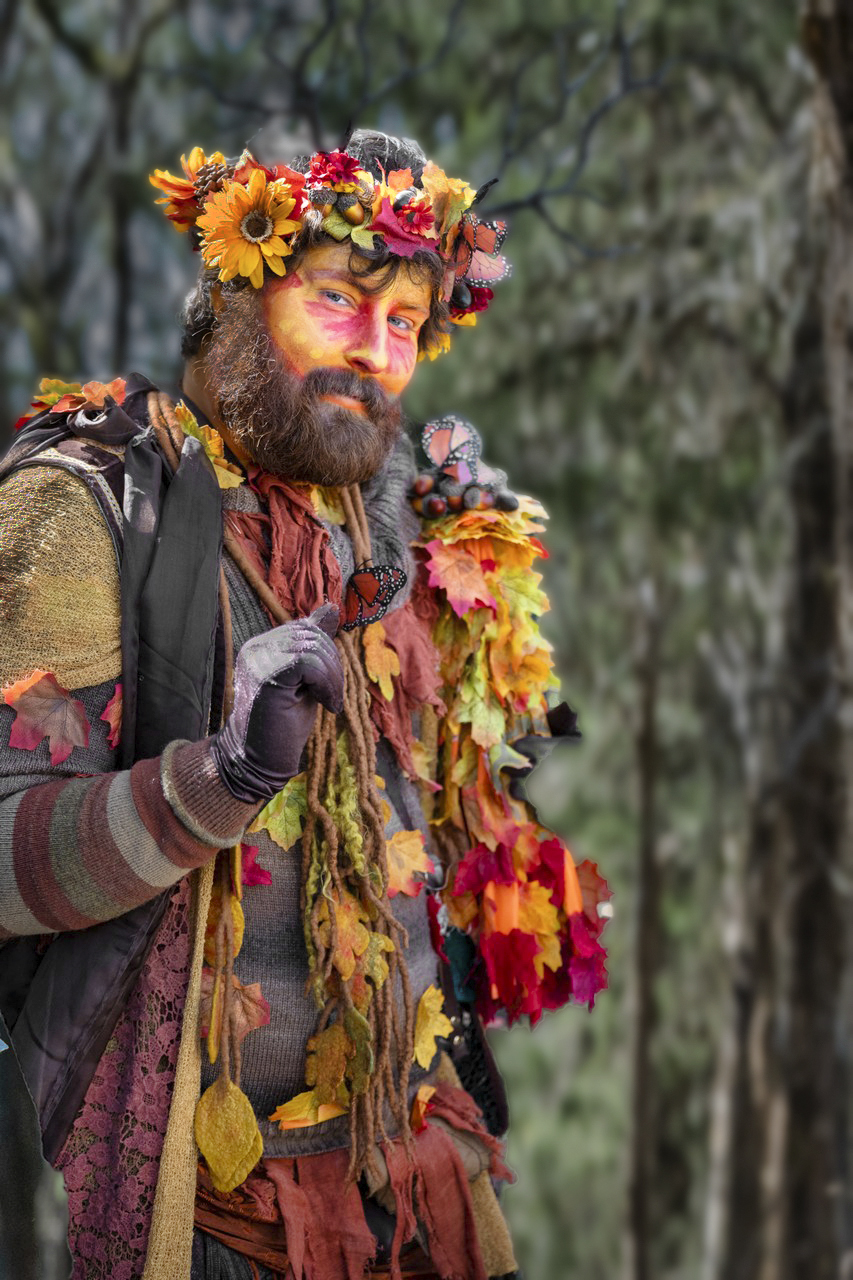
I think this has the potential to be a great image. I agree with others comments about the background and the antlers. If you want the antlers then choose a different background. If you are happy without the antlers then this background is fine. I like what Bev has done, but for me it needs even more work. There is a lot of harsh light coming from the left and my eye is immediately drawn to his hand which is blown out. I would clone out the highlight in the glove, reduce the over bright areas and lighten the face a little. |
Apr 7th |
 |
| 5 |
Apr 22 |
Comment |
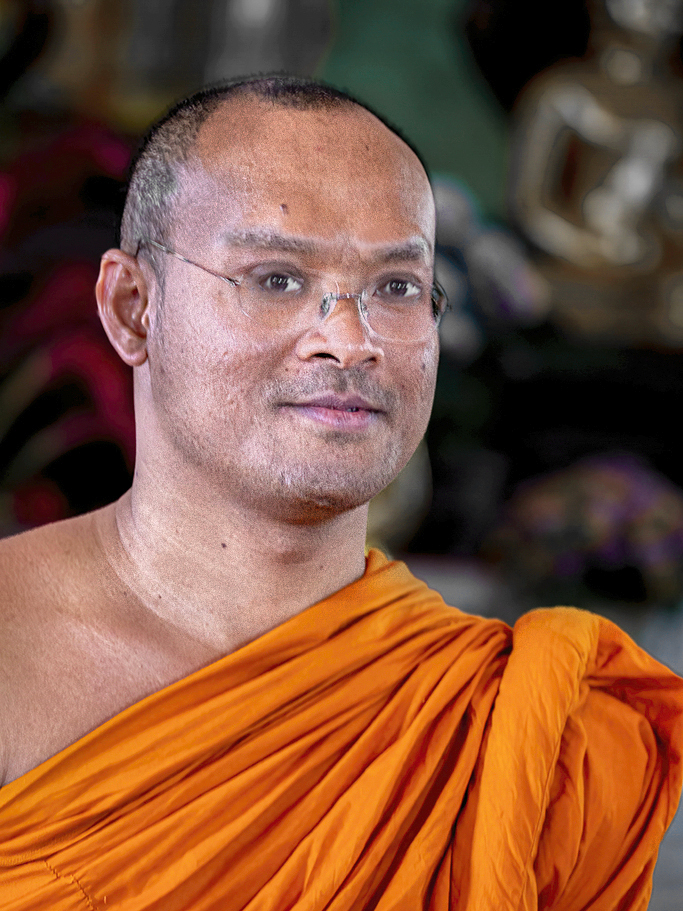
An interesting picture of a monk. Whilst I have used Neural Filter I find you are not in control and as its raining here I thought I would try a different way and compare the results. I selected the eyes then flipped them and then transformed them using move and rotate. I was going to stop there but couldn't help myself and had to continue to play with the image. I took the saturation down in the yellow, green and blue in the background. I then used Luminar to reduce some of the shine on his face, did a bit of cloning where it was still bright and finally used Brightness/Contrast on the right side of his face (Left in the image). |
Apr 7th |
 |
| 5 |
Apr 22 |
Comment |
A good sunset and I particularly like the colour from the sky in the water. I would have preferred some detail in the trees in the foreground. |
Apr 7th |
| 5 |
Apr 22 |
Comment |
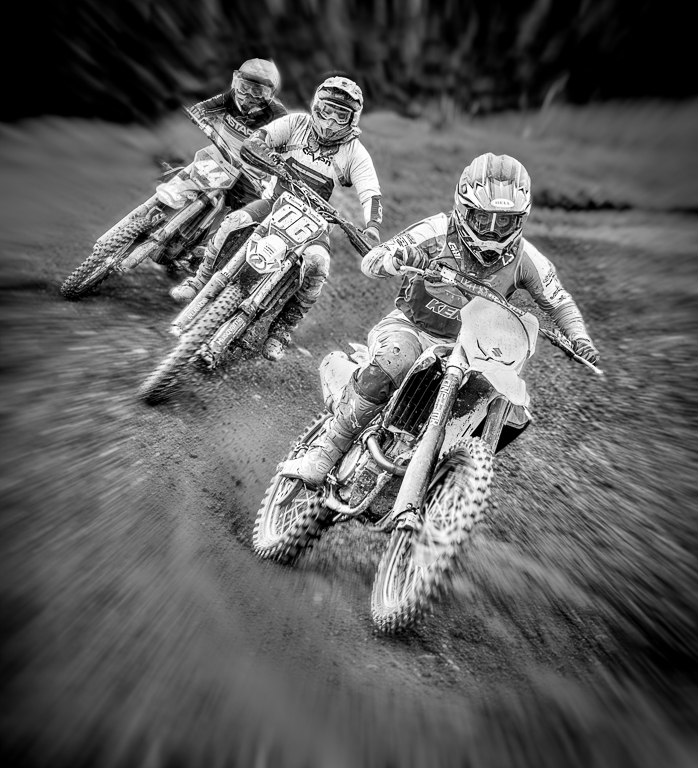
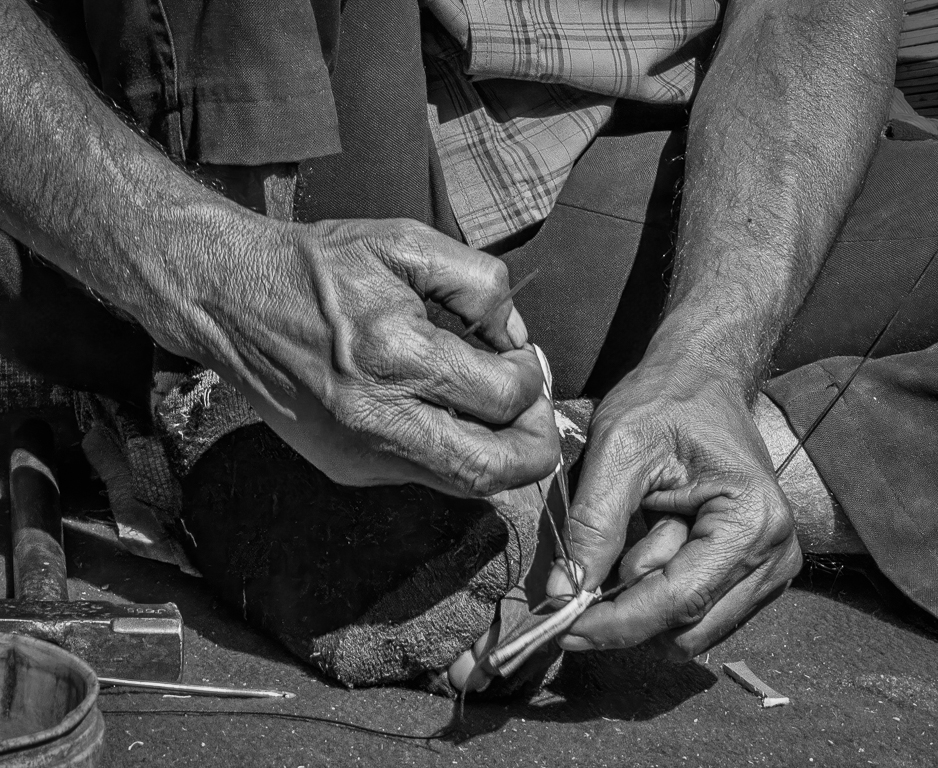
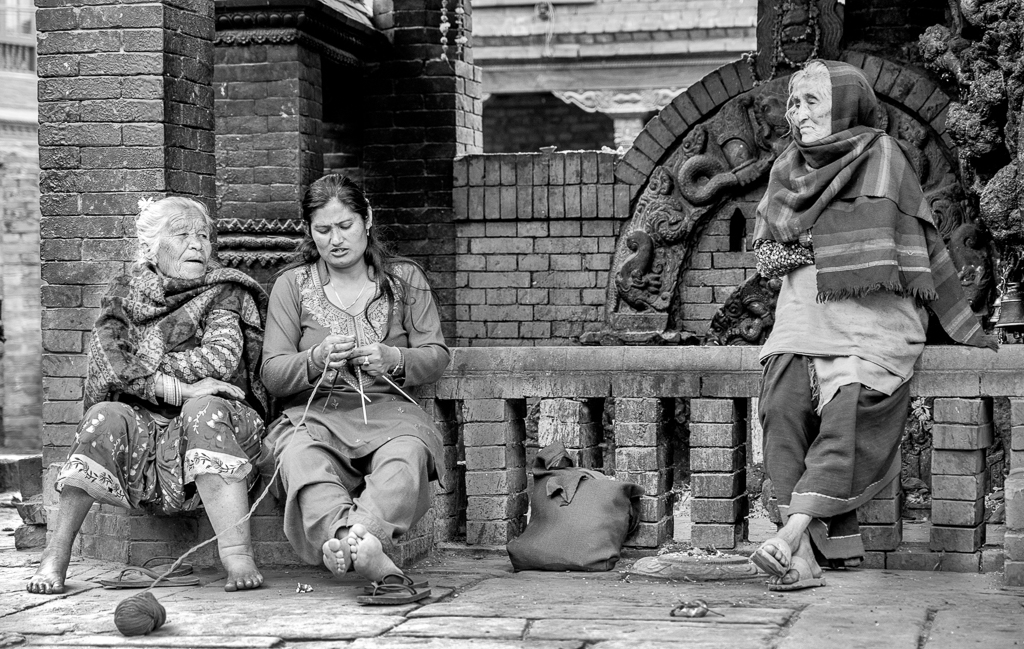
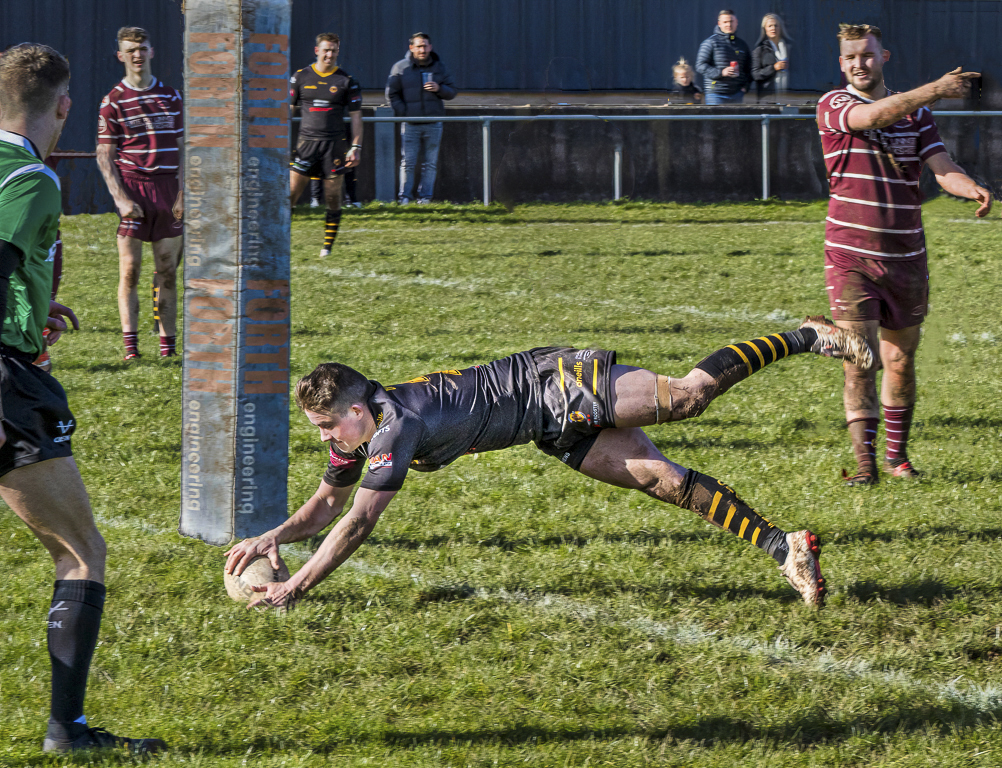
Nice picture but for me you have spoilt it with the filter you have applied. In particular I don't like the foot on the right. |
Apr 7th |
7 comments - 2 replies for Group 5
|
7 comments - 2 replies Total
|