|
| Group |
Round |
C/R |
Comment |
Date |
Image |
| 78 |
Sep 23 |
Comment |
Nice job,Jim. Glad I could help.
Ken |
Sep 24th |
| 78 |
Sep 23 |
Comment |
I would remove all the dead brown flowers...background will be cleaner. |
Sep 11th |
| 78 |
Sep 23 |
Comment |
Great job of setting up the image with the Milky Way in the background and the appearance that you might be in the water when you shot it. I would run the image through a denoise software to specifically address the graininess in the water. |
Sep 11th |
| 78 |
Sep 23 |
Comment |
I tried several cropped but yours appears to be the best with the three groups of stems. I would edit out the dead flower in the background tho. I am okay with the saturation |
Sep 11th |
| 78 |
Sep 23 |
Comment |
Great detail in the face especially the eyes and tongue. I also like the detail in the collar. I would not worry about the blur on the outer edges of the ears....I didn't notice it until you mentioned it. Luminar 4 has a bokeh tool for blurring the background which works nicely with portraits where hair or fur is involved. |
Sep 11th |
| 78 |
Sep 23 |
Comment |
I really liked this image. I cropped to place the horse in the lower right third of the overall image to try to fill the frame with more of the horse. I did apply NIK ColorEfex 5 Detail Extractor to get more detail in the saddle and the horse. |
Sep 11th |
 |
| 78 |
Sep 23 |
Comment |
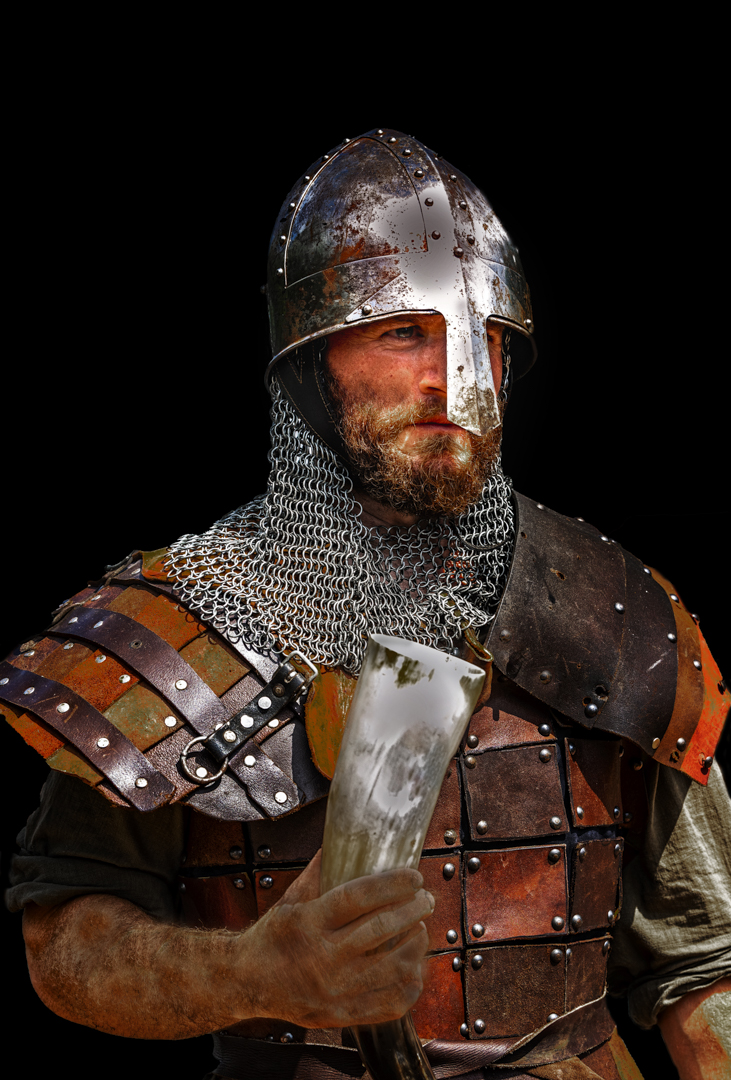
I would agree with Sunil and just stop with original 2. It has an arty character to it which then becomes lost when you add the realistic sky with puffy white clouds. |
Sep 11th |
| 78 |
Sep 23 |
Comment |
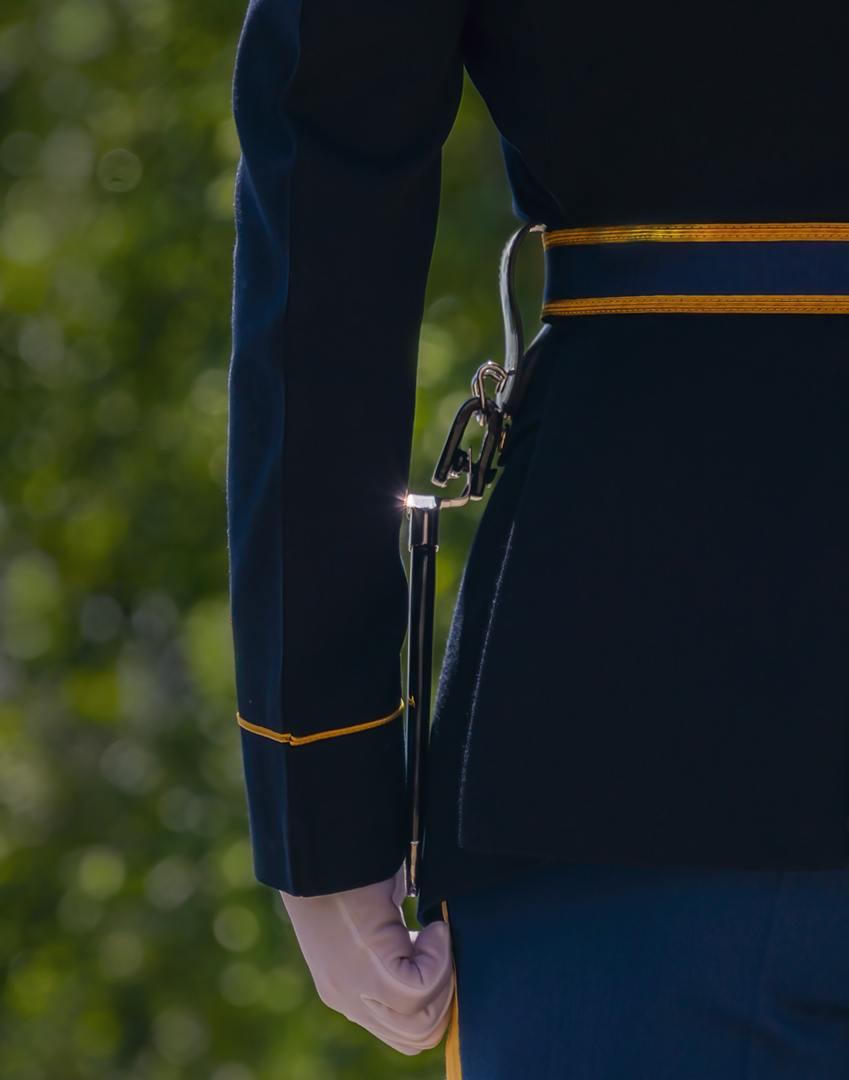
I worked with your final edit and cropped off an inch on the right side. I am not sure that the lens flare and the foggy look add to the image however, the sleeve is beautiful work. |
Sep 11th |
8 comments - 0 replies for Group 78
|
8 comments - 0 replies Total
|