|
| Group |
Round |
C/R |
Comment |
Date |
Image |
| 36 |
Feb 17 |
Comment |
|
Feb 12th |
 |
| 36 |
Feb 17 |
Comment |
Kim, I took your suggestion, here it is. Think you're right. Dick |
Feb 12th |
| 36 |
Feb 17 |
Comment |
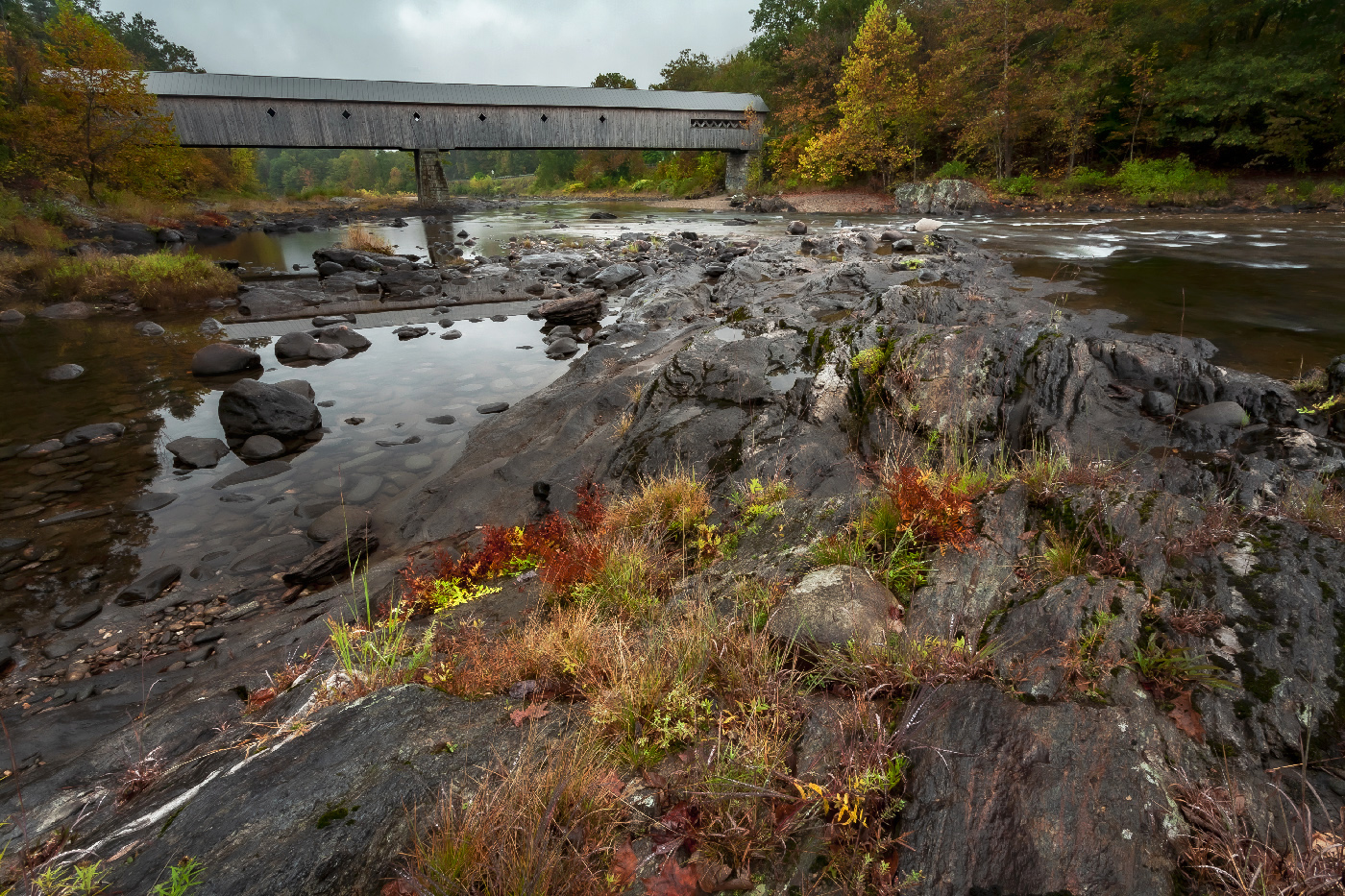
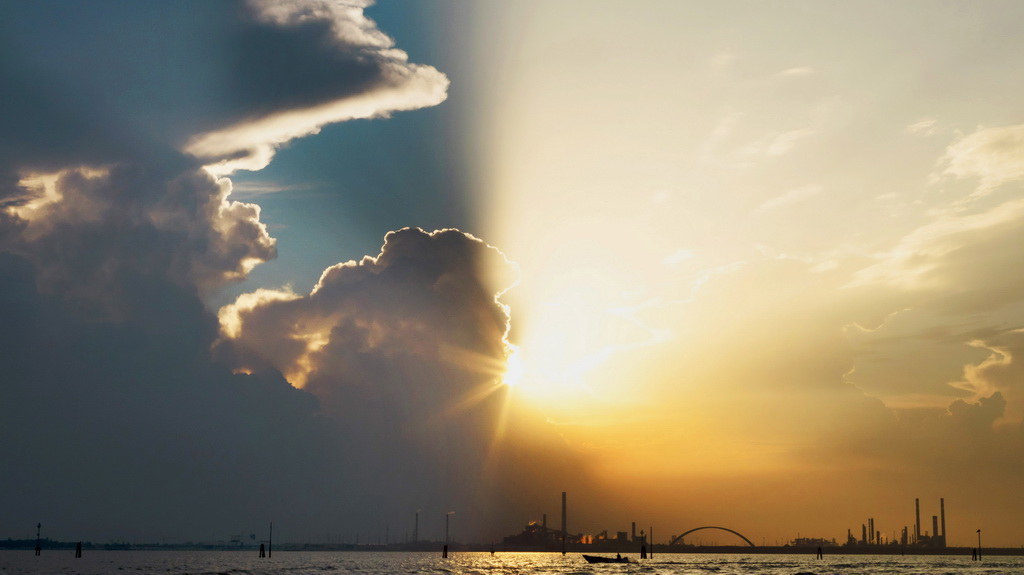
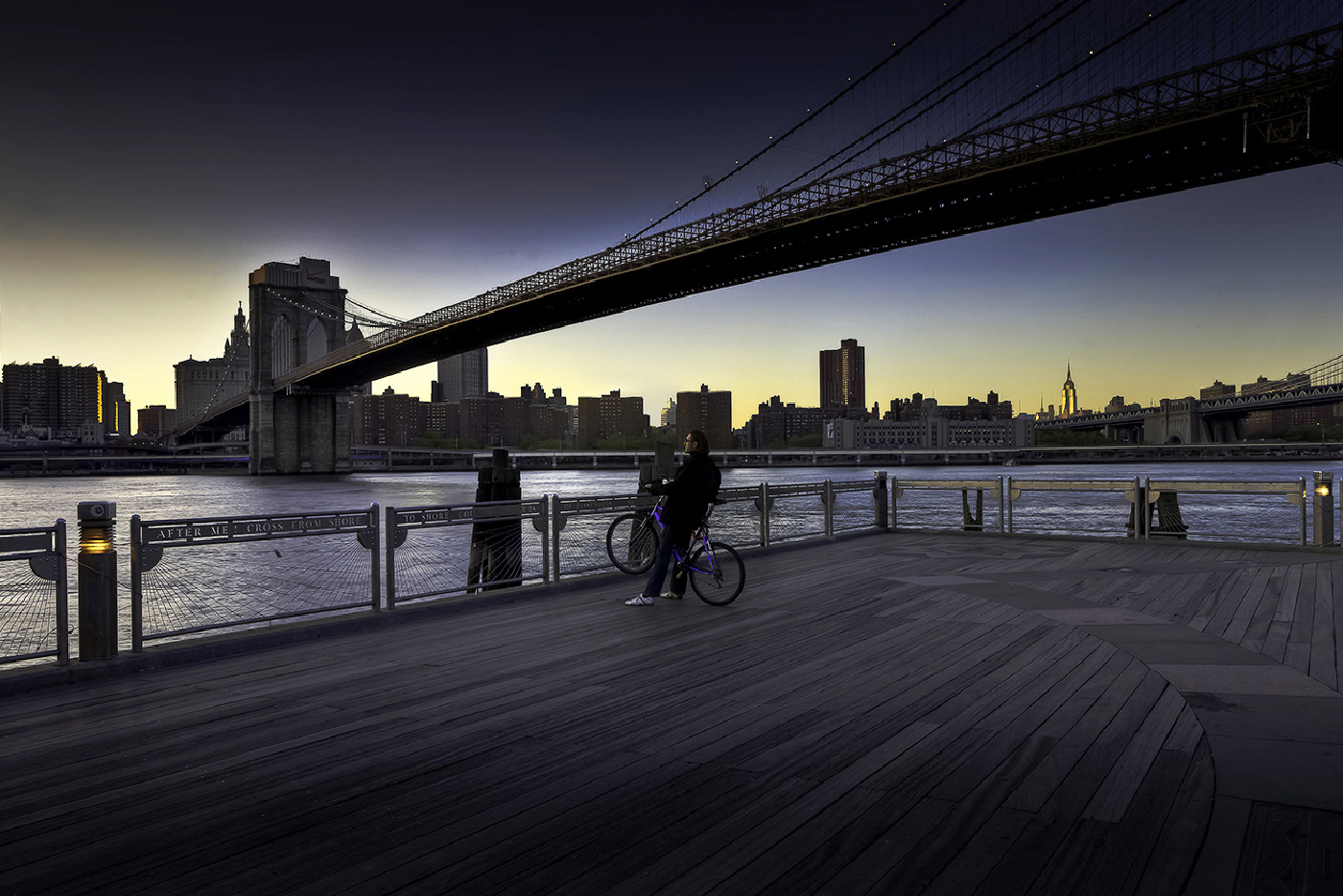
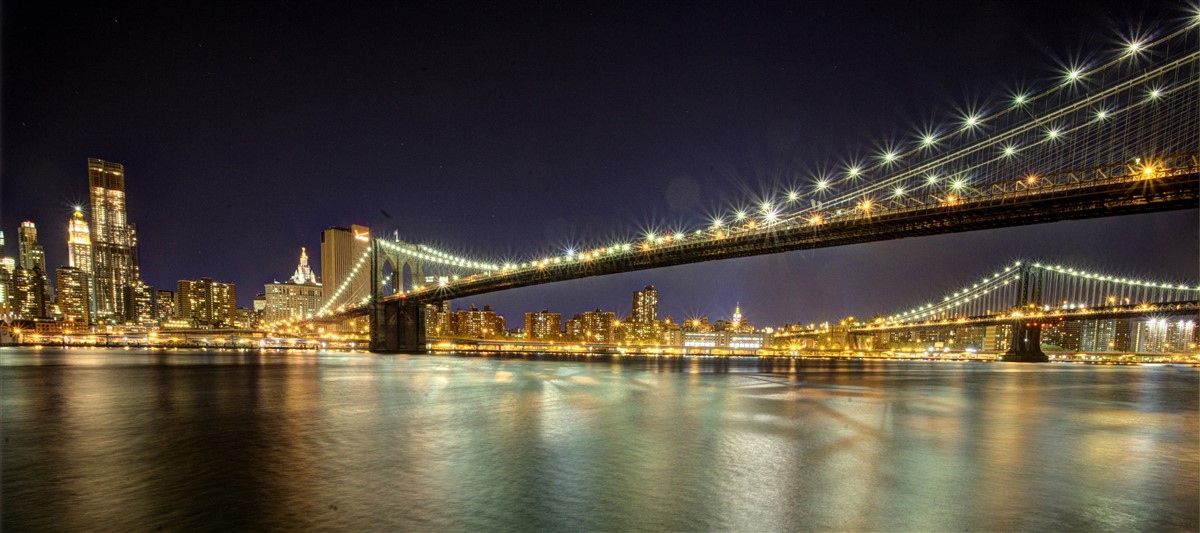
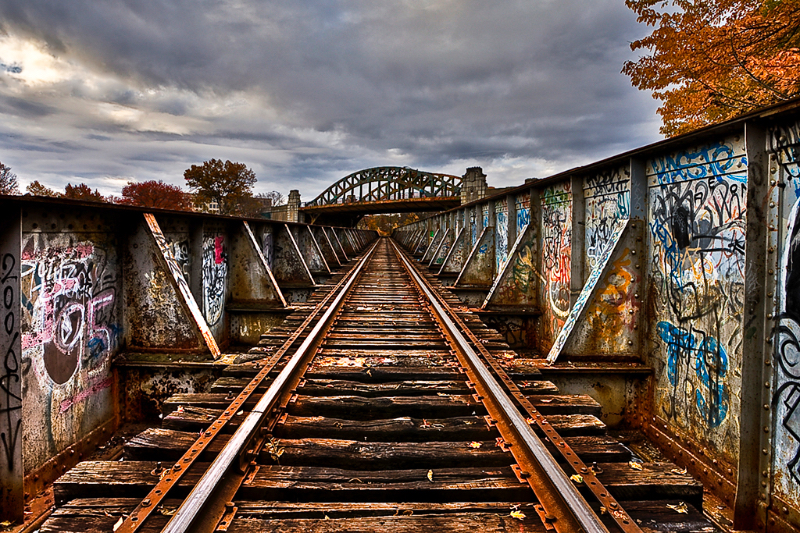
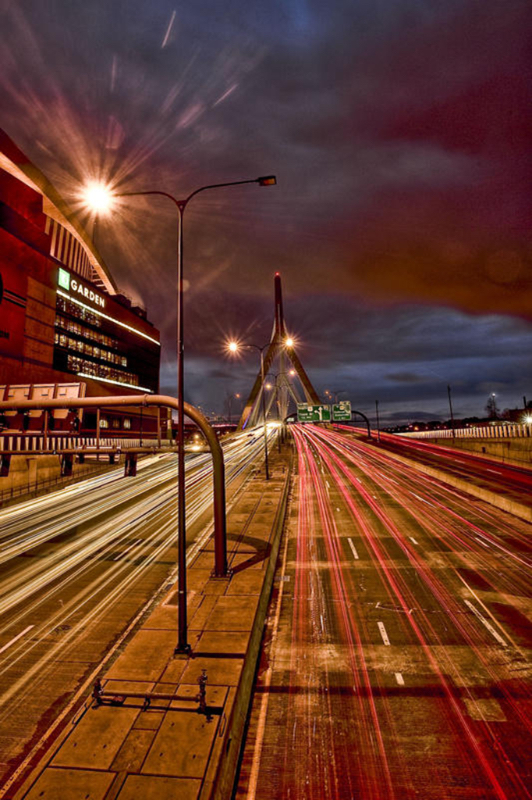
Nicely done Michael, very nice composion. You have just enough difference in the bridge and the buildings to cause the viewer's eye to follow the bridge to the buildings. For a gloomy weather you did a nice job. |
Feb 12th |
| 36 |
Feb 17 |
Comment |
Kim, It's nice to have a different angle to take of Hoover Dam. You've done a nice job of removing the wires, and I like the way you brought out the concrete sections of the Dam. I believe the blues in the water are a bit overdone, but that's a personal opinion. Don't you like the white on the cliffs, waters way down. Maybe this year we'll see it rise. |
Feb 12th |
4 comments - 0 replies for Group 36
|
| 46 |
Feb 17 |
Comment |
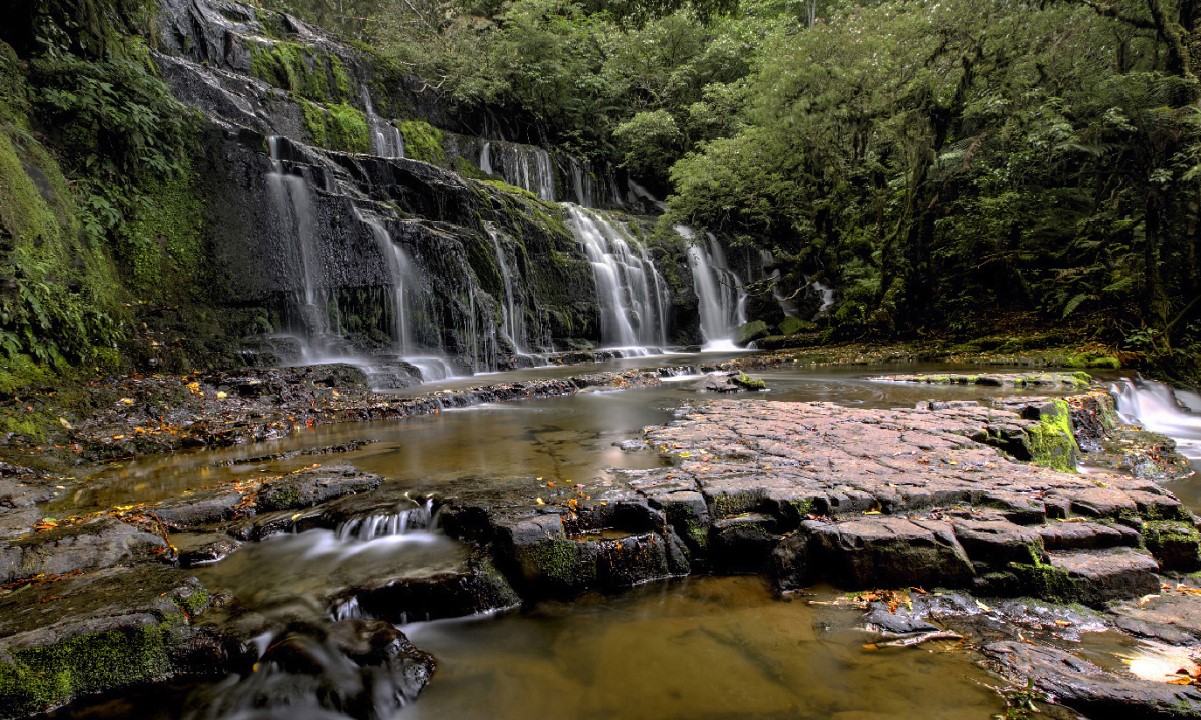
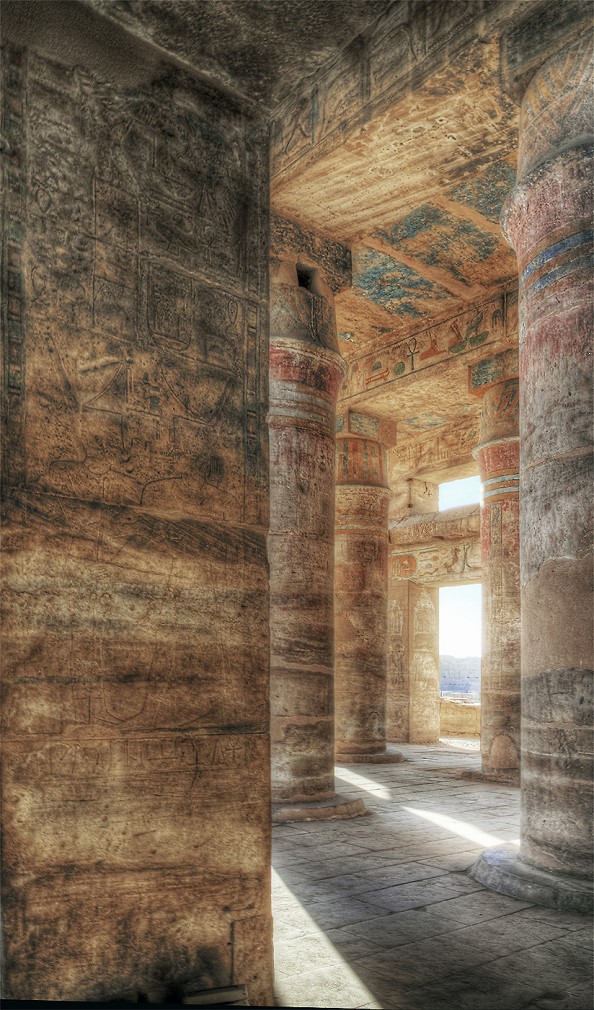
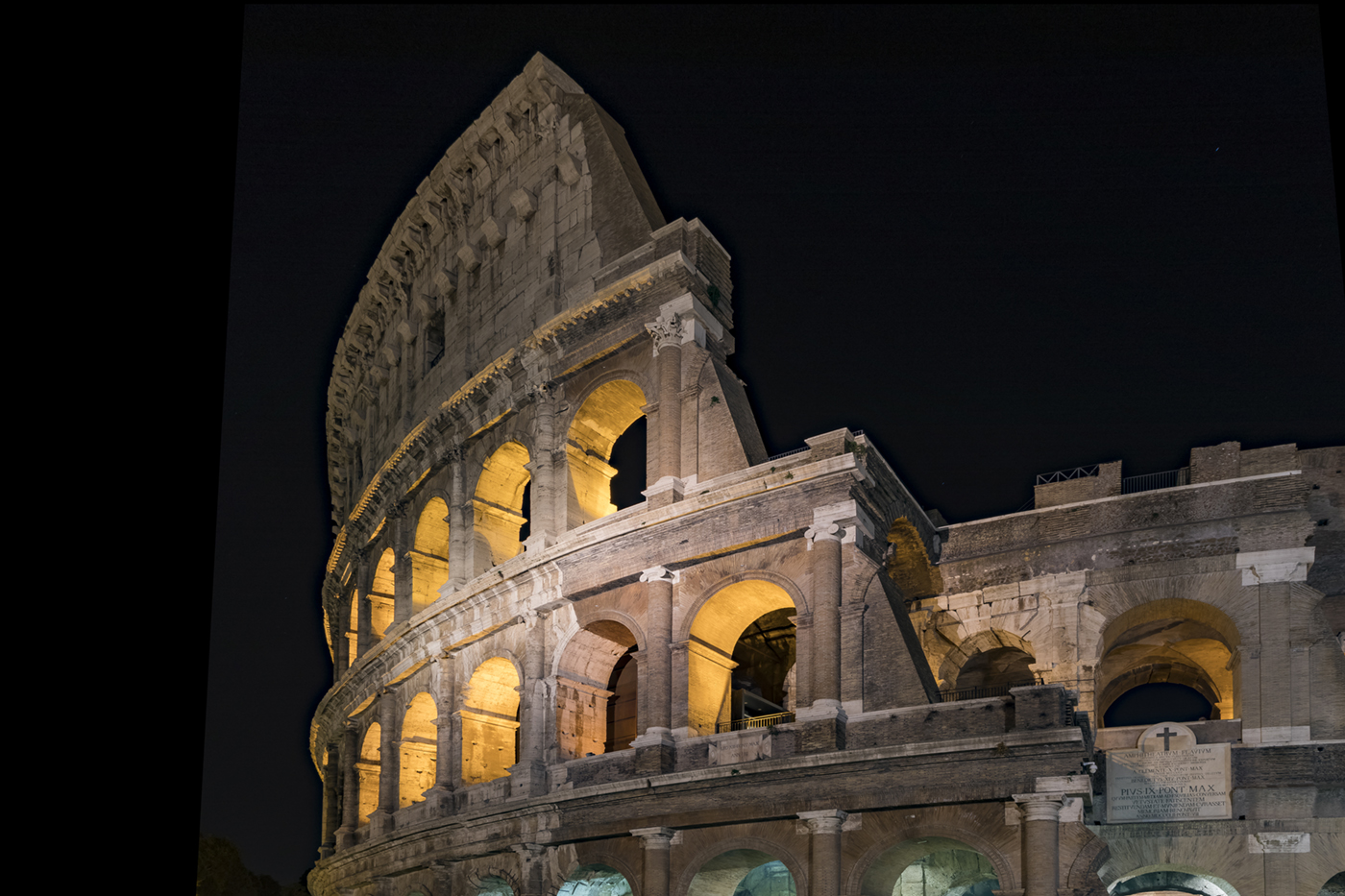
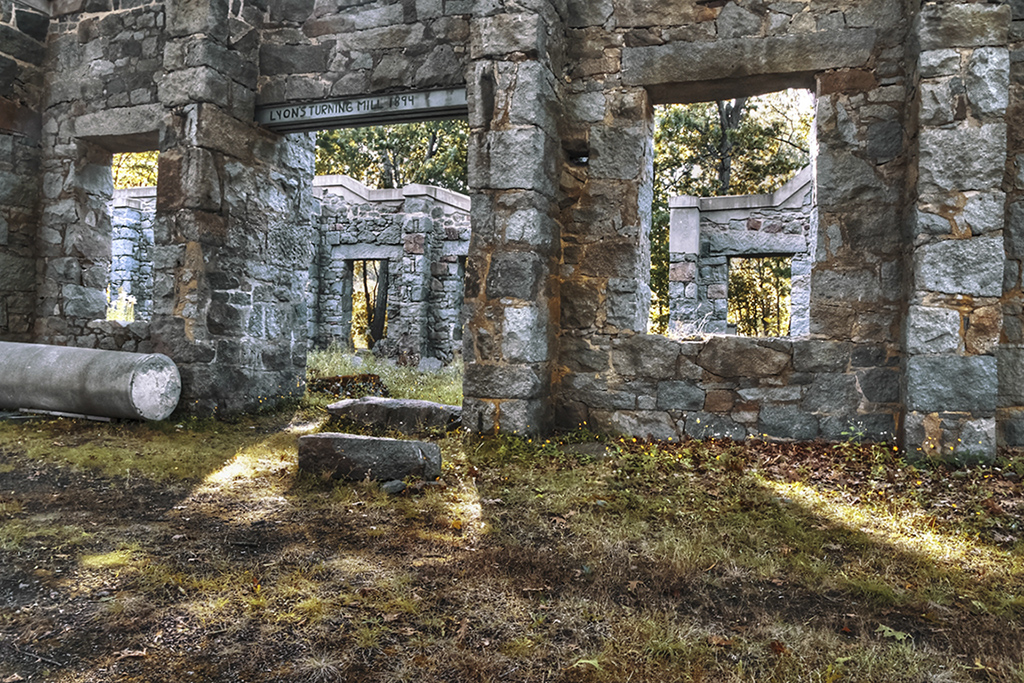
Paul, here's the side with a little dodging. I think it brings out the stonework. |
Feb 12th |
 |
| 46 |
Feb 17 |
Comment |
Wanda, you had to be in military to live there. Too much sunlight, not enough shadows, but I liked the building and the stonework. |
Feb 10th |
| 46 |
Feb 17 |
Reply |
Moert, I'll give it a try. Good suggestion! Thanks. |
Feb 10th |
| 46 |
Feb 17 |
Reply |
Gary, in Photoshop adjustments, at the bottom you will see 7 icons. The forth one from the left if you click on it you will see Color Adjustments. When you click on it you will be able to select one, or more colors to adjust. This will be a layer on the photo. Once you like the colors where you want to adjust them go to you brush on the left side of the photo and click on brush. You can adjust the brush by clicking on your bracket buttons on your keyboard. Once you that the size you desire you use command I on a Mac and the selection will turn Black. Then use you brush on the area you wish to change the color only. Once you to this you should be able to adjust the color to the desired amount. Hope this helps. There is a photographer in Australia that has a course that he sells for a resonable price that will explain in detail many of the things you would like to learn. He is Steve Arnold@processingmastery.com |
Feb 10th |
| 46 |
Feb 17 |
Comment |
Opps sent the wrong photo. My bad! as they say today. |
Feb 2nd |
 |
| 46 |
Feb 17 |
Comment |
Jeffery, I hit the wrong button. Meant to choose file to bring in my adjusted photo. Here it is. |
Feb 2nd |
 |
| 46 |
Feb 17 |
Comment |
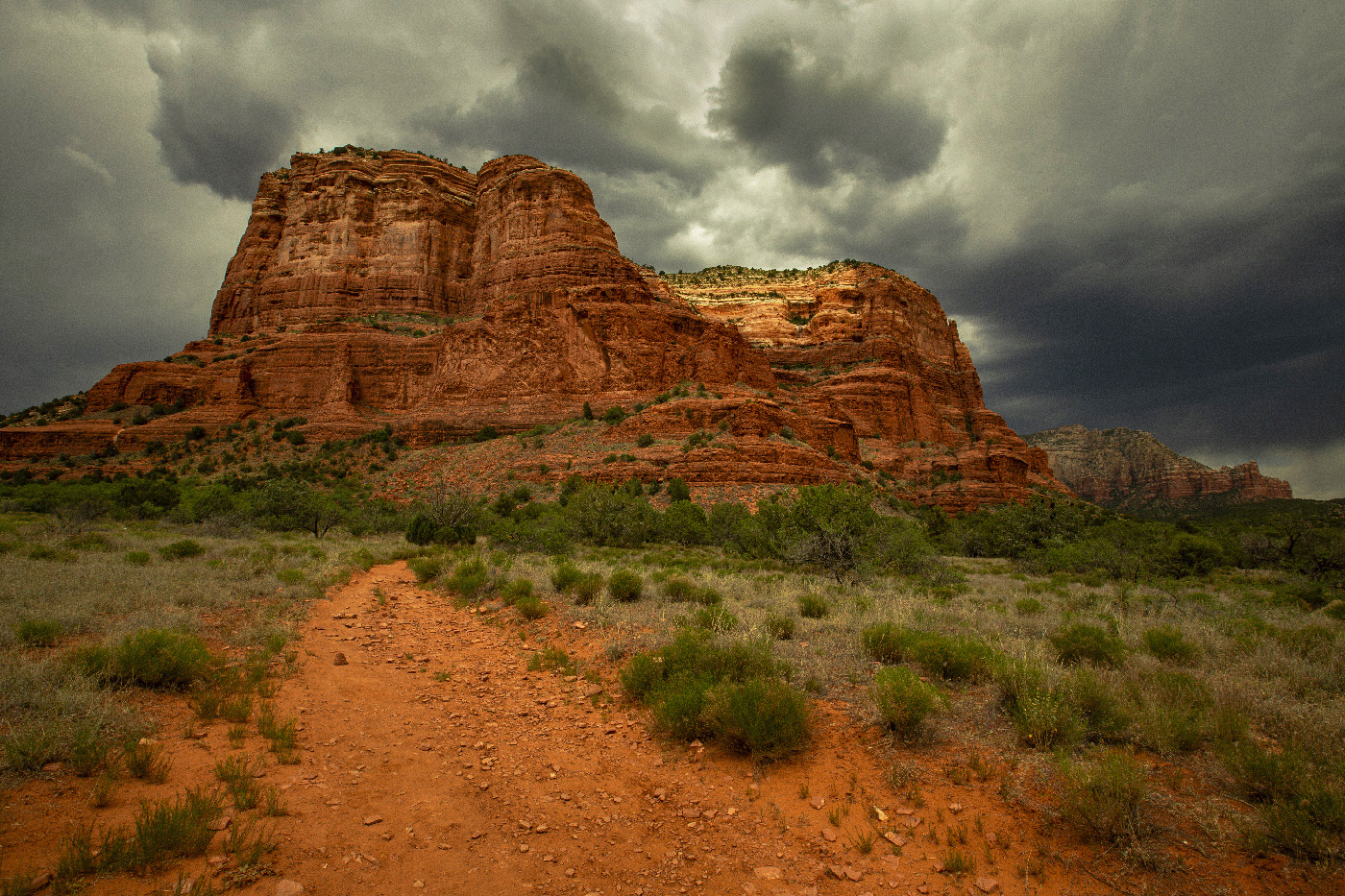
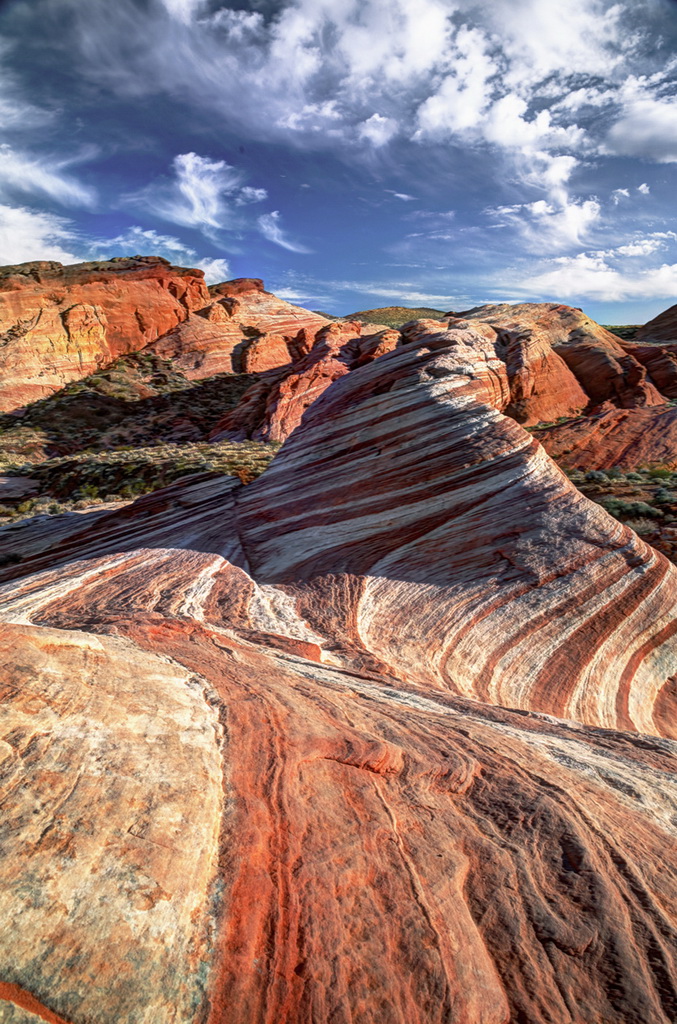
Jeffery, Red Rock is one of my favorite places near Vegas. Have you been to the The Valley of Fire, a state park about 40 miles north of Las Vegas. Great place to see rock formations and petroglyphs.
I liked the composition of the photo, but I think the photo is perhaps too flat and too sharpened. I have reworked you photo to make some adjustsments so the face and the lady are the focal points. I also soften the clouds a bit.
I'm sure each person will have their own view of the photo. Your's is as good as mine, or better. |
Feb 2nd |
| 46 |
Feb 17 |
Comment |
Wanda, you've really done yourself a good one. I'm impressed with the way you merged the three photos. The final result is outstanding. Did you have any issues with noise? If so, what program did you use. |
Feb 1st |
| 46 |
Feb 17 |
Comment |
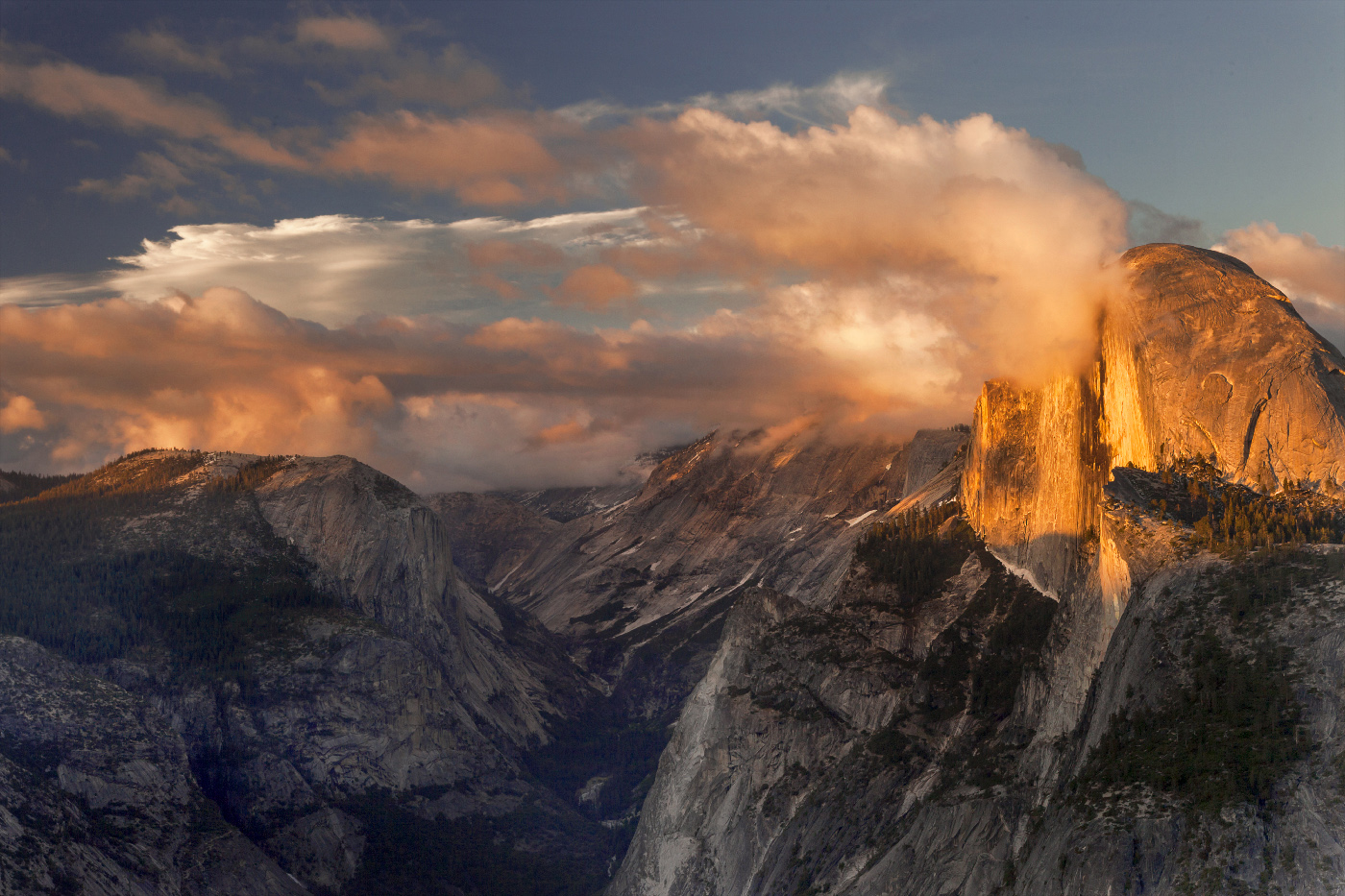
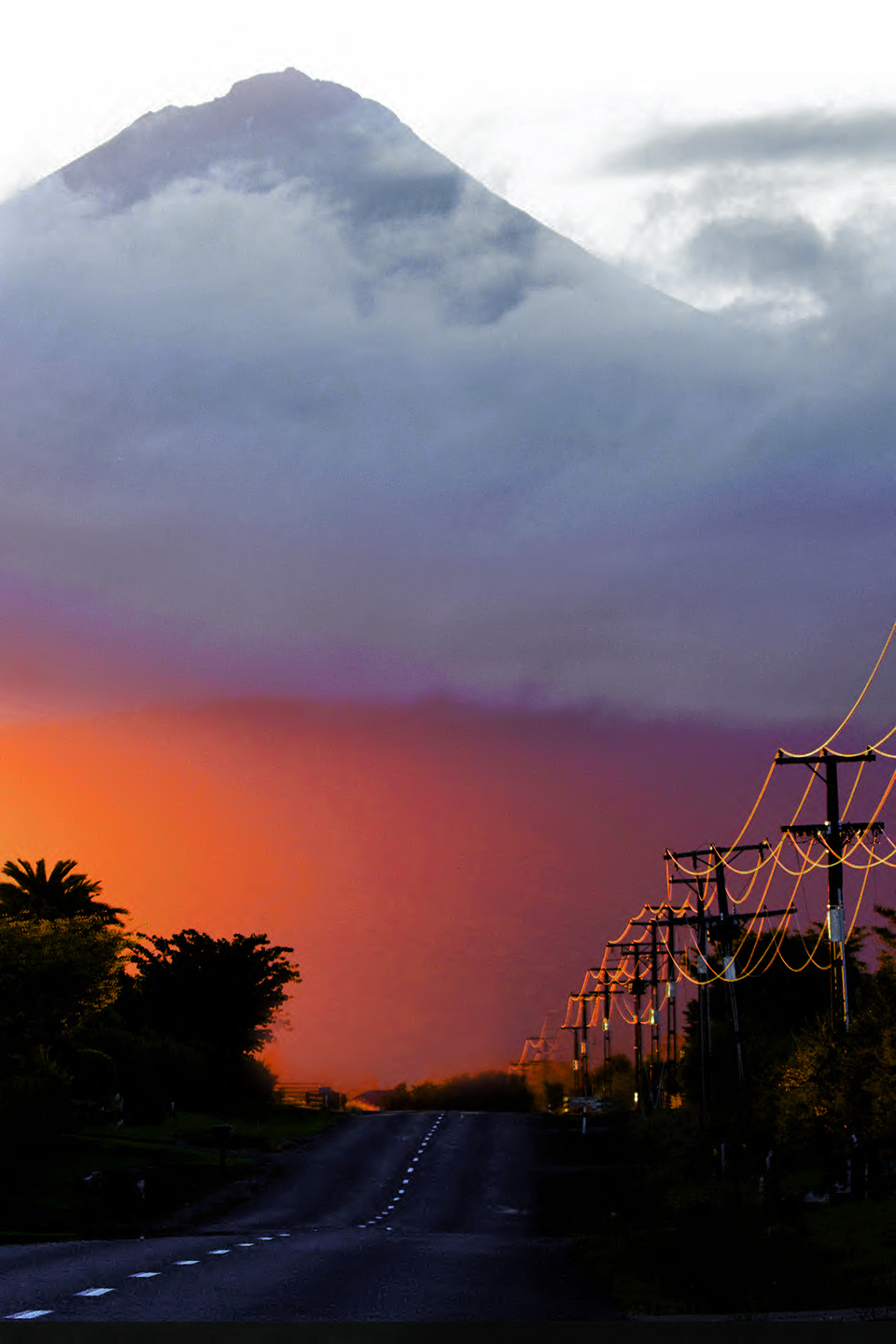
Hi Paul, I liked the way the stone work in the mountains was brought out in detail and color with the clouds. The detail in the foreground trees is very nice. I would like to know your setting and the three photos you worked from to develop the final photo. |
Feb 1st |
| 46 |
Feb 17 |
Comment |
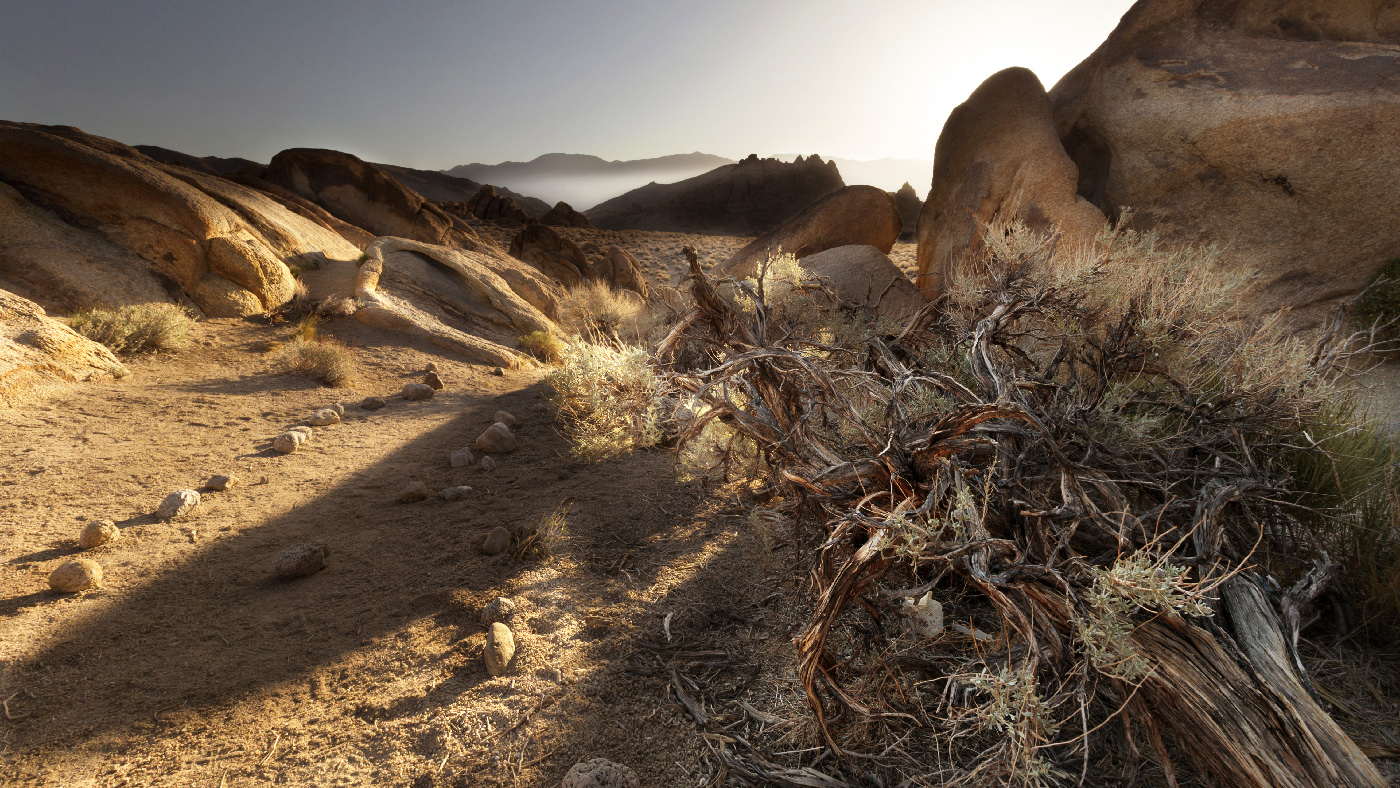
Walter, I enjoyed this photo and the work you did on it to bring out the detail. I especially liked the detail with the flower in the left lower side and the plants in the roots. Nice crop, Very well done. |
Feb 1st |
| 46 |
Feb 17 |
Comment |
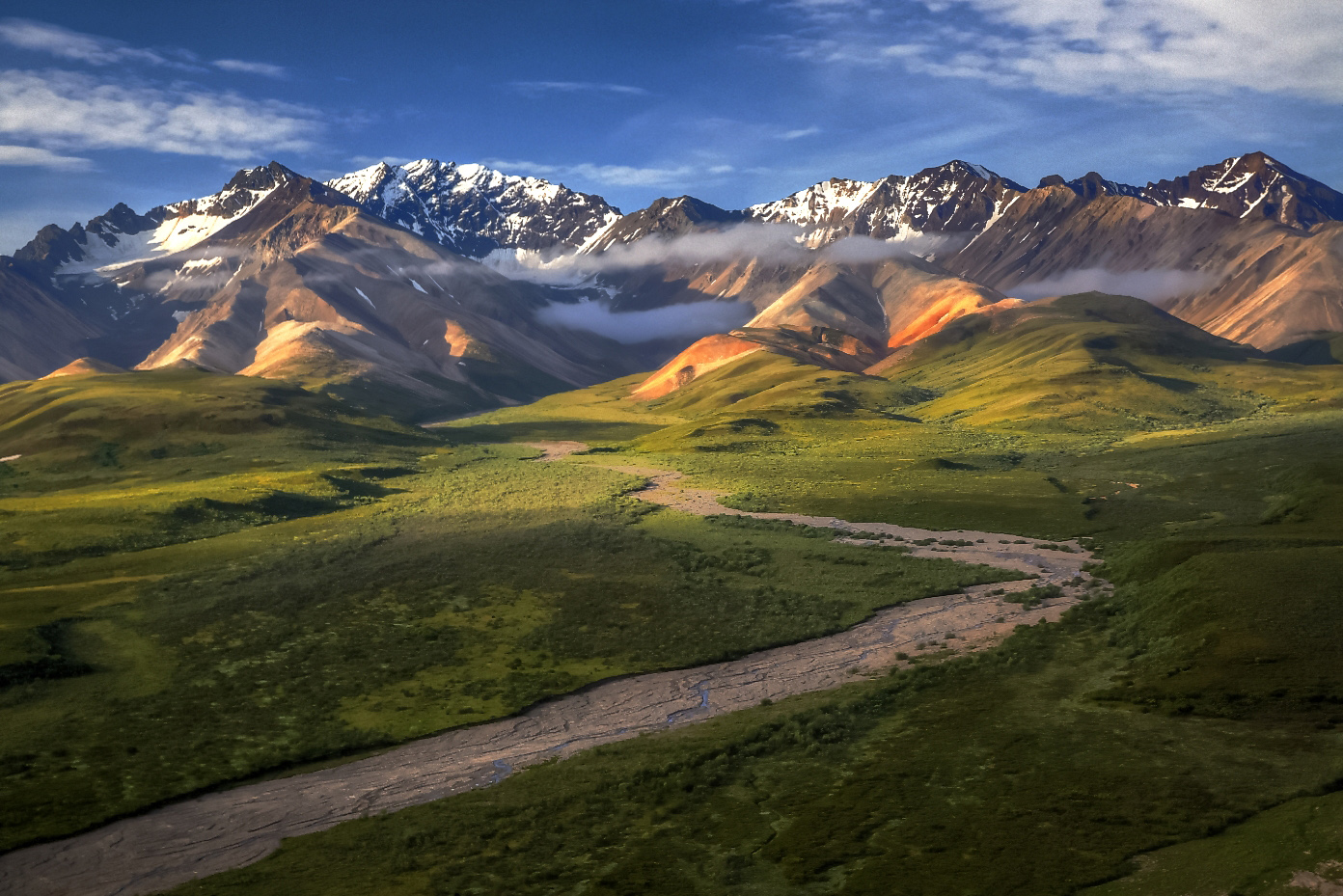
Gary, I'm impressed. Very nice work to take what was an ok photo to one that really brings out the reason people go to Alaska. I really enjoyed your description of the process you used to adjust the photo. Very Creative! Hope you enjoyed Alaska as much as I have. |
Feb 1st |
9 comments - 2 replies for Group 46
|
13 comments - 2 replies Total
|