|
| Group |
Round |
C/R |
Comment |
Date |
Image |
| 48 |
Jul 17 |
Reply |
Beverly,
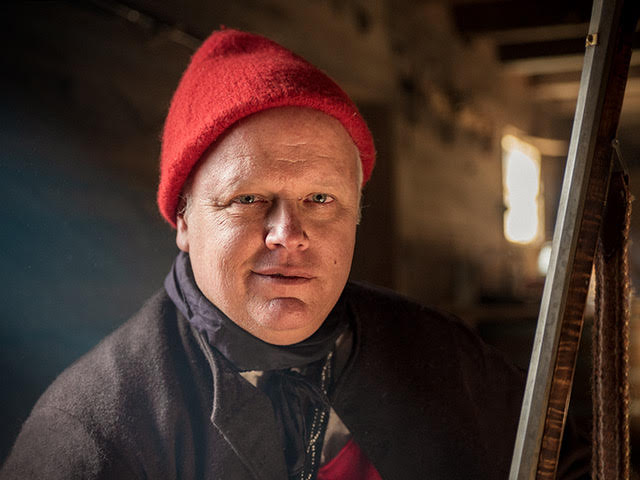
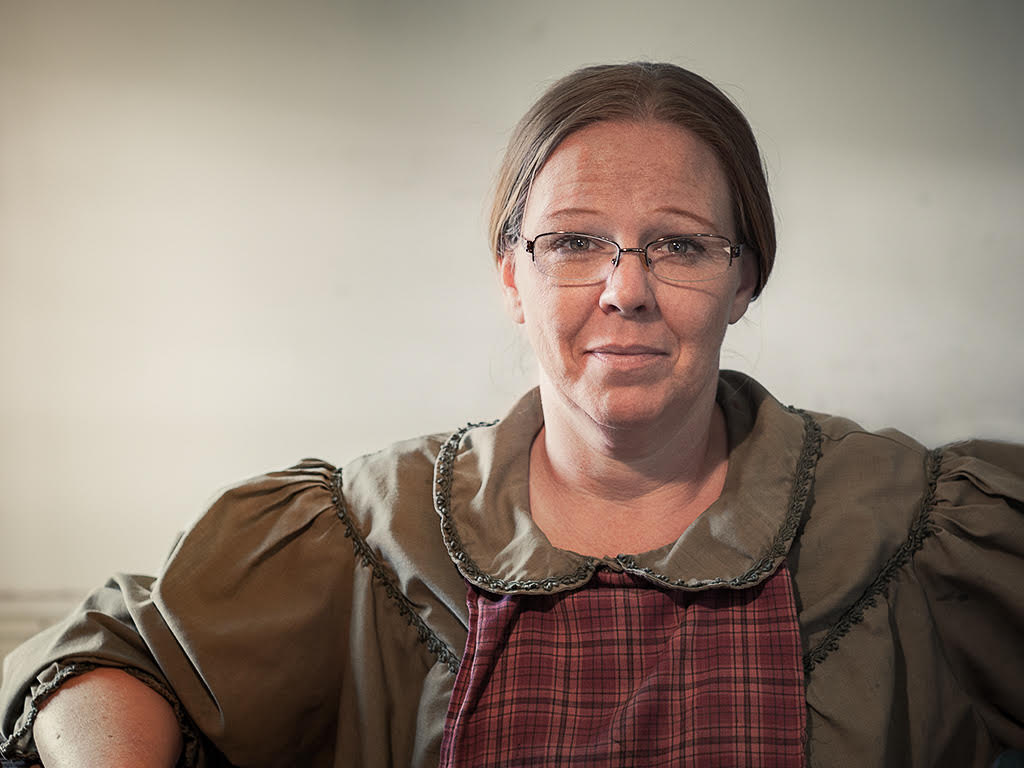
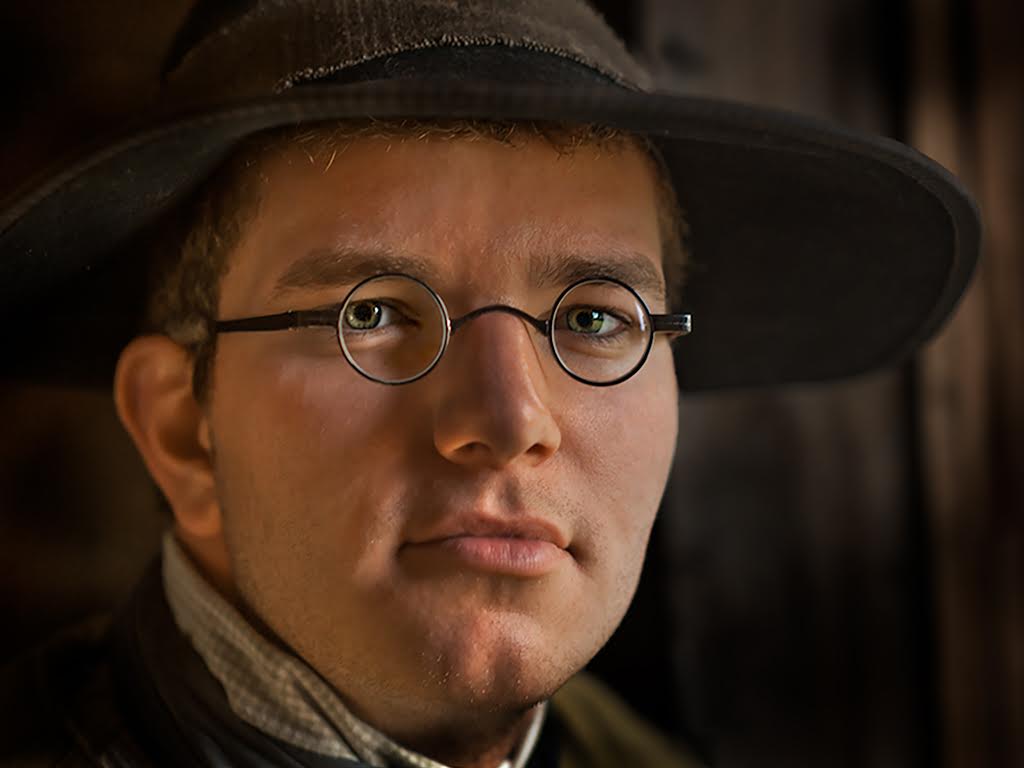
The photoshop processing used about 15 layers in total. But for the background.. a clone stamp tool and the spot healing brush was used to remove the unwanted distractions. A mask was made to isolate just the background and then curves was used to correct the backgound color ( the original light from the window had a blue cast ). In the final steps, additional light was added back into the image to try an simulate soft light streaming from the window on to the subject's left side by using a soft brush at low levels of opacity with a white background color. I made final adjustment to each level using the opacity sliders to get the look I wanted. Hopefully this was helpful. |
Jul 17th |
| 48 |
Jul 17 |
Comment |
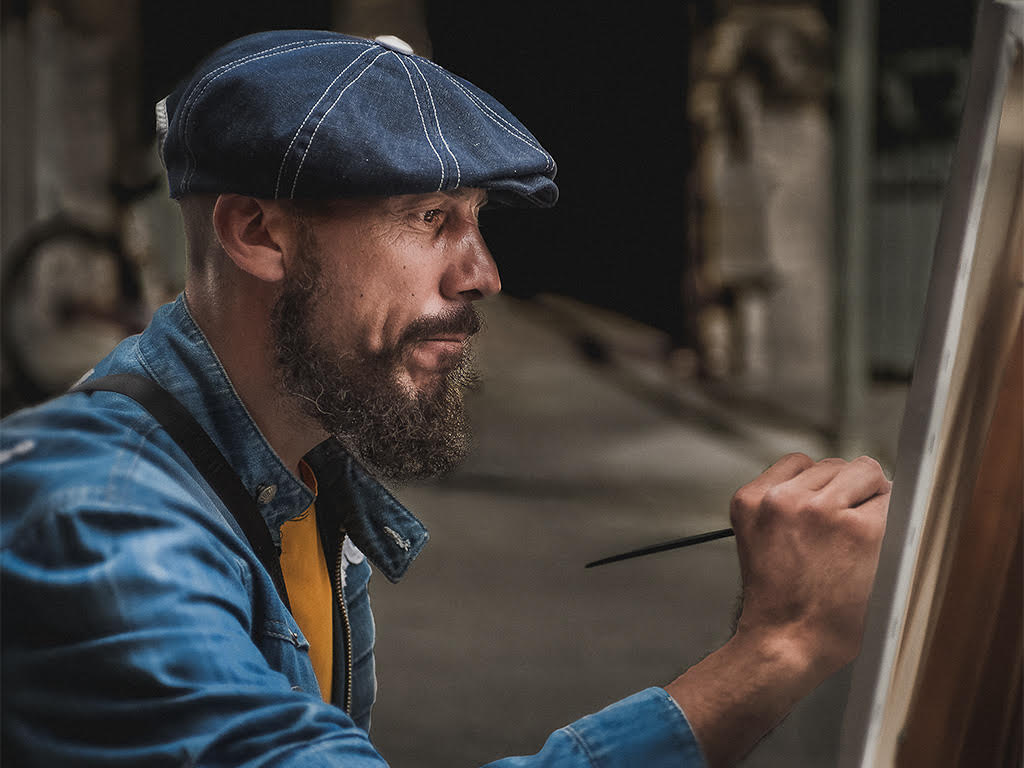
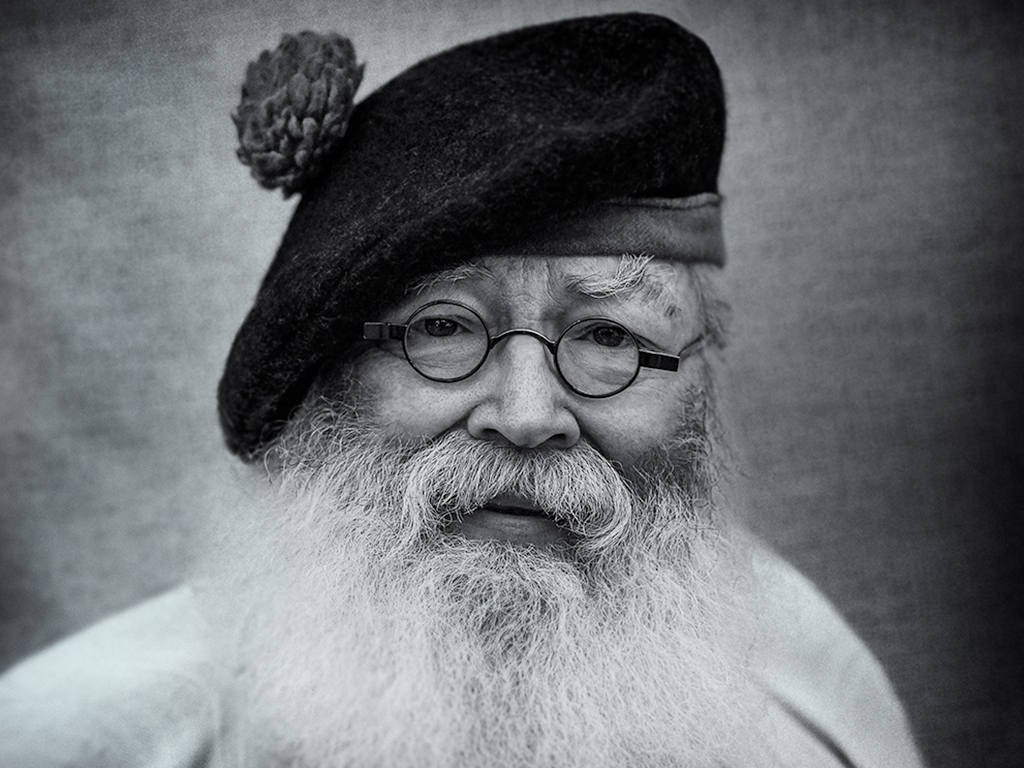
This is an interesting image and there is a lot of creative pathways depending where you might want to take it. It is lovely the way it is . I think you were right to darken the corners. it appeares Beverly darkened the green leaf on the left which I think is going in the right direction. |
Jul 8th |
| 48 |
Jul 17 |
Comment |
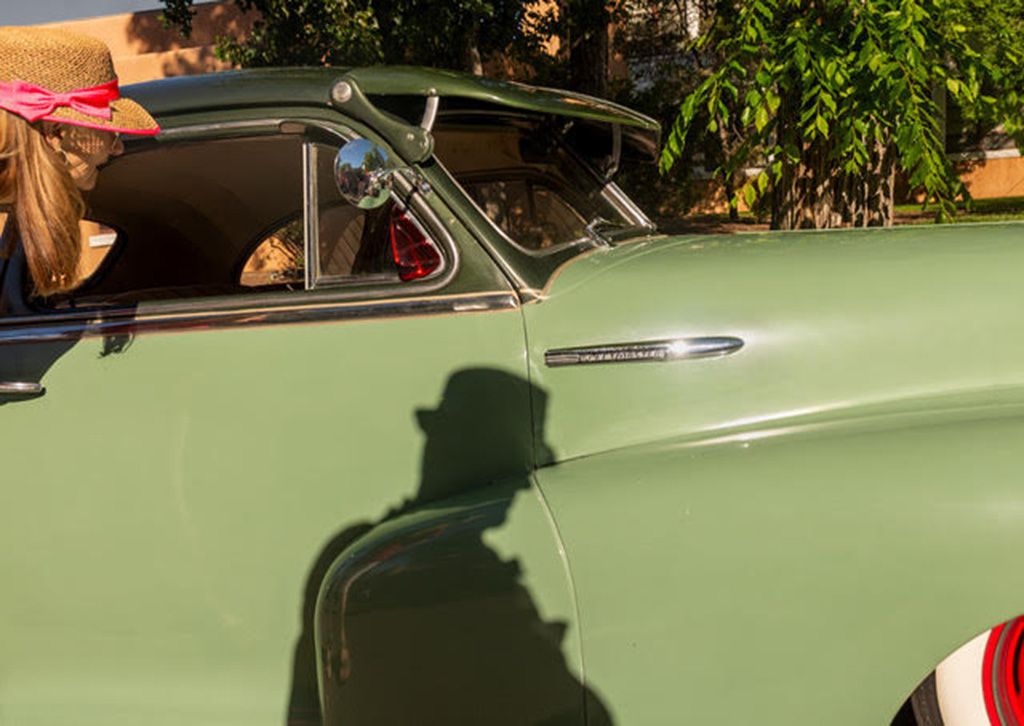
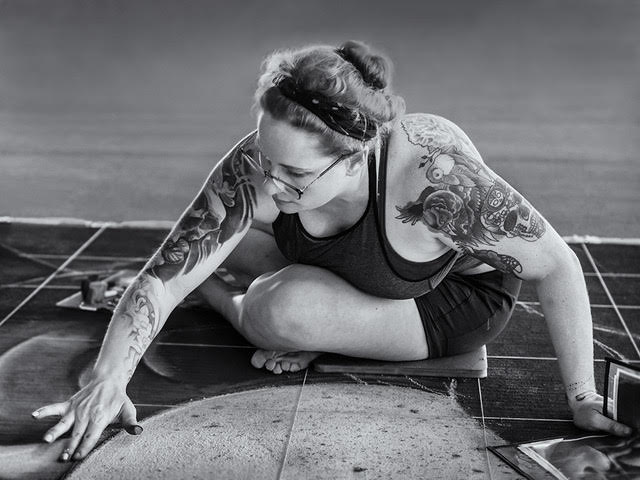
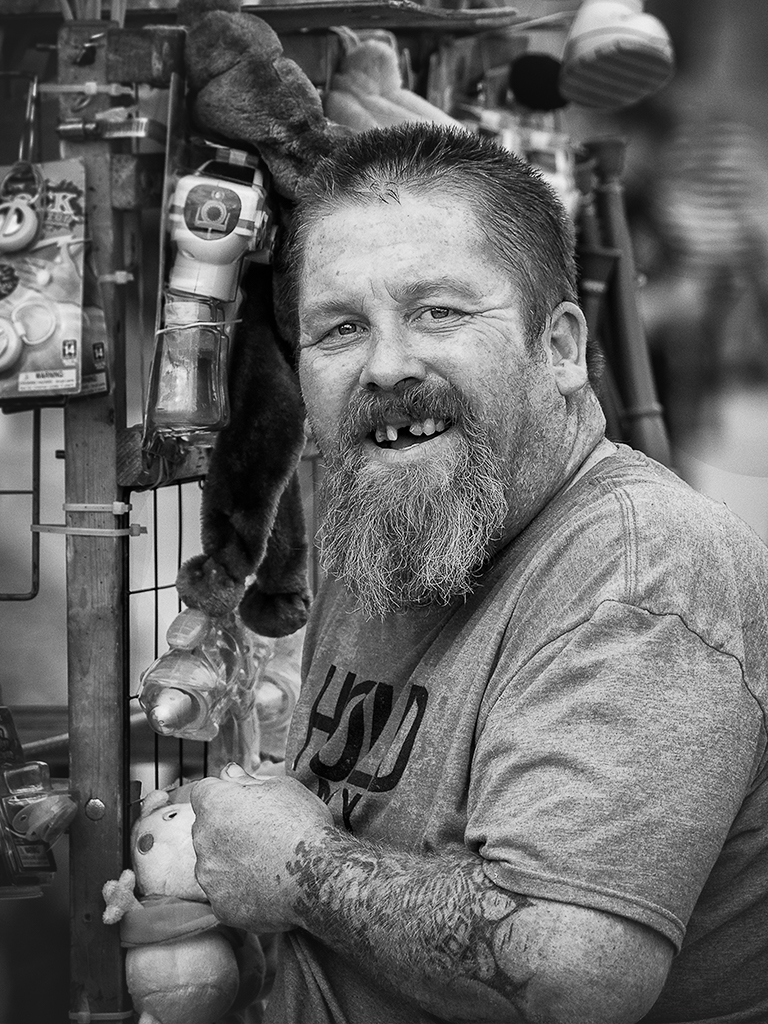
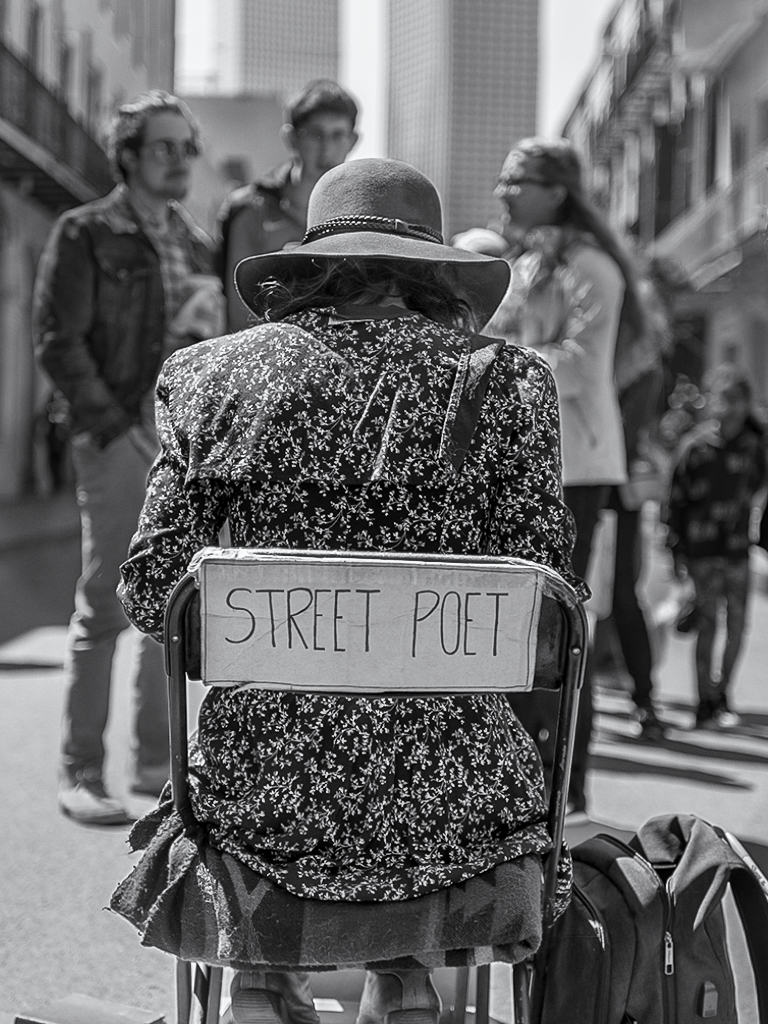
I feel like I have a front row seat. Good call on processing the image in BW. Nice job! |
Jul 8th |
| 48 |
Jul 17 |
Comment |
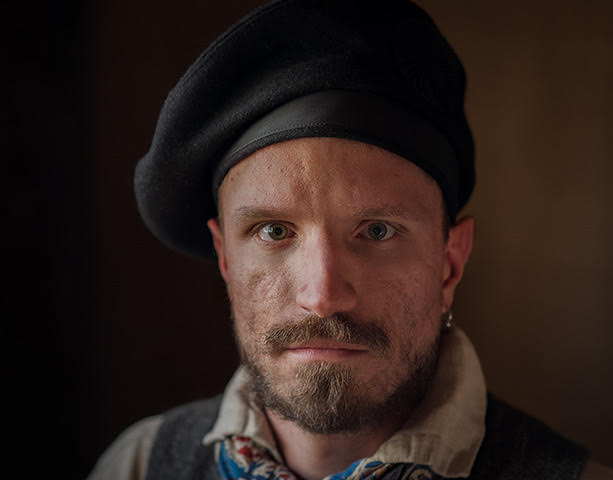
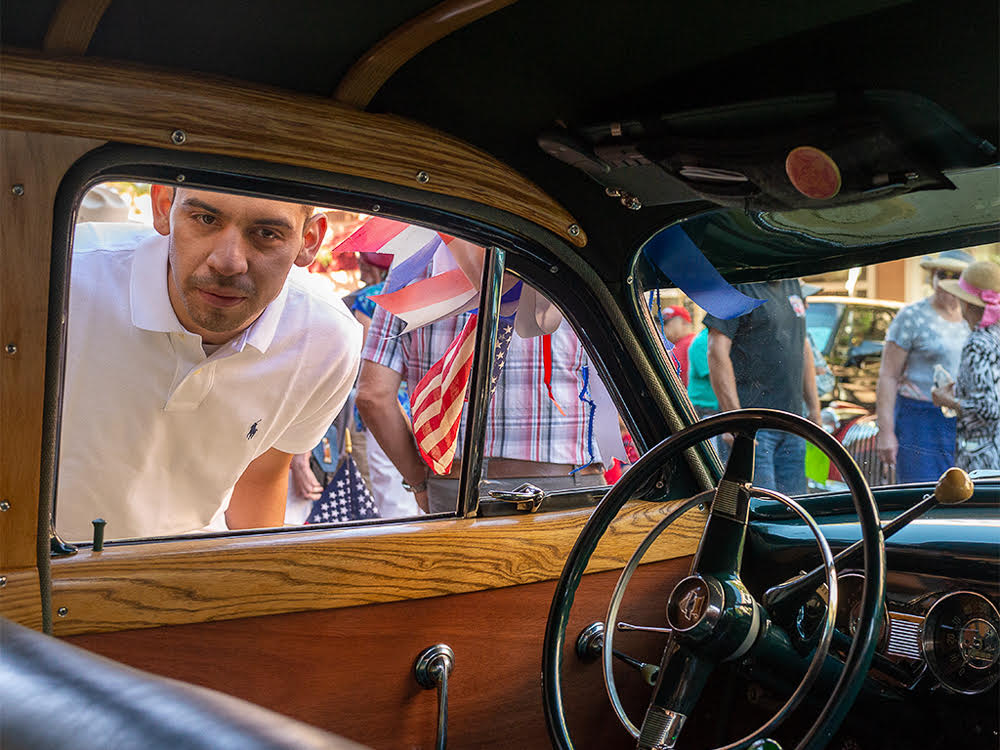
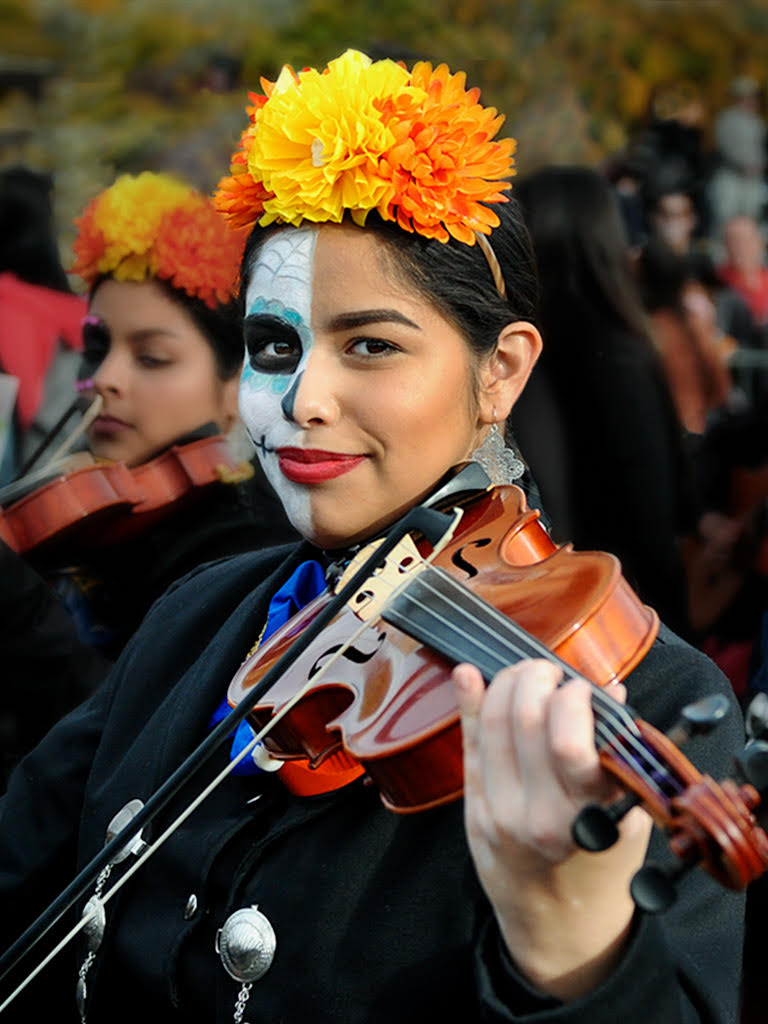
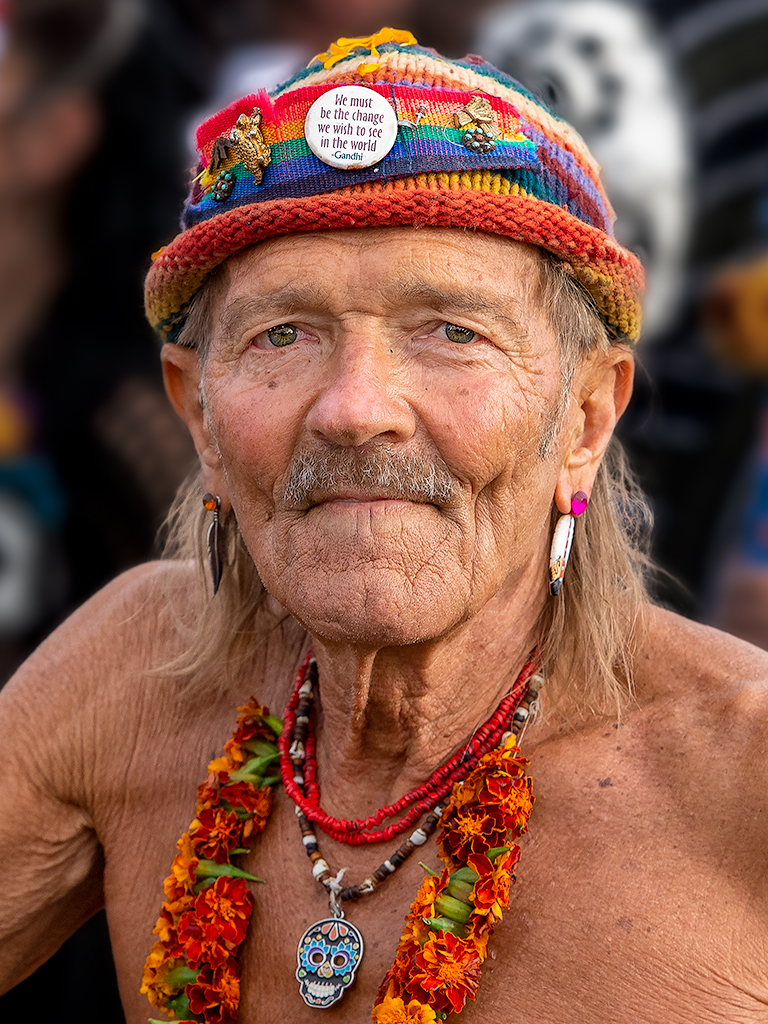
Good job on removing the "black thing" The dark backgound makes the colors pop. |
Jul 8th |
| 48 |
Jul 17 |
Reply |
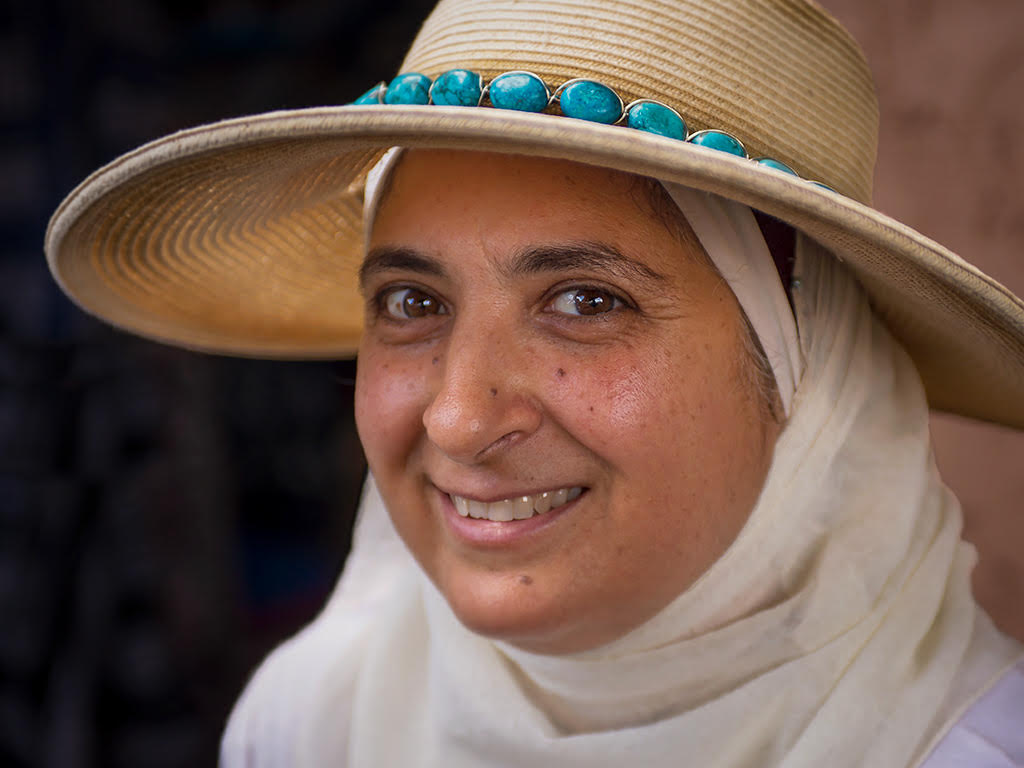
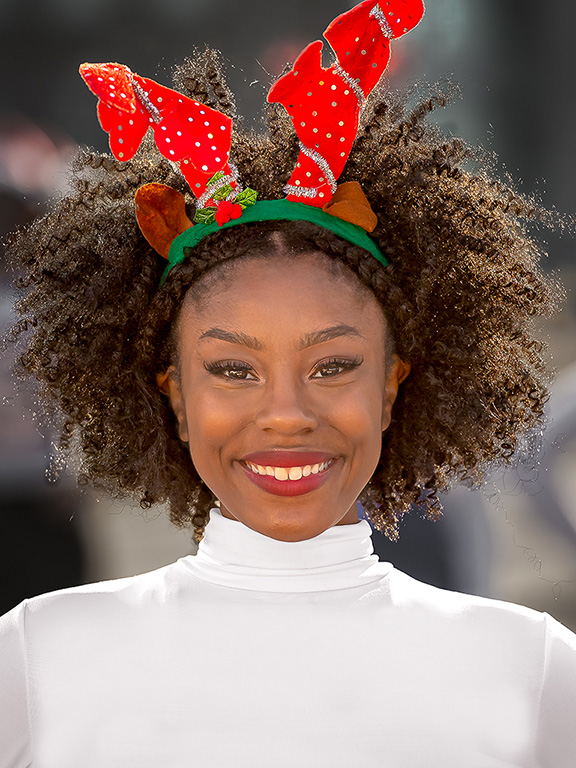
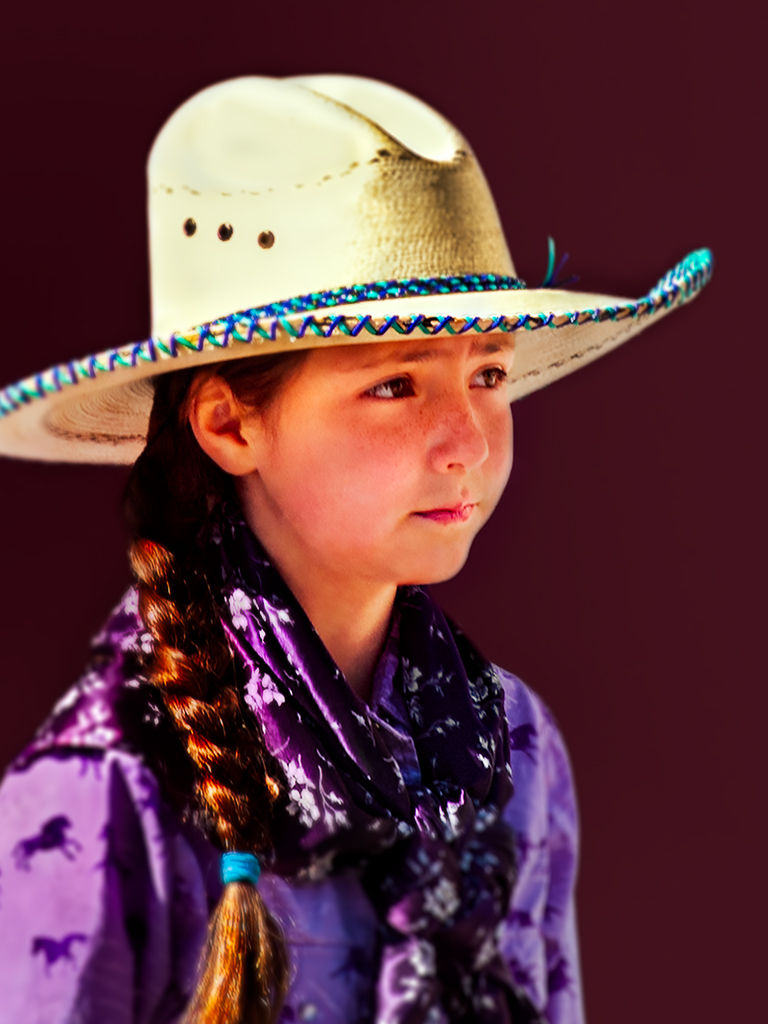
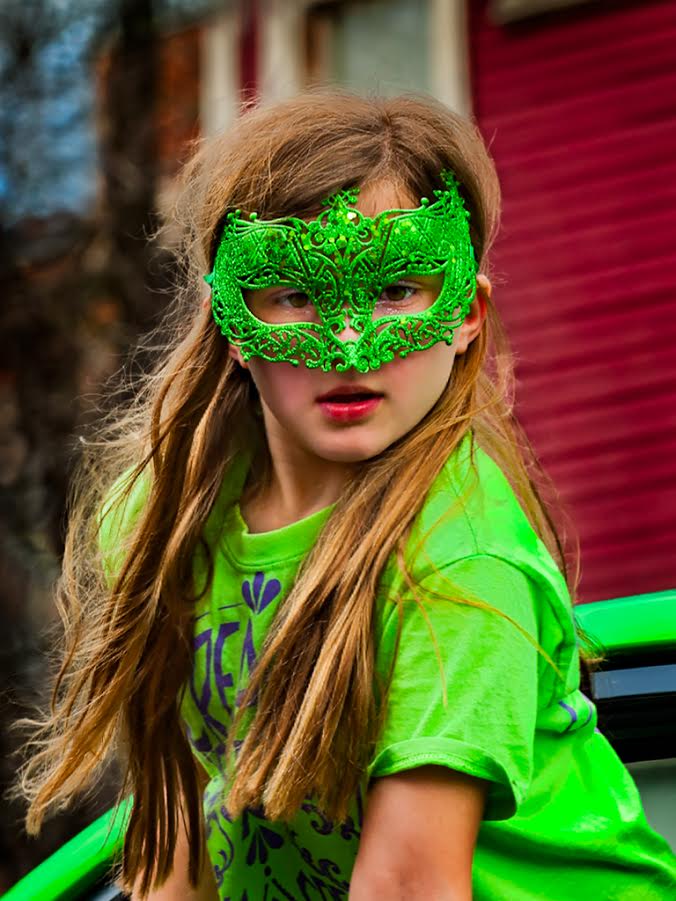
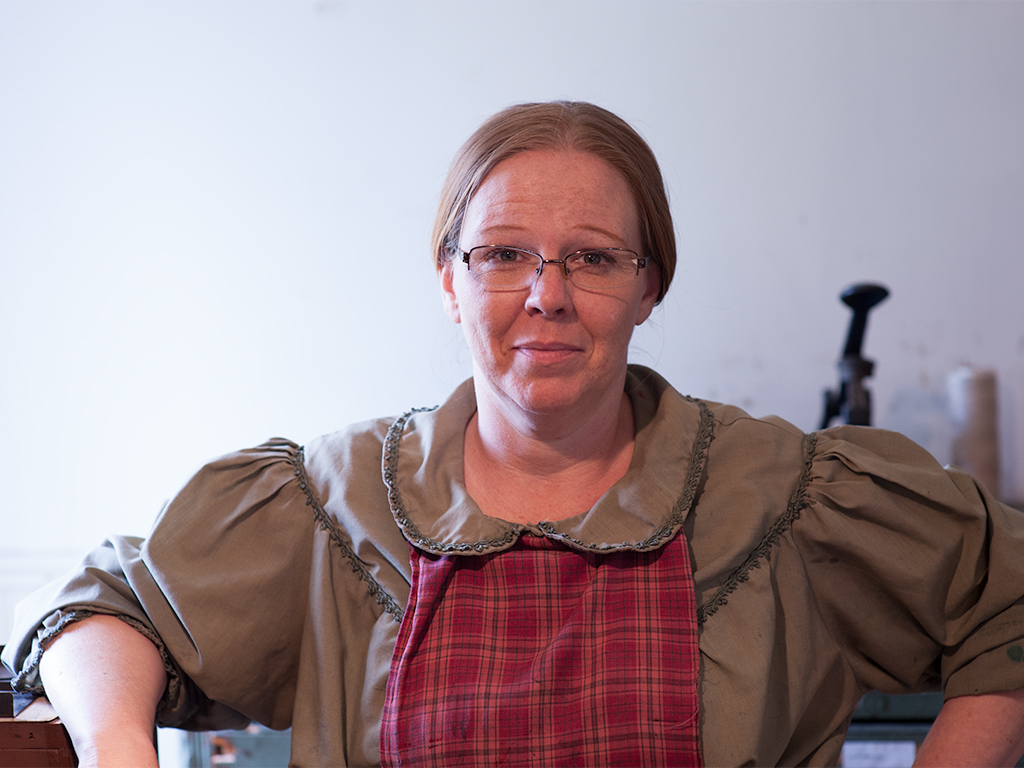
Margaret, as you can see from the original image the portrait would have been fine with some minor cropping and clean up. But it seemed to me the subject was too distant. I wanted to bring her in closer to reveal more of her personality and see if I could try and get a better connection with the subject. With a closer view I tried to bring out the sparkle in her eyes reveal some attitude through her facial expression. |
Jul 8th |
| 48 |
Jul 17 |
Reply |
Beverly, here is the original. |
Jul 8th |
 |
3 comments - 3 replies for Group 48
|
3 comments - 3 replies Total
|