|
| Group |
Round |
C/R |
Comment |
Date |
Image |
| 48 |
Jun 17 |
Reply |
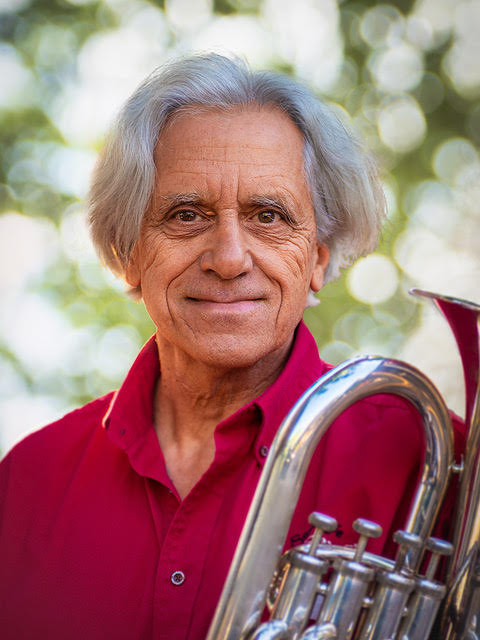
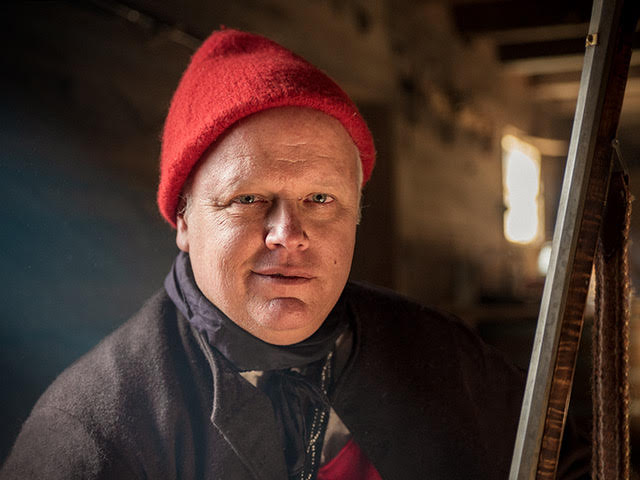
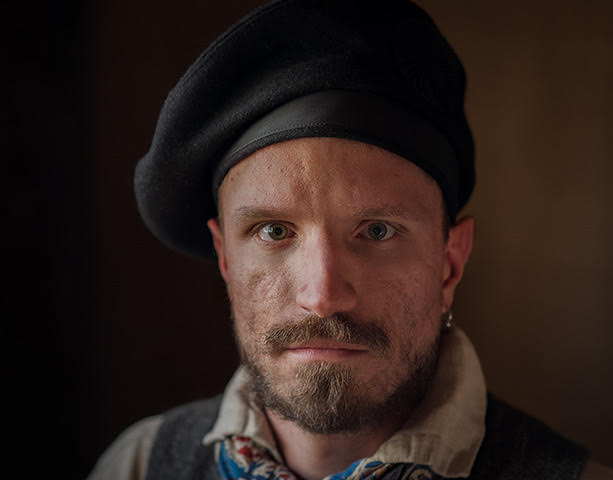
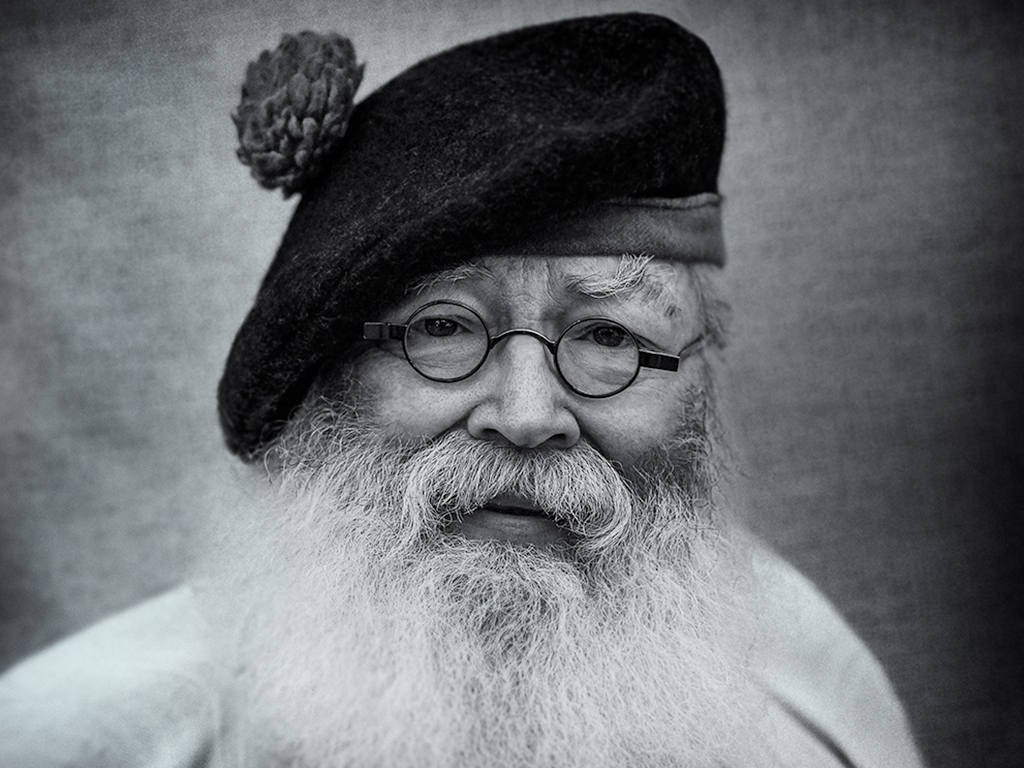
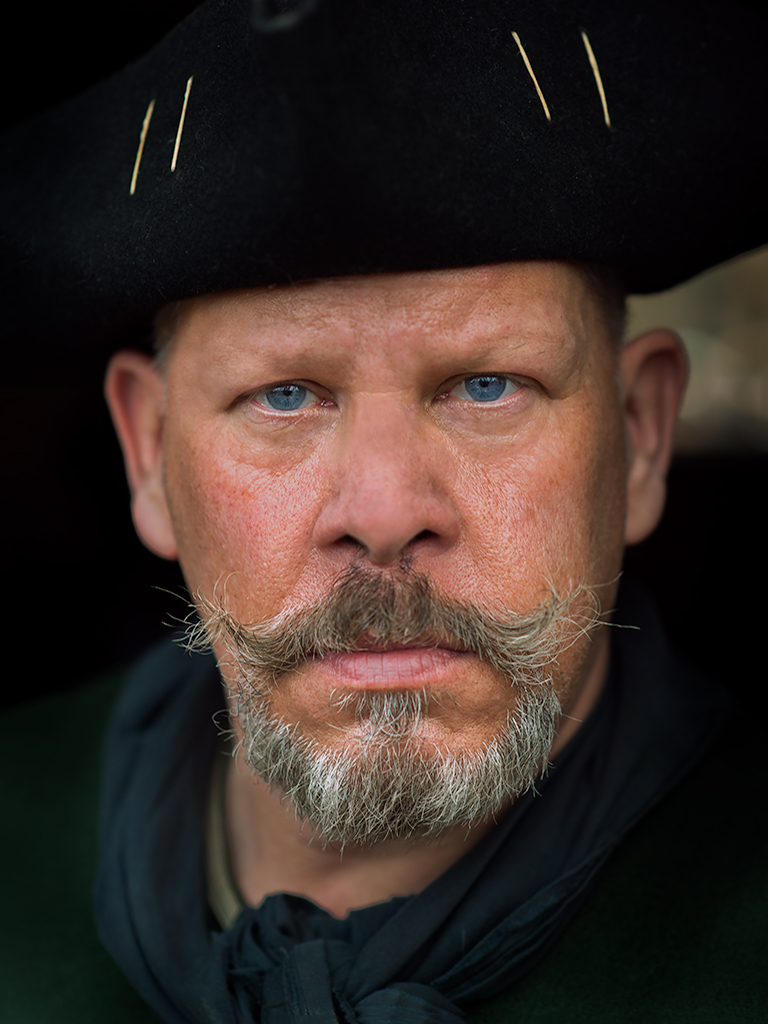
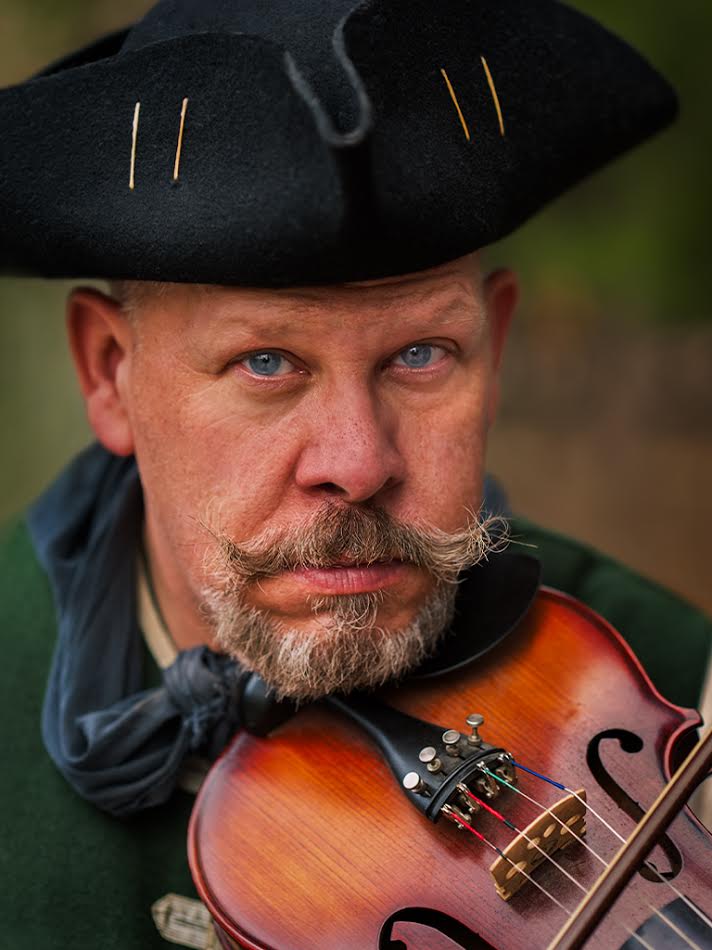
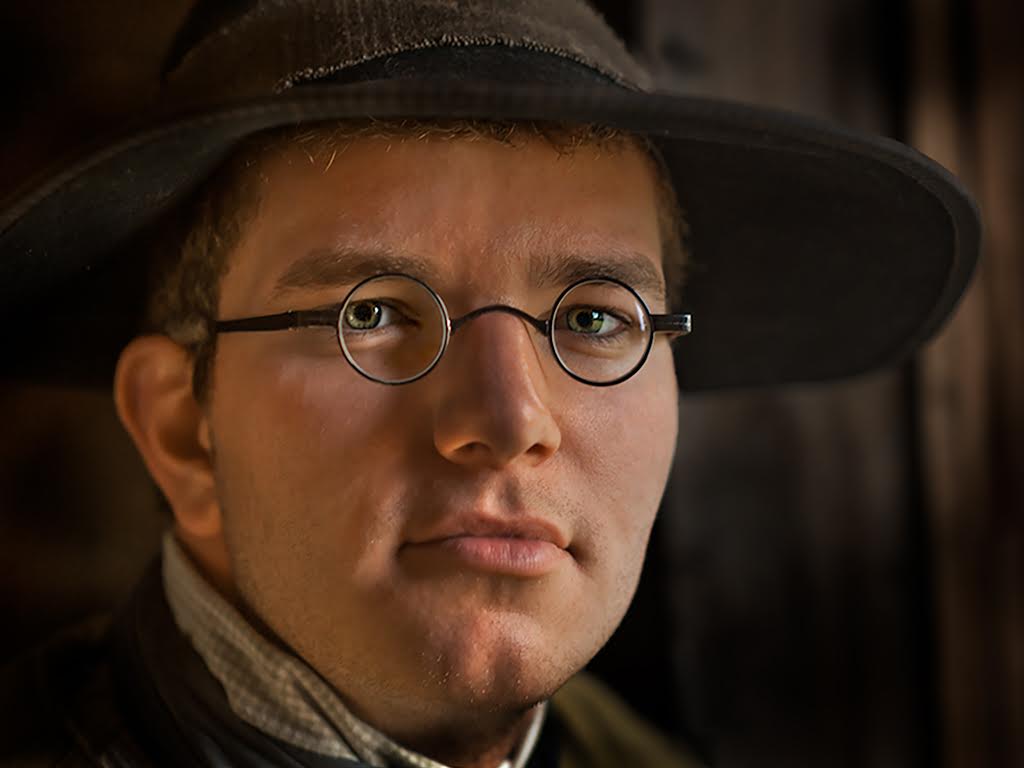
Margaret, I learned this technique with Chris Orwig's Photoshop CS5: Portrait Retouching through Lynda.com .You can watch it by signing up for a free trial. Chris also covers adjusting eye color and eye whites. I have taken several of his photoshop courses and have been very pleased with the quality of instruction.
There are many links on the web that discuss using a high pass filter for sharpening eyes. Many people will use the overlay filter, but I found the soft light filter or even hard light filter works well for eye sharpening. If you think it is too much, you can back off by adjusting the opacity slider. |
Jun 27th |
| 48 |
Jun 17 |
Comment |
I like the composition. One other suggestion would be to play around with the highlights and shadows on the water around the boats. If you add more light in the sky it seems there should be more shadow on the water in the boat foreground. |
Jun 19th |
| 48 |
Jun 17 |
Comment |
Nancy, very lovely. I would not change a thing. |
Jun 19th |
| 48 |
Jun 17 |
Comment |
Love the sunset. The image is beautiful the way it is . A few ideas for refinement would be to try a crop on the left side where the water opens the corner to the tree line. I would play around with the shadows and highlights on the water using your brush to bring the viewer's eye back to the center of the photo. |
Jun 19th |
| 48 |
Jun 17 |
Comment |
Nice image. I do not think it is a negative that the left king is a little soft. |
Jun 19th |
| 48 |
Jun 17 |
Reply |
I agree with the crop suggestion. |
Jun 19th |
| 48 |
Jun 17 |
Reply |
Margaret, in this case there was a little light already in the eye and I used a photoshop trick to bring out the sparkle in his eyes using a high pass filter and a soft light blending mode. I use this technique on most portraits to sharpen the eyes of my subjects. |
Jun 19th |
4 comments - 3 replies for Group 48
|
4 comments - 3 replies Total
|