|
| Group |
Round |
C/R |
Comment |
Date |
Image |
| 78 |
Jun 25 |
Reply |
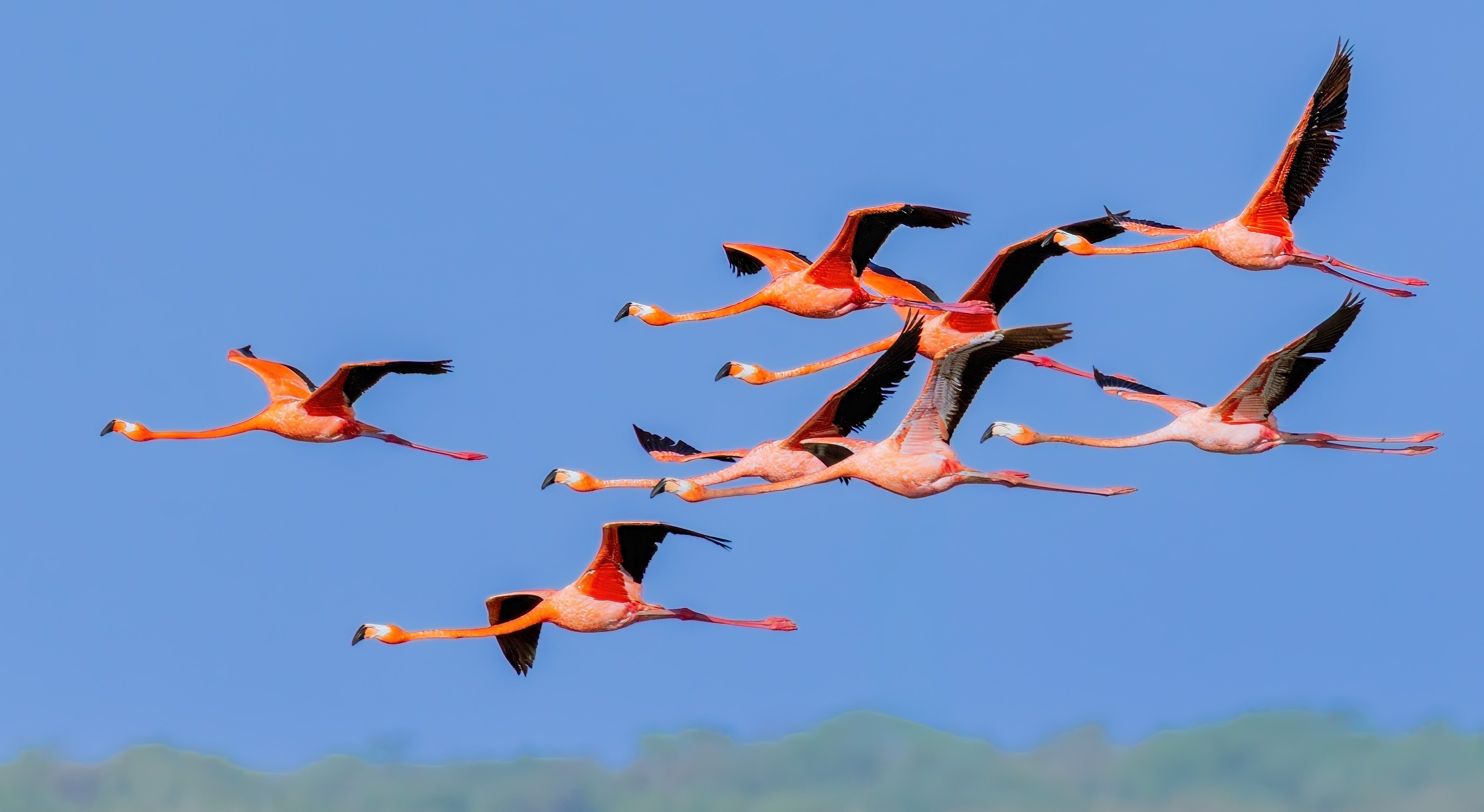
I posted my version that Robert recommended, as well as an additional pic of Flamingoes dancing on the surface of the ocean. And check out the version I did with your suggestions a while back. I'd love your thoughts. Thanks! |
Jun 30th |
| 78 |
Jun 25 |
Reply |
I posted my version that Robert recommended, as well as an additional pic of Flamingoes dancing on the surface of the ocean. I'd love your thoughts. Thanks! |
Jun 30th |
| 78 |
Jun 25 |
Reply |
I posted my version that you recommended, as well as an additional pic of Flamingoes dancing on the surface of the ocean. I'd love your thoughts. Thanks! |
Jun 30th |
| 78 |
Jun 25 |
Reply |
I posted my version that Robert recommended, as well as an additional pic of Flamingoes dancing on the surface of the ocean. I'd love your thoughts. Thanks! |
Jun 30th |
| 78 |
Jun 25 |
Reply |
I am back from Idaho and am watching The Americas Episode 7. Just listening to Tom Hanks is worth it. How incredible! Thanks! |
Jun 30th |
| 78 |
Jun 25 |
Comment |
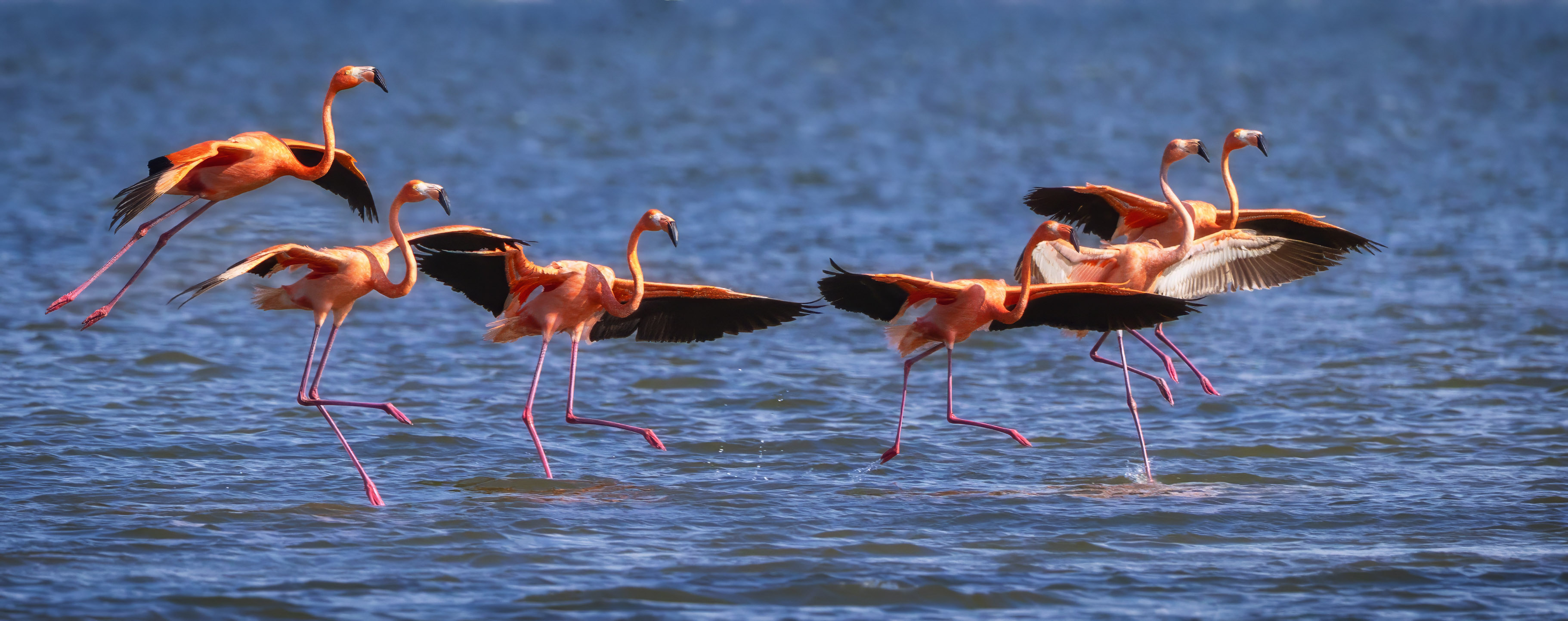
I was frustrated with my other versions, so thought I'd try another image. Thoughts, please! |
Jun 30th |
 |
| 78 |
Jun 25 |
Comment |
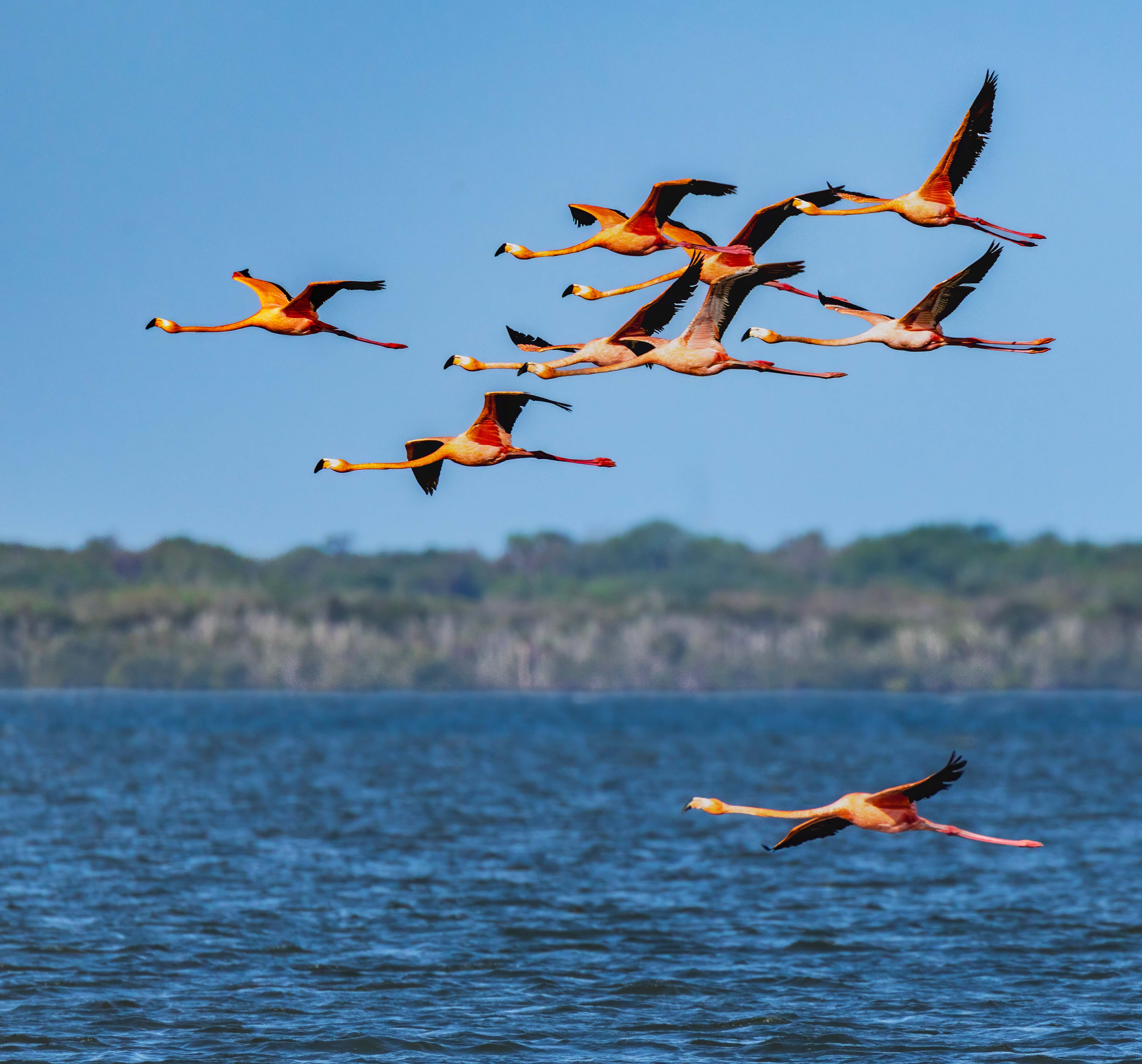
Robert suggested I include some water and a lone flamingo to add interest. I didn't "finish" the image with taking care of halos, etc, as I wanted to get your opinions before I continued. Let me know what you think.
I also created another image to get your thoughts on it, also! Check it out below. |
Jun 30th |
 |
| 78 |
Jun 25 |
Reply |
Interesting version! Let me play with it! Thanks! |
Jun 24th |
| 78 |
Jun 25 |
Reply |
Thanks, Ed! Take a look at my new version and let me know your thoughts on my changes based on your suggestions. Thanks! |
Jun 15th |
| 78 |
Jun 25 |
Reply |
Pei-Fan, Thanks for your wonderful compliments! Please take a look on my new version and let me know your feedback. |
Jun 15th |
| 78 |
Jun 25 |
Reply |
Thanks for your TV show recommendation! Please take a look at my new version posted below. Let me know what you think! |
Jun 15th |
| 78 |
Jun 25 |
Reply |
Thanks for your thoughts! Pei-Fan had some interesting thoughts on right to left images. I made some modifications to my image, I'd love your thoughts on the new version I have posted below. |
Jun 15th |
| 78 |
Jun 25 |
Reply |
Thanks for your thoughts, Sunil! I've added a reworked version. I'd love your feedback, especially since you liked my first version so well! |
Jun 15th |
| 78 |
Jun 25 |
Comment |
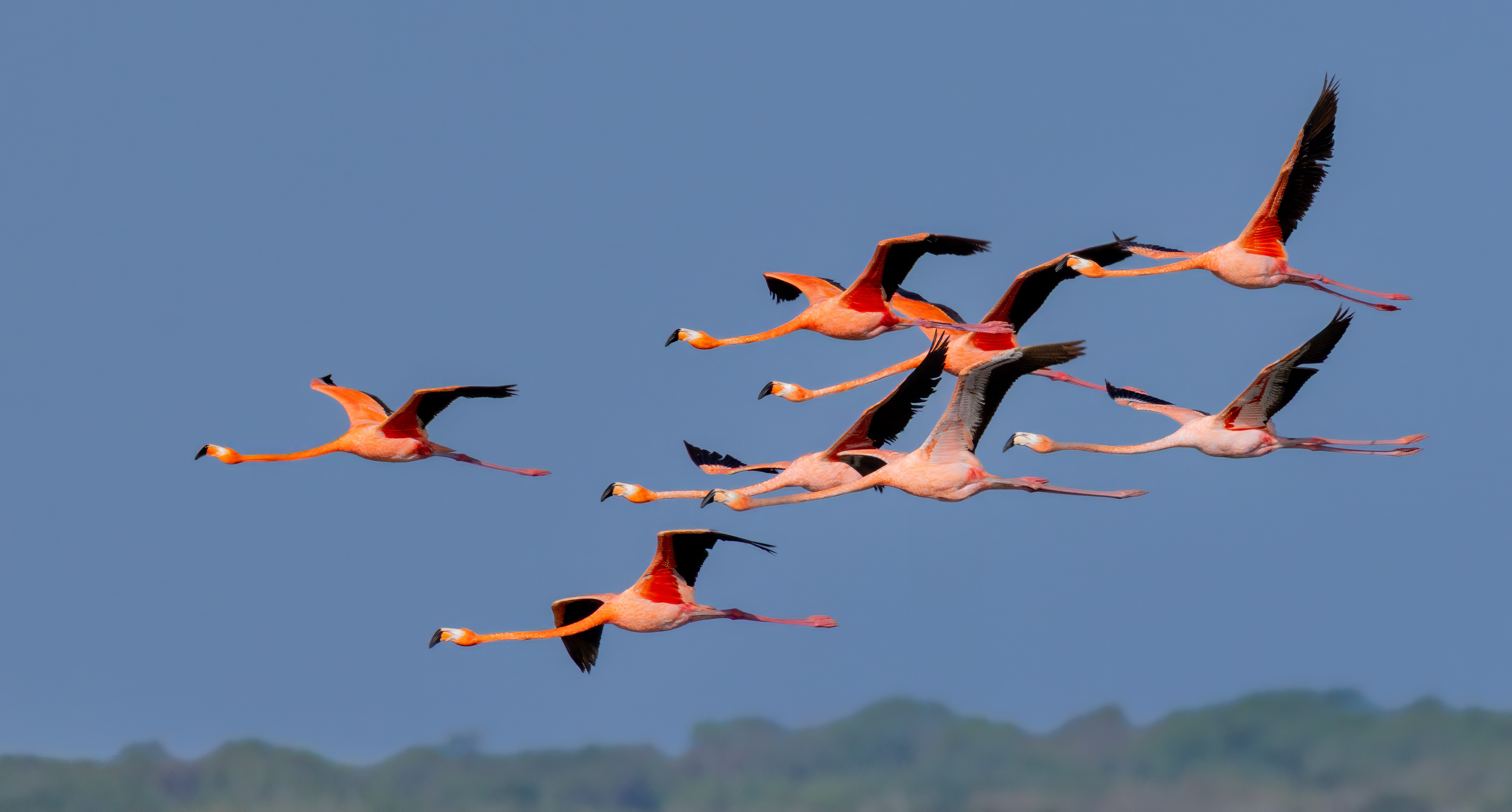
Thanks for your feedback! Ed pointed some problems. I started over. I went with a darker sky and used Ed's idea of actually making the land show up more with clarity and Dehaze, which gives a different look. I didn't try to add clarity to sharpen the birds, which minimized the halos around the birds. I also left the lower birds more white/pale pink than my earlier version and Ed's version.
Pei-Fan pointed out that the an image heading to the left shows the future in Art Therapy language, which is interesting! Read her comments, if you haven't already.
An improvement? Or was the more vibrant version more interesting? Thanks! |
Jun 15th |
 |
| 78 |
Jun 25 |
Reply |
I actually love the truck! Do you have any images with more on the left of the image? The truck wouldn't be so "placed" and "trapped" in the image. I see it as full and ready to roll out! |
Jun 14th |
| 78 |
Jun 25 |
Reply |
Really like the monochrome! And Pei-Fan's suggestions to open up the shadows on the rocks was a nice version of a strong image!
|
Jun 11th |
| 78 |
Jun 25 |
Reply |
Good idea, Jean. Sometimes, just lowering the Highlights and whites does the trick, without even having to touch your "Exposure" slider. |
Jun 7th |
| 78 |
Jun 25 |
Reply |
Totally understand wanting the "dated" look. |
Jun 7th |
| 78 |
Jun 25 |
Reply |
Thanks, Robert! Most judges are from countries that read right to left, so they innately prefer images going this direction and not the "American way". |
Jun 7th |
| 78 |
Jun 25 |
Reply |
Thanks for the tip, Jean! I'll check it out!
|
Jun 7th |
| 78 |
Jun 25 |
Reply |
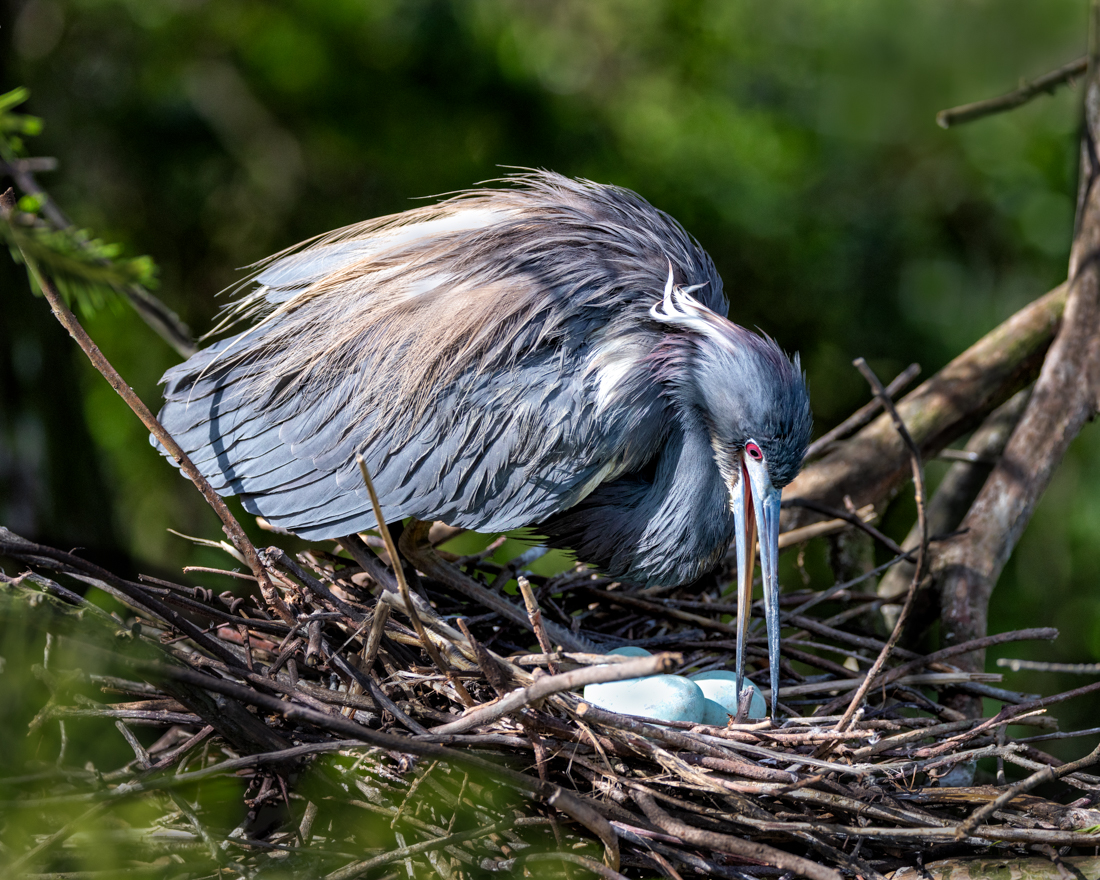
Robert, this is an Asian species and are called Little Herons, as Pei-Fan indicated.
Nature photos are tough to get with a clean background, particularly a messy nest pic. If not entering competition, Pei-Fan can vignette, but PSA and most competitions don't allow vignetting or blurring the background in any Nature, Photojournalism or Travel image, as it is considered a "realistic" topics. You can crop in these type of images, but you cannot remove anything besides dust spots, if competing.
Any non-AI changes can be made in Color, Monochrome, Portrait, and many other categories. |
Jun 6th |
| 78 |
Jun 25 |
Comment |
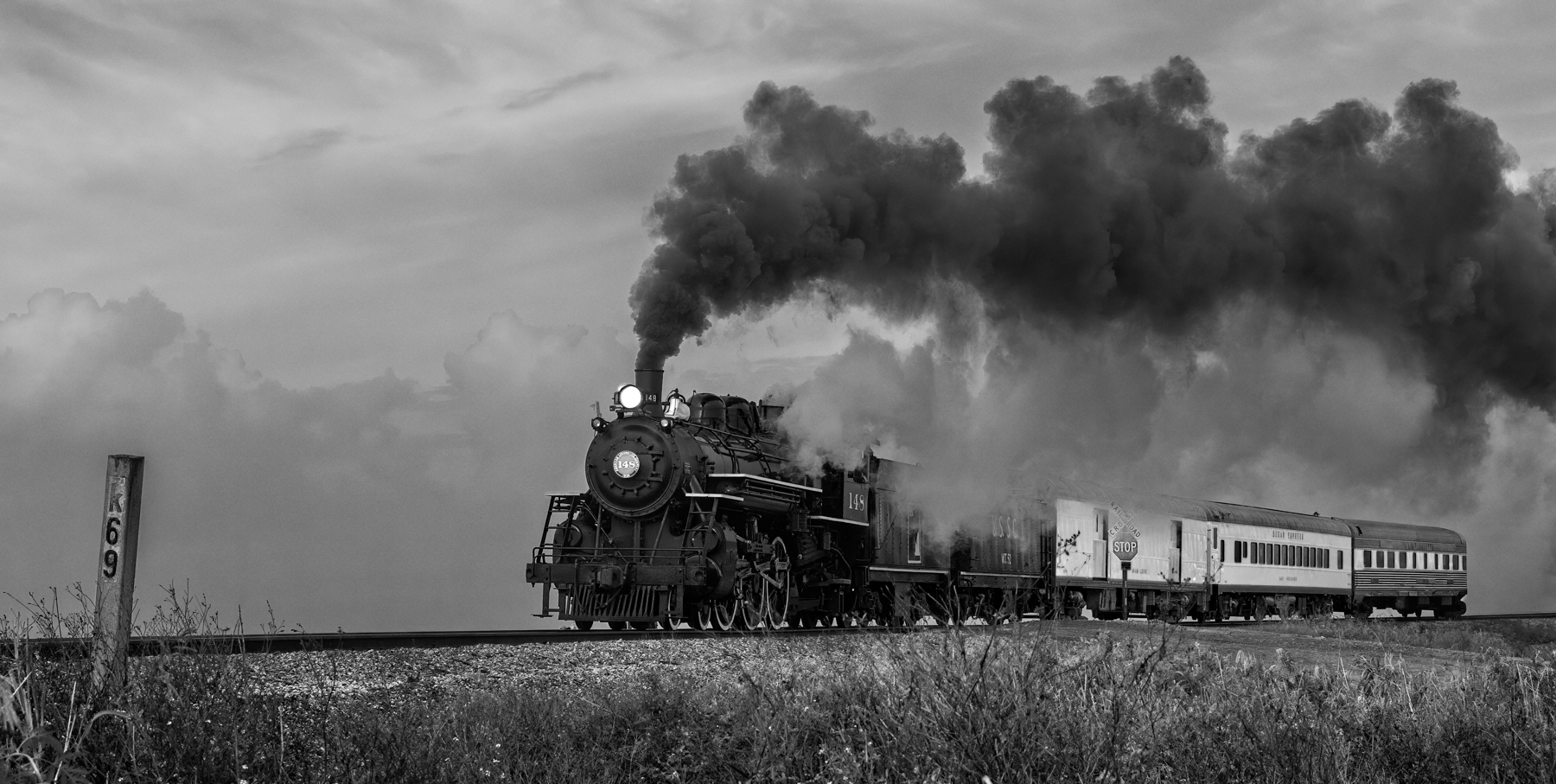
Definitely love that you changed this to monochrome. Nicely exposed and sharp. Perfect to have the semi truck lined up perfectly.
For removing the sign, check the "AI removal" box at the top and the removal will be perfect. Second trick--you must cover every bit of the object you want to remove. If you leave the tiniest bit, it will create a mess. It doesn't matter if you cover part of other objects, just completely cover your object. It will work perfectly. |
Jun 6th |
| 78 |
Jun 25 |
Comment |
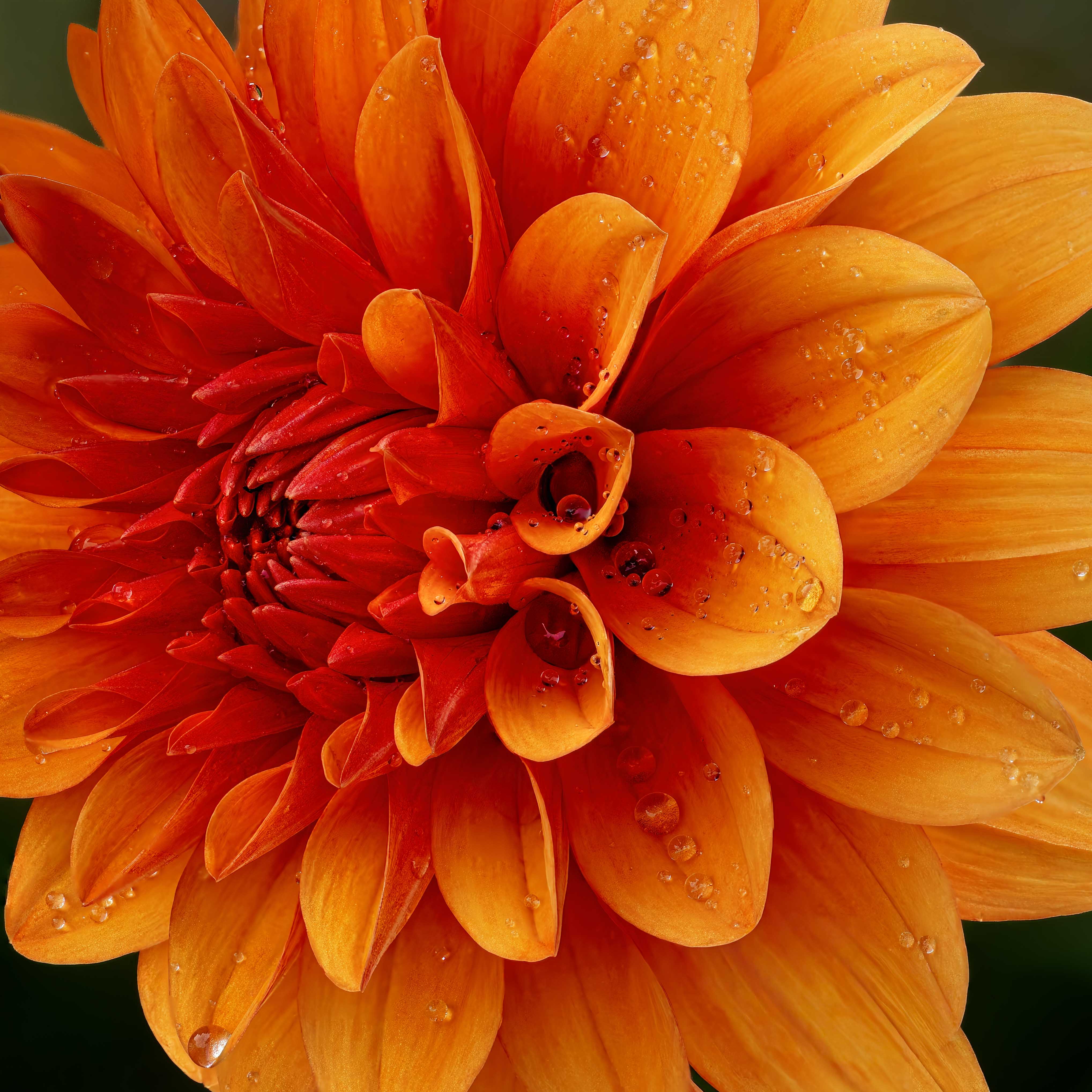
Oh, spectacular! Every month you produce a more and more beautiful flower!
Being super picky, the bottom of the stem is a little blurry and the green leaf looks only partially removed. You might want to remove the leaf? |
Jun 6th |
| 78 |
Jun 25 |
Comment |
Nice image! Great moment. Lucky to see in the nest and get a clean pic of the chicks!
The only thing I would suggest is to drop the highlights a bit on the adult Little Herons. |
Jun 6th |
| 78 |
Jun 25 |
Comment |
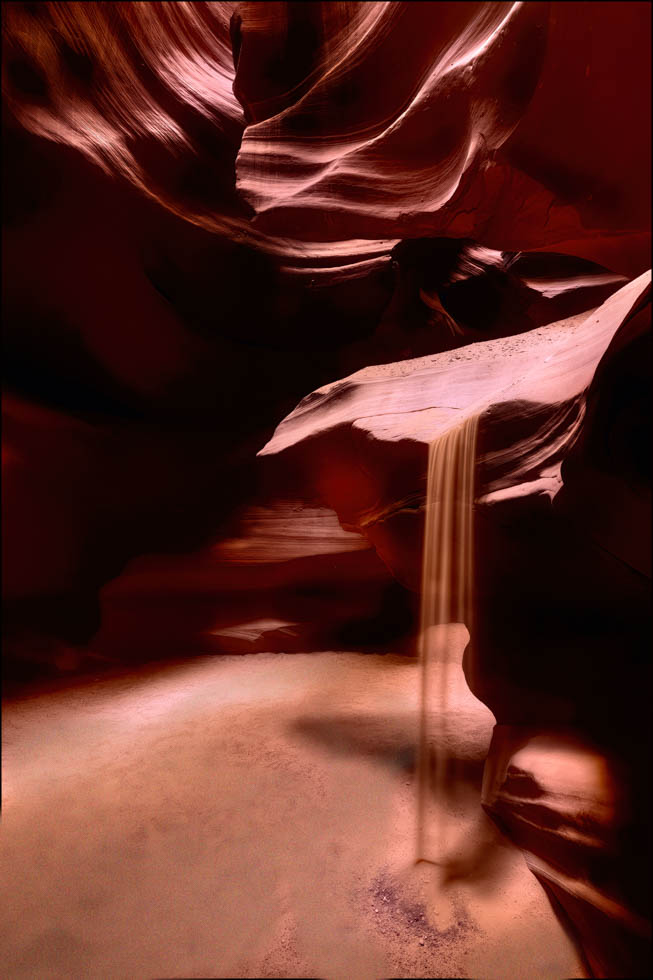
I agree with Sunil, its very hard to imagine you did this handheld at 1/8th second!
I'm not sure I love the bright green at the bottom of the image. I might make this a monochrome so that we aren't distracted by the bit of color.
I don't know if you have more of the waterfall on the right, but I would love to see more of the falling water. |
Jun 6th |
| 78 |
Jun 25 |
Comment |
Sunil, I definitely like the monochrome version better. Nice leading lines and the curve works in your favor. Great eye to see this! |
Jun 6th |
| 78 |
Jun 25 |
Comment |
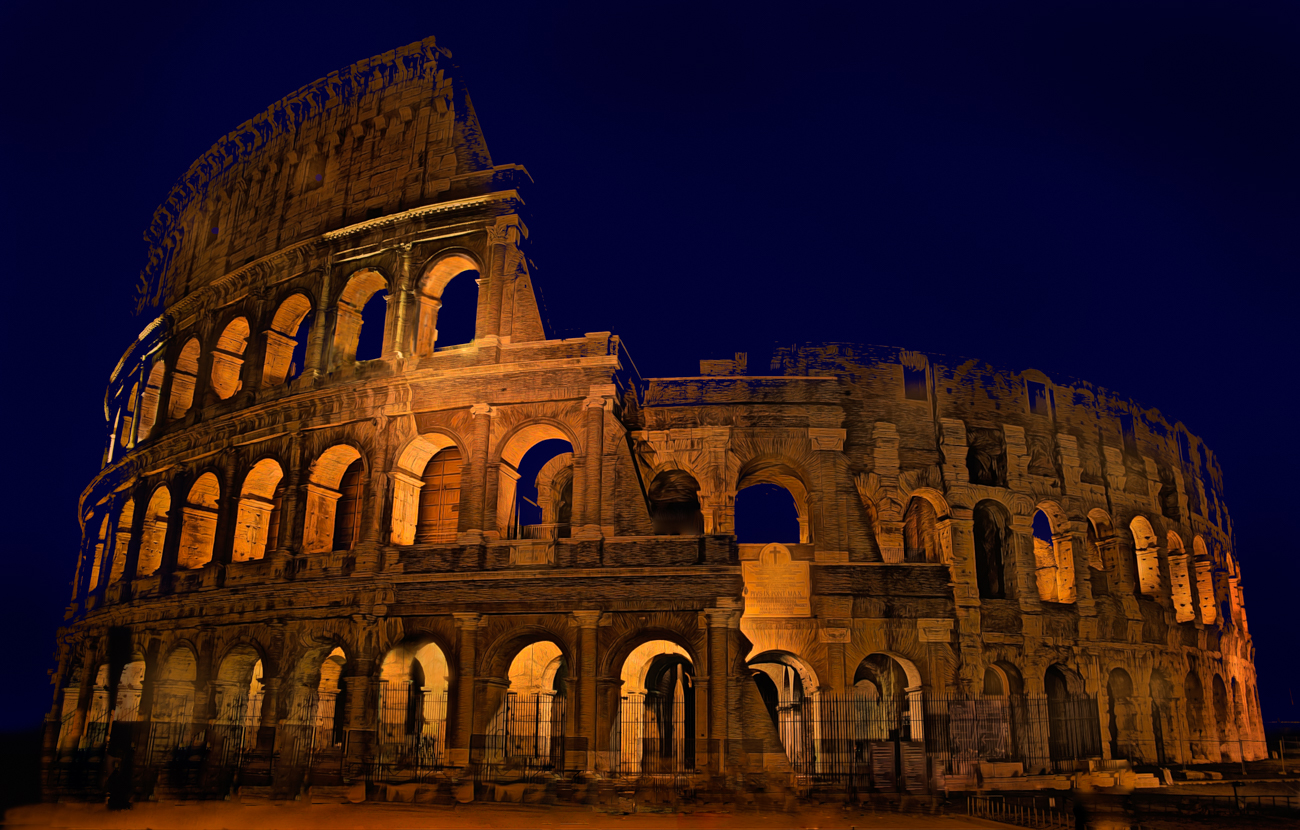
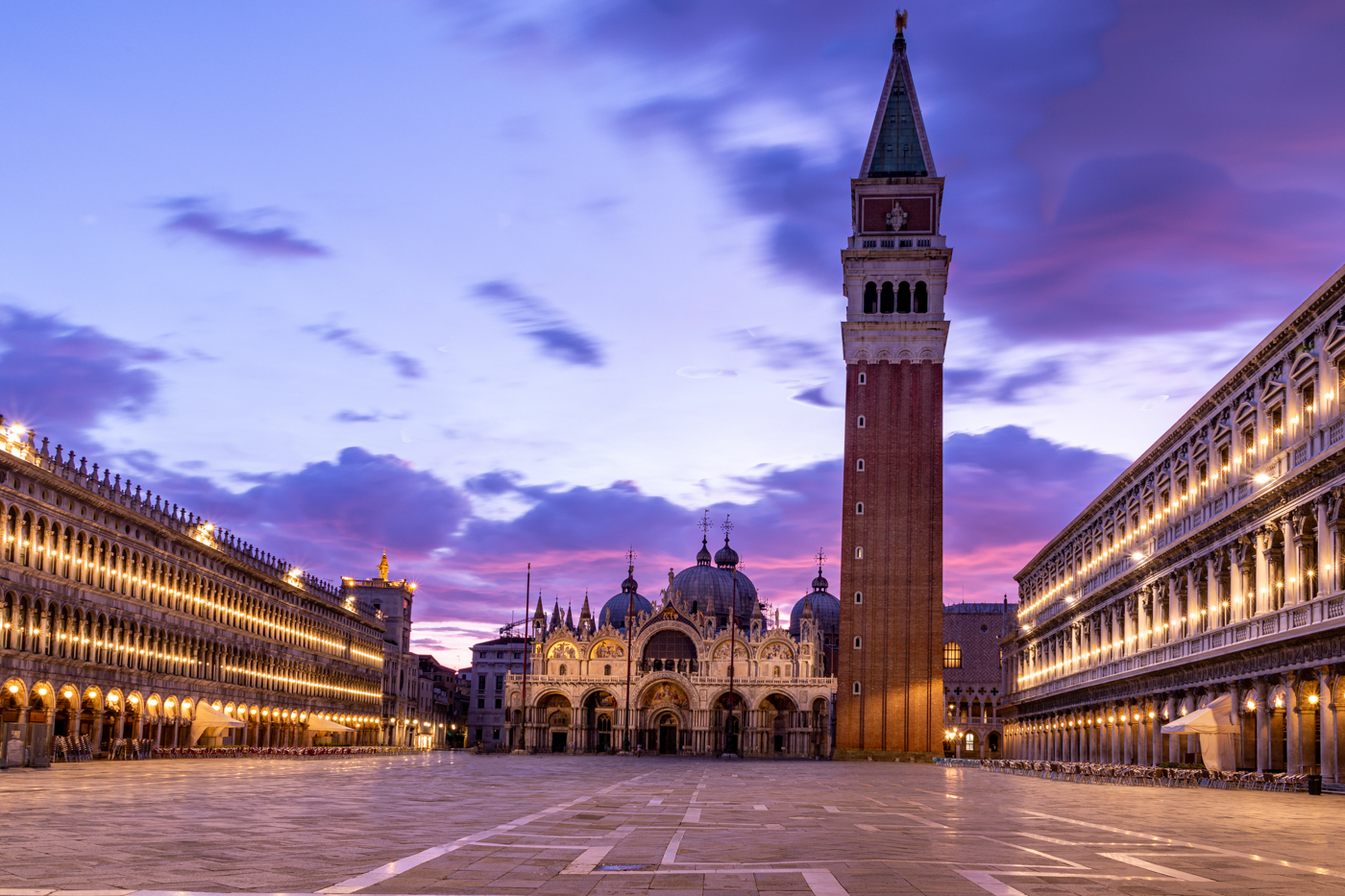
Fun pic, Jean! I used the new "remove wires" feature in Photoshop 25 and removed all wires and posts. Then I used the new "remove people" and removed the people. It took 30 seconds, its on the bandaid on the left, and choose "use AI" at top. I then brushed over the cars to remove them.
I'm not sure you can use AI removal and enter in PSA, so check the rules closely. But I thought it showed off this beautiful UNESCO site. |
Jun 6th |
 |
| 78 |
Jun 25 |
Reply |
Thanks so much! I'm glad you enjoyed the image! |
Jun 6th |
9 comments - 19 replies for Group 78
|
9 comments - 19 replies Total
|