|
| Group |
Round |
C/R |
Comment |
Date |
Image |
| 78 |
Jan 25 |
Reply |
In my decade with PSA, I've seen them accept a lot of changes quite readily.
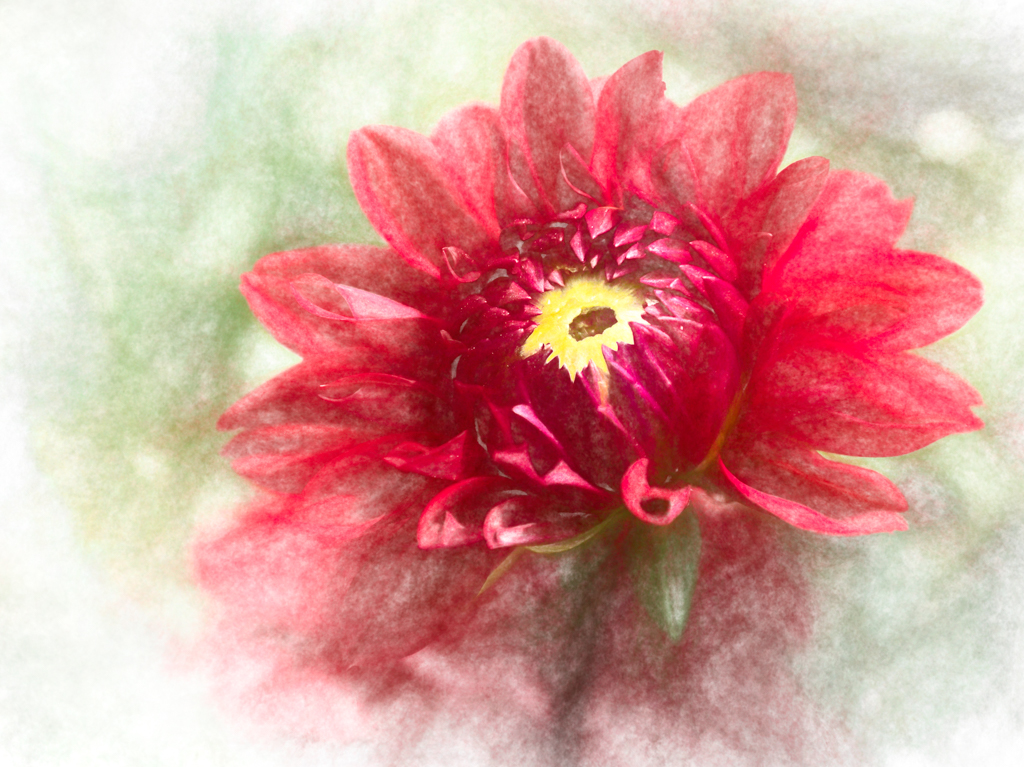
Jean's image isn't AI, it just uses a filter. So it can easily compete in PSA Color throughout the world.
Other than the Reality based categories (Nature, Travel, Photojournalism), PSA allows everything except computer creation as the start--where there is no photo at the start, just words--that create the image.
Personally, I really like that there are categories for Reality (no serious changes) and categories for "anything goes" where you can make dramatic and creative changes.
I look forward to following Jean's creativity in this group! |
Jan 30th |
| 78 |
Jan 25 |
Reply |
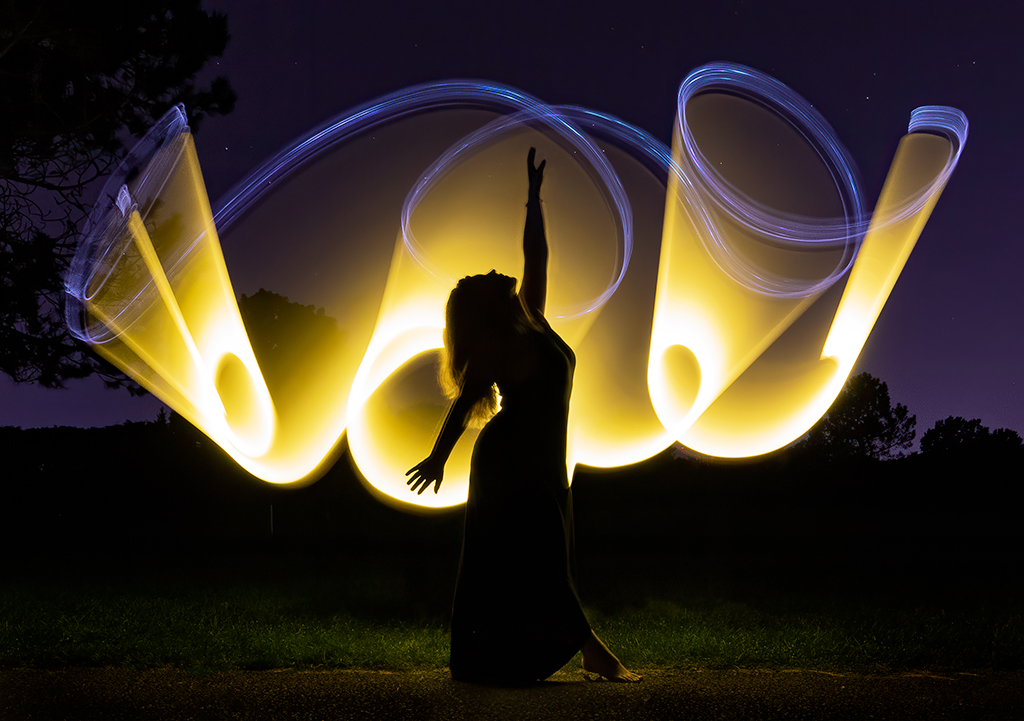
Pei-Fan, I'm thrilled you tried another version. It's definitely a big improvement! Your previous background was interesting, but distracting. Personally, I like Ed's version better, with the darker color background, so our beautiful subject is the brightest object in the image. The eye always looks for the brightest object, so perhaps darkening the gold background and lightening your dancer would increase viewing your subject. A wonderful experiment--I love how you keep trying new difficult photo tasks! |
Jan 26th |
| 78 |
Jan 25 |
Reply |
Do you think its too boring? Thanks for taking a look! |
Jan 21st |
| 78 |
Jan 25 |
Reply |
Please check my reworked version below. Too dull now? Thanks for your final thoughts! I can't wait to see your final re-worked version of your dancer! |
Jan 21st |
| 78 |
Jan 25 |
Reply |
Please check my reworked version below. Too dull now? Thanks for your final thoughts! I can't wait to see your final re-worked version of your dancer! |
Jan 21st |
| 78 |
Jan 25 |
Reply |
I've taken your advice and please check my reworked version below. Too dull now? Thanks for your final thoughts! |
Jan 21st |
| 78 |
Jan 25 |
Reply |
Jean, Please check my reworked version below. Too dull now? Thanks for your final thoughts! |
Jan 21st |
| 78 |
Jan 25 |
Reply |
I've taken your advice for the oversaturation--and please check my reworked version below. Too dull now? Thanks for your final thoughts! |
Jan 21st |
| 78 |
Jan 25 |
Reply |
I've taken your advice on too much saturation--please check my reworked version below. Too dull now? Thanks for your final thoughts! |
Jan 21st |
| 78 |
Jan 25 |
Reply |
I've taken your advice and please check my reworked version below. Too dull now? Thanks for your final thoughts! |
Jan 21st |
| 78 |
Jan 25 |
Comment |
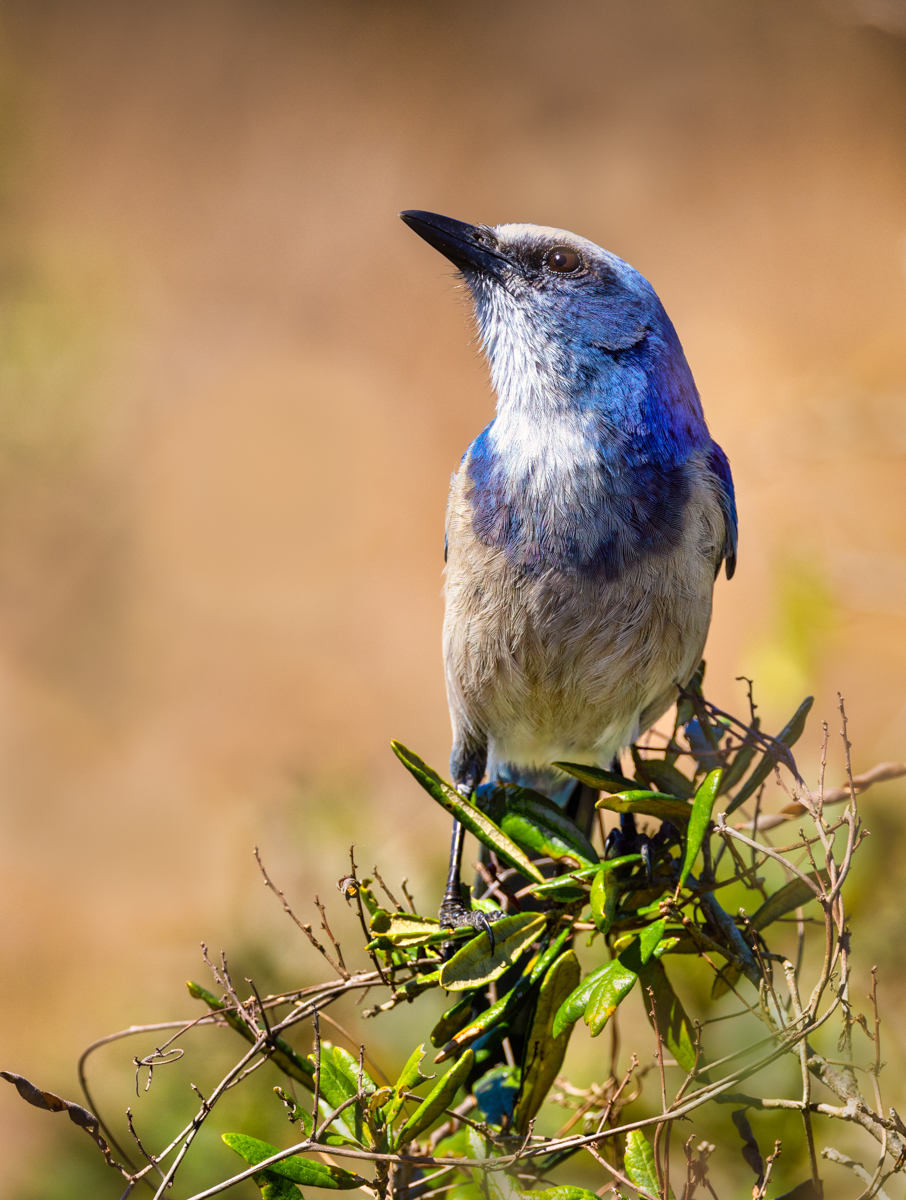
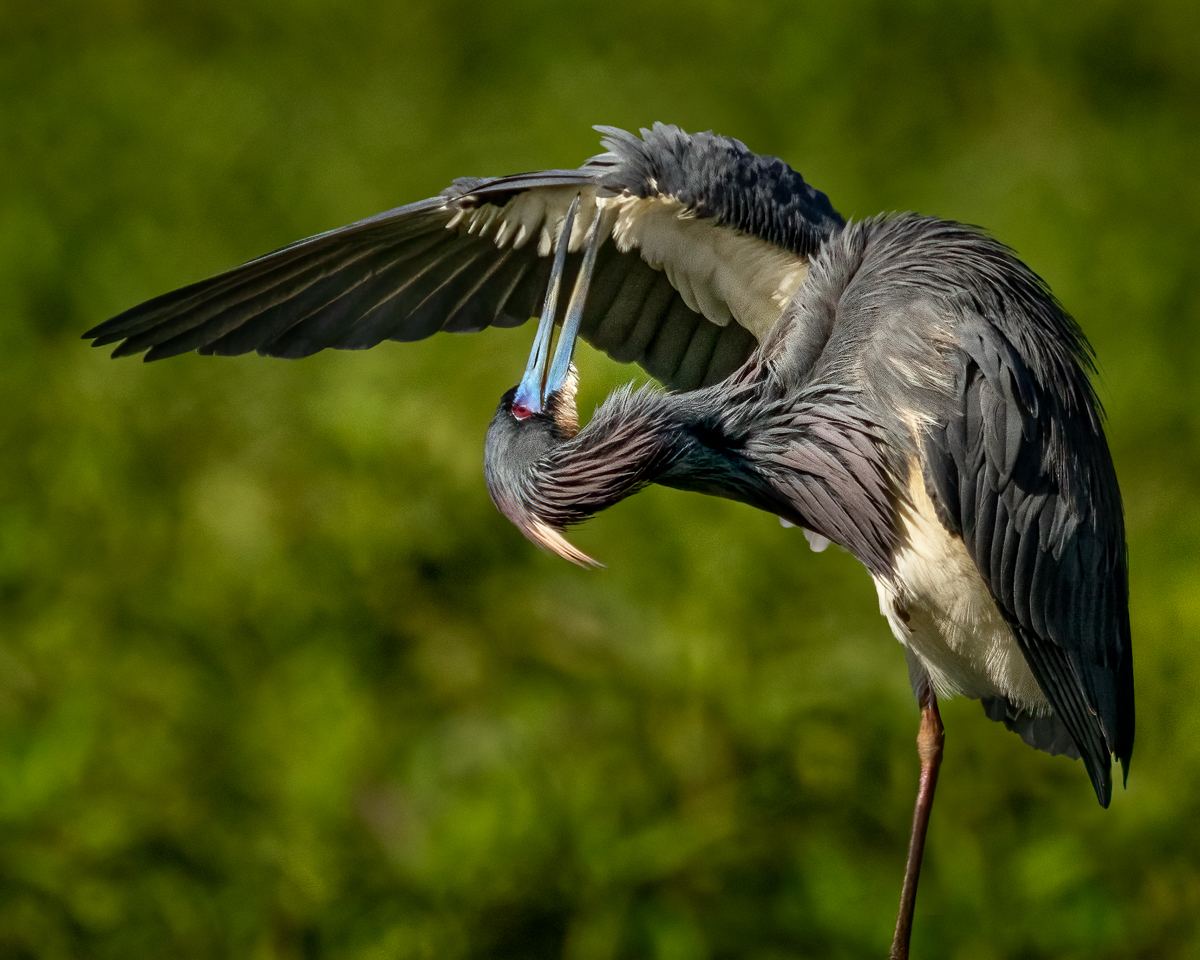
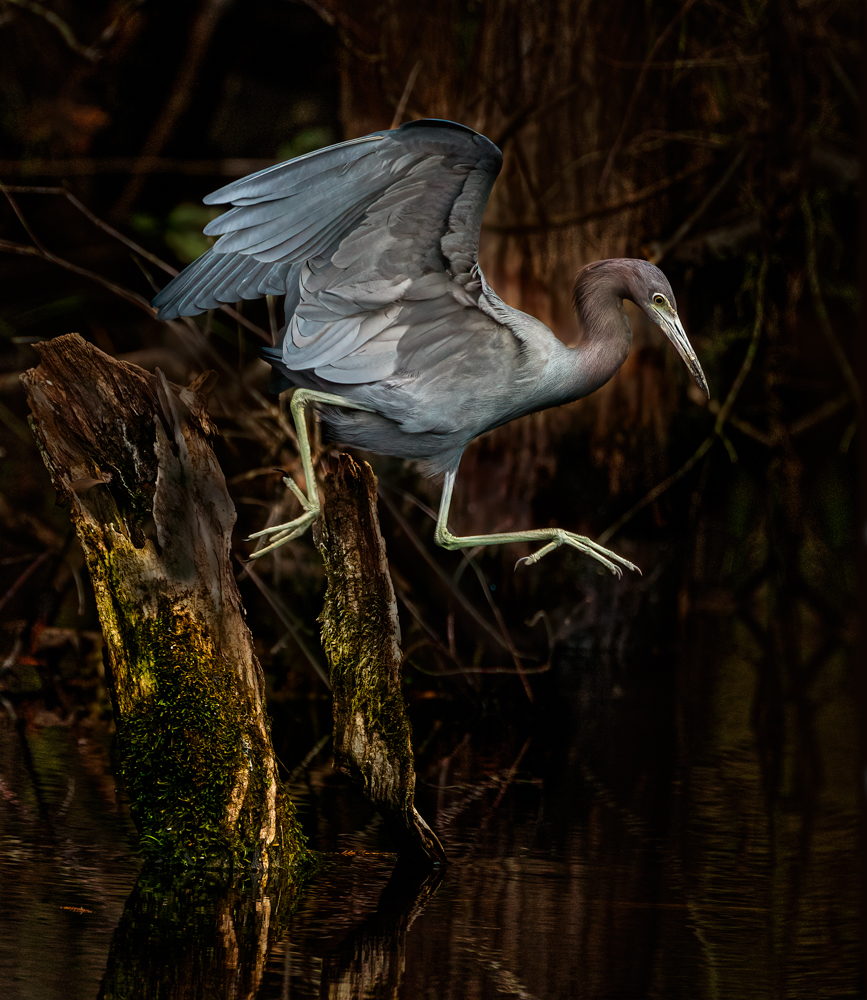
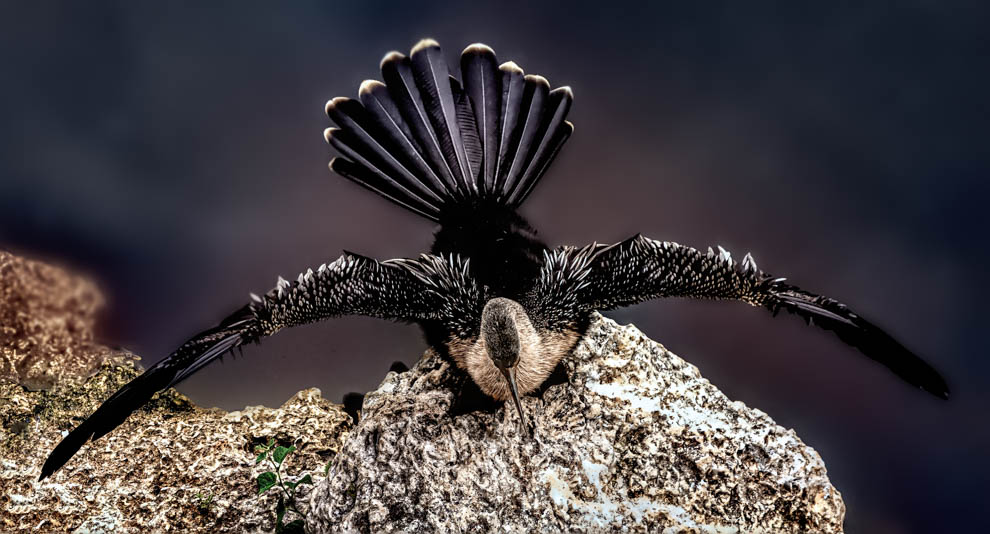
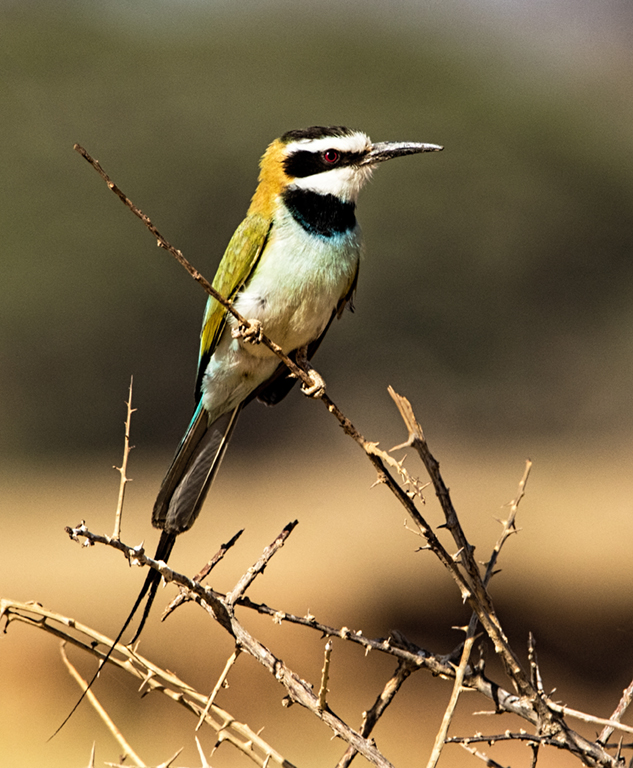
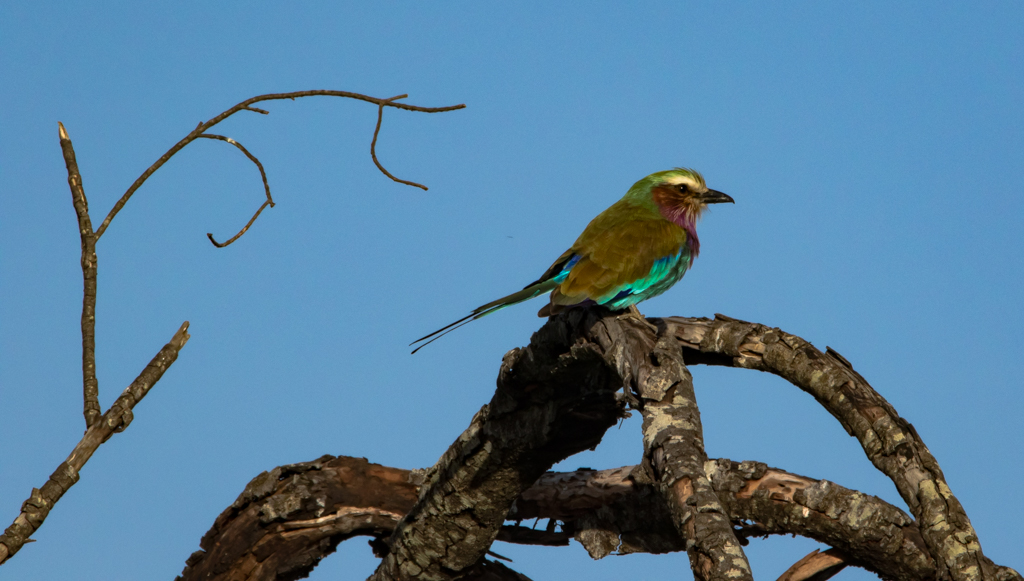
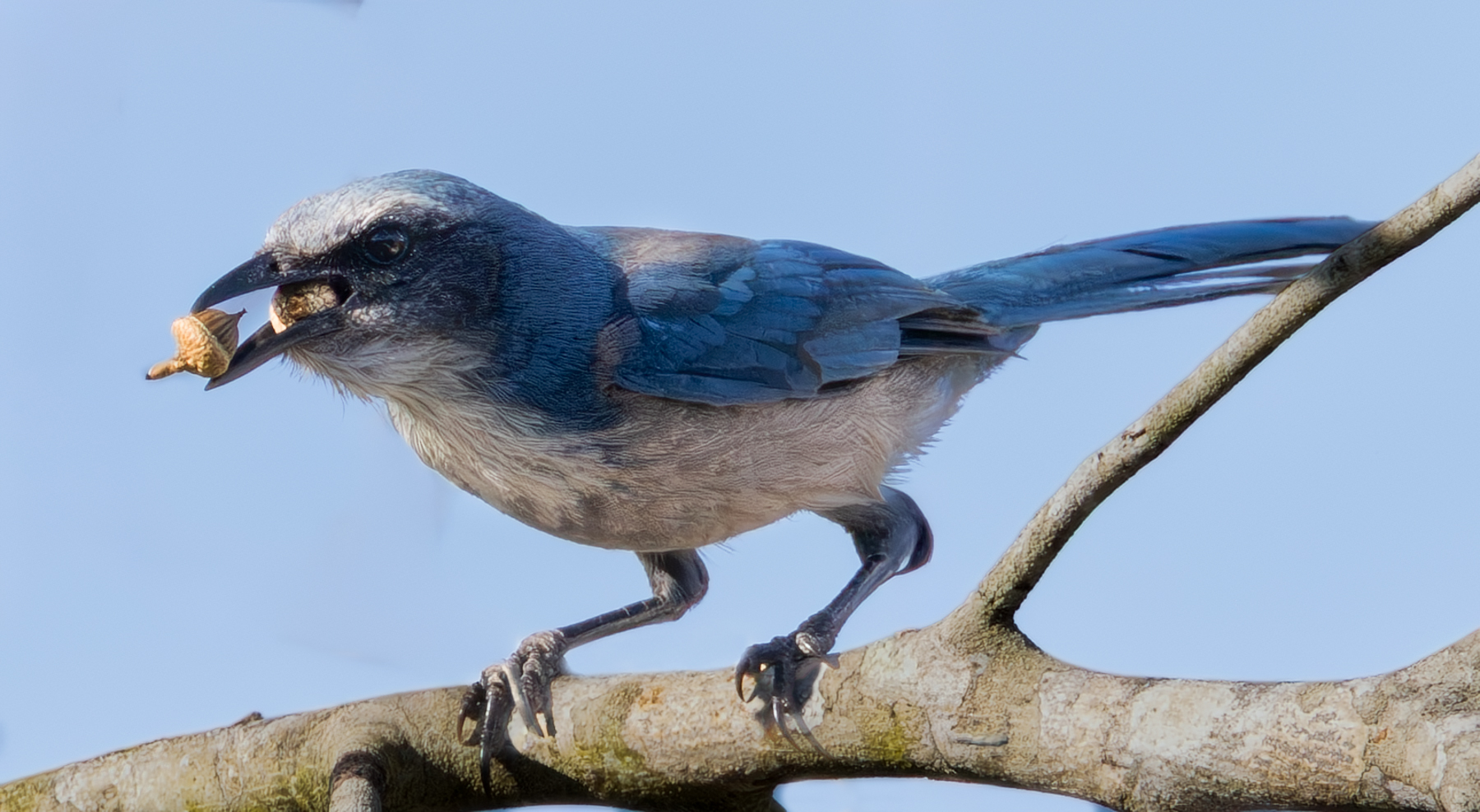
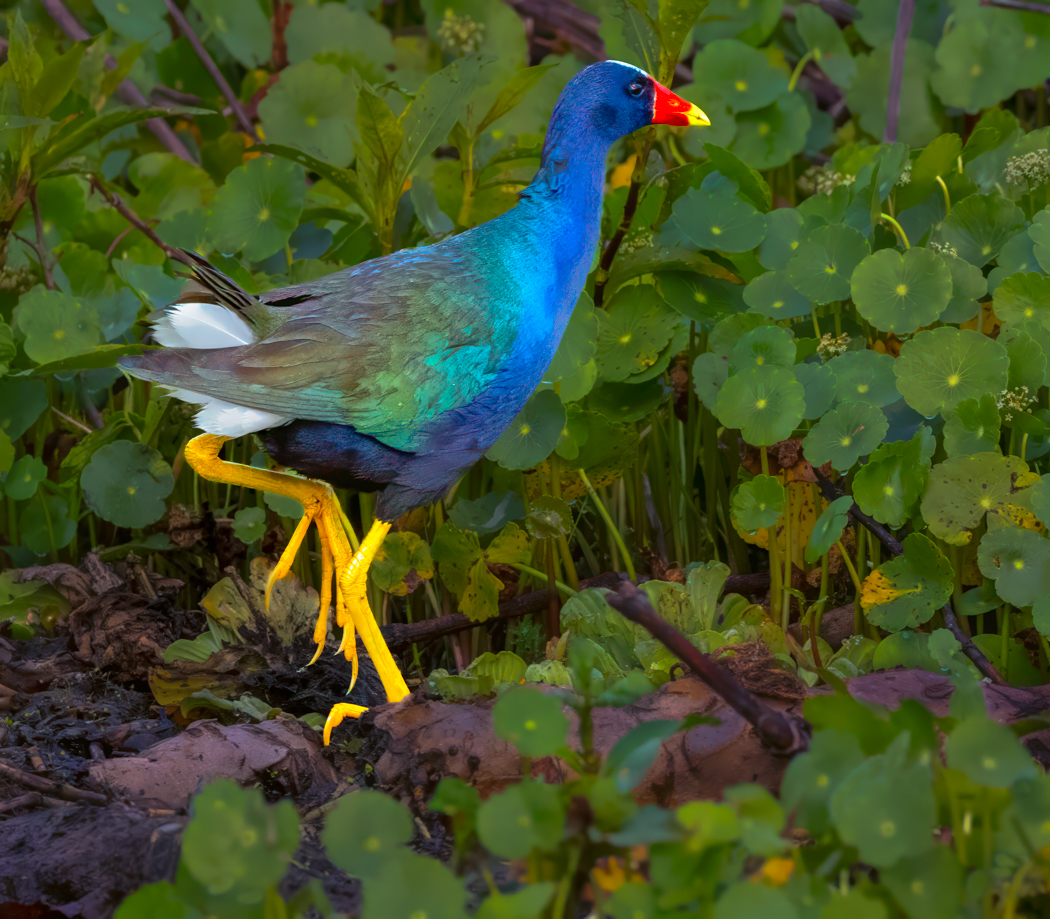
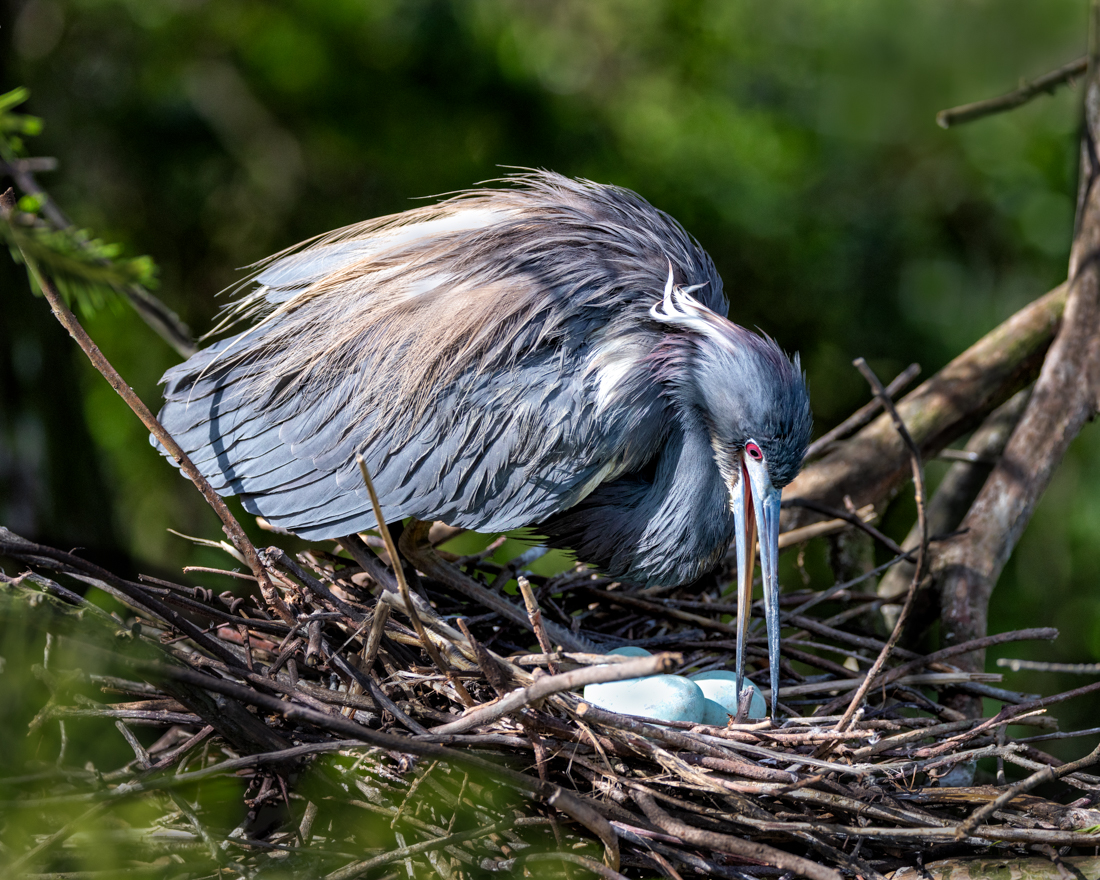
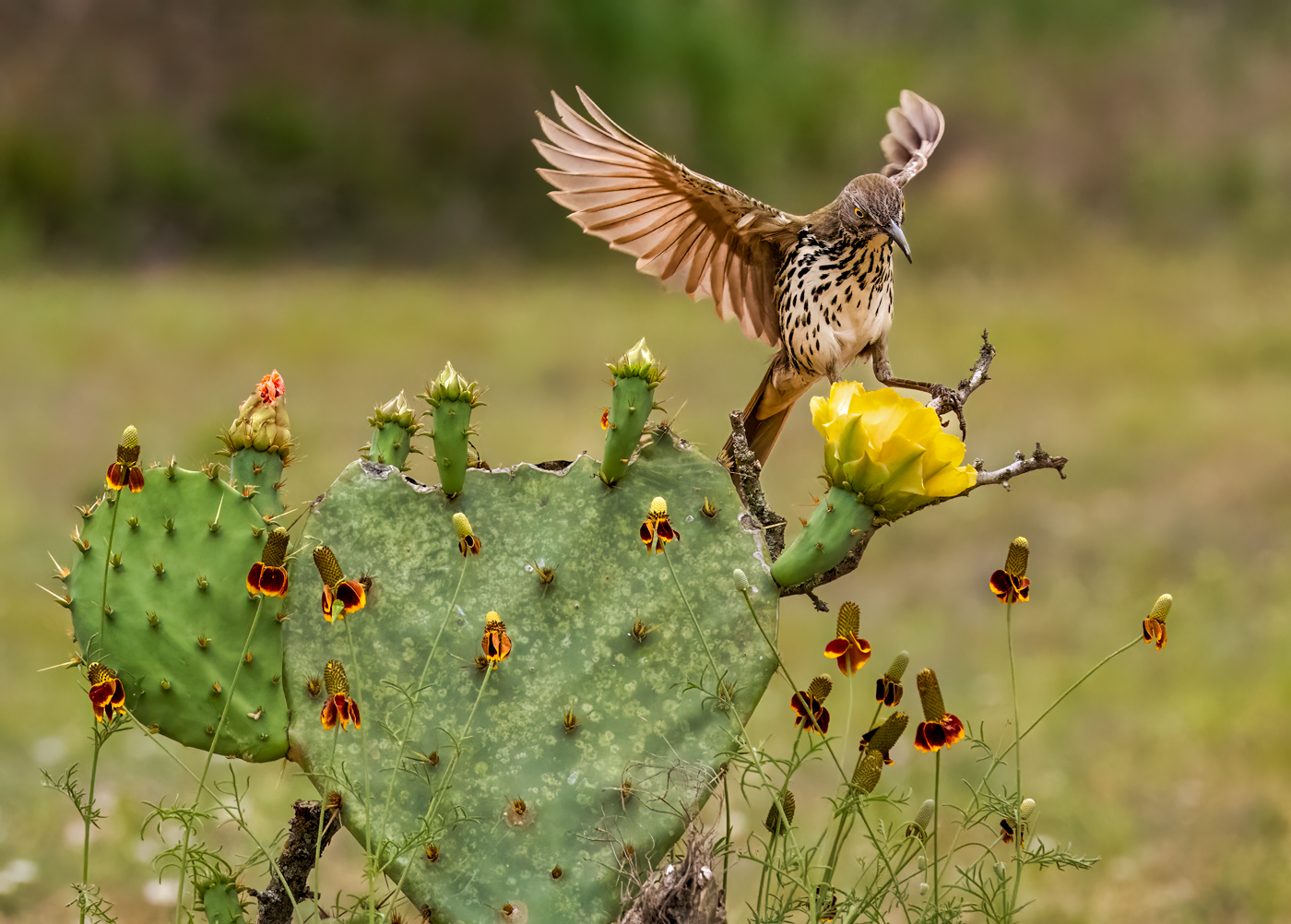
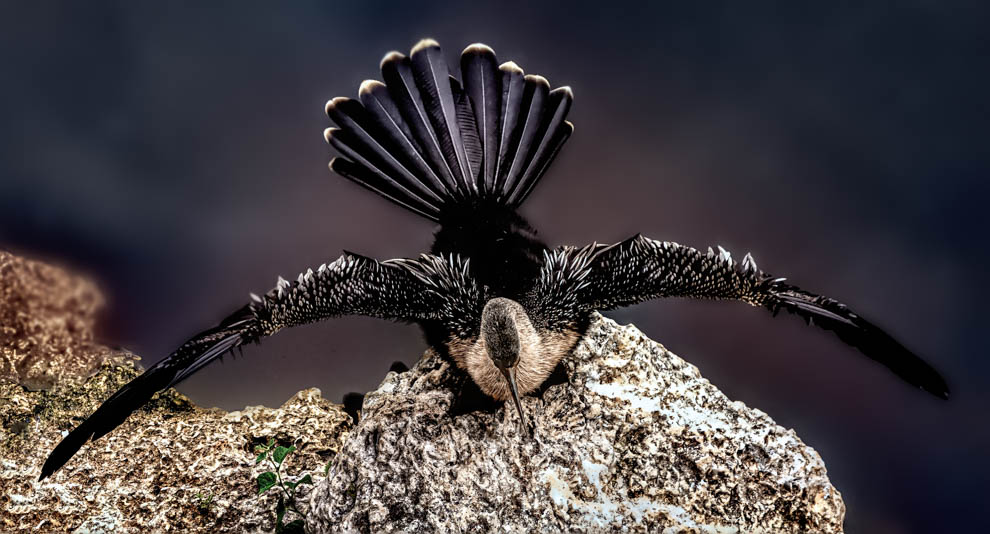
Thanks for all the suggestions! The overall suggestion was that the pic looked too bright and over-saturated, especially the berries. My processing was meant for our Christmas card, so the bright red berries accented the red berries and the green-ish bird (Christmas colors).
With Christmas over, I've put the image back the direction it was photographed, and I've started over with the original crop and kept everything more realistic. I've darkened the background somewhat (blurring and removal not allowed in PSA Nature rules, and vignetting not allowed).
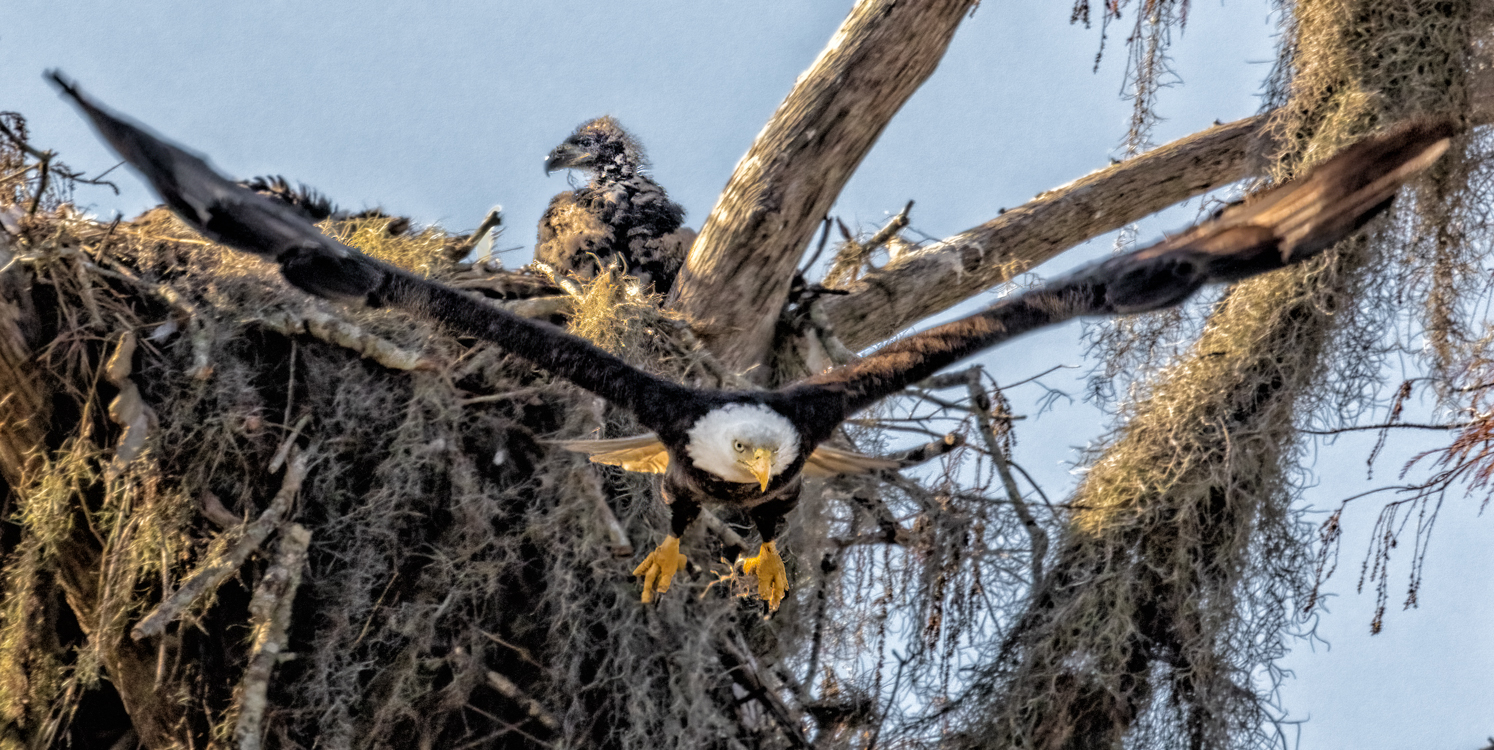
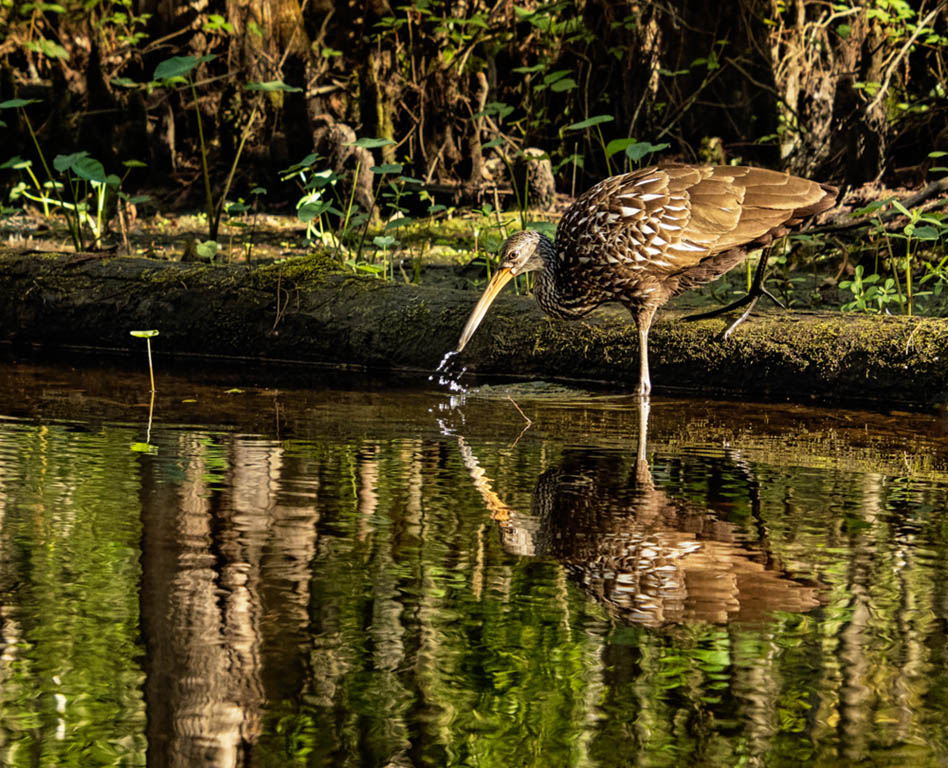
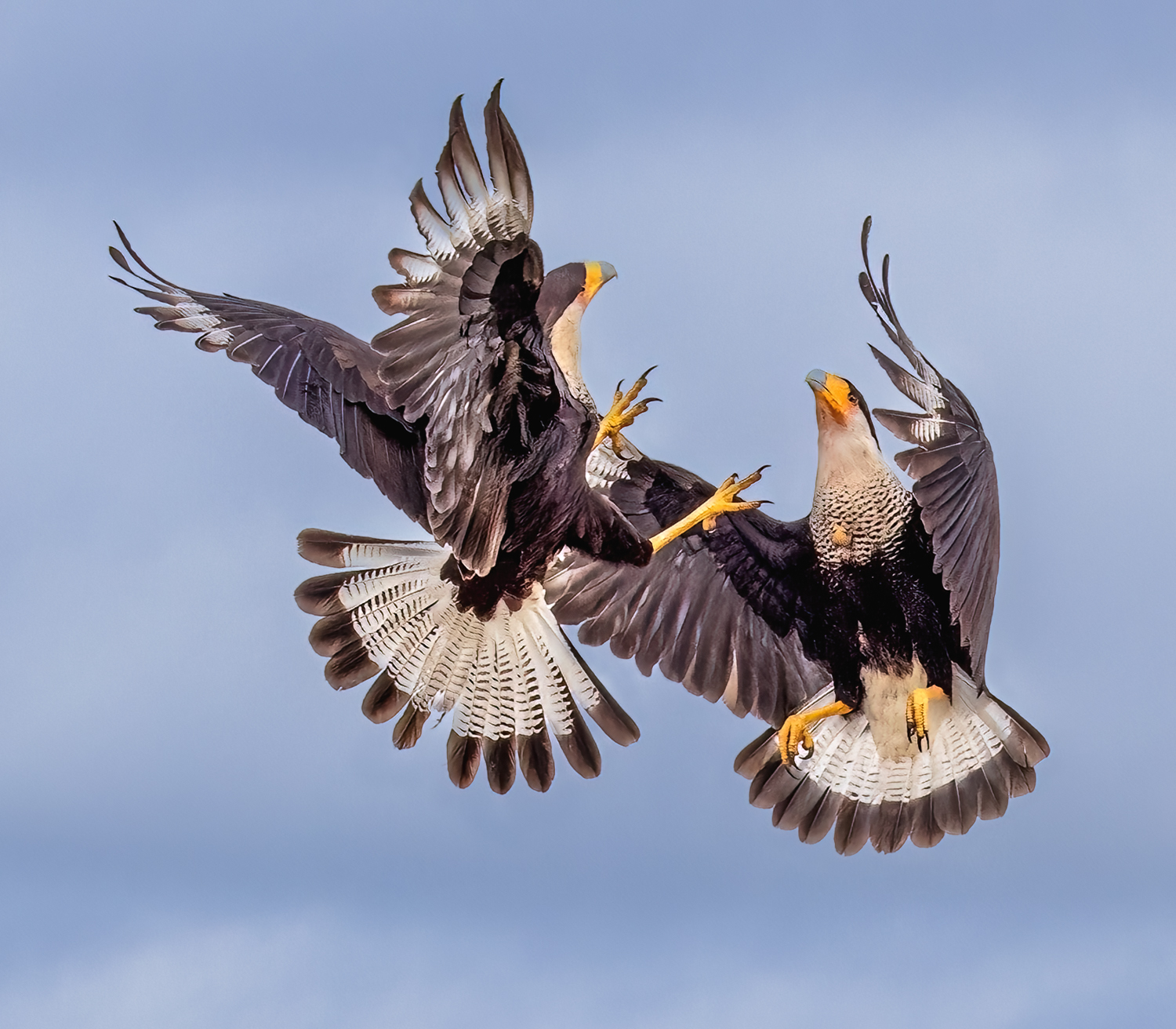
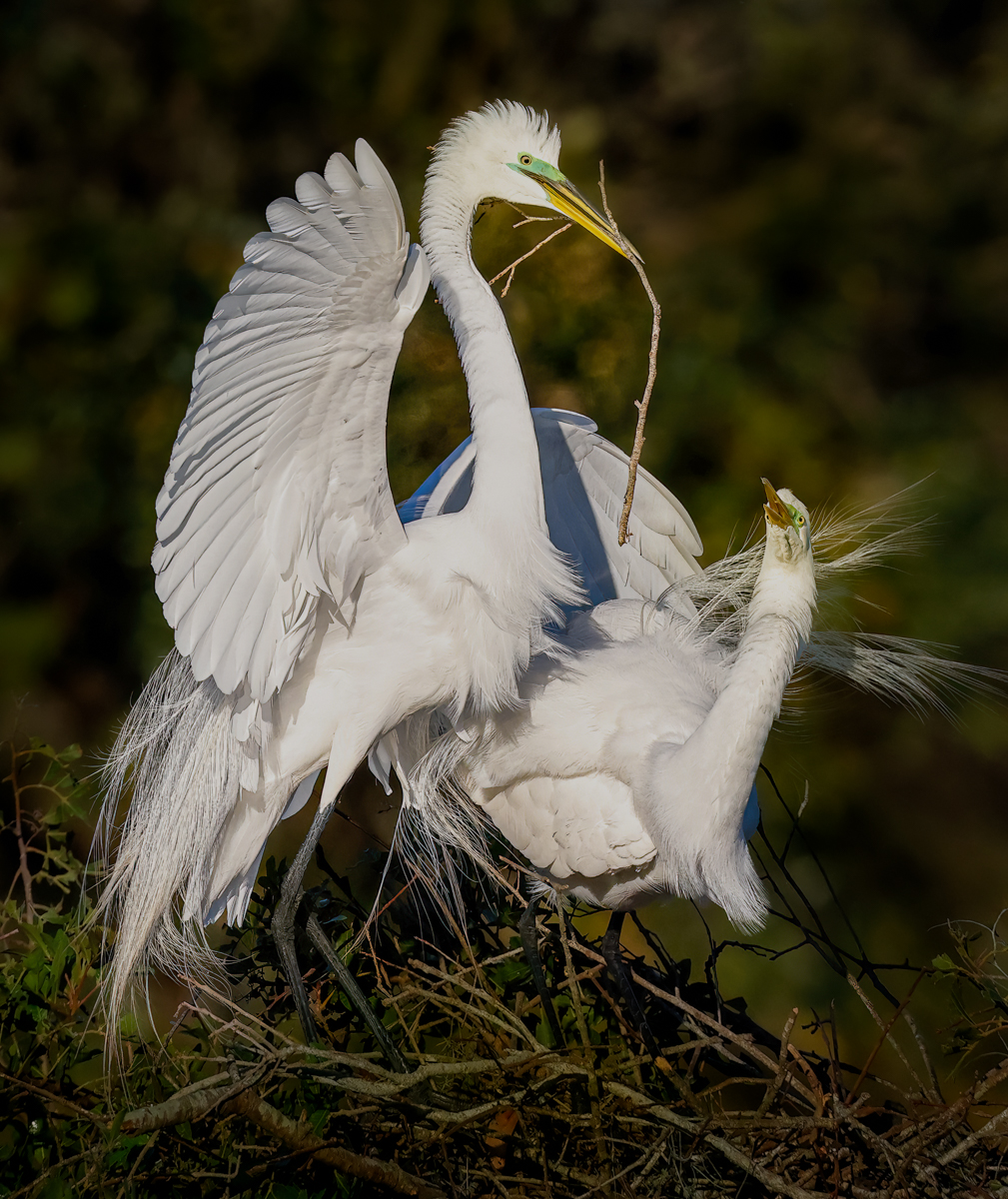
It is just "a bird on a stick", so it may not have any chance for an acceptance in PSA Nature. More interaction places better--flight, fights, hatchlings, eating cool stuff.
Any other thoughts or comments? Thanks so much! |
Jan 21st |
 |
| 78 |
Jan 25 |
Reply |
The problem with birds is that we are shooting at 800mm, so f/9.0 is the very lowest F/stop available. There is an f/4 lens with some length, but it is $20,000 USD and is much too heavy for an old woman.
In PSA Nature competition rules, we can not blur the background, as it must look like it did. If I enter it in PSA Color, I can blur the background, but since the bird is basically sitting in the background, I think it would look strange.
I'll try it, thanks for the suggestions. |
Jan 21st |
| 78 |
Jan 25 |
Reply |
Nice revision, Jean! |
Jan 18th |
| 78 |
Jan 25 |
Reply |
I love the revised watercolor! I wasn't aware PSA allowed any AI in Creative. They are so strict about AI in all other categories. |
Jan 18th |
| 78 |
Jan 25 |
Reply |
Hi Bev! Nice to hear from you! It would be fun to see you sometime! With five hours driving and five hours in the parks, it makes for a long day! |
Jan 18th |
| 78 |
Jan 25 |
Reply |
Thanks so much, Jean, and welcome!
I compete in PSA Nature, so blurring the background is expressly forbidden. Yep, nature does have distracting backgrounds, expecially in Florida with our lush jungles!
|
Jan 18th |
| 78 |
Jan 25 |
Reply |
Thanks, Ed! I'll desaturate the berries and any other changes suggested when all the comments come in. You can flip the entire image in PSA Nature, but no need for a flip going forward, as I did it just to face the opening on my Christmas card. I appreciate it! |
Jan 14th |
| 78 |
Jan 25 |
Reply |
Thanks, Sunil! I flipped for a specific purpose of a Christmas card being opened. Now that I don't need the image to be facing that way, I can go back to the original. I'll drop some of the saturation after all comments are in. |
Jan 14th |
| 78 |
Jan 25 |
Reply |
Pei-Fan, no worries! Do you have any suggestions for my image? |
Jan 14th |
| 78 |
Jan 25 |
Reply |
Thanks, Robert, I'll adjust that after the rest of the comments come in. |
Jan 14th |
| 78 |
Jan 25 |
Comment |
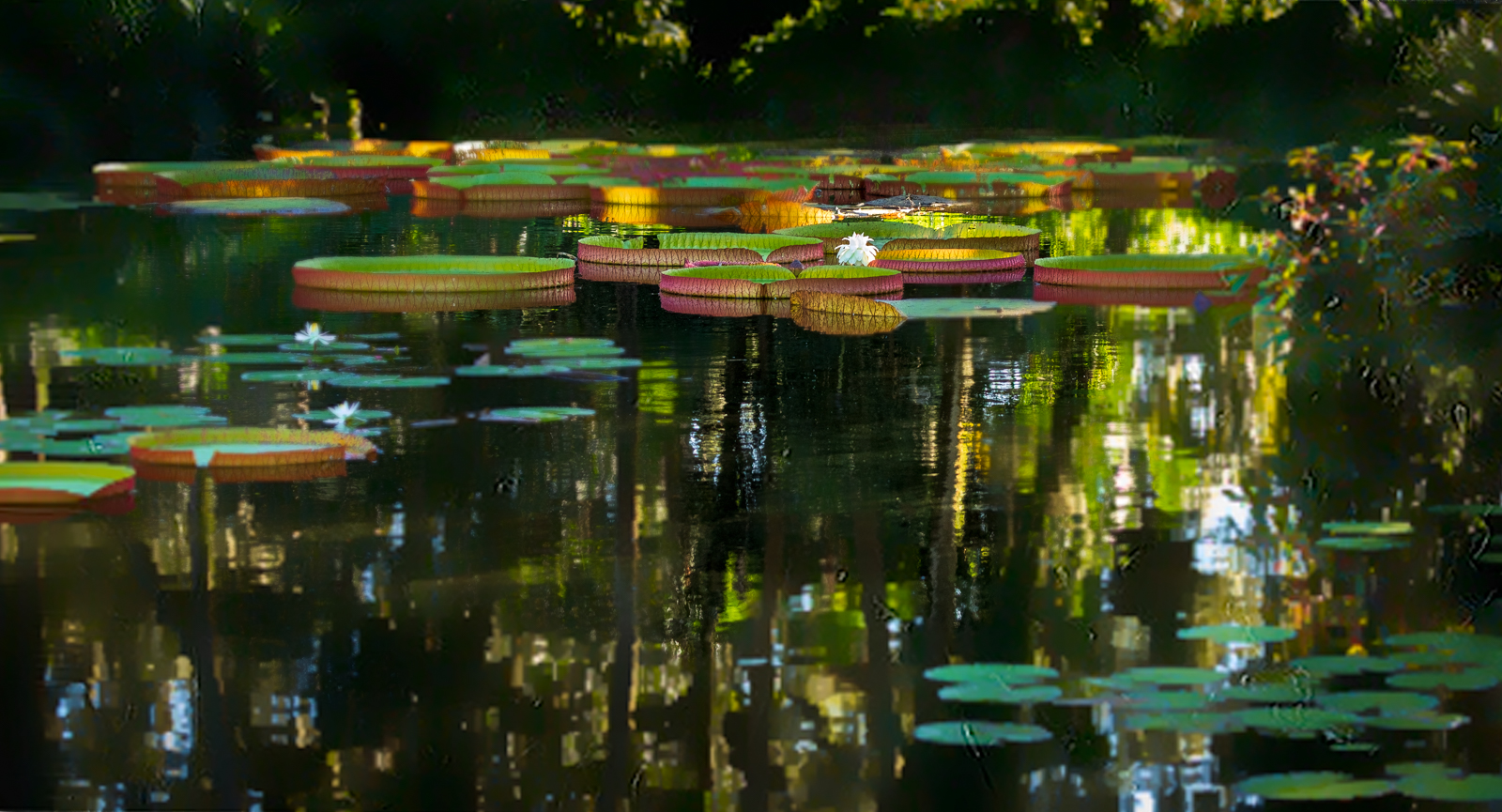
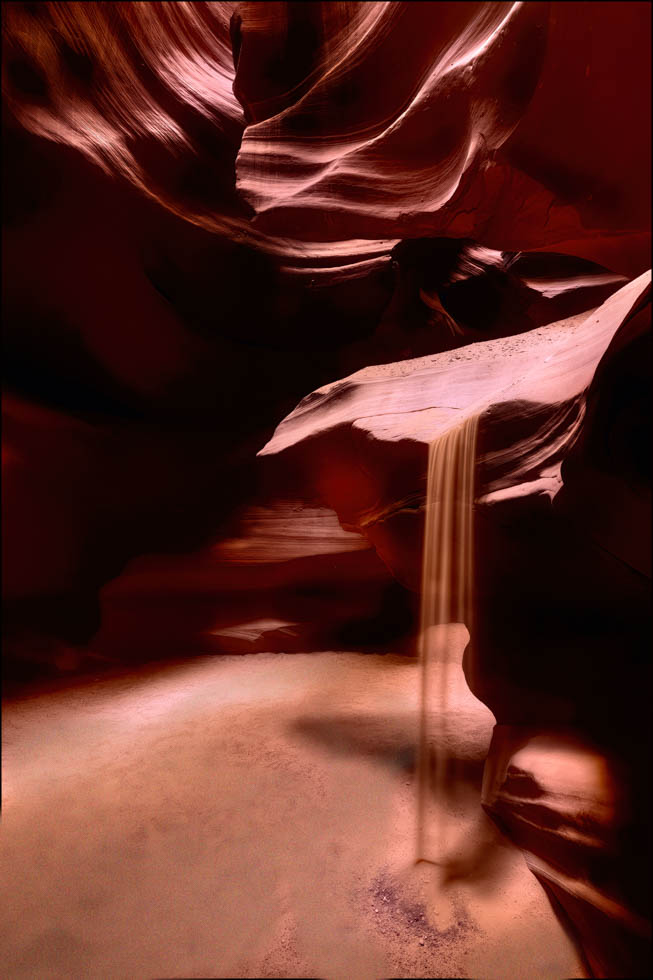
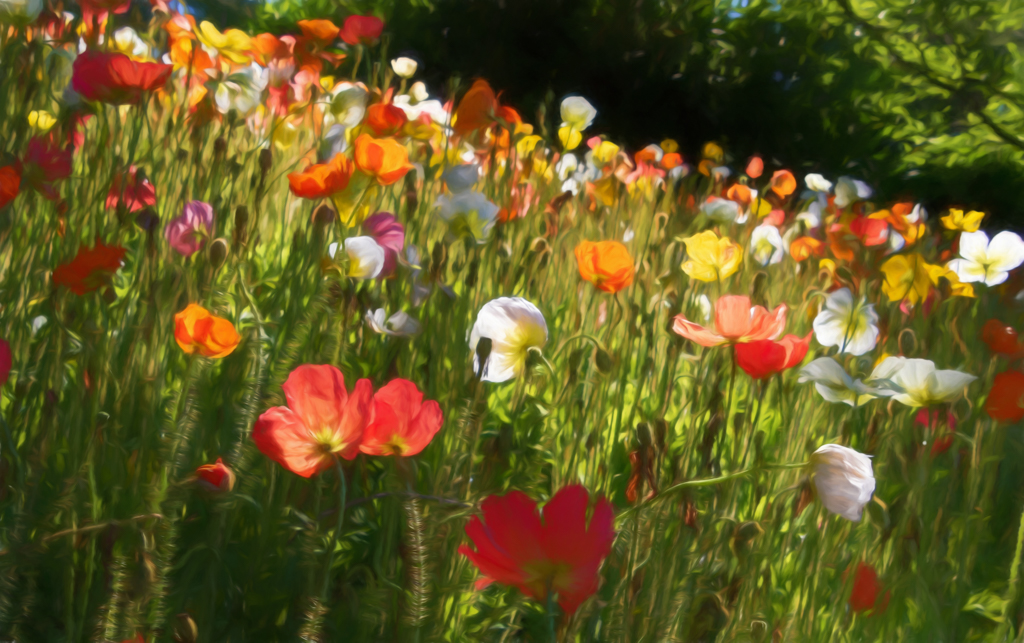
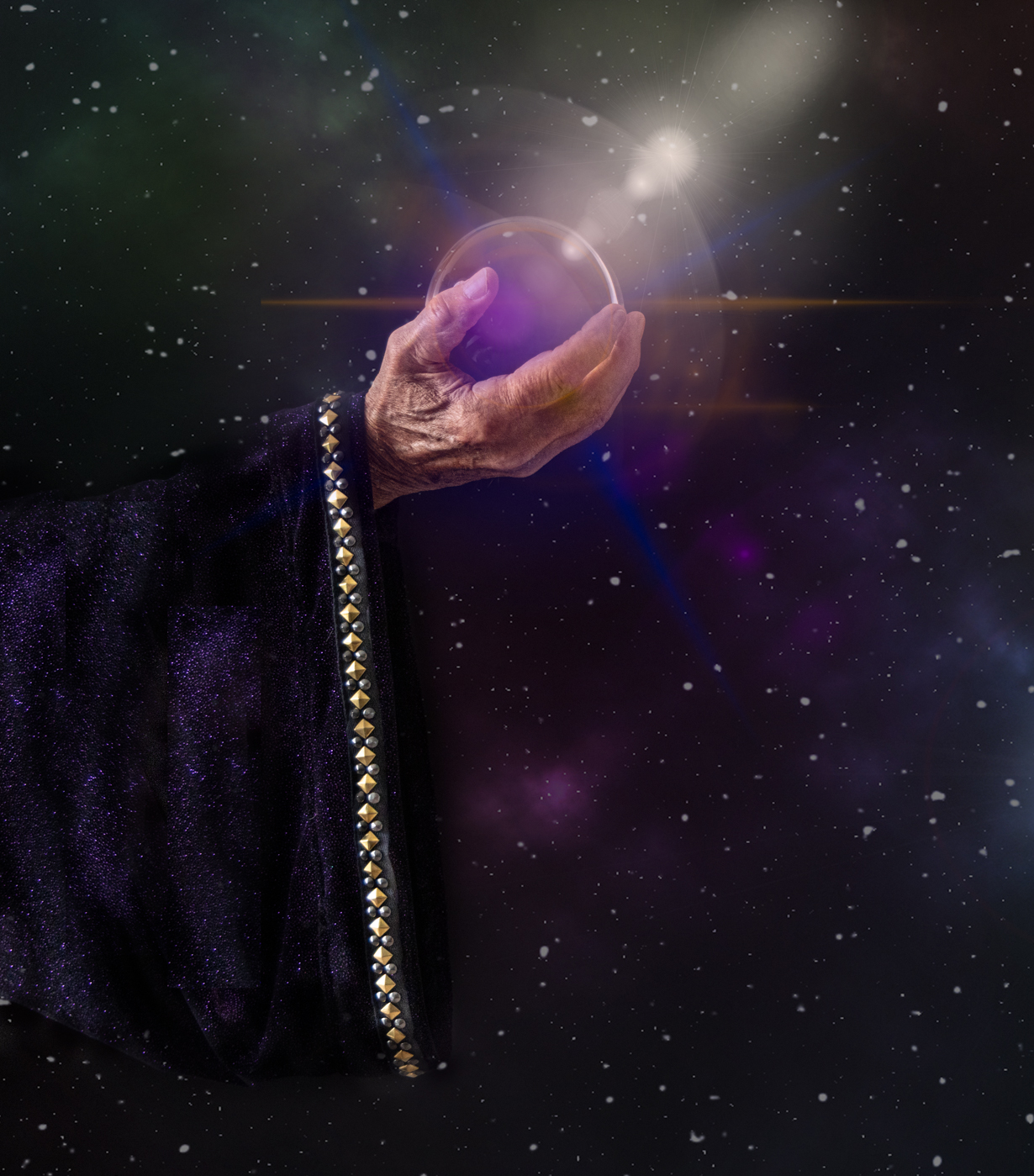
Welcome, Jean! I'm delighted to you create a nice image with your iphone--both your original and final. We don't always see that!
Feel free to share a title or ask for a title for your image.
It would be great if you would explain your processing to get your pretty watercolor (and your future images). I'd love to try it.
A couple of thoughts: Love love love the image overall. However, the top ends abruptly with some dark coloration. If it were mine, I'd use the clone tool at 50% or so opacity to blur the dark lines at the top.
I also found the unexpected spots of light blue in your image as not fitting in (and not in the original?). So you might consider cloning them out also.
Remember that our eye will always go to the lightest color, so the white dots, especially those at the bottom of the image, may be distracting viewers from looking at your subject. You might consider erasing or cloning them also.
We'd love to know if you compete with your images, and if so, what categories you'd be entering (and what rules you need us to comment on).
We are excited to have you join us!
|
Jan 14th |
| 78 |
Jan 25 |
Comment |
I like Ed's removal of the shadow around the branches. |
Jan 14th |
| 78 |
Jan 25 |
Reply |
I like your crop, Ed! |
Jan 14th |
| 78 |
Jan 25 |
Reply |
Ed, this is WONDERFUL! I find your version really highlights the dancer and her ribbon. Bravo! |
Jan 14th |
| 78 |
Jan 25 |
Comment |
Here's a quick revised image. I cropped from all sides, and brought us closer to the action. I specifically didn't crop 1/2 a mountain off as you have, as I thought that felt a bit "amputated".
I think there is still a lot of water and sky to get the idea of an island. I straightened it, as explained above.
I chose "Auto" in camera raw as a starting point. And I chose one of the Camera Raw presets, TR02 (under travel) and that deepened the color a bit. I did not choose the mountains and add texture, open shadows, etc, as my suggestions would mostly be about creating a composition and subject, that I discussed above. |
Jan 8th |
 |
| 78 |
Jan 25 |
Comment |
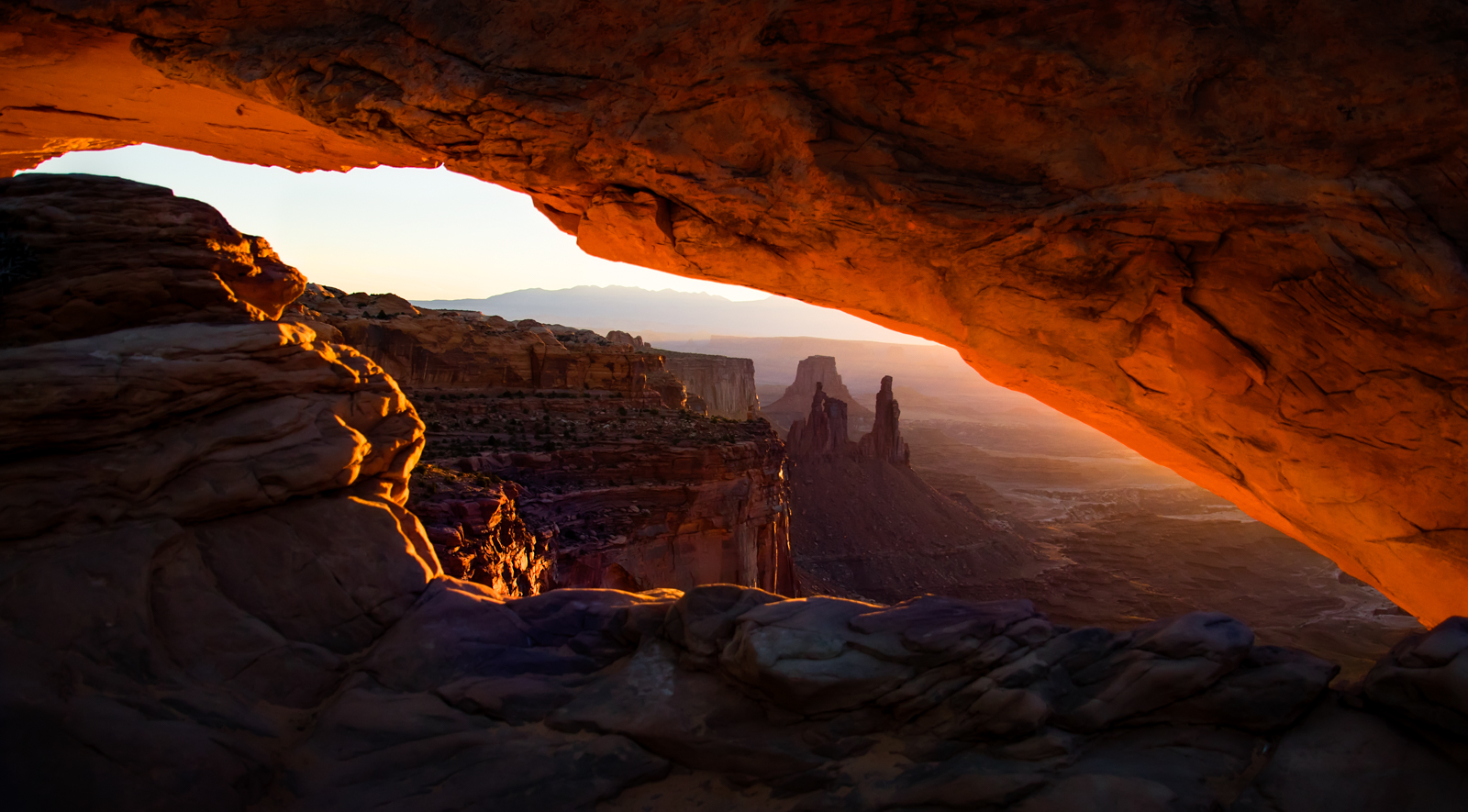
Wow, a bit of vertigo with the clouds and rocks all in a tilt--a very active composition!
I'm interested in why you don't shoot one image for the sky exposed properly and one image with the rocks exposed properly and merge in Lightroom. Virtually no changes needed. Or shoot bracketed 3 or 5 shots and pick the ones that you want to merge. So easy, and no need to have to bring out the lights from super dark and create all the noise and then remove it.
Also in Camera Raw or Lightroom, you just choose the "Object" or "Sky" or paint the area in question (or use eye dropper for all color ranges for all foreground, etc) and make adjustments with sliders. I'm assuming you did this, but if not, I'm happy to Zoom with you and show you how it works and how very easy it is.
Thrilled you got to see such a beautiful arch! Great re-work and I love it! I'd name it "Tilt" or "Vertigo" or a similar name to highlight the craziness of it. |
Jan 7th |
| 78 |
Jan 25 |
Comment |
Spectacular! I love the chocolate background against the golds of the leaves. Three is the perfect number. Again, you are really the master of focus stacking!
Crisp, well-lit, great composition, great colors. Bravo! |
Jan 7th |
| 78 |
Jan 25 |
Comment |
Pei-Fan, I love your idea. I love the movement the dancer is making--on her toes, arms outstretched and her neck back. However, the original looks like the dancer is out of focus. Perhaps 1/250 sec was too slow in an indoor environment and the dancer moving quickly?
The combined image seems too busy to me. The painting seem too bright and not blurred enough. Also, the painting doesn't have any of the colors that the dancer or her ribbon have, so it doesn't add to the composition. I don't think the ribbon needs to be blurred, its very interesting being sharp.
I'd love the see the dancer against a neutral background--black or cream, so we see the dancer's pose and her ribbon making us follow her movement and her ribbon's movement.
Great effort! |
Jan 7th |
| 78 |
Jan 25 |
Comment |
Welcome to retirement! It's such a gift, you'll love it!
Congrats on your trip to St. Kitts. I was there many years ago and it was lovely.
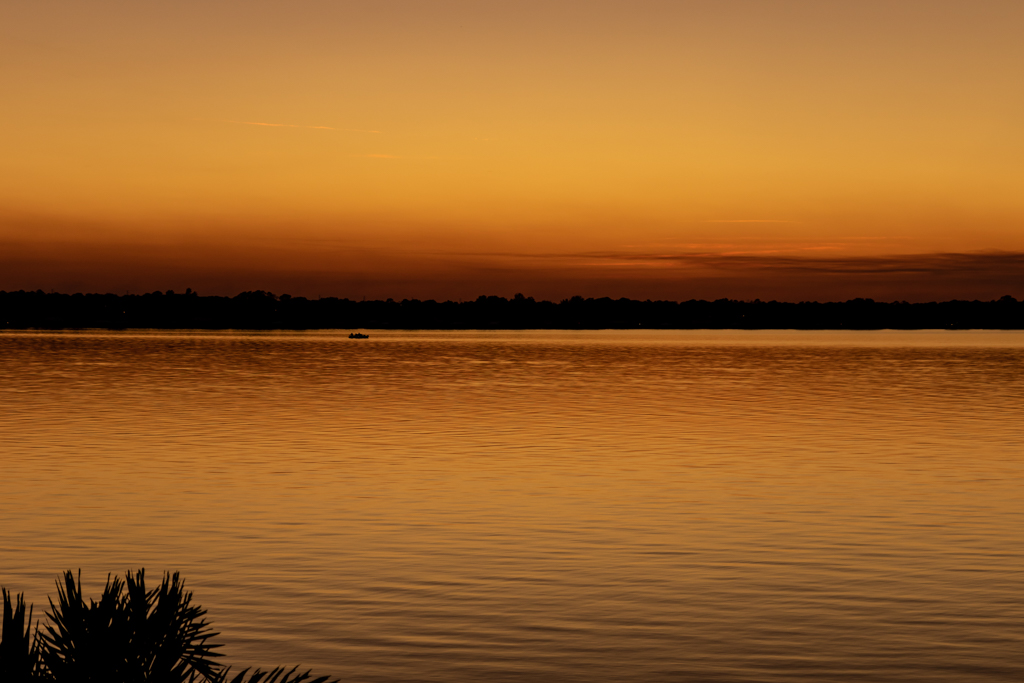
The first thing I notice is your image is tilted, going down on the right. This is a key thing you'll want to fix in all your images--it happens when we press the shutter down too hard and the camera takes a dip downward. The quick fix in Lightroom is the TRANSFORM panel. Just tap "Auto" in the top center of the panel and your image is straightened! If it crops too much off, click the "constrain crop in the bottom left of the panel, and it will be fixed!
Your writing skills are marvelous! In your image, I'd pick a subject for our eye to find and see the many features you are interested in--sky, sea, clouds, mountains, seaside. You've made the sky 2/3 of the image, so, compositionally, the sky is what you want to hold your audience's attention.
If you want us to be more involved the land, I'd bring your audience there by cropping down from the sky and the sea. I'd consider cropping from the right and taking us to the mountains (as an option). I'll post a rework when my Lightroom drive backup is done and I can use Lightroom.
A great free hour long class on Composition by Scott Kelby is on Facebook. https://www.facebook.com/SKelby. Scroll to his Dec 12 book chat video on his book "Crush the Composition". You can skip his chatter and just watch his discussion of Composition. Also, go to his Dec 4 post on Blind Photo Critiques. He has these every month on a Wednesday at 1pm, so you can watch hundreds of them for free. After 3, you'll know what changes will create the most impact. Again, you can skip the ads and chatter, and look how he critiques three photos by the same photographer. It will really up your game! |
Jan 7th |
| 78 |
Jan 25 |
Comment |
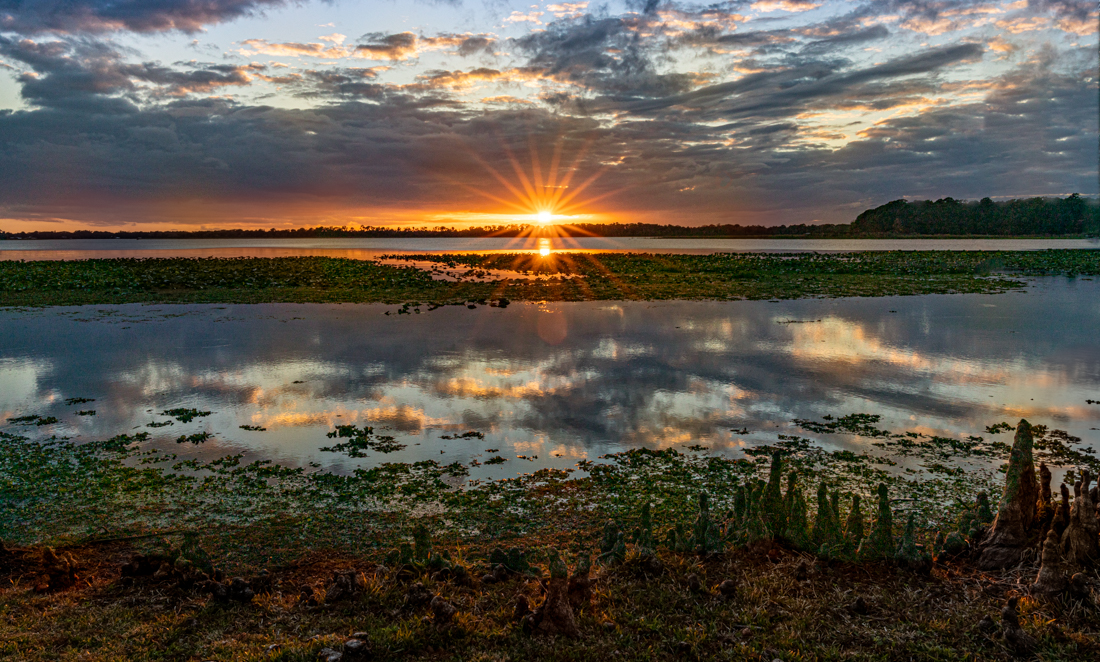
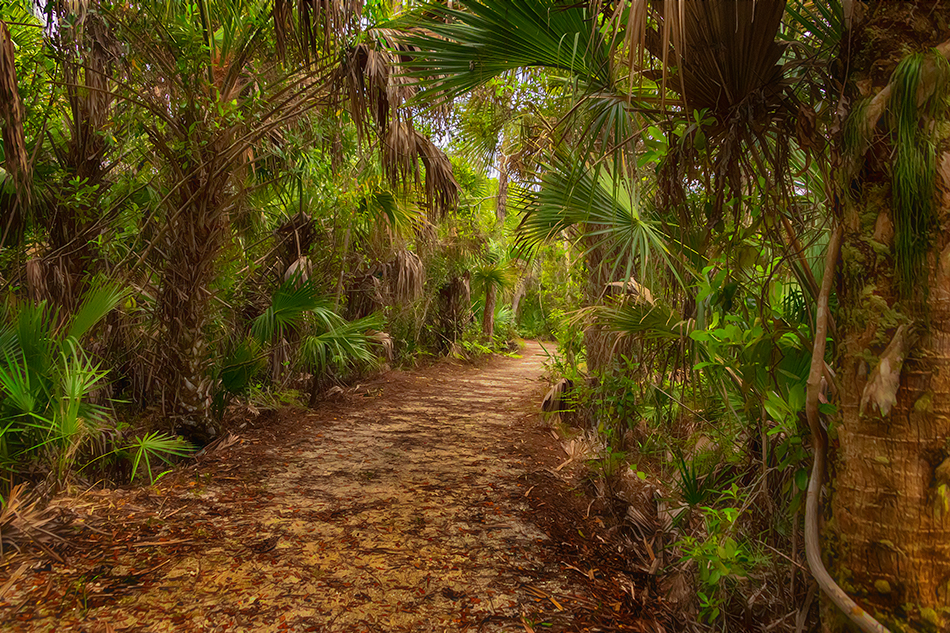
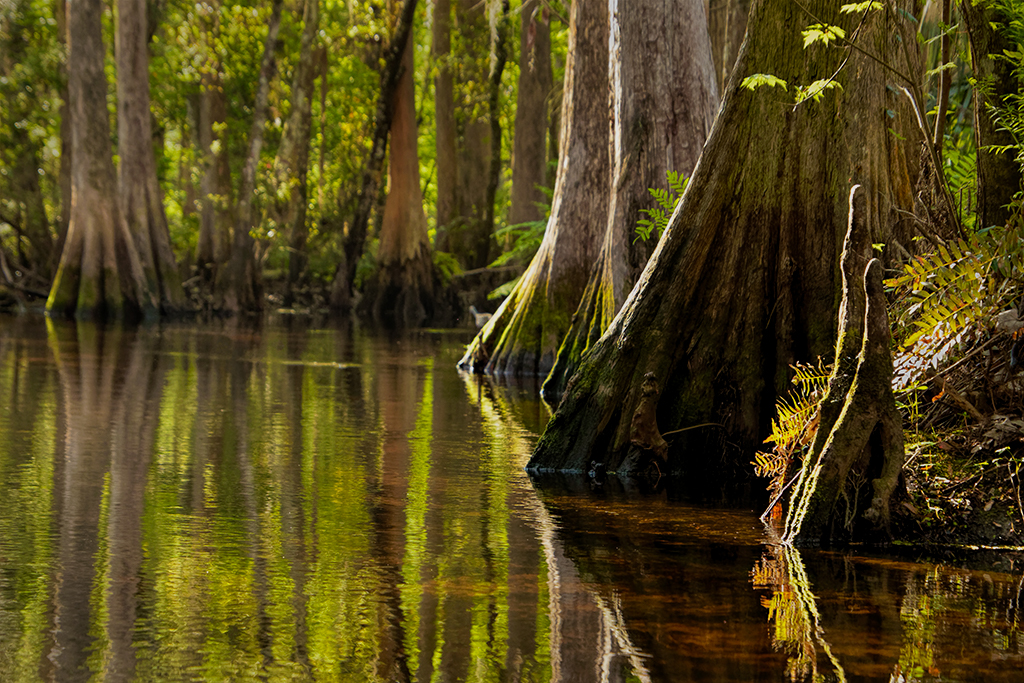
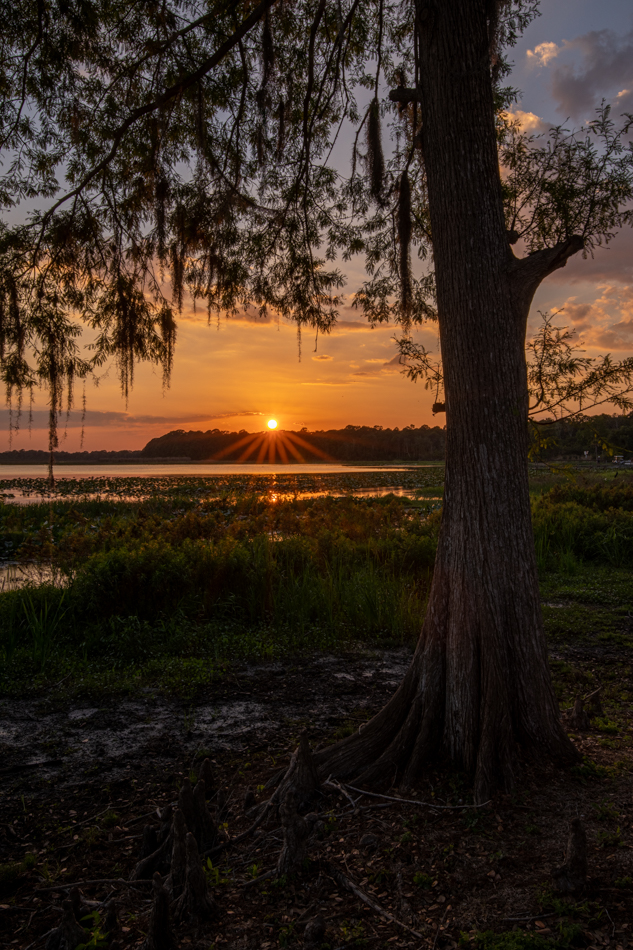
It looks like a beautiful park! I do love the golden hues you have highlighted.I find myself looking for the subject. One of the hanging branches on the right is bright green, and my eye goes there. And the curbing around the large tree is bright, and attracts my eye. The water is a little dark in the center of the image, I wish a duck or two were there and would make a nice subject.
The tone is lovely, the focus is nice and I love the leaves floating in the water. |
Jan 7th |
| 78 |
Jan 25 |
Reply |
Hi Robert! I saw your Jan 2 message, but didn't understand what you were saying! Today, I figured it out--Pei-Fan's pic wound up on my page and my final image and explanation were replaced by Pei-Fan's info.
Please take a new look and let me know your thoughts! Thanks! |
Jan 7th |
9 comments - 22 replies for Group 78
|
9 comments - 22 replies Total
|