|
| Group |
Round |
C/R |
Comment |
Date |
Image |
| 78 |
Mar 24 |
Reply |
Oh, wow! Thanks so much! I thought I might have been too conservative with my changes. Great to know you like it. |
Mar 26th |
| 78 |
Mar 24 |
Reply |
Scooby Doo has been busy shredding...LOL! I'd love your thoughts on the 3/26 version I posted below with some more vibrance and removing the dark halo in front of the wing. Thanks for the new fun photo vocab! |
Mar 26th |
| 78 |
Mar 24 |
Reply |
Sunil, I did work to brighten my image a bit and add more detail to the bird. Can you take a look at my 3/26 version and see what you think? It's not as vivid as yours, but I think its improved. |
Mar 26th |
| 78 |
Mar 24 |
Reply |
Wow, so glad you spoke up about the halo--totally missed it and it was a glaring error.
I've made my fix below on 3/26 post, what do you think? Thanks again! |
Mar 26th |
| 78 |
Mar 24 |
Reply |
I know you didn't have much feedback, but I did make some tweaks below. How does my image below look to you for PSA Nature? Thanks for your expertise! |
Mar 26th |
| 78 |
Mar 24 |
Reply |
I put a new version up below, if you want to take a look. Thanks so much for your help! |
Mar 26th |
| 78 |
Mar 24 |
Reply |
I put a new version up below, if you want to take a look. Thanks so much for your help! |
Mar 26th |
| 78 |
Mar 24 |
Comment |
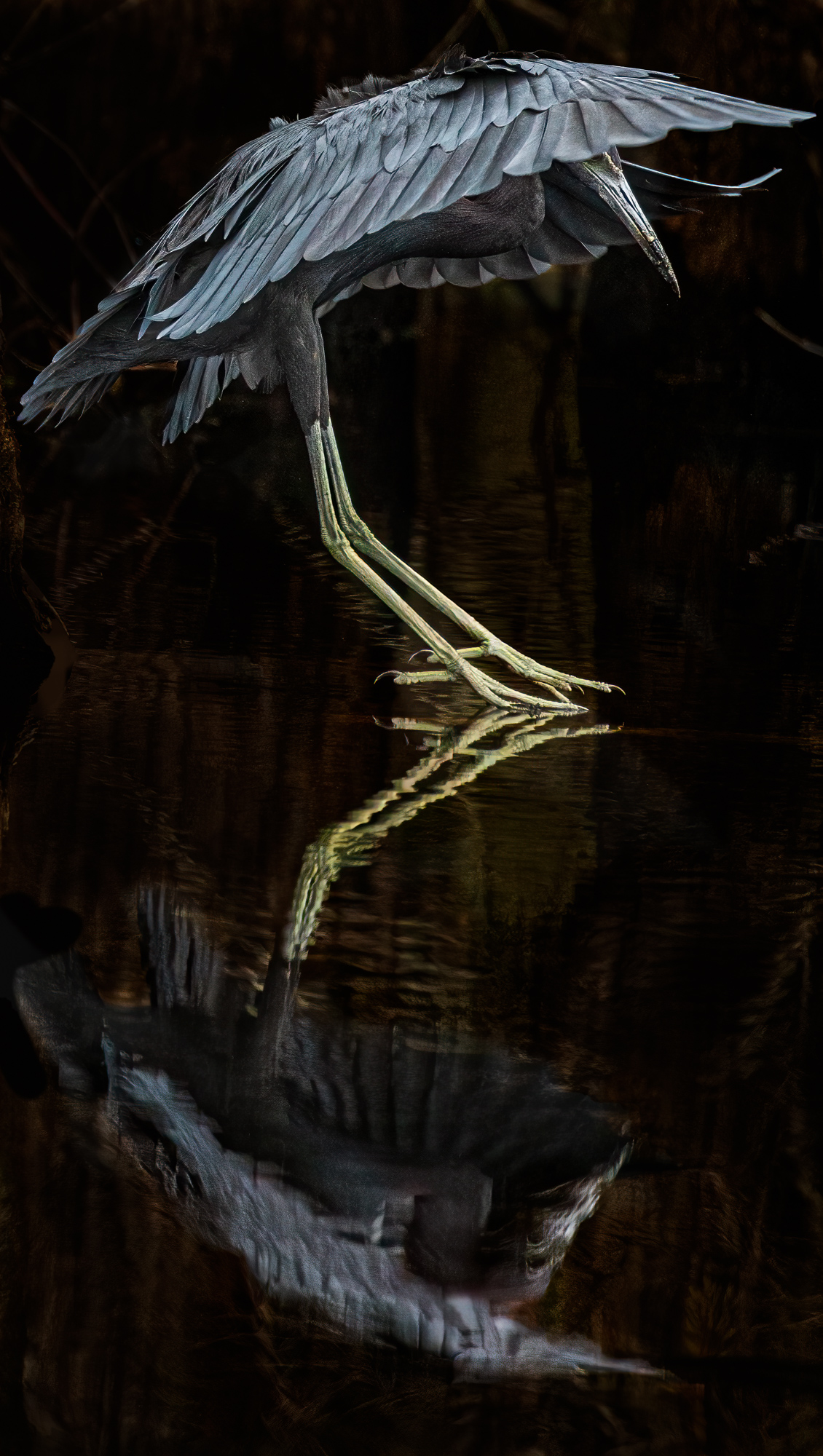
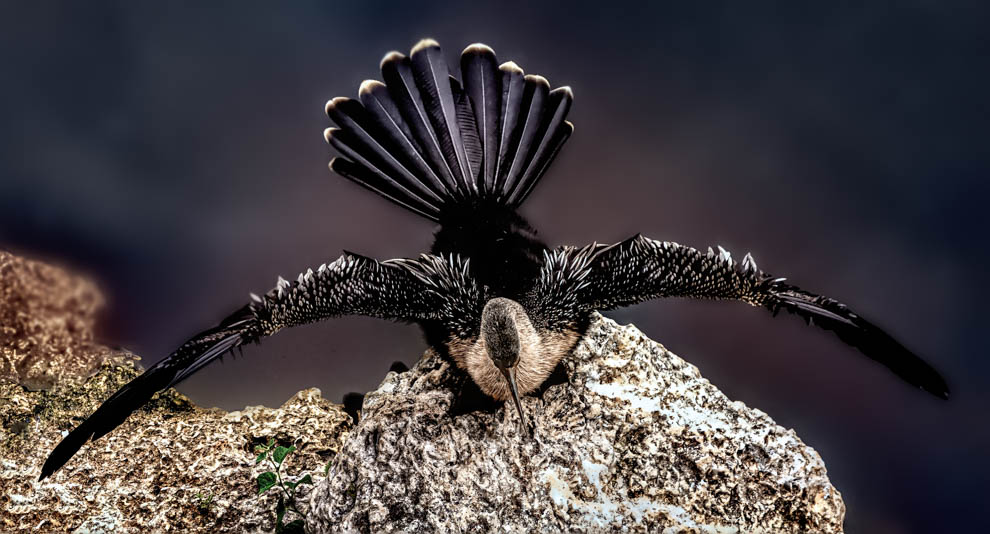
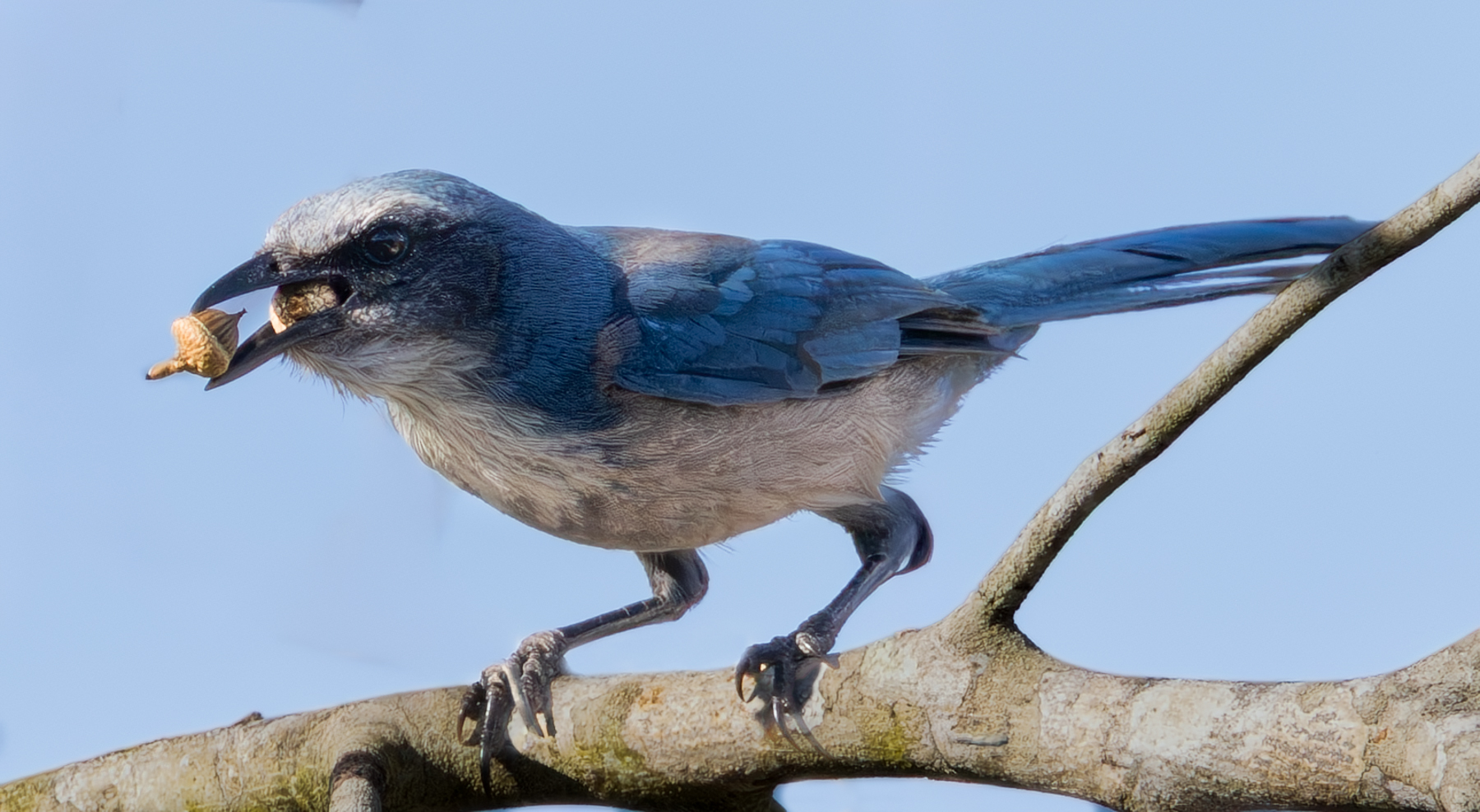
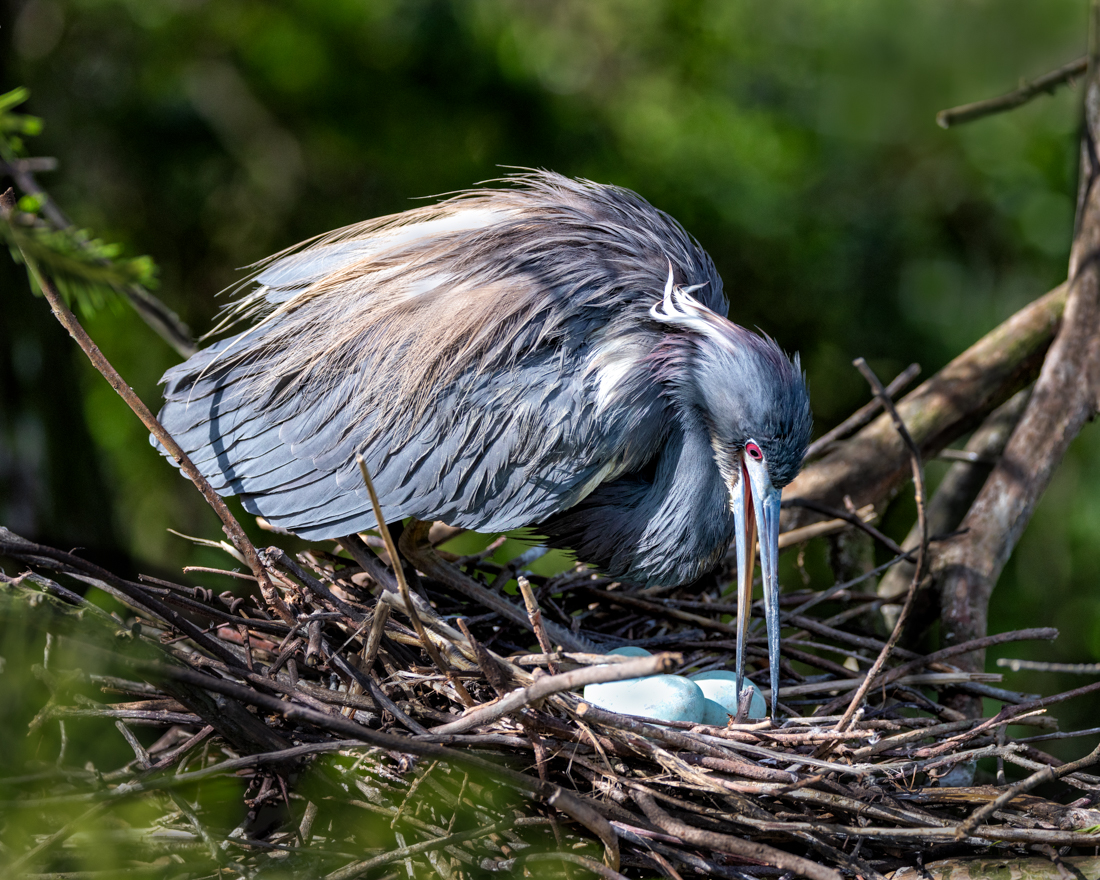
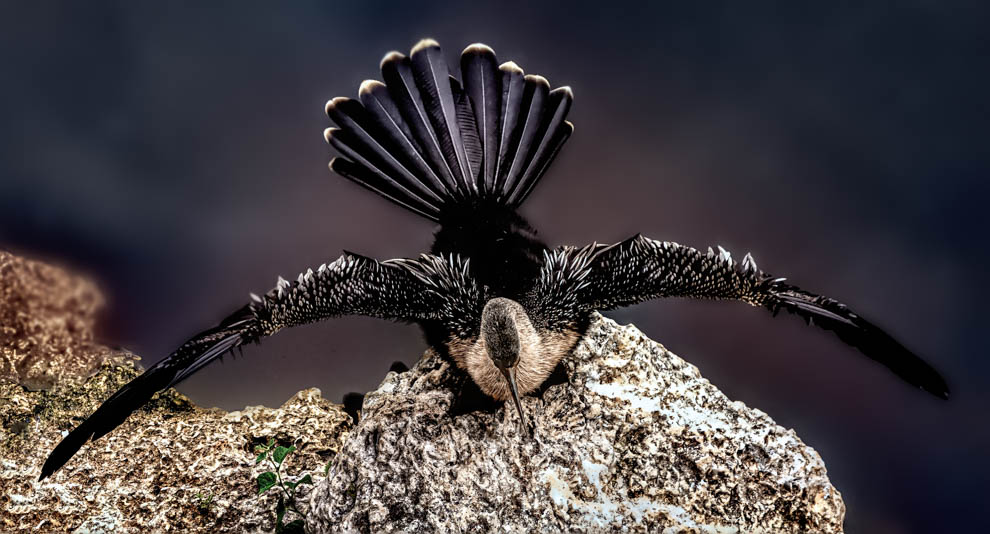
I've redone my Black Crowned Night Heron Juvenile. Thanks to Ed for catching the dark halo in front of the wing. I wasn't sure I wanted to vibrance/saturate as Sunil suggested, but I experimented with my new ON1 Effects software and it gave me even more detail in the bird and more richness in the sky and bushes. I think it is a lot less "flat". I did remove the new filter from most from the bushes, as they went to electric lime green and I think they were already pretty bright!
Let me know your thoughts! |
Mar 26th |
 |
| 78 |
Mar 24 |
Reply |
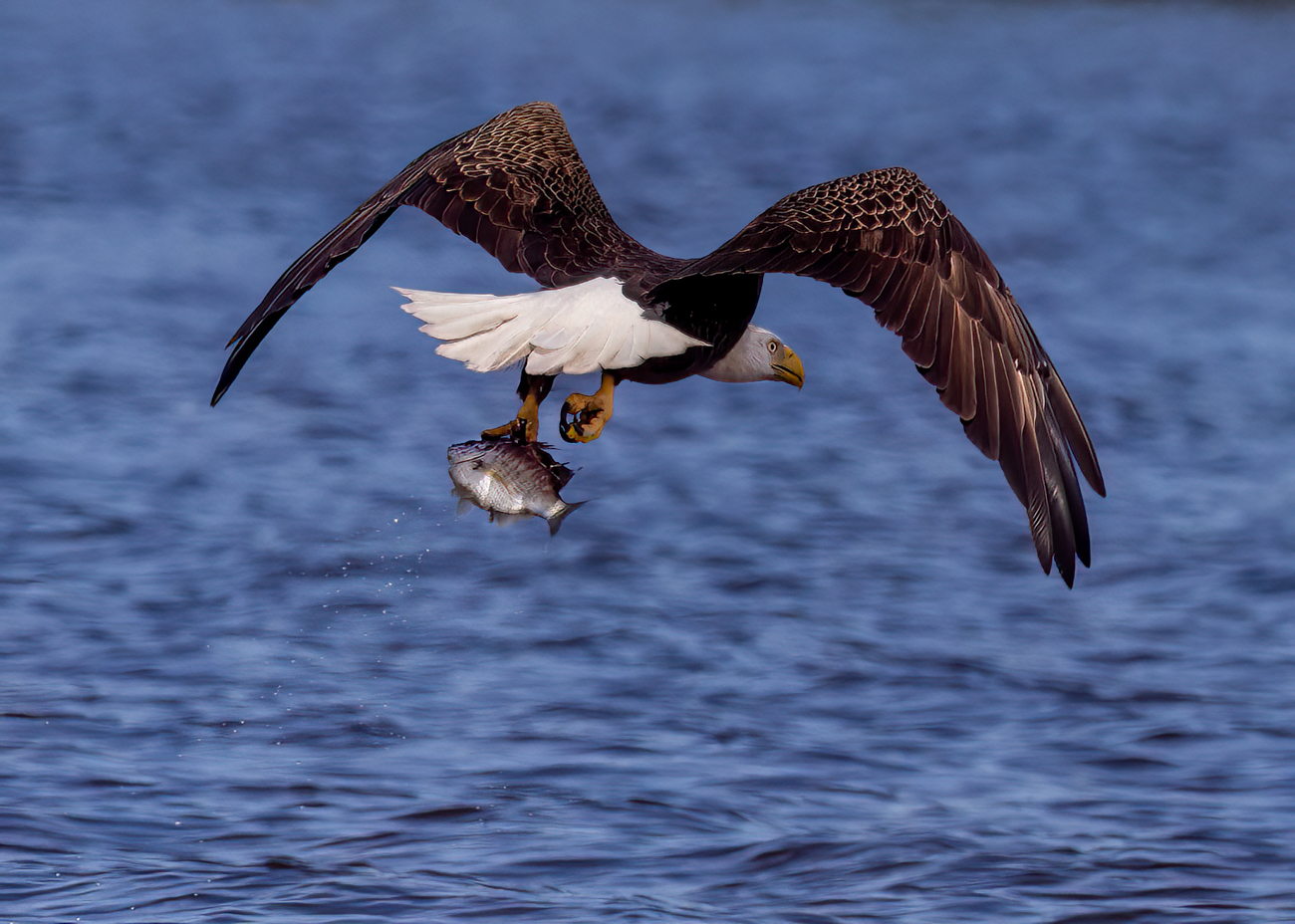
Wow, quite the eagle eye, Robert! I agree that the original is a better image in a lot of ways. Richer color, less blur, he's actually up in the air (foot is not touching ground). Impressive you caught that!
|
Mar 22nd |
| 78 |
Mar 24 |
Reply |
Thanks! I will be alert for "shredding" to appear in photo descriptions! Thanks for the education! |
Mar 16th |
| 78 |
Mar 24 |
Reply |
Thanks, Pei-Fan! What does "shredded" mean to you? I'm not familiar. with it. |
Mar 16th |
| 78 |
Mar 24 |
Reply |
Great question, Pei-Fan! Each category is different, and it is important to read the rules. For PSA, Travel, Photo Journalism and Nature must look at how it looked in "real life", so no sky changes, removing trash, etc. I would read the rules carefully for each category and look at the competition to see if any previous winners had used that technique. |
Mar 16th |
| 78 |
Mar 24 |
Reply |
James, I tried looking up "shredded" in photography, but no luck. I get how to look shredded (muscled)in photography, and how to make a photo look like it went through a shredder, or how to repair a shredded photo. I'd love to know what your definition is. Thanks! |
Mar 16th |
| 78 |
Mar 24 |
Reply |
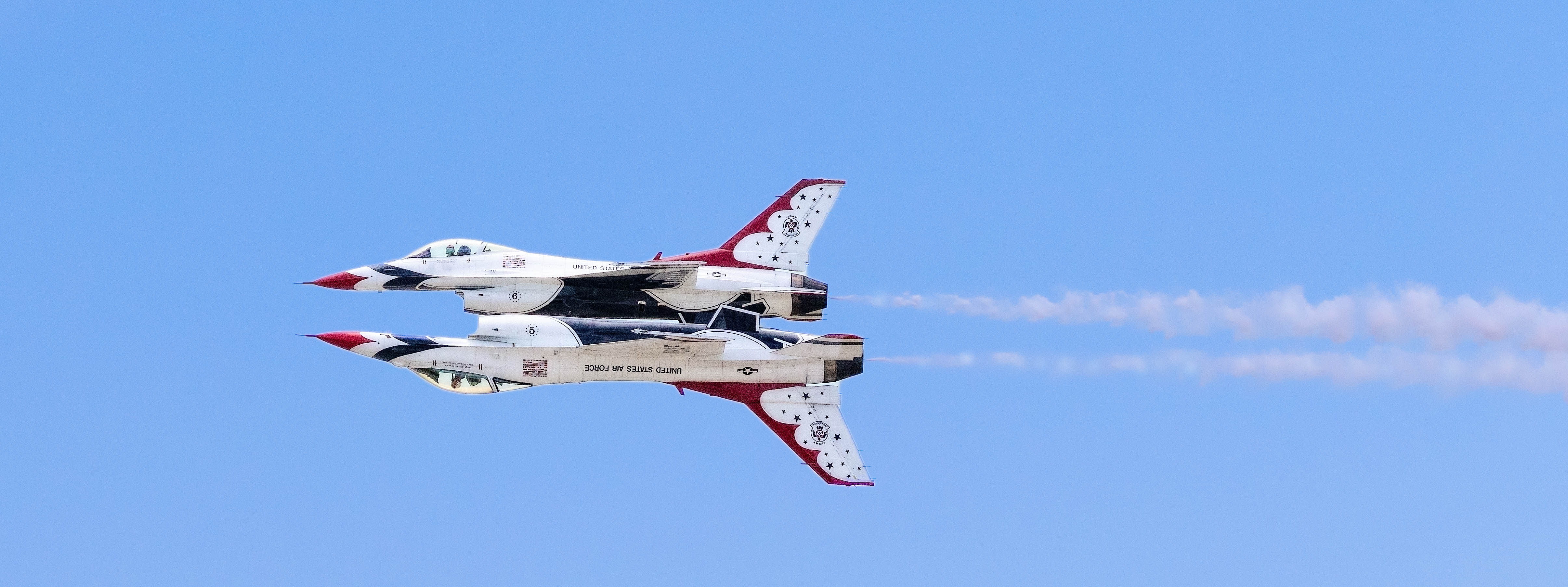
Check out his rework above with a tilt. Great minds think alike! |
Mar 16th |
| 78 |
Mar 24 |
Reply |
Nice idea, James! |
Mar 14th |
| 78 |
Mar 24 |
Reply |
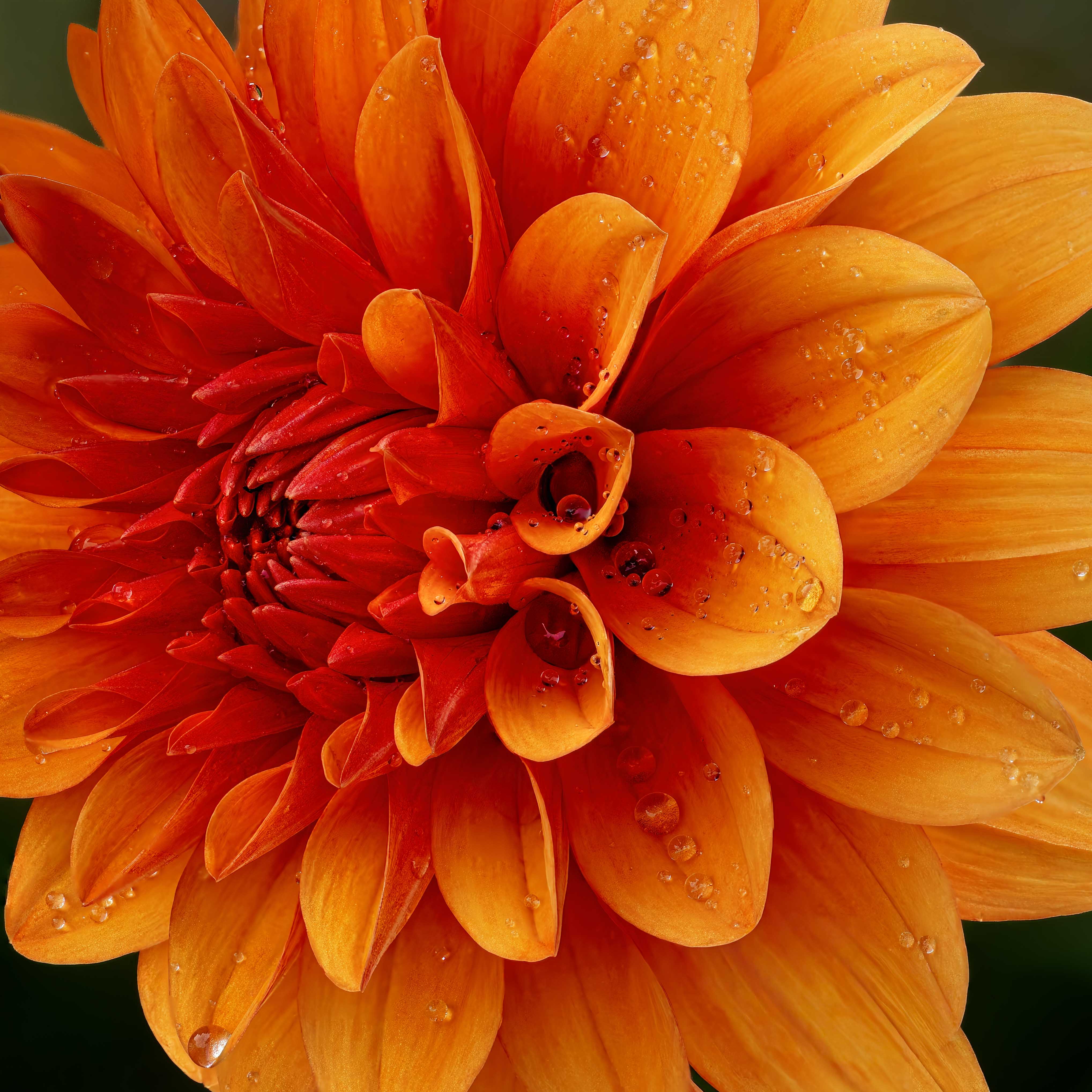
All nice changes! I would probably darken the greens in the leaves, but that's just a personal preference. I think it is light and airy and fun, as is! Bravo! |
Mar 14th |
| 78 |
Mar 24 |
Reply |
I agree that the stem tip was a nice, subtle change and strengthened the image. |
Mar 14th |
| 78 |
Mar 24 |
Reply |
Thanks so much, James! Lots of new photography lingo for me to learn here...haven't heard "shredded" before, but like it! And" Scooby-Doo "toxic fog feel" is also a new one, but also delightful and touches my artistic inner child. I appreciate your fresh eyes on it!
|
Mar 14th |
| 78 |
Mar 24 |
Reply |
Thanks for joining the discussion, James. That is what the group is for! I have definitely flipped images before, but didn't feel the need to in this one. We'll see what the rest of the group thinks. |
Mar 14th |
| 78 |
Mar 24 |
Reply |
Thanks, Sunil! Your version looks great! |
Mar 10th |
| 78 |
Mar 24 |
Reply |
Ed, your edited image didn't show up. We'd love to see it!
|
Mar 10th |
| 78 |
Mar 24 |
Reply |
Very nice changes, Ed. I particularly like how you made a list of your changes! |
Mar 10th |
| 78 |
Mar 24 |
Reply |
Jim, Camera Raw is a built-in filter in Photoshop. The first YouTube shows you where to find the Camera Raw filter.
https://www.youtube.com/watch?v=e6DLFbTa9tk
The second filter shows you how to select Subject, Sky, Background and makes things SO MUCH easier than how you've been doing it. Happy to Zoom with you to show you more, if you are interested. Obviously, you've been doing extremely well in competition without this feature ;-).
https://www.youtube.com/watch?v=XZcp9L73rZo |
Mar 10th |
| 78 |
Mar 24 |
Reply |
Good catch! I'll fix that once I have everyone's comments on my image.Thanks! |
Mar 10th |
| 78 |
Mar 24 |
Reply |
Thanks so much, Jim! |
Mar 10th |
| 78 |
Mar 24 |
Comment |
Oh, what a great plant, and a great image!
The crazy red legs and bug is wild. Your sharpening worked well. Fascinating image!
I'm taking up macro by starting with a weekend class in Kentucky in June. I hope we have some fun subjects like you! |
Mar 6th |
| 78 |
Mar 24 |
Comment |
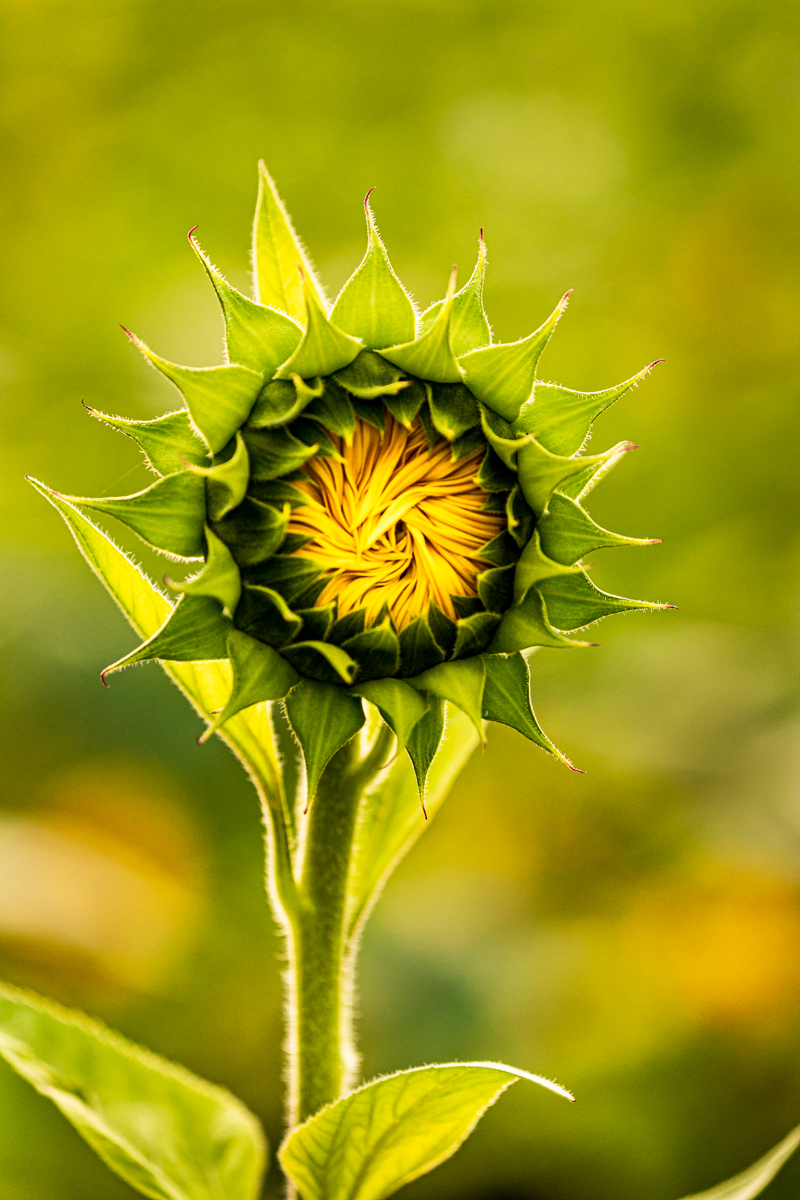
Everyone loves sunflowers! I like what you've done with it! The darkened background and bright flower look great. The green seems a bit unnatural to me. Perhaps darken your green, which will bring attention to your flower.
What do you think about "trimming" a bit off the flower that is clipped so its not clipped? Another option is to remove the clipped leaf completely (or just leave as is). |
Mar 6th |
| 78 |
Mar 24 |
Reply |
Love it, one of your best! Thanks for the Tonality CK explanation. |
Mar 6th |
| 78 |
Mar 24 |
Comment |
What a great festival, Pei-Fan!
Very difficult to shoot at night with bright firecrackers making things very dark and very light. I would shoot faster to stop the action better and use a noise removal program to get rid on the Noise from the high ISO.
Is your subject the dragon or the men? Personally, I would have left the men just as you shot them, and selectively choose the dragon and lightened and saturated it. If it is a member of your family, then I can understand that the person or people are your subject.
Very clever of you to add the extra dragon! I actually don't think its needed, since he seems to be on a different level
and not part of the scene. I do think the second image is a good one also. You could use Vibrance to bring out more of the dragon in that image, leaving the man as he is, as he is well lit by the firecrackers.
I think we should all visit during this festival! It looks fun and a great photo opportunity! |
Mar 3rd |
| 78 |
Mar 24 |
Comment |
I like the unusual angle you photographed the building! I think it pops really nicely.
I think Robert brings up a good point about using the Perspective in Lightroom or NIK filters to remove the distortion.
A couple minor things...the flag on the left has a super bright white in it and draws our eye away from the buildings. If you pull down your highlights on just the flag, that can easily be remedied.
Also, your sky isn't very interesting over much of the image. Have you considered sky replacement (you have to use one of your own if competing in PSA or a club)? |
Mar 3rd |
| 78 |
Mar 24 |
Comment |
Wow, your before and after are so different! LOVE it! I understand what Robert is saying about your bokeh, but I think it brings our eyes to several places in the leaves.
However, the brightest place in the composition is a leaf in the center right and pulls us from what I assumed was the subject in bokeh. I might remove the leave or tone it down.
Could you refresh me on what "Tonality CK" is for your BW conversion? Thanks! |
Mar 3rd |
| 78 |
Mar 24 |
Comment |
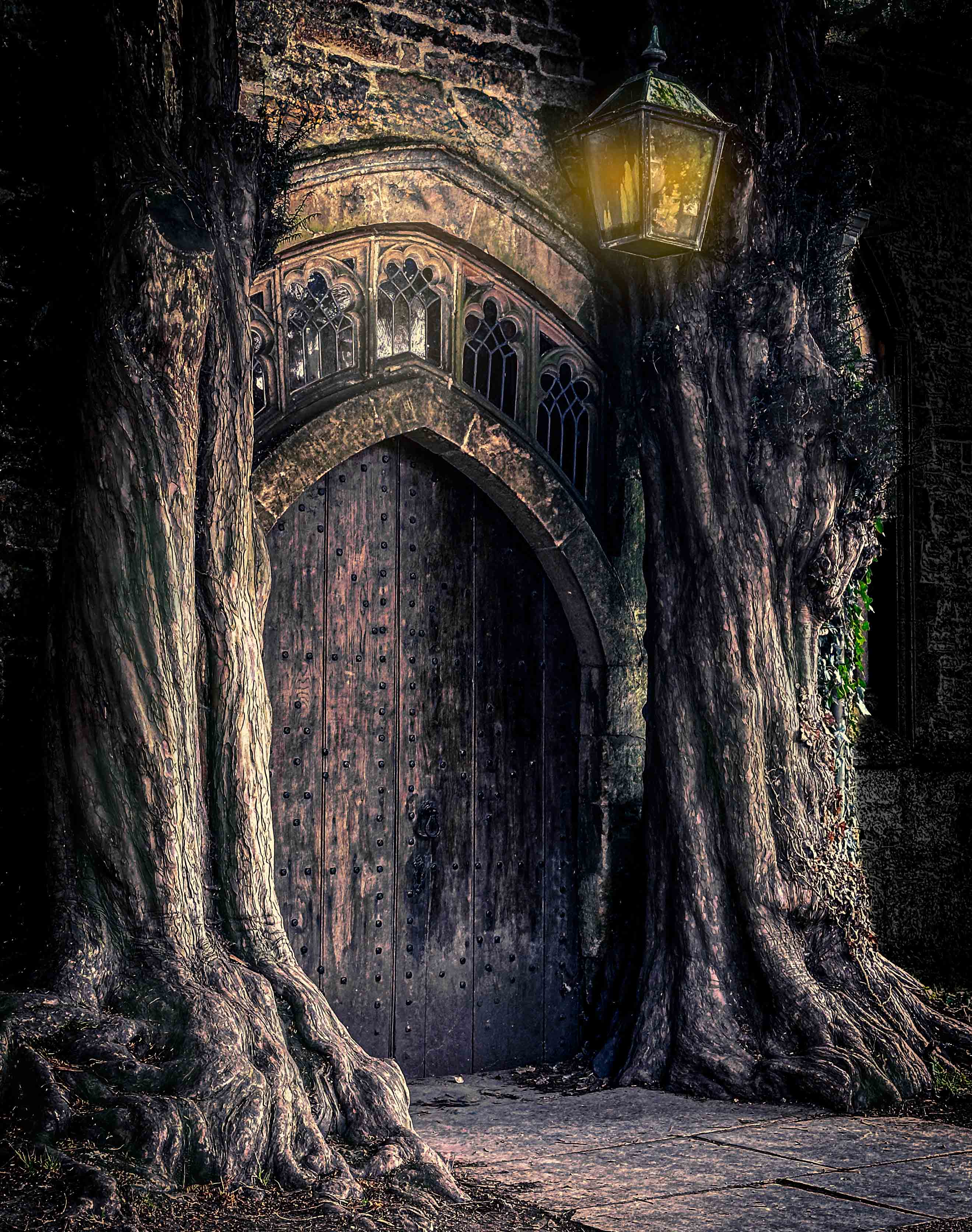
I love it, Jim. My grandmother had a similar collection of glass plates and bottles on a huge picture window and all of her grandkids loved her view through the "art".
Do I remember you use camera raw? You could just Select Background and darken. You might have to use the new "Select Objects if it misses some of the bottles. It's really just the bottom of the background that is very bright and pulls our eyes from the lovely subject! |
Mar 3rd |
| 78 |
Mar 24 |
Reply |
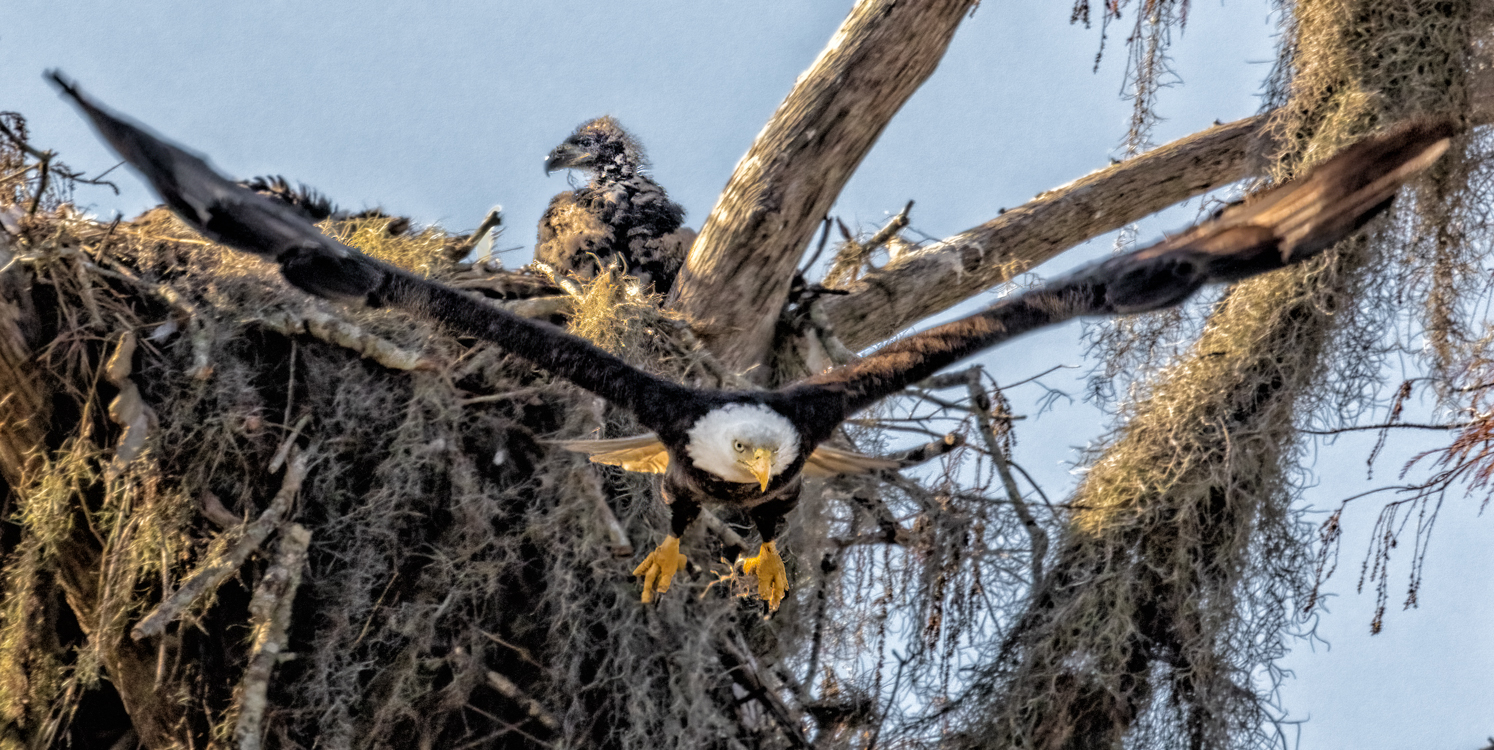
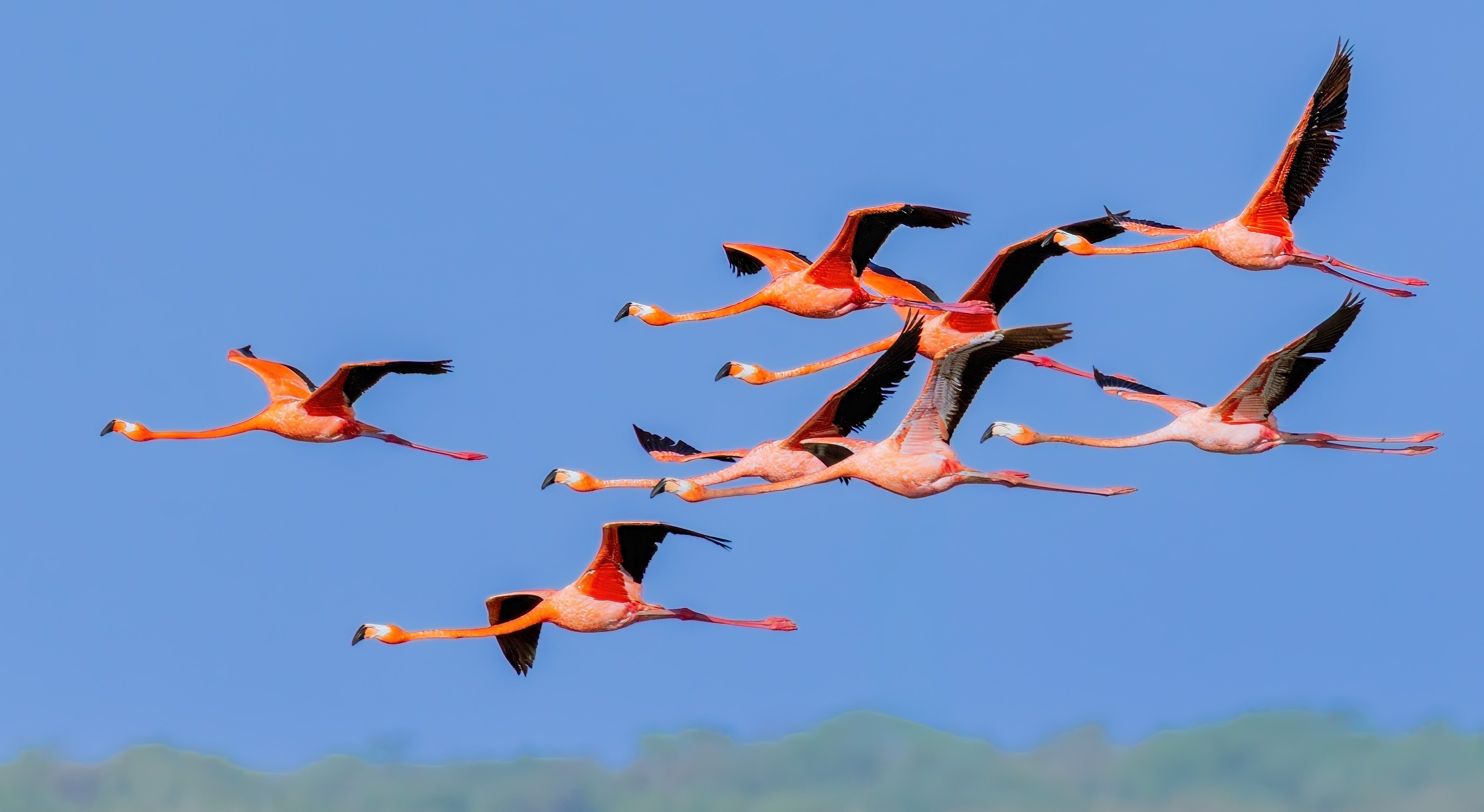
Thanks, Robert! We read left to right, but many cultures read right to left, and they are often PSA judges. Since technically, we can't change what we saw in a Nature image, I tend to leave it the way I photographed it.
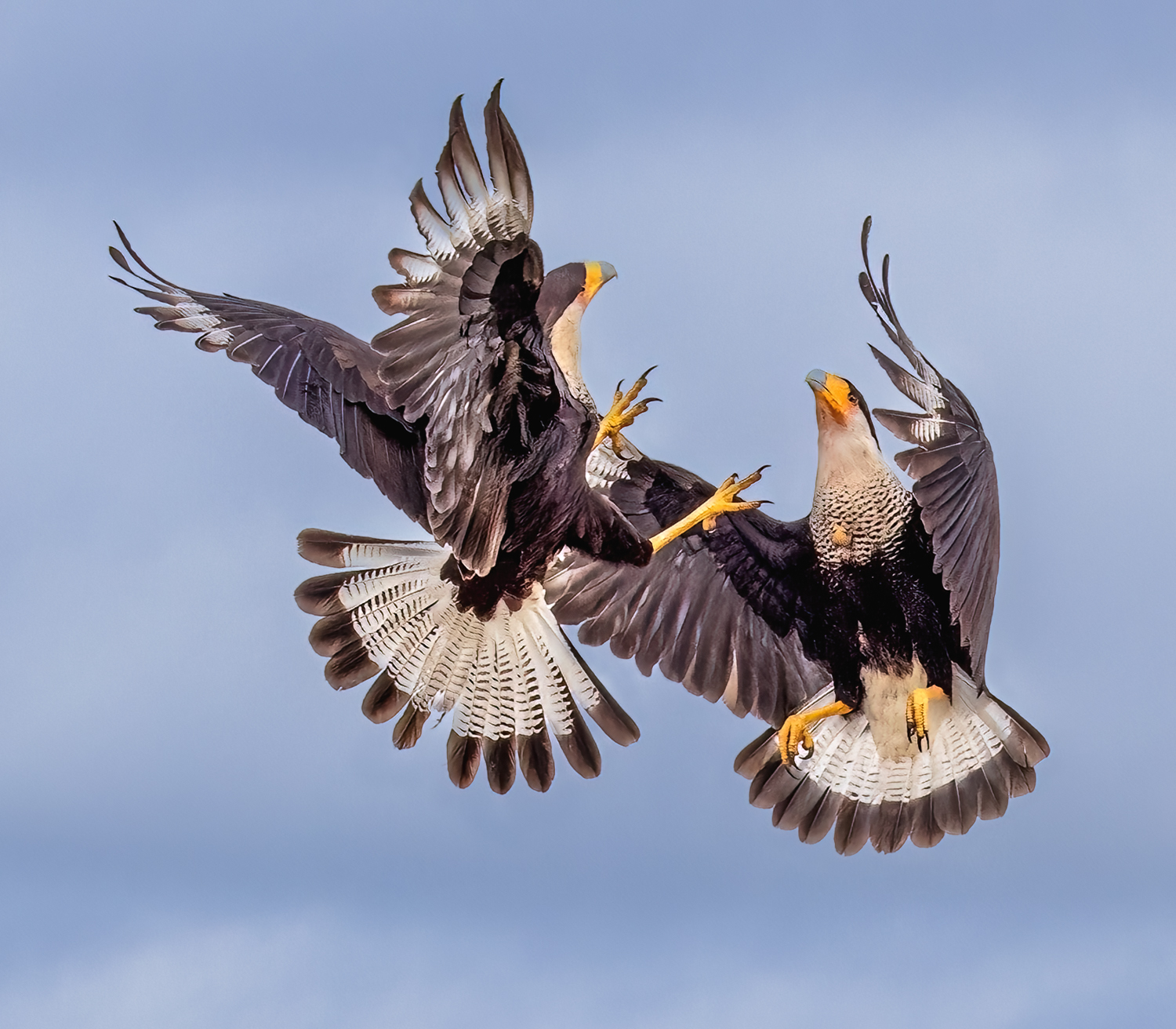
I agree a motion blur is nice, but extremely difficult to set up on a bird flying by once. By the time I dropped my shutter speed to something that *might* work, it would be long gone. For me, motion blur and panning is tricky, with many misses, and works best on something like a race track or street, where the same thing happens again and again and you can pick one good one out of hundreds of misses. I do see it used at Pasque del Apache where thousands of sandhill cranes take off at once, but the whole flock tends to be blurred. Photographers tend to use motion blur in places with large flocks, because the camera can't focus on one bird in huge groups. Since this was a once in a lifetime scene, I'm glad I got the shot. But I think your idea is a great reminder to practice with grackles or Canadian geese to get the more artistic motion blur image. Thanks!
|
Mar 3rd |
7 comments - 26 replies for Group 78
|
7 comments - 26 replies Total
|