|
| Group |
Round |
C/R |
Comment |
Date |
Image |
| 78 |
May 23 |
Reply |
So impressed with how hard you worked on this! And it looks great! |
May 25th |
| 78 |
May 23 |
Reply |
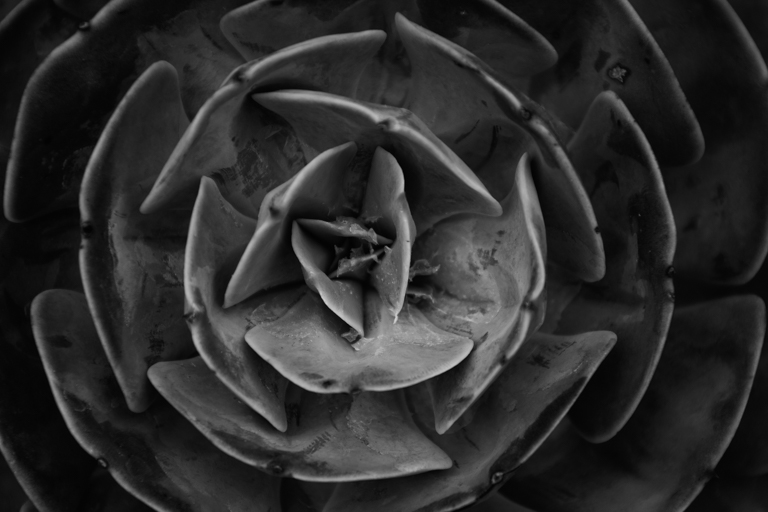
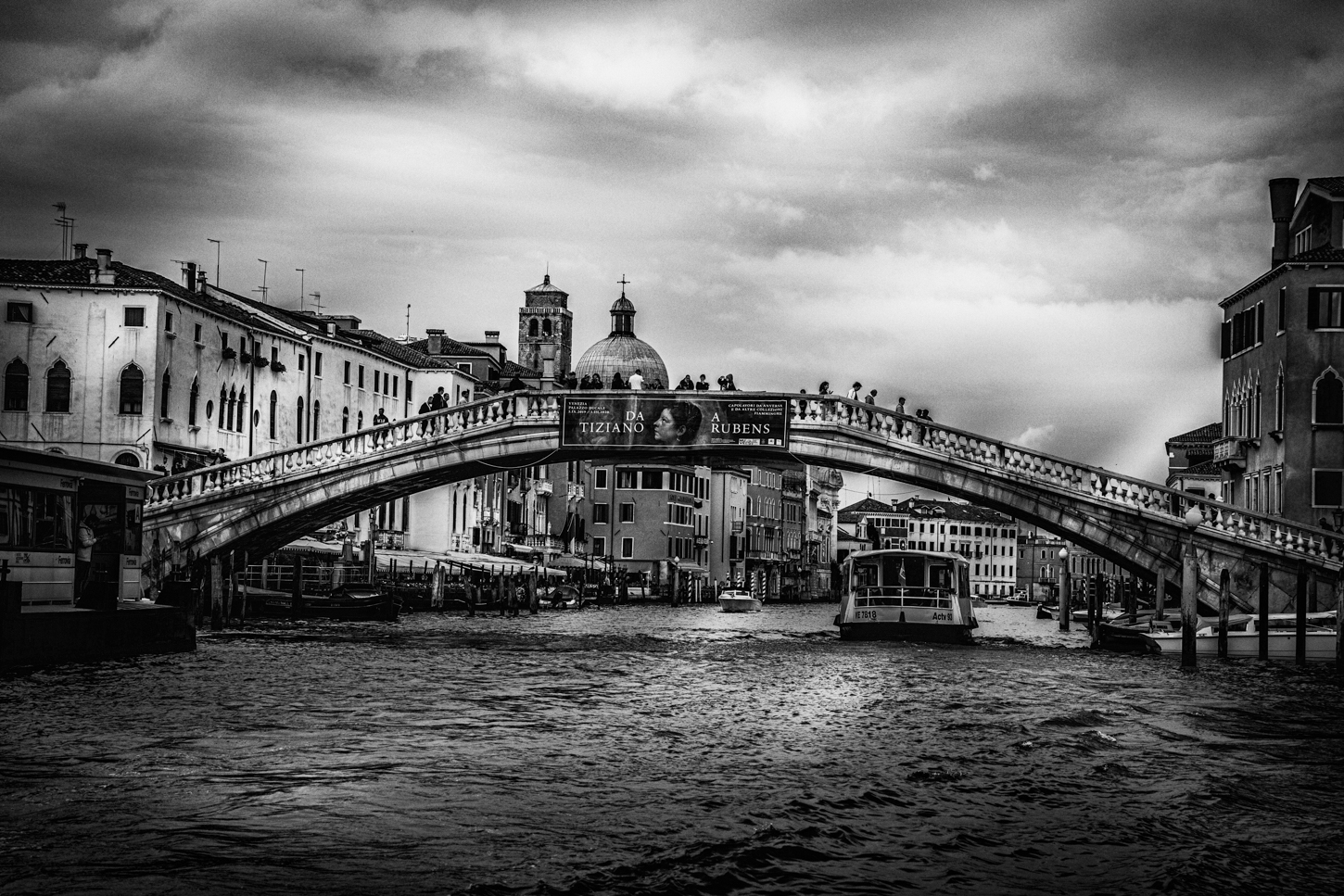
I agree, James, this really shines in monochrome! We really see the blockiness of the geometry. I loved the color in your color rendition, but would probably go with mono if forced to choose! |
May 24th |
| 78 |
May 23 |
Reply |
Good catch, Sunil! |
May 19th |
| 78 |
May 23 |
Reply |
Do you use Camera Raw with Photoshop? It's exactly the same controls as Lightroom. Happy to do a quick zoom and show you, but you can see where I overdid some yellow dots on purpose in the bottom right corner. |
May 18th |
| 78 |
May 23 |
Comment |
You can see my "brush dots" and my two masks in Lightroom in this screen shot. |
May 18th |
 |
| 78 |
May 23 |
Comment |
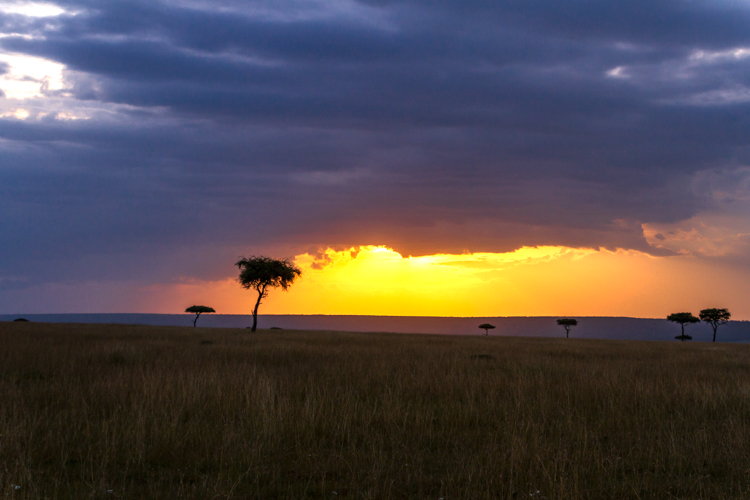
Wow, nice to see all the suggestions for Ed's gorgeous image! Ed, did you happen to use your lens hood when you took the pic? Lens flare seems to show up a lot when my lens is dirty (dust and water spots get BIG with the sunlight) or when I have the lens hood off.
Personally, for me, Terry's 5/11 image is the most attractive, although I'd lower the bright yellow.
Using Ed's 5/11 image, I just added a brush and brushed streaks with a little exposure and yellow temp slider. And I also added a few "spots" of just yellow. I liked how clouds of mist showed up near the mountains in the back. I lightened some random spots in the clouds and the snow. I've added a screen shot of my two brushes, to give you an idea. It might not be what you are looking for, but might be what you would want for another image. |
May 18th |
 |
| 78 |
May 23 |
Comment |
I was just going to hop on and create what Sunil already created. When I was out with Jim Hagan shooting lupines, I had a similar situation, lots of business and tough to get an interesting composition. |
May 17th |
| 78 |
May 23 |
Comment |
I appreciate you working so hard on this! My favorite is Terry's latest, with the white squares hidden.
I've learned that my titles that assume some knowledge of birds or other subjects can be very confusing to judges worldwide, where jokes and references don't make sense. The titles do get printed in catalogs and referenced in awards, so I've gone "vanilla" in my titles. |
May 17th |
| 78 |
May 23 |
Comment |
Nice rework, Sunil! I agree that the lighter background was the right choice originally! |
May 17th |
| 78 |
May 23 |
Comment |
Jim, you demonstrated how well the group can work! Everyone had a contribution, and you worked on it and came up with something so much better. I particularly like how much lighter and warmer the center is, which truly draws us in. Well done! |
May 17th |
| 78 |
May 23 |
Reply |
Sunil, Thanks for your ideas. How does my mono version look on my 5/17 post? Should I darken the trees more? |
May 17th |
| 78 |
May 23 |
Reply |
Terry, Great ideas! I tried them out on my 5/17 version. How did I do? Any more ideas to improve? |
May 17th |
| 78 |
May 23 |
Reply |
Robert, I redid my image with your suggestions. What do you think about my 5/17 revision? Any suggestions to improve?Thanks! |
May 17th |
| 78 |
May 23 |
Reply |
Jim, I did soften my sky, with your advice. What do you think in my 5/17 version? Thanks!
|
May 17th |
| 78 |
May 23 |
Reply |
Thanks a million, James! How did I do mimicking your revision suggestions? Check out my 5/17 version. I appreciate all your directions! |
May 17th |
| 78 |
May 23 |
Reply |
Ed, thanks! Check out my 5/17 revised image. Better or worse? |
May 17th |
| 78 |
May 23 |
Reply |
Thanks for the ideas! Check out my 5/17 revision and let me know what seems "off". |
May 17th |
| 78 |
May 23 |
Comment |
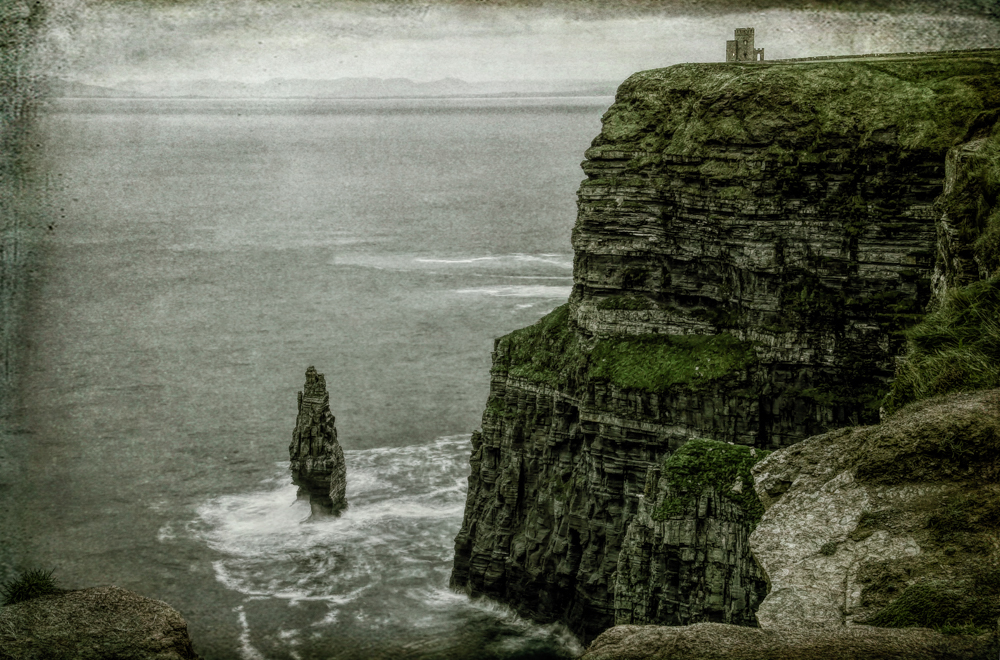
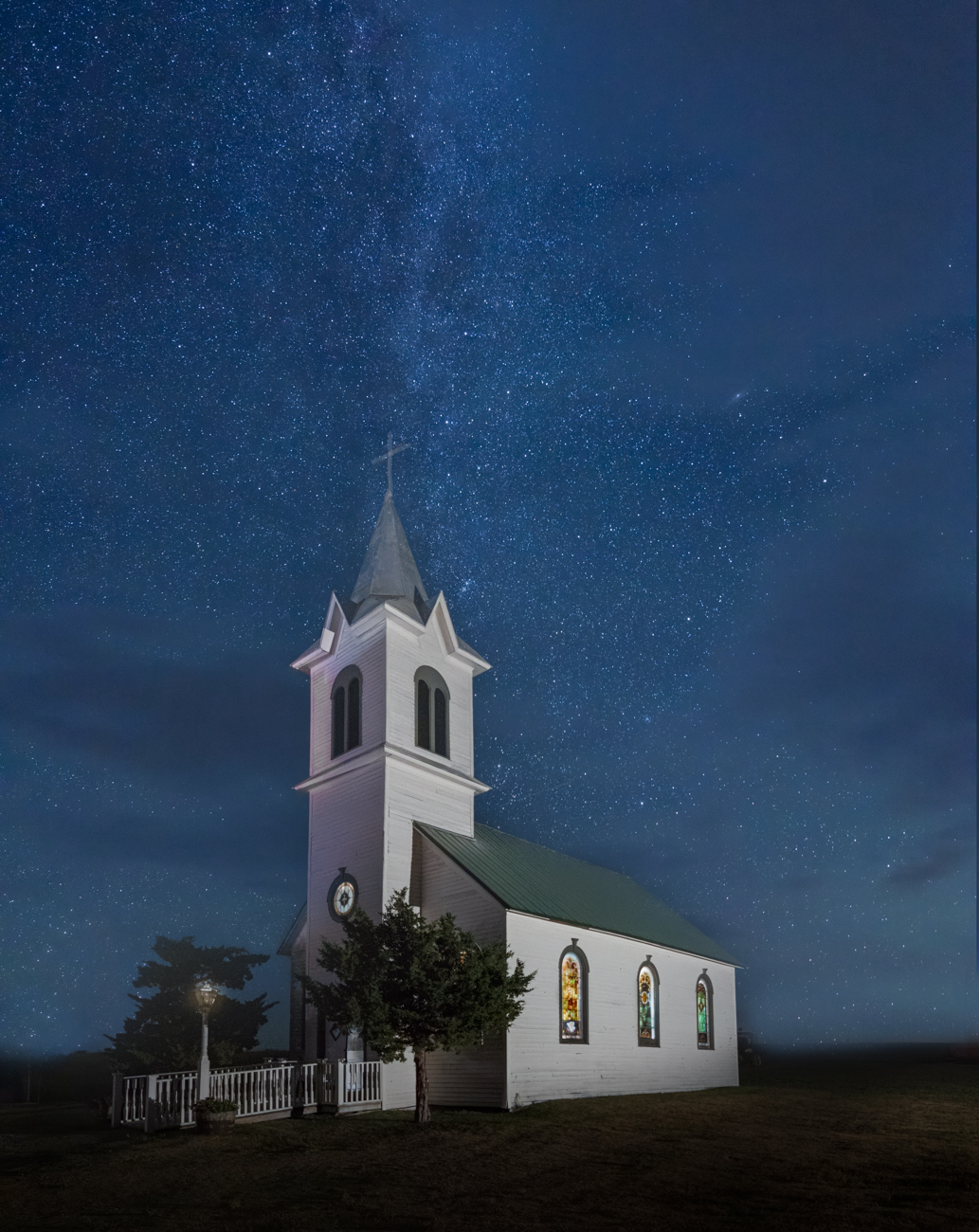
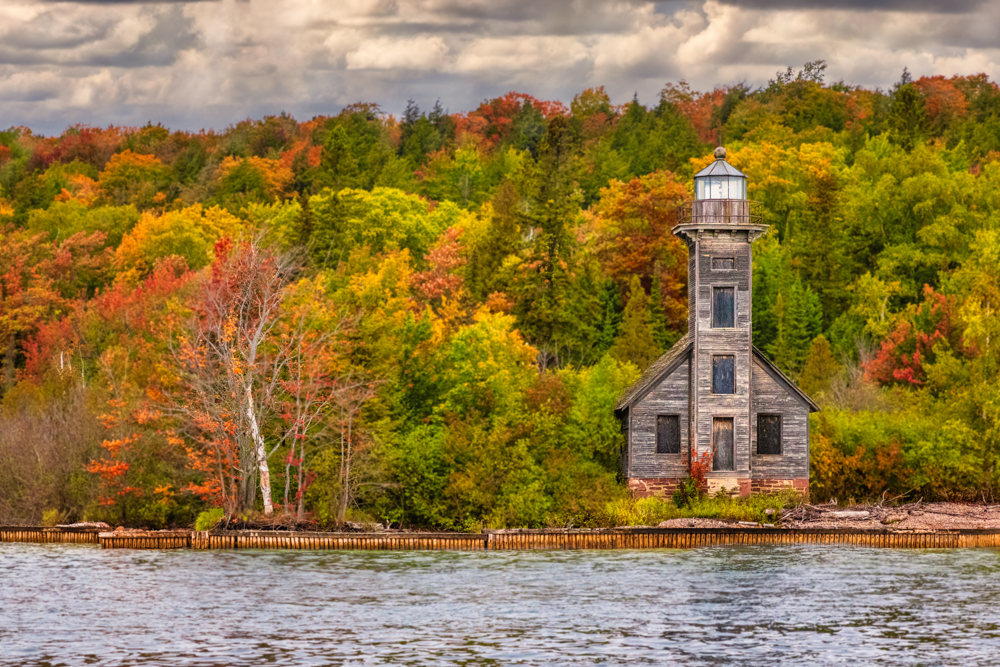
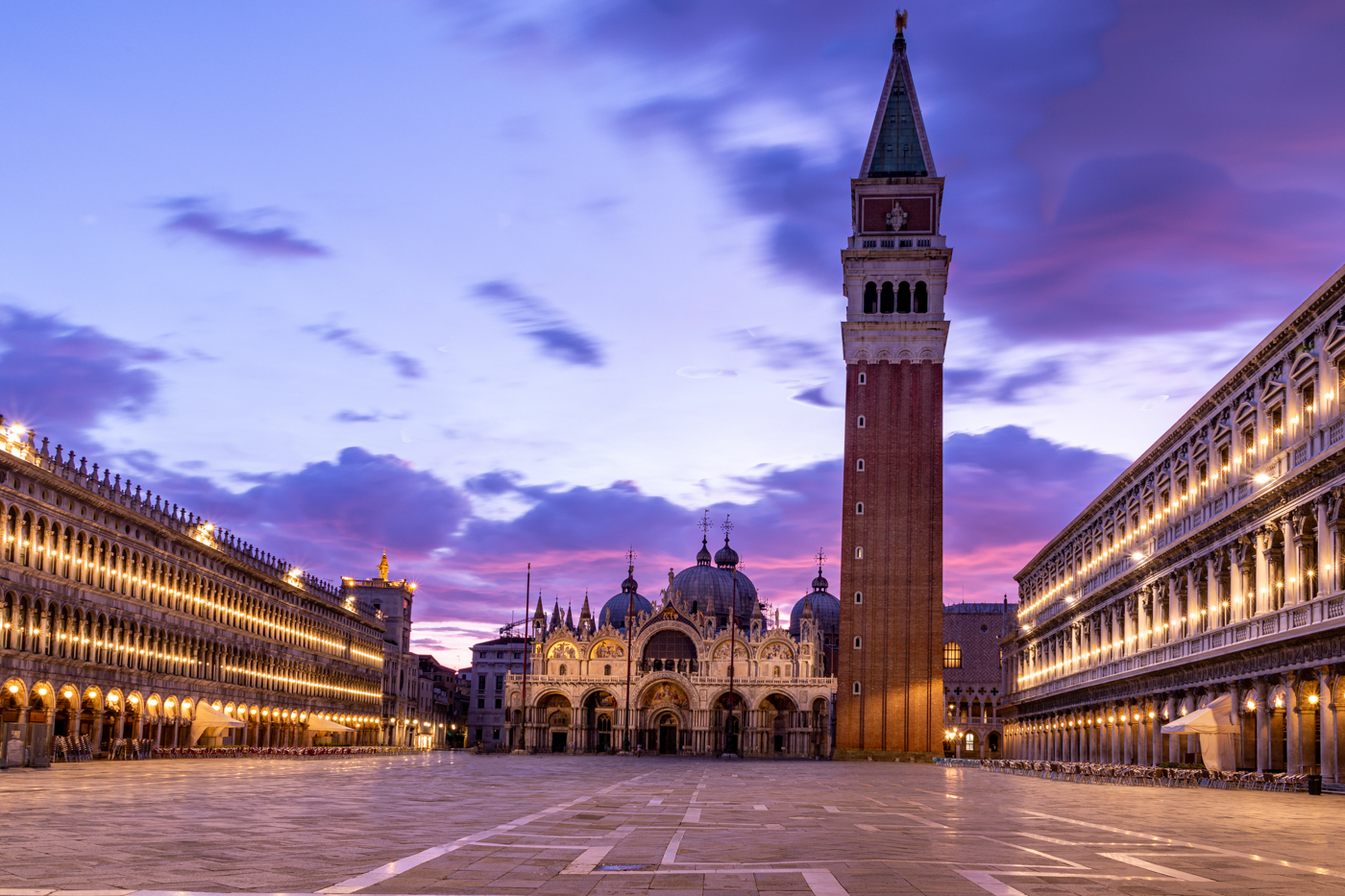
Thanks everyone for your feedback! I've expanded the canvas to add more sky above the tower and followed James' suggestions on making my tower straighter. Is it better?
Jim explained how to use Warp to make the top of the tower bigger. Does my novice effort look believable?
I did soften the sky, as everyone suggested. And I went to monochrome, to hide the muddy grass that Terry mentioned. I thought mono would fix the sky and oversaturation issue.
I appreciate all the help! |
May 17th |
 |
| 78 |
May 23 |
Reply |
James, thanks for all that work! I definitely will play with the distortion fix! I understand that partial color is currently out of fashion, but going to a mono image is certainly an option since we have pure white/pure black and lots of grays. I love all the ideas you gave me to play with it!
|
May 5th |
| 78 |
May 23 |
Reply |
Thanks, Jim! How did you increase the top of the tower? |
May 5th |
| 78 |
May 23 |
Comment |
I love this and so thrilled you are taking the PSA class and working to be intentional!
A couple of ideas....I want to crop down from the top quite a bit so we focus on the subject.
The other thing that is a bit distracting is the bottom right wall that is at an angle and in shadow and slices the bottom right windows. I am not clear if you can use "Content Aware Fill" to remove the wall and replace the windows, if you thought it would help the composition.
Gorgeous colors, great lines. |
May 4th |
| 78 |
May 23 |
Comment |
Sunil, love how you took a brightly colored image and turned it into a fab monochrome (as always).
A couple of ideas....I do think the top of the ring at the bottom is a bit hot. So I would darken it just a bit. I'm also a little sad that part of the left face is in dark shadow. If you could lighten it just a bit, I think it would bring us more into the image. |
May 4th |
| 78 |
May 23 |
Comment |
Terry, what a fun project! I like everything about it. At the top of the image, there is just a bit of ceiling showing. I'd erase it.
It seems just a bit dark. I might add more smoke behind the left top or a tiny bit of life on the lips or eyes. And a street scene that is very dark and in the background behind the smoke could be incredible! |
May 4th |
| 78 |
May 23 |
Comment |
Robert, I love dandy's! But I do agree it if a bit off.
Is it a bit too sharp? It looks like everything was sharpened instead of just the heads? And I do think Ed has a good point about the color being off a bit. The green is a little flat and the yellow seems a little weak. You can use the saturation slider in Camera Raw to adjust a bit.
Would you consider removing some of the busy pieces? I think there is another crop that might be more interesting, I can play with it, if you want. |
May 4th |
| 78 |
May 23 |
Comment |
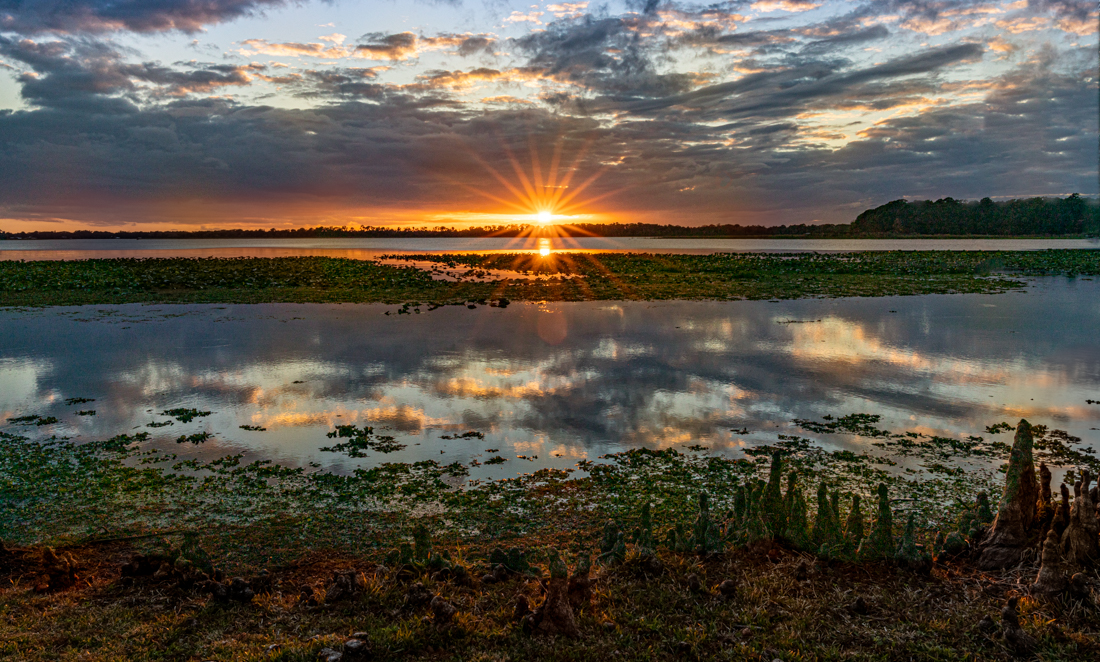
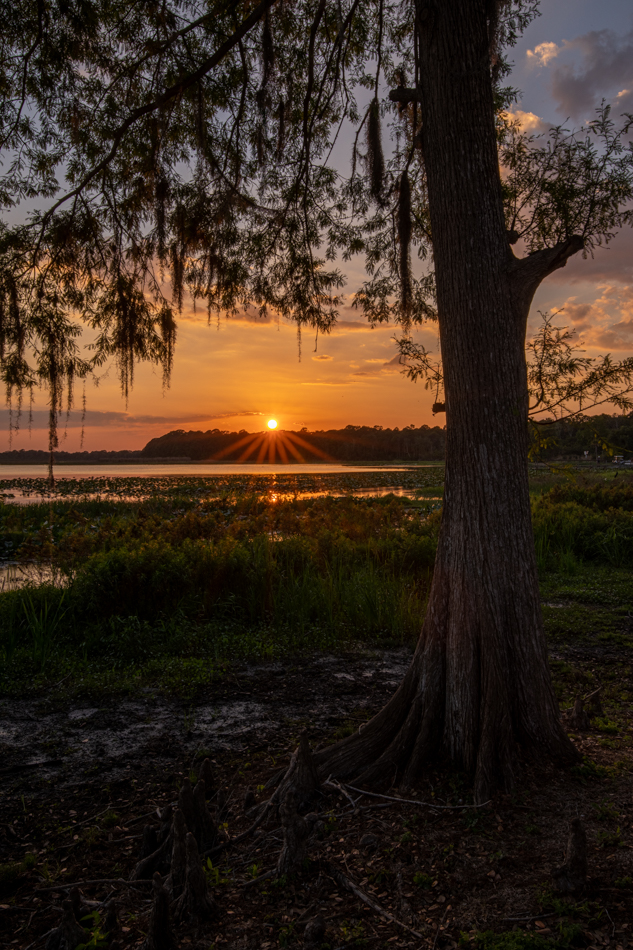
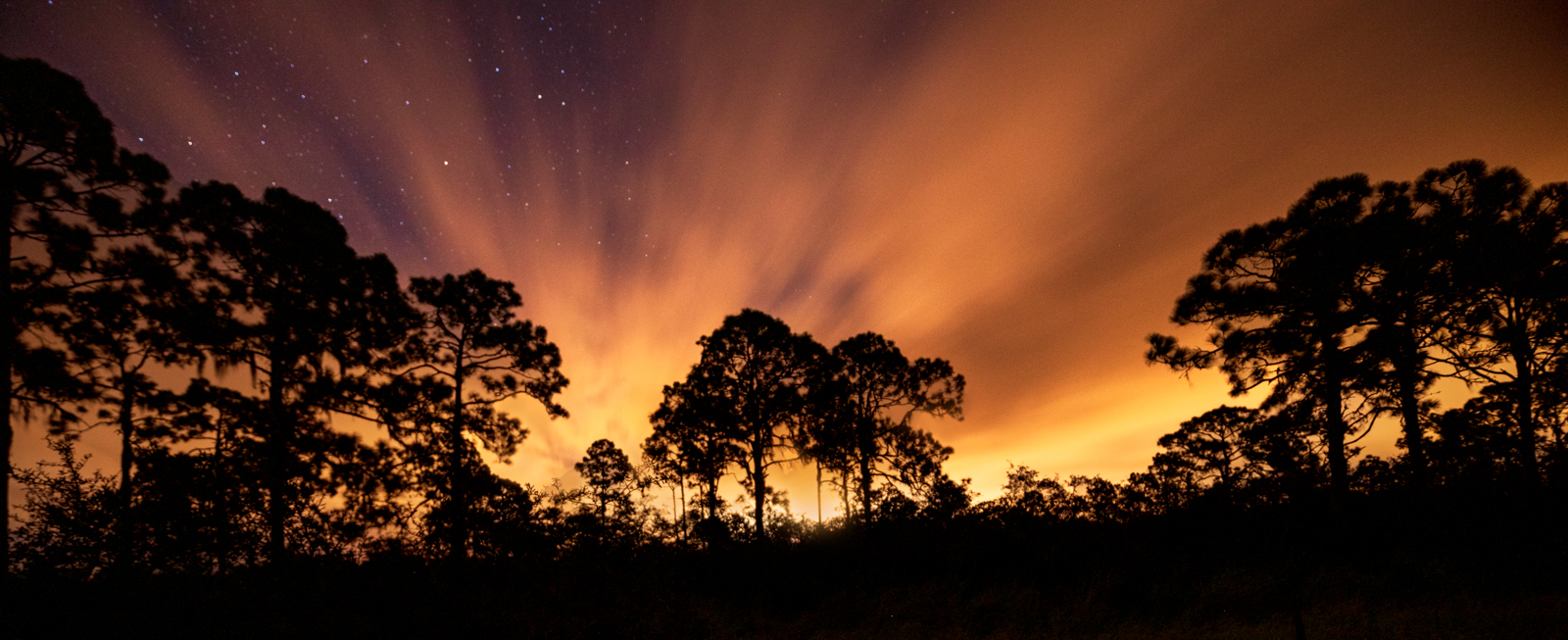
Welcome, Ed! I love the image and F22 was a good choice to get the God's rays. I love everything, except it still seems a bit dark in front of the sun. Perhaps a big oval radial gradient in front of the sun over the dark trees and bring up the exposure and a bit of yellow might be worth a try.
|
May 4th |
| 78 |
May 23 |
Comment |
Jim, nice idea! I like everything you've done so far. A couple little things to consider that might make it stronger. On the right side of the swing is a bright area, and that might be worth darkening a tad. And I think a big radial gradient covering both women with a tiny bit of exposure and a tiny bit of yellow will bring our attention to the woods. |
May 4th |
| 78 |
May 23 |
Reply |
Thanks, Ed, and welcome! We'll see if the others like the symmetry. I think the image really lends itself to being centered and would be very unbalanced with it off center, since there isn't any other "weight". But I will "weigh" it when everyone has "weighed in" :-) |
May 4th |
| 78 |
May 23 |
Reply |
Thanks for letting me know about the items that seem "off". After we have everyone's comments, I'll make some changes to make it better! |
May 4th |
13 comments - 15 replies for Group 78
|
13 comments - 15 replies Total
|